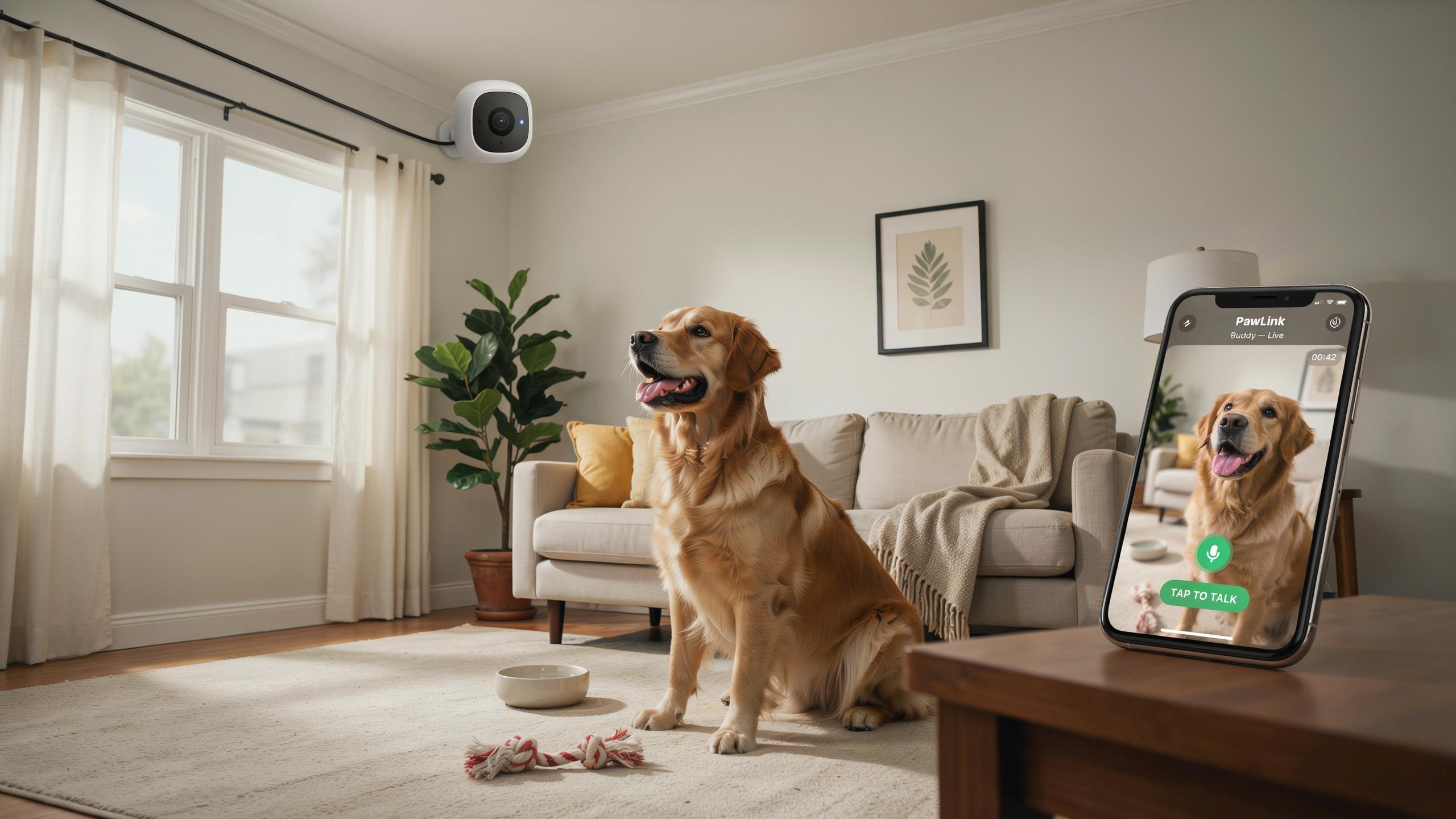
Why Pet Owners Need An Indoor Security Camera
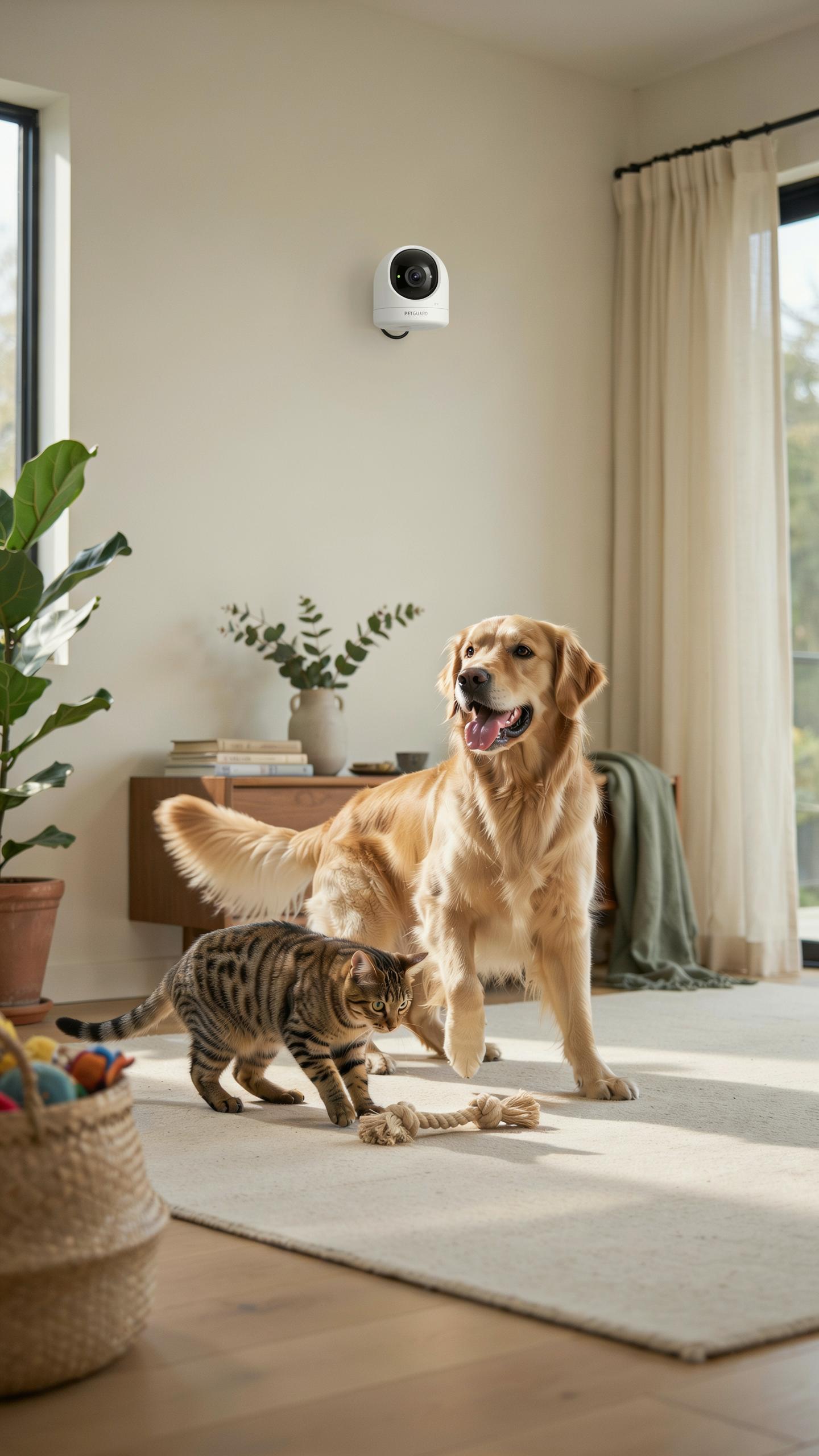
Monitoring Pet Behavior
You need direct access to your pet’s daily routine. An indoor security camera with two way audio lets you watch what your pet does when you’re not home. This reveals destructive habits, excessive barking, or unusual aggression that you might otherwise miss. Understanding these patterns helps you address root causes instead of just the symptoms.
Separation anxiety in pets shows up as pacing, destructive chewing, or constant vocalization. A camera documents these behaviors over time, giving you concrete evidence to discuss with a veterinarian. You identify triggers and track whether interventions actually work. This data-driven approach beats guessing about what happens during your absence.
Ensuring Pet Safety
Hazards hide in plain sight around your home. Your pet might chew electrical cords, knock over toxic substances, or access restricted areas when unsupervised. A camera positioned strategically catches dangerous moments before they become emergencies. You respond immediately by alerting someone nearby or using two way audio to interrupt risky behavior.
Medical emergencies demand quick detection. A pet collapse, difficulty breathing, or injury requires immediate intervention. Real time monitoring through your camera catches these events as they happen. Two way audio lets you communicate with a pet sitter or veterinary professional on scene, providing critical context while emergency help arrives.
The Power Of Two Way Audio For Pet Communication
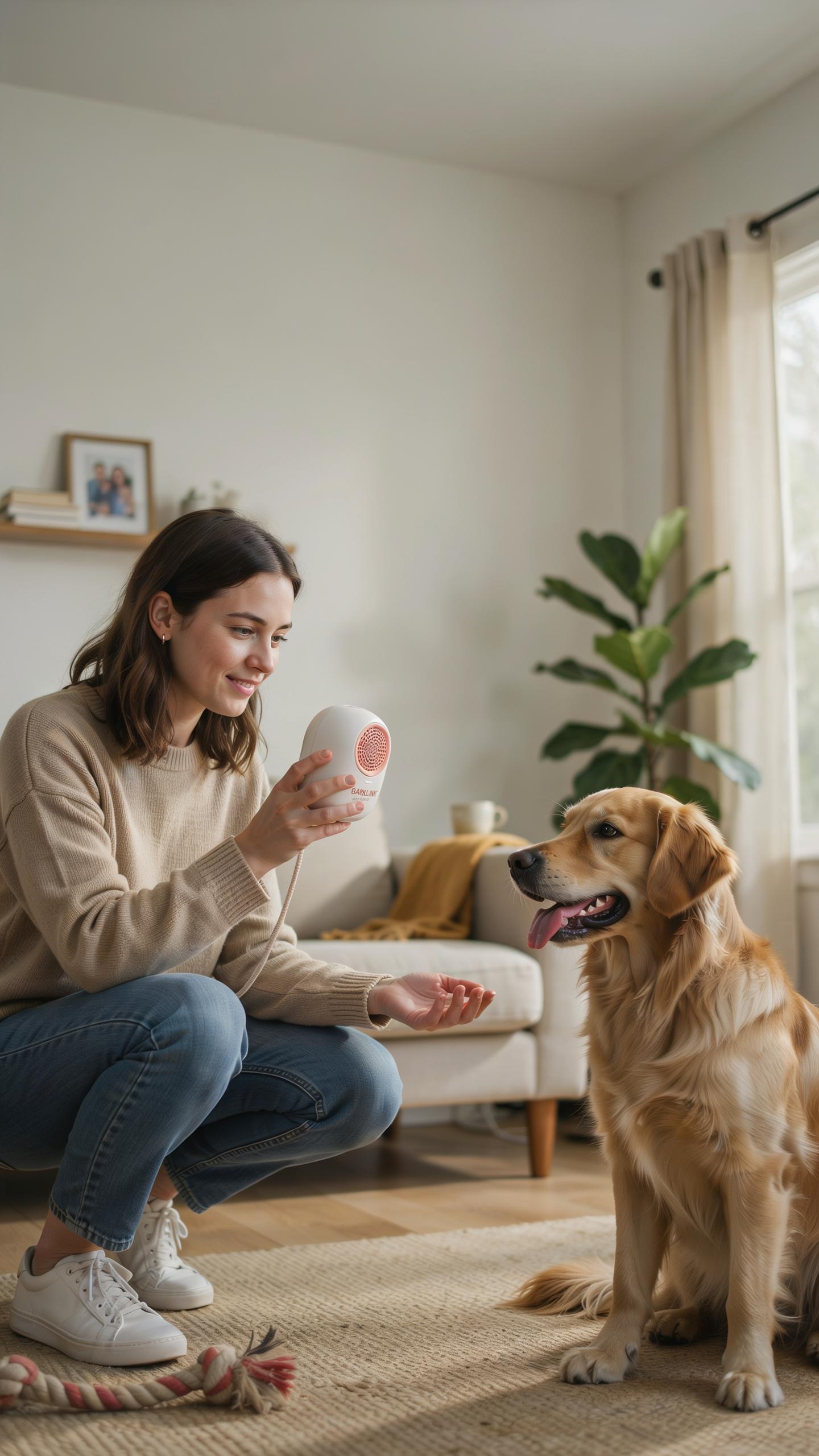
Soothing Anxious Pets
Your voice reaches your pet instantly through the camera’s speaker. When your dog panics during thunderstorms or your cat hides from loud noises, you speak directly to them from your phone. This reduces their stress response because they hear a familiar voice instead of silence. The two-way audio creates immediate contact without requiring your physical presence.
Pets recognize their owner’s voice and respond to its emotional tone. Speaking calmly through the camera lowers your pet’s heart rate and anxiety levels. You eliminate the isolation your pet feels when alone. Regular use of this feature builds trust and reinforces that you remain connected even when away.
Redirection And Training
Stop unwanted behaviors the moment they happen. When your dog jumps on furniture or your cat scratches the couch, you speak through the camera to interrupt the action. The surprise of your voice creates a pause that breaks the behavior cycle. This real-time correction works better than punishment delivered hours later.
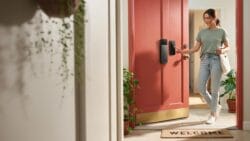
Reinforce positive behaviors by praising your pet immediately through the audio. When your dog sits quietly or uses their water bowl, your voice confirms they did the right thing. Consistency matters. Repeated positive reinforcement during the day trains your pet more effectively than sporadic interaction.
Key Features To Look For In A Pet Camera Wifi Camera
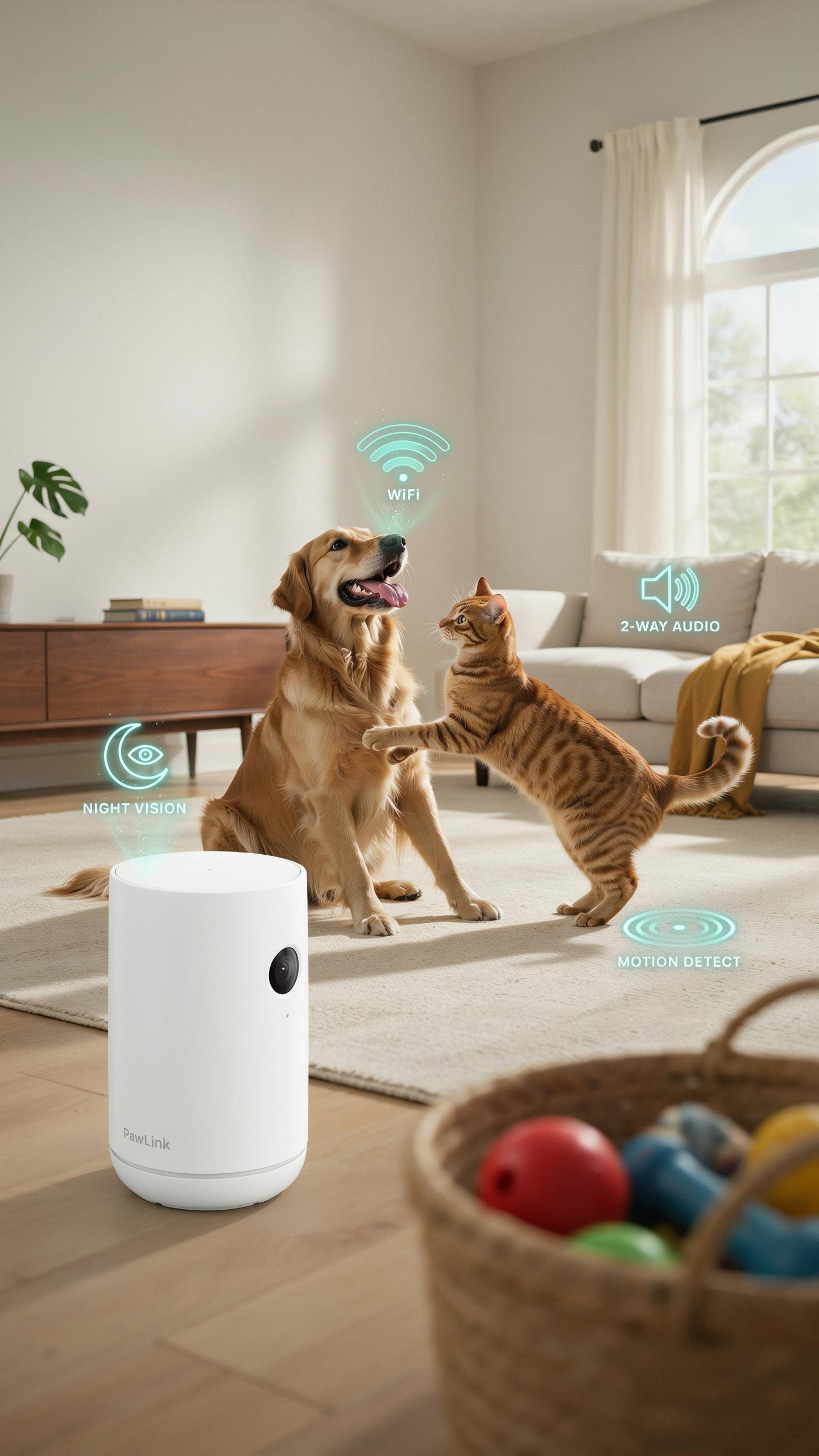
High Definition Video And Night Vision
Clear video resolution directly impacts your ability to spot health issues, behavioral changes, or injuries in your pet. A camera with at least 1080p resolution captures fine details like limping, scratching patterns, or signs of distress. Low resolution creates blind spots that defeat the purpose of monitoring.
Night vision capability matters because pets remain active during darkness. Infrared or low-light sensors let you see your pet without bright lights that disrupt sleep or stress the animal. Choose cameras with adjustable night vision settings to balance visibility with comfort. Thermal imaging is available on premium models but adds significant cost for most pet owners.
Motion Detection And Alerts
Motion detection triggers notifications when your pet moves into monitored zones. This feature prevents alert fatigue by filtering out minor movements like dust or shadows. Sensitivity adjustment lets you customize what counts as meaningful activity versus background noise. Real-time alerts reach your phone within seconds of motion, reducing response time for emergencies.

Tiered alert systems distinguish between normal activity and unusual behavior. Some cameras identify stationary motion versus rapid movement, allowing you to prioritize concerning activity. Customizable alert schedules prevent notifications during expected activity periods. Integration with your smartphone ensures alerts follow you regardless of location, critical when traveling or away from home.
Smart Home Integration And Remote Access
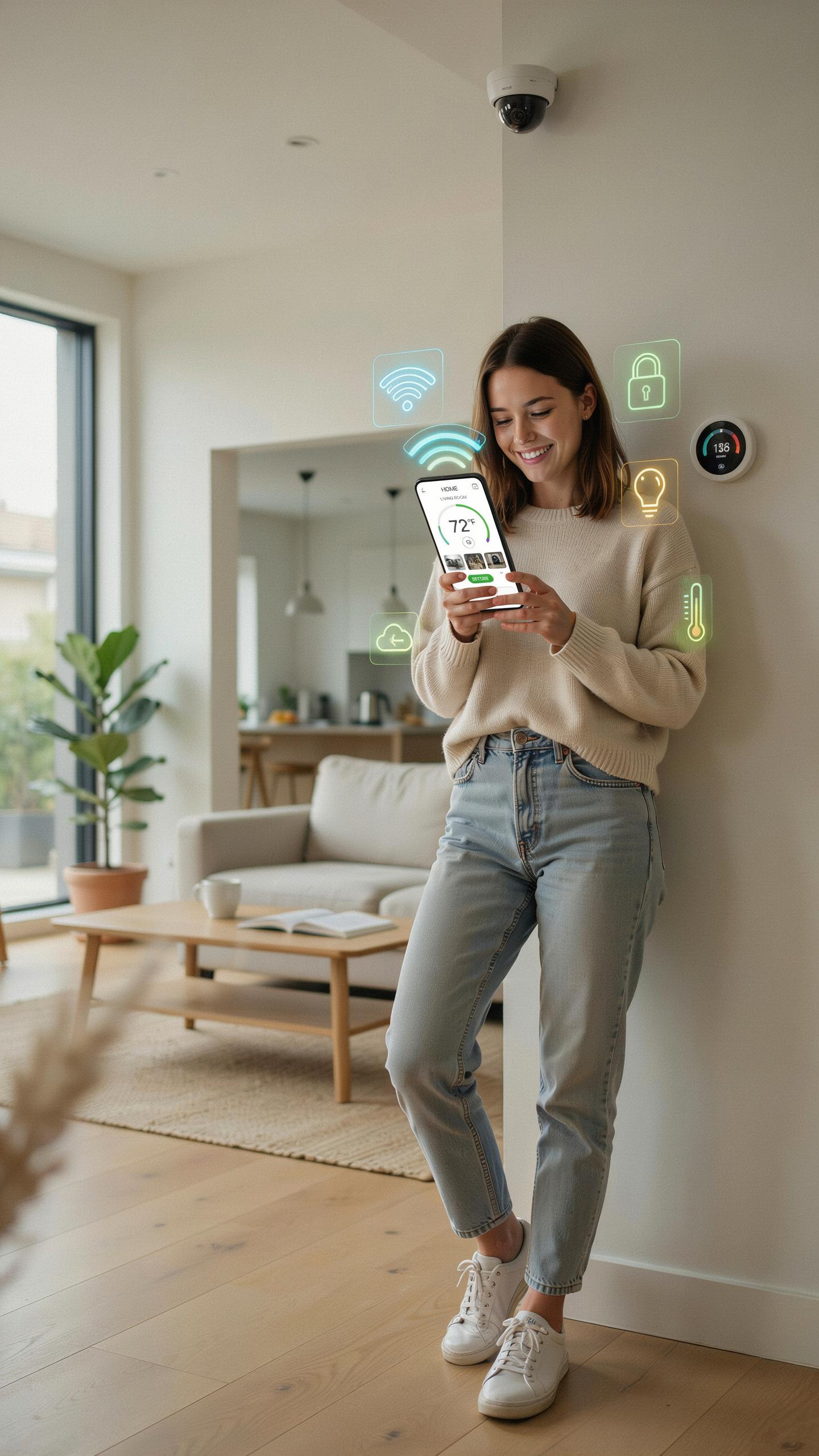
Seamless Connectivity With Smart Devices
Most indoor security cameras with two way audio connect through WiFi and integrate with major smart home platforms like Amazon Alexa, Google Home, and Apple HomeKit. This integration lets you control your camera, adjust settings, and trigger recordings from a single app. You eliminate the need for multiple applications across different devices.
The integration works because these platforms use standardized protocols that allow devices to communicate. Your camera sends data to the cloud, which syncs with your smart home hub. You can set automation rules, like arming the camera when you leave home or disarming it when you return. This reduces manual steps and strengthens your overall home security system.
Accessing Live Feeds From Anywhere
Two way audio cameras stream live video to your smartphone or tablet through your internet connection. You view your pet in real time, regardless of your location. Push notifications alert you when the camera detects motion or sound. This means you stay informed about activity in your home instantly.
The two way audio feature lets you speak to your pet through the camera’s speaker while viewing the live feed. Your voice travels through your phone’s internet connection to the camera, then through its speaker into your home. This capability helps calm anxious pets, check on them during the day, or verify who is at your door. Remote access requires only an app and stable internet connection on both ends.
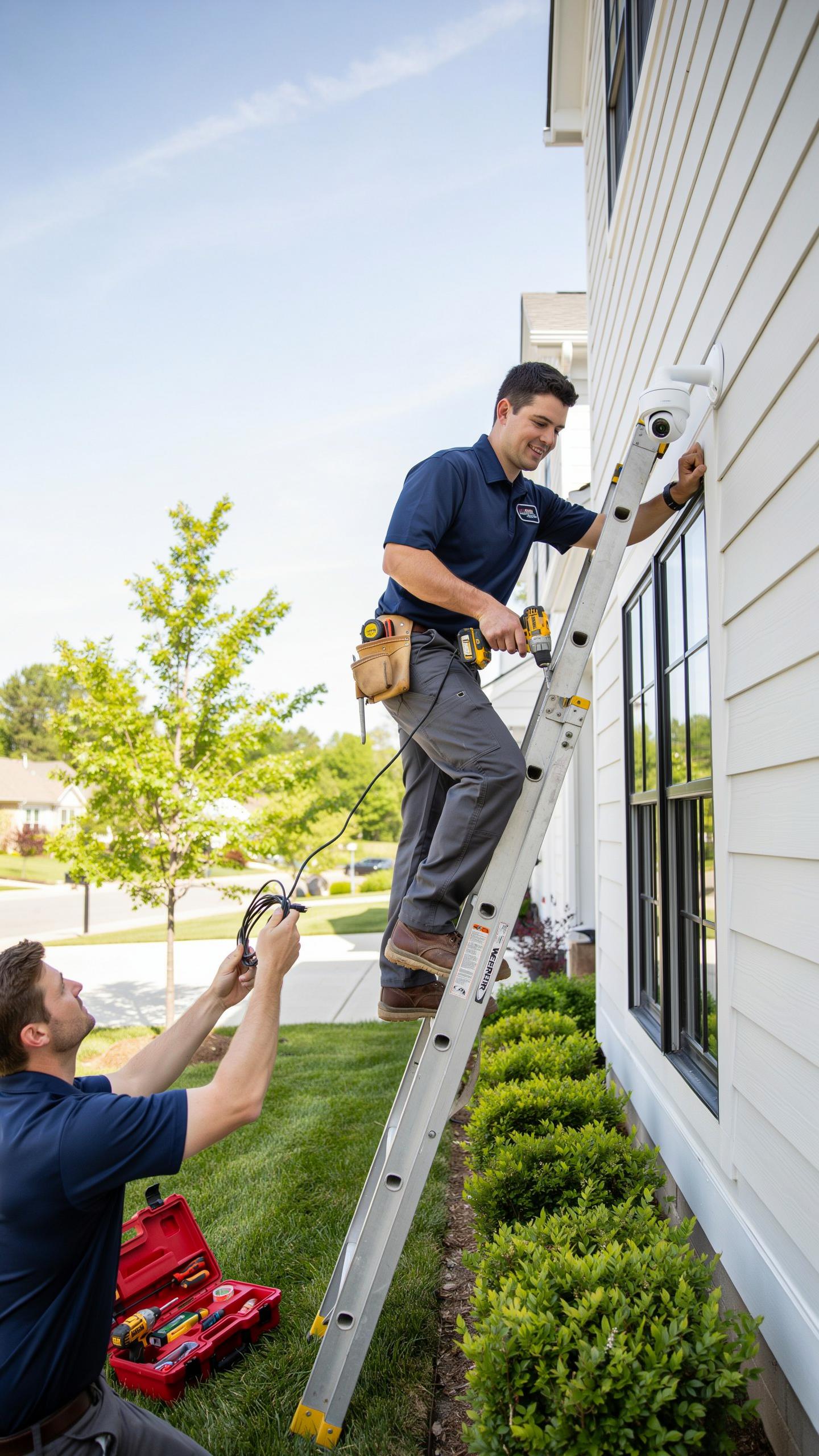
Installation And Placement Of Your Surveillance Camera
Optimal Camera Placement For Pet Monitoring
Position your camera at eye level with your pet when sitting or standing normally. This angle captures facial expressions and behavior accurately. Mount it in corners to cover the maximum room area. Avoid pointing it directly at windows or bright light sources, which cause glare and wash out video quality. Test the view on your phone before finalizing placement.
Height matters for different pet sizes. For cats and small dogs, place cameras 3 to 4 feet high. For larger dogs, position cameras slightly higher to capture full body movement and interaction with furniture. Ensure the camera has a clear line of sight to your pet’s primary areas. Remove obstacles like curtains or plants that block the lens.
The gentle hum of a camera is a small price to pay for the peace of mind knowing your furry family is safe, and your voice is always just a whisper away.
Easy Setup And Configuration
Start by downloading the manufacturer’s app before unboxing the camera. Connect to your home WiFi network during setup, as most cameras require 2.4GHz bandwidth rather than 5GHz. Follow the in-app pairing process, which typically takes five minutes. Create a strong password for your account immediately. Test the two way audio feature right away to confirm it works before leaving the camera unattended.
Access settings to enable notifications and recording preferences once online. Most cameras offer cloud storage or local storage options. Choose based on your privacy needs and budget. Adjust the motion detection sensitivity to reduce false alerts from pet movement. Set up audio alerts if you want notifications when your pet makes noise while you are away.
Beyond Pets Using Your Security Camera As A Baby Monitor Or Home Security Device
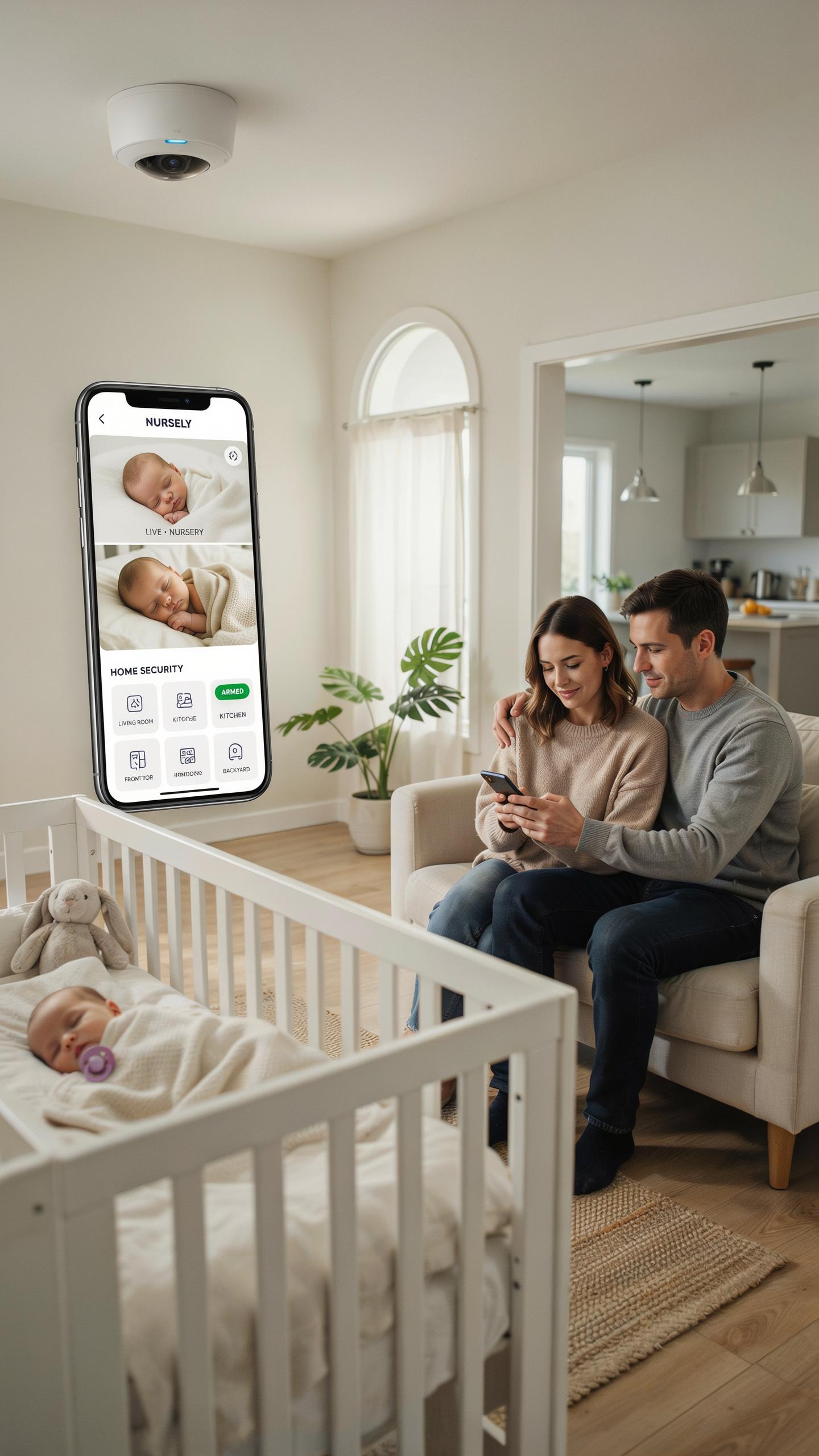
Dual Functionality For Families
An indoor security camera with two way audio handles pet monitoring and infant supervision simultaneously. You monitor your dog in one room while checking your baby in another. The two way audio lets you speak to your child or pet from anywhere. Night vision covers dark nurseries and pet sleeping areas. Motion detection alerts you to activity in multiple zones. One camera system replaces buying separate pet and baby monitors.
The audio quality matters for both use cases. You need clear sound to hear your baby cry or detect unusual pet behavior. Most models designed for security deliver sufficient audio clarity for these purposes. Battery backup on some models protects against power loss during critical monitoring periods. Cloud storage or local recording captures events you miss in real time. This redundancy keeps your family and pet safety on track.
Enhanced Home Security Features
Your camera extends beyond individual room monitoring into comprehensive home surveillance. Positioning cameras in hallways and common areas creates layered coverage. Two way audio deters intruders by allowing you to speak through the camera. Motion zones let you monitor entry points and ignore high traffic areas. Scheduled recording captures specific time periods when you’re away. This transforms a pet monitoring tool into your home defense system.
Integration with smart home systems amplifies security capabilities. Cameras trigger alerts on your phone when motion occurs in sensitive zones. Some models connect to smart locks and lighting for coordinated responses. Loop recording automatically overwrites old footage to manage storage. Wide angle lenses cover larger areas with fewer cameras. You get complete visibility of your property without maintaining multiple separate systems.
Data Privacy And Security Considerations

Protecting Your Footage And Personal Information
Your camera connects to your home network. This connection creates an entry point for hackers. Change the default password immediately upon setup. Use a strong password with uppercase, lowercase, numbers, and symbols. Enable two factor authentication if your camera supports it. Keep your camera firmware updated. Manufacturers release updates to patch known security vulnerabilities. Check for updates monthly or enable automatic updates when available.
Your two way audio feature transmits conversations over the internet. Assume someone could intercept this data if your network lacks encryption. Use a separate network for your cameras if possible. This isolates them from devices storing financial or medical information. Disable features you don’t use, like cloud uploads or remote access, to reduce exposure. Review your camera’s privacy settings and disable data sharing with third parties.
Cloud Storage Vs Local Storage Options
Cloud storage sends your videos to manufacturer servers. You access footage from anywhere using an app or web browser. This convenience comes with monthly subscription fees, typically ranging from five to twenty dollars. The manufacturer owns servers in specific locations, often outside your country. This means your data falls under different privacy laws. You have less control over who accesses your footage. The manufacturer can change terms or shut down service without warning.

Local storage keeps recordings on a device in your home, like a microSD card or external hard drive. You own the footage outright and control access completely. No monthly fees apply. No internet upload delays occur. Local storage fails if the device breaks or fills up. You must manually manage storage by deleting old footage. Hybrid systems use both methods. You store recent footage locally and backup older footage to the cloud for redundancy and protection against equipment failure.
Choosing The Right Indoor Security Camera For Your Needs
Factors To Consider When Buying
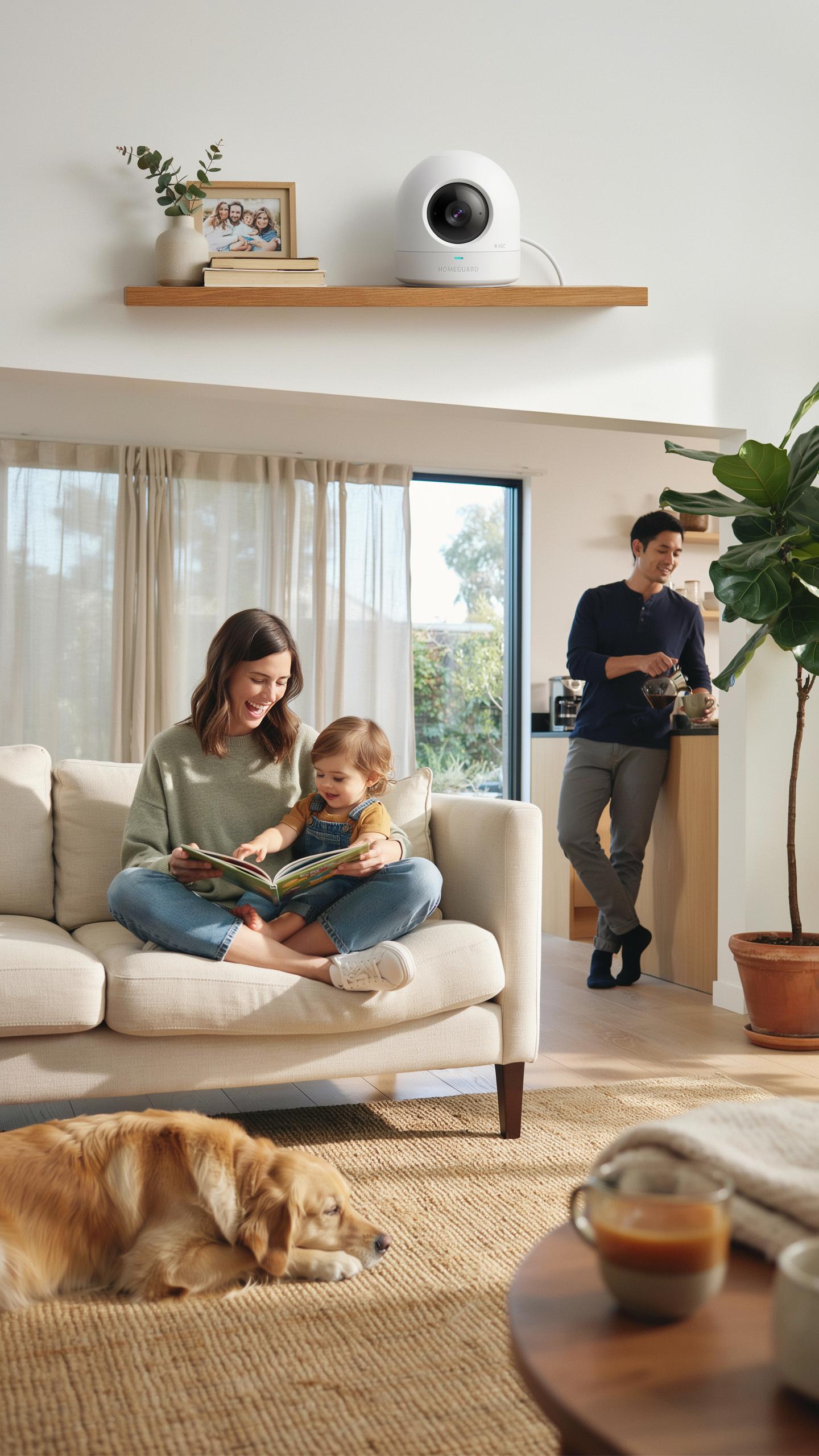
Your budget determines which features you can access. Entry-level cameras cost 50 to 100 dollars and handle basic monitoring. Mid-range models at 100 to 250 dollars add night vision and cloud storage. Premium cameras exceed 250 dollars and include advanced motion detection and higher resolution feeds for detailed pet observation.
- Resolution: 1080p provides clear pet footage for identification. 2K and 4K capture finer details but require more storage space and bandwidth.
- Night Vision: Infrared capability lets you monitor pets in dark rooms. Check the range to ensure coverage of your entire monitoring area.
- Two Way Audio Quality: Look for cameras with clear speaker output and sensitive microphones. Test audio latency to confirm real-time conversation capability with pets.
- Field Of View: Wide angles from 110 to 160 degrees cover more space. Narrow fields focus on specific pet areas but miss surrounding activity.
- Storage Options: Local storage on microSD cards keeps data private. Cloud subscriptions offer backup but add ongoing costs to your budget.
- Connectivity: WiFi cameras need strong signals for reliable performance. Wired ethernet connections eliminate signal drops in multi-story homes.
Brand reputation matters because companies with established track records provide consistent firmware updates and customer support. Check return policies before purchasing. Read independent reviews from users with similar pet setups and home sizes to identify performance gaps.
Top Recommended Models For Pet Owners
Wyze Cam v3 balances affordability with functional two way audio. The camera streams at 1080p with color night vision and includes a microphone and speaker for pet interaction. Users report clear audio without significant delay during two way conversations.
Eufy Indoor Cam 2K delivers sharp video quality with whisper mode for quiet audio transmission. The two way talk feature includes noise cancellation, which cuts background sound when you speak to pets. Cloud storage comes free for 30 days, then transitions to paid subscriptions if you need extended backup.
Logitech Circle View combines 180 degree field of view with reliable two way audio connectivity. The camera detects person and pet activity separately, letting you ignore false alerts from movement. Audio latency stays minimal, making real time pet communication practical for busy owners.
Arlo Essential Indoor provides 1080p video with sharp two way audio quality. The camera integrates with existing smart home ecosystems and offers flexible cloud storage plans. Battery powered operation lets you place it anywhere without running cables through walls.
Frequently Asked Questions

What exactly is an indoor security camera with two-way audio, and why is it beneficial for pet owners?
An indoor security camera with two-way audio allows you to see and hear your pets, and also speak to them, even when you’re away from home. This is incredibly beneficial for pet owners as it helps ease separation anxiety, allows you to check in on their well-being, and even offers a way to deter unwanted behaviors with your voice.
How do I effectively communicate with my pet using an indoor security camera with two-way audio?
To effectively communicate, start with familiar phrases and a calm tone. Use the two-way audio feature for positive reinforcement, like praising good behavior or comforting a stressed pet. Avoid startling them with sudden loud noises. Practice while you’re home so they associate your voice through the camera with your presence.
Are there affordable options for an indoor security camera with two-way audio that still offer good quality for pet monitoring?
Absolutely! Many reputable brands offer excellent and affordable indoor security camera with two-way audio options. Look for models with good video resolution, reliable connectivity, and clear audio. You can find quality cameras that provide peace of mind for pet owners without breaking the bank, often under $100.



