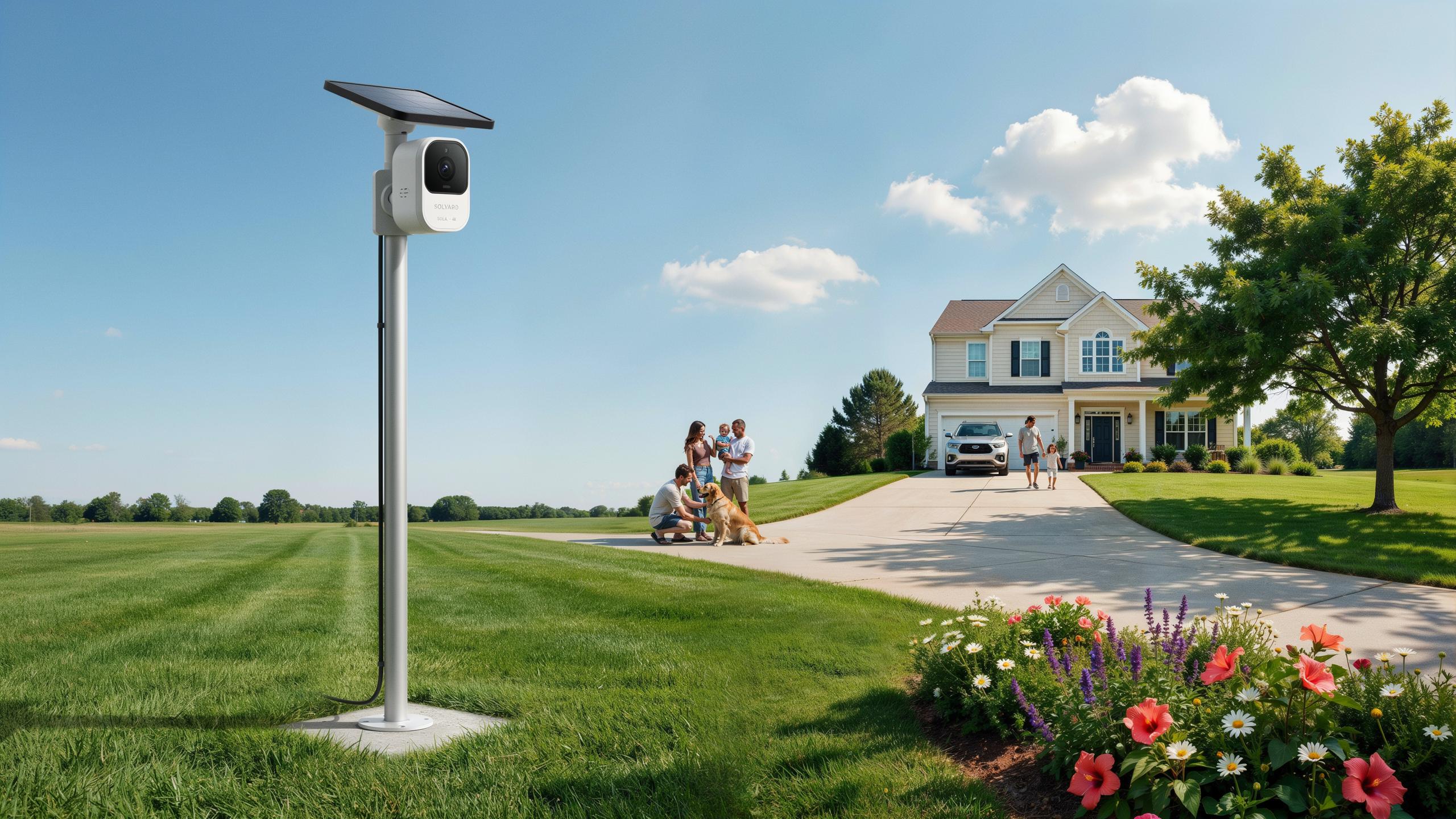
Understanding Solar Powered Security Camera Technology
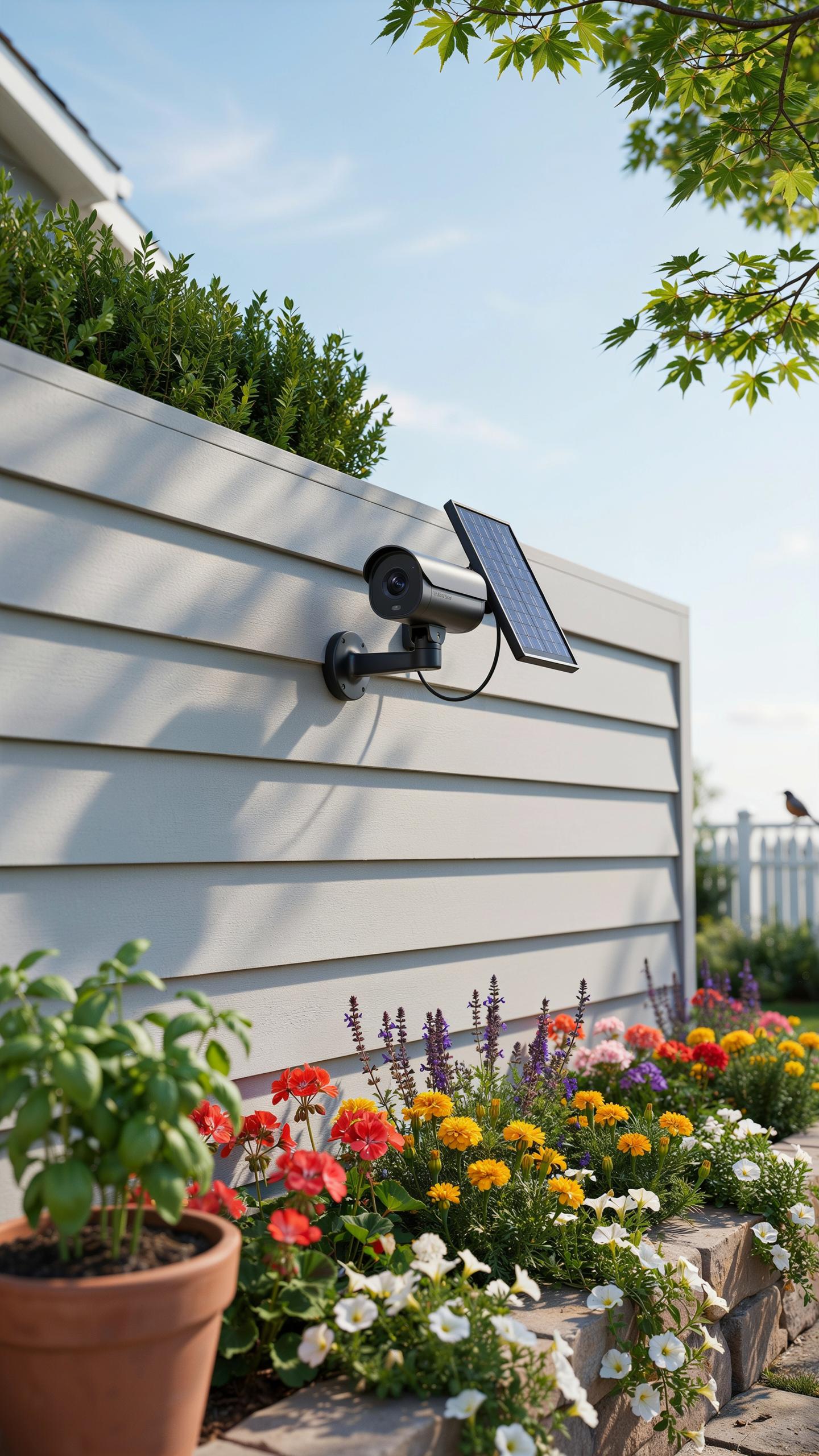
How Solar Power Works In Cameras
Solar panels on security cameras contain photovoltaic cells that convert sunlight into direct current electricity. These cells use the photovoltaic effect, where photons from sunlight knock electrons loose from atoms, creating electrical flow. A charge controller regulates this power and directs it to rechargeable batteries, typically lithium or lead acid types. The stored energy powers the camera’s sensors, processors, and wireless transmission components continuously.
Battery capacity determines runtime during cloudy days or nighttime operation. Most solar security cameras pair panels with batteries sized to handle 2 to 5 days of operation without direct sunlight. The system automatically prioritizes power for critical functions like video recording and alert transmission. Oversizing the battery prevents gaps in coverage during extended poor weather or seasonal low-light periods.
Benefits Of Wire Free Installation For Home Security
Eliminating wiring removes the primary installation bottleneck for most homeowners. Traditional hardwired systems require running cables through walls, attics, or conduits, often demanding professional electricians and permit processes. Solar cameras mount directly on any exterior surface that receives adequate sunlight, with zero electrical connections to your home’s infrastructure. Installation takes hours instead of days, and repositioning requires only unmounting and remounting hardware.
Placement flexibility directly impacts security coverage quality. You position cameras at optimal angles for your driveway without routing cables through walls or hiding unsightly conduit. This freedom means better sightlines on property entry points and reduced blind spots. Removing installation constraints eliminates labor costs entirely, as most homeowners handle mounting themselves with basic tools.
Key Features Of Solar Cameras For Driveways
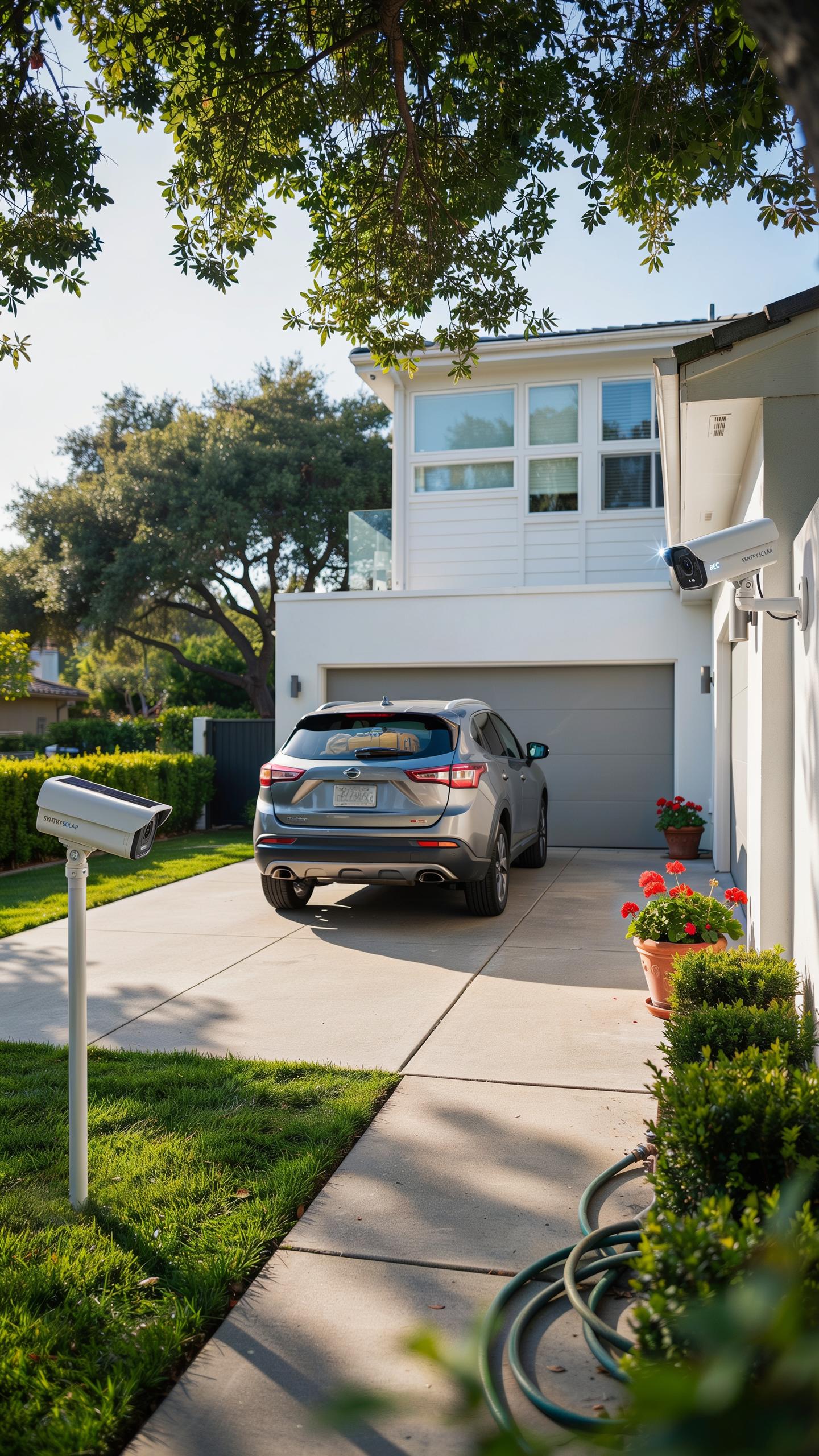
High Definition Video And Wide Angle Lenses
Driveway cameras need resolution between 1080p and 4K to capture usable details. At 1080p, you identify vehicle colors and basic features from 20 to 30 feet away. At 4K, recognition extends to 40 to 50 feet, capturing license plates and facial features with accuracy. Resolution matters because low-quality footage fails during insurance claims or police investigations.
Wide-angle lenses cover more ground with fewer cameras. Most driveway cameras use 110 to 130-degree fields of view, capturing the entire driveway width in a single unit. This broad perspective eliminates blind spots where vehicles or intruders could hide. Narrow angles force you to install multiple cameras, increasing cost and complexity without adding real security value.
Advanced Motion Detection And Alerts
PIR sensors detect heat signatures from moving objects, triggering recording when activity occurs. This approach cuts false alarms caused by rain, wind, or shadows. Modern solar cameras combine PIR with AI analysis that distinguishes humans from animals or passing vehicles. Accurate detection reduces notification fatigue and preserves battery power by avoiding unnecessary recording cycles.

Instant notifications reach your phone when motion triggers the camera. The system sends alerts within two to five seconds of detection, enabling quick response. Configurable sensitivity levels let you adjust detection range based on driveway traffic patterns. You control notification frequency to prevent spam while maintaining awareness of actual security events.
Ensuring Night Vision For Optimal Home Protection
Infrared (IR) Night Vision Capabilities
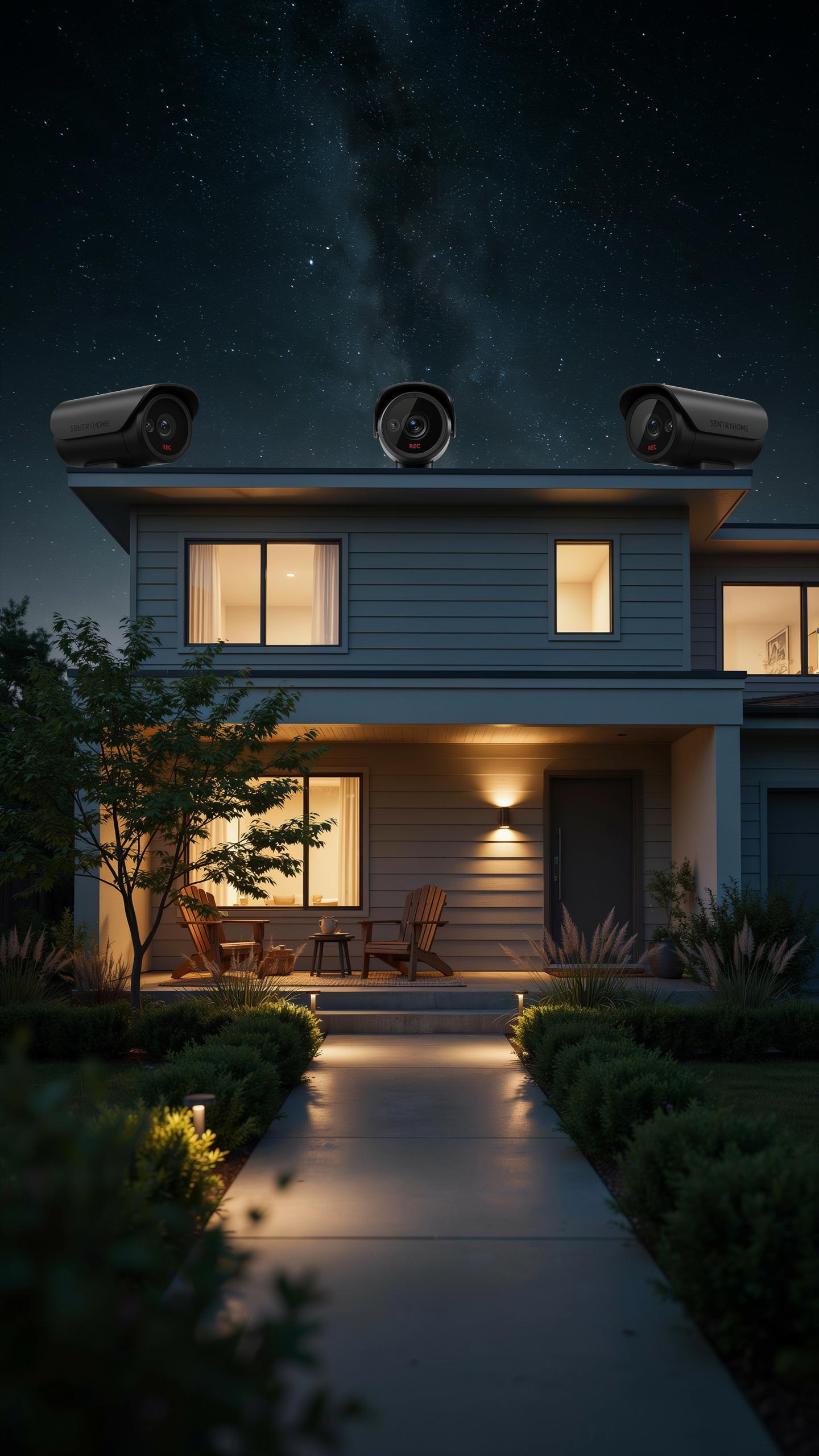
Infrared LEDs emit light wavelengths invisible to the human eye but visible to camera sensors. These wavelengths penetrate darkness and capture footage when ambient light drops to near zero. Solar powered driveway cameras use IR LEDs powered by battery banks charged during daylight hours. The camera sensor detects reflected IR light bouncing off objects, creating grayscale video footage. This technology has existed for decades and remains the standard for nighttime surveillance.
IR night vision range typically extends 20 to 50 feet depending on LED count and sensor quality. Driveway cameras with 20 to 40 IR LEDs deliver usable footage across most residential driveways. Battery drain increases with IR activation, so solar systems must recharge sufficiently during daylight. Infrared footage lacks color information but provides reliable detection and identification of vehicles and people. Weather conditions like fog and heavy rain reduce IR effectiveness since these conditions scatter infrared light.
Color Night Vision Technologies
Newer driveway cameras use starlight sensors or enhanced low light processors to capture color video at night. These sensors amplify available ambient light from streetlamps, moon, and ambient sources rather than relying solely on IR. Color night vision requires sufficient surrounding light to function effectively. The technology sacrifices some range and clarity compared to IR but delivers superior detail for facial recognition and license plate reading.

Color night vision cameras cost more than IR only models and drain batteries faster on cloudy nights or dark areas. Solar systems powering these cameras need larger panel capacity and battery storage to maintain nighttime operation. Many hybrid cameras combine both IR LEDs and color night vision capabilities, switching between modes based on available light. This dual approach ensures continuous coverage while optimizing battery consumption for solar powered systems.
Installation And Placement Of Outdoor Camera Units
Strategic Positioning For Maximum Coverage
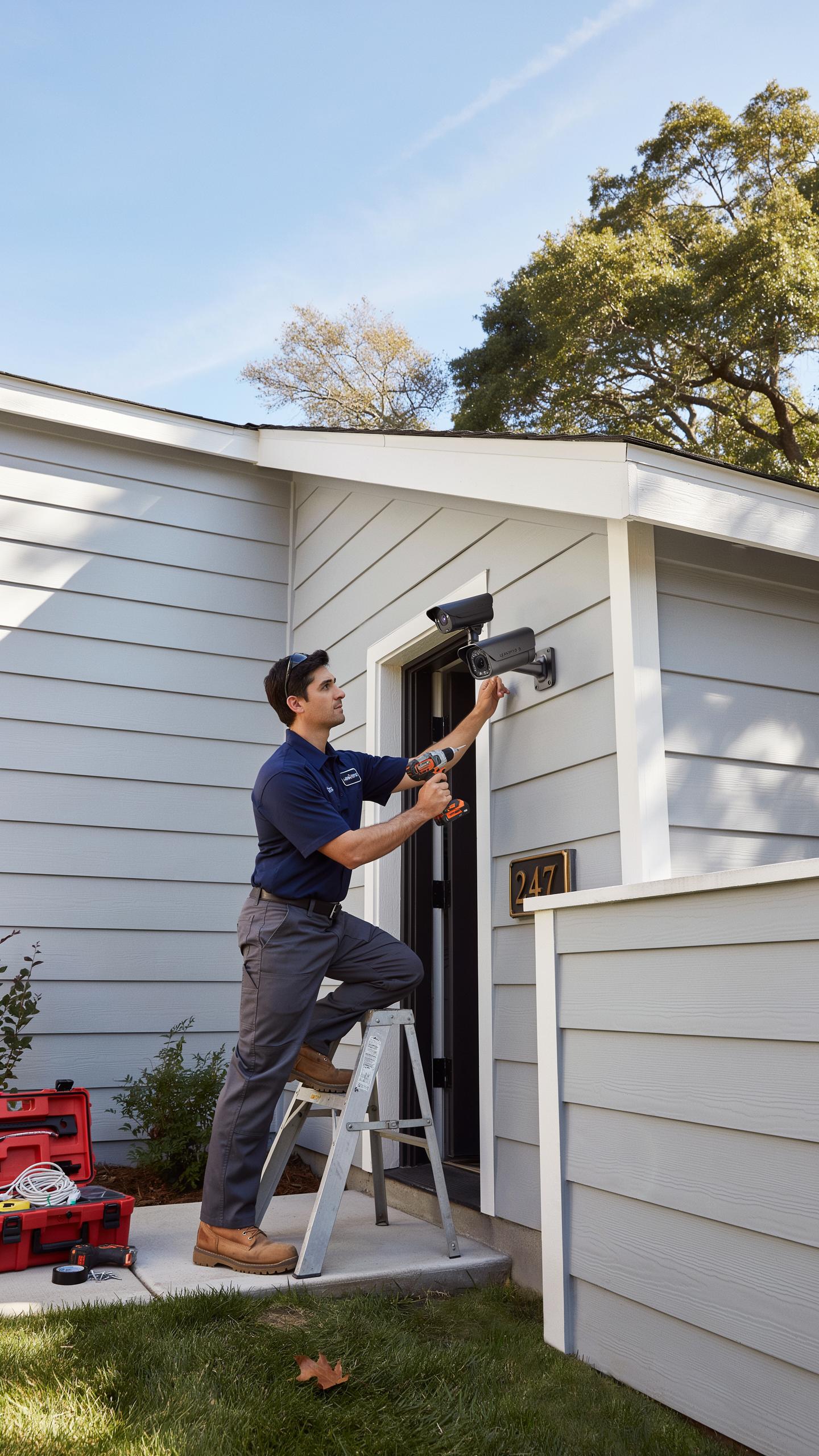
Position your solar camera at a height between 8 and 10 feet on your home’s exterior wall or garage. This height captures vehicle license plates and faces while minimizing blind spots at ground level. Angle the camera downward at approximately 25 to 30 degrees to cover the entire driveway width. Test angles before final installation to confirm coverage of entry points and parking areas.
Solar panels require direct sunlight, so mount cameras on south-facing surfaces in the Northern Hemisphere or north-facing surfaces in the Southern Hemisphere. Avoid locations under eaves, tree canopies, or near tall structures that cast shadows during peak charging hours between 10 AM and 2 PM. Shadows reduce charging efficiency significantly and compromise battery performance during nighttime operation. Verify your chosen location receives at least 4 to 6 hours of unobstructed sunlight daily.
Remember those long summer evenings, when a watchful eye on the driveway felt like a distant dream? Now, with the sun’s gentle embrace, peace of mind is truly in your own hands.
Mounting Options And Durability Considerations
Use stainless steel or aluminum brackets rated for outdoor use. These materials resist rust and corrosion from rain, snow, and temperature fluctuations. Secure mounting prevents camera drift caused by wind or vibration from passing vehicles. Install using weatherproof fasteners and sealant to prevent water intrusion into mounting points and the camera housing.

Select cameras with IP65 or higher ratings for weather resistance. This rating ensures protection against dust, rain, and spray from any direction. Materials like polycarbonate lenses and sealed electronics withstand extreme temperatures ranging from 20 to 130 degrees Fahrenheit. Test your installation after heavy rain or snow to confirm seals remain intact and water doesn’t accumulate inside the housing.
Connectivity And Storage For Surveillance Cameras
Wi Fi And Cellular Connectivity Options
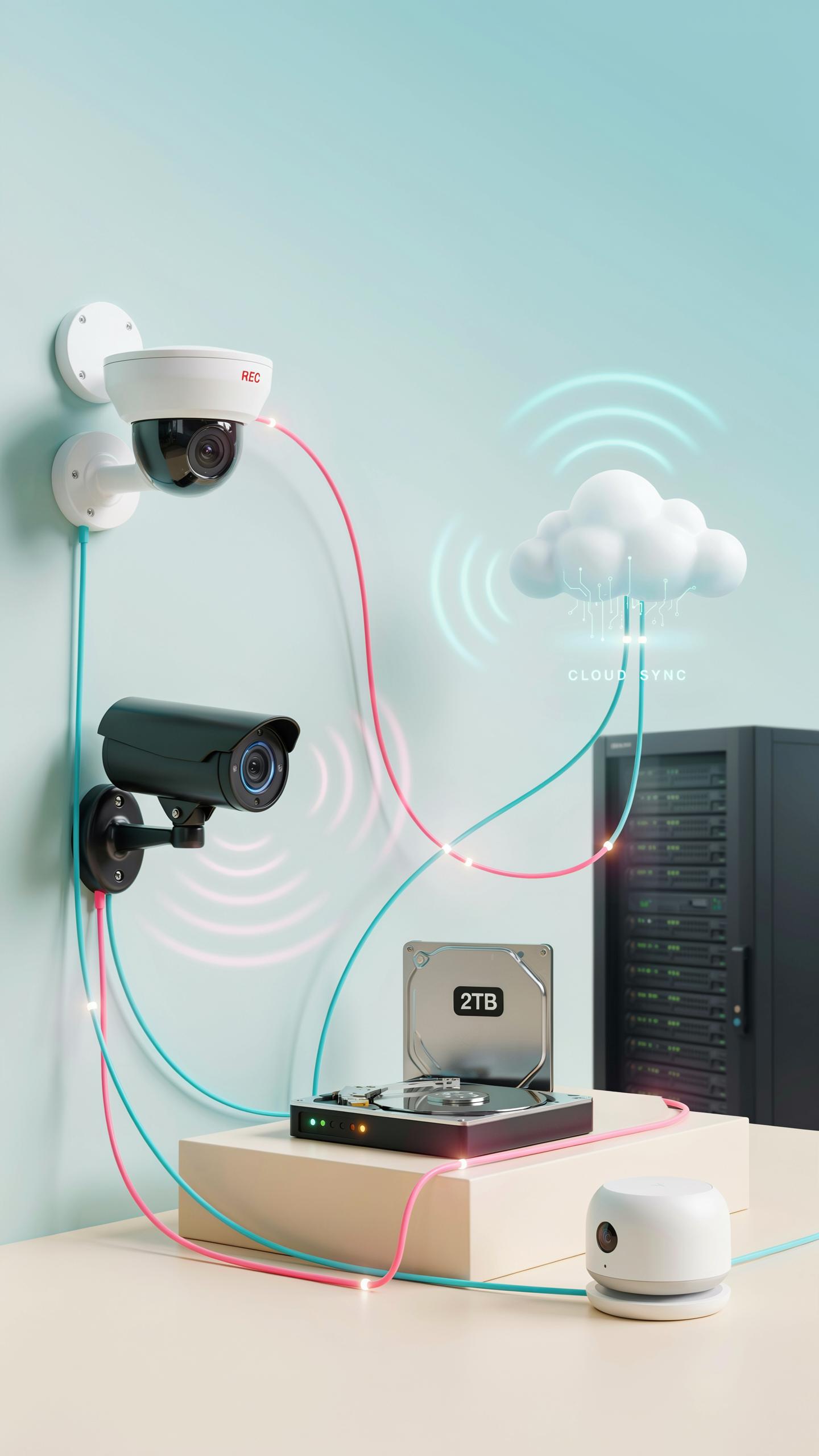
Solar driveway cameras connect through Wi-Fi to transmit footage to your phone and cloud services. Your camera must sit within range of your router, typically 50-150 feet depending on obstacles. Wi-Fi offers fast data transfer but requires existing network infrastructure. Most solar cameras operate on 2.4GHz bands, which penetrate walls better than 5GHz but transfer data slower.
Cellular connectivity using 4G or 5G serves locations where Wi-Fi doesn’t reach. These cameras use SIM cards to connect directly to carrier networks, eliminating dependence on your home router. Cellular models cost more upfront and carry monthly subscription fees ranging from 5 to 15 dollars. They work reliably in rural areas or properties far from your main house.
Local Vs Cloud Storage Solutions
Local storage uses SD cards inside the camera to record footage directly. SD cards typically hold 64GB to 512GB, capturing 7 to 30 days of continuous video depending on resolution and frame rate. You physically access the camera to retrieve footage, which adds inconvenience but keeps data on your property. SD storage costs under 50 dollars for high-capacity cards.

Cloud storage saves footage to remote servers accessible from anywhere with internet. Monthly fees run 3 to 15 dollars depending on storage capacity and retention period. Cloud services provide automatic backup protection if your camera gets stolen or damaged. However, cloud storage requires consistent internet connectivity and exposes footage to potential third-party access, making security protocols critical.
Solar Panel Efficiency And Battery Life
Optimizing Solar Panel Exposure
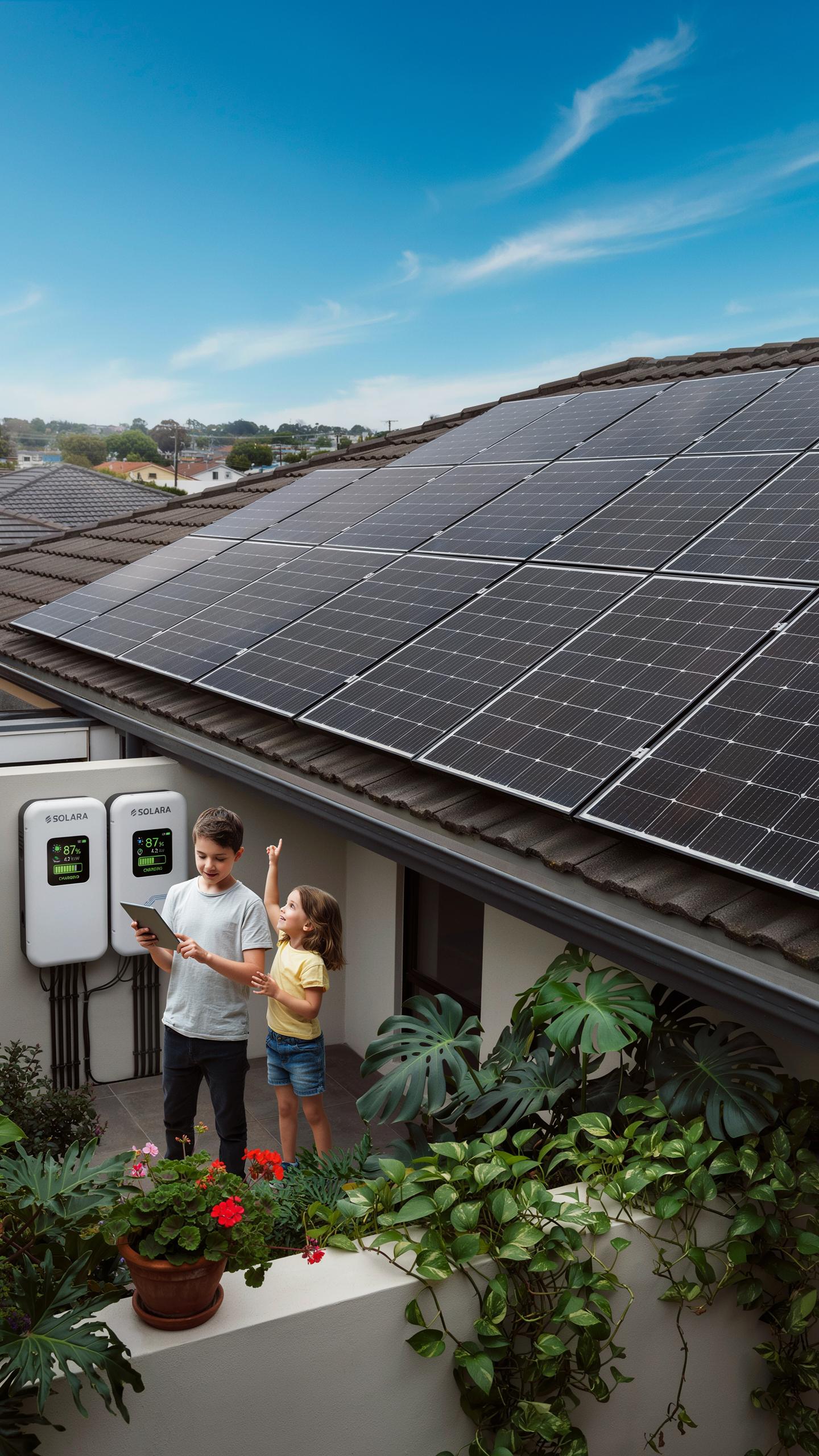
Panel placement determines power generation capacity. Position the solar panel to face true south in the Northern Hemisphere or true north in the Southern Hemisphere. Angle the panel between 30 to 45 degrees from horizontal to maximize sunlight capture year-round. Avoid shadows from trees, buildings, or structures during peak sun hours between 9 AM and 3 PM.
Seasonal sun position changes affect output. Winter sun sits lower on the horizon than summer sun. Adjust panel angle seasonally if your mounting allows, or accept reduced winter performance. Dirt, dust, and pollen reduce efficiency by 15 to 25 percent. Clean the panel quarterly or after heavy weather events using a soft cloth and water.
Understanding Battery Capacity And Runtime
Battery capacity directly controls how long your camera operates without sunlight. Measured in milliamp-hours (mAh) or watt-hours (Wh), larger batteries store more energy. A 5,000 mAh battery performs differently than a 10,000 mAh battery depending on camera power draw. Check your camera’s specifications for daily energy consumption to estimate runtime accurately.
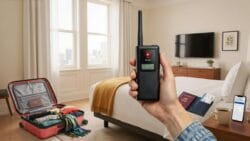
Cloudy weather drains batteries faster than expected. Consecutive overcast days reduce solar charging, forcing the system to rely on stored energy. Most driveway cameras need 2 to 5 days of battery runtime to survive typical cloud cover. Harsh winter climates with limited daylight require larger battery capacity or supplemental charging options.
Integrating With Smart Home Security Systems
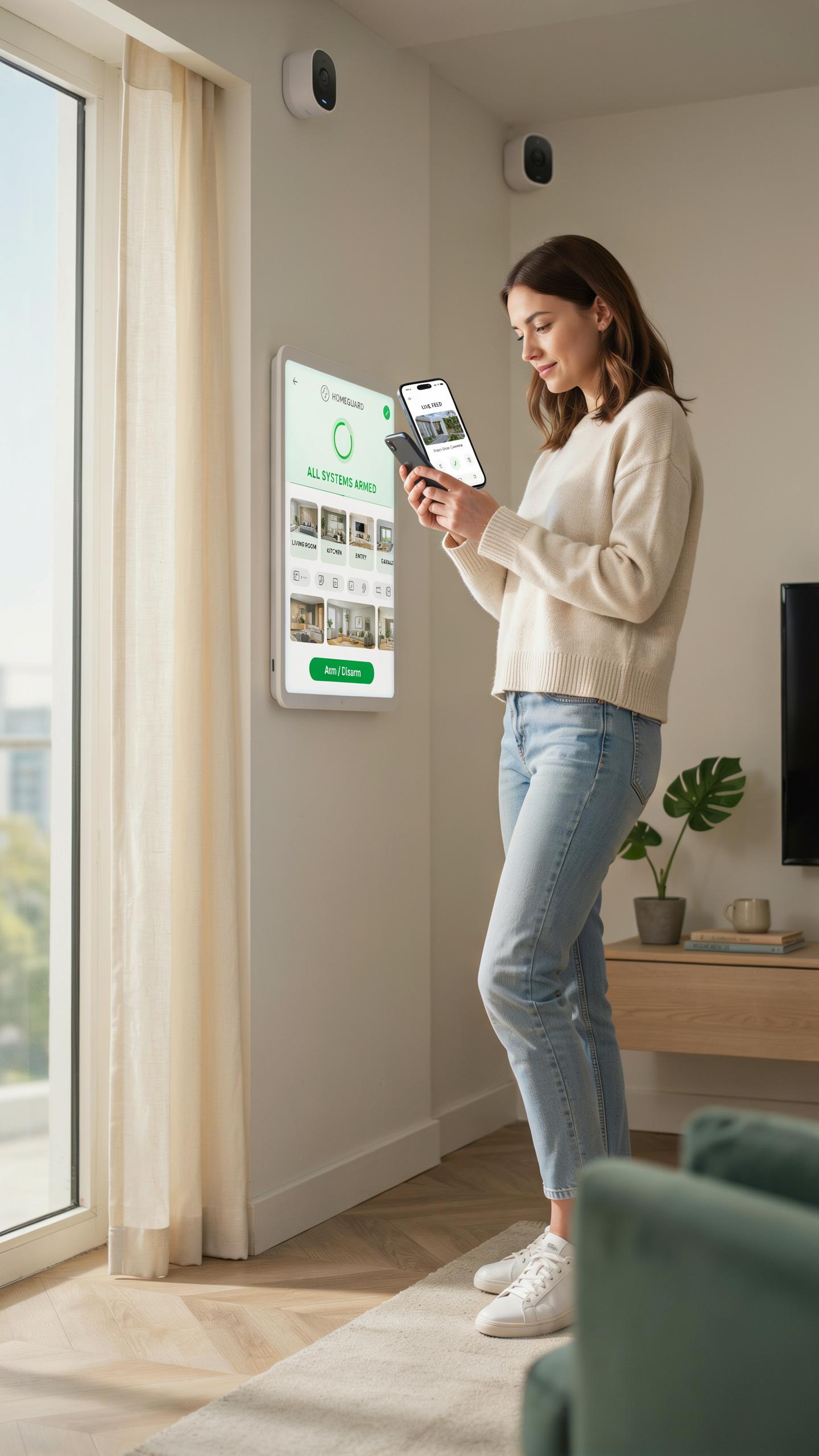
Compatibility With Smart Home Platforms
Most solar powered driveway cameras connect through WiFi to major platforms like Google Home and Amazon Alexa. Integration requires the camera’s native app and compatible hub or router. You control live feeds, recordings, and settings from your phone or voice commands through these ecosystems. Direct compatibility depends on the camera manufacturer’s development choices and API support.
The setup process is straightforward. Download the camera app, connect to your WiFi network, then link the device to your chosen platform through the respective app. Some cameras require a separate hub for full functionality. Check the camera’s technical specifications before purchase to confirm compatibility with your existing smart home setup.
Automated Actions And Custom Routines
Automation responds to motion detection by triggering other smart devices. When your driveway camera detects movement, it can activate outdoor lights, unlock doors, send alerts, or record footage automatically. This layered response improves security by creating an active deterrent and immediate notification system. You build these routines through your platform’s automation settings without coding.

Custom routines adapt to your schedule and habits. Set different responses for day versus night, weekdays versus weekends, or armed versus disarmed modes. The camera feeds motion data to your smart hub, which executes your predetermined actions instantly. This integration creates a cohesive security network that responds faster than manual intervention alone.
Choosing The Best Solar Powered Security Camera
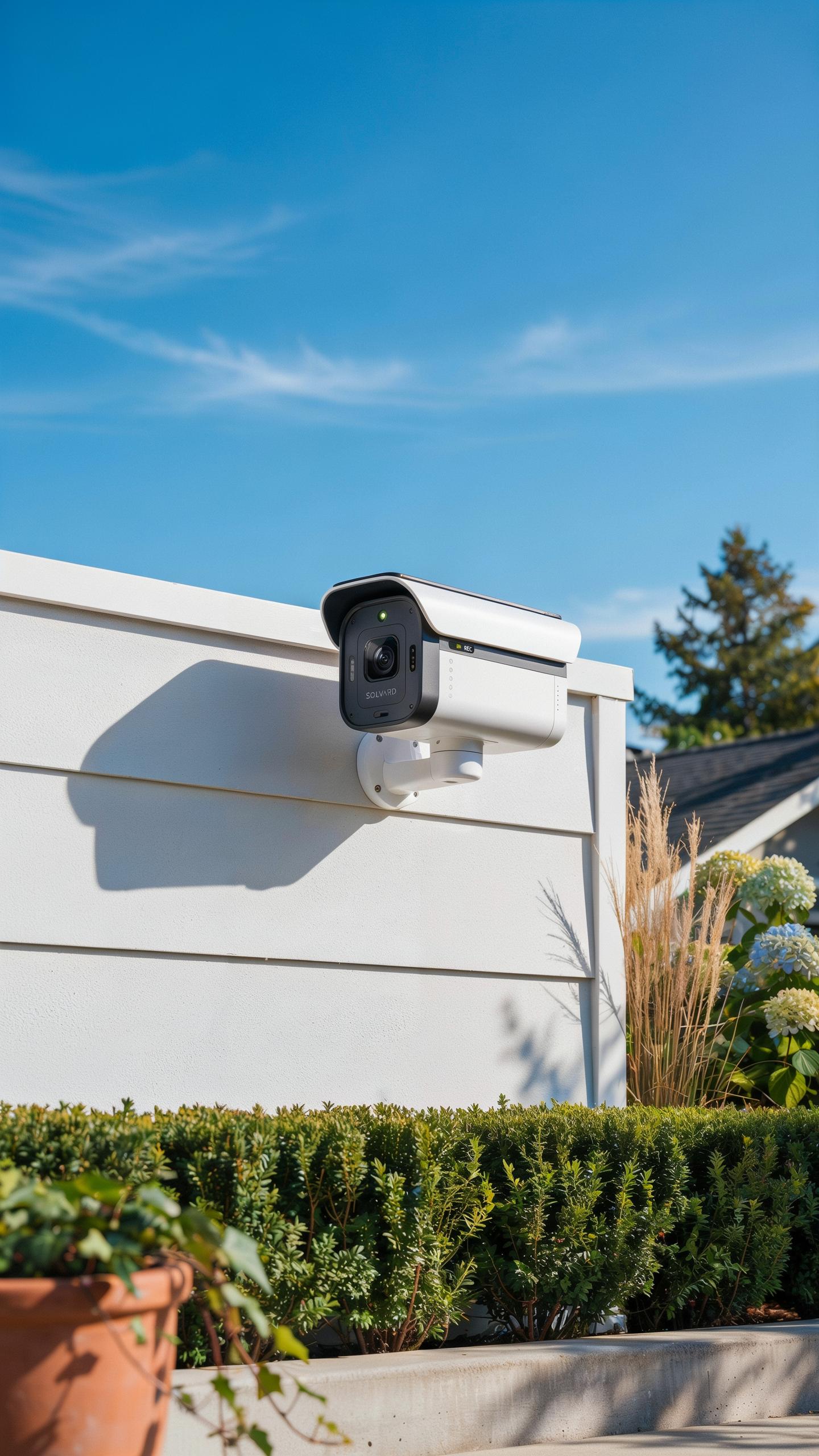
Factors To Consider Before Purchase
Resolution determines image clarity when you need to identify faces or license plates. Most driveway cameras range from 1080p to 4K. Higher resolution consumes more battery power, so balance your needs against runtime. Night vision quality matters equally since driveways require 24/7 monitoring. Infrared range should extend at least 30 feet to cover standard driveway widths effectively.
- Resolution: 1080p captures basic details, 2K offers better clarity for plates, 4K provides maximum detail but drains batteries faster than lower options.
- Battery Capacity: Measured in mAh, larger batteries support longer intervals between charges. 5000 mAh typically provides 3 to 6 months runtime depending on usage frequency.
- Field Of View: Wider angles like 130 to 180 degrees cover more driveway area. Narrow angles focus on specific entry points but miss peripheral threats.
- Night Vision Range: Infrared LEDs should illuminate at least 30 feet. Check actual specifications rather than marketing claims about distance coverage.
- Two Way Audio: Lets you communicate with visitors or deter intruders in real time. This feature increases battery drain by 15 to 25 percent during active use.
- Siren And Alarm: Built in sirens deter trespassers immediately. Verify sound output in decibels and whether the siren triggers automatically or manually only.
Water resistance rating IP65 or higher protects against rain and dust in outdoor conditions. Wi Fi connectivity must support your router range at the driveway location. Test connectivity before final installation to avoid dead zones that disrupt video streaming or alerts.
Top Brands And Models For Driveway Surveillance
Reolink Argus 3 Pro delivers 2K resolution with dual band Wi Fi and 7200 mAh battery capacity. The model supports person detection algorithms that reduce false alerts from moving branches or animals. Integration with home automation systems makes alert management seamless across multiple devices and platforms.

Eufy SoloCam S340 provides 4K resolution with advanced AI tracking capabilities and dual solar panel compatibility. The camera includes local storage via microSD card, eliminating reliance on cloud subscriptions. Its modular design allows quick battery swaps without full camera removal from the mount.
Maintenance Tips For Your Solar Camera System
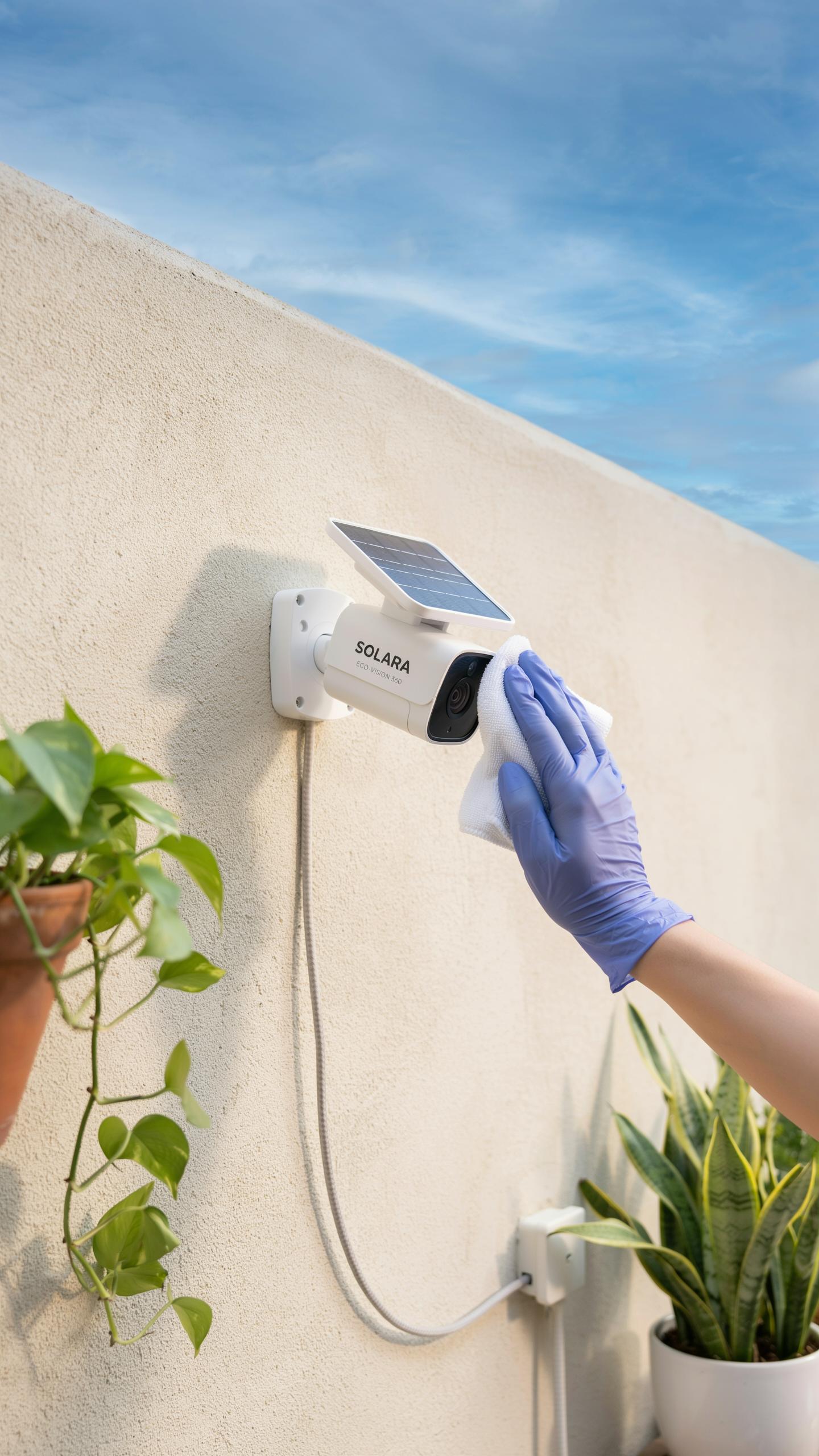
Routine Cleaning Of Solar Panels And Lenses
Dirt and debris reduce solar panel efficiency and camera image quality. Dust, pollen, bird droppings, and leaves block sunlight from reaching cells. This directly cuts charging power. Clean panels every two to four weeks depending on your environment. Use a soft cloth and distilled water to avoid mineral deposits that scratch surfaces.
Camera lenses need the same attention. Dust on the lens degrades video clarity and makes motion detection less reliable. Wipe lenses gently with a microfiber cloth monthly. Avoid harsh chemicals or abrasive materials. Clear any spider webs or debris around the camera housing. Better visibility means better security footage and faster alerts.
Battery Health And Longevity
Deep discharge cycles damage lithium and lead acid batteries used in solar cameras. Avoid letting batteries drain completely before recharging. Most systems perform best when you keep charge levels between 20 and 80 percent. Check your manufacturer’s specifications for optimal charging windows. Extreme cold slows battery chemistry. Extreme heat accelerates degradation. Position cameras to avoid direct afternoon sun exposure when possible.
Temperature management extends battery lifespan significantly. Install cameras in shaded areas or use weatherproof covers during harsh seasons. Many solar cameras function down to freezing temperatures but charge slower in cold. Battery replacements typically range from one to five years depending on climate and usage. Plan replacement cycles based on your system’s actual performance, not assumed timelines.
Protecting Your Home Legal And Privacy Considerations
Understanding Surveillance Laws And Regulations
Your driveway camera placement determines what you can legally record. Federal law permits you to record on your own property without consent. However, recording audio requires two-party consent in many states. Your camera’s field of view matters most. Pointing it toward your driveway is legal. Pointing it into a neighbor’s window or yard creates liability.
Local ordinances vary significantly by jurisdiction. Some municipalities require permits for security systems. Others restrict camera placement near property lines. Research your city and county regulations before installation. Contact your local police department’s non-emergency line for specific rules. Check your homeowners association rules if applicable. These restrictions exist to protect your neighbors’ reasonable expectation of privacy.
Data Security And Privacy Protection
Your cloud storage account is your weakest link. Use a strong password with at least 16 characters mixing uppercase, lowercase, numbers, and symbols. Enable two-factor authentication on all camera accounts. This prevents hackers from accessing your footage remotely. Change your password every 90 days. Never share login credentials with household members. Create individual accounts with limited access instead.
Manufacturer default settings leave your system vulnerable. Update your camera’s firmware immediately after installation and monthly thereafter. Check your camera provider’s privacy policy for data retention practices. Some companies retain footage longer than necessary. Disable cloud recording for events you don’t need archived. Review your storage permissions regularly and revoke access you no longer need. Local storage on your phone or external drive reduces cloud exposure.
Frequently Asked Questions

What exactly is a solar powered security camera for driveways and how does it work?
A solar powered security camera for driveways is a wireless surveillance device that uses sunlight to charge its internal battery, eliminating the need for electrical wiring. It captures footage, often stored locally or in the cloud, and can send alerts to your smartphone, providing peace of mind without complex installation.
How do I ensure my solar powered security camera for driveways gets enough sunlight to operate consistently?
Position your solar powered security camera for driveways in an unshaded area that receives direct sunlight for several hours daily, ideally facing south. Regularly clean the solar panel to prevent dust or debris from hindering charging efficiency. Most cameras also have backup battery capacity for cloudy days.
Are these solar-powered cameras generally expensive, and are they difficult to install for a beginner?
While initial costs can vary, many excellent solar-powered cameras are now quite affordable. Installation is remarkably easy for beginners. They typically involve mounting the camera with a few screws and connecting to your home’s Wi-Fi, often guided by a user-friendly app, making DIY setup a breeze.



