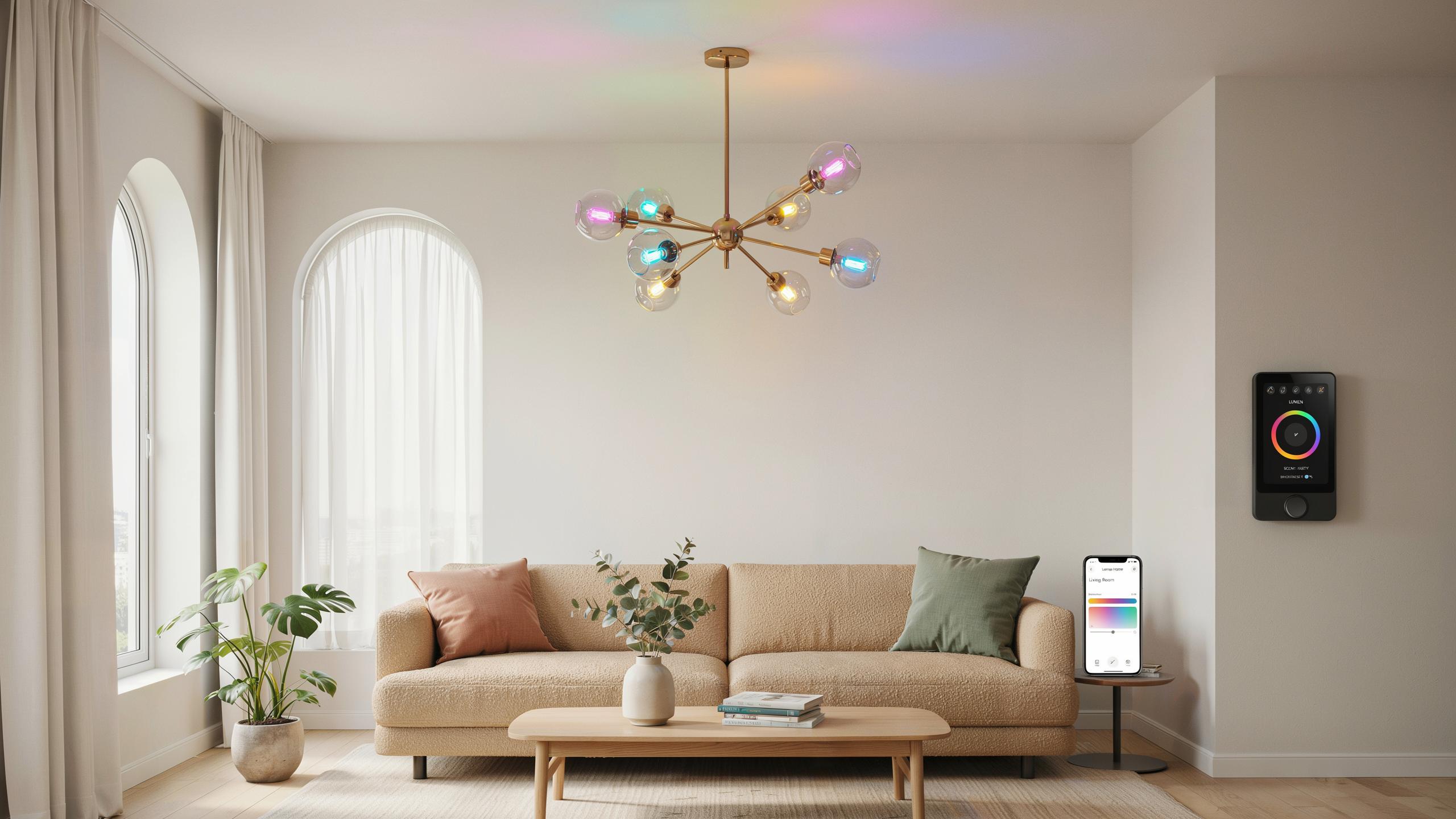
The Evolution Of Home Lighting Smart Bulbs Take Center Stage
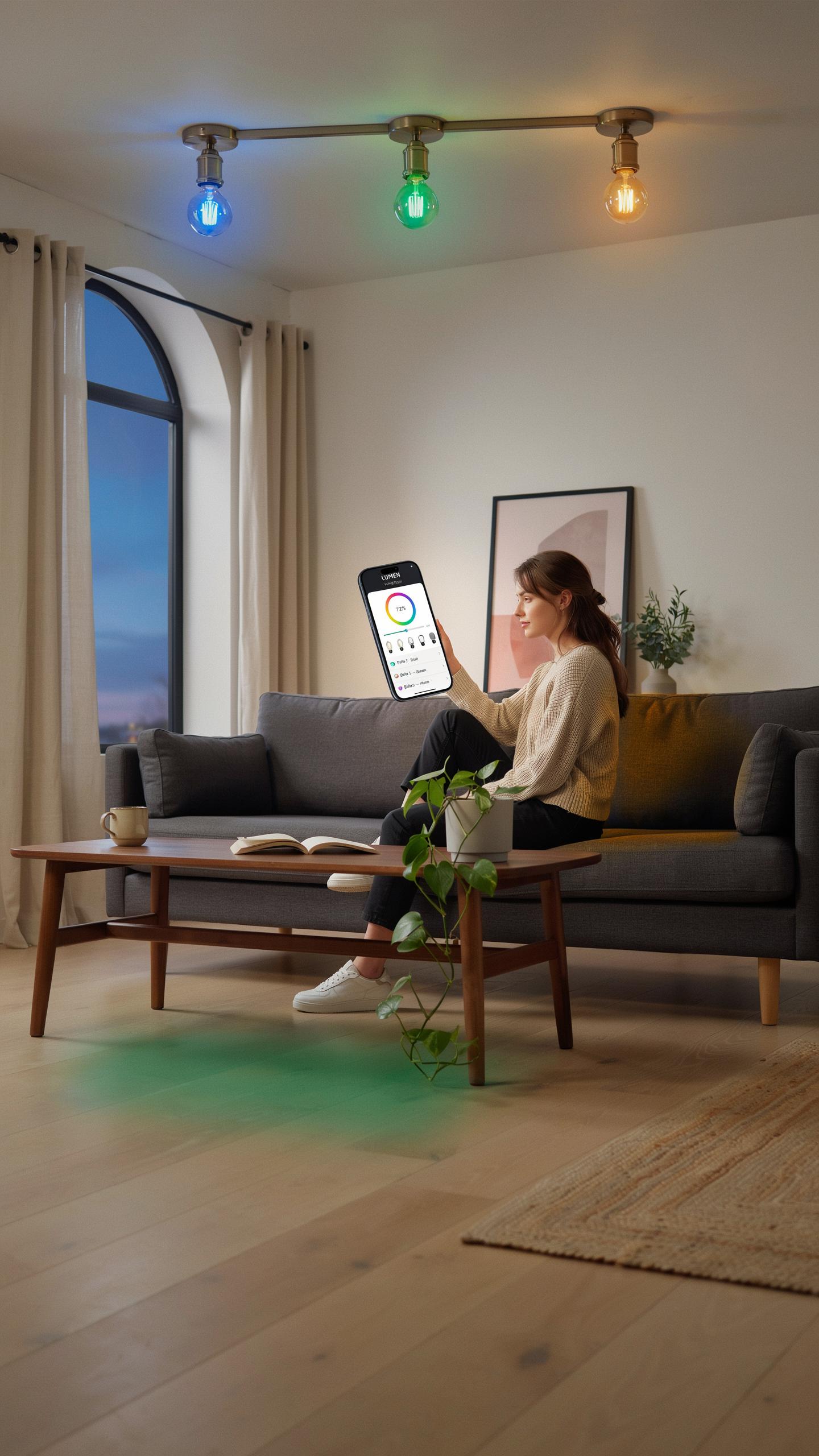
Beyond The Dimmer: Why Smart Lighting Is A Game Changer
Traditional dimmers control brightness through resistance. Smart bulbs do this electronically and add scheduling, remote access, and color control. You program them once and they execute automatically. A smart chandelier bulb with schedule eliminates manual adjustments. This saves time and reduces energy waste by running lights only when needed.
Smart bulbs communicate through WiFi, Bluetooth, or proprietary protocols. Your phone or voice assistant becomes the control interface. Scheduling features let you set exact on and off times for different rooms. No more forgetting to turn off lights. The automation handles it.
Integrating Smart Bulbs Into Your Existing Home Lighting
Smart bulbs fit standard sockets designed for incandescent and LED fixtures. Replace old bulbs with smart ones. Your chandelier works immediately without rewiring. Compatibility depends on socket type and voltage. Check your fixture specifications before purchasing. Most modern chandeliers use standard E26 or E27 sockets.
Your smartphone or hub becomes the command center for scheduling. Download the bulb manufacturer’s app. Create schedules based on time of day, occupancy, or sunset timing. Group bulbs by room for coordinated control. A smart chandelier bulb with schedule syncs across multiple devices. Family members access the same controls from anywhere.
What Is A Smart Chandelier Bulb And How Does It Work
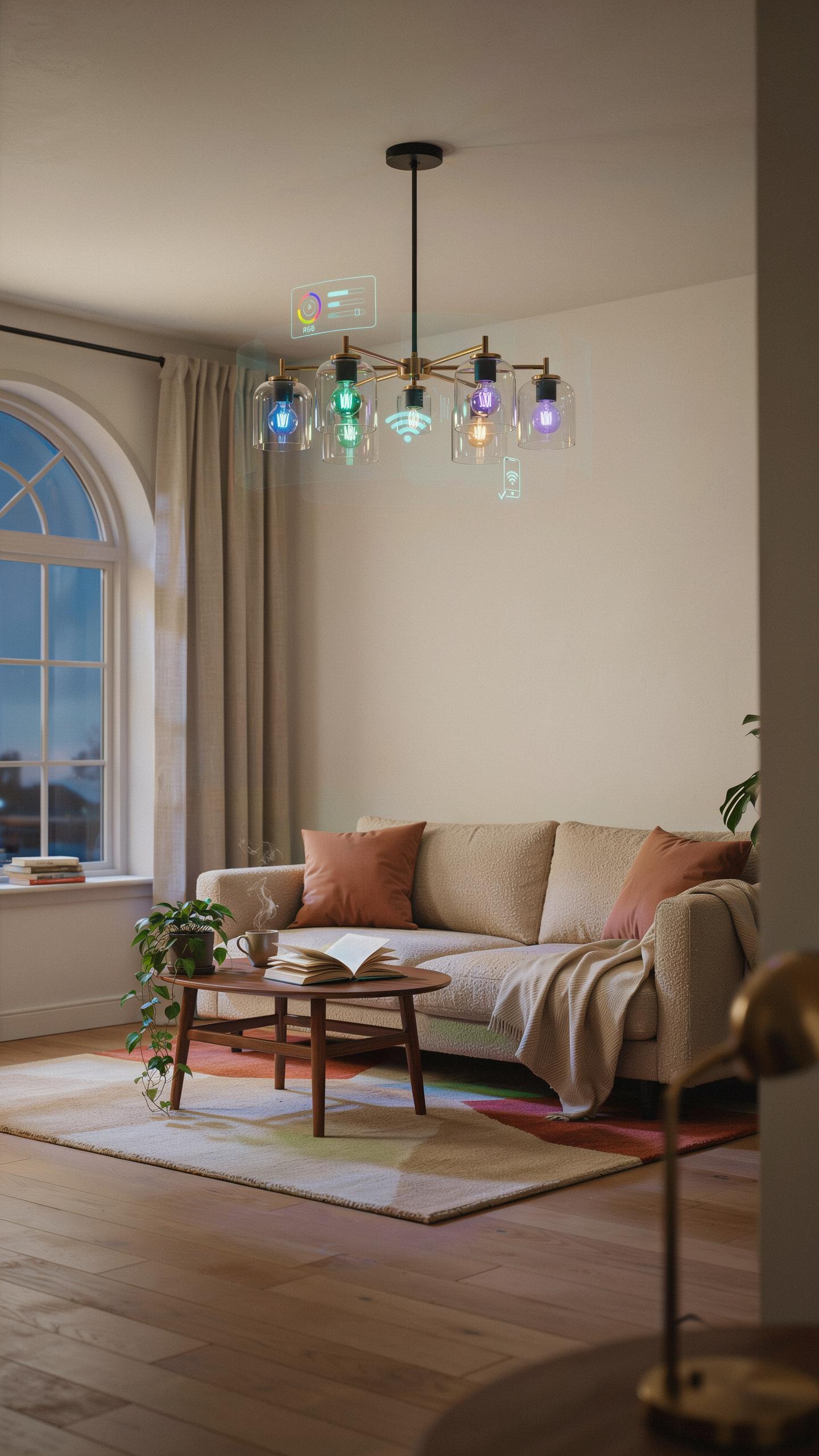
Understanding The Technology Behind Smart Bulbs
A smart chandelier bulb is an LED bulb with embedded wireless communication and control circuitry. The bulb contains a processor, radio receiver, and software that accepts commands from your phone or hub. These bulbs replace traditional incandescent or halogen fixtures in existing chandeliers without rewiring. They deliver light while responding to automation schedules and remote commands.
Smart bulbs use LED technology to reduce heat output and power consumption. The embedded controller interprets signals and adjusts brightness, color temperature, or color output in real time. Scheduling functions run on local firmware or cloud servers depending on your system setup. This architecture lets you automate lighting without touching physical switches.
Compatibility And Connectivity Wi Fi Bluetooth And Hubs
Smart bulbs connect through three primary pathways: direct Wi-Fi, Bluetooth, or a dedicated hub. Wi-Fi bulbs communicate directly with your router and require 2.4GHz networks in most cases. Bluetooth bulbs pair directly with your phone for close-range control. Hub based systems use proprietary protocols like Zigbee or Z-Wave and relay commands through a central device.
Hub systems offer stronger reliability and range than direct connections. The hub bridges your home network to the bulbs, reducing latency and expanding coverage throughout your home. Wi-Fi bulbs drain bandwidth and rely on consistent router strength. Bluetooth bulbs work only within 30 feet and require your phone for control, making them impractical for scheduling when away from home. Choose hubs for scheduling features that run automatically without your phone present.
Setting The Mood Color Changing Lights For Every Occasion
Exploring The Spectrum: From Warm White To Vibrant Hues
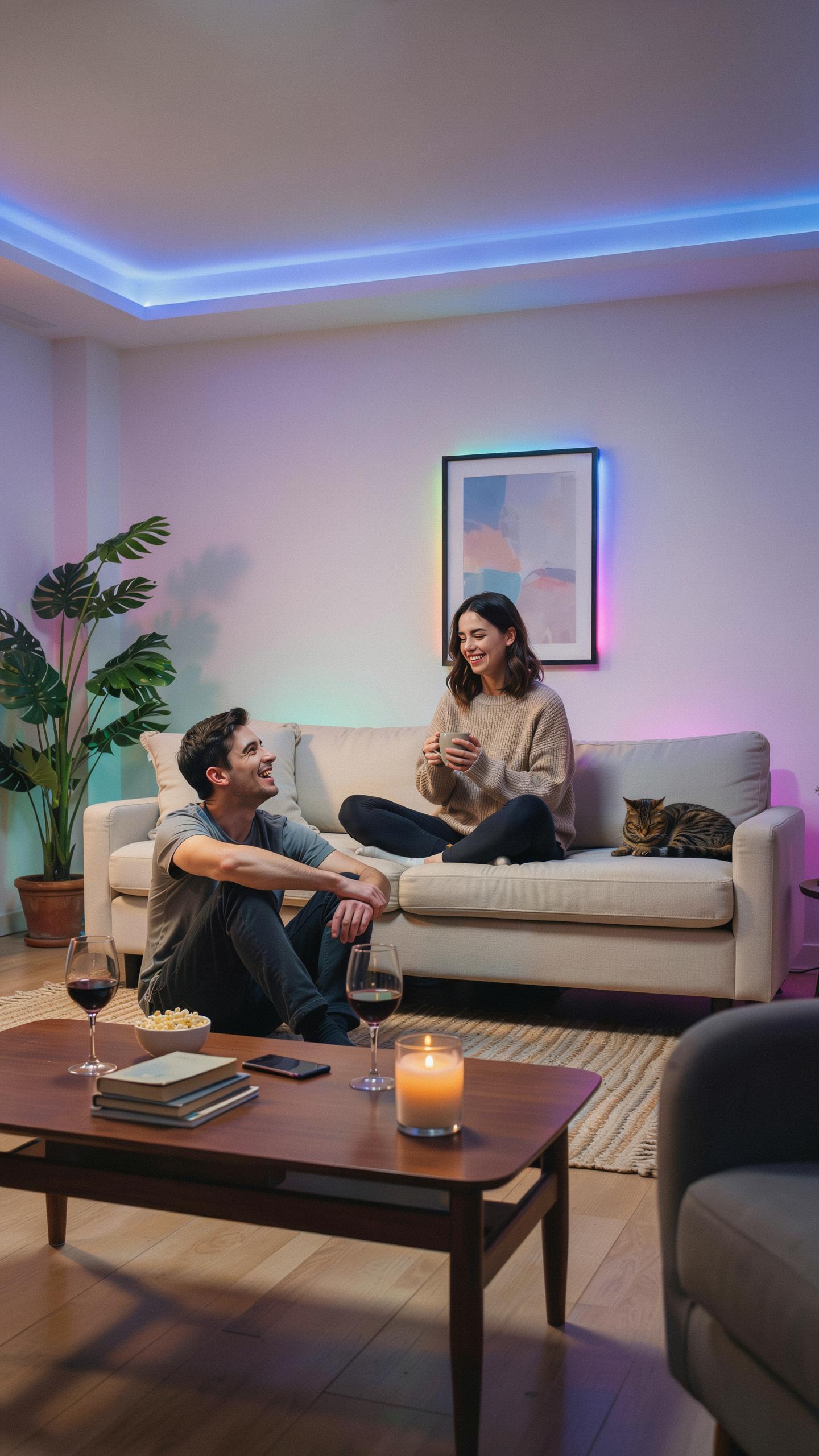
Smart chandelier bulbs deliver color output across the visible spectrum through LED technology. Most models offer warm white around 2700K, cool white near 6500K, and full RGB color ranges. You control these outputs via app or voice commands. The scheduling feature lets you program specific colors at set times, automating transitions without manual adjustment.
Color temperature affects perception and behavior in measurable ways. Warm light promotes relaxation and works well in evenings. Cool light increases alertness and suits daytime or task-focused environments. Smart bulbs with scheduling eliminate the need for manual changes by executing preprogrammed color shifts at your designated times, reducing daily friction and maintaining consistent lighting conditions.
Dynamic Lighting Scenes For Holidays, Parties, And Relaxation
Scheduling software on smart chandelier bulbs stores multiple lighting scenes that trigger automatically. You program scenes for specific occasions: warm amber for dinner, bright white for entertaining, soft dimmed color for movie nights. The scheduler runs these scenes on repeat or single execution based on your preferences. This removes the step of manually adjusting bulbs each time you want that environment.

Party scenes often cycle through colors or pulse at steady intervals. Relaxation scenes typically hold single warm tones at lower brightness. Holiday scenes match seasonal color palettes and can activate on specific dates each year. Once configured, these scenes execute without interaction, delivering consistent results every time the scheduled trigger activates.
The Power Of Automation Smart Bulb Schedules For Evening Ambience
Crafting Custom Schedules For Daily Routines
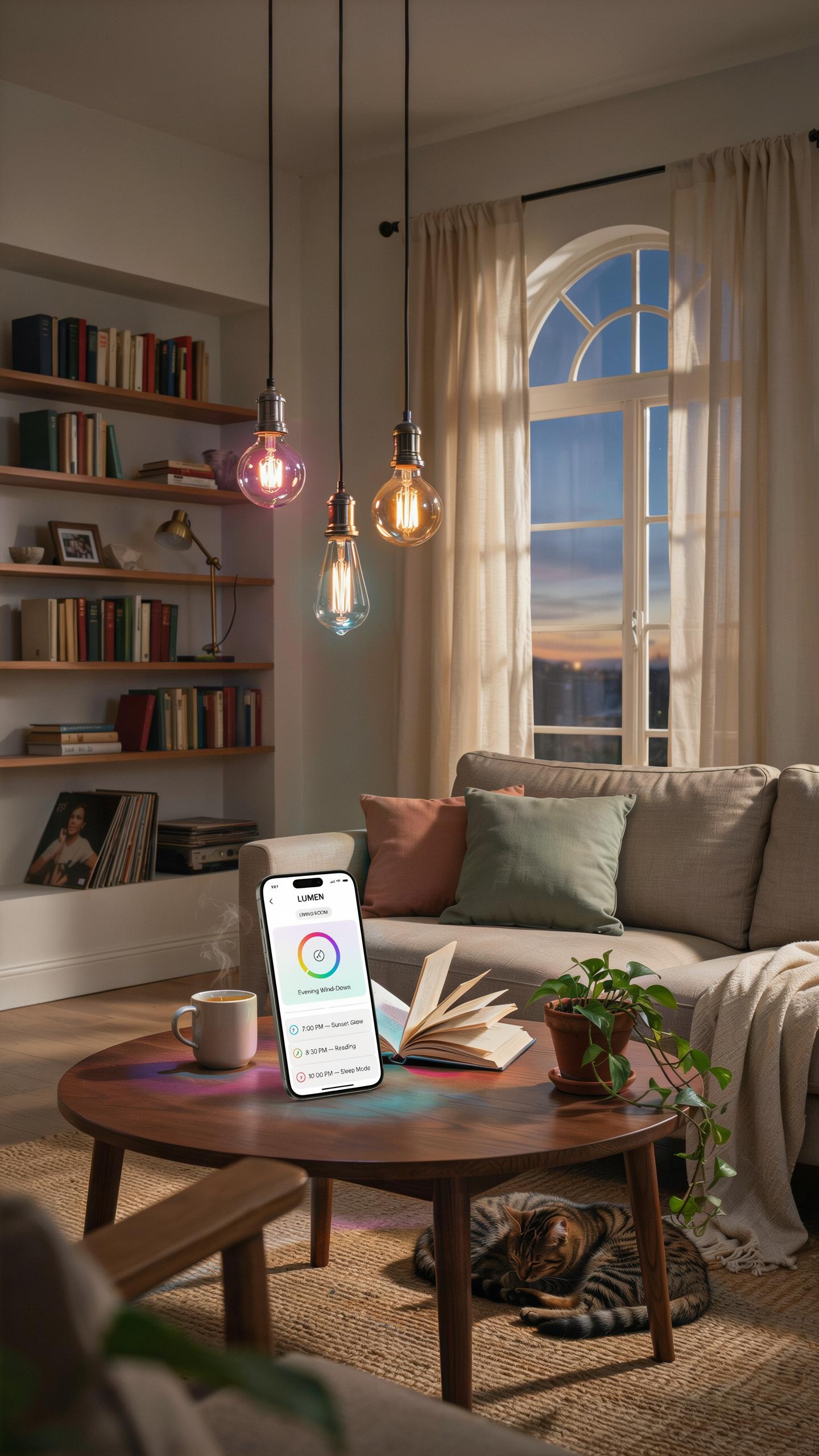
Smart chandelier bulbs with scheduling features let you automate lighting based on time of day. You set specific times when lights turn on, dim, or off without manual intervention. Most systems use 24-hour programming or recurring weekly patterns. This removes daily decisions and keeps your space lit consistently. Scheduling works through your smartphone app or voice assistant integration.
Effective scheduling aligns with how you actually use your space. Morning routines may call for gradual brightness increases starting 30 minutes before you wake. Evening transitions benefit from automatic dimming as sunset approaches. Night routines trigger warm color temperatures and lower brightness levels. You program multiple schedules for weekdays versus weekends. The system executes these commands regardless of whether you’re home.
Geofencing And Sunset Sunrise Integration For Seamless Transitions
Geofencing triggers lighting based on your location relative to your home. When you leave a defined area, lights can automatically switch to away mode. Upon returning within range, the system restores your preferred settings. This prevents leaving lights on unnecessarily and ensures you arrive to appropriate lighting. Geofencing works by connecting your smartphone location to your smart home hub.
Sunset and sunrise integration ties your lights to actual solar events rather than fixed times. Your smart bulbs query local sunrise and sunset data daily and adjust schedules accordingly. This means your evening routine lights activate earlier in winter and later in summer. Winter mornings receive automatic brightness boosts when natural light is scarce. The system adapts year-round without manual schedule adjustments, maintaining consistent circadian rhythm alignment.
Energy Efficiency And Longevity The Benefits Of LED Candelabra Bulbs
Reducing Your Carbon Footprint With Energy Saving Smart Bulbs
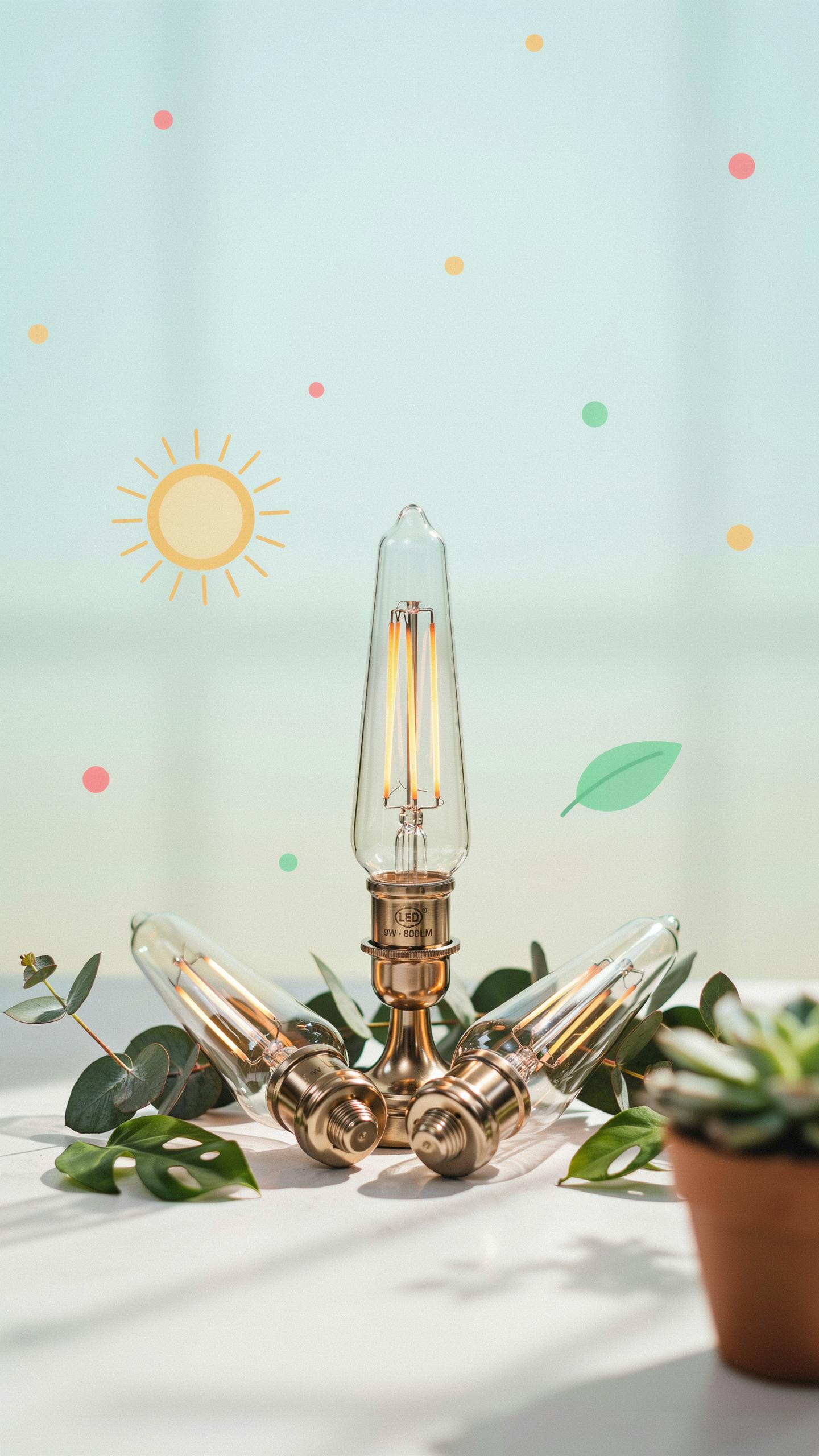
Smart chandelier bulbs with scheduling features consume significantly less electricity than incandescent alternatives. LED candelabra bulbs use roughly 80 percent less energy while producing equivalent light output. When you program your smart bulbs to turn on and off automatically, you eliminate wasted hours of unnecessary operation. This combination directly reduces your home’s total energy consumption and lowers your electricity bills.
A smart chandelier bulb with schedule capability lets you align lighting with actual occupancy patterns. Programming lights to activate only during evening hours or specific times prevents daytime operation. Over a year, this automation compounds into measurable energy savings across your entire home. The math is straightforward: fewer operating hours multiplied by lower wattage equals reduced demand on the electrical grid and lower carbon emissions from power generation.
The Extended Lifespan Of LED Technology In Your Chandelier
LED candelabra bulbs last substantially longer than incandescent bulbs, typically rated for 15,000 to 25,000 hours or more. This extended lifespan means you replace bulbs far less frequently, reducing waste sent to landfills. Smart bulbs with scheduling features actually extend this lifespan further because automated dimming reduces thermal stress on the LED components. Fewer on and off cycles compared to manual operation also decreases component wear.

The financial benefit compounds over time as you buy replacement bulbs less often. A chandelier using six candelabra bulbs might require replacements every few years with incandescent technology. With LED smart bulbs, you stretch replacement intervals to five years or longer. This longevity, combined with lower energy consumption, delivers measurable cost savings while reducing your overall environmental impact through decreased manufacturing and disposal cycles.
Voice Control Integration Amazon Alexa And Other Smart Assistants In Home Lighting
Hands Free Lighting Control With Simple Voice Commands
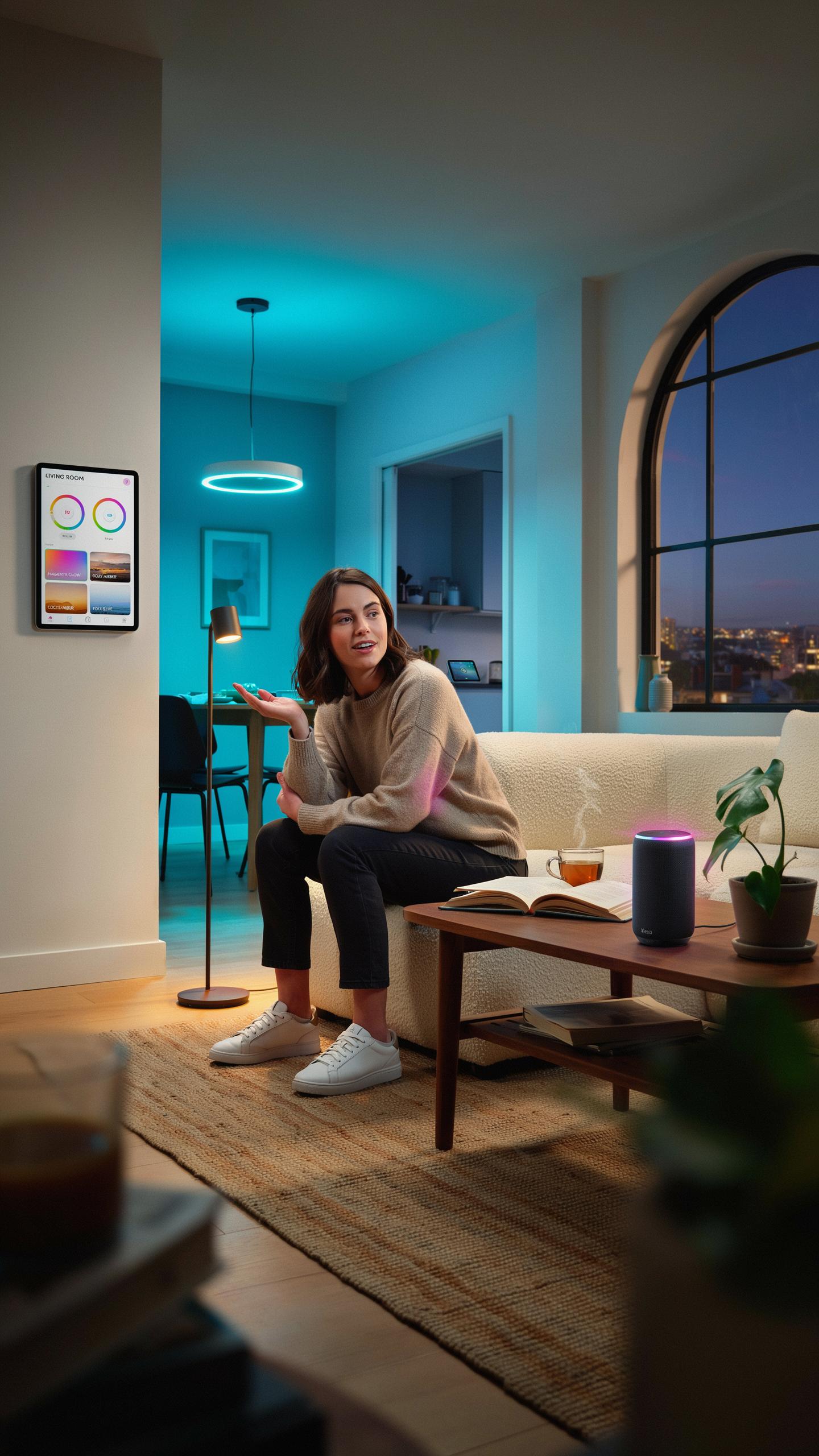
Voice assistants like Amazon Alexa, Google Assistant, and Apple Siri control smart chandelier bulbs through Wi-Fi or Bluetooth connections. You speak commands to dim lights, change colors, or turn fixtures on and off without touching a switch. Compatible bulbs must support the same ecosystem as your assistant. The bulbs receive commands through your home network and respond instantly. This eliminates the need for physical remotes or smartphone apps in daily use.
Most smart chandelier bulbs require initial pairing through their native app before voice control works. Once connected, you speak natural commands like “Alexa, dim the chandelier to 40 percent” or “Hey Google, turn on the living room lights.” The assistant interprets your request and sends the signal to the bulb. Response time typically occurs within one to two seconds. Some bulbs support multiple voice assistants simultaneously on the same network.
Creating Lighting Groups And Routines With Your Smart Assistant
Grouping lets you control multiple chandelier bulbs or fixtures with a single voice command. You assign bulbs to rooms or zones through your assistant’s app, then control them as one unit. Say “Alexa, turn off all living room lights” to command every bulb in that space at once. This saves time during daily routines. Grouping works across different bulb brands if they connect to the same assistant platform.

Routines automate your lighting at specific times or triggered by events. You can set your chandelier to turn on at sunset, dim to 30 percent at 10 PM, or brighten to full brightness when you say a wake word. Routines combine multiple actions, controlling lights alongside other smart home devices. Most assistants let you create unlimited routines without additional cost. This automation reduces manual control and improves energy efficiency through consistent scheduling.
Installation And Setup Getting Started With Your Smart Chandelier Bulb
A Step By Step Guide To Replacing Traditional Bulbs
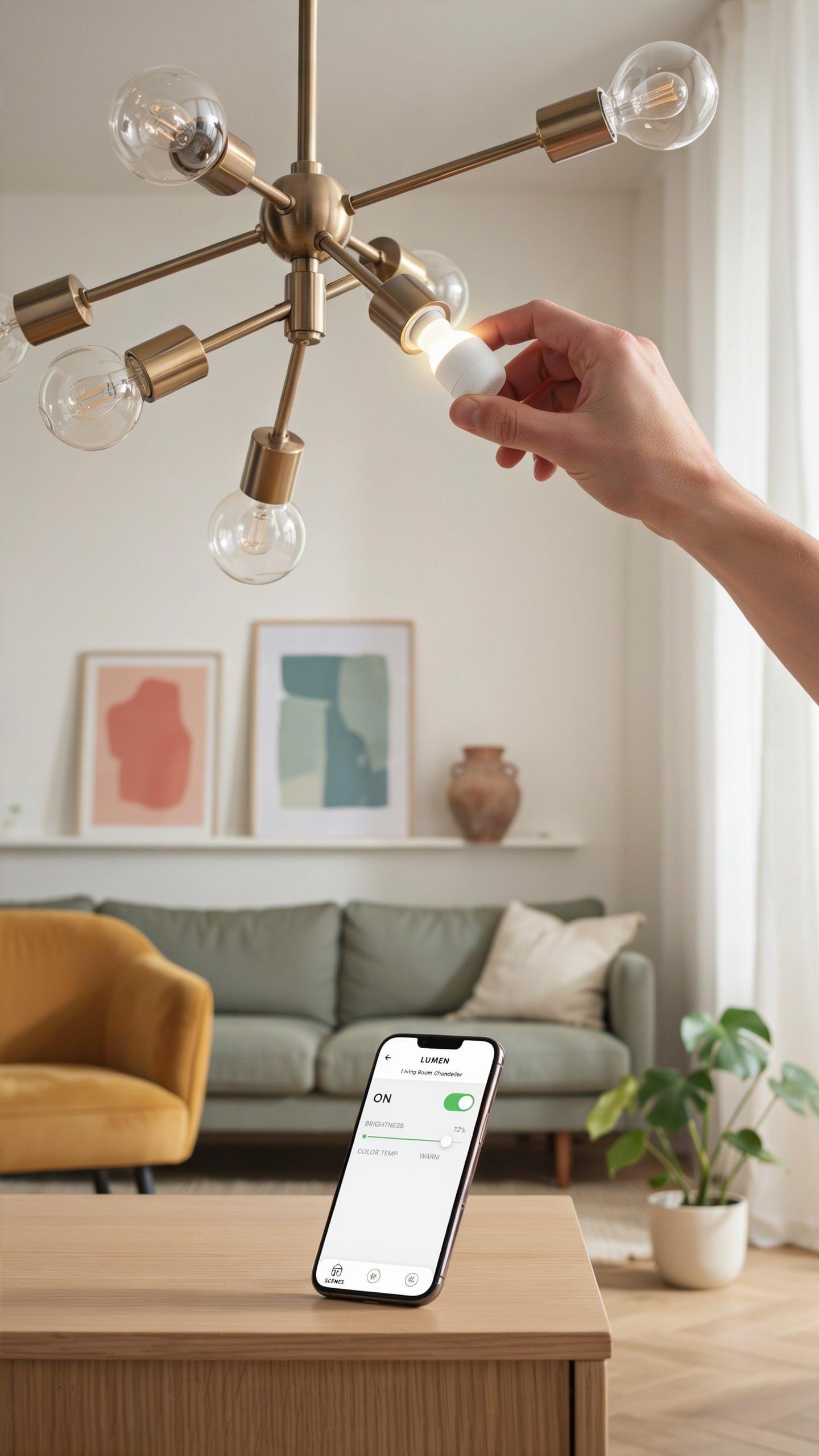
Turn off power at the circuit breaker before touching any bulbs. This eliminates shock risk and protects your fixture. Remove the old bulb by twisting counterclockwise or pulling straight down, depending on your socket type. Check your chandelier’s socket configuration to confirm compatibility with your smart bulb model. Most smart bulbs fit standard E26 or E12 sockets found in residential chandeliers.
Insert the smart bulb into the socket and twist clockwise until snug. Do not overtighten. Allow the bulb to cool for two minutes before restoring power. Smart bulbs draw minimal current during startup, so your breaker will not trip. Restore power and confirm the bulb powers on with a brief flash or glow, indicating successful installation and readiness for configuration.
Like a beloved heirloom brought to life, smart chandeliers paint our cherished rooms with light, effortlessly weaving memories into every glow.
Connecting To Your Smart Home Network And App Configuration
Download the manufacturer’s app before powering on your smart bulb. This streamlines the pairing process and prevents connection errors. Open the app and select “Add Device” or “Pair New Bulb.” Put your bulb into pairing mode by cycling power three times rapidly, turning the breaker on and off. Your app will detect the bulb within 30 seconds once it enters pairing mode.

Select your WiFi network and enter your password when prompted. The bulb connects directly to your network, not through a hub, on most models. Assign the bulb to a room or zone in your app. Verify the connection by turning the bulb on and off through the app. Once confirmed, you can access scheduling features, brightness controls, and color options from any connected device on your network.
Optimizing Your Lighting Setups Tips For A Smart Home
Layering Light For Depth And Dimension In Your Living Space
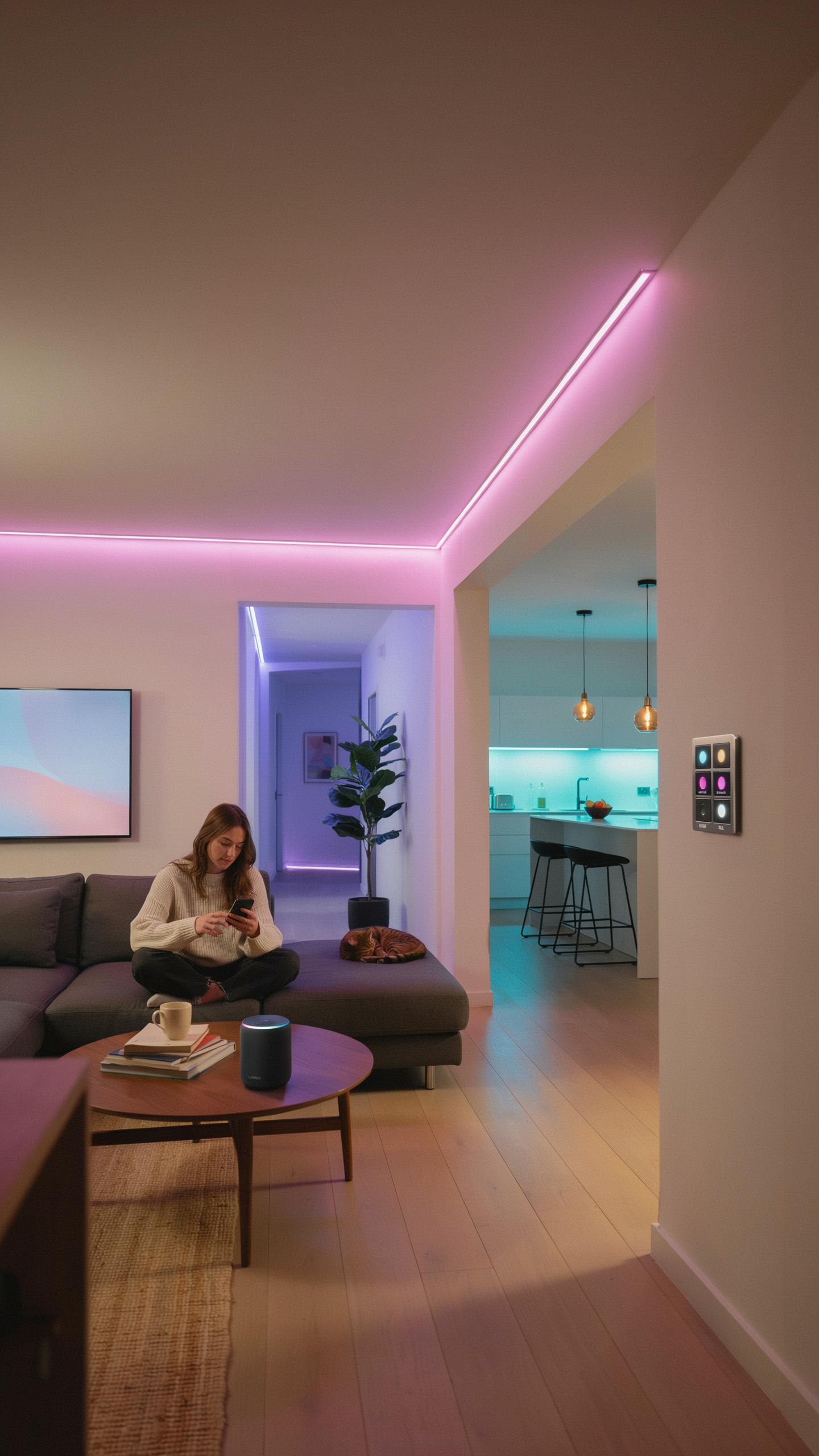
Smart chandelier bulbs with scheduling capability work best when you combine them with multiple light sources at different heights and brightness levels. Use your scheduled chandelier as the primary ambient layer, then add task lighting from wall sconces or floor lamps. This approach creates visual depth and prevents harsh shadows. Schedule your chandelier to shift color temperature throughout the day, warming toward evening to match natural light patterns.
Effective layering requires you to control each light source independently through your smart home app. Set your chandelier bulbs to turn on at 70 percent brightness during morning hours, then dim to 40 percent by evening. Add accent lighting on shelves or artwork running on a separate schedule. This coordination between multiple light layers transforms a room’s functionality and mood without requiring manual adjustment.
Troubleshooting Common Smart Bulb Issues And Solutions
Connection drops happen when smart bulbs fall too far from your Wi Fi router or when interference from other devices disrupts the signal. Move your router closer to the chandelier or add a mesh network extender to strengthen coverage. Check your app settings to confirm the bulb recognizes the correct schedule time zone. If scheduling fails after connection returns, delete the scene and reprogram it from scratch.

Bulbs sometimes ignore scheduled commands due to outdated firmware in the fixture or app. Open your smart home app and manually check for available updates before troubleshooting further. Reset the bulb by turning it off and on three times rapidly, then re-add it to your system. Test the schedule by setting a command for five minutes in the future to verify the bulb responds correctly to timed instructions.
Beyond The Chandelier Expanding Your Smart Lighting Ecosystem
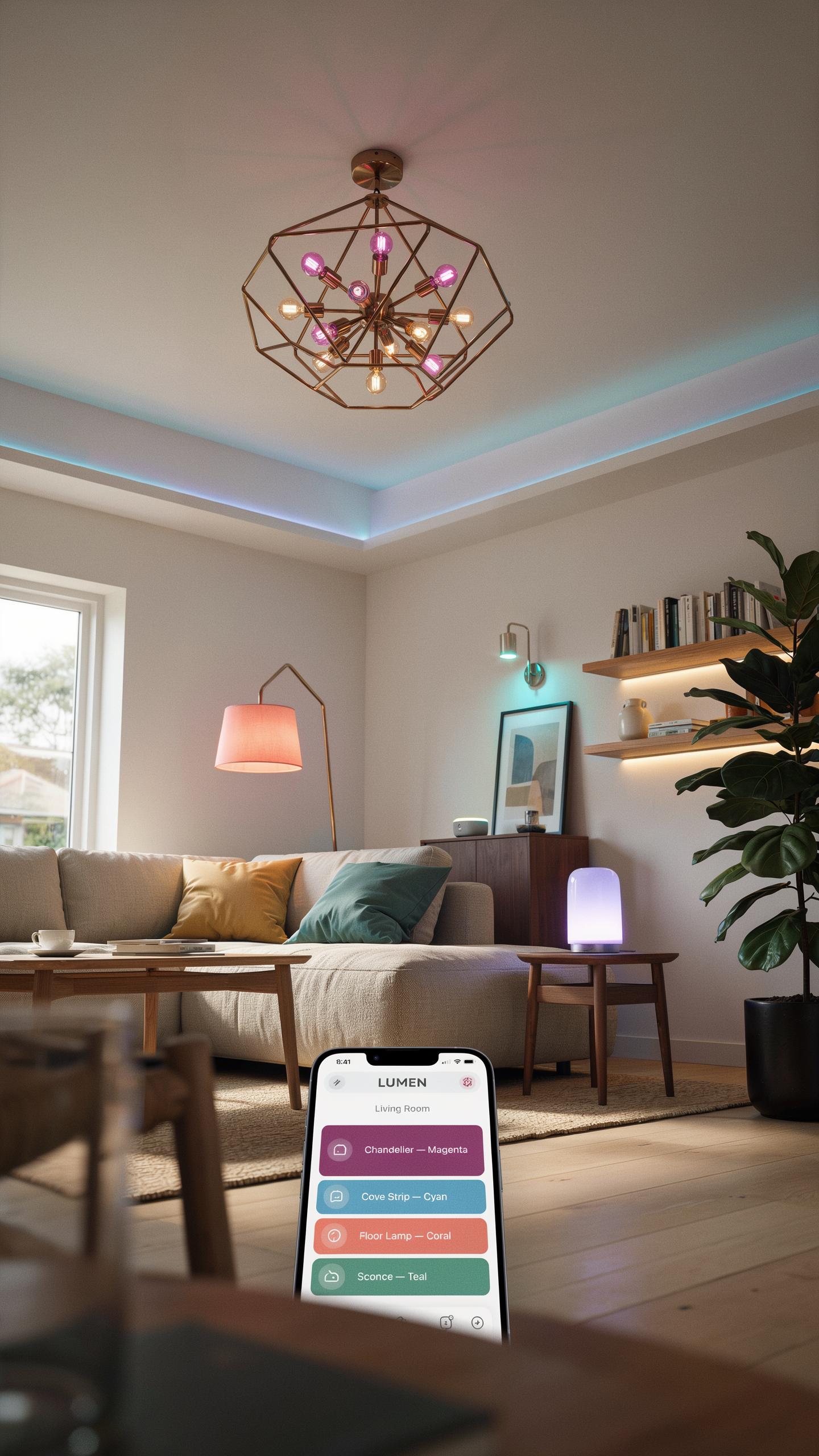
Integrating Smart Bulbs Into Lamps, Pendants, And Outdoor Fixtures
Smart chandelier bulbs work in any fixture that accepts standard E26, E27, or E12 bases. Table lamps, floor lamps, pendant lights, and wall sconces all function identically with the same bulbs. Outdoor fixtures rated for wet locations accept smart bulbs designed for exterior use. The scheduling features remain consistent regardless of fixture type. You control timing and automation through the same app or voice assistant across your entire home.
Pendant lights benefit most from scheduling because they typically hang over work areas where consistent lighting matters. Outdoor fixtures need weather-resistant smart bulbs with appropriate IP ratings. Base compatibility determines what works where. Check your fixture specs before purchasing. Standard indoor smart bulbs cannot handle outdoor exposure and fail quickly in weather.
Creating A Cohesive Smart Home Experience With Other Devices
Smart bulbs integrate with thermostats, motion sensors, and door locks to create automated routines. When your door unlocks, lights turn on automatically. When motion stops, scheduled scenes activate. Thermostats and lighting systems coordinate to reduce energy consumption during off-peak hours. This integration requires compatible ecosystems like Amazon Alexa, Google Home, or Apple HomeKit. Most modern smart bulbs support at least two of these platforms.
Your scheduling strategy should align with daily patterns and occupancy sensors. If motion sensors detect no activity, activate low-power scenes even outside normal schedules. Combine lighting automation with smart locks to simulate occupancy when you travel. Voice commands override schedules instantly when needed. This layered approach maximizes efficiency and convenience without creating complex programming headaches.
Choosing The Right Smart Bulb A BuyerS Guide For Smart Lighting
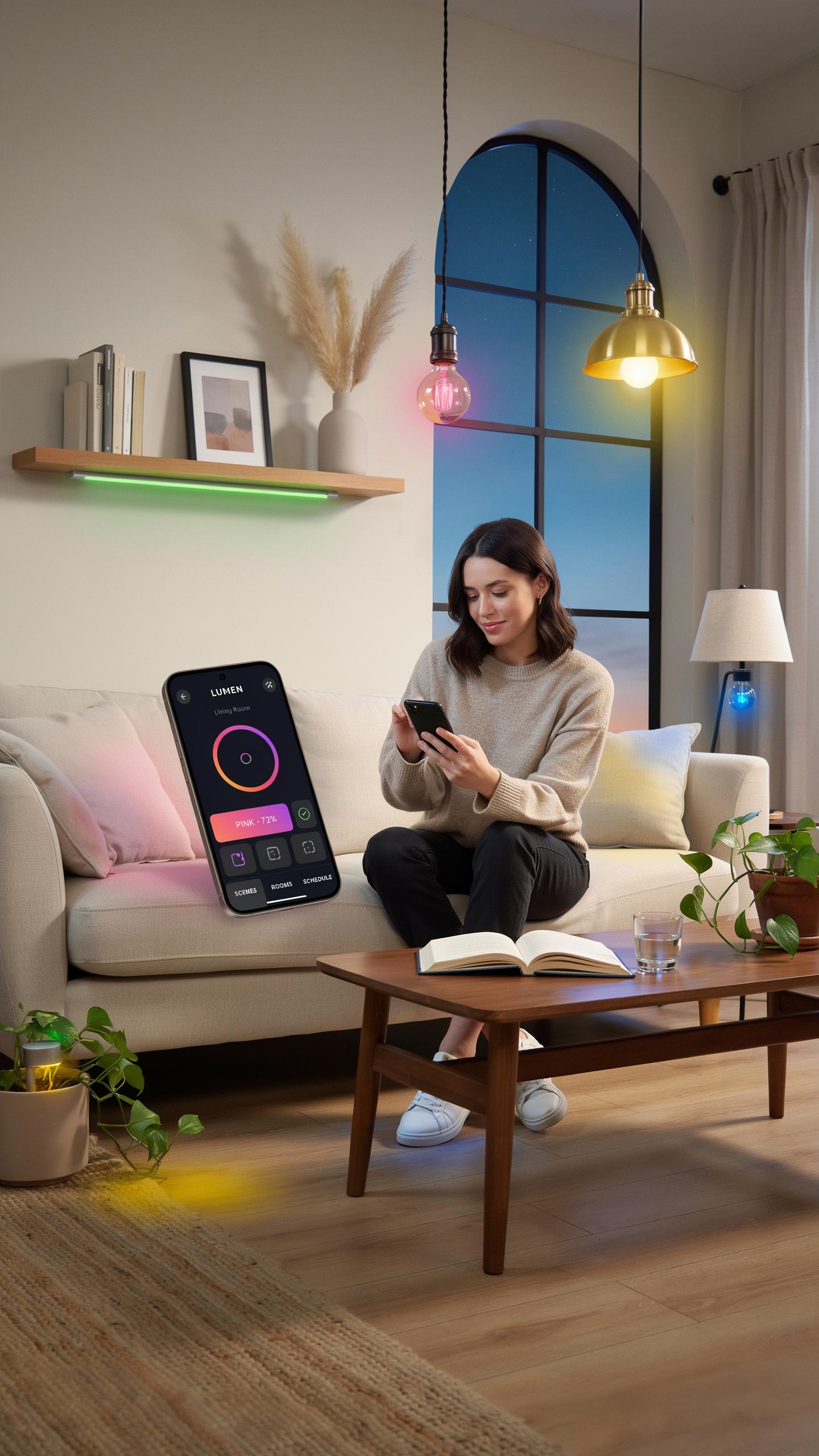
Key Features To Consider: Brightness, CRI, And Connectivity
Brightness matters because lumens determine light output in your chandelier. Most smart bulbs range from 400 to 1600 lumens. CRI (Color Rendering Index) affects how accurately colors appear in your space. Higher CRI scores, ideally 90 or above, make furnishings and skin tones look natural. Connectivity options include Wi-Fi, Bluetooth, and Zigbee protocols. Your choice depends on existing smart home infrastructure and scheduling requirements.
- Lumens Output: Measure brightness strength. Higher lumens suit larger chandelier fixtures. Check bulb specifications against your fixture’s recommended wattage equivalents.
- Color Temperature Range: Smart bulbs offer 2700K to 6500K options. Warmer tones support evening relaxation. Cooler tones enhance task lighting and alertness during daytime hours.
- CRI Rating: Score of 80 to 100 available on market. 90+ CRI delivers accurate color reproduction for artwork and decor display.
- Wi-Fi Direct Connection: Enables control without separate hub equipment. Works within your existing home network. Some bulbs require hub intermediaries instead of direct connection.
- Scheduling Capability: Built-in timers automate on-off cycles daily. Apps allow preset schedules for multiple time slots. Integration with voice assistants adds control flexibility beyond manual scheduling.
- Dimming Compatibility: Verify bulb works with existing dimmer switches. Not all smart bulbs support traditional dimmers without causing flickering or performance issues.
Scheduling functions directly support your automation goals. Look for bulbs offering granular control over weekly routines and seasonal adjustments. Integration with smart home platforms like Google Home or Amazon Alexa expands scheduling options beyond native app controls.
Top Brands And Their Offerings In The Smart Bulb Market
Philips Hue dominates the market with robust scheduling features and extensive color options. Their bulbs work with most smart home ecosystems and deliver reliable CRI performance. Hue requires a separate hub, which adds cost but improves network stability and range compared to Wi-Fi only alternatives.
LIFX bulbs connect directly to Wi-Fi without requiring a hub device. They offer competitive brightness levels and scheduling through their native app or third-party integration. Wyze provides budget-friendly options with basic scheduling and color capability for cost-conscious buyers. Nanoleaf focuses on premium design with strong scheduling integration for aesthetic-first consumers. Govee offers affordable smart bulbs with scheduling support and integration across multiple platforms. Each brand serves different priorities: Hue emphasizes reliability, LIFX emphasizes convenience, Wyze emphasizes value, and Nanoleaf emphasizes design.
Frequently Asked Questions

What exactly is a “smart chandelier”?
A smart chandelier isn’t just a fancy light; it’s a fixture with integrated technology or smart bulbs that allow you to control its brightness, color, and even warmth from your phone or voice assistant. It elevates your home’s ambiance, moving beyond a simple on/off switch to personalized lighting experiences.
How can I set up a lighting schedule for my chandelier to automate my home’s ambiance?
You can easily set up schedules through your smart home app. Once you have a smart chandelier bulb with schedule capabilities, access the app, navigate to the scheduling feature, and define specific times for your chandelier to turn on/off or change lighting scenes throughout your day.
Is smart chandelier lighting an expensive upgrade, or are there budget-friendly options available?
While some integrated smart chandeliers can be a significant investment, you can start affordably. Simply replacing your existing chandelier bulbs with a smart chandelier bulb with schedule functionality is a very cost-effective way to introduce smart lighting features without buying a whole new fixture.



