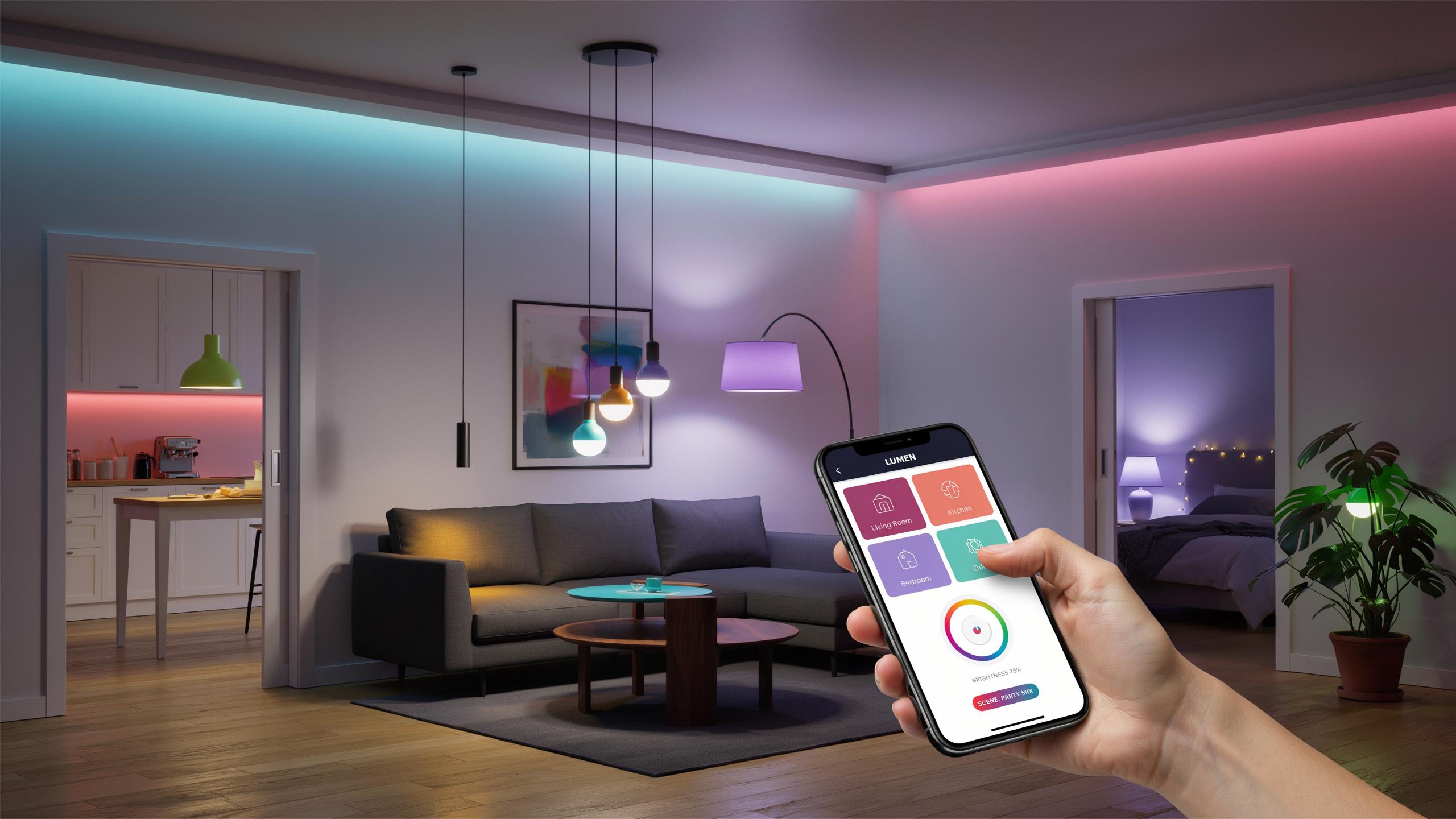
The Allure Of Smart Lighting Beyond The Basic Bulb
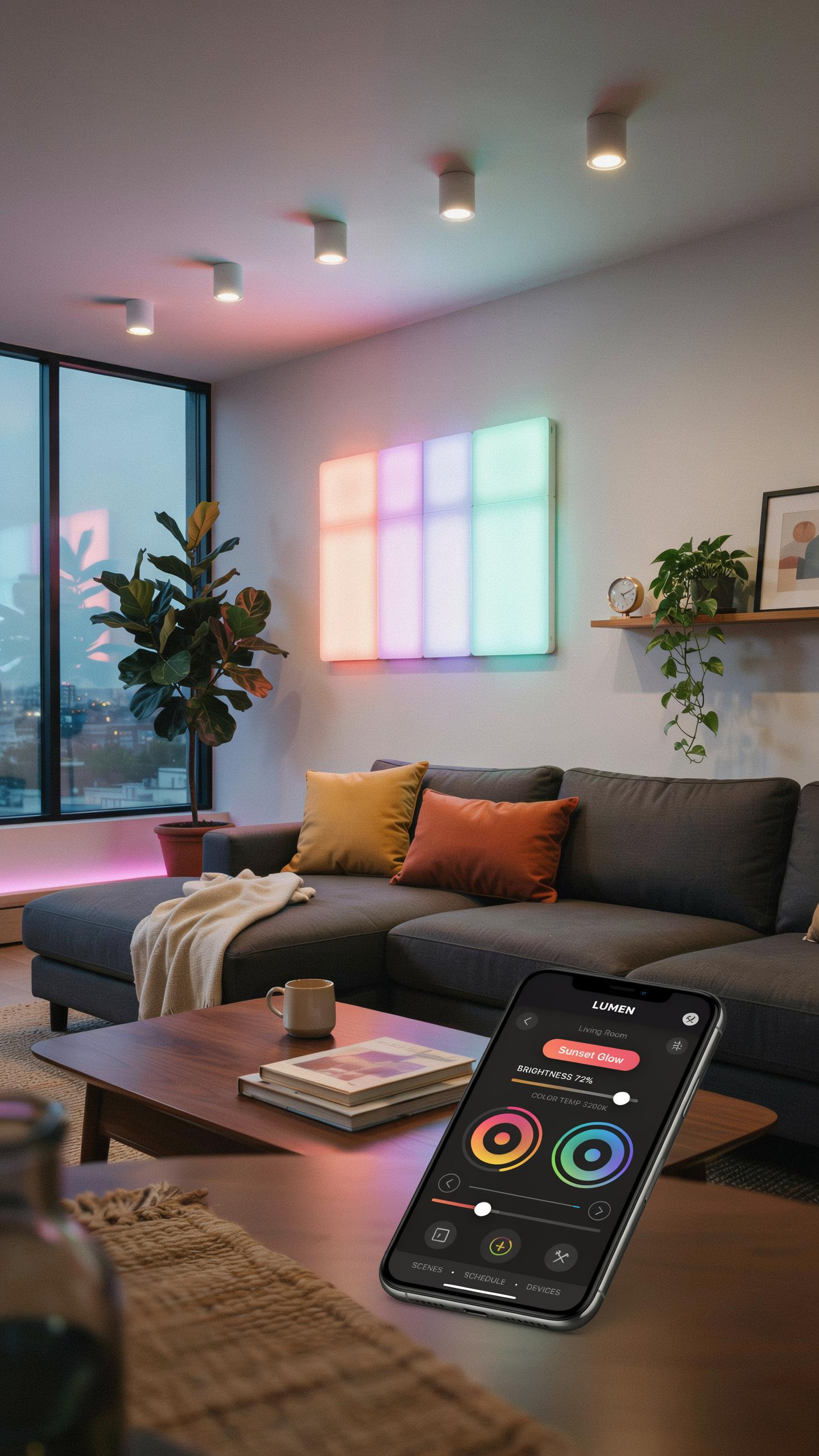
What Are Smart Bulbs And How Do They Work?
Smart bulbs are LED fixtures that connect to your home network and respond to commands from a smartphone app or voice assistant. They contain embedded chips and wireless radios that receive signals via WiFi, Bluetooth, or proprietary protocols. The bulb’s internal controller interprets these signals and adjusts the LED elements to change color, brightness, or turn on and off. No special wiring is required. You screw them into standard sockets and pair them with an app.
The app communicates directly with the bulb or through a hub device that acts as an intermediary. Color-changing smart bulbs use RGB LED technology, which blends red, green, and blue light at different intensities to produce millions of color combinations. You select a color in the app, and the bulb calculates the precise LED output needed. The entire process happens in milliseconds. Power consumption stays low because LEDs use significantly less energy than incandescent or halogen bulbs.
The Evolution Of Smart Lighting Technology
Smart lighting emerged in the early 2000s as WiFi adoption accelerated in homes. Initial systems were clunky and required proprietary hubs and limited app functionality. Manufacturers focused on basic on-off control and dimming before color options became feasible. The shift toward standardized protocols like Zigbee and Z-Wave made devices more interoperable. Color-changing RGB bulbs entered the consumer market around 2012 as LED technology matured and costs dropped.
The past decade saw major platform consolidation around names like Philips Hue, LIFX, and Wyze. App interfaces improved dramatically, moving from confusing menus to intuitive color wheels and preset scenes. Integration with voice assistants like Alexa and Google Home simplified control entirely. Today, smart bulbs are commodity items priced between 10 and 50 dollars depending on features. The technology is stable, reliable, and mainstream across price points.

Taking Control Smart Bulb Color Changing App Control Explained
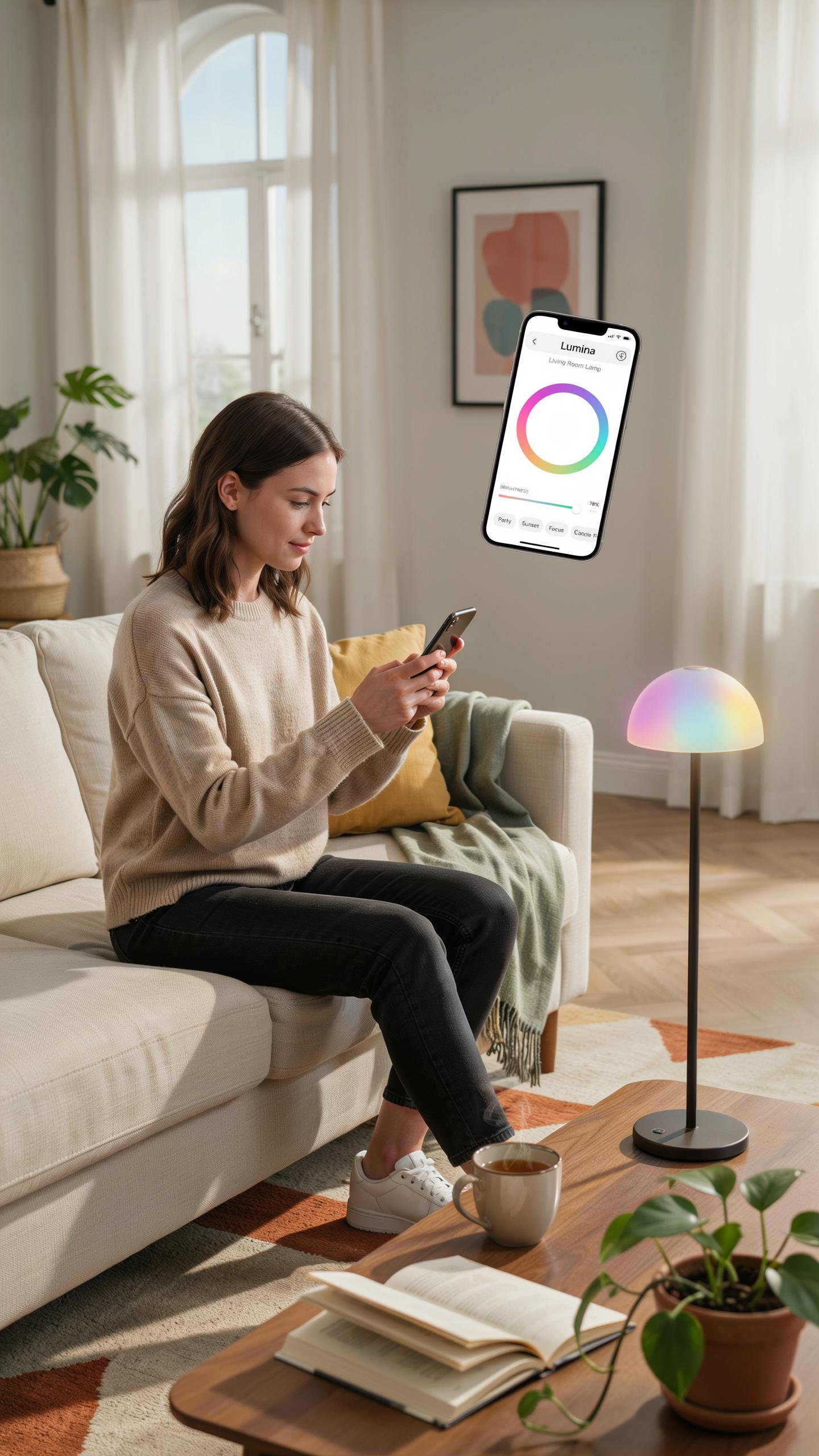
Understanding The Mechanics Of Color Changing RGB Smart Light Bulbs
RGB smart bulbs produce color through three light-emitting diodes: red, green, and blue. Each diode has independent brightness control from 0 to 255 levels. The bulb mixes these three colors in different intensities to create the full spectrum. This additive color mixing generates over 16 million possible color combinations. The bulb’s internal controller receives commands from your app and adjusts each diode’s output accordingly.
The app communicates color values to the bulb using standard color models, typically hexadecimal or RGB coordinates. When you select a color in the app, it converts that selection into specific brightness levels for each diode. The bulb’s firmware processes this data and adjusts output in real time. Response time between app command and color change occurs in milliseconds on modern bulbs. This direct control eliminates the need for physical switches or remote controls for color adjustments.
Seamless Control: Connecting Your Smart Bulb To An App
Connection starts with placing the bulb in pairing mode, usually activated by rapid on-off cycles or a dedicated button press. Your smartphone app scans for available devices on your network. Once detected, the app requests connection credentials and synchronizes with the bulb. Most bulbs connect via Wi-Fi or Bluetooth Low Energy, depending on the manufacturer. Completion takes under two minutes for properly functioning hardware.

After initial pairing, the app stores the bulb’s credentials and reconnects automatically when in range. The app communicates directly with the bulb through your home network or cloud servers, depending on the system architecture. Commands execute immediately without noticeable lag. The bulb remains controllable from the app as long as it maintains network connection and power. Losing connection reverts the bulb to its last set color until the app reestablishes contact.
Smart Bulb Ideas Designing Ambiance For Every Room
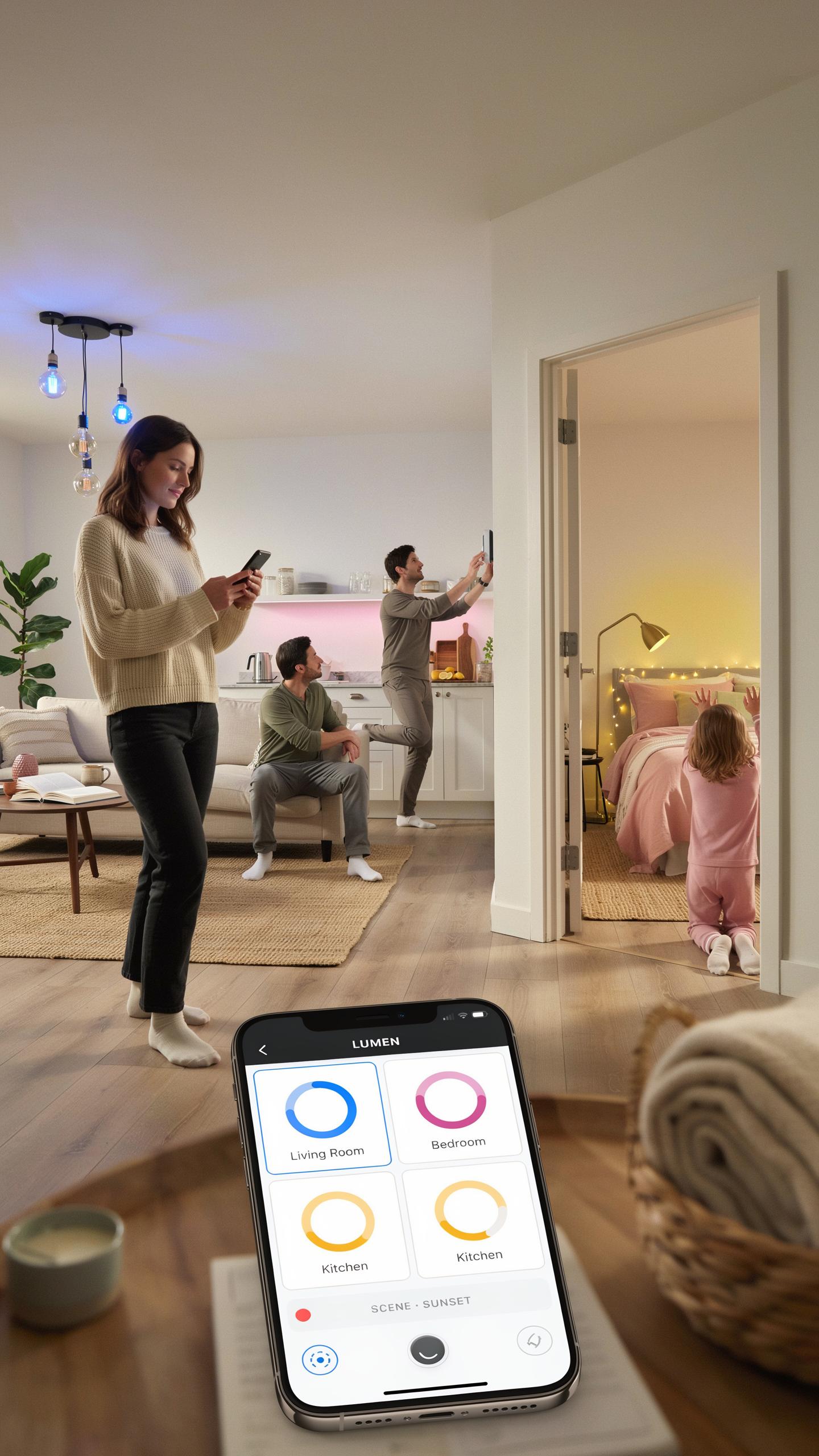
Bedroom Bliss: Creating Relaxing And Energizing Moods
Bedrooms demand color temperatures that shift with your circadian rhythm. Smart bulb apps let you program cool blue light during morning hours to trigger alertness. Evening hours call for warm amber tones that suppress melatonin disruption. The app controls this automatically without manual intervention, which matters because consistency drives better sleep outcomes.
Dimming capability matters more in bedrooms than any other room. Smart bulbs let you fade light gradually rather than switching off abruptly. Start at full brightness at wake time, then reduce to 10 percent before sleep. Apps track your schedule and automate this pattern daily. This gradual transition signals your body to prepare for rest rather than jolting you awake with sudden darkness.
Living Room Luminosity: Setting The Scene For Entertainment And Relaxation
Living rooms host multiple activities that require different light profiles throughout the day. Morning hours work best with neutral white light around 4000 to 5000 Kelvin for clarity and focus. Evening entertainment benefits from warm tones around 2700 Kelvin that reduce eye strain during screen time. Smart bulb apps switch between these profiles instantly, and you control multiple bulbs from a single command.
- Movie Mode: Dim lights to 5 to 10 percent brightness and shift to deep reds or blacks to eliminate screen glare and boost contrast perception.
- Game Night: Set cooler tones around 5000 Kelvin at 40 to 60 percent brightness to maintain focus and energy without causing fatigue.
- Social Gatherings: Use warm white 2700 Kelvin at 70 to 80 percent brightness to create welcoming atmosphere that encourages conversation.
- Reading Sessions: Apply 3000 to 4000 Kelvin at full or 90 percent brightness to reduce eye strain during extended focus periods.
- Background Ambiance: Blend multiple bulb colors at low brightness to set mood without drawing attention away from activities or decor.
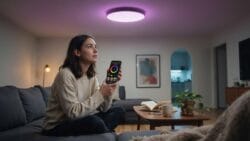
Smart bulb apps save these configurations as scenes for instant recall. You tap one button instead of adjusting individual bulbs repeatedly. This speeds up room transitions throughout the evening as activities change. Scheduling features automate these scene switches based on time or presence detection from your phone.
Colorful Smart Bulbs Set Exploring Different Brands And Features
Top Contenders In The Smart Bulb Market
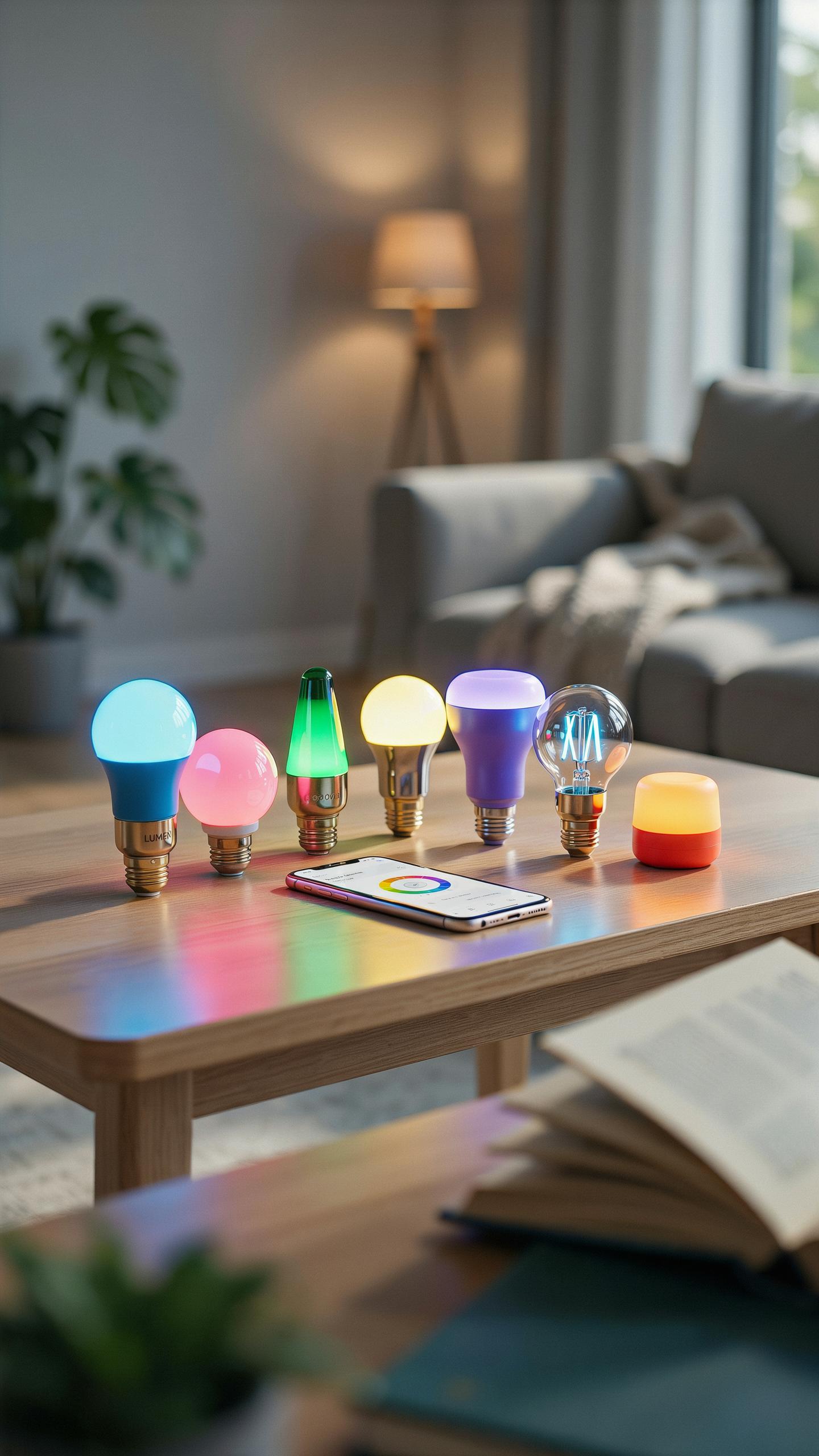
The smart bulb market divides into established players and newer competitors. Philips Hue dominates with the broadest ecosystem and highest color accuracy. LIFX offers similar features without requiring a separate hub. Wyze provides budget options with core functionality. Nanoleaf and Govee target specific use cases like panels and outdoor lighting. Each brand prioritizes different factors: compatibility, price, or ecosystem depth.
- Philips Hue: 16 million color options with precise control. Works with most smart home platforms. Hub required for remote access. Premium pricing reflects consistent performance and longevity.
- LIFX: Direct WiFi connection eliminates hub dependency. Supports major platforms and voice assistants. Comparable color range to Philips Hue at lower cost.
- Wyze: Entry level smart bulbs with basic color changing. WiFi enabled with smartphone app control. Budget friendly for testing smart home setups before upgrading.
- Nanoleaf: Modular light panels for creative installations. App control with music sync capability. Designed for aesthetic appeal and custom layouts.
- Govee: Focuses on outdoor and entertainment lighting. App offers scene creation and scheduling. Competitive pricing for feature rich smart lights.
Brand selection depends on your existing ecosystem and budget constraints. Philips Hue users commit to premium pricing but gain reliability. LIFX and Wyze appeal to budget conscious buyers entering the market. Nanoleaf and Govee serve niche applications beyond standard room lighting.
Key Features To Consider When Buying Smart Light Bulbs
Color range determines what hues your bulb produces. Most quality smart bulbs hit 16 million colors or similar specifications. Budget models limit colors to basic primary options. Brightness measured in lumens dictates room coverage and visibility. Check both maximum brightness and dimming capability for flexibility.

App functionality varies significantly between manufacturers. Core features include color selection, scheduling, and scene creation. Advanced apps offer music synchronization and automation routines. Test the interface before purchasing. Poor app design ruins daily user experience regardless of bulb quality. Compatibility with your smart home platform matters more than brand recognition.
Beyond The App Voice Control Integration For Smart Light Bulbs
Integrating With Smart Home Assistants
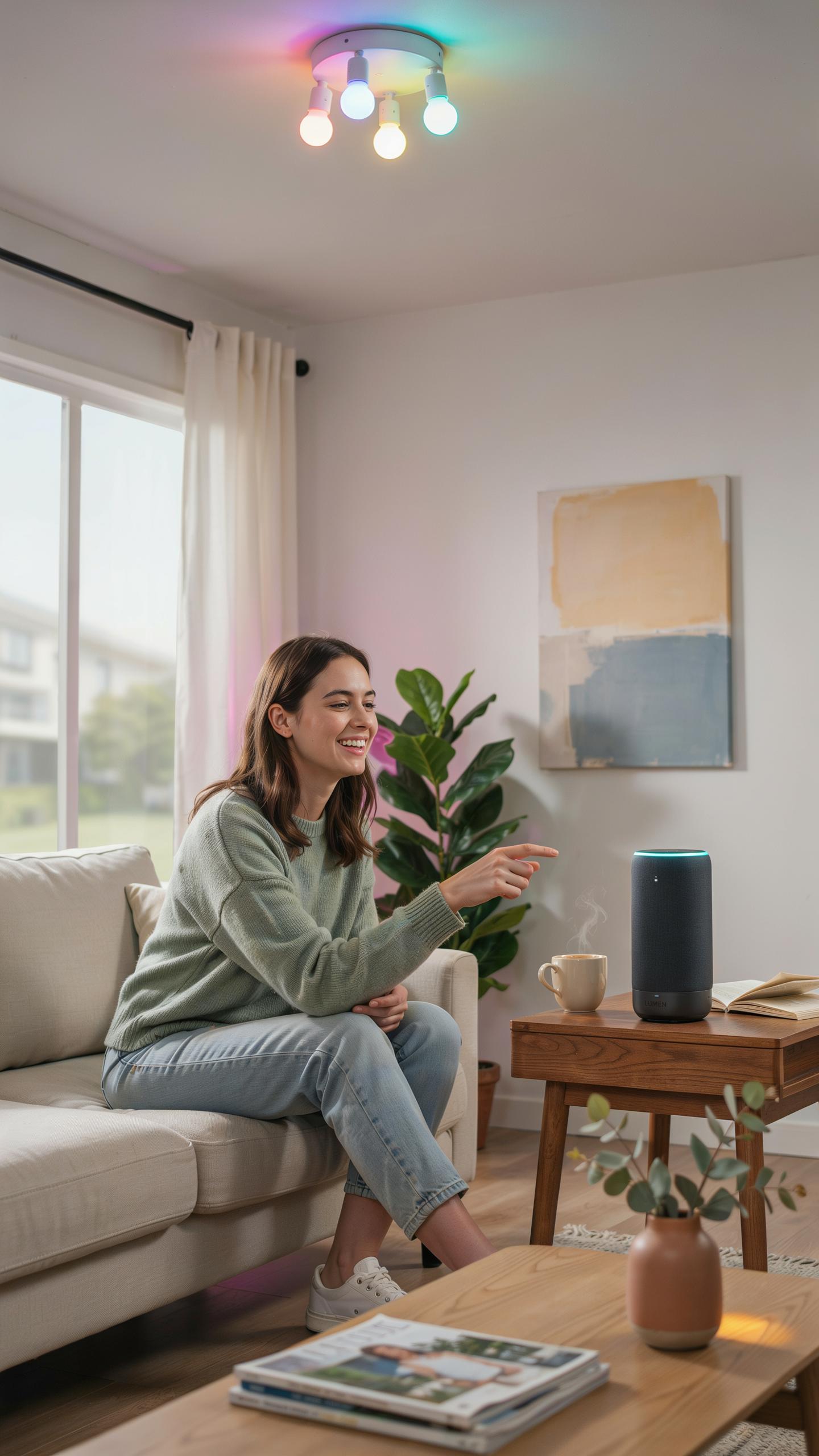
Smart bulb color changing apps connect to major voice assistants through API integration and standardized protocols. Amazon Alexa, Google Assistant, and Apple Siri all support smart lighting devices. You link your bulbs to these platforms during setup, enabling voice commands to control color, brightness, and on/off states. The connection happens through your home network, not directly through the original bulb manufacturer’s app alone.
Integration requires your smart bulbs to support the specific voice assistant you use. Most modern color changing bulbs work with at least two major platforms. Setup involves adding the bulb or its manufacturer’s skill to your voice assistant account. Once connected, you control lighting without touching your phone or physical switches.
Hands Free Lighting Advantages Of Voice Control
Voice control eliminates the step of opening an app and navigating menus. You command color changes while cooking, holding items, or in the dark. Response time is nearly instant with a stable WiFi connection. This removes friction from everyday lighting adjustments.

Consistency matters when you use voice across your home. You issue the same commands in multiple rooms because the voice assistant interprets your intent centrally. This differs from using separate manufacturer apps for different bulb brands. Voice control also works for routines, where one command triggers multiple lighting actions simultaneously.
Installation And Setup Getting Started With Your Smart Bulbs
Easy Steps To Install Your Smart Light Bulbs
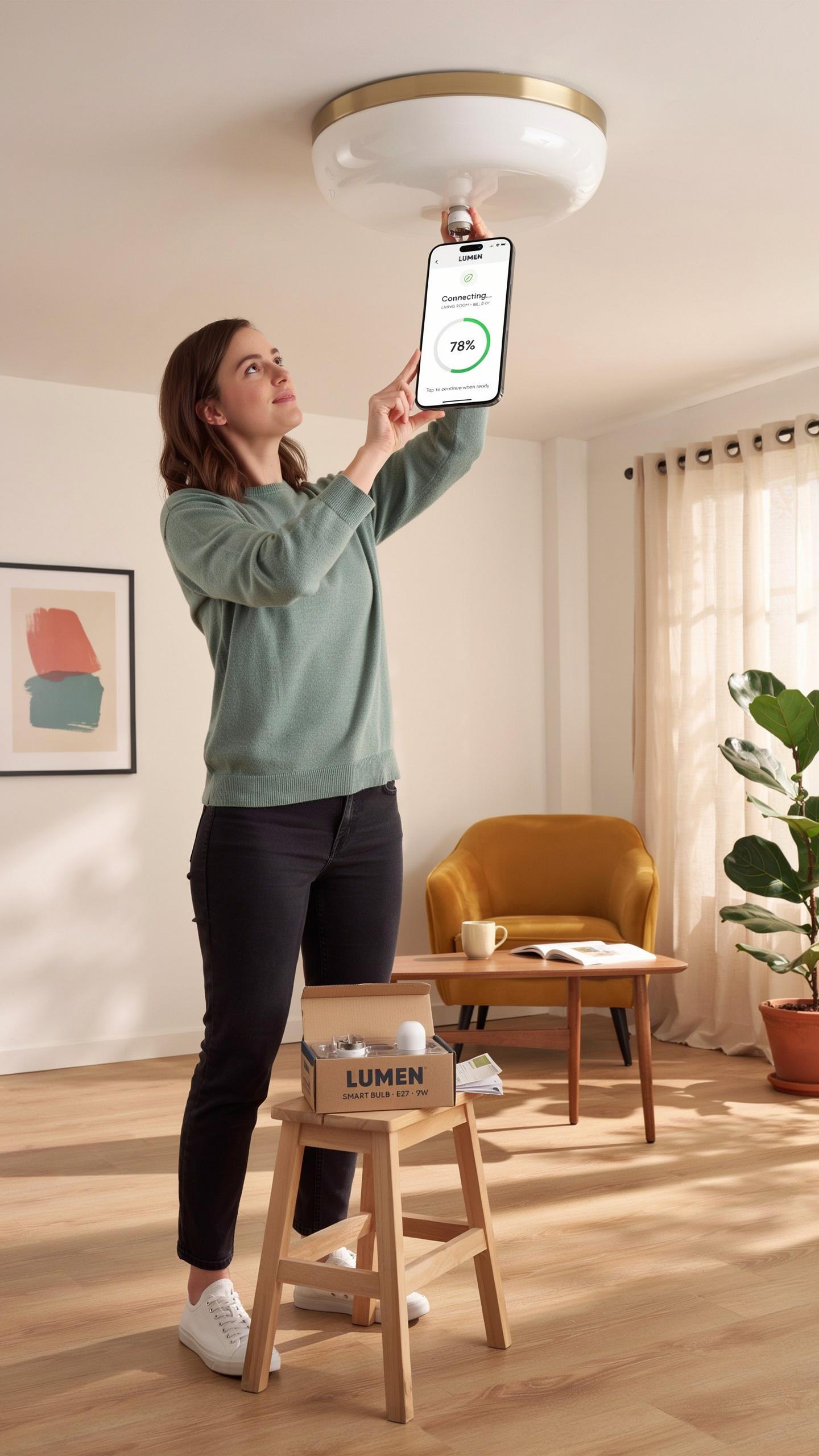
Turn off power at the wall switch before removing your old bulb. This prevents electrical shock and protects your fixture. Remove the old bulb by twisting counterclockwise. Check your fixture voltage matches your smart bulb specification. Most residential fixtures use standard 120V in North America.
Screw the smart bulb into the socket clockwise until snug. Do not overtighten. Turn power back on at the wall switch. The bulb should power up and show an indicator light. Download the manufacturer’s app on your smartphone or tablet. Open the app and follow the pairing instructions specific to your bulb model.
Troubleshooting Common Setup Issues
The bulb won’t connect to your WiFi network. Check that your WiFi is 2.4GHz compatible. Most smart bulbs do not connect to 5GHz networks. Move your phone closer to the bulb during setup. Ensure your router is within fifty feet of the bulb’s location for reliable connection.

If the app cannot detect your bulb, power cycle it. Turn off the wall switch for thirty seconds, then turn it back on. Reset the bulb to factory settings using the app’s reset function or by toggling power five times rapidly. Check that your phone and bulb are on the same WiFi network. Verify your phone’s Bluetooth is enabled, as some apps use Bluetooth for initial pairing before switching to WiFi control.
Maximizing Your Smart Bulb Experience Advanced Tips And Tricks
Creating Custom Scenes And Schedules
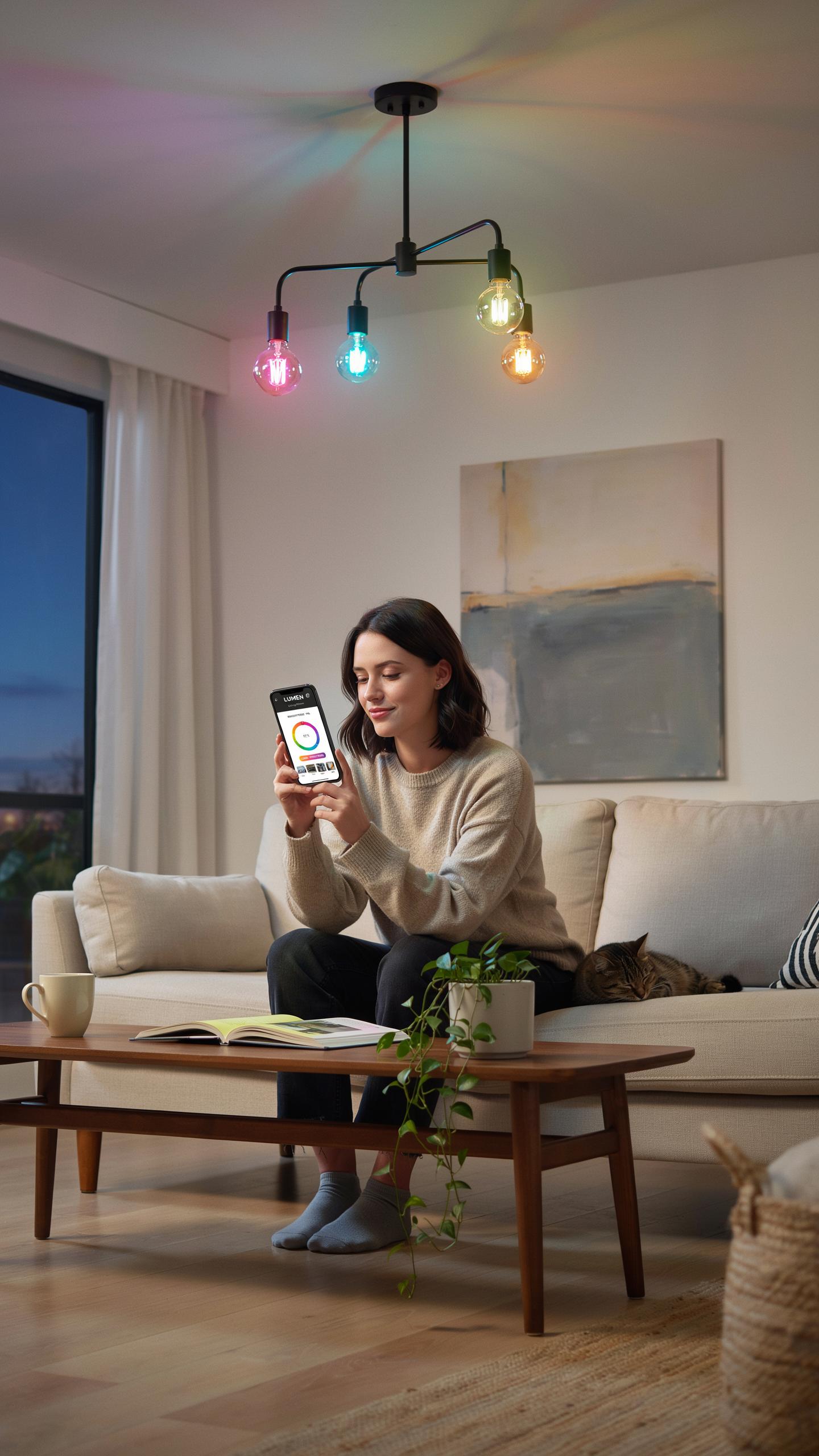
Custom scenes let you save specific color and brightness combinations for instant recall. Most smart bulb apps store multiple scenes per room, eliminating the need to adjust settings repeatedly. You define the exact hue, saturation, and brightness, then name the scene for quick access. This functionality works across different bulb brands if your app supports multiple device types through a central hub or protocol.
Schedules automate your lighting based on time. Set bulbs to turn on at sunrise, shift to warm tones at evening, or turn off at bedtime. Apps typically offer recurring schedules for weekdays versus weekends, and one-time schedules for specific dates. Most systems execute schedules locally on your hub or through cloud servers, so your phone doesn’t need to stay connected for them to function.
Geofencing And Automation For Effortless Lighting
Geofencing triggers lighting changes based on your phone’s location relative to your home. When you leave a geofenced area, lights turn off automatically. When you return, they turn on to a preset scene. The app calculates distance using GPS and typically allows you to set the geofence radius to prevent accidental triggers from nearby locations.

Automation rules connect multiple conditions and actions together. Your app lets you pair geofencing with time of day, so lights behave differently if you arrive home at noon versus midnight. You can also link automation to weather data, temperature sensors, or other smart home devices. These rules execute consistently once configured, reducing manual input throughout your day.
Energy Efficiency And Cost Savings With Smart Light Bulbs
Understanding LED Technology In Smart Bulbs
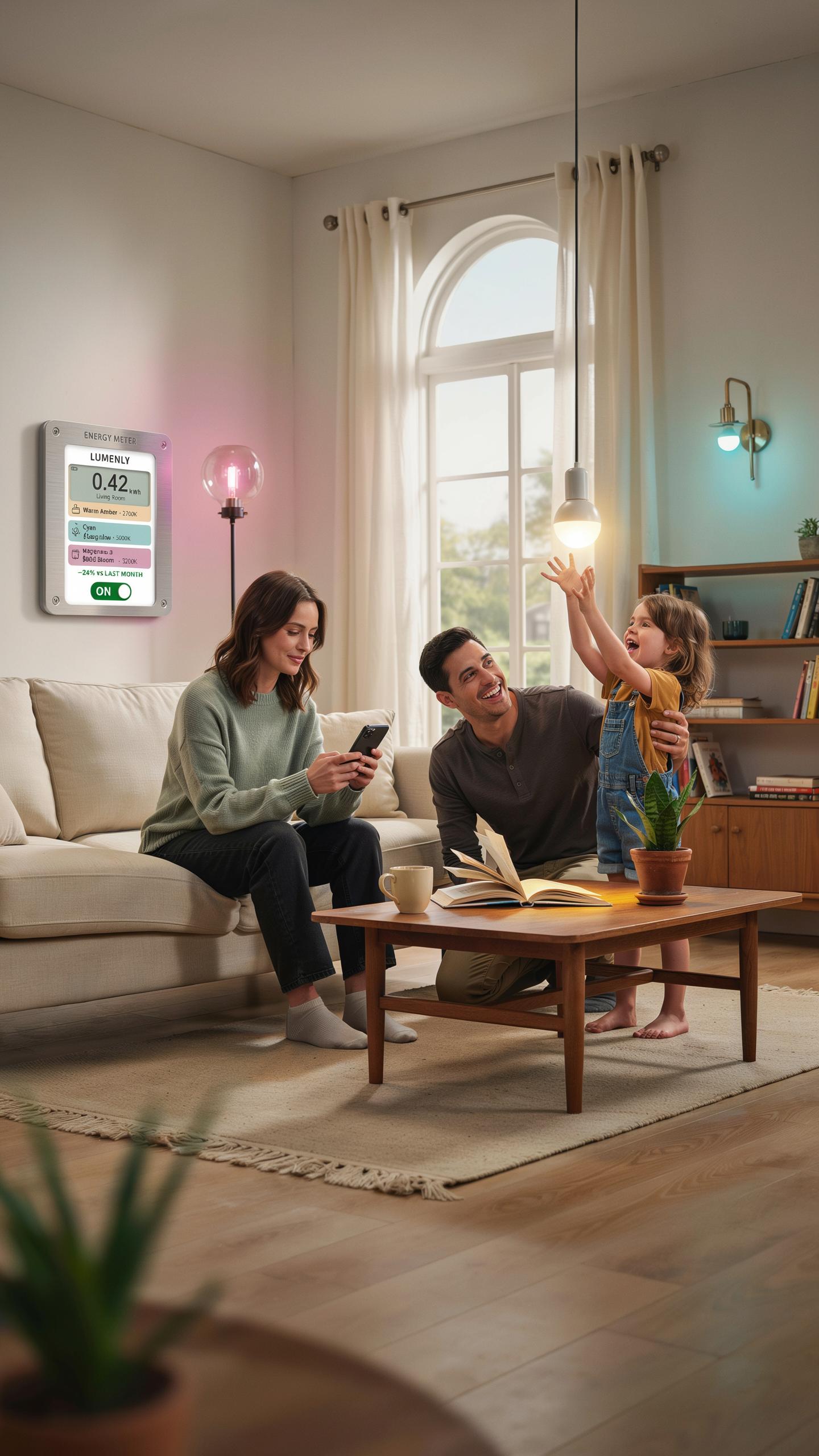
Smart bulbs use LED technology as their core component. LEDs convert electrical current directly into light through a semiconductor process. This mechanism produces far less heat than incandescent or halogen bulbs. The result is dramatically lower energy consumption per unit of light output. Smart bulbs amplify this efficiency by adding digital controls that let you dim, schedule, and automate lighting patterns.
LED smart bulbs typically consume 80 to 90 percent less energy than traditional incandescent bulbs producing equivalent brightness. A standard 60-watt incandescent bulb generates the same light output as an 8 to 10-watt LED smart bulb. This difference compounds across hundreds of bulbs in a home or commercial space over months and years. The reduced power draw directly lowers your electricity bills without sacrificing illumination quality or control.
Imagine a world where every room tells a different story with light, all at your fingertips – like painting with a spectrum of emotions. It’s the future you always dreamed of, brought to life.
Long Term Savings And Environmental Benefits
A single LED smart bulb lasts 15,000 to 50,000 hours depending on manufacturer specifications and usage patterns. This lifespan eliminates frequent replacement costs and labor associated with changing traditional bulbs. Over a decade, you replace incandescent bulbs dozens of times while LED smart bulbs may require only one or two replacements. The financial advantage compounds when you account for bulk purchases, installation time, and disposal of old bulbs.

Reduced energy consumption directly cuts carbon emissions tied to electricity generation. Lower household power demands reduce strain on electrical grids and decrease fossil fuel dependency. Fewer bulb replacements mean less waste entering landfills annually. Smart bulb color changing app control enhances these benefits by enabling schedules that eliminate wasteful overnight or daytime lighting. Organizations cutting energy use across multiple buildings see operational cost reductions that justify smart bulb system investments within two to three years.
The Future Of Smart Lighting WhatS Next For Smart Bulbs
Emerging Technologies In Smart Lighting
Machine learning algorithms now analyze user behavior in smart bulb systems. Apps collect data on when you change colors, brightness levels, and scheduling patterns. This data trains models that predict your preferences and automate adjustments without manual input. Integration with voice assistants continues to expand, giving you hands-free control through natural language commands. Processing power in bulbs themselves increases each year, reducing reliance on cloud servers for basic functions.
Matter protocol adoption standardizes communication between smart bulbs and different manufacturer ecosystems. This removes the previous fragmentation where bulbs from one brand couldn’t talk to another brand’s hub. Energy efficiency improvements in LED technology drive down power consumption further, extending bulb lifespan beyond current standards. Developers are building more sophisticated color rendering engines that produce more accurate hues across different lighting conditions and room environments.
Smart Lighting And The Connected Home Ecosystem
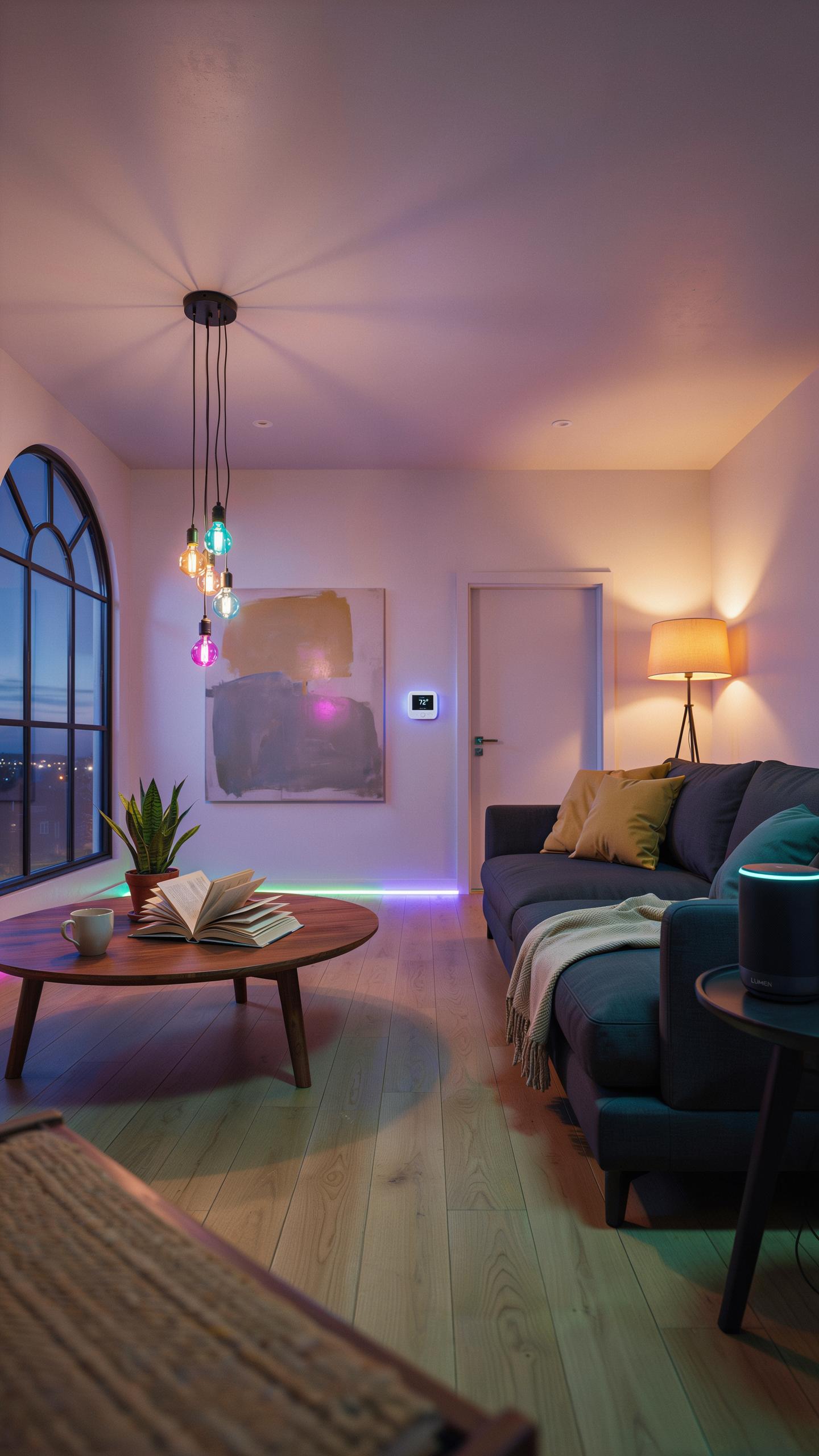
Smart bulb color changing apps now integrate directly with security systems, thermostats, and entertainment devices in your home network. Your lights sync with your music through rhythm detection algorithms that match color shifts to beat patterns. When motion sensors trigger, coordinated lighting scenes activate across multiple rooms simultaneously. This creates seamless automation where lighting becomes one layer of an interconnected home rather than a standalone system.
Privacy controls within smart lighting apps are becoming more granular as users demand data transparency. You can now specify exactly which data points the app collects and which devices can access that information. Local control modes let you operate bulbs without internet connection when needed. Manufacturers are responding to these demands by building encrypted storage and giving users direct control over their automation data without third-party access requirements.
Frequently Asked Questions

What exactly is a smart bulb with color changing app control?
A smart bulb with color changing app control is an LED light you can manage wirelessly from your smartphone or tablet. Beyond simple on/off, these bulbs allow you to select from millions of colors, adjust brightness, and even create dynamic lighting scenes, perfectly transforming the ambiance of any room with ease.
How do I set up and control my smart bulb using an app?
Setting up your smart bulb color changing app control is usually straightforward. First, screw the bulb into a fixture. Then, download the manufacturer’s companion app, typically found on the App Store or Google Play. Follow the in-app instructions to connect the bulb to your home’s Wi-Fi network. Once connected, you can instantly start customizing colors and brightness.
Are smart bulbs with color changing app control expensive, and do they work with all phones?
Smart bulb color changing app control options vary in price, with many affordable choices available. While premium brands exist, you can find quality bulbs at various price points. Most smart bulbs are compatible with both iOS and Android smartphones, ensuring broad accessibility for nearly everyone looking to upgrade their home lighting.



