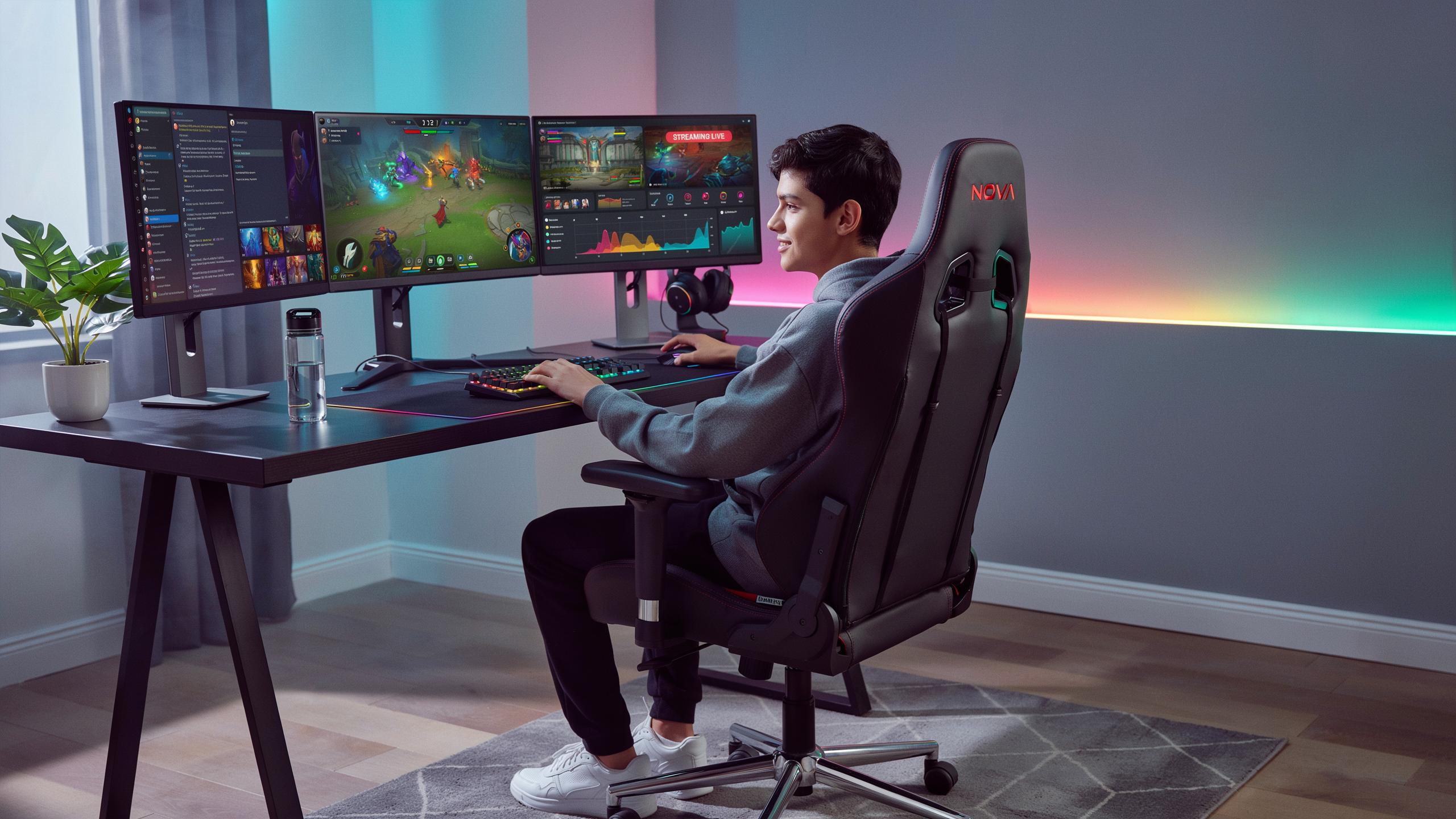
Why A Gaming Chair With Lumbar Support Is Essential
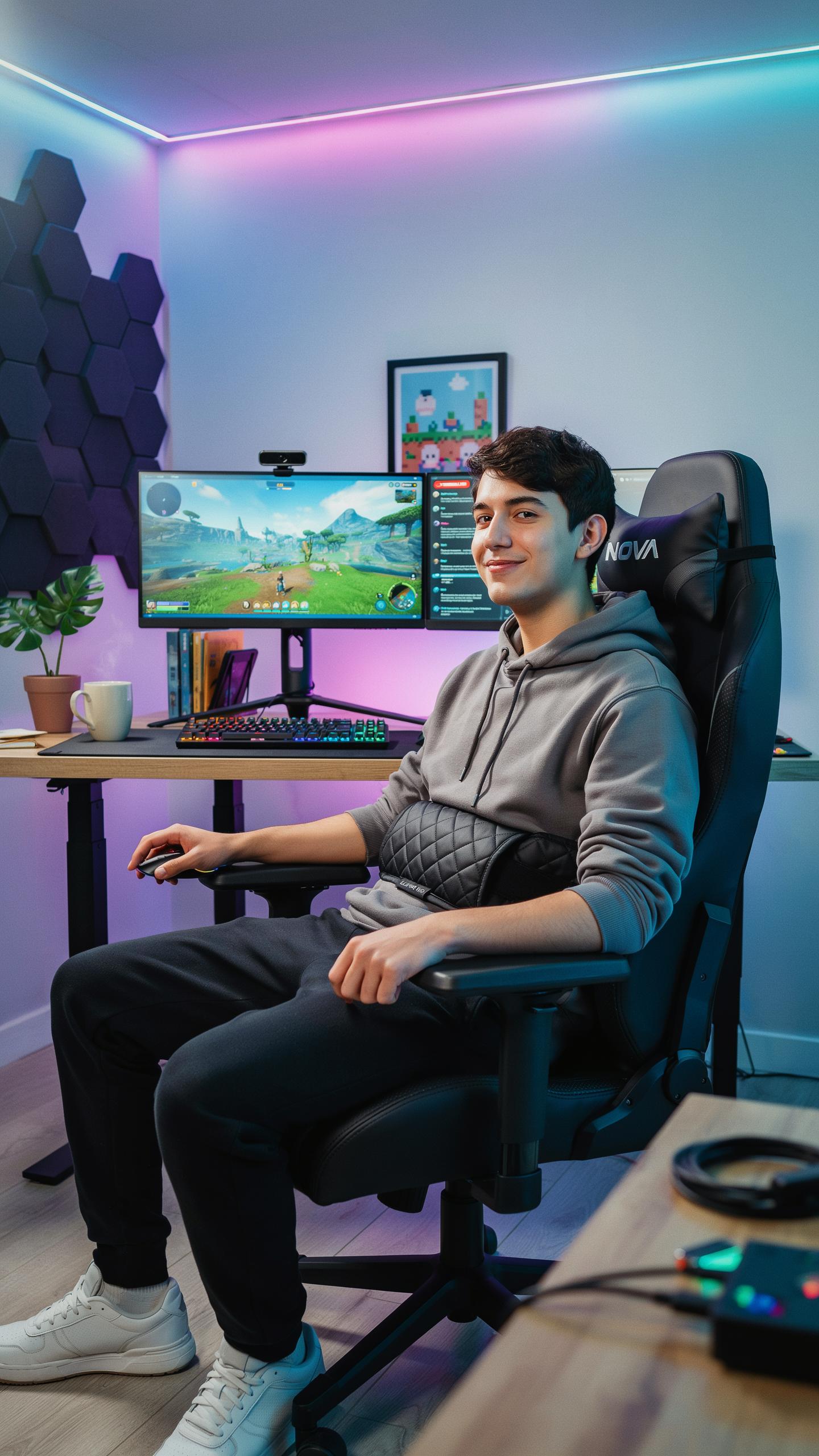
The Importance Of Ergonomics Design
Poor posture during gaming sessions creates cumulative stress on your spine. Your vertebrae stack incorrectly when you slouch, forcing discs to absorb uneven pressure. Over months and years, this leads to structural damage, nerve compression, and chronic pain that affects gaming performance and daily life outside the chair.
Ergonomic design addresses these issues directly by positioning your body correctly. A chair with proper lumbar support maintains your spine’s natural curve, distributing your weight evenly across support surfaces. This correct alignment reduces muscle strain, improves blood circulation, and lets you maintain focus during long sessions without discomfort interrupting your gameplay.
Preventing Back Pain And Fatigue
Lumbar support targets the lower back’s curve, which bears most of your upper body weight while sitting. Without this support, your lower back muscles work overtime to stabilize your spine, causing fatigue and soreness. Proper lumbar support transfers load to the chair’s structure instead, letting your muscles rest and recover during extended play.
Extended gaming sessions demand sustained comfort to maintain performance. A chair with effective lumbar support prevents the gradual fatigue that degrades your reaction time and decision making. By reducing physical discomfort, you can game longer without your body forcing you to take breaks, directly improving your competitive edge and session endurance.

Understanding Lumbar Support In Gaming Chairs
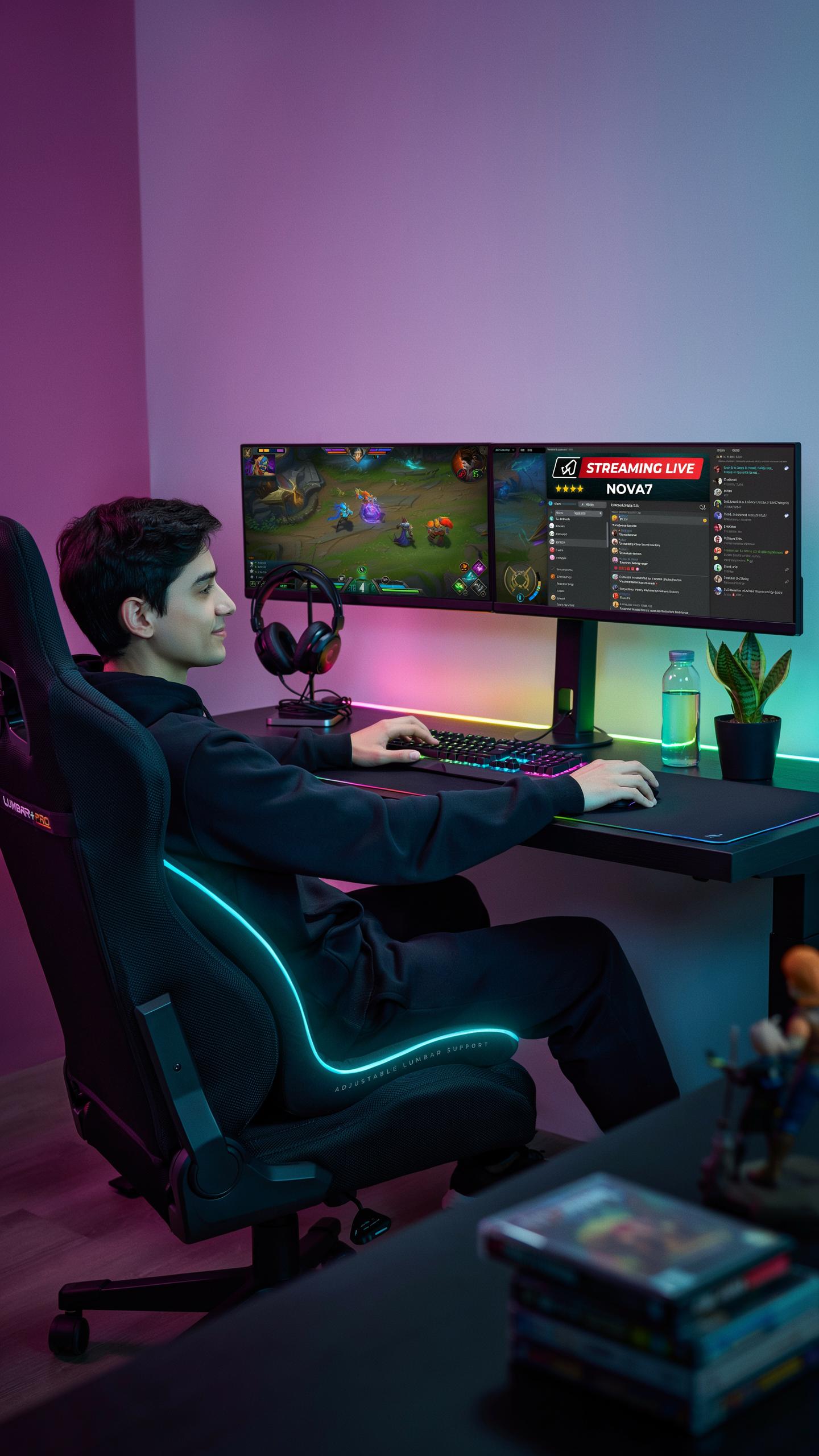
What Is Lumbar Support And How Does It Work?
The lumbar region is your lower spine, spanning five vertebrae between your rib cage and pelvis. This area naturally curves inward, called lordosis. Gaming chairs with lumbar support maintain this curve by providing targeted pressure against your lower back. Without proper support, your spine flattens or rounds forward during long sessions, causing muscle strain and disk stress. Lumbar support prevents this by holding your spine in its optimal position.
When you sit without lumbar support, your lower back muscles work overtime to stabilize your spine. This constant tension exhausts muscles and creates pain within hours. Lumbar support removes this workload by positioning firm material directly against the lumbar curve. The support distributes your weight evenly across your lower back instead of concentrating pressure on specific vertebrae. This mechanical advantage reduces fatigue and minimizes the risk of developing chronic pain from extended gaming or work sessions.
Types Of Lumbar Support Systems
Gaming chairs use several lumbar support approaches, each with different adjustment capabilities and firmness levels. Fixed lumbar supports are built into the chair’s backrest and cannot be modified. Adjustable pillow supports attach to the backrest with straps or velcro, allowing height and depth changes. Built-in adjustable systems feature mechanisms that move the support forward or backward to match your spine’s curve. Dynamic supports use materials that conform gradually to your body’s unique shape over time.

Adjustable pillow systems dominate the mid-range gaming chair market because they balance affordability with customization. You can remove them, reposition them, or replace them entirely. Built-in adjustable systems cost more but provide mechanical precision through dials or levers that control lumbar depth. Fixed systems offer no adjustment but reduce manufacturing costs. Dynamic support materials like memory foam adapt to pressure points but lack user control over positioning. Your choice depends on your budget and how much customization matters for your specific back shape and gaming duration.
Key Features Of An Ergonomic Office Chair For Gaming
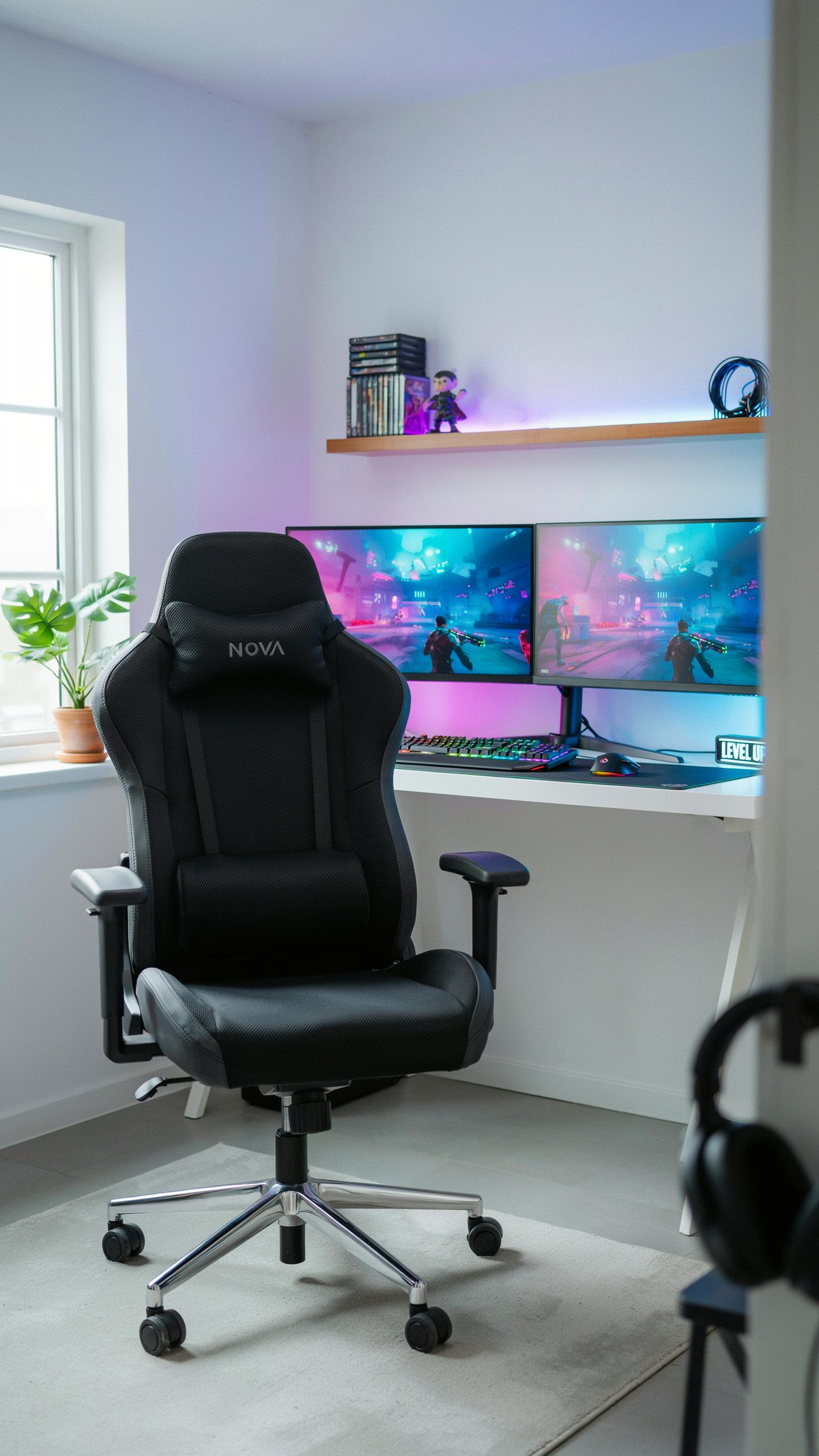
Adjustable Chairs For Personalized Comfort
Seat height adjustment determines whether your thighs stay parallel to the floor and your feet rest flat. This matters because improper height forces your legs to dangle or compresses circulation under your desk. Most gaming chairs offer pneumatic cylinders that raise or lower the seat 4 to 5 inches, covering typical user ranges from 5’4″ to 6’2″.
Armrest and recline adjustability work together to prevent shoulder and neck strain during extended sessions. Fixed armrests force your arms into unnatural positions, while adjustable ones move up and down, forward and backward, or rotate. Recline functions let you lean back 90 to 180 degrees, reducing spinal compression during breaks without forcing you to stand.
Material Matters Breathability And Durability
PU leather resists stains and requires minimal cleaning but traps heat during long sessions, causing moisture buildup on your back and legs. Fabric designs improve airflow and feel cooler but absorb sweat, dust, and oils over time. Mesh office chair designs excel at breathability by allowing air circulation through woven synthetic fibers, making them ideal for gaming marathons.

Durability depends on material quality and stitching construction rather than material type alone. PU leather cracks after three to five years with heavy use, while quality fabric and mesh last longer if cleaned regularly. Reinforced seams and double stitching on all high stress points like armrests and seat edges extend chair lifespan by years.
Gaming Chair Vs Traditional Office Chair The Ergonomic Advantage
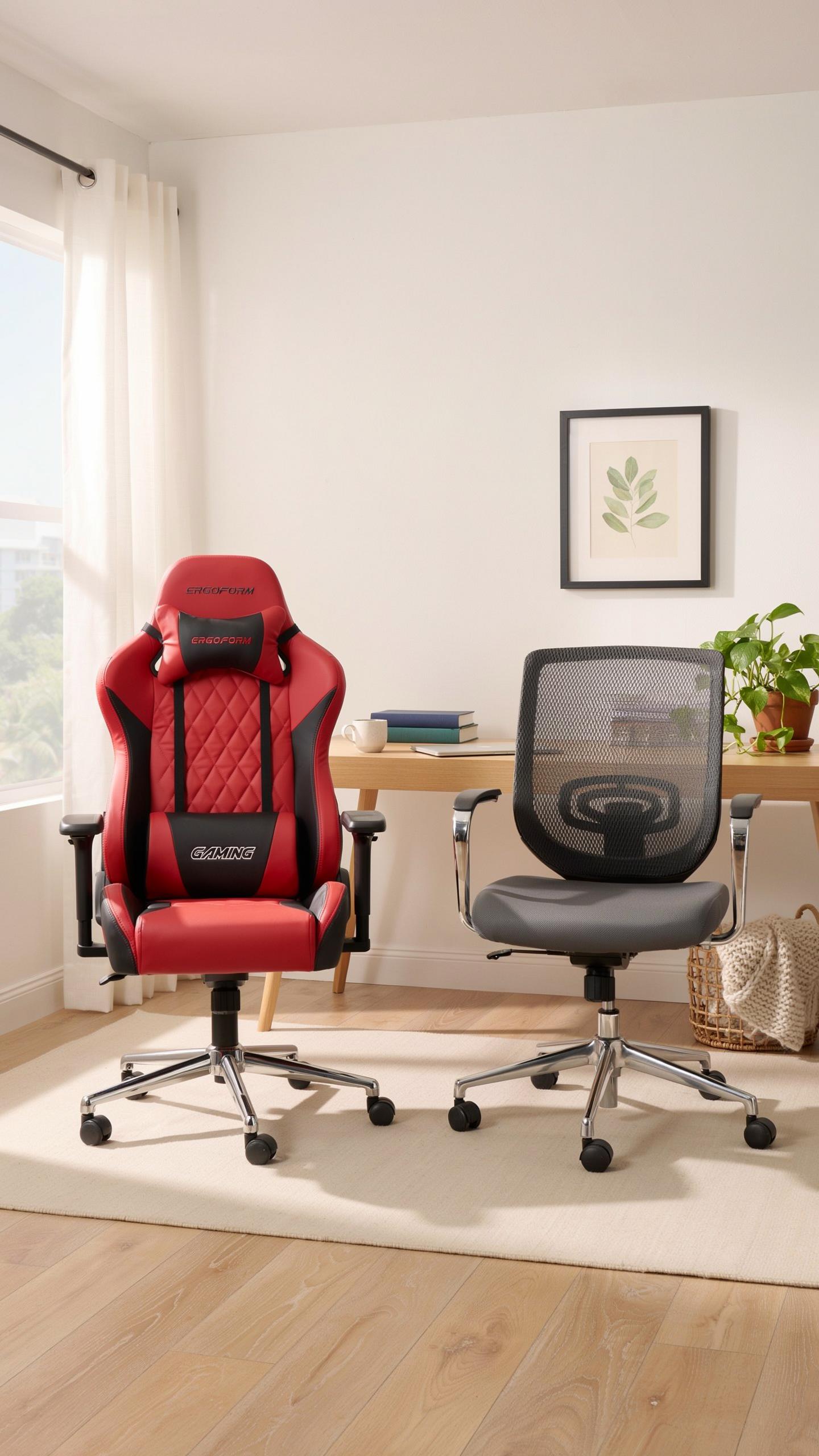
Designed For Extended Use
Gaming chairs feature wider seat pans and deeper backrests than standard office chairs. The seat depth accommodates longer thigh support during eight-plus hour sessions. Armrests adjust in multiple directions to match arm positioning during gameplay. Traditional office chairs prioritize desk work positioning, not the reclined angles gamers need. Gaming chairs include tilt mechanisms that lock at specific angles, preventing unwanted shifting during intense play.
Gaming chair bases use heavy-duty casters rated for constant movement across various floor types. The structural frames handle repeated reclining and forward tilting without degradation. Traditional office chairs assume stationary use patterns with minimal mechanical stress. Gaming chairs add reinforcement to high-stress joints where armrests and backrests connect. This construction difference directly impacts durability during extended daily use beyond eight hours.
Enhanced Support And Posture
Lumbar support in gaming chairs uses firm foam or adjustable pillows positioned at the natural curve of the lower spine. This targeted support prevents forward slouching that occurs during long play sessions. Traditional office chairs often feature minimal or no dedicated lumbar support. The adjustable lumbar systems in gaming chairs let users customize support intensity based on their specific spinal alignment. This customization addresses individual variation in spine shape and size that generic office chair designs ignore.

Gaming chairs position the headrest higher and further back to support the cervical spine during extended play. The seat pan angle tilts forward slightly, maintaining hip positioning that reduces pressure on the sciatic nerve. Traditional office chairs use flat seat pans designed for upright posture at desks. Gaming chairs’ multi-point adjustment system allows users to maintain neutral spine alignment even during reclined positions. This prevents the muscle fatigue and discomfort that occurs when equipment forces poor positioning for hours.
Finding The Right Fit Sizing And Adjustability

Matching The Chair To Your Body Type
Your height and weight determine which chair will support you properly during long sessions. Manufacturers publish weight limits and seat height ranges for this reason. A chair rated for 250 pounds fails if you weigh 280 pounds. Similarly, a seat height designed for someone 5’8″ creates poor ergonomics for someone 6’2″. Check the specifications against your measurements before purchasing.
Seat depth matters as much as height and weight capacity. Your thighs need full support without the seat edge cutting into the back of your legs. Armrest height should align with your elbows when your arms rest at 90 degrees. Backrest width must accommodate your shoulder span without forcing your spine into unnatural angles. Verify these dimensions match your body before committing to a purchase.
In the arena of digital dreams, a chair that cradles your back is not just furniture; it’s the steadfast companion that remembers every epic quest with you.
Maximizing Adjustability For Optimal Comfort
Lumbar support adjustment separates chairs that work from chairs that merely exist. Locate the lumbar adjustment mechanism, usually a dial or lever on the backrest. Position it at the height of your lower spine’s natural curve. Too high or too low reduces its effectiveness. Test multiple positions during a trial period to find your exact sweet spot.

Height adjustment forms the foundation of proper positioning. Set your feet flat on the floor with knees at 90 degrees. Your hips should sit slightly higher than your knees. Armrests need adjustment next to eliminate shoulder strain. Finally, adjust tilt tension to match your weight so the chair responds smoothly without jerking or resistance.
Beyond Lumbar Support Other Good Things To Look For
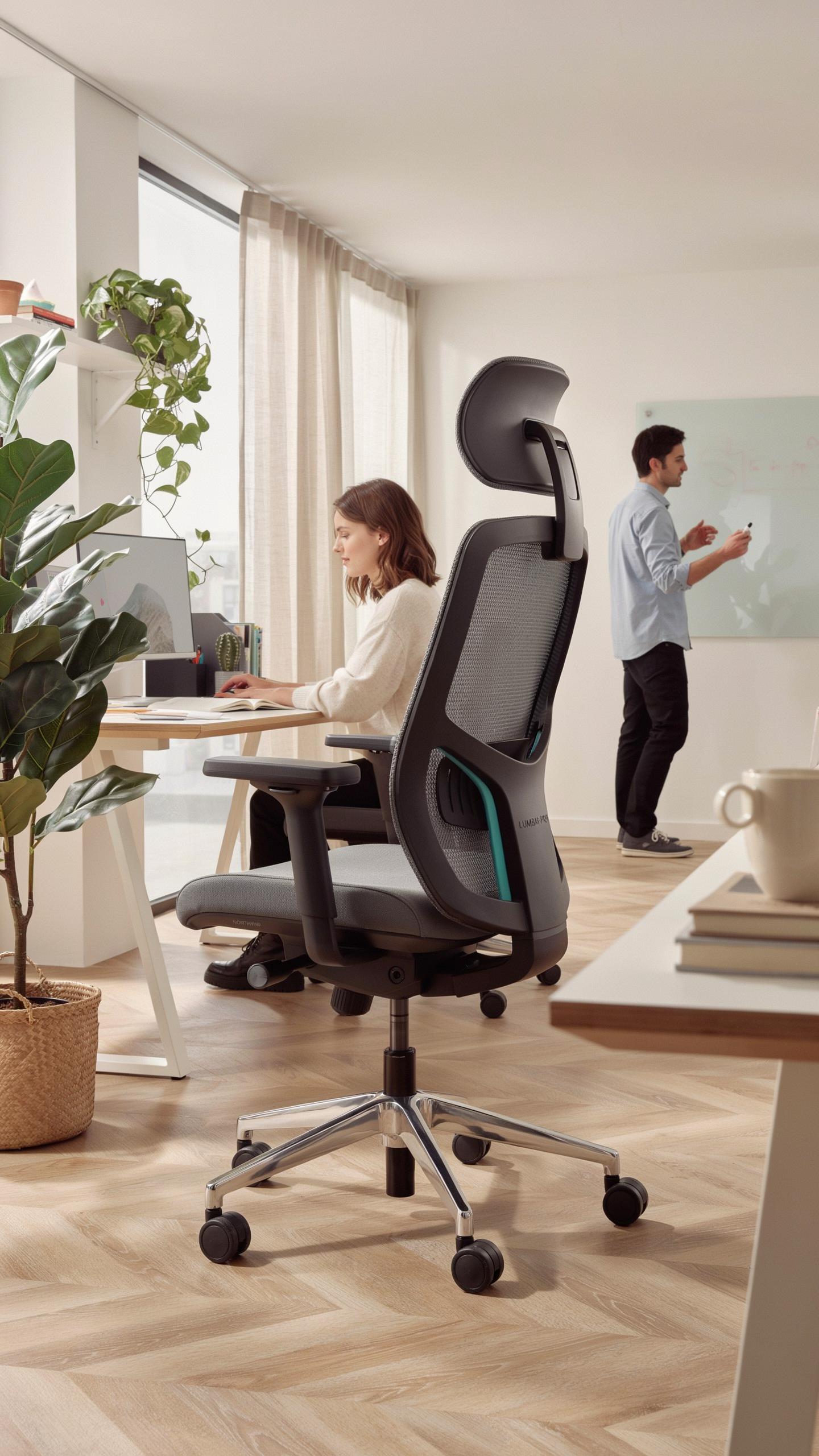
Considering A Foot Rest For Enhanced Circulation And Posture
A footrest addresses a real problem during extended gaming sessions. Your legs dangle when your feet don’t reach the floor, which cuts off circulation and forces your lower back to compensate by rounding forward. A footrest keeps your feet elevated and your knees at a 90-degree angle, matching your hip position.
Proper foot placement reduces pressure on your thighs and lower back. When your feet rest on a solid surface, your entire leg supports your upper body weight instead of your spine doing the work alone. This shift matters during six-hour sessions because it prevents the fatigue and pain that come from poor leg positioning.
Headrest And Neck Support
Your neck experiences real strain during long gaming sessions because your head weighs eight to ten pounds. Without proper support, your neck muscles work constantly to hold your head upright, especially when you focus on a screen. A headrest prevents this muscle fatigue and keeps your cervical spine aligned with your torso.

Neck support matters most when your monitor sits at eye level or below. A quality headrest supports the back of your skull without pushing your chin down, maintaining a neutral spine position from neck to tailbone. This alignment prevents tension headaches and the shoulder stiffness that builds up over hours of gaming.
Top Features An Ergonomic Chair Must Have
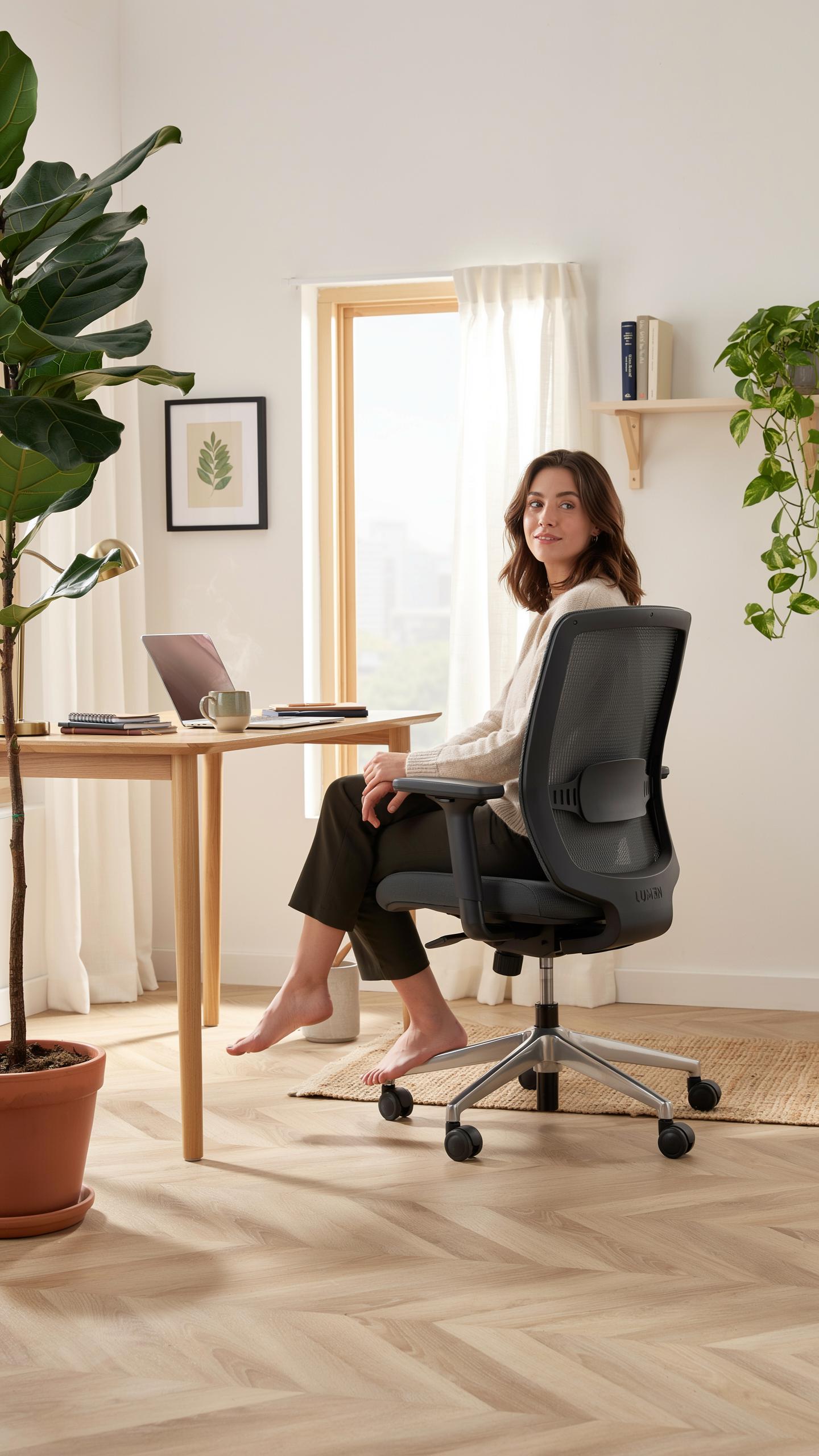
Dynamic Lumbar Support
Adjustable lumbar support moves with your spine instead of staying fixed. Your lower back curves naturally, and a static support system fails to match that curve during extended sessions. Dynamic lumbar mechanisms use pneumatic or mechanical adjustments that let you fine-tune support height and depth. This prevents pressure buildup that causes pain after two to four hours of sitting.
Adaptive lumbar systems respond to your posture shifts throughout the day. As you lean back or forward, the support adjusts automatically or through manual controls. This keeps your L4 and L5 vertebrae properly aligned regardless of your position. Chairs without this feature force you into one static posture, which fatigues your erector spinae muscles and strains your intervertebral discs.
Multi Functional Armrests
Armrests come in 2D, 3D, and 4D variants based on their adjustment capabilities. Two dimensional armrests move up and down only. Three dimensional models add forward and backward movement. Four dimensional armrests include rotation and height adjustment, giving you complete control over arm positioning. The right configuration prevents your shoulders from rounding forward and reduces upper trap tension.

Quality armrests distribute weight across your entire forearm instead of concentrating pressure on your elbows. When armrests fail to match your desk height and width, your arms hang unsupported, forcing your shoulders to compensate. This leads to chronic neck and shoulder pain during eight hour sessions. Investing in 3D or 4D armrests ensures your shoulder girdle stays neutral and your arms stay properly supported throughout the day.
Reviewing Popular Gaming Chairs With Lumbar Support
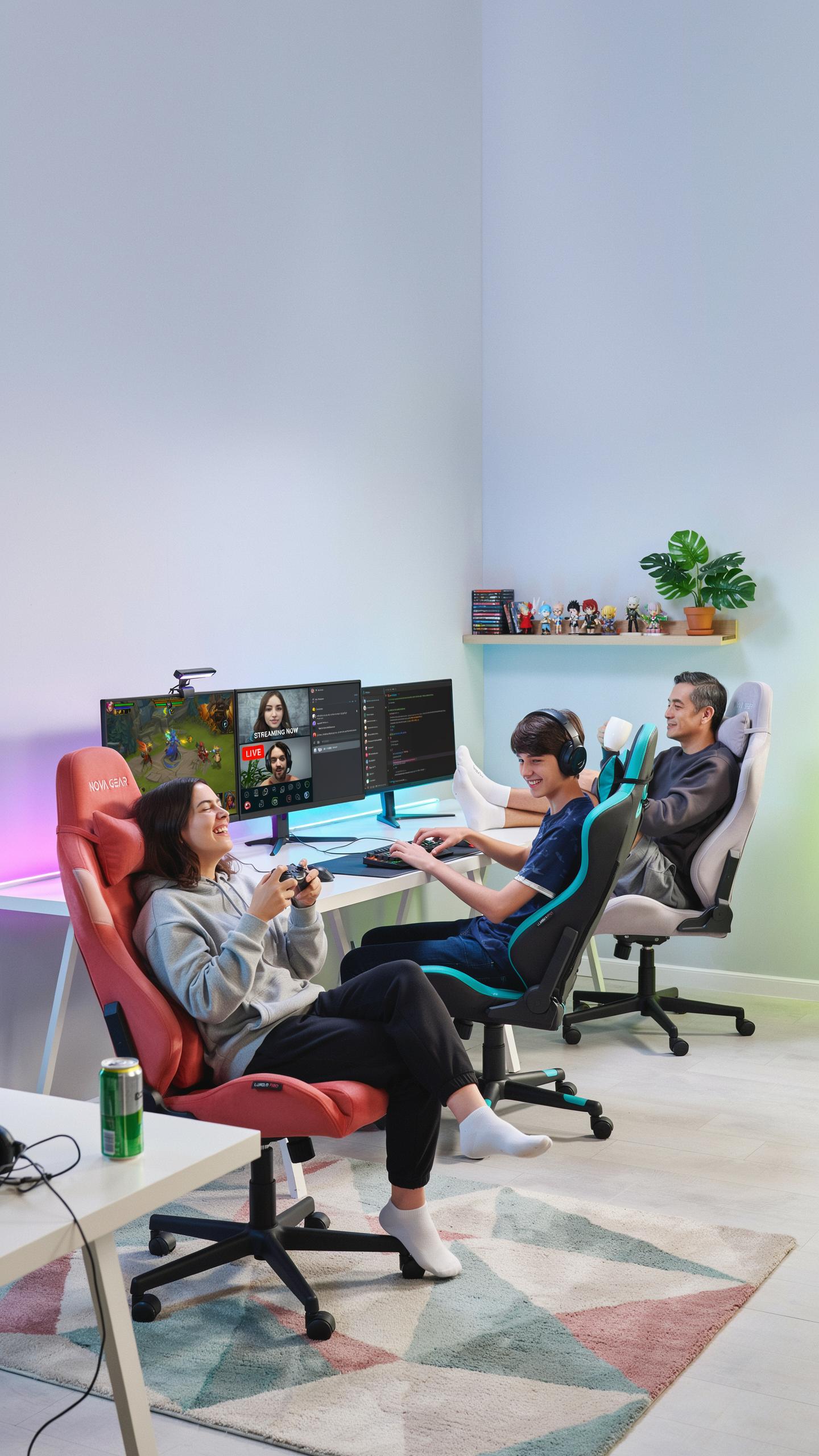
Comparing Best Selling Models
Top-tier gaming chairs dominate the market based on specific functional advantages. Lumbar support varies significantly across models. Some chairs use fixed lumbar pillows while others offer adjustable systems. Material quality, base stability, and recline range differ considerably. Price points range from budget to premium tiers. Understanding these differences helps buyers match chairs to their actual needs.
- Herman Miller x Logitech: Features a fixed lumbar curve designed by engineers. Supports neutral spine alignment during extended sessions. Built with premium materials and carries a three-year warranty.
- Secretlab Omega 2024: Offers adjustable lumbar support with dual-density foam layers. Accommodates different body types through height and depth customization. Available in multiple sizes.
- Autonomous Ergo Chair Pro: Includes adjustable lumbar support plus pneumatic height adjustment. Pneumatic cylinder rated for durability. Reclines up to 135 degrees for varied positioning.
- SIHOO D61: Delivers mid-range lumbar support with a mesh back design. Breathable construction reduces heat buildup during long sessions. Priced significantly lower than premium competitors.
- DXRacer King Series: Uses a fixed high-density foam lumbar pillow. Supports users up to 300 pounds. Designed specifically for extended gaming marathons.
These models represent distinct approaches to lumbar support delivery. Price does not always correlate with lumbar support quality. Material composition and adjustability determine real-world performance. Most premium chairs outperform budget options in durability. Test before purchasing whenever possible to confirm comfort fit.
User Feedback And Expert Opinions
Gamers consistently report that lumbar support quality directly impacts session length before discomfort sets in. Users with existing back pain notice measurable improvement within two weeks of switching to chairs with proper support. Casual gamers prioritize aesthetics and price over ergonomic precision. Professional esports players demand chairs with precise lumbar positioning for competitive advantage during tournaments.

Ergonomic specialists confirm that fixed lumbar pillows work well for users with standard spine curvature. Adjustable systems benefit users with atypical curvature or previous injuries. Positive feedback clusters around chairs offering both lumbar and cervical support simultaneously. Negative feedback centers on lumbar pillows that shift during extended sessions. Users report that mesh backs provide superior comfort for warm climates while leather accumulates heat.
Investing In Your Health The Long Term Benefits

Improved Productivity And Gaming Performance
Your sitting posture directly affects your brain’s ability to focus. Proper lumbar support keeps your spine aligned, reducing the mental load your body uses to stay upright. This frees your cognitive resources for the task at hand. A gaming chair with lumbar support eliminates constant micro adjustments your body makes in poor chairs. You stay locked in longer without fatigue breaking your concentration.
Gaming performance improves when pain doesn’t distract you. Players in ergonomic chairs maintain consistent performance across longer sessions. Your reaction time stays sharp because your body isn’t sending pain signals to your brain. Better posture also improves hand and arm positioning for controllers and keyboards. The result is measurable gains in accuracy, response speed, and decision making during competitive play.
Reduced Risk Of Musculoskeletal Issues
Chronic lower back pain develops from repeated strain on unsupported spinal discs. Gaming chairs with lumbar support distribute pressure evenly across your lumbar region. This prevents the disc compression that causes degenerative issues later in life. A quality chair catches problems before they become permanent injuries. Early investment in proper seating saves you years of physical therapy and medication costs.
Your neck, shoulders, and hips all depend on proper lumbar alignment. When your lower back lacks support, your entire spine compensates by tensing up. This creates pain clusters throughout your body over time. A chair with lumbar support maintains neutral spine positioning from your tailbone to your neck. You avoid the cascade of injuries that stems from one unsupported area.
Frequently Asked Questions

What exactly is lumbar support, and why is it so important in a gaming chair?
Lumbar support refers to the inward curve in a chair’s backrest that aligns with your lower spine. It’s crucial because it helps maintain your spine’s natural curvature, reducing strain and preventing back pain during extended gaming sessions. Without it, you’re more likely to slouch, leading to discomfort and potential long-term issues.
How do I properly adjust the lumbar support on my gaming chair for optimal comfort and posture?
For a gaming chair with lumbar support, first sit all the way back. Adjust the lumbar pillow or built-in support so it nestles into the natural curve of your lower back, just above your waistline. It should feel supportive and fill the gap, not push you forward uncomfortably. Experiment until you find your sweet spot.
Are there affordable gaming chairs with good lumbar support, or do I need to spend a lot for quality?
Absolutely! While high-end models offer advanced features, you can find a quality gaming chair with lumbar support review for a reasonable price. Focus on chairs that offer adjustable, rather than fixed, lumbar support. Look for sturdy construction and positive user reviews in your budget range to ensure a good investment.



