Why A Mini Printer For Minimalist Home Offices
Space Saving Design
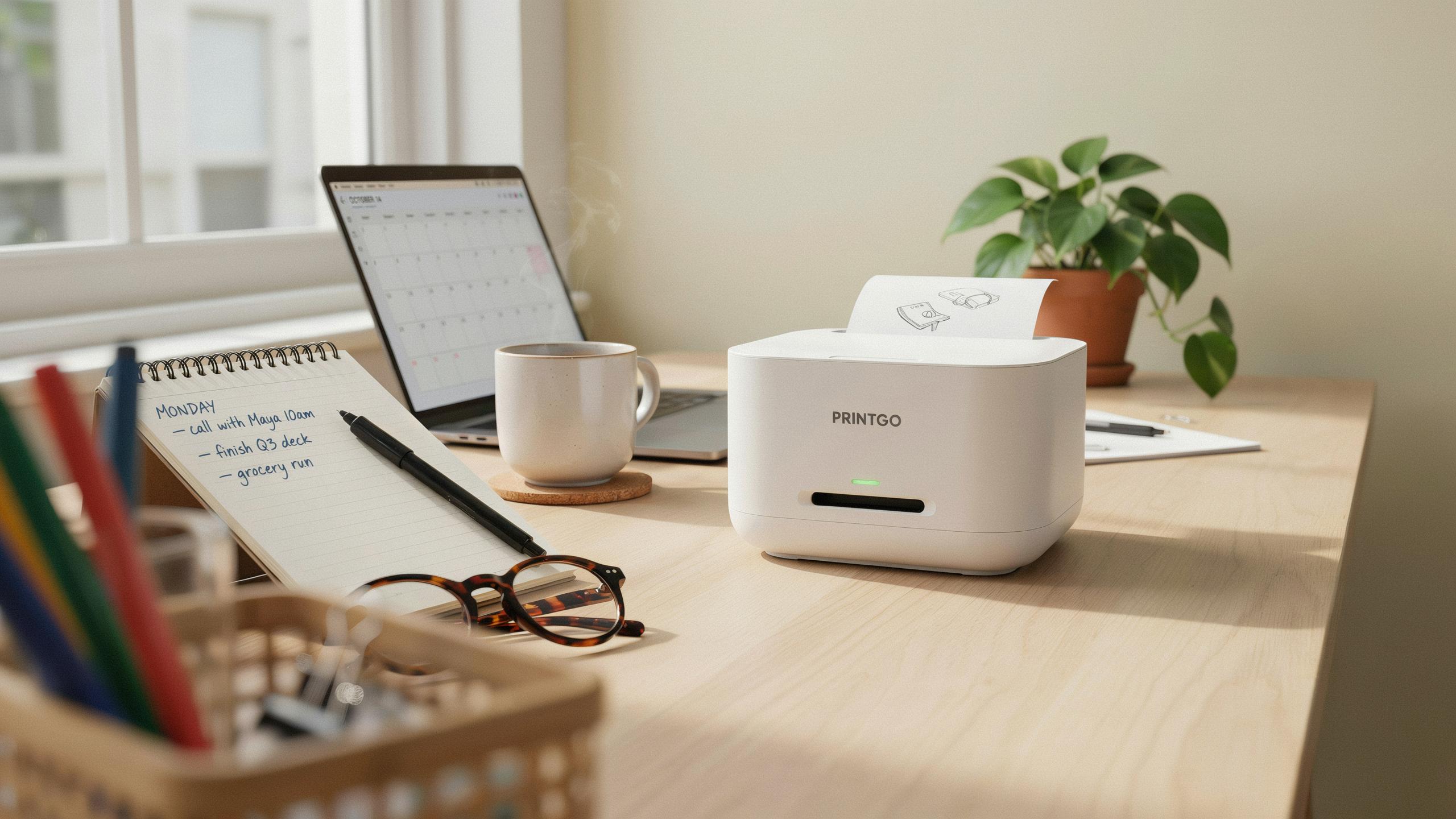
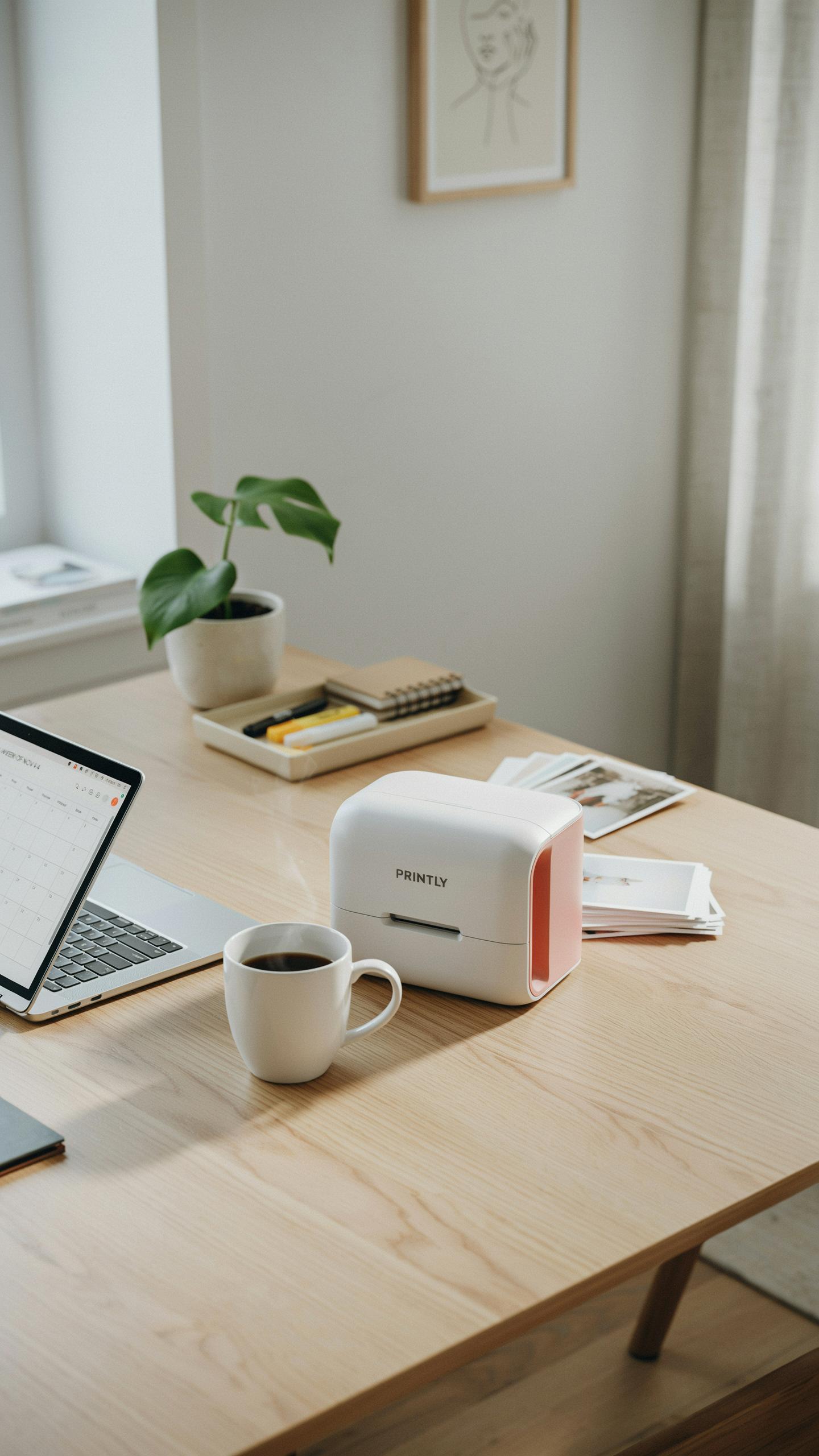
A minimalist home office operates on constraint. Every object must justify its footprint. Mini printers typically measure 6 by 7 inches and weigh 4 to 6 pounds, compared to standard office printers that occupy 17 by 15 inches of desk real estate. This dimensional difference matters when your workspace is limited.
Compact printers fit on shelves, under desks, or inside cabinets without dominating your environment. They integrate into tight quarters without forcing you to redesign your layout. The reduced physical presence aligns with minimalist principles: functionality without visual clutter or wasted space.
Efficiency And Convenience
Mini printers handle core printing tasks without unnecessary features that bloat size and cost. They print documents, photos, and labels at acceptable speeds for home office work. Most models connect via USB or wireless, eliminating cable management headaches in a decluttered space.
The convenience factor is tactical. You keep a functional printer nearby without sacrificing desk territory or aesthetic control. Small printers reduce setup complexity and maintenance demands compared to multifunction machines. This approach lets you focus on actual work instead of managing equipment.

Portable Printer The Ultimate Space Saver
On The Go Printing
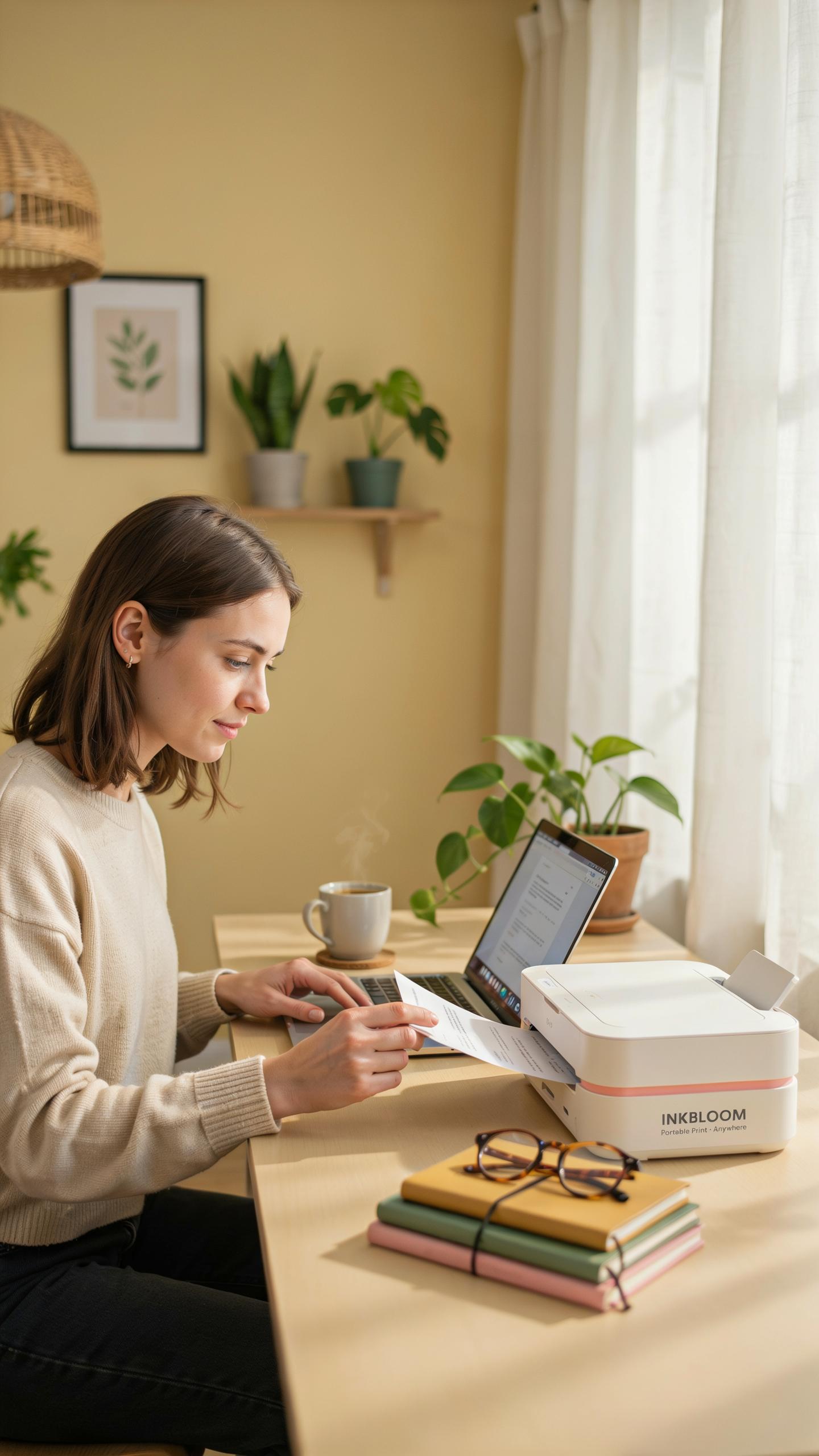
Portable printers eliminate the need for a dedicated desk footprint. You print from anywhere in your home or outside it. This matters for minimalist offices where every square inch counts. The printer moves with your workflow instead of anchoring it to one spot. Remote workers and freelancers benefit most from this flexibility. You reduce clutter by removing the need for a permanent printer station.
Battery-powered models print without requiring a power outlet tether. They handle basic tasks like document printing and photo output. Some units connect directly to your phone or laptop via Bluetooth or USB. This setup works for people who print sporadically rather than constantly. The trade-off is speed and volume. You gain mobility at the cost of printing capacity.
Battery Life And Connectivity
Battery life determines how long a portable printer functions between charges. Most compact models run 50 to 100 pages per full charge. Real-world performance depends on print density, color usage, and environmental conditions. Check the manufacturer’s specifications rather than marketing claims. Budget models often underperform their stated numbers. Plan for shorter sessions or keep a charger accessible.

Connectivity options shape how you actually use a portable printer. Bluetooth connects wirelessly to phones and tablets without internet access. USB connections work with laptops and computers directly. Some units include WiFi for broader network compatibility. Choose connectivity based on your devices and work patterns. Mismatched connectivity creates frustration and defeats the portability advantage.
Compact Printer For Notes And Documents

Printing Study Notes
Study note printing works best when you match printer speed to your workflow. Most mini printers output 5 to 10 pages per minute for black and white documents. This speed handles typical note batches without delay. Print directly from your phone or computer using wireless connectivity. You control what gets printed, reducing paper waste. The small footprint means your printer stays out of the way while remaining accessible.
Quality matters for readability during study sessions. Mini printers deliver text clarity sufficient for note review. Select models with at least 600 DPI resolution for crisp text. Battery-powered options let you print from anywhere in your workspace. Thermal and inkjet mini printers both work for study materials. Choose based on your frequency of use and budget constraints.
Document Versatility
Mini printers handle more than just notes. They print labels, receipts, shipping slips, and small reports effectively. Document width capacity ranges from 2 to 4 inches depending on the model. This limitation requires strategic document planning. You can split longer reports across multiple pages or print summaries instead. The constraint actually forces prioritization of what truly needs printing.

Task switching requires minimal setup with modern mini printers. Load different paper types without mechanical adjustments on most models. Print standard documents from your computer, then switch to label printing from your phone immediately after. No driver reinstallation or recalibration needed. This adaptability makes mini printers practical for mixed-use home offices where multiple people handle different tasks.
Cute Mini Printer For Phone Aesthetic And Functional
Stylish Designs
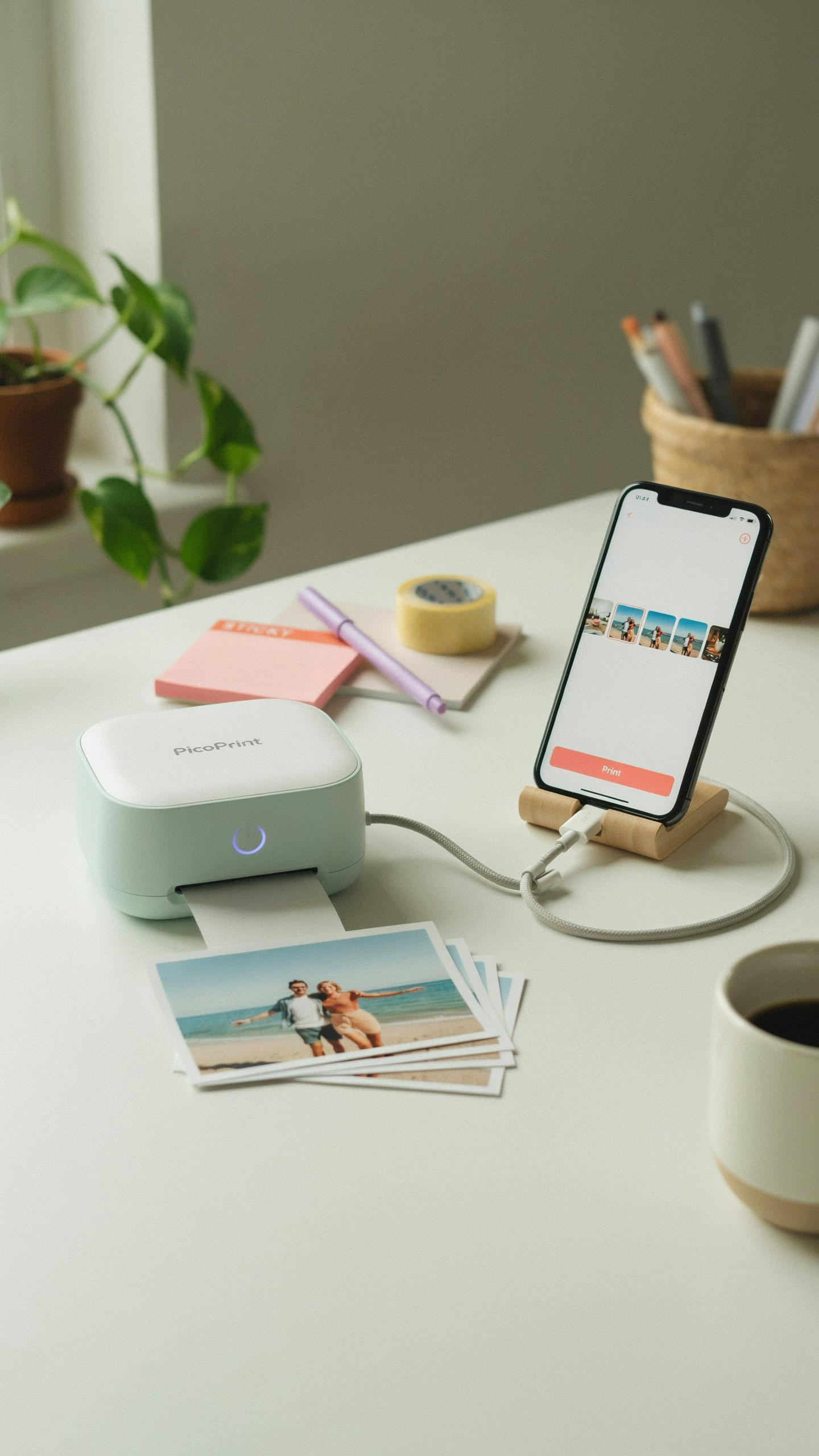
Minimalist design prioritizes function over decoration. Mini printers that work in minimalist spaces share core traits: neutral color palettes, compact footprints, and clean lines. White, black, and gray dominate the market for this reason. These colors integrate into any workspace without visual clutter. Size matters too. A printer under 6 inches wide fits naturally on shelves or desks without demanding attention.
Material choices signal your design commitment. Plastic construction keeps costs low but feels cheap. Metal accents or matte finishes communicate intentionality. Some models use rubberized frames that reduce noise and vibration. Brands targeting minimalist buyers strip away unnecessary buttons and displays. Digital interfaces sit flush with the body. Every visible element serves a printing function.
Smartphone Integration
Direct printing from phones eliminates the middleman. Most modern mini printers connect via Bluetooth or Wi-Fi. Setup takes minutes, not hours. You open an app, select your photo, and print. No computer needed. This workflow matches minimalist principles by reducing device clutter on your desk.
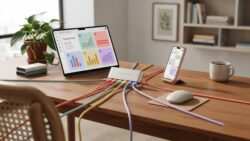
Compatibility varies significantly. iOS devices work reliably with most current models. Android support depends on the printer manufacturer and model year. Before buying, verify your specific phone model works with the printer. Check the manufacturer’s app on your device’s app store. Read user reviews for real compatibility reports, not marketing claims.
Thermal Printer Technology Explained
Inkless Printing
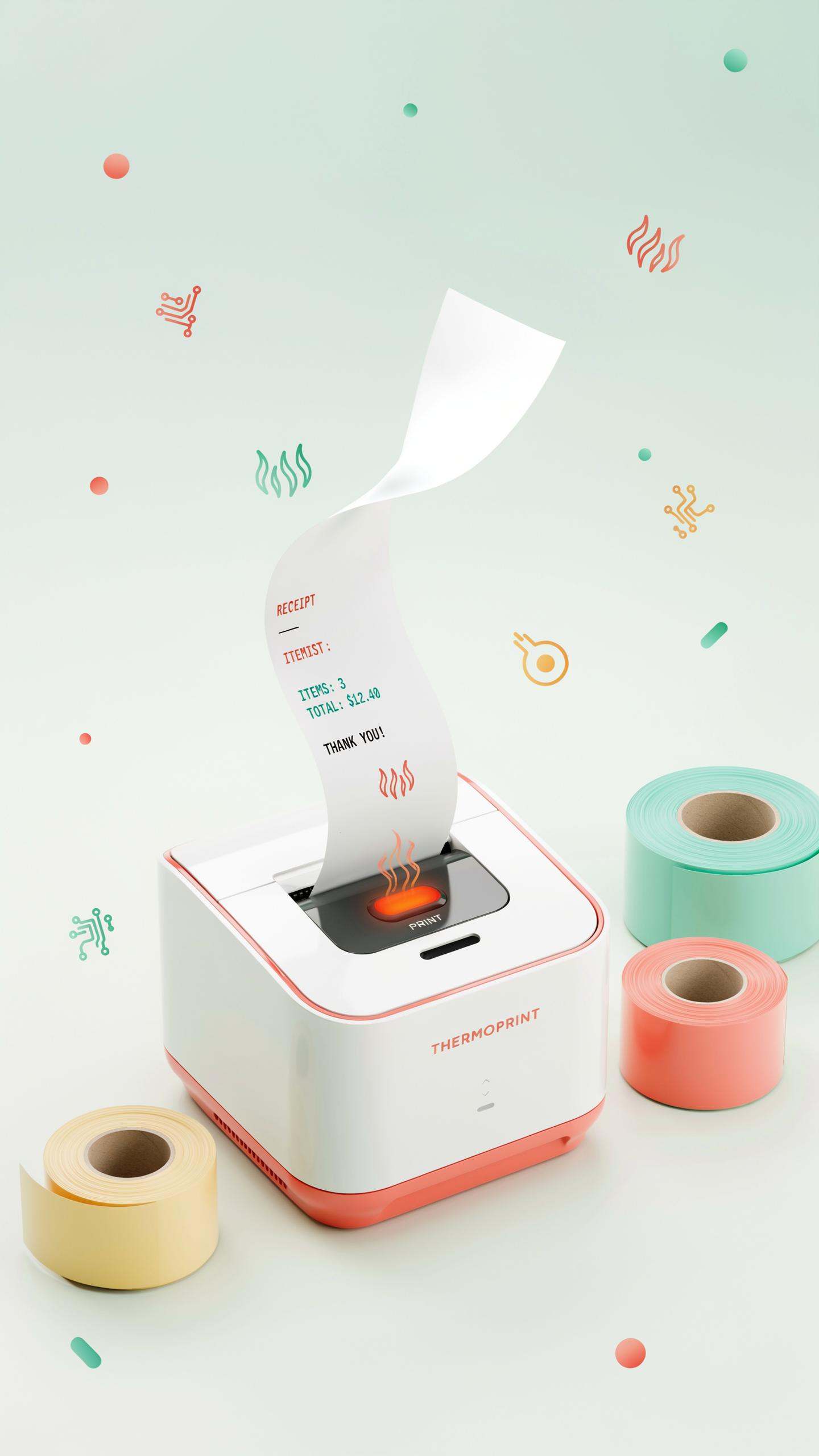
Thermal printers eliminate ink cartridges entirely. Heat activates chemicals embedded in specialized paper to produce images. This removes the recurring expense of replacing cartridges, toner, or ink supplies. Maintenance drops significantly since no print heads clog or require cleaning cycles. Minimalist home offices benefit from reduced clutter and lower operational costs.
The trade-off centers on paper dependency. Thermal paper costs more per sheet than standard paper. Images fade over time when exposed to heat, light, or humidity. For temporary documents like receipts or shipping labels, thermal printing excels. For permanent records or archival needs, this technology creates friction that matters.
Types Of Thermal Printers
Direct thermal printers use heat alone to mark paper without transfer ribbons. They print faster and require less maintenance than thermal transfer models. Ideal for shipping labels, event tickets, and receipt printing. Cost per unit runs lower, making them popular in minimalist setups. Paper remains the only consumable, simplifying inventory management.
Thermal transfer printers use heated printheads to melt wax or resin onto paper or synthetic materials. Images resist fading far better than direct thermal output. These printers handle label printing, photo production, and color output when paired with color ribbons. The added ribbon consumable increases complexity and cost compared to direct thermal systems. Choose based on whether permanence outweighs simplicity for your workflow.
Notebuddy Portable Mini Printer A Closer Look
Notebuddy Features
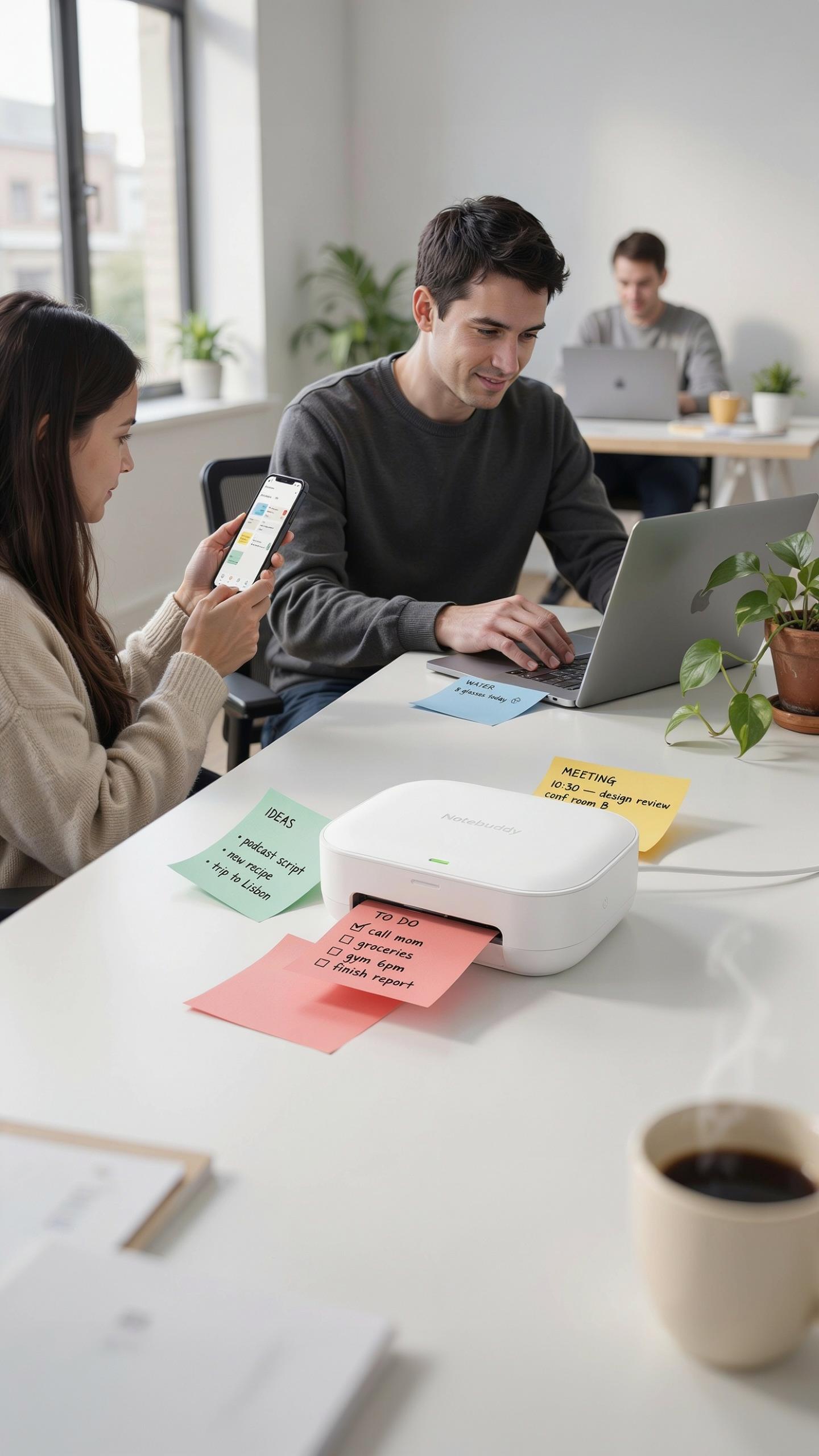
Notebuddy portable mini printers deliver basic printing without complexity. The devices use thermal printing technology, eliminating the need for ink cartridges. Print speeds range from 20 to 50mm per second depending on the model. Battery life typically extends 7 to 14 days on a single charge. Connectivity options include Bluetooth and USB, covering most home office needs. Paper width maxes out at 58mm, limiting document size but reducing overall footprint.
The printers weigh between 200 to 400 grams, making portability practical for minimalist setups. Resolution sits around 203 dots per inch, sufficient for documents and basic graphics. Operating temperature ranges from 0 to 40 degrees Celsius, keeping performance stable in typical office environments. Most models support both Android and iOS devices through dedicated apps. Setup requires minimal configuration, usually taking under five minutes from unboxing to first print.
User Reviews And Feedback
Owners report consistent satisfaction with print quality for text documents and labels. Users appreciate the compact design fitting easily on desks without occupying significant space. Battery performance frequently meets or exceeds manufacturer claims in real-world usage. The learning curve remains flat, with most users operating devices intuitively after initial setup. Thermal printing’s elimination of ink reduces maintenance overhead considerably.

Common complaints center on limited paper width restricting document sizes. Some users note occasional connectivity drops requiring app reinstalls on mobile devices. Print speed feels slow for high-volume printing but poses no issue for typical home office tasks. The lack of color printing limits functionality for certain document types. Thermal paper costs accumulate over time, though per-page expenses remain competitive against ink alternatives.
Wireless Printer Connectivity For A Clutter Free Space
Bluetooth And Wifi Options
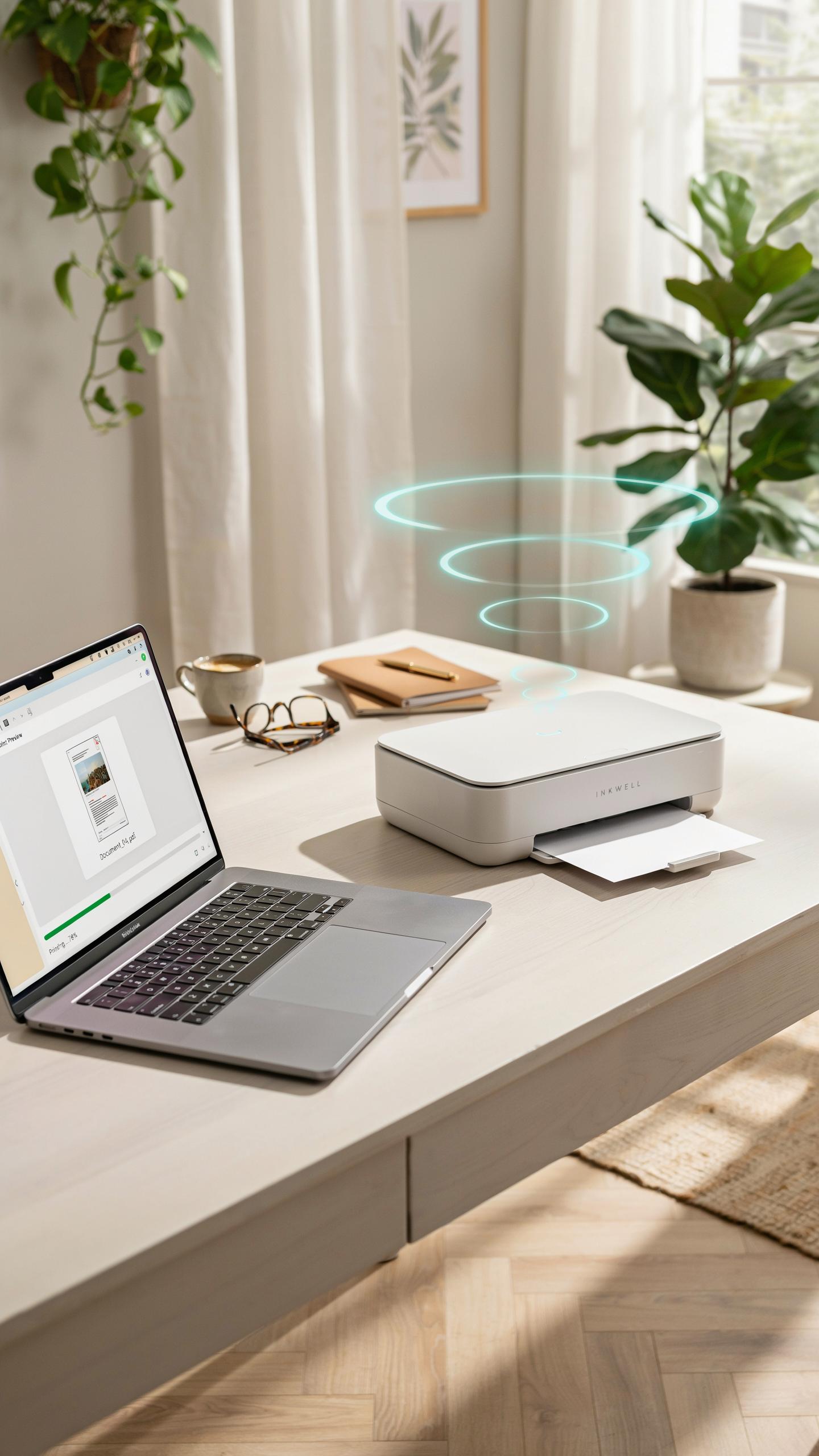
Bluetooth and WiFi serve different tactical purposes in minimalist setups. Bluetooth works best for single-device printing without network infrastructure. You connect your phone or laptop directly to the printer. Range limits sit around 30 feet, making it suitable for compact home offices. WiFi offers broader flexibility across multiple devices and greater range throughout your space.
WiFi connectivity eliminates cable clutter entirely and lets multiple household members print simultaneously. Most mini printers support both 2.4GHz and 5GHz bands. The tradeoff is slightly higher power consumption compared to Bluetooth. Choose Bluetooth for simplicity and lower energy use. Choose WiFi for convenience across multiple devices and rooms.
In a world of digital excess, a mini printer brings a quiet, tactile joy back to the minimalist workspace, reminding us that sometimes, less truly is more.
Setting Up Your Wireless Printer
Start by powering on the printer and accessing its control panel or companion app. Most manufacturers provide setup wizards that guide you through WiFi network selection and password entry. Ensure your home network operates on a standard 2.4GHz or 5GHz frequency. Avoid special characters in your network name during initial setup. Complete the connection before installing printer drivers on your computer or mobile devices.

Download the manufacturer’s driver software from their official website, not third-party sources. Install drivers on each device you plan to use for printing. Configure default printer settings through your operating system preferences. Test the connection by printing a sample document from each device. Keep your printer firmware updated through the app or web interface for stability and security.
Best Mini Printer For Every Need
Top Picks For Different Budgets
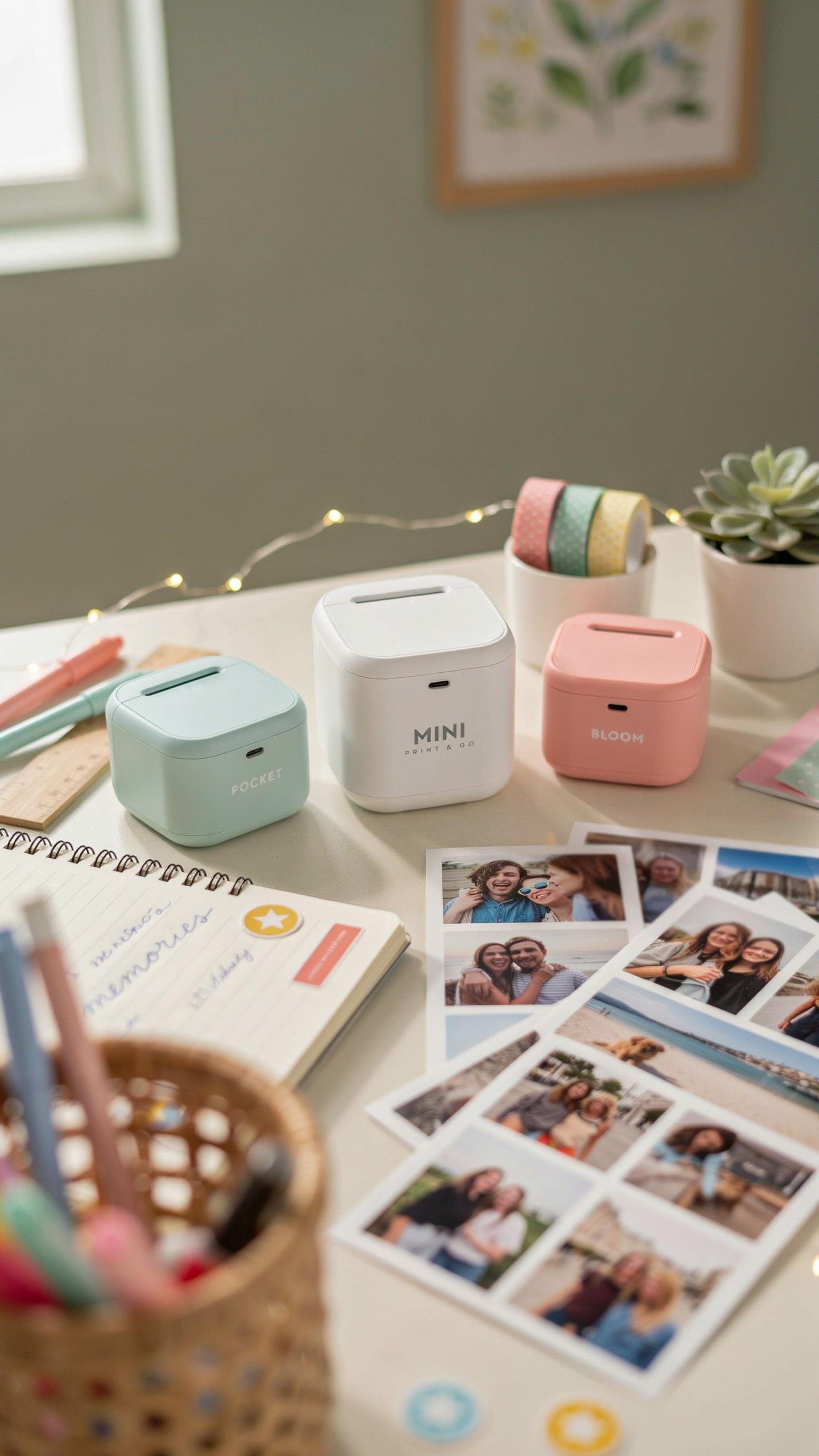
Budget-conscious buyers need printers that handle basic tasks without excess features. Entry-level thermal printers cost between 100 and 200 dollars. These models print photos or receipts fast but lack color capability. They connect via USB or Bluetooth. Footprint stays under six inches square.
- Budget tier (100-200 dollars): Thermal printers from HP Sprocket or Canon Zoemini. Print 2×3 inch photos. Battery powered. Trade color for portability and speed.
- Mid-range (200-400 dollars): Inkjet models like Epson WorkForce or Brother models. Print documents and photos in color. Faster output than budget options. Compact enough for tight spaces.
- Premium (400-600 dollars): Advanced inkjet or laser units with wireless connectivity. Scan and copy functions included. Print speeds exceed 10 pages per minute. Sharper text for professional work.
- High-end (600+ dollars): Multifunction color laser models. Print volumes reach thousands monthly. Network printing capabilities. Professional quality output justifies cost.
- Specialty option: Portable label printers (100-250 dollars). Solve specific needs like shipping or organization. Not general purpose but excel at their function.
Mid to premium models serve minimalist offices handling mixed workloads. Color output matters for presentations or client documents. Connectivity options like WiFi reduce cable clutter. Consider ink costs over time, not just purchase price. Monthly printing volume determines which tier makes sense.
Considerations Before Buying
Print quality directly impacts whether output looks professional or cheap. Resolution measured in DPI (dots per inch) affects text sharpness and photo clarity. Thermal printers max out around 300 DPI. Inkjet units typically reach 4800 DPI or higher. Verify output quality by checking sample prints before purchase.

Speed matters less in home offices but prevents workflow delays. Measured in pages per minute (PPM), typical mini printers range from 3 to 15 PPM. Document printing needs faster speeds than photo printing. Thermal printers print quickly but only handle specific media. Inkjet units slow down on heavy photo work but handle more media types.
Maintaining Your Mini Printer
Cleaning And Care Tips
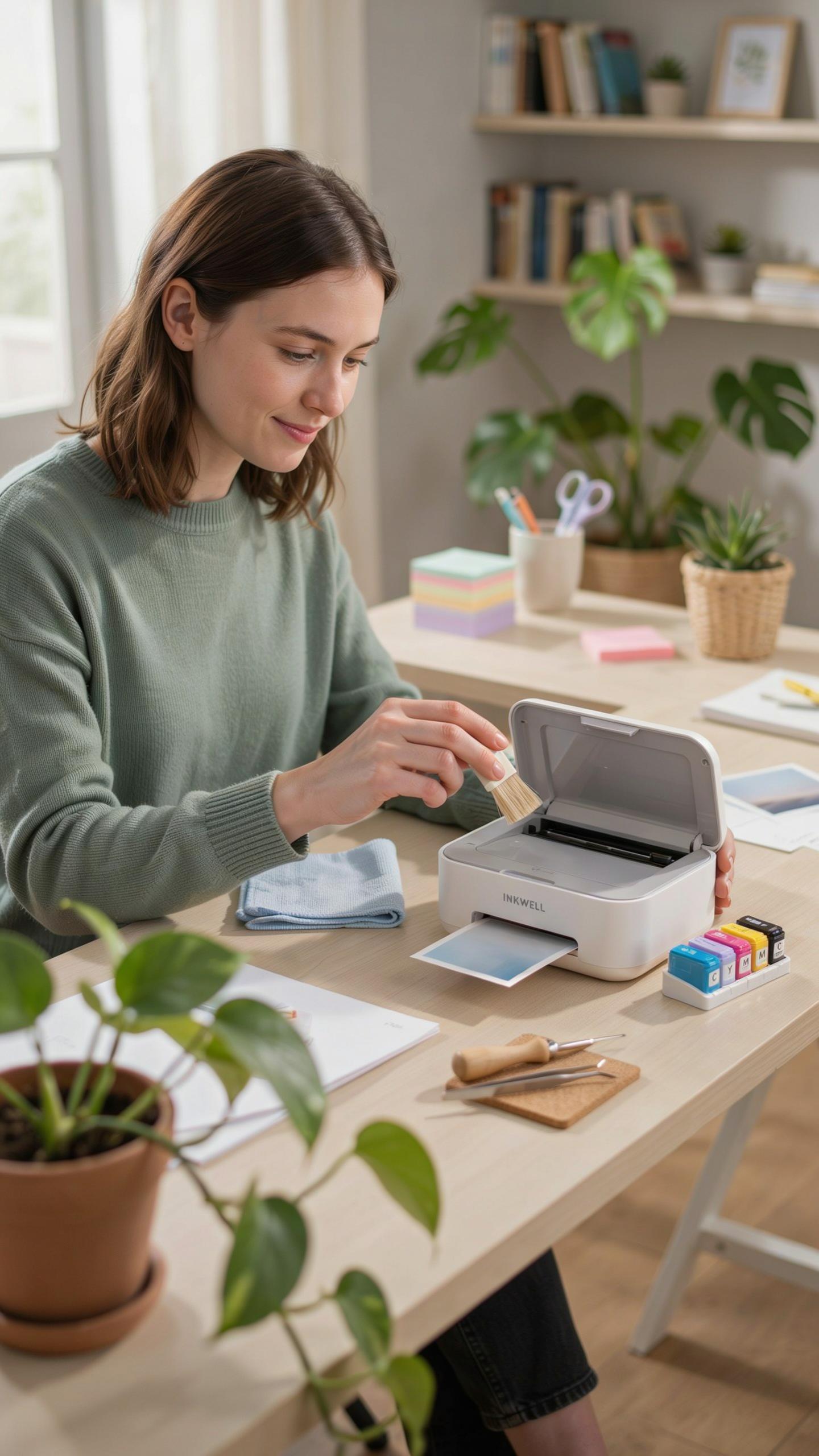
Dust accumulates inside mini printers and degrades print quality fast. Open the printer monthly and use compressed air to remove debris from the paper feed mechanism and print head area. Never use liquids near electronics. For external surfaces, wipe with a dry microfiber cloth. Store your printer in a dust-free environment, ideally in a closed cabinet or under a cover when not in use for extended periods.
Replace ink cartridges before they run completely dry. Dried ink clogs nozzles and causes permanent damage to the print head. Use only cartridges rated for your specific printer model. Check your user manual for the correct replacement procedure. Some mini printers have automatic cleaning cycles you should run monthly to maintain nozzle health and prevent blockages.
Troubleshooting Common Issues
Paper jams stop productivity instantly. Power off the printer immediately when a jam occurs. Open all access panels and gently remove stuck paper by pulling along the paper path direction, never against it. Inspect the rollers for torn fragments. Close panels and run a test page before resuming work.
Poor print quality usually indicates low ink or a clogged print head. Run your printer’s cleaning cycle first, which most models include in their menu settings. If quality remains poor after cleaning, replace the cartridge with a fresh one. If the printer still produces faded or streaky output after these steps, the print head may need professional replacement or the unit may be nearing end of life.
Frequently Asked Questions

What exactly is a mini printer, and why is it ideal for a minimalist home office?
A mini printer is a compact, often wireless, device designed for occasional, smaller printing tasks. Its small footprint and sleek design make it perfect for minimalist home offices, seamlessly blending into your aesthetic without adding clutter. It’s an excellent choice for those who value both function and a clean workspace.
How do I connect a mini printer for minimalist home offices to my computer or mobile device?
Most mini printers offer multiple connectivity options. You can typically connect via Bluetooth for wireless convenience with mobile devices, or through a USB cable for more traditional computer connections. Some models also support Wi-Fi, allowing for networked printing and greater flexibility within your minimalist home office setup.
Are mini printers affordable, and are there good options for smaller budgets?
Yes, mini printers are generally very affordable, with many excellent models available across various price points. You can find quality options that offer essential functionality without breaking the bank. There are also many reputable brands that prioritize both cost-effectiveness and compact design, making a mini printer for minimalist home offices accessible to nearly everyone.



