The Challenge Of Small Desks And The Rise Of The Compact Portable Keyboard Concept

The Modern Workspace Dilemma
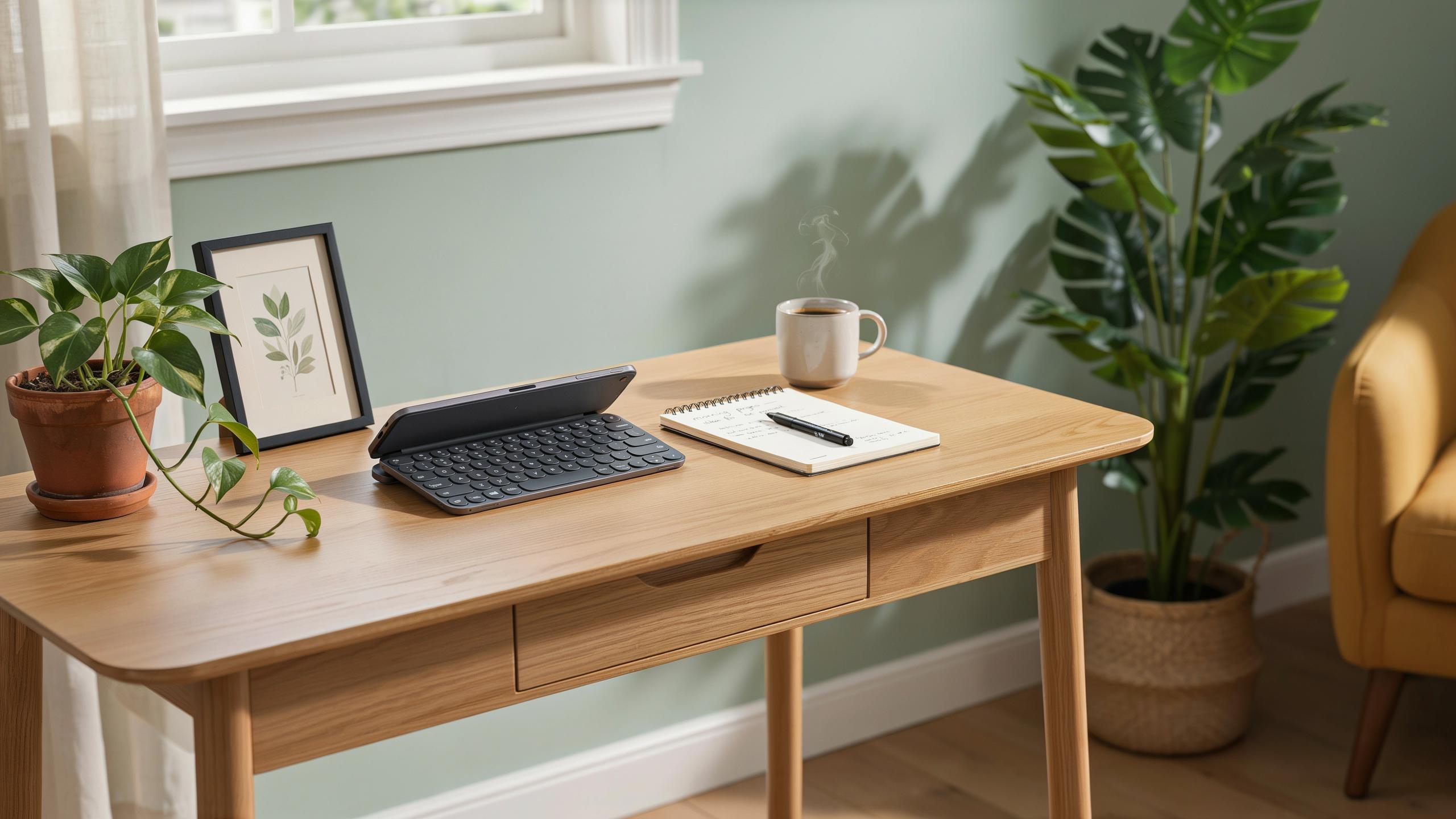
The shift toward remote work and apartment living has forced a reckoning with desk space. Most residential workspaces lack the real estate that traditional office setups demand. A standard desk measures 48 inches wide, but many home offices operate within 30 to 36 inches. Workers need functional keyboard placement without sacrificing legroom or monitor positioning. This constraint drives demand for equipment that takes up minimal space.
Traditional keyboards occupy 17 to 18 inches of linear desk space when fully extended. Add a mouse pad, monitor stand, and lamp, and the surface disappears fast. Professionals working from shared spaces, coffee shops, or co-working environments face identical problems. The pressure to maintain productivity without expanding square footage has become standard across multiple work environments and living situations.
Introducing The Compact Portable Keyboard Concept
Portable keyboards solve the space problem through reduced footprint and wireless connectivity. A foldable design cuts keyboard width from 18 inches down to 5 to 7 inches when closed. Bluetooth eliminates cable clutter that compounds space constraints. These devices pair with laptops, tablets, and smartphones instantly, requiring no USB receivers or adapters that consume port real estate.
The concept addresses three core issues simultaneously: desk space, setup flexibility, and equipment portability. Users store keyboards in bags or drawers rather than leaving them on the work surface permanently. Foldable designs separate key travel distance concerns from overall product size, enabling typing comfort without bulk. This approach reversed the assumption that compact keyboards meant poor typing experiences, making them viable solutions for professionals with permanent space limitations.

Why A Foldable Bluetooth Keyboard Is Your Best Bet
Unpacking The Benefits Of Portability And Wireless Connectivity
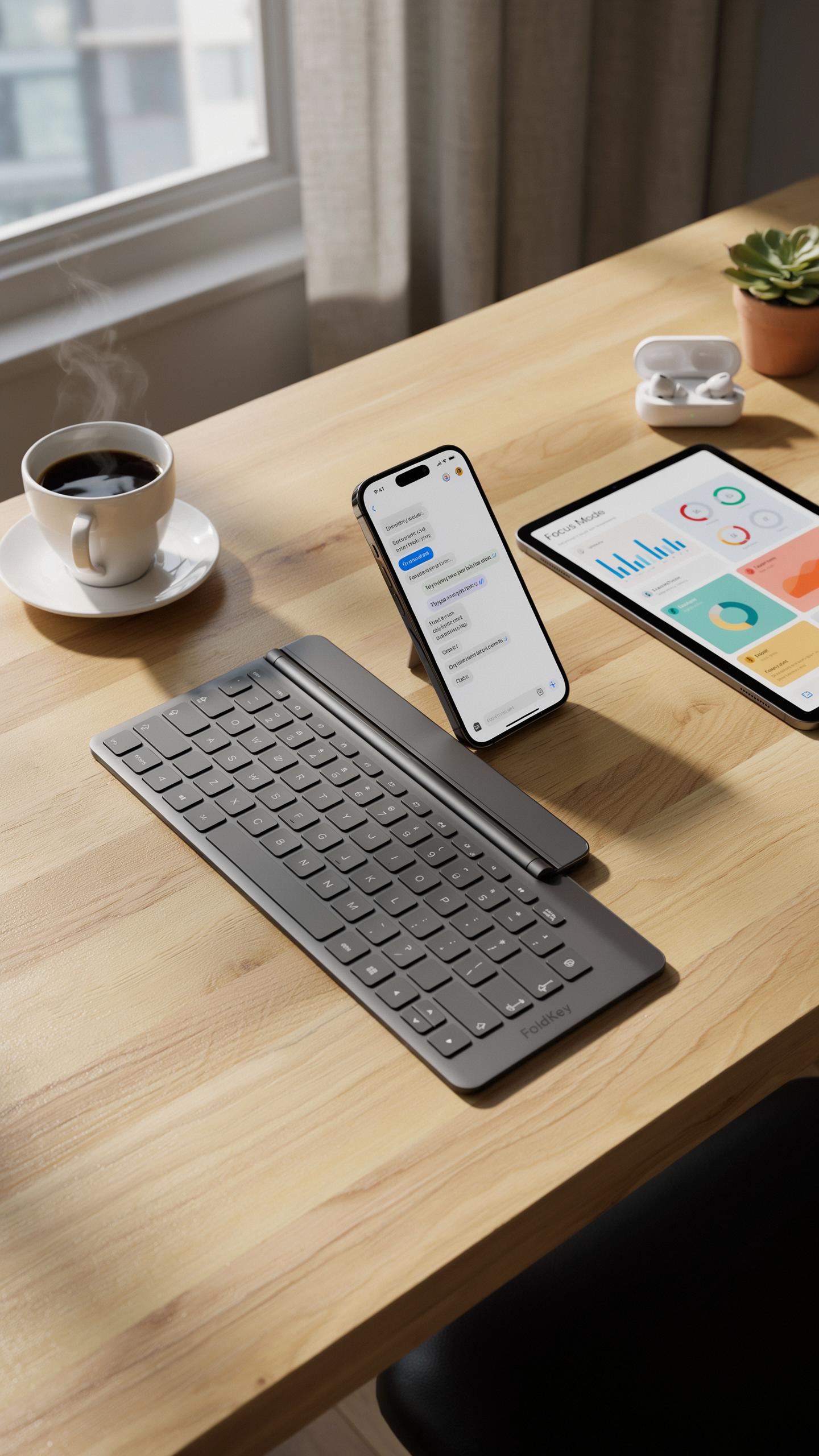
You move your keyboard from desk to desk. You travel between offices. You work from coffee shops. A foldable Bluetooth keyboard eliminates cable management and reduces what you carry. Wireless connectivity means fewer adapters. You connect once and work anywhere within range, typically 30 feet for most Bluetooth 5.0 models.
The cable-free setup saves time during setup and breakdown. You don’t hunt for USB ports or worry about cord length limiting your positioning. Most foldable Bluetooth keyboards pair with multiple devices, so switching between your laptop, tablet, and phone happens instantly. This flexibility matters when your workspace changes daily.
Remember those days of clunky keyboards? Now, a whisper of a fold unfurls your thoughts, making every small nook a grand stage for your words, just like a cherished handwritten letter finding its place.
Space Saving Design More Than Just Folding
Foldable keyboards use hinged construction that collapses the key deck in half. The mechanism typically positions keys face-to-face when closed, reducing overall footprint by roughly 50 percent. Materials like aluminum frames and compressed plastic key switches allow manufacturers to maintain typing feel while cutting bulk. This engineering approach became practical as Bluetooth miniaturization advanced over the past decade.

The folded state fits into laptop bags alongside your device without adding significant weight. Most foldable models weigh between 5 and 12 ounces. When open, the keyboard maintains full-size key spacing and ergonomic angles comparable to desktop models. You get workspace efficiency without sacrificing typing quality or comfort during extended work sessions.
Key Features To Look For In A Foldable Wireless Keyboard
Connectivity And Compatibility: Seamless Pairing
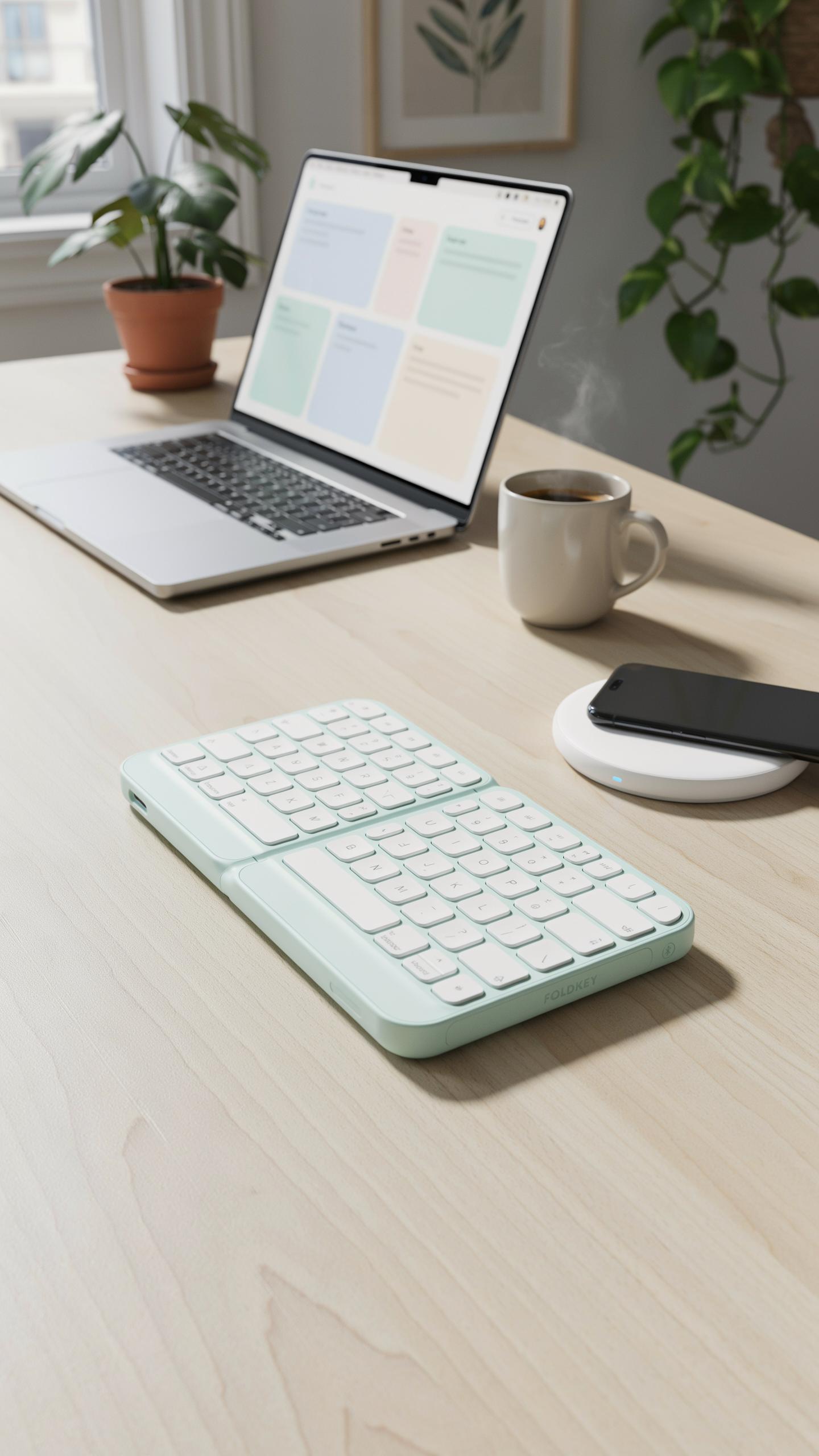
Bluetooth version matters because it determines range, power consumption, and stability. Bluetooth 5.0 and newer offer stronger connections up to 240 meters compared to older versions. Most foldable keyboards use Bluetooth 4.2 or 5.0. Check which version your devices support before buying. Older tablets and phones may not work with the newest Bluetooth standards.
Multi-device support lets you switch between your phone, tablet, and laptop without re-pairing. Some keyboards allow instant switching between three to five devices. This feature saves time during workflow transitions. Operating system compatibility matters equally. Verify the keyboard works with your specific OS version, whether that is iOS, Android, Windows, or macOS. Manufacturers provide compatibility lists on their product pages.
Build Quality And Durability For On The Go Use
Hinge design determines how long your keyboard survives repeated folding and unfolding cycles. Look for keyboards with reinforced hinges that use metal components rather than plastic alone. The hinge is the first component to fail on foldable devices. Test the hinge resistance before purchasing if possible. Quality hinges show no wobbling or creaking when opened or closed.

Material selection impacts both weight and lifespan. Aluminum frames resist dents better than plastic but add cost and weight. ABS plastic keyboards are lighter and cheaper but dent more easily. Most durable foldable keyboards combine aluminum frames with plastic key caps. Check product reviews specifically for hinge failures and material complaints. Real user feedback reveals durability issues that manufacturers won’t advertise.
Typing Experience On A Portable Folding Keyboard

Balancing Compactness With Comfortable Typing
Foldable keyboards sacrifice key spacing to fit small desks. Standard desktop keyboards measure 17 to 19 inches wide. Portable folding models compress to 10 to 12 inches when folded and expand to 12 to 14 inches for typing. This reduction shrinks the distance between keys by roughly 15 to 20 percent compared to full-size boards.
Key travel depth determines tactile feedback. Most foldable keyboards use 1.2 to 1.5 millimeter travel instead of the 1.5 to 2 millimeters found on standard keyboards. Scissor switch mechanisms dominate the portable market because they fit shallow profiles. Users adjusting from full-size keyboards typically need two to four weeks to regain typing speed on condensed layouts.
Ergonomics Of A Mini Keyboard For Extended Use
Wrist positioning becomes critical on compact keyboards. The narrower width forces hands closer together, potentially creating inward wrist angles during extended typing sessions. Manufacturers address this through angled key rows that mirror full-size boards. Adjustable feet or tilt mechanisms on premium models help users find neutral wrist positions despite the reduced footprint.

Palm support area shrinks considerably on portable designs. Extended work sessions exceed two hours on mini keyboards create muscle fatigue in forearms and wrists faster than larger alternatives. Split keyboard designs remain rare in the foldable category. Users typing more than four hours daily should pair foldable keyboards with external mouse pads and desk risers to maintain proper arm alignment and reduce strain accumulation.
Foldable Bluetooth Keyboard With Touchpad The All In One Solution
Integrating Navigation: The Advantage Of A Built In Touchpad
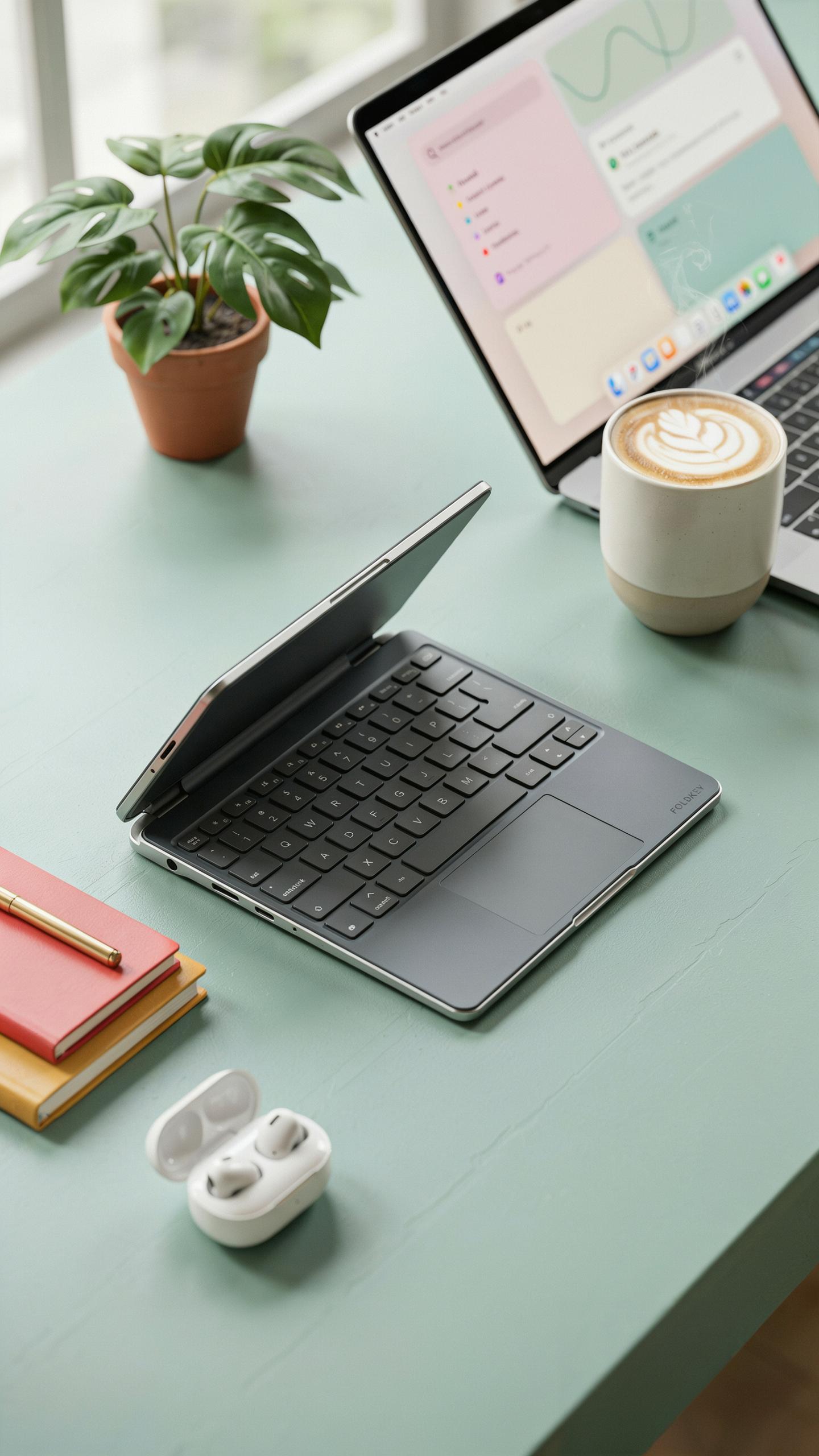
A built in touchpad removes the requirement for a separate mouse. This consolidation cuts desk clutter significantly. Users gain cursor control and click functionality from a single device. For small desks, this matters because every square inch counts. Most foldable keyboards with touchpads position the pad below the spacebar or along the side. This placement keeps your hands in one area. You avoid reaching for an external device.
Touchpad integration also reduces cable management complexity. Wireless foldable keyboards already eliminate one cable. Adding a touchpad means no additional USB receiver or charging cable for a mouse. Storage becomes simpler too. When you fold the keyboard, the touchpad folds with it. Everything stays contained. This approach directly addresses the space constraints that make foldable keyboards attractive in the first place.
Optimizing Workflow With Combined Input Devices
A keyboard touchpad combination accelerates workflows for specific tasks. Document editing flows faster when your hands stay positioned on one device. Spreadsheet navigation benefits from quick cursor movements without switching tools. Web browsing becomes seamless since you can scroll and click without interruption. Design work that requires constant input switching becomes less disruptive with integrated controls.
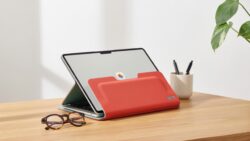
The efficiency gain depends on your work type. Developers, writers, and researchers see clear productivity improvements because their tasks involve heavy keyboard and navigation use. Remote workers in small spaces benefit most since desk real estate directly impacts comfort. The combined device approach removes micropauses that accumulate throughout a workday. These gaps might seem minor individually but compound into measurable time losses over hours of use.
Power And Battery Life Keeping Your Portable Keyboard Ready
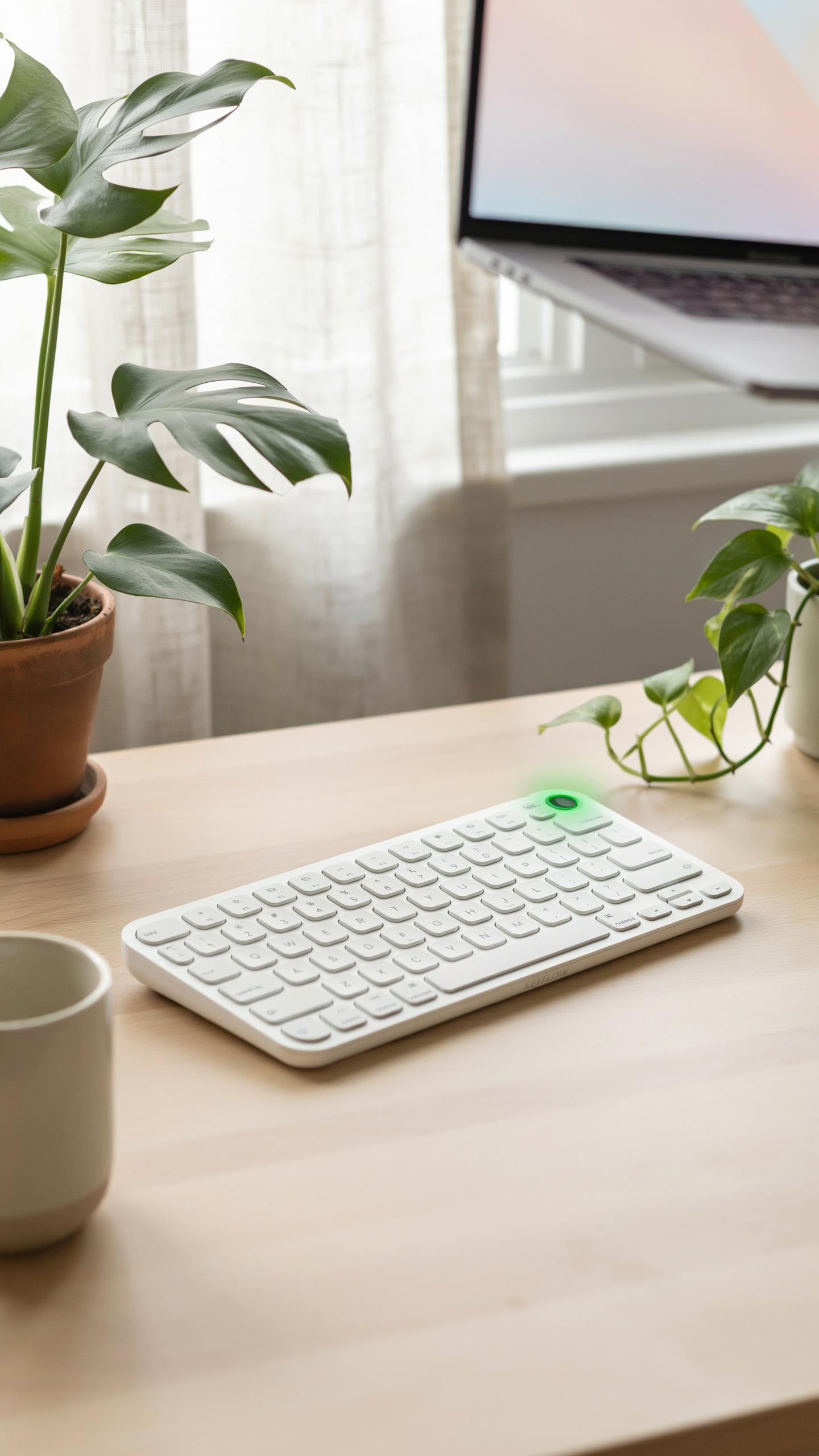
Understanding Battery Types And Charging Options
Most foldable Bluetooth keyboards use either lithium-ion rechargeable batteries or disposable AA/AAA batteries. Rechargeable models charge via USB-C or micro-USB ports and eliminate replacement costs over time. Disposable battery keyboards offer simplicity and backup power but create ongoing expenses and waste. Your choice depends on usage frequency and willingness to manage charging routines versus stock replacements.
Charging methods directly impact convenience and desk setup flexibility. USB-C charging is faster and more reliable than older micro-USB standards. Some keyboards charge through proprietary connectors, limiting cable options. Budget 2 to 4 hours for a full charge on most rechargeable models. Always verify cable compatibility before purchasing to avoid compatibility headaches.
Maximizing Battery Life For Uninterrupted Productivity
Battery life varies dramatically based on keyboard model, usage patterns, and power settings. Most quality foldable Bluetooth keyboards deliver 30 to 90 days of use per charge with moderate daily typing. Backlighting, Bluetooth connectivity range, and key press intensity all drain power faster. Understanding your specific keyboard’s power consumption helps you plan charging schedules and avoid mid-workday power failures.
- Disable Backlighting When Unnecessary: Keyboard backlighting consumes significant battery power. Turn it off in well-lit environments or use brightness reduction features to extend charge duration between sessions.
- Keep Bluetooth Pairing Stable: Unstable connections force the keyboard to search for signal repeatedly, draining battery faster. Maintain clear line of sight between keyboard and device within 30 feet for optimal efficiency.
- Use Sleep Mode Features: Many keyboards enter low-power sleep mode after 10 to 30 minutes of inactivity. Enable this feature automatically rather than leaving the keyboard broadcasting signals continuously.
- Charge Proactively: Don’t wait for battery warnings to charge. Plugging in when battery reaches 20 to 30 percent reduces stress on battery cells and maintains long-term capacity performance.
- Reduce Polling Rate When Possible: Some keyboards let you adjust how often they report to your device. Lower polling rates consume less power while still delivering responsive typing for most users.

Charging habits directly affect how long your keyboard functions before needing replacement. Store your keyboard with 50 percent battery charge if you won’t use it for weeks. Extreme temperatures damage lithium-ion batteries, so keep keyboards away from heat sources and cold environments. Regular maintenance of your charging port prevents connection issues that waste power.
Choosing The Right Foldable Keyboard For Your Needs

Assessing Your Usage: Travel, Home, Or Hybrid?
Your primary use case determines which keyboard features matter most. Travelers need lightweight designs under 12 ounces with compact folding mechanisms. Home users can tolerate slightly heavier models if they gain better key travel and battery life. Hybrid users split time between locations, so durability and consistent portability become critical factors in your decision.
Travel keyboards prioritize weight and pack size over everything else. Home setups allow for larger folded dimensions since you store them permanently in one place. Hybrid work demands balanced compromises: a keyboard that folds small enough to fit a laptop bag but offers enough key comfort for eight-hour workdays. Identify where you actually use the keyboard ninety percent of the time, then optimize for that scenario.
Top Considerations: Size, Weight, And Features
Folded dimensions directly impact whether a keyboard fits your desk space or travel bag. Measure your available desk area and compare it to product specifications in inches. Weight matters for portability but stops mattering once you exceed your comfort threshold, usually around one pound. Beyond weight, consider whether you need number pads, function keys, or standard layouts.

Battery life separates keyboards that need daily charging from those lasting weeks. Bluetooth connectivity quality varies between chips, so research brand reputation for stable pairing. Key switches determine typing comfort during long sessions and range from chiclet-style to mechanical designs. Build materials affect durability and cost, with aluminum commanding higher prices than plastic while offering better longevity in frequent-travel scenarios.
Setting Up Your New Foldable Bluetooth Keyboard

Step By Step Pairing Instructions Across Devices
Start by turning on your foldable keyboard. Most models have a power switch or button on the underside or side edge. Press and hold the Bluetooth button until the LED indicator flashes. This flashing signals that the keyboard enters pairing mode. The process typically takes 3 to 5 seconds. Once active, the keyboard broadcasts its signal for 60 to 120 seconds.
Access your device’s Bluetooth settings. On Windows, go to Settings, then Devices, then Bluetooth and other devices. On Mac, open System Preferences and select Bluetooth. On Android or iOS, open Settings and navigate to Bluetooth. Your keyboard should appear in the available devices list. Select it and confirm the pairing request if prompted. The keyboard connects instantly once you confirm.
Troubleshooting Common Connectivity Issues
If your keyboard doesn’t appear in the Bluetooth list, restart both devices. Power off the keyboard completely, wait 10 seconds, then turn it back on. Enter pairing mode again by holding the Bluetooth button. If the device still doesn’t show up, check that your keyboard has sufficient battery charge. A low battery drains power before it can transmit the Bluetooth signal effectively.

If the keyboard connects but keys don’t register, disconnect and reconnect it from your device’s Bluetooth menu. Delete the keyboard from your paired devices list completely. Then restart the pairing process from the beginning. This clears corrupted connection data. If problems persist across multiple devices, the keyboard likely has a hardware issue and needs replacement or repair through the manufacturer.
Maintaining Your Portable Folding Keyboard For Longevity

Cleaning And Care For Optimal Performance
Dust and debris accumulate between keys on foldable keyboards faster than on standard models due to their hinged design. Compressed air removes particles from crevices without damaging switches. Use short bursts to avoid forcing debris deeper into the mechanism. Never use liquids directly on the keyboard itself.
Wipe the surface with a slightly damp microfiber cloth weekly. This removes fingerprints and oils that degrade key response over time. Allow the keyboard to dry completely before folding or using. For sticky keys, gently lift the key cap and clean underneath with a cotton swab and isopropyl alcohol.
Protecting Your Investment: Cases And Storage
Hard-shell cases offer the most protection during transport and prevent hinge stress from accidental impacts. Choose a case designed specifically for your keyboard model to ensure proper fit. Soft pouches work for short-term storage but provide minimal impact protection during travel. Store your keyboard in a dry environment away from direct sunlight, which degrades plastic and rubber components.
Keep the keyboard folded in its neutral position when storing to avoid strain on the hinge mechanism. Store cases in cool spaces between 50 and 85 degrees Fahrenheit to prevent material expansion and contraction. Never stack heavy items on top of your keyboard, even when cased. Remove batteries if storing for more than two weeks to prevent corrosion from leaked electrolytes.
The Future Of The Foldable Keyboard Innovations On The Horizon
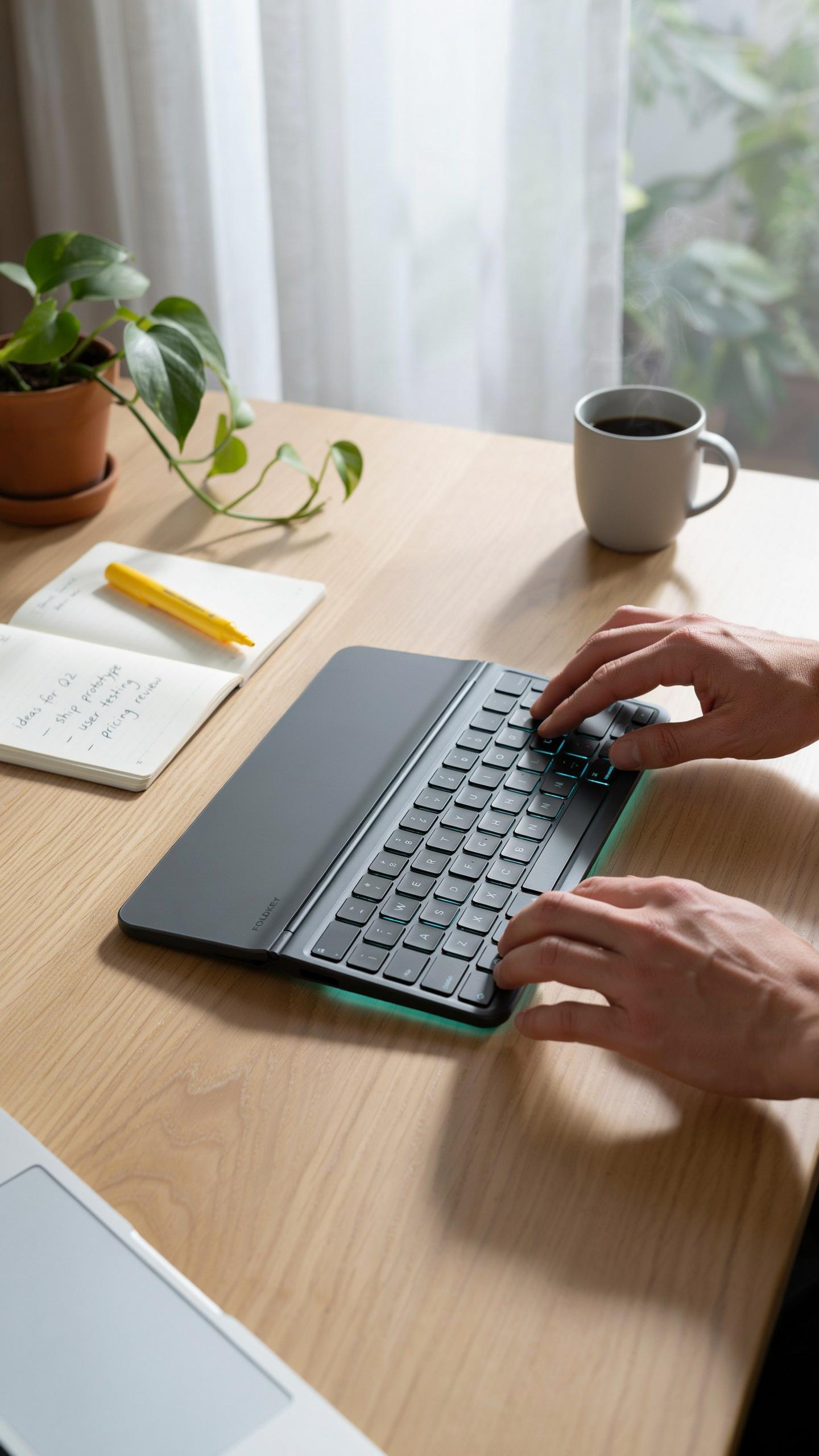
Emerging Technologies And Design Trends
Material science drives the next generation of foldable keyboards. Manufacturers are moving beyond traditional plastic hinges toward reinforced polymers and metal alloys that withstand repeated folding cycles. Battery technology improves charging speeds and capacity while reducing weight. Key switches evolve to handle flex without mechanical failure. These changes directly impact durability and user experience in portable setups.
Integration of additional features accelerates the category forward. Touchpads built into keyboards eliminate the need for separate input devices. Wireless charging capabilities reduce cable clutter on small desks. Some models now include backlighting with customizable brightness levels. These additions address real workflow demands without compromising the compact form factor that defines the category.
The Evolving Role Of The Keyboard In Mobile Computing
Foldable keyboards cement themselves as essential infrastructure for remote work and travel productivity. Laptops remain primary tools, yet portable keyboards bridge gaps when screen space matters more than traditional desk setups. Users demand flexibility across multiple devices and operating systems. Bluetooth standardization makes this cross-device compatibility reliable and straightforward.
The keyboard’s role shifts from optional accessory to critical productivity tool. Hybrid work environments require equipment that transitions between office and mobile contexts without friction. Professionals increasingly value setup time reduction and spatial efficiency over ergonomic perfection. Foldable designs meet this practical requirement by delivering functional input methods that fit desk constraints and travel bags with equal effectiveness.
Frequently Asked Questions

What exactly is a foldable Bluetooth keyboard and why is it good for small spaces?
A foldable Bluetooth keyboard is a compact, portable device that connects wirelessly to your computer, tablet, or phone. Its unique folding design makes it incredibly space-efficient, perfect for anyone with a small desk or needing a keyboard on the go. When not in use, it tucks away neatly, freeing up valuable surface area.
How do I connect my new foldable Bluetooth keyboard to my device?
Connecting your foldable Bluetooth keyboard is super easy! First, ensure the keyboard is charged and powered on. Then, activate Bluetooth on your device and put the keyboard into pairing mode (usually by pressing a specific button combination). Select the keyboard from your device’s Bluetooth list, and you’re ready to type.
Are there affordable options available for a high-quality foldable Bluetooth keyboard for small desks?
Absolutely! Many excellent and budget-friendly foldable Bluetooth keyboard for small desks are available. While features and materials vary, you can find reliable options across different price points without sacrificing essential functionality. Look for models with good battery life and comfortable key travel to get the most value.



