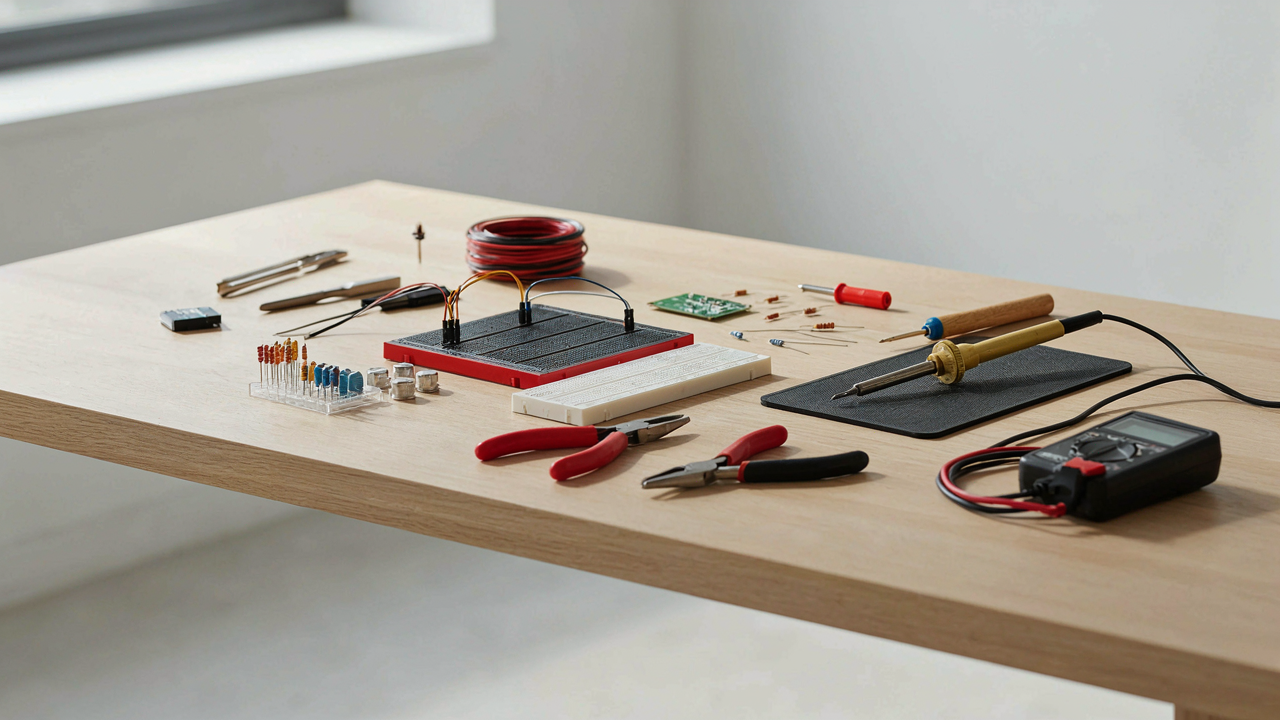
The Illusion Of Simple Electronic Circuits Projects

Why Basic Kits Stun True Learning
You want proof you can build something without looking stupid. Here’s the mechanism nobody states: basic kits hide the actual problem-solving layer beneath prefab solutions, so you assemble without understanding why the circuit works at all. The kit manufacturer has already made every decision. You follow instructions like a manual laborer, not an engineer.
Real learning requires constraint and failure. When a circuit doesn’t light up, you debug. When you debug, you learn voltage drop, current flow, and component tolerance. Pre-designed kits eliminate the debugging phase entirely. You plug in the LED, it works, you feel accomplished, and you learned nothing transferable to the next problem.
From Assembly To Fundamental Understanding
Think of electronics like military strategy: a recruit who follows orders wins no battles, but a strategist who understands terrain, supply lines, and enemy patterns adapts to any conflict. Your circuit design is the terrain. The components are your resources. Current and voltage are your logistics. Assembly literacy teaches you where things go. Comprehension teaches you why they must go there.
Start by building the same circuit three times using different methods: breadboard, perfboard, and circuit board. Each iteration forces you to think about layout differently. Then modify it. Change the resistor value. Watch the LED dim. Change it again. Watch it brighten. This is how you move from following instructions to reading schematics to designing from scratch. The mechanism is repetition with intentional variation.
Deconstructing “Electronics Projects For Beginners” Myth

Why Predefined Kits Stall Your Learning
You want a guarantee that you’ll succeed without looking stupid. That’s why predefined kits sell. They promise a fixed outcome: follow steps, get result, feel accomplished. The trap is that this model trains you to execute, not think. You memorize sequences instead of developing the ability to diagnose what’s actually happening in a circuit.

The mechanism is simple. Predefined projects remove the variable that forces learning: failure and troubleshooting. When a kit works perfectly, you never learn why components interact the way they do. When something breaks, the kit manual doesn’t teach you to investigate. You learn obedience, not electronics. The moment you face a circuit without instructions, you’re paralyzed.
Understanding Circuits From Their Fundamentals
Borrowing from systems thinking, every circuit has a state space, a set of all possible conditions it can occupy. Your job isn’t to memorize projects. It’s to understand the axes: voltage, current, resistance, and how changes in one element ripple through the whole system.
Start with the simplest possible circuit: a battery, a resistor, and an LED. Don’t build a kit version. Build it yourself and measure everything. What’s the voltage across the resistor? The LED? Why does changing the resistor value change the brightness? Write down what you observe. This teaches you to think in terms of cause and effect, not steps. Once you understand this core relationship, you can predict what happens when you add a capacitor, a transistor, or a sensor. You’ve moved from following instructions to building a model of how electricity behaves. That model is transferable to any circuit you’ll ever encounter.
The “Mechatronics Engineering” Mindset: Beyond Wires

Mechanics And Electronics Work Together Or Not At All
You want to feel like an engineer, not someone soldering components to a breadboard. That’s the real draw here. The mechanism is this: most teens treat electronics and mechanics as separate problems. They build a circuit, then bolt a motor to it and hope. Real mechatronics borrows from systems engineering—the discipline that manages how independent parts create one output. A servo motor isn’t just an electronic component; it’s a mechanical actuator with electrical control inputs. Its torque, speed, and precision depend on mechanical design alongside circuit design. Ignore either half and your project fails.

The difference between a working build and a frustrating one lives in how you layer these domains. A robot arm needs motor selection based on load calculations, not just “a motor that spins.” The gearbox ratio, arm length, and weight distribution change what electronics you need. You calculate mechanical advantage first, then pick components that deliver it. This forces you to ask better questions: What force do I actually need? What speed matters? A 12V motor with wrong gearing accomplishes nothing.
Build Constraint First, Then Add Complexity
Most advice says “start with simple circuits.” It’s incomplete. You should start by defining what the system must do under real conditions. A line-following robot needs to handle curves at a specific speed—that’s your constraint. The circuit follows from that requirement, not the other way around. Constraint-driven design forces you to think like an engineer instead of following tutorials.
Map your constraints onto three domains at once: mechanical limits, electrical capacity, and control logic. A weight limit changes your motor choice. A battery voltage limits your speed range. A response time requirement shapes your sensor selection and microcontroller clock speed. When one changes, trace the impact across all three. This is systems thinking—understanding that no component exists in isolation. When you tune the PID loop on a balancing robot, you’re adjusting how fast the microcontroller corrects mechanical tilt based on electrical sensor data.
Essential Electrical Engineering Books For Self Taught Teens

Textbooks That Build Foundational Knowledge
You want the book that makes you look smart without actually doing the hard work of understanding circuits. That’s not how this works. The real mechanism is this: textbooks force you to sit with confusion until your brain rewires around the concept. Skipping this step leaves you pattern-matching instead of thinking.

Start with “Art of Electronics” by Horowitz and Hill. It’s dense but it doesn’t insult your intelligence. The book treats electrons as things that move for reasons, not magical forces. You’ll work through resistor networks, transistor behavior, and power calculations until they stop being symbols and start being predictions you can make yourself.
Online Resources For Practical Theory
Resources like Khan Academy physics sections and MIT OpenCourseWare circuits courses compress years of classroom into digestible segments. But most teens use these wrong: they watch passively instead of stopping every two minutes to build or calculate something. The mechanism that matters is friction. You need platforms that force you to solve problems, not just consume.
- All About Circuits: Free online textbook with interactive simulations and worksheets. You can adjust component values and watch circuit behavior change in real time, which textbooks cannot do.
- MIT OpenCourseWare (6.002x): Complete circuits course with video lectures, problem sets, and exams from actual MIT instruction. No paywall, no registration tricks.
- Khan Academy Physics: Starts from fundamentals like voltage and current, builds to circuit analysis. Works as reference material when you’re stuck on a specific concept.
- YouTube Channels (Paul McWhorter, GreatScott): Project-focused channels that show the why behind each component choice. Better for understanding application than pure theory, but fills gaps textbooks leave.
- Electronics Textbooks on Project Gutenberg: Out-of-print engineering books from the 1950s-80s are free and public domain. Different explanations can unlock concepts textbooks failed to clarify.
Stop treating online resources as a replacement for textbooks. Use them as translation tools when a textbook explanation doesn’t land. Read the theory first, then watch someone apply it, then build something that tests your understanding. This sequence is not optional if you want to actually remember what you learned.
Beyond “Arduino Projects Diy”: The Custom Code Protocol

Stop Copying Sketches And Start Writing Code
You want the credibility of building something original without admitting you’re tired of following tutorials. Here’s the mechanism: copied code teaches you syntax, not thinking. You read someone else’s solution and your brain stops asking questions. Original programming forces you to map a problem backward from desired behavior to actual commands. Start small. Take a working sketch from the Arduino IDE examples. Change one variable. Change the logic of one conditional. Run it. Break it. Fix it. This is where learning actually happens.

The gap between “I can upload code” and “I can write code” is months of this exact friction. Most teens skip it because tutorials don’t demand it. Pick a sensor you own. Write a program that reads it and does something you want, not something a guide tells you to do. You’ll hit errors immediately. Good. That’s the entire point. Your code will be slower and uglier than the reference version. Keep going anyway.
The Iterative Debugging Feedback Loop
Debugging uses the same structure as scientific method: hypothesis, test, observe, revise. You see an error. You don’t guess the fix. You propose what’s wrong, change one line, run it again, and record what happened. This loop tightens your reasoning faster than any other activity in electronics. Serial.print() becomes your evidence collector. Output variables to the monitor. Watch them change. Notice when they stop changing when they should. Notice when they change when they shouldn’t. This is data. Act on it.
Most teens debug by adding random delays or changing numbers until something works. That’s superstition, not engineering. Instead, keep a simple text file. Write down what you changed and what happened. After five iterations, you’ll see patterns in your own mistakes. You’ll start predicting failures before they occur. This is pattern recognition, and it’s the real skill. The code that works on iteration seven is less important than understanding why iteration three failed.
The “Homemade Cyberdeck” Manifesto: Building With Purpose

What Actually Matters On Your Workbench
You want to build something that looks intentional, not cobbled together in a garage. Here’s the mechanism: aesthetics signal competence to other people, but function determines whether you keep using it. Most teens chase the visual first because it’s faster and feels like progress. The real win is flipping that order entirely.

Start by defining what the device does before touching a single component. A cyberdeck is just a portable computer system, but the specifics matter. Does it log sensor data? Run offline tools? Operate ham radio equipment? The answer shapes every choice that follows. Constraint forces clarity. When you build for purpose instead of appearance, the design solves itself because form follows function, not the reverse.
Sourcing Parts From What You Actually Have
Scrap electronics contain usable components that beat buying new. Salvage old laptop screens, mechanical keyboards, single-board computers like Raspberry Pi or Orange Pi boards, USB hubs, and power supplies from dead devices. These aren’t compromises—they’re design constraints that mature your thinking faster than unlimited budgets ever could.
Build an inventory system first. Catalog what you have by voltage, connector type, and function. A spreadsheet works. This forces you to know your parts before assembly starts, which eliminates the mid-project freeze when you realize a voltage mismatch kills your concept. Your constraint becomes your competitive advantage because you stop wasting time hunting parts and start shipping.
Leveraging ESP32 Projects: Wireless Dominance Strategy
Why Proprietary Boards Cost You More Than Money
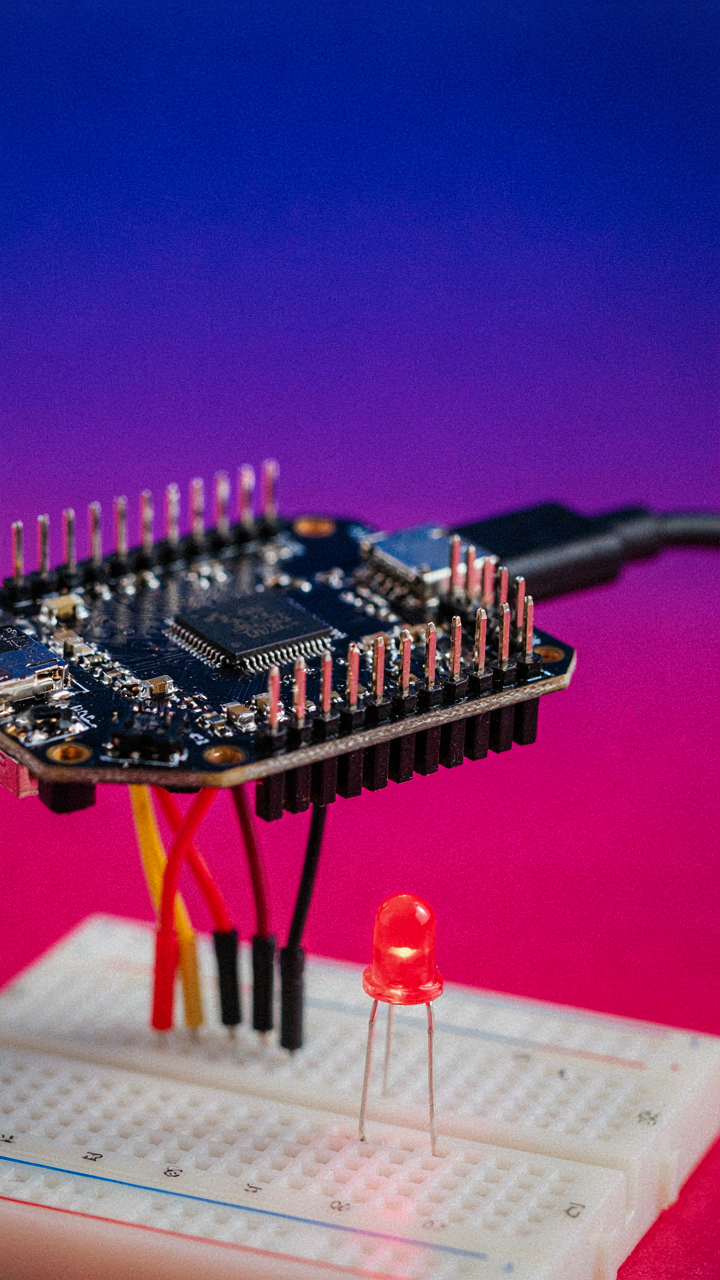
You want the fastest route to a working project, which is why you’re tempted by pre-built solutions. That’s the trap. Economics calls this opportunity cost: the real price isn’t just what you pay upfront—it’s what you can’t do once you’ve locked yourself into someone else’s ecosystem. Arduino shields, proprietary IoT platforms, and closed development environments charge you in two ways: money now, and capability later. The ESP32 costs less than a proprietary board and gives you wireless functionality built in—WiFi and Bluetooth on one chip. You buy once, learn the actual mechanism of how wireless communication works, and never need permission from a vendor to expand.

The real cost of convenience is dependency. Vendors deprecate platforms, raise prices on add-ons, or simply stop supporting older versions. An ESP32 runs on open toolchains that exist independent of any company’s product roadmap. You learn the fundamentals of ARM architecture, firmware flashing, and network protocols instead of learning how to click buttons in a proprietary IDE. That knowledge transfers to every wireless microcontroller you’ll ever touch.
Building In An Open Ecosystem
Open-source hardware and software aren’t ideological statements—they’re structural advantages. The ESP32 has community-driven libraries, transparent datasheets, and millions of existing projects documented online because the barrier to participation is zero. When you hit a wall, you don’t email customer support. You read the source code, understand what’s actually happening, and fix it yourself or adapt someone else’s solution. That’s not a nice-to-have feature; that’s the mechanism that keeps your project moving.
The Arduino IDE, MicroPython, and the ESP-IDF toolkit all exist because people contributed them without corporate gatekeeping. Your teen doesn’t just build a project—they join a network where problems get solved transparently. If a library has a bug, the fix is public. If someone built something adjacent to what you need, you can fork it, modify it, and ship it. This is how real engineers work, and it’s the only way to learn how systems actually function instead of how marketers want you to think they function.
The “DIYs With Cardboard” Prototyping Advantage

Rapid Iteration Before You Commit
You want to skip the embarrassment of building the wrong thing. That’s the real fear here. Cardboard prototyping borrows from industrial design’s concept of the “mock-up”—a throwaway model that tests form and function without the cost of precision tooling. In electronics, this means building your enclosure, sensor placement, and wire routing in cardboard first. You catch design flaws before soldering a single component to a PCB.

Most teens jump straight to final materials. They don’t. Cardboard lets you move parts around, test angles for camera modules, verify that your Arduino actually fits inside the box you imagined. You’ll spend two hours cutting and taping instead of two weeks troubleshooting a design that doesn’t work. Then you build the real version with confidence and zero wasted components.
Testing Ideas Without Killing Your Budget
Cardboard costs nothing. Your mistakes cost nothing. This flips the economics of experimentation—you can now afford to be wrong multiple times. Instead of rationing your component budget for one perfect attempt, you prototype five different sensor mounting strategies, test which one reduces noise, then commit materials to the winning design.
The mechanism is simple: lower material cost equals higher permission to fail. You’ll test enclosure ventilation holes in cardboard before drilling into acrylic. You’ll verify your LED placement doesn’t create glare on a display by taping cardboard baffles around a prototype. When you finally buy expensive materials, you’re buying based on validated requirements, not guesses.
Crafting “Useful Electronic Circuits”: Solving Real Problems

The Gap Between Hobby And Necessity
You want to build something that matters because hobby projects feel hollow once the novelty burns off. The mechanism is simple: usefulness creates iteration cycles. You use the device, find friction, fix it, use it again. This loop compounds skill faster than following tutorials. The projects that stick are the ones solving a real problem you encounter weekly, not monthly.

Start by auditing your actual friction points. What takes too long? What fails predictably? What do you repeat manually when it could be automated? A motion sensor that turns off lights in your room when empty for ten minutes solves a genuine inefficiency. A soil moisture sensor that alerts you before plants die prevents a recurring failure. These aren’t impressive on social media, but they’re the only kind worth building twice.
When Technical Solutions Create New Problems
Economics teaches the concept of externalities: costs or benefits that affect third parties outside the transaction. In electronics for teens, this maps directly onto unintended consequences of your solution affecting people around you. A circuit that solves your problem might create someone else’s problem. Recognition of this separates intentional builders from accidental saboteurs.
Build projects that don’t shift burden onto others. An automated door lock that requires everyone in your house to learn a new system adds friction for them. A noise-generating circuit in a shared space creates fatigue for roommates. A power-hungry device that spikes your family’s electric bill creates resentment. The strongest projects solve problems for their users without creating new obstacles elsewhere. Before you finalize a design, run through: Who else is affected? Does this make their life harder? If yes, solve that first or scrap the approach entirely.
The Real Obstacle Isn’t Complexity; It’s Your Addiction To Pre-packaged Solutions

The teenagers who actually build things don’t wait for permission or perfection. They grab a soldering iron today and burn themselves tomorrow. That’s how you learn. Stop researching the perfect first project and start with whatever component sits in front of you right now. The gap between thinking and doing kills more builders than any circuit ever will. Your only job is to pick something up and break it.



