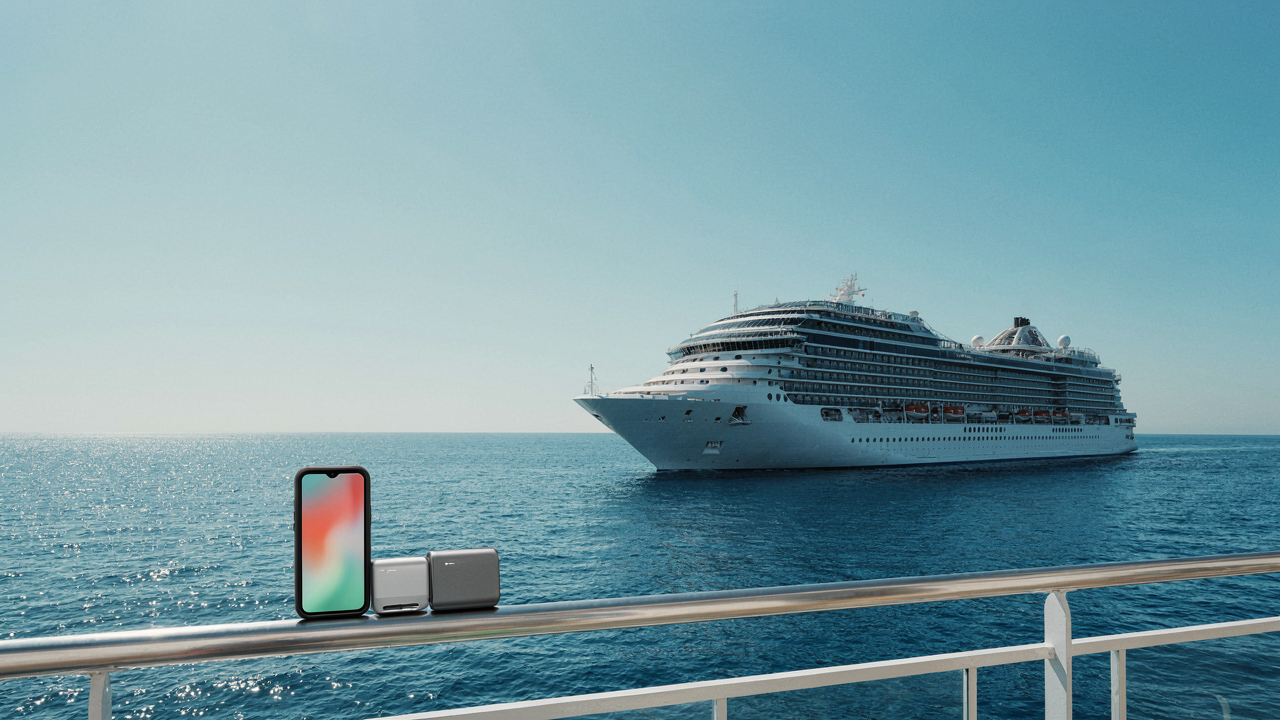
Beyond The Gadget Graveyard: Redefining Cruise Essentials

What Actually Works On Water
You want to look prepared because looking unprepared feels like failure. The mechanism is simple: most cruise tech fails because people confuse “device density” with “preparedness.” You bring seven chargers and one actual use case. The ship’s environment—salt air, humidity, constant motion, limited outlets—kills gadgets that work fine at home. A device that enhances means it solves a real problem unique to being confined on water for days. Everything else is ballast.
The common advice tells you to pack “all your devices just in case.” Wrong. A smartphone, one backup charger, and headphones do more on a cruise than a bag of half-broken electronics. Redundancy sounds safe but creates the opposite problem: you spend mental energy managing devices instead of managing your time. Pick tools that handle multiple functions. A phone streams video, reads books, handles communication, and tracks your cabin number. A single power bank covers your actual charging needs. The constraint forces you to think about what you genuinely use versus what you think you should use.
Single Point Of Failure Isn’t An Emergency Strategy
Systems thinking borrowed from engineering applies here: eliminate points where one broken thing cascades into total breakdown. Most people travel with backup devices that don’t actually back up anything. You pack two pairs of earbuds but if your phone breaks, both become useless. You bring a tablet for entertainment but your phone does the same job. That’s not redundancy. That’s duplication with extra weight.
Real redundancy means one device handles what another cannot. A power bank backs up your phone’s battery, not because you have two devices but because one fills the gap the other creates. Waterproof case replaces the need for a second phone. Download content before boarding instead of relying on ship WiFi as your primary source. The protocol: identify one critical function, ensure exactly one backup path exists for it, eliminate everything else. On a cruise, your critical functions are communication, entertainment, and navigation. Everything packs into those three categories or stays home.
The Power Grid Protocol: Charging For Ship Life
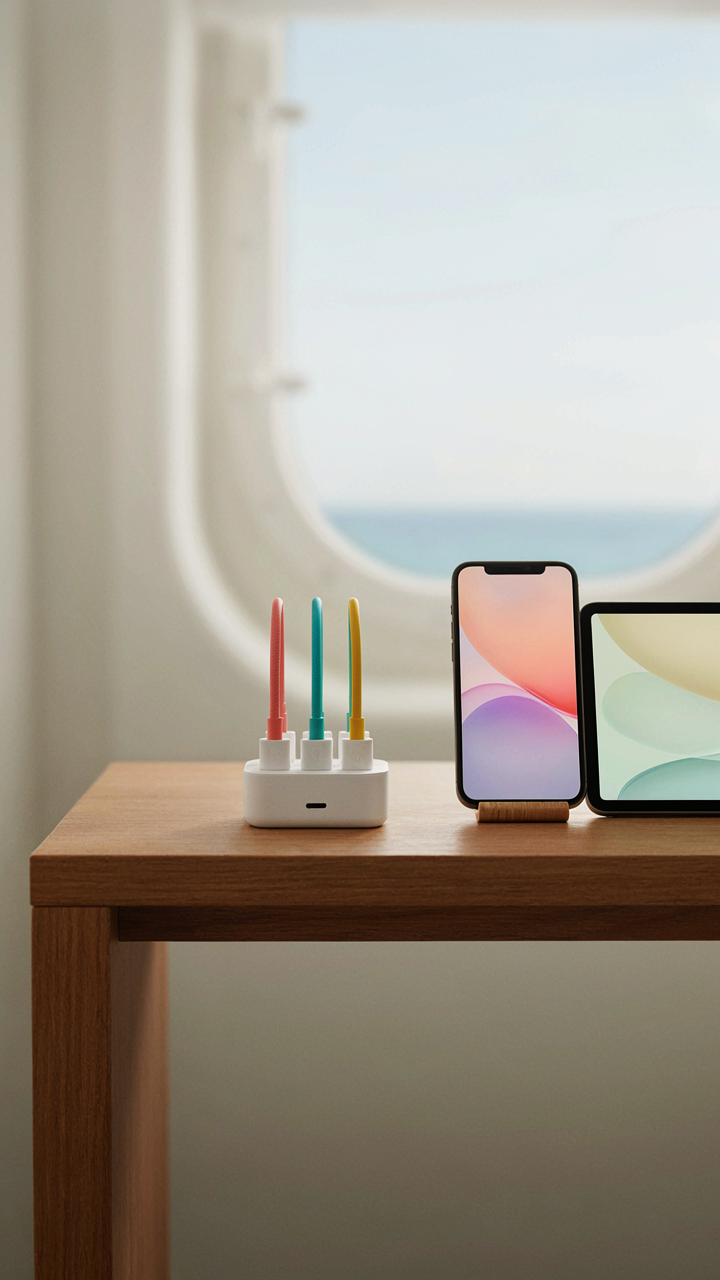
Multi Port Charging As System Architecture
You want to look prepared. The real issue is this: one charger per device is logistics hell in 150 square feet. Think in terms of supply chain design—you need a hub-and-spoke model where a single high-output charging station becomes your central node, and devices rotate through it on demand rather than each demanding its own wall real estate.
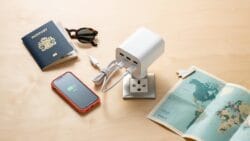
A quality multi-port USB-C charger (100W or higher) with three to four ports handles phones, tablets, and smaller devices simultaneously. This replaces the mental overhead of managing five separate chargers and the physical clutter of tangled cables. Pair it with one or two shorter cables (6 feet maximum) instead of the standard 10-footers you own at home. Ship cabins have limited outlet access. Your charger sits near the outlet. Cables reach the devices in your bunk or desk, not across the room.
Portable Battery As Distributed Infrastructure
Redundancy isn’t paranoia on a ship—it’s architecture. If your multi-port charger fails, you lose access to power for everything. A high-capacity portable battery (20,000mAh or higher) acts as a backup power node. It charges during downtime and deploys when your primary charger can’t reach a device or when you’re in common areas away from outlets.
This battery should support fast charging and have its own multi-port output. The real mechanism: you’re not buying insurance, you’re distributing power generation across two independent systems so no single point of failure creates a dead zone. Charge the portable battery every night alongside your other devices. When you leave your cabin for a sea day or port visit, take it with you. One dead battery ruins nothing because your hub still functions. One dead hub means you have backup capacity immediately available.
Connectivity Conundrum: The Offline First Approach

Download Before You Leave Port
You want internet reliability on a ship because being stranded without connection triggers existential panic, not because you actually need constant access. The mechanism is simpler: ships have dead zones. WiFi dies in cabins, connectivity stutters in engine rooms, and cellular signals vanish mid-ocean. The fix isn’t better internet. It’s accepting disconnection as the default and treating downloads as your actual infrastructure.

Load entertainment, maps, and communication tools before departure. Netflix, Kindle, Apple Books, Google Maps offline mode, Spotify downloads all happen at home on stable bandwidth. Use economics terminology here: you’re shifting the transaction cost from real-time bandwidth consumption to upfront storage. A two-week cruise needs roughly 20-40GB depending on video quality preferences. This isn’t optional work. It’s the difference between boredom and function.
Redundancy In Storage And Backup
Common backup advice tells you to use cloud storage and call it safe. That’s incomplete on a ship. Cloud requires active internet, which defeats the entire offline strategy. The real protocol is threefold: store files locally on your phone and tablet, backup that data to an external SSD before departure, and keep one encrypted cloud copy for post-cruise recovery. Never rely on a single device.
External solid state drives are the underrated tool here. They’re compact, fast, and don’t require power except during transfers. A 1TB SSD weighs nothing, survives drops, and holds enough content for a month at sea. Backup your external drive to cloud when you reach port again. The sequence matters: local device, external hardware, cloud. If two fail simultaneously, you still have recovery options. Execute this protocol before you board.
The Digital Fortress: Securing Your Devices At Sea
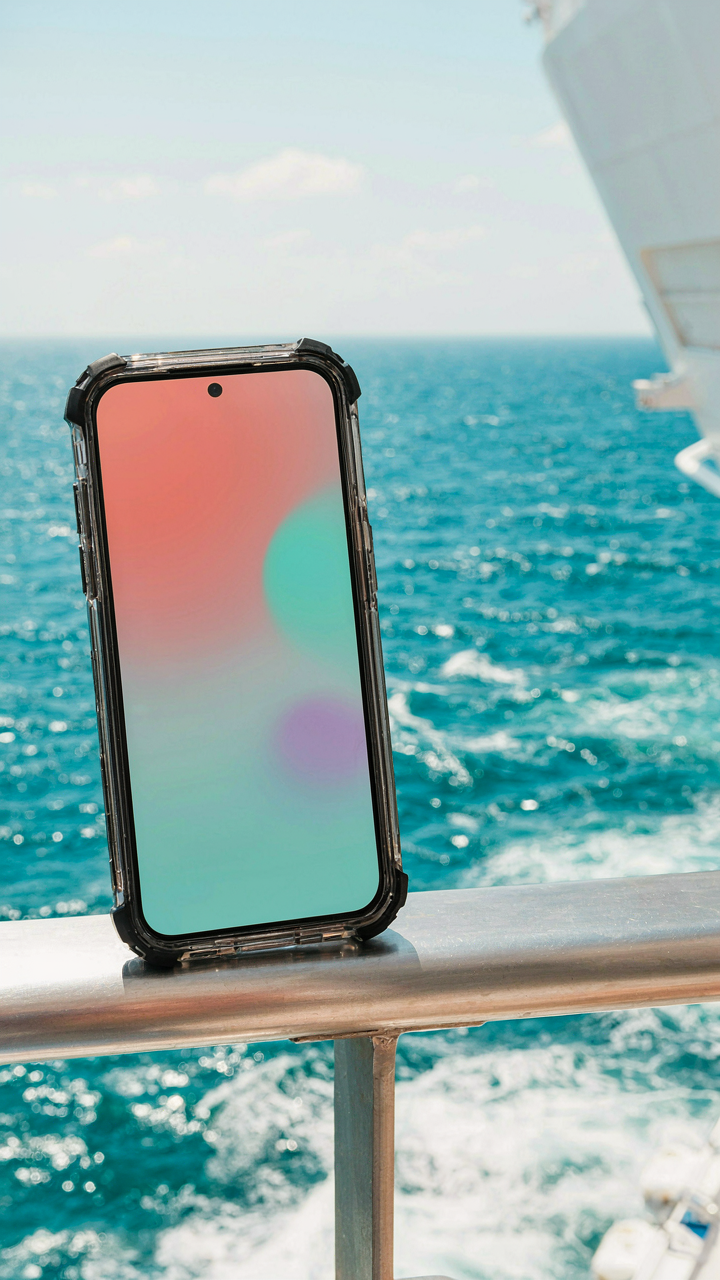
Armor Against Water And Impact
You’re afraid your phone will die in saltwater and you’ll look stupid asking the crew for help. The mechanism is simple: water doesn’t destroy electronics directly—corrosion does, and it happens fast in salt environments. Your device needs physical barriers, not just hope. Phones and tablets survive drops on land because the impact gets absorbed. At sea, a dropped device hits metal railings or wet decks with nothing to cushion it. The combination of salt exposure and impact damage is what actually kills your gear.

IP ratings describe water resistance, but they’re not a protection strategy. IP67 means your phone survives 30 minutes in 1 meter of fresh water, not seawater. Salt accelerates corrosion of internal circuits within hours of exposure. Pack a waterproof case rated for saltwater environments, not just rain. Add a protective sleeve with shock absorption for anything expensive. Dry bags work for storage but not daily use because you’ll skip using protection when it’s inconvenient. The real move is making protection so seamless you forget it’s there, which means a slim case you actually keep on your device at all times.
The Feedback Loop That Keeps You Secure
Cybersecurity operates on feedback loops: threats trigger responses, responses create new behaviors, behaviors reveal vulnerabilities. Your ship wifi and charging ports are surveillance nodes if you don’t close the loop. Every time you connect to the ship’s network, you expose your location data, payment information, and device vulnerabilities to whoever controls that network. Most cruisers don’t realize the network owner can see all unencrypted traffic. The loop closes when you use a VPN, which scrambles your data before it leaves your device.
Your charging routine creates a different loop. Plugging into public USB ports or ship-provided chargers lets attackers inject malware during the power transfer. Data flows both directions on a charging cable. Use a power-only USB cable or a wall outlet with your own adapter instead. Two-factor authentication on every account with sensitive data creates a loop where even stolen passwords fail to grant access. Set this up before you leave port. Enable automatic backups to cloud storage so a lost device doesn’t mean lost photos or documents. The protocol is simple: VPN on, power-only charging, two-factor enabled, backups running—execute this before departure and you’ve eliminated ninety percent of cruise tech risk.
The Phone Pouch Paradox: More Than Just Waterproofing

Salt Spray And Device Economics
You want the pouch to protect your phone because you’re terrified of replacing it mid-cruise—that’s the real fear. But waterproofing alone misses the actual mechanism: salt corrosion doesn’t just attack your phone’s exterior. It migrates into charging ports, speaker grilles, and mic openings through microscopic gaps that exist on every device. A pouch isn’t a shield against water; it’s a barrier against salt’s electrochemical attack on metal components. The difference matters because it changes what material and seal quality you actually need.

Most cruise passengers grab whatever waterproof case sits at eye level in a travel store. Wrong move. You need a pouch that creates a sealed perimeter, not just one that repels water. The seal matters more than the material thickness. A thin silicone pouch with a strong press-close or magnetic seal outperforms a thick plastic case with a loose closure because salt vapor finds its way through any gap, no matter how small. Inspect the seal mechanism before you pack it. You’re buying protection against corrosion, not just moisture.
Reach Without Removal
Accessibility in active environments follows the principle of operational friction from logistics—reducing unnecessary steps between decision and action. On a cruise ship, the gap between “I need my phone now” and “my phone is locked in the cabin” determines whether you use it or leave it behind. A front pocket pouch with a transparent screen window eliminates the decision entirely. You can shoot photos, check the time, read messages, and adjust volume without removing the phone.
The operational cost of removing a sealed pouch, using your phone, and resealing it creates behavioral friction that compounds over seven days. Most people stop carrying their phones on deck for this reason alone. You end up missing shots, missing messages, or worse, leaving your device unattended to retrieve it later. A pouch design that lets you operate the phone without full removal keeps your device in active use while maintaining the seal integrity that matters for salt protection. This is the actual advantage: a pouch that functions as a working environment, not a storage container.
Best Cruise Gadgets That Aren’t Gadgets
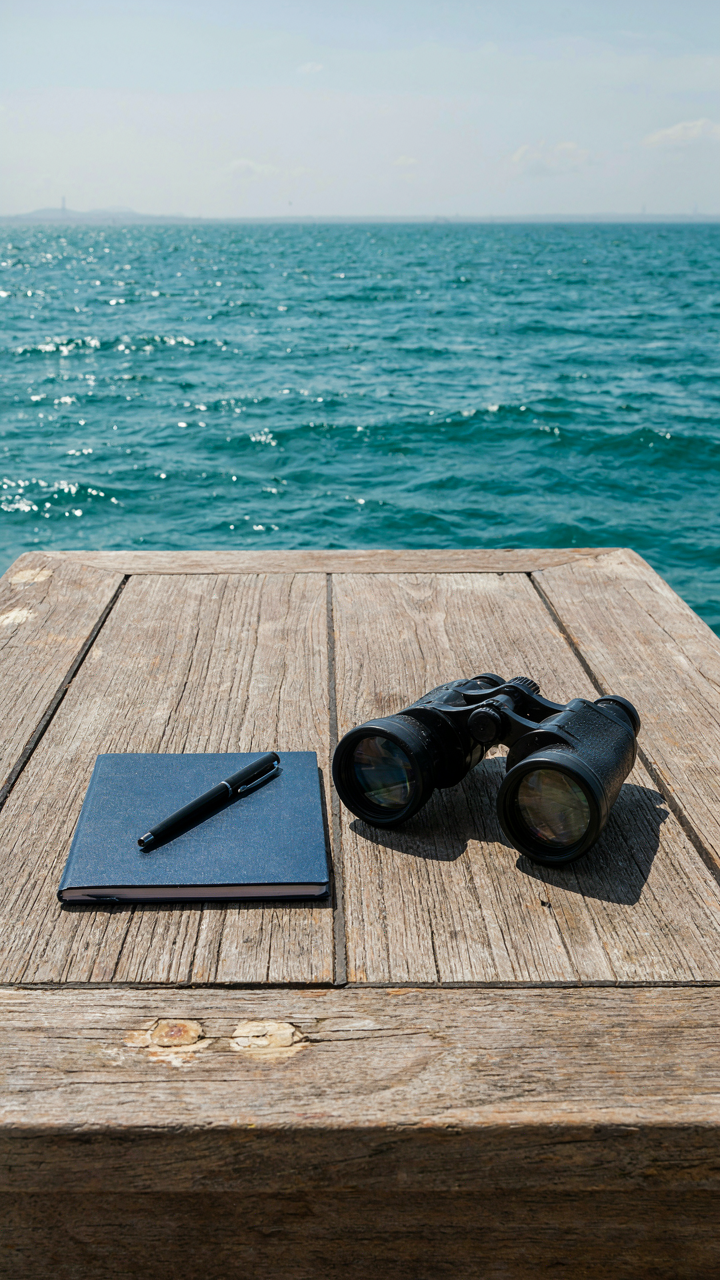
Paper And Pen Still Win
You want to pack something that makes you feel prepared without admitting you’re afraid of losing your phone or running out of battery. The real mechanism: analog systems don’t fail when networks collapse or screens crack. A notebook and pen cost nothing, take zero power, and work in any condition. Every experienced traveler carries them.

Bring a small hardcover notebook, not a spiral one. Spiral bindings destroy themselves in luggage. Use a pen that doesn’t rely on pressure to write, like a Fisher Space Pen or standard ballpoint. Write down cabin numbers, port schedules, wifi passwords, and anything you’d regret losing. Digital notes vanish in seconds. Paper stays.
Binoculars And A Multitool
Military observers use magnification as a force multiplier: it extends your sensory range without adding equipment weight. Binoculars work the same way on a cruise. You spot wildlife, read distant signage, and watch the horizon without straining. A compact multitool handles the small failures that derail your day. Neither requires charging.
Grab compact binoculars rated 8×32 or smaller. They fit a jacket pocket and weigh almost nothing. Pair them with a single-blade multitool or leatherman. Don’t overpack tools you’ll never use. On a ship, you fix problems quickly or report them. The tool handles the first option. Most days you use neither, but the day you need them defines your entire trip.
The Unseen Network: Maximizing Cabin Tech
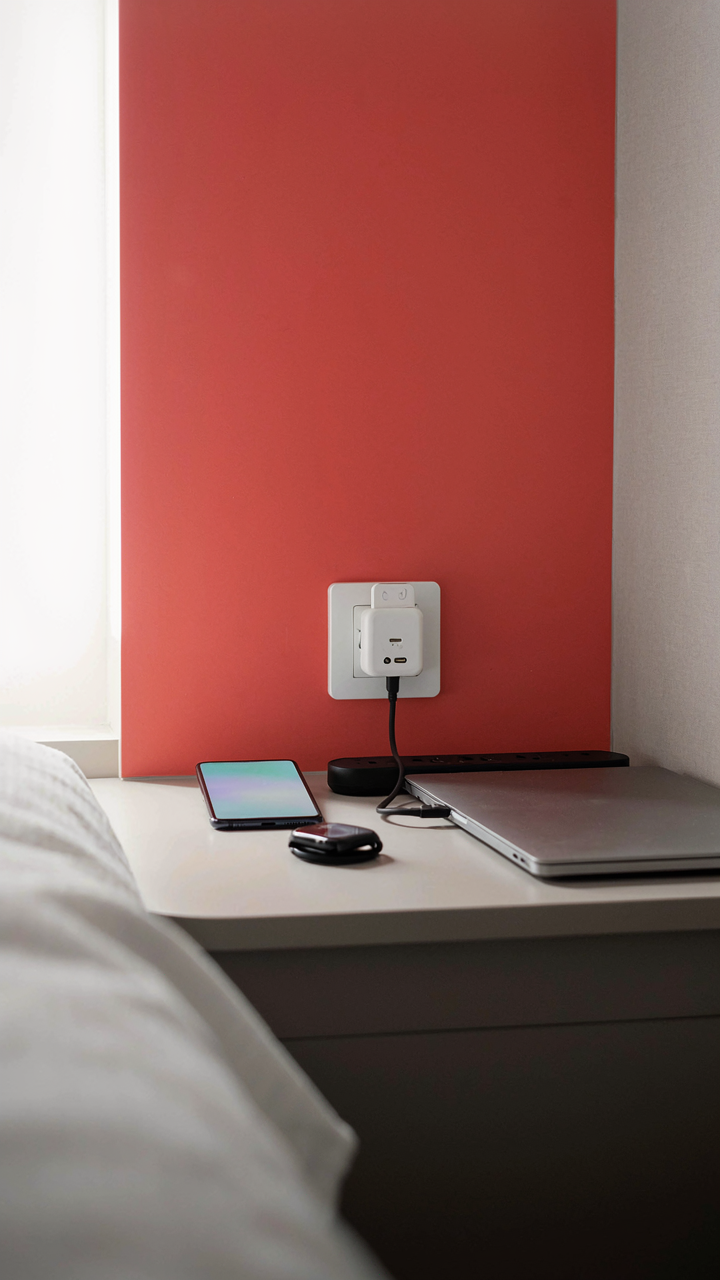
Power Your Cabin Without The Outlet Hunt
You’re worried about running out of USB ports because you’ve internalized the scarcity mindset of hotel rooms, but the real mechanism is load distribution. Modern cruise cabins come with two to four standard outlets, but they’re positioned for furniture, not devices. The deck doesn’t acknowledge that you travel with six things that need charging.

Map your power demand before boarding. One outlet powers your phone charger and smartwatch simultaneously through a dual-port USB adapter. A second outlet runs a power strip with surge protection for your laptop and secondary battery. This isn’t about having more outlets—it’s about controlling where power flows and eliminating cable sprawl that kills device lifespan through voltage spikes.
Build Your Own Bandwidth Layer
The common advice says buy the ship’s internet package, but that’s backwards. Cruise internet costs 20 to 30 dollars daily and delivers 5 to 10 megabits per second on crowded days. You need internet for navigation, not streaming, and the ship’s network becomes useless the moment 3,000 passengers refresh at once.
Bring a secondary cellular device with a regional sim card purchased before departure. Most cruise ports sit within cellular range of land networks for at least half the voyage. Download maps, entertainment, and communication apps before the ship leaves port. Your phone becomes your primary connection; the ship’s WiFi becomes backup for forwarding urgent messages when cellular drops. This eliminates the decision paralysis of rationing bandwidth and removes the financial trap of paying per megabyte.
Pre Cruise Tech Audit: Your Personal Cruise Checklist

Test Every Device Before You Board
You’re doing this audit because you’re afraid of being trapped on a ship with dead gear and no recourse. The mechanism is simple: devices fail predictably under specific conditions, and a cruise amplifies every one of them. Salt air corrodes contacts. Humidity kills batteries. Temperature swings stress circuits. You catch these failures now or you pay for them later with dead weight in your cabin.
- Phone and charger: Power on, test all ports, charge to 100% to confirm the battery holds a full cycle without dropping below 95% within two hours.
- Portable power bank: Verify output voltage matches device specs, test both USB ports under load, and confirm it charges fully in under four hours.
- Headphones or earbuds: Play audio at medium volume for fifteen minutes, check both channels, test microphone on a voice call, inspect cable for cracks.
- Laptop or tablet: Boot the device, run a full system diagnostic, test keyboard and touchpad responsiveness, verify charging cable connections are tight and show no fraying.
- Camera: Power on, take twenty test photos at different lighting levels, review images for focus issues, test all buttons including zoom and menu functions.

Testing is not casual. You’re looking for the threshold failure that won’t show up until day three at sea when the ship’s pitch and roll stress a loose connection you missed. Run each device for at least fifteen minutes under actual usage conditions. Charge and drain each battery once completely. If anything hesitates, stutters, or shows even one warning notification, replace it before boarding.
Prepare Software And Secure Your Data
Most people update their software the night before departure and wonder why their phone crashes at the gangway. Updates corrupt mid-transfer, they interrupt charging cycles, and they create cascading failures in apps that depend on older system versions. Your real problem is not the software itself but the window you choose to run it. Do this seventy-two hours before departure, not thirty-six hours.
Backup everything you care about before you leave land. Cloud services work on ship internet, but they’re slow and inconsistent. Download offline maps of your port cities, save airline confirmations and cruise documents as PDFs to your device, and export any photos or notes you’ve already taken. If your device fails mid-cruise, you lose photos and reservations. Backup eliminates that risk entirely. Create a second backup on an external drive you keep in a separate part of your luggage.
The Packing Checklist: From Home To Harbor

What Goes In Your Carry On
You want to look like you have your life together. The real mechanism is that your carry-on tech determines the first 12 hours of your cruise and everything after. Phones, chargers, and medications live here because checked baggage arrives late or doesn’t arrive at all. A dead phone means no cabin keycard activation, no dining reservations, no communication. You need your critical items where you control them, not where logistics does.

Organize by time dependency, not category. Your phone charger and any prescription medications travel in the front pocket where you access them before boarding. Headphones and your backup power bank go in the secondary pocket. Your laptop or tablet stays in the main compartment in a protective sleeve. This layering reduces fumbling at security and prevents you from digging through your entire bag to find what you need in the first hour on ship.
Load Bearing Order And Placement
Think of your luggage like a military supply line where the last items packed become the first items accessed. This isn’t metaphorical efficiency, it’s literal time savings. Heavy items go on the wheels side of the suitcase, not the top. This keeps the weight distribution low and prevents the bag from tipping when you roll it down the gangway or through a crowded hallway.
Cable management prevents a four-pound mess from becoming a ten-pound tangled mess. Coil each charging cable and wrap it with velcro straps before packing. Place cables in a dedicated pouch on top of your packed clothes so you reach them without excavating. Your camera or drone charges last because you unpack it last. This sequencing saves 20 minutes of searching and eliminates the rage moment when you can’t find your USB-C cable at the port.
Your Greatest Tech Challenge Isn’t What You Bring, But Your Dependence On The Grid

You’ll pack your chargers and cables like armor. What you won’t pack is the mental shift you actually need. The ocean doesn’t care about your productivity. You brought tech to extend your life on land onto a ship. Ship life demands you shrink back instead. Start today: pick one app you’ll delete before boarding. The goal isn’t disconnection. It’s choosing what stays connected to you.