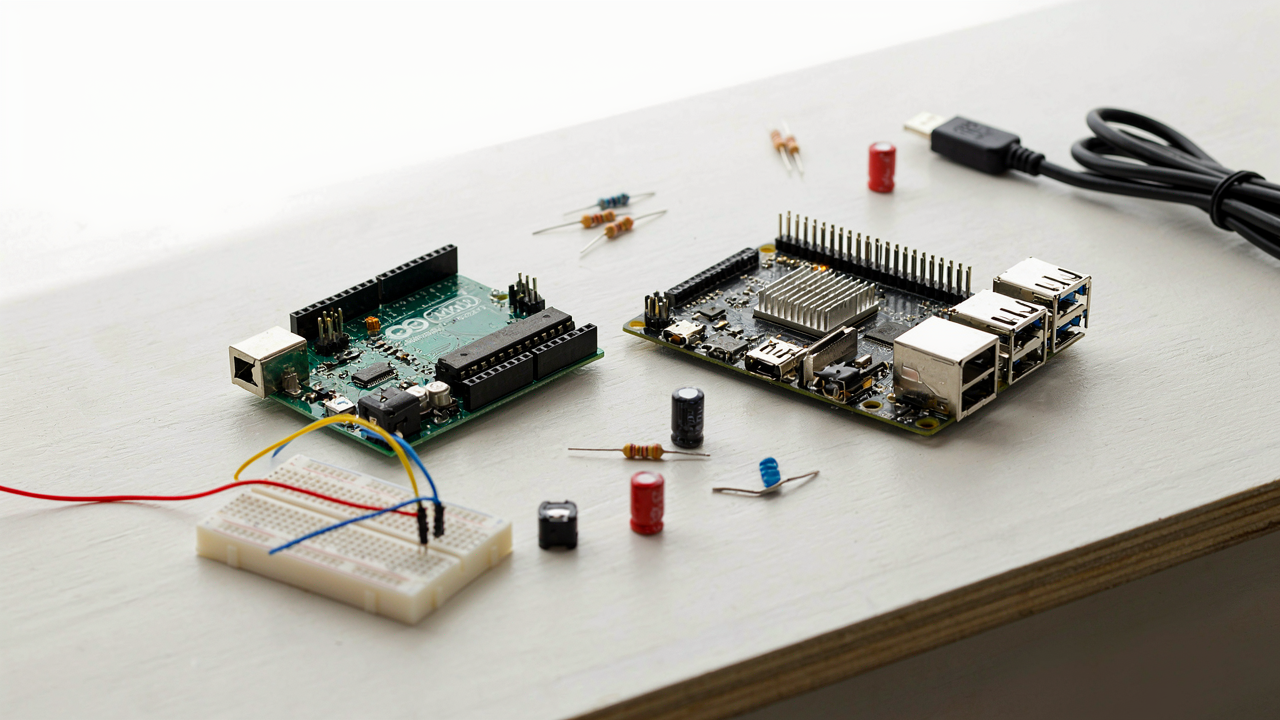
The Myth Of The Beginner Friendly Board

Simplification Creates Paralysis
You’re looking for permission to pick the “right” one so you don’t waste money on the wrong choice. Here’s the mechanism: the more options you strip away to make a board “beginner-friendly,” the more abstract it becomes. Arduino abstracts away register manipulation and low-level hardware control through its simplified IDE and libraries. Raspberry Pi abstracts away GPIO complexity by running a full operating system. Both abstractions solve different problems, but most beginners don’t know which problem they have, so they freeze.
The real cost of chasing beginner-friendliness is that you learn nothing about the actual hardware. You’re trading specificity for false comfort. Arduino teaches you how microcontrollers actually work because you can’t hide from the constraints. Raspberry Pi teaches you systems administration and Linux, which is valuable but orthogonal to embedded systems. Pick based on what you want to build, not on which board sounds easier.
The Real Price Of Waiting For Clarity
You cannot think your way into this decision. Every hour spent comparing specs and reading Reddit threads is an hour you could have spent building and discovering what you actually need. The cost isn’t the board price, which is negligible. The cost is the momentum you lose while your brain constructs a false equivalence between the two platforms.
Most beginners need to start building within 48 hours of deciding. Pick Arduino if you want to control sensors and actuators with a single chip. Pick Raspberry Pi if you want to run Python scripts and network to the internet without writing embedded C. Buy whichever one aligns with your first project, then start. The mechanism works like this: three weeks of hands-on failure teaches you more than three months of research.
Arduino: The Single Task Specialist Protocol
What A Microcontroller Actually Does
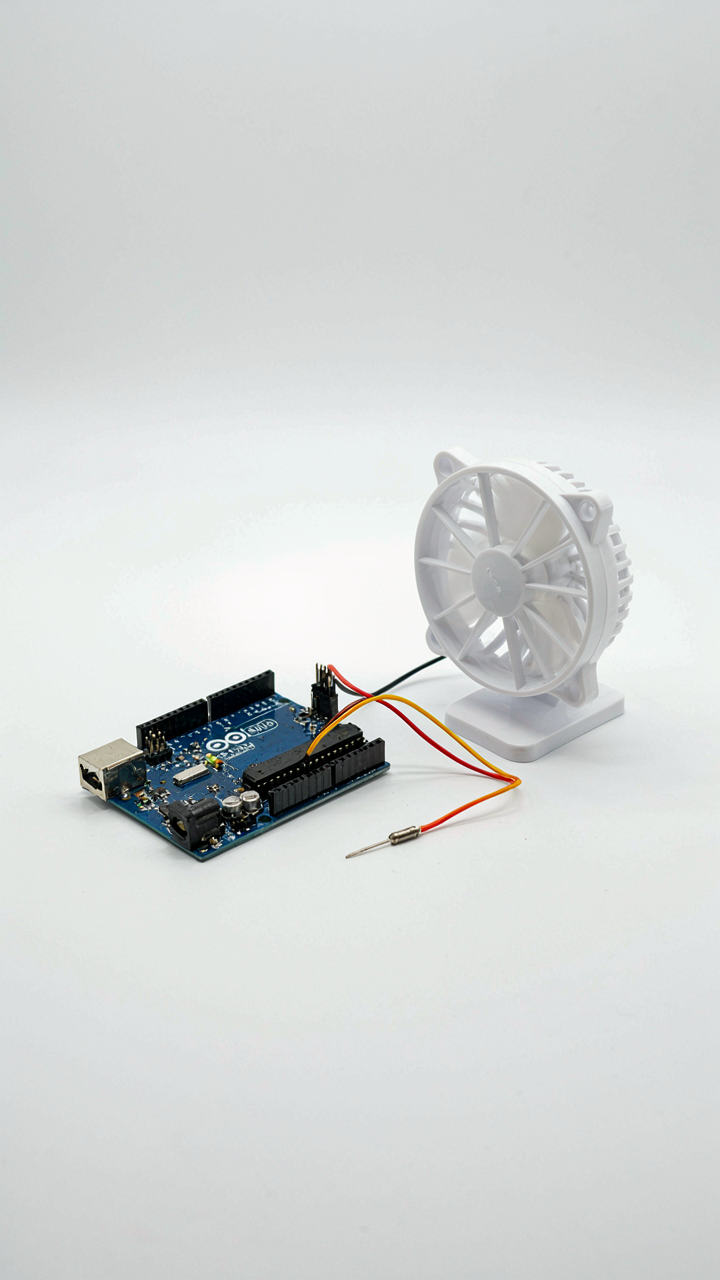
You want to know which board is easier so you don’t waste six months learning the wrong tool. That’s the real question. An Arduino is a microcontroller, which means it runs one program repeatedly until power dies. It doesn’t multitask. It doesn’t manage an operating system. It executes the same loop infinitely: read sensor, make decision, trigger output, repeat. This is the opposite of how your computer works.

The mechanism here comes from industrial control systems, where reliability demands simplicity. In manufacturing, a device that does one job well beats a device that tries to do everything. An Arduino reading a temperature sensor and turning on a fan runs that cycle thousands of times per second without drift or lag. The trade-off is brutal: it can’t browse the internet, can’t run multiple programs, and can’t multitask. But it also can’t crash from a software update or get bloated over time. That’s not a limitation. That’s architecture.
Simplicity Becomes Your Competitive Edge
Most beginner advice tells you to pick based on projects you want to build. That’s incomplete. Pick based on what your brain can actually hold at once. An Arduino forces you to think in sequences: input, logic, output. No layers of abstraction. No background processes stealing cycles. You write code that directly controls pins. The learning curve flattens because there’s less to know.
Simplicity scales in one direction: getting your hands on working hardware fast. If you want to blink an LED, read a button, or control a motor tonight, an Arduino does it in under an hour. If you want to build a weather station that logs data to the cloud, you’ll need Raspberry Pi’s operating system and networking stack. The protocol is this: start with Arduino if your project fits inside a closed loop. Start with Raspberry Pi only when you need it to act like a computer, not a controller.
Raspberry Pi: The Generalist’s Toolkit

When You Actually Need An Operating System
You picked this section because you want the cooler, more capable option, not because you’ve thought through what you actually need. The real mechanism is this: Raspberry Pi runs a full operating system. Arduino runs code. That difference determines everything downstream.

Raspberry Pi executes Linux. This means file systems, network stacks, multiple processes running simultaneously, and memory management that scales. You get a real computer with layers of abstraction between your code and the hardware. Arduino executes a single program in a loop with no operating system underneath. Choose Raspberry Pi when your project demands OS-level features: file storage, network connectivity, or complex background tasks running in parallel.
Software Architecture Shapes Your Constraints
The common advice says Raspberry Pi is more powerful, so use it for complex projects. That’s lazy. The real constraint is architectural: Raspberry Pi forces you to think in layers, Arduino forces you to think in cycles.
On Raspberry Pi, you write high-level code in Python or C++. The OS abstracts hardware details. You manage processes, threads, and system resources. This creates distance between your intent and the actual execution. On Arduino, your code runs bare metal. No abstraction layer. No operating system scheduler deciding when your code runs. You write tight, deterministic loops where timing is explicit and predictable. Pick Raspberry Pi when you need that OS abstraction and don’t care about microsecond-level timing. Pick Arduino when timing precision and direct hardware control matter more than computational power.
The Project First Rule: A Systems Thinking Approach
Define The Output First
You want permission to skip thinking and jump straight to buying hardware. Cybernetics, the study of control systems, names this problem clearly: you can’t design a system without defining its desired output first. Arduino and Raspberry Pi aren’t interchangeable tools waiting for you to find a use. They’re inputs designed for fundamentally different outputs.

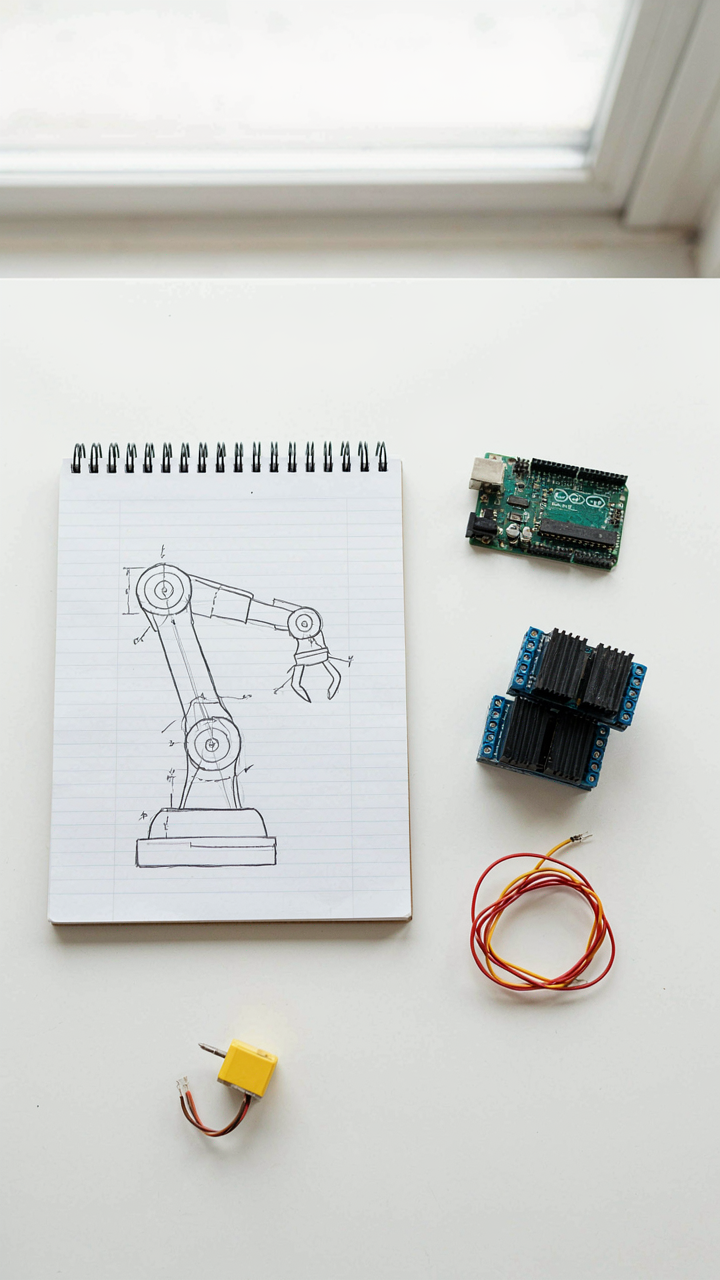
Start by naming exactly what you want to build. Not “learn electronics.” Not “get into coding.” What does the thing do when it’s finished? Does it measure temperature and log data to the cloud? Does it blink LEDs in a pattern? Does it control a robotic arm? The output determines everything downstream, including which platform wastes less of your time and money.
Build Around Problems, Not Platforms
The common advice is backwards: pick the platform first, then find projects that fit it. This is solutionism without diagnosis. You end up with a Raspberry Pi running a web server when an Arduino would’ve solved your actual problem in forty lines of code. Conversely, you buy an Arduino expecting it to handle WiFi and video processing, then blame the hardware.
Reverse the logic. Write down the constraints of your problem: response time needed, power consumption, internet connectivity, processing power, cost per unit. Arduino wins when you need fast, predictable hardware responses and minimal overhead. Raspberry Pi wins when you need an operating system, file management, or substantial computation. Match the problem to the platform’s actual strength, not to which one sounds more impressive at the coffee shop.
Beyond The Boards: Raspberry Pi Pico Vs Arduino
The Middle Ground Problem
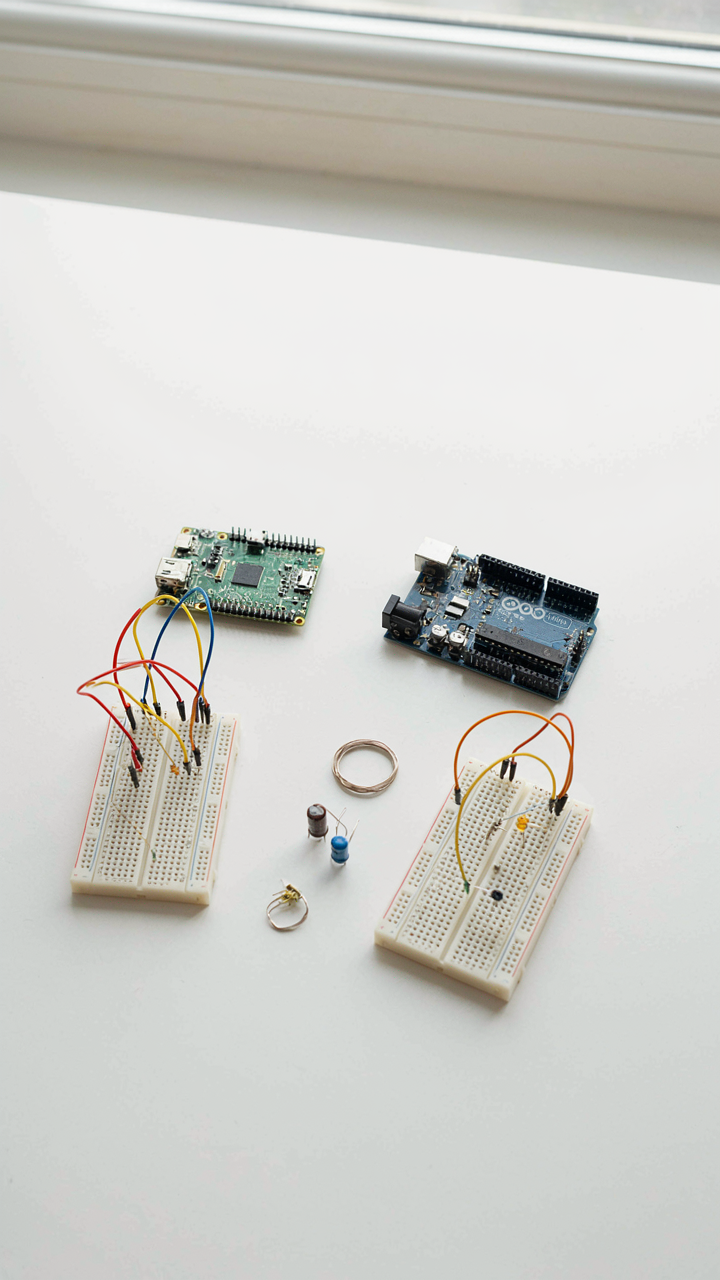
You want the Pico because it sounds like a compromise. You think you’re being smart. Here’s the mechanism: the Pico exists in a zone where it solves problems for people who already know which problems need solving. It’s economics at work—products fill gaps only when the gap is real, not when it’s imagined. The Pico sits between Arduino’s simplicity and Raspberry Pi’s operating system complexity, which means beginners use it to learn the wrong thing: how to patch confusion instead of how to think in systems.

The Pico is a microcontroller with more horsepower than Arduino, running MicroPython instead of C. It costs less than a full Raspberry Pi. But that’s marketing framing. For beginners, this middle ground creates a fork in the road with no signpost. You don’t know if you’re learning embedded systems or scripting. The abstraction level changes what you build and how you debug it. You end up not mastering either paradigm.
The Real Trade Off Isn’t Speed
Performance versus accessibility is how the tutorial blogs frame this. Wrong frame. What you’re actually trading is feedback speed versus control depth. Arduino gives you immediate sensor readings and hardware response in milliseconds. Pico adds Python’s ease but delays execution slightly and abstracts the hardware layer. Raspberry Pi adds an OS, which means your code runs when the OS schedules it, not when the pin changes.
This matters because beginners need fast feedback loops to connect cause and effect. Arduino delivers that. Pico’s delay is small but noticeable enough to create confusion. When your code runs half a second late, you start second-guessing the logic instead of trusting the hardware. Pick based on what you want to feel confident about first: instant hardware control or readable code. The Pico makes you choose between both.
Avoiding The Feature Creep Trap: How To Choose Raspberry Pi Board
Start With The Smallest Thing That Works
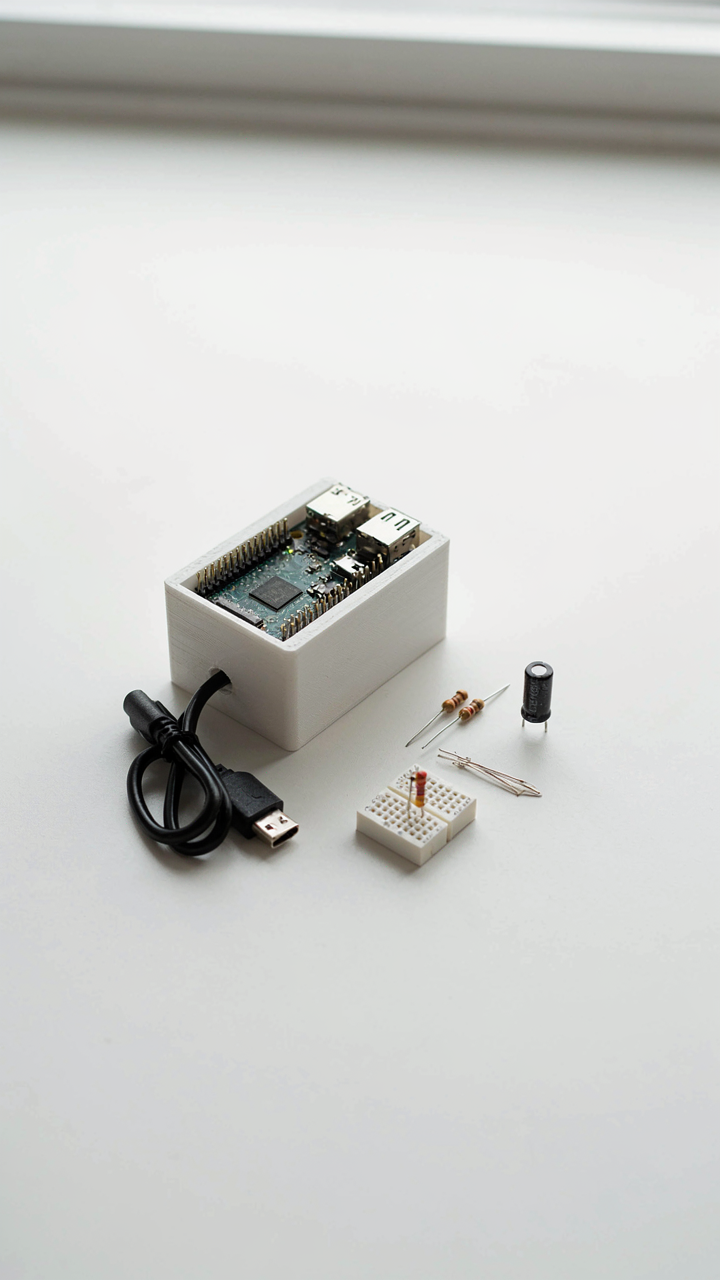
You want the Raspberry Pi because you’re afraid Arduino won’t be “enough”—that you’ll outgrow it and waste your money. The real mechanism here comes from product design: minimum viable product thinking. You don’t build the final version first. You build the version that solves one problem, then you iterate. Most beginners buy a Pi 5 when a Pi Zero would force them to learn constraint-based thinking.

The Pi Zero costs 15 dollars and runs the exact same operating system as the Pi 5. It has fewer GPIO pins, less RAM, and a slower processor. Those limitations aren’t bugs—they’re features that teach you to write efficient code instead of throwing hardware at problems. If your project genuinely needs more power after exhausting the Zero’s capabilities, you already understand what you’re building. Then you upgrade with purpose, not hope.
What Beginners Actually Get Wrong
Forget the standard advice about “choosing based on your project needs.” That’s backwards. Most beginners don’t know what their project needs because they haven’t built anything yet.
- Buying the latest board iteration: New doesn’t mean better for learning. The Pi 4 from 2019 runs 99% of beginner projects identically to the Pi 5. You’re paying for marginal performance gains you won’t notice.
- Assuming more RAM means better learning: A Pi Zero with 512MB runs Linux and Python just fine. You learn the same concepts on constrained hardware that you’d learn on 8GB. Constraints actually sharpen your thinking.
- Overestimating your project scope: Beginners sketch ambitious projects then abandon them. A weather station needs far less compute than you think. Start stupidly simple: blink an LED, read a sensor, log data. Scale up when you hit actual walls.
- Ignoring the accessory cost multiplier: The board is 15 to 80 dollars. The power supply, SD card, case, and cables add another 40 to 60 dollars. Budget for the full stack, not just the silicon.
- Confusing “features” with “requirements”: The Pi has built-in WiFi and Bluetooth. You don’t need them for your first project. An Arduino with a WiFi shield teaches you the same networking concepts without the distraction.
Here’s the actual decision rule: if your project requires an operating system, persistent file storage, or simultaneous processes running independently, the Pi wins. If your project is a sensor reading a value and triggering an output, Arduino is objectively simpler. The choice isn’t emotional—it’s mechanical. Know which one you actually need before you click buy.
Integrating The Ecosystems: How To Install Arduino On Raspberry Pi

What You Actually Gain By Combining Them
You want this because you think it makes you look smart. Here’s what actually happens: the Arduino handles real-time sensor input and motor control without lag. The Raspberry Pi handles networking, storage, and complex logic. Think of it as division of labor in manufacturing—each tool specializes in what it does best instead of both competing for the same job. Installing the Arduino IDE on Raspberry Pi lets you program and upload code to Arduino boards directly from the Pi’s desktop environment rather than switching computers.

The real mechanism is resource allocation. Arduino runs bare-metal code with zero operating system overhead. Raspberry Pi runs Linux, which introduces latency you can’t predict. When you combine them, the Pi becomes your development station while the Arduino remains your real-time executor. You don’t gain this by accident—you gain it by intentionally separating concerns. This works because they communicate over USB serial, not because they’re designed to merge into one thing.
When This Actually Makes Sense
Most advice says combine them for “flexibility” or “power.” That’s vague and wrong. Combine them when you have a time-sensitive task that needs network connectivity. If you’re logging sensor data to the cloud while reading analog inputs at precise intervals, the Pi can’t handle the timing and the Arduino can’t reach WiFi. A weather station that uploads every hour is the canonical example—Arduino reads temperature and humidity with consistent sampling intervals while Pi waits for data, formats it, and sends it over the network at scheduled times.
Setup requires installing the Arduino IDE on the Raspberry Pi’s Linux distribution, then connecting your Arduino via USB cable. The Pi detects the board automatically in most cases. You select the board type and COM port in the IDE, write your sketch on the Pi, and upload it as if the Pi were any desktop computer. This eliminates the need for a separate machine during development and keeps your workflow contained to one device, which matters when you’re prototyping in environments where space or power availability is limited.
The Real Gateway: Practical Application Over Theoretical Debate

Start Building Before You Finish Thinking
You’re reading this section because you want permission to pick the right one so you don’t waste money on the wrong choice. That fear is the actual problem. Here’s the mechanism: both boards teach you what you need to know, but only if you build something. Arduino wins here because it forces constraint. Limited processing power and memory mean you can’t overthink the architecture. You pick a sensor, you wire it, you write fifty lines of code. Done. The learning happens through friction, not deliberation.

Raspberry Pi tempts you with capability. A full operating system, networking stack, and processing power feel like they’ll help you learn faster. They won’t. They’ll let you procrastinate by configuring software for three weeks while your project sits incomplete. Arduino’s limitation becomes its teaching strength because you can’t hide from the actual electronics work. You learn GPIO, PWM, analog-to-digital conversion, and serial communication not because they’re in a book but because you need them to make the thing work.
Done Beats Perfect Every Time
Analysis paralysis isn’t about indecision. It’s about the false belief that choosing wrong costs more than not choosing at all. The actual cost is the months you spend reading comparisons instead of failing at something real. Buy an Arduino Uno for thirty dollars. Build a temperature sensor that logs data to an SD card. Fail. Rebuild. Finish. That cycle teaches you more about microcontrollers than any tutorial sequence because you’re debugging real problems with real constraints.
The mechanism is simple: execution reveals what learning looks like. When you hit a wall with Arduino’s 2KB of RAM, you learn why memory management matters. When you need networking capabilities, you understand why Raspberry Pi exists. But you only understand this by hitting the wall, not by reading about it. Most beginners never start because they’re still comparing specs. Pick one, build one thing, and you’ll know within two weeks whether you need the other. The decision emerges from evidence, not theory.
The Real Obstacle Isn’t The Board; It’s Your Inability To Define A Tangible Outcome
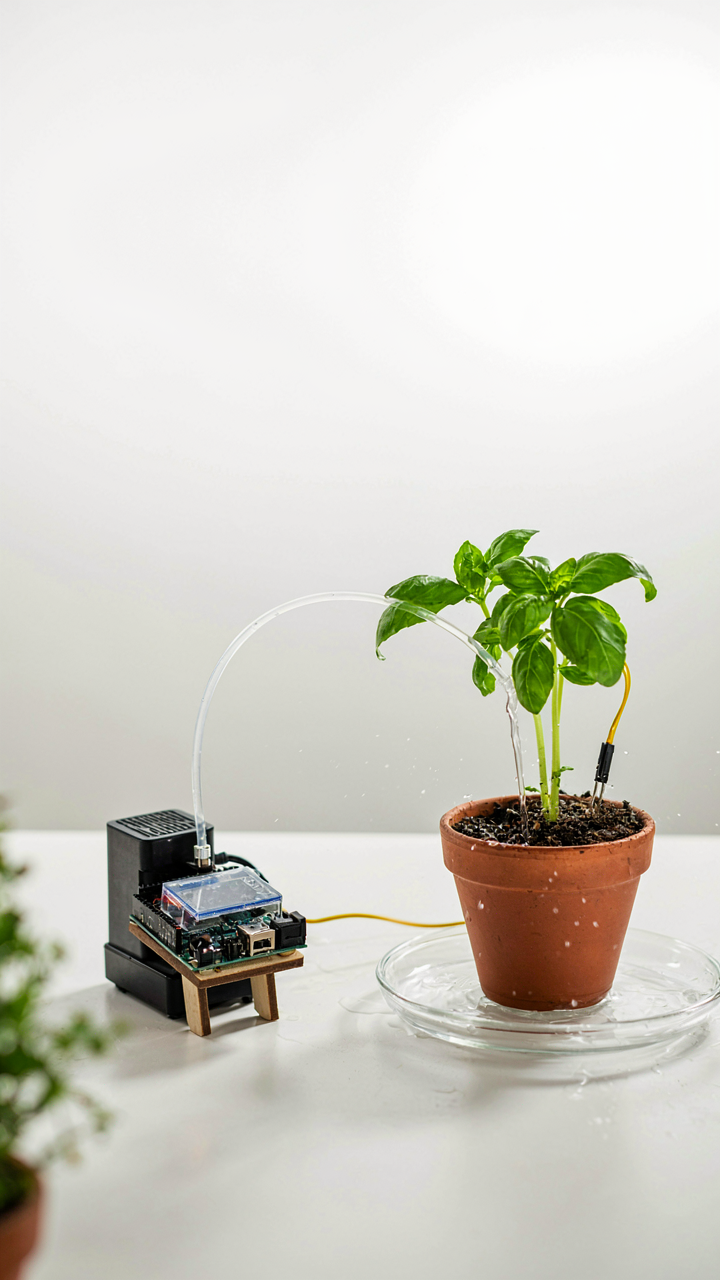
You don’t need Arduino or Raspberry Pi yet. You need a specific problem you want to solve. Pick one today. Not “learn electronics”—that’s noise. Build a plant watering system. Track your bedroom temperature. Create something that breaks if you don’t understand it. The board choice becomes obvious once you know what you’re actually making. Stop collecting tools and start collecting outcomes.