
The Ambient Light Deception: Why Your IPhone Fails First
What Your IPhone Sensor Actually Does
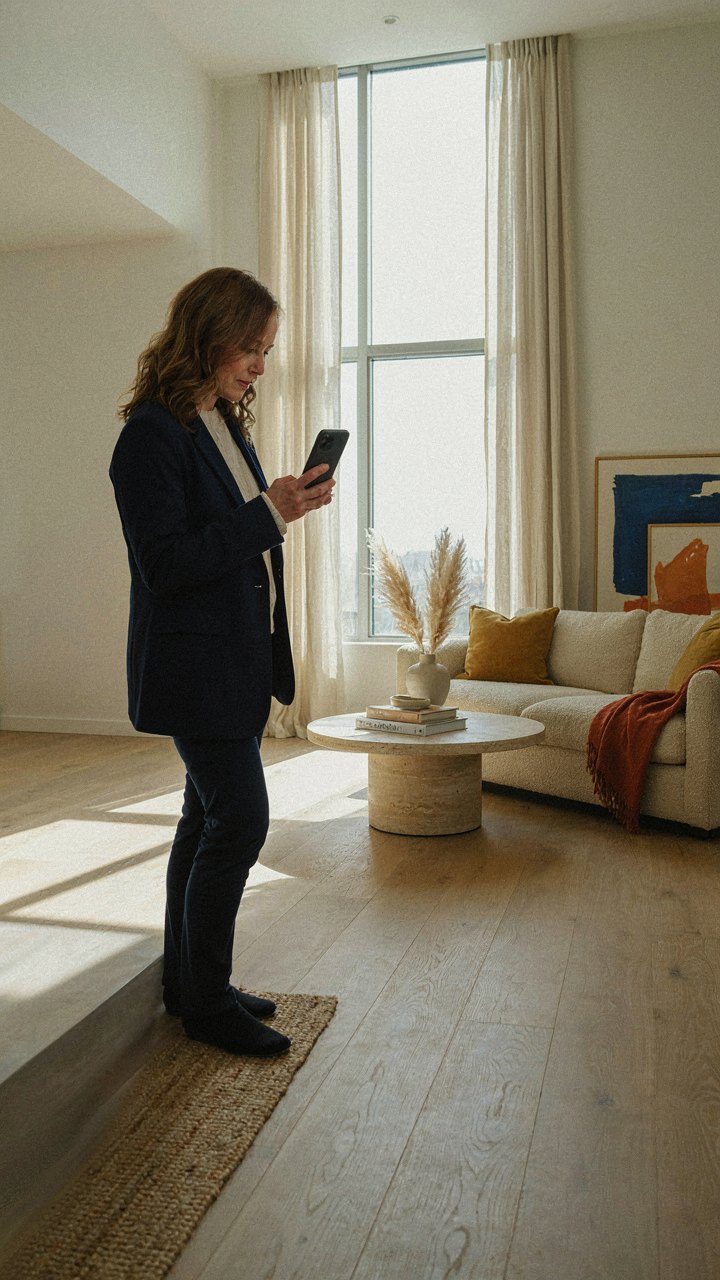
You want buyers to feel the space before they walk in. That’s why this matters. The iPhone camera sensor captures light through a process called photoelectric conversion, the same physics principle that powers solar panels. Your phone converts light particles into electrical signals. The problem: the sensor is small. Smaller sensors struggle when light ranges from bright windows to dark corners in the same frame. That’s dynamic range compression, and it’s the core limitation you’re fighting.
When a room has windows facing north or south, ambient light doesn’t spread evenly. Your iPhone sensor reads the brightest area (the window) and crushes the darker foreground into shadow. You can’t fix this with filters or settings because the sensor already made the choice the moment you pressed the shutter. The hardware decides what gets recorded before any software touches it. Understanding this gap between what you see and what the phone captures is the foundation for everything that follows.
Frame To Reduce The Light Span
Stop photographing rooms head-on from the center. That framing choice forces your sensor to handle the maximum light range in the space. Photography’s exposure triangle teaches us that composition shapes what the sensor must process, not just aperture and shutter speed. Your job is to narrow the distance between the brightest and darkest areas the camera must capture in a single shot.
Position yourself so that bright windows occupy a smaller portion of the frame, or frame them out entirely from your primary shot. Angle toward walls that receive indirect light instead of shooting across the room toward a lit window. This reduces what photographers call the luminance ratio in your frame. Fewer extreme light jumps mean your iPhone sensor retains detail in both shadows and highlights. When you control the light span through framing, you control what your phone can actually render as a welcoming space rather than a blown-out or murky compromise.
The “No Flash” Fallacy: When To Break The Rules

Ambient Light As Your Primary Asset
You avoid flash because you think it looks cheap. That’s not the real reason you avoid it. You avoid it because you’ve internalized that “professional” means “no flash,” and deviating feels like admitting you don’t know the rules. But optics—the study of light behavior—reveals why this rule exists and when it fails. In optics, diffusion spreads light energy across a surface, reducing intensity while increasing coverage. Your iPhone’s built-in flash concentrates that energy into a narrow beam. The mechanism is simple: stop relying on the flash to fill shadow. Instead, position yourself where ambient light already exists and use it as your primary source.

Rooms with large windows have light gradients. Bright near the glass, dim toward interior walls. Most agents shoot from the center of the room, treating all angles equally. Move your position. Shoot from angles where existing light naturally sculpts the space without creating dead shadows. The window becomes your light source, not your background problem. Expose for the lit side of the room, let the shadows read as depth rather than void. This takes thirty seconds longer than snapping from the doorway, but the image sells the room instead of documenting it.
Bounce Surfaces That Actually Work
White walls and ceilings aren’t decoration in real estate photos. They’re reflective tools. When you place an iPhone in a room with bright exterior light hitting one wall, that wall bounces light back into shadows. This is reflection at work: light changes direction when it hits a surface, and lighter surfaces bounce more energy back into the space. Create intentional bounces by positioning yourself so reflected light fills the shadow side of the room. A white wall near a window becomes a secondary light source without equipment, without work, without looking artificial.
Some rooms have no white walls. Some have dark wood or colored surfaces. In those spaces, skip the bounce game. Instead, let the shadows remain dark. Exposure for midtone and let contrast tell the story. Your iPhone sensor handles this better than agents think. The phone captures shadow detail you can’t see on screen. The mechanism: take the shot exposed for the bright side, then look at the raw file in post. You’ll find detail in the shadows that seemed invisible in real time.
The ‘Clean Room’ Illusion: What Really Sells A Space
How Lines Direct The Eye First
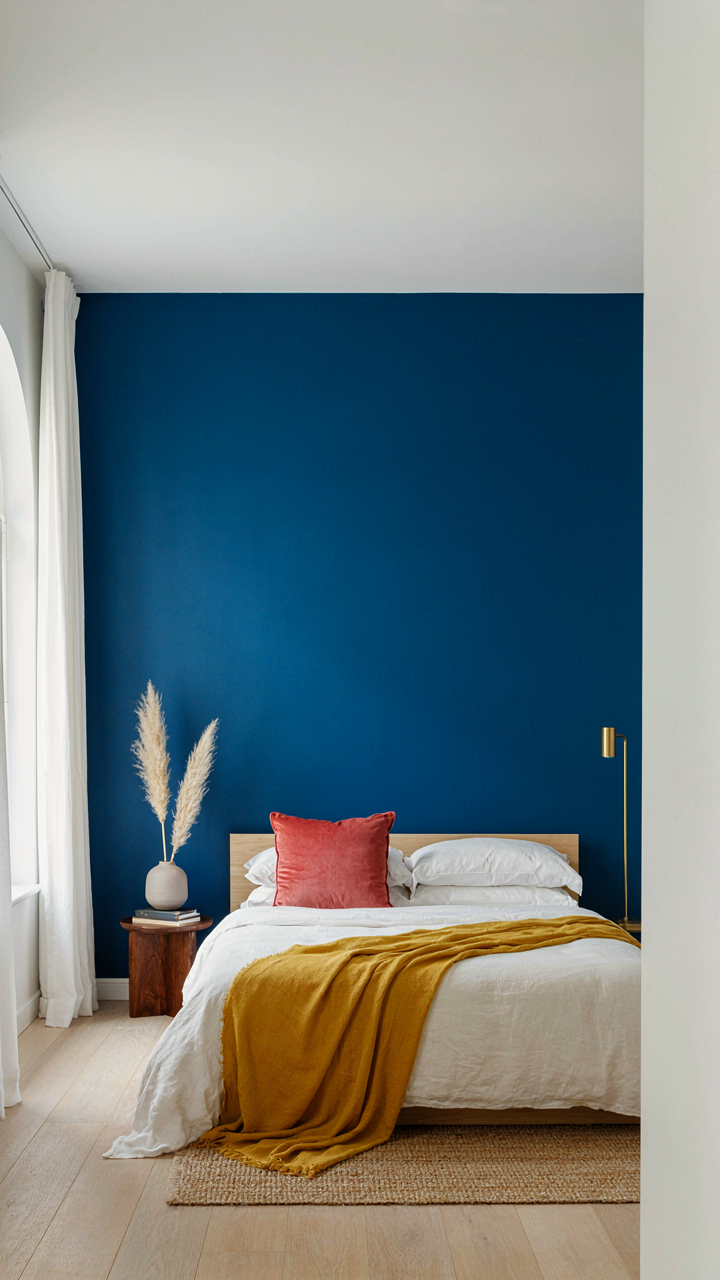
You think a clean room sells because it looks nice. Wrong. You’re afraid a messy room signals neglect, which tanks the price. The actual mechanism is visual hierarchy—your eye follows lines and planes before it registers objects. In architecture and design, this principle governs how space reads. On iPhone photos, leading lines function exactly like a conductor’s baton: they move the viewer’s attention where you point it, not where clutter happens to sit.
The strongest lines in a room are walls, doorways, and the edges of furniture. Photograph these dead-on whenever possible. A hallway shot straight down its length makes the space feel longer. A corner captured at a 45-degree angle compounds depth. Clutter breaks these lines into fragments. Your phone’s camera has no depth cues except visual perspective, so lines become the primary language telling buyers whether a room flows or stalls. Align furniture parallel to walls. Keep sightlines clear from entry to the far wall.
Resonance Over Decoration
Staging advice usually says “add a plant” or “light a candle.” Useless. Those props don’t move the needle because buyers don’t connect with props—they connect with the narrative of how they’ll live there. Your job is to make someone project themselves into the room, not admire your taste. On an iPhone, this means removing barriers to that projection, not adding personality.
Strip the room down to functional staging: a bed with real bedding, a sofa with one throw pillow, a desk with one object on it. These signal “someone lives here competently,” not “I’m trying to impress you.” The iPhone’s camera flattens depth, so overcrowded rooms feel suffocating in photos even when they’re spacious in person. Buyers buy the feeling the photo gives them in the first five seconds. That feeling comes from openness and calm, not from your staging choices. Photograph after buyers can clearly see themselves in the space.
The Exposure Control Protocol: Mastering IPhone Real Estate Photography

Lock Exposure Before You Frame
You want the shot to look effortless. That’s the real reason you care about exposure control. Most agents tap the screen once, hope the phone guesses right, then wonder why half their kitchen photos look dim or blown out. The mechanism is simple: your iPhone meter averages the entire frame, so a bright window or dark wall throws the algorithm off. Lock exposure manually and you own the brightness.

Press and hold on the brightest surface you want to retain detail in, usually the wall closest to windows. This isn’t a suggestion. The tap-and-hold activates exposure lock, freezing the metering until you take the shot. Now reframe. The exposure stays locked while you compose. This is the difference between a washed-out room and one that reads as inviting because the whites stay white and the surfaces stay visible.
AE/AF Lock For Sharpness And Balance
The common advice says tap to focus, tap to expose. That’s incomplete. Tap and hold does both simultaneously. Your iPhone uses a military-grade targeting system called autofocus lock paired with automatic exposure lock, both triggered in one gesture. Most photographers tap once and move on, not knowing they’ve locked focus to the wrong plane or let exposure drift mid-shoot.
Tap and hold on a focal point at human eye level, typically a kitchen island or the sofa. Hold for two seconds until you see the AE/AF Lock indicator appear. This locks both focus and exposure to that exact distance and brightness. Reframe if needed. Focus distance stays fixed, exposure stays fixed. Take your shot. The result is sharp planes where people actually look, not blurred foreground or background, and consistent brightness across the frame. This single protocol eliminates the most common failure mode in iPhone real estate work: sharp but underexposed, or bright but blurry.
The Wide Angle Lens Trap: Distortion Vs. Grandeur
How Focal Length Warps What You See
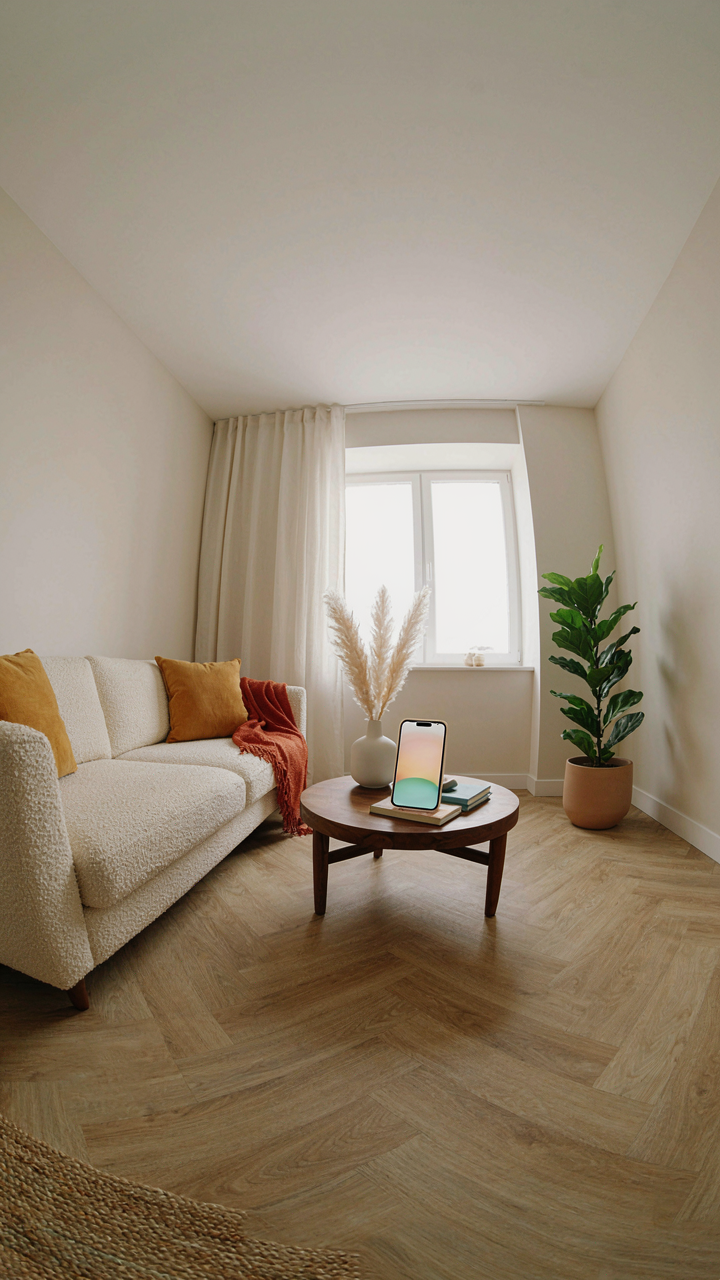
You want the room to look bigger because you think it sells faster. That’s the real game here. But physics doesn’t care about your sales goals. Focal length is the measurement in millimeters that determines how much of a scene your camera captures. The iPhone’s ultra-wide lens is roughly 13mm. That extreme angle doesn’t just show more space—it bends the geometry of the room itself, pushing walls outward and making straight lines curve away from the frame’s center.

This distortion is called barrel distortion, and it’s not a flaw you can edit away cleanly. The edges of the frame pull outward, making corners appear farther than they actually are. A room that feels intimate becomes a funhouse. The problem: most real estate photos rely on wide angles, so agents think this stretch is normal. It isn’t. The mechanism is simple: shorter focal lengths exaggerate depth and angle. Longer focal lengths compress space and make distances feel closer. You’re choosing between two lies—pick the one that matches what the buyer will actually see when they walk in.
Where You Position The Phone Changes Everything
The common advice says shoot from the corner to capture maximum room size. That’s incomplete. Corner positioning combined with ultra-wide lenses amplifies barrel distortion worst because the walls recede hardest from that angle. Instead, position the phone at the midpoint between two walls, roughly eye level, pointing straight across the room. This neutralizes the warp because you’re not forcing the lens to bend extreme angles to edges that matter.
The phone’s distance from walls matters more than most photographers realize. If you’re one foot from a wall with a wide lens, that wall curves dramatically. If you’re four feet out, the same wall stays nearly straight. The tradeoff is obvious: you show less of the room. But what you show reads as real. When a buyer’s brain processes the photo against their memory of the actual room, consistency matters more than size. Shoot from the room’s natural gathering point—where someone actually stands—and let the space present itself honestly instead of theatrically.
The “Bright Welcoming Rooms” Myth: Energy, Not Just Lumens
Where Your Eye Actually Travels
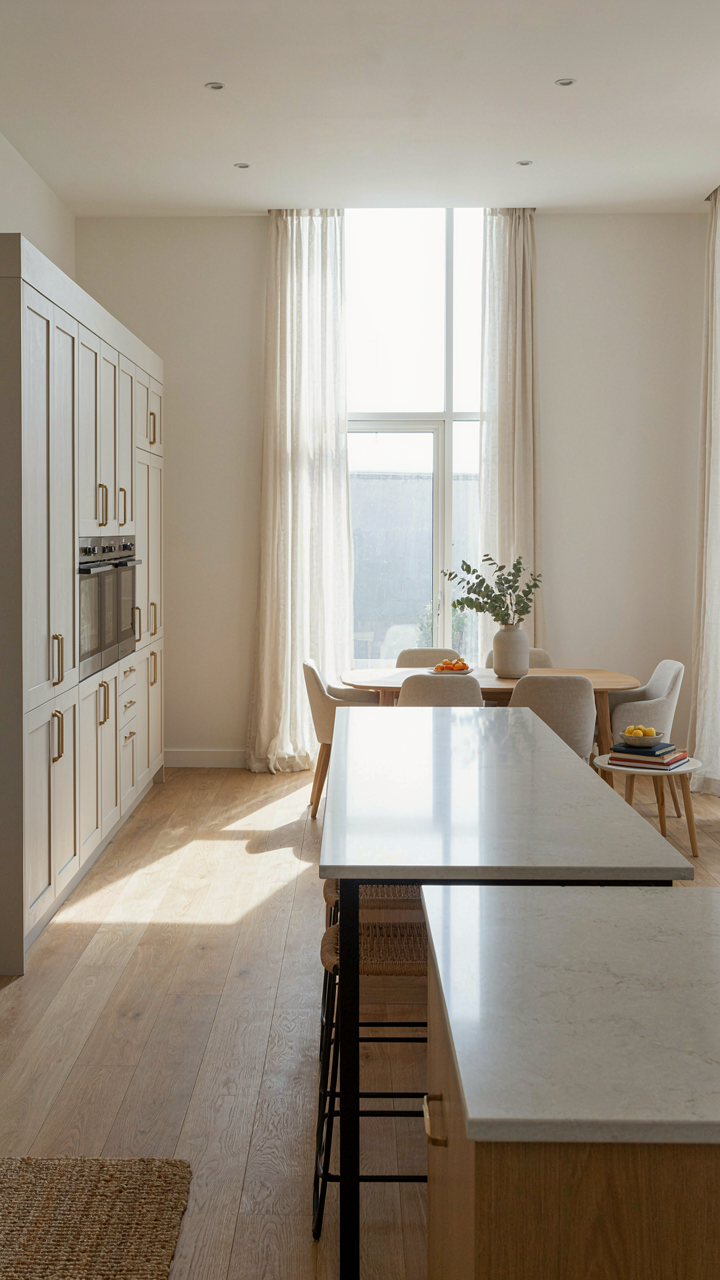
You want buyers to feel something in a room, not just see it clearly. That’s the real goal beneath the “bright and welcoming” cliché. But most iPhone real estate photos treat brightness as a flat, even distribution across the frame, which produces the opposite effect: visual boredom. Composition works like a vector field in physics. Your foreground, midground, and background act as forces that guide attention through space. A bright room with no compositional hierarchy reads as empty.

The mechanism is simple: place your strongest light on the object you want seen first, then create secondary light zones that pull the viewer deeper. A sunlit kitchen counter gets primary focus. The dining area behind it gets secondary light. The window at the far end gets tertiary. This staging of luminosity creates movement. Buyers don’t just see the room; their eyes travel through it as a narrative, which registers as energy, not just brightness.
Natural Light As Emotional Grammar
Saying “use natural light to make rooms feel welcoming” is advice without teeth. Here’s what actually happens: natural light carries direction, temperature, and time-of-day information your brain processes before conscious thought. That’s the tool. A north-facing room lit at 2 PM reads cold and static. The same room lit at 8 AM from the east reads active and purposeful. You’re not managing brightness levels; you’re managing the emotional grammar the light itself speaks.
Shoot rooms when the sun position aligns with the room’s functional purpose. Morning light in a bedroom suggests rest. Afternoon light in a home office suggests productivity. The iPhone captures this emotional data automatically if you position it to let directional light enter the frame. Avoid overhead or flat bounce light, which erases the time-of-day signal. Instead, let sunlight enter from one side of the frame at a low angle. This creates the perception of intention and livability, not just visibility.
The Post Processing Paradox Less Is More For Property Listing
Subtle Adjustments For Natural Enhancement
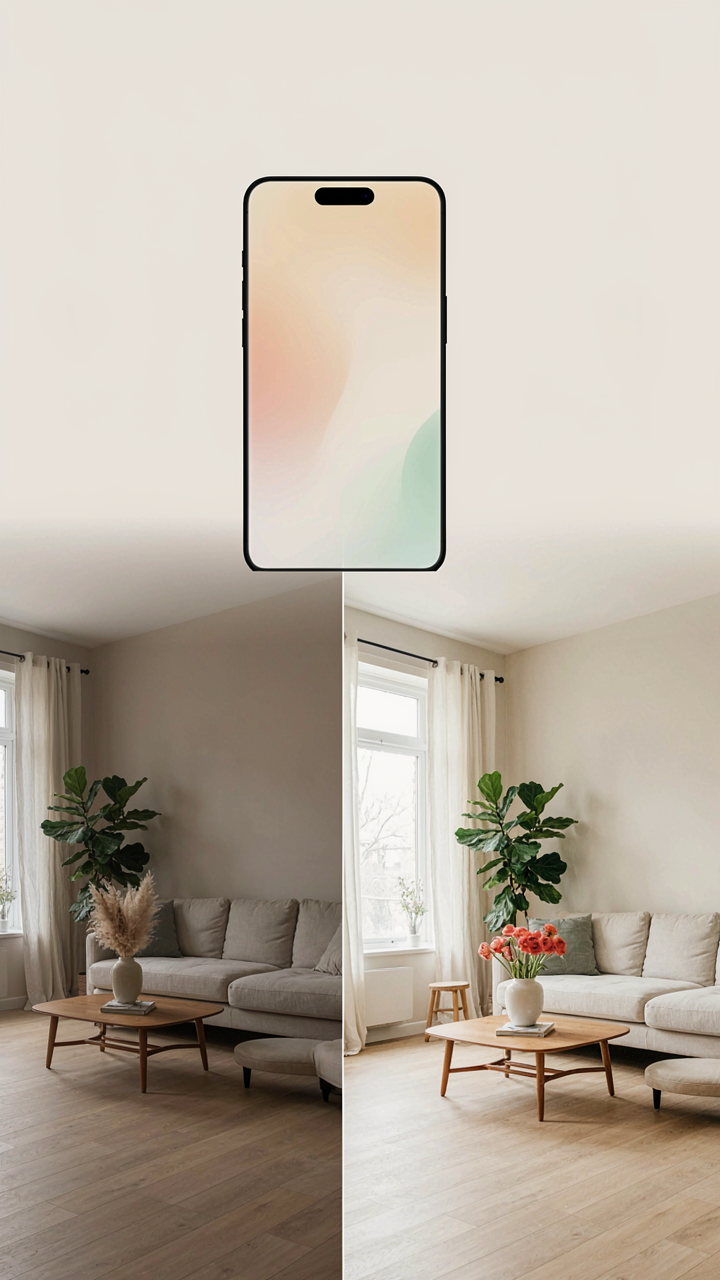
You want the listing to look better than reality without anyone noticing the gap. That’s the real tension here. The mechanism is simple: your iPhone captures flat, undersaturated color and dim shadows in indoor spaces. A subtle lift in exposure and saturation restores what the human eye actually sees, but the phone missed. This isn’t fakery. It’s correction.

Start with exposure first. Raise it between 0.3 and 0.7 stops in the Photos app or a basic editor. This brings shadow detail forward without blowing highlights on bright walls or windows. Next, bump saturation by 8 to 15 points, not more. The goal is to match what a buyer’s brain expects to see when they walk through the door in person. Overdoing this step kills credibility fast.
When Over Editing Betrays The Listing
Most real estate photos fail not because they’re too dull but because they’re too processed. The common advice says to make rooms pop. That’s backwards. Rooms that look hyperreal trigger skepticism. Buyers see pixels that don’t match their experience and assume deception, even if the space is exactly as advertised. The mechanism is contrast sensitivity in human perception: your brain detects unnatural color separation before it registers the actual details.
Check your work by viewing the edited photo on your phone at arm’s length for ten seconds, then look at the actual room. They should feel aligned, not like before and after commercials. If you notice the edit before you notice the space, you’ve gone too far. Pull back saturation and clarity until the room reads as itself, just clearer. The final step is to open the photo on a second device you don’t own to catch what you’ve become blind to.
The Real Estate Photographer’s Edge: Seeing The Unseen

When Light Shifts, Your Shot Dies
You want to look like you know what you’re doing. That’s why you care about timing. The mechanism is simple: light quality changes every fifteen minutes, and most iPhone shooters don’t track it. Real estate photography borrows from cinematography’s concept of “coverage”—capturing the same room across multiple light conditions to guarantee one winner. Your job is to anticipate which window direction, time block, and seasonal angle will make that room sell itself.

Morning and afternoon light hit rooms at different angles. East-facing rooms peak at sunrise. South-facing rooms stay consistent but harsh at midday. West-facing rooms benefit from late afternoon warmth. North-facing rooms need fill light or skip direct sun entirely. The iPhone camera sensor responds predictably to these shifts. Scout the property one day before the shoot. Note where shadows fall at 9am, 12pm, and 3pm. This isn’t guesswork. You’re building a light map.
- East Windows: Morning light arrives soft and directional. Shoot between 7am and 9am before harshness sets in. The iPhone captures warm tones naturally in golden hour conditions.
- South Windows: Brightest all day but creates hard shadows. Midday (12pm to 2pm) produces blow-out risk. Shoot early morning or late afternoon instead for dimensional light.
- West Windows: Afternoon glow (4pm to 6pm) warms spaces visually. Winter shoots work better than summer to avoid overexposure. The iPhone’s white balance adjusts well to warm ambient conditions.
- North Windows: Consistent but cool and dim. Requires fill light or smartphone computational photography to avoid underexposure. Best for moody, even lighting when drama isn’t the goal.
- Cloud Cover Days: Soft light eliminates shadows but reduces dimension. Bright overcast works for neutral room assessment. Heavy clouds demand boosted exposure compensation on your iPhone.
You don’t need to shoot every room at every time. You need one clean window that makes that room undeniable. Return to the property at the specific time your light map predicted. One forty-minute shoot beats three rushed sessions. iPhone HDR mode locks in detail across bright and dark zones when light moves fast.
The Frame That Closes Deals
Compositional storytelling isn’t about being artistic. It’s about showing buyers exactly what they need to see in the order they need to see it. Most agents want pretty pictures. Buyers want assurance. There’s a gap between those two things, and that gap closes the deal or kills it.
The best real estate iPhone photos show three layers: foreground reference, main subject, and background context. A nightstand lamp in the foreground gives scale to the bedroom. The bed dominates the middle. The window view anchors the background. The buyer’s brain processes these in sequence and builds confidence. Skip the foreground, and the room floats. Skip the background, and the space feels claustrophobic. The iPhone’s depth-of-field tools are weak, so you create depth through positioning and layering instead.
Don’t center every shot. Offset the main furniture to the rule of thirds. This creates tension that feels intentional, not accidental. Shoot corners and transitions, not just entire rooms from the center. Show doorways that reveal adjacent spaces. The buyer’s journey through the home starts in their mind before their feet touch the floor. Your frames map that journey. Finish every shoot by photographing sightlines—the view from the kitchen sink, the perspective from the bed toward the door, the look out each primary window. These shots rarely make the listing. They’re your check for whether the property actually works or just looks like it does.

The “Neighbourhood” Fallacy: Context Sells, Not Just Square Footage
What Buyers Actually See Beyond The Walls
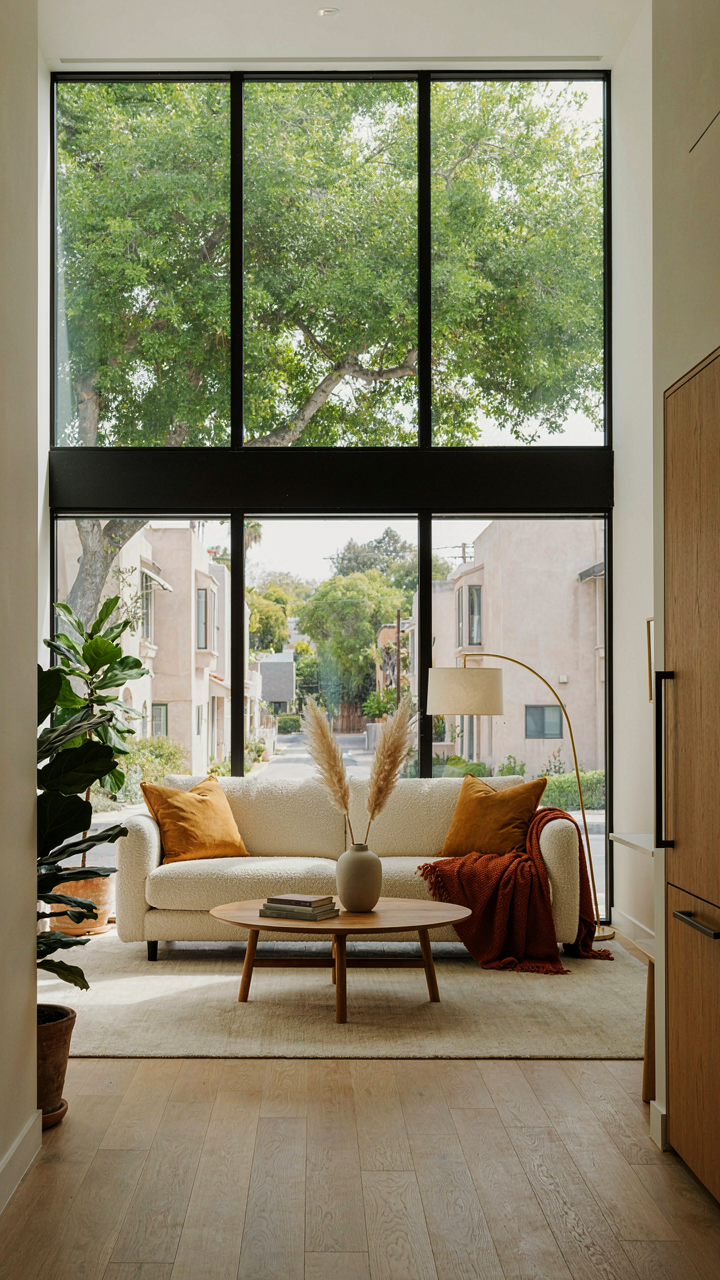
You want the photo to look isolated and perfect because you think clean sells. The mechanism is the opposite. Buyers use environmental cues to calculate value before they ever process the room itself. Framing a window to show tree canopy, a manicured lawn, or quiet street access gives the brain a wealth signal faster than any staging trick. Your iPhone captures these signals in the background without effort. Stop cropping them out.
The real estate industry calls this “neighborhood context,” but it’s borrowed from environmental psychology. Context is signal strength. A bright room next to blank wall reads as ordinary. A bright room with a visible patio, mature landscaping, or clean street in the frame reads as desirable because the brain sees the full package. Your iPhone’s wider angles actually advantage you here. Use them to include what surrounds the room, not just what fills it.
The Story That Justifies The Price
Most agents shoot rooms in isolation. They miss the narrative thread that connects location to value. Your iPhone should capture the path from entry to the bright room, the view quality, the relationship between indoor and outdoor space. These aren’t aesthetic choices. They’re the justification for price. A buyer seeing a bright kitchen also sees the patio beyond it, the neighborhood quality through the window, the proximity to amenities visible in the frame. Each element compounds the others.
Shoot from angles that reveal adjacency. If the bright room opens to a patio, angle the iPhone to show both. If it faces a tree-lined street, frame the window to include that green line. If the home sits on a corner lot with open views, position yourself to capture that context in the background. Your listing gains credibility because the buyer doesn’t have to imagine the setting. They see it in the photo. This is the mechanism that converts a room into a property worth the asking price.
The Real Obstacle Isn’t Your IPhone; It’s Your Inability To See Light As A Manipulable Force
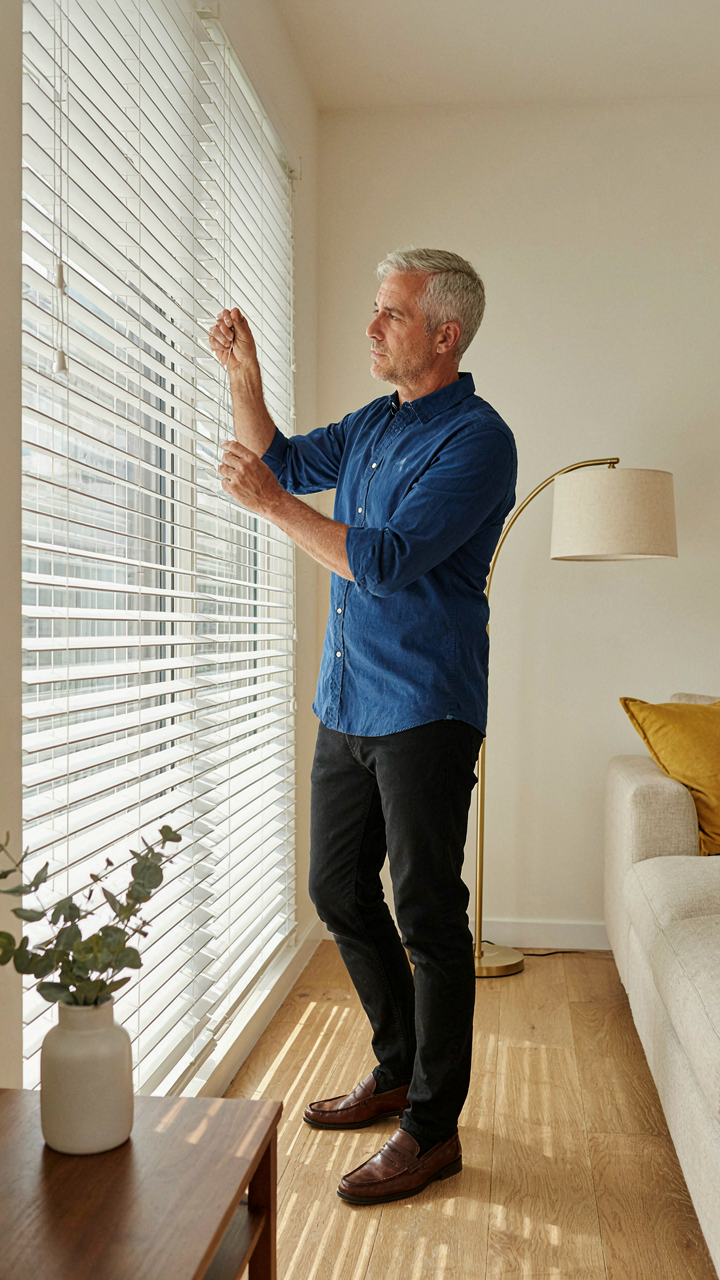
Most agents waste time obsessing over camera settings when they should obsess over light itself. Light is a tool you control, not something that controls you. Walk through the room at different times. Move furniture. Open blinds. Close them. Your phone captures whatever light you position in front of it. The agents outselling you aren’t better photographers. They’re better light architects. Stop blaming your camera and start manipulating your environment like a professional depends on it.



