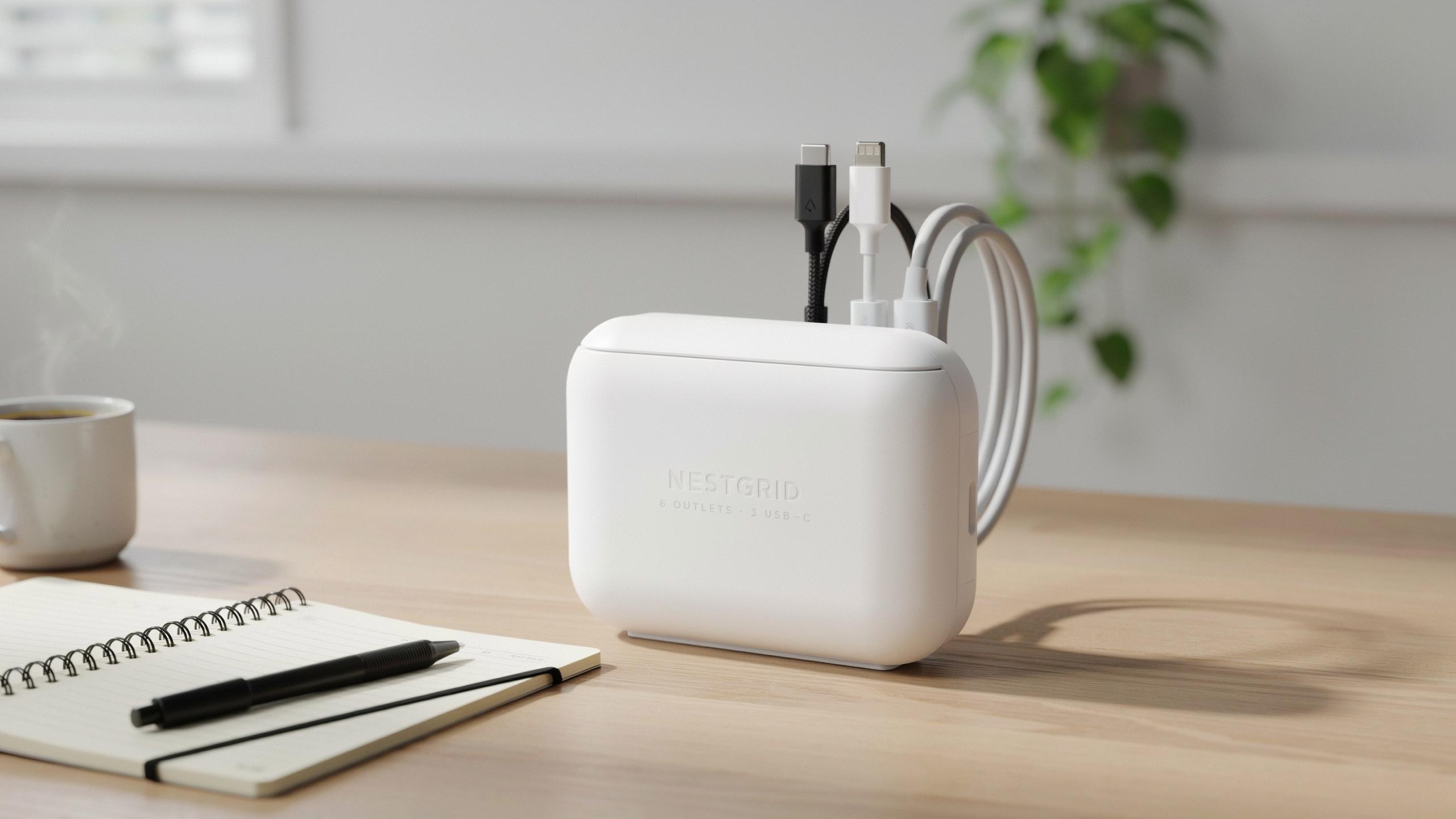
The Unseen Clutter Why You Need A Power Strip Cover Box

The Everyday Reality Of Tangled Cords And Dust Bunnies
Most homes accumulate visible power cords behind furniture and along baseboards. These cables tangle together, creating accessibility problems when you need to unplug devices. Dust collects around exposed power strips because airflow moves particles directly onto the equipment. The result is a maintenance headache that compounds over time.
Power strip cover boxes solve this specific problem by containing cords and blocking dust from settling on electrical connections. They keep your cable management organized and reduce the time you spend untangling wires. Containment also makes vacuuming around outlets faster and more effective since nothing catches on the equipment anymore.
Beyond Aesthetics: Safety Concerns And Device Longevity
Dust buildup on power strips creates a fire hazard. Accumulated particles trap heat around outlets and power distribution points. This heat concentration forces components to work harder, reducing their operational lifespan and increasing failure risk under load.
A power strip cover box improves airflow management and keeps dust away from connection points. This directly extends the equipment’s functional life and reduces the chance of electrical failures. Covering strips also prevents accidental contact with exposed terminals, which matters in homes with children or pets who might touch live components.

What Is A Cable Management Box And How Does It Work

Defining The Power Strip Cover Box More Than Just A Cover
A power strip cover box is an enclosure that houses power strips, surge protectors, and their connected cables. It shields these components from dust, accidental contact, and visual clutter. The box contains ventilation to prevent heat buildup around electrical equipment. Most designs use rigid plastic or wood materials that withstand repeated access. The core function extends beyond aesthetics to protecting infrastructure and organizing cord paths systematically.
The distinction matters because calling it merely a cover misses its structural purpose. A true cable management box creates a contained ecosystem for electrical components. It establishes dedicated entry and exit points for cables rather than allowing random placement. The box holds the power strip securely in position, preventing shifting and tangling. This containment approach reduces strain on cables and decreases wear on connection points over time.
Simple Design Significant Impact The Mechanics Of Cord Organization
Cable management boxes work through basic spatial separation and routing logic. The box creates compartments where cables enter from one side and exit from another. Internal dividers or clips guide wires along predetermined paths rather than allowing them to bunch randomly. Most units feature cable slots or channels cut into the sides for customized routing. This design forces intentional placement decisions instead of chaotic tangling behind desks or furniture.

The mechanical advantage comes from constraint and visibility. When cables run through designated channels, you locate specific wires quickly without unraveling a mass of cord. The box prevents cables from shifting position when you move or adjust equipment. Tension distributes evenly across multiple wires rather than concentrating on single connection points. This approach extends equipment lifespan and reduces the physical labor needed to maintain workspace organization during changes or troubleshooting.
Benefits Of Using A Power Strip Cover Box For Tidy Outlets
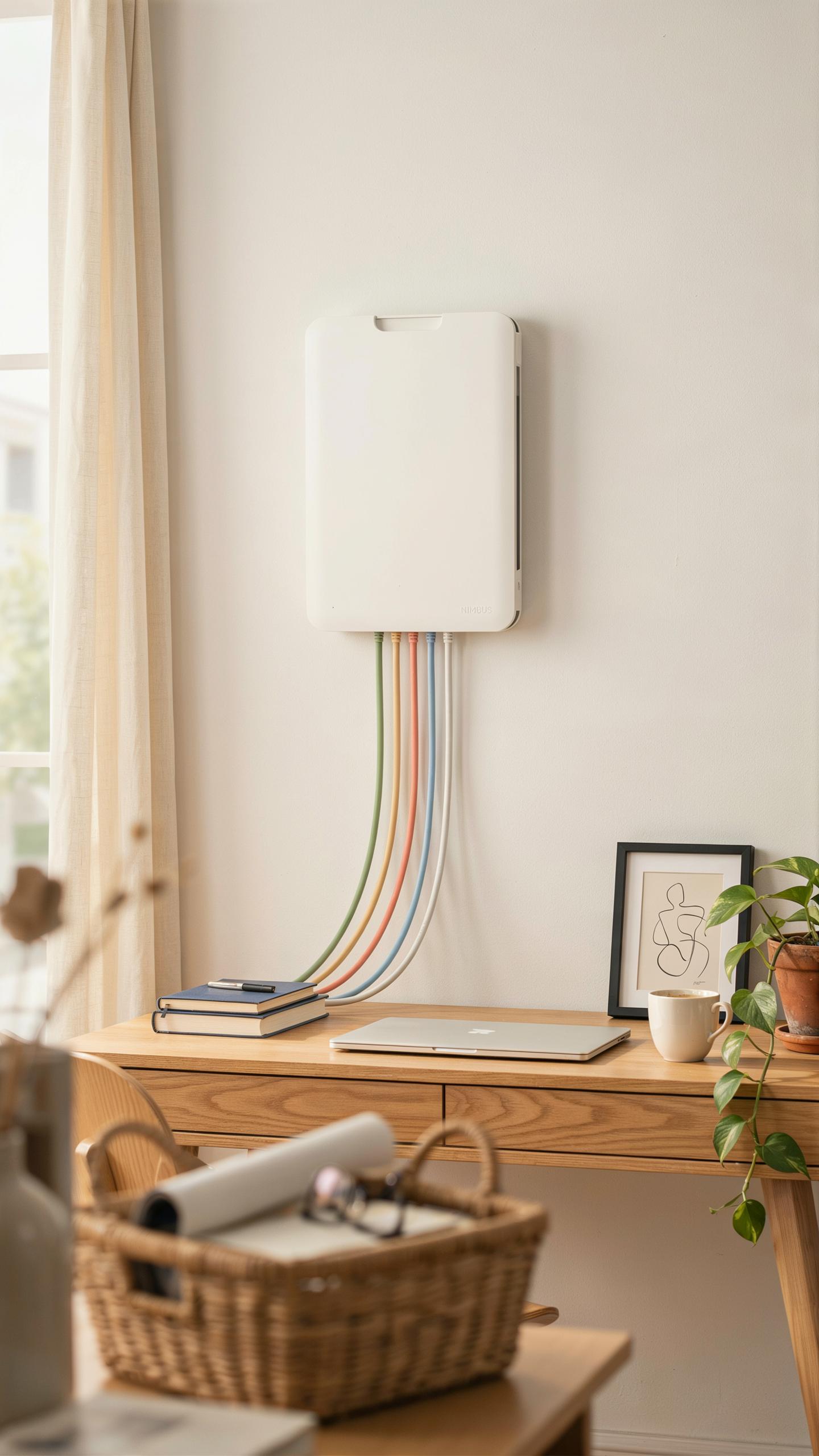
Aesthetic Enhancement Reclaiming Your Living And Working Spaces
Power strip cover boxes hide tangled cables and exposed outlets that disrupt room design. They work in homes, offices, and commercial spaces by concealing the visual chaos that multiple cords create. A covered power strip transforms cluttered areas into clean zones. The boxes come in neutral colors that blend with walls, floors, and furniture. This simple containment strategy improves how spaces look without requiring renovation or rewiring.
The design principle behind cover boxes stems from functional modernism, which prioritizes eliminating visual clutter. When outlets and cables disappear from view, rooms feel larger and more organized. This applies directly to open office layouts, living rooms with entertainment systems, and kitchens with multiple appliances. Cover boxes remove the distraction of cables, allowing the room’s actual design elements to take focus. Aesthetics improve measurably when you eliminate cable visibility as a design problem.
Safety First Protecting Children Pets And Electronics
Power strip cover boxes reduce access to live electrical outlets and tangled cords that pose hazards. Young children cannot reach exposed outlets or grab dangling cables when they sit inside a covered box. Pets cannot chew through cords or touch live connections. The boxes act as a physical barrier between hazards and people. This containment prevents accidental contact injuries and electrocution risks that unsecured power strips create.

Cable management through cover boxes also protects electronics from damage caused by tripping hazards and cord strain. When cords remain contained, they experience less physical stress and bending. Electronics connected to organized power strips suffer fewer intermittent failures from damaged wiring. The box prevents people from stepping on cables, pulling connected devices, or creating tension at plug points. Protecting both human safety and equipment longevity justifies cover box installation in any setting with foot traffic or vulnerable populations.
Choosing The Best Cable Management Box Factors To Consider

Material Matters: Durability, Heat Dissipation, And Environmental Impact
The material you choose directly affects how long your cable management box lasts and how safely it protects your equipment. Plastic boxes offer affordability and lightweight handling, but quality matters significantly. Steel and metal options provide superior durability and better heat dissipation for high-power setups. Wood and composite materials work for aesthetics but require careful evaluation for heat management near active power strips.
Heat dissipation is critical because power strips generate warmth during operation. Materials with poor heat resistance can warp, crack, or create fire hazards. Metal boxes naturally disperse heat better than solid plastic. Consider the ambient temperature of your installation space and the power draw of your devices when selecting materials. Environmental impact varies by material type, affecting both manufacturing and disposal costs over the product lifecycle.
Size And Capacity: Finding The Right Fit For Your Power Strip And Cords
Measure your power strip dimensions before purchasing a cover box. Width, depth, and height determine whether your unit fits comfortably inside without forcing components together. Undersized boxes create pressure on cables and can damage connectors or the power strip itself. Oversized boxes waste space and look unprofessional in organized setups. Check the box specifications against your exact power strip model to ensure proper fit.

Cable capacity determines how many cords your box can accommodate without creating stress points or tangled knots inside. Count the number of cables entering and exiting your setup, then add 20 percent for future expansion. Internal compartments or cable channels distribute cord weight and prevent pinching. Most standard boxes fit one power strip and five to eight cables comfortably. Verify ventilation openings remain unobstructed after cables are routed through the box.
Types Of Cord Box Solutions Beyond The Basic

From Compact To Floor Cord Cover: Diverse Designs For Diverse Needs
Cord box solutions range in size and function based on installation location and cord volume. Compact boxes mount under desks or behind furniture, holding single power strips and three to five cords. Larger enclosures sit on floors or baseboards, managing multiple cables from entertainment systems, office setups, or industrial equipment. Each design targets specific spatial constraints and accessibility requirements.
The choice between compact and floor-mounted options depends on your setup’s cord density and maintenance needs. Compact boxes work for minimal cable runs where you rarely need access. Floor cord covers serve high-traffic areas where you need quick adjustments or temporary disconnections. Material thickness and ventilation holes shift based on size to prevent heat buildup around contained electronics.
A tidy outlet is a whisper of home, a small memory of order in our busy lives. As my dear grandmother always said, a place for everything, and everything in its place, even the hidden wires.
Specialized Boxes: Addressing Surge Protectors, Adapters, And Smart Home Devices
Surge protector boxes feature reinforced interiors with strategic cutouts for outlet access while protecting the device itself. These enclosures isolate surge protectors from foot traffic and dust accumulation, extending equipment lifespan. Adapter-focused boxes accommodate multiple plug types and charging cables without crushing connections or tangling wires during storage.

Smart home device boxes now account for Wi Fi routers, smart hubs, and security systems that generate heat during continuous operation. Ventilation becomes non negotiable for these setups to prevent thermal shutdown or device failure. Specialized compartments separate power cables from data cables to reduce electromagnetic interference and maintain signal strength for wireless devices.
Installation And Setup Hiding Your Power Strip With Ease

Step By Step Guide To Decluttering Your Space
Start by identifying where your power strip currently sits. Document which devices plug into it and how far each cable extends. This mapping prevents mistakes during installation. Next, measure your space behind furniture or along baseboards. Verify the cover box dimensions match your power strip model. Check that outlet placement on the box aligns with your existing cables. Finally, route cables through the designated openings before securing the box in place.
- Measure twice, install once: Document power strip dimensions and surrounding space dimensions before purchasing a cover box to ensure proper fit.
- Identify cable routes: Trace each cable from its device to the power strip outlet to plan the most direct path through the box.
- Clear the area: Remove dust, debris, and obstacles from installation surfaces using a dry cloth or vacuum before securing the box.
- Test cable fit: Thread cables through box openings without plugging devices in first to confirm all cords fit comfortably without kinks.
- Secure mounting: Use adhesive strips or screws appropriate for your wall material to keep the box stationary and prevent shifting.
After positioning the box, plug devices back in one at a time. Check that no cables pinch or bend at sharp angles. Verify all devices power on correctly and function normally. Adjust cable positioning inside the box as needed to prevent tangles or pressure points that damage cord insulation.
Tips For Maximizing Space And Airflow Within The Box
Power strips generate heat during operation. Ensure your cover box has ventilation slots or openings on multiple sides. Never block these vents with cables or debris. Position high heat devices like chargers away from the sides to allow air circulation. Leave at least one inch of space between cables when possible. Use velcro cable ties instead of tight rubber bands to prevent restricting airflow.
Route cables vertically rather than coiling them horizontally inside the box. Vertical routing uses height instead of floor space and improves air movement around components. Keep the most frequently used outlets accessible by arranging cables so they do not block entry points. Check the box monthly for dust accumulation and remove it with a dry cloth. This maintenance prevents heat buildup and extends power strip lifespan.
Integrating A Cable Organizer Box Into Your Decor

Design Considerations Blending Functionality With Interior Design
A cable organizer box solves a specific problem: hiding power strips and cords without compromising access or ventilation. The box must accommodate your power strip’s dimensions, allow cord entry and exit points, and permit heat dissipation. Design decisions start with measuring your existing setup. Account for the power strip size, the number of cords, and their thickness. Poor measurements force awkward modifications later.
Functionality drives form in effective cable management. Your box choice depends on whether you prioritize concealment or quick access. Wall mounted boxes work for permanent installations. Portable boxes serve rotating setups. Material selection matters because cheap plastic warps near heat sources, while solid materials cost more but last longer. Match the box style to your electrical needs, not aesthetic preferences alone.
Color Texture And Placement Making It An Asset Not An Eyesore
Color and texture choices determine whether the box blends or stands out. Neutral colors like black, white, or gray integrate into most interiors without drawing attention. Textured finishes hide dust and fingerprints better than glossy surfaces. Matte finishes eliminate reflections that catch light and draw focus to the concealed cords.

Placement strategy affects both appearance and function. Position boxes at baseboards or behind furniture to minimize visibility. Ensure adequate airflow around the box to prevent overheating. Mount boxes at consistent heights across the room for visual order. Placement away from high traffic areas reduces accidental damage and maintains the organized appearance you created.
Advanced Cord Hider Techniques For A Seamless Look
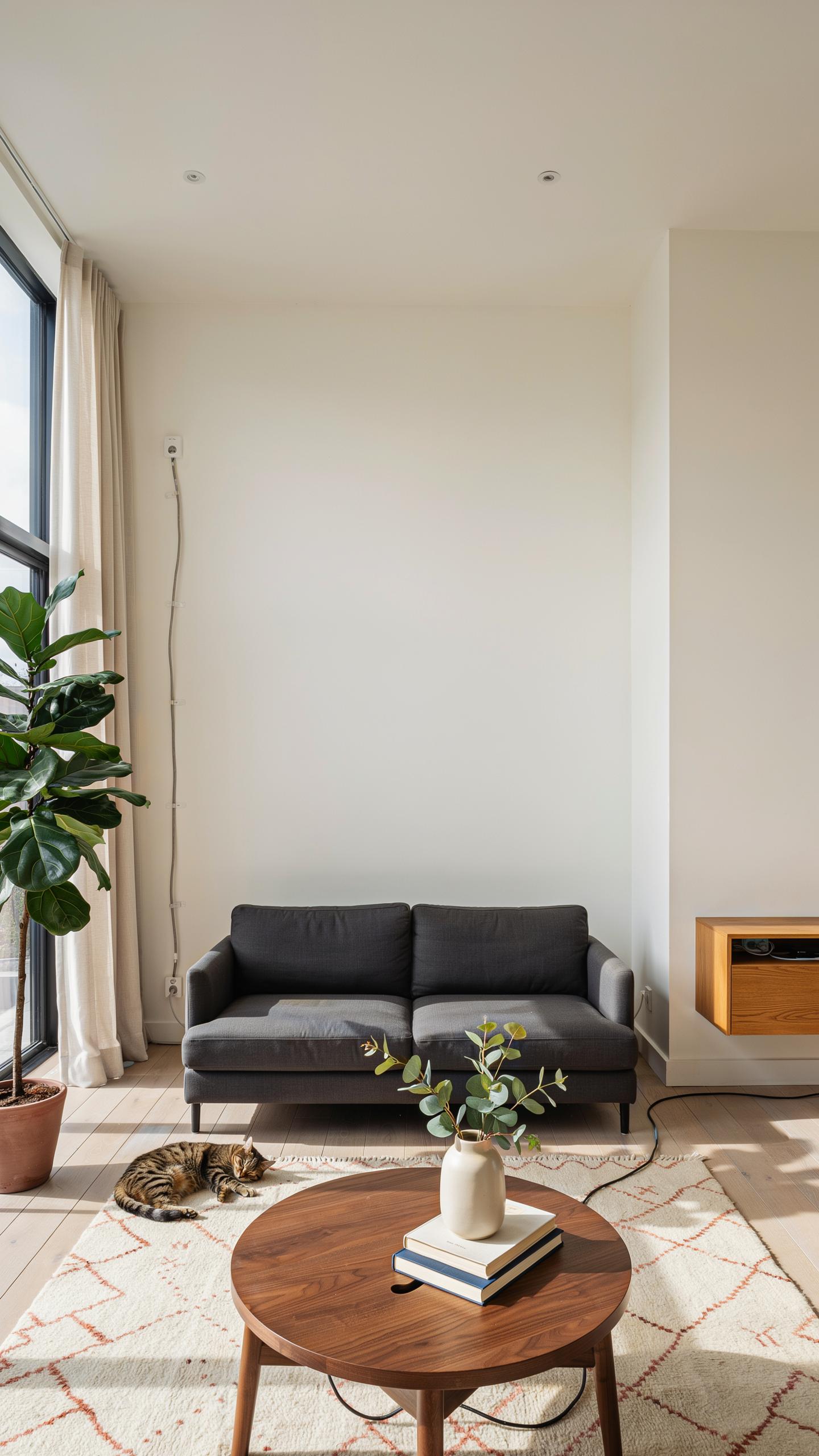
Beyond The Box Combining With Cable Sleeves And Ties
Power strip cover boxes work best when you layer them with other cable management tools. Cable sleeves bundle multiple cords together before they enter the box, reducing bulk and creating clean lines. Velcro ties secure individual cables to desk legs or wall surfaces, preventing movement and tangling. This combination approach keeps cords organized from source to destination, not just at the outlet.
The strategy here is containment at multiple points. Route cables through sleeves first, then secure them with ties at regular intervals, then funnel everything into the cover box at the outlet. This prevents cables from spreading out and creating visual clutter. You eliminate the appearance of chaos by controlling the path each cord takes through your space.
Innovative Solutions For Wall Mounted TVs And Entertainment Centers
Wall-mounted entertainment setups require power strip boxes positioned behind or beside the TV stand. Mount the box directly to the wall stud using appropriate hardware, keeping it out of sight but accessible. Run all cables through the box before they connect to devices. This eliminates dangling cords that break the clean aesthetic of mounted displays.

For entertainment centers, use vertical cable management alongside the cover box. Route power cables down the back of the stand in cable channels or clips. The cover box stays low, typically at floor level or behind the TV unit where you can’t see it. This approach keeps your entertainment setup looking intentional and finished rather than wired together.
Wifi Hiding Ideas Keeping Your Router Tidy And Functional

The Challenge Of Concealing Wi Fi Equipment Without Hindering Signal
Routers require open space to broadcast signals effectively. Enclosing them in tight boxes or dense materials blocks radio waves and degrades performance. The fundamental problem is balancing aesthetics with physics. Most people want their router hidden but still functional. Standard power strip cover boxes made from solid plastic or metal create signal dead zones. You need a solution that hides the device while allowing airflow and signal transmission.
Signal obstruction happens with any dense barrier. Metal covers block Wi Fi completely. Solid plastic reduces range significantly. Wood and drywall also interfere with transmission quality. The router needs line of sight to broadcast in all directions. Hiding equipment means accepting either reduced coverage or choosing materials that allow signal passage. Mesh panels and ventilated designs solve this problem more effectively than solid enclosures.
Creative Approaches To Integrating Routers Into Your Cable Management Strategy
Position your router vertically on a shelf or wall mount rather than inside a covered box. Vertical placement maximizes signal distribution in multiple directions. Route ethernet cables behind furniture or through cable raceways to keep them organized. This approach keeps the router visible but makes its cables disappear. Wall mounted brackets specifically designed for routers direct signals outward while organizing cables underneath. This method works better than hiding the device itself.
Use ventilated enclosures with mesh sides if you must contain the router. These boxes allow signal passage while containing visual clutter. Coordinate the enclosure color with your room design to make it blend. Keep the unit away from metal objects and appliances that interfere with signals. Position cable management strategically so wires feed into the enclosure cleanly. Proper placement and ventilation ensure both organization and reliable connectivity simultaneously.
Maintenance And Longevity Of Your Compact Cable Management Box
Cleaning And Care For Optimal Performance And Appearance
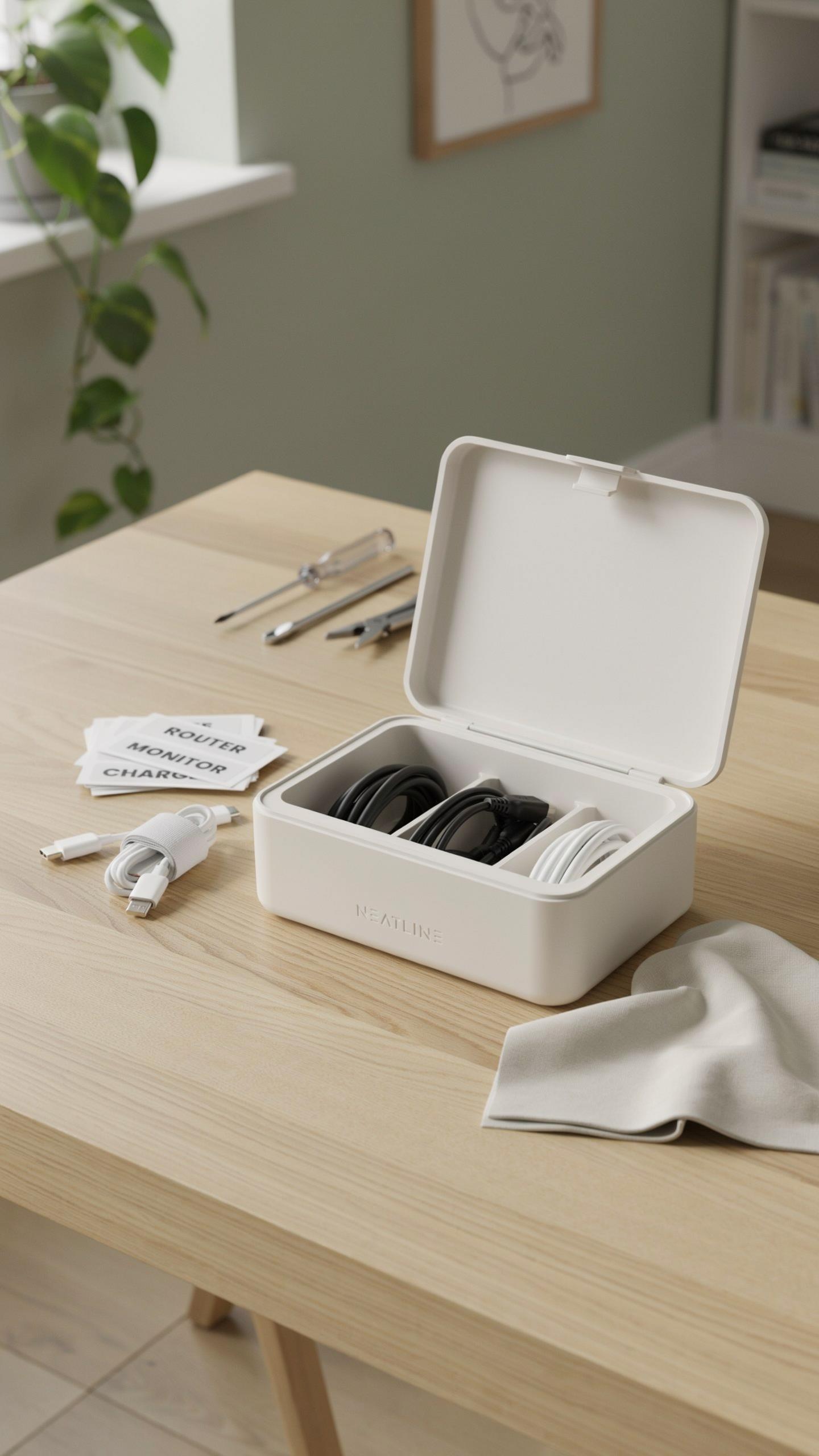
Dust accumulates inside cable management boxes faster than most users expect. Every three months, unplug the box and use a dry cloth to wipe the exterior and interior surfaces. Remove cables temporarily to access corners where dust settles. For stubborn debris, use a soft brush or compressed air. Never spray liquid cleaners directly into the box, as moisture damages internal components and creates fire hazards.
Check cable connections monthly to prevent corrosion and loosening. Inspect power outlets inside the box for burn marks or discoloration, which indicate overheating or failing connections. Keep the box in a dry environment away from direct sunlight, which degrades plastic materials over time. Avoid stacking heavy objects on top of the box, as this damages the casing and internal circuitry.
When To Upgrade Recognizing The Signs For A New Cable Management Solution
Replace your cable management box when outlets stop holding plugs securely or when you notice any burning smell near the device. Cracks in the plastic housing compromise safety and create entry points for dust. If your box has fewer outlets than your current needs demand, upgrading prevents dangerous daisy chaining of additional strips. Most quality boxes last five to seven years under normal use before performance declines significantly.
Upgrade also when you add new devices that require outlets your current box cannot accommodate. Newer models offer improved surge protection, USB ports, and better heat dissipation technology. If you experience frequent circuit breaker trips or dimming lights when the box is in use, the existing unit no longer meets your electrical demands. Investing in a replacement prevents equipment damage and reduces fire risk substantially.
Frequently Asked Questions

What exactly is a power strip cover box, and why would I need one?
A power strip cover box for tidy outlets is essentially an enclosure designed to hide and organize your power strips, excess cables, and adapters. It prevents tangles, reduces dust buildup, and creates a much cleaner, safer aesthetic in your home or office by keeping unsightly cords out of view.
How do I choose the right size power strip cover box for my specific needs?
To choose the right size power strip cover box, first measure the length and width of your power strip, including any bulky adapters. Also, consider the number of cables you need to manage. Most boxes specify interior dimensions, so compare those to your measurements to ensure everything fits snugly and tidily.
Are there affordable options for a power strip cover box for tidy outlets, or are they typically expensive?
Absolutely! You can find a wide range of affordable power strip cover boxes to suit various budgets. Many budget-friendly options are made from durable plastics and effectively conceal cords without a high price tag. For a more premium look, wood or bamboo boxes are available at a higher cost.



