
The Modern TravelerS Dilemma Data On The Go

The Challenge Of Carrying Digital Life
Professionals and content creators generate massive amounts of data daily. Laptops, cameras, and mobile devices produce files faster than cloud storage can reliably sync in remote locations. Limited internet access compounds this problem. Travelers face a hard choice: leave files behind or pack multiple devices that consume bag space and add weight. Traditional storage solutions force compromises between capacity and portability.
The minimalist traveler wants everything accessible without abandonment. Cloud dependency fails when connectivity drops. Portable hard drives from earlier generations were thick and heavy, defeating the purpose of light packing. Modern travelers need a solution that stores terabytes without the bulk. This gap between data needs and pack weight defines the central problem for anyone moving frequently.
Why A Slim External Hard Drive Is Your Solution
A slim external hard drive bridges the gap between storage capacity and travel constraints. These drives store one to four terabytes in a form factor smaller than a paperback book. They weigh between four and eight ounces, adding minimal burden to carry-on luggage or camera bags. The solid-state and mechanical designs now prioritize thin profiles without sacrificing speed or durability.
Slim external hard drives solve the core problem directly. You maintain complete control of your files offline, eliminating cloud dependency and connectivity worries. Transfer speeds handle large video files and photo libraries efficiently. The combination of genuine portability with real storage capacity makes this tool essential for professionals traveling light. No compromises required between data accessibility and minimalist packing.

Understanding Slim External Hard Drives Beyond The Basics
What Makes An External Hard Drive Slim
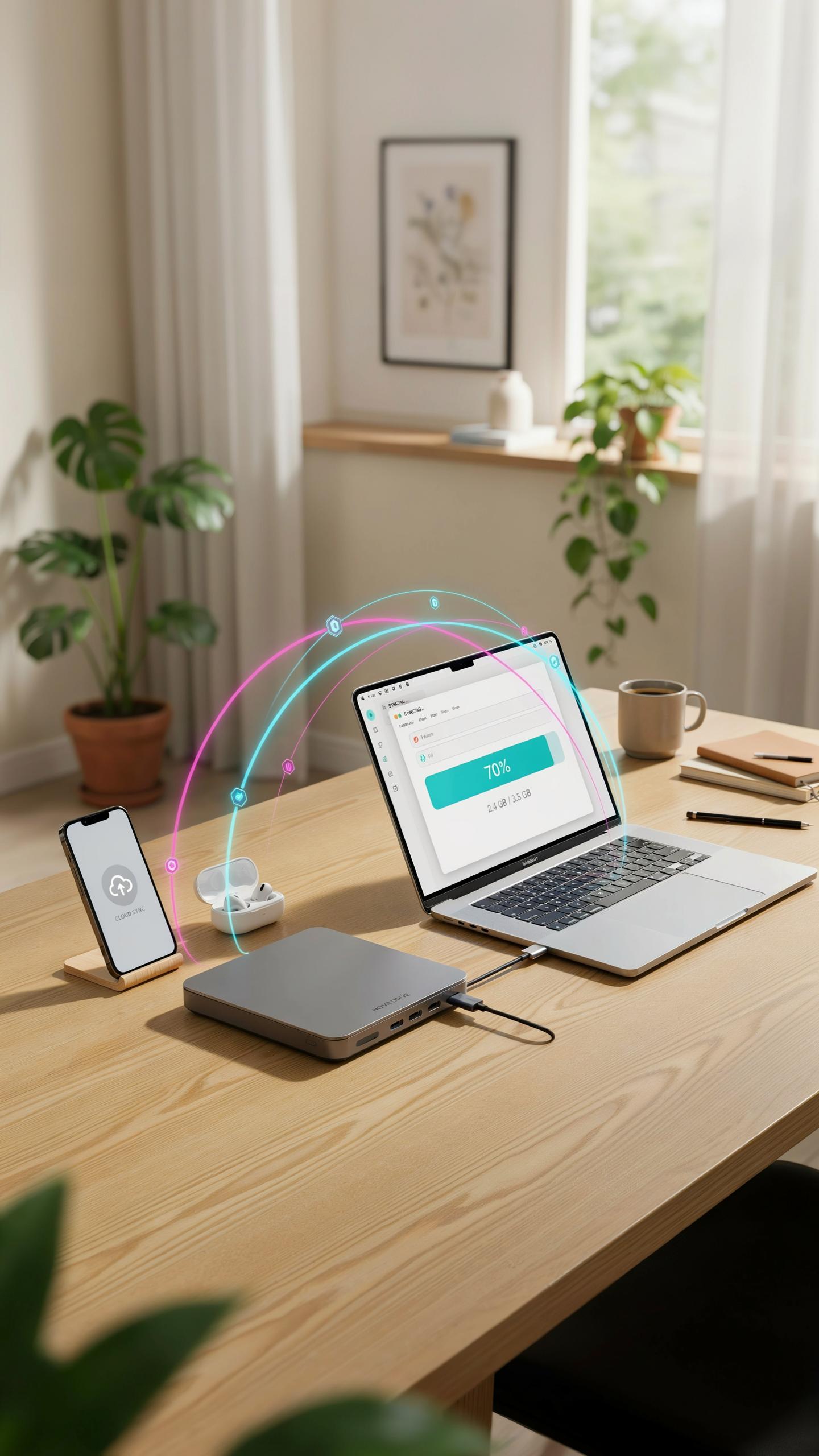
Slim external hard drives achieve their compact form factor through specific engineering choices. Manufacturers reduce platter size in mechanical drives or eliminate spinning components entirely with SSDs. Aluminum and magnesium alloy casings replace heavier steel, cutting weight significantly. Thinner PCB layouts and optimized connector placement allow manufacturers to compress storage capacity into devices under half an inch thick without sacrificing performance or reliability.
The slim profile constraint forces trade offs in thermal management and acoustic design. Reduced internal space means tighter tolerances and more compact circuitry. Some manufacturers sacrifice additional features like shock absorption padding to maintain portability. These design decisions directly impact durability, heat dissipation, and noise levels during operation, requiring buyers to evaluate their specific use case before purchasing.
SSD Vs HDD The Portable Performance Debate
SSDs dominate the slim external drive market because they contain no moving parts. They boot faster, transfer files quicker, and withstand physical shock during travel. SSDs generate minimal heat and operate silently. However, they cost more per gigabyte than mechanical alternatives. For travelers prioritizing speed and reliability, the price premium justifies the performance gains and ruggedness advantages.

HDDs still offer value for budget conscious travelers who prioritize storage capacity over speed. Mechanical drives pack more gigabytes into slim form factors at lower prices. The trade off is slower performance and vulnerability to physical shock from drops or vibrations. HDDs require careful handling during travel and can fail unexpectedly if subjected to impact. For light travelers with modest file transfer needs, mechanical drives remain practical, but SSDs have become the safer choice for regular frequent travel.
Key Features For The Small Bags Requirement

Compact Design And Featherweight Portability
Dimensions matter when fitting a drive into tight spaces. Most slim external hard drives measure between 4.5 and 5.5 inches in length, 3 to 3.5 inches in width, and under 0.5 inches in thickness. Weight typically ranges from 6 to 12 ounces. These specs let drives slip into laptop bags without consuming valuable real estate alongside cables, adapters, and documents.
Capacity doesn’t require sacrificing size. Modern slim drives store 1TB to 5TB while maintaining thin profiles through efficient internal engineering. The trade off is straightforward: you get storage density that fits small bags without the bulk of traditional external drives. This makes them practical for journalists, photographers, and consultants who need portable backup without equipment drag.
Durability And Protection For Travel
Shock resistance protects drives from falls and impacts during transit. Most manufacturers rate their drives to survive drops from 3 to 6 feet onto hard surfaces. Internal suspension systems or rubber padding absorb impact energy before it reaches the drive mechanism. This matters because travel introduces constant movement, bag jostling, and unpredictable handling.

Water resistance adds a critical layer of protection. Drives rated at IPX4 or higher withstand accidental spills and light rain exposure. Sealed enclosures and rubberized edges prevent liquid from reaching internal components. For travelers crossing different climates or working near water sources, this feature eliminates a major risk vector and extends drive lifespan across varied conditions.
Connecting Your World USB Drive Compatibility And Speed
USB C, USB 3.0, And Beyond: What You Need To Know
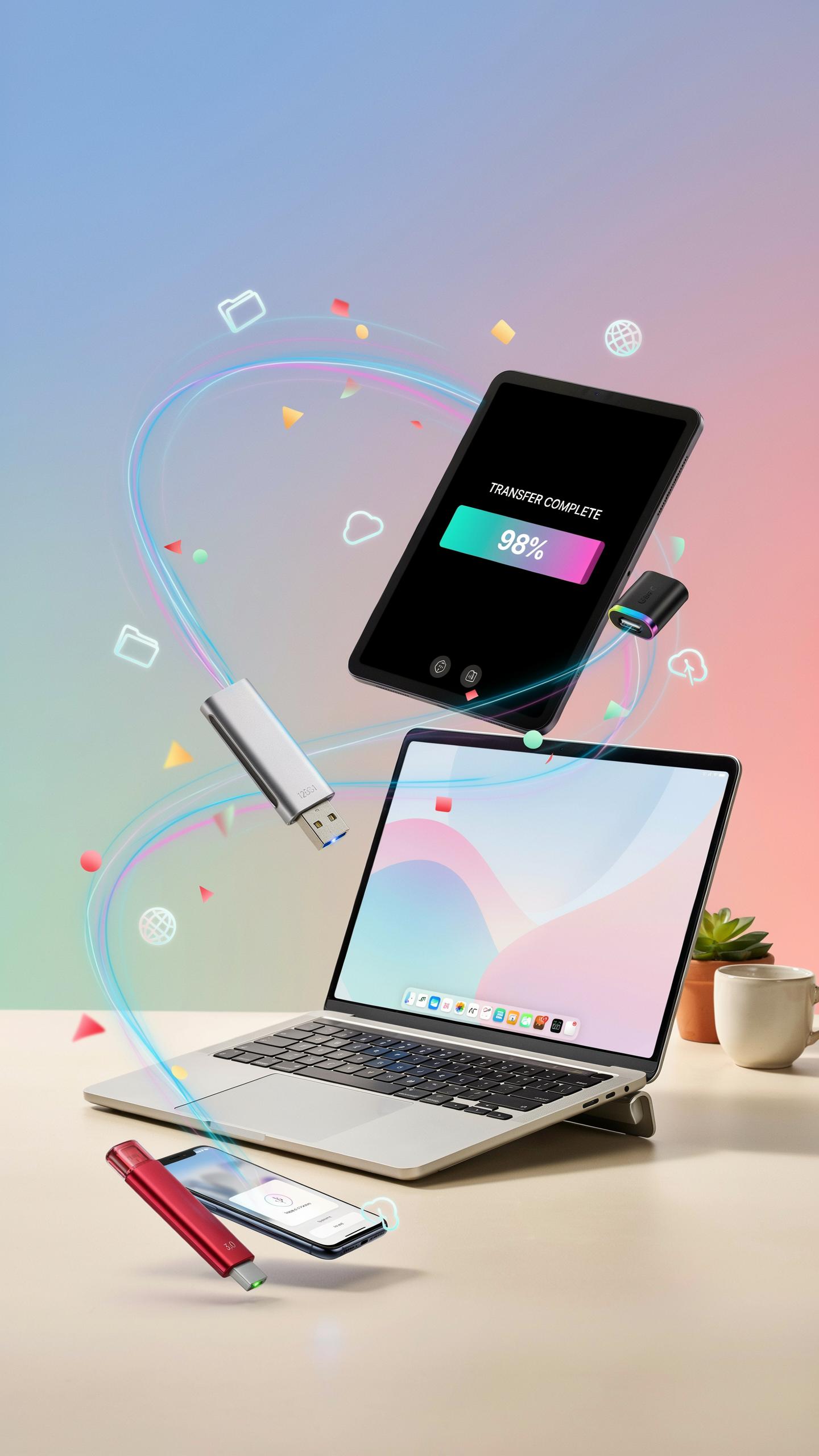
USB standards directly control how fast your drive transfers data and which devices it connects to. USB 3.0 delivers 5 Gbps theoretical speed, while USB 3.1 reaches 10 Gbps. USB-C is a connector type, not a speed standard, so a USB-C port can run USB 3.0, 3.1, or 3.2 depending on the host device. Most modern laptops use USB-C, but older machines still rely on USB-A ports.
Check your device’s port type before buying. A slim drive with USB-C won’t work with older USB-A machines without an adapter. Adapters add bulk and create potential points of failure. USB 3.0 drives work on any USB-C port, but you won’t access the higher speeds of USB 3.1 or 3.2 if your drive uses an older standard. Match the drive’s connector and speed rating to your primary devices.
Optimizing Data Transfer For Large Files
UASP support matters more than most users realize. UASP is a protocol that reduces overhead during file transfers, often increasing speeds by 20 to 30 percent compared to BOB mode on compatible devices. Your slim drive likely supports UASP, but your laptop must also support it. Check your device’s specifications or test transfer speeds directly to confirm UASP is active.

Cable quality affects transfer speeds in ways many overlook. Cheap or damaged cables introduce resistance that slows data flow. Use the cable bundled with your drive or purchase certified replacements from reputable manufacturers. Transfer speed also depends on your device’s USB controller quality and available system resources. Close background applications and transfers before moving large files to achieve optimal throughput.
Electronic Organization Seamless Integration With Your Setup

Managing Your Digital Footprint With External Storage
A slim external hard drive acts as your central storage hub. It consolidates files scattered across your laptop, phone, and cloud services into one location. This approach reduces redundancy and prevents duplicate files from consuming space on your primary device. Your laptop runs faster when it stores active projects locally while archiving older files on the external drive. Backup files belong on external storage, not cluttering your main system.
Organize folders by project type, date, or client rather than mixing everything together. Create a consistent naming structure across all stored files. This system lets you locate files quickly during travel when you need specific documents or media. Regular transfers to your external drive free up laptop storage and improve system performance. A disciplined filing structure on your slim drive pays dividends when you’re working across multiple locations.
The Role Of A Pouch Organizer For Your Drive
A dedicated pouch organizer protects your slim external hard drive from physical damage during transport in small bags. The pouch prevents the drive from shifting around and colliding with other items like keys, chargers, or devices. It also keeps USB cables, adapters, and any additional accessories contained in one compartment. This containment system reduces the time you spend searching for components when you need to connect your drive quickly.

Your small bag benefits from the compartmentalization a pouch provides. Instead of loose cables tangling with other gear, everything stays neatly grouped together. This organization frees up space in your bag for other essentials and keeps your electronics setup clean and accessible. A quality pouch with padding adds minimal weight while maximizing protection during travel. The investment in a dedicated organizer directly improves your ability to work efficiently anywhere.
Backup Strategies How To Backup Laptop Files Effectively

Automated Vs. Manual Backups: Choosing Your Method
Automated backup software runs on a schedule without user intervention. Tools like Backblaze, Acronis, and Windows File History monitor your system and push changes to your slim external hard drive continuously or at set intervals. This eliminates human error and ensures consistent protection with minimal effort on your part.
Manual backups require you to initiate the transfer yourself. You drag files to your external drive or use built-in tools like macOS Time Machine or Windows Backup and Restore when you remember to do it. Choose manual backups only if you have strict control requirements or limited drive capacity and want to be selective about what you store.
Those cherished memories, once tethered to heavy burdens, now glide along with you, light as a feather, wherever your wanderlust leads.
Versioning And Data Redundancy For Peace Of Mind
Versioning tracks multiple copies of your files across different points in time. When you update a document, your backup system keeps the old version alongside the new one. This protects you if a file becomes corrupted or you need to recover earlier work. Most automated backup solutions store versions automatically without requiring extra configuration.

The 3-2-1 backup rule is the industry standard for data redundancy: keep three copies of critical files, store them on two different media types, and maintain one copy offsite. Your slim external hard drive counts as one copy. Add cloud storage like Google Drive or Dropbox as your second type and keep one backup in a separate physical location. This approach survives drive failures, theft, and disasters.
Top Picks Best External Hard Drives 2023 For Travelers

Leading Slim Models For Portability And Performance
The 2023 market offers several slim drives that balance capacity with weight. WD My Passport and Seagate Backup Plus Slim remain industry standards. Both deliver 1TB to 5TB options in cases under 0.5 inches thick. Samsung T7 Shield brings NVMe speed in a compact form. LaCie Rugged Mini handles rough conditions without sacrificing thinness. Each model performs reliably for travelers storing photos, videos, and work files.
- WD My Passport: 4mm thickness, USB 3.0 interface, 5TB max capacity, under 200 grams weight, proven reliability across multiple generations.
- Seagate Backup Plus Slim: 9.6mm profile, automatic backup software included, capacities to 5TB, compatible with Windows and Mac systems.
- Samsung T7 Shield: 10.5mm thick, NVMe technology delivers faster transfer speeds, ruggedized design, 2TB and 4TB options available.
- LaCie Rugged Mini: 10mm thickness, shock and drop resistant, USB 3.0 connectivity, available in 1TB through 4TB configurations.
- Transcend StoreJet: 11mm slim body, military grade hardware encryption, capacities up to 2TB, lightweight aluminum casing.
Performance depends on your interface. USB 3.0 drives transfer data at 400MB per second maximum. NVMe models like the Samsung T7 achieve 1000MB per second. Your bag size and workflow determine which speed matters. Choose NVMe if you edit large video files. USB 3.0 works fine for standard backup and photo storage.
Features To Consider Before Your Purchase
Capacity needs drive your decision more than specs. A 1TB drive holds roughly 250,000 high resolution photos or 50 hours of 4K video. Most travelers need 2TB to 4TB for a full trip backup. Larger capacities add minimal weight but increase failure risk if damaged.

Interface selection shapes your workflow speed. USB 3.0 remains the standard across all major brands. USB 3.1 and Thunderbolt 3 exist but require compatible computers. Check your laptop ports before purchasing. Durability matters more than raw speed for travel scenarios. Drives in small bags experience vibration, temperature changes, and accidental drops. Metal casing outperforms plastic for portable use. Warranty length indicates manufacturer confidence. Two year warranties are standard. Three year warranties suggest better build quality.
Beyond Travel Home Office Tech Accessories And Daily Use

Integrating Your Slim Drive Into Your Home Office
A slim external hard drive solves specific home office problems that cloud storage cannot handle efficiently. You need local backup for large project files, video editing footage, and client deliverables without subscription fees or bandwidth constraints. The drive sits on your desk, connects via USB, and provides immediate access to archived materials. This setup eliminates dependency on internet speed and keeps sensitive work offline. Your drive becomes the central storage hub for files you access regularly but don’t need on your computer’s main drive.
Home office workflows benefit from having multiple project versions stored separately. You can organize client folders, archived invoices, and reference materials on the drive while keeping your work computer’s storage lean. When you need to transfer files to a colleague or client, the drive moves with you instead of requiring cloud uploads. The slim form factor means it doesn’t take desk space, fitting easily into desk drawers or next to your monitor. This approach keeps work organized without cluttering your primary system.
Longevity And Maintenance Tips For Your External Drive
Physical protection determines how long your drive survives daily use. Keep the drive in a protective case or pouch when not connected to avoid accidental drops and impacts. Store it in a temperature-controlled environment between 50 and 95 degrees Fahrenheit, away from direct sunlight and moisture. Avoid moving the drive while it’s actively reading or writing files. These basic precautions prevent mechanical damage that shortens the drive’s operational life.

Software maintenance extends your drive’s usability beyond hardware life expectancy. Run disk repair tools quarterly through your operating system’s native utilities. Keep your drive’s firmware updated if the manufacturer releases updates. Eject the drive properly through your system menu instead of pulling the USB connection directly. Create a backup copy of critical files stored on the drive itself, since external drives can fail unexpectedly like any storage device.
Frequently Asked Questions

What exactly is a slim external hard drive and why would I need one for travel?
A slim external hard drive is a compact, portable storage device that connects to your computer or other devices, allowing you to carry extra files. For travel, it’s ideal because its small size and light weight mean it won’t bulk up your small bags, making it a perfect companion for photographers, students, or anyone needing to backup data on the go.
How do I connect and use a slim external hard drive with my laptop while I’m traveling?
Connecting a slim external hard drive is incredibly simple! Most models use a standard USB cable (USB-A or USB-C) that plugs directly into your laptop. Once connected, your computer should automatically recognize it, allowing you to drag and drop files just like any other drive. It’s truly plug-and-play, especially helpful when you’re using a slim external hard drive for small bags.
Are there affordable options available if I’m looking for a slim external hard drive for small bags on a budget?
Absolutely! There’s a wide range of slim external hard drives at various price points. You don’t always need the most expensive model to get reliable storage. Many reputable brands offer budget-friendly options that still provide ample space and a durable design, perfect for tucking into your carry-on without breaking the bank.



