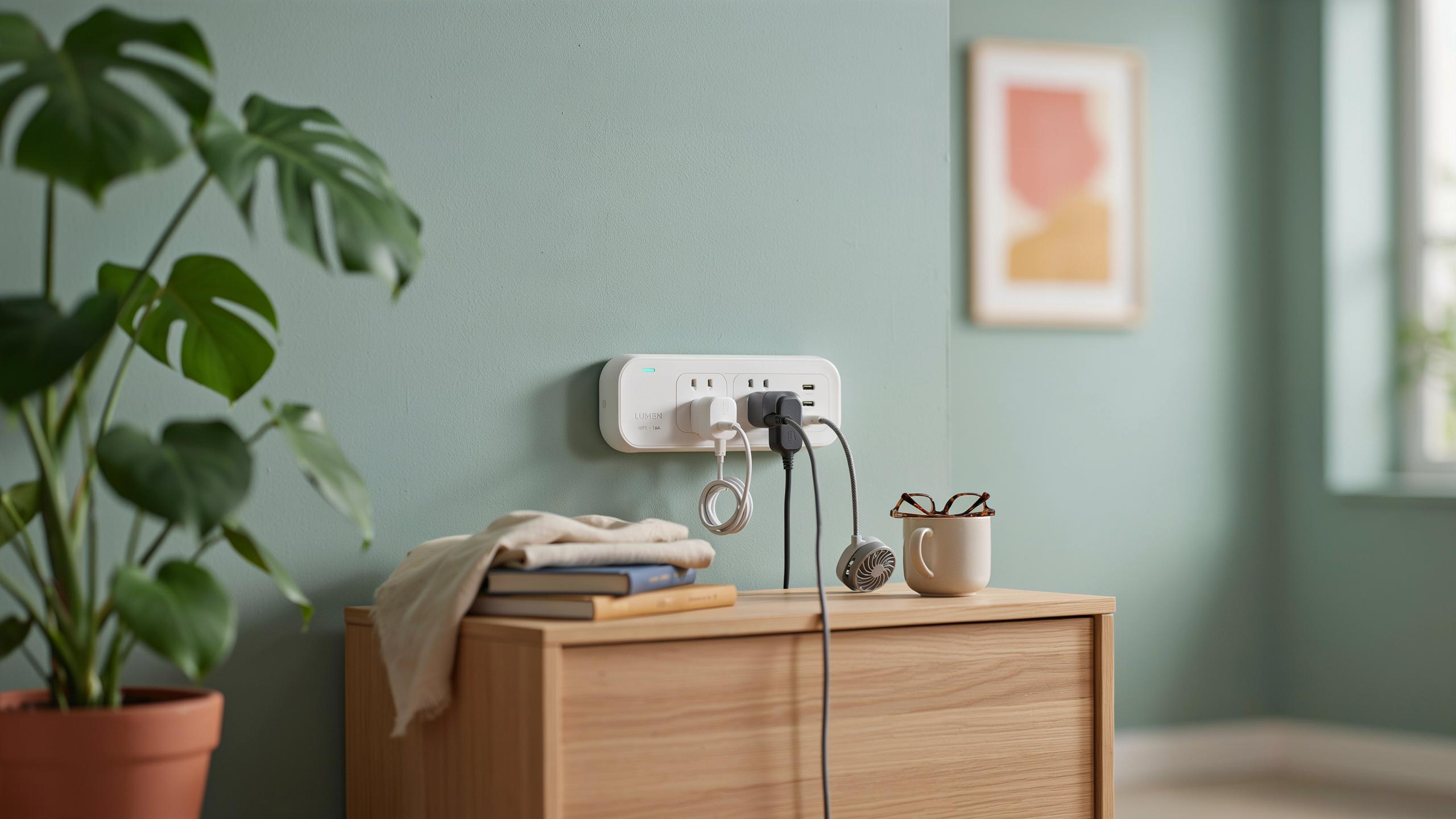
The Challenge Of Tight Outlets And Cluttered Spaces

Understanding The Frustration Of Limited Outlet Access
Most homes and offices have outlets installed based on electrical codes from decades past. These codes didn’t account for the number of devices people use today. A single outlet may serve multiple purposes, forcing users to choose which devices get power and which stay unplugged. This creates a real bottleneck for anyone trying to charge phones, laptops, and other electronics simultaneously.
The physical layout of outlets compounds the problem. Outlets placed behind furniture, in corners, or at awkward heights make plugging in devices difficult. Bulky power adapters take up entire outlet slots, leaving no room for a second plug. Tight spaces between outlets and walls prevent standard plug strips from fitting. These constraints force people into workarounds that range from inconvenient to genuinely unsafe.
The Impact Of Clutter On Modern Living
Cable sprawl and stacked devices create visual noise and physical hazards in living spaces. Multiple cords tangled together make it hard to identify which cable goes where, leading to accidental unplugging. Tripping hazards form when cords run across walkways or under furniture. The psychological weight of visible clutter affects how people feel in their own spaces, even if they can’t articulate why.
Device proliferation shows no signs of slowing down. Smart home technology, wearables, and portable electronics keep multiplying. Each new device brings another charger, another cable, another demand for outlet real estate. Without a thoughtful power solution, spaces become increasingly dysfunctional. The need for organized, accessible power isn’t optional anymore—it’s a baseline requirement for functional modern living.

Introducing The Space Saving Smart Plug Strip
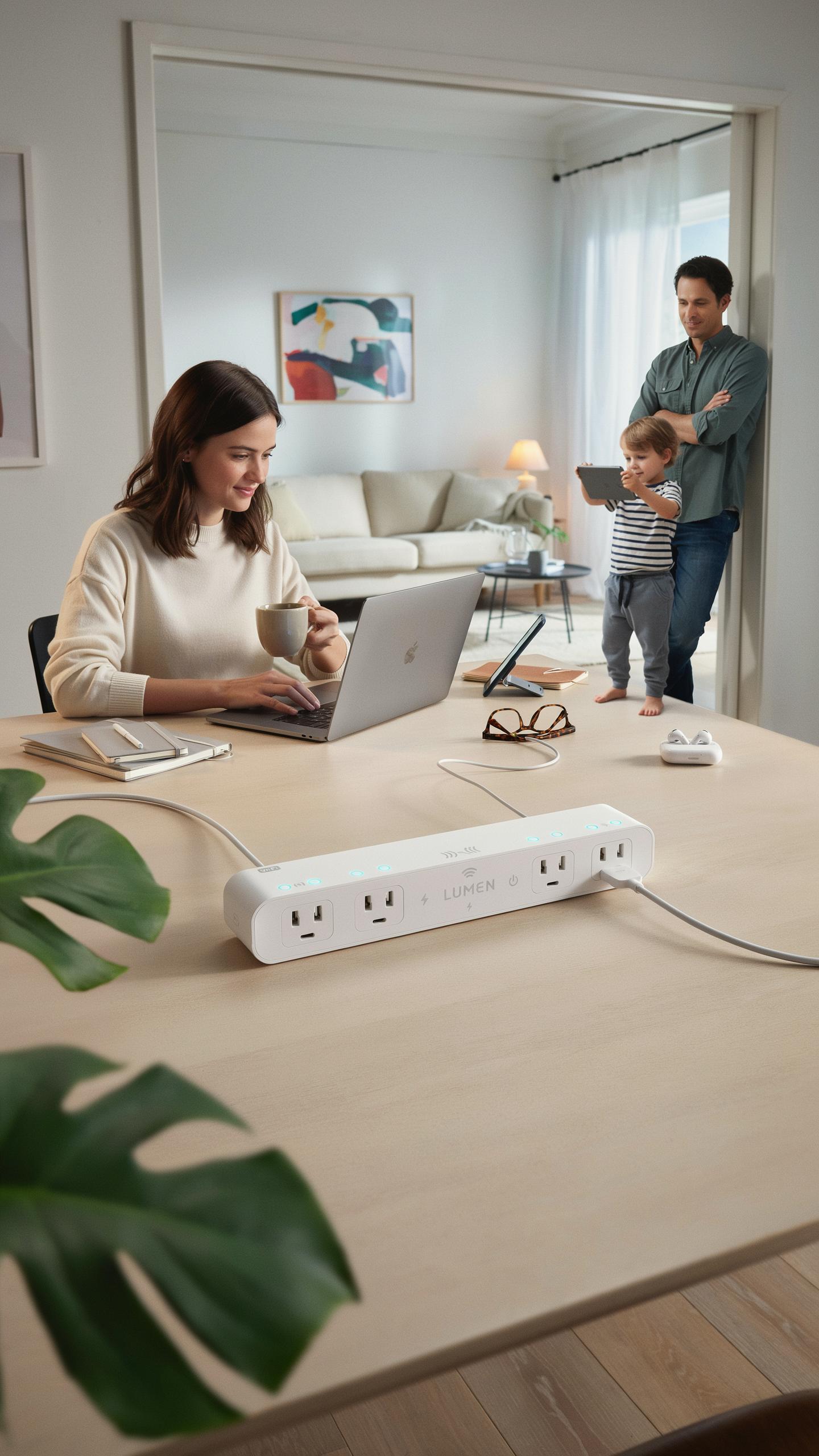
What Defines A Space Saving Design
Space-saving design solves a real problem: standard power strips take up too much room. They extend outward from walls or create bulk behind furniture. A true space-saving strip reduces depth, width, or both without cutting power capacity. Manufacturers achieve this through compact housing, vertical outlet orientation, or flat profiles that hug surfaces. The goal is delivering full functionality in a footprint that fits tight spaces where standard strips simply don’t work.
The practical difference matters in real environments. Apartments with crowded outlet areas, RVs with limited wall space, and offices under desks all struggle with standard strips. Space-saving designs let you plug in multiple devices without creating fire hazards or blocking access. Some models stack outlets vertically instead of spreading them horizontally. Others use angled connectors that let plugs sit closer together. These design choices directly impact whether a strip fits your specific installation point.
The Smart Advantage Beyond Basic Power
Smart plug strips add remote control and automation to basic power distribution. You control outlets individually through smartphone apps or voice commands without touching physical switches. Scheduling features let you turn devices on and off automatically at set times. Energy monitoring shows real-time power consumption by outlet. These functions reduce standby power waste and give you precise control over what runs and when.

Integration with home automation systems extends capability further. Smart strips connect to platforms like Alexa, Google Home, or Apple HomeKit for voice control and automation routines. You can group outlets for coordinated actions or create conditional triggers based on time, location, or other smart home events. Remote access means managing devices from anywhere, not just in the room where the strip sits.
Key Features Of An Ideal Space Saving Smart Plug Strip For Tight Outlets
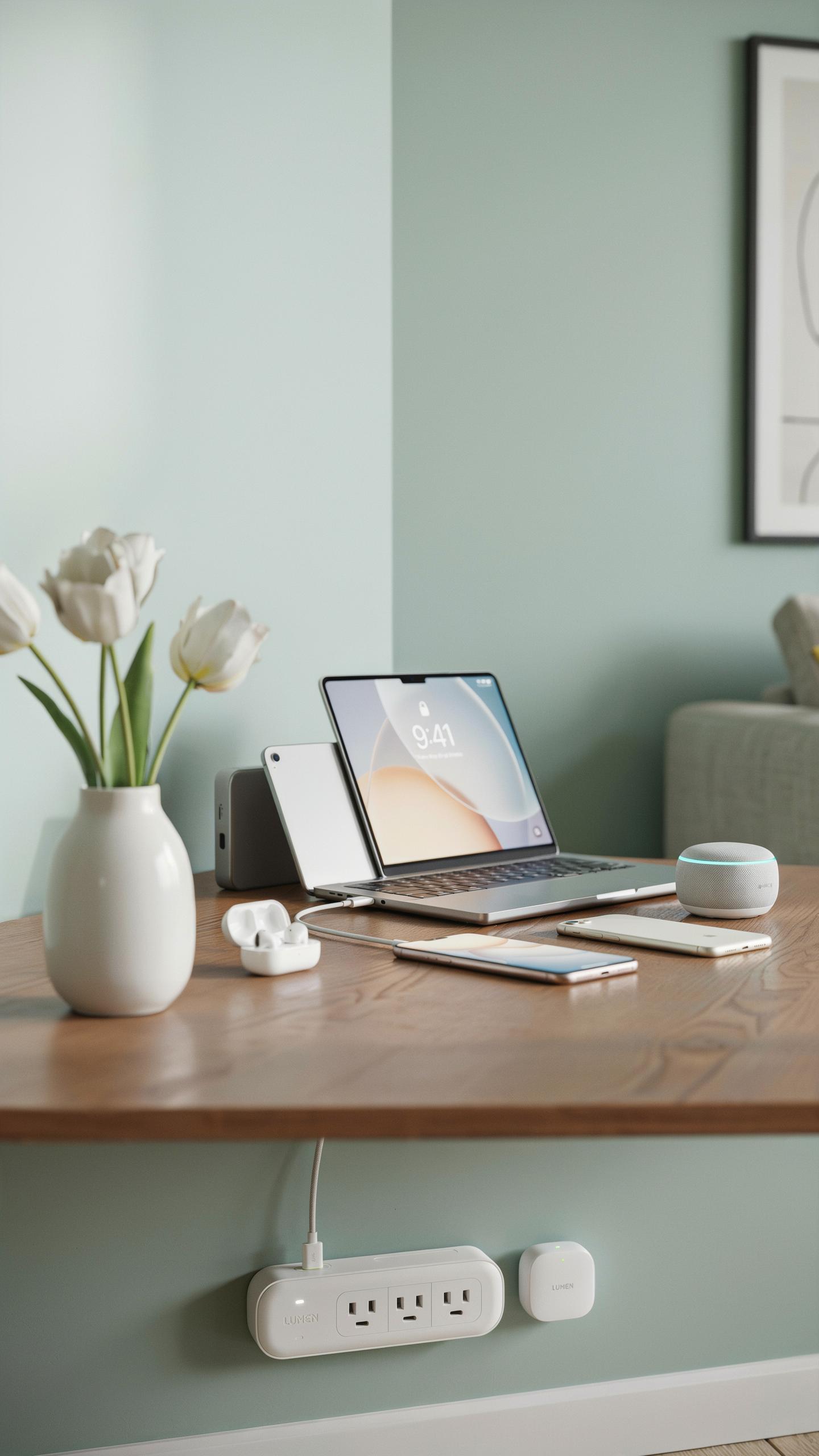
Flexible Designs: Rotating Outlets And Flat Plugs
Rotating outlets solve the core problem of tight spaces. They swivel 90 degrees or 180 degrees to accommodate bulky adapters and chargers without blocking adjacent outlets. This design prevents the domino effect where one large plug forces users to sacrifice multiple outlet positions. Flat plug designs eliminate unnecessary depth by replacing cylindrical prongs with thin, parallel contact points that reduce overall footprint.
Manufacturers achieve rotation through metal ball joints or plastic pivot mechanisms. These components allow outlets to aim in different directions while maintaining electrical contact integrity. Flat plugs originated from international voltage standards but now appear in consumer products to maximize usable outlet space. Both technologies address the same constraint: wall outlets remain fixed, but the devices plugged into them vary wildly in size and shape.
USB Ports And Smart Charging Capabilities
USB ports eliminate the need for separate wall adapters when charging phones, tablets, and portable devices. A single smart strip with integrated USB ports delivers power directly to devices without occupying standard outlet slots. Modern smart strips include USB A ports, USB C ports, or both, adapting to current device ecosystems. This consolidation reduces clutter and frees physical outlet space for devices that require proprietary or three-prong plugs.

Smart charging capabilities detect connected device types and deliver appropriate power levels automatically. Some models employ voltage sensing or fast charging protocols like Power Delivery to optimize charging speed. Others include app controls that let users monitor consumption or schedule when specific outlets power on and off. These features add functionality beyond simple space savings, turning the strip into an active power management tool rather than passive wiring.
Smart Functionality Remote Control Voice Commands
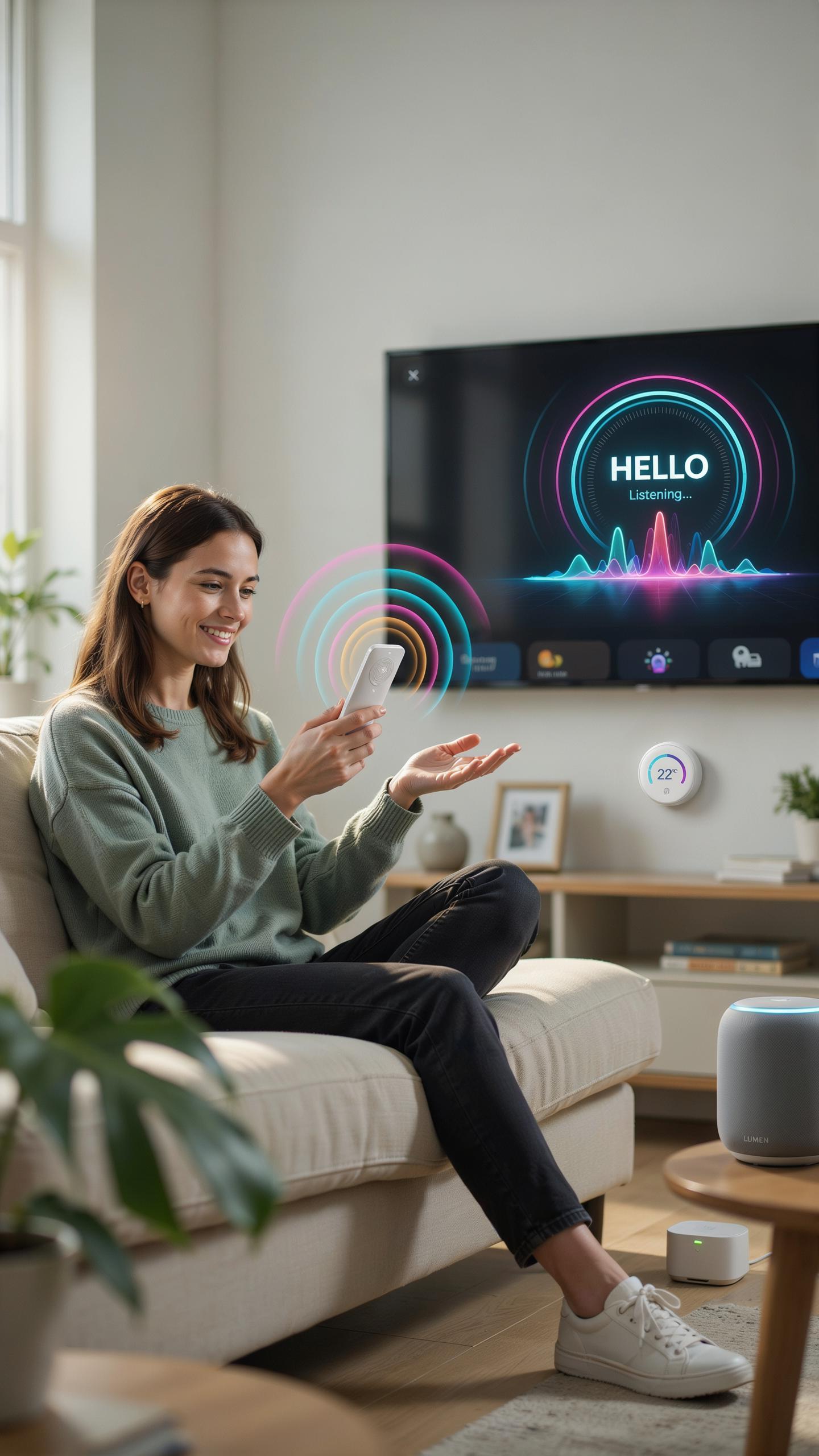
Controlling Your Devices From Anywhere
Space saving smart plug strips come with mobile apps that let you turn outlets on or off from anywhere with internet access. You control individual outlets through your smartphone, whether you’re at work, traveling, or in another room. This eliminates the need to physically reach tight outlet spaces behind furniture or in cramped corners. The app shows real time status of each outlet, so you know which devices are running.
Remote control capabilities extend to scheduling. You set timers and recurring schedules for outlets to activate at specific times. This works for devices like coffee makers, fans, or water heaters that you want running on a fixed routine. Scheduling reduces energy waste and ensures devices operate only when needed. Most apps store schedules in the cloud, so they persist even if your wifi drops temporarily.
Integrating With Smart Home Ecosystems
Smart plug strips connect to major voice assistant platforms including Amazon Alexa, Google Assistant, and Apple Siri. Once connected, you voice control outlets without touching your phone or the physical outlet. You simply say commands like “turn off the lamp outlet” and the device responds immediately. Voice control works especially well for outlets in tight spaces where manual access is inconvenient or impossible.
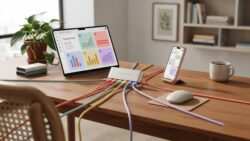
Integration with smart home hubs creates automation routines that link plug strips to other devices and sensors. When motion sensors detect activity, outlets can activate automatically. When temperature sensors read specific values, connected appliances turn on or off. This ecosystem approach means your plug strips work as part of a larger connected home system rather than functioning in isolation. Most modern platforms support this integration through their native apps or third party connections.
Safety First Surge Protector And Overload Protection
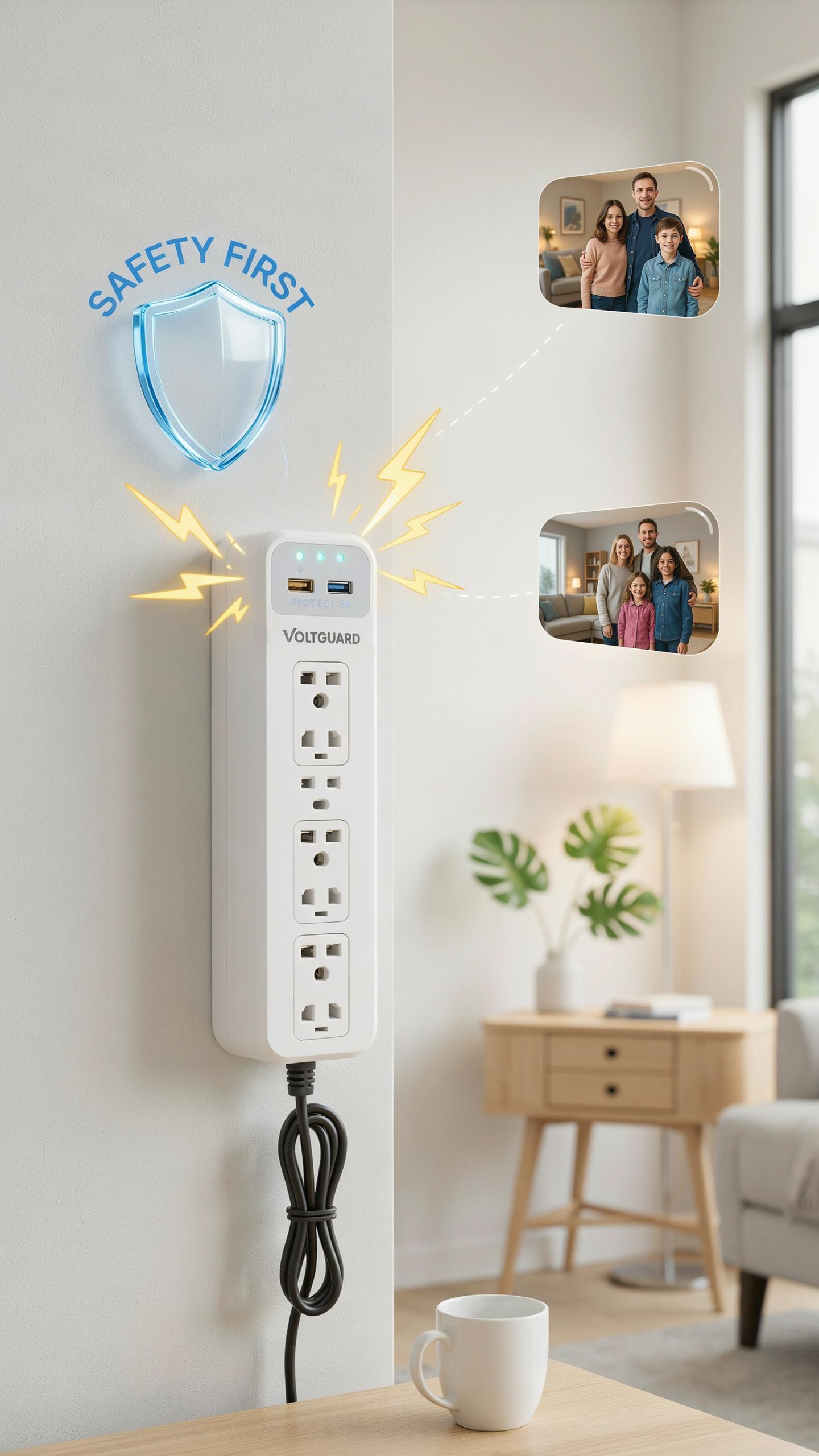
Why A Surge Protector Is Essential
Power surges happen. Lightning strikes, grid fluctuations, and device malfunctions send voltage spikes through your outlets without warning. These surges destroy electronics instantly. A surge protector absorbs excess voltage before it reaches your devices, preventing damage to phones, laptops, and smart home equipment plugged into the strip.
Space saving smart plug strips designed for tight outlets must include built in surge protection. This feature protects your devices while saving physical space. You get both functions in one compact unit instead of stacking additional protection devices on top of already cramped outlets.
Understanding Electrical Safety Standards
Surge protectors meeting UL 1449 standards undergo rigorous testing for safety and performance. This standard ensures the device responds quickly to voltage spikes and handles overcurrent situations without catching fire or failing dangerously. Look for UL certification on any smart plug strip you purchase. Certification matters more than brand reputation.

Overload protection works separately from surge protection by monitoring total amperage draw across all connected devices. Most household outlets handle 15 amps safely. Overload protection cuts power when devices draw too much current simultaneously, preventing circuit breaker trips and potential fires. Quality space saving strips include this protection even in compact designs.
Beyond The Strip Complementary Solutions Like An Outlet Extender
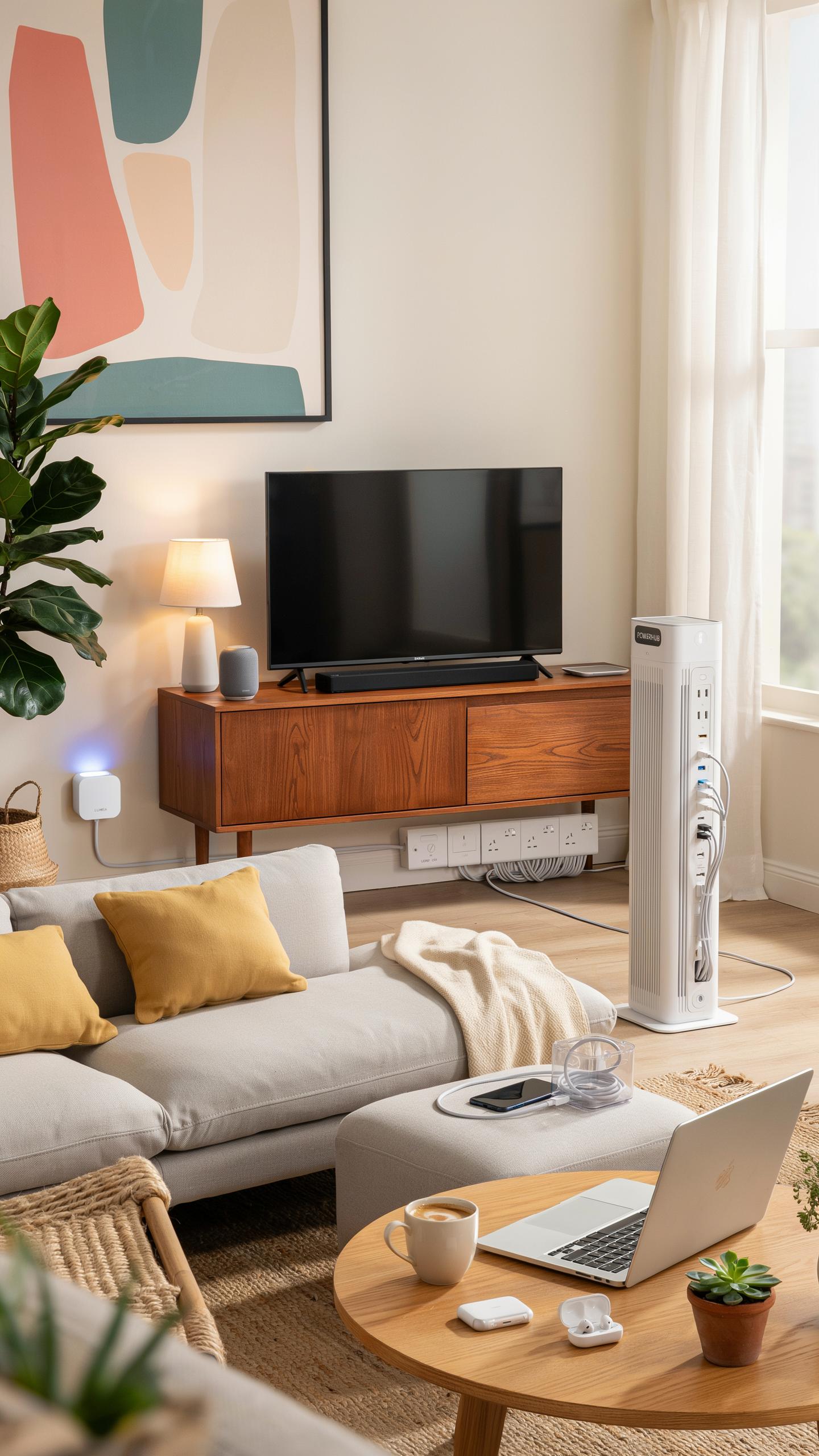
When To Choose An Outlet Extender
Outlet extenders solve a different problem than smart plug strips. Use an extender when your outlets sit behind furniture, inside tight spaces, or when you need to relocate an outlet without rewiring. Extenders mount directly into an existing outlet and project outward, giving you access without moving heavy objects or rearranging your layout.
Smart plug strips work best when you have accessible outlets and need multiple controlled devices in one location. Outlet extenders work best when your outlet placement is the actual problem, not the number of available ports. Choose the extender if you’re dealing with outlets blocked by bed frames, desks, or appliances. Choose the strip if you need smart features and device multiplication.
Remember those days of wrestling with bulky plugs, trying to squeeze them into cramped spaces? This clever little strip, like a puzzle piece found, brings order and peace to your power needs.
Utilizing Extension Cords And Power Outlets Effectively
Extension cords extend reach but introduce fire hazards when daisy-chained or overloaded. Run cords along walls or under furniture designed for cable routing rather than creating tripping hazards or blocking pathways. Never coil a cord tightly or leave it kinked, as this generates heat and risks damage to insulation.

Permanent solutions beat temporary cord arrangements. If you consistently use extension cords in the same location, install additional outlets or upgrade to a space-saving smart plug strip positioned closer to your devices. This eliminates clutter, reduces fire risk, and gives you smart control capabilities standard cords cannot provide. Assess your layout and invest in infrastructure that matches your actual usage patterns.
Optimizing Your Space Installation Tips For Dorm Room Essentials

Strategic Placement And Cable Management
Position your space saving smart plug strip near the center of your desk or wall outlet cluster. This reduces cable runs and prevents tangling behind furniture. Keep the unit three to six inches away from walls and obstacles to allow airflow for heat dissipation. Proper ventilation extends device lifespan and prevents thermal shutdowns during peak usage.
Bundle cables using velcro straps or fabric ties rated for your outlet strip’s power output. Route cords along edges of desks or furniture baseboards to maintain clear floor space. Label each cable at both ends using masking tape and permanent marker. This system saves troubleshooting time when you need to disconnect devices quickly or move to a new location.
Using Command Strips For Secure Mounting
Command strips provide damage free mounting for outlet strips on dorm room walls. These adhesive strips hold weight up to the rating specified on the package without leaving residue. Clean the wall surface with rubbing alcohol before application to ensure maximum adhesion. Let the strips cure for the full time recommended by the manufacturer before plugging in devices.
- Surface Preparation: Wipe the mounting area thoroughly with alcohol and allow it to dry completely before applying Command strips for optimal bond strength.
- Weight Rating Verification: Check the Command strip package to confirm the weight capacity matches or exceeds your outlet strip and connected devices combined.
- Vertical vs Horizontal Mounting: Position outlet strips vertically on walls to minimize dust accumulation and improve cable management around the unit.
- Removal Protocol: Pull Command strips straight down slowly at a ninety degree angle to prevent drywall damage when relocating your outlet strip.
- Redundant Fastening: Use two sets of Command strips for outlet strips exceeding ten pounds to distribute weight evenly and prevent sagging.

Test your mounted outlet strip with light loads first before connecting high draw devices like hair dryers or space heaters. Monitor the installation for forty eight hours to ensure the adhesive holds under your typical usage patterns. Adjust mounting position if you notice any tilting or movement during this testing phase.
Choosing The Best Space Saving Smart Power Strip For Your Needs
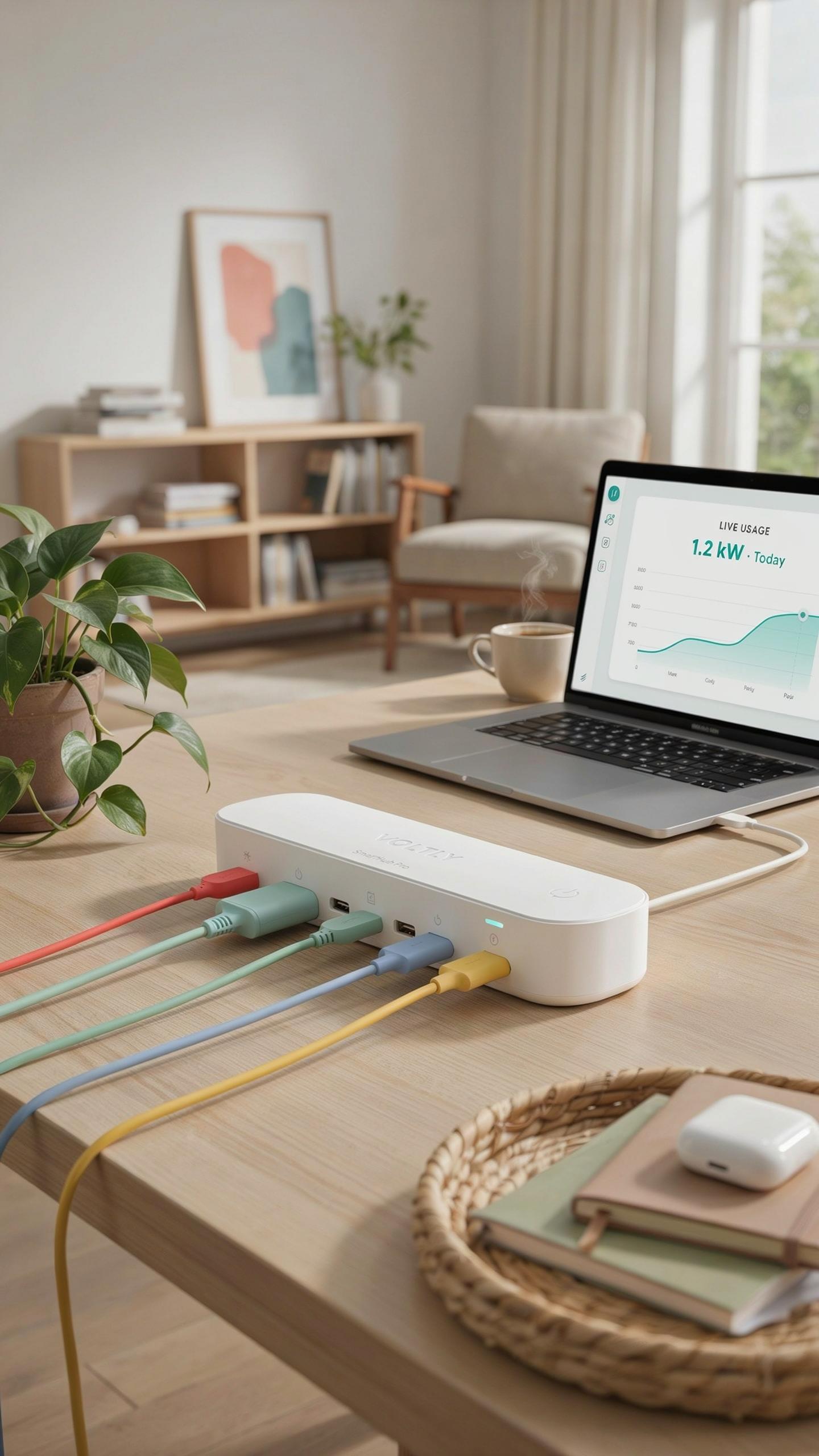
Factors To Consider Before Purchase
Outlet spacing determines what devices fit into your power strip. Measure the distance between your outlets and compare it against the devices you plan to plug in. Bulky power adapters, chargers, and transformer-heavy plugs occupy more space than standard plugs. Check your strip’s outlet layout before buying to avoid blocking adjacent outlets with oversized adapters.
Amperage capacity matters for your device load. Most space saving smart strips handle 15 amps total. Calculate the wattage of devices you’ll connect simultaneously and ensure the strip supports that demand. Exceeding capacity triggers safety features or creates fire risk. Review the strip’s specifications and your intended usage pattern before purchase.
Top Recommendations For Various Scenarios
Smart strips serve different needs based on your setup and priorities. The right choice depends on outlet count, physical dimensions, and control features you actually use.
- Compact Home Office Setup: Strips with 4 to 6 outlets and USB ports handle laptops, monitors, and chargers without taking desk space. Look for models with rotating plugs to accommodate multiple adapter sizes.
- Entertainment Center: 6 to 8 outlet strips with individual outlet control manage TVs, sound systems, and gaming devices. Verify the strip fits your cabinet or shelf dimensions before ordering.
- Tight Behind Furniture: Flat, ultra-thin strips measure under one inch deep. These fit behind nightstands, dressers, and wall-mounted shelves where standard strips cannot reach.
- Travel and Temporary Use: Portable strips with 3 to 4 outlets weigh under one pound. Choose models with compact power cords to fit in bags without extra bulk.
- High Device Density Areas: Vertical outlet strips with 6 to 8 outlets arranged up the strip’s body instead of across it. These minimize horizontal footprint in kitchen corners and small workspaces.

Outlet rotation and angled plugs prevent adapter conflicts in tight spaces. USB charging ports reduce the need for additional adapters. Remote control or app access lets you manage devices from across the room. Match these features to your actual usage before making a final purchase decision.
Frequently Asked Questions

What exactly is a space saving smart plug strip for tight outlets, and how does it differ from a regular power strip?
A space saving smart plug strip for tight outlets is designed with features like flat plugs or rotating outlets to fit snugly in confined spaces without blocking adjacent ports. Unlike a standard strip, it often includes smart features, allowing you to control individual outlets remotely via an app, set schedules, or even use voice commands for connected devices.
How can I effectively install a space saving smart plug strip for tight outlets behind furniture or in awkward corners?
For tricky spots, look for models with a 90-degree flat plug that minimizes protrusion from the wall. Adhesive strips or screw mounts on the back of the power strip can secure it to a surface, preventing it from dangling. Consider rotating outlets for maximum flexibility when plugging in various adapters.
Are space saving smart plug strips for tight outlets generally more expensive than traditional power strips, and are there affordable options?
While smart features can add to the cost, many affordable space saving smart plug strip for tight outlets options exist. Basic models with flat plugs are very budget-friendly, and even smart versions frequently go on sale. Compare features like surge protection and the number of smart outlets to find the best value for your needs.



