Why Choose A Compact Projector For Small Apartments
Space Saving Design And Portability
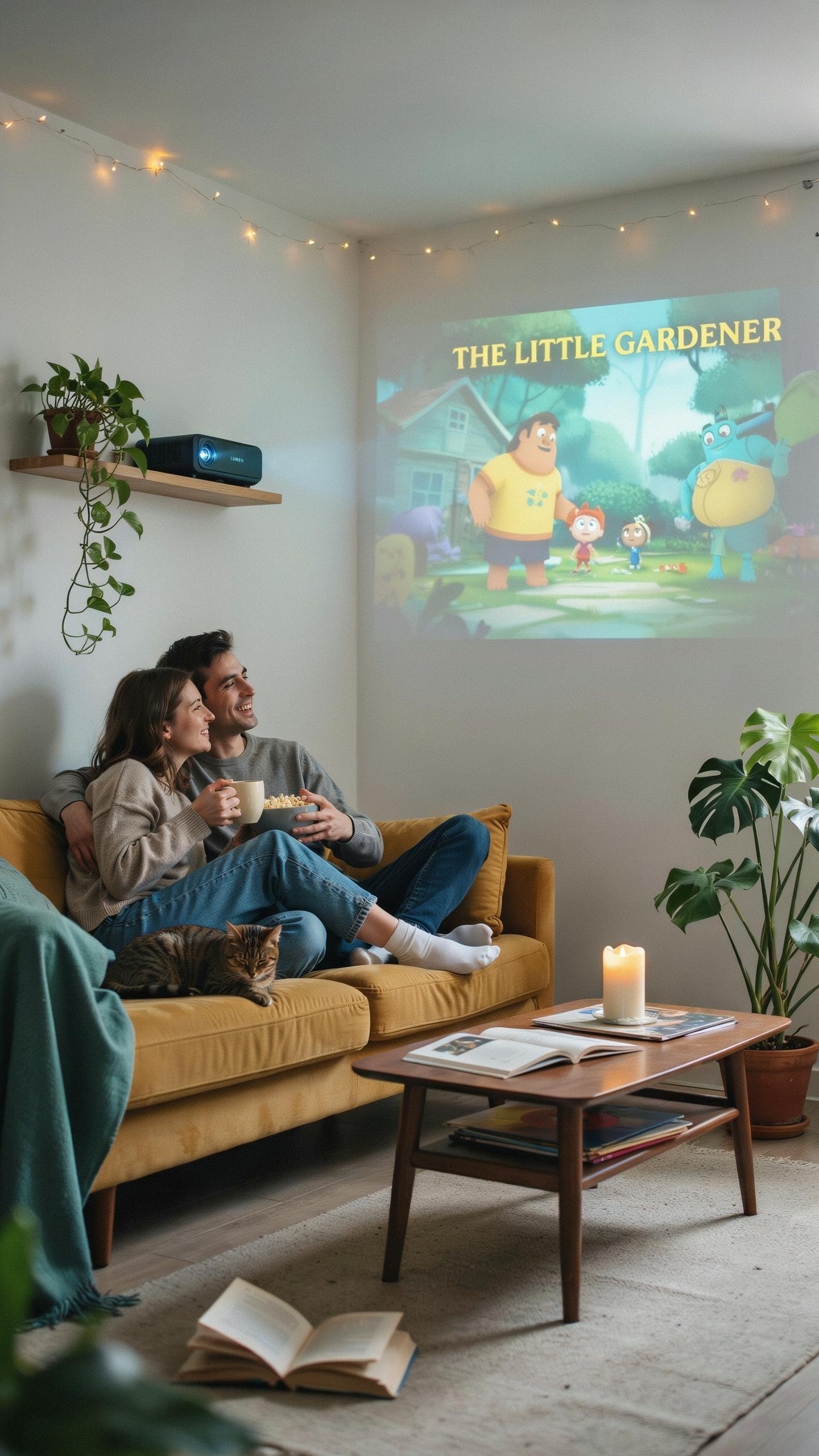
Compact projectors weigh between 1 to 3 pounds and measure roughly 7 by 5 inches. This form factor lets you place a projector on a shelf, nightstand, or mount it without structural modifications. You avoid the wall real estate a television demands while maintaining viewing quality. Small apartments benefit immediately from this flexibility.
You move compact projectors between rooms or take them anywhere. A projector in your bedroom becomes a living room centerpiece the next day. This portability matters when your apartment layout shifts seasonally or when you host different activities. You invest in one device that serves your changing needs rather than buying multiple televisions.
Versatility For Multi Purpose Rooms
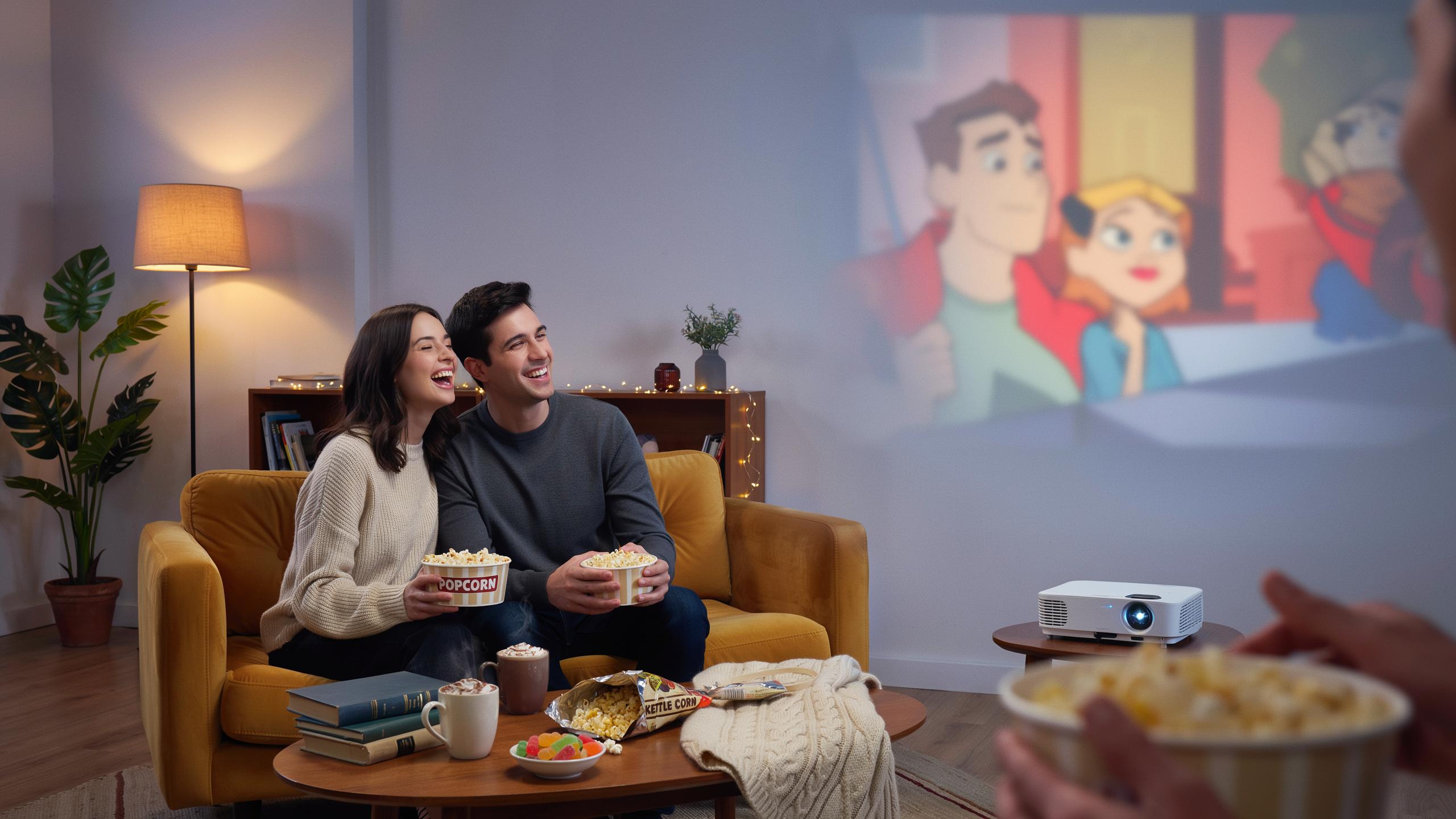
Small apartments compress functions into single rooms. A compact projector transforms your living area into a cinema for movie nights by projecting onto a blank wall or portable screen. The same setup becomes a gaming environment or workspace without permanent installation. You control when and where entertainment happens.
Compact projectors switch between content sources instantly. Connect them to streaming devices, laptops, or gaming consoles. Your room returns to normal when you turn the projector off, reclaiming visual and mental space. This adaptability means your apartment stays functional for living while supporting entertainment and work demands simultaneously.

Key Features To Look For In Mini Projectors
Brightness And Resolution For Optimal Viewing
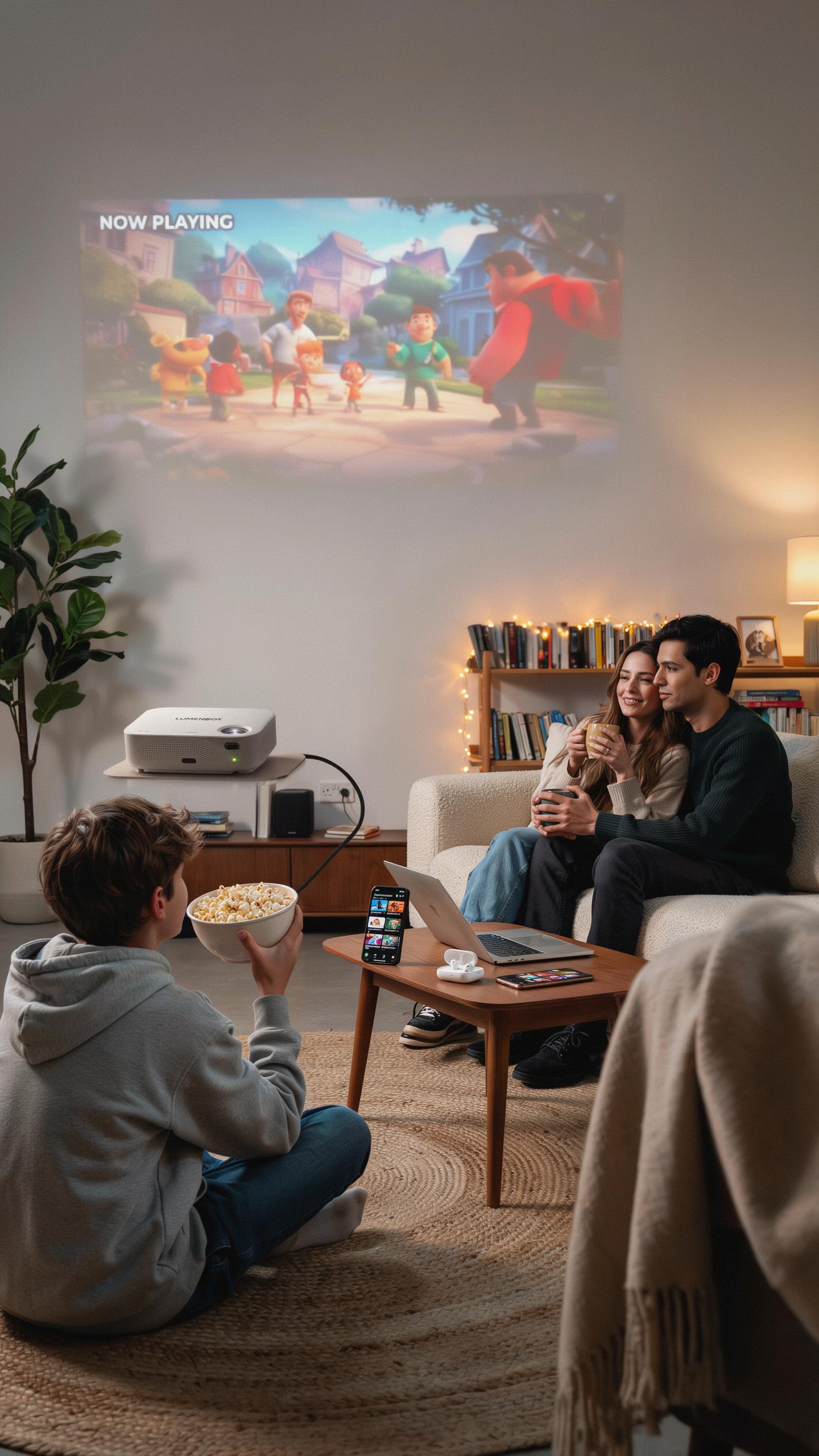
Lumens determine how bright your projector displays images. Small apartment projectors typically range from 500 to 3000 lumens. Higher lumen counts fight ambient light better, making them useful if you cannot completely darken your space. For dark rooms, 1000 lumens suffices. Rooms with windows or overhead lighting need 1500 lumens or more to maintain image quality.
Resolution directly affects image sharpness and detail. 1080p Full HD remains the standard for compact projectors and delivers clear images for movies and streaming. 4K projectors exist in the compact category but cost significantly more. For small apartments, 1080p handles most content adequately. Match resolution to your content source, as streaming services and cable typically max out at 1080p anyway.
Connectivity Options And Smart Features
HDMI ports are essential for connecting laptops, gaming consoles, and streaming devices. USB ports add flexibility for direct file playback from external drives. Wireless connectivity through Wi-Fi and Bluetooth eliminates cable clutter in tight spaces. These connections matter because apartments have limited setup room and cable management becomes a practical problem.
Built-in streaming apps streamline your setup by reducing external devices needed. Many compact projectors include Netflix, YouTube, and other platforms pre-loaded. This feature simplifies operation and saves counter or shelf space in small living areas. Verify app availability before purchasing, as not all compact models include the same streaming options.
Setting Up Your Small Projector In An Apartment
Ideal Placement For Screen Size And Image Quality
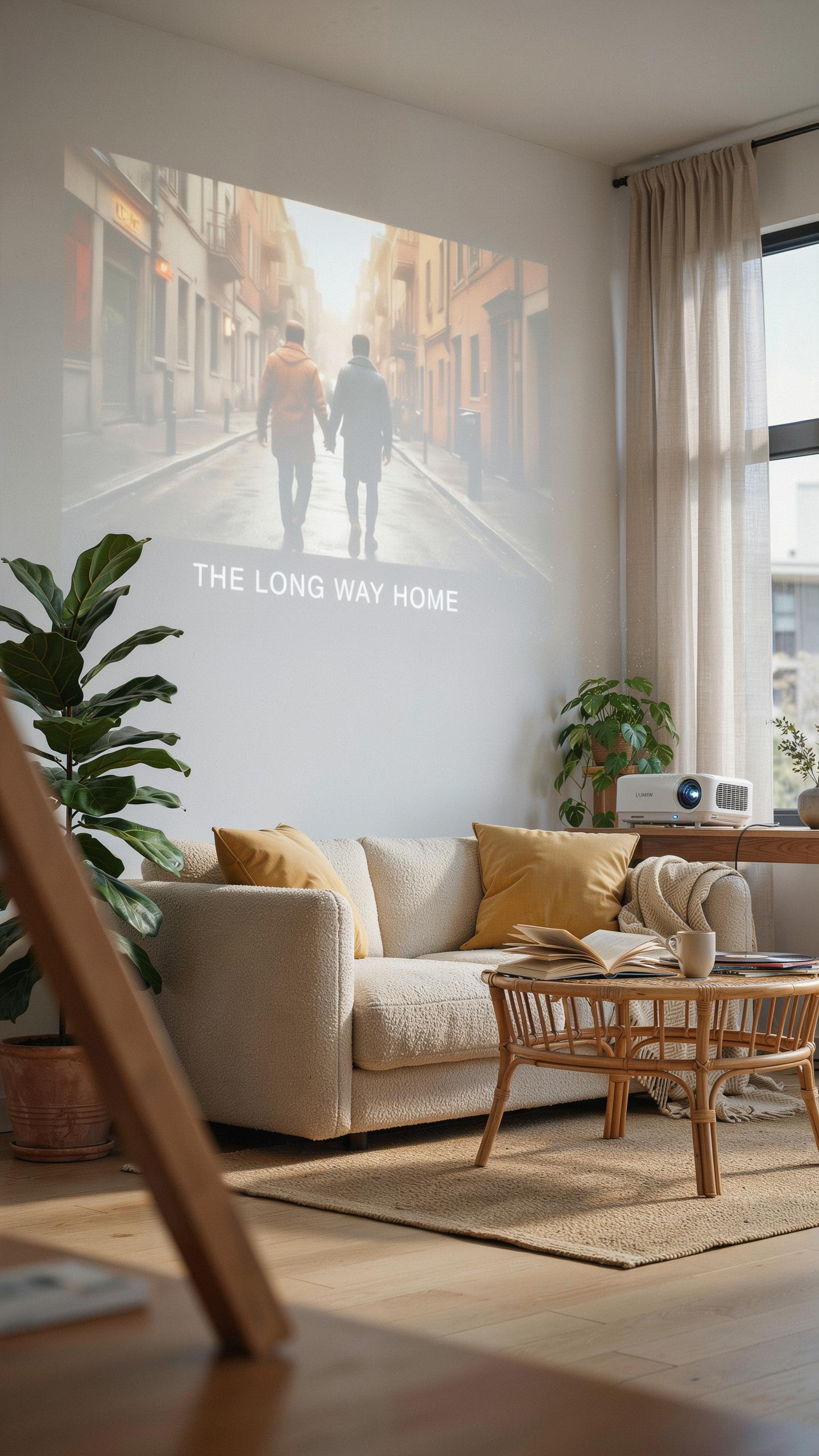
Throw distance determines your screen size. Measure the distance from where you’ll mount the projector to your wall or screen. Most compact projectors have throw ratios between 1.2:1 and 2:1, meaning a projector sitting 8 feet away produces different image sizes depending on its specs. Check your projector’s manual for exact throw ratio calculations before choosing placement.
Keystone correction adjusts trapezoidal distortion when you can’t mount the projector perfectly centered or straight-on. Use this feature sparingly because digital keystone correction reduces image sharpness and brightness. Position your projector level with the screen center whenever possible to minimize keystone adjustment needs and maintain image quality.
In our cozy corners, let every movie night unfold like a treasured memory, projected large and bright, bringing the magic home.
Optimizing Your Viewing Area Walls And Screens
A white wall works but delivers inferior performance compared to a dedicated screen. Dedicated projector screens have gain ratings that reflect light back toward viewers more efficiently, improving brightness and contrast. Paint absorbs light and creates color shifts, making screens the superior choice for image quality in small spaces.

Pull-down and portable screens offer flexibility for apartments where wall mounting isn’t viable. Pull-down screens retract when not in use, freeing wall space for other purposes. Portable screens on tripods or stands let you reposition your setup easily, essential for renters and those changing room layouts frequently.
Transform Your Bedroom Into A Projector In Bedroom Cinema
Creating An Immersive Ambiance
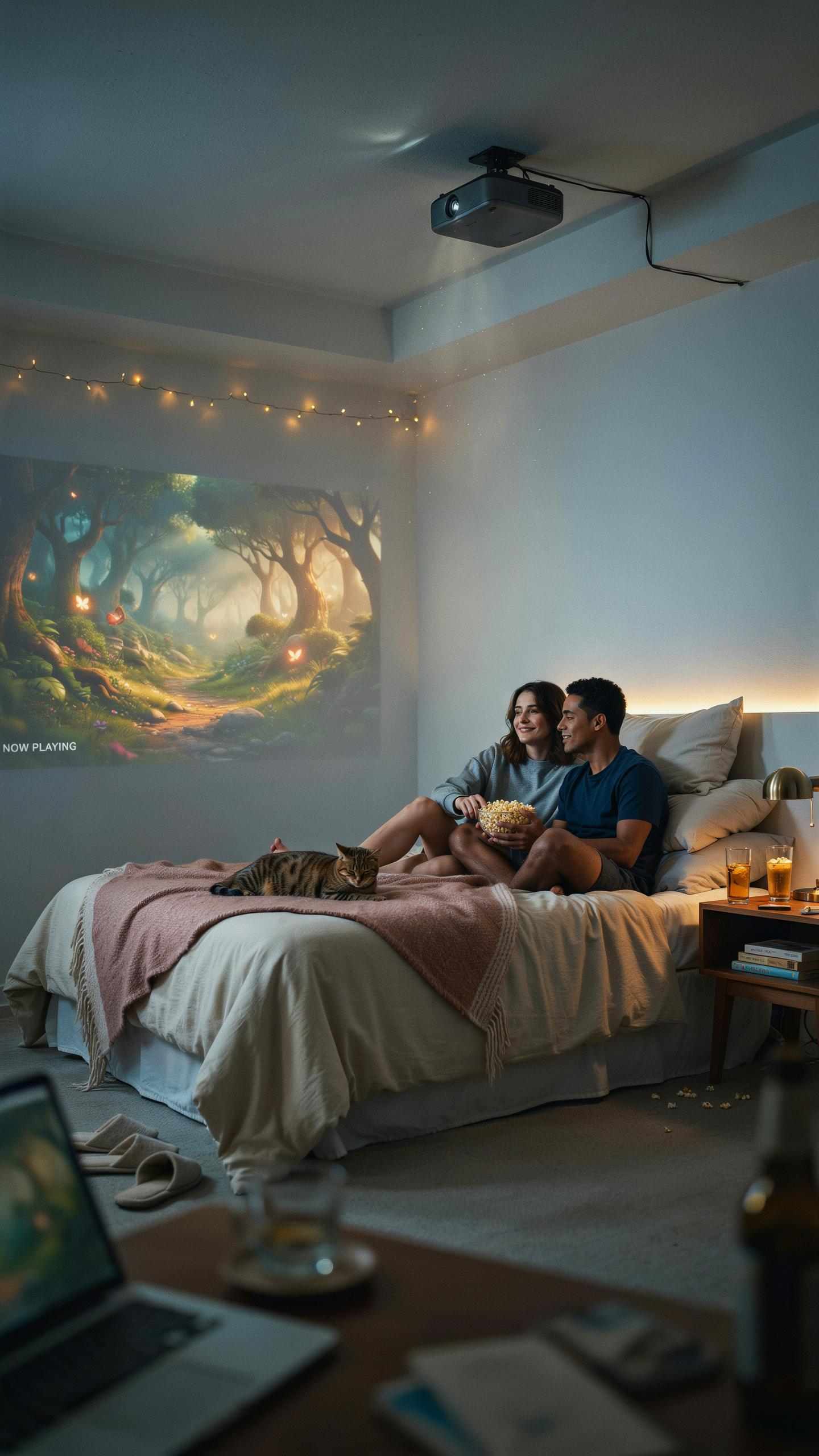
Darkness is non negotiable for projector viewing in bedrooms. Close blackout curtains completely to block ambient light. Dimming overhead lights helps, but blackout curtains deliver the contrast needed for image quality. External speakers matter because projector built in audio lacks power and clarity. A basic stereo speaker setup positioned near your screen dramatically improves dialogue and sound depth compared to projector speakers alone.
Seating placement affects your entire experience. Position chairs or your bed at least 1.5 times the screen width away for comfortable viewing without neck strain. Add cushions or recliners to reduce fatigue during longer movies. Room temperature matters too. Small bedrooms heat up quickly with a projector running, so ensure proper ventilation or use cooling before sessions begin.
Mounting Solutions And Cable Management
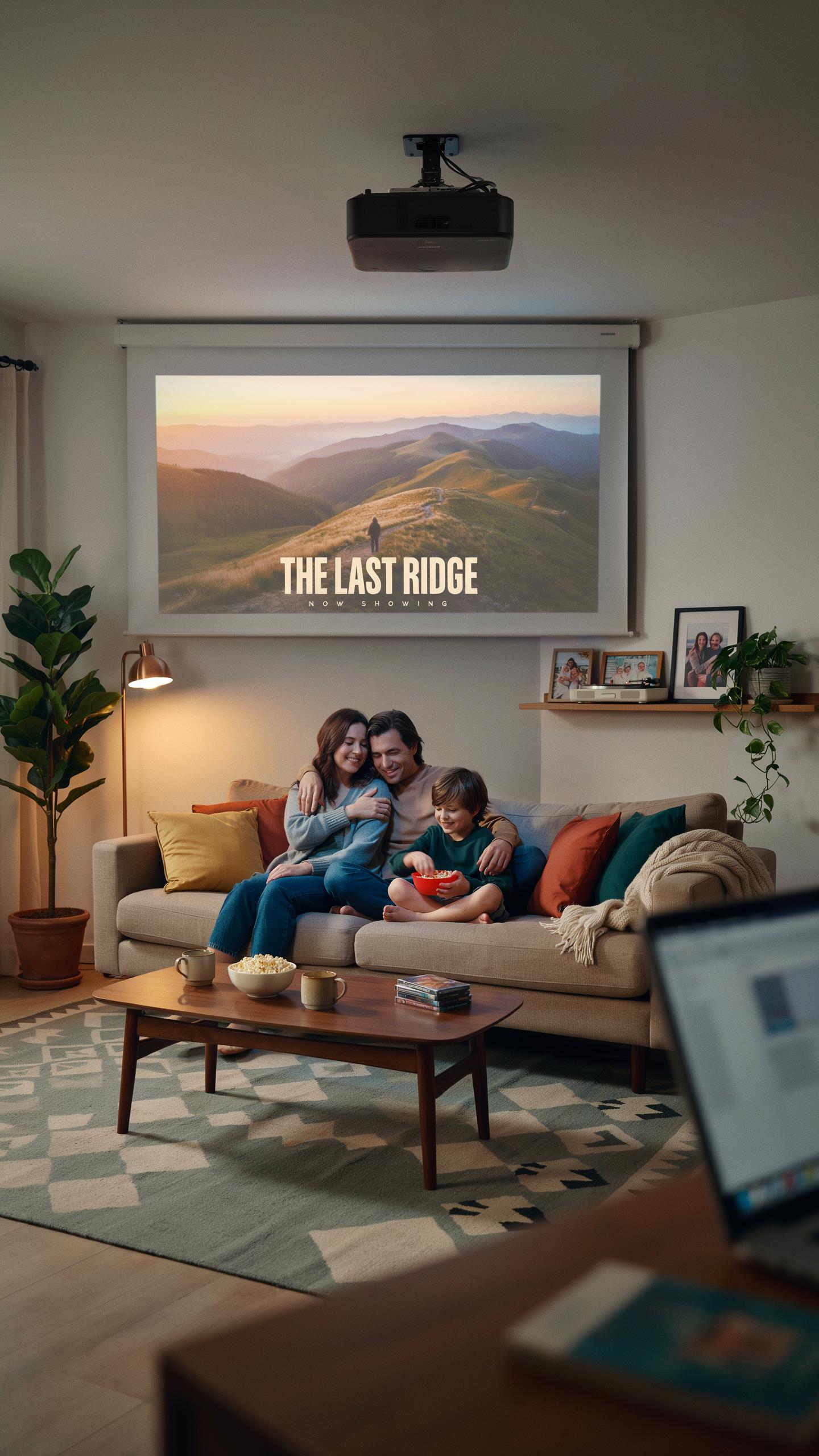
Ceiling mounts save the most floor space in bedrooms. Mount projectors directly above seating to eliminate shadows and sight line issues. Wall shelves work if ceiling mounting isn’t an option, though they take up horizontal space. Both approaches beat table placement because they free floor area and keep the projector stable and out of the way during daily use.
Cable management prevents tripping hazards and maintains safety in confined spaces. Run cables along walls using adhesive clips or conduit tubing. Hide power cords behind furniture or along baseboards. Keep HDMI and other input cables organized with velcro straps. A clean cable setup prevents accidents, reduces clutter visually, and makes adjustments easier when you need to swap devices or troubleshoot connections.
Living Room With Projector Ideas Beyond Movie Nights
Gaming And Entertainment Hub
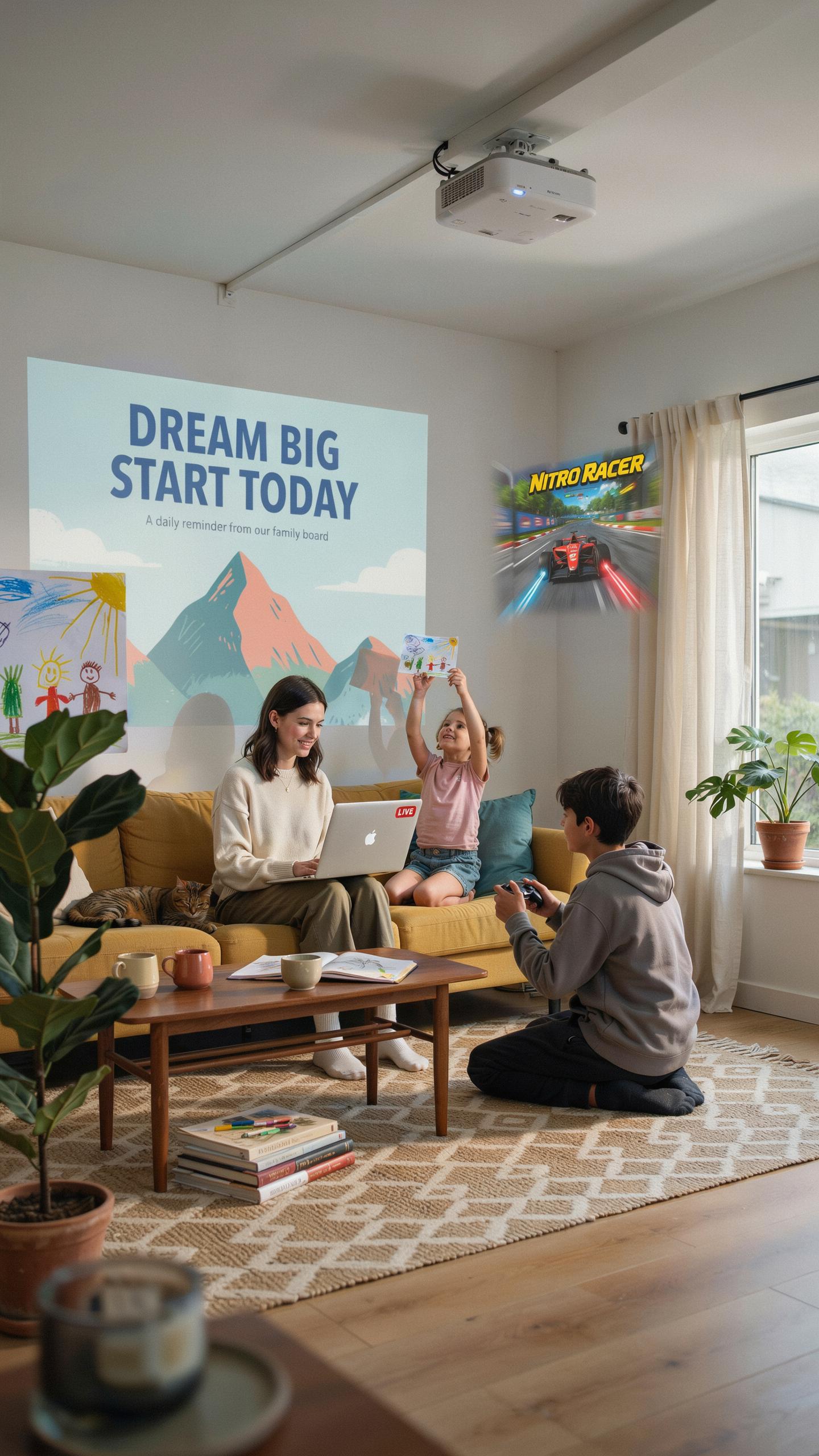
A compact projector transforms your living room into a gaming display that rivals dedicated gaming setups. Modern projectors handle fast refresh rates and low input lag needed for console and PC gaming. You get screen sizes that range from 80 to 150 inches without consuming floor space like a television. Sports broadcasts, concert streams, and digital art installations all benefit from the immersive scale a projector delivers.
Gaming performance depends on your projector’s response time and refresh rate capabilities. Entry-level compact models typically handle 60Hz refresh rates adequately for most casual gaming. Higher-end compact projectors support 120Hz and lower input lag, making them viable for competitive gaming. The throw distance matters too. A short-throw projector positioned close to your wall gives you the large screen size without pushing furniture around your apartment.
Productivity And Creative Applications
Compact projectors serve functions beyond entertainment in small apartments. Use them to display presentations during remote work calls on your living room wall instead of squinting at a monitor. Kitchen applications include projecting recipes hands-free while cooking. The projector mounts on a ceiling or wall bracket, keeping counter and table space free. This practical use case justifies the projector investment beyond just movie nights.
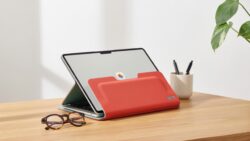
Creative professionals use compact projectors for art projects requiring scaled-up reference images or tracing work. Architects and designers project floor plans or design mockups for collaborative planning sessions. Musicians project lyrics or sheet music during practice or performances. These applications prove that compact projectors function as genuine productivity tools for your apartment, not just entertainment devices.
The Portable Projector For On The Go Entertainment
Battery Life And Portability Factors
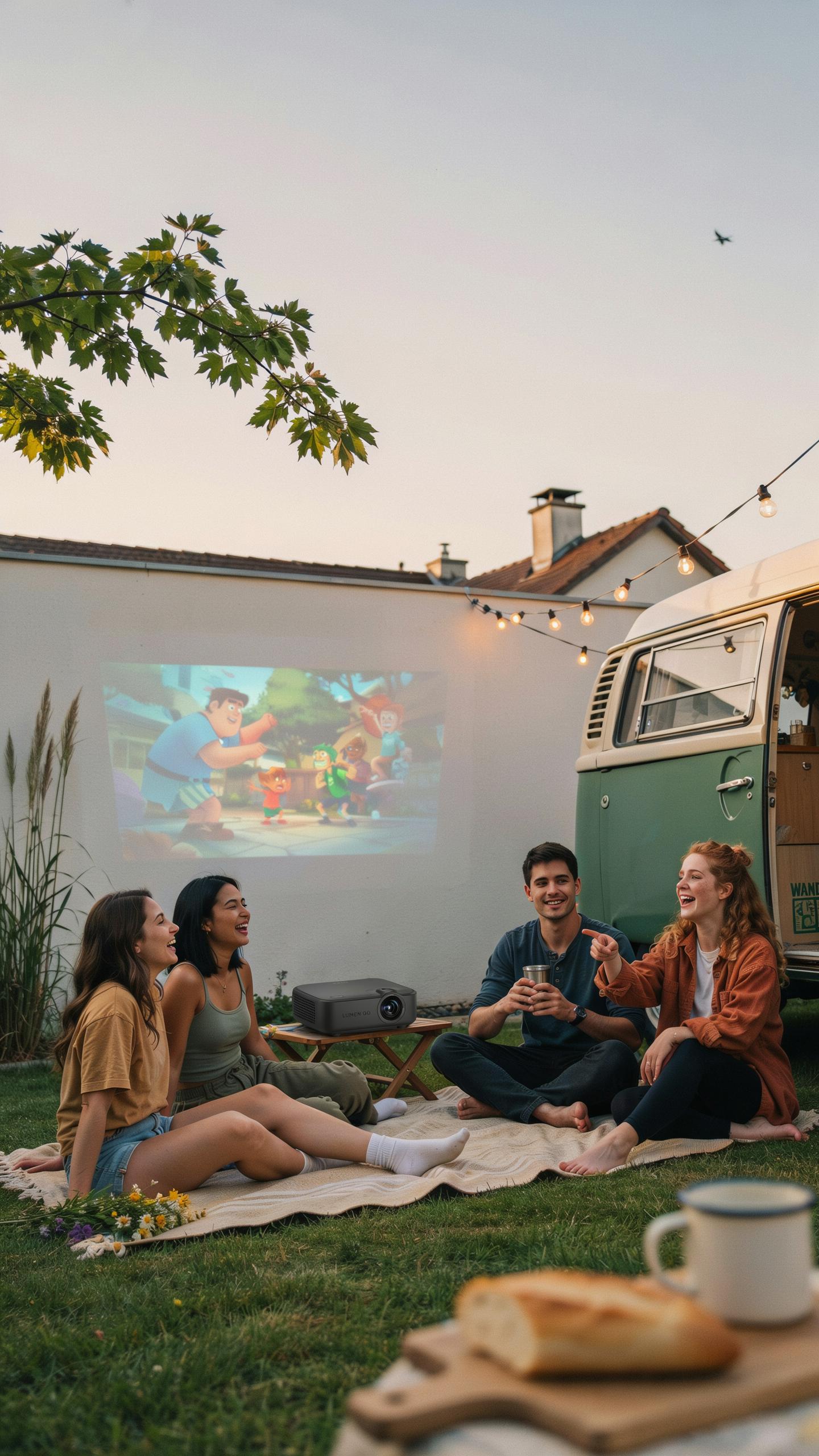
Built-in batteries eliminate dependency on wall outlets, enabling outdoor screenings and spontaneous viewing sessions anywhere. Battery capacity determines runtime, typically ranging from two to eight hours depending on brightness settings and model specifications. Check manufacturer specs before purchase to match your usage patterns. Lighter weight and compact dimensions make transport feasible for apartment dwellers with limited storage.
Battery performance degrades over time and with repeated charge cycles. Running projectors at maximum brightness drains batteries faster than reduced settings. Consider your typical viewing duration when evaluating battery specifications. Bring charging cables for extended use or plan sessions around available runtime to avoid interruptions during critical moments.
Connecting To Smartphones And Other Devices
Portable projectors support multiple connectivity options including HDMI, USB-C, wireless casting, and Bluetooth pairing. These connections enable direct content streaming from phones, tablets, and laptops without additional adapters. Compatibility varies by model and device type, so verify connections before committing to purchase. Wireless connectivity requires stable signals for uninterrupted playback.
Check which connectivity standards each projector supports to ensure compatibility with your existing devices. Some models require apps or software to enable wireless features. USB-C connections provide both power and data transfer simultaneously on newer devices. Wired HDMI connections deliver the most stable signal quality for sustained viewing sessions without dropout risks.
Achieving A Home Cinema Experience With A Video Projector
Audio Solutions For An Immersive Soundstage
Built in projector speakers deliver 5 to 15 watts of audio output. This handles basic dialogue but lacks the depth needed for cinematic impact. External audio systems transform the viewing experience by adding dimension and presence to your content.
- Soundbars: Compact options deliver 40 to 100 watts across two to four channels. They mount below or above your projection screen and connect via HDMI or Bluetooth.
- Bluetooth speakers: Portable units work well for small apartments. Pair multiple speakers for stereo separation without permanent installation requirements.
- 5.1 surround sound systems: These include a center channel, left and right speakers, subwoofer, and rear surrounds. They create spatial audio that matches the projector’s wide image.
- 2.1 speaker systems: A left channel, right channel, and subwoofer combo provides clean dialogue and bass without complex wiring in tight spaces.
- Wireless subwoofers: These add bass impact independently. They connect via Bluetooth or 2.4GHz wireless and eliminate cable routing challenges in apartments.
Matching audio output to your projector’s brightness creates balance. A 2000 lumen projector needs adequate sound to feel proportional. Test audio levels before committing to any external system.
Optimizing Room Acoustics And Lighting
Light pollution kills projector performance. Blackout curtains, heavy drapes, or painted walls in dark colors reduce reflections and ambient glare. Apartments benefit most from temporary solutions like curtains that remove quickly without landlord issues.
Hard surfaces like tile and drywall bounce sound around rooms and create echo. Soft furnishings absorb sound energy and reduce noise reflections. Area rugs, upholstered furniture, wall hangings, and heavy curtains all dampen acoustics. Layer these elements to control how sound travels in your space without over treating it.
Maintenance And Longevity Of Your Projector Setup
Cleaning And Care For Optimal Performance
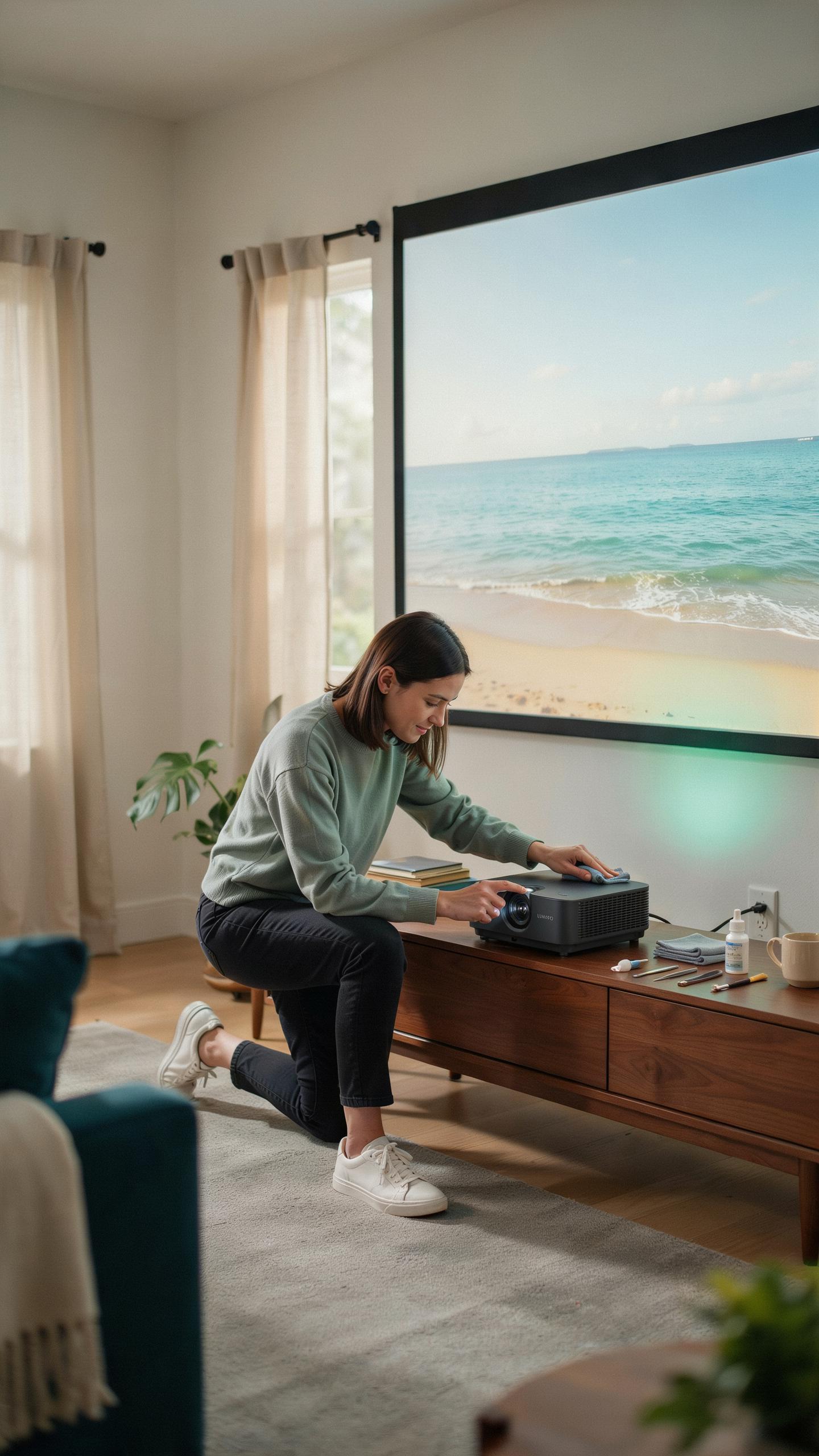
Dust accumulation damages projector performance. Clean the lens every two weeks with a microfiber cloth designed for optics. Check air filters monthly and replace them when clogged. Blocked filters cause the projector to overheat and shut down prematurely. Always power off the device before cleaning.
Most manufacturers provide specific cleaning protocols in their manuals. Use only approved lens cleaning solutions. Never use compressed air directly on the lens as pressure can damage coatings. Store your projector in a dust-free environment when not in use. Proper maintenance prevents costly repairs and extends operational life significantly.
Understanding Lamp Life And Replacement
Projector lamps burn out after a set number of hours, typically between 2000 and 5000 hours depending on the model. Most projectors display a lamp hour counter on the menu. Replace lamps before they fail completely to avoid sudden blackouts during important presentations or movie nights.

LED projectors last substantially longer than traditional lamps, often reaching 20000 hours or more. Replacement lamp costs range from 100 to 300 dollars for quality units. Factor lamp replacement into your total cost of ownership when selecting a projector. LED models cost more upfront but deliver savings over the device’s lifetime through eliminated replacement expenses.
Frequently Asked Questions
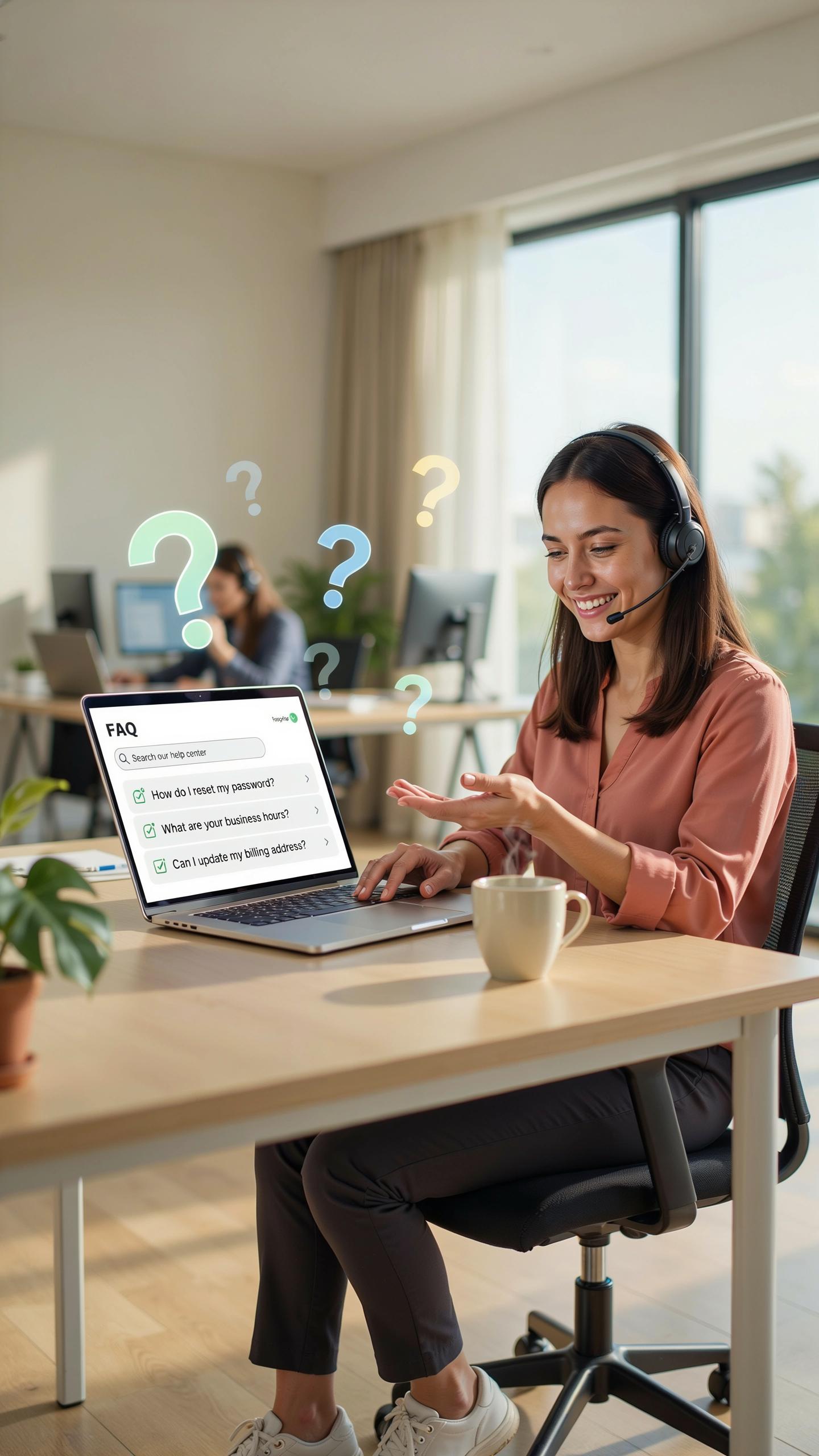
What exactly is a compact projector and why is it ideal for small living spaces?
A compact projector is a portable, space-saving device that projects images onto a screen or wall. It’s perfect for small apartments because it eliminates the need for a bulky TV, offering a large screen experience without taking up precious floor space. This makes a compact projector for small apartments an excellent, versatile entertainment solution.
How do I set up a compact projector for a movie night in my small apartment?
Setting up your compact projector for small apartments is straightforward. Find a clear wall or use a portable screen. Position the projector to get the desired image size, usually a few feet away. Connect your streaming device or laptop, adjust focus and keystone correction for a clear, rectangular picture, and you’re ready for movie night!
Are there affordable compact projectors that still offer good quality for a home theater experience?
Absolutely! Many compact projectors offer excellent picture quality without breaking the bank. Look for models with good lumens for brightness and at least 720p native resolution. Some budget-friendly options even include smart features. You can definitely find a high-value compact projector for small apartments that delivers a fantastic cinematic experience.



