
Why A Compact Travel Router Is A Travel Essential For Tiny Bags
The Need For Portable Wifi Travel
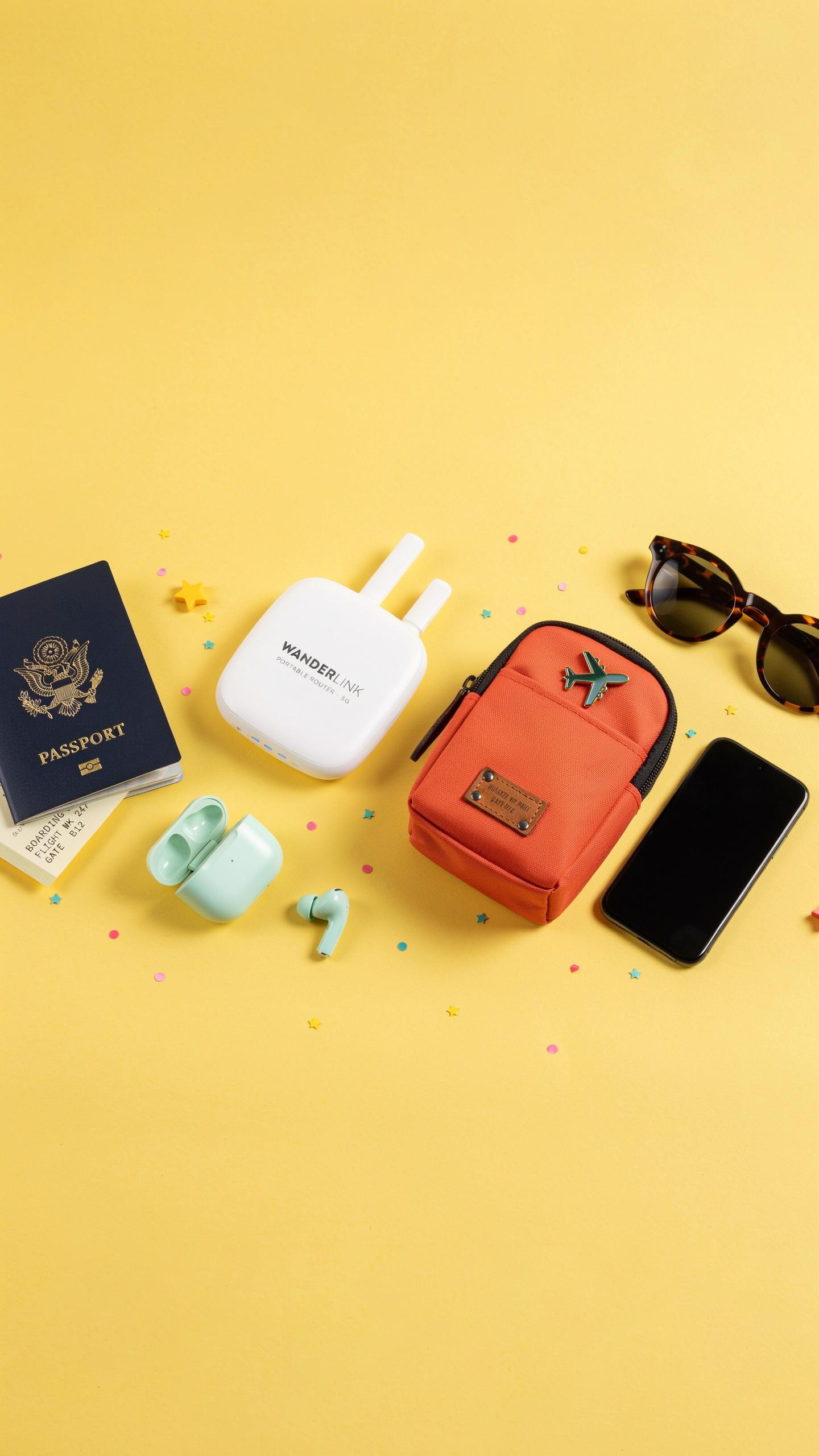
Reliable internet access determines whether you work, navigate, and communicate on the road. Hotels charge fees for quality connections. Coffee shops oversell their bandwidth. Airport wifi cuts out mid-transaction. You need independent connectivity that travels in your bag without consuming space or weight. A compact travel router solves this problem by creating your own network anywhere you have an internet source.
Remote work, digital nomadism, and travel content creation require consistent uptime. Public networks expose financial data and passwords to interception. Maps, translation apps, and booking confirmations demand real-time access. Offline contingencies fail when you need to change plans quickly. Your phone’s hotspot drains its battery within hours. A dedicated router separates your connectivity from your device power, keeping both functional throughout your day.
Advantages Over Public Wi Fi And Phone Hotspots
Public wifi networks operate on shared infrastructure where dozens of users compete for bandwidth. Your data travels unencrypted across networks you do not control. Attackers intercept login credentials and financial information on these open systems. Compact travel routers encrypt traffic and isolate your devices from other users. You control the network password and security protocols. Your data remains protected even in crowded public spaces.
Phone hotspots consume battery rapidly and limit simultaneous connections. Most plans throttle hotspot data separately from regular allowances. Compact travel routers accept ethernet or wifi input and distribute it to multiple devices without draining your phone. They perform this function for 8 to 20 hours on a single charge. You maintain full phone battery for calls, navigation, and emergencies while keeping all devices connected.

Understanding Portable Wifi And Mobile Hotspot Technology

How A Travel Router Works
A travel router receives an existing internet signal and rebroadcasts it as its own wifi network. You connect it to a hotel wifi, airport network, or mobile hotspot, then your devices link to the router instead. The router acts as an intermediary, managing connections between your devices and the source internet. This setup lets you consolidate multiple device connections through one access point.
Travel routers run on battery power or USB charging. Most models weigh under 200 grams and fit in small pockets. The device contains a processor, wifi radio, and firmware that handles network management. Setup takes minutes. You access settings through a mobile app or web interface. Most routers maintain their own network name and password separate from the source connection.
Key Features Of A Good Mobile Hotspot
A capable travel router offers dual band wifi (2.4GHz and 5GHz) to handle multiple device types simultaneously. Battery life matters. Look for routers lasting at least eight hours on a single charge. Processing power affects speed. Faster processors handle more connected devices without lag. The interface should be intuitive. You need to switch networks quickly without wrestling with menus.

Security features protect your data on public networks. Built in VPN support encrypts traffic. Some routers include firewall protection. Consider models with USB C charging for compatibility with your other devices. Range matters for your use case. Most compact routers reach 30 to 50 meters effectively. Check whether the model supports your specific source networks, whether hotel wifi, cellular, or both.
Size Matters Finding The Smallest Travel Router For Minimalist Packing
Dimensions And Weight Considerations
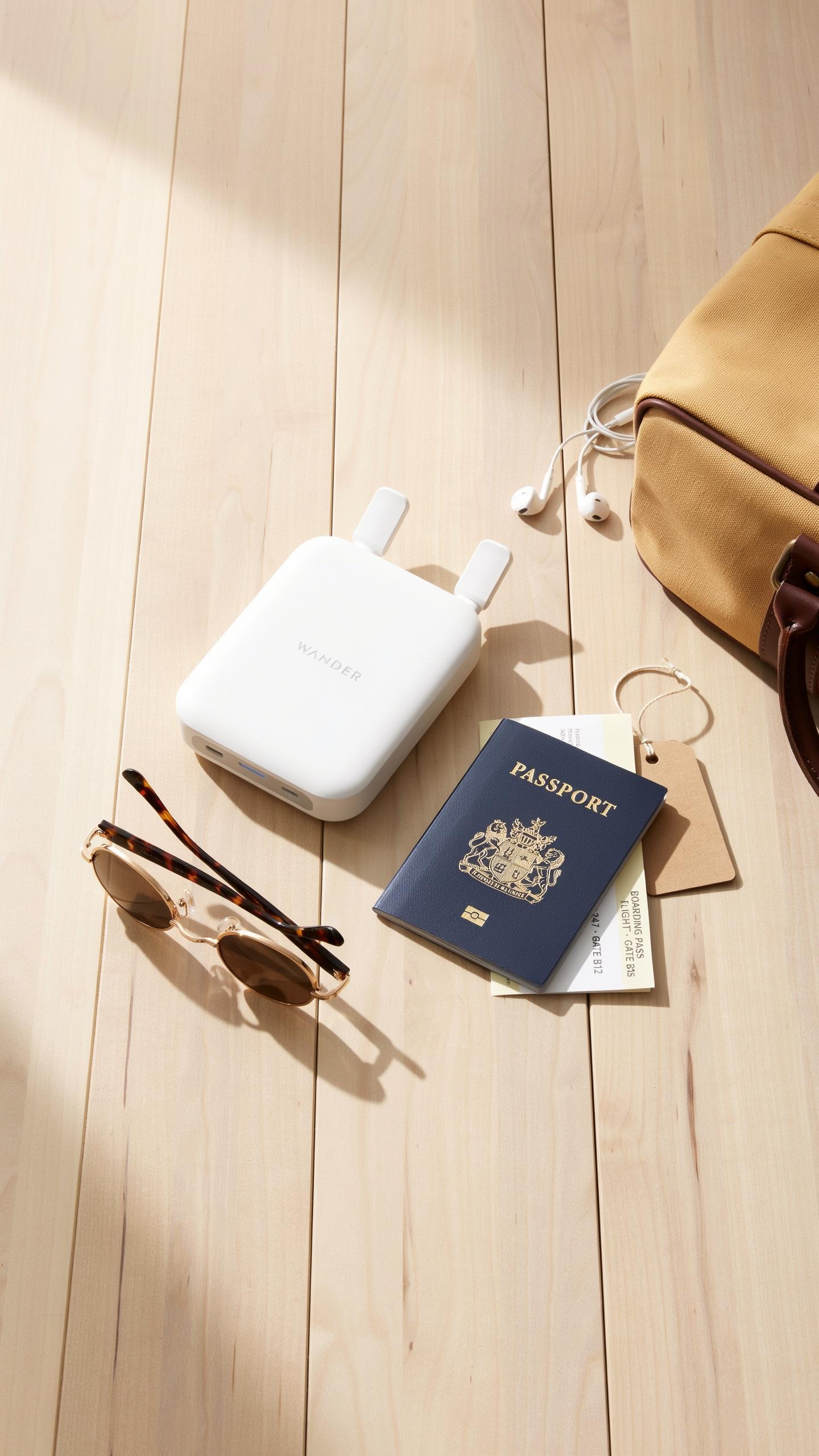
Travel routers designed for minimalist packing typically measure between 3 to 5 inches in length and weigh under 200 grams. These constraints matter because bag space is finite. A router consuming less than 5 ounces of luggage capacity preserves room for essentials. Manufacturers achieve this by eliminating bulky external antennas and reducing chassis size without sacrificing core networking hardware. The tradeoff is real: smaller dimensions mean reduced antenna efficiency and signal range. You gain portability at the cost of coverage distance.
Weight distribution also affects how you pack. A router under 150 grams fits into side pockets of carry-on bags without creating noticeable bulk. Compare this to standard home routers weighing over 500 grams. The difference compounds across a trip lasting weeks or months. Minimalist travelers measure success by grams saved per item. A compact travel router aligns with this metric-driven approach to packing strategy.
Design And Portability
Physical design determines how quickly you deploy and stow a router. Flat, rectangular bodies pack tighter than cube shapes. Designs featuring integrated antennas eliminate protrusions that snag on other items. Materials matter too. Plastic housings reduce weight compared to metal chassis. Ventilation slots must exist without creating structural weakness. Manufacturers balance these factors knowing that portability failures happen during packing, not use.

Connection port placement affects real world usability. Routers with ports on adjacent sides rather than opposite ends allow for tighter cable management. Some travel routers include foldable plugs that eliminate cable bulk entirely. The best portable designs assume you’re plugging into a wall outlet in a hotel room or hostel, not a server rack. This context shapes every physical decision the designer makes about form factor and material selection.
Connectivity Options 4G LTE And Beyond

Leveraging 4G LTE For High Speed Internet
Travel routers with 4G LTE support deliver speeds between 10 and 100 Mbps depending on network coverage and signal strength. This bandwidth handles streaming, video calls, and file transfers without lag. LTE connectivity bypasses WiFi dependency entirely, making routers viable in remote areas where traditional broadband fails. You insert a SIM card, and the device connects directly to cellular networks worldwide.
The practical advantage centers on reliability and coverage. LTE reaches most populated regions globally. You avoid hunting for open WiFi networks or dealing with captive portals in airports and hotels. For minimalist travelers, this eliminates the need to carry both a phone hotspot and a dedicated router. One device covers connectivity for multiple gadgets simultaneously.
Future Proofing With Newer Technologies
5G networks are rolling out in developed markets, offering speeds of 100 Mbps to over 1 Gbps in optimal conditions. Some premium travel routers already support 5G connectivity, though coverage remains spotty outside major cities. Availability varies by region and carrier. Current models with 5G capability cost more but provide backward compatibility with 4G LTE as a fallback.

WiFi 6 and WiFi 6E standards improve local network efficiency and reduce interference in congested areas. These technologies enable faster data transfer between the router and your devices. Manufacturers are gradually integrating newer standards into compact designs without increasing physical footprint. For travelers purchasing now, prioritize models with at least dual band WiFi and LTE support to remain functional for the next three to five years.
Powering Your Portable Wifi Router Battery Life And Charging
Optimizing Battery Life For Extended Use
Battery capacity directly determines how long your travel router runs between charges. Most compact models ship with 2000 to 5000 mAh batteries, translating to 8 to 24 hours of continuous operation depending on usage intensity. Reducing transmit power output extends runtime significantly. Lower broadcast strength uses less energy while still covering a hotel room or small apartment. Disabling features you don’t need, such as 5GHz bands or simultaneous dual band operation, cuts power consumption further.
WiFi 6 routers consume less power than older WiFi 5 models under identical workloads, making them smarter choices for extended trips. Connecting fewer devices simultaneously reduces battery drain since the router processes fewer data streams. Monitor your actual usage patterns during the first day of travel to identify which settings genuinely improve your experience versus draining battery unnecessarily.
Charging Solutions: USB And Laptop Charger Compatibility
Nearly all compact travel routers charge via USB C or Micro USB, eliminating the need for proprietary charging cables. This compatibility means you recharge using your phone charger, laptop power adapter, or any standard USB power bank you already carry. USB C models offer faster charging speeds than Micro USB alternatives, typically reaching full capacity in 2 to 3 hours versus 4 to 6 hours respectively.

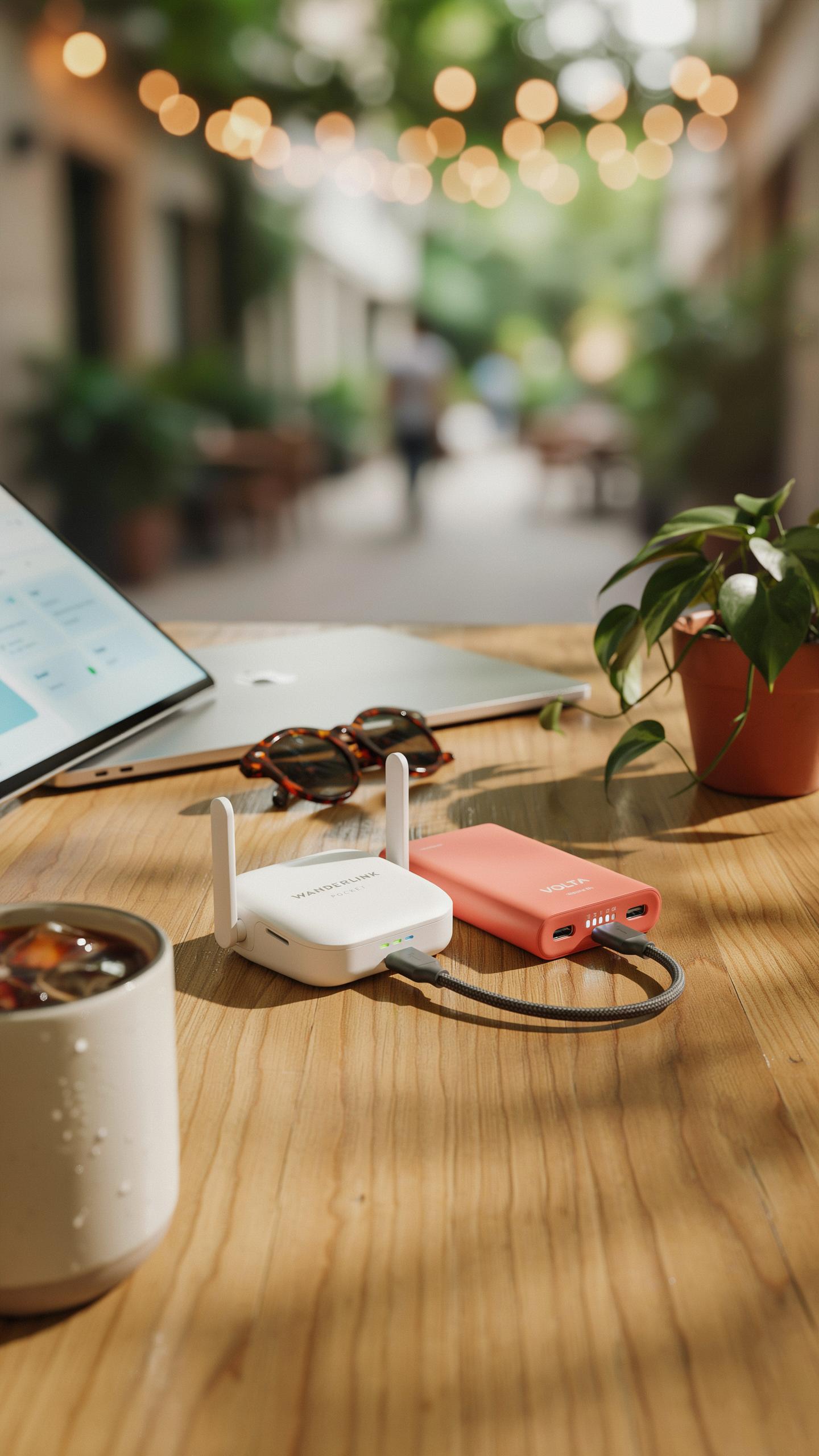
Power banks serve as secondary charging stations for your router, extending operational time without finding wall outlets. A 20000 mAh power bank charges most travel routers four to six times over. Verify voltage and amperage specifications before pairing devices to prevent damage. Your laptop charger powers the router faster than phone chargers, making it your first choice when available at your accommodation.
Security Features For Your Travel Router
Protecting Your Data On The Go
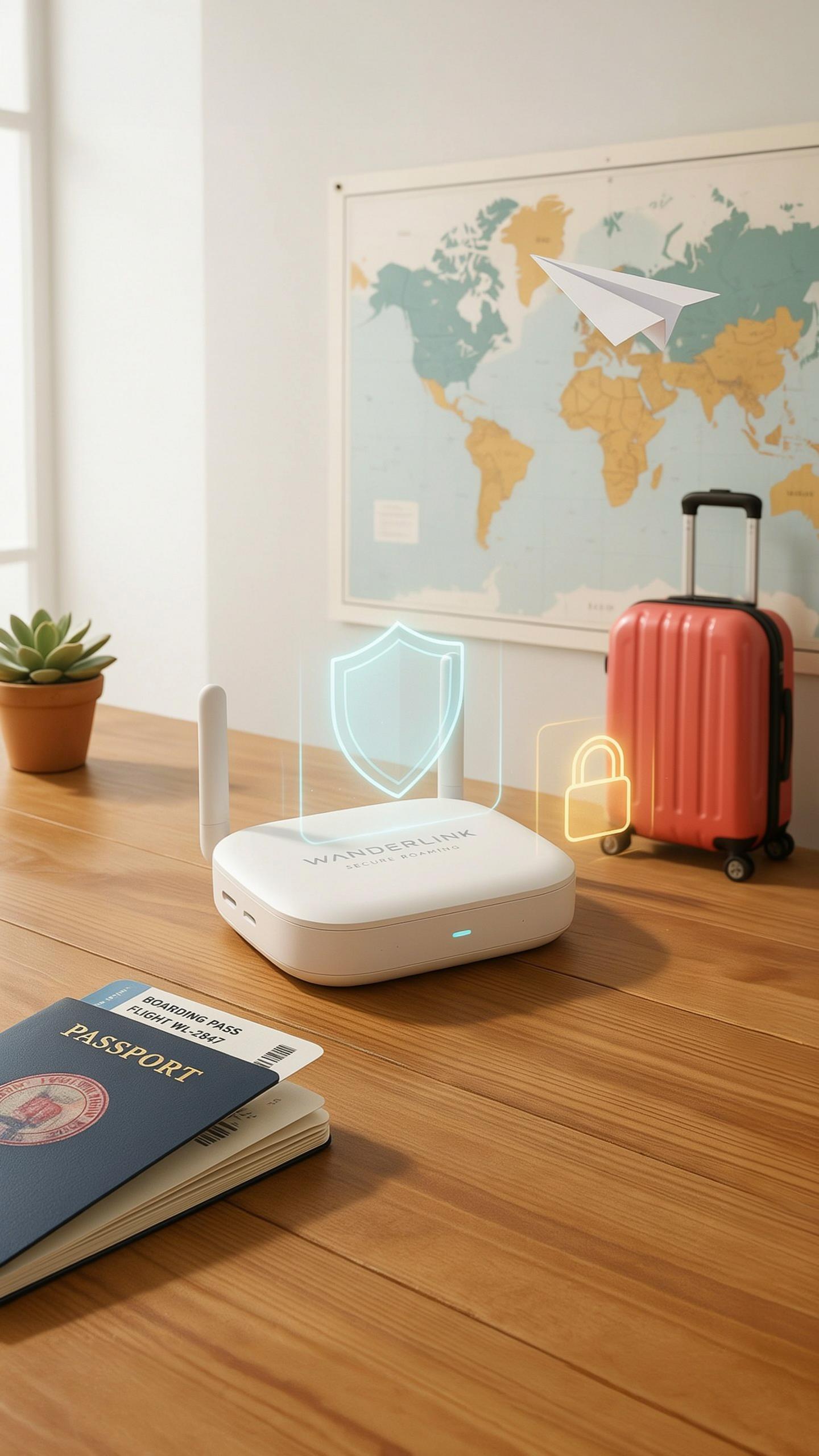
A travel router sits between your device and the host network. This position lets it filter threats before they reach your laptop or phone. Built-in firewalls block unauthorized access attempts. Encryption scrambles your data so only your device can read it. Without these layers, airport WiFi exposes your banking passwords, emails, and files to anyone with basic hacking tools.
Travel routers create a private network that separates you from the public WiFi. Your router handles the connection to the airport or hotel network, while your devices only connect to your router. This design prevents other guests from seeing your devices or intercepting your traffic. WPA3 encryption, found on newer models, makes cracking your connection exponentially harder than older WPA2 standards.
VPN Support And Other Security Protocols
VPN compatibility transforms your travel router into a privacy fortress. When your router runs a VPN client, all traffic passing through it gets encrypted and routed through a remote server. This masks your location and hides your activities from your internet service provider and the network operator. Not all compact routers support VPN installation, so verify this feature before purchasing if privacy is critical.

Many travel routers ship with built-in security protocols beyond VPN support. Guest network isolation keeps visitors off your primary connection. DNS filtering blocks malware sites before requests reach them. Some models run firewalls that filter incoming packets by port and protocol type. These features work independently or together to reduce your exposure to network-based attacks while traveling.
Setting Up And Managing Your Compact Travel Router
Quick Setup Guide For Beginners
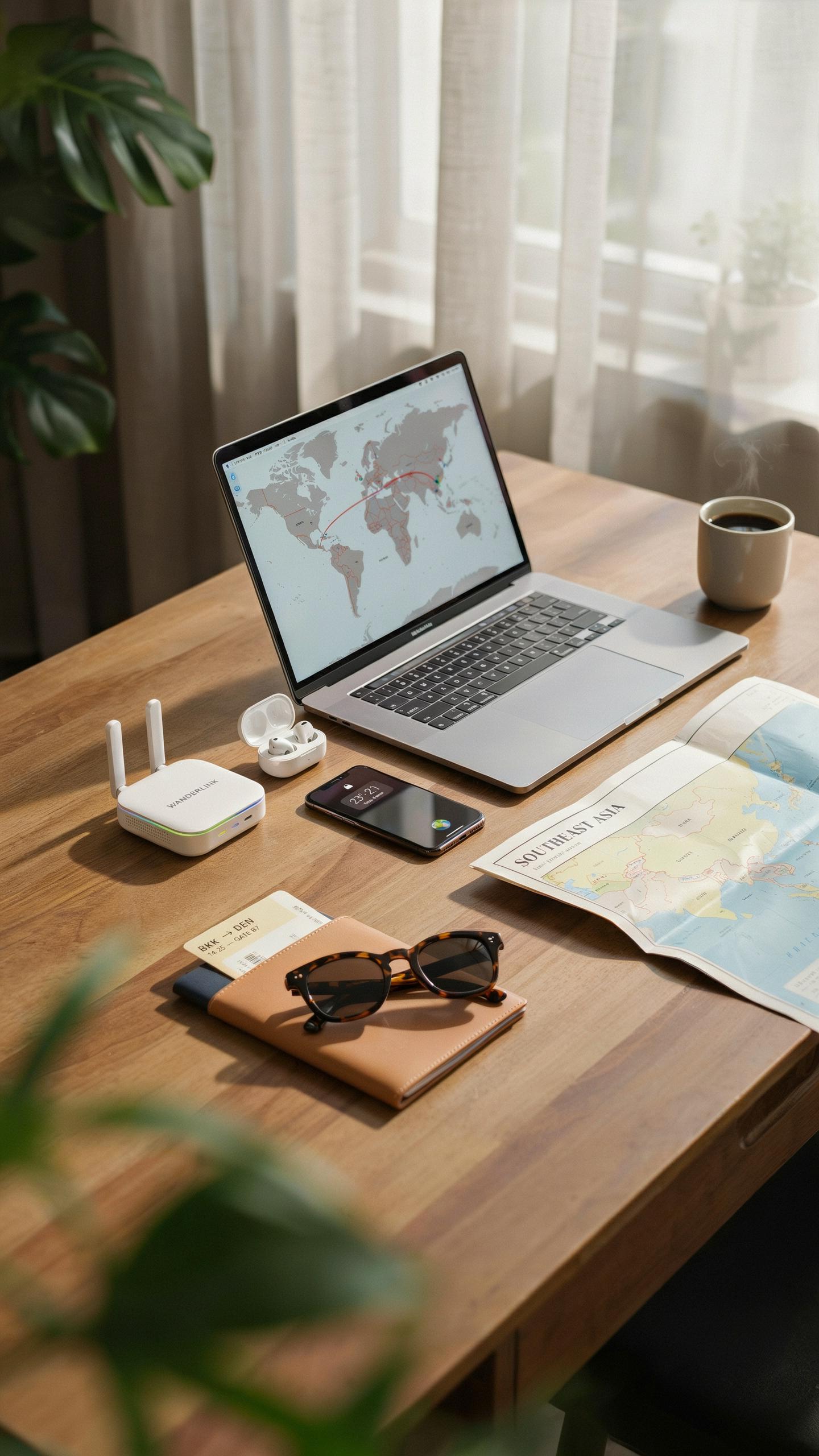
Most compact travel routers ship with default settings that work immediately out of the box. You need power, an internet source, and a device to connect. The setup process takes five to ten minutes for users with basic technical skills. Manufacturers design these units for speed because travelers lack time and patience for complex configurations.
- Power on the router: Plug the device into a USB power adapter or portable battery. Wait 30 to 60 seconds for startup lights to stabilize and indicate ready status.
- Find the default network name: Check the router label or manual for the factory SSID and password. This network broadcasts immediately after startup without additional configuration needed.
- Connect your device: Search for available WiFi networks on your phone, laptop, or tablet. Select the router SSID and enter the default password from the device label.
- Connect to internet source: Plug an ethernet cable into the WAN port or use the router’s WiFi client mode to connect to a hotel or cafe network.
- Access the admin panel: Open a web browser and navigate to the router IP address, typically 192.168.1.1 or similar. Log in with default credentials found on the device or manual.
- Change default credentials: Update the admin password and WiFi network name immediately for security. This prevents other users from accessing your router settings during travels.
After completing these steps, your compact travel router delivers internet to all your devices simultaneously. The entire process requires no technical expertise or specialized knowledge to execute successfully.
Managing Settings And Devices
Access your router’s control panel through any connected browser by typing the admin IP address into the address bar. Most compact models use simple dashboard interfaces with basic menus for network management. The control panel shows all connected devices, bandwidth usage, and security settings in one location. You control WiFi names, passwords, and which devices receive priority bandwidth from this single interface.

Monitoring connected devices prevents bandwidth hogging and secures your network from unauthorized access. Compact routers typically display device names, IP addresses, and connection speeds in a device list. You can disconnect devices directly from the dashboard if needed. Update the router firmware when available through the admin panel settings to maintain security and fix performance issues.
Beyond Connectivity Additional Travel Essentials Synergies
Combining With A Universal Travel Adapter
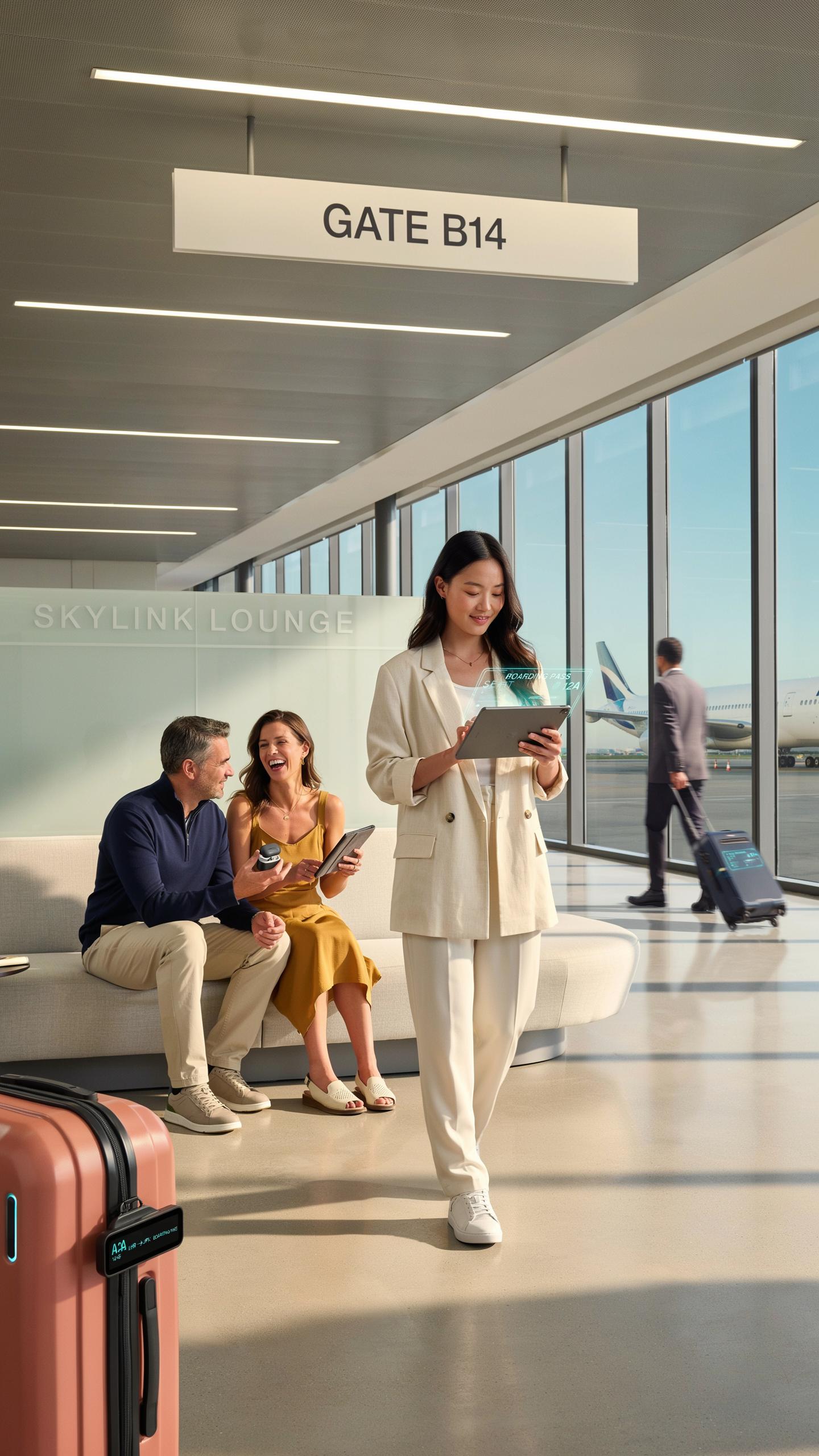
A compact travel router and universal travel adapter serve different functions but solve the same problem: getting power and internet anywhere. The router needs wall power to function. A quality universal adapter provides that power across different outlet standards in different countries. Together, they eliminate the need to carry separate power solutions for each device.
Pairing these tools saves bag space and reduces weight. Most universal adapters weigh under 200 grams and fit in palm-sized pouches. Your router connects to the adapter’s outlet, then delivers WiFi to multiple devices. This setup beats carrying individual chargers for phones, tablets, and laptops. One adapter powers everything through the router.
Essential Accessories For Your Router
A protective carrying case keeps your router safe during transit and extends its lifespan. Hard-shell cases prevent damage from impacts and pressure changes in luggage. Fabric pouches work for low-impact travel but offer less protection. Choose based on your packing density and how roughly luggage handlers treat your bags.

Ethernet cables serve as backup connectivity when WiFi fails or signals weaken. Compact travel routers often include short ethernet cables, but carrying an extra provides redundancy. Some routers support USB tethering, which connects directly to phones or laptops without WiFi. USB power banks can extend router runtime on flights or during airport layovers when wall outlets become scarce.
Top Picks Recommended Compact Travel Routers
Review Of Leading Models For Tiny Bags
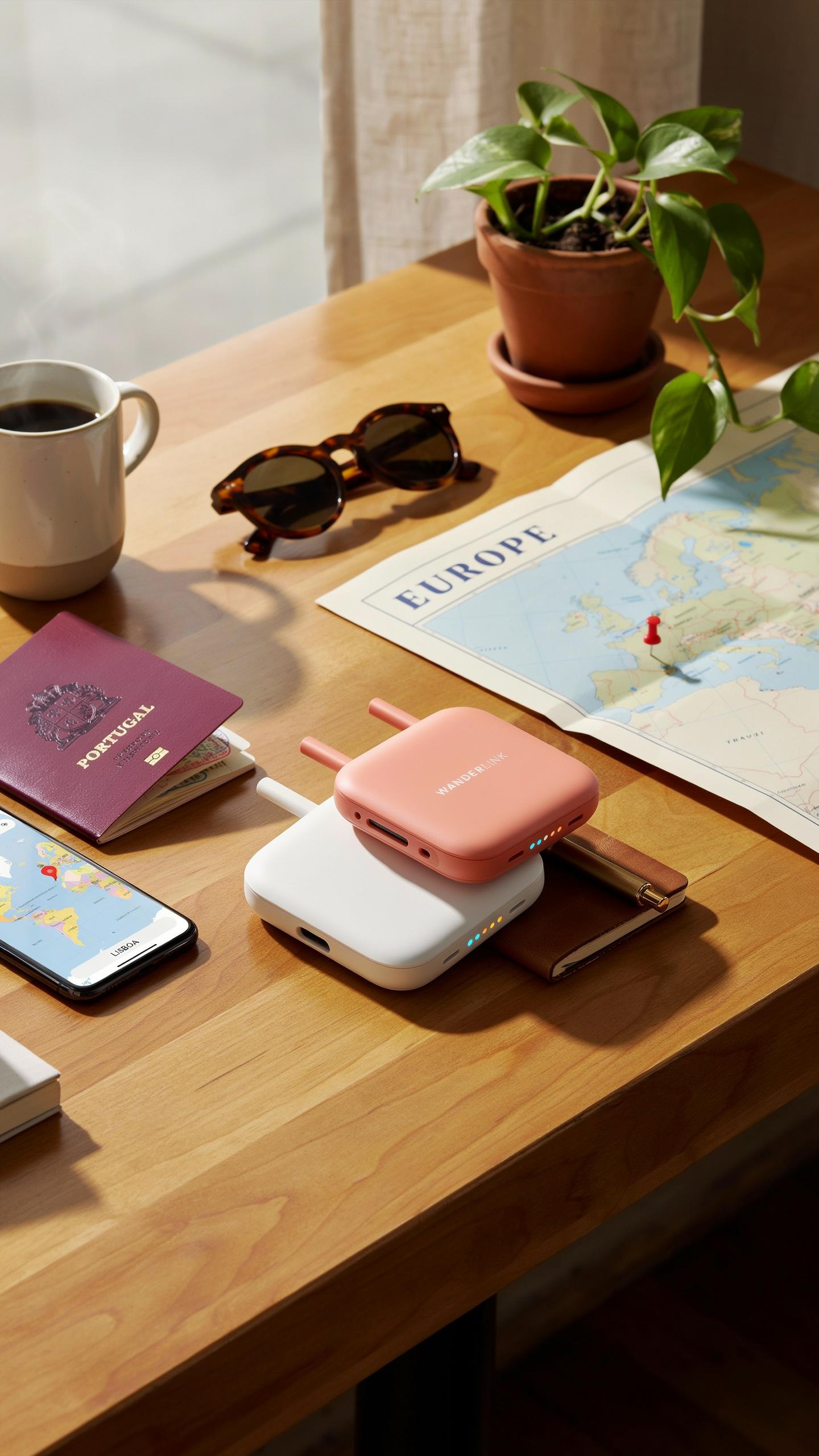
You need routers that weigh under 200 grams and fit in a pocket. The models below handle WiFi speeds of 300 Mbps to 1200 Mbps depending on the standard. Each delivers USB connectivity, battery operation, and ethernet ports for reliability. These routers create local networks from hotel or public WiFi without revealing your device activity to the host connection.
- TP Link TL WR902AC: Weighs 110 grams. Supports 802.11ac dual band with 750 Mbps throughput. Powers via USB or battery pack. Folds into pocket size.
- GL iNet GL AR150: Weighs 60 grams. Compact cube form factor. Handles 150 Mbps on 2.4 GHz. USB powered. Ships with OpenWrt firmware pre installed.
- Netgear Nighthawk M1: Weighs 220 grams. Mobile hotspot with integrated battery. 4G LTE connectivity plus WiFi sharing. Largest option but most independent from venue internet.
- RAVPower FileHub Plus RP WD009: Weighs 140 grams. Creates WiFi from ethernet or USB. Stores files locally. No battery built in but ultra portable.
- ASUS ZenWiFi AXE16000: Weighs 185 grams per unit. WiFi 6E standard. 4804 Mbps throughput. Stacks vertically for packing efficiency.
All five routers solve the core problem: unreliable or unsafe public networks. Choose based on your power source availability and speed requirements. Weight and pack size determine whether a router works for minimalist travel.
Remember those days of lugging bulky gear? Now, with a tiny router, our adventures can be lighter, freer, and ever so connected, carrying only the essentials.
Comparison Of Features And Pricing
Price ranges from 30 dollars for basic models to 400 dollars for mobile hotspots with integrated data plans. Entry level routers cost 30 to 60 dollars but require external power. Mid range options between 80 and 150 dollars offer USB batteries or portable power. Premium hotspots exceed 250 dollars but include cellular connectivity independent of venue WiFi.
Speed capabilities matter for your actual use. Simple browsing needs 150 Mbps or less. Video streaming requires 300 Mbps minimum. Heavy file transfers benefit from 1200 Mbps routers. Weight differences range from 60 grams to 220 grams. Determine if you need simultaneous ethernet and WiFi output or just WiFi creation. Battery life varies from four hours to twelve hours depending on model and usage patterns.
Making The Most Of Your Compact Travel Router
Tips For Optimal Performance And Usage
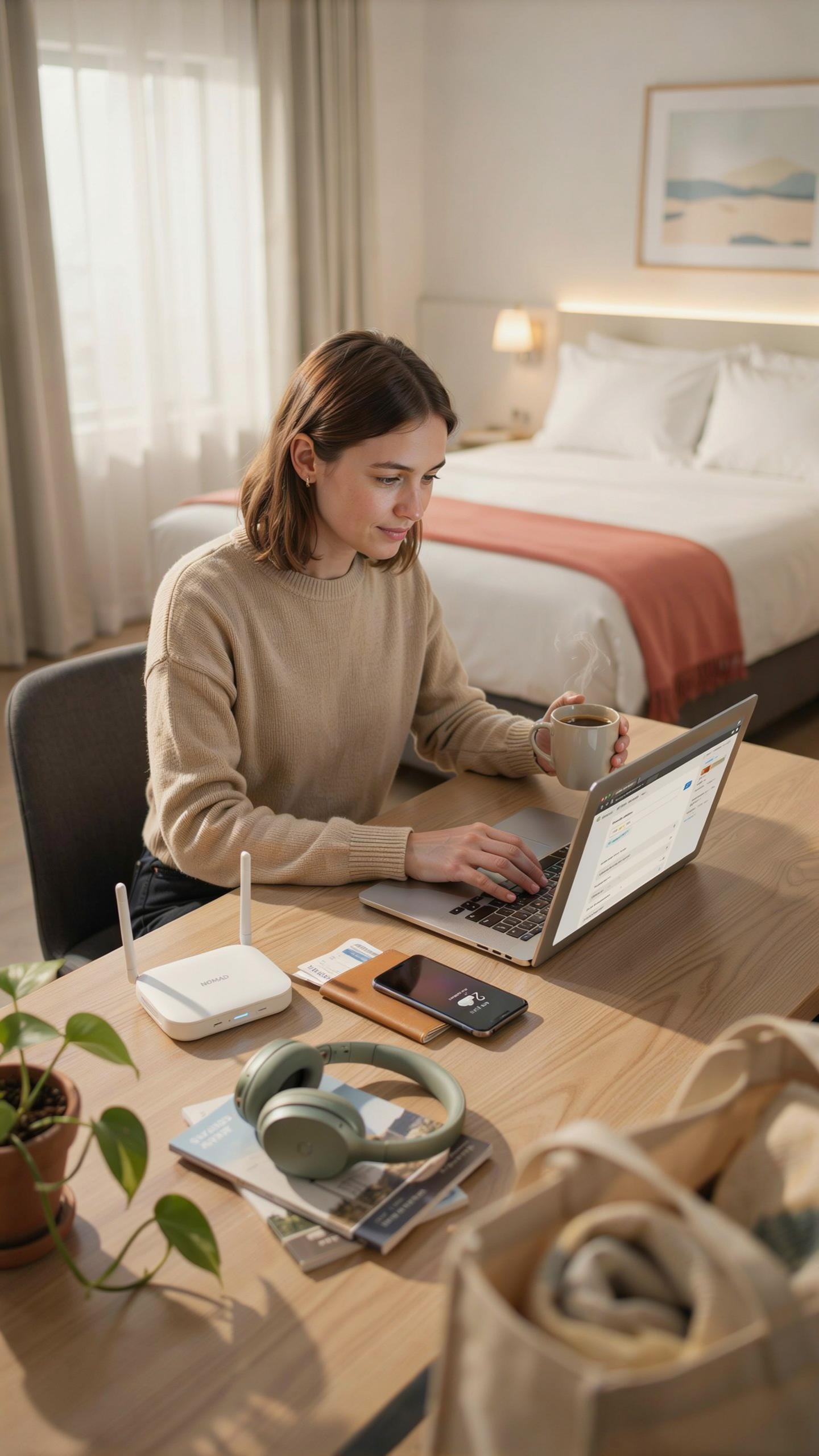
Position your router in central locations within your accommodation. Elevation matters. Place it above ground level on a shelf or table to increase signal range. Keep it away from water sources, metal objects, and thick walls. These obstacles degrade performance significantly. Test different spots during your first hour to find the strongest coverage zone.
Battery management extends your router’s lifespan during travels. Enable power-saving modes when you’re not actively using multiple devices. Charge during off-peak hours to avoid strain on local electrical systems. Monitor heat levels. If your router runs hot, power it down for 15 minutes. Heat kills battery cells faster than normal use does.
Troubleshooting Common Issues
Weak signal usually stems from interference or poor placement. Move your router away from microwaves, cordless phones, and USB 3.0 devices. These emit frequencies that clash with 2.4GHz bands. Switch to 5GHz if your devices support it. This band travels shorter distances but avoids congestion. Reset your router if signal suddenly drops without explanation.
Connection drops happen when too many devices compete for bandwidth. Limit simultaneous connections to what your router actually supports. Check specifications before adding new devices. Restart your router if devices disconnect repeatedly. Power off completely for 30 seconds, then power back on. This resolves most software glitches without data loss.
Frequently Asked Questions

What exactly is a compact travel router and why would I need one for minimalist packing?
A compact travel router creates your own secure, private Wi-Fi network from a public connection (like in a hotel or airport). This is incredibly useful for minimalist packing as it allows you to connect multiple devices to one secure network using just a single Wi-Fi login, simplifying your connectivity and safeguarding your data on the go.
How do I actually set up and use a compact travel router once I arrive at my destination?
Setting up a compact travel router is usually straightforward. You’ll typically plug it into power, then connect it to the public Wi-Fi network using the router’s interface (often a web browser). Once connected, your devices simply join the router’s private Wi-Fi network, providing a seamless and secure experience, ideal for a compact travel router for tiny bags.
Are there affordable options for a compact travel router if I’m on a tight budget?
Absolutely! You don’t need to break the bank to find a great compact travel router for tiny bags. Many reputable brands offer excellent entry-level models with all the essential features for secure and reliable connectivity on your travels, proving that functionality and affordability can go hand-in-hand.



