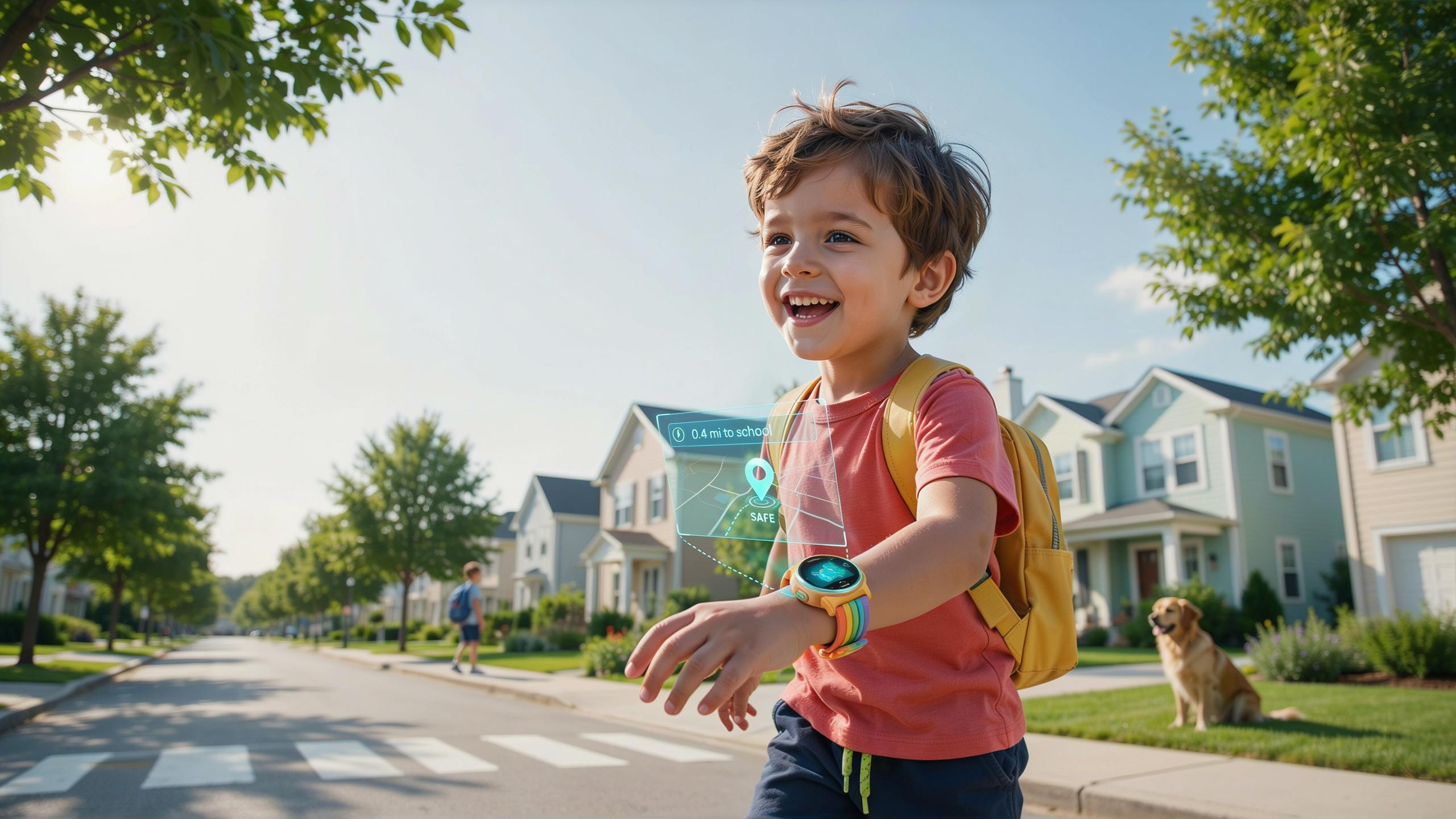
The Growing Need For Child Safety And Location Tracking
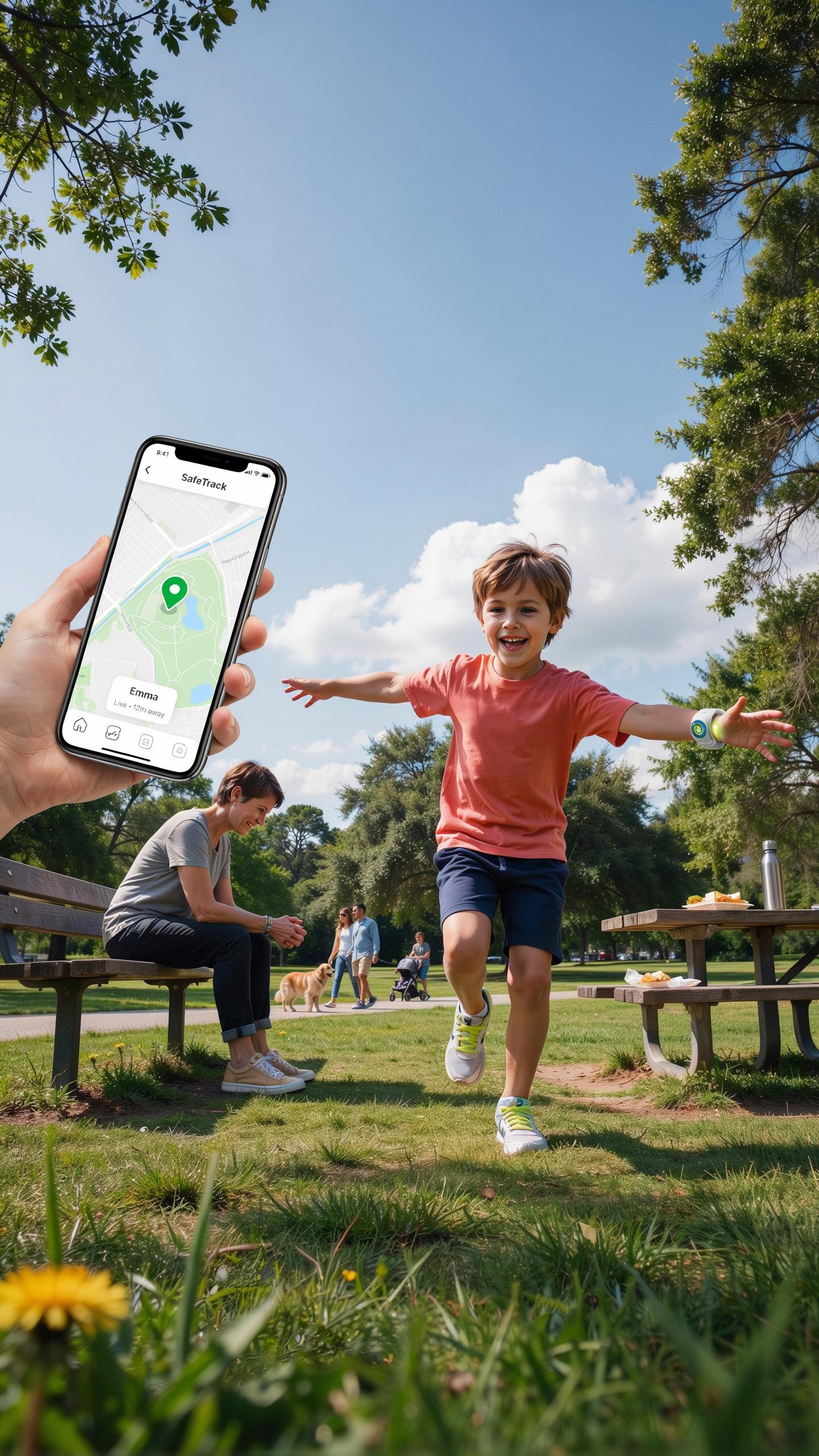
Modern Dangers
Parents today manage risks that previous generations did not track or quantify. Traffic incidents remain a leading cause of injury for children aged 5 to 14. Stranger danger exists, but research shows most child abductions involve family members or known individuals. Getting lost remains common, especially in urban areas or during school transitions. These real threats drive parents to seek practical solutions beyond supervision alone.
Technology offers a direct response to measurable risks. GPS smartwatches let parents know where their child is in real time. This removes guesswork and delays in emergency situations. The devices work independently from a child’s phone, which many children don’t carry at younger ages. Real-time location data cuts response time when a child misses a checkpoint or fails to arrive at school.
Peace Of Mind
Peace of mind stems from reducing uncertainty, not eliminating all risk. A parent checking their child’s location during the walk to school gains concrete information instead of speculation. This shift from worry to awareness changes how parents manage daily routines. The mental load of wondering decreases measurably when parents can verify their child’s status with a glance at their phone.
Routine confidence builds over time with consistent data. Parents establish baseline routes and timings through GPS tracking. They spot deviations immediately. This pattern recognition works better than memory or assumptions. Over weeks and months, parents develop a clearer picture of their child’s movements and habits. The watch becomes a verification tool, not a surveillance device focused on restriction.

What Is A Kids GPS Smartwatch
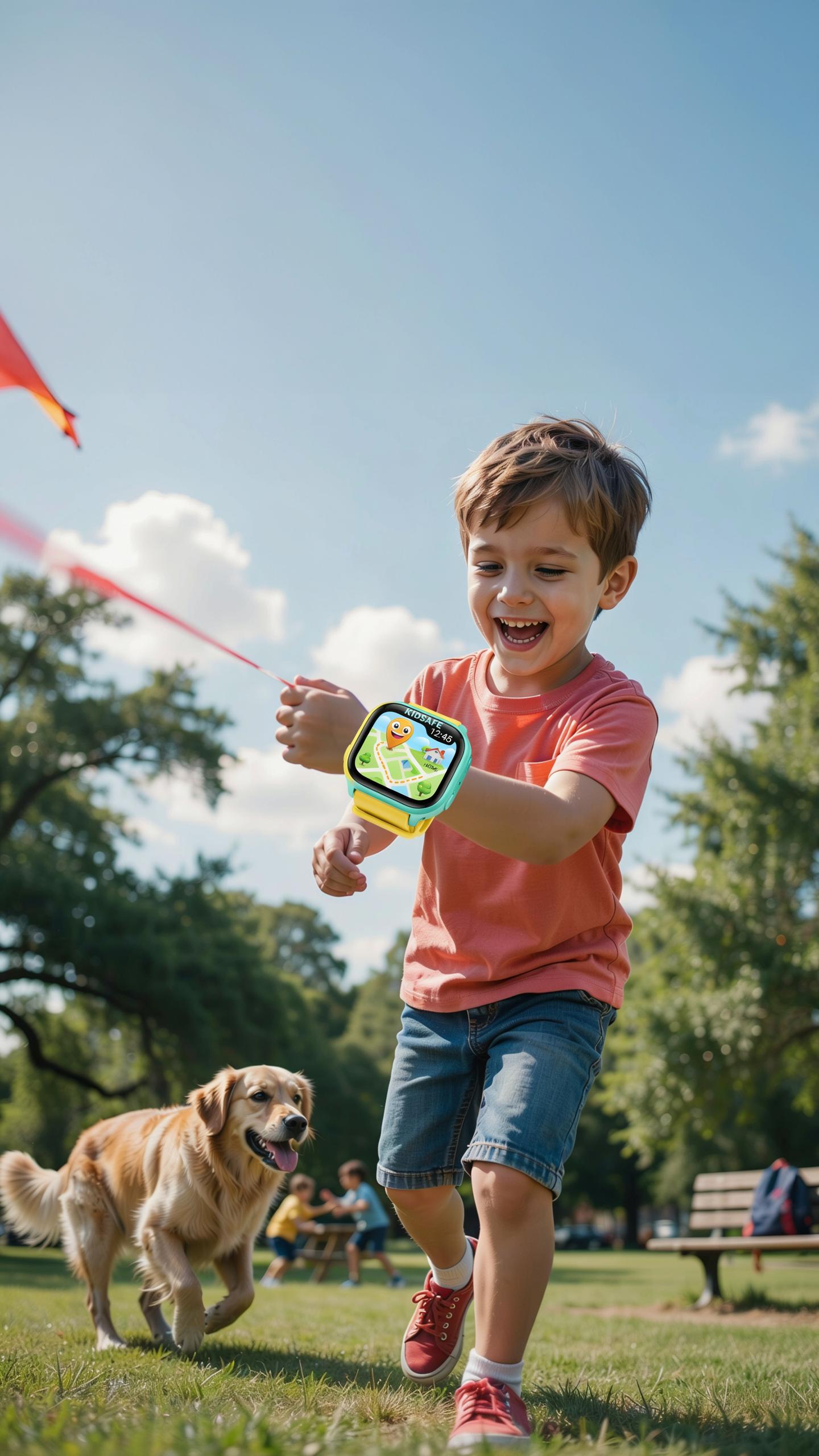
Definition
A kids GPS smartwatch is a wearable device that combines a watch with GPS tracking technology. Parents use it to monitor their child’s location in real time through a paired mobile app. The device also includes two-way calling and messaging features that let children contact guardians directly. Most models include geofencing, which alerts parents when a child leaves or enters a designated area. The watch runs on a cellular connection or works through a parent’s smartphone.
These devices serve one core purpose: giving parents visibility into their child’s whereabouts during school commutes, outings, and daily activities. They are not smartphones. They lack web browsers, social media apps, and gaming capabilities. The design prioritizes safety functions over entertainment features. Battery life typically ranges from one to three days depending on model and usage. The watch pairs with a mobile app that displays location history, geofences, and communication logs.
How It Works
A kids GPS smartwatch determines location by combining multiple positioning methods. GPS satellites provide the primary location signal, but the watch also uses cellular tower triangulation and WiFi network data to pin down position when GPS signals are weak. This hybrid approach ensures accuracy indoors, in urban canyons, and areas with poor satellite visibility. The watch transmits location data to a cloud server, which the parent accesses through a smartphone app. Accuracy typically ranges from 5 to 50 meters depending on conditions and the blended data sources.

The device maintains constant communication with the parent’s app in one of two ways. Always-on tracking sends location updates at regular intervals, from every few seconds to every few minutes. Check-in tracking lets parents request the child’s location on demand. Two-way calling works like a basic phone call over the cellular network or internet connection. When geofencing is active, the system compares the child’s real-time location against preset boundaries and sends immediate alerts if the boundary is crossed.
Key Features Of The Best GPS Watch For Kids
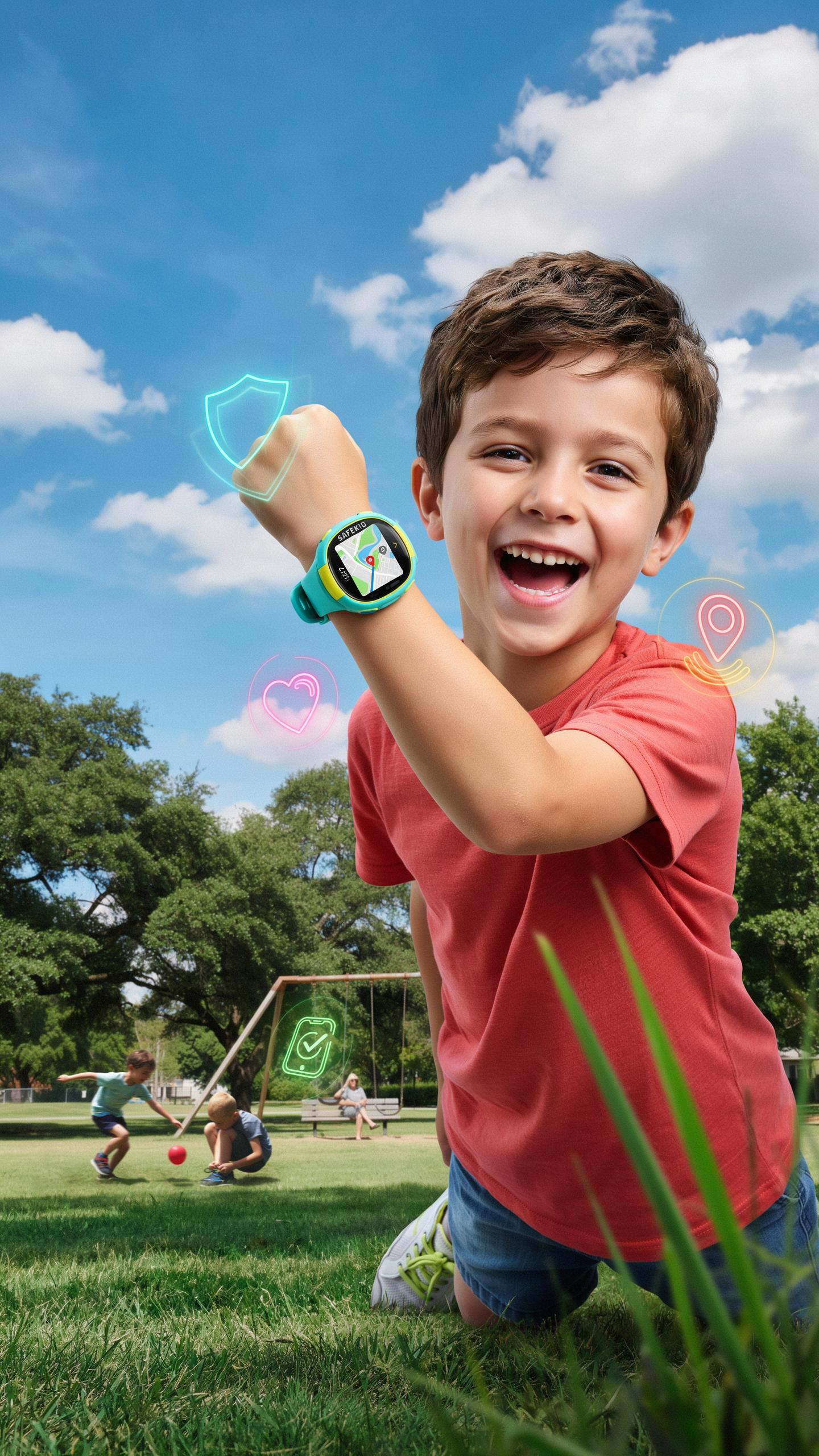
Real Time
GPS watches for kids use satellite positioning to pinpoint location within 5 to 50 meters, depending on signal strength and device model. The watch transmits data to a parent app on a smartphone, updating position at intervals ranging from 30 seconds to several minutes. Urban environments with clear sky access deliver faster, more accurate results than dense forests or indoor spaces.
Parents access location history through the companion mobile app, reviewing routes the child traveled throughout the day. This historical data helps identify patterns, confirm whether a child reached school safely, and detect deviations from expected routes. Real-time alerts notify parents immediately if the child leaves a designated zone, called geofencing.
The path to school,
— Unknown
Communication
Two-way calling allows parents and children to connect directly through the watch without needing a separate phone. Most models use cellular networks or data connections to transmit voice, though call quality varies based on signal strength and network coverage. Some watches limit calling to approved contacts only, preventing unwanted inbound calls.
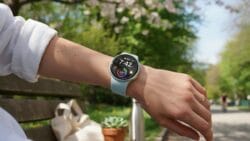
SOS buttons provide one-touch emergency activation. Pressing the button typically alerts designated contacts with the child’s location and a distress signal. Response time depends on contact availability, not the watch itself. Battery life drains faster with frequent calling and location updates, so monitor power levels throughout the day to ensure the device remains operational during school hours and after school activities.
Parental Control And Geo Fencing For Smart Kids
Safe Zones
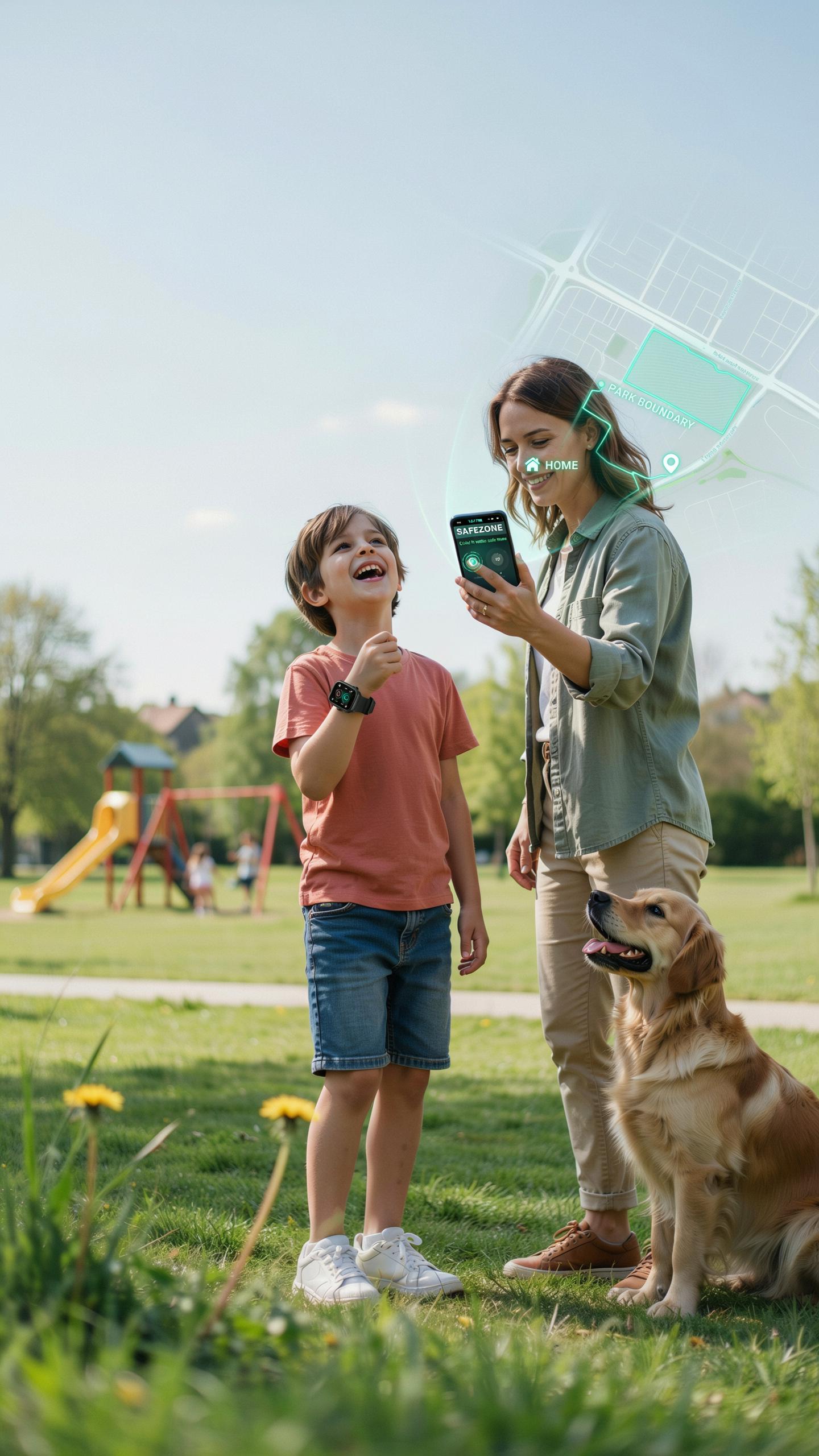
Parents define geographic boundaries on the smartwatch app. When a child exits or enters these zones, the parent receives an instant notification. Schools, home, and trusted locations become monitored perimeters. This system works in real time across cellular and GPS networks.
- Home Zone: Set a radius around your residence to track when your child arrives and leaves. Notifications alert you to unexpected departures during school hours or before pickup time.
- School Zone: Create boundaries around the school building and grounds. Receive alerts if your child wanders away from the campus during the school day.
- Route Zones: Mark safe pathways between home and school. Get notified if the watch deviates significantly from the expected walking route.
- Friend’s House Zone: Add trusted locations where your child regularly spends time. Monitor arrivals and departures at approved destinations.
- Activity Zone: Set boundaries around sports facilities, tutoring centers, or after school programs. Track punctuality and unexpected early exits.
Most smartwatches allow multiple zones simultaneously. You can customize notification settings for each zone independently. Some devices let you set different rules for weekdays versus weekends. The zones adapt as your child’s routine changes throughout the school year.
Monitoring Tools
Parental control features in GPS smartwatches provide direct oversight of your child’s movements. Two-way calling lets you communicate directly with your child without relying on them to answer a phone. Message filtering blocks incoming contacts to numbers you haven’t approved. Activity history logs show where your child traveled throughout the day.

Battery monitoring alerts you when the watch charge drops below usable levels. Location history stores the previous 7 to 30 days of position data depending on the device. SOS buttons allow your child to send emergency alerts with their exact location. Some models include school mode settings that restrict smartwatch functions during class hours to minimize distractions while maintaining safety features.
Benefits Of A GPS Tracker For Kids On The School Commute
Independent Travel
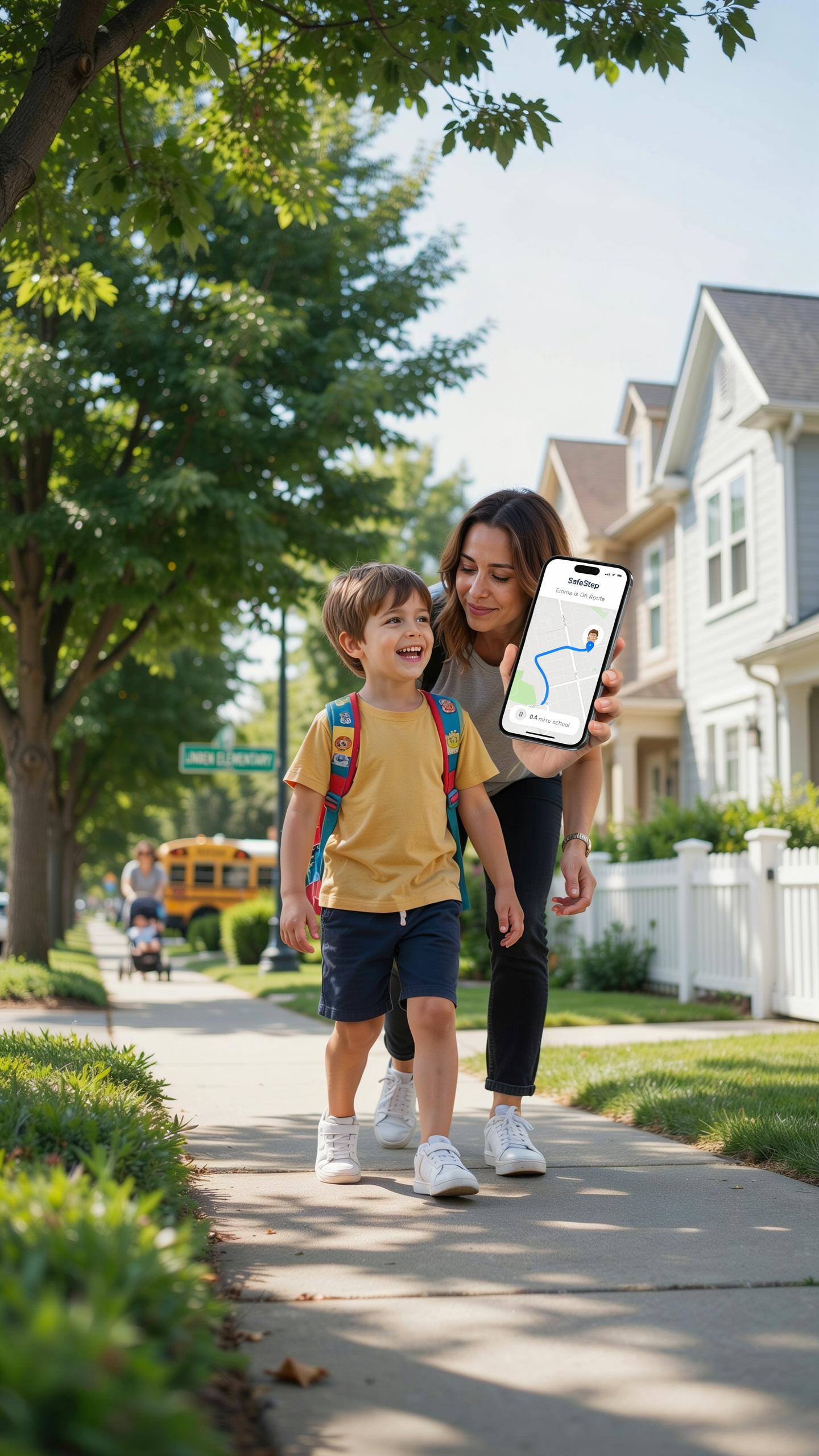
GPS smartwatches give children the ability to walk or bike to school without constant parental supervision. Parents monitor location data in real time through paired smartphone apps. This setup removes the need for constant check-in calls or texts. Kids gain confidence navigating routes independently while parents maintain situational awareness of their whereabouts throughout the commute.
The psychological benefit matters here. Children develop navigation skills and self-reliance when they travel without an adult present. GPS tracking removes parental anxiety that typically limits this independence. Kids arrive at school with earned autonomy rather than feeling controlled. Parents get peace of mind without hovering, creating space for healthy development.
Emergency Response
When a child encounters trouble during the school commute, GPS data pinpoints their exact location instantly. Parents can contact emergency services with accurate coordinates rather than vague descriptions. Response times improve dramatically when dispatchers receive precise locations. This capability matters most in situations where a child cannot communicate verbally or gets disoriented.

GPS smartwatches often include two-way calling features that bypass the need for a phone. A child presses a button to reach a parent or designated contact directly from the watch. Some models trigger automatic alerts if the child strays from predetermined safe routes. These features reduce response delays during medical emergencies, accidents, or situations where a child feels unsafe or threatened.
Choosing The Right Kids GPS Smartwatch
Factors To Consider
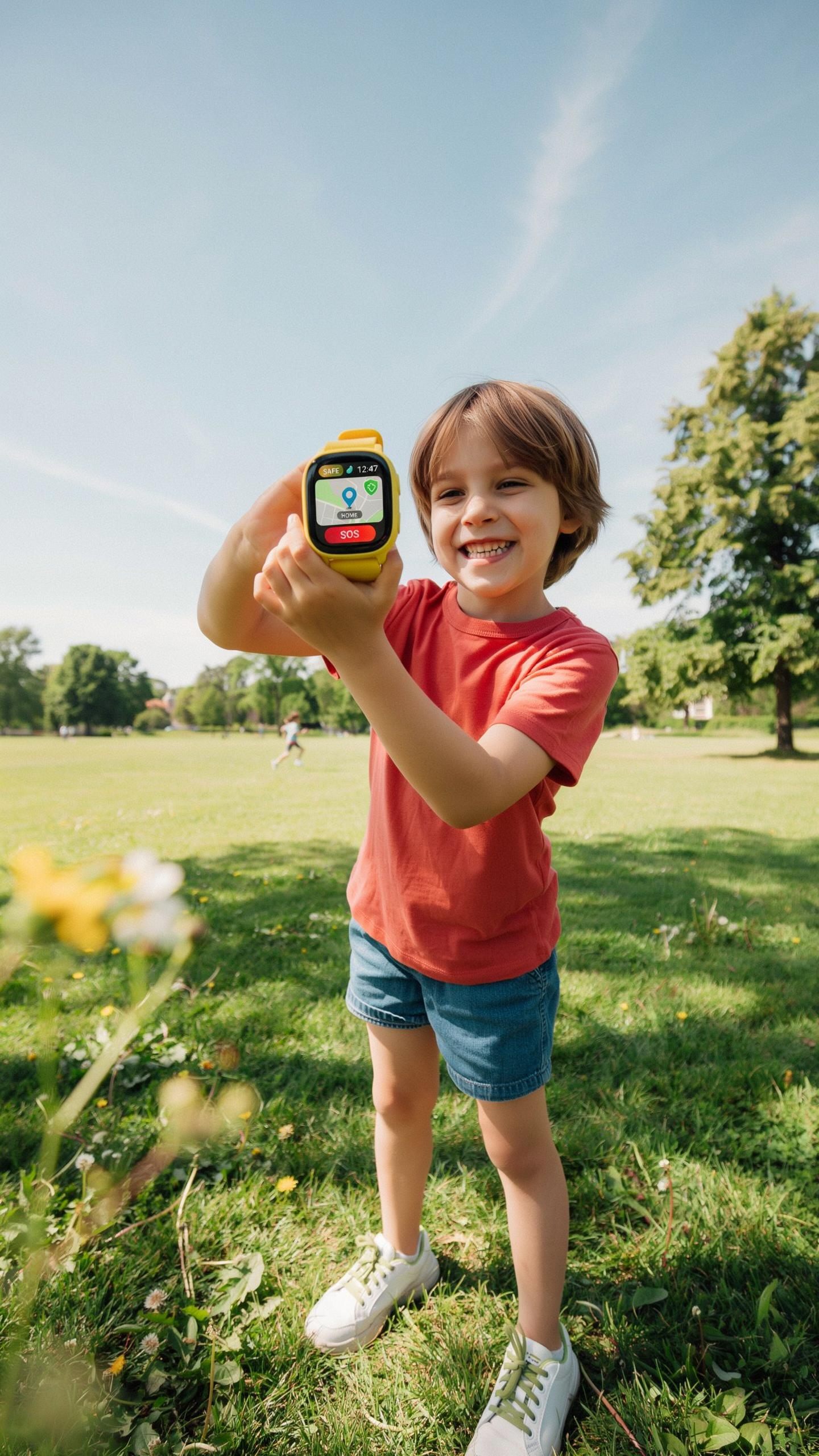
Battery life determines how often you charge the device. Most kids GPS smartwatches last between one to three days on a single charge. Durability matters because children drop things and bump them into objects constantly. Water resistance protects against sweat, rain, and accidental splashes during play and outdoor activities.
- Battery Life: Aim for at least one full day of use. Longer battery means fewer daily charging interruptions and more reliable tracking when your child needs it most.
- Water Resistance: Look for IP67 rating or higher. This standard ensures the watch survives splashes, brief immersion, and moisture from active play without failing.
- Durability: Check for reinforced screens and shock-absorbing materials. Kids models use tougher plastics and protective bumpers around edges to withstand drops and impacts.
- GPS Accuracy: Verify the watch uses multiple positioning systems like GPS, GLONASS, or Galileo. Multiple systems improve location accuracy in urban areas and near buildings.
- Display Size: Smaller screens suit younger kids, while older children handle larger displays better. Screen size affects usability and comfort during extended wear throughout the day.
- Strap Comfort: Test the band material on your child’s skin first. Silicone and rubber straps resist sweat better than plastic and adjust to different wrist sizes easily.
Real-world performance depends on your environment. Urban areas with tall buildings create GPS signal challenges. Rural locations often provide stronger signals but fewer cell towers for backup connectivity.
Age Appropriateness
Children aged five to seven benefit from simple interfaces with large buttons and minimal menu options. These younger users need watches that display essential information like location and SOS contacts without overwhelming them. Simplicity reduces confusion and encourages proper device use during school travel.

Children aged eight to twelve can navigate more complex features including step counting, app notifications, and two-way calling. This age group develops better fine motor skills and attention spans for managing menu systems. Their watches should balance functionality with durability since they engage in more intense physical activity.
Setting Up And Using Your Kids GPS Smartwatch
Initial Setup
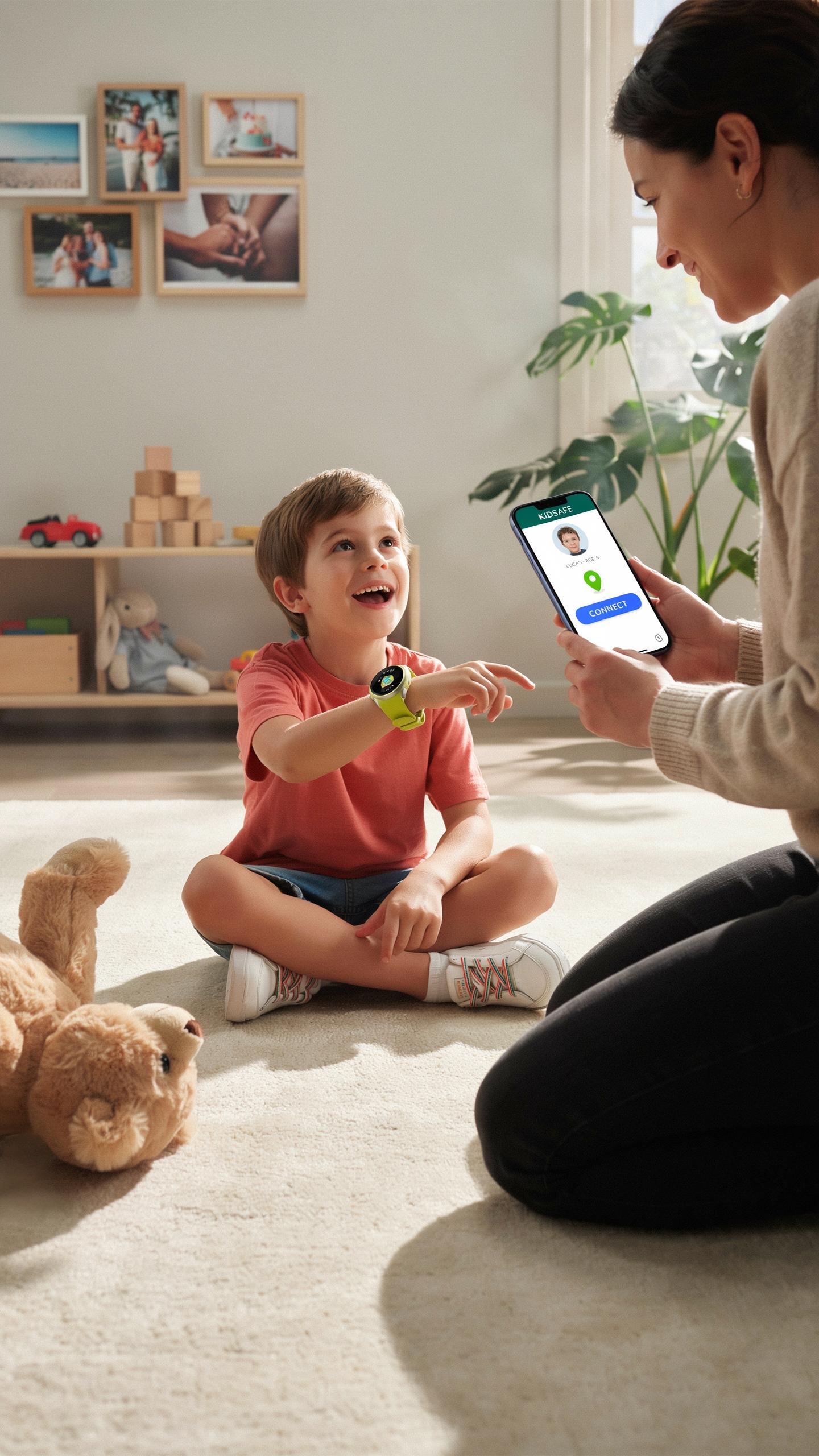
Start by charging the device fully before first use. Most kids GPS smartwatches require you to download the companion app on your smartphone. Create a parent account using your email and password. Pair the watch to your phone via Bluetooth, following the app’s pairing prompts. Enter your child’s name and birth date into the device settings. Verify all location permissions are enabled in your phone’s settings.
Once paired, add emergency contacts directly through the app. These contacts receive alerts if your child leaves designated safe zones. Test the GPS signal by checking if the app shows your child’s current location accurately. Customize notification preferences for your own phone. Set up geofencing boundaries around school, home, or other key locations. Ensure the watch has a strong cellular connection or is on the same WiFi network as your phone for optimal tracking.
App Usage
Open the companion app to view your child’s real-time location on an interactive map. The app displays battery status, current speed, and whether the watch is actively tracking. Tap on your child’s profile to access location history and view their movement patterns throughout the day. Adjust notification settings to control when you receive alerts about location changes or geofence entries and exits.

Navigate to the settings section to update emergency contacts and modify geofence boundaries as needed. Most apps allow you to set different safe zones for weekdays versus weekends. Use the messaging or calling feature if the watch supports two-way communication. Review battery usage regularly and note that constant GPS tracking drains the battery faster than standard smartwatch mode. Check the app weekly to confirm settings remain active and location services are functioning correctly.
Addressing Privacy Concerns With GPS Tracking
Data Security
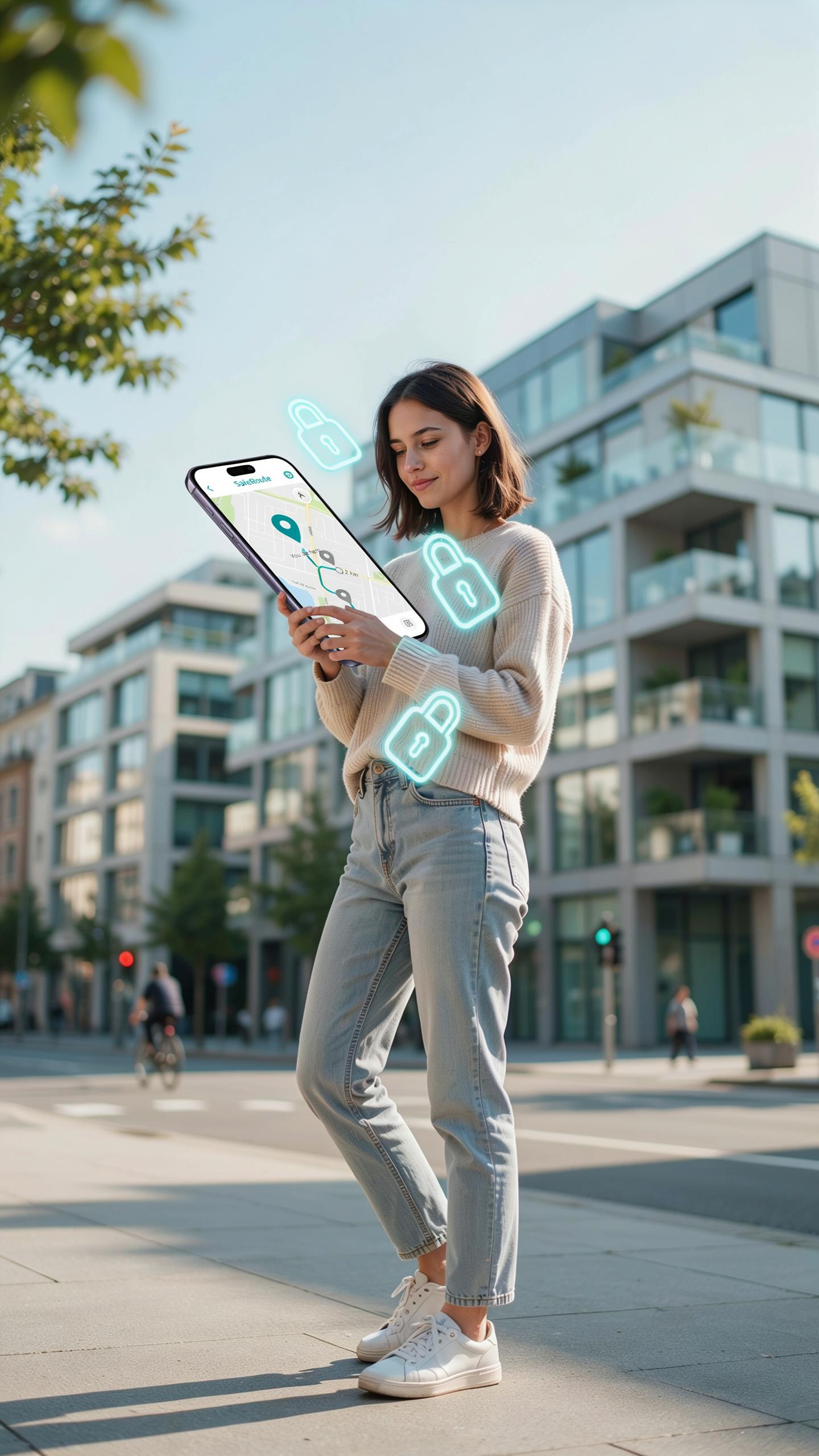
GPS smartwatch manufacturers store location data on servers. This data requires encryption to prevent unauthorized access. Most reputable brands use SSL/TLS protocols to protect information in transit. You should verify that the manufacturer encrypts data at rest as well. Check their privacy policy for data retention periods. Shorter retention windows reduce exposure if a breach occurs. Some providers allow you to delete location history manually.
Manufacturers have legal obligations under regulations like GDPR and CCPA. These laws require parental consent before collecting data on minors. You retain the right to access your child’s data and request deletion. Review which third parties the manufacturer shares data with. Ask whether they sell anonymized location patterns to advertisers or other companies. Reputable providers limit data sharing to essential service functions only.
Ethical Use
Constant tracking creates a surveillance dynamic between parent and child. This dynamic can damage trust if children discover monitoring without transparency. Tell your child that the watch tracks their location for safety. Explain when and why you check their location. Establish boundaries about what constitutes an emergency requiring location checks. Excessive monitoring creates anxiety rather than genuine security improvements.

Balancing safety with autonomy requires clear rules about device access. Decide in advance whether your child can see their own location history. Consider whether they know you’re monitoring them in real time. Some parents check location only when the child misses check-in times. Others monitor continuously but restrict searches to specific situations. Your approach should match your child’s age, maturity level, and your family’s values.
Beyond School Other Uses For A Kids GPS Smartwatch
Family Outings
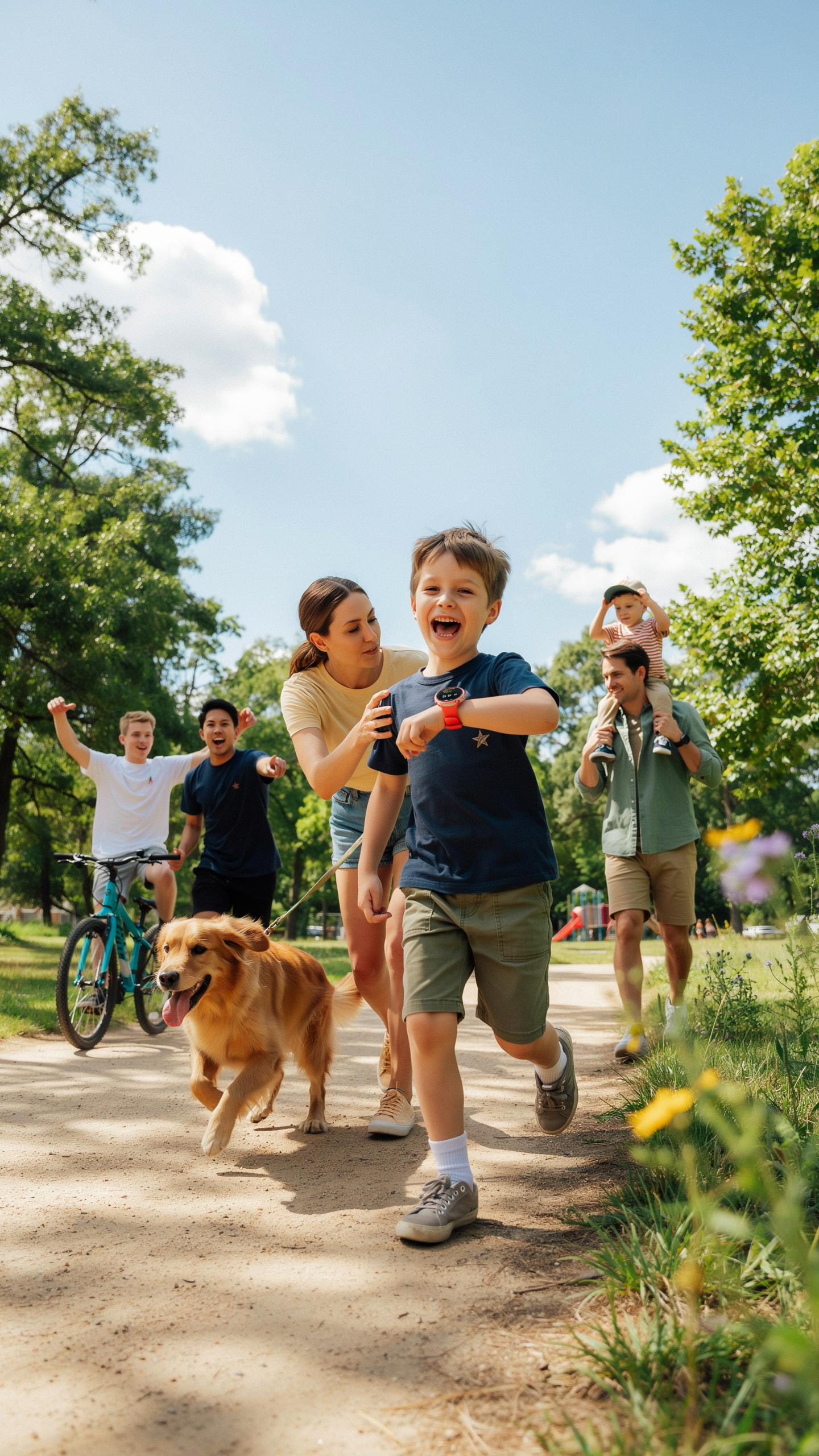
GPS smartwatches serve a direct function during family trips to crowded locations. Theme parks, shopping centers, and public events create separation risks. The watch lets you pinpoint your child’s exact location in real time. Two-way calling features enable quick communication if your child gets separated or needs immediate assistance. Geofencing alerts notify you when your child exits a designated safe zone without warning.
Family outings benefit from the watch’s independence factor. Children wear a communication device without carrying a phone. You reduce anxiety about losing sight of your child temporarily. The watch handles navigation features that help older children understand where they are and how to return to meeting points.
Recreational Activities
Playdates and sports events require tracking when your child moves between locations. A GPS smartwatch maintains your visibility without hovering nearby. You know when your child arrives at a friend’s house or sports facility. The watch records activity data that shows how much your child moves during recreation.
Sports activities generate unpredictable movement patterns that demand real-time tracking capability. Your child might wander beyond typical boundaries during outdoor games or practices. GPS accuracy helps you respond quickly if your child doesn’t show up at pickup time. The watch provides evidence of where your child was and when, which matters for liability and safety documentation.
The Future Of Child Safety Wearables
Evolving Technology
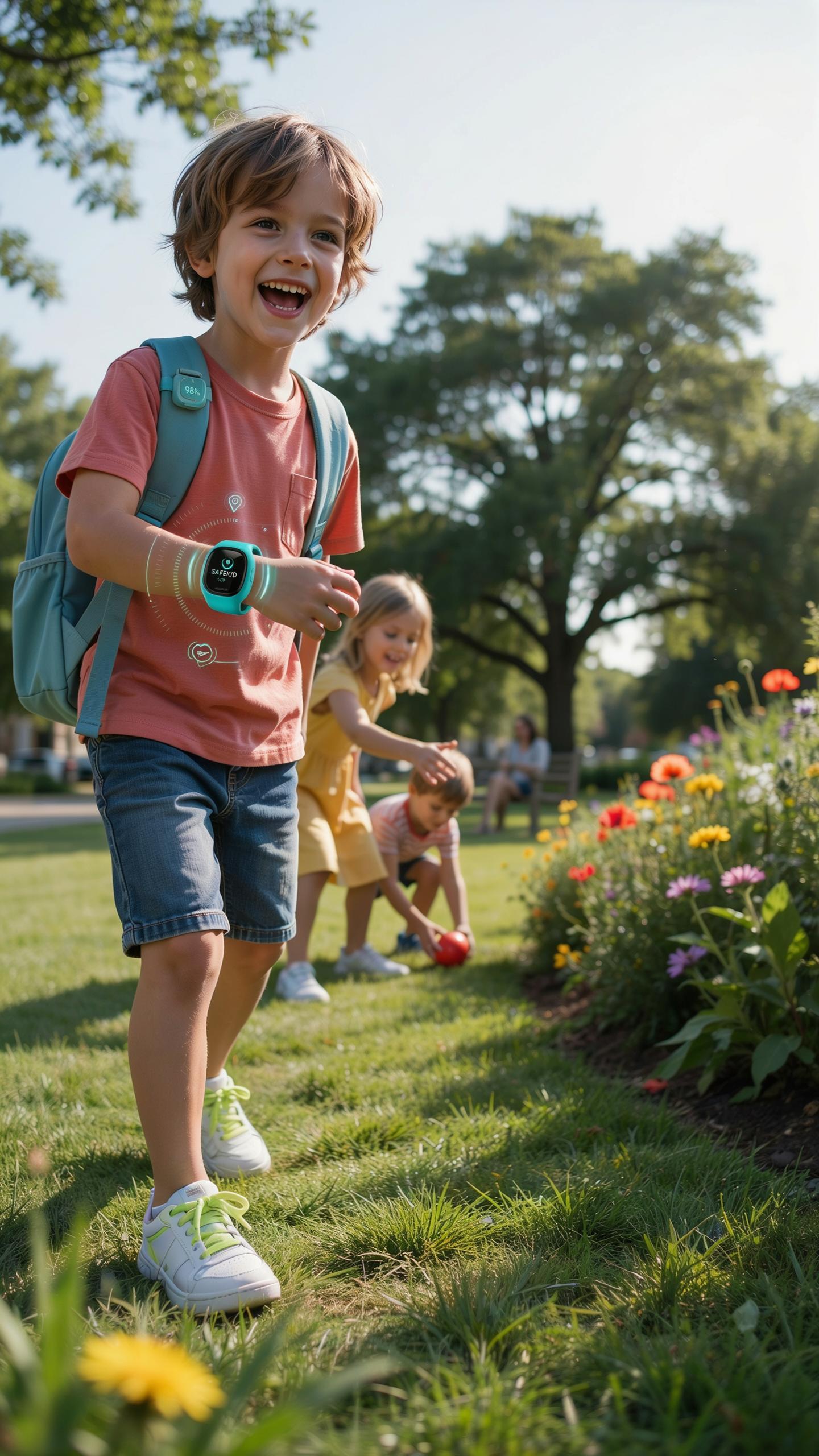
GPS watch manufacturers are moving toward longer battery life, improved accuracy, and smaller form factors. Real-time location updates now refresh every few seconds on most models rather than every few minutes. Cellular connectivity in watches eliminates dependency on paired smartphones for location tracking. Manufacturers are also incorporating fall detection, heart rate monitoring, and geofencing that triggers immediate alerts when children leave designated zones.
The shift toward dual GPS and cellular networks provides redundancy. If one signal drops, the device switches to the other automatically. Waterproofing standards have improved substantially, with most current models rated for submersion rather than splash resistance only. Battery optimization through efficient chipsets now delivers multi-day performance rather than requiring daily charging, making these devices practical for consistent daily use.
Integration Safety
GPS watches work best as one layer within a comprehensive child safety approach, not as a standalone solution. Parents combine smartwatch data with established safety rules, route planning, and regular communication. Schools and parents increasingly share geofence data to verify safe arrival and departure times. Some services now integrate with school bell systems to automatically trigger notifications when pickup times occur.
Effective implementation requires teaching children how to use emergency buttons and communicate with parents through the device. Community programs supplement wearable technology by establishing safe routes, buddy systems, and known checkpoints. Law enforcement agencies have begun integrating smartwatch location data into missing child protocols when families report devices active and accessible. This integration framework treats wearables as a verification tool rather than a replacement for parental oversight and communication habits.
Frequently Asked Questions

What exactly is a kids GPS smartwatch and how does it help with safety?
A kids GPS smartwatch is a wearable device that allows parents to track their child’s location in real-time, especially useful for the walk to school. Many models feature two-way communication, pre-approved contact lists, and SOS buttons, providing peace of mind and an extra layer of safety for your little one.
How can I effectively use a kids GPS smartwatch to monitor my child’s route to school?
Most kids GPS smartwatch apps allow you to set up ‘geofencing’ zones around home and school. You’ll receive alerts when your child enters or leaves these predefined safe areas. This, combined with real-time tracking, helps you monitor their entire journey and ensures they stay on the correct path.
Are there affordable options for a reliable kids GPS smartwatch for safety, or are they all expensive?
Absolutely! While features vary, there are many budget-friendly options for a reliable kids GPS smartwatch for safety. Prices range from basic models offering core GPS tracking and calling, to more advanced versions with added features. Researching different brands will help you find one that fits your budget and safety needs.



