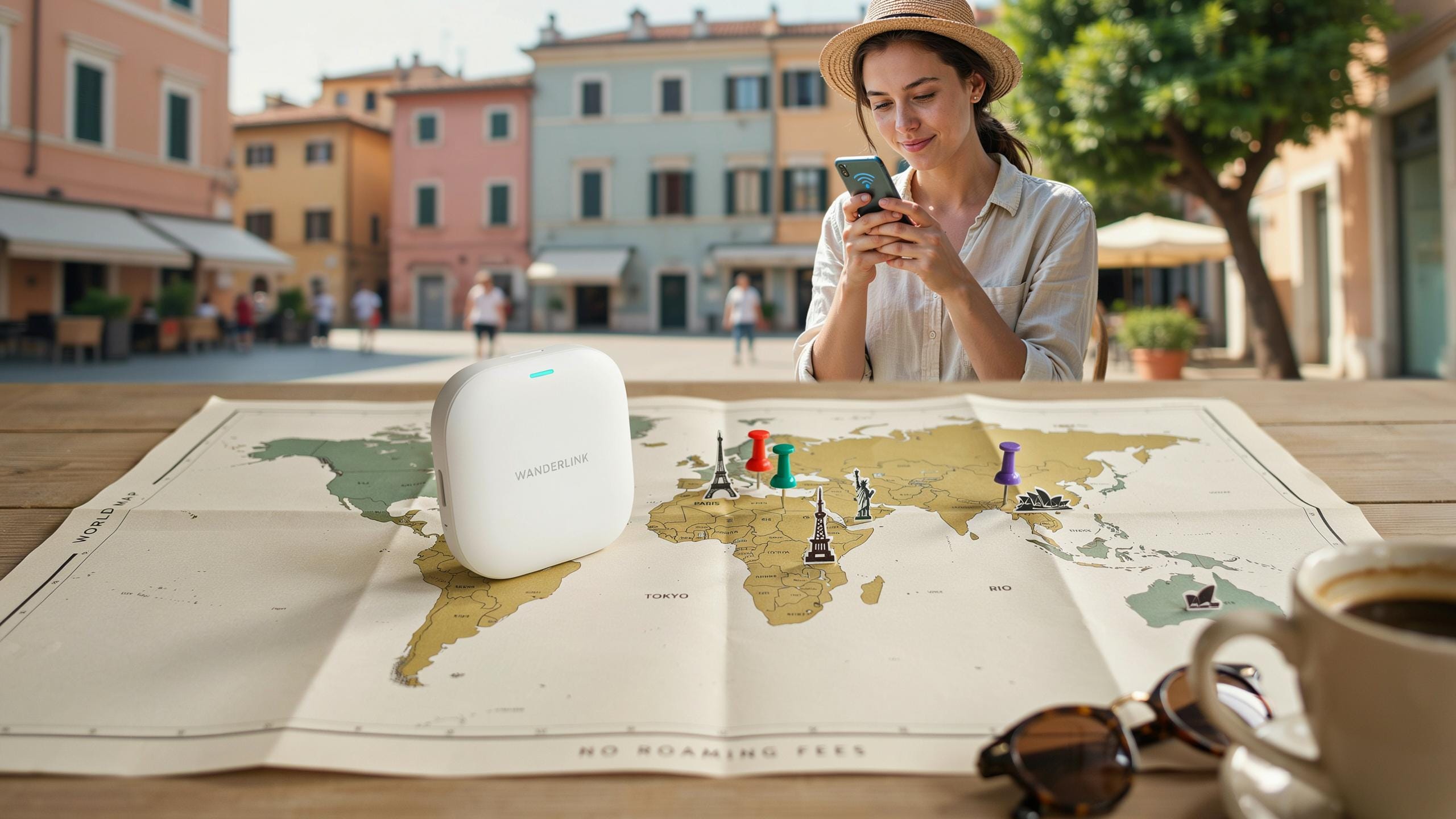
Why A Portable WiFi Hotspot Device For Travel Is Essential
Understanding Roaming Fees And Their Impact
International roaming charges from major carriers typically range from $10 to $20 per gigabyte in most countries. A single hour of video streaming can consume 1 to 3 gigabytes, creating bills that exceed $50 for casual travel use. These charges compound quickly when you factor in maps, messaging apps, and email across a two-week trip.
Carriers impose roaming fees because they must pay local network operators for access to their infrastructure. Your home provider has no direct control over pricing abroad. Even modest data usage without a plan creates financial exposure that derails travel budgets faster than hotel or meal costs.
The Freedom Of Constant Connectivity
A portable hotspot device eliminates dependency on carrier roaming rates and provides direct access to local networks at predictable monthly costs. You maintain reliable internet for navigation, rideshare apps, hotel bookings, and emergency communication without monitoring data usage constantly. This consistent connectivity removes the mental overhead of finding WiFi networks and managing security on public hotspots.
Travel situations demand immediate information access. Dead phone batteries require navigation apps that work offline. Medical emergencies need working internet for translation and hospital location. Business travelers need email access on schedules that don’t align with available WiFi. A portable hotspot covers all these scenarios without surprises on your bill.
What Is A Portable Wifi Hotspot Device For Travel
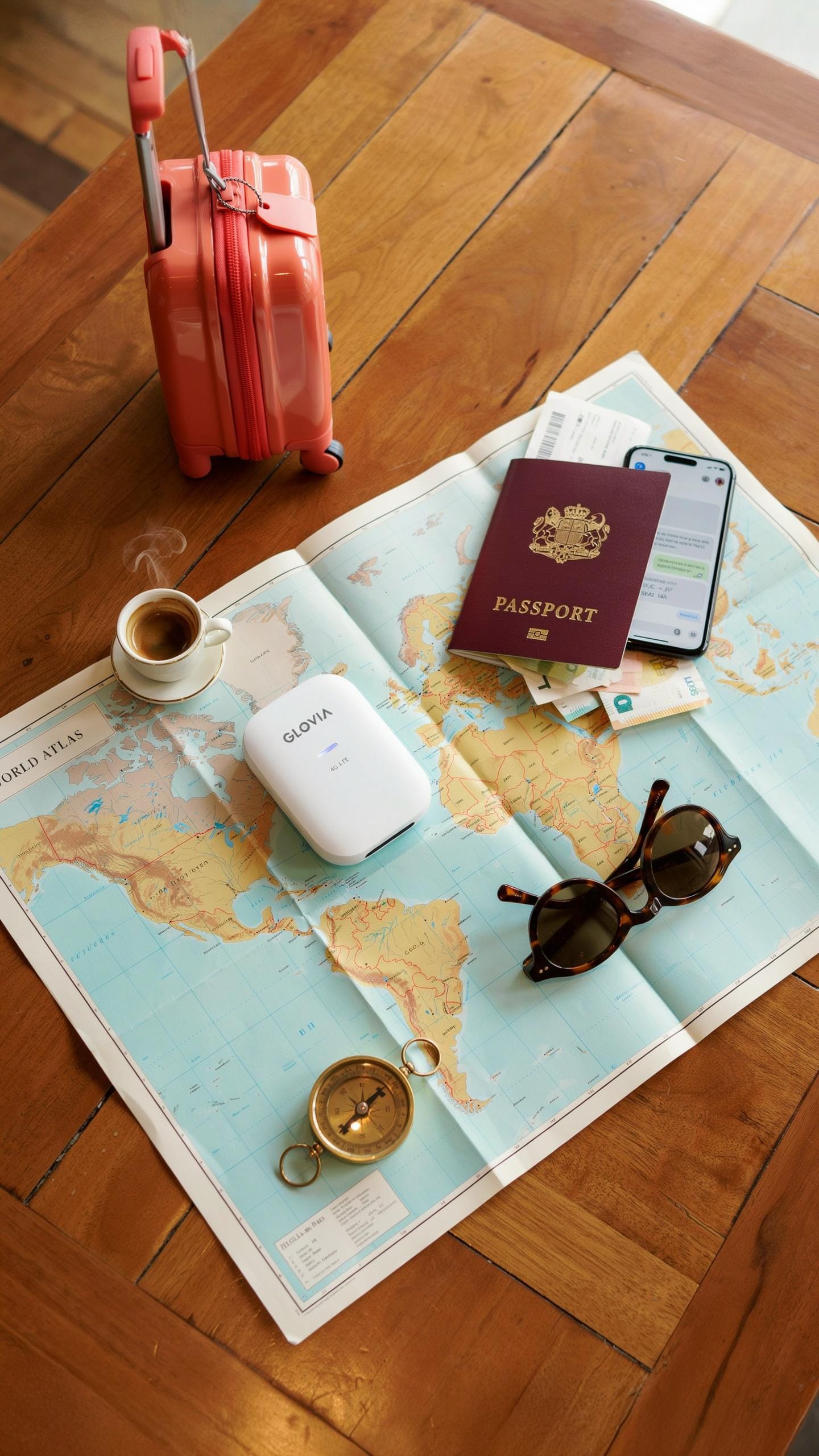
Defining Mobile Hotspot Technology
A portable wifi hotspot device is a standalone gadget that captures cellular signals and converts them into wifi for multiple devices. The device connects to your phone, tablet, or laptop through a secure wireless network. It works by pulling data from cellular networks and broadcasting that connection locally. You control who accesses the network through password protection. The device stores its own battery and does not drain power from your phone.
These hotspots function independently from your phone’s hotspot feature. They connect to LTE or 5G networks directly through a SIM card slot. The device maintains consistent coverage as long as cellular service exists in your location. Setup takes minutes and requires no technical knowledge. You activate the device, connect to its network name, enter the password, and you have internet access across all your gadgets.
Key Features To Look For In A Travel Device
Battery life determines how long you travel without charging. Most modern travel hotspots last between 8 and 12 hours on a single charge. Capacity ranges from 4000mAh to 10000mAh depending on the model. Look for devices offering at least 10 hours of usage time. Heavier batteries mean longer runtime but add weight to your luggage. Check the actual tested runtime rather than manufacturer claims.

Download speeds depend on the network generation your device supports. 4G LTE devices hit speeds between 20 and 50 Mbps in most regions. 5G models reach 100 Mbps or higher but require compatible networks. Device compatibility matters because you need your hotspot to work with phones, tablets, and laptops simultaneously. Simultaneous connections typically range from 5 to 10 devices per hotspot. Physical size affects portability, so choose models under 4 inches in width and under 200 grams in weight.
Travel Wifi Solutions Types Of Portable Internet Devices
Dedicated Hotspot Devices Vs. Smartphone Hotspots
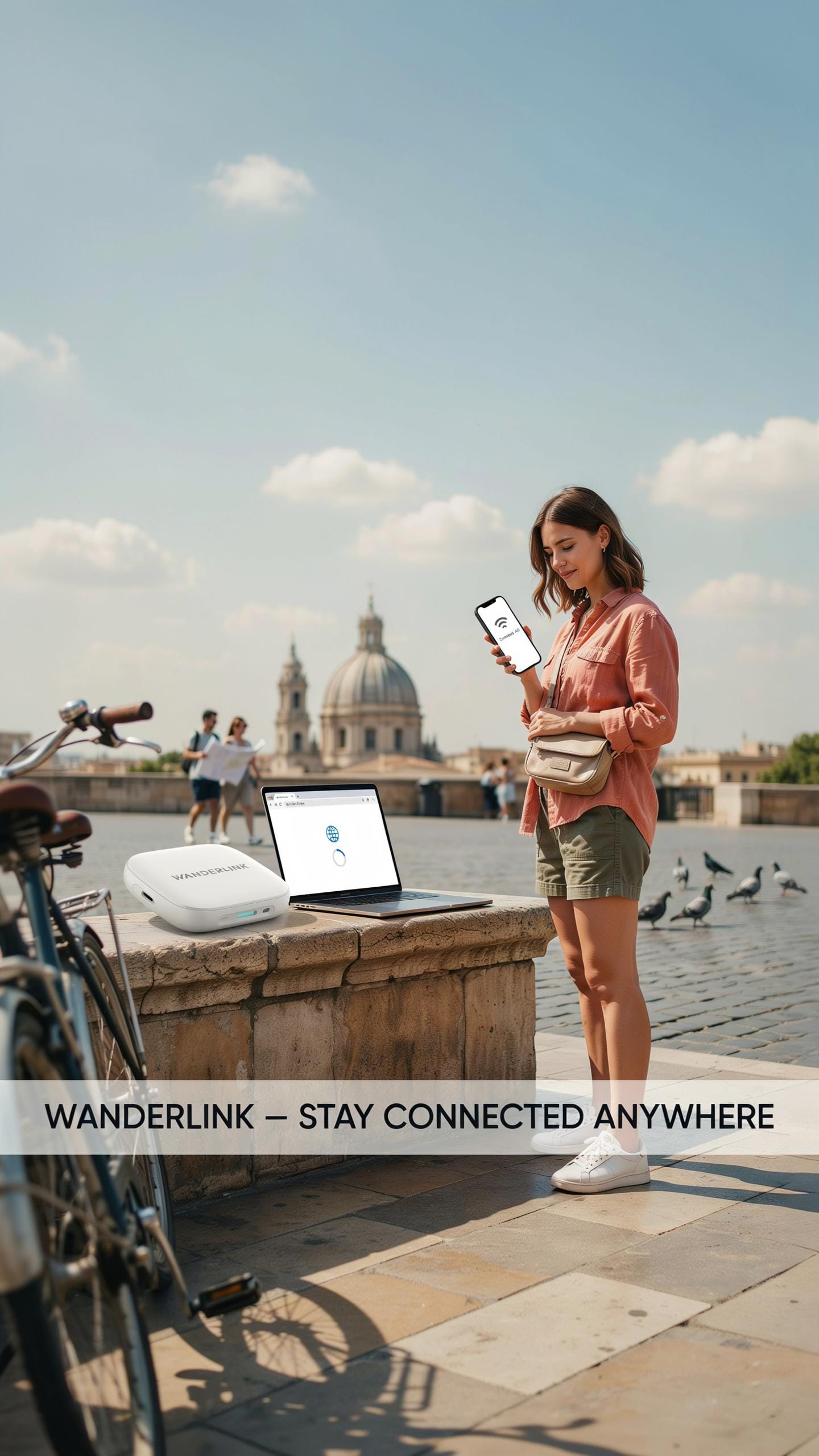
Dedicated hotspot devices connect to cellular networks independently and broadcast wifi to multiple users simultaneously. They require their own data plan and SIM card. Smartphones tether their existing connection through personal hotspot features. Dedicated devices handle more simultaneous connections without draining your phone’s battery. They excel when you need internet for laptops, tablets, and multiple phones at once.
Smartphone hotspots work when you already have cellular service and data. They consume significant battery power and slow your phone’s performance under heavy use. Dedicated devices cost between 50 and 300 dollars upfront but eliminate the need to replace your phone’s battery mid-trip. Choose dedicated devices for extended travel or when supporting multiple devices. Choose smartphone tethering for short trips with minimal data needs.
Understanding SIM Based Vs. Cloud Based Hotspots
SIM-based hotspots insert physical SIM cards from local carriers or international providers. They connect directly to cellular towers using GSM, LTE, or 5G networks. You control the SIM and can swap carriers by country. This approach gives you direct network access and predictable speeds based on local coverage. SIM-based devices require you to manage multiple SIM cards or commit to one carrier per trip.

Cloud-based hotspots use virtual SIM technology or eSIM to connect through aggregated networks without physical cards. They operate through cloud platforms that route connections across multiple carriers automatically. Cloud solutions simplify switching between countries since you manage everything through an app. They typically cost more per gigabyte than SIM-based options. Cloud-based systems work better for frequent travelers crossing many borders since they eliminate physical SIM swaps entirely.
Best Travel Wifi Devices Top Picks For Global Connectivity

Review Of Leading Portable Hotspot Brands
Netgear produces the MiFi series, which dominates the portable hotspot market. These devices connect to cellular networks and broadcast wifi to multiple users simultaneously. Netgear MiFi units support 4G LTE in most regions and offer battery life between 8 to 10 hours per charge. The brand built its reputation on reliable hardware and straightforward functionality without unnecessary features.
Inseego, formerly Novatel Wireless, manufactures the MiFi X Pro and similar models. Their devices prioritize long battery life and consistent connectivity across international networks. Inseego hotspots work with multiple carriers and support both 4G LTE and emerging 5G networks in select regions. The company focuses on business travelers who need dependable devices without complications.

TP Link offers the M7350 and comparable models at lower price points than competitors. Their hotspots function reliably in Asia, Europe, and other regions where you travel frequently. TP Link devices typically provide 10 to 12 hours of battery life and support up to 10 connected devices. The brand targets budget conscious travelers without sacrificing performance.
Huawei produces portable hotspots that dominate markets outside North America, particularly in Europe and Asia. Their devices support advanced LTE bands and offer competitive battery longevity. Huawei hotspots integrate sim card slots and provide straightforward user interfaces for international travelers. The company maintains strong infrastructure in regions with extensive network coverage.
Factors To Consider When Choosing A Device
Battery capacity determines how long your device operates between charges. Most portable hotspots last 8 to 14 hours under normal usage conditions. Devices with larger batteries add weight and bulk to your travel bag. Prioritize devices matching your daily usage pattern and travel schedule rather than chasing maximum battery claims.
Network compatibility directly impacts usability across different countries and regions. Your device must support the 4G LTE bands available in your destination. Check frequency bands before purchasing to avoid devices incompatible with local networks. Some hotspots support multiple bands, offering flexibility when traveling between different countries or carriers.
Data plan structure affects your total travel costs significantly. Prepaid international plans charge per gigabyte or offer monthly bundles with varying coverage areas. Local sim cards purchased at your destination often provide cheaper data rates than roaming plans. Compare pricing between your home carrier’s international rates and local options before traveling.

Security features protect your data from interception on public networks. Look for devices offering WPA3 encryption and password protected network access. Devices with automatic session timeouts and firewall capabilities provide additional protection during travels. Never assume default security settings adequately protect sensitive information like banking credentials or work files.
Physical durability matters when devices face airport security, backpack compression, and climate variations. Solid construction materials withstand regular travel stress better than plastic frames prone to cracking. Devices with rubber bumpers and sealed battery compartments endure drops and temperature changes. Check user reviews for real world durability feedback before purchasing your travel hotspot.
Portable Wifi Travel How To Get Wifi Anywhere

Leveraging Local SIM Cards With Hotspots
Purchase local SIM cards at airport kiosks or convenience stores in your destination country. This approach costs less than international roaming. Insert the SIM into your hotspot device, activate the plan, and share the connection with multiple devices. Local carriers offer data packages tailored to short-term travelers, eliminating roaming fees entirely.
Verify your hotspot device supports the frequencies and bands used in your destination before traveling. Most modern hotspots work globally, but older models may not. Check your device manual or contact the manufacturer. Having a compatible device prevents costly mistakes and ensures reliable connectivity from day one.
With a trusty portable Wi-Fi, every new horizon feels a little closer to home, connecting us to cherished memories without leaving a single cent for roaming. It’s like carrying a piece of your world, wherever your adventurous spirit leads.
Utilizing International Data Plans And ESIMs
Major carriers including Verizon, AT&T, T Mobile, and Vodafone offer international data plans covering 200 plus countries. These plans charge daily rates or monthly allowances without traditional roaming fees. Compare pricing across carriers before departure. Some plans bundle data with voice and text, while others focus on data only.
eSIM technology eliminates the need for physical SIM card swaps. Your hotspot device stores multiple carrier profiles digitally, letting you switch providers instantly. eSIMs activate through apps and QR codes, making international travel faster. Carriers increasingly offer eSIM options, and this technology reduces setup friction significantly for frequent travelers.
Mobile Hotspot Setting Up Your Device For A Trip

Step By Step Guide To Activating Your Hotspot
Power on your portable hotspot device and locate the power button, typically found on the device’s side or top. Insert the SIM card into the designated slot with the gold contacts facing downward. Wait 30 to 60 seconds for the device to establish a connection with the carrier network. The LED indicator will display signal strength and connection status.

Access the device’s menu using the physical buttons or touchscreen interface. Navigate to settings and confirm your data plan is active. Select “Hotspot” or “WiFi” mode to enable broadcasting. Note the automatically generated network name and password, usually printed on the device or displayed on the screen. Connect your phone, tablet, or laptop by searching for the network name and entering the password.
Tips For Optimizing Your Connection And Data Usage
Monitor data consumption regularly through the device’s built-in tracking feature or carrier app. Most portable hotspots display remaining data on the screen. Disable background app updates on connected devices before traveling to prevent unexpected data drain. Reduce streaming quality on video platforms from high definition to standard definition to cut usage by 50 percent or more.
- Position the device near windows: Signal strength improves with direct line of sight to cell towers, so place the hotspot on windowsills or high surfaces during use.
- Enable low power mode: Switch to battery saver settings to extend device runtime from 6 to 8 hours depending on model and usage intensity.
- Limit connected devices: Connecting more than three devices splits bandwidth and drains battery faster, so connect only essential devices at once.
- Turn off the hotspot when idle: Disable broadcasting when not actively using data to preserve battery life and reduce cellular load on the network.
- Use 4G instead of 5G when possible: 5G consumes more power and data, so revert to 4G LTE in settings if speeds meet your needs.
Keep the device firmware updated before departure by downloading updates via the carrier’s website or app. Check your carrier’s roaming agreement to confirm data speeds in your destination country, as some carriers throttle speeds after hitting local data caps.
Travel Internet Solutions Data Plans And Pricing
Comparing Flexible Data Packages For Travelers
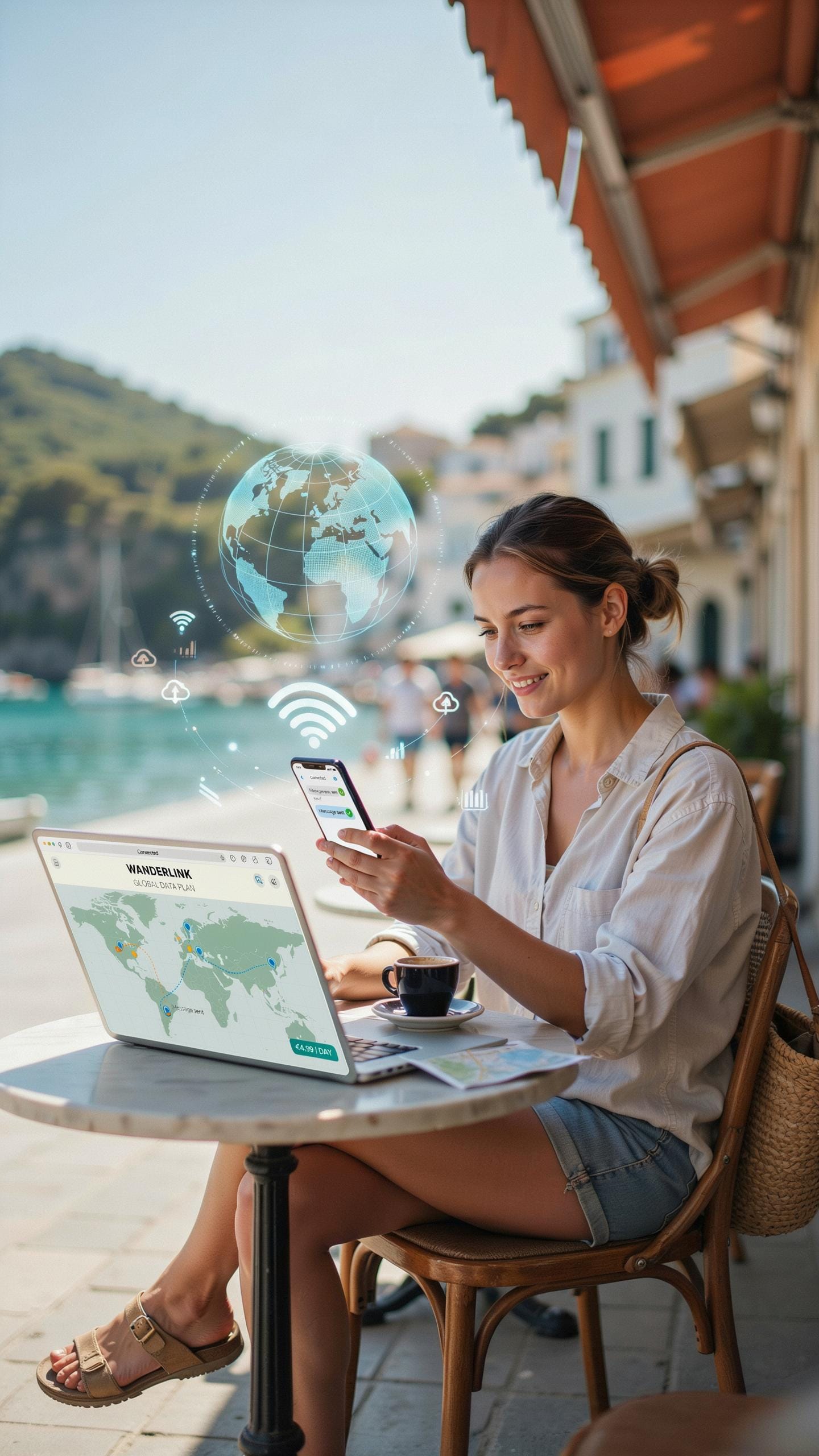
Portable hotspot providers offer three core plan structures. Pay-as-you-go plans charge per gigabyte consumed, useful for light users or unpredictable travel patterns. Daily plans activate for 24-hour periods, charging only on days you use data. Monthly plans provide continuous coverage at fixed rates, best for extended trips or frequent travelers needing reliable access.

Pricing varies significantly based on coverage region and provider. Domestic plans typically cost less than international options due to roaming agreements. A gigabyte on pay-as-you-go ranges from 3 to 8 dollars depending on destination. Daily passes run 5 to 15 dollars, while monthly plans span 30 to 100 dollars for standard data allowances. Overage charges apply when you exceed plan limits, so monitor consumption closely.
Understanding Fair Usage Policies And Data Limits
Fair usage policies protect providers from unlimited data consumption while establishing user expectations. Providers cap monthly data at set thresholds like 10, 20, or 50 gigabytes. Once reached, speeds drop to 2G or 3G until the billing cycle resets. Some policies allow rollover of unused data into the next month, while others do not.
Throttling occurs when you exceed fair usage limits, reducing your speeds from 4G or 5G to slower connections. Providers implement throttling to manage network congestion and ensure service quality for all users. Know your plan’s specific threshold before traveling to avoid surprises. Review terms carefully, as policies differ significantly between carriers and regions.
Travel Friendly Wifi Solutions Security And Privacy
Ensuring Secure Connections On Public Vs Private Networks
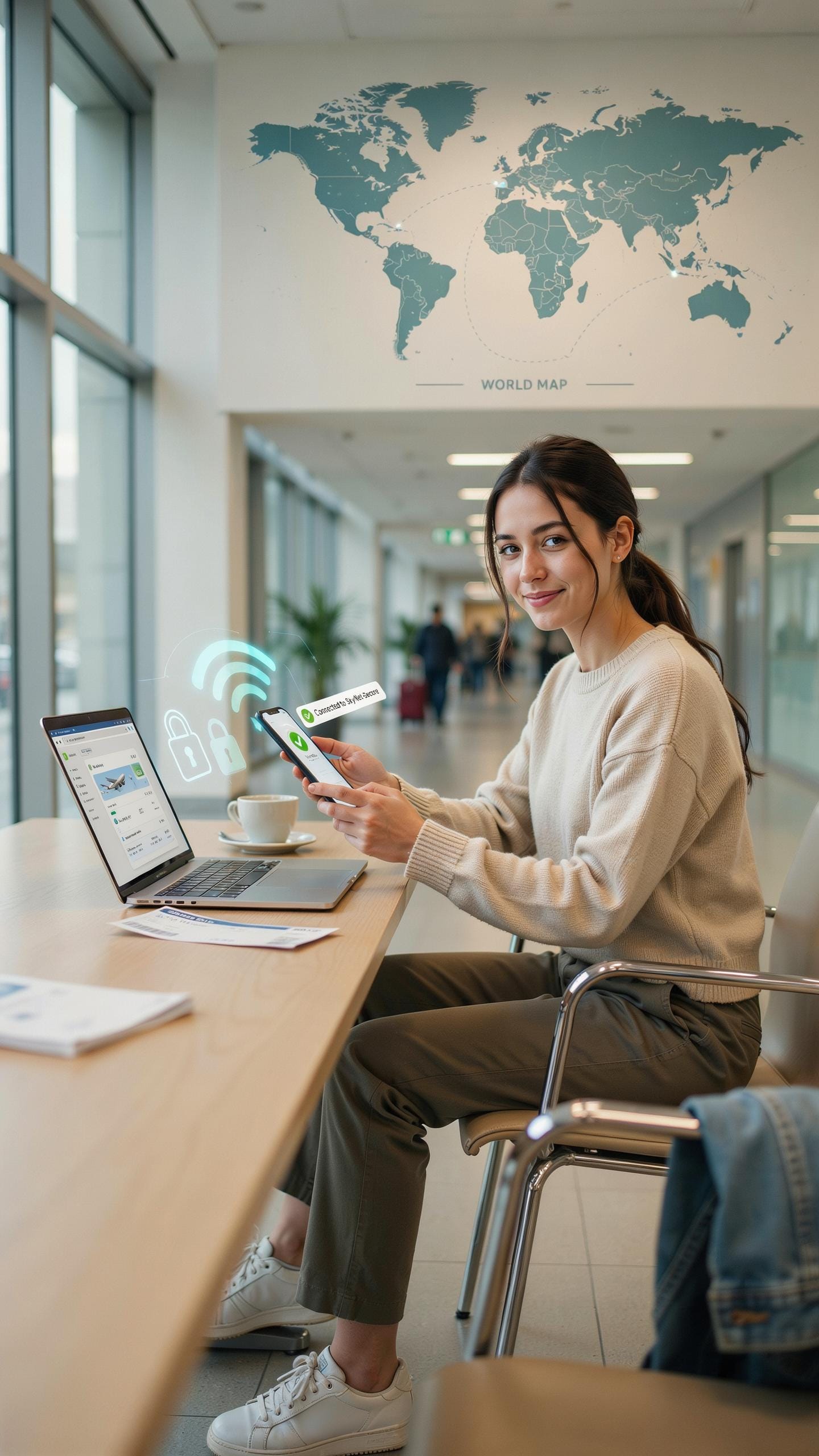
Public Wi-Fi networks expose your data to interception. Attackers monitor unencrypted traffic on airport and cafe networks to steal passwords and financial information. A personal hotspot from your mobile device encrypts your connection by default. You control access, eliminate third-party networks, and prevent unauthorized users from seeing your activity.
Your portable hotspot device operates on the same cellular network you use for calls and texts. The connection runs through your carrier’s infrastructure, not a shared public access point. This means your browsing, emails, and app data travel through encrypted channels. You avoid the risk exposure that comes with connecting to networks anyone can join.
Protecting Your Data While Traveling
Use a VPN when you must connect to public networks for emergency access. A VPN adds an encryption layer between your device and the internet, masking your location and online activity. Enable automatic VPN activation on your devices before traveling. Choose a VPN provider with strong encryption protocols like OpenVPN or WireGuard.
Strong passwords protect your hotspot device and all connected accounts. Set a minimum of 16 characters combining uppercase letters, numbers, and symbols for your hotspot password. Change default credentials immediately upon purchase. Enable two-factor authentication on email and financial accounts. Never reuse passwords across multiple services. Store passwords in a password manager rather than writing them down or memorizing weak variations.
Hassle Free Connectivity Overcoming Common Hotspot Challenges
Troubleshooting Connection Issues
No signal usually means you’re outside coverage areas. Check your device’s coverage map before traveling. Move closer to windows or higher elevations. Restart the hotspot device completely. Verify the SIM card sits properly in its slot. Slow speeds indicate network congestion or weak signal strength. Switch between 4G and 5G bands if your device supports both options.
Device pairing failures happen when Bluetooth or WiFi settings conflict. Forget the hotspot from your phone’s connection list. Restart both devices. Re enter the WiFi password exactly as displayed. Check for firmware updates on the hotspot manufacturer’s website. Most issues resolve within minutes using these basic steps.
Maximizing Battery Life And Device Longevity
Enable power saving mode immediately when battery drops below 50 percent. Reduce screen brightness to its lowest readable level. Disable Bluetooth when not actively pairing devices. Turn off location services and background app refresh. These settings extend runtime by 30 to 40 percent. Charge your device using the original manufacturer’s charger only. Using third party chargers risks damaging internal battery cells and shortening overall lifespan.
Battery degradation accelerates when you drain devices completely before charging. Charge when battery reaches 20 percent instead. Avoid leaving the hotspot connected to power overnight regularly. Heat damages batteries faster than any other factor. Keep devices away from direct sunlight and hot environments. Replace batteries every 18 to 24 months of regular use for optimal performance.
The Future Of Portable Internet ESIMs And Beyond

The Evolution Of Travel Connectivity Technology
eSIM technology replaces physical SIM cards with embedded digital profiles on your device. You switch carriers by downloading a new profile instead of swapping cards. This eliminates the need to visit local shops or wait for physical delivery. Major carriers now support eSIM globally, including Verizon, T-Mobile, and international providers. The shift reduces hardware complexity and speeds up activation across borders.
Satellite internet is moving from niche to mainstream for remote travel. Companies like Starlink and Iridium now offer consumer devices with global coverage outside traditional networks. These systems work where cellular infrastructure doesn’t exist. Latency has improved significantly, making real-time communication feasible. As satellite constellations expand, costs will drop and reliability will increase for travelers venturing beyond populated areas.
Making Informed Choices For Your Next Adventure
Start by mapping your actual data needs before purchasing any device. Calculate daily usage based on video streaming, navigation, email, and work requirements. Some travelers need only messaging and maps while others require constant video calls. Duration matters too: a two-week trip differs vastly from a three-month journey. This assessment prevents overpaying for capacity you won’t use or undershooting actual needs.
Evaluate your destinations specifically rather than buying one-size-fits-all solutions. Research which carriers operate in each country and their coverage reliability. Some regions favor certain technologies over others. Cross-reference costs across portable hotspots, local SIM cards, and eSIM options for each location. Your ideal solution depends entirely on where you travel, how long you stay, and what connectivity tasks drive your journey.
Frequently Asked Questions

What exactly is a portable WiFi hotspot device for travel and how does it work?
A portable WiFi hotspot device for travel is a small gadget that creates a personal internet connection wherever you are. It connects to cellular networks, much like your phone, but then broadcasts a secure WiFi signal. This allows multiple devices, like your laptop or tablet, to access the internet without relying on public WiFi or incurring expensive roaming fees. It’s perfect for staying connected on the go!
How do I get started using a portable WiFi hotspot device for travel once I’ve purchased one?
Once you have your portable WiFi hotspot device for travel, the first step is usually to charge it fully. Then, you’ll typically insert a SIM card (either your own or one provided by the service) and power it on. Your devices can then connect to its WiFi network using the password usually found on the device itself or in its manual. It’s a simple setup for instant connectivity!
Are there affordable options for a portable WiFi hotspot, or are they generally expensive?
There are definitely a range of affordable options for portable WiFi hotspots, fitting various budgets. While some high-end models offer more features, many reliable devices are available at reasonable prices. Consider rental services for shorter trips, or look for devices with flexible data plans that won’t break the bank, ensuring you can stay connected without excessive costs.



