
The Frustration Of Slow Hotel Wi Fi A Digital NomadS Bane

The Common Hotel Wi Fi Experience
Hotel Wi-Fi fails because properties prioritize cost over performance. They deploy single access points across multiple floors, creating dead zones and bandwidth bottlenecks. Dozens or hundreds of guests compete for the same connection simultaneously. The network splits bandwidth across all users, leaving each person with minimal speed. Streaming, video calls, and file uploads become impossible during peak hours.
Weak signals force your device to constantly reconnect. Captive portals require repeated logins. Network congestion causes timeouts and dropped connections. These failures directly impact your work productivity and entertainment options. A remote worker loses billable hours. A traveler cannot download maps or stream content. Poor hotel Wi-Fi creates tangible business and personal losses.
The Need For A Personal Network Solution
A travel router creates a dedicated bridge between hotel Wi-Fi and your devices. Instead of competing on the hotel network, you establish your own secure channel. The router handles the unstable hotel connection while broadcasting a stable signal to your phones, laptops, and tablets. This separation eliminates congestion conflicts and improves signal strength in your room.
Your personal network also adds security layers. Hotel Wi-Fi exposes your data to packet sniffing and man-in-the-middle attacks. A travel router with encryption protects your banking credentials, emails, and sensitive files. You control the network password and security protocols. This approach transforms an unreliable public connection into a reliable, private one that supports your actual work and entertainment needs.
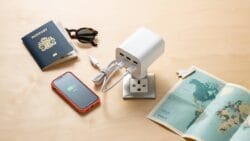
What Is A Travel Router Your Portable Wireless Router Solution
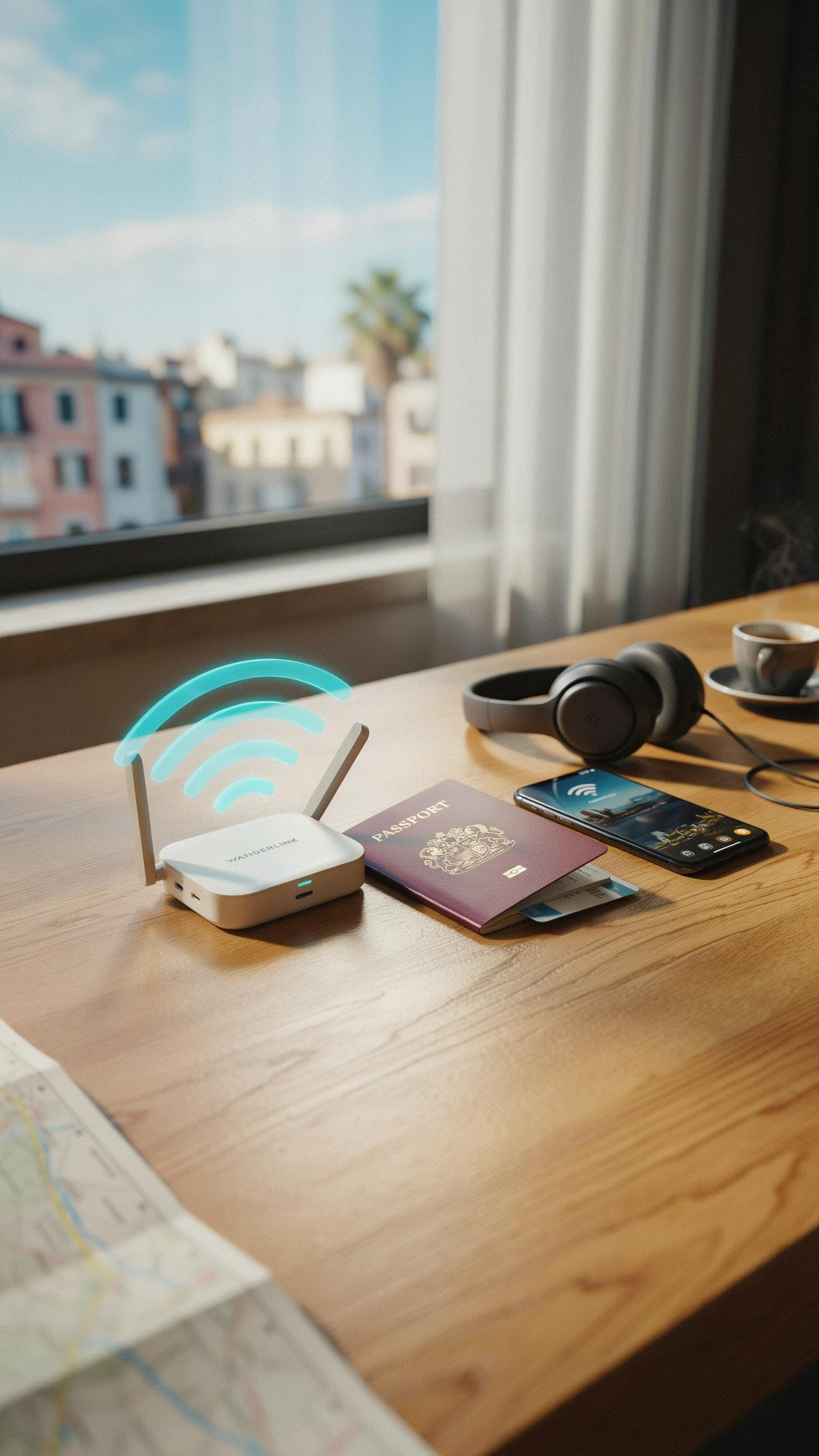
Defining The Travel Router And Its Core Functions
A travel router is a compact networking device that creates its own WiFi network by connecting to an existing internet source. You plug it into a hotel’s ethernet port or connect it to the hotel’s WiFi, and it broadcasts a stronger, more reliable signal to your devices. The device acts as an intermediary between the hotel network and your personal gadgets, giving you control over your connection quality and security instead of relying on the hotel’s infrastructure directly.
Travel routers solve a critical problem in hospitality environments where WiFi signals are weak, unreliable, or serve too many users simultaneously. They work by pulling in the existing internet connection and rebroadcasting it with improved performance to your laptop, phone, and tablet. This approach eliminates dead zones in your room, reduces buffering during video calls, and stabilizes streaming. The router remembers your login credentials so you do not have to reauthenticate each device individually on the hotel network.
Key Features To Look For In A Travel Router
The best travel routers balance portability with performance. Size matters because you are carrying this device in luggage. Look for models under one pound that fit easily in a backpack pocket. Processing power determines how many devices you can connect simultaneously without slowdown. Battery life extends usability when ethernet is unavailable. Check for dual band support (2.4GHz and 5GHz) for better speed and reliability across different scenarios.
- Ethernet and WiFi connectivity options: Device must accept both wired and wireless connections so you can work with any hotel setup without limitation.
- AC or AX WiFi standard: AC routers (802.11ac) handle most needs. AX routers (WiFi 6) offer faster speeds but cost more. Choose based on your device compatibility.
- Simultaneous device support: Quality travel routers connect 10 to 30 devices at once. Verify the specification matches your household size and work needs.
- VPN and security protocols: Built-in VPN support and WPA3 encryption protect your data on untrusted networks. This prevents hackers from intercepting sensitive information.
- USB power and battery backup: USB-C charging adapts to modern devices. Some models include battery packs for operation without outlets during transit.

Security features are non-negotiable for travel routers. WPA3 encryption protects your devices from network snooping. A built-in VPN or VPN passthrough capability adds another security layer when accessing banking or work systems. Firmware updates keep the device protected against emerging threats. Verify the manufacturer releases security patches regularly and check user reviews for reliability on that specific model.
Beyond Speed Security And Connectivity For Remote Workers

Enhancing Your Digital Privacy And Data Security Router
Hotel networks broadcast unencrypted data. Your passwords, emails, and login credentials travel across the network visible to anyone with basic packet-sniffing tools. A travel router creates an encrypted barrier between your devices and the hotel network. The router connects to the hotel wifi, then broadcasts its own secure network that you control. Your traffic gets encrypted before leaving your device, making it unreadable to other hotel guests or network administrators.
This encryption matters for financial transactions and sensitive work. You avoid man-in-the-middle attacks where criminals intercept data between your device and the destination server. The travel router also lets you apply your own security settings and firmware updates independent of the hotel network. You control what connects to your network and maintain visibility over your data flow. Remote workers handling client information, passwords, or financial data eliminate significant risk exposure.
Connecting Multiple Devices With Ease
You arrive with a laptop, phone, tablet, and smartwatch. Hotel networks often limit connections per room or require separate logins for each device. A travel router solves this by presenting a single network to the hotel while distributing one connection to all your devices. You log in once to the hotel network through the router, then connect all your gadgets to your private router network. The setup takes minutes and requires no technical knowledge.

This single network approach simplifies device management during your stay. Your phone automatically connects when you power it on. Tablets sync data without authentication friction. You avoid the frustration of repeatedly entering credentials or dealing with devices that drop from unstable hotel connections. The router handles the variable hotel network quality and shields your devices from that instability. Remote workers maintain productivity across multiple devices without wrestling with connectivity issues that waste time and break focus.
Travel Router Vs Mobile Hotspot Choosing Your Travel Tech
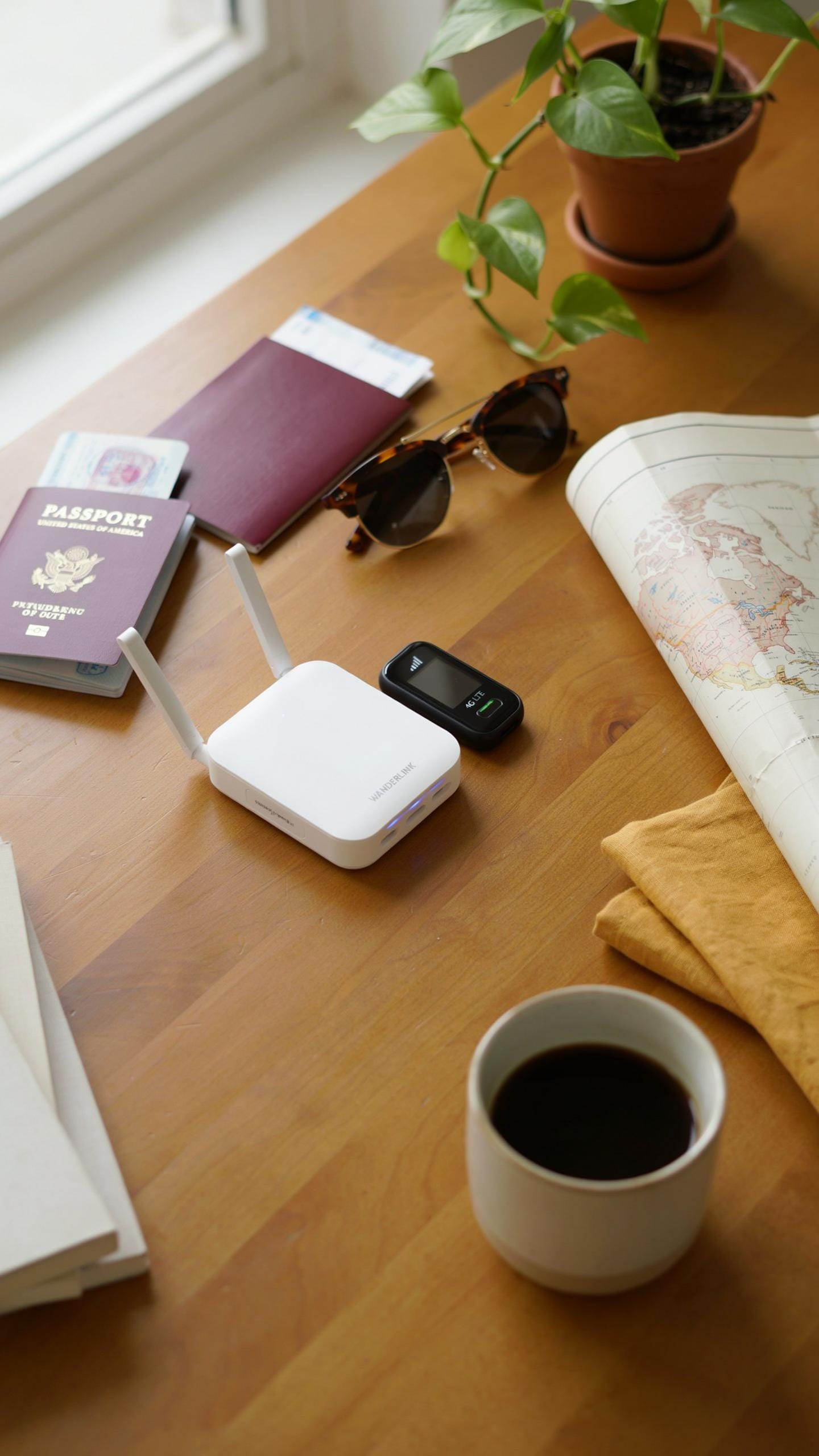
Understanding The Differences: Router Vs. Hotspot
A mobile hotspot shares internet from your phone’s cellular connection to other devices. It converts existing data into a shareable signal. A travel router connects to hotel wifi or any existing network and rebroadcasts it to multiple devices simultaneously. Both solve connectivity problems, but they operate on different principles and serve different needs.
Mobile hotspots drain your phone battery quickly and consume your cellular data allowance. Travel routers use the existing hotel wifi signal and don’t deplete your phone. Routers typically support more simultaneous connections and deliver stronger signal strength. Hotspots work anywhere with cellular coverage. Routers require an existing wifi network to function. Your choice depends on what internet source you have available and how many devices need connectivity.
When To Choose A Travel Router For Your Hotel Stay
A travel router becomes necessary when multiple devices need reliable internet without competing for bandwidth. Hotel wifi often throttles performance when handling many connected devices. A router acts as a buffer between the hotel network and your devices, improving speed distribution. Use a router when traveling with family, colleagues, or anyone sharing your accommodation. This setup prevents the typical slowdown that occurs when everyone streams simultaneously from the hotel network.

Travel routers also solve security problems on public hotel networks. They create a private encrypted network between your devices, shielding them from hotel wifi vulnerabilities. Choose a router if you work remotely and need consistent connectivity for video calls or file uploads. Routers maintain connection stability better than direct hotel wifi connections. If your hotel restricts device connections per account, a router consolidates all your devices behind one login, bypassing these limitations entirely.
Setting Up Your Travel Router For Optimal Hotel Performance
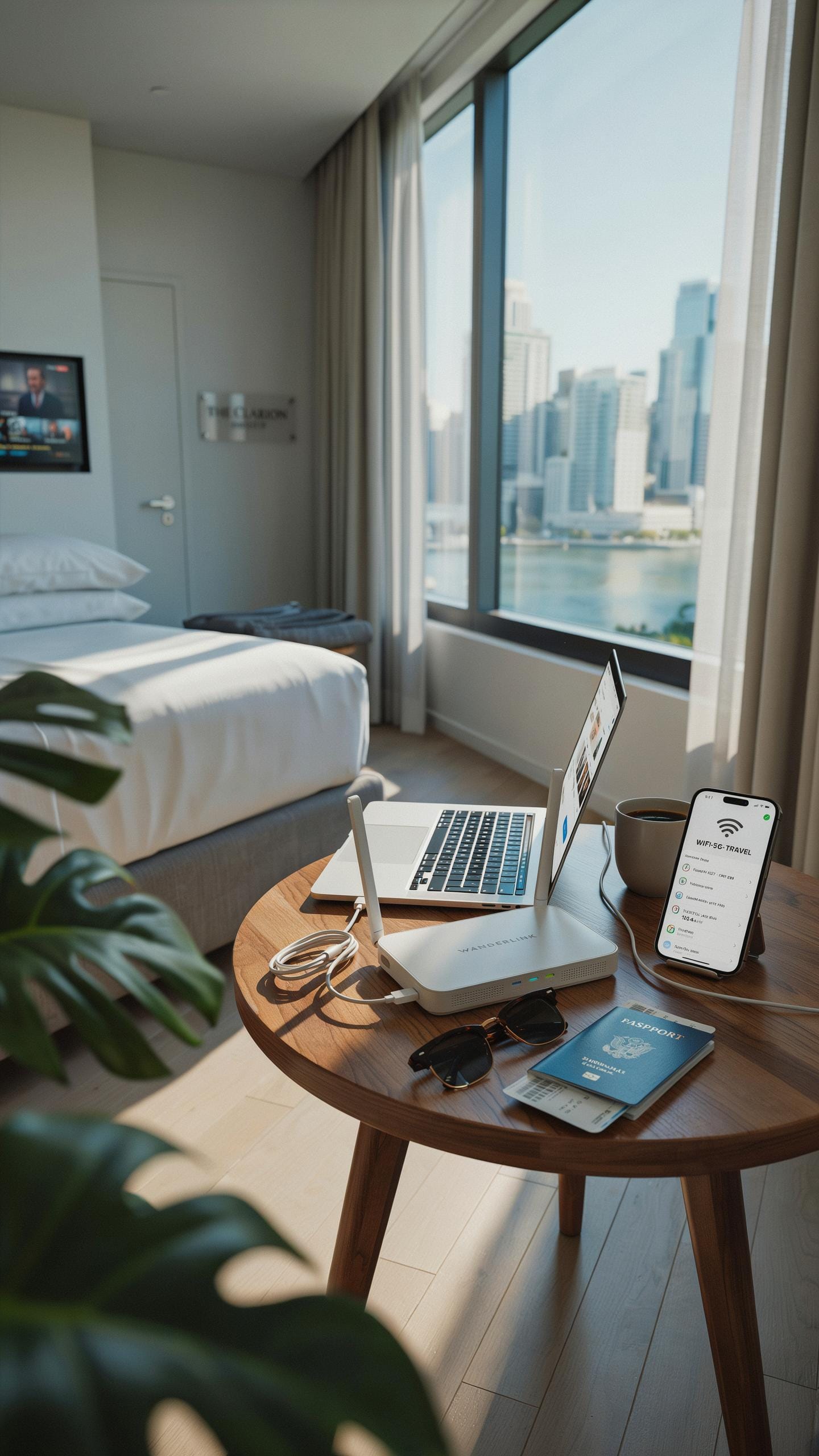
Step By Step Guide To Initial Setup
Connect your travel router to power first. Most travel routers use USB or a standard power adapter. Wait 30 to 60 seconds for the device to boot completely. Open your laptop or phone and locate the router’s Wi-Fi network name in your available networks list. The default network name appears on the router’s label or in the manual.
- Connect to Default Network: Find the router’s default Wi-Fi name and password listed on the device or documentation. Enter the credentials exactly as written.
- Access Admin Panel: Open a web browser and type 192.168.0.1 or the IP address shown in your manual. Log in with default username and password credentials.
- Select Hotel Wi-Fi Network: In the admin panel, locate the wireless section and select “Scan Networks.” Choose the hotel’s Wi-Fi network from the list that appears.
- Enter Hotel Credentials: Input the hotel’s Wi-Fi password if required. Some hotel networks use captive portals instead of passwords for initial access.
- Configure Your Network Name: Change your router’s default network name to something you recognize. Set a strong password different from the hotel network password.
- Save and Reboot: Click save or apply settings. Allow the router to restart, which typically takes 2 to 3 minutes.
Once rebooted, your devices connect to your travel router instead of the hotel network directly. The router bridges the hotel connection to all your devices simultaneously. Verify connection by opening a web browser and checking internet access on a connected device.
Optimizing Settings For Maximum Speed And Reliability
Reduce interference by switching your travel router to the 5GHz band if the hotel network supports it. Most modern travel routers support dual band functionality. The 5GHz band carries faster speeds over shorter distances and encounters less congestion from other devices. Access your router’s admin panel and locate wireless settings to change the band preference. Disable band steering if enabled, as it may force devices to slower 2.4GHz connections.

Adjust your router’s transmit power to maximum in the admin settings. Lower power settings reduce coverage and create dead zones in your hotel room. Enable QoS (Quality of Service) settings to prioritize traffic for video streaming or video calls. Disable any VPN features built into the travel router during setup, as they add processing overhead that slows speeds. Position the router centrally in your room away from walls, metal objects, and electronic devices that cause interference.
Advanced Features For The Modern Digital Nomad

VPN Integration For Enhanced Security And Accessibility
Travel routers with built-in VPN clients encrypt your traffic before it hits the hotel network. This protects your data from interception on unsecured WiFi. You connect once to the router’s VPN, and all devices using that router benefit automatically. No need to install VPN software on every device. The router handles the security layer for you.
Built-in VPN clients work best when the router supports major protocols like OpenVPN or WireGuard. Check compatibility with your VPN provider before purchasing. Some routers limit VPN speeds due to processing constraints, so performance varies by model. Test the setup before travel to avoid surprises in the field.
Remember those days of slow hotel Wi-Fi, forever waiting for a page to load? Now, with a travel router, your digital adventures fly as swiftly as your vacation dreams.
USB Tethering And Media Sharing Capabilities
Some travel routers accept internet via USB tethering from your smartphone, creating a backup connection when hotel WiFi fails. This feature lets you bond your phone’s cellular data with the router’s WiFi capabilities. You gain redundancy and flexibility in connectivity options. The router becomes your failsafe when primary internet drops.

Portable media servers built into certain routers let you share files across all your devices without uploading to cloud services. Store documents, photos, or entertainment on the router’s internal storage or connected USB drive. Access these files locally on laptops, tablets, and phones. This keeps sensitive data offline and reduces dependency on hotel network bandwidth.
Top Travel Router Picks Best Wireless Routers For Hotel Wi Fi
Leading Models And Their Unique Selling Points
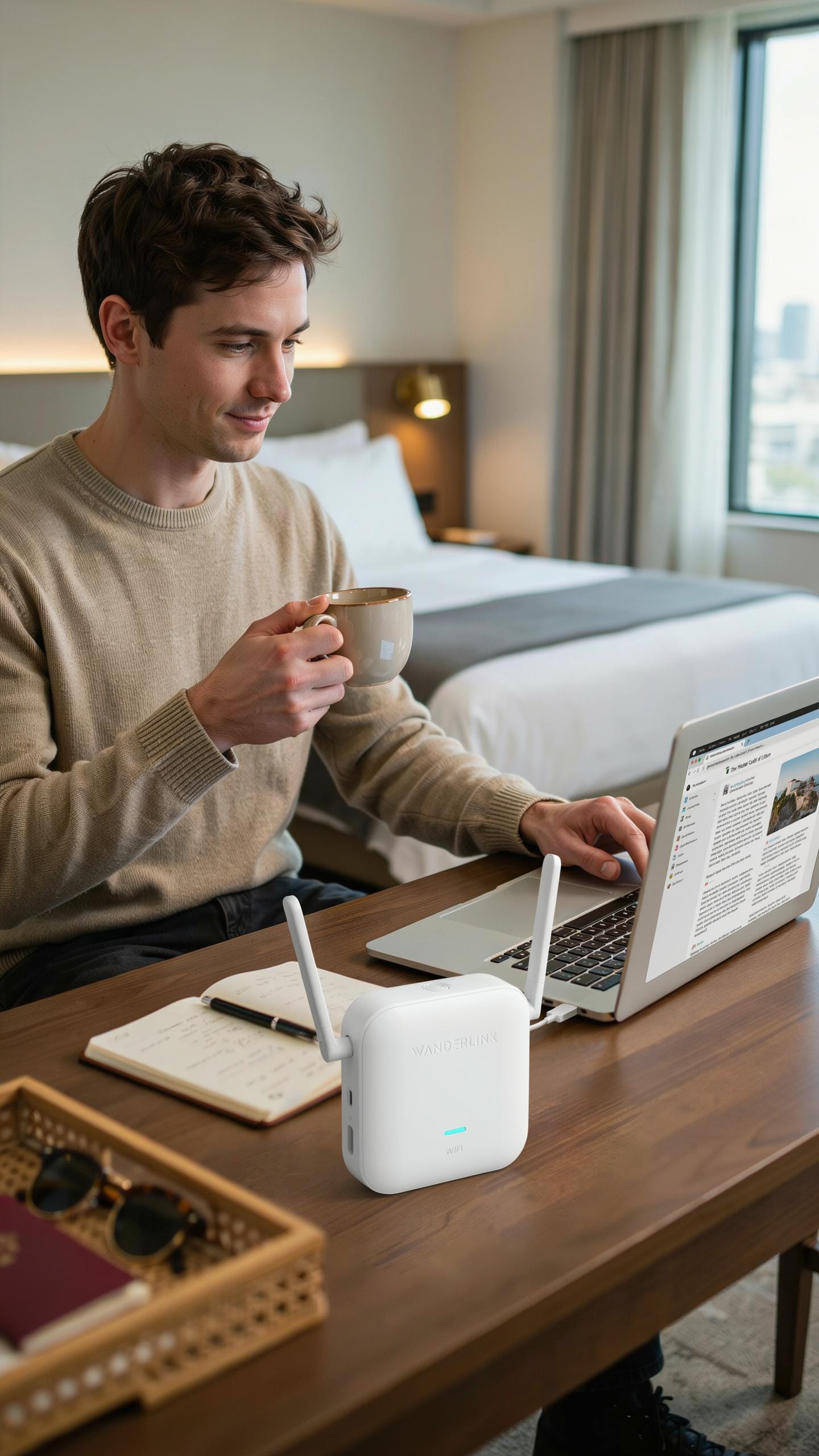
The ASUS BR6 stands out for dual band performance and compact design. It connects to hotel ethernet ports and broadcasts its own network, allowing multiple devices to share one connection. The unit weighs under one pound and operates on both 2.4GHz and 5GHz bands. Setup takes minutes through a mobile app or web interface. Real travelers report reliable performance across North America and Europe without firmware complications.
The GL.iNet MT300N V2 targets budget conscious travelers needing core functionality. This router bridges hotel wifi or wired connections and creates a personal network. It runs OpenWrt firmware, giving users access to VPN installation and ad blocking capabilities. The device measures roughly 4 by 3 inches and includes ethernet plus USB ports. Users appreciate the straightforward configuration without excessive settings menus.
Factors To Consider When Purchasing Your Router
Budget determines your starting point. Travel routers range from 30 dollars to over 200 dollars. Entry level models handle basic bridging and multiple device connections. Mid range options add dual band support and faster processors. Premium routers include advanced security features and superior range. Match spending to actual travel frequency and device count rather than chasing unnecessary features.
Assess what you actually need from a travel router before buying. Single device users benefit from basic single band models. Multiple device households require dual band routers to prevent congestion. Frequent business travelers should prioritize routers supporting VPN installation and WireGuard protocols. Check if your router supports both ethernet and wifi input modes since hotel setups vary. Physical size matters for carry on luggage constraints. Battery life is irrelevant since hotels provide power outlets. Test return policies before purchasing since compatibility varies by region and hotel network type.
Maximizing Speed Tips And Tricks For Faster Hotel Internet
Strategic Router Placement And Interference Avoidance
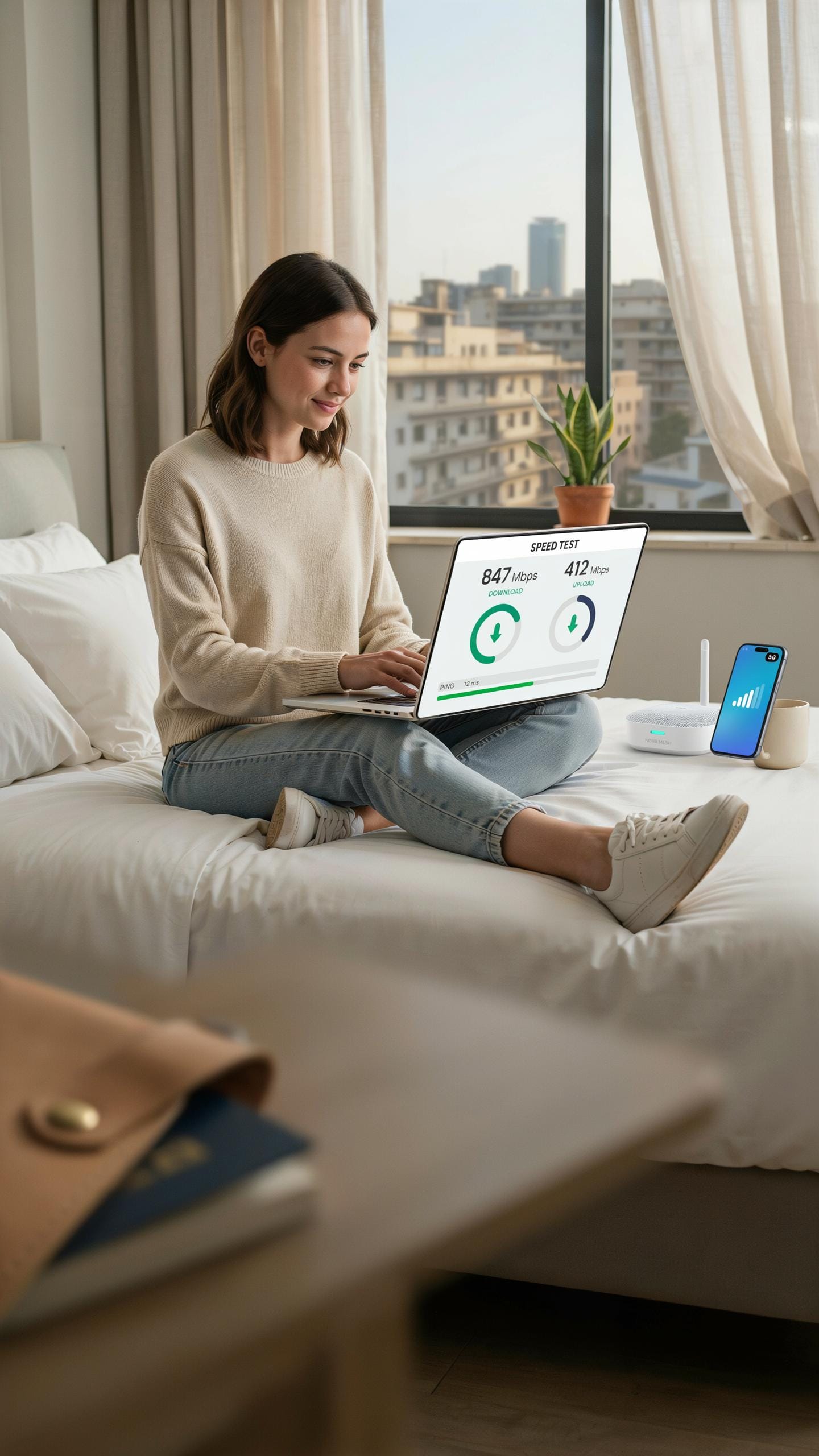
Position your travel router in the center of your room, elevated off the ground. Place it on a nightstand, desk, or shelf rather than on the floor. Distance matters. The farther your router sits from walls, metal objects, and large furniture, the better your signal reaches your devices. Avoid corners. They trap and weaken signals significantly.
Hotel environments create interference challenges. Microwaves, cordless phones, and other guests’ routers broadcast on the same 2.4GHz frequency most travel routers use. Switch to the 5GHz band if your router supports dual-band operation. This band has more available channels and less congestion. Keep your router away from the TV, refrigerator, and bathroom pipes, which all degrade signal quality.
Leveraging Ethernet Connections In Hotels
Many hotels provide ethernet ports in rooms, behind desks, or in wall panels. Connect your travel router to this wired connection directly. This bypasses the hotel’s WiFi bottleneck entirely. Wired connections eliminate the speed loss that occurs when your router must receive and retransmit the hotel’s signal simultaneously. Your devices then connect to your router’s WiFi, gaining the full bandwidth advantage.

Ethernet connections provide consistent, uninterrupted speeds because they avoid radio interference altogether. Test your hotel room’s ethernet port immediately upon arrival. If it works, you’ve unlocked faster internet than 90 percent of guests experience. Even older travel routers with basic specs will deliver noticeably faster speeds when fed a wired connection. This single tactical shift often doubles or triples your effective browsing and streaming capacity.
Maintaining Your Travel Router Longevity And Performance

Firmware Updates And Security Patches
Router manufacturers release firmware updates to patch security vulnerabilities and improve performance. These updates address exploits that hackers target in hotel networks where multiple users connect simultaneously. Check your router’s admin panel monthly for available updates. Most travel routers allow automatic updates, which you should enable before traveling.
Outdated firmware exposes your devices to man-in-the-middle attacks on public wifi networks. Hotel networks attract cybercriminals who exploit unpatched routers to intercept data. Update your router before each trip and whenever you access a new network. Security patches directly impact your ability to protect sensitive information on compromised hotel connections.
Troubleshooting Common Connectivity Issues
Restart your travel router completely when you experience dropped connections or slow speeds. Power off the device for 30 seconds, then power it back on. This clears the router’s memory and forces it to renegotiate connections with the hotel wifi. Most connectivity problems resolve after a full restart before you attempt anything else.
If issues persist after restart, log into the admin panel and check the wifi channel settings. Hotels often use congested channels that conflict with your router’s broadcast. Switch to a less crowded channel in your router settings. If the hotel network itself fails, contact the front desk and have them verify their network status and restart their equipment if needed.
Frequently Asked Questions

What exactly is a travel router and why would I need one for hotel Wi-Fi?
A travel router is a compact device that creates your own secure, private Wi-Fi network using the hotel’s existing internet connection. You need one because hotel Wi-Fi is often slow, unreliable, and less secure. A good travel router for hotel wifi can improve speeds by optimizing the signal and protect your privacy.
How do I set up and use a travel router to enhance my hotel Wi-Fi experience?
Setting up a travel router for hotel wifi is straightforward. First, plug it into power and connect it to the hotel’s Ethernet port or wirelessly to their Wi-Fi. Then, use your phone or laptop to access the router’s setup page, where you’ll configure its settings and create your personal network. Voila – faster, more reliable internet!
Are there affordable travel router options that still offer good performance for hotel Wi-Fi?
Absolutely! You don’t need to break the bank to find a quality travel router. Many excellent models are available at various price points, often under $50. Look for features like dual-band Wi-Fi and good security protocols. Even budget-friendly options can significantly improve your hotel internet experience.



