The Unseen Advantage: Why Phone Photographers Win
Equipment Weight Becomes Irrelevant
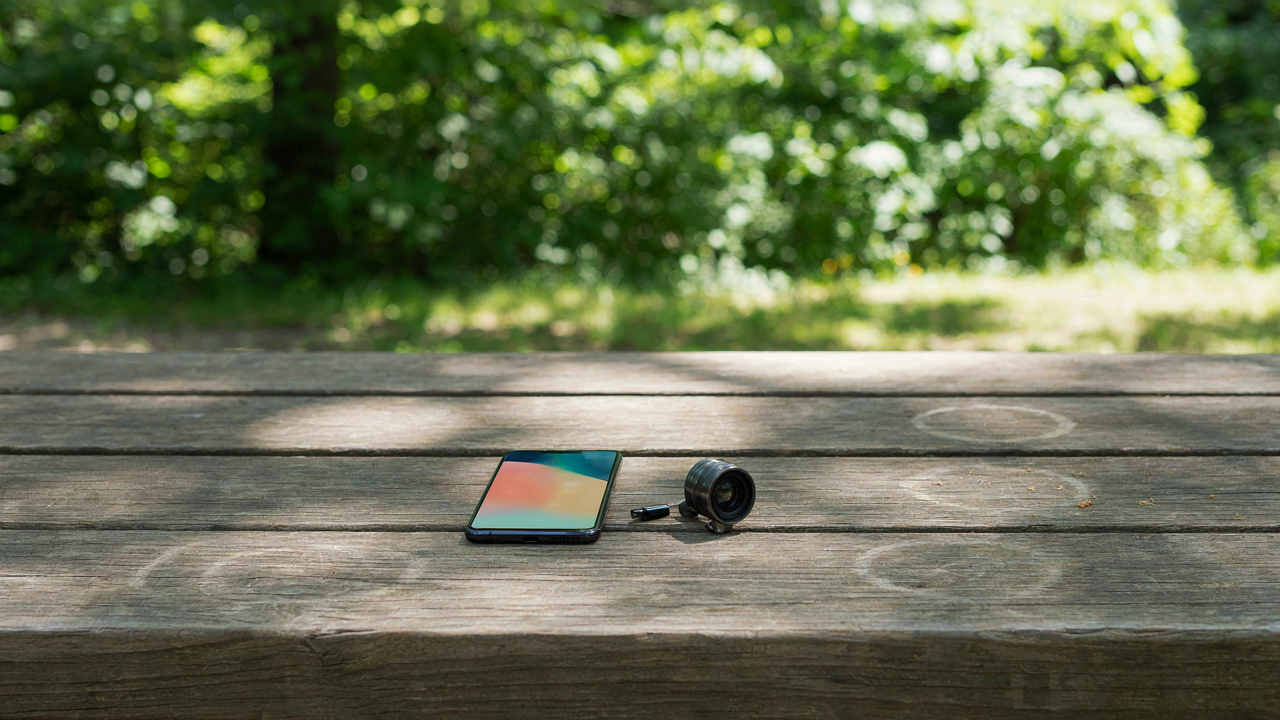
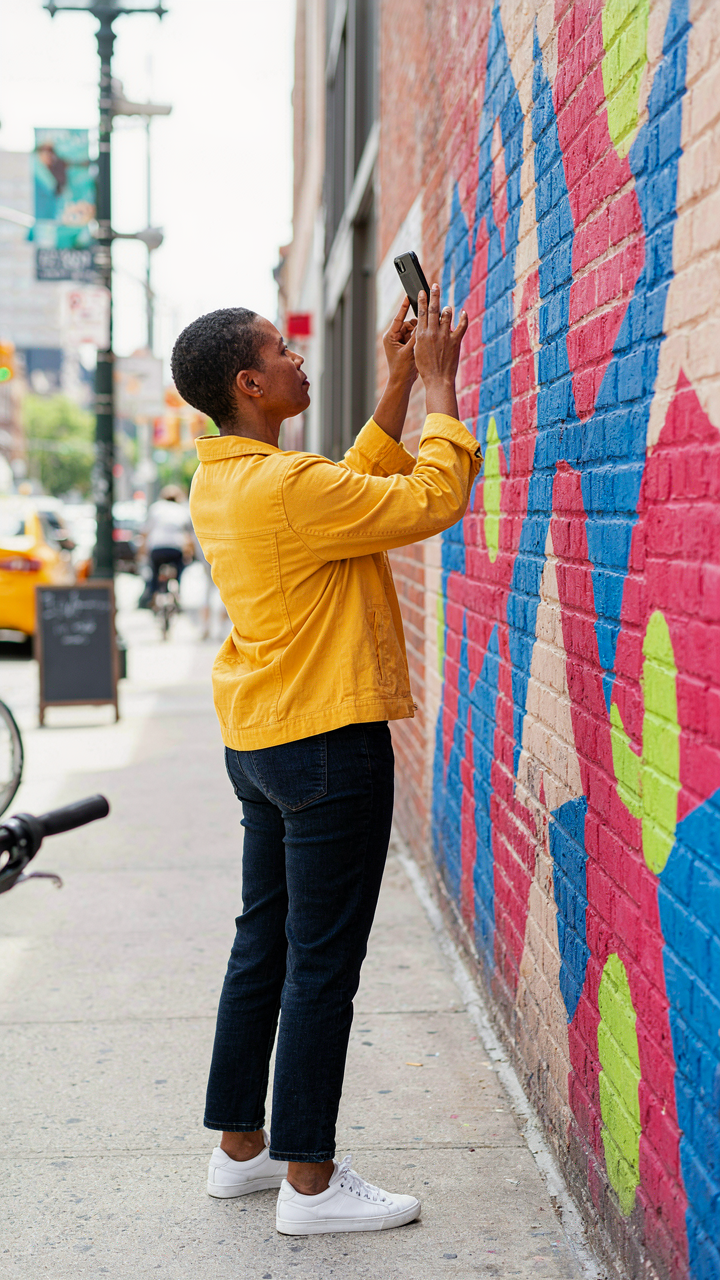
You want permission to feel legitimate without hauling a camera bag. Here’s the mechanism: physics favors mobility over everything else. A phone in your pocket is always accessible. A DSLR in a bag stays in the car. Accessibility determines shot frequency. Shot frequency determines skill development and portfolio depth. The photographer who takes 200 frames daily beats the one taking 20. Phone photography removes the friction between intention and execution.
The gear industry sells you weight as a feature. They call it “professional” and “serious.” What they mean is “harder to carry.” Modern phone sensors now capture dynamic range comparable to entry-level mirrorless cameras. You don’t need permission from expensive equipment to be a photographer. You need consistent practice. The phone removes the excuse barrier. That’s the entire advantage.
The Viral Mechanics Of Instant Distribution
Phone photographers bypass the studio-to-gallery pipeline entirely. Social proof operates on speed, not equipment specs. Economics calls this “network effects.” When you photograph and publish within minutes, your work reaches viewers before the moment dies. A DSLR photographer processes files, edits, uploads, and posts hours later. By then the conversation has moved. Phone platforms prioritize native uploads over computer-edited work anyway.
The algorithm rewards immediacy and native content. Instagram prioritizes video shot on phone over desktop uploads. TikTok favors native phone quality. YouTube Shorts favors vertical phone footage. Your phone-shot work integrates seamlessly into these systems. Post within 20 minutes of shooting to ride the initial engagement wave.
Beyond The Gimbal: Stabilization That Matters
Software Over Hardware For Stability
You want the gimbal because it looks like the answer. It’s not. The real stabilization game lives in post-processing and in-camera computation, not in motorized hardware that adds weight and drains battery life. Think of stabilization like signal processing: the cleaner your input signal, the less correction you need downstream. Software-based stabilization on modern phones captures gyroscope data during the shot, then algorithmically warps footage to remove micro-movements without losing resolution.

Apps like Adobe Premiere Rush and DaVinci Resolve apply optical flow stabilization that works better on phone footage than gimbal footage in many cases because they preserve the full sensor width. A smartphone’s computational photography engine already does this in real time as you shoot. You’re paying for gimbal weight when you already own the tool. The mechanism is straightforward: processing power has become cheaper than mechanical precision. Use it.
Tripods For Static, Not Dynamic
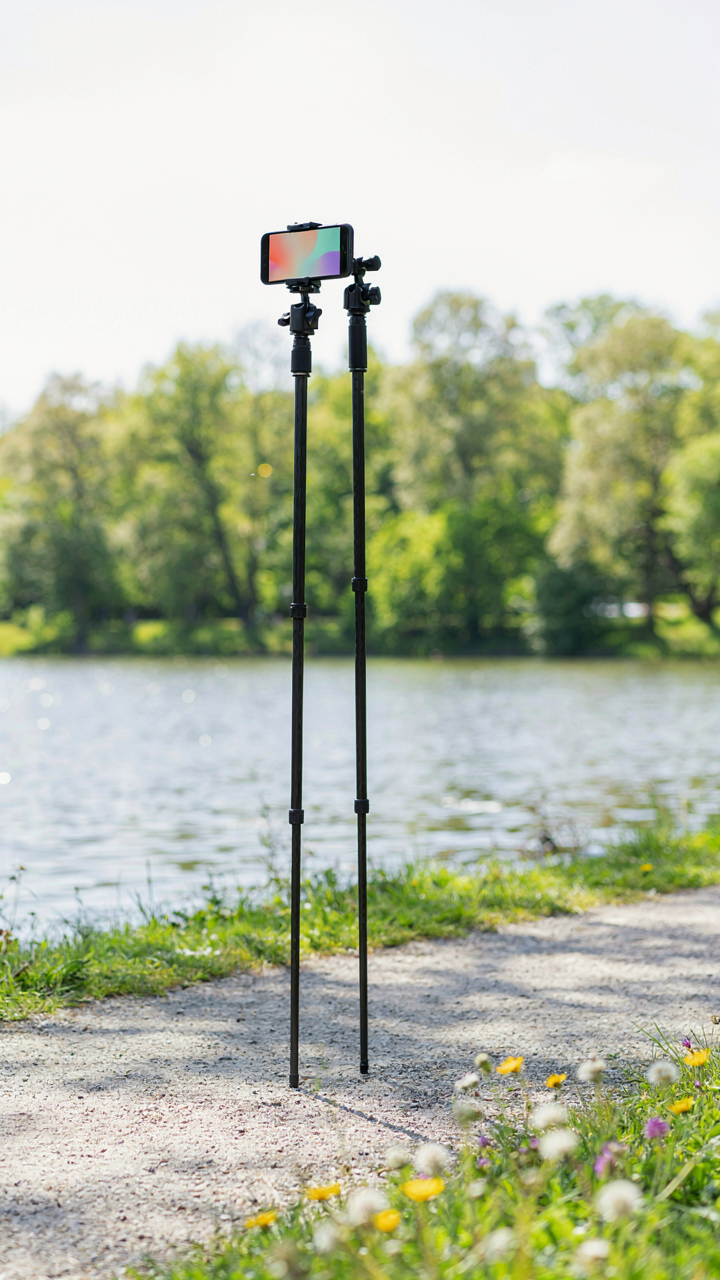
People buy tripods expecting them to solve motion problems. They solve one problem: holding a frame steady when nothing moves. The moment you want motion, a tripod becomes a liability because you’re fighting its rigidity to create intentional movement. Phone tripods serve photographers best in two scenarios: long exposures on static subjects and framing consistency for product or flat-lay work where your phone sits at a fixed angle.
The real gift here is specificity. A ball head tripod with a phone clamp works for tilting and panning only if you plan those moves before you press record. For dynamic phone photography, you need a monopod with fluid head or nothing at all. The protocol is simple: buy a tripod only if your shot has zero motion, or buy a fluid monopod if motion is part of the shot. Anything between those two boundaries wastes money and creates awkward compromises.
The Pixel Paradox: Quality Beyond Megapixels

Computational Photography Wins The Fight
You’re buying into the myth that resolution matters most, when what you actually fear is looking like you don’t know what you’re doing. Computational photography is signal processing applied to image capture—the camera’s processor runs algorithms on raw sensor data before you ever see the result. Modern phones do this in real time, stacking frames, correcting distortion, and balancing exposure across regions simultaneously. A flagship phone’s computational stack often outperforms a mediocre camera’s sensor alone.

The real gift isn’t a phone with more megapixels. It’s a phone that handles what your sensor can’t: shadow detail recovery, highlight preservation, and color accuracy without user intervention. Devices like the iPhone 15 Pro or Pixel 9 Pro process multiple exposures per shutter press, then merge them intelligently. This is why phone photos often look “correct” immediately—the computation did the heavy lifting your eye would handle in post-production on a traditional camera.
Post Production Determines The Outcome
The advice to “get the shot right in camera” is incomplete and misses the point. Raw files from phones are already post-processed by the device’s computational pipeline, but they’re still editable. What separates average phone photos from strong ones is consistent applied editing, not the capture itself. Pairing a phone with a dedicated editing app or a subscription to professional software transforms the capture from acceptable to intentional.
Gifts like Capture One Mobile, Lightroom, or even Affinity Photo create the workflow that matters. The phone captures the data. Editing software reveals what was always there. Photographers who treat phone editing as optional waste sixty percent of their tool’s potential. Install one paid editing application, apply three consistent adjustments to every image, and your phone shots will compete with photos taken on cameras ten times more expensive.
Cheap Gifts For Photographers: The Smart Accessory Protocol
The Constraint That Compounds
You want to look smart without spending money. That’s the real reason this section exists. Here’s the mechanism: constraint forces specificity. When you have a budget ceiling, you stop buying duplicates and start buying tools that solve actual friction points. Phone photographers face a specific problem most gear advice ignores—their constraint is optical, not mechanical. Phone lenses are fixed. That changes everything about what matters.

Minimalism in photography gear isn’t about aesthetics. It’s about refusing to own solutions to problems you don’t have. A phone photographer doesn’t need a second tripod. They need something that multiplies what their fixed lens can do. The gifts that work cheaply are the ones that expand capability without adding weight or complexity to a system already constrained by the phone’s limitations.
One Tool That Rewires The Workflow
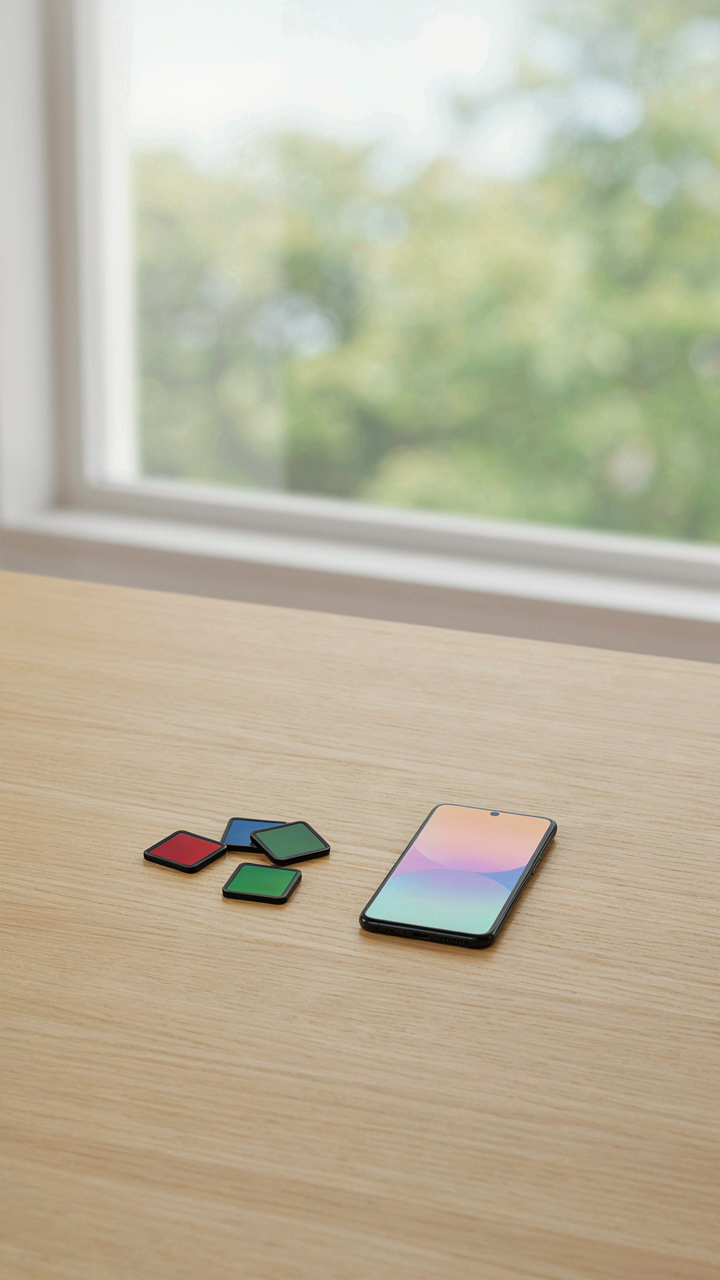
Borrowed from industrial design, the concept of “constraint satisfaction” means one object solves multiple problems simultaneously. A phone lens filter holder does this. It holds circular filters, graduated filters, and magnetic adapters on a single quick-release ring. You’re not buying five accessories. You’re buying infrastructure that lets one accessory become many.
The mistake most people make is treating phone accessories as standalone items. A basic magnetic mounting system paired with a simple ND filter kit changes how a photographer shoots. The ND filter addresses the core constraint—inability to control motion blur or depth of field in bright conditions. The magnetic quick-release means you swap filters in seconds instead of minutes. One decision multiplies across dozens of future shooting sessions.
The Data Dilemma: Storage And Speed Solutions
Where Your Files Actually Live
You’re stressed about losing shots because you haven’t decided where to keep them, and that paralysis costs you time every single day. The real mechanism is this: phone photographers generate files faster than they organize them, so the storage question isn’t about capacity—it’s about friction. Where you store determines how fast you retrieve and edit.

Cloud storage (Google Photos, Amazon Photos, iCloud) trades control for access. You upload once, sync everywhere, never think about it again. Physical storage (external SSDs, NAS devices) keeps files offline and under your roof but requires you to manually back them up and manage redundancy. Neither is objectively better. The choice depends on your workflow speed, not your preference.
Moving Files Without The Pause
Fast transfers aren’t a luxury—they’re a productivity blocker you’ve accepted as normal. Using Thunderbolt 3 or USB-C external drives with read-write speeds of 800+ MB/s eliminates the waiting phase between shooting and editing. A standard USB 3.0 drive maxes out around 400 MB/s and creates dead time that compounds across hundreds of shoots.
For phone photographers, the real bottleneck isn’t the storage device—it’s the cable and adapter chain. A USB-C to USB-C direct connection from phone to SSD cuts the middleman. Test the actual transfer speed before buying any external drive by checking manufacturer specs against independent reviews. Don’t assume all SSDs perform the same; Samsung T5 and Crucial X6 models have different sustained speeds under load.
Best Gifts For Photographers: The Light Shaping Arsenal

Portable Lighting For Any Scene
You want this gift because you’re tired of waiting for the golden hour or blaming bad light for mediocre shots. Here’s the mechanism: light is a tool you control, not a condition you endure. A portable light source eliminates the excuse and forces you to learn how light actually works on a phone camera sensor.

Phone cameras struggle in low contrast environments because their sensors are small and their dynamic range is limited. A small LED panel or flash modifier doesn’t solve physics, but it does add directional light where none existed. You’re not replacing studio equipment, you’re purchasing the ability to work anywhere without becoming a slave to time of day. Mount it, dial the color temperature to match ambient light, and you’ve already separated your work from the amateur scrolling through Instagram filters.
Reflectors And Diffusers: Physics Of Light
Everyone says “get a reflector.” Nobody explains why. Light behaves according to the law of reflection, the same principle that governs radar and sonar: the angle of incidence equals the angle of reflection. A reflector isn’t décor, it’s a tactical tool that redirects existing light onto your subject with predictable geometry.
Diffusers work through subtraction, not addition. They scatter light across a wider area, which reduces contrast and fills shadows without adding equipment. On a phone, this matters because you’re already working with limited light gathering. A 5-in-1 reflector kit gives you white bounce, silver bounce, gold bounce, black absorption, and a diffusion panel. The gold shifts warmth, the silver pushes intensity, the black creates depth through shadow. Choose the tool based on what the scene is missing, not what sounds professional. The protocol is simple: identify where light is coming from, decide if you need to bounce it, scatter it, or block it, then position accordingly.
Beyond Basic Editing: Powering Your Workflow

Mobile Editing Apps With Pro Level Features
You want to believe your phone shots deserve desktop-grade tools without the desktop hassle. That’s not laziness—it’s signal detection. In information theory terms, you’re compressing workflow into the constraint that matters: editing where the image lives. Most mobile editing apps are cosmetic filters dressed up as software. The ones worth gifting do one thing correctly: they give you the same parametric controls—curves, HSL, local adjustments, masking—that desktop software offers, just reorganized for touch instead of mouse. Lightroom Mobile and Capture One Mobile both maintain the editing architecture that matters. You’re not choosing between “mobile” and “desktop” quality anymore. You’re choosing whether the interface matches your actual shooting context.

The mechanism that separates working tools from toys is layer independence and non-destructive editing. A photographer working from phone shots needs to adjust one element without degrading others. Apps like Affinity Photo on iOS handle this correctly—you build edits as adjustable stacks, not flattened results. The speed gain here is real. You process images the moment light conditions matter to your memory of the shot. The friction of moving files to a computer, editing there, then syncing back kills momentum and decision quality. Gift the software that treats your phone as a primary editing station, not a holding pen.
Tablet Integration For Advanced Control
Editing on a seven-inch screen is worse than editing on a phone because you’ve now committed to portability without gaining usable space. A tablet changes the equation by giving you screen real estate that approaches actual editing comfort. The ergonomic shift—from thumb-based touch to stylus-based precision—mirrors the jump from phone photography to intentional framing. Larger screens reveal editing mistakes phone screens hide. You see chromatic aberration, banding, and noise patterns that stay invisible at smaller scales. An iPad or high-end Android tablet paired with desktop editing software like Procreate Dreams or desktop-class apps accessed via remote desktop transforms phone-shot workflow from emergency measure into viable production method.
The real advantage sits in cursor precision and layer manipulation. When you’re masking adjustments or making selective color changes, a stylus gives you accuracy a finger can’t match. This matters because phone sensors—even in flagship models—produce images that need more selective editing, not less. Noise reduction, shadow recovery, and highlight control all benefit from precise brush work. Pair a tablet with a stylus in the 9-12 inch range and you’ve eliminated the edit quality gap between desktop and mobile. The person shooting with their phone now edits with the same technical capability as someone working from a dedicated camera. That’s the actual win you’re gifting.
Creative Usb Drives: Sharing Your Vision
When Digital Becomes Tangible
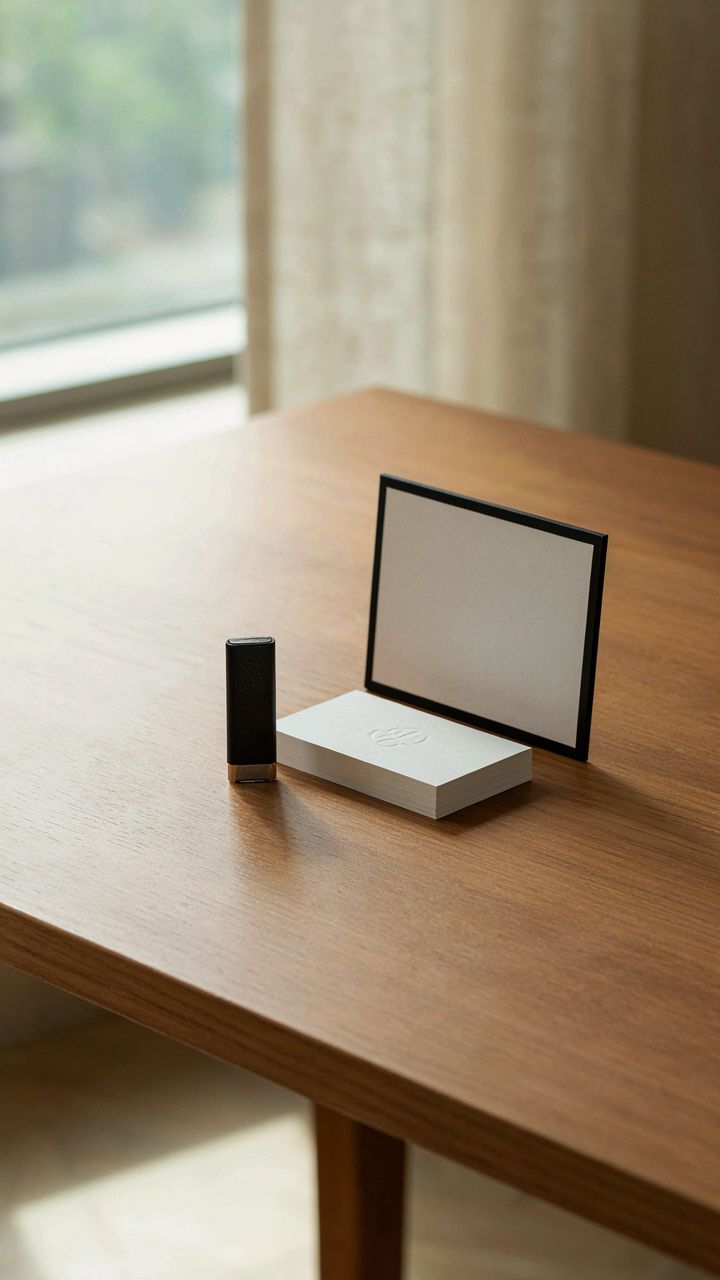
You want something that proves you create. That’s the real reason USB drives matter to photographers. Not convenience—status through physicality. The mechanism is simple: a drive loaded with your work becomes a portable gallery, a handshake that leaves something behind. Recipients hold your vision in their hand. This transforms abstract digital files into a keepsake that sits on desks, gets passed around, and survives longer than an email.

Custom USB drives designed for photographers blur the line between tool and artifact. Drives shaped like cameras, finished in matte black aluminum, or branded with your mark function as calling cards. The storage capacity you choose signals intent. A 64GB drive tells clients you have depth; a 16GB looks thin. Physical weight and build quality matter because people judge the work by judging the vessel.
Locked Access And Staged Delivery
The common advice treats file sharing as pure logistics. It’s not. Sharing is a gate-keeping mechanism, and photographers who understand this control narrative. Encrypted USB drives let you restrict access to specific files, revoke permissions, or password-protect galleries so only intended viewers see them. This prevents casual forwarding and keeps your work in your domain.
For client delivery, tiered access changes everything. You stage which images appear first, control viewing order, and decide what metadata travels with the files. Some drives pair with companion software that watermarks or disables screenshots during preview. This isn’t paranoia—it’s workflow design. Load your edited selects onto a branded drive, hand it to the client, and you’ve closed the loop between capture and decision without relying on cloud platforms or email chains.
The Unsung Heroes: Power And Protection

Battery Solutions That Actually Last
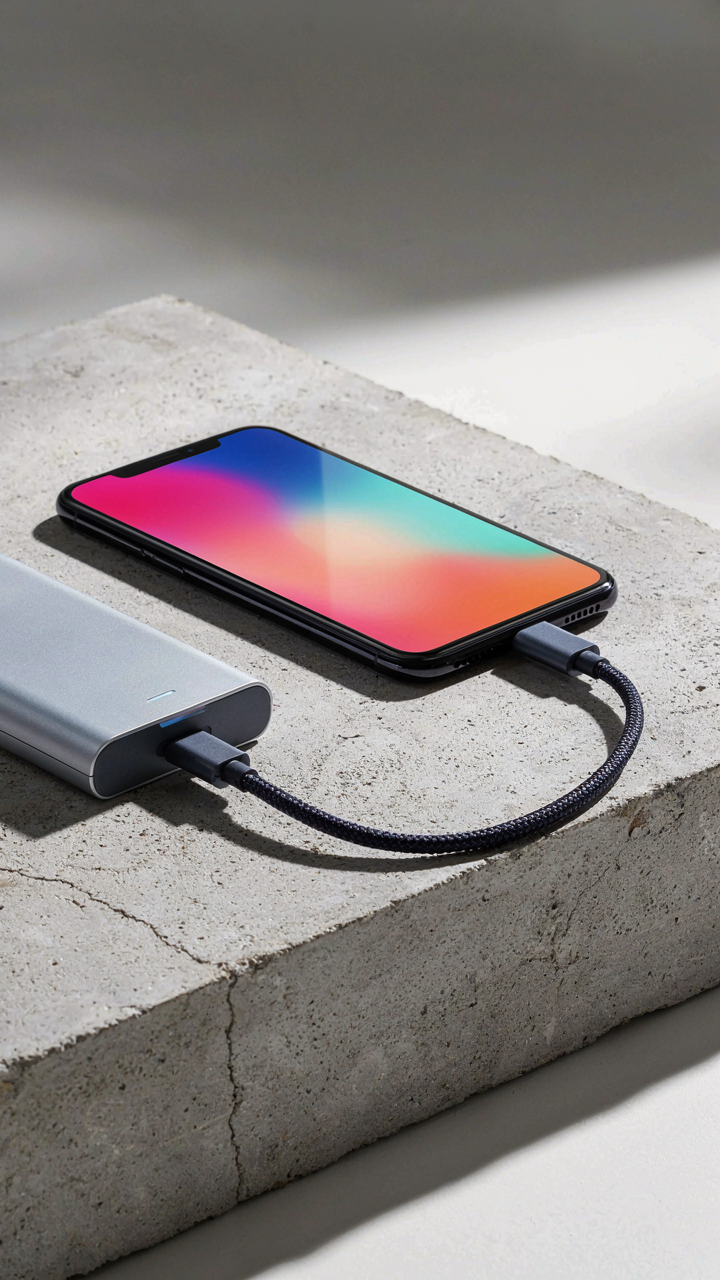
You want the reassurance that your phone won’t die mid-shoot, but what you’re really buying is permission to stop thinking about power management. The mechanism is simple: extended battery life removes a decision point during creation. Borrow from electrical engineering here, the concept of “load balancing”—distributing demand across multiple power sources instead of draining one reserve. Your phone’s internal battery has a fixed capacity. An external power system shifts that load elsewhere, extending your operational window without degrading your device.
- Anker PowerCore 26800 mAh: High-capacity bank with fast charging support. Recharges most phones five to seven times. USB-C and USB-A outputs handle multiple devices simultaneously. Weight stays reasonable for field work.
- Nitecore NB10000 Gen 2: Built for outdoor use with rugged construction. Charges via USB-C. Output stable enough for power-hungry editing apps on older phones. Under one pound.
- Peak Design Outdoor Charger: Solar charging panel paired with battery integration. Works as backup when grid access vanishes. Slower than wall power but removes dependency on infrastructure.
- Ugreen Nexode 140W: Desktop charger that handles phone, tablet, and camera simultaneously. Eliminates the choice between what to charge first. Single cable consolidation reduces kit bloat.
- Mophie Powerstation Plus: Wired charging capability built directly into battery housing. No separate cables required. Fits jacket pocket. Higher price point justified by reduced decision fatigue on location.

Real talk: buying a battery bank doesn’t solve poor power discipline. You’ll still drain it if you leave location scouting apps running or enable GPS tracking during long shoots. The actual mechanism is this—a quality external battery gives you three to four extra hours of shooting time before you hit zero. That’s the window where a session that was ending becomes profitable again. Pick a bank that outputs at least 18W and supports fast charging. Test it with your specific phone model before deploying it on assignment.
Cases Built For Impact
Every photographer knows dropping your phone once is inevitable. Most photographers ignore this truth until it happens, then blame the phone. The real issue isn’t fragility—it’s that standard cases optimize for thinness and aesthetics rather than actual impact protection. A rugged case trades form for function, and that trade only makes sense if you actually work in rough environments.
Protective cases come in two design camps: absorption-based (rubber and foam that distribute impact energy) and rigid-frame designs (hard shells that deflect rather than absorb). Neither is inherently superior. Absorption cases like OtterBox feel overbuilt and add thickness that kills pocket carry. Rigid-frame cases like those from UAG provide drop protection without doubling your phone’s size, but they won’t save you from direct lens-mount impacts. Choose your case based on your specific failure modes. If you shoot in rain and dust, prioritize sealed construction over drop height. If you work on scaffolding or around machinery, a rigid frame with beveled edges prevents corner failures. If you shoot in controlled studio environments, a thinner case solves the real problem—avoiding scratches during cable management and light stand setup.
The mechanism here is specificity. A case optimized for “everything” protects nothing well. Mount your phone in a shoulder rig during field work, and a thin case with mild grip material outperforms a rugged case that creates vibration. Shoot on set, and a slim leather case prevents dust accumulation and presents professionally. Define the single biggest threat to your phone during actual work, then select a case that engineers against that specific threat. Skip the false security of overspecified protection.
Gifts For Photographers: Investment In Skill, Not Gear

Online Courses And Workshops
You want to buy something that proves you’re serious about photography without actually having to prove it through work. That’s the real draw here. The mechanism is simple: skill compounds faster than gear depreciates, but nobody talks about it because selling courses doesn’t fund camera companies. A photographer with solid fundamentals and a phone camera outperforms someone with a mirrorless body and no training. Courses teach you to see light, composition, and editing workflows that apply across every device you’ll own.
Workshop formats vary wildly in delivery and ROI. Look for instructors who shoot commercially and publish their work regularly, not just teach. Live workshops create accountability through peers and real-time feedback. Self-paced courses work only if you’ve already built the discipline to finish them. The gift matters less than whether the photographer will actually complete it. Assign completion as part of the gift if you’re serious.
Premium Software And Editing Subscriptions
Subscription services are where phone photographers actually level up their output. Adobe Lightroom and Capture One both process RAW files from phone cameras captured through dedicated apps, but most photographers don’t know this exists. The real edge isn’t the camera, it’s the post-processing pipeline that makes phone shots competitive with dedicated devices. A subscription to editing software is a gift that improves every single image they take going forward, whereas a new lens sits unused half the time.
The cost compounds over years, which is why this feels less tangible than buying an object. But that’s exactly why it works as a gift. You’re funding their workflow, not their gear acquisition habit. Pick one service based on their phone type and shooting style, then cover three to six months upfront. They’ll either renew it themselves or realize they don’t need it, both outcomes being useful information about their actual commitment level.
The Illusion Of Inadequacy: Your Real Obstacle Is Not Your Gear, But Your Mind
Every photographer blames their phone. They say the sensor sucks. The app feels clunky. The lighting is wrong. But the real bottleneck sits between their ears. You don’t need another tool. You need to shoot something today that scares you. Pick one phone photography technique from this list and execute it before sunset. The gear doesn’t improve your work. Shipping does.