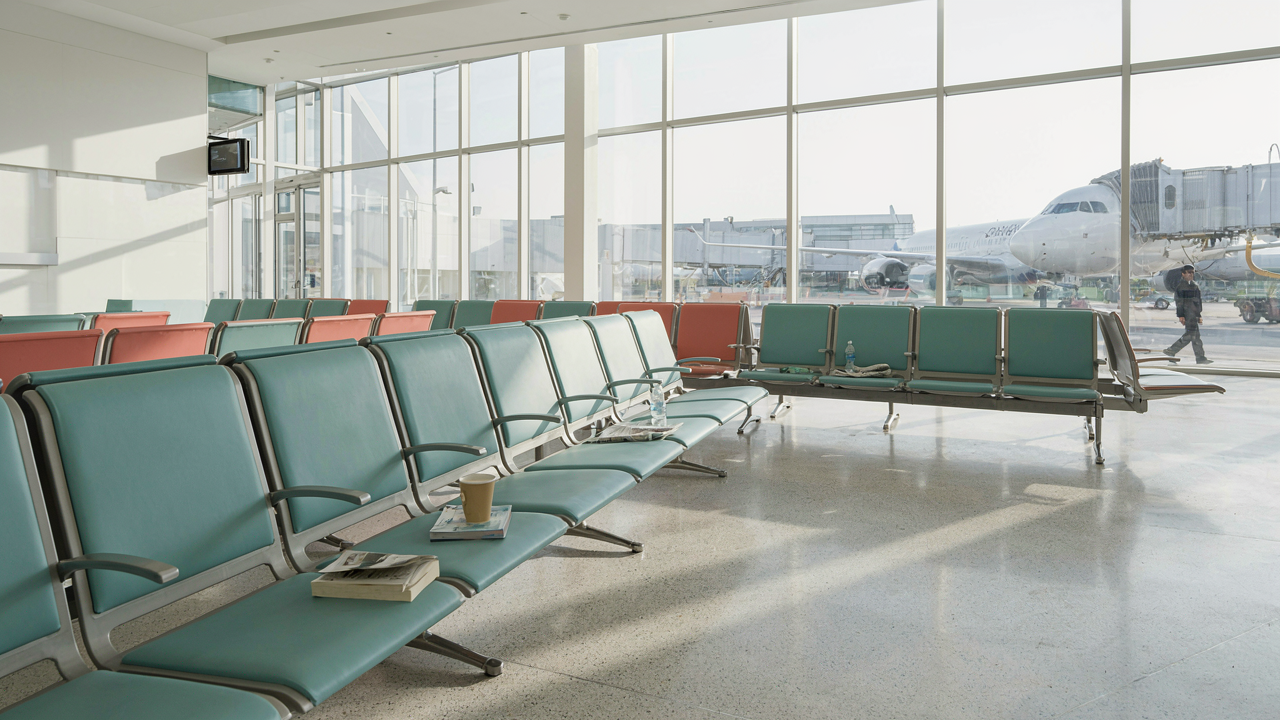
The “Always Charging” Myth: Why Your Portable Charger Fails You
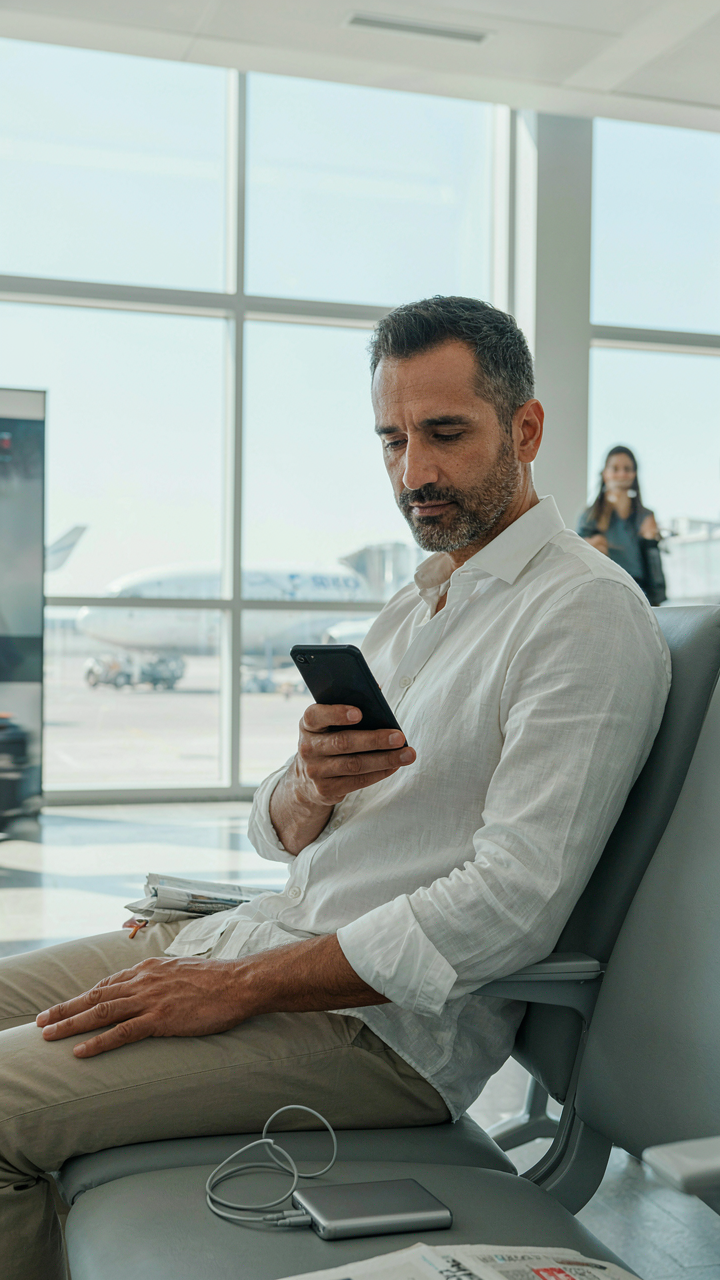
The Portable Power Bank As A Crutch
You want the security blanket. That’s what this is really about. A power bank in your bag feels like control, but it’s actually a permission slip to ignore the real problem: you haven’t designed your phone’s energy consumption for the duration of your trip. Most travelers treat power banks as insurance against poor planning instead of a last-resort tool. The mechanism is simple. Every device has a finite battery capacity. A portable charger doesn’t change your phone’s drain rate—it just delays the moment you hit zero. If you’re relying on it for a gate-to-gate flight, you’ve already lost the game.
The honest truth: power banks degrade faster than your phone’s battery. They lose capacity with every charge cycle, they add weight to your carry-on, and they create a false sense of preparedness. You stop asking the harder question: why does my phone die before I land? Instead, you buy a bigger charger and call it solved. This breeds dependency. The real move is to treat a power bank as a backup for emergencies, not your primary strategy. That means your phone’s native battery must survive your actual travel day without it.
Pre Emptive Charging Vs Reactive Panic
The economics of battery depletion rewards one behavior over another. Pre-emptive charging means you arrive at the airport with 100 percent and you protect it. Reactive panic means you hit 20 percent, your cortisol spikes, and you sprint to a charging kiosk. One is a protocol. One is a crisis. Most travelers do reactive panic because they don’t track their battery state during the hours before boarding. They get to the gate and discover they have 15 minutes to solve a problem that started three hours earlier.
Here’s the actual mechanism: a phone at 80 percent can run at lower power modes and survive most travel scenarios. A phone at 40 percent is in triage. The gap between 80 and 40 is where your decisions matter most. Before you leave home, charge to 100 and enable low power mode immediately—not when the battery hits 20 percent. Keep your phone in airplane mode from the moment you enter the airport. Disable location services, background app refresh, and push notifications. The protocol is: full charge plus aggressive power settings before you move, not reactive fixes when you’re already depleted.
The Minimalist’s “Travel Tech” Protocol: Less Is More Power

Kill Background Apps Before You Leave
You want to feel prepared without actually doing the work. Here’s the mechanism: apps running in the background drain your battery whether you use them or not because they refresh data, check notifications, and sync files on a timer you didn’t set. Think of your phone’s power budget like a military supply line—every active connection is a soldier consuming rations whether they’re in combat or sitting idle.

Open your settings and disable background app refresh for everything except messaging, maps, and email. Most social apps, news readers, and weather apps refresh every few minutes even when closed. On iOS, go to Settings > General > Background App Refresh. On Android, go to Settings > Battery > Battery Usage. Turn off what you don’t need active during travel. Your battery will last hours longer because you stopped paying for phantom activity.
Turn Notifications Into Silent Mode
The advice to “silence your phone” misses the real drain. Notifications trigger your screen to light up, push the CPU awake, and activate wireless radios multiple times per hour. Every notification is a small power spike. Silencing stops the vibration—but enabling Do Not Disturb actually blocks the system processes that wake your device.
Enable Do Not Disturb before boarding and lock it until you land. On iOS, swipe down and hold the Do Not Disturb icon. On Android, swipe down twice and tap Do Not Disturb. Set it to expire at your arrival time. This prevents emails, messages, and app alerts from waking your display and radio stack. The difference between muted notifications and blocked notifications is the difference between 30% battery at arrival and 60%.
Beyond “Low Power Mode”: Advanced Phone Charging Tactics

Airplane Mode As A Digital Detox Strategy
You want airplane mode to feel like a choice, not a sacrifice. The real mechanism: your phone burns battery searching for signals it cannot find. When you land, your phone immediately hunts for towers, networks, and connections. That search costs power before you even open an app.

Airplane mode stops the hunt. Your phone stops pinging cell towers, WiFi networks, and Bluetooth devices every few seconds. The battery drain from signal searching is often invisible until you need it most. Enable airplane mode before takeoff, not after boarding. You gain four to six hours of standby time on most modern phones just by eliminating background network scanning.
Screen Brightness And Display Settings
Screen brightness is not a cosmetic preference—it’s the largest single drain on your battery after the processor. Turning brightness down to thirty percent does nothing if your display type wastes power regardless of content shown.
Most phones default to adaptive brightness, which increases output in bright environments. On a plane, the cabin lighting is inconsistent, and your phone constantly recalibrates. Disable adaptive brightness and set manual brightness to twenty to thirty percent. Switch your display to dark mode if available. OLED screens consume less power displaying black pixels. LCD screens benefit less from dark mode but still save battery. Lower your screen refresh rate from 120Hz to 60Hz if the option exists—fewer refreshes per second equals direct power savings. Close the battery drain before it starts draining.
The “Battery Life” Fallacy: Understanding Your Device’s Real Consumption
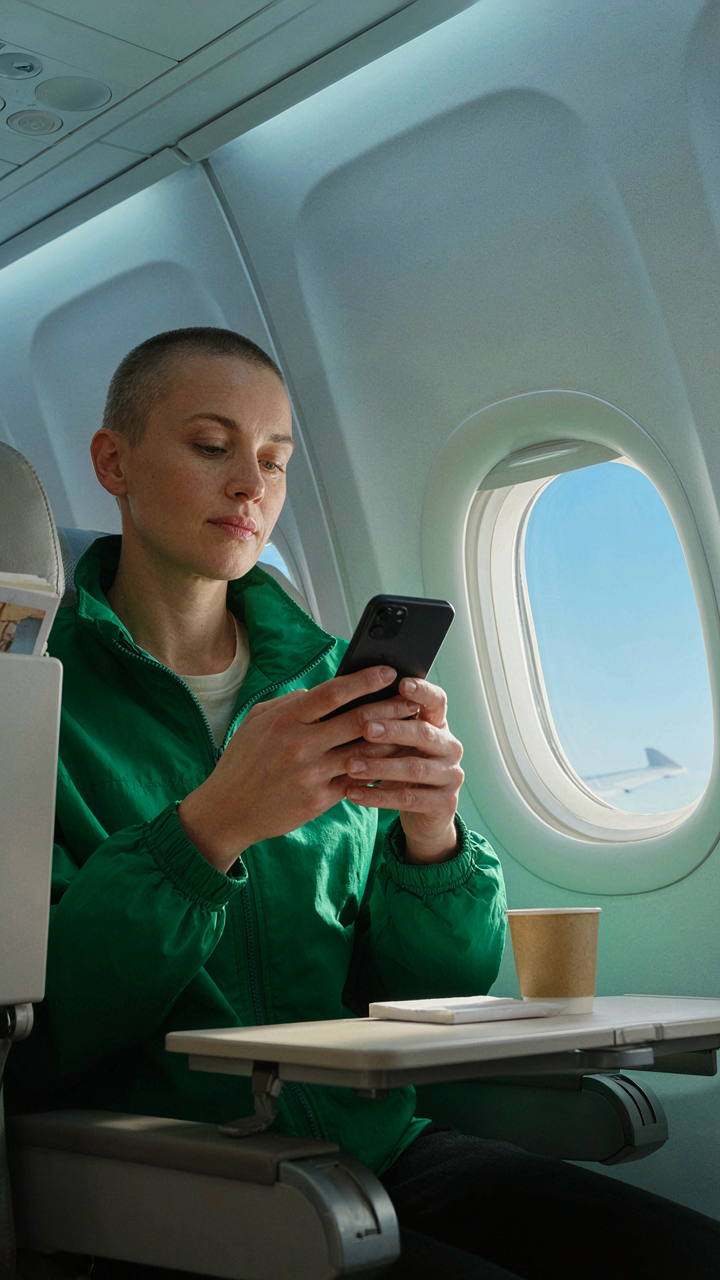
Cellular Search Vs Wi Fi Efficiency
You want to believe switching to Wi-Fi saves battery because it feels like you’re taking control. The truth is uglier: your phone burns more power hunting for cellular signal than transmitting over it. This is basic radio physics—your device treats weak signal like a failing negotiation, constantly renegotiating the connection and draining the modem in the process. On a plane or in an airport dead zone, your phone doesn’t give up. It keeps searching.

Wi-Fi does save battery in a static environment where the signal is strong and stable. But airport Wi-Fi is fragmented, requiring your phone to jump between networks or maintain a weak connection. The radio spends energy authenticating, re-authenticating, and dropping back to cellular when the connection fails. Airplane mode solves this by cutting all radio searches entirely. If you need connectivity during travel, accept that you’re paying a battery cost either way—and choose the option that requires the least constant negotiation.
Location Services The Actual Cost
Location services drain battery not because GPS is on, but because your apps won’t stop asking where you are. Your phone runs location queries in the background constantly—weather apps, maps pre-loading routes, social media checking your position. The mechanism is constant: query fired, radio activated, response received, query fired again. Turning off location services entirely saves more battery than any other single setting on travel day.
The compromise most people attempt, “location services for navigation only,” fails because iOS and Android don’t compartmentalize this neatly. Background apps still request location data even when you think you’ve locked it down. On travel day, disable location services completely until you land. You don’t need weather updates or social check-ins at 35,000 feet. Disable location services entirely before departure, re-enable it only for active navigation, then disable it again the moment you reach your destination.
The Power Grid Prepper: Gate To Gate Portable Power Mastery
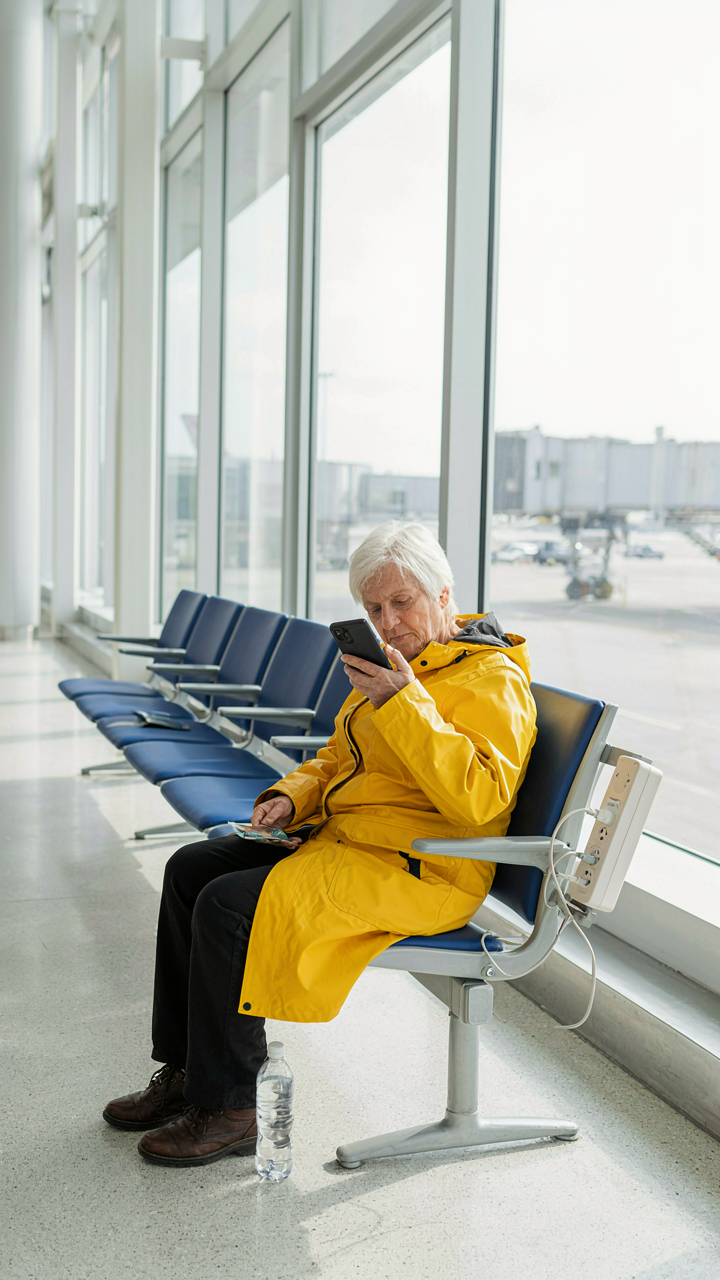
Maximize Airport Layovers For Charging
You want to look like someone who has it figured out, not someone desperately hunting for an outlet at gate C47. The real mechanism: airports operate like a retail grid where foot traffic determines outlet placement. High-traffic zones near food courts and bathrooms have fewer outlets because vendors own the real estate. Low-traffic zones near gates have the surplus capacity nobody thinks to use.

Most travelers charge in the wrong location and fail to plan for the next leg. Arrive at your layover destination and immediately walk the gate area before sitting down. Scout for outlets near less popular gates on your terminal map. Plug in while you eat or read instead of waiting until your phone drops to 20 percent. This single shift in timing gives you a full charge buffer before boarding.
Power Strip Etiquette And Utility
People treat shared outlets like parking spots: first come, first served, then resentment. That’s wrong. Airports allow power strips because they solve a scarcity problem for everyone, not because they’re a personal advantage tool. Bring a compact four-outlet power strip if you travel monthly or more. The utility isn’t hoarding outlets, it’s converting one outlet into four and freeing up space for other travelers.
Here’s the protocol: arrive early, place your strip in an unobstructed location, plug in your device, then stand or sit nearby. Remove your charger the moment you reach full battery. This takes fifteen minutes maximum and respects the shared resource. Never leave a device charging unattended at an outlet or power strip, and never plug in a strip to another strip. One outlet, one power strip, one user per outlet inside it. That’s the rule that keeps airports from banning the practice entirely.
The “Travel Essentials” You Actually Need: Not What You Think

Power Delivery Wall Chargers Over Everything
You’re buying the wrong charger because you think speed looks impressive. The real mechanism is thermodynamic efficiency: a high-wattage Power Delivery charger converts electrical current to device power with minimal heat loss, meaning faster charging with less battery degradation. That’s not marketing. That’s physics.

Here’s what matters on travel day:
- 65W+ USB-C Power Delivery: Charges most phones to 50% in 30 minutes or less. Covers phones, tablets, and laptops from one device. Future-proof across multiple devices you’ll own.
- GaN technology: Gallium nitride chips generate less heat than silicon alternatives. Smaller form factor, lighter to pack, cooler charger means safer hotel outlet use without fire risk.
- Multi-port configuration: Two or three USB-C ports let you charge phone, earbuds, and backup battery simultaneously. One charger replaces three. Eliminates the “which device dies first” calculus.
- Certified compliance: Look for USB Implementers Forum certification or equivalent. Protects against voltage spikes at foreign outlets and prevents device damage from cheap knockoffs.
- Compact footprint under 4 ounces: Weight matters on day travels. A charger under 120 grams fits in any pocket or carry-on without displacing essentials.
The charger sits in your gate area outlet or hotel room. It’s not your phone’s problem anymore. You charge to 80% at a gate, then strategically use battery mode for the flight. That’s the trade-off that actually works.
Duplicate Cables In Your Bag And Carry On
Everyone says “bring a backup cable.” That’s lazy thinking. The real problem is cable failure happens at the connector, not the wire. A bent Lightning or USB-C port fails mid-travel with no recovery option. You don’t need backup cables scattered everywhere. You need redundancy by location.
Keep one cable in your checked luggage rolled around a pen to prevent kinking. Keep a second cable in your carry-on’s front pocket, accessible without unpacking. A third cable stays in your hotel room the moment you arrive. This isn’t paranoia. This is acknowledging that cables fail, airports don’t stock the right connectors, and your phone doesn’t work without one. You don’t solve for convenience. You solve for zero failure points on travel day.
The Thermodynamics Of Phone Battery Longevity
Heat Management Is Where Battery Life Actually Dies
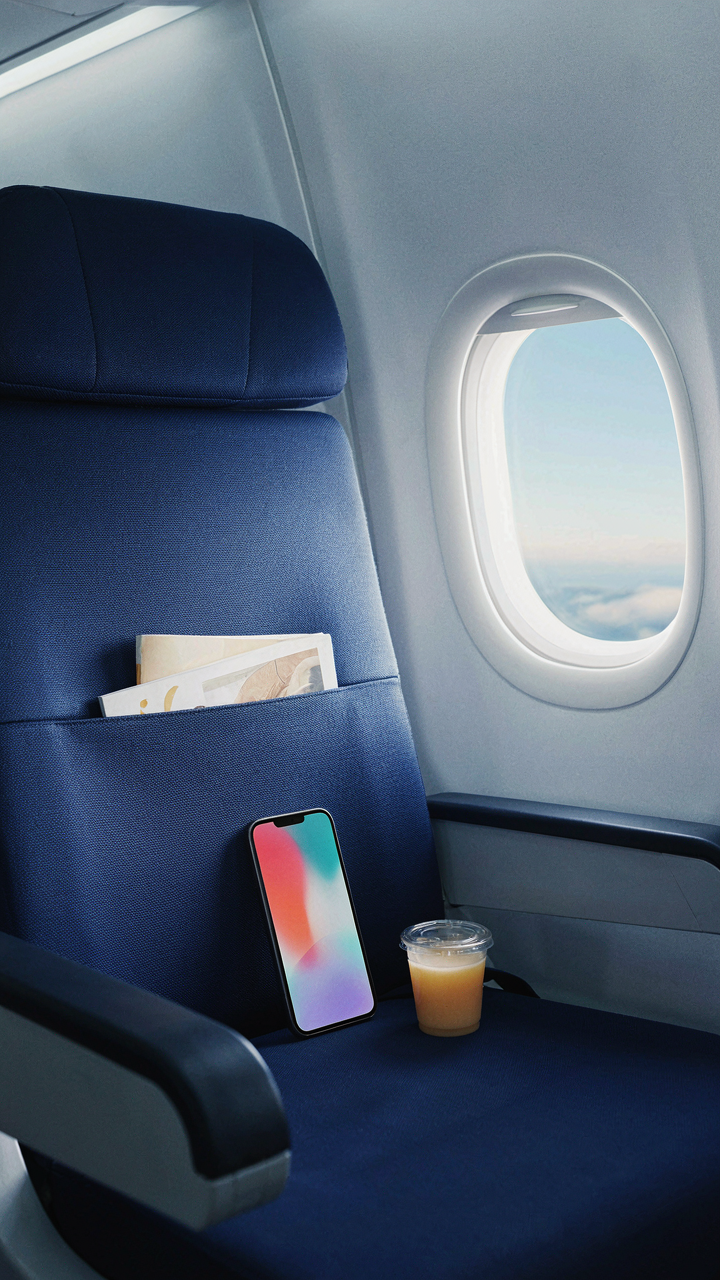
You want your phone to survive the gate because dying mid-flight feels like a personal failure. The real mechanism: lithium-ion batteries degrade exponentially when exposed to heat, not gradually. Physics tells us that chemical reaction rates double for every 10-degree Celsius increase. Your battery isn’t a storage tank. It’s an ongoing chemical process that accelerates in warm conditions.

Airport terminals, airplane cabins, and direct sunlight create the exact environment that kills battery longevity. A phone sitting in a hot seat pocket loses capacity permanently with each degree climbed. The damage compounds invisibly until you’re sitting on the tarmac with 10 percent charge remaining. Manage temperature first, charge management second. Keep your phone off your skin, out of pockets, and away from any heat source during travel.
Charging Cycles Matter Less Than Depth Of Discharge
The common advice here is wrong: you don’t need to baby your battery with shallow charges on travel day. Lithium-ion biology operates differently than the nickel-cadmium batteries everyone learned about in the 1990s. One full discharge cycle stresses the battery. Twenty shallow charges stress it identically. The real factor is how depleted you let the battery go before recharging.
Discharging below 20 percent triggers chemical stress that reduces future capacity. Discharging below 5 percent triggers exponential degradation. On travel day, your protocol is simple: charge to 80 percent before boarding, then plug in again the moment you reach 40 percent. Never let it drop below 20 percent. This keeps your battery in its optimal operating window and preserves future longevity while keeping you functional through the journey.
The “Tech Gadgets” Deception: When Accessories Drain More Than They Charge
Wireless Charging Inefficiencies
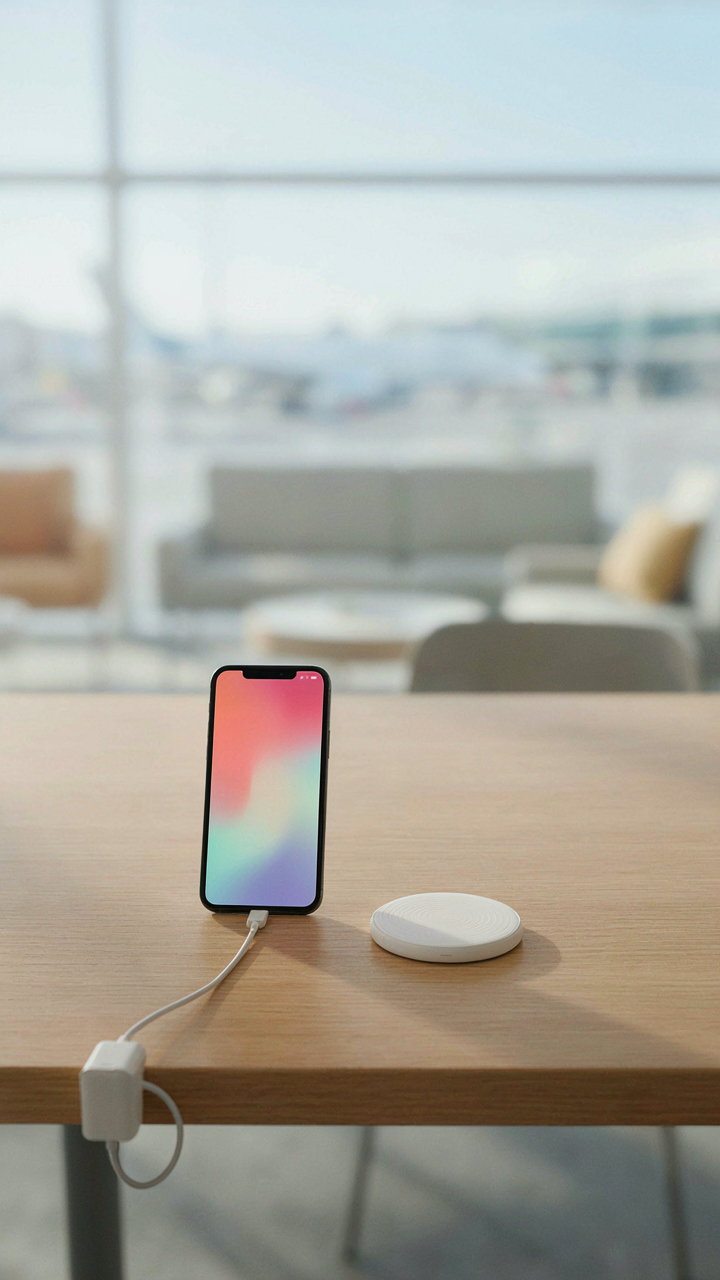
You want to believe the airport kiosk with the wireless pad will solve your problem without the friction of cables. Here’s what actually happens: wireless charging operates on electromagnetic induction, the same physics principle that powers transformers, and like all energy transfer systems, it bleeds efficiency at every step. A wired connection transfers power at 85 to 90 percent efficiency. Wireless chargers operate at 60 to 75 percent efficiency. That gap isn’t theoretical—it’s heat radiating from your phone while the charger works harder than it needs to.

The common advice says wireless is “convenient.” True. The mechanism says wireless is deliberately lossy. On a travel day, you don’t need convenient. You need the fastest possible charge in the smallest time window. A standard USB-C cable from a legitimate charger recovers 15 to 30 minutes of battery life in the time a wireless pad recovers 8 to 12. Use wired charging at the gate. Wireless pads belong in hotel rooms where time is unlimited.
Smartwatch And Headphone Power Draw
Your phone doesn’t charge in isolation on travel day—it charges while synced to devices that ping it constantly. A smartwatch connected via Bluetooth drains your phone’s battery at 8 to 12 percent per hour of active use, even while the watch itself is charging. Wireless earbuds do the same. The phone becomes a relay station, broadcasting signal, maintaining connection, and managing power distribution to multiple devices simultaneously.
The mistake travelers make is assuming they need these devices on during flight. You don’t. Power them down completely before boarding. Your phone’s battery lasts 40 to 50 percent longer without Bluetooth active. Disconnect from smartwatches and headphones the moment you leave the ground. Reconnect them only after you land and can plug in. This single protocol shift recovers more battery than any gadget or app ever will.
The “Digital Blackout” Advantage: Embracing Disconnection

Strategic Device Hibernation
You want to believe turning off your phone saves battery because it feels like control. The real mechanism is metabolic: every background process, every push notification, every location ping drains power even when you’re not touching the screen. This isn’t theoretical. Apps refresh in the background whether you use them or not. Disabling background app refresh before boarding cuts parasitic drain by 15-20 percent on most devices.

Airplane mode does more than comply with cabin crew demands. It kills the constant cellular search that eats battery faster than any app you actively use. The phone stops hunting for signal when it can’t find a tower. Enable airplane mode the moment you leave home, not when you board. Your battery will be 3-5 percent higher at takeoff than if you waited.
Boredom Is Not Your Enemy
Everyone says keep yourself entertained to pass the time. This advice costs you battery life. Every app you open, every video you stream, every game you play drains power that could exist at your destination. Boredom does the work for you. Reading a printed book, staring out the window, sleeping, or writing notes doesn’t touch your phone’s battery.
The overlooked value here is that idle time becomes your battery’s recovery phase. Modern phones throttle performance when power dips below certain thresholds anyway. Why fight that throttle by loading apps? Sit with nothing for three hours. You land with 20-30 percent battery instead of 5 percent. Your phone becomes useful the moment you need it.
Your Travel Day Phone Battery As A Resource Allocation Problem

Prioritize Essential Functions First
You care about this because running out of battery means losing control, and that terrifies people more than they admit. Think of your phone’s battery like a military supply line: you allocate ammunition to combat roles first, everything else gets what remains. On travel day, this means GPS, messaging, and boarding pass apps consume your power budget before entertainment ever enters the equation.
The mistake most people make is treating all apps equally. They run location services, social media refresh, email sync, and video playback simultaneously, then wonder why the battery dies at gate 7. Turn off background app refresh for everything except navigation and messaging. Disable location services entirely except when actively navigating to your gate or ride. Your email doesn’t need real-time updates during a flight. This isn’t restriction, it’s triage.
Allocate Your Screen Time Budget Like Cash
Screen brightness is the largest power drain after processing. Most phones default to adaptive brightness, which sounds smart but actually wastes energy constantly recalibrating. Set brightness manually to 30 to 40 percent indoors. Outdoors, increase only as much as you need to read the screen, not to match sunlight perfectly. The battery math is simple: lower brightness extends screen-on time by hours, not minutes.
Watch your screen-on time the way you watch spending before a trip. If you have eight hours until departure and a 50 percent battery charge, you get roughly four hours of screen time before the battery dies. Subtract navigation time, assume one hour of messaging, and you have three hours for scrolling. That’s your actual budget. Many people spend this entire allocation in the airport lounge before boarding even begins, then panic when they land with 5 percent.
The Real Scarcity Isn’t Power Outlets; It’s Your Attention Economy

Your phone dies because you’re scrolling, not because the battery fails. Every refresh, notification, and open tab drains faster than any flight duration demands. Turn off push notifications before you board today. The travel day phone battery problem isn’t about mAh capacity or charging cables—it’s about what you actually do with the device once you’re stuck in a seat. Stop fighting your phone’s battery. Fight what you let your phone fight for.



