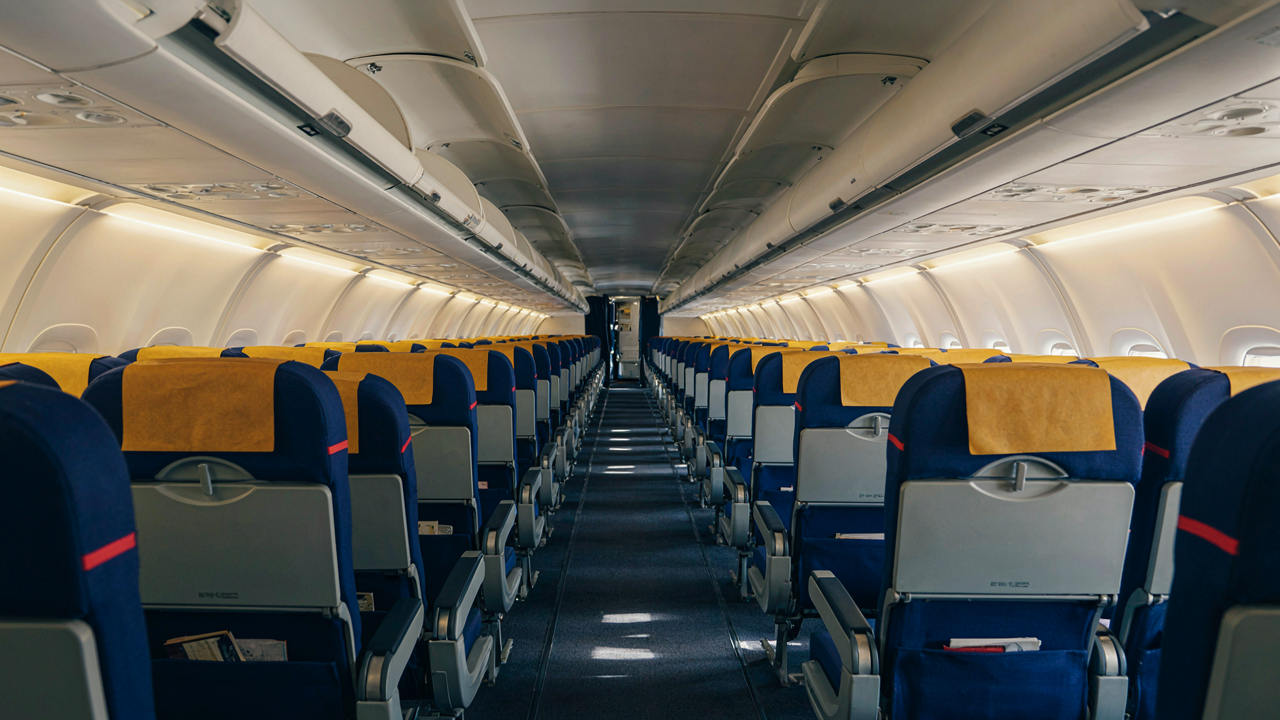
The Power Outlet Mirage: Why Your Expectations Are Wrong
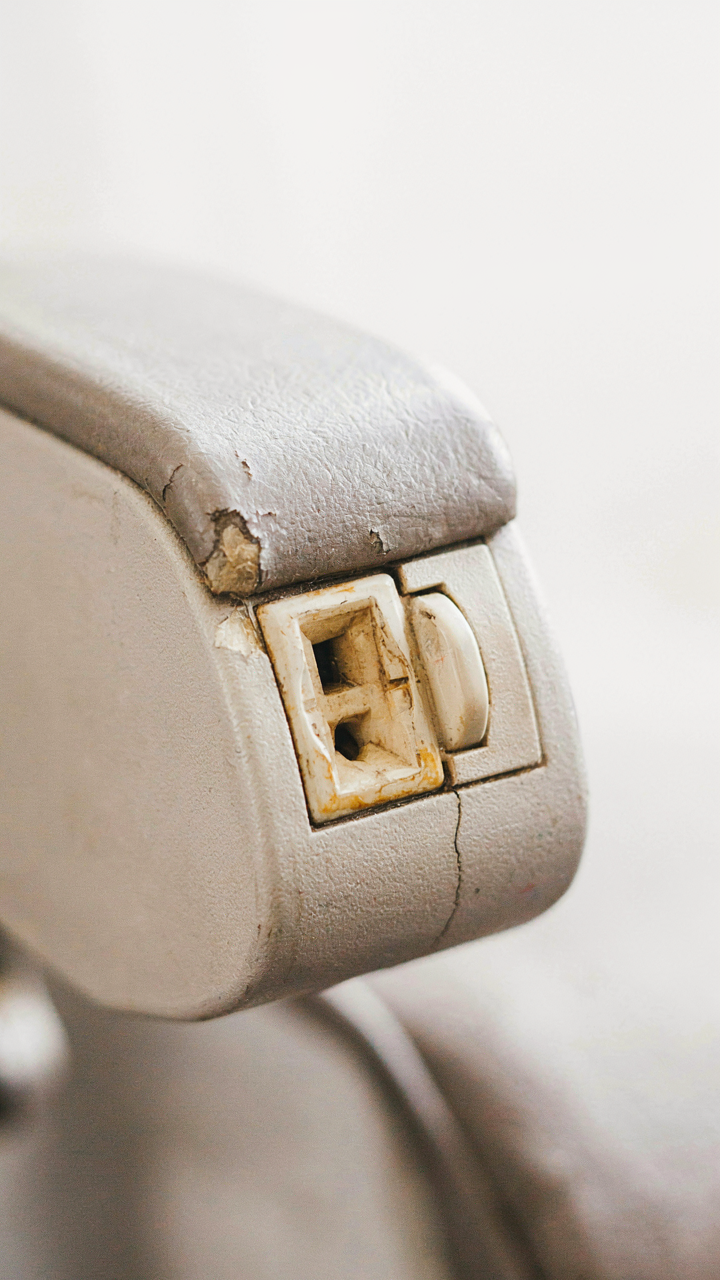
The Retrofit Problem Nobody Mentions
You want to believe the airline’s seatback map means your seat has power. That’s not how fleet installation works. Airlines retrofit power systems gradually across different aircraft types and cabin sections, creating patchwork coverage that their own crews often misrepresent.
Each aircraft model requires different electrical architecture. A Boeing 787 built in 2013 has integrated power infrastructure. The same airline’s Airbus A320 from 2008 has bolt-on systems added years later, unevenly distributed across premium cabins first. The seat map shows what exists now, not what you’ll actually find.
Aircraft Age Determines What Gets Power
Older aircraft weren’t designed for passenger device charging. Retrofitting power into a 15-year-old narrowbody requires running new electrical lines through existing infrastructure never built to accommodate them. Economics dictate that airlines prioritize newer planes, leaving regional aircraft and older widebodies with spotty or no outlet coverage.
A regional carrier’s 20-year-old CRJ aircraft has zero outlets. That same carrier’s newer E190 might have USB only, not AC power. The aircraft’s manufacturing date matters more than the airline’s name. When booking, check the specific aircraft type scheduled for your flight, not just the airline’s general policy.
Domestic Airlines Vs. International Airlines: A Power Divide

The Domestic Fleet Reality
You want to believe your airline is upgrading. They’re not. Most domestic aircraft in the US fleet are 15 to 25 years old, and retrofitting power outlets into existing armrests costs money airlines won’t spend unless forced. The economics are brutal: a retrofit runs thousands per aircraft, multiplied across hundreds of planes, for a feature most passengers use sporadically. Domestic routes don’t justify that investment.

Budget carriers dominate domestic routes, and they have zero incentive to add power outlets. Even legacy carriers like American and Delta keep most regional aircraft unplugged. You’ll find outlets primarily on newer widebodies used for transcontinental flights, but even then, not every seat gets one. The rule is simple: if the plane is more than a decade old and flies short hauls, assume no power. Plan accordingly.
Premium Cabin Priority Changes The Calculus
First class and business class passengers generate the revenue that justifies cabin upgrades. Airlines install power outlets in premium sections first because those customers have options and will fly competitors who offer the feature. Economy sits lower on the priority list because you’re trapped by price, not amenities.
International long-haul aircraft have power more consistently because airlines compete fiercely on that segment and use newer planes to justify premium pricing. Even then, power outlet placement follows cabin hierarchy. Business class gets universal coverage. Premium economy gets partial coverage. Economy gets scattered outlets, usually only at bulkhead rows or emergency exit rows. Check your specific plane type and seat map before booking if power access matters to your trip.
The “Flight Take Off” Failsafe Protocol

Charge To Full Before Boarding
You’re worried about looking unprepared in front of strangers. The real mechanism is this: airplane seat power outlets deliver inconsistent voltage during taxiing and takeoff. Ground power units switch sources multiple times before cruise altitude stabilizes. Your device won’t charge reliably during these transitions, so arriving at 100% means you have a buffer before the outlet becomes genuinely useful.

Most people board with 60-70% battery and waste the first thirty minutes hunting for a working outlet. Wrong approach. You’ve already lost the window where you needed power most. Start with a full charge. This removes the panic variable entirely and lets you use the outlet strategically during cruise, not desperately during the chaos phase.
Enable Low Power Mode Before Takeoff
Battery management isn’t just about conservation—it’s about load stability, a concept borrowed from electrical engineering. Low power mode reduces the draw your device places on the airplane’s power infrastructure. Think of it as reducing demand on a finite power grid. When you activate low power mode before takeoff, you’re signaling your device to operate at minimal draw during the voltage fluctuations that happen on the tarmac.
The common advice says to use low power mode only when the battery gets low. That’s backward. Activate it the moment you sit down. Keep it on for the entire flight unless you’re actively using power-intensive apps. This prevents your device from competing for stable power during the unstable phase and extends your actual usable charging time once the outlet stabilizes at cruise altitude.
Beyond The Seat: Other Charging Avenues

Airport Lounge Charging Station Priority
You’re reading this section because you want to feel like you have a backup plan. The real mechanism is scarcity economics applied to power access: lounges operate on limited outlets, and arrival timing determines availability. Most travelers don’t scout lounge charging infrastructure before boarding, so they land unprepared.

Priority Pass lounges and airline-branded lounges vary wildly in outlet density and placement. International terminals typically have more charging real estate than domestic gates, but outlet positioning matters more than total count. Arrive at the lounge thirty minutes before boarding if charging is your goal, not five minutes before departure. The outlets near seating areas fill first. Check the lounge map on your airline app or call ahead to confirm outlet locations in your specific terminal.
Gate Area Charging Reconnaissance
Gate areas rarely advertise their power infrastructure, which means most people never look for it. This creates a gap between what exists and what travelers know exists. Modern airports increasingly install charging stations near gates, but placement follows no standard. You find them by walking the gate area thirty minutes before boarding, not by assuming they’re there.
Many major airports now integrate USB-C and USB-A stations into seating areas and built-in furniture near gates. Some older terminals still have outlets embedded in standalone kiosks. The outlet location determines whether you can actually use it while boarding starts. A charger two gates over solves nothing. Document the exact location on your phone or arrive at your gate early enough to test the outlet and confirm it functions before your device reaches critical battery.
The Business Class Power Fallacy
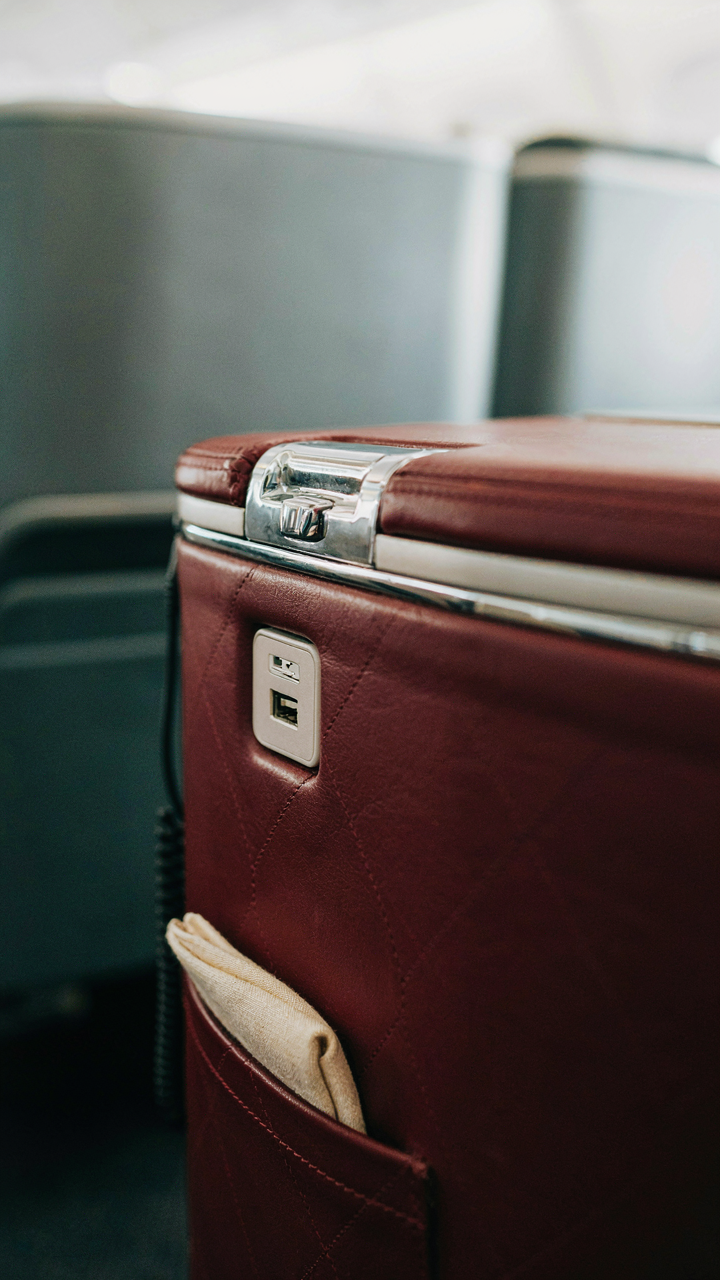
Premium Seats Don’t Guarantee Power
You’re paying for status, which feels like it should include reliable charging. It doesn’t. The mechanism is simple: airlines retrofit cabins incrementally, not all at once. A Business Class seat built in 2015 shares nothing with one built in 2022 except the price tag. The outlet situation varies wildly between aircraft types, cabin refurbishment cycles, and regional carriers operating the same routes.

Most travelers assume premium seating equals premium infrastructure. Wrong. Some Business Class cabins still run 110V outlets from the early 2000s that charge phones at glacial speed. Others have USB-C with 65W power delivery. The airline’s retrofit schedule determines what you get, not the cabin class. Check your specific aircraft type before boarding, not just your ticket class.
Older Cabins Lack Modern Outlets
Most Business Class cabins predating 2018 use outdated power systems that reflect their era’s charging standards. The engineering constraint: retrofitting means rerouting power lines through seat frames designed without this infrastructure. USB was still optional in many premium seats just ten years ago. The outlets that exist deliver either AC only or weak USB, both useless for modern laptops or fast phone charging.
Airlines rarely upgrade cabins for power alone. They wait for scheduled interior refurbishments, which happen every 5 to 15 years depending on the carrier. If a Business Class cabin hasn’t been touched since 2016, assume the outlets predate fast charging entirely. Verify the exact aircraft model and confirmation of its last refurbishment date with the airline before booking if power is critical to your flight.
The Entertainment System As A Power Parasite
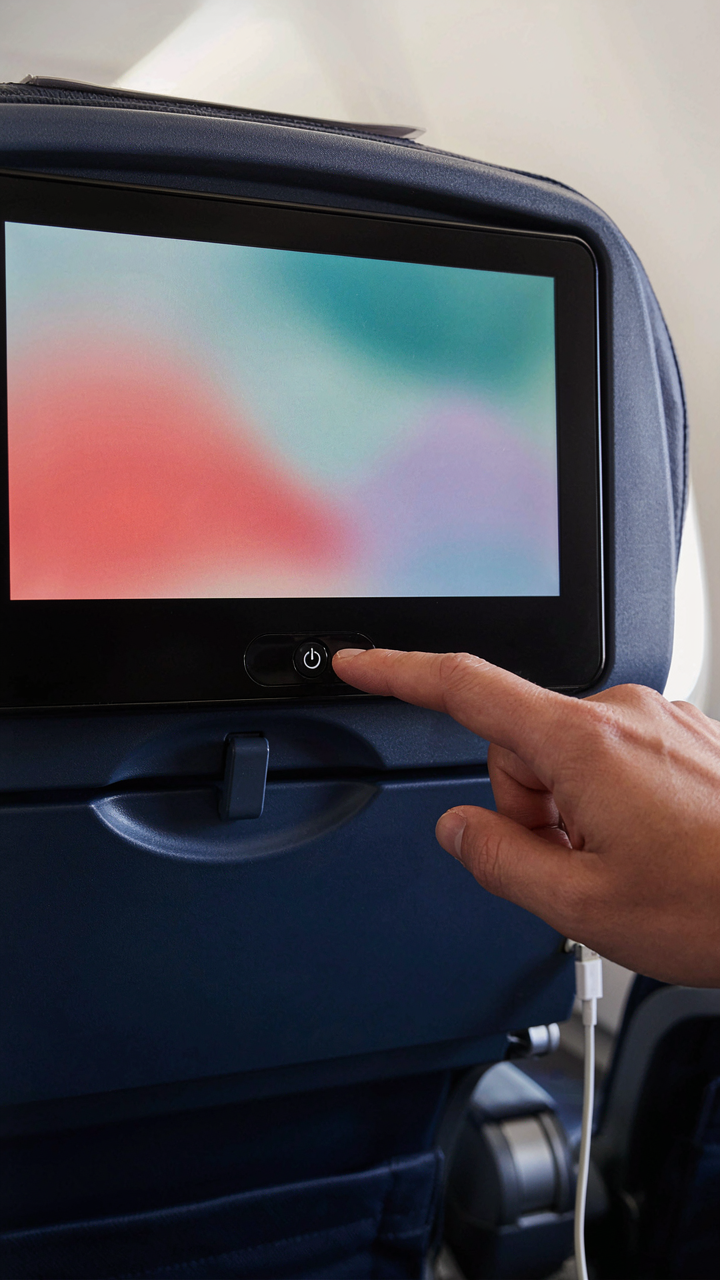
How The Seatback Screen Kills Your Outlet
You want to believe the outlet works like it’s advertised, but the real reason you’re reading this is that your phone died anyway. The entertainment system and your power outlet share the same circuit on most aircraft. When the IFE system draws power, it reduces what flows to your outlet. Think of it like hydraulic pressure in aviation systems: one component’s demand directly cuts what reaches another. The system isn’t broken. It’s operating as designed, which means your device loses.

Most airlines don’t advertise this load-sharing architecture because it kills the promise of the outlet. The IFE system runs continuously during flight, consuming baseline power whether you watch it or not. Your outlet gets what’s left. On older planes like the 737 or A320, this means your charging speed tanks when the cabin entertainment loads up. The outlet itself has low amperage by design, typically 2 amps at 115 volts on US carriers. That’s roughly half what a modern phone charger demands at full speed.
Cut The Screen To Keep Your Battery
The straightforward move is to turn off the entertainment system entirely. Not pause it. Off. Power cycling the IFE screen at your armrest removes it from the power draw equation and frees up current for your outlet. Most passengers never do this because they assume the system is always on, but it’s literally a button press.
If you disable the screen, your outlet voltage and amperage stabilize immediately. You go from trickling at 0.5 amps to a full 1.5 to 2 amps within seconds. That’s the difference between a dead phone at landing and 30 percent charge. The system resets when you power it back on, so there’s zero consequence. Just turn it off before plugging in your device and leave it off for your charging window.
Your Personal Power Grid: The Prepared Traveler’s Arsenal

Battery Capacity That Actually Covers You
You want to avoid the panic of watching your phone die mid-flight, but that’s not the real reason you care about battery capacity. You’re afraid of losing control. The mechanism is simple: a seat power outlet delivers finite energy. You need to think in amp-hours, not marketing slogans. A 20,000 mAh battery bank covers most smartphones twice over. Anything less and you’re gambling with a dead device over the Atlantic.
- 10,000 mAh: Single full charge for most phones. Fits in a pocket. Insufficient for layovers or long flights.
- 20,000 mAh: Two full charges. The practical minimum. Covers phone plus earbuds or a second device.
- 30,000 mAh: Three full charges minimum. Heavier but handles phones, tablets, and margin for degradation over time.
- 45,000 mAh and up: Overkill for flights under eight hours. Useful if you charge other travelers or run multiple devices simultaneously.
- USB-C input batteries: Charge faster from the outlet. Reciprocal charging capability cuts your cable count in half.

The seat outlet itself pulls power on a limited circuit shared with overhead lighting and the entertainment screen. Most outlets deliver 15 watts. At that draw rate, you refill a 20,000 mAh battery in roughly ninety minutes. Plan your charge timing around meal service and seatbelt sign intervals when you have access to the armrest without obstruction.
The Cable Strategy That Prevents Bottlenecks
Most travel advice tells you to pack one cable per device. That’s incomplete. The real problem is redundancy through different connector types, which forces you to carry multiple cables anyway. One USB-C cable handles modern phones, tablets, and most battery banks if they support it. But older devices still exist, and USB-A outlets haven’t disappeared from airplane seats yet. You need two cables minimum, not one. The first cable is your primary output from the seat outlet. The second is a backup backup, because a frayed connector compounds mid-flight.
Carry one braided USB-C cable rated for at least 3 amps and one USB-A to Lightning cable if you own Apple devices. Store them in separate compartments of your carry-on. A damaged cable renders your outlet useless. Test both cables before you leave your house by plugging them into a charger for sixty seconds. Do not board without verifying they draw current without flickering or overheating. Your protocol is straightforward: insert the primary cable into the seat outlet, plug your phone in, and don’t move it during takeoff and landing.
Power Negotiation: Applying Game Theory In Flight
Read The Room Before You Plug In
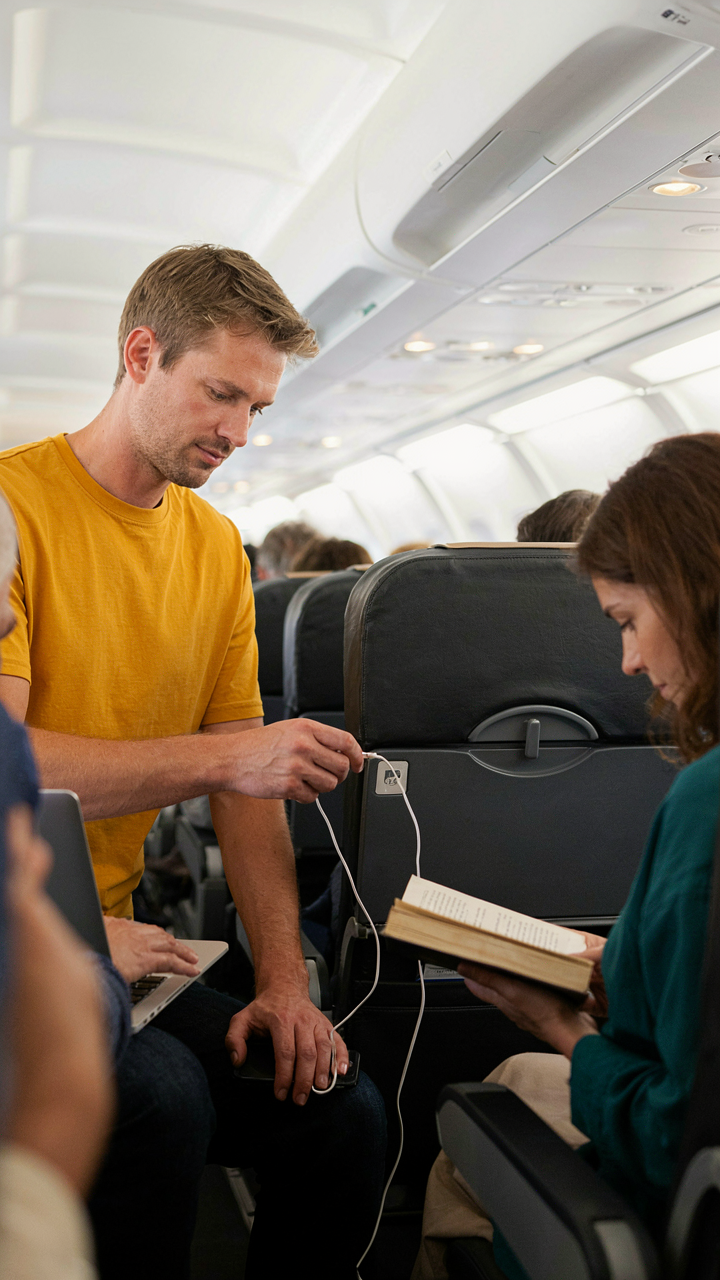
You want to charge your phone without feeling like you’re stealing resources or starting conflict. Here’s the mechanism: economics calls this a demand curve, and your airplane seat outlet operates on one. Most passengers don’t know their outlet exists or assume it’s broken. The ones who do know fall into two camps: those who check immediately after boarding, and those who need power desperately mid-flight. Your real advantage isn’t the outlet itself. It’s recognizing who values it most at any given moment.

Early boarders rarely use outlets. They’re settling in, organizing bags, checking seats. Business travelers boarding last are pre-stressed and phone-dependent. A passenger with a dead battery and two hours remaining has an inelastic demand for your outlet. Someone with 87% charge and a full flight ahead has elastic demand. The outlet’s value isn’t fixed. It changes based on remaining flight time, battery percentage, and passenger type. Timing your usage around this variance beats any politeness strategy.
The Actual Window For Access
Conventional advice says board early to claim the outlet. That’s backwards. Early boarding gives you an outlet at a time when almost nobody needs it yet. The real leverage window opens thirty minutes before landing. This is when phone anxiety peaks. Passengers realize they’ll lose connectivity soon. Battery anxiety becomes concrete. If you need guaranteed charging, board normally and plug in during the final descent window. You face zero competition because most people are mentally preparing to deplane.
The second-highest probability window is the first ten minutes after door closure. Passengers have settled and begun checking devices. Some realize their battery is already depleted from the airport. This window lasts about fifteen minutes before the cabin settles into flight mode. After that, outlet usage drops significantly until the final hour. If you want to avoid negotiation entirely, use the outlet in these two windows: immediately after door closure or the final thirty minutes of flight. These periods have the lowest passenger competition for power access.
All Airlines: The Fine Print Of Power Promises
Read The Actual Policy Before Boarding
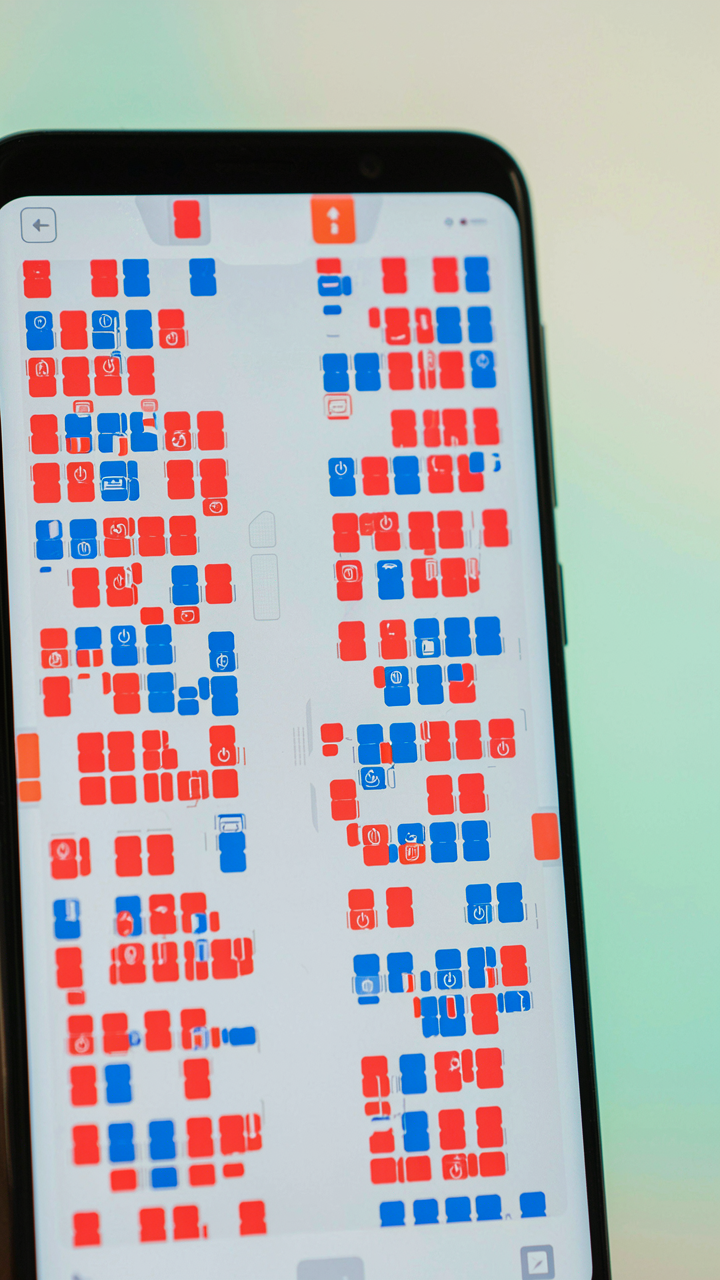
You want to believe the outlet exists so you don’t have to ration your battery like a doomsday prepper. Here’s the mechanism: airlines publish power availability in their seat maps and policies, but most passengers never check because it feels optional. It’s not. Each carrier defines where outlets live, which seat classes get them, and whether they work during all flight phases. United, American, Delta, and Southwest each have different standards. Some limit power to business class. Others install USB-A only, which charges slower than USB-C. Ground your expectations in the airline’s actual documentation, not the seatback photo that shows a pristine outlet.

The policy document matters more than marketing materials because it names constraints the ads omit. Airlines specify whether outlets function during taxi, cruise, and descent. Some disable power below ten thousand feet for safety protocols. A few carriers admit their outlets fail at certain altitudes or during specific weather. Southwest doesn’t guarantee power on regional routes. JetBlue’s Mint business class has outlets, but the power output fluctuates. Read the fine print on the airline’s website before you book, not two hours before departure.
What Actually Works In The Real World
The Points Guy and other travel reviewers test outlets on actual flights and report the data. This saves you from discovering a dead outlet at 35,000 feet. Their reviews expose a gap between what airlines claim and what functions. Some outlets charge phones at one amp when they promise two. Others cut power mid-flight. USB ports sometimes deliver only half their rated wattage. These reviewers document which seat rows have working outlets, which airlines have the highest failure rates, and which devices charge fastest on specific aircraft. Their testing methodology matters: they use multiple devices and measure actual power delivery, not assumptions.
Real-world testing also reveals timing failures that policy documents never mention. An outlet might work fine during cruise but lose power during approach. Some aircraft have outlets that function only when the cabin power system reaches operating temperature. This takes ten to twenty minutes after pushback. A phone charged to fifty percent during climb might stop charging during descent. Use these reviews as your reference point before boarding, and bring a portable battery as backup. Your actual device charging depends on real conditions, not promises printed in a manual.
The Illusion Of Constant Connectivity Is The Real Drain On Your In-flight Experience

You don’t need that airplane seat power outlet. You need permission to disconnect. Every charging cable you plug in is a vote for staying plugged into the same work, the same notifications, the same mental exhaust that grounded you in the first place. The outlet isn’t the problem. Your refusal to turn your phone off is. Leave it dead for five hours. Your nervous system will thank you more than your battery ever could.