The Pre Shoot Elimination Protocol
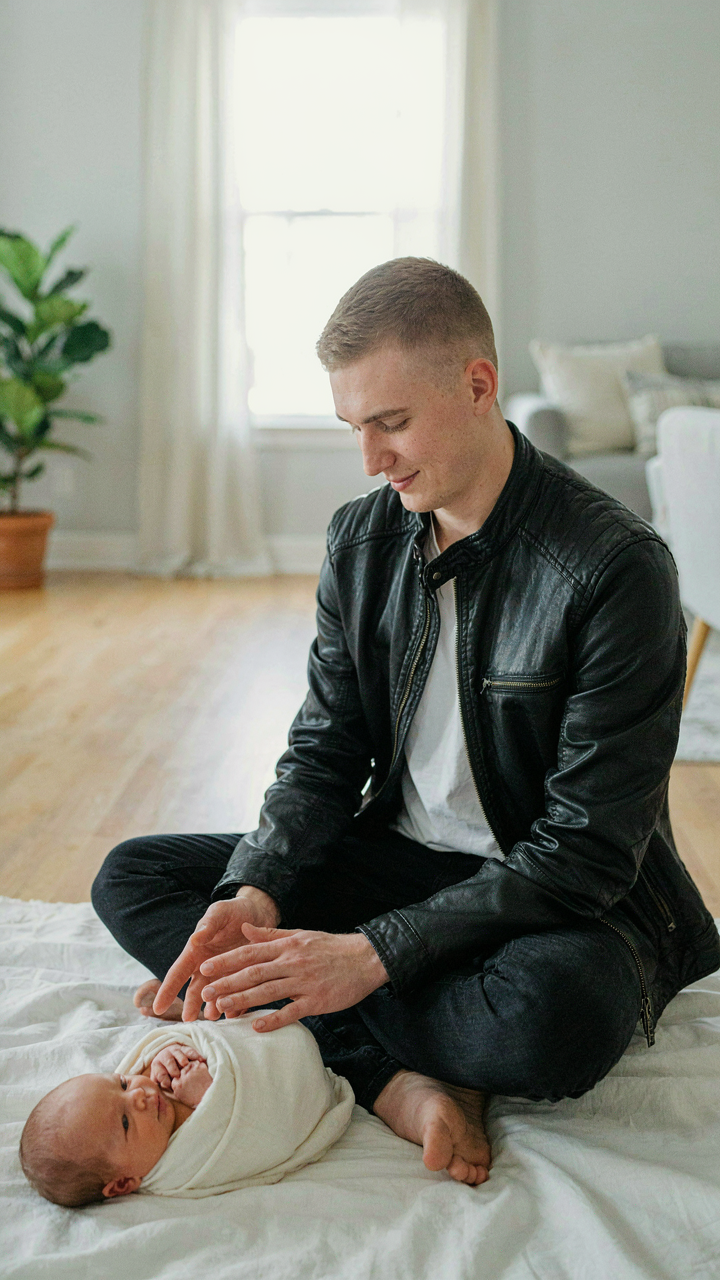
Physical Safety Comes First
You’re doing this because you’re terrified of something going wrong and having proof of it on your phone forever. That fear is justified, but it points to a real mechanism: babies operate in a narrower safety window than you assume, and your job is to shrink the variables, not manage them in real time during a shoot.
- Sharp Objects: Remove anything with edges or points within arm’s reach. Babies grab reflexively without understanding consequence. Phone stands, ring lights, and tripod legs all qualify.
- Small Choking Hazards: Props smaller than a toilet paper roll disappear into mouths. Lint, loose threads, tiny decorative items, and pet toys create risk you can’t photograph your way out of.
- Unstable Furniture: Any surface the baby might pull to stand on or grab for balance must be bolted or removed. Lightweight stands tip. Unsecured shelves fall.
- Electrical Cords: Keep charging cables, extension cords, and USB connections completely out of the shooting zone. Babies chew and strangle risk compounds during longer shoots.
- Temperature Extremes: Test your shooting surface temperature with your own wrist before placing the baby on it. Metal, glass, or dark fabrics absorb heat fast and cause discomfort that shows instantly in photos.
A clean shoot space means you can focus on lighting and composition instead of scanning for hazards while holding your phone. This is non negotiable because liability follows the image, not just the moment.
Manage The Sensory Load
Common advice tells you to keep things “calm and quiet.” That’s incomplete. The real mechanism is neurological: babies have immature sensory filters, so competing stimuli create cortisol spikes that show as fussiness, tension, and poor expressions in every frame.
Temperature regulation is the primary control variable. A cool room (68-70 degrees Fahrenheit) keeps babies alert without triggering sweating or irritability. Excess heat makes them sluggish and flushed. Dim overhead lights before the shoot starts so your eyes adapt first, then introduce your iPhone’s light source as the dominant signal. Sound isolation matters less than sound consistency: steady background noise (white noise app, fan) masks jarring interruptions better than silence. Silence makes unexpected sounds startle.
Beyond Exposure: Mastering Ambient Light For Newborn Shoot
Window Light Is Your Only Real Tool
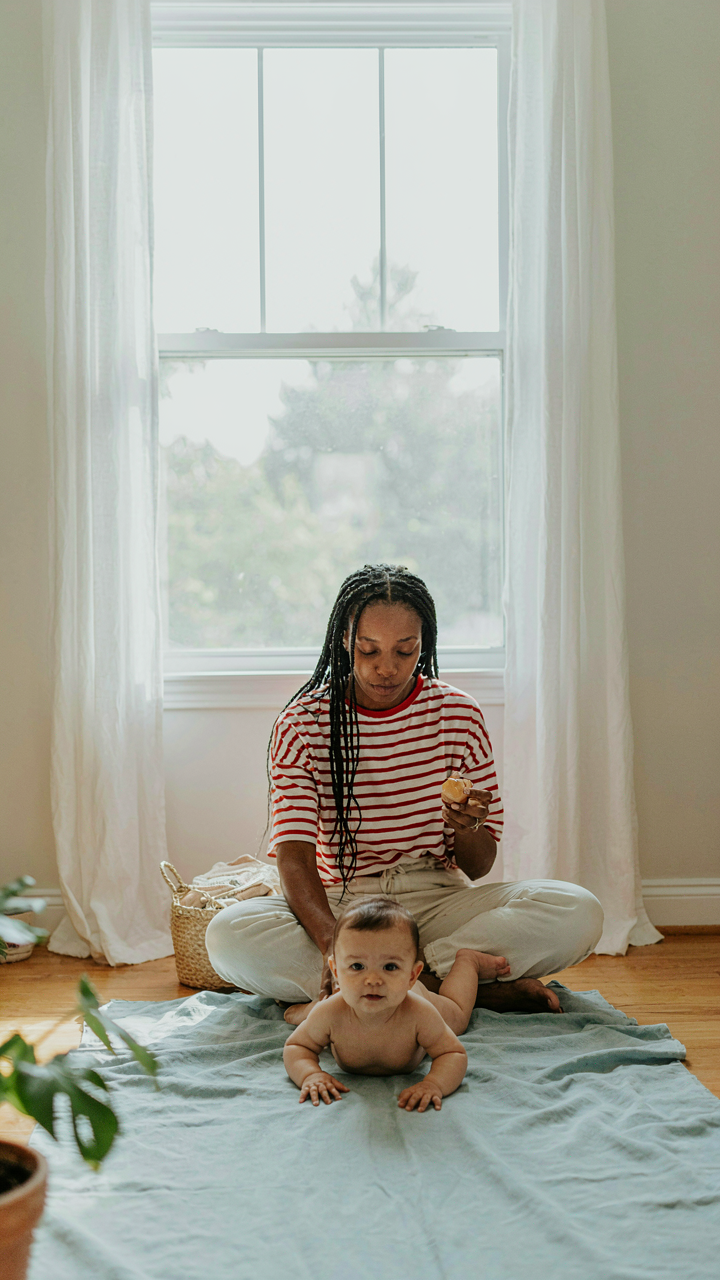
You want to look like you know what you’re doing with a camera. That’s fine. The mechanism is simple: the iPhone’s sensor performs worst in low light and best when light is diffused and directional, which is what window light provides naturally. Direct flash drowns out detail and causes the sensor to overcompensate, blowing highlights and crushing shadows simultaneously.

Position the baby perpendicular to a north or east-facing window during morning hours. This gives you soft, consistent light without intense heat or UV exposure on the infant’s skin. The iPhone’s metering system reads this window light accurately because it’s even across the frame. Avoid shooting toward the window, which backlights and confuses the phone’s exposure algorithm.
Shadows Create The Dimension You’re Missing
Most people think shadows are the opposite of good lighting. They’re wrong. In optics, shadow placement determines whether an image reads as flat or dimensional. A newborn photographed without shadow definition looks like a portrait on a flat screen, not a three-dimensional person.
Place your key light source (the window) at a 45-degree angle to the baby’s face, not straight-on. This creates shadow on one side that reveals cheekbones, nose shape, and ear definition. The iPhone’s HDR mode will try to obliterate these shadows automatically. Turn HDR off and let the shadows exist. Underexposed shadows read as intentional depth, not mistakes.
The Comfort First Posing Framework For Baby Photos
Natural Positions Over Forced Arrangements
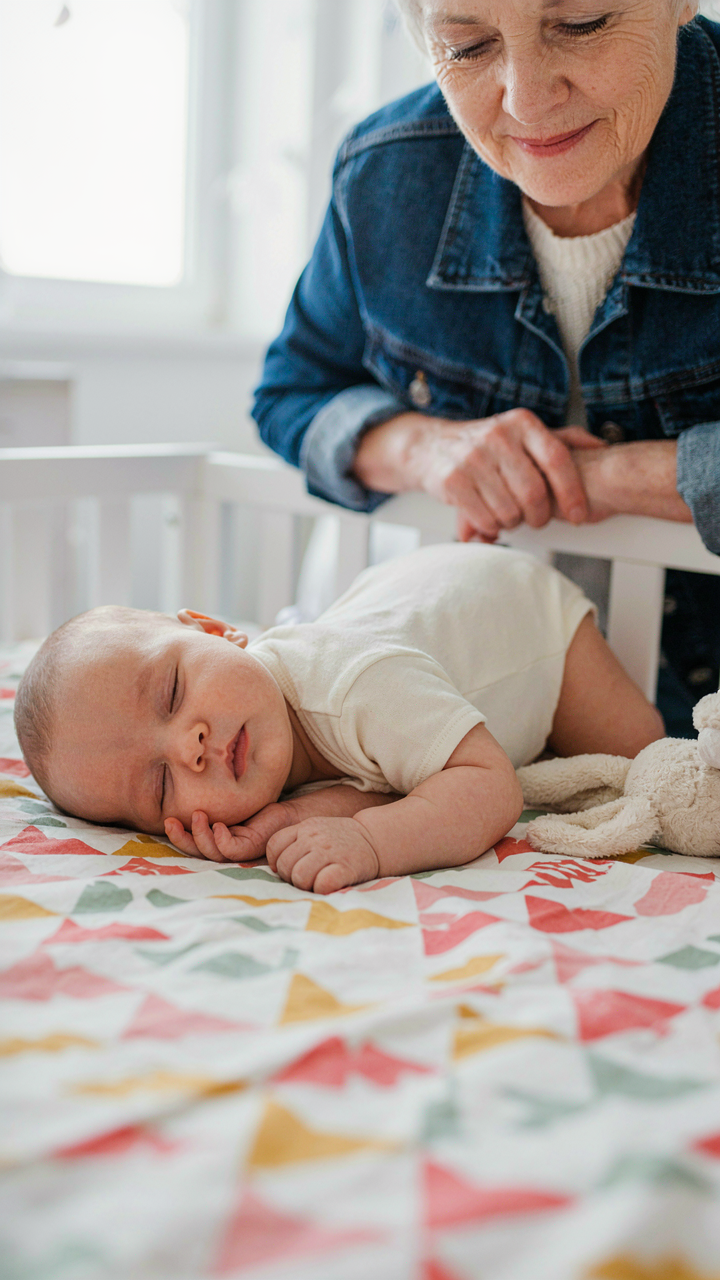
You want the photo that makes you look like a natural parent, not someone who wrestled a infant into submission for the gram. Here’s what matters: babies in their actual resting states photograph better because their nervous systems aren’t flooded with cortisol. The mechanism is simple. A stressed baby tenses facial muscles, closes eyes, or turns away. Your iPhone captures that tension instantly. Relaxed babies have open eyes, softer expressions, and natural skin tone. That’s the image you actually want.
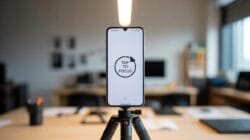
Stop treating baby posing like adult portraiture. Adults can hold a pose for eight seconds. Babies cannot. The real work isn’t positioning your baby into something unnatural. It’s recognizing the positions they already want to be in, then shooting around those moments. Side-lying, back-lying on a parent’s chest, or mid-yawn while transitioning between states all work because they require zero behavioral change from the infant. You shoot faster, get more keepers, and the baby stays calm throughout.
Surfaces That Support Without Strain
Soft surfaces aren’t about aesthetics. They’re about skeletal support. A baby’s spine hasn’t fully calcified, and unsupported positioning creates strain on developing structures. Use this principle: if the surface wouldn’t comfortably support your own head and neck in that position for five minutes, it won’t work for the baby. Firmer surfaces distribute weight evenly and reduce the micro-adjustments babies make when uncomfortable. Those adjustments show as tension in every shot.
Layered blankets or dedicated posing cushions work because they combine firmness underneath with softness on top. The bottom layer prevents sinking. The top layer prevents pressure points. Your iPhone’s sensor captures everything, including the subtle body language that signals discomfort. Parents often blame lighting or angle for bad shots when the real issue was the baby reacting to surface instability. Set your surface first, test the baby’s positioning with your hand, then bring the phone out. This sequence keeps the baby settled and your keeper rate high.
The Behavioral Economics Of Baby Photoshoot

Calm Is A Supply Problem
You want the shot where your baby looks peaceful because you need proof you’re doing parenting right. That’s the real driver here. But the standard advice—”just wait for the perfect moment”—ignores how babies actually work. Behavioral economics teaches us about scarcity and incentives. With baby photography, calm is the scarce resource, and you manufacture it by controlling what triggers its opposite. Hunger, overstimulation, fatigue, and temperature are your variables. Remove them systematically before you shoot.

Babies don’t perform on schedule. They operate on predictable biological cycles you either work with or work against. Feed the baby before the session. Time the shoot for their natural drowsy window, typically after a meal and an hour of gentle activity. Keep the room temperature between 72 and 75 degrees—babies regulate body heat poorly and discomfort shows immediately in their expression. You’re not being patient. You’re removing the conditions that create fussiness. The difference is everything.
Staged Wins When Authentic Loses
Most advice frames staged photos as fake and candid moments as real. This is incomplete. Staged iPhone baby photos win because they solve a cost problem—your time and the baby’s tolerance. Authentic moments demand you keep the phone ready for hours, burning battery and attention. Staged moments are efficient. You set conditions, position yourself, and capture in minutes. The tradeoff is obvious: authenticity requires luck and endurance. Staging requires intention and setup.
The real mechanism here is opportunity cost. Every minute spent chasing candid shots is a minute you’re not present with the baby. Staged photos let you complete the task in a defined window, then put the phone down. iPhone baby photos work best when you accept this tension instead of pretending it doesn’t exist. Decide: Do you want presence or coverage? Structure a five-minute window with good light, a clean background, and the baby in a calm state. Shoot. Done. Then live the moment without the lens.
Framing Authenticity: Faceless Newborn Photos & Candid Shots

Capture The Moment Before The Pose
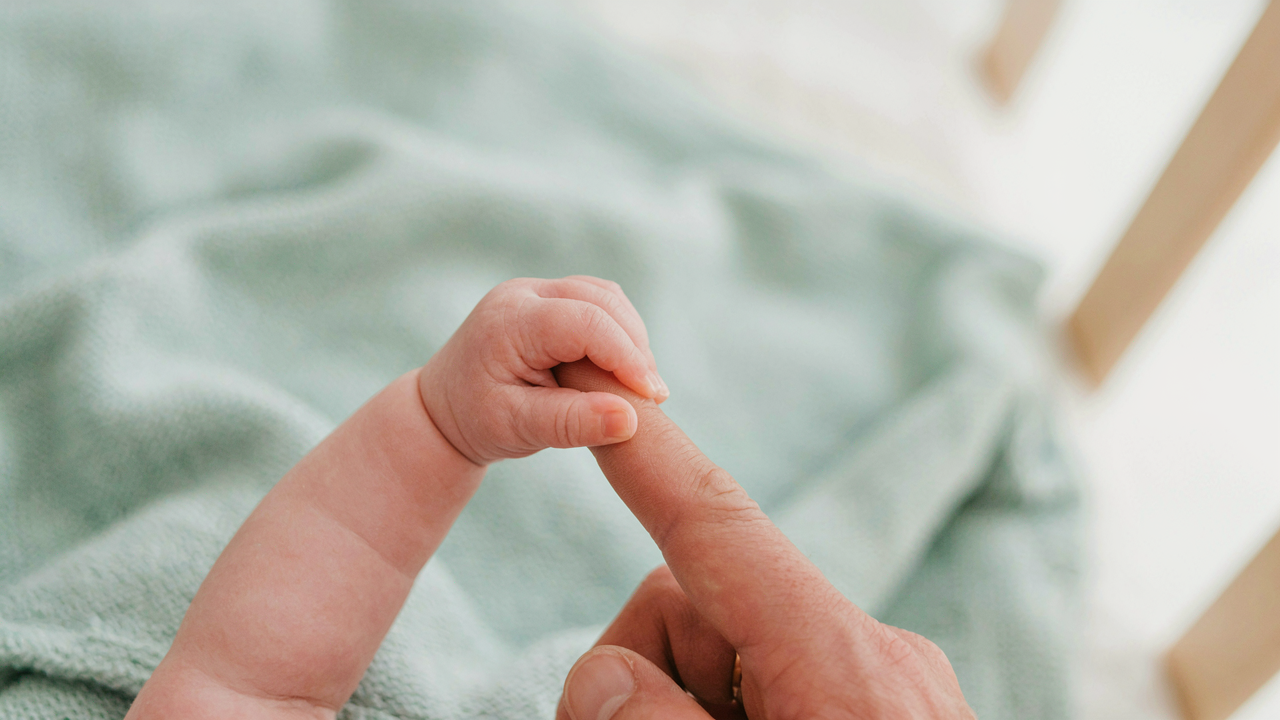
You want the photo that proves you were there, that your parenting is real and unscripted. But here’s the mechanism: posed shots feel staged because they are. The infant doesn’t cooperate with your vision. When you chase the perfect smile or the “alert newborn looking at camera” moment, you miss the actual content—the genuine interaction happening between caregiver and child. Stop treating the baby like a prop. Instead, document what’s already occurring: a hand wrapped around a finger, a feeding session, the parent’s face while holding the child. These aren’t backup shots. They’re the real narrative.
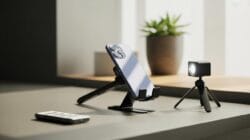
The iPhone’s continuous shooting mode (hold the shutter button) captures dozens of frames per second. This removes the pressure to nail one perfect moment and lets behavior unfold naturally. You get micro-expressions, hand movements, and authentic expressions without the baby sensing performance is expected. The best newborn photos on iPhones aren’t the ones with forced eye contact. They’re the ones where nobody was performing for the camera.
The Detail That Carries The Whole Story
Details work through visual reduction: when you remove the face, context becomes the story. A newborn’s hands are disproportionate, vulnerable, and compelling. Tiny feet curled in a blanket. The specific way a parent’s thumb touches the infant’s palm. These images bypass the uncanny valley problem of forced newborn expressions and anchor the memory in texture and scale instead.
Macro mode on newer iPhones (iPhone 13 Pro and later) focuses on objects as close as 2 centimeters away. Use this to isolate hands, feet, or the specific crease where a baby grips cloth. Keep ambient light soft—side-lit window light or indirect outdoor shade. The grain of skin and the fine details of tiny fingers become the entire composition. This approach works because you’re not asking the newborn to perform. You’re documenting the physical reality of their size and their connection to the parent. That’s what survives beyond the first month.
The Parent As Director: How To Take Family Photos With IPhone
Stop Performing, Start Observing
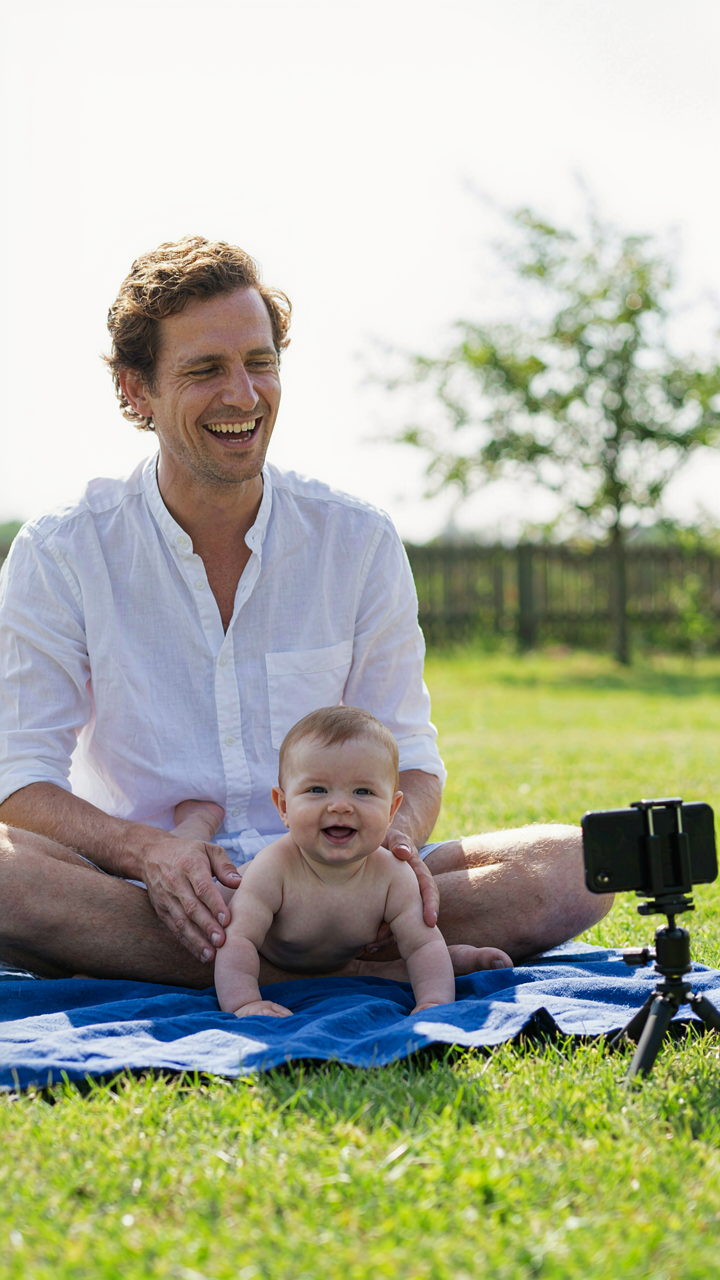
You want these photos to prove your family is happy together. That’s the real reason you’re reading this. The mechanism everyone skips: genuine connection in photos comes from you stepping out of the frame mentally first. Stop narrating what’s happening. Stop posing people. Watch instead. iPhone’s camera sensor captures microexpressions better than you notice them in real time, which means your job is noticing them before the moment disappears.

The difference between a stiff family photo and a real one isn’t luck. It’s permission. When you set the iPhone down on a tripod or hand it to someone else and stop directing, family members stop performing for the camera. They interact with each other instead. Natural light from a window does the heavy lifting on exposure. Your only task becomes timing the shutter when actual connection happens between them, not when they’re smiling on command.
Give Someone Else The Phone
Most advice says “frame your shot carefully” and leaves parents frustrated because they’re alone behind the device, separated from the moment. Wrong frame. Assign one family member the iPhone and clear instructions: tap volume up when something real happens. They become the eye, you become part of the scene. This inverts the power dynamic that kills authentic photos.
The person holding the phone changes the energy in the room because they’re not performing for it anymore. They’re directing their attention at family, not at getting the angle right. iPhone’s computational photography handles focus and exposure automatically, so the operator doesn’t need technical knowledge. Give them one constraint: keep the phone still during the shot, tap volume up when you see genuine interaction, and review three frames per round before continuing.
The 50 Days Baby Photoshoot: Beyond The First Few Weeks
Capture What Actually Changes, Not What Stays Still
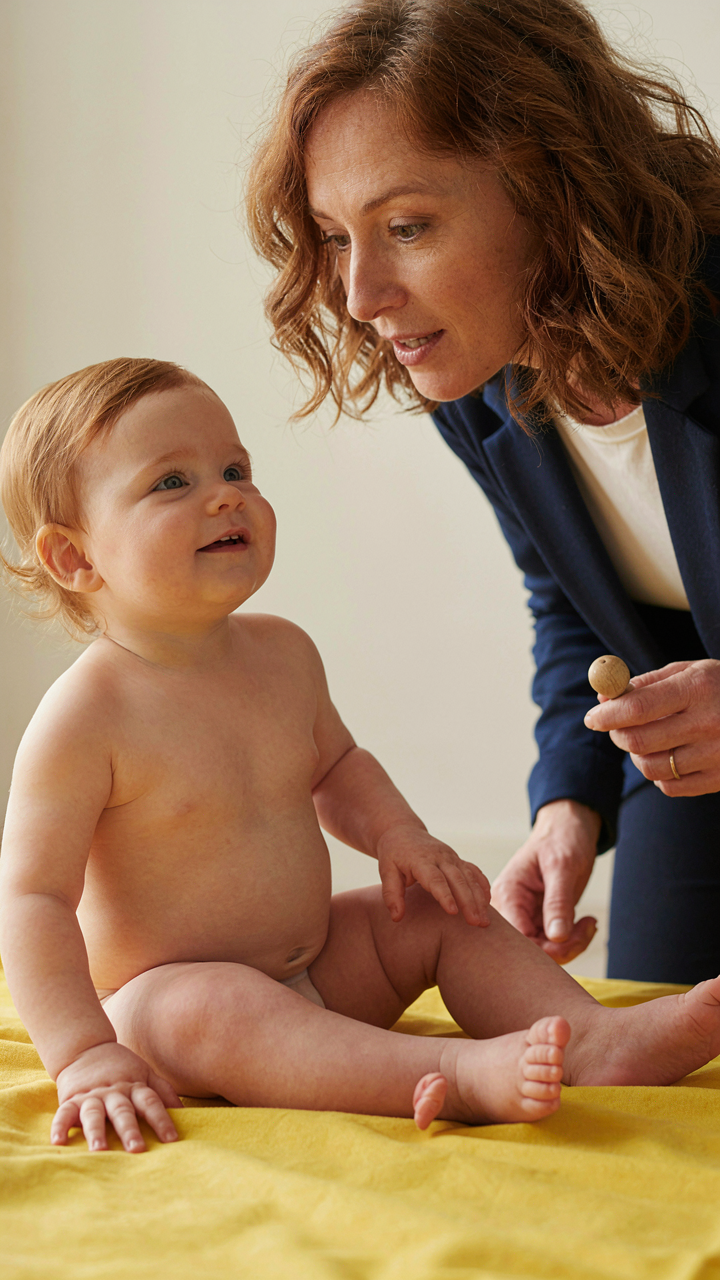
You want proof your baby is developing normally. That’s the real reason you care about documenting this window. The mechanism is simple: babies transform fastest between day 7 and day 50. Their reflexes fade, their eyes focus, their neck stabilizes. These aren’t aesthetic moments. They’re neurological checkpoints. iPhone’s default exposure and autofocus handle these shifts well because the changes trigger different lighting angles and subject distance naturally.
Shoot the specific behaviors that mark progression, not poses that look identical week to week. Track eye contact duration, hand awareness, and when grasp reflex converts to intentional reaching. Photograph the baby during alert states, not just sleep. This requires shooting at 10 a.m. and 2 p.m., not whenever it’s convenient. The phone’s computational photography now captures micro-expressions clearly enough to show the exact moment attention locks onto an object. That’s the data worth storing.
Repositioning Without Forcing Movement
Everyone says “let the baby move naturally.” That’s incomplete advice. What they mean is: stop treating a developing infant like a poseable prop. The real skill is adjusting your angle and distance as the baby’s capabilities expand. By day 30, babies can hold their head in midline longer. By day 50, many track movement across their visual field. These are pose opportunities, not restrictions.
Use the iPhone’s grid overlay to frame the baby’s body differently as their control improves. Shoot from above when neck strength is building. Shift to side angles once they track your movement. Move closer as their eyes focus more consistently. The phone’s stabilization handles these micro-adjustments without motion blur. Your job is repositioning based on what the baby can do, not fighting their neurological stage. This approach yields 40 to 50 usable frames per session instead of five.
Post Capture: Intelligent Editing For Baby Pic Ideas

Skin Tone Preservation Without The Blur
You want your edited photos to look like you didn’t edit them, which is really about fear that over-processing signals amateur status. The mechanism borrowed from signal processing is signal-to-noise ratio: you want to amplify the true detail (skin texture, expression, light) while suppressing the noise (blotches, minor color shifts, grain). iPhone’s native editing tools let you do this without the decimation that Facetune or heavy blur filters create.

Start with exposure and temperature. Babies have sensitive skin that reads poorly under warm or cool light, so correcting temperature first prevents the urge to soften skin later as a fix for color cast. Then adjust shadows and highlights separately, never saturation across the whole image. This preserves natural skin tone variation instead of flattening it into plastic uniformity. Skin has translucency and color variance by design. Respect it.
Quantity Filtering Before You Share Anything
The consensus advice here is weak: “pick your favorites.” That’s vague enough to be useless. Real curation means applying a scarcity constraint that forces ranking, not browsing. Shoot thirty frames of the same moment. Mark only three for editing. Then mark only one for final output. This isn’t about perfectionism, it’s about training yourself to see what actually works versus what’s just familiar because you shot it.
Most parents keep too many photos because deletion feels like loss, and because they lack a decision rule. Create one: a photo stays if it captures a behavioral moment you couldn’t predict, shows genuine light quality, or reveals something about your baby’s face you hadn’t noticed before. One of those three. Everything else goes. Storage space is cheap, but cognitive load from maintaining a thousand near-duplicate images is expensive. Delete ruthlessly, and you’ll actually look at the ones you kept.
Your Real Obstacle Isn’t The IPhone’s Lens, But Your Inability To Prioritize A Baby’s Genuine Comfort Over Staged Perfection
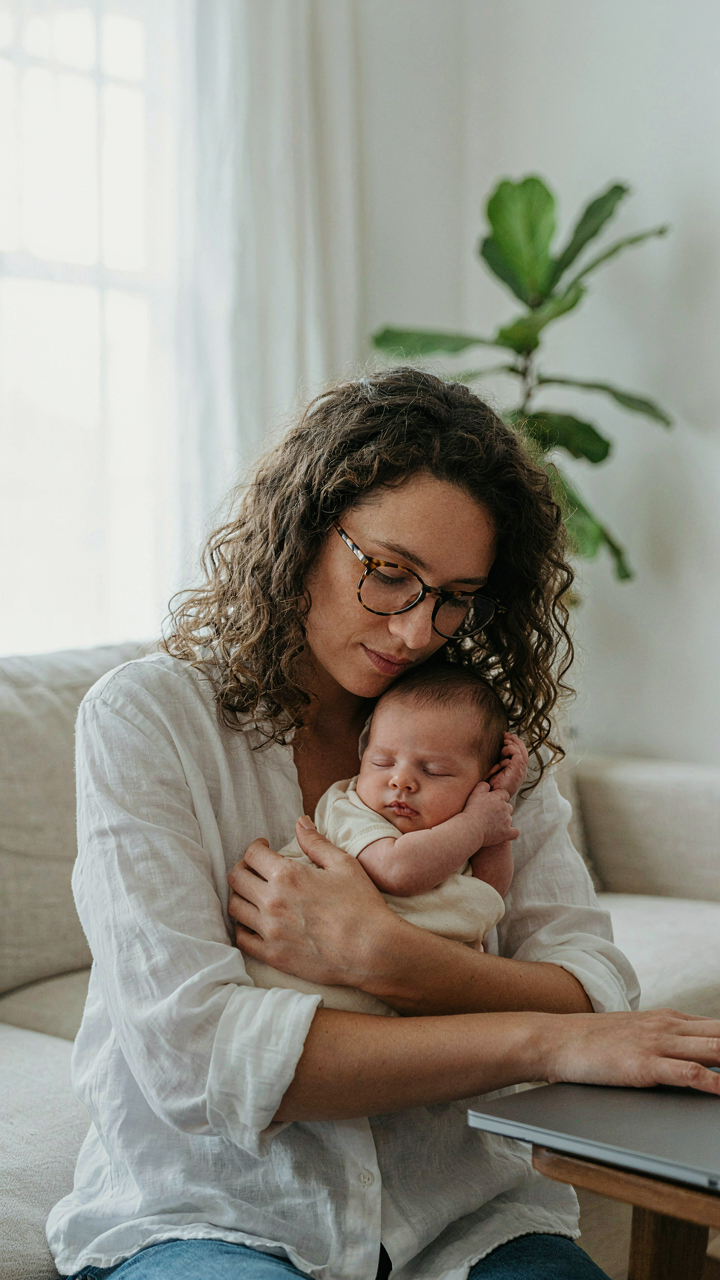
Stop chasing the shot. A fussy baby means you’re pushing. Put the phone down for five minutes, let the kid settle, then shoot what actually happens. The best iPhone baby photos capture a child who feels safe, not one who’s been positioned and repositioned until they break. Today, delete your worst three takes. The ones where your baby looks stressed. That’s your baseline. Everything else is just noise masking the only metric that matters: a kid who trusted you enough to be themselves in front of a lens. Comfort always photographs better than perfection.