Why Your Smart Mirror Will Fail (The Unspoken Truth)
You’re Building A Computer That Nobody Asked For
You want proof you’re technical enough to own one. That’s the real driver here, and it matters because it ruins the entire project before you touch the Pi. Most smart mirror guides treat the build like an engineering challenge instead of a utility problem. They stack features—weather, calendar, news feeds, voice control—until the device becomes so feature-heavy that it never gets touched. You’ll spend forty hours tuning software for something you use twice. That’s not a mirror. That’s a very expensive debugging exercise mounted on your wall.
The mechanism is simple: adding features feels like progress, but it destroys the only thing that makes a smart mirror worth building—its friction-free presence in your daily routine. A Raspberry Pi smart mirror lives or dies on whether you glance at it automatically. The second it requires deliberate engagement, it becomes clutter. Most builds fail because they optimize for capability instead of invisibility. The device should disappear into habit. Everything else is noise.
The Hallway Isn’t A Display Room
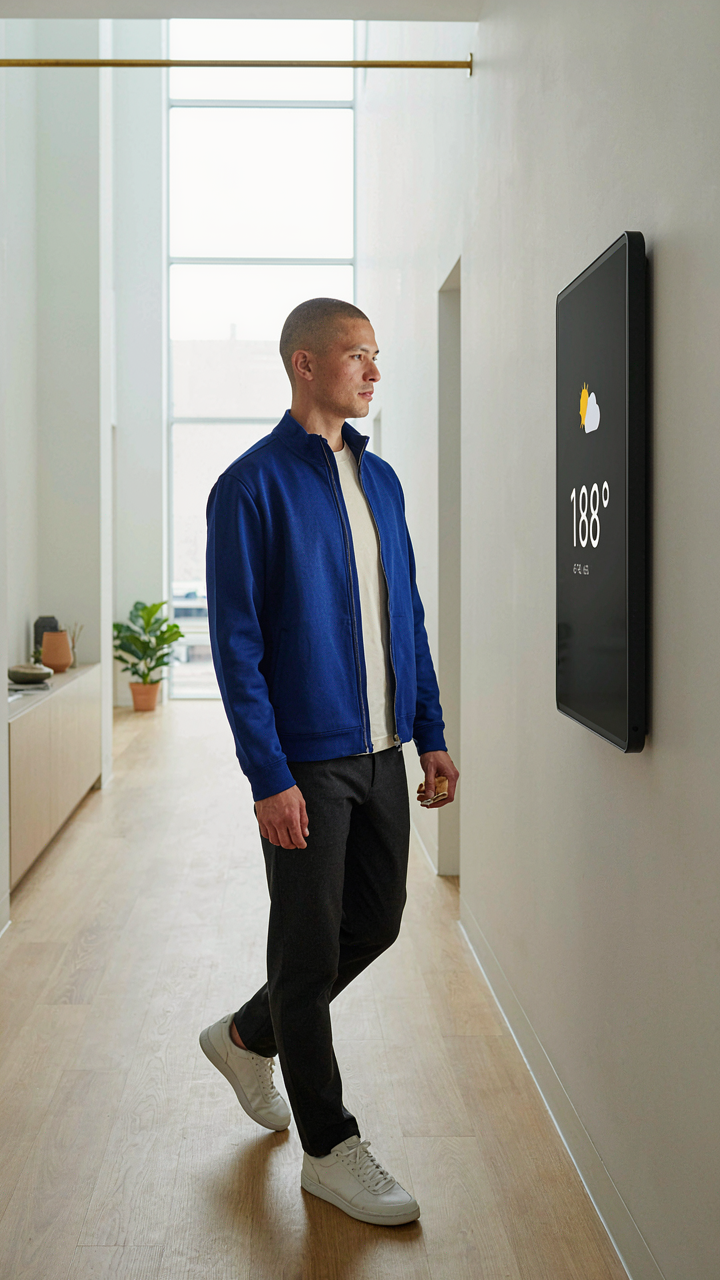
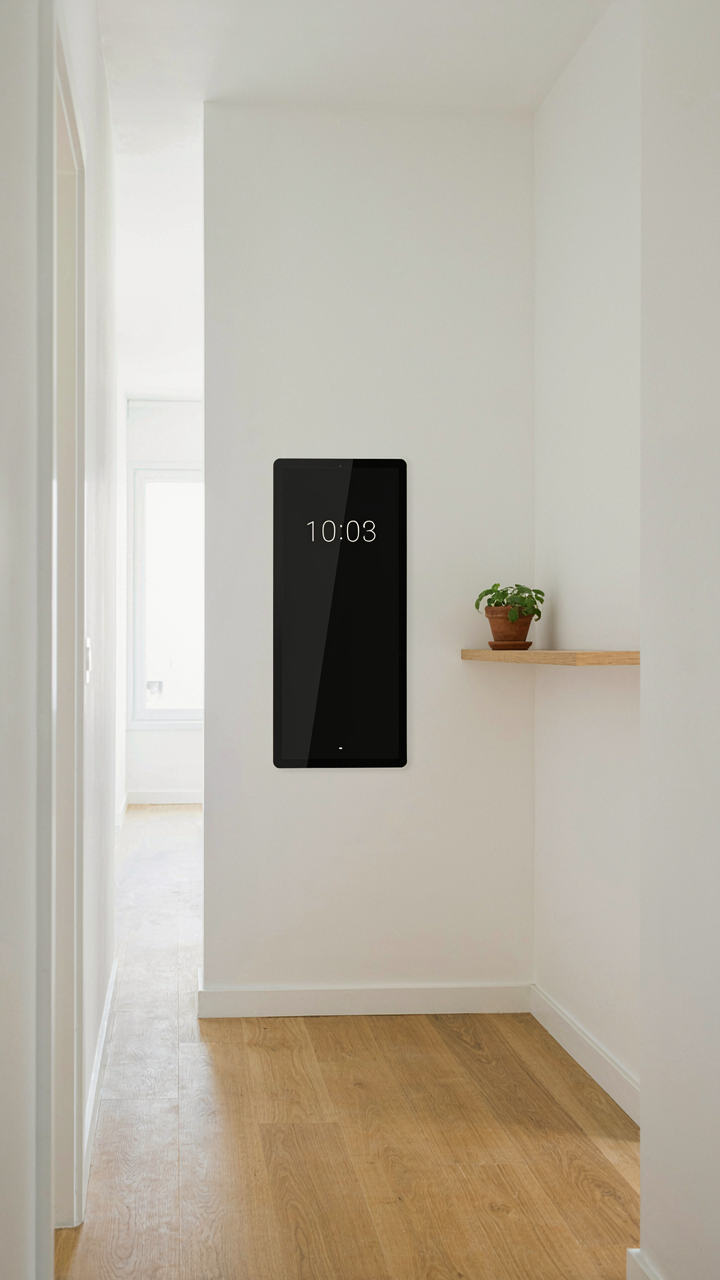
Your hallway has one job: move you from A to B. It’s a transit zone, not a dashboard. Treating it like a command center is why most smart mirrors end up dark and collecting dust. The hallway demands information that interrupts your flow without forcing you to stop. This is industrial design thinking applied to code—a hallway display must respect the function of the space itself or it contradicts its own existence.
Most guides ignore this. They show you how to render five weather widgets and a calendar in glorious detail, assuming you’ll stand there reading. You won’t. You need one glance to extract one decision: should I grab a jacket, or is the day clear? That’s it. If your Raspberry Pi smart mirror demands more than two seconds of attention, you’ve designed it for the wrong room. Build your display density around interruption resistance, not feature count. Test by walking past it normally. If you don’t read it in stride, redesign until you do.
The Minimalist Magic Mirror: Core Components, Zero Fluff
What You Actually Need To Buy
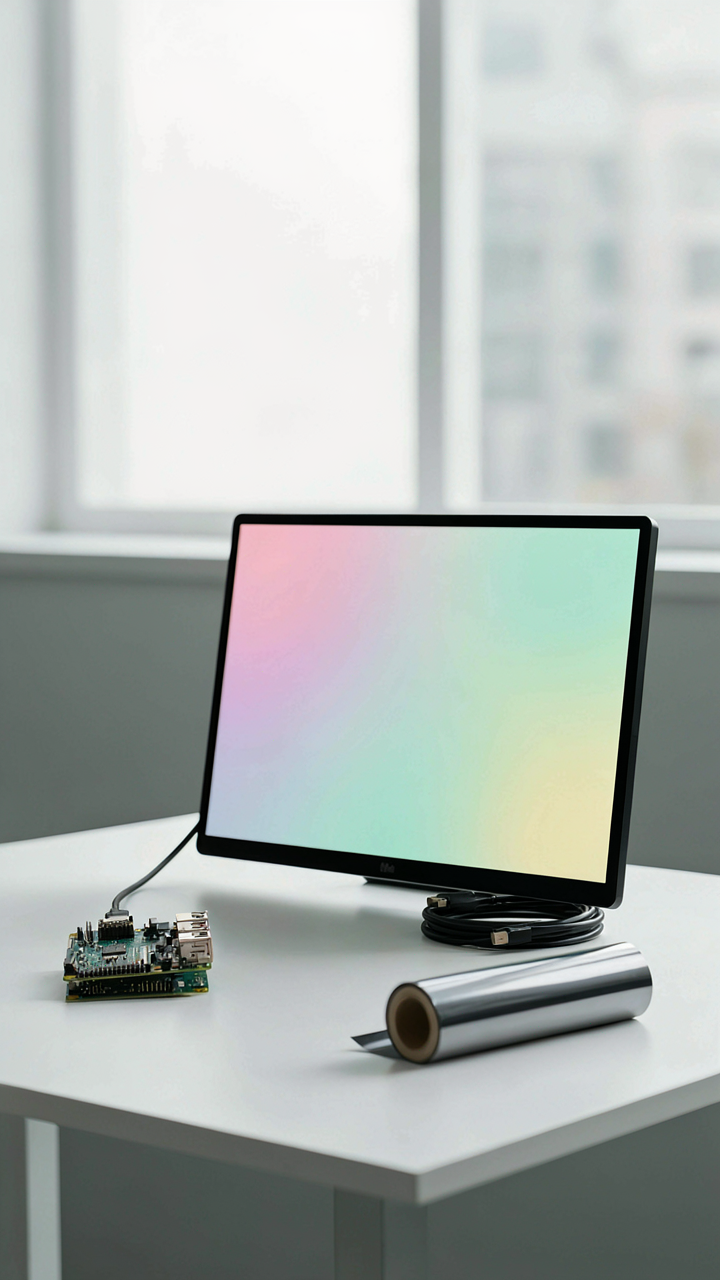
You want to feel like you built something intelligent without admitting you’re mostly assembling someone else’s work. Here’s the mechanism: a smart mirror is a display problem wearing a computer’s costume. Borrow from systems design: constraint is your primary input. Every component either reduces lag or increases visual clarity. Everything else is distraction.
- Raspberry Pi 4 Model B (4GB or 8GB RAM): The 4GB handles MagicMirror and basic modules without stuttering. 8GB gives you headroom if you layer weather APIs, calendar sync, and news feeds simultaneously without performance degradation.
- One-way mirror film or acrylic sheet: Standard two-way mirror glass runs expensive and heavy. One-way mirror film (typically 12 microns) adheres to existing glass and costs a quarter of the price while reflecting equally well in low hallway light.
- Monitor or display panel (21 to 32 inches): 1080p resolution is the floor. 1440p eliminates pixelation at arm’s length. Budget commercial displays outperform consumer TVs because they run 24/7 without thermal throttling or firmware bloat.
- Power supply (5V 5A USB-C for Pi, separate wall outlet for display): Undersizing the Pi’s power supply causes random reboots disguised as software bugs. The display needs its own outlet to prevent voltage sag that dims the mirror mid-reflection.
- Aluminum frame or mounting hardware: MDF warps. Aluminum brackets hold the display flush against the mirror layer without sagging after six months. Use M5 bolts with washers, not drywall anchors that creep loose.
The Pi 4 became the minimum viable CPU because the Pi 3 maxes out at 1GB of RAM, which forces MagicMirror to swap memory constantly. This isn’t a preference. It’s a technical floor.
Software That Doesn’t Bloat Your Operation
Most guides recommend running MagicMirror as a Node.js service with every module enabled. That’s backwards. Module proliferation is the death of stability, not a sign of capability. The real work happens in disciplined module selection and aggressive disabling of anything that queries external APIs on intervals under five minutes.
MagicMirror runs on Electron, which means you’re executing JavaScript in a browser framework designed for desktop applications. It consumes roughly 200-400MB of RAM at idle depending on module count. Add a weather module, calendar integration, and news feed, and you’re at 500MB within minutes. The hallway mirror doesn’t need real-time stock tickers or notification systems. It needs time, weather for today, and your calendar obligations. Install MagicMirror from the official repository, then lock your module configuration to exactly four modules: clock, calendar, weather, and one utility module like newsfeed or compliments. Test each API endpoint individually before adding it to the mirror config. One broken API call that times out will freeze the entire display for 30 seconds while the mirror waits for a response that never comes. Schedule API queries in 10-minute or 30-minute intervals, never faster. The mirror’s job is to stay visible, not to be current.
The “Hallway Sentinel” Protocol: Information, Not Distraction
What Actually Belongs On Your Mirror
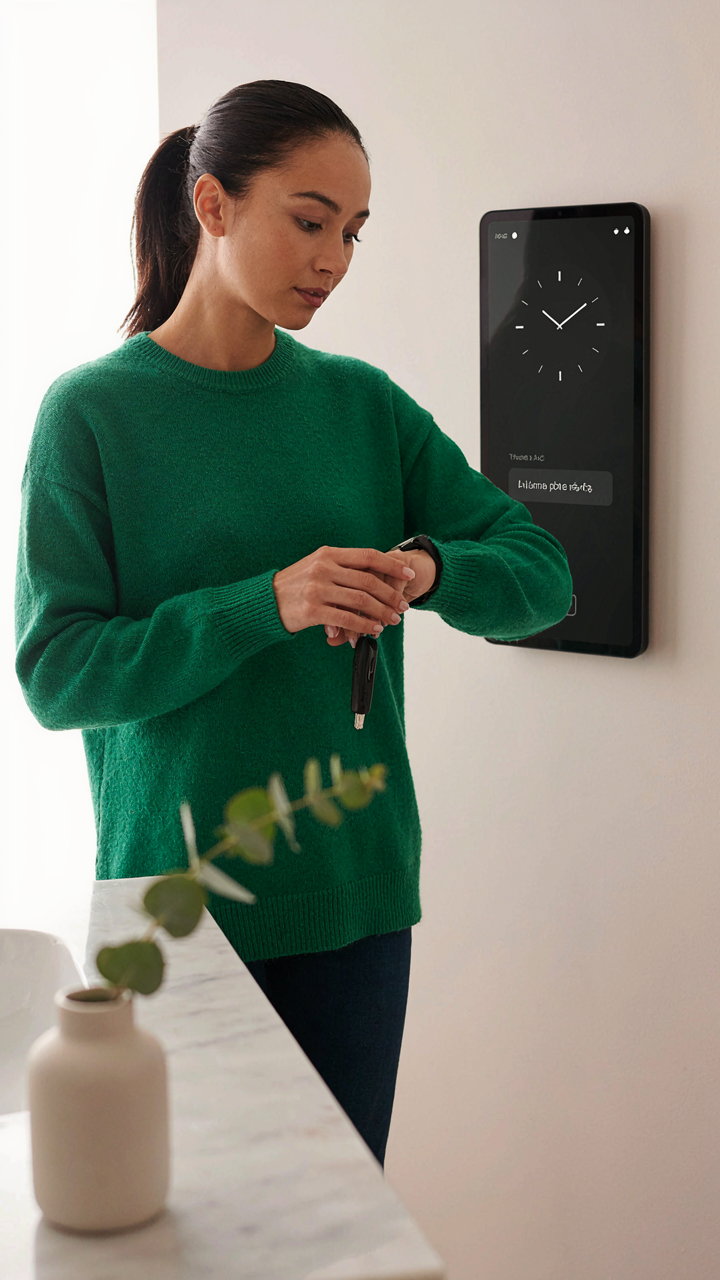
You want to feel smart for building this thing, so you’re tempted to cram every data stream available into the display. That’s the real reason you’re reading this section. Stop. The mechanism is simple: humans have a hallway transit time of 8 to 15 seconds. Anything requiring more than three glances doesn’t exist to you. That’s not philosophy. That’s neurology. Your mirror competes with doors, stairs, and muscle memory for attention.

The hallway mirror occupies a unique position—it’s periphery technology. You pass it en route to something else. Weather, time, and calendar conflicts survive this constraint because they answer immediate questions: “Should I grab a jacket? Am I late? Do I need to reschedule?” Everything else is bloat. Strip your display down to what you’d look up on your phone while standing in place. If you wouldn’t pause for it, your mirror shouldn’t display it.
Environmental Data Over Novelty
Information architecture borrows from military command structure: prioritize signal that forces action over signal that generates reaction. Your Raspberry Pi mirror must function the same way. Critical alerts (package delivery, calendar conflict, motion detection) sit at eye level. Ambient data (outdoor temperature, humidity) occupies secondary real estate. Entertainment and social feeds belong nowhere near this device.
The Raspberry Pi 4 or 5 has enough processing power to pull data from ten APIs simultaneously. Resist it. Test every widget with a hard rule: does this data change my behavior in the hallway right now? If the answer is no, delete the integration. Your mirror’s job is environmental awareness, not engagement metrics. Configure your MagicMirror module stack to refresh slowly—weather every 30 minutes, traffic every 15 minutes, calendar every 5 minutes—and batch requests to avoid CPU waste that causes lag.
Beyond Touch Controls: The Subtlety Of Presence Sensing
Motion Activation Without The Friction
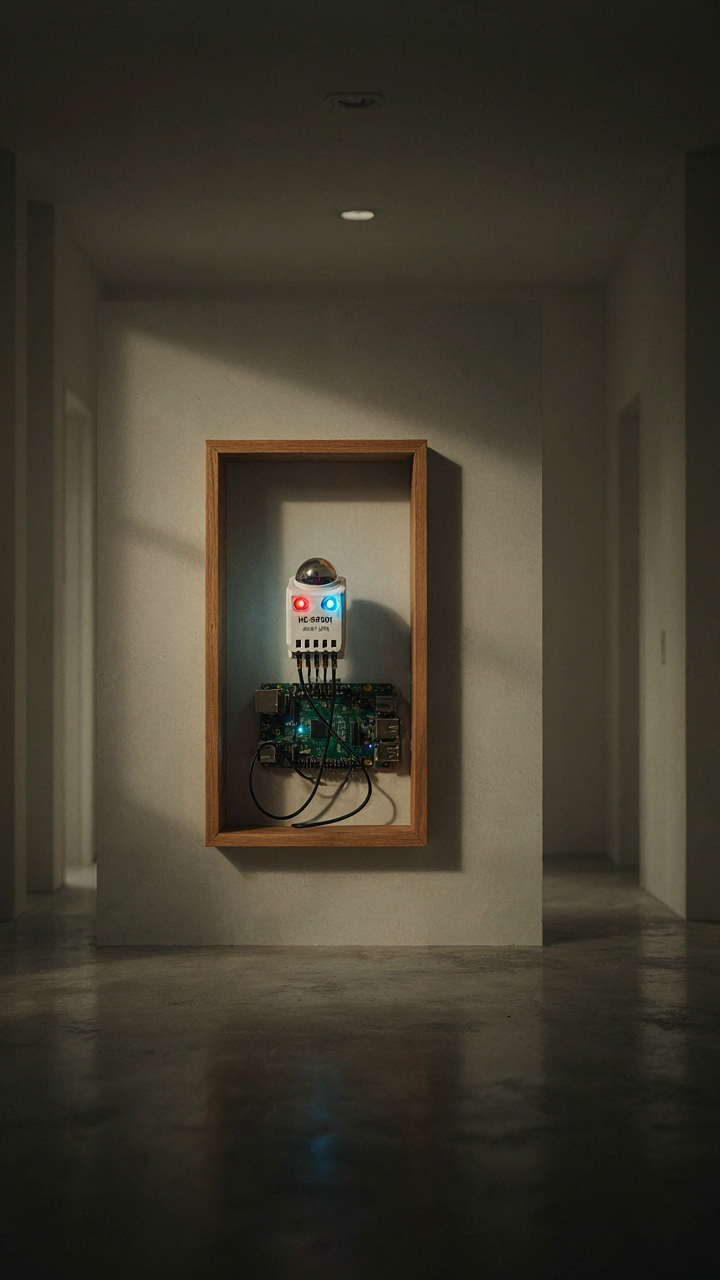
You want your mirror to feel smart without requiring you to wave at it like an idiot. That’s the real reason presence sensing matters. The mechanism is simple: a PIR sensor detects infrared radiation from body heat and triggers the display to wake. Most builds use a standard HC-SR501 module wired to GPIO pins on the Raspberry Pi. The sensor costs under five dollars and solves the core problem of activation without interaction.

The display stays off until someone enters the hallway. This cuts power draw by 70 to 80 percent because you’re not refreshing a screen for an empty room eight hours a day. Wire the sensor’s output pin to GPIO 4, configure it as an input in your mirror software, and write a simple conditional: if motion detected, turn on display and load widgets. If no motion for five minutes, sleep the display again. The timing threshold depends on your hallway traffic pattern, so test before finalizing settings.
Feedback Loops That Shape Behavior
Cybernetics names this feedback loop. In systems theory, a thermostat doesn’t just respond to temperature—it learns what stable states look like and corrects drift. Your smart mirror works the same way. As the presence sensor detects movement patterns, the mirror adjusts when it displays information and which information appears first. This isn’t magic. It’s a closed loop: sensor input triggers display logic, user behavior reinforces what works, software tweaks timing parameters.
Most people install motion sensing and stop there. Wrong move. The real power emerges when your mirror remembers. If the sensor detects you always enter at 7:15 AM, your mirror can preload that day’s schedule thirty seconds early. If motion detection happens during your typical shower time, suppress notifications. If you stand in front for under three seconds, show only time and weather. If you stand there longer, expand to calendar and news. Implement this by logging motion duration and correlating it with time-of-day, then adjusting your display config file to serve different layouts based on detected patterns.
Crafting The Enclosure: Aesthetics Dictated By Function
Materials That Hide The Machine
You want your mirror to look intentional, not like a failed tech project collecting dust in your hallway. That status anxiety drives most enclosure decisions, and it’s exactly backward. What actually matters is thermal performance and component protection, everything else follows.

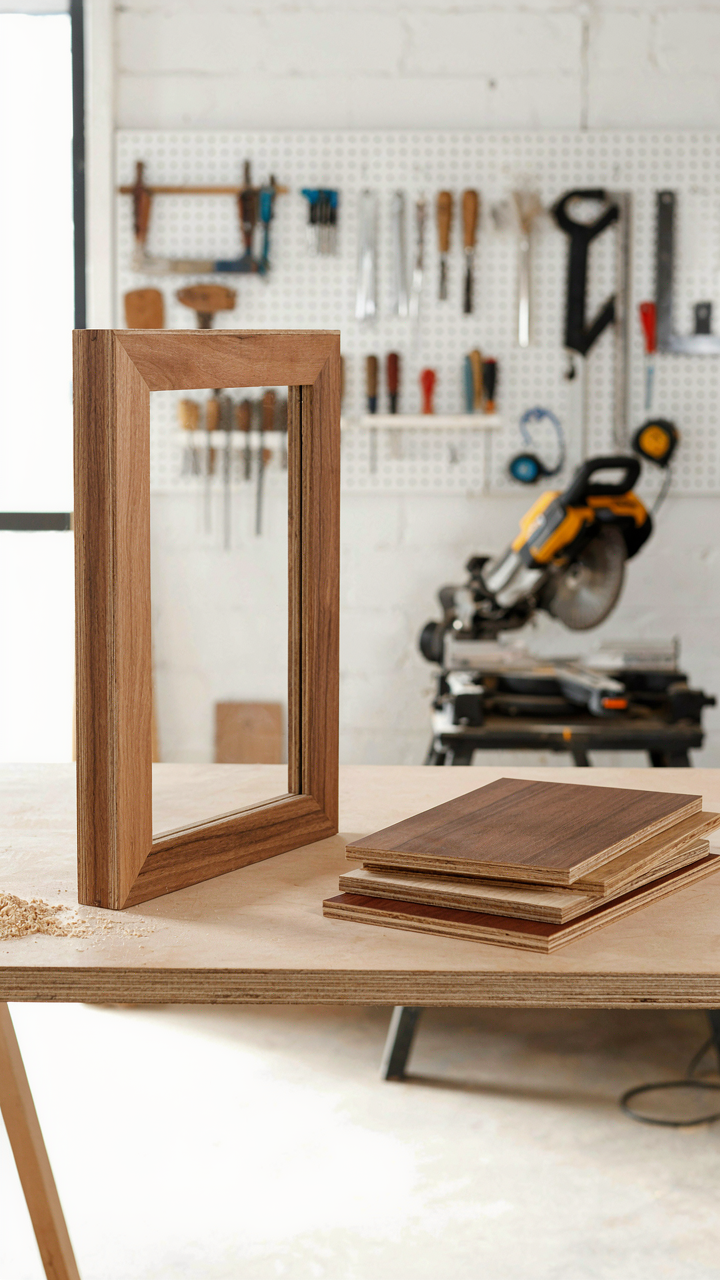
Wood frames work because they dissipate heat passively and accept mounting hardware without special fasteners. A 3/4-inch plywood frame around your display gives you space for ventilation gaps behind the mirror glass. Hardwood veneers on the outside face the hallway; raw plywood stays internal. MDF warps under humidity and temperature swings common in hallways near entrances, so avoid it despite the cost savings.
Aluminum frames conduct heat aggressively but require drilling tap holes for component mounting. Steel absorbs thermal energy but adds weight and rusts without powder coating. The trade is weight versus passive cooling. For a hallway mirror, weight matters less than simplicity, so wood beats both on installation friction alone.
Angle And Distance Lock The Experience
Mounting height determines whether your mirror reflects useful information or becomes visual noise. Interior design convention puts mirrors at eye level, roughly 57 to 60 inches from floor to center. Ignore that rule. Your Raspberry Pi display needs a 15 to 25-degree downward tilt from 6 feet away to avoid glare and neck strain during typical hallway transit.
Use adjustable monitor arms rated for your display weight instead of permanent wall brackets. This lets you dial viewing angle without cutting new drywall holes. A swivel base solves seasonal lighting changes that shift reflections. Mount the Pi and power supply behind the frame, not inside the mirror cavity, so heat exhausts forward into the hallway. Run HDMI through your frame backing with 3-inch clearance minimum from any heat source. Test the viewing angle standing at your actual hallway entry point before final fastening.
The Post Build Imperative: Maintenance, Updates, And Refinement

Lock Down Your Mirror Before It Becomes A Hallway Liability
You’re worried someone will access your mirror remotely and see your calendar or unlock your smart home. That fear is justified, but it’s not the real problem. The real problem is you’ll ignore security entirely because the mirror “just works” until it doesn’t. Default credentials on Raspberry Pi devices are a known attack surface. Change the root password immediately after first boot. Disable SSH password authentication and use key pairs only. Configure a local firewall using ufw to block all inbound traffic except what your mirror actually needs. Most smart mirror builds expose ports unnecessarily because the builder never thought through what traffic flows where.
Your mirror doesn’t need to communicate outside your local network. Restrict it to your home WiFi subnet. If you’re running MagicMirror or a similar framework, bind services to 127.0.0.1 instead of 0.0.0.0. Enable HTTPS on any web interface you access remotely, or don’t access it remotely at all. Change your WiFi password to something strong, not the default router password you inherited from your ISP. A compromised mirror becomes a pivot point into your broader network. Run sudo apt update and sudo apt upgrade monthly, not once at installation and never again.
Updates Without Rebooting Your Way Into Disaster
Everyone says “just run updates regularly.” That’s incomplete advice. The mechanism here borrows from software deployment: you need separation between your mirror’s core OS and the applications running on it. MagicMirror modules and custom scripts should update independently from system packages. This prevents a kernel update from crashing your display while you’re trying to fix it. Create a rollback strategy before you need it. SSH into your mirror and take a full backup of your microSD card using dd or Balena Etcher’s backup function. Store this backup on an external drive. If an update breaks your mirror, you restore from backup instead of rebuilding from scratch.
Schedule updates during off hours or times you don’t rely on the mirror. Don’t update while you’re using it as a morning routine device. Most Raspberry Pi smart mirrors benefit from a weekly update cycle on a fixed night. Use unattended-upgrades to automate security patches so critical vulnerabilities don’t sit unpatched for months. Test major updates on a secondary Pi first if you have the hardware. If you don’t, at least read the changelog for the packages you’re upgrading to understand what’s changing. When an update completes, restart the MagicMirror service, not the entire system, unless a kernel update occurred.
Monetizing Your DIY Smart Mirror Raspberry Pi: A Folly Or Fortune?
The Real Addressable Market
You want to know if you can actually make money from this because you’ve already sunk time into building one and admitting it’s just a hobby feels like failure. Here’s the mechanism: smart mirrors have zero commodity market. Nobody buys them at scale. The market isn’t broken, it never existed. The entire addressable market is: boutique hotels, high-end home builders integrating custom installs, and niche B2B applications like corporate fitness studios or medical clinics tracking vitals. That’s it.

The Raspberry Pi smart mirror doesn’t compete with consumer products because no consumer product exists at that price point with that flexibility. Your actual value isn’t the hardware. It’s the integration work, the software customization, and the installation labor for clients who need something specific. You sell the solution, not the mirror. A Raspberry Pi costs forty dollars. Your margin lives in setup, configuration, and ongoing support, not unit volume.
When Production Scaling Becomes A Trap
Everyone says scale your business, which is wrong advice here. The moment you try to manufacture smart mirrors as a product line, you become a hardware company competing on margin against suppliers with no competitive advantage. Your costs don’t drop at fifty units. Your support costs spike. You’re now managing inventory, handling returns, and dealing with Raspberry Pi supply chain volatility outside your control.
Build mirrors for specific clients instead. Take a contract for five units at a custom hotel, charge per installation and configuration, include twelve months of remote support in the fee. Your profit per unit stays high because you’re selling time and expertise, not plastic and silicon. Document each build. Reuse code and configurations across jobs. That’s how you scale without becoming a manufacturer nobody asked for.
Smart Mirror Diy: The Data You Actually Need, Not What You Think

What Your Mirror Should Actually Display
You want your smart mirror to feel useful so you don’t feel stupid for building it. Here’s the mechanism: every data stream you add dilutes attention. Your brain has a fixed bandwidth for processing information in a hallway context. The mirror competes with mail, keys, and the door itself for your cognitive load.
Pull only the data you check before leaving. Weather matters if you dress for it. Time matters if you’re late. Calendar events matter if they change your route. Everything else is decoration masquerading as function. Configure MagicMirror’s default modules first, then delete ruthlessly rather than add optimistically.
The Cost Of Showing Everything
Most people load their smart mirror with news, stocks, traffic, reminders, and motivational quotes. This is wrong. Each additional widget drains the Pi’s RAM and forces you to scan longer. You stop glancing and start searching.
Display only what changes your behavior in that moment. A static reminder you ignore every morning is noise. A weather alert that shifts your jacket choice is data. Your mirror should disappear into your routine, not demand attention. Disable the default news module entirely unless a specific story changes your actions that day.
The Real Obstacle Isn’t The Technology; It’s Your Resistance To Disciplined Constraint
You don’t need a smarter mirror. You need to stop collecting projects and start finishing one. A Raspberry Pi smart mirror forces you into that constraint. You pick your use case, you build it, you ship it. No pivoting. No “what if I added this feature” spirals. The builders who actually deploy these things aren’t the smartest. They’re the ones who decided done beats perfect. Buy your Pi today. Set a two week deadline. Your hallway mirror becomes the proof that you execute.