The “Invisible Handler” Protocol: Get Authentic Pet Portraits
Read The Animal’s Trajectory, Not Its Face
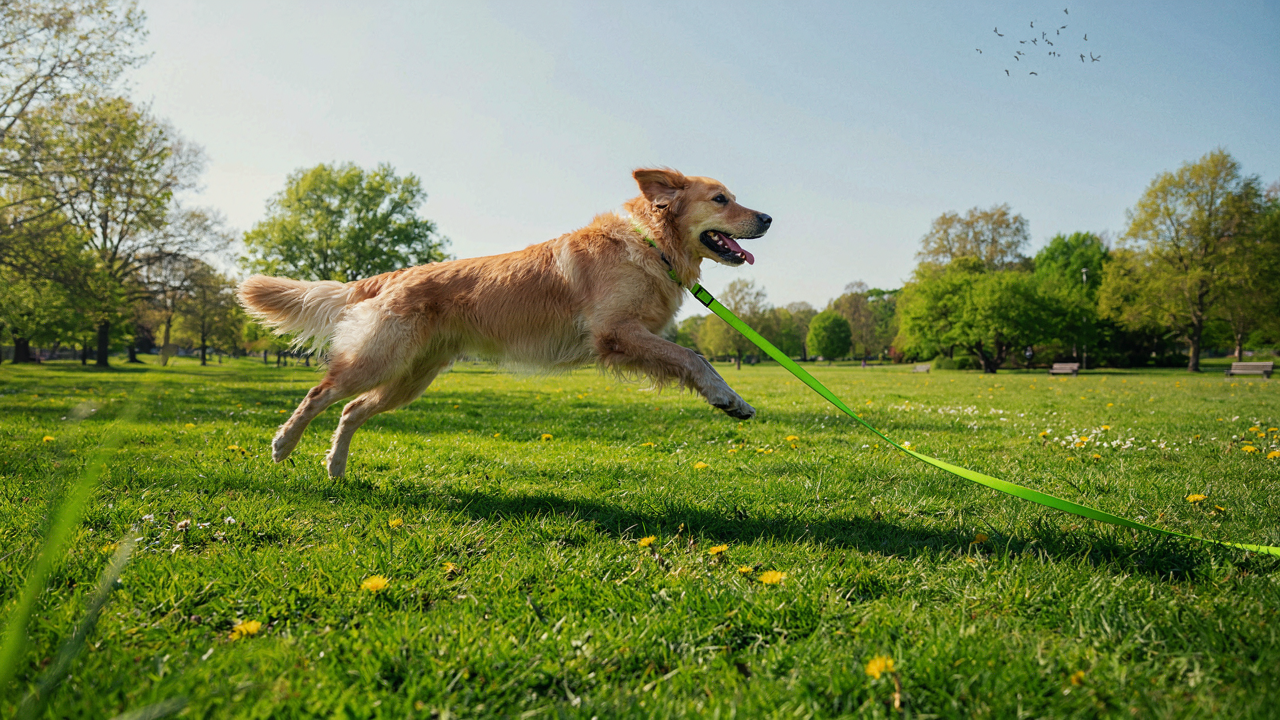
You want candid shots because you think they look better than posed ones. That’s half true. The real reason: posed pets look tense because they’re actively resisting commands while you frame the shot. Motion prediction is a hunter’s tool, and iPhone pet photography demands exactly that skill. Watch where your dog or cat is heading before it gets there, not where it is when you tap the shutter.
Most people chase the pet with their camera. They’re always one frame behind. Instead, identify the path your pet naturally takes through a room or yard, then pre-aim at the point where it will create the best composition. Your iPhone’s sensor captures light, not intention. If you’re reactive, you’re already losing the moment to motion blur or a closed eye. Position yourself ahead of the movement.
Burst Mode Is Your Actual Weapon
The common advice says “use burst mode to get more shots.” That’s lazy instruction. Burst mode works because it removes the gap between your decision to shoot and the moment of peak expression. Your pet moves at a speed your brain cannot consciously predict. Holding the shutter button (or volume button) down fires 10-15 frames per second on modern iPhones, which means you’re capturing across a timeline instead of betting on one frame.
The mechanism is simple: one frame shows a blink. The frame next to it shows open eyes. One frame shows ears back. The next shows ears alert. You’re not being lucky. You’re sampling a pet’s movement densely enough that at least one frame contains the exact configuration you want. Tap and hold the volume down button for three seconds while your dog or cat moves naturally. Review the burst sequence after, then select the sharpest frame with the best eye contact and ear position.
Light As Your Lens: Sculpting Your Animal Photoshoot
Natural Light Wins Every Time
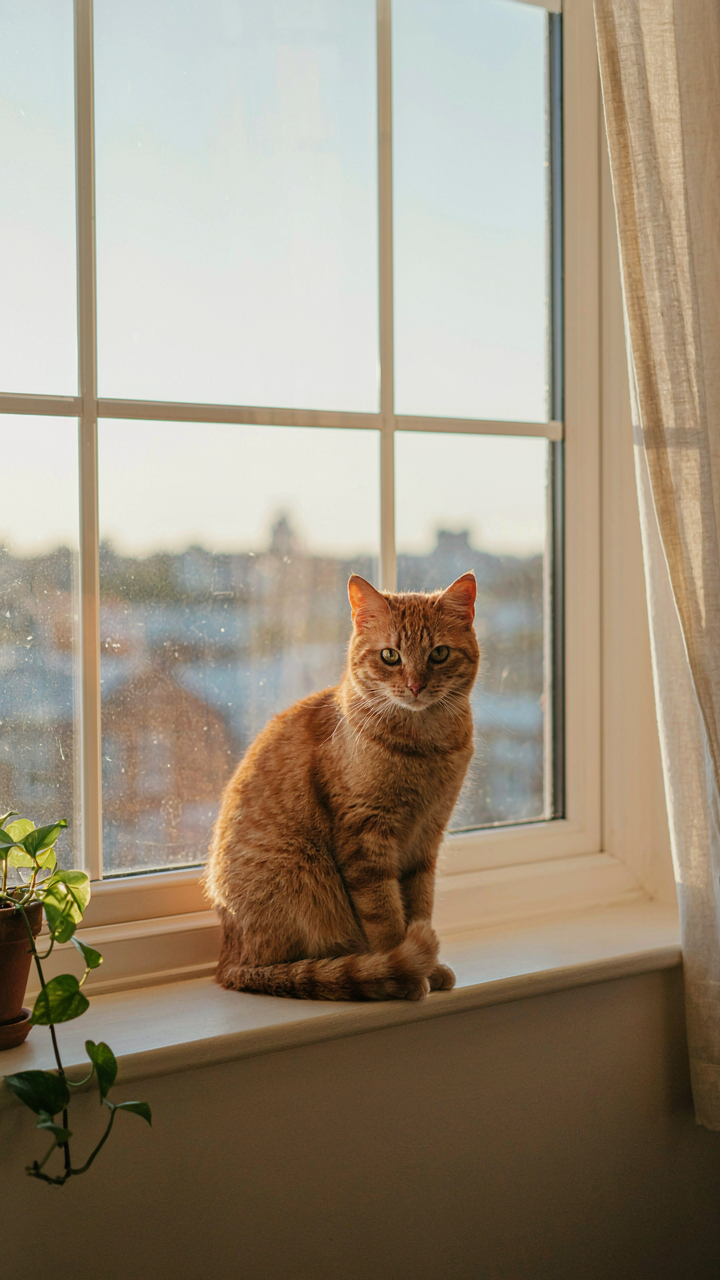
You want your pet photos to look professional without owning professional gear, which means you need to stop thinking flash will save you. The real mechanism here comes from optics: light quality matters more than light quantity. A smartphone camera sensor is small, and small sensors struggle with contrast. Harsh direct sunlight creates extreme shadows and blown highlights. Soft, diffused natural light compresses that tonal range into what your iPhone can actually capture without losing detail in fur or eyes.

Position your dog or cat near a window during golden hour, or shoot outdoors on overcast days when clouds act as a giant diffuser. The iPhone’s computational photography will crush it because the sensor receives even illumination across the frame. This eliminates the need for fill flash, which flattens texture and kills the dimensionality that separates pet portraits from snapshots. Your camera app has no way to recover lost shadow detail in fur the way it recovers blown highlights, so expose for the darker areas and let the brighter zones fall where they do.
Backlighting Creates Separation
Backlighting is the single most underutilized technique in casual pet photography because it looks technical but requires zero equipment. Place your light source behind the animal so it rims the edges of the fur, creating a halo effect that isolates the subject from the background. The iPhone’s HDR mode or manual exposure control lets you underexpose the face slightly while keeping that backlit rim, which gives depth and dimension that straight front-lighting cannot replicate.
Shoot during golden hour with the sun or window behind your pet’s head. Expose for the face using tap-to-focus, then let the background go darker. The backlit fur becomes a glowing outline that separates the animal from clutter in the frame. This technique works on both dogs and cats because it compensates for the iPhone’s limited sensor size by creating visual separation through light placement rather than optical depth.
The “Prey Drive” Focus Method: Sharpness For Wiggly Subjects
Lock Focus Before The Movement Happens
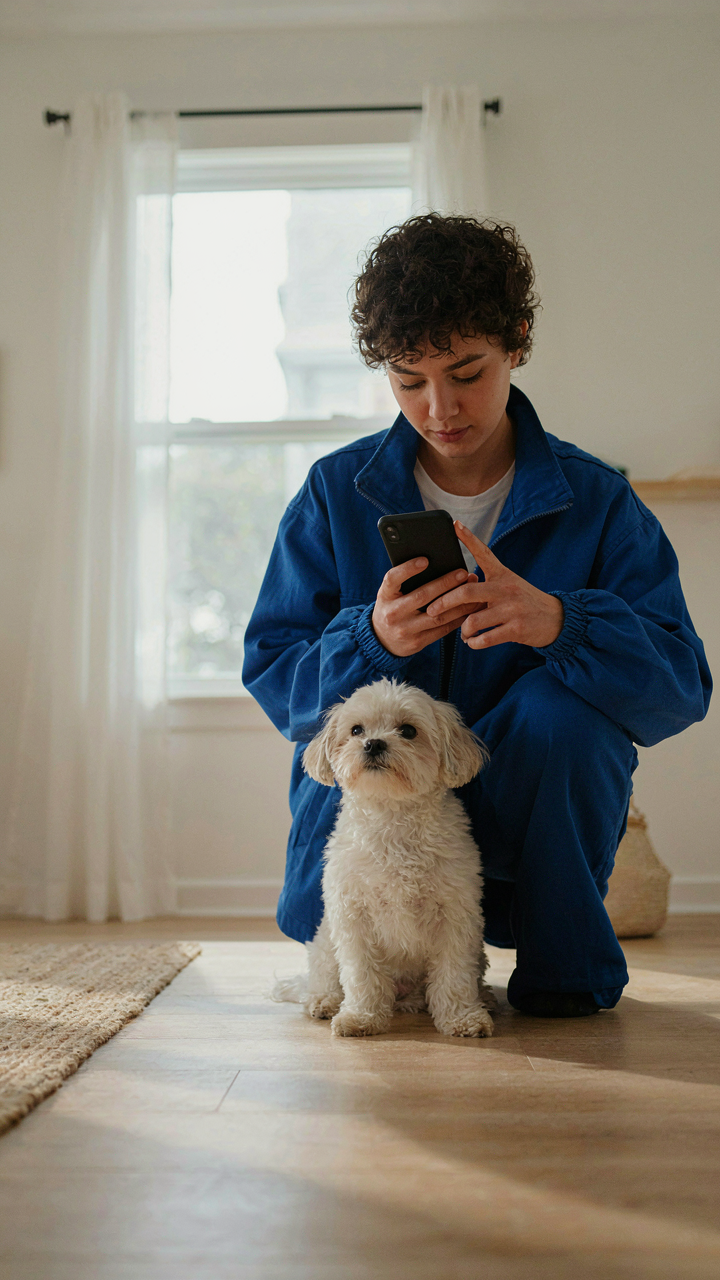
You want sharp photos because blurry pet shots feel like failure, and they are. The mechanism is simple: your iPhone’s autofocus locks onto a subject the moment you tap the screen. Tap on your dog’s eye or face before it moves, and the camera holds that focus point for the next 3 to 5 seconds even if the subject shifts slightly. This is your window. The pet doesn’t need to be frozen—it needs to be targeted first.
Most people tap when the pet is already mid-motion. That’s backwards. Tap when the dog or cat is stationary or moving predictably toward you. Hold your finger on the screen after tapping to lock focus even harder. Once locked, your shutter speed automatically adjusts to keep that focused plane sharp. The tap-and-hold method costs nothing and eliminates the most common failure point in pet photography.
Distance Determines Your Shutter Speed Math
Physics governs what your iPhone can freeze: shorter distances demand faster shutter speeds to keep motion sharp. When your dog sits two feet away, your iPhone’s sensor captures that movement across fewer pixels, so the phone’s processor can use a slower shutter. Move back six feet, and the same head turn registers as a larger motion blur across the sensor—now you need more light or a faster shutter to compensate. Closer subjects forgive motion easier.
The practical play: shoot within arm’s reach when your pet moves most. Your iPhone’s computational photography stacks multiple exposures at faster speeds when it detects motion. Indoors near a window, this works. Outdoors in direct sun, it works better. The closer you position yourself, the more latitude you have before motion blur kills the shot. Position first, then trigger the shutter at the moment the pet’s movement peaks and reverses.
Composition For Character: Beyond Centered Dog Branding
Rule Of Thirds Breaks Centered Pets
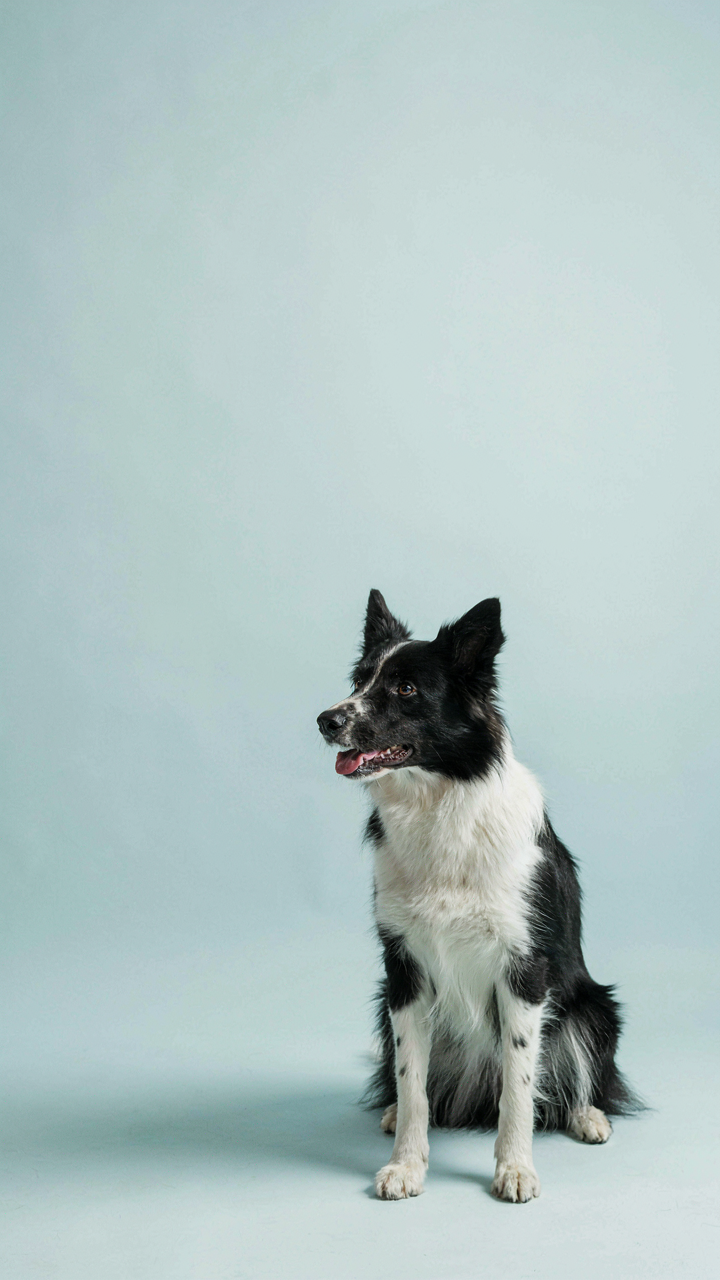
You want the shot that makes people stop scrolling, which means you’re chasing the illusion that rule of thirds is magic. It’s not. The real mechanism comes from photography’s borrowed language of visual weight and balance. Rule of thirds divides your frame into nine zones. Placing your dog off-center, not in the middle, creates tension. That tension is what stops the scroll.

The iPhone camera app displays a grid overlay when you enable it in settings. Turn it on. Align your dog’s eyes or body along these lines instead of dead center. A dog positioned at the intersection of two grid lines creates more engagement than one staring straight at the lens from the middle. This isn’t aesthetic preference. It’s how human eyes track movement and interest across a frame.
Shoot From Their Eye Level, Not Yours
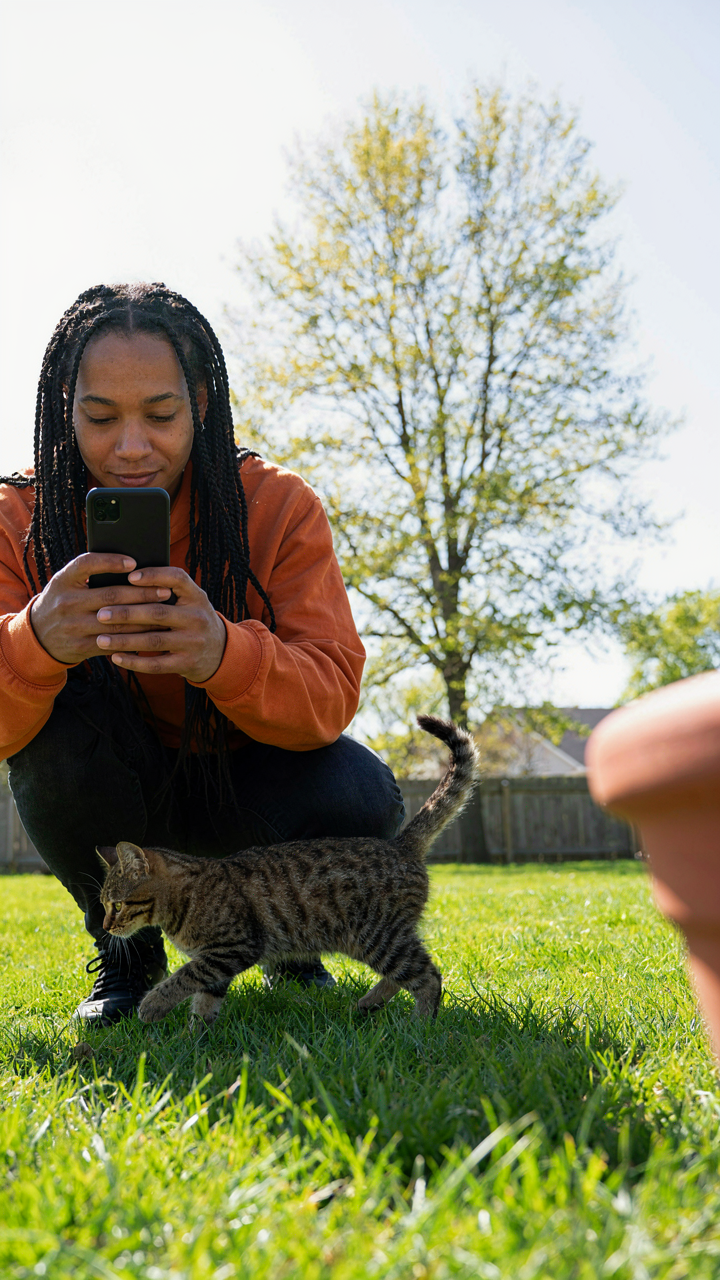
Most pet photos fail because you’re shooting down from human height, which distorts your dog’s face and makes them look submissive or small. Get low. This is where real framing happens. When your iPhone lens sits at your pet’s eye level, their features align naturally. Their gaze meets the camera as an equal, not a subject being documented. The background shifts too, removing distracting floor clutter and replacing it with walls, grass, or sky behind them.
Crouch or lie on the ground. Your arms will get tired. Shoot anyway. The angle removes the power imbalance between photographer and subject, which translates into a more compelling image. Your dog’s personality reads through because you’re capturing them as they actually navigate space, not as you observe them from above. This single shift in perspective separates candid pet photography from the forgettable kind.
Editing For Impact: Transform Good Into Dog Wallpaper
Crop Strategically To Enhance Focus
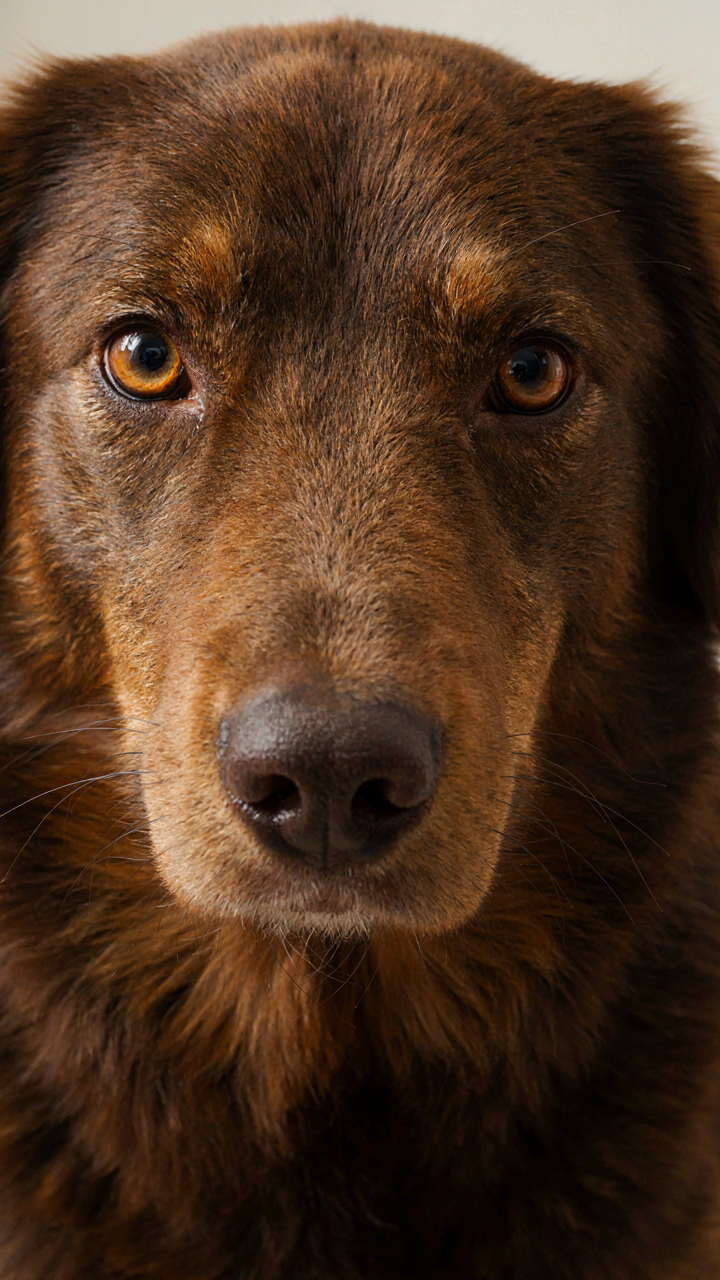
You want people to stop scrolling and actually look at your dog. That requires removing visual noise before they even register the photo exists. Cropping isn’t decoration. It’s subtraction. Tight crops eliminate competing elements that steal attention from your pet’s face or body language. iPhone’s native Photos app handles this without quality loss because you’re working with the original file data.
The real mechanism here is signal-to-noise ratio. Zoom in tighter than feels natural. Remove background clutter, partial limbs, and unnecessary space. If your dog’s ear is cut off but their eyes are sharp and centered, that trade works. Most pet photos fail because they try to show everything. Show one thing exceptionally.
Adjust Exposure Contrast Vibrancy
Generic advice says “boost contrast and call it done.” That’s incomplete. Exposure, contrast, and vibrancy each solve different problems in pet photography. Exposure fixes underexposed fur. Contrast separates your dog or cat from the background. Vibrancy intensifies color without blowing out highlights like saturation does.
- Exposure: Lift shadows on dark fur to reveal texture and eye detail. Stop before the image looks artificial or blown out in highlights.
- Contrast: Increase 15 to 25 points to make your pet pop off the background. Test this against your specific lighting condition, not a fixed number.
- Vibrancy: Add 10 to 20 points to warm skin tones and fur color without crushing highlights like saturation would do.
- Shadows: Open up underexposed areas of fur or eyes by raising shadows 10 to 15 points for detail recovery without flattening the image.
- Highlights: Lower blown out white fur or reflections by 5 to 10 points to preserve texture and prevent a washed out appearance.
Start with exposure first. Once eyes and fur detail appear, adjust contrast to separate subject from background, then vibrancy for color intensity. The sequence matters because each adjustment builds on the last. Editing is mechanical, not artistic.
Accessory Alchemy: Elevate Funny Wallpaper & Gato Laranja
Props That Don’t Steal The Frame
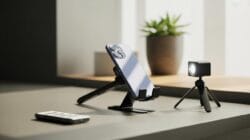
You want props because you think they make the shot look professional. They don’t. They make it look staged. The real mechanism is contrast: a single simple object next to your pet creates a visual anchor that your eye settles on, which makes the pet’s movement feel more dynamic by comparison. Clutter does the opposite.

Stick to objects with one solid color and matte finish. A plain blanket, a single toy, or a book works. Avoid patterns, reflections, and anything with text. Your iPhone’s camera sensor struggles to separate a patterned background from your pet’s fur. The iPhone 14 Pro and later models have better computational photography, but even those can’t rescue a busy background. Let the pet be the only visual story.
Toy As Focal Point Strategy
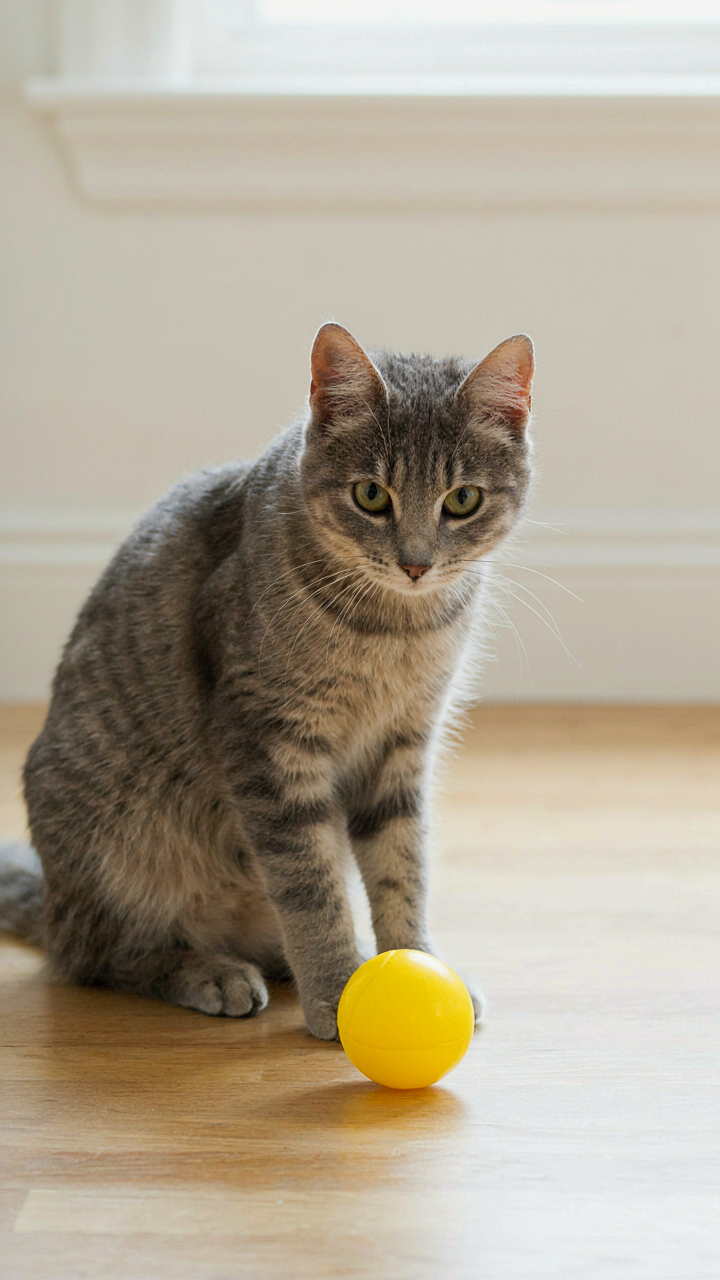
The toy isn’t a prop to fill dead space. It’s a tool to direct your pet’s gaze and control where the shot’s energy lives. Borrows from staging in theater: you’re not adding an object, you’re anchoring an actor’s attention. Your dog or cat naturally gravitates toward something familiar, and that redirection freezes their attention for the two-second window you need.
Choose a toy your pet actually uses daily, not something new. New toys create curiosity instead of focus, and your pet will move toward it rather than hold position. Position the toy just outside your iPhone frame at eye level with your pet. Use it to angle their head toward natural light. When your pet looks at the toy, their eyes catch available window light or outdoor sun. That’s when you shoot. The toy disappears from your workflow after the photo lands.
The Behavioral Economics Of Attention: Get Wallpapers Cat
Reward The Behavior You Want To Capture
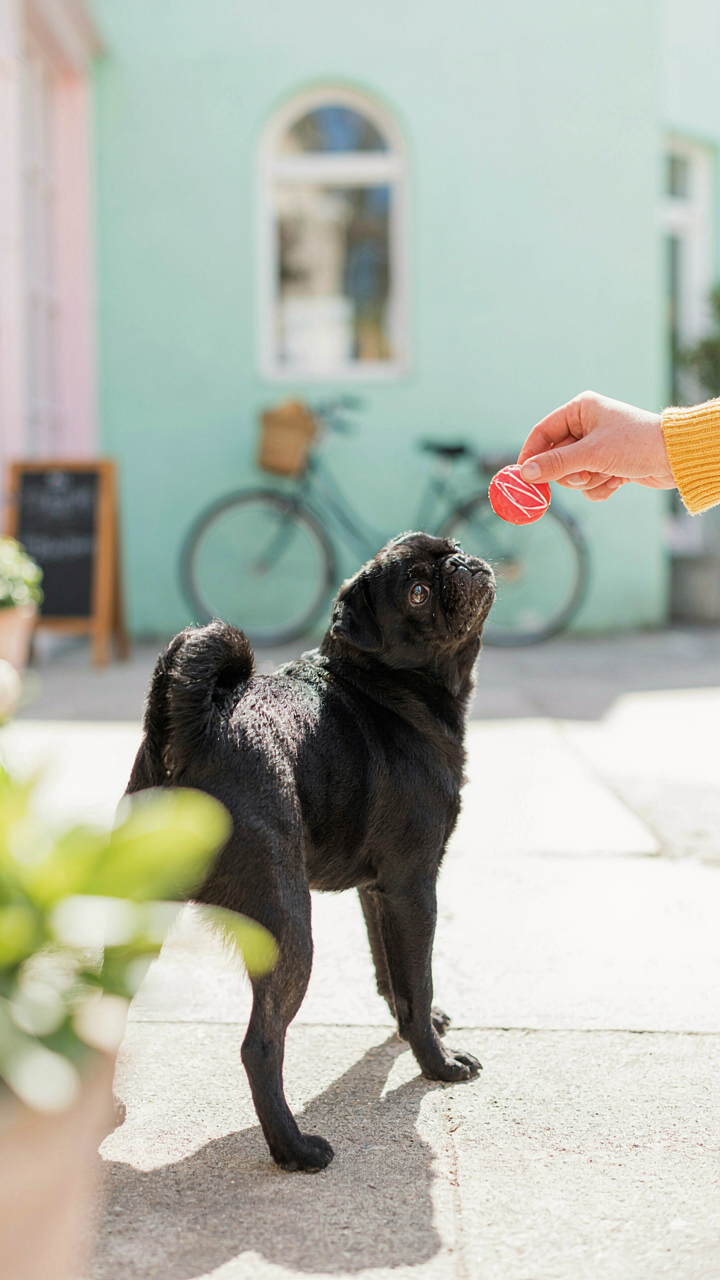
You want your pet to sit still for the shot because it makes you look like you have control. Here’s the real mechanism: animals repeat behaviors that produce immediate, tangible outcomes. Economics calls this incentive alignment. In iPhone pet photography, you’re aligning your pet’s incentive with your shot.
Treats work because they’re instant. A dog or cat doesn’t understand “hold still for the perfect lighting.” They understand “do this, get food.” Deliver the treat the moment your pet hits the pose you need, not after. The timing collapses the gap between action and reward. This trains faster than anything else.
Trade Speed For Perfection
The standard advice says wait for the ideal moment. That’s wrong for most situations. Opportunity cost in economics means every second you delay shooting is a second your pet might move, break pose, or lose interest. You’re paying a real price in repositioning time and retakes.
Take the shot when your pet enters the ballpark of what you want. A slightly tilted head beats a perfectly framed empty frame. You can correct composition, crop, or adjust in post. You cannot retrieve a moment your pet already passed through. Shoot the 80 percent version, move on, and iterate. Speed compounds into volume, volume compounds into keepers.
Storytelling Through Stills: More Than Just Cute Dog Photos
Capture What Makes Them Move
You want proof your pet is interesting. That’s the real driver here. Most people shoot the same three poses every dog owner shoots: sitting, looking at camera, mid-walk. The mechanism from behavioral psychology is called “salience bias”—we notice and remember what stands out. Your iPhone captures moments nobody else has documented because you’re the only one watching for them.

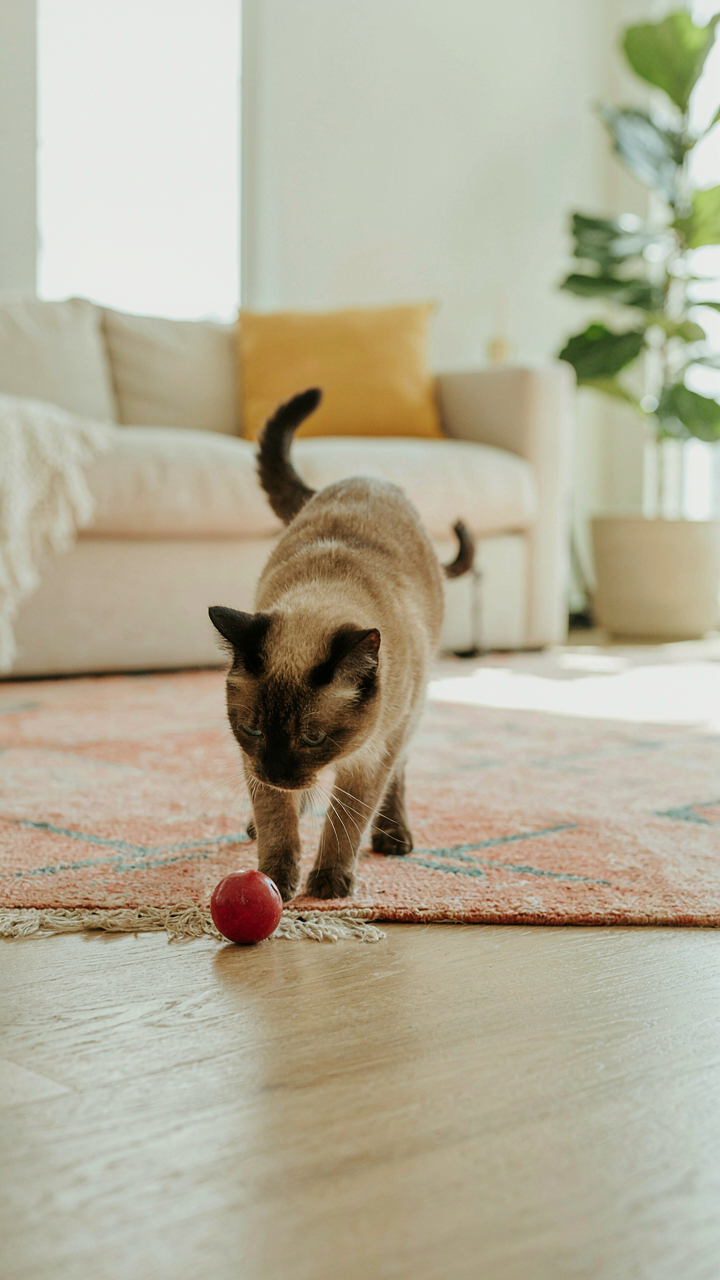
Stop hunting for the perfect expression. Instead, document the behavioral patterns unique to your specific dog or cat. The way your dog circles before lying down. How your cat’s ears flatten before pouncing. The exact moment your pet notices something that isn’t there yet. These micro-behaviors reveal character in ways posed shots never will. Your iPhone’s burst mode exists for this—fire off five to ten frames per second to catch the one moment that defines your pet’s personality.
Sequence Shots For Narrative Flow
Filmmaking borrows the concept of “montage editing” to compress time and build meaning. Apply this directly: shoot a beginning, middle, and end to create a micro-story within a single photo series on your iPhone. Your pet’s morning routine becomes three frames instead of one random snapshot.
Start with context—wide shot showing the environment. Move to the action—medium shot of the behavior. End with the reaction—close-up of the face or pose after the behavior completes. This three-frame structure works because your brain processes it as motion and intention, not just documentation. When you review your library later, select the best frame from each phase and post them as a carousel or grid. The narrative arc makes the sequence memorable where a single image would vanish into the scroll. Your phone’s native photo app lets you organize sequences in albums—use this to establish a deliberate shooting protocol before you even raise the camera.
Your True Obstacle Isn’t The Camera; It’s Your Impatience With Genuine Connection

Most people miss the shot because they’re chasing it instead of earning it. Your dog doesn’t perform for demand. Put the phone down for five minutes, play with them, let them forget you exist, then grab the camera when their guard drops. Today, sit with your pet for one full session without touching your phone. Capture nothing. Just watch. You’ll realize the best iPhone pet photography isn’t about technical skill—it’s about patience you refused to give until now.