
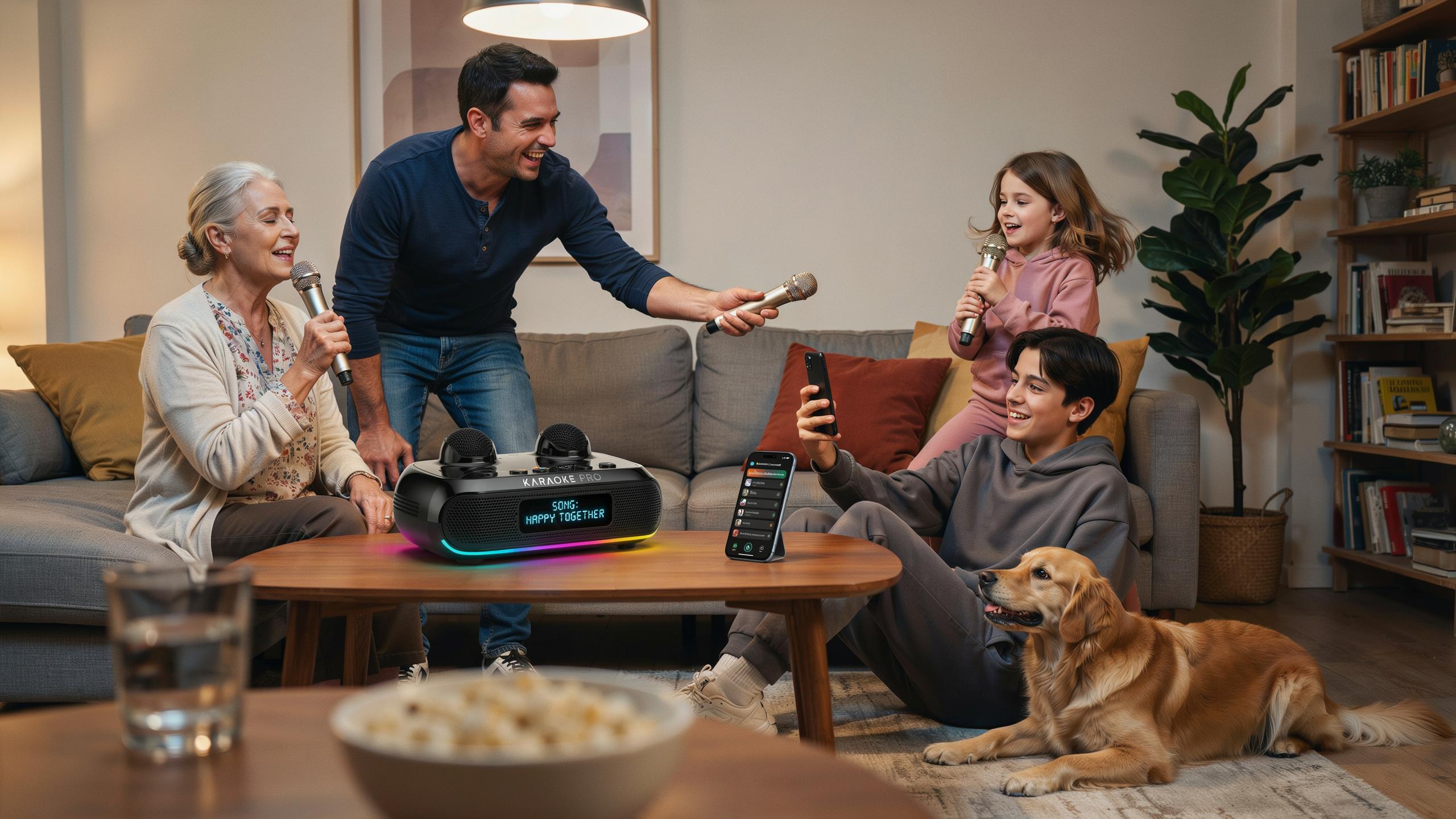
What Is A Portable Karaoke Machine With Bluetooth
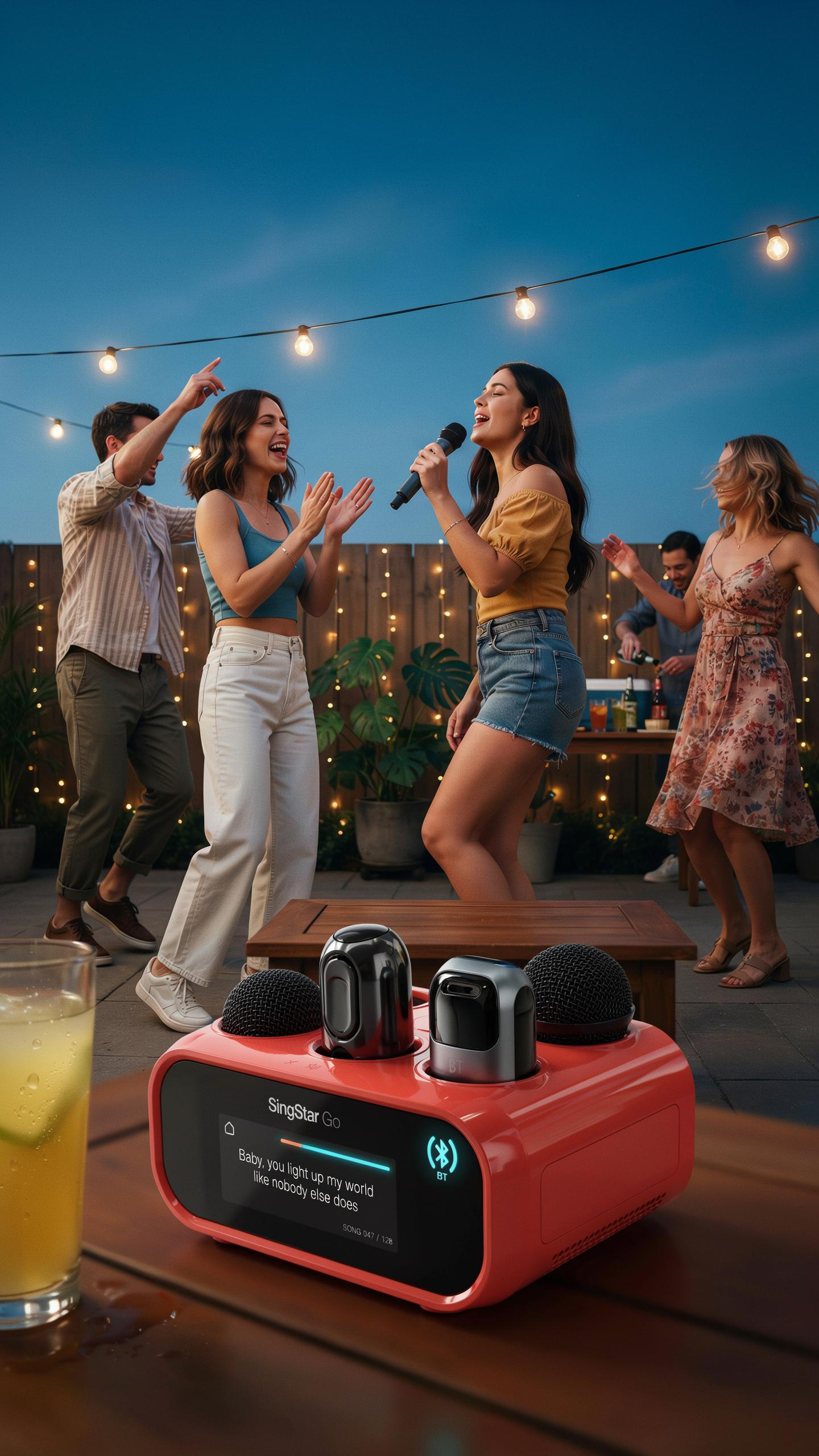
Definition
A portable karaoke machine is a self-contained speaker system that plays backing tracks while users sing into a microphone. The device contains built-in audio processing, amplification, and speaker components in a compact form factor. Most models weigh between two and ten pounds, making them transportable between rooms or venues. The core function remains unchanged: reproduce instrumental versions of songs at controlled volume levels while capturing vocal input through a microphone input jack.
These machines deliver karaoke functionality without requiring a television, computer, or external mixing equipment. Users control song selection and volume through physical buttons or simple digital displays. The microphone connects via a standard 3.5mm jack or wireless receiver. Audio output routes through internal speakers rated between ten and one hundred watts of power, depending on the model size and price point.
Bluetooth Connectivity
Bluetooth connectivity eliminates the need for physical cables when streaming music from smartphones, tablets, or laptops to the karaoke machine. The wireless standard allows devices to pair within thirty feet of the speaker system, making setup faster and reducing cable clutter during family events. Once paired, users play backing tracks from karaoke apps, YouTube, or music streaming services without manually connecting wires. This feature transforms the karaoke machine from a standalone device into an extended output for digital music libraries.
Bluetooth pairing typically requires pressing a button on the machine to enter discovery mode, then selecting the device from the phone’s available connections. Connection establishes automatically on subsequent uses once devices recognize each other. The wireless protocol maintains consistent audio streaming during typical home use, with signal strength remaining stable across standard room distances. This connectivity method appeals to families because it leverages technology everyone already uses daily on their personal devices.

Why Choose A Portable Karaoke Machine For Family Nights
Entertainment Value
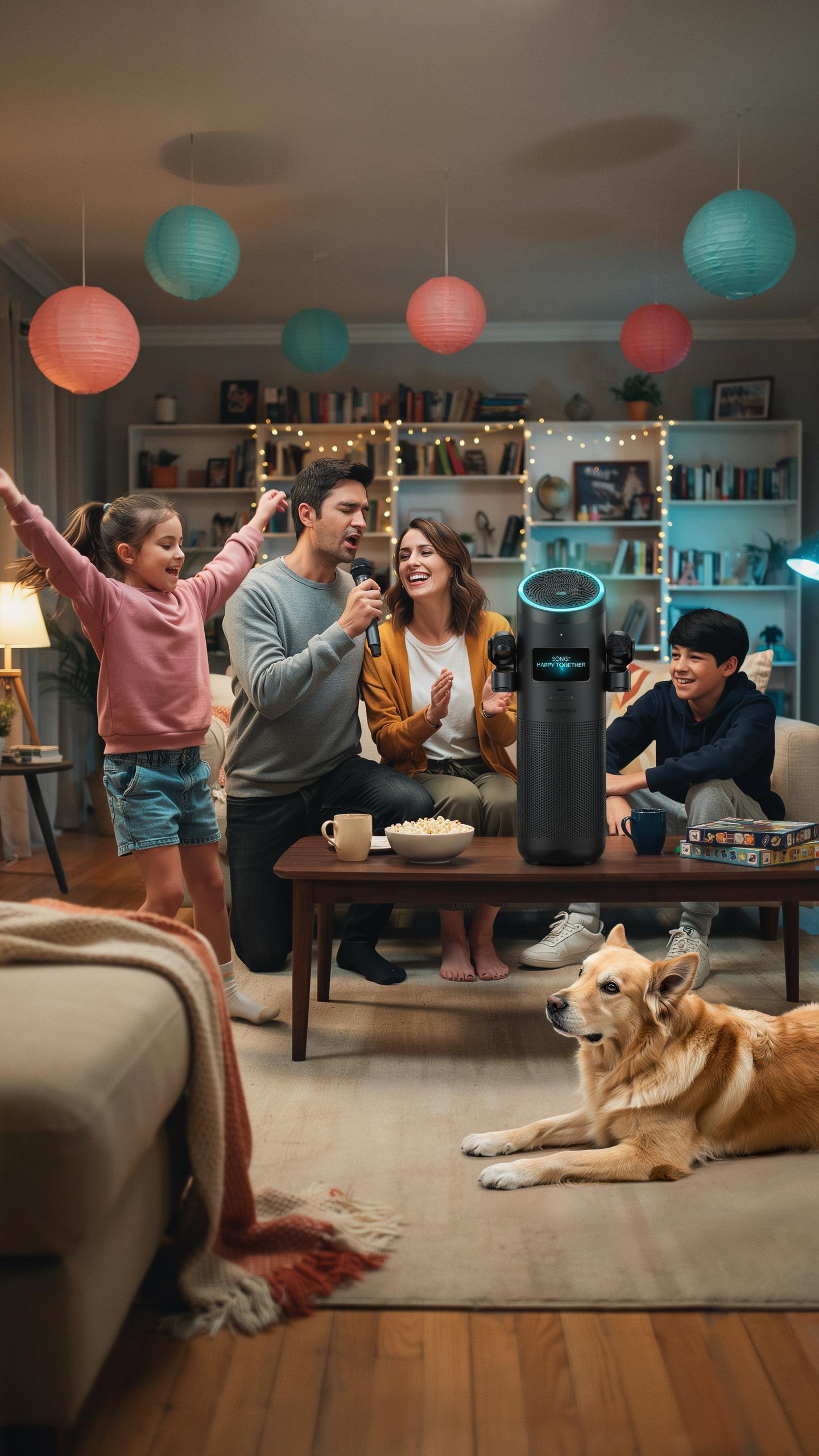
Karaoke parties engage multiple generations at once. A portable karaoke machine with bluetooth delivers songs that appeal to kids, teens, and adults. The activity removes passive screen-watching and replaces it with active participation. Singing together creates shared moments. People compete, laugh, and perform. This beats most entertainment options for raw engagement time.
The mechanics are simple. Someone picks a song. They sing into the microphone. Others listen or join in. This rotation keeps everyone involved. Even shy participants tend to join after watching others perform. The built-in song libraries on most portable machines contain hundreds of tracks across decades and genres, ensuring something resonates with every family member present.
Versatility And Portability
A portable karaoke machine with bluetooth works anywhere you take it. Living room, backyard, cabin, beach, or road trip. No permanent installation required. Battery-powered models need no outlet access. You pack it, move it, and set it up in minutes. This flexibility means you run events whenever the mood strikes instead of waiting for the right venue.

The bluetooth feature eliminates cable clutter and compatibility headaches. Connect any smartphone or tablet wirelessly to play custom song lists. Microphones connect via bluetooth or included cables. Some models include built-in speakers powerful enough for outdoor spaces. Portability means your entertainment system adapts to your location rather than forcing your family to adapt to fixed equipment limitations.
Key Features To Look For In A Portable Karaoke Speaker
Sound Quality And Power
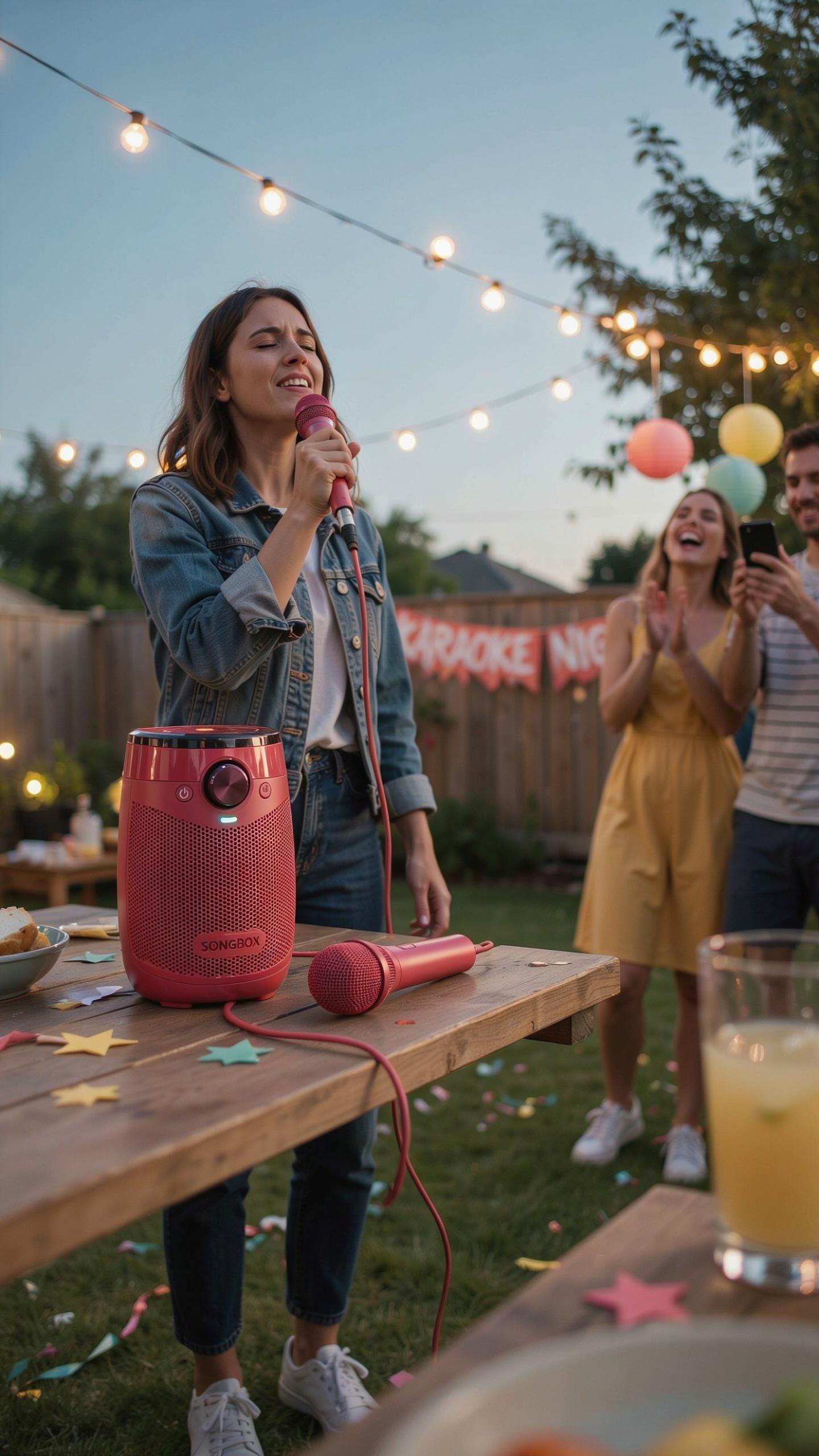
Clear audio output separates usable karaoke machines from frustrating purchases. Wattage matters because it determines volume ceiling and audio clarity at high levels. Most portable models range from 10 to 100 watts. Higher wattage handles larger rooms without distortion. For family settings, 20 to 50 watts typically covers living rooms and backyards effectively without overwhelming a home environment.
Frequency response affects how vocals and instruments sound through the speaker. A range covering 20Hz to 20kHz captures the full spectrum of human hearing. Portable units with bass boost features let you adjust low-end punch for different songs. Test the machine at moderate volumes before buying, since portable speakers often sound better at specific power levels rather than maximum output.
Microphone Options
Wired microphones connect directly to the machine with a cable. They eliminate battery concerns and deliver consistent signal without interference. Wired mics work best for stationary setups where movement is limited. The cable length typically ranges from 3 to 10 feet. This limits your range but guarantees uninterrupted performance during family singing sessions.
Wireless microphones operate via Bluetooth or 2.4GHz frequency transmission. They provide freedom to move around the room, sing from different positions, and engage guests physically. Battery life varies from 4 to 12 hours depending on the model and usage. Wireless mics introduce occasional signal dropouts in areas with competing frequencies. Most portable karaoke machines include at least one wireless microphone for convenience during home entertainment.
Understanding Bluetooth Speakers Portable For Karaoke
Pairing Process
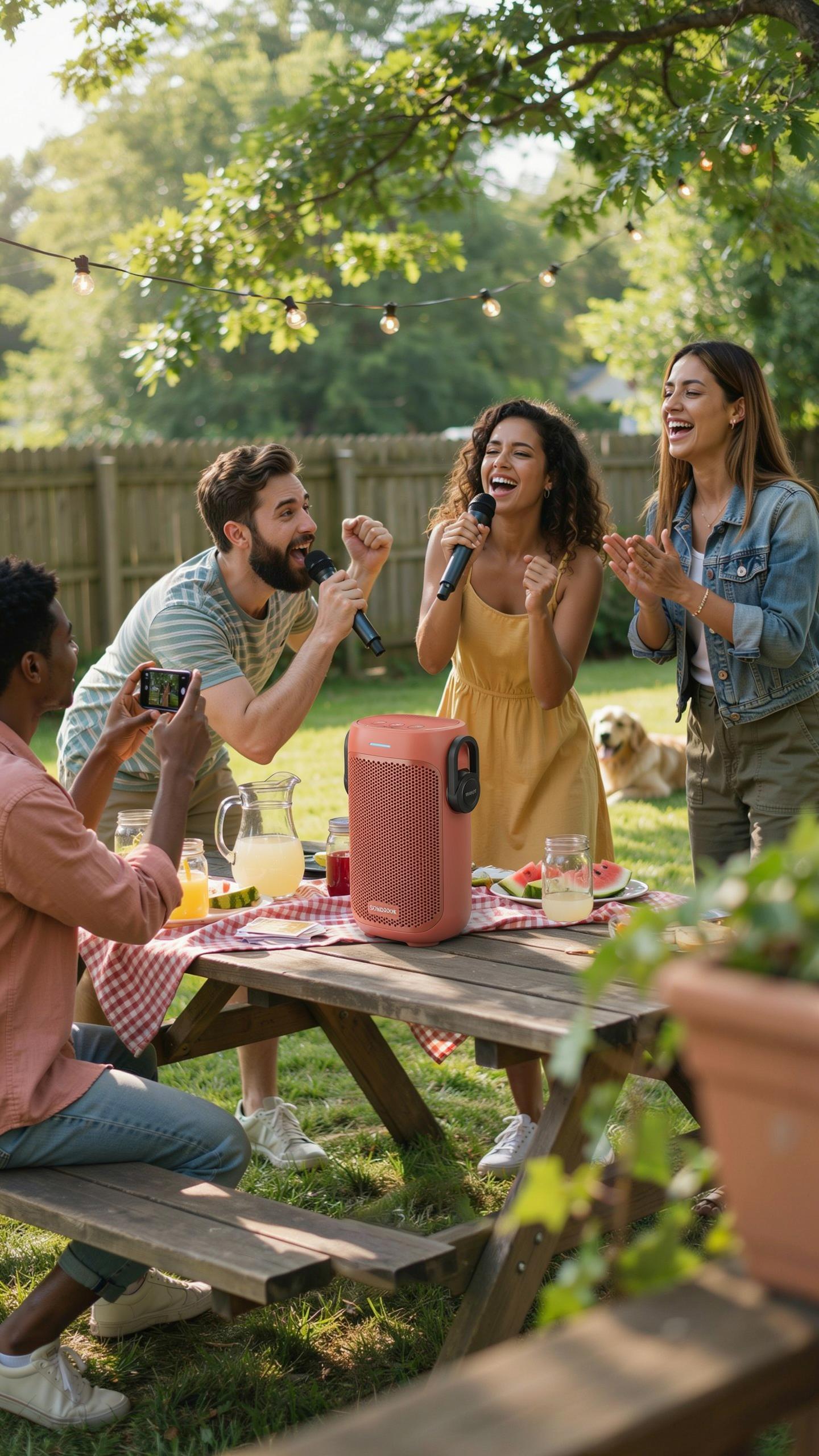
Connecting your phone or tablet to a portable karaoke machine takes seconds. Turn on both devices and enable Bluetooth on your source device. Navigate to available devices, find your karaoke machine by name, and select it. Most machines appear as “Karaoke” or the brand name. The connection establishes immediately once you confirm the pairing request on both devices.
After initial pairing, your device remembers the karaoke machine. Future connections happen automatically when both devices power on and Bluetooth activates. Some machines require you to hold a Bluetooth button for three seconds to enter pairing mode. Check your specific model’s manual for exact button locations. Forgetting the device and re-pairing solves most connection problems.
Range And Stability
Bluetooth operates on the 2.4 GHz frequency and typically reaches 30 to 100 feet depending on your machine’s specifications. Walls, metal objects, and other electronic devices weaken the signal. Keeping your phone within 30 feet of the karaoke machine ensures stable audio without dropouts. Interference from Wi-Fi routers, microwaves, and cordless phones degrades connection quality. Position your source device with a clear line of sight to the machine.

Battery levels affect connection stability on both devices. Low battery on your phone or karaoke machine causes intermittent cutting out mid-song. Bluetooth 5.0 provides better range and stability than older versions like Bluetooth 4.2. Check your karaoke machine’s specifications for the Bluetooth version. Charging both devices fully before family night prevents connection failures during performances.
Beyond Just Singing Using Your Portable Karaoke System
PA System Functionality
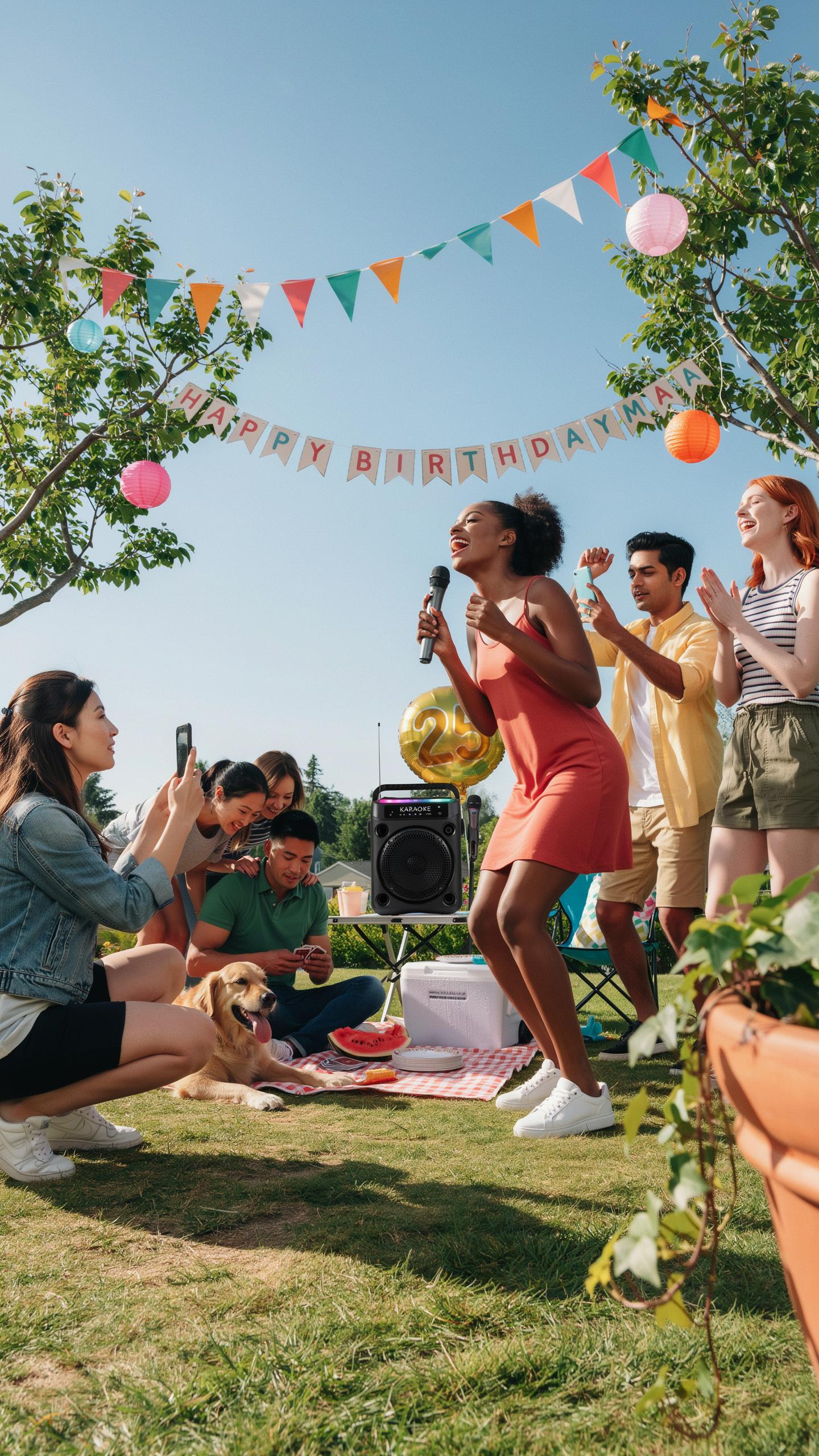
Portable karaoke machines with Bluetooth serve dual purposes beyond entertainment. Most models include microphone inputs and volume controls that work for announcements at family gatherings, backyard events, or small parties. The built-in speakers project sound across rooms effectively. Users can switch from karaoke mode to announcement mode by routing audio through the microphone input rather than the song database. This flexibility makes them practical tools for hosting.
The PA system capability works because these devices bundle amplification, speaker drivers, and audio processing into one unit. When you need to address a crowd or make an announcement, you simply plug in a microphone and adjust the volume. No additional equipment required. This eliminates the need to buy separate PA systems for casual events. The Bluetooth connectivity also allows you to stream background music from your phone during non-karaoke portions of gatherings.
Connecting Other Audio Accessories
Most portable karaoke machines accept external audio inputs through standard connectors like 3.5mm auxiliary ports or RCA jacks. This design choice lets you connect instruments such as keyboards, acoustic guitars with pickups, or drum machines directly to the unit. The machine amplifies these instruments through its speakers, creating a performance setup without purchasing additional amplifiers. Check your specific model’s input options before purchasing accessories.

External speakers connect to karaoke machines through Bluetooth or wired outputs to expand sound coverage. Some models feature audio output jacks that let you run signals to larger speaker systems for bigger spaces. This modular approach means you scale your audio setup based on event size and venue. Quality of output depends on your karaoke machine’s built-in amplifier and the accessories you choose to integrate.
Top Picks Recommended Portable Karaoke Machines For Your Family Karaoke Party
Budget Friendly Options
Entry level portable karaoke machines with bluetooth start around 30 to 80 dollars. These units handle basic functions: bluetooth connectivity, built in speakers, and microphone inputs. They lack advanced features but deliver enough performance for casual family use. Battery life ranges from 4 to 8 hours depending on volume levels and model specifications.
Budget models use plastic construction and simpler circuitry to keep costs down. Sound quality sits in the acceptable range for small rooms, though bass response remains limited. Most accept bluetooth from phones or tablets within 30 feet. These machines work best for occasional use rather than frequent parties or events.
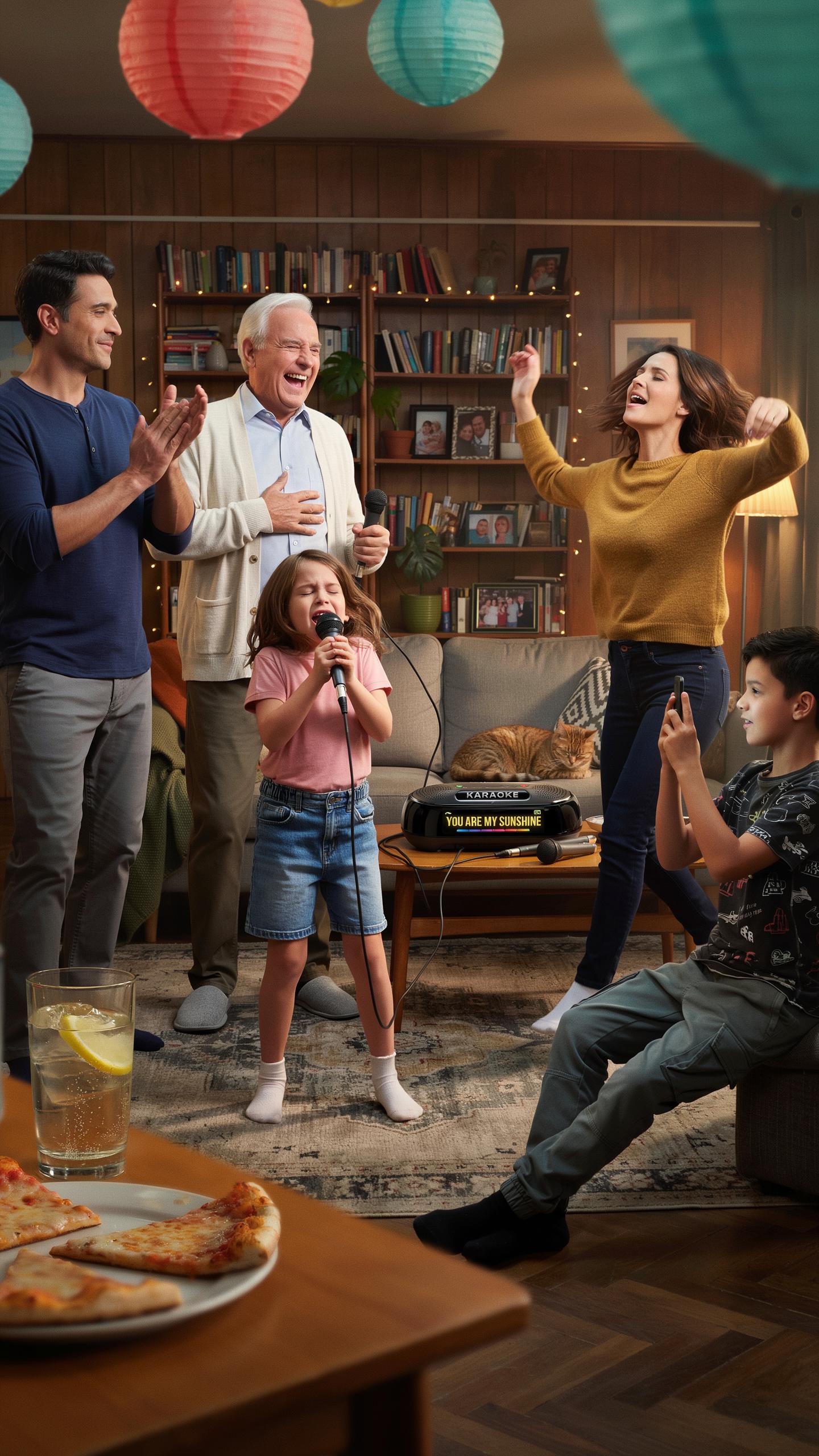
There’s nothing quite like gathering your loved ones, a Bluetooth karaoke machine, and creating a symphony of joy and laughter that echoes in our hearts for years to come.
Premium Features
High end portable karaoke machines with bluetooth cost 150 to 400 dollars and incorporate superior audio components. These models feature dual microphone inputs, larger speaker drivers, enhanced equalizer controls, and longer battery life. Premium machines deliver clearer vocals and stronger bass reproduction. They handle sustained use without performance degradation.

Advanced models include features like digital echo control, reverb adjustment, and key change functionality. Some integrate recording capabilities to capture performances. Bluetooth range extends to 50 feet on quality models. These machines serve serious enthusiasts and frequent entertainers seeking professional grade output from portable hardware.
Setting Up Your Portable Karaoke Machine For The Best Experience
Placement And Acoustics
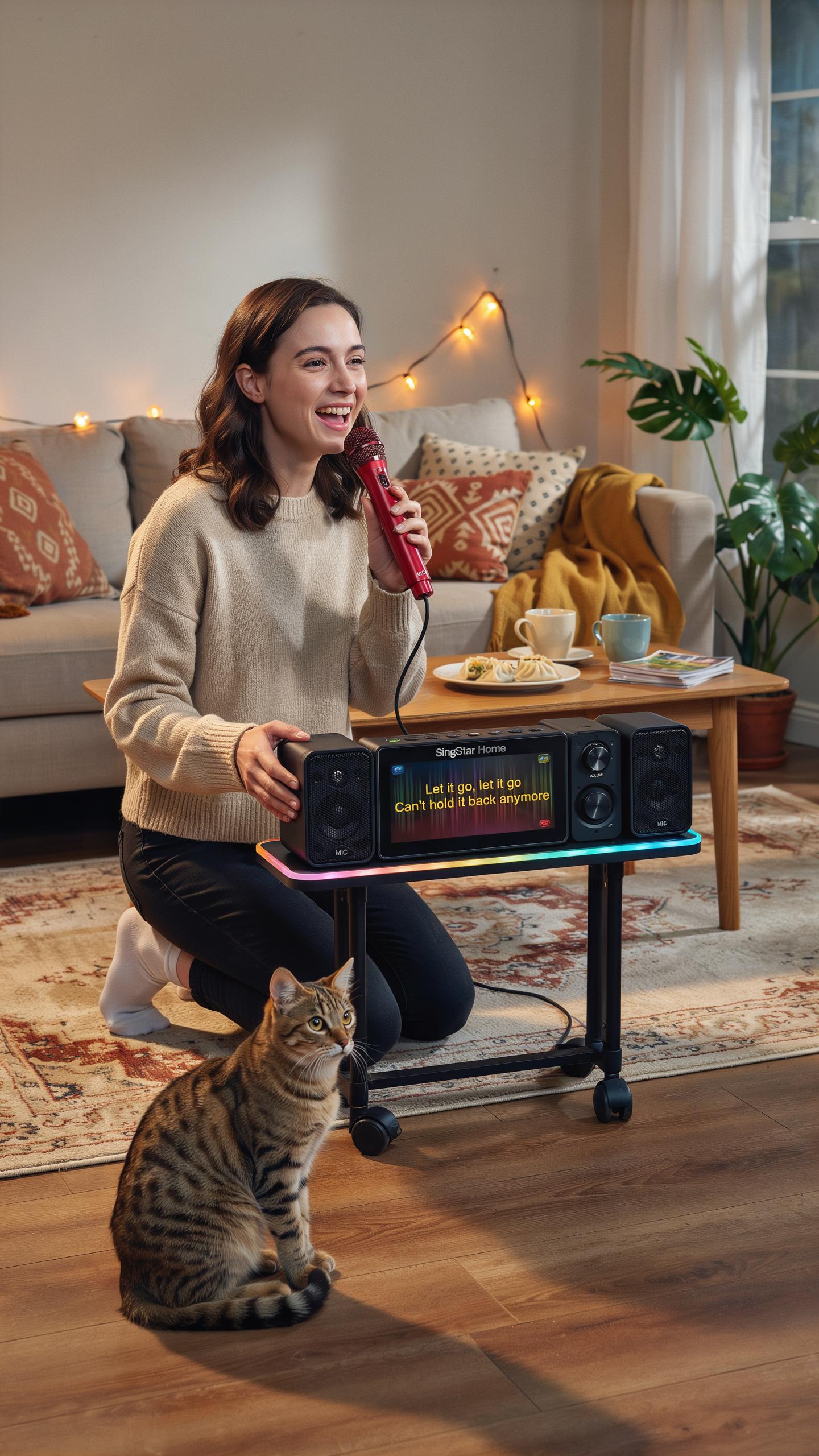
Sound quality depends on where you position your portable karaoke machine with bluetooth. Hard surfaces like tile or wood reflect sound and create echo. Place the speaker away from walls and corners to reduce bounce-back noise. Test different locations in your room before settling on one.
- Corner placement: Avoid corners entirely. They trap sound waves and amplify bass frequencies unnaturally, making vocals sound muddy and distorted.
- Wall distance: Keep speakers at least three feet from any wall. This prevents sound reflection that causes delay and echo during singing.
- Elevated positioning: Mount or place speakers on stands at ear level when seated. This ensures sound reaches singers and listeners evenly without obstruction.
- Soft furnishings: Add rugs, curtains, or cushions to absorb sound waves. These materials reduce echo and create cleaner audio output throughout the space.
- Floor type consideration: Carpeted rooms naturally reduce echo better than hard floors. If you have tile or wood, use area rugs to improve acoustics.
Room dimensions matter more than you think. Smaller rooms amplify sound naturally, so lower your portable karaoke machine volume to avoid distortion. Larger spaces require more power and higher volume levels. Test your setup with one person singing first before hosting your full family event.
Music Sources And Apps
Your portable karaoke machine with bluetooth connects to multiple music sources through its wireless capability. Streaming services like YouTube, Spotify, and specialized karaoke apps deliver thousands of track options. Download dedicated karaoke apps that provide background tracks without original vocals, which improves your singing clarity and control.

Quality karaoke apps include options with adjustable vocal reduction, pitch control, and recording features. Many apps let you download songs for offline use, which prevents streaming interruptions during family nights. Check your machine’s compatibility with iOS and Android before purchasing or subscribing to any service. Test the bluetooth connection strength in your intended singing space to ensure stable audio playback without dropouts.
Maintaining Your Portable Karaoke Speaker
Cleaning And Storage
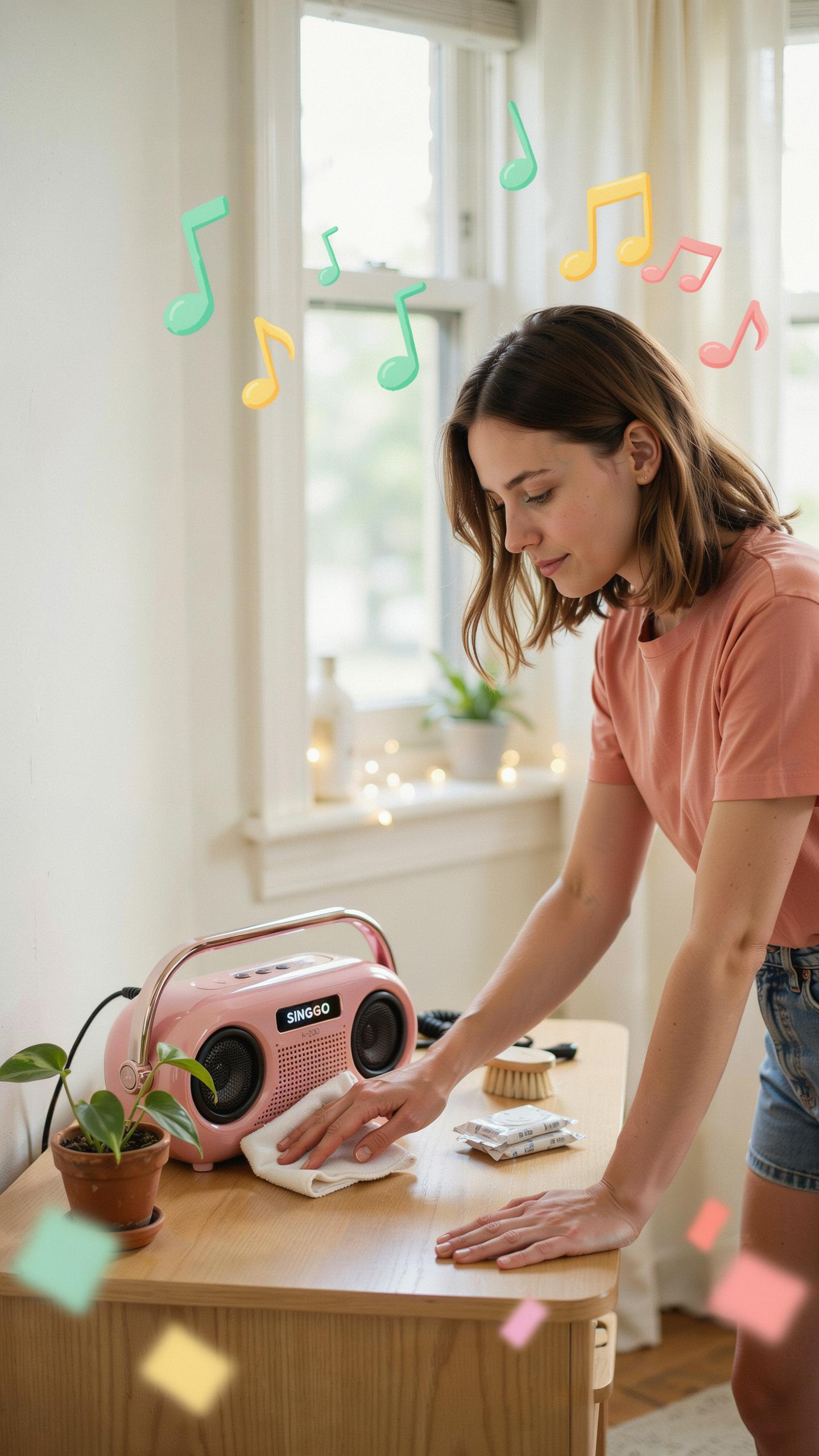
Dust and debris damage speakers over time. Wipe the exterior with a dry microfiber cloth weekly. Use compressed air to clear vents and ports. Never use liquid cleaners on electronic components. Store the unit in a cool, dry location away from direct sunlight and heat sources. Temperature swings degrade internal components faster than normal wear.
Keep the karaoke machine in its carrying case when not in use. Cases protect against accidental drops and dust accumulation. Avoid stacking items on top of the device. Store cables separately in a small pouch to prevent tangling and wire damage. Check for moisture buildup in the case before storing, especially after outdoor use.
Battery Life And Charging
Lithium ion batteries power most portable karaoke speakers. Charge the device fully before first use to establish proper battery calibration. Avoid letting the battery drain completely before recharging. Partial charges throughout the day extend overall battery lifespan compared to full drain cycles. Modern batteries handle frequent charging without memory effects.

Use the original charger whenever possible. Third party chargers may deliver incorrect voltage and damage battery cells. Charge in room temperature environments, not in heat or cold. Extreme temperatures reduce charging efficiency and battery capacity permanently. Replace the battery if runtime drops to fifty percent of original capacity.
Troubleshooting Common Issues With Your Karaoke System
Bluetooth Connection Problems
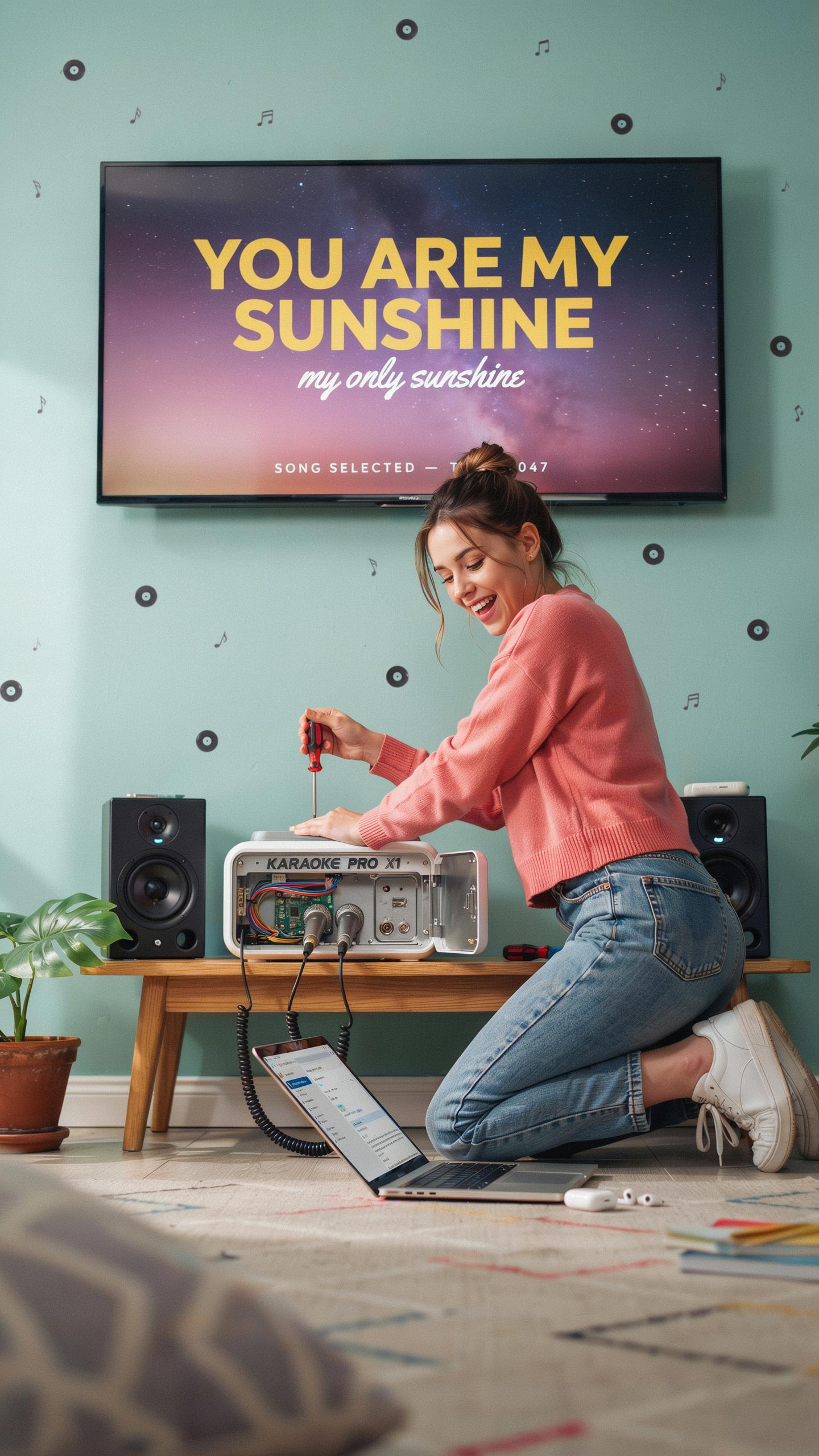
Most Bluetooth connection failures stem from three core issues: the devices are out of range, the pairing information corrupted, or interference from other wireless devices. Check that your portable karaoke machine and phone or tablet sit within 30 feet of each other. Delete the old pairing from both devices, then restart each one before attempting to reconnect. This clears stale connection data.
If reconnection still fails, move away from Wi Fi routers, microwaves, and other 2.4 GHz devices that create signal interference. Ensure your karaoke machine has the latest firmware installed. Update procedures vary by model, so consult your manual. Reset the machine to factory settings only as a last resort since this erases all custom settings and stored songs.
Sound Distortion Or Feedback
Distortion during karaoke sessions typically results from the microphone sitting too close to the speaker or the volume set too high. Keep the microphone at least two feet away from the karaoke machine’s built in speaker. Reduce the master volume by 10 to 15 percent, then adjust the microphone input level separately to avoid clipping and distortion.
Feedback occurs when amplified sound loops back into the microphone. Turn down microphone gain first. Switch off any active echo or reverb effects temporarily to isolate the problem. Check that all cables connecting external speakers attach securely. Loose connections introduce noise and create feedback conditions that degrade audio clarity during performances.
Frequently Asked Questions

What exactly is a portable karaoke machine with Bluetooth, and how does it enhance family fun?
A portable karaoke machine with Bluetooth is an all-in-one entertainment system allowing you to sing along to your favorite tunes anywhere. It connects wirelessly to your phone or tablet to stream music, providing microphones and speakers for instant vocal performances. This makes family nights incredibly interactive and memorable, transforming any gathering into a lively concert.
How do I connect my smartphone or tablet to a portable karaoke machine with Bluetooth to start singing?
Connecting your device to a portable karaoke machine with Bluetooth is simple! First, ensure both devices have Bluetooth enabled. Then, on your karaoke machine, activate its Bluetooth pairing mode. Your smartphone or tablet will then discover the machine, allowing you to select it from the available devices and connect. You’re now ready to stream music and sing!
Are there affordable portable karaoke machine options that still offer good sound quality for family use?
Absolutely! You don’t need to break the bank to find a fantastic portable karaoke machine with Bluetooth. Many brands offer excellent entry-level models that deliver surprisingly clear sound and robust features perfect for family nights. Look for machines with decent wattage and positive reviews, as they often provide great value without compromising the fun.



