Setting Up The Ultimate Home Office Must Have Gadgets
Ergonomic Essentials
Sitting for eight hours daily damages your spine, shoulders, and wrists. Poor desk setup triggers repetitive strain injuries that take months to heal. Ergonomic gadgets address these problems directly by forcing correct posture and reducing strain on joints.
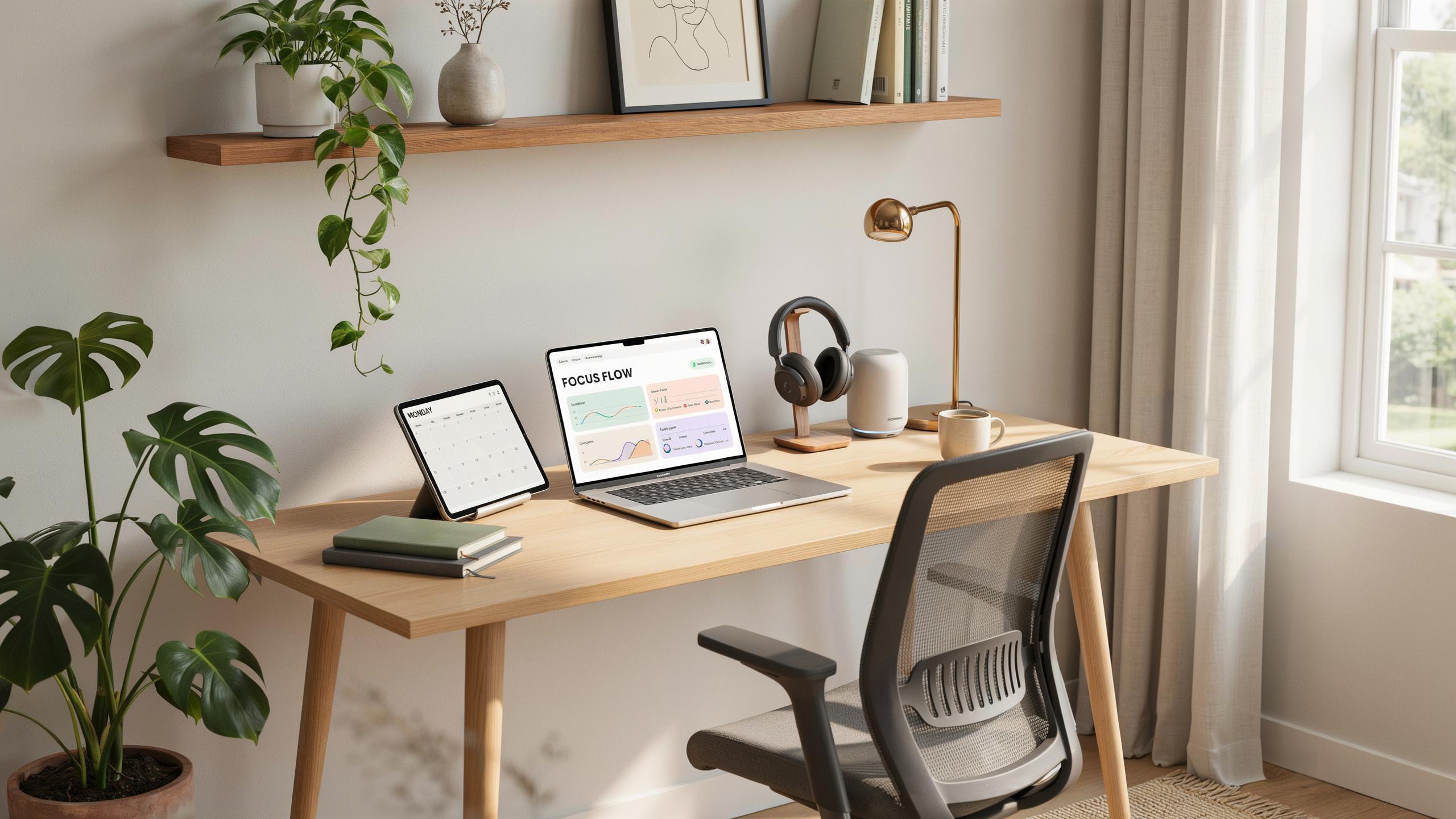
A quality monitor arm positions your screen at eye level, eliminating neck strain. Mechanical keyboards with proper key travel reduce finger fatigue during typing. Footrests stabilize your lower body and improve circulation. Standing desk converters let you alternate between sitting and standing throughout the day. These tools prevent injury rather than treat it afterward.
Connectivity Solutions
Remote work fails when your internet drops. Video calls freeze, files stop uploading, and deadlines slip. Stable connectivity is not a luxury—it’s your foundation for reliable work output.
A mesh Wi-Fi system covers dead zones and maintains signal strength across your home. Ethernet connections deliver faster speeds than Wi-Fi and eliminate interference from walls and electronics. Portable hotspots serve as backup internet when your primary connection fails. Quality routers with dual-band or tri-band capability handle multiple devices without degradation. These solutions transform unreliable networks into dependable infrastructure for consistent productivity.

Productivity Powerhouses Tech Essentials
Efficiency Boosting Tools
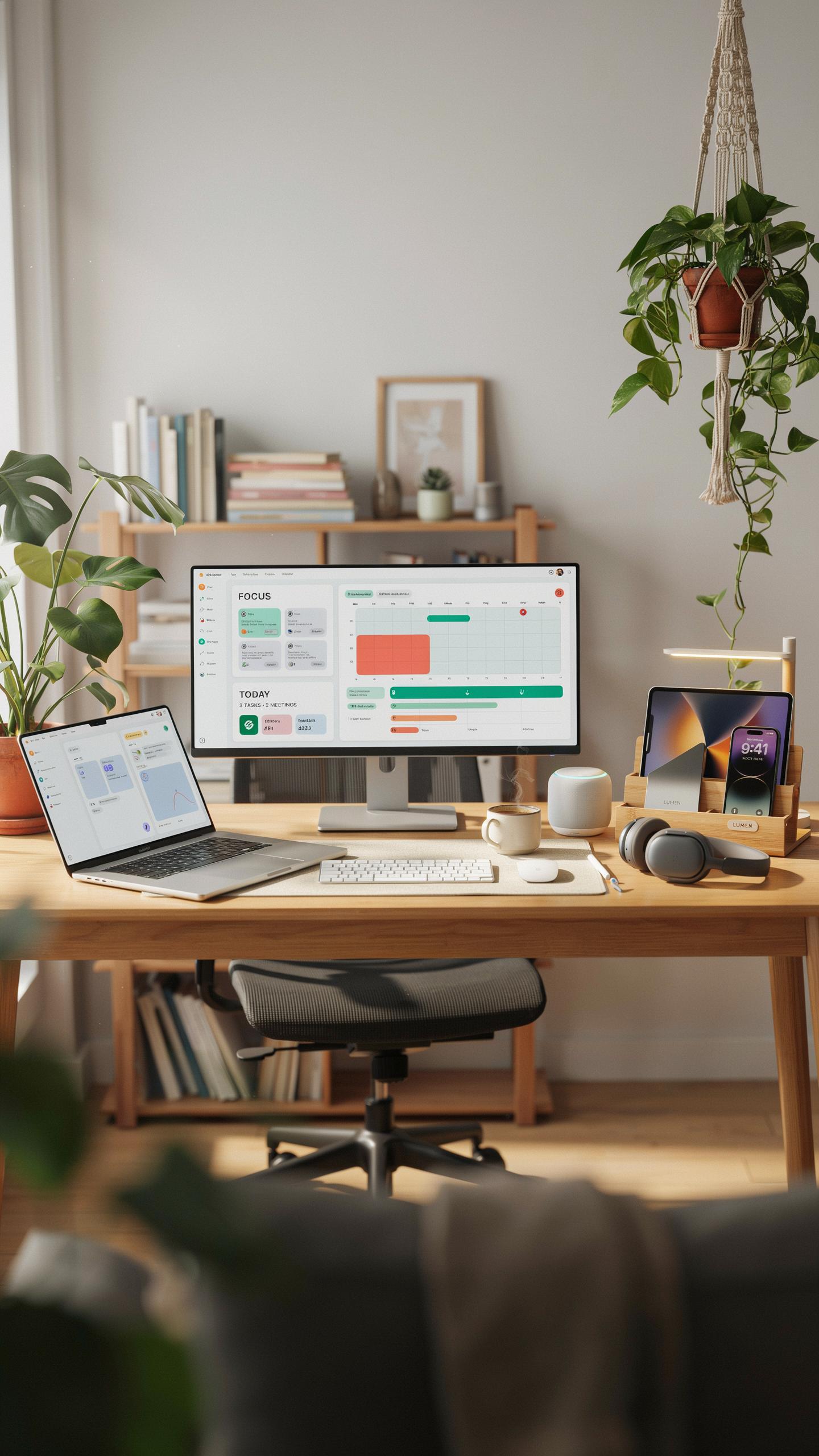
Remote workers need tools that eliminate friction from daily tasks. Mechanical keyboards reduce typing fatigue during long work sessions. External monitors expand screen real estate, cutting the time spent switching between windows. Docking stations consolidate cables and peripherals into one connection point. These items directly impact how fast you move through your day without requiring software changes or workflow restructuring.
Ergonomic mice and trackpads prevent repetitive strain injuries that slow productivity over time. A quality desk lamp with adjustable color temperature reduces eye strain during extended focus periods. Fast external SSDs cut file transfer times when managing large projects. Noise canceling headsets block distractions that fragment attention. These gifts work immediately without onboarding or learning curves that waste time.
Seamless Communication
Video conferencing demands clear audio and visual output from your equipment. Dedicated webcams outperform built in laptop cameras by delivering sharper image quality and better low light performance. USB microphones capture your voice without room noise, making colleagues hear you clearly. Ring lights eliminate shadows on your face during calls. These tools solve the core problem: being heard and seen properly removes communication barriers entirely.

Conference speakers or soundbars ensure meeting participants hear you at consistent volume levels across the room. Studio quality headphones let you catch nuances in what clients or teammates say. Wireless presentation remotes give you control over slides without staying glued to your desk. Quality communication tools reduce misunderstandings, speed up decision making, and prevent delays caused by poor audio video quality.
Audio And Visual Upgrades Gifts For Techies

Crystal Clear Audio
Remote work demands audio equipment that handles back-to-back calls without fatigue. Headphones with noise cancellation isolate the user from distractions while microphones with cardioid patterns capture voice clearly without picking up ambient noise. Quality audio gear reduces miscommunication during client calls and video meetings.
Wireless headphones eliminate cable tangles during movement around the home office. Microphones with shock mounts prevent desk vibrations from traveling into recordings. USB connectivity offers plug-and-play setup without driver complications. These features matter because poor audio damages professional credibility faster than almost any other factor in remote communication.
Enhanced Visuals
Video conferencing accounts for significant time in remote work. Webcams with 1080p resolution or higher eliminate pixelation during calls. Larger monitors or multi-monitor setups increase visible screen space for spreadsheets, documents, and reference materials during work sessions. These tools directly impact productivity and presentation quality.

External webcams outperform built-in laptop cameras by capturing sharper detail and offering better positioning. Curved or ultrawide monitors reduce neck strain by expanding the field of view without requiring additional desk space. Better visuals mean fewer squinted eyes and less strain during long work days.
Smart Home Integration Amazon Gadgets
Automated Comfort
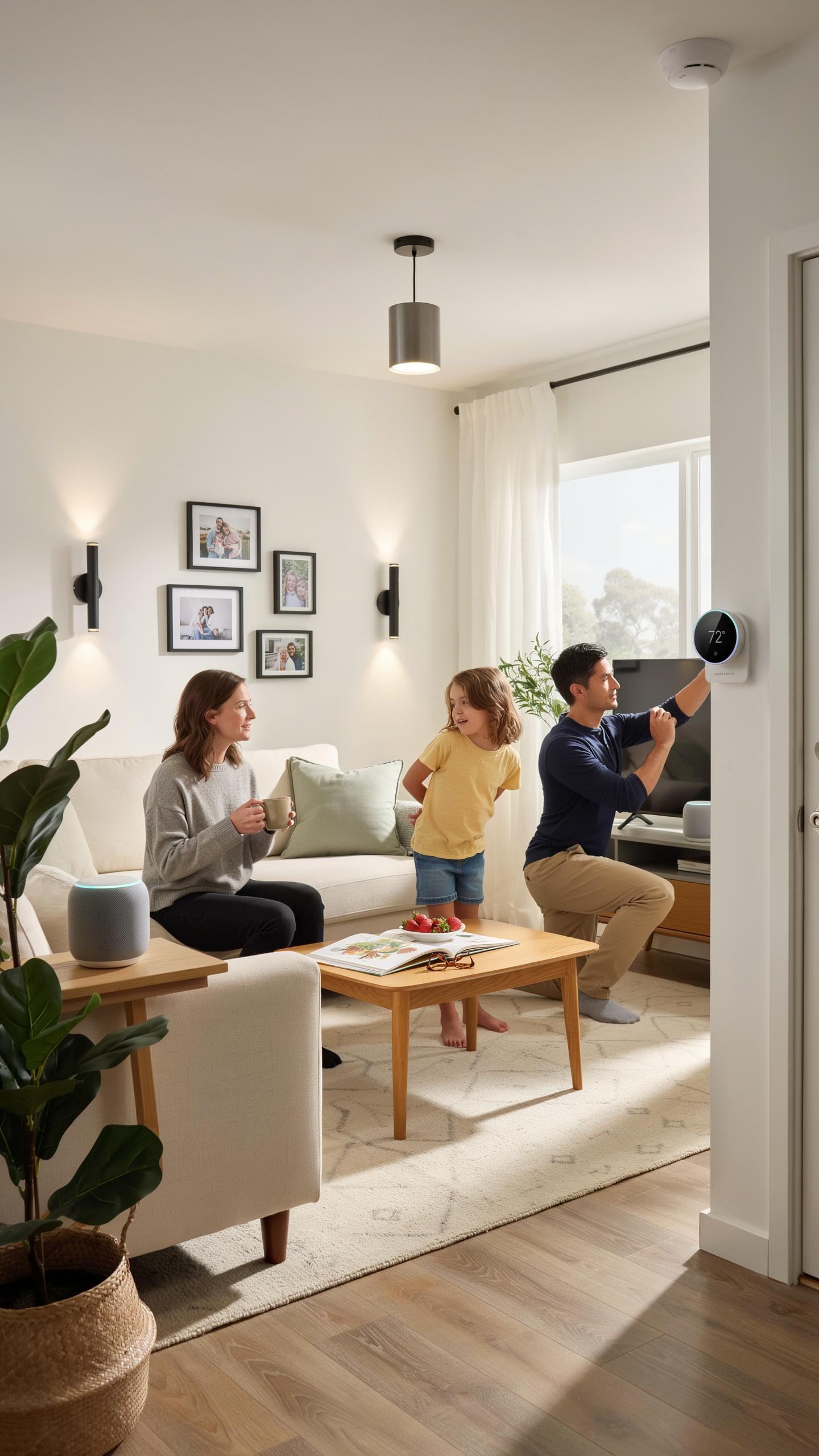
Smart thermostats and lighting systems eliminate manual adjustments throughout your workday. Amazon’s Echo devices integrate with compatible smart home products to control temperature, lighting brightness, and color. You set preferences once, then the system maintains them automatically. This removes distractions that disrupt focus and workflow. Temperature and lighting directly impact productivity and comfort during long work sessions.
Remote work requires consistent environmental conditions. Smart plugs let you power devices on and off without leaving your desk. Smart bulbs adjust color temperature based on time of day, reducing eye strain during extended screen time. These systems work without constant user input. Home automation creates the foundation for an optimized workspace.
In the quiet hum of a home office, a thoughtfully chosen tech gift can transform a workspace into a cozy corner of innovation and connection, reminding them they’re never alone in their pursuits.
Voice Controlled Assistants
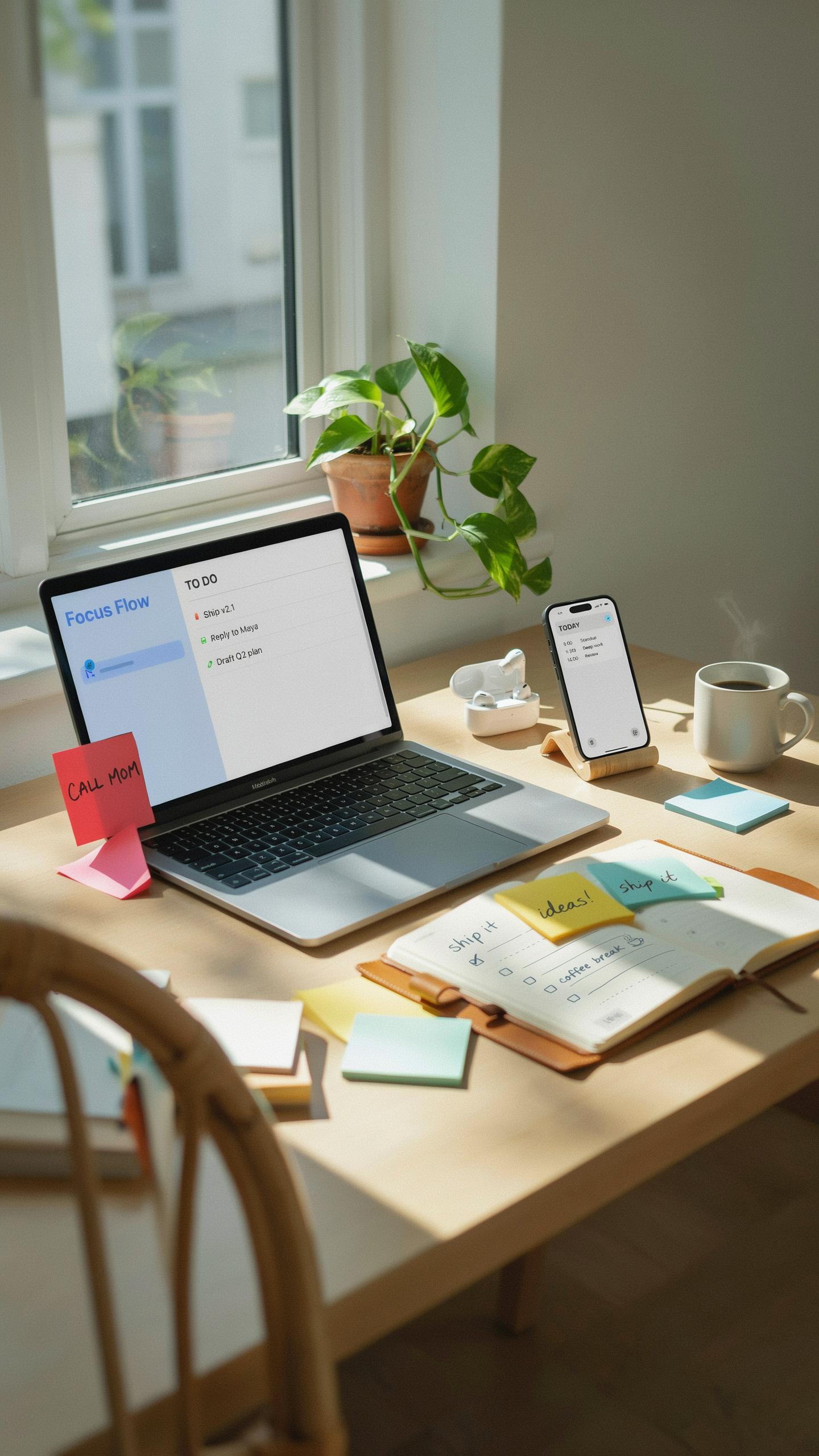
Amazon Alexa handles calendar management, reminders, and task organization through voice commands alone. You ask for your schedule, set meeting reminders, or create to-do items without stopping work. Voice control eliminates the need to switch between applications or use your keyboard and mouse. This speeds up task management and keeps your hands free for actual work.

Alexa integrates with productivity apps and email services to pull real-time information. You can start calls, send messages, and check notifications by speaking. The assistant learns your routine and suggests timely reminders based on your habits. Voice activation reduces friction in daily workflows and keeps interruptions minimal.
Power And Portability Setup Accessories
Uninterrupted Power
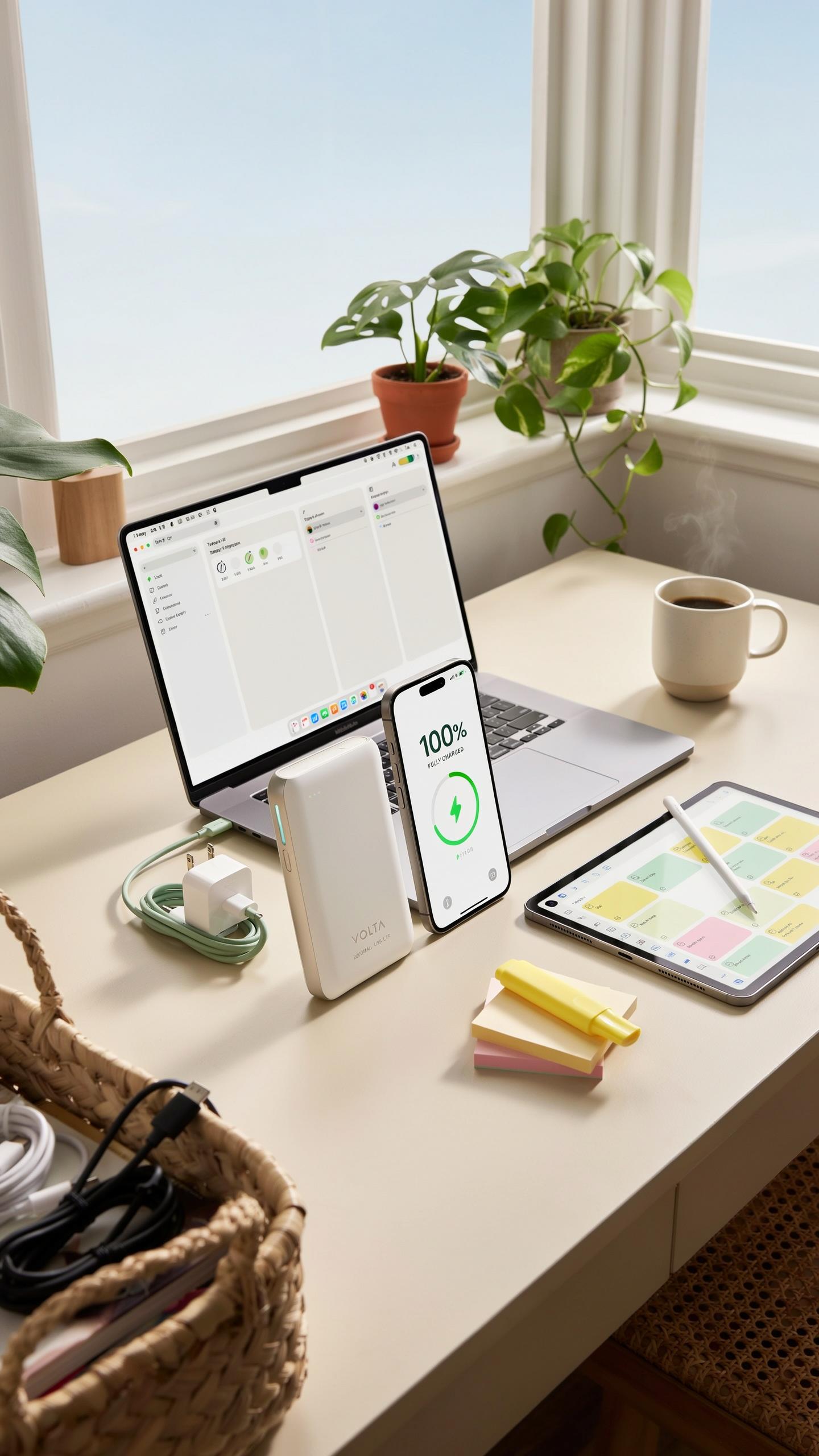
Power banks deliver runtime when your home office loses electricity. A 20,000 to 30,000 mAh capacity handles multiple laptop charges or several phone recharges. Quality units include fast charging ports and multiple USB outputs. Surge protectors with at least six outlets and 1,000 joules of energy absorption protect equipment from voltage spikes. Choose models with individual switches for each outlet to control power draw.
Surge protectors rated for 2,000 joules offer better protection than lower ratings. Position protectors near your desk where you can reach the power button easily. Replace surge protectors every three to five years since their protective components degrade over time. Battery backup units, also called uninterruptible power supplies, keep your router and modem online during outages. This prevents work interruptions and keeps you connected to video calls or uploads in progress.
On The Go Efficiency
Portable laptop stands collapse to fit in bags and adjust screen height on any surface. They reduce neck strain when working from coffee shops, client offices, or temporary locations. Look for models weighing under two pounds made from aluminum for durability. A portable wireless mouse pairs with any device and fits in a pocket. Rechargeable options last five to seven days per charge and eliminate battery waste.

USB-C hubs expand laptop connectivity and support multiple monitors, external drives, and charging ports simultaneously. Compact hubs weigh ounces and fold cables for transport. Portable SSDs with one to two terabyte capacity let you access large files offline without cloud lag. Choose drives with read speeds above 500 megabytes per second for video editing or file transfers. A travel cable organizer prevents tangled cords in your bag and protects charging ports from damage.
Security And Data Protection Electronic Gadgets For Men

Digital Safeguards
Remote workers handle sensitive files daily. Hackers target home networks because they lack enterprise security infrastructure. A hardware security key prevents unauthorized access to email and cloud accounts. These devices authenticate logins without relying on passwords alone. They work across most platforms and services. This single gift addresses a critical vulnerability in home office setups.
Software-based protections need hardware reinforcement. Password managers store credentials securely, but they rely on master passwords. Hardware security keys add a physical layer that attackers cannot bypass remotely. Someone stealing login information still cannot access accounts without the physical key present. This protection works whether the home office uses corporate or personal devices.
Physical Security
Webcam covers seem basic but solve a real problem. Cameras pointed at workspaces capture sensitive documents, conversations, and personal information. A physical cover eliminates this exposure entirely. The recipient controls when others see into their workspace. This costs under ten dollars and removes a known attack vector completely.

Cable locks secure expensive equipment in home offices. Thieves target homes specifically for laptops, monitors, and peripherals. A cable lock deters theft by making equipment time consuming to steal. It signals the equipment has security measures in place. This matters most when the home office sits near windows or accessible entryways where opportunistic theft occurs.
Relaxation And Wellness Work From Home Gifts Ideas

Stress Reducing Tech
Remote workers face prolonged screen exposure and isolation. Stress-reducing gadgets address these realities directly. Light therapy lamps combat seasonal affective disorder by mimicking natural sunlight. White noise machines block household distractions and create acoustic consistency. Aromatherapy diffusers paired with essential oils trigger physiological relaxation responses. These tools work because they target environmental stressors that intensify during remote work.
The ROI on stress tech is measurable. Workers report improved sleep quality, reduced cortisol levels, and better focus after using these devices. A quality light therapy lamp costs between 30 and 100 dollars and runs for years. White noise machines range from 30 to 80 dollars. These investments pay dividends through sustained productivity and fewer burnout-related absences. They create a boundary between work and personal recovery time in the same physical space.
Fitness And Health Monitoring
Sedentary work erodes physical health. Wearable fitness trackers counter this by providing real time data on movement, heart rate, and sleep patterns. Smartwatches monitor daily step counts and send reminders when inactivity stretches beyond set intervals. Fitness rings track calories burned and encourage specific activity goals. These devices work because accountability drives behavior change. Workers see concrete progress instead of relying on willpower alone.

Health monitoring tech serves a dual purpose for remote workers. It compensates for the lack of incidental movement that office commutes and in person meetings provide. Mid range fitness trackers cost between 80 and 250 dollars and sync with phones for trend analysis. High end models integrate ECG functions and blood oxygen monitoring. The data collected helps identify patterns that correlate with work performance, stress levels, and overall energy. This information informs adjustments to work schedules and recovery practices.
Curated Collections Tech Gadgets Gift Basket

Themed Gift Ideas
Bundle tech gifts around the specific work from home setup. Focus on what solves actual problems in their workspace. A productivity bundle differs from an ergonomics bundle differs from an entertainment bundle. Match the theme to their work style and environment. This approach eliminates guesswork and delivers practical value.
- Productivity Bundle: Mechanical keyboard, wireless mouse, monitor light bar, and cable organizer. Targets people who spend hours typing and need workspace clarity and efficiency improvements.
- Ergonomics Bundle: Adjustable desk lamp, lumbar support cushion, monitor arm, and wrist rest pad. Addresses physical strain from prolonged sitting and poor posture during extended work sessions.
- Audio Bundle: USB microphone, closed-back headphones, boom arm, and pop filter. Ideal for frequent video calls, content creators, and anyone dealing with background noise problems.
- Connectivity Bundle: USB hub with multiple ports, cable management clips, surge protector strip, and docking station. Solves cable clutter and power limitations common in home offices.
- Lighting Bundle: Color temperature adjustable desk lamp, monitor backlighting, task lamp, and smart bulbs. Improves focus and reduces eye strain during long work hours and varying times of day.
Group items that work together rather than mixing unrelated products. The receiver understands immediately how each piece serves their setup. This cohesion makes the gift feel intentional and research-backed rather than random.
Personalized Touches
Research their current setup before purchasing. Ask subtle questions about their workspace frustrations or check their video call background. Notice what they already own and identify legitimate gaps. This prevents duplicate gifts and demonstrates you understand their specific situation, not just generic work from home needs.

Include a handwritten note explaining why you chose each item for them. Reference their work habits or known pain points. Name the bundle theme so they grasp the unified purpose. This context elevates the gift from a random collection to a thoughtful solution. Personal connection matters more than price in perceived value.
Frequently Asked Questions

What are some essential tech gifts for the person who works from home to enhance their daily routine?
For a significant upgrade, consider a high-quality noise-canceling headset for focused calls, or a comfortable ergonomic keyboard and mouse set to alleviate strain. Smart lighting that adjusts to the time of day can also reduce eye fatigue, making these fantastic tech gifts for the person who works from home.
How can I choose a tech gift that genuinely improves productivity for someone working remotely?
Focus on their pain points. Do they complain about slow internet? A mesh Wi-Fi system could be perfect. Is their desk cluttered? A wireless charging pad or a monitor arm for better organization would be appreciated. Think about daily frustrations and find a tech solution that streamlines their workday.
Are there affordable yet impactful tech gifts for the person who works from home?
Absolutely! You don’t need to break the bank. Consider a portable USB-powered mini humidifier for improved air quality, a smart plug to automate desk lamps, or a subscription to a premium music streaming service for focus. Even a high-quality webcam for better video calls can be a thoughtful, budget-friendly tech gift.



