The Unfiltered Truth: Why Filters Lie
Your Brain On Artificial Perfection
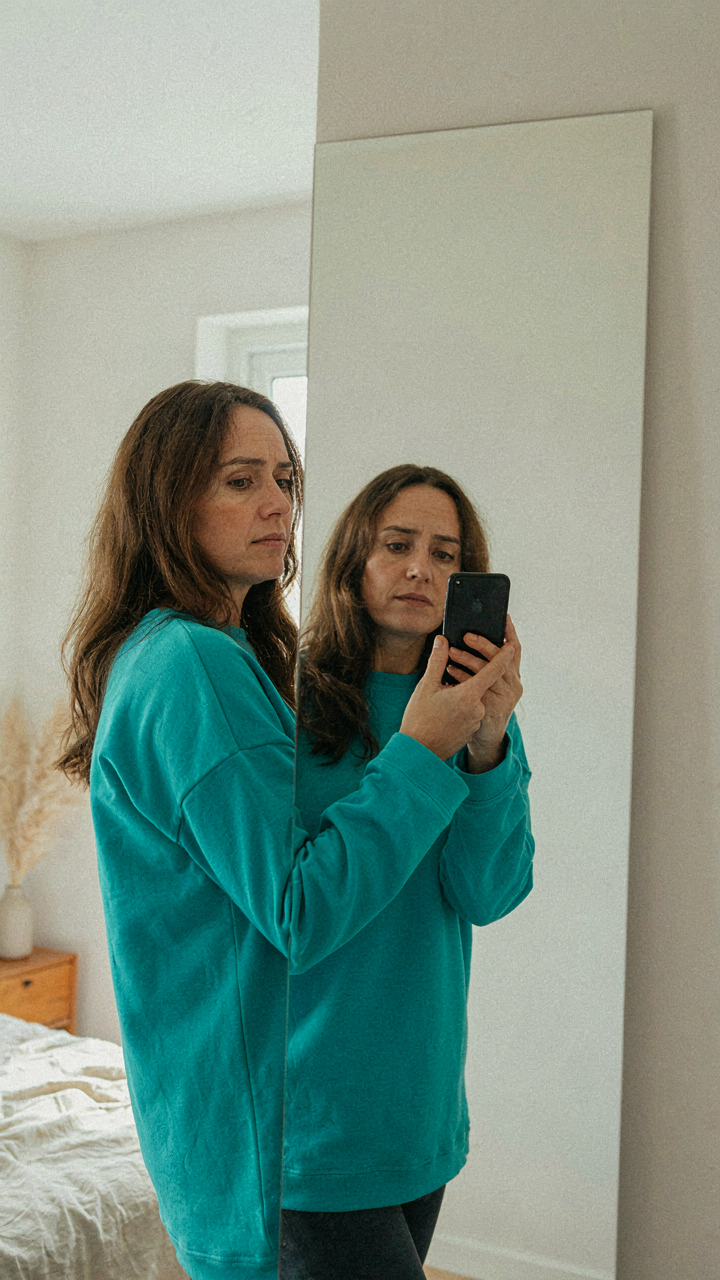
You care about this because you’ve noticed the gap between how you look filtered and how you actually look, and it bothers you. That gap is real. Filters work like a perceptual lens in cognitive psychology: they don’t just change what you see, they retrain what your brain accepts as normal. Each filtered selfie trains your visual cortex to expect that version of you as the baseline. The iPhone’s built-in filters smooth skin by literally erasing texture data, brighten eyes by boosting specific color channels, and slim faces through algorithmic warping. These aren’t enhancements. They’re fabrications.
When you post filtered selfies consistently, you’re not just sharing images. You’re broadcasting a false calibration of yourself to your audience. Your followers see the filtered version enough times that it becomes their reference point for you. The real you then appears worse by comparison, even though the filtered version never existed. This creates a feedback loop: the more filtered content you post, the more your actual appearance disappoints both you and your audience when you appear in person or in unfiltered contexts.
The Price Of Living Edited
The social cost isn’t theoretical. People who maintain heavily curated, filtered personas report higher anxiety around in-person interactions because the delta between their online self and offline self creates cognitive dissonance in others. They pick up on the inconsistency instantly. Your brain is wired to detect incongruence, and so is everyone else’s. When someone meets you after seeing dozens of filtered photos, they’re meeting someone who looks materially different. That’s not connection. That’s deception with a notification counter.
The compound effect shows in how people respond to you over time. Initial reactions to filtered photos often trigger skepticism rather than admiration once the discrepancy becomes apparent. Authenticity isn’t a feeling or a vibe. It’s a consistency metric. You create it by taking selfies under the same lighting and angle conditions you actually exist in, without algorithmic modification. Start by disabling all filters in your iPhone camera settings and taking three selfies this week in natural light without editing. That baseline becomes your reference point for what you actually look like.
Light Alchemy: Mastering Natural Illumination
Golden Hour And Window Light Positioning
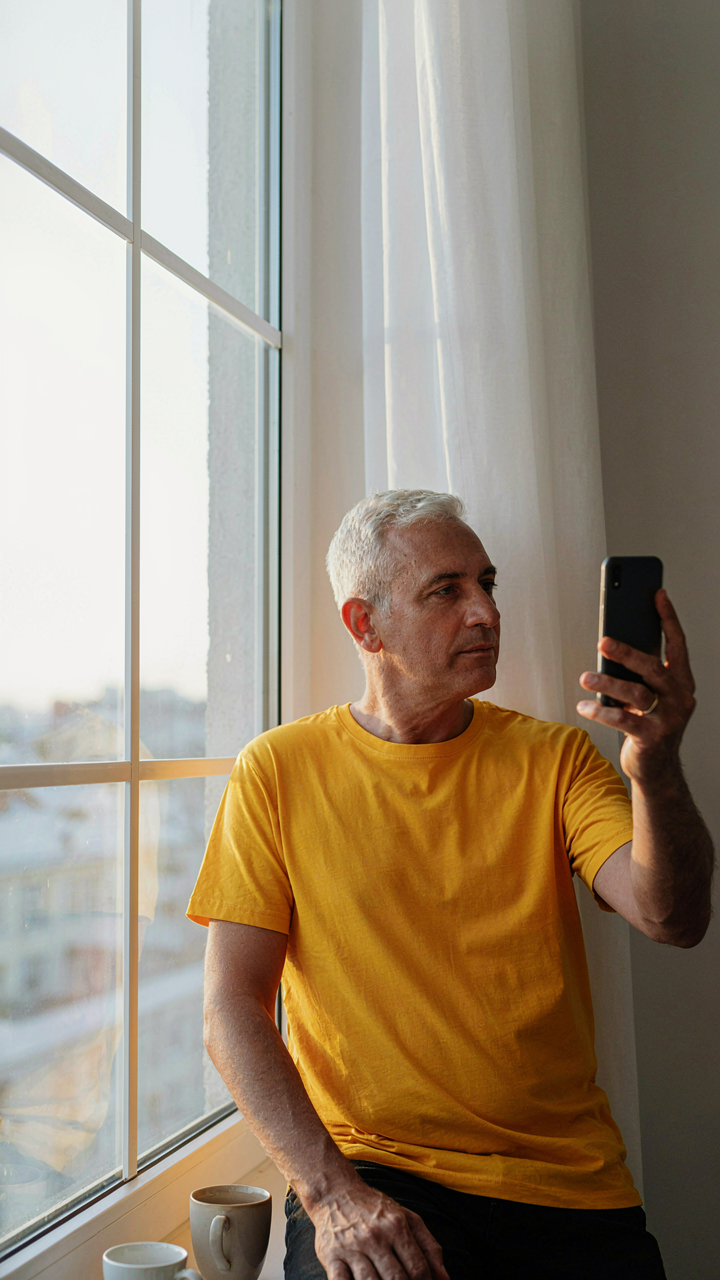
You care about this because you sense that light determines whether people perceive you as competent or tired, and you’re right. Light in photography operates like contrast in economics: the gap between bright and dark areas creates perceived value. Golden hour (first hour after sunrise, last hour before sunset) delivers low-angle light that skims across facial planes, reducing the appearance of texture while adding dimension. The iPhone’s sensor processes this warm, diffused light without blowing out highlights the way harsh midday sun does. Position yourself so the light hits your face at a 45-degree angle, not straight-on. This creates shadow under the cheekbone, which your brain reads as definition.

Window light works identically to golden hour but stays available year-round. Sit perpendicular to a north-facing or diffused window, never directly in front of it. The light bounces off the sky rather than the sun, eliminating hot spots on skin. Your phone’s camera defaults to exposure compensation when it detects bright windows, which actually serves you here because it keeps your face properly lit instead of backlit and silhouetted. Shoot from arm’s length, slightly above eye level, with the window as your primary light source and nothing blocking the path between light and lens.
Controlling Contrast To Kill Shadows
The standard advice is wrong: you don’t need a fill light or reflector for iPhone selfies. That’s photographer theater. What you need is angle management. Harsh shadows form when light strikes your face from a single, acute angle with no diffusion. The iPhone’s front camera is wide-angle by default, which means if you position yourself in direct sunlight with a wall behind you, the camera captures both the lit side of your face and the shadowed side in full contrast.
Move into partial shade or use an overcast sky instead. The light scatters across cloud cover, hitting you from multiple angles simultaneously. This kills the hard shadow line because there’s no single light source to create it. If you’re stuck in bright conditions, turn your body 90 degrees away from the sun so it grazes your profile rather than hammering your face head-on. Expose for your face by tapping it on screen, then shoot. This forces the camera to brighten your skin and crush the shadow detail rather than preserve background detail.
The Rule Of Thirds Reloaded: Composition For Impact

Place Your Face Off Center
You want people to think you’re naturally photogenic, not like you’re trying. That fear drives most selfie takers to center their face dead in the middle of the frame, which kills visual tension. The rule of thirds comes from visual design and uses a grid principle: divide your frame into nine equal sections and anchor your subject where lines intersect. Your face doesn’t belong in the center. It belongs on one of those four intersection points.
When you shift your face to the right or left third of the frame, you create asymmetry. Asymmetry reads as intentional composition, not accident. The iPhone camera app has a gridlines toggle in settings. Enable it. Your eyes should land where vertical and horizontal lines cross. This single adjustment separates casual phone snaps from deliberate self-portraits.
Negative Space Works Harder Than You Think
Most people waste the real estate around their head. They frame a tight crop from shoulders up and call it done. That’s incomplete. Negative space—the empty area behind or beside you—anchors your face and gives it dominance through contrast. A plain wall, window light, or blurred background all function as negative space. The emptier and simpler it is, the more your face commands attention.
Control what appears in your frame. If shooting against a wall, position yourself off-center and let blank wall occupy the opposite third. This creates visual balance without filling every pixel. The mechanism is straightforward: your brain processes empty space as intentional framing, not neglect. Shoot with the gridlines on. Position your face on an intersection point. Leave the opposing third mostly empty. That’s the entire protocol.
Kinetic Posing: Best Poses For Selfies That Move

Subtle Shifts Dynamic Angles Over Static Holds
You want people to think you didn’t try. That’s the real game here. A frozen face held in place reads as effort, which kills authenticity before the shutter closes. Motion beats stillness because motion is harder to fake.

Borrow from cinematography: the pan is controlled movement that reveals information over time. Your selfie pose works the same way. Tilt your head a quarter turn left, then capture mid-shift toward center. Your face moves through space during the shot. This registers as natural because nothing in human interaction is a locked frame.
The mechanics are simple. Set your phone to video, press record for three seconds, then screenshot the best frame. You get micro-movement without posing stiffly. The angle shift also solves the dead-center selfie problem: you’re capturing yourself in transition, not frozen compliance.
Tilt works better than twist. A head tilt of 15 to 20 degrees toward your shoulder reads as more genuine than rotating your entire frame. The iPhone’s wide lens flattens faces shot straight-on, but angled movement creates depth. Your jaw definition improves. Your eyes catch light differently in each frame. You end up with options instead of one static image.
Body Language Convey Emotion Not Just A Pose
Most selfie advice tells you where to hold your phone. This ignores the real problem: your shoulders and neck telegraph whether you’re performing or present. Emotion drives believability. Posture drives emotion.
Drop your shoulders slightly. This single move removes tension that reads as stiffness on camera. Tension in your shoulders makes your neck appear shorter and your expression appear forced. Relax them, and your face automatically softens. Your smile becomes less a grimace and more an actual expression. The phone should sit at eye level or slightly above, not tilted down from your forehead. This angle demands you relax your jaw or risk looking confused.

Your eyes matter more than your smile. Mouth smiles are voluntary. Eye engagement is harder to fake. Before you capture, think of something specific: a conversation you want to have, a question you’re answering, a moment you’re remembering. Not happiness in general. A specific feeling anchors your gaze. Your pupils engage differently. Your expression shifts from posed to present. Capture immediately after that thought lands. You have a three-second window before your face resets.
The Photographer’s Eye: Creative Photography Poses Redefined

Composition Through Structural Tension
You want people to think you’re naturally photogenic, which means you need to stop posing like you’re waiting for permission. Composition in visual design borrows from architecture: the tension between balance and asymmetry creates visual interest where symmetry alone creates boredom. Your iPhone selfie needs asymmetrical weight distribution to feel alive instead of static.
Frame yourself off-center using the rule of thirds. Your face should occupy one intersection of the grid, not dead middle. Tilt your head slightly away from the camera while rotating your shoulders toward it, creating diagonal lines through the frame. This breaks symmetry without looking accidental. The mechanism is simple: your brain reads asymmetry as intention and confidence.
Nonverbal Signals That Read As Authentic
Evolution built specific tells into human faces and bodies that signal whether someone is comfortable or performing. Your iPhone selfie either broadcasts genuine ease or telegraphs self-consciousness through micro-tensions in your jaw, shoulders, and eyes. Posture dominance matters before the shutter clicks.

Relax your shoulders down and back. Tension lives in the trapezius and shows immediately on camera. Lower your chin fractionally toward the camera to eliminate the neck fold that appears when you hold your head parallel to the lens. Your gaze should focus just above the camera lens, not at it, which softens eye intensity and reads as natural observation rather than confrontation. Take the photo at or slightly below eye level to avoid the unflattering upward angle that flattens your features.
The Clarity Protocol: Phone Photo Editing, Minimalist Style
When Light Becomes Data
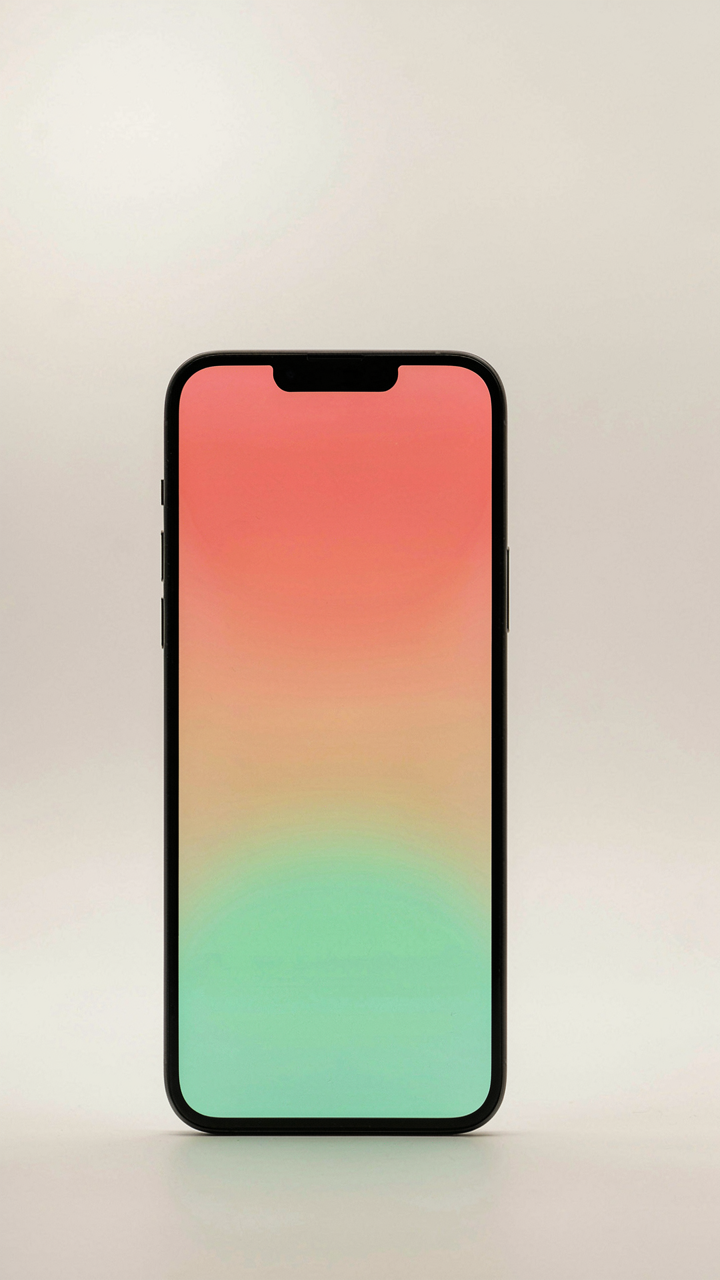
You want editing to be invisible because you’re terrified people will think you’re hiding something. Here’s what actually happens: contrast and exposure are not cosmetic tweaks. They’re physics. In optics, contrast is the ratio between light and dark areas. On your iPhone selfie, contrast controls whether your face reads as flat or dimensional. Low contrast makes you look washed out. High contrast makes you look processed. The mechanism is simple: your phone’s camera sensor captures a flat dynamic range. Editing recovers what the lens lost in translation.
Start with exposure first, not contrast. Exposure fixes the total light hitting the image. If you underexposed in dim lighting, push it up by 10 to 20 points. Then adjust contrast in small increments—usually five to ten points—to restore separation between your skin tones and the background. Stop when your face has shape again, not when it looks dramatic. The goal is clarity, not character. Most people destroy their selfies by crushing blacks or blowing highlights. Leave those alone. Adjust only midtones, where your face actually lives.
Natural Color Without The Lie
Color grading done wrong signals desperation. Done right, it signals restraint. The mechanism here comes from colorimetry: the science of measuring and reproducing color. Your iPhone’s camera applies a color profile at capture, meaning it’s already grading your image before you touch it. Most selfies skew warm or slightly yellow because phone sensors are tuned that way. Color grading isn’t invention. It’s correction of what the camera already decided.
- Shadows And Highlights Split: Warm your shadows slightly while cooling highlights. This creates dimension without looking filtered. Shadows get a subtle orange shift, highlights get cyan or blue undertones.
- Saturation Versus Vibrance: Increase vibrance, not saturation. Vibrance lifts muted colors while protecting skin tones. Saturation cranks everything equally, making skin look plastic or orange.
- Skin Tone Anchoring: Lock your skin tone as a reference point. Adjust around it rather than with it. This prevents your face from shifting pink, green, or yellow as you tweak other colors.
- Temperature Calibration: Match your color temperature to your light source. Tungsten indoor light needs warmer tones preserved. Daylight needs slight cool shifts to feel natural.
- Desaturation As Tool: Reduce saturation on one color channel only, usually the red or magenta channel, to kill the artificial glow most selfies carry by default.

Stop treating color grading like artistic expression. It’s technical correction. Push saturation up ten percent maximum. Push vibrance up fifteen percent maximum. Anything beyond that makes skin look fictional. Open the color wheel and shift the overall tone by ten to twenty degrees toward cool if you shot indoors, toward warm if you shot outdoors in shade. The edit is done when the image looks like what you remember seeing, not what you want people to believe you look like.
Foto Tips From Pros: Beyond The Basic Tap

Burst Mode Captures What You Actually Look Like
You want proof that you’re not as awkward as you feel in the moment. That’s the real reason you care about this section. Burst mode exploits a physics principle called temporal sampling: by capturing multiple frames in rapid succession, you increase the odds of catching an expression before your face defaults to its resting state. Hold the shutter button down and the iPhone fires frames at roughly 10 per second on newer models.
The mechanism is simple. Your face moves constantly during a selfie, and most single shots land on a frame where your eyes are halfway closed, your smile hasn’t settled, or your jaw is tensed. Burst mode removes luck from the equation. You scroll through 20 frames instead of deleting one bad shot and starting over. One of those frames will show what you actually looked like before self-consciousness kicked in.
Headphone Controls Eliminate Camera Shake
Remote shutter activation works because your finger isn’t touching the phone when the shutter fires. Even a light tap sends vibrations through your hand into the device, which translates into motion blur on the sensor. Use the volume buttons on your wired headphones or a wireless remote to trigger the shot instead. The iPhone registers the input without requiring contact with the phone body.

This matters more than most people admit. Professional photographers call this “mirror slap” in DSLR contexts, but the principle applies to any handheld device: mechanical input creates movement. Distance and time between your decision to shoot and the actual capture point eliminates that transfer. Position your phone on a stable surface or hold it steady with your non-trigger hand, press the volume button on your earbuds, and the resulting image will be sharper than any tap ever could be.
The Male Gaze Inverted: How To Take Selfies For Guys
Presence Without Performance
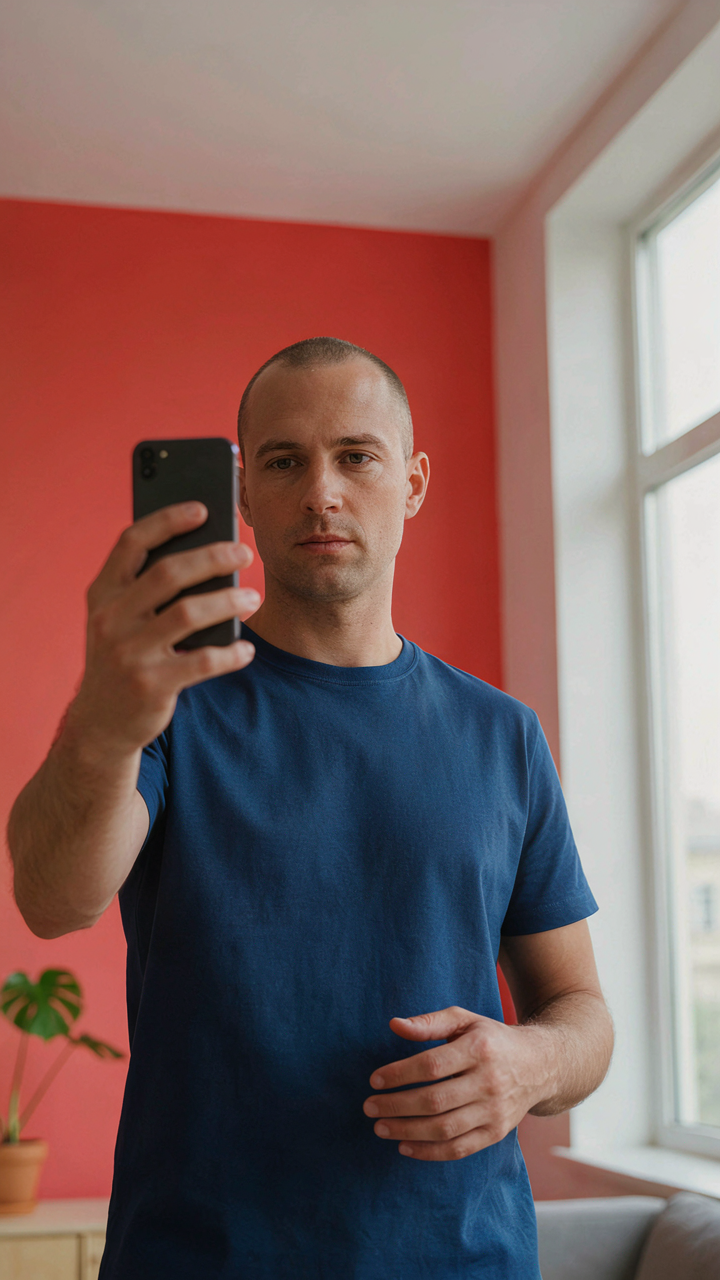
You want proof you exist. That’s the real reason you care about this section. The mechanism is simple: men’s selfies fail because they try to perform authenticity instead of just showing up. The difference is measurable. Genuine presence means your face stays neutral or slightly engaged, your shoulders sit square to the camera, and your environment tells a story about what you actually do. No contortion. No angles designed to hide. The iPhone captures micro-expressions faster than you can fake them, so attempting to manufacture emotion reads as discomfort instead.
Stop treating the selfie like a portrait session. Your phone’s front camera sees you the way people see you in conversation, slightly above eye level, close enough to read your state. Shoot with consistent lighting from a single direction, either window light or overhead, then take the shot without tilting your chin or rotating your shoulders. The second you adjust for the camera, the image loses credibility. Authenticity on iPhone isn’t about looking good, it’s about looking like you weren’t thinking about being looked at.
Framing For Stillness
Composition in portraiture borrowed from military bearing: how you occupy space signals authority. Tight framing makes you fill the frame, which naturally removes fidgeting and forces stillness. Your shoulders take up three-quarters of the shot, your head positioned slightly off-center but still solid. This isn’t vanity, it’s mechanics. The more space you occupy, the less room your brain has to generate nervous movement. Tension reads as confidence on film if the rest of the image stays composed.

Take the shot from a distance of eight to twelve inches, arm extended but not locked. Your jaw should sit neutral or slightly forward, not clenched. Eyes look at the lens directly or just slightly above it. Avoid the downward glance entirely unless you’re deliberately conveying thought, which rarely works. One take. Two at most. The longer you hold the pose, the more strain shows in your face. Move on and review the shot immediately so you calibrate what works.
Your Real Problem Isn’t The Filter; It’s The Insecurity That Demands One

You’ll never fix your selfies by chasing lighting tricks or camera angles. The real issue lives in your head. You don’t trust your face. So you hide it. Today, take one selfie without editing. Post nothing. Just look at it. The discomfort you feel isn’t about the photo. It’s about accepting yourself. That’s the only technique that matters. Your camera can’t fix what your mind refuses to accept.