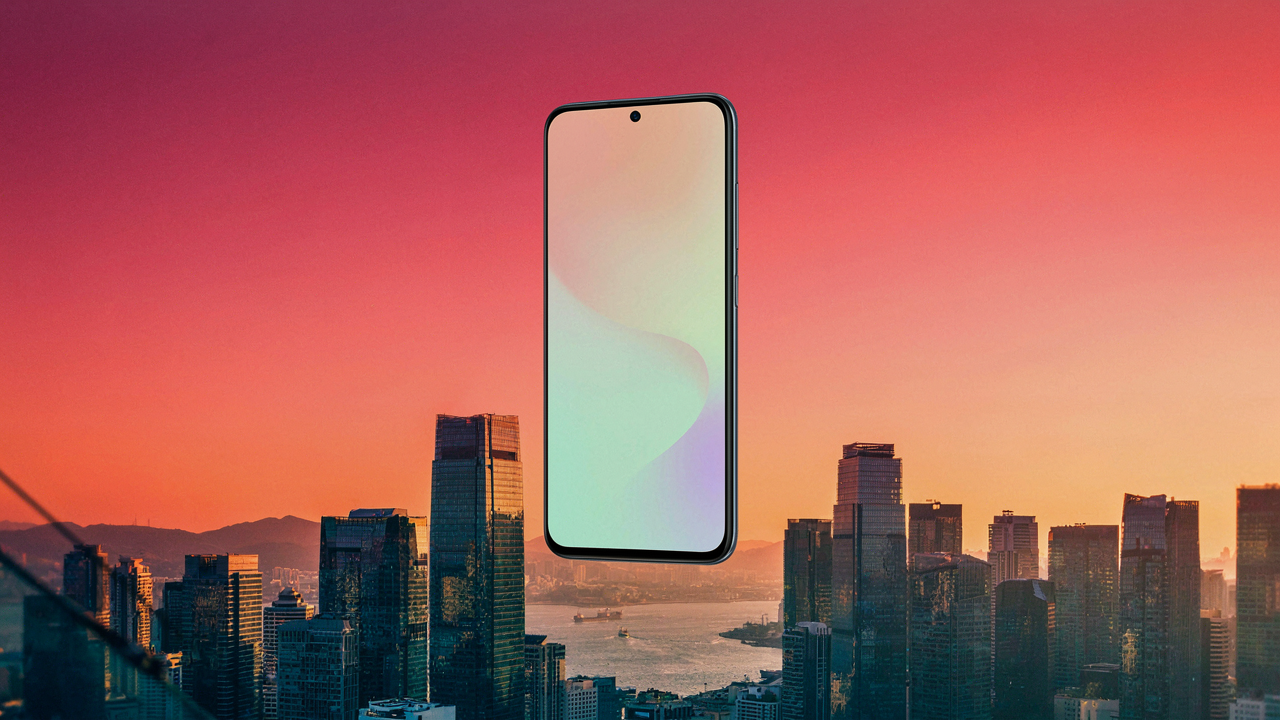
The Exposure Slider Delusion: Why Most IPhone Photography Advice Fails
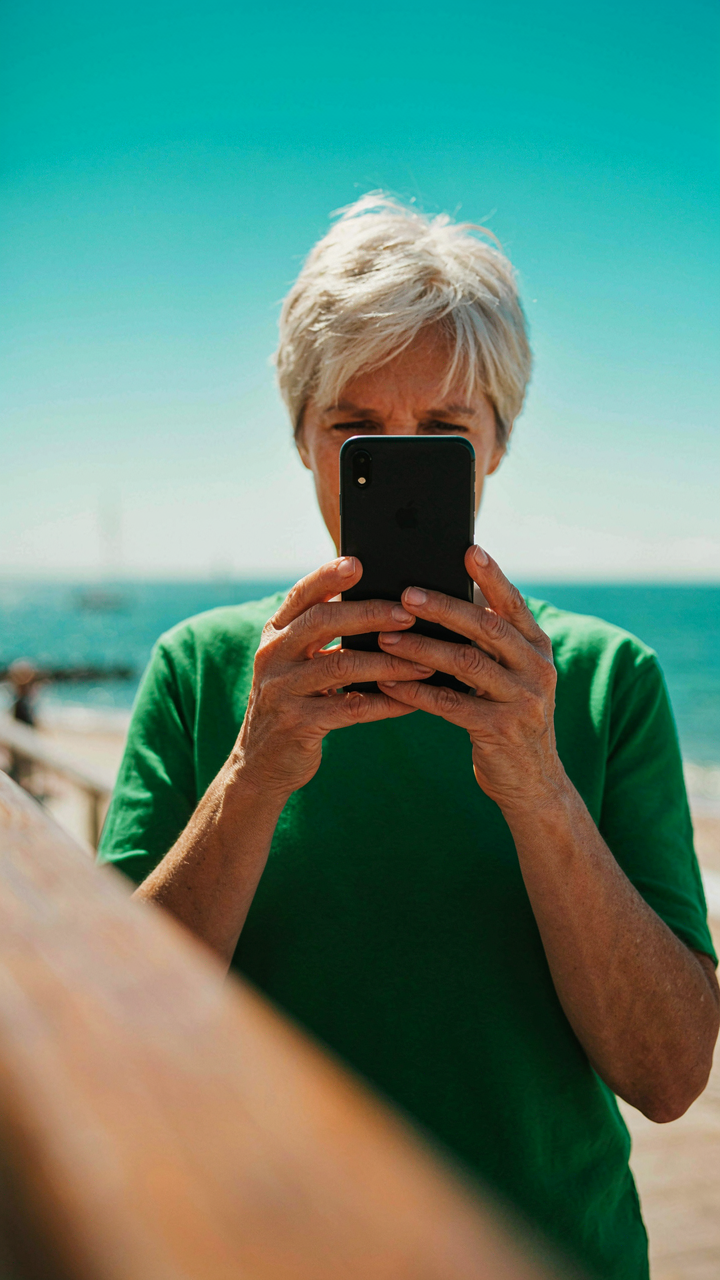
The Slider Becomes Your Excuse
You want to believe the exposure slider fixes bad light so you don’t have to admit your framing and subject choice are weak. Here’s the mechanism: the slider is a post-capture adjustment tool, not a composition tool. It lightens or darkens the image after you’ve already locked in your shot. Most iPhone users treat it like a problem solver when it’s actually a damage-control device. You can’t fix a poorly composed photo by making it brighter or darker.
The exposure slider adjusts the overall luminance value across your image by modifying how the sensor reads light intensity. What it cannot do is restore detail you never captured, fix blown highlights that are already pure white, or recover shadow information that was never recorded. When you chase the slider instead of chasing better light and framing, you’re working backwards from a bad starting position. The slider exists to fine-tune a solid shot, not resurrect a mediocre one.
Ignoring What The Camera Actually Sees First
Most iPhone photography advice skips the foundational truth: exposure begins before you ever touch the slider. Exposure is determined by three things working together—ISO sensitivity, shutter speed, and aperture—all of which your iPhone manages automatically when you point and shoot. The exposure slider then adjusts the result after the fact. People obsess over the slider while ignoring the automatic settings that already set the exposure ceiling and floor.
The exposure slider cannot override what the sensor captured in the moment. If your iPhone’s automatic settings underexposed a backlit subject because it metered for the bright background, no amount of slider movement will recover detail that was never recorded as data on the sensor. Your only real control comes before you tap the shutter: positioning yourself so your subject is properly lit relative to your light source. Mastering this positioning eliminates 80 percent of exposure problems before the slider ever enters the equation.
Natural Light: Your First And Only Exposure Setting
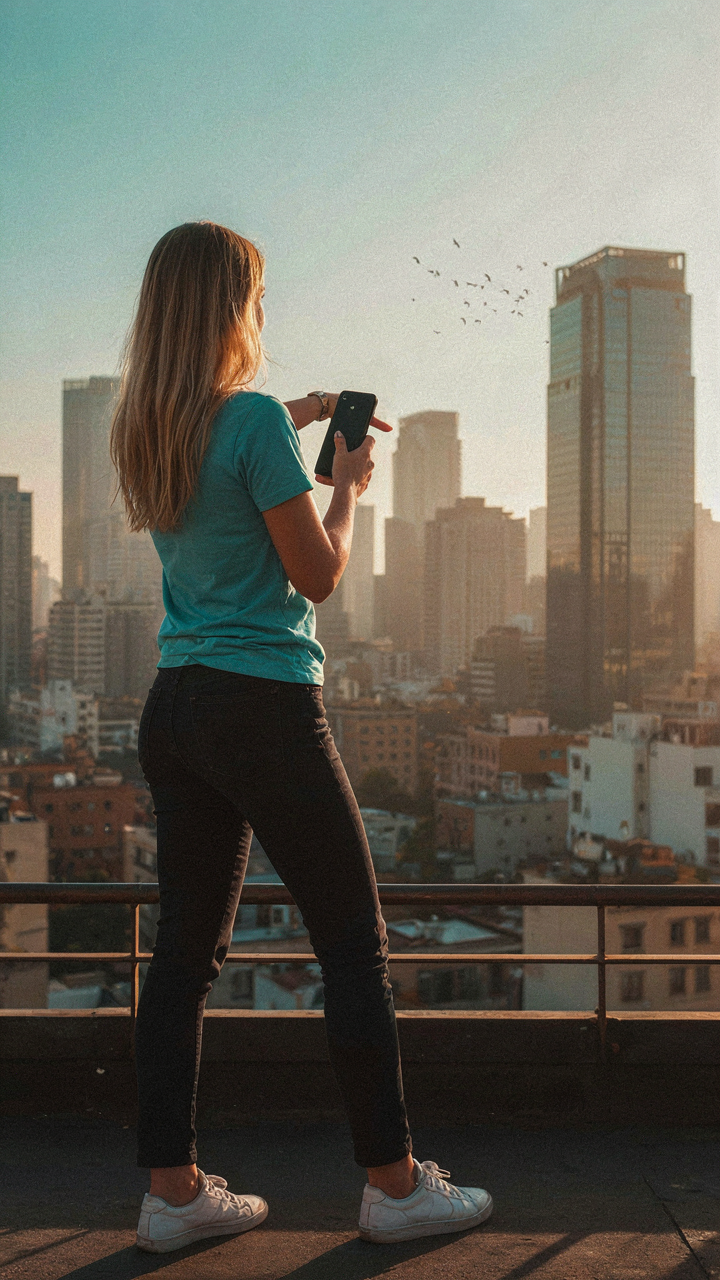
Understanding Ambient Light Dynamics
You want better photos without looking like you’re trying. That’s the real ask. Here’s what matters: light behaves like a physics problem, and the iPhone exposure slider is your aperture control without the hardware. You don’t have an adjustable lens, so the sensor compensates by lengthening or shortening exposure time based on where you tap. The phone reads brightness and sets a baseline. The slider moves from that baseline.

Natural light changes based on time, angle, and obstruction. Golden hour exists because the sun travels horizontally, not because it’s magical. Morning light and afternoon light differ in color temperature and intensity because the sun’s rays pass through different atmospheric densities. Overcast days diffuse light evenly, which eliminates shadows. Shadows are data—they tell the sensor where brightness concentrates. The slider only works if you understand what the light is actually doing in the frame.
Positioning For Optimal IPhone Exposure Edit
Most advice says to tap where you want to expose. That’s incomplete. You need to position yourself so the light itself is your exposure tool, then use the slider as refinement, not rescue. Stand with the light source at your side or behind you slightly, never shooting directly into the sun unless underexposure is your goal. The iPhone’s meter reads the entire frame, but you control the frame’s composition first.
Face the direction where contrast exists. Contrast is where the slider earns its power. If your subject sits in flat, even light, the slider barely matters because there’s nothing to compress or expand. Position yourself so part of the frame holds shadow detail and part holds highlight detail. Then tap on your subject, not on the brightest or darkest area. The slider now has tension to work with. This is the mechanism: position first, expose second, adjust third.
The Shutter Speed Illusion: What Your IPhone Really Controls
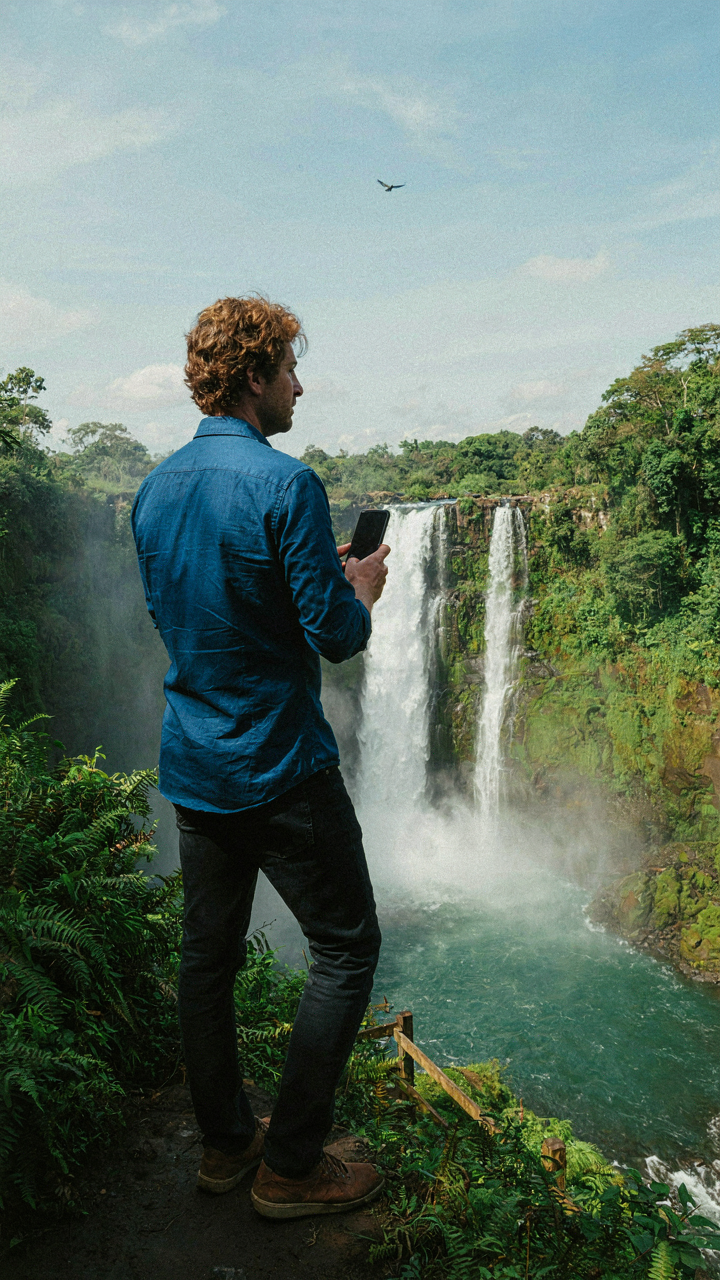
How Apple Actually Processes Light
You want to believe the exposure slider works like a camera from 1985, that you’re controlling something mechanical and direct. You’re not. Apple’s computational photography stacks multiple exposures together and selects which pixels to use from each frame, then applies algorithmic adjustments to the final image. The slider doesn’t open a shutter longer or shorter. It tells the processor how to weight and blend the data it already captured.
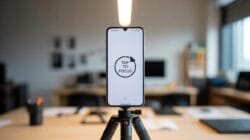
Think of it through signal processing, where gain is the amplification applied to raw data. The exposure slider is your gain control, but instead of simply brightening or darkening uniformly, it instructs the image processor which exposure data to prioritize, how much to amplify shadow detail, and which highlights to preserve. The phone captured the scene at multiple exposure levels simultaneously. Your slider just decides which version wins.
Why Long Exposure Claims Miss The Point
The common explanation compares iPhone exposure control to long exposure in traditional photography. That’s incomplete and misleading. Your iPhone doesn’t hold the sensor open longer when you drag the slider right. It already captured the scene in fractions of a second. The slider retroactively reweights existing pixel data, not accumulating more photons over time like a DSLR in bulb mode.
What actually happens: the phone’s computational stack allows the processor to push and pull detail from its captured exposure brackets without adding noise the way simple digital brightening would. Dragging exposure right pulls highlight recovery and shadow detail from underexposed frames the camera already recorded. You’re not gaining time. You’re redistributing the information the sensor already collected across multiple exposure values into a single optimized output.
The Aperture Myth: Fixed Lenses And Creative Limitations
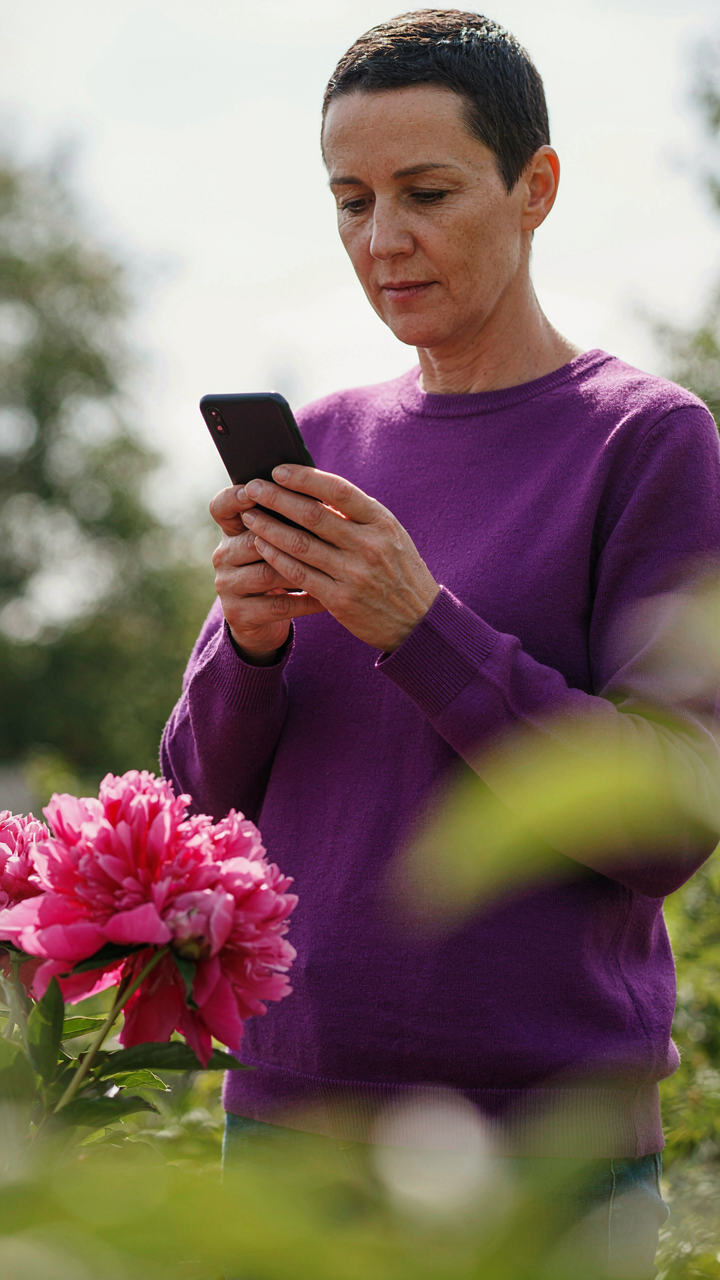
What Your IPhone Lens Actually Is
You want to believe your phone camera works like a real camera so you feel less constrained by it. Here’s the mechanism: your iPhone has a fixed aperture, meaning the opening that lets light in doesn’t change. The newest models sit around f/1.5 to f/2.8 depending on which lens you’re using. That’s it. No stopping down to f/16 for depth. No opening to f/1.2 for isolation. The exposure slider compensates for what the hardware cannot do by altering how the sensor records light.

Think of aperture in optical terms as a fixed gatekeeper. The exposure slider becomes your only throttle. When you increase exposure, you’re telling the sensor to amplify the signal from incoming photons, not to physically open a wider gate. This is substitution, not expansion. You get brightness, but you’re working within a hard boundary. The slider lets you push into that boundary differently depending on your scene, but the boundary itself doesn’t move.
Working Inside Your Hardware’s Real Walls
The common advice says use exposure to fix underexposed shots, then move on. That’s incomplete. Your real constraint isn’t the slider’s range, it’s how the fixed aperture interacts with your subject distance and ambient light. If you’re photographing someone indoors at arm’s length, you cannot separate them from the background using aperture alone. The exposure slider won’t create separation either, but it will let you expose for the face or the wall behind them, not both.
What changes exposure response is your distance to the subject and the light quality in the room. Close subjects in dim light need you to push exposure higher, but you’ll lose detail in bright areas first. The protocol: meter on the thing that matters most, adjust exposure to protect it, accept that you cannot control everything. Your hardware decided that for you when the lens was engineered. The slider lets you choose what gets priority, not what gets possible.
The “Light Physics” Protocol: A Masterclass In Exposure Settings IPhone
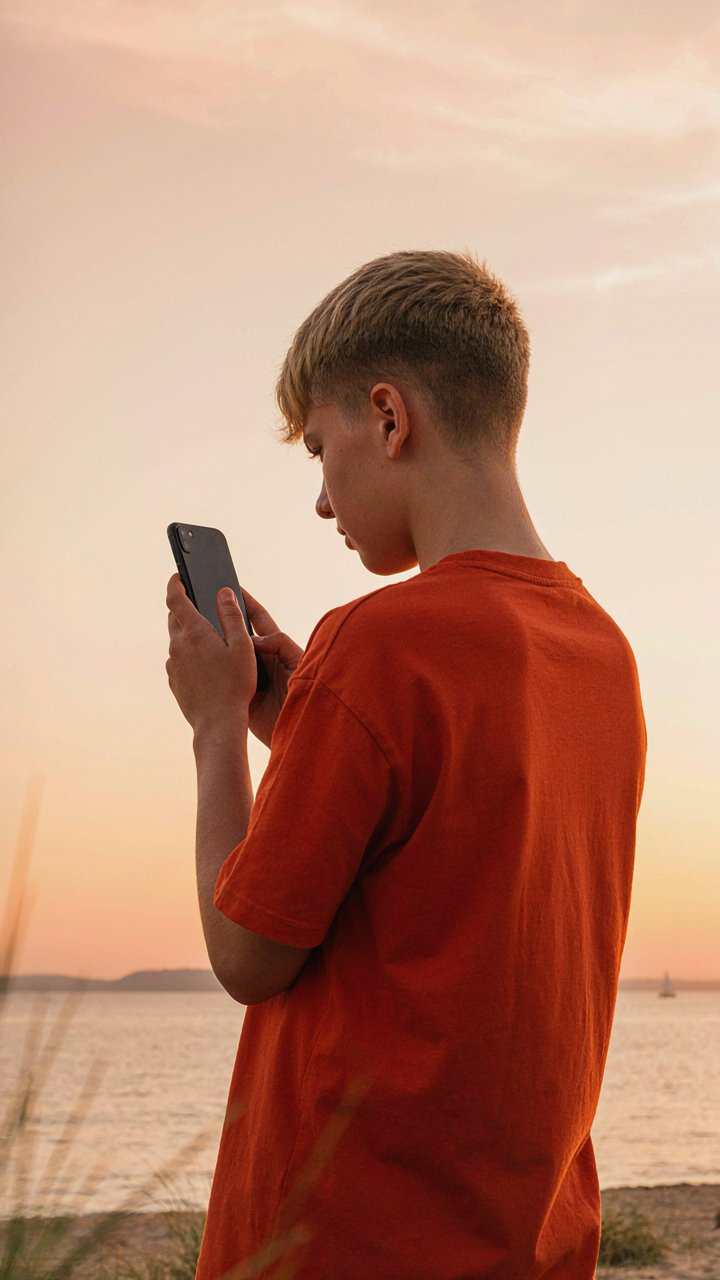
How Light Energy Actually Moves Through Your Sensor
You want to look like you know what you’re doing with your phone camera. The mechanism is thermodynamics: energy transfer. In thermodynamic terms, the exposure slider controls luminous flux—the total light energy hitting your sensor over a fixed time. Most people treat exposure like a brightness knob. It’s not. You’re controlling how much electromagnetic radiation your sensor captures and converts to electrical signal.
The iPhone exposure slider doesn’t add or remove light from the scene. It tells your sensor how long to accept incoming photons before it stops recording. Push the slider up, the sensor’s integration time extends, more photons accumulate, the image brightens. Pull it down, integration time shrinks, fewer photons register, the image darkens. The physics is identical to opening a window wider or narrower—more air flows through, or less does. Exposure is duration, not magic.
Bending Light Path To Control What You Capture
Optics teaches us refraction and reflection. The exposure slider doesn’t refract or reflect light, but it exploits how your iPhone’s optical system already does. Apple’s computational photography stacks multiple exposures and blends them. The slider doesn’t change the lens or glass stack. It changes which pixel values the processor pulls into the final merge.
When you drag the slider toward brighter, you’re telling the image processor to weight the longer exposures more heavily in its blend. The reflected and refracted light that would have been clipped as pure white now registers as recoverable data. The slider toward darker does the reverse: it prioritizes shorter exposures and discards highlight information. Adjust your exposure slider while framing a backlit subject to preserve detail where light reflects off their edges instead of blowing out to pure white.
Composition Over Correction: Elevating Your IPhone Camera Shots
Frame Darkness Into The Shot
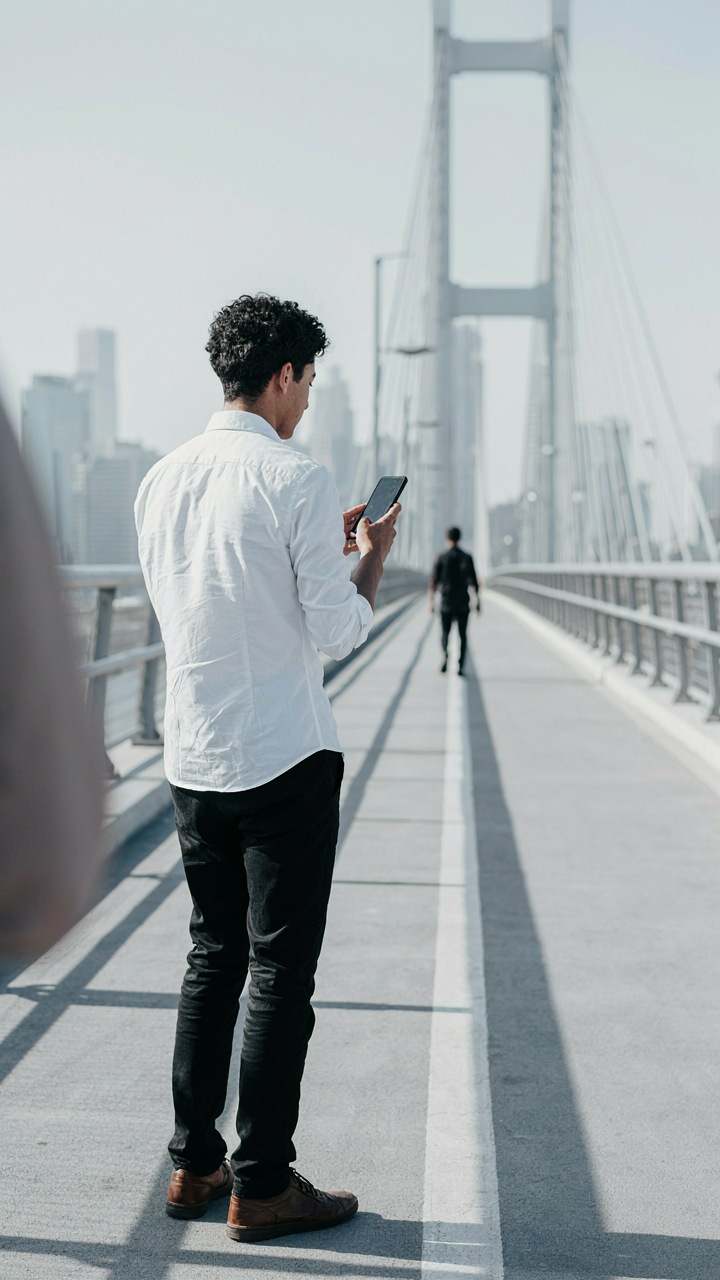
You want people to think you know how to use a camera. The real mechanism is this: brightness is relative. A frame filled with dark elements makes lighter elements pop without touching the exposure slider. Your phone’s sensor captures a fixed amount of light based on what fills the frame. Composition controls perceived exposure before software does.

Position dark objects to anchor the frame’s visual weight. A shadowed wall, dark foliage, or a person in silhouette compresses the tonal range and forces your subject into contrast relief. The exposure slider then becomes a fine adjustment tool instead of a rescue device. You’re working with physics here: the eye perceives contrast, not absolute brightness. Darker surroundings make your subject read as brighter even at identical exposure values.
Use Leading Lines To Direct Attention
The common advice says leading lines just guide the eye. That’s incomplete. Leading lines function as exposure zones in composition. They concentrate viewer attention on a specific area, which means you can expose for that zone while the rest of the frame falls into shadow or highlight without distraction. Your viewer follows the line and lands exactly where you metered.
Roads, shadows, fences, and architectural edges all work. Position your subject at the line’s endpoint. Adjust exposure for that endpoint, not the entire frame. The surrounding areas become secondary because the line has already pulled attention forward. This lets you hold detail in your subject while background elements go dark or blown. Set exposure on the subject, confirm the line leads there, then shoot. That’s the protocol.
Beyond The App: Real World IPhone Photography Skills
When The Slider Becomes A Decision Tool
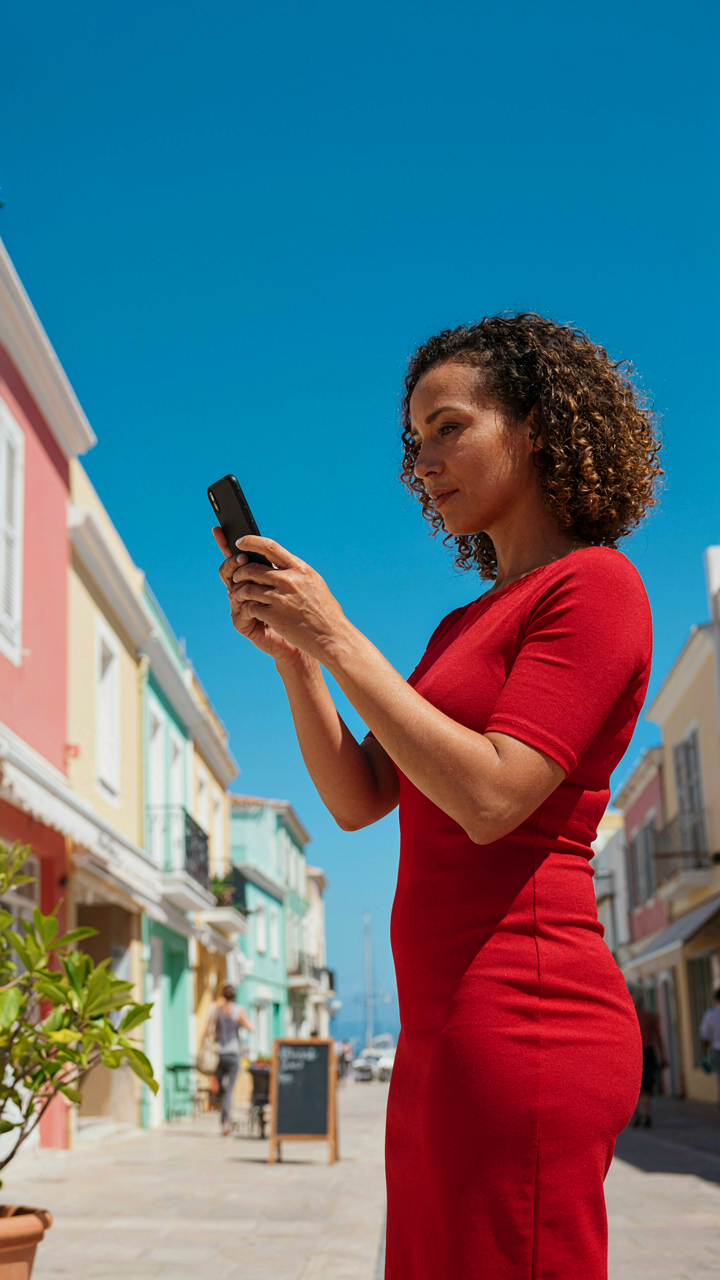
You want permission to stop obsessing over technical minutiae and just make good photos. Here’s the mechanism: the exposure slider is not a correction tool—it’s a commitment device. In economics, commitment devices lock you into choices before emotion hijacks the decision. The exposure slider forces you into a deliberate exposure choice during capture, not as an afterthought in post. This removes the amateur habit of shooting flat and hoping to fix it later.
Most photographers treat exposure adjustment as damage control. They shoot underexposed, telling themselves they’ll “recover detail” in post. The exposure slider demands the opposite: you set intent before the shutter fires. This shift from reactive to intentional fundamentally changes how you see light. You stop chasing technical perfection and start chasing artistic clarity—which is faster and produces better results.
Controlling Intent Through Post Processing
Post-processing has a real job: amplify the choice you already made, not erase it. Shooting with intentional exposure means your RAW file already contains the tonal story. If you nailed the exposure slider on capture, post-processing becomes refinement, not reconstruction. This is where most photographers fail—they shoot without conviction, then waste hours in Lightroom trying to manufacture mood that wasn’t there.
The exposure slider in post should only shift what the scene itself demanded. If your in-camera exposure slider choice was solid, post-processing adjustments stay within one stop. If you’re adjusting by two or three stops in post, you made a capture error. The protocol: use the exposure slider during shooting to match your artistic intent, then use post-processing to enhance contrast, color, or shadow detail—not to fix exposure. This discipline separates intentional photographers from editors playing catchup.
Building Light Literacy Through Repetition
Your photographic eye develops through constraint, not freedom. Most advice tells you to shoot everything, experiment wildly, find your style. False. You develop sight faster by committing to one lighting scenario and mastering its exposure decisions. Pick a location at one time of day for a week. Shoot the same subject with different exposure slider positions. Study what each choice communicates. This repetition trains your eye to predict how light behaves before you raise the camera.
Exposure decisions are about tone mapping—translating three-dimensional light onto a flat surface and deciding what story that translation tells. Bright exposure reads as hope, openness, exposure. Dark exposure reads as mystery, weight, containment. Neither is objectively better. Your job is knowing which one matches your subject. Spend ten shooting sessions on one scene before moving locations. Your eye will calibrate faster than any tutorial. You’ll start predicting exposure before the light hits the sensor.

The Instagram Trap: Why Chasing Trends Kills True Photography
Social Media Validation Never Ages
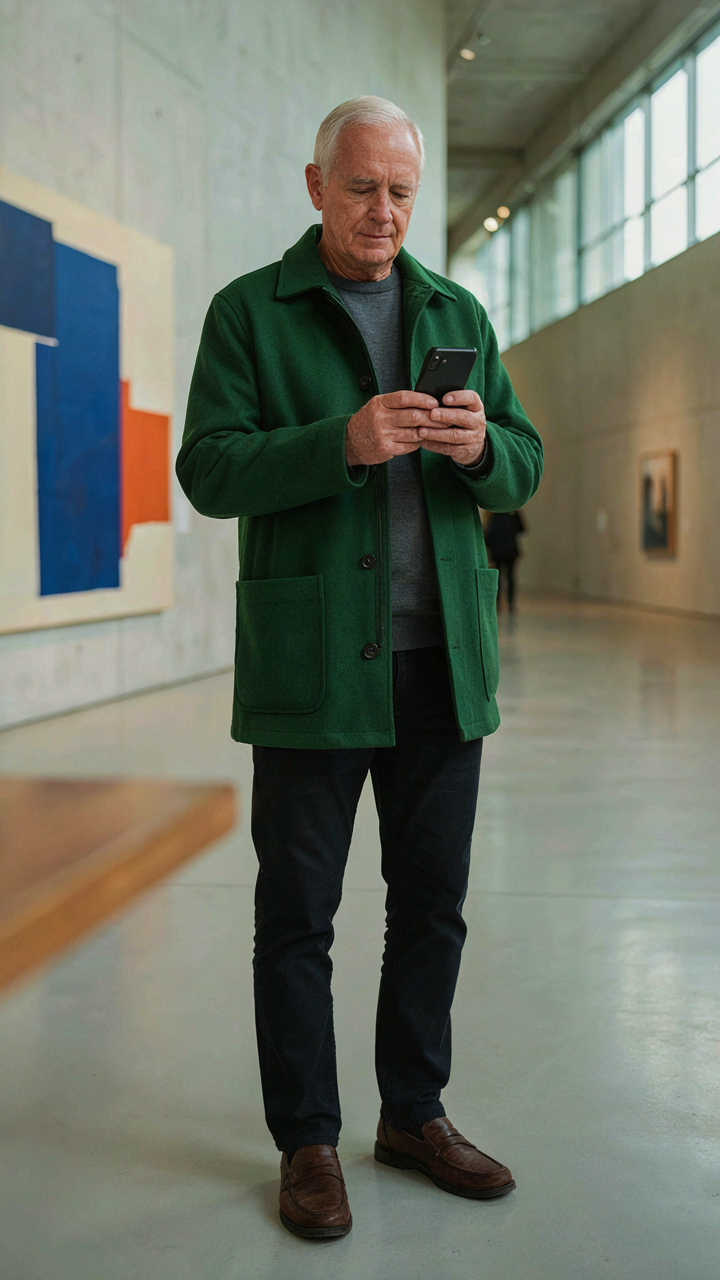
You want validation fast. That’s why you’re scrolling through what’s trending instead of building something that matters. Social media platforms reward recency, not quality. A photo that gets 10,000 likes today disappears into the algorithm graveyard tomorrow. The exposure slider becomes a tool for chasing what works now, not what works forever. You adjust brightness to match the aesthetic of the moment, then six months later that exact look feels dated. The mechanism is simple: platforms prioritize engagement velocity over longevity, so creators optimize for temporary attention instead of lasting work.
The real cost isn’t time wasted posting. It’s the trained instinct to second-guess your own eye. When you constantly calibrate your exposure to match trending aesthetics, you stop developing your actual visual judgment. Your phone’s exposure slider becomes a voting machine where the crowd decides the settings, not you. This erodes the one skill that separates photographers from content producers: the ability to see light and know what you want before you adjust it. Stop treating Instagram as your creative north star and use it as a distribution channel only.
Building Work That Outlasts The Algorithm
Timeless photography rests on a single principle: compression of intent. Every technical choice, including exposure, serves one decision you made before picking up the phone. When you use the exposure slider, you’re not hunting for the Instagram-friendly brightness. You’re solving a specific visual problem for a specific reason. Photographers like Irving Penn didn’t obsess over what was trending. They obsessed over light, form, and the relationship between subject and frame. That obsession produced work people still study decades later.
The practical shift is mechanical. Before adjusting exposure, write down why you’re changing it. Are you recovering shadow detail to show texture? Pulling down highlights to create mood? Matching the light to the subject’s emotional tone? The exposure slider works best when you have a predetermined answer. Build a portfolio of ten to twenty images shot under different lighting conditions with the same intentional approach. Revisit them in a year. The ones that endure are the ones where exposure served your vision, not the algorithm’s appetite.

Stop Seeking Shortcuts; Master Light Itself And Transcend The Need For Digital Crutches
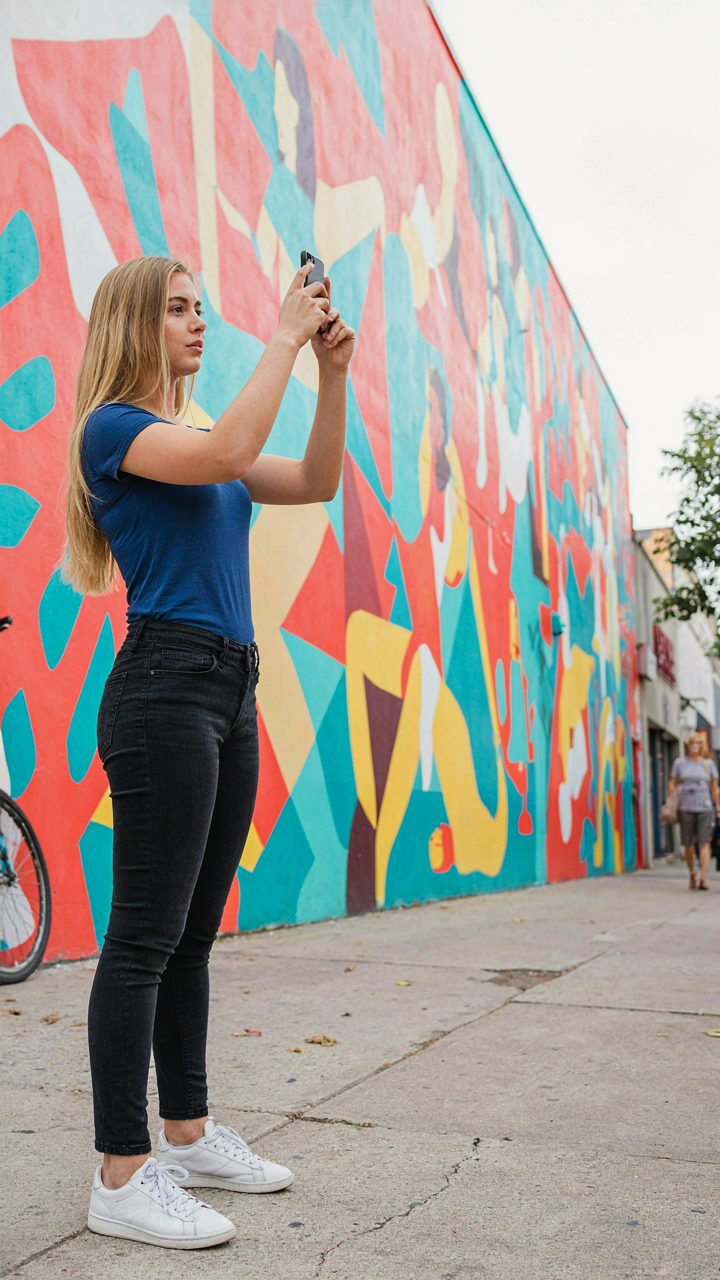
The exposure slider doesn’t fix bad light. It patches it. Real photographers stop chasing the slider and start chasing the light source instead. Your next photo doesn’t need adjustment. It needs you to move six feet left where the sun hits different. Pull out your phone right now and shoot the same subject from three different angles without touching exposure. You’ll see what actually matters. The slider is just proof you weren’t paying attention the first time.