
The Cognitive Load Fallacy Of Organizing Electronic Components

More Bins Mean More Brain Cycles
You want to feel organized. That’s the real reason you’re reading this. But here’s the mechanism: every container you add to your system demands a decision before you can retrieve anything. Cognitive load theory from psychology maps directly onto parts storage. Each bin becomes a query your brain must process. You add a second organizer to “improve” your system. Now you have two places to check. Three organizers means three mental searches. Most people never account for this cost because they only measure the upside of “having space.”
The math is brutal. A single large container forces you to scan linearly. That’s one cognitive task. Ten small bins organized by category force you to remember which bin holds which category, then retrieve it. Studies in decision fatigue show humans degrade at decision volume, not decision difficulty. Your parts storage system should reduce decisions, not multiply them. If you can’t remember where something lives without consulting a label or map, your system already failed before you opened it.
The Cost Of Good Enough Systems
Common advice says to use compartmentalized boxes with labels. That’s incomplete. The real problem with “good enough” systems is that they decay. A label system works for thirty days. After six months, you’ve added parts that don’t fit existing categories. You’ve moved things temporarily and forgotten where they went. You’ve lost labels. The system becomes a tax you pay every time you search for a resistor. People blame themselves for poor execution when the system itself guaranteed failure.
The mechanism is friction. Every retrieval should cost you the same amount of energy. If some components live in labeled bins and others live in loose piles because they didn’t fit categories, you’ve created a two-tier system. You’ll always gravitate toward the path of least resistance, which means your organized containers sit unused while you dig through chaos. Build your storage around what you actually do, not what organizing theory says you should do. Keep components you use weekly in one location. Everything else in cold storage. That’s the protocol.
The One In, Zero Out Principle For Small Electronic Components

Control What Enters Your System
You want to believe your storage system will stay organized without effort. It won’t. Inventory control borrows from supply chain management: inbound quality gates determine downstream chaos. The moment a component enters your storage, it either follows protocol or it becomes debt.

Set a single rule before any part lands in a bin: verify it works, label it with value and date received, and assign it a location. No exceptions. This takes 90 seconds per part. Skip this step once and you’ll spend three hours later searching for a 50-cent resistor because you can’t remember if you own it. The entry checkpoint is where discipline compounds.
Purge Before You Need Space
Everyone knows to throw out old parts. Nobody actually does it until the bins overflow. Electronics graveyards form because we confuse “might use it someday” with actual utility. Obsolescence isn’t failure, it’s signal. Establish a quarterly purge date tied to your calendar, not your mood.
Pull any component unused for more than two years. Run a quick test on questionable parts. If it fails or you can’t identify its value, it leaves. Document what you removed and why, so you stop repurchasing the same dead stock. The mechanism that prevents regrowth is friction: schedule the purge, set a reminder, commit 90 minutes, and execute it like a dental appointment.
The “Resistor Storage Solutions” Trap: Beyond Generic Bins

When Labels Become Theater
You want the system to work so badly that you label everything and call it solved. That’s the trap. Labeling without a retrieval mechanism creates the illusion of organization while guaranteeing you’ll waste time finding parts anyway. The real problem isn’t identification, it’s decision speed under cognitive load. Your brain burns energy hunting for a 10K resistor across fifty identical drawers, labeled or not.

The moment you open a storage system, you should know exactly where to reach. This demands a sorting logic tied to how you actually build circuits, not how parts manufacturers categorize them. A labeled bin still requires you to scan it. An organized system lets you grab the part before conscious thought kicks in. This is the difference between having an inventory and having a system.
Sort By Build Workflow, Not By Part Type
Generic advice says sort resistors by value in ascending order. It sounds logical and it’s completely backwards for most builders. You don’t grab parts in numerical sequence. You grab them by the circuit you’re designing right now.
Value-based sorting assumes you know the exact resistor you need before you open the drawer. Type-based sorting assumes all resistors behave the same way. Neither matches reality. Instead, organize by tolerance and use case: precision resistors separate from general-purpose, film types separate from carbon film, high-wattage separate from signal-level. Then within each category, group by decade ranges rather than strict numerical order. A 10K sitting between 8.2K and 12K takes no extra effort to locate, and decades cluster the values you actually use together in design. This cuts search time by eliminating false paths through the system.
The Atomic Unit Method For Storing Small Electronic Parts
Define Your One Retrievable Unit
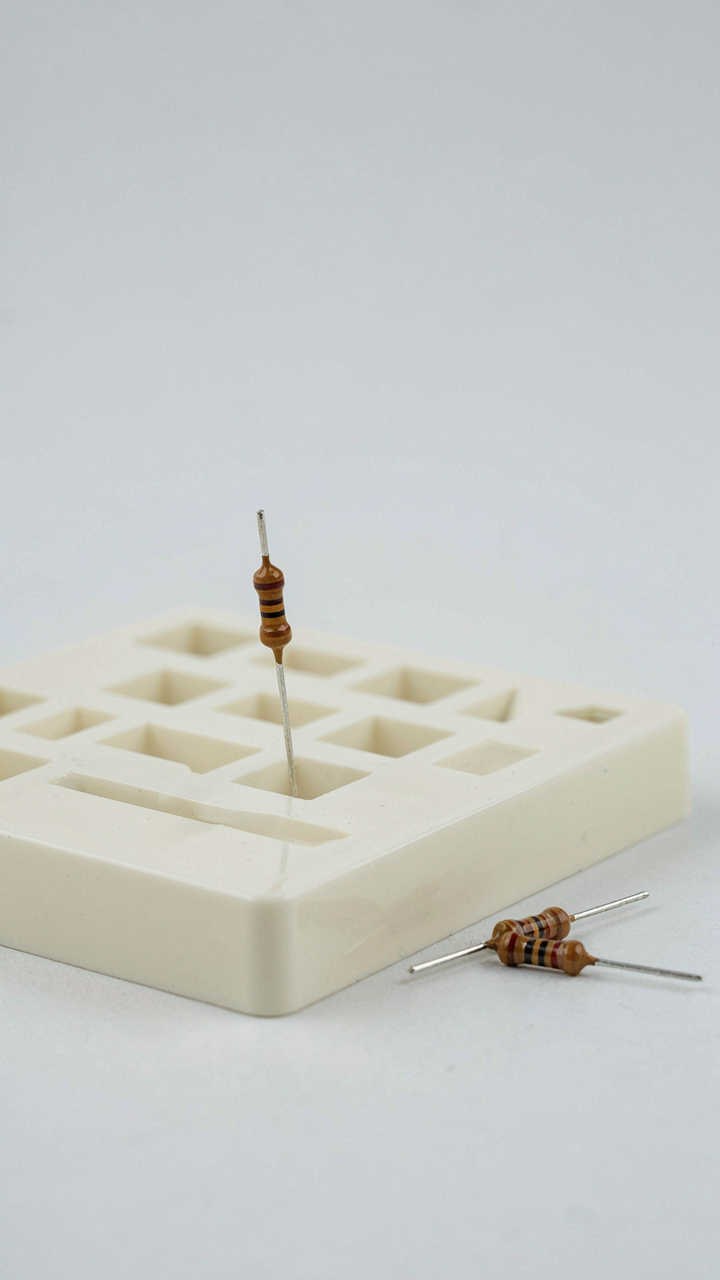
You want this system so you never waste an hour hunting for a single 10k resistor while your project sits dead on the bench. The mechanism is borrowed from inventory management: establish your smallest stock-keeping unit. In electronics, that’s one component, not a bag of fifty. One resistor. One capacitor. One IC. One diode. This forces you to repackage bulk purchases immediately when they arrive, before they dissolve into the chaos of your workspace. The work upfront prevents the daily friction of rummaging through mixed batches.

Define your unit size based on actual consumption, not theory. If you use through-hole resistors constantly, your atomic unit is a single resistor in its own slot or envelope. If you stock surface-mount passives, your atomic unit might be a tape segment of five or ten pieces if that’s genuinely how you pull them. The rule is simple: if you ever grab more than you need because finding singles is impossible, your unit is too large. Design the system around how you actually work, not how you think you should work.
Package For Single Item Access
The common advice here is garbage: people stack components in bins and pretend the system works until they need something and grab the wrong value twice. Real access means you retrieve one part without touching others. Compartmented organizers with individual slots solve this, but only if each slot holds exactly one atomic unit and nothing else. Kraft coin envelopes labeled with value and quantity work for hobbyists because you pull one envelope per part needed, scan the label, verify, and move on. No digging. No cross-contamination of values.
Tape strips and reels work for high-volume components because the tape format enforces single-unit dispensing. For mixed storage, antistatic bags in labeled rows inside a larger cabinet eliminate the hunt. Label the exterior, not just the inside, so you read before opening. The mechanism that makes this work isn’t organization itself. It’s friction reduction at the point of access. The faster you can verify and retrieve a single component without disturbing the rest of your stock, the faster your projects move.
The “How To Organize Electronics Parts” Blueprint: The Kanban System
Visualizing Inventory Flow
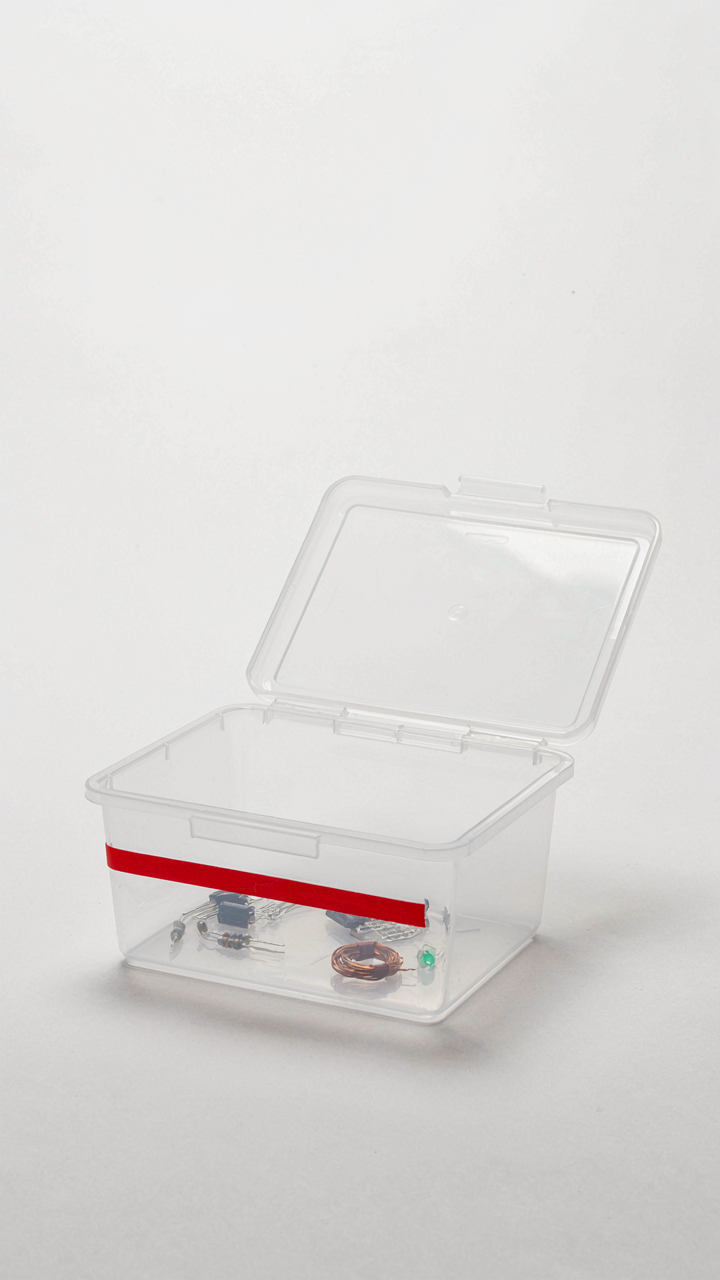
You want this system because watching your stock levels in real time feels like control, and it is—but only if you actually use it. Manufacturing borrowed the Kanban concept from Toyota’s production line, where a “card” (the literal translation) signals when to pull more material into the workflow. Applied to electronics parts storage, your visual signal is the physical space where parts live: when that space empties to a marked line, you trigger a reorder. The mechanism is pure feedback. Empty space becomes the trigger, not your memory or a spreadsheet you never check.

Most hobbyists and small shops use bins and hope they’ll remember what’s low. That’s not a system—it’s guessing. A real Kanban setup uses dedicated spots for each part type with a visual minimum marked at the bin’s base. Red tape, a colored line, or a second container sitting underneath works. When you grab the last resistor and hit that line, you know immediately that restocking happens next. The system moves the burden of awareness from your brain to your physical environment.
Pull Based Replenishment Triggers
A pull system means parts flow only when you need them, not when a supplier ships them or when you feel like ordering. This kills the dead inventory problem where you stockpile parts that never get used and creates space for what actually matters. The trigger is mechanical: you use a part, stock drops, you see the marker, you order. No batching guesses. No “I’ll order when I feel like it.” You react to what the bin tells you.
The discipline here is setting realistic minimum levels for each part category. A single 0603 resistor value might have a minimum of 50 units before reorder kicks in. A specialized IC might have a minimum of 3. These numbers come from your actual usage rate and lead time from your supplier, not from intuition. Once you set them, the reorder trigger becomes automatic. You never run out because the system tells you to act before empty arrives.
The 3 Tiered Hierarchy Of Electronic Components Storage
What Lives On Your Workbench
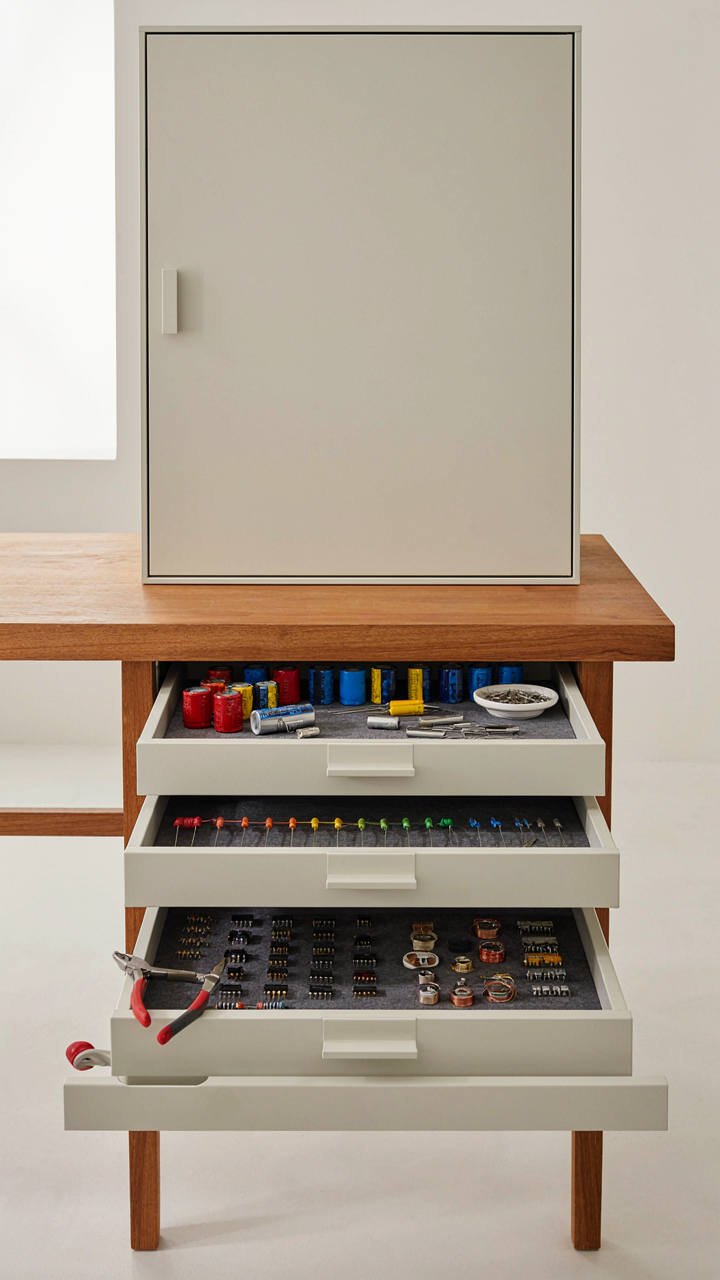
You want to feel productive without actually thinking about where anything is. That’s the real driver here. The mechanism is friction: every second spent hunting for a resistor is a second you’re not building. Workbench storage eliminates that tax by placing your highest-velocity components within arm’s reach.

Your workbench tier holds components you touch in active projects—resistors, capacitors, common ICs, wire, solder. These live in shallow drawers, pill organizers, or magnetic trays. The rule is brutal: if you don’t use it weekly, it doesn’t belong here. Overcrowding this tier kills the whole system.
Splitting Project Stock From Reserve
Economy of motion borrowed from manufacturing logistics: companies separate “line stock” from “warehouse stock” because retrieval speed affects throughput. Your electronics parts follow the same principle. Project-specific storage holds components gathered for an active build; bulk storage holds everything else.
- Project bins: Labeled containers holding only components allocated to current work, stored near the workbench, cleared when the project ships or halts.
- Bulk drawers: Organized by component type and value across multiple filing cabinets, stored away from the build area, accessed only when restocking project bins.
- Consumables tier: High-turnover items like solder, flux, and common wire gauges in a separate cabinet, rotated regularly to catch expiration or degradation.
- Obsolete or low-use parts: Archived in a sealed container with a date label, kept only if the original project might restart within two years.
- Tape and reel components: Large-value stock stored flat in climate-controlled drawers, organized by footprint and value, never in vertical slots where humidity damages leads.
The second tier works only if you enforce the boundary. Project bins get a fixed lifespan. When the project ends, components return to bulk storage or get culled. This prevents drawers from becoming graveyards of half-finished ideas. Check your project bins every month and move dead stock back to the reserve.
Digital Inventory: The Unseen Efficiency Of Organizing Small Electronic Components

Software For Tracking Component Location
You want a system that makes you look organized without actually spending hours maintaining it. The real mechanism is this: tracking software collapses the time between knowing you have a part and finding it. Most people skip this step and waste thirty minutes per project searching bins they swear they labeled last month.

Dedicated inventory software stores three critical data points: part number, physical location, and quantity. Desktop applications like Partkeepr or cloud solutions like Octopart let you assign bin coordinates to every component. The friction of data entry upfront prevents the larger friction of searching later. Without a searchable log, you end up buying duplicates because you genuinely forgot what you own.
Barcode And QR Code Integration
Barcodes aren’t luxury overhead for large operations. They’re the automation layer that turns a manual storage system into one that actually scales. Economics calls this the principle of leverage: you invest once in encoding, then extract value repeatedly through faster retrieval.
Printing QR codes on bin labels and scanning them with your phone feeds data directly into your inventory database. This replaces handwritten notes and memory. Each scan logs the access timestamp and updates stock counts automatically. The scanner becomes your single point of truth. Many free barcode generators exist online, and most inventory software integrates scanning through your smartphone camera. Set up QR codes on your storage containers before you start filling them.
Beyond Decluttering: The Strategic Purge Of Electronic Parts
When To Throw Parts Away
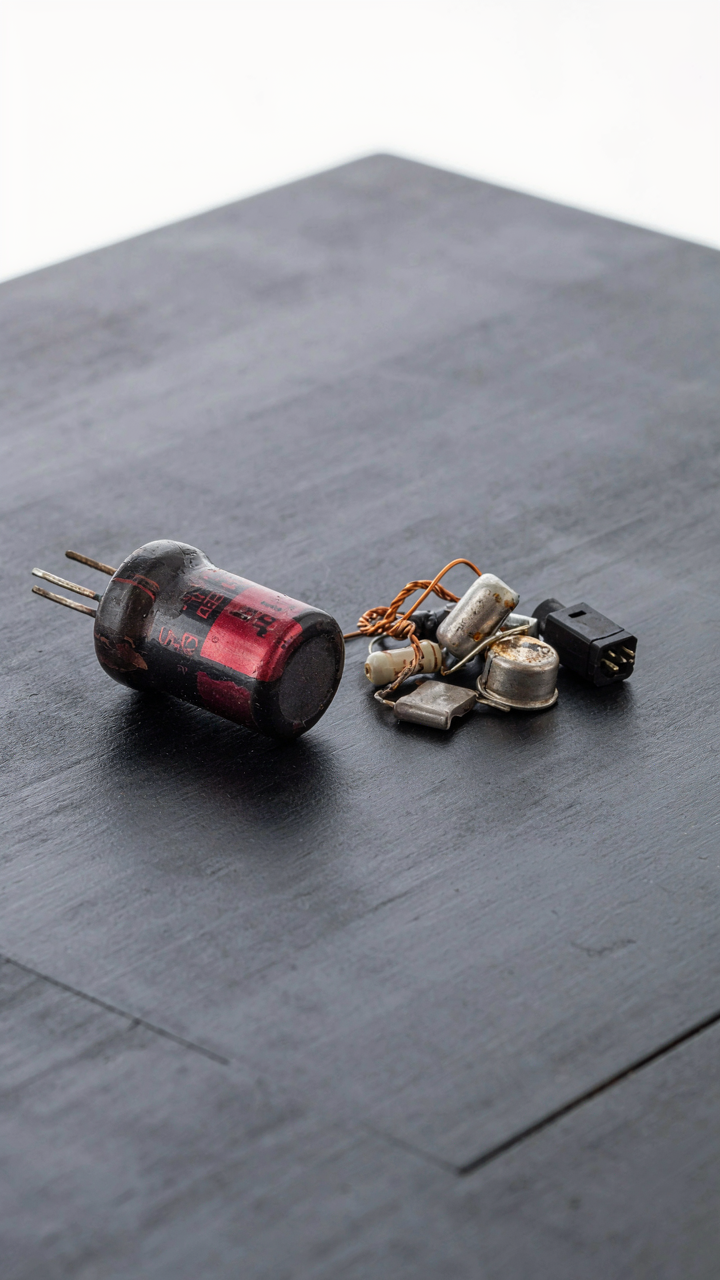
You keep dead stock because throwing it away feels like admitting failure. The real mechanism is this: components degrade. Electrolytic capacitors dry out. Solder joints crack under thermal cycling. Resistors and diodes don’t fail randomly, but their specs drift. After five years sitting on a shelf, a part is not the same part you bought. Storage environment matters less than time itself.

Establish a replacement threshold based on component type, not sentiment. Electrolytic capacitors lose 20 percent of capacitance every five years at room temperature. Batteries self-discharge regardless of storage. Mechanical components like switches corrode. If you haven’t used a part in three years and can replace it for under ten dollars, dispose of it. The cost of keeping is higher than the cost of repurchasing.
Dark Matter Parts Exist In Every Bin
Physics calls it dark matter because we cannot see it directly, only infer its presence from gravitational effects. Electronics storage has the same problem: components that consume space and mental energy but never get identified or used. You open a bin and find resistors in unmarked bags, capacitors sorted by vague recollection, ICs with no datasheet reference. These parts generate friction without generating value.
Eliminate dark matter through forced categorization and documentation. Pull everything out. Test continuity on discrete components or measure values with a multimeter. Photograph each bin’s contents and store the image with a label and date. If a component cannot be identified within thirty seconds of looking at it, it does not belong in your system. Either document it fully or discard it. Storage becomes efficient only when every part has a known state.
The “How To Organize Electronic Parts” Flow: Your Personal Protocol

The Put Away Routine You Actually Follow
You want this system to feel effortless because you know you won’t maintain anything that requires willpower. The real mechanism here comes from operations management: standardizing the intake process. Every part enters your system the same way, at the same moment, through the same decision gate. No exceptions, no “I’ll sort this later.”

When you receive parts, open the package immediately at your workbench. Read the label. Verify the part number against your inventory list or database. Place it in its designated container in a single motion. The delay between arrival and storage is where chaos breeds. Your put-away routine is the firewall between incoming entropy and organized stock.
Retrieval Efficiency Through Placement Logic
Most advice tells you to organize by part type. That’s incomplete. You need to organize by retrieval frequency. Parts you grab weekly belong in arm’s reach. Parts you use monthly go one shelf deeper. Parts you touch twice a year live in the back. This is pure time economics: minimize motion for maximum-velocity builds.
Label every container on the front and spine so you see the name without moving anything. Use a consistent labeling system across all storage types, whether bins, drawers, or boxes. Your eyes should find the part in under three seconds. The moment you start searching longer than that, your system has failed.
Your Real Obstacle Isn’t The Parts; It’s The Mental Friction You Refuse To Engineer Out Of Your Workflow

Storage Is Decision Architecture, Not Organization
You care about this because every minute spent hunting for a resistor is a minute you’re not building. Most people treat storage as a filing problem. It’s not. Storage is a decision system. Borrow the term from information architecture: you’re designing an “information scent” for your parts. When you open a drawer, the part’s location should be instantly obvious from its visual context. Your eye should land on it without conscious searching. This only happens when you’ve eliminated decision points between need and access.
The reason generic advice fails here is simple: it treats all parts identically. A 0805 resistor doesn’t belong in the same storage logic as a microcontroller. Frequency of use, size, and substitutability determine placement. High-rotation items go in arm’s reach. Specialty components go in secondary storage. Your system either supports this hierarchy or it sabotages you every session you work. Most people reverse-engineer their system after six months because they ignored this upfront.
The Ongoing Cost Of Unoptimized Systems
Every time you dig through unlabeled drawers, you’re running a tax on your output. That tax compounds. One minute per project becomes five minutes per week becomes hours per month. Over a year, an unoptimized system costs you genuine working time. The real cost isn’t the time itself. It’s the cognitive load. Your brain shifts from design mode to search mode. Switching back takes longer than the search did.
An optimized system removes the search entirely. You reach, grab, continue. No interruption. No context switching. No decision fatigue. Build your storage so retrieval is automatic. Label compartments by part value and footprint, not by category name. Place your most-used components at chest height. Implement a one-touch retrieval rule: if you touch it more than once to find what you need, the system failed. Redesign immediately.
Your Real Obstacle Isn’t The Parts; It’s The Mental Friction You Refuse To Engineer Out Of Your Workflow
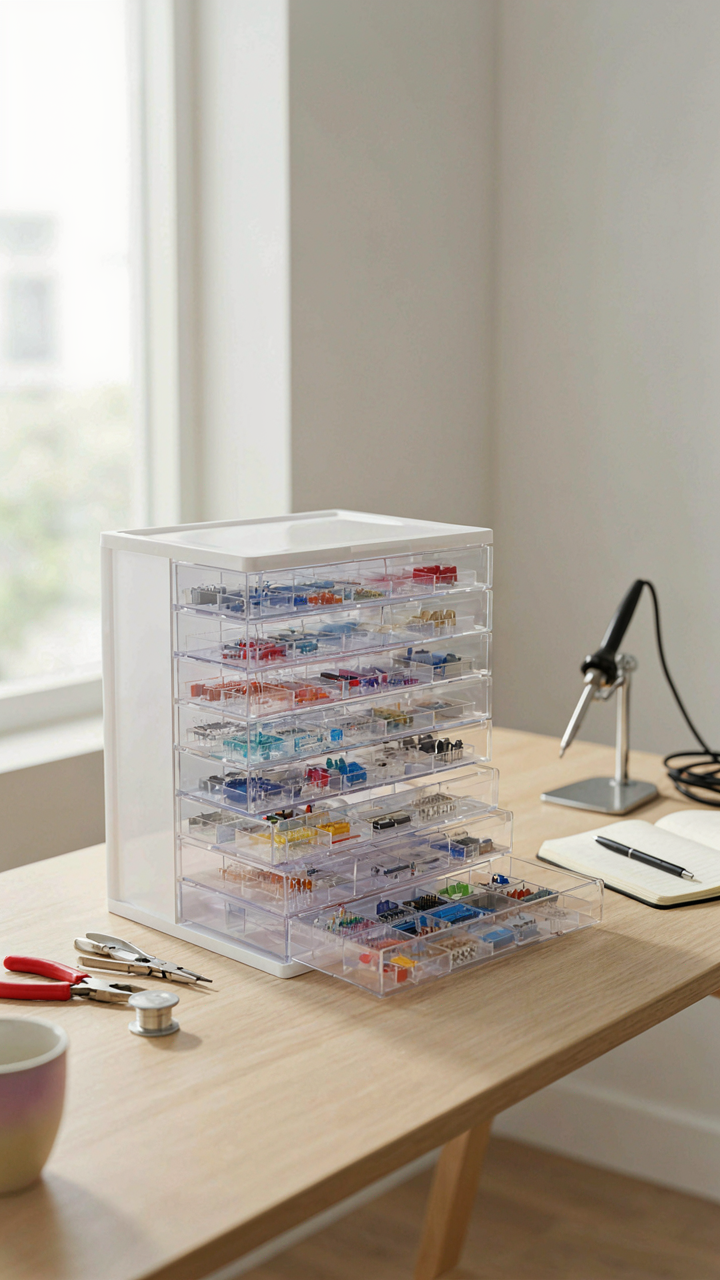
Most people lose parts because they never built a system that demands they put them back. Today, spend thirty minutes designing one spot where every component lives. Not someday. Not when you’re organized. Right now. Your storage system only works if using it costs less energy than losing parts. The best container means nothing if you won’t actually use it.