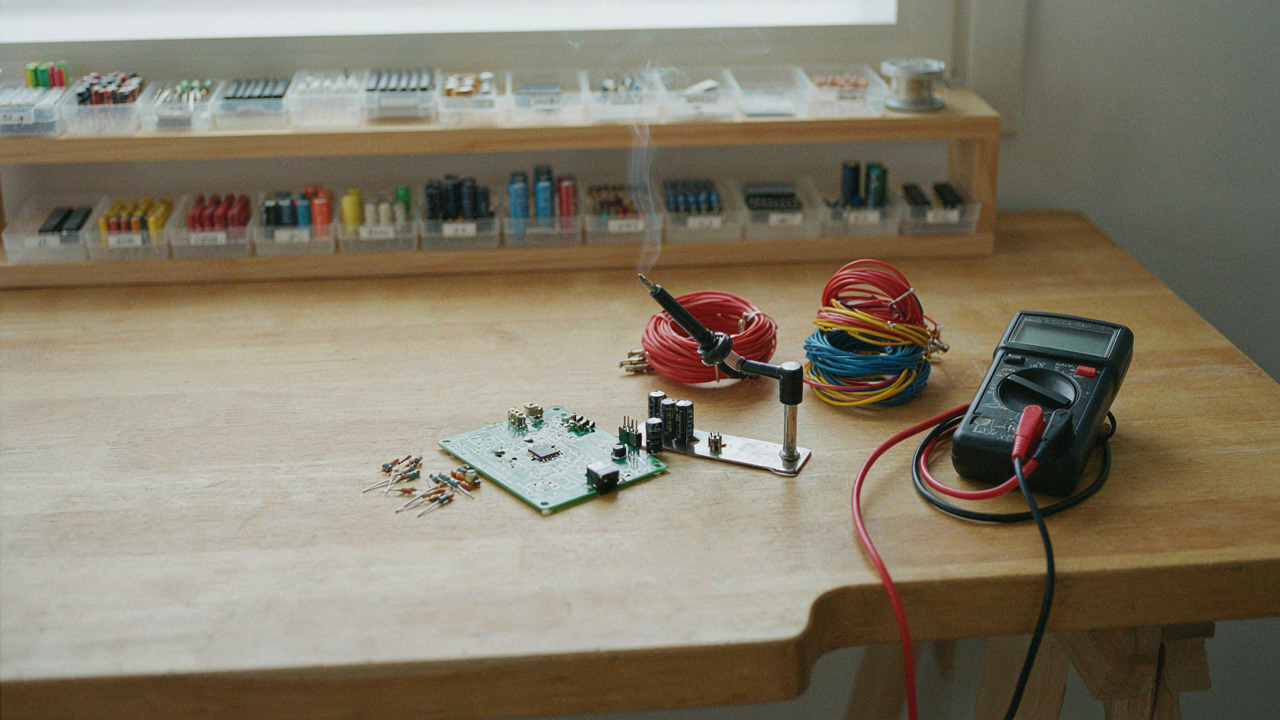
The Illusion Of Instant Tech: Why Most DIY Fails

Weekend Warrior Ambition Over Execution
You want to build something impressive because it signals competence without requiring you to actually develop it. That’s the real play. The weekend warrior fallacy is borrowed from military strategy: the illusion that speed and intensity substitute for preparation. In DIY tech, you see someone build a Raspberry Pi project in a YouTube video and assume the compression of 40 hours of learning into an 8-minute edit means you can replicate it Saturday afternoon.
You can’t. The constraint isn’t time, it’s prerequisite knowledge you don’t possess. Soldering requires hand steadiness that develops over dozens of joints. Coding requires debugging instinct that only emerges through failure. Component selection requires understanding voltage drop, impedance, and thermal load. None of this compresses into a weekend. The person in the video already owned these skills. You watched the assembly, not the apprenticeship.
Real Skill Demands More Than Tutorials
YouTube tutorials are documentation, not education. They show the path a skilled person took, not the decision tree they navigated to get there. This is incomplete information sold as complete. A genuine soldering project demands you understand why temperature matters, what cold solder joints look like under magnification, and how to diagnose them when your circuit doesn’t work. The tutorial skips this. It shows perfect execution, not failure recovery.
Build systems require you to hold multiple constraints simultaneously: power budget, size limitations, material compatibility, assembly sequence. A tutorial handles one constraint per step. When something fails mid-project, tutorials offer no protocol. Successful builders stop, isolate variables, and test one change at a time. Start there: choose projects that teach one skill fully rather than skim five skills poorly.
Deconstructing “Gift”: What Truly Resonates

Sentimental Value Over Market Price
You care about this section because you’re afraid a homemade gift reads as cheap instead of thoughtful. Here’s the mechanism: sentiment operates like compound interest in economics. The initial value of a handmade object isn’t its material cost. It’s the time and intention baked into it. A store-bought gadget depreciates the moment you unbox it. A DIY tech project gains value every time the recipient uses it and remembers you built it.

Most gift advice gets this backwards. It suggests you maximize perceived utility to justify the effort. That’s wrong. The real leverage point is this: people remember who spent focused time on them far longer than they remember what that time produced. A poorly soldered circuit board matters less than the fact that you sat down and learned something specifically to give it to them. That asymmetry is what makes handmade tech stick.
The Economics Of Personal Investment
Handcrafted items trigger a psychological mechanism called the endowment effect. People assign higher value to things they know required effort from someone they care about. This isn’t sentiment clouding judgment. It’s rational economics. The recipient understands that your weekend was finite and you chose to spend it on their problem, not yours. That choice has measurable weight.
The emotional economy of a DIY tech gift works because it breaks the transactional model people expect. You can’t replicate this by buying something expensive and wrapping it with a personal note. The recipient knows the difference between purchasing affection and building it. When you hand someone a working gadget you constructed, you’ve converted time into trust. That’s the protocol: identify a real problem they have, learn the skill to solve it, build the solution, then present it without exaggeration about your craftsmanship. The imperfections prove it’s real.
The Minimalist Maker Protocol: Core Principles
Function First, Features Never
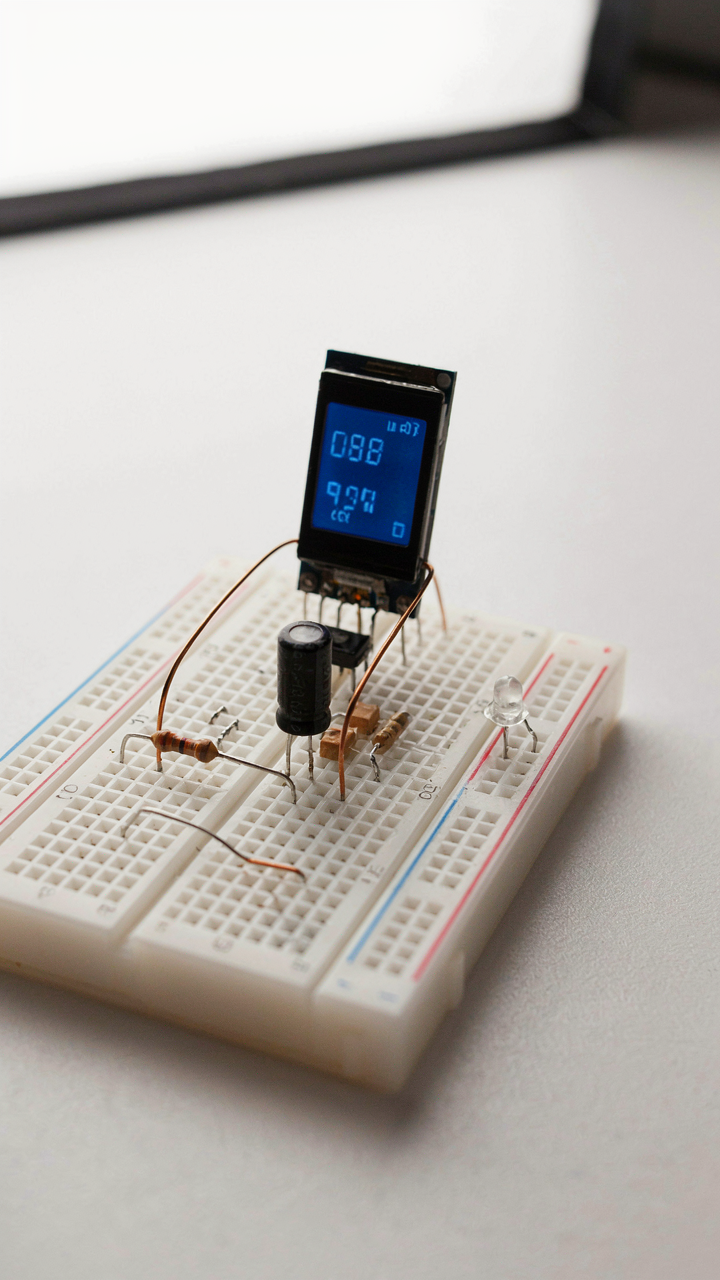
You want to build something impressive because you think it proves you’re capable. That’s backwards. The mechanism is this: every feature you add multiplies failure points and complexity. Electronics fail at connections, not components. A simple circuit with five parts beats a complex one with fifty every time.

Most DIY guides bury the real work under a pile of “nice-to-haves.” Strip those away. Ask what the gift actually does, not what it could theoretically do. A USB temperature sensor that displays one number on an OLED screen ships in a weekend. Add WiFi connectivity, cloud logging, and a mobile app, and you’re looking at debugging hell you don’t need.
Material Mastery Rewires Your Brain
Metallurgy and industrial design teach us a hard constraint: using fewer materials forces deeper understanding of each one. When you work with only copper wire, solder, and one resistor value, you stop guessing and start knowing. That’s the opposite of buying a pre-assembled kit.
Choose materials based on what you can actually source and solder in 48 hours. Breadboards let you iterate fast without permanent mistakes. Single-sided PCBs keep manufacturing simple. Avoid exotic components with long lead times or rare earth materials that need specialty tools. Build with what’s at the electronics store on Friday morning, not what ships in three weeks.
Homemade Cyberdeck: The Anti Laptop Statement

Salvaged Components: Repurposing For New Purpose
You want to feel like you built something instead of bought something. That status move matters less than the mechanism underneath it: constraint forces innovation. In systems design, we call this “active redundancy”—multiple components performing overlapping functions, creating resilience through reuse. A cyberdeck does exactly this with old hardware. You take discarded Raspberry Pi boards, broken laptop screens, mechanical keyboards from dead machines, and rewire them into a portable computing stack that works better than the sum of its parts.

The math is simple. A used 7-inch display costs ten dollars. A Raspberry Pi 4 runs thirty to fifty dollars. A mechanical keyboard salvaged from an office disposal is free. Mount them on laser-cut acrylic or bent aluminum. Total spend: under a hundred dollars for something no vendor sells at that price point. The real value isn’t the cost savings. It’s that you now understand how each component talks to the others because you physically wired them together. You can fix it. You can modify it. You own the stack.
Form Follows Personal Function
The ergonomics argument most people make is wrong. They obsess over “neutral wrist position” and “standard desk height” like those categories matter for something you build yourself. Ergonomics isn’t about universal comfort standards. It’s about YOUR body’s demands in YOUR specific use case. If you’re coding on a train, a cyberdeck shaped like a 9-inch tablet with a folding stand wins over a “proper” setup every time.
Start by prototyping with cardboard. Cut pieces. Stack them. Hold them for thirty minutes. Your hands will tell you where the keyboard should live, where the screen angle matters, where weight distribution breaks your forearms. This isn’t theoretical. Once your body rejects a prototype position, you’ve found real data. Then build the final version with that exact feedback baked in. The cyberdeck becomes unusable to anyone else and perfect for you because you engineered it through elimination, not imitation.
Beyond The Breadboard: Arduino Projects With Purpose

Build Something That Actually Solves A Problem
You want to seem like the kind of person who “builds things” without admitting you just want proof you’re not wasting money on a hobby that’ll die in two weeks. The mechanism that separates a gift someone uses from one they abandon is whether the Arduino does something their life required before they had it. Not something cute. Something necessary.

Start by identifying a friction point in someone’s environment. A room that’s too hot at night but they forget to open the window. A plant that dies when they travel. A garage door they can’t remember if they closed. These aren’t glamorous problems, which is exactly why they work. An Arduino temperature sensor that texts alerts, a soil moisture monitor, a security check on your phone—these solve real gaps. The gift doesn’t compete with their phone or other tools. It fills a gap that existed before the Arduino showed up.
Polish The Edges Before You Hand It Over
The common advice says “ship your prototype and iterate.” That’s wrong for gifts. A half-working Arduino project signals neglect, not innovation. Someone receives a tangle of wires and exposed breadboard and thinks you got bored halfway through. The gap between prototype and polished product isn’t just cosmetic. It’s the difference between a novelty and something they’ll integrate into their life.
Refinement follows a clear sequence: first, the code must run without errors for 72 hours straight. Second, enclose the electronics in a case, even basic plastic or 3D-printed housing. Third, simplify the user interaction—one button instead of three, or a single LED indicator instead of debugging output on a screen. The physical presentation determines whether someone perceives this as a serious tool or an experiment they’re expected to tolerate. Spend the final day on the case and the final hour testing the complete setup under actual use conditions.
Keyboard Craft: A Tactile Experience

Switch Selection: The Unseen Impact On User Experience
You want to build something that feels expensive without spending money like it is. That’s the real reason you care about switches. Here’s the mechanism: switches are to keyboards what springs are to mechanical systems. The spring rate, actuation force, and travel distance determine whether typing feels effortless or exhausting. Most people buy prebuilt keyboards and accept whatever switch the manufacturer chose. That’s the surrender point.
- Linear switches (Cherry MX Red, Gateron Red): No tactile bump, smooth travel from top to bottom. Best for gaming and fast typing. Requires less finger fatigue on long sessions.
- Tactile switches (Cherry MX Brown, Zealios): Pronounced bump at actuation point without audible click. Provides feedback without noise. Splits the difference between linear and clicky.
- Clicky switches (Cherry MX Blue, Kailh Box White): Bump plus mechanical click sound. Loud enough to irritate office workers. Satisfying if you like acoustic feedback.
- Low-profile switches (Kailh Choc, Gateron Low Profile): Shorter travel distance, flatter profile. Common in laptop-style builds. Trades depth of feel for compact form factor.
- Hot-swap sockets vs soldered: Hot-swap lets you swap switches without desoldering. Soldered switches are permanent but cheaper to manufacture. Choose hot-swap for flexibility, soldered for budget builds.

The recipient’s actual typing pattern determines which switch works. A programmer who types eight hours daily needs low actuation force. Someone who games competitively wants linear with no tactile delay. You’re not picking switches based on what sounds cool in reviews. You’re matching the mechanism to the user’s actual hand repetition.
Case Design: Integrating Form And Function
Case design separates a cobbled-together project from something worth keeping on a desk. The material absorbs vibration and affects the acoustic signature of every keystroke. Aluminum conducts sound differently than plastic or wood. Wood dampens resonance. Plastic is cheapest and lightest. Aluminum adds weight and costs more but delivers that solid feel the recipient expects from something handmade.
Mounting style changes everything. Top-mount cases clamp the PCB from above, transferring shock directly into the case. Gasket mounting uses flexible strips between the PCB and case, softening impact. O-ring mounting sits the PCB on rubber rings. Gasket mounting produces the most refined typing feel. Your case design must account for which mounting style your PCB supports, or the whole project fails at assembly. Measure twice, cut once, or you waste the time you saved by DIY building instead of buying.
The Systems Thinking Approach To DIY Computer

Feedback Loops In Component Selection
You want to sound smart by talking about “optimization,” but what you really want is to avoid looking stupid when the gift breaks. Cybernetics teaches us that systems survive through negative feedback loops—mechanisms that catch deviation and correct it before collapse. In component selection, this means building in redundancy checks at each stage. You don’t pick a power supply by wattage alone. You pick it, then verify it against thermal load, cable gauge, and connector compatibility. Each verification is a feedback loop that catches misalignment early.

The mistake most people make is treating component choice as a linear decision tree: CPU first, then motherboard, then RAM. Wrong. You’re building a constraint system where each part informs the next. A processor choice constrains your cooling solution. Cooling constrains your case. Your case constrains your power supply placement. You start by setting boundary conditions—budget, form factor, use case—then let those constraints shape every downstream decision. Before you buy anything, map the three components that will fail first and design specifically around protecting those three.
Ecological Niche: How The Computer Fits The User
This isn’t about ergonomics or aesthetics. It’s about whether the machine actually serves the environment it lives in. A gamer’s desk generates heat differently than a quiet workspace. A travel setup tolerates zero bulk. A gift computer that ignores its operating context wastes both of your time. Build the computer for the specific friction points you’ve actually observed in that person’s workflow, not for some hypothetical upgrade fantasy.
The real question isn’t “what specs does this person want.” It’s “what constraints does their actual environment impose.” Does their desk have limited power outlets? Size matters. Are they in a hot climate? Cooling strategy matters. Do they move between locations? Weight and durability matter more than raw performance. Document three environmental constraints specific to the recipient before you select a single part. Then design the build to excel within those constraints, even if it means sacrificing something on paper.
Electronic Crafts: When Art Meets Utility
Where Craft Tradition Meets Circuit Design
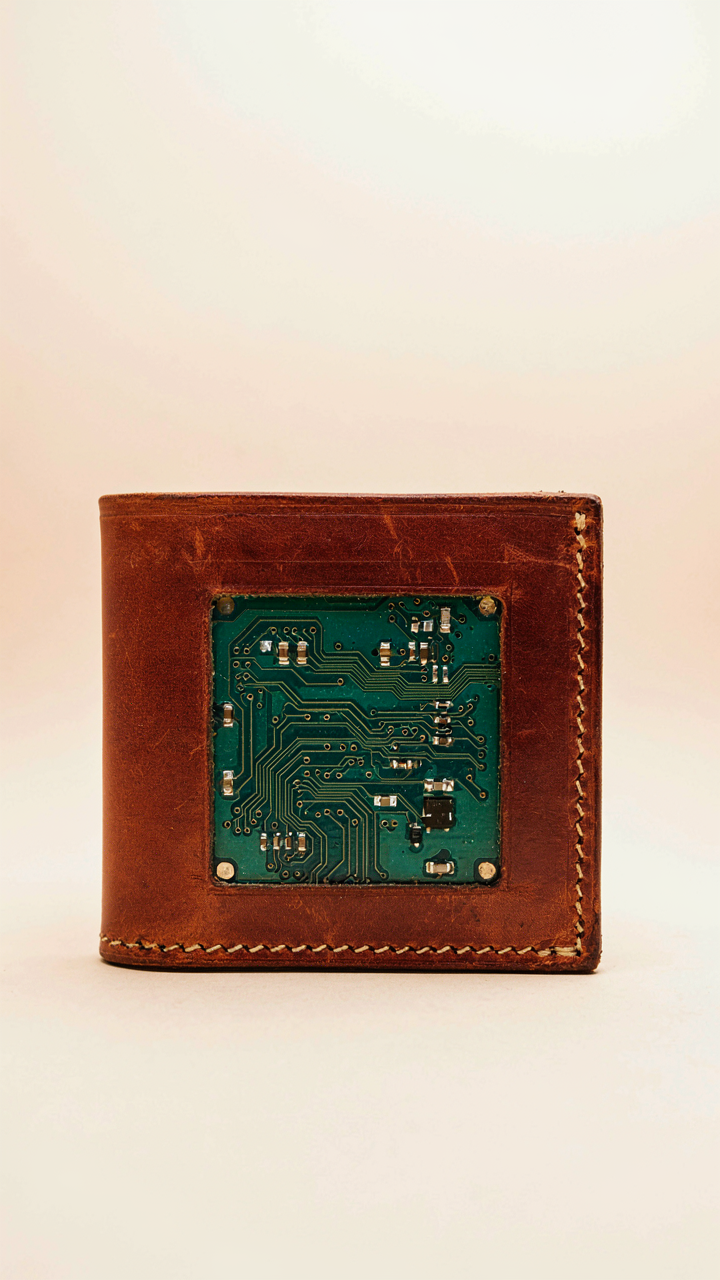
You want this section to legitimize tech gifts as “art.” The mechanism is simpler: traditional crafts survive because they force constraint, and constraint forces innovation. Leather workers didn’t start etching circuit boards for aesthetic reasons. They did it because leather’s tactile quality solved a real problem that plastic couldn’t: it ages visibly and improves with use, signaling ownership and care.

The Arts and Crafts movement rejected industrial mass production by emphasizing maker knowledge and material honesty. Apply that same principle here. A handwired Arduino project or a soldered copper art installation isn’t precious because it’s handmade. It’s valuable because the maker understands every connection and failure point. You can’t hide a bad solder joint in wood or leather like a factory can hide it inside injection molding. This visibility forces competence.
The Anti Planned Obsolescence Build
Most people believe durability comes from better components. Wrong. It comes from architecture. A device designed to fail at one point will fail at exactly that point. Design instead for modular failure, where one broken part doesn’t cascade through the whole system.
Edison and Tesla both knew this, but Edison won the market because his system allowed burned-out bulbs to be replaced without destroying the grid. Your DIY gift should apply this same principle. Use connectors instead of solder where possible. Design replaceable batteries as separate modules, not glued into the housing. Document every assembly step so a future owner can actually repair it. The durability mechanism isn’t the material. It’s the decision to make repair physically possible.
DIYs With Cardboard: Prototyping Without Pretense

Rapid Iteration Beats Perfect Planning
You want cardboard to feel like a legitimate material choice rather than admitting you’re scared of committing materials to a bad idea. Here’s the mechanism: cardboard forces speed. In product design, iteration velocity compounds. Every prototype you build teaches you something that sitting and thinking never will. Cardboard lets you build five versions in the time it takes to laser-cut one piece of acrylic. You catch design flaws before they cost money.

The tech gifts that stick are the ones where the builder actually tested the form factor. A cardboard speaker enclosure reveals acoustic dead spots. A cardboard phone stand shows you where stress concentrates. You cut, assemble, use it for two days, notice what breaks or feels wrong, and rebuild. Most people skip this step entirely and hand over something that looked good in their head but fails the moment someone actually uses it.
Form Validation Before Material Commitment
Testing concepts sounds like business jargon. What it actually means is this: build the shape and function in cardboard first, then decide if the idea deserves better materials. Cardboard costs almost nothing and cuts in minutes. If your prototype fails at the cardboard stage, you haven’t burned time on 3D printing, wood joinery, or electronics integration.
Use corrugated cardboard for structural parts and kraft paper for panels that need to bend. Measure twice, cut once, then test for seventy-two hours. If the hinge holds, the geometry works, and the user experience clicks, then invest in the final material. If something’s off, you iterate again on cardboard. The protocol: sketch, build version one in cardboard, use it, document what failed, rebuild, then evaluate whether the core concept deserves to exist in permanent form.
The Real Obstacle Isn’t Time Or Skill; It’s Your Aversion To Uncomfortable Depth

You already know you can build these things. Your resistance isn’t technical. It’s psychological. You’d rather scroll through someone else’s finished project than sit with the discomfort of your own mistakes. Stop waiting for permission or perfect circumstances. Open your laptop right now and order one component for whichever project resonated with you. Not all of it. One part. That single action collapses the gap between wanting and doing. The only thing standing between you and a gift nobody else can give is thirty seconds of clicking.



