
The Pre Flight Digital Intelligence Briefing

Airline App Supremacy Essential Features
You want to feel in control. The real mechanism is this: the airline app is your single source of truth because it updates faster than email, texts, or airport displays. Everything else lags.
Download your airline’s native app before travel day. Most apps now display your boarding pass with a barcode that works offline. The app also pushes gate changes, delays, and seat upgrades in real time. This speed matters because gate information often changes thirty minutes before departure, and you need to know before the crowd moves. The app is also where you’ll find your reservation details, baggage allowance, and seat map. Don’t use third-party boarding pass aggregators for your primary pass. They’re convenient until they’re not.
Offline Access Your Digital Lifeline
Offline access turns your phone into a boarding pass that works when airport Wi-Fi fails. The principle comes from systems design: redundancy eliminates single points of failure.
Most airline apps let you download your boarding pass to your phone’s wallet or a dedicated offline section within the app itself. Take a screenshot as backup, though this is weaker than the app’s native offline feature because screenshots don’t update automatically. Test this before your flight day. Open your app in airplane mode and verify the barcode still displays clearly. Many readers at gates can’t read faded or pixelated barcodes, so brightness and contrast matter. Your phone battery also becomes a critical factor. A dead phone at the gate creates a problem only the airline desk can solve, and that’s always slower than walking straight to your gate.
QR Code Fortification: Beyond The Screenshot
Store It Where The Airlines Can Reach It
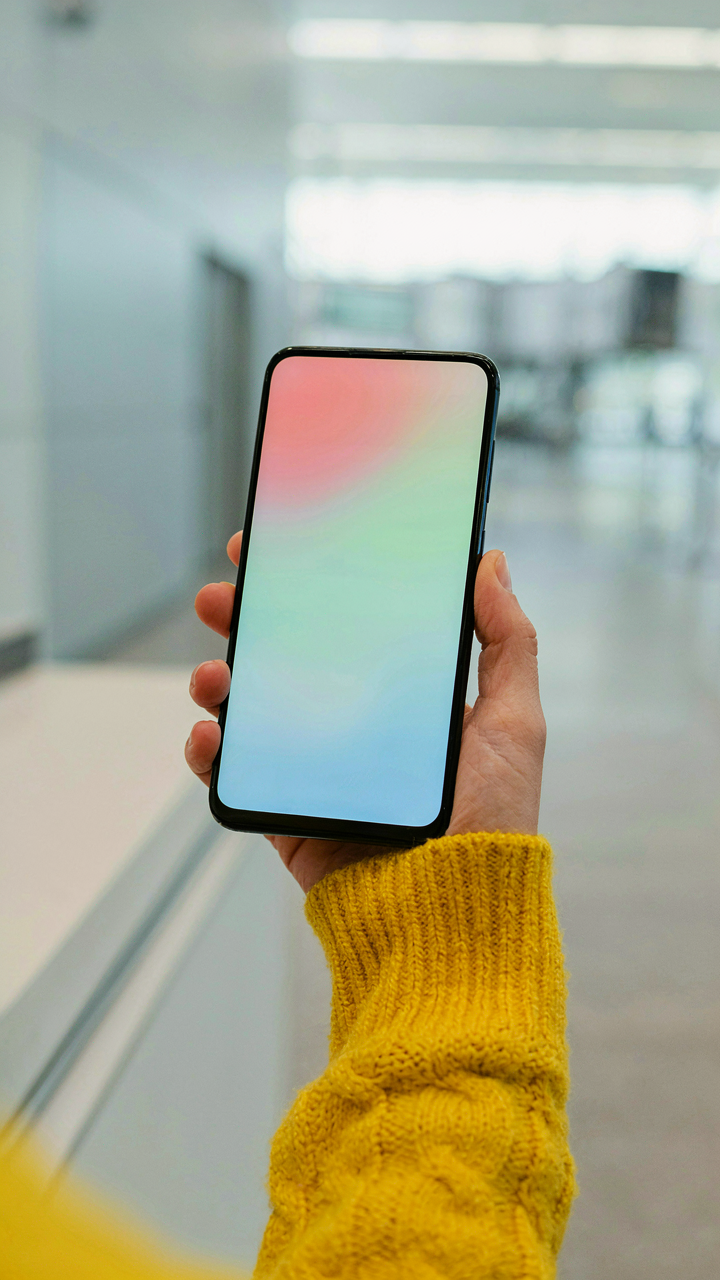
You want the boarding pass somewhere you won’t lose it because losing it means looking incompetent at the gate. The real mechanism is redundancy through integration: Apple Wallet and Google Pay aren’t just convenience features. They’re direct channels to your airline’s system. When you add a boarding pass to either wallet, the app syncs with the airline’s database. Updates push automatically to your phone. Gate delays, seat changes, boarding group shifts—they arrive without you refreshing anything. The pass lives in the same place you already check a hundred times daily. This reduces friction between you and the checkpoint.

Google Pay integrates with virtually every major carrier’s mobile app or direct website upload. Apple Wallet works identically for iOS users, pulling data straight from airline systems. Both wallets display passes on your lock screen without unlocking your phone. This matters at 5 AM in an airport. Neither requires an active internet connection once the pass downloads, so airplane mode doesn’t kill your ability to scan. The pass itself contains all boarding data in the QR code. Wallet apps simply present it cleanly.
Backup Routes When One Fails
Most people screenshot the boarding pass and call it secure. That’s lazy. Screenshots expire in your camera roll. They don’t update. Seat assignments change and you’re holding stale data. A real backup strategy layers multiple retrieval paths.
- Email archives: Request the airline resend your confirmation email immediately after booking. Forward it to a dedicated folder you can search fast. Works offline in most email apps. Includes the original QR code and booking reference.
- Airline app backup: Install the carrier’s native app and log in with your frequent flyer account. The pass persists server-side. Even if your phone resets, logging back in retrieves it instantly. This survives device failure entirely.
- Cloud storage screenshot: Store ONE high-resolution screenshot in Google Drive or iCloud with filename “[Confirmation Number] Boarding Pass.” Include the full QR code in frame. Retrieve it on any device with a browser if your phone dies.
- Physical printed copy: Print the boarding pass at check-in 24 hours before departure or from your airline’s website. Fold it, keep it separate from your phone. Analog never runs out of battery and works everywhere.
- Confirmation number memorization: Write down your six-digit confirmation code somewhere you won’t lose it. The gate agent can manually look up your reservation with just this number. No pass needed if you have this.
Every backup should live in a different medium. The moment you rely on a single storage method, you’ve created a single point of failure. The most reliable setup stacks your wallet app, your email archive, and one physical printout. When your phone dies in the security line, you hand the agent the printed pass. When the airline changes your gate, your wallet app notifies you automatically. When both fail, your confirmation email arrives on any borrowed computer in the terminal.
The 3 Tier Notification Protocol

Push Notifications For Gate Changes
You want the upper hand. You want to know about gate switches before the crowd moves. Push notifications are the mechanism that actually works here, borrowed from military early warning systems where layered detection catches threats at different distances. A push notification on your phone reaches you instantly because the airline app maintains an open connection to their system, not because you checked manually.

Most people disable airline notifications to stop noise. That’s the wrong move. You need one specific subset enabled: gate change alerts only. Configure your app settings to mute everything except gate updates, boarding time amendments, and flight status changes. Disable seat upgrade notifications and promotional spam. This filters signal from noise and trains your attention on what actually demands action.
SMS Alerts As Connectivity Backup
Your phone will lose signal. WiFi at the airport will fail. SMS doesn’t require either one to reach you, which is why it remains the most resilient channel available. When you’re in a tunnel, a basement gate area, or moving between terminals, a text message still arrives while your app notification gets queued.
Enroll in SMS alerts through the airline website or app during check in, not the day before. Most carriers deliver SMS within seconds even in congested airport networks where data is throttled. Store the airline’s alert number in your contacts. When your phone switches to airplane mode and back during boarding, SMS still functions while app connections reset. This two channel approach catches gate changes whether your digital connection holds or fails.
Wi Fi Fallacy: Don’t Bet Your Flight On It

Airport Wi Fi: Unreliable By Design
You’re counting on airport Wi-Fi to load your boarding pass one last time because you’re afraid of looking unprepared at the gate. The real mechanism: airport networks are engineered for volume, not reliability. They prioritize connection count over bandwidth stability. Thousands of devices connect simultaneously, creating packet loss and dropout cycles. The infrastructure isn’t built to handle sustained data flow to individual phones. Your boarding pass reload attempt hits a bottleneck by design, not accident.

Most people assume airport Wi-Fi is slow. That’s wrong. It’s unstable. Slowness you can work around. Instability means your connection dies mid-load, forcing a restart. The network doesn’t fail uniformly. Some users get through while others disconnect. This randomness is built into how these networks manage traffic. Your phone might connect to a weak signal node while stronger nodes exist fifty feet away. By the time your device switches nodes, you’ve already lost your session. Download your boarding pass over cellular before you enter the airport, not after security.
International Data Roaming: Strategic Activation
Data roaming sits in your phone’s settings as a binary choice most people leave off until they land. The strategic move is activation timing, not activation itself. Roaming charges spike when your phone auto-connects to expensive international carriers. You don’t need roaming active the entire flight. You need it active for exactly the window when you land and need to retrieve your boarding pass. Toggle roaming off during the flight. Activate it the moment wheels touch down.
Airlines push digital boarding passes as the future, but they don’t mention the catch: your phone needs connectivity to display them. International roaming rates run 5 to 15 dollars per megabyte in many countries. A single boarding pass reload across a slow connection can burn through data without completing. Contact your carrier before travel and ask about roaming packages for your destination. Most carriers offer daily passes or bundles cheaper than per-megabyte rates. Activate the package the moment you land, load your boarding pass, then disable roaming immediately after. This eliminates the cost bleeding and guarantees your pass loads when you need it.
International Travel: The Border Control Bypass
Fill Out Digital Customs Forms Before Arrival
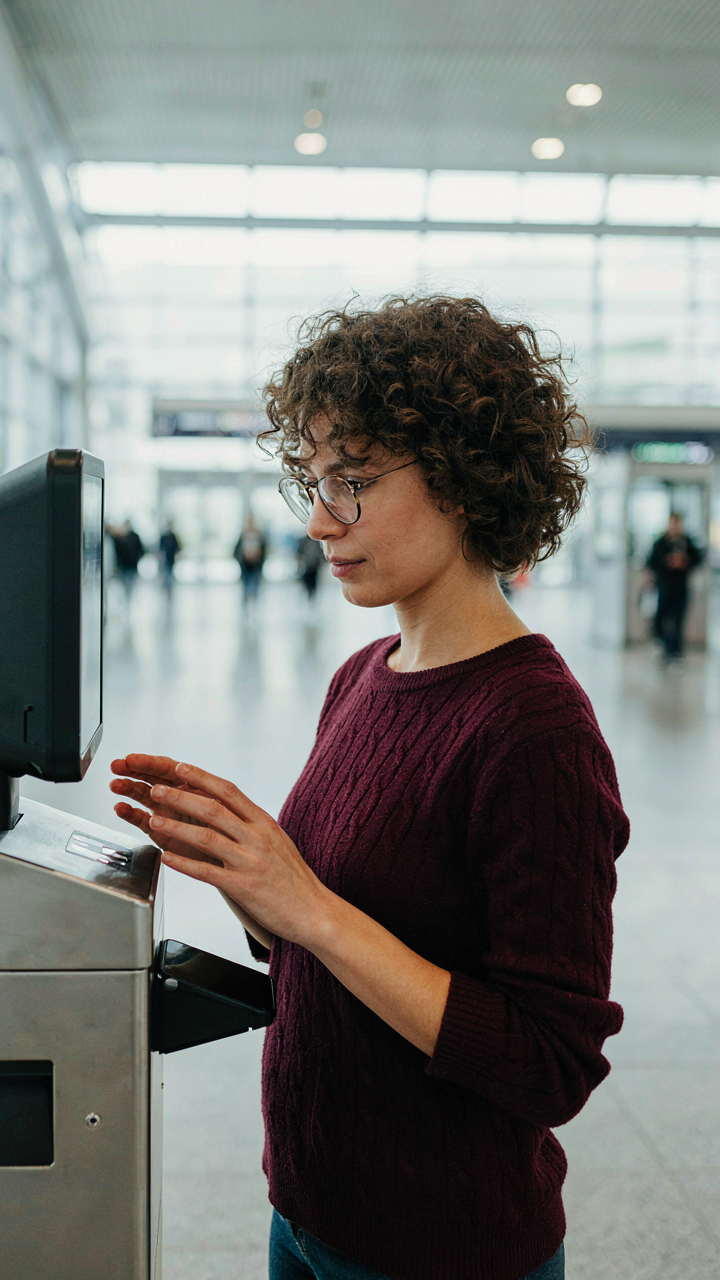
You want to skip the line at customs because waiting feels like losing control. The mechanism is simple: most countries now offer digital customs declaration forms that you complete before landing, not after. This shifts the bottleneck from the physical queue to your phone, where you own the timeline.

Apps like the US Customs and Border Protection app, Canada’s ArriveCAN, or Australia’s ImmiAccount let you submit declarations hours or days before your flight. Your digital boarding pass becomes the entry point to these systems. The form data syncs with border agents’ screens, so they already have your information when you reach the counter. Fill these out the night before departure.
Mobile Passport And Biometric Gates
Border control borrowed from security theater but built something useful: the idea of pre-authorization. You show up verified before you arrive. E-gates and biometric systems like NEXUS, Clear, or Global Entry scan your face or fingerprints against your digital identity, then your phone displays your status.
Your digital boarding pass works alongside these systems because the gate needs to confirm you’re the actual passenger, not just someone holding a ticket. Enroll in trusted traveler programs before your trip. At the gate, your phone’s boarding pass connects to their biometric verification. No human interaction needed. The result is a fifteen-second crossing instead of a thirty-minute queue.
The Energy Conservation Imperative (Physics)
Your Device Battery Is Your Actual Boarding Pass
You’re worried about looking unprepared at the gate. That fear drives everything here, so let’s skip it. Physics calls this “energy depletion”—your device loses stored potential the moment you power it on. A digital boarding pass is useless without charge. Most travelers ignore this until the screen goes black in the security line.

Your phone’s battery drains faster at airports than anywhere else. Background apps sync constantly. The gate area’s WiFi forces your device to hunt for signal. Screen brightness cranks up automatically in bright terminal lighting. None of this matters if you arrive with 40% charge and leave with 8%. You need a clear depletion timeline before departure.
Power Banks Solve A Resource Problem
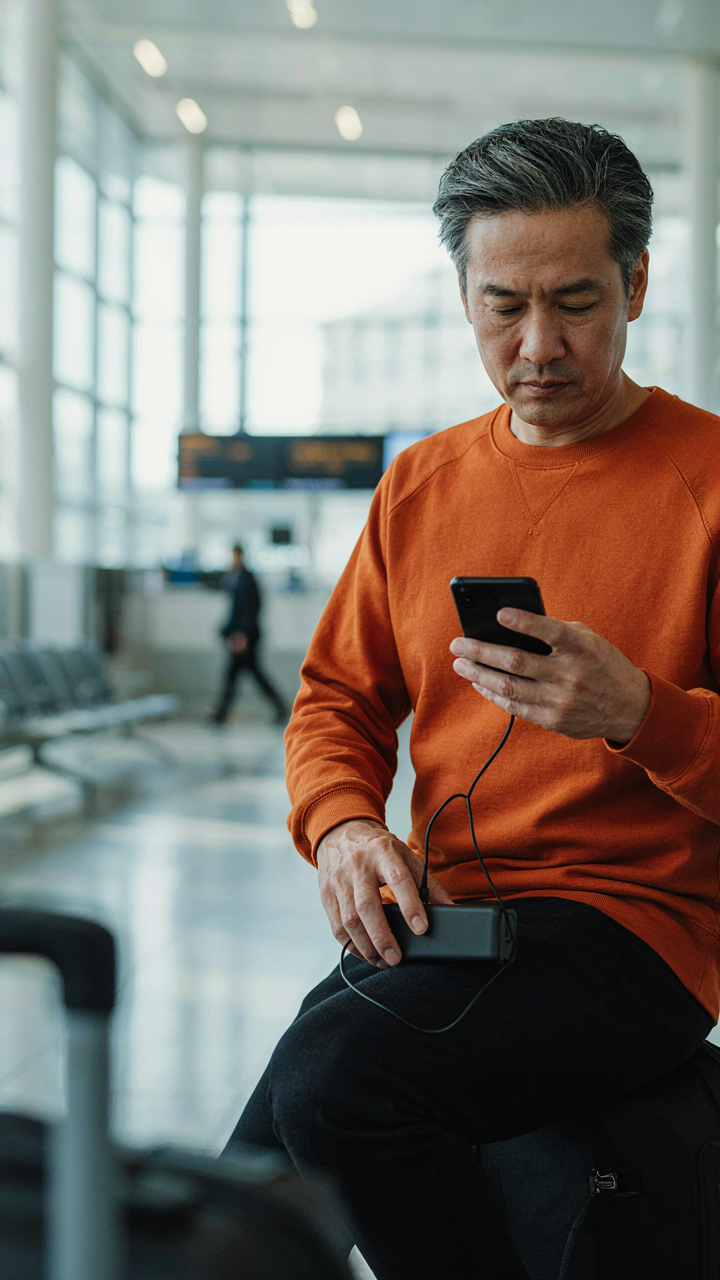
Treating a power bank as optional is the mistake everyone makes. It’s not convenience. It’s redundancy. Your boarding pass depends on a single point of failure—your device’s battery. A power bank removes that single point. One 20,000mAh unit charges most phones three times over and fits in a carry-on pocket.
Buy a power bank before your trip, not at the airport kiosk. Airport prices run 200-300% higher. Charge it fully the night before travel. Keep it accessible in your carry-on, not buried in luggage. Plug in your phone the moment it hits 30% battery. Don’t wait for the 15% warning. The gate agent doesn’t care about your charging timeline.
Security Checkpoint Velocity Hacks
Maximize Screen Brightness Before The Scanner
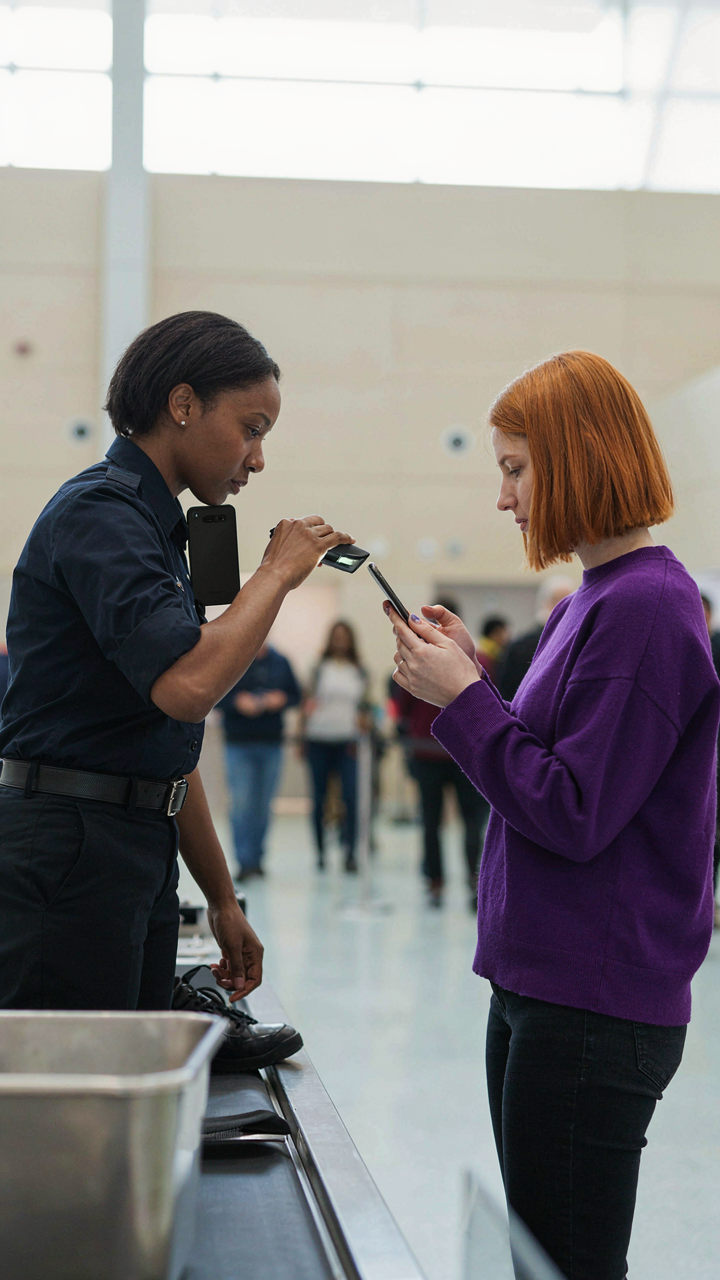
You’re worried about the TSA agent squinting at your phone like it’s broken, holding up the line behind you. What actually matters is luminance. Brightness isn’t aesthetic preference—it’s signal strength. A dim screen forces the barcode scanner to work harder, requiring closer proximity and more processing time. Most phones default to 40-60% brightness to preserve battery. That’s not enough at arm’s length under fluorescent lighting. The scanner reads reflected light, not emitted light from a dim screen.

Bump your brightness to 100% before you approach the checkpoint. Do this thirty seconds before queuing, not at the podium. Modern phones can hit peak brightness instantly, but the setting persists. Position the barcode perpendicular to the ground at the agent’s chest height. The scanner reads fastest when it gets unobstructed photons bouncing straight back. A bright screen + proper angle eliminates the moment where the agent says “hold it still” or swipes it again.
Open Your App Before You Queue
The app launch delay isn’t just annoying—it’s a hidden vulnerability in your checkpoint timing. Every second spent loading is a second the line grows and TSA agents get impatient. Most people open their boarding pass app in the queue, burning 2-4 seconds of precious attention. Airlines know this. That’s why some apps require location verification or push updates right before busy travel times. Load the app while standing in the terminal, away from the checkpoint, so the digital pass appears instantly when you reach the agent.
- Apple Wallet or Google Wallet: Pre-load your boarding pass here 24 hours before departure. The pass auto-updates, and launching Wallet is faster than the airline app itself.
- Airline Native App: Open it, navigate to your boarding pass, then minimize. Don’t lock your phone. The app stays loaded in memory, ready to display on demand.
- Screenshot Backup: Capture your barcode before security. This bypasses app loading entirely if the primary method stalls. Keep it in your default camera roll.
- Double-Device Strategy: Load the pass on two phones if traveling with a companion. If one device freezes, you have redundancy without losing forward momentum.
- WiFi Before Security: Update your airline app on airport WiFi before approaching security. A queued update can delay the app launch by 5-8 seconds at the worst moment.
Never rely on a fresh app launch at the checkpoint. The agent scans your phone the moment you reach them—not after you’ve fumbled with notifications or watched a loading spinner. Have the pass ready and visible before your turn arrives. Your phone screen should display the barcode within one second of reaching the podium.
Beyond The Scan: Post Boarding Pass Protocol

Unlocking Inflight Entertainment Access
You want to feel prepared before takeoff, not scrambling at 35,000 feet. Here’s what airlines don’t advertise: your digital boarding pass is often a key to pre-flight systems. Most carriers allow you to link your boarding pass to their app or website hours before departure, which unlocks seat maps, meal selections, and entertainment catalogs. The mechanism is simple—airlines store your reservation data server-side, and your boarding pass confirms your identity to that system.

Many airlines let you download entertainment content directly to your device using their app before you board. You do this through the same account portal where your digital boarding pass lives. The timing matters: download during layovers or while on the ground, not mid-flight when bandwidth throttles hard. Access your airline’s app at least two hours before departure, authenticate with your boarding pass or reservation number, then queue downloads on WiFi. This eliminates the frustration of buffering videos and scrambled audio that plague mid-flight streaming.
Your Connecting Flight Starts Here
Airlines engineer their systems so your next boarding pass appears the moment your first flight door closes, but only if your connection is properly linked. Think of air travel logistics like supply chain management—each leg depends on real-time data flow from the previous segment. If your tickets are separate purchases instead of one itinerary, your second boarding pass won’t auto-populate in most airline apps, and you’ll waste time at the next gate hunting for WiFi to retrieve it.
Request a single itinerary confirmation email before you travel, even if you booked flights separately. Screenshot or download your full reservation as a PDF, which includes all legs and confirmation numbers. When you land at your connection airport, authenticate immediately into your airline app using your phone or any airport kiosk—don’t wait for the gate area to fill with other passengers. Your second boarding pass downloads within seconds if the connection is recognized in the system, giving you a buffer to handle delays, rebooking, or gate changes without the common panic of a missing pass.
Why Your “Backup Plan” Is Probably Flawed

Paper Copies Miss The Point Entirely
You want a backup because you’re afraid of looking unprepared at the gate. That fear is legitimate, but the solution most people choose betrays a misunderstanding of how airline systems actually work. Paper copies of your boarding pass are theater. Airlines scan barcodes or reference your name and confirmation number in their database. A physical printout doesn’t give you access to real-time seat assignments, gate changes, or flight status updates the way your phone does.

Screenshots create a different problem: they freeze information at the moment you take them. If your flight gets delayed, rebooked, or your seat reassigned, that image becomes outdated data you’ll trust anyway. You’ll stand at a gate holding a screenshot that says Gate 7 while the airline moved you to Gate 12 an hour ago. Your phone’s mobile boarding pass refreshes automatically. Your screenshot never does. One system stays current. The other doesn’t.
Redundancy Requires Active Architecture
Systems thinking from engineering teaches us a distinction between passive backups and active redundancy. A passive backup sits idle until failure. Active redundancy means multiple independent systems running in parallel, each feeding real information. Your digital boarding pass backup shouldn’t be a static copy. It should be a second live access point.
Add your airline’s app as a second place where you pull the boarding pass, separate from your wallet app or email. Some airlines push updates differently depending on platform. If one source lags, the other catches the change. Keep your confirmation number and last name in a notes app, searchable within seconds. You can verbally provide both to an agent if your phone dies entirely. That’s not a backup. That’s active redundancy. It requires you do nothing extra except enter the data once, correctly, in two places instead of one.
The Only Last-minute Stress Is Self-imposed Ignorance

Most travelers treat their phone like a decoration until the gate agent calls their zone. You’re not most travelers. Screenshot your boarding pass right now, before your flight, before you forget. The difference between chaos and calm isn’t luck or frequent flyer status. It’s doing the unglamorous work when stakes are low. Digital boarding passes don’t fail you. You fail to prepare them.