The Frictionless Flow Protocol: Eliminating Cognitive Drag With Phone Essentials

What Actually Belongs In Your Setup
You want to feel prepared without looking like you’re afraid of losing your phone. Here’s the mechanism: every accessory you own creates a decision tax. You touch your phone fifty times a day. Each interaction either flows or stutters. Accessories that prevent stutters vanish into habit. Everything else becomes clutter masquerading as readiness.
The common advice here is wrong. You don’t need “everything that exists.” You need only what removes friction from your actual daily loop. That means charging without fumbling. Protection without bulk. Access without obstruction.
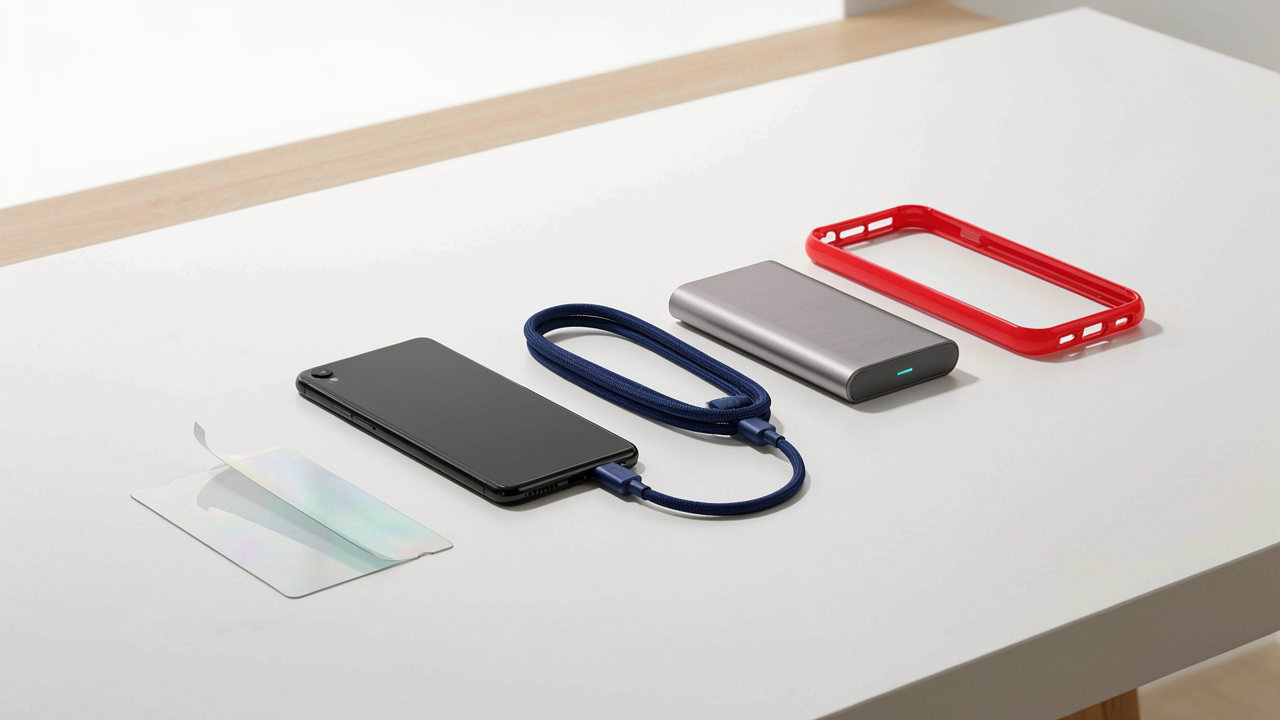
- USB-C cable (certified, 6-10 feet): Eliminates dead zones in your home and car. A certified cable prevents slow charging and device damage. Longer length covers distance without hunting for outlets.
- Screen protector (tempered glass): Absorbs first-impact damage before it reaches the display. Tempered glass maintains touch sensitivity and clarity. Install once, replace only if it cracks.
- Phone case (minimal profile): Drops happen. A thin case prevents edge damage and screen fractures without adding weight. Choose one material type and stop rotating.
- Portable charger (20,000mAh minimum): Extends your phone’s range by six to ten hours. Useful during travel or workdays away from outlets. One unit replaces the anxiety of dying battery.
- Lens protector (if applicable): Camera lenses scratch easily from pocket contact. A thin ring or cutout protects the optics without adding visible bulk to the device.
These five items handle ninety percent of friction points. Everything else is negotiable based on your specific context. The protocol: add only when you hit the same problem twice.
Redesigning The Touch Points That Matter
Friction isn’t about the phone itself. It’s about the environment around it. Take charging: most people own three cables and none work well. They’re tangled, the connectors are loose, or they’re in the wrong room. You’re not solving for cable scarcity. You’re solving for the moment your phone dies and you’re scrambling.
Optimize by mapping your actual movements. Where do you charge most? Bedside, car, desk. Place certified cables at each location now. No hunting. No negotiation. The same logic applies to protection. Your phone hits pavement or gets fumbled from a pocket. A case absorbs one incident so you never repeat the problem. Cases exist to be forgotten, not admired.

Beyond Bling: Why “Tech Accessories” Are Really Productivity Multipliers

Reclaim Dead Time With Audio
You want to feel like you’re optimizing every hour because idle time feels like failure. Here’s the mechanism: a quality pair of earbuds or a car audio adapter doesn’t just play sound—it converts commute minutes and chore hours into learning sessions. Audiobooks and podcasts demand nothing from your hands or eyes, only your attention. That’s the real utility.
The barrier isn’t access to content anymore. It’s friction in the listening experience. Cheap earbuds with poor fit, weak battery life, or connectivity lag train your brain to abandon the habit. A solid wireless earbud or a reliable car audio receiver removes that friction entirely. You stop fighting the equipment and start absorbing information instead. That’s where the compounding begins.
Notifications That Respect Your Focus
The common advice is “just silence your phone,” which is incomplete and ignores how human attention actually works. Psychology calls this the “interrupt-driven model”—your brain’s state shifts the moment you perceive a notification, even visually. A silent notification accessory, like a vibration-only smartwatch or a phone case with a minimalist LED indicator, channels alerts through one specific channel instead of scattering them across sound, vibration, and screen light.
The mechanic is selective input, not total deprivation. You keep important notifications—calls, critical messages—but strip away the visual flash that hijacks your prefrontal cortex. Your phone stays in your bag or on your desk, but your wrist or your case tells you what matters. You respond on your schedule, not the notification’s. That shift in agency is where real focus lives.

The Ergonomic Edge: Phone Grips & Stands As Personal Performance Gear

Preventing Strain Through Grip Design
You want to avoid looking like you’re falling apart at work, but the real issue is that your hand wasn’t built for this device. Grip design borrows from ergonomics, the field that maps human biomechanics onto tools. A phone grip functions as a lever that redistributes force across your palm instead of concentrating it in your fingers. Without one, you unconsciously tense your flexor muscles to prevent drops, creating cumulative stress that compounds over months.
The common advice here is wrong: grip cases don’t just prevent drops. They fundamentally change how your hand loads the phone. A proper grip widens the contact surface and positions the device so your thumb and fingers share the load equally. This directly reduces the micro-contractions that lead to repetitive strain. Test it by holding your phone bare for five minutes, then with a grip. Your hand position shifts instantly. That shift is the mechanism that protects you.
Viewing Angles That Eliminate Neck Tax
A stand isn’t convenience. It’s the difference between sustained neck flexion and neutral spine alignment. Physics calls this postural load. Every degree forward your head tilts adds exponential stress to your cervical spine. A phone stand positioned at eye level removes this penalty while you consume content, work, or video call. Most people keep phones flat or held, creating chronic forward head posture without noticing the cost until it accumulates.
The right stand angles your phone between 20 and 45 degrees depending on viewing distance and activity. This single variable determines whether you develop text neck or maintain neutral alignment for hours. When you gift a stand, you’re giving someone back the ability to consume content without architectural damage to their body. Test by adjusting a stand’s angle and noticing where your head naturally rests. That position is the one your neck will occupy repeatedly.

Unseen Architects: Wireless Earbuds And The Soundscape Of Focus

Active Noise Cancellation As Territory
You want earbuds because everyone else has them, and silence feels like status now. The real mechanism is borrowed from acoustic engineering: phase cancellation. Sound waves have peaks and troughs. Active noise cancellation generates an inverse wave that collapses the incoming noise into flatness. Your brain detects the absence and interprets it as control. This is why ANC earbuds feel different than passive ones, even at the same volume level.
Modern ANC in earbuds works by using tiny microphones on the exterior to sample ambient sound, then the processor generates a counter-signal played through the drivers milliseconds later. The lag matters. Cheaper models have noticeable delay where you still hear the original noise. Quality ANC removes it before your brain registers it happened. This isn’t luxury. This is the difference between a distraction you can’t control and a work zone you define.
Codec Switching Without The Pause
People talk about call quality like it’s one thing. It’s not. Audio transitions between calls and content demand different transmission protocols. When you shift from a music stream using aptX to a phone call using CVAC, your earbud’s codec switches. A half-second lag kills both. The best earbuds handle this swap invisibly because the processor is fast enough that your brain never catches the transition.
The mechanism is simple: the earbud maintains low-latency Bluetooth pairing while managing multiple codec standards simultaneously. When your phone rings during music, the device doesn’t drop the connection and rebuild it. It pivots the audio stream while keeping the handshake active. Test this by starting a song, having someone call you, and noting whether you hear a stutter or silence. If you do, the processor is slow. If you don’t, it’s handling the context switch fast enough to feel seamless.

The Second Brain Extension: Storage Solutions & Power Banks
When Your Phone Becomes Your Only Record
You’re scared of losing everything. That’s the real reason you’re reading this. A new phone means a fresh start, but it also means a single point of failure for every photo, conversation, and credential you own. The mechanism is simple: phones store data on NAND flash memory, which degrades over time and fails without warning. Redundancy isn’t paranoia. It’s architecture.
External storage solutions—SD card readers, portable SSDs, cloud sync devices—force you to build the habit of backing up before disaster strikes. The gift that works is one that removes friction from the backup process itself. USB-C card readers and portable drives integrate directly into the phone’s workflow, turning backup from a future task into an immediate action. When the mechanism is frictionless, behavior changes.
Capacity Without The Tether
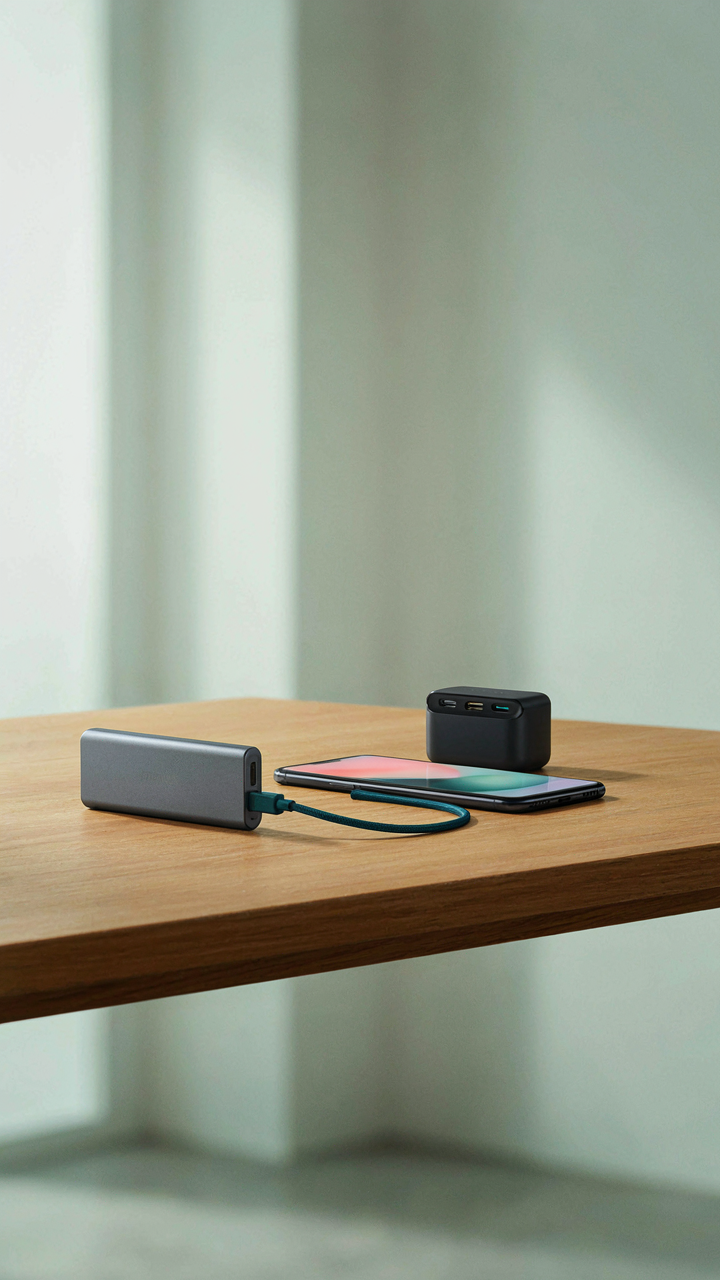
Everyone tells you to just use the cloud. That advice breaks the moment you’re offline, in a region with poor connectivity, or dealing with files larger than your data plan allows. Power banks aren’t just about battery life—they’re about sustaining whatever critical task you’re doing without interruption or compromise.
The real gift is a power bank with enough capacity to bridge a full day of heavy use, paired with fast charging that matches or exceeds the phone’s native charger. Look for rated capacity in watt-hours, not mAh, since that measurement actually tells you how much energy the device stores. A 20,000 to 30,000 mAh bank with 65W+ output keeps remote work, navigation, and communication alive when the grid isn’t an option. Place it in the gift box with the phone’s native cable. That’s the protocol.

Gift Guide Deconstruction: What ‘Phone Accessory Gifts’ Really Communicate
The Trap Of Matching Generic Solutions
You’re worried the gift won’t land because you’re not sure what they actually need. Here’s the mechanism: most people default to the most visible problem instead of the one that shapes daily behavior. A cracked screen is obvious. How they charge their phone in three different locations is invisible. Generic accessories fail because they solve the symptom, not the system.
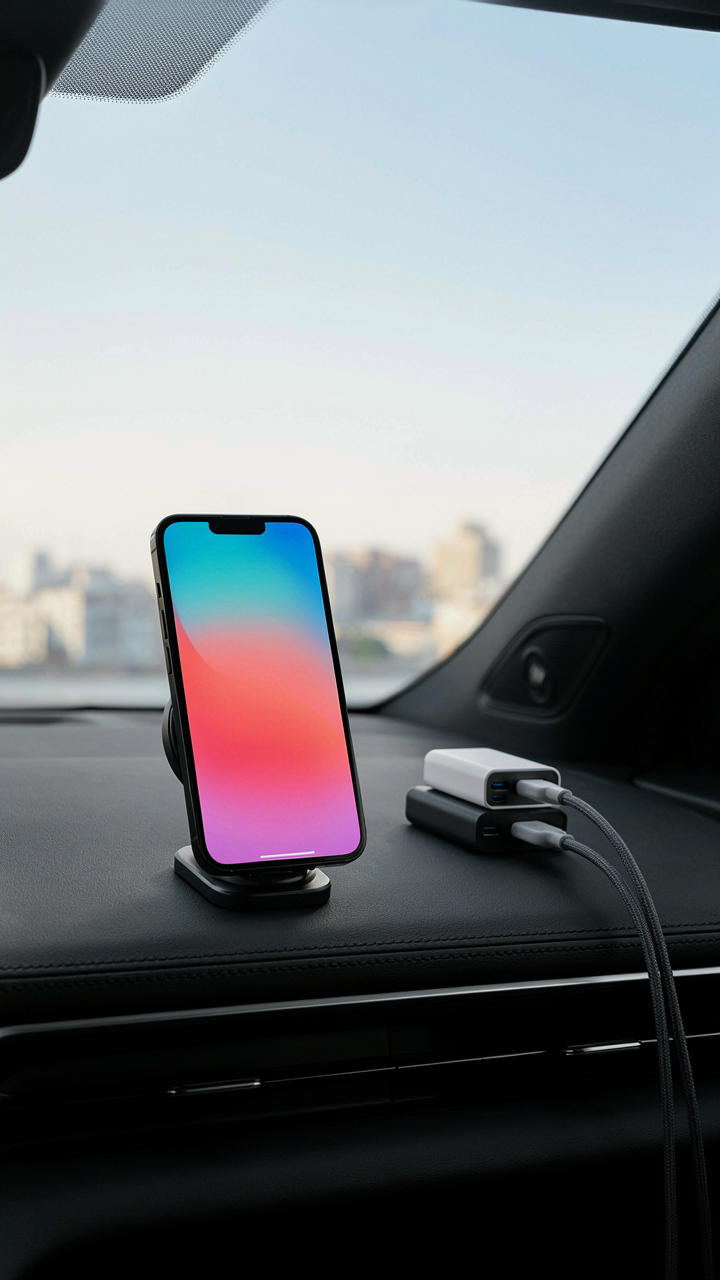
The real move is asking one specific question before buying: where does this person spend the most friction with their phone that a generic gift would miss? Not “what do they lack” but “what workflow are they tolerating?” A MagSafe car mount beats a screen protector for someone driving daily. A multi-port USB-C hub beats a cable for someone juggling devices at a desk. Utility beats status when you name the actual pain point first.
- Fast-charging wall adapter with multiple ports: Solves the “one cable, multiple devices” bottleneck without forcing them to buy new chargers for each room.
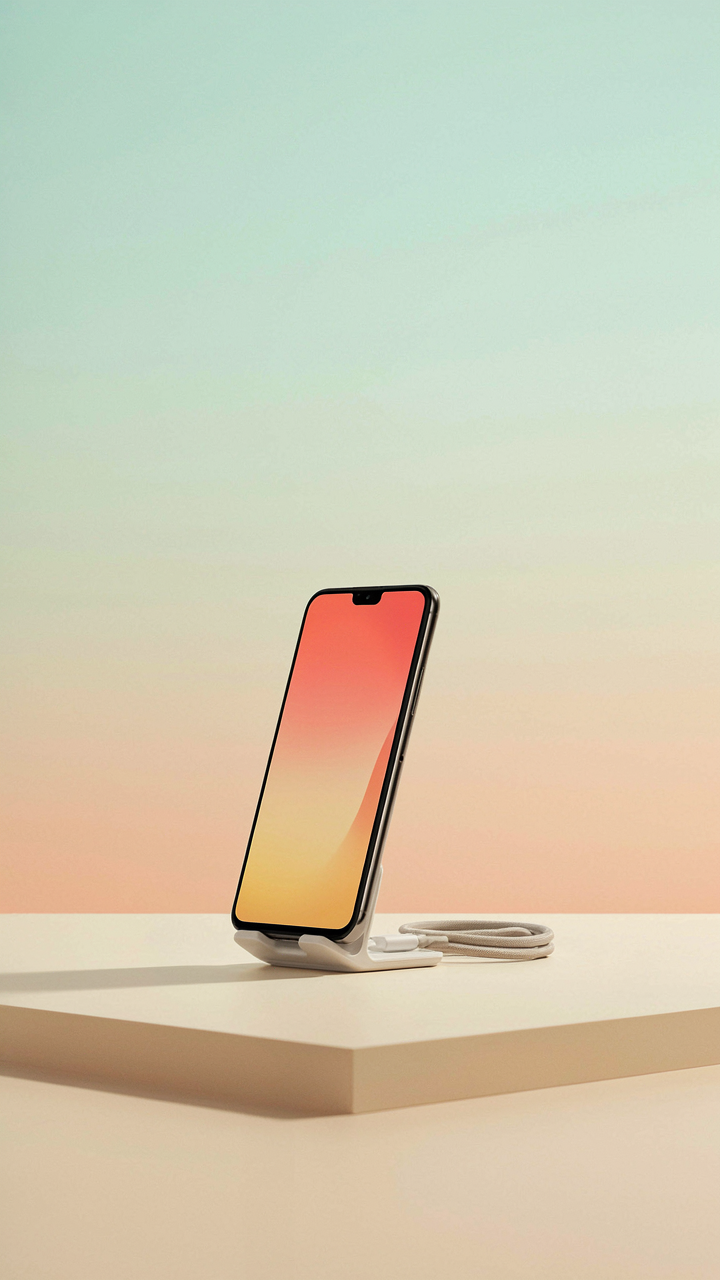
- Articulating phone stand: Eliminates the dead time of holding a phone during video calls or reference viewing. Most people tolerate this inefficiency without naming it.
- Cable organizer or clip system: Transforms desk and car cable chaos into a retrievable system. This gift works because it removes daily friction, not because it’s premium.
- USB-C hub with specific port mix: The “generic dock” fails. The hub with exactly the ports they use daily wins. Ask what devices they connect regularly.
- Kickstand case with defined angle: Generic cases assume sitting flat or propping at random angles. A case engineered for desk work or video consumption shows you watched how they actually use it.
Most gift guides suggest a variety pack of accessories. Wrong. One tool chosen for the specific workflow they run daily outperforms five mediocre options they’ll never use. Depth beats breadth.
Life Design, Not Consumption
The best phone accessory gift doesn’t make them a consumer of gadgets. It makes them more capable in an activity they’ve already chosen. From economics, we’d call this comparative advantage: the gift removes the tax on an existing strength rather than trying to create a new behavior. Someone who takes photographs with their phone benefits from a tripod that holds steady. Someone who documents work processes benefits from a phone stand that angles for screen recording. The gift respects the path they’re already on.

The difference between a status gift and a utility gift is this: one asks them to change. The other removes obstacles from what they’re already doing. A premium case signals that you think they need to look wealthy. A phone stand that matches their desk setup signals that you paid attention to how they work. The second communicates respect for their actual life, not projection of who you think they should be.
Strategic Resource Allocation: Choosing Accessories Like A General

Identify The Mission First
You’re afraid of buying the wrong thing and looking like you don’t understand what matters. That fear is the mechanism here. In military strategy, commanders assess mission-critical needs before deploying resources. With phone accessories, this means identifying what the phone actually does in the recipient’s life, not what accessories exist.
Most people reverse this. They see a trendy case or charger and buy it. The right move is different: ask what problem the phone creates. Does it die at 3 PM? Does it get dropped weekly? Does it stay in a bag where scratches happen? The answer determines everything that follows.
Build Redundancy Into Supply Lines
The common advice is to buy one good thing. That’s incomplete. In supply chain management, redundancy and multi-functionality prevent failure. A durable charger cable that works with multiple devices solves more than a single-use accessory ever will. A case that protects without adding bulk beats a slim case that protects nothing.

Durability compounds over time. A cable rated for 10,000 bends costs more upfront but outlasts five cheaper ones. A power bank with multiple ports handles phones, tablets, and headphones in one item. Accessories that solve one problem and one problem only are the expensive choice dressed up as affordable. Stack functions where they genuinely fit.
Digital Fortification: Cases & Screen Protectors As Asset Protection

The Math Behind Protection Spending
You’re afraid of losing money. A flagship phone costs $800 to $1,200, and one drop can trigger a $200+ repair bill or force you into early replacement. This is a basic economics problem: you’re calculating risk. A case costs $15 to $80. A screen protector costs $5 to $25. The math is obvious, but most people still skip protection until damage happens.
The real mechanism is depreciation acceleration. Every scratch, crack, or functional defect compounds. A device with a damaged screen loses 30 to 50 percent of its resale value immediately. A protected device maintains near-original condition, which preserves liquidity when you upgrade. Protection isn’t cosmetic. It’s capital preservation.
Build For The Trade Cycle
You replace your phone every three to five years. What condition will yours be in when you pass it down, sell it, or trade it? Case and screen protector decisions made today directly control the answer. A $30 investment in protective accessories prevents a $150 to $300 loss in resale value at that moment.

The protection compounds because phones hold value longer when physically intact. Buyers specifically filter for devices without damage. Add a case immediately after unboxing. Add a screen protector before the first day of use. This sequence takes ten minutes and secures your exit strategy from the device itself.
The True Cost Of Convenience: Avoiding Accessory Bloat
The Paradox Of Choice Collapses Utility
You want to feel prepared. That’s the real reason you’re reading this. But the mechanism is brutal: each accessory you add reduces the chance you’ll use any of them consistently. Psychologists call this decision fatigue, but for phone accessories it’s simpler—you’re just diluting your actual daily workflow with options that compete for pocket space and attention.
Most advice says “buy what you need.” That’s incomplete. What you need is only what you’ll grab first when reaching for your phone. A person carrying a case, screen protector, two cables, a pop socket, and a stand uses none of them strategically. They use whatever’s closest. One purposeful tool beats seven convenient ones every time.
Curate Your Digital Ecosystem With Intention
The real leverage isn’t in having more accessories. It’s in removing everything except what completes a specific daily task. Think of this as a supply chain problem: each SKU you own costs you mental overhead and physical space. Your phone’s ecosystem should function like a surgeon’s instrument tray, not a junk drawer.
Start by mapping your actual phone usage over one week. What problem do you solve most? If you’re desk-bound, a stand matters. If you’re traveling, a single durable cable beats a collection. If you’re worried about drops, one quality case beats three mediocre ones. Then stop buying. Accessories have diminishing returns after the second piece. Discipline here is your actual advantage.
The Real Problem Isn’t Finding The Right Accessory; It’s Your Unexamined Relationship With Convenience

You’re buying phone accessory gifts because you think the right product solves a problem. It doesn’t. The accessory just delays the real conversation: why does the person you’re gifting actually need their phone closer, faster, or more protected? Stop choosing based on what looks good. Choose based on what behavior you’re rewarding. Pick one accessory today that matches how they actually live, not how they should live. You’re not buying convenience. You’re buying honesty about who they are.