
The Illusion Of Public Wi Fi Anonymity

Every Click Leaves A Footprint
You think connecting to airport wifi anonymously means you’re hidden. You’re not. The mechanism is simple: your device broadcasts identifying information constantly, and that data persists in logs you’ll never see.
Every HTTP request carries your device’s MAC address, your operating system version, your browser type, and your device model. Airport networks log these identifiers automatically. Even encrypted HTTPS traffic reveals which servers you contacted through DNS queries and IP addresses. Your ISP, the airport operator, and anyone running packet analysis software on the same network sees the metadata skeleton of your activity.
Beyond IP Address Tracking
Fingerprinting is the forensics term from computer security. It maps onto airport wifi like this: attackers don’t need your IP address alone when they can build a behavioral profile from dozens of data points. Your device becomes identifiable through the combination of technical signatures you broadcast.
Browser fingerprinting collects your screen resolution, installed fonts, timezone, language settings, and browser plugins. Device fingerprinting catalogs your MAC address, device name, and connection patterns. Session replay tools capture your mouse movements and keystrokes before encryption happens. The common advice says use a VPN and you’re safe. That’s incomplete. A VPN hides your IP from the network, but doesn’t erase your device fingerprint or stop DNS leaks if your VPN is misconfigured. The real protection requires disabling location services, using a separate device for sensitive transactions, and verifying your VPN actually routes all traffic through its tunnel before you open any applications.
The “Free Wifi” Trap: A Cost You Can’t See

Your Attention Has A Buyer
You’re worried about hackers stealing your password. That’s the wrong threat. Every device you connect to airport wifi broadcasts behavioral data the moment you join: what apps you open, which sites you visit, how long you stay, what you search for. Network operators and advertisers don’t need your password. They need your pattern. That pattern sells.

This is economics, not technology. In economics, when you don’t pay for a product, you become the product. Airport wifi operators monetize the data stream from thousands of connected travelers. Your browsing history, location persistence, and device fingerprint combine into a profile worth money to data brokers and targeted advertisers. The wifi isn’t free. You’re paying in information currency.
Compromised Networks And Active Injection
The standard advice says use a VPN and you’re safe. Wrong. A VPN protects encryption, not trust. Bad actors don’t need to crack your connection if the access point itself is malicious. They build fake networks with names that mimic legitimate airport wifi, or they compromise legitimate ones through weak admin credentials airport staff never changes.
From a compromised access point, attackers inject malware directly into unencrypted traffic or through HTTPS stripping attacks on older devices. They don’t wait for you to click anything. The infection happens during the handshake between your device and their network. One session on a compromised network can install adware that persists long after you leave the airport, silently redirecting your searches and tracking your behavior across all future networks.
The Digital Nomad’s Airport Security Protocol
Lock Down Your Device Before You Land
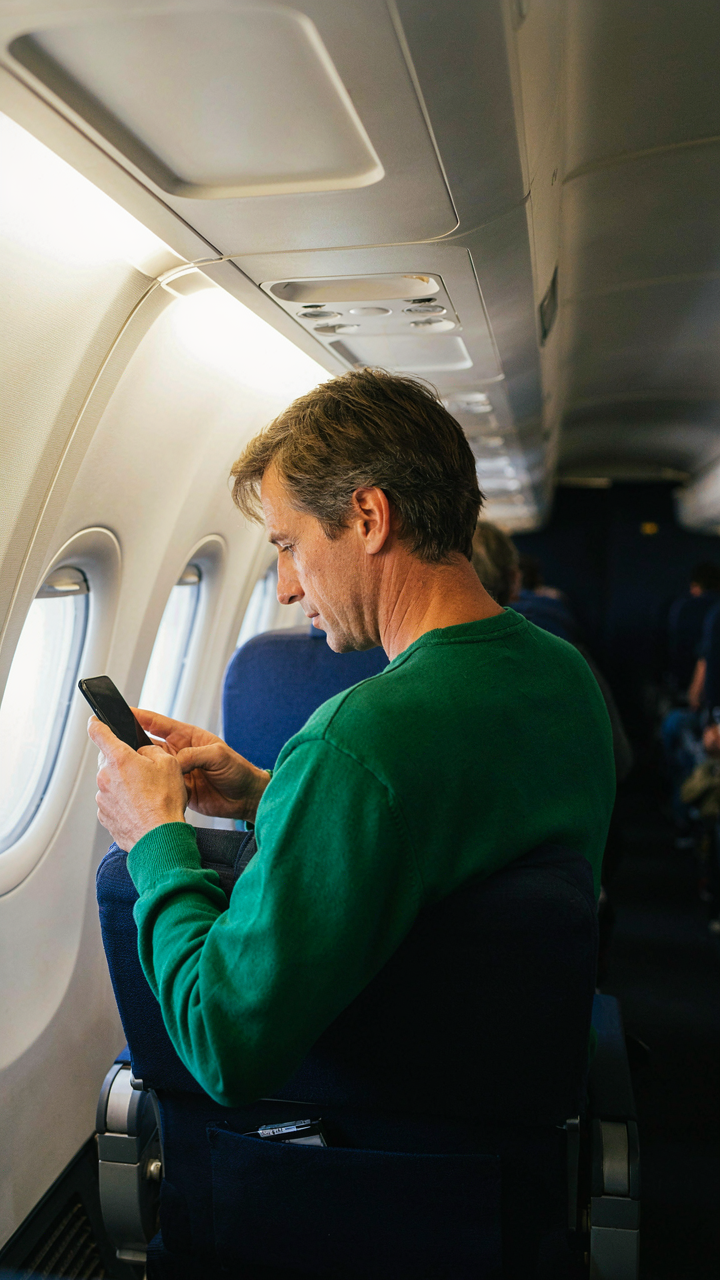
You want to feel in control during travel, but most people board planes with their devices wide open. The military calls this “operational security,” and the principle maps directly: you establish a perimeter before entering hostile territory, not after. Change your passwords from home, not the airport. Disable auto-connect features. Turn off Bluetooth and location services. Your device should arrive at the airport already hardened, not vulnerable.

Your phone and laptop are attack surfaces the moment you connect to airport wifi. Attackers don’t need sophisticated tools. They exploit default settings and lazy habits. Set up a VPN before departure, not at the gate. Enable two-factor authentication on critical accounts now. Update your operating system and all applications before you travel. The work happens in your home office, not under fluorescent lights while you’re distracted.
Scan For Damage After You Land
Post-flight, people assume everything is fine because they made it through. This assumption costs them. Check your device for unauthorized accounts, unexpected apps, or strange battery drain. Review your browser history and recent file access. Look for unfamiliar network connections in your system logs. Most breaches leave traces you can spot if you actually look instead of just assuming safety.
Run a full antivirus scan on your device the day after travel. Check your email and financial accounts for unauthorized login attempts. Review your cloud storage activity and connected devices. If you used public wifi, assume your passwords may be compromised. Change them. This isn’t paranoia. This is the cost of using infrastructure you don’t control. Treat the audit like you’re checking for actual damage to your luggage.
Your Behavior Is The Firewall: A Military Strategy

Perimeter Defense Treats Your Device Like Classified Intel
You want to believe airport wifi is the problem. It’s not. Your behavior is. Military strategists use the term “perimeter defense” to describe the outermost layer of protection around assets. Your device perimeter is not your password or encryption. It’s what you do before you connect and what you refuse to do while connected. The moment you join that network, you’ve already lost if you haven’t decided your rules first.

Most travelers think connecting to airport wifi is passive. They open their laptop, see the network, click it, and assume some invisible wall protects them. This is backwards. You control the perimeter by deciding what data leaves your device. Close unnecessary applications. Disable file sharing. Turn off cloud syncing. These aren’t settings you toggle when you feel paranoid. They’re protocols you enforce every single time. The network itself doesn’t protect you. Your discipline does.
Recognizing Social Engineering Tactics
Social engineering doesn’t start with a fake login screen. It starts with you believing the network is what it claims to be. Attackers don’t hack your device through airport wifi by exploiting some technical vulnerability most people don’t know about. They manipulate you into handing them access. A legitimate-looking network named “AirportFreeWifi” works because you expect to see it. A person in a polo shirt asking for your boarding pass to “verify your connection” works because authority feels normal in airports.
The real tactic is normalcy. Scammers make the request feel ordinary so you skip your verification step. Before you connect to any network, confirm its name with airport staff directly. Don’t assume the network with the strongest signal is real. Don’t believe the person asking for your password is IT support. Your skepticism isn’t paranoia. It’s the only tool that stops social engineering from working.
Beyond The VPN: True Virtual Private Network Protection

When A VPN Actually Works
You want the VPN because it feels like a force field. Here’s the real mechanism: a VPN routes your traffic through an encrypted tunnel to a remote server, masking your IP address from the airport network. But you need to know when this protection holds and when it collapses. A VPN secures the data you send and receive, preventing packet sniffing on open networks. What it does not do is make you invisible to the websites you visit or the apps you use.

The common advice says VPNs solve airport wifi. They don’t. They solve one specific problem: someone sitting near you capturing unencrypted data. A VPN fails when the app or website you’re using forces you to authenticate with your real identity, when you visit an HTTPS site that already encrypts its own traffic, or when malware on your device reports your activity directly to a third party. Most people think a VPN is a universal shield. It’s a specific tool for a specific threat.
Locking Down Your VPN Configuration
Kill the DNS leaks first. Your device may still query your local DNS servers even when connected to a VPN, exposing your browsing to the airport’s network operators. Use a VPN that forces all DNS requests through its own encrypted servers and verify this before you connect. Change your VPN protocol from the default to OpenVPN or WireGuard, which offer stronger encryption than older protocols like PPTP. Disable IPv6 on your device unless you need it, because many VPN configurations don’t route IPv6 traffic, creating a bypass route for data.
Turn off the kill switch feature if it exists as a separate toggle and instead use the VPN provider’s built-in network lock, which is harder to exploit. Disable WebRTC in your browser settings because websites can use this protocol to request your real IP address directly from your system, bypassing the VPN entirely. After connecting to the VPN on airport wifi, check your real IP address using a browser tool, verify your DNS servers are the VPN’s servers, and confirm no WebRTC leaks occur before you send any sensitive data.
The “Airport Security Metal Scanner” For Your Data

What Your Device Actually Broadcasts
You want to believe airport wifi is just slow, not dangerous. The mechanism is simpler and worse than that. Like airport metal detectors flag ferrous objects, your device broadcasts identifying markers constantly—MAC addresses, device names, login patterns—whether you connect to wifi or not. Attackers don’t need to intercept encrypted traffic. They collect the metadata first.

Every device on an airport network leaks behavioral data. Your phone announces its stored wifi networks, creating a fingerprint of everywhere you’ve been. Your laptop sends hostname queries before connecting to anything. Email clients ping servers to check for new messages before you open them. This happens in the background, invisible to you, and an attacker on the same network sees all of it without breaking any encryption.
Separating What Matters From What Doesn’t
Network isolation comes from systems thinking, not just buying tools. Create zones where sensitive transactions never touch the same connection path as casual browsing. Most airport wifi safety advice stops at “use a VPN,” which is incomplete. A VPN encrypts the tunnel, but if you’re checking email, banking, and social media through the same tunnel while connected to airport wifi, you’ve just moved the problem, not solved it.
Segment your activities by purpose. Banking and email need a separate connection layer from general browsing. This means using your phone’s hotspot for financial transactions instead of airport wifi, even with a VPN active. Your laptop should connect to airport wifi only for non-sensitive work. Your phone should disable auto-connect features that broadcast previous networks. The isolation happens before encryption, not after it.
How To Get Wifi Anywhere Securely: The Personal Hotspot Imperative

Your Phone Is A Private Network
You want the comfort of knowing nobody’s watching your bank login. Here’s the mechanism: your phone’s cellular connection runs through encrypted tunnels your carrier built. Airport wifi runs through hardware the airport owns, maintains poorly, and never audits. The difference isn’t theoretical. Your phone’s data uses end-to-end encryption by default on most apps. Airport wifi offers zero such guarantee.

Switching to mobile hotspot eliminates the attack surface entirely. Your device becomes the access point instead of trusting someone else’s infrastructure. This isn’t just safer—it’s the only setup that gives you actual control.
- Cellular encryption: Your carrier encrypts traffic at the network level before it reaches the internet, creating a private tunnel independent of wifi equipment.
- No shared bandwidth exposure: Hotspot users only see their own device’s traffic, unlike airport wifi where data crosses shared hardware with strangers.
- Your phone controls authentication: You manage which devices connect and can disconnect instantly, rather than relying on airport security staff you’ll never meet.
- Carrier SLA accountability: If your carrier fails security, you have legal recourse. Airport wifi absolves itself of liability in the terms of service.
- Works on any device: Laptops, tablets, and secondary phones all connect through one encrypted source instead of each trusting the airport separately.
The cost trade-off is data usage. Most plans give 5 to 15 gigabytes per month. A typical work session uses under one gigabyte. Do the math on your plan before assuming you’ll hit limits.
Don’t Tether From Shared Networks
Common advice says use a hotspot when you need security. What people don’t tell you: if you generate that hotspot from a device sitting on airport wifi, you’ve poisoned the source. Your phone can’t create a clean tunnel when it’s already compromised.
The contamination runs one direction only. If your laptop connects to airport wifi and you tether through it to your phone, your phone stays secure. But if your phone joins airport wifi first, then creates a hotspot, every device that connects inherits the same exposure. The phone becomes a relay for the insecure network, not a barrier against it.
Never let the device generating your hotspot touch airport wifi. Keep your phone on cellular data alone. If you need to use airport wifi on another device, do it directly on that device—don’t route it through your phone’s hotspot to try to “clean” it. You can’t filter an insecure connection through a secure device. The chain is only as strong as its weakest link, and once your phone sits on untrusted hardware, it’s already the weak link.

Safe Travel Isn’t About Luck: The Proactive Mindset
Think Like The Attacker
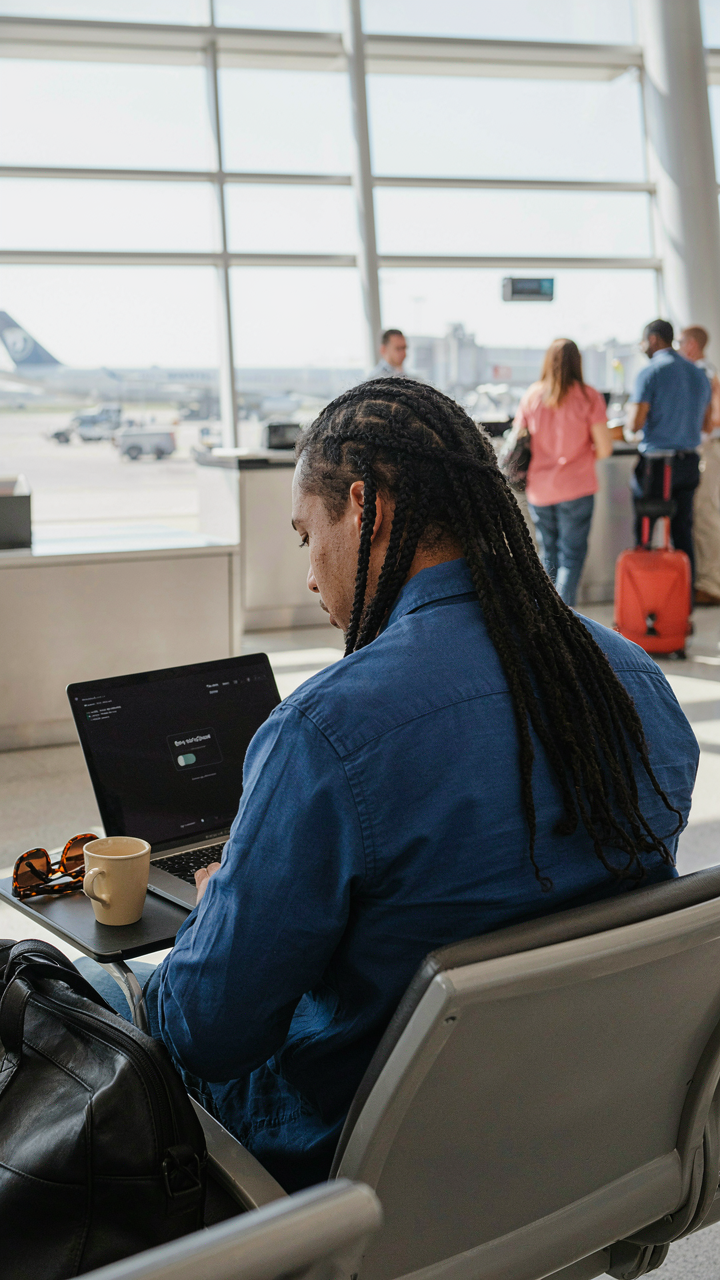
You’re reading this section because you want assurance that you’re safe. You’re not. Not yet. The real mechanism at work here is simple: attackers don’t target random people. They target predictable behavior. Military strategy calls this “reconnaissance.” An attacker scans for patterns, weakness, and opportunity before striking. Airport wifi creates a reconnaissance playground. Millions of devices connect the same way, authenticate the same way, transmit the same data patterns. You become exploitable not because the network is dangerous, but because your habits broadcast vulnerability.
The practical translation: stop thinking of airport wifi as uniformly risky and start identifying which actions you take that create specific attack surfaces. A man-in-the-middle attack requires you to visit an unencrypted website or send unencrypted traffic. A credential theft attack requires you to enter a password on an untrusted network. A malware infection requires you to download or execute something suspicious. Each attack has prerequisites. Your job is to remove the prerequisites from your behavior, not hope the network will cooperate.
Build A Daily Protocol, Not Willpower
Willpower fails at 6 AM when your flight is delayed and you need to check email. Protocol doesn’t. The difference between travelers who stay secure and those who get compromised isn’t intelligence or luck. It’s systems. You need repeatable actions that require zero decision-making when fatigue or urgency hits. This means your response to airport wifi should be identical every single time you encounter it, regardless of circumstances.
The protocol: connect to the airport’s official network only, never the “free” duplicate networks floating around. Activate your VPN before opening any application that sends data. Disable auto-connect features on your device. Turn off file sharing and cloud sync during travel. Verify the VPN is active before touching email or banking apps. This sequence takes ninety seconds. You perform it the same way every trip. When autopilot takes over, the system still protects you.

The Real Threat Isn’t External Attackers, But Your Own Ingrained Digital Carelessness

You’ll ignore 90% of this article because habits die hard. Your brain wants convenience more than safety. So stop thinking about airport wifi as a technical problem and start treating it like a character test. Before you board your next flight, disable auto-connect on your phone and write down which apps actually need data. Do it now. The hacker isn’t your real enemy. Your laziness is.