
The “Useful” Tech Illusion: Why Most Gifts Fail

Setup Tax Kills Adoption
You want to feel smart about giving a gift that won’t gather dust. Here’s the mechanism nobody names plainly: complexity isn’t a feature, it’s a tax on time teachers don’t have. Borrow a term from software engineering: friction is the force that prevents adoption. High-friction tech requires setup, passwords, account creation, integration with existing workflows. Teachers operate under time scarcity. They grade papers at night, plan lessons on weekends. Any gift demanding configuration work before utility becomes a chore, not a tool.
The tech industry calls this “time to first value.” A teacher receives a device. They must charge it, download an app, create an account, sync data, learn the interface. By the time they reach actual utility, the gift has already consumed hours they didn’t budget for. The gift fails not because it’s bad tech, but because the setup cost exceeds the perceived benefit. Teachers will choose the painful familiar tool over the frictionless unknown every single time. Eliminate setup entirely or the gift dies in the drawer.
Daily Drivers Beat One Time Wonders
Most gift-givers mistake novelty for utility. A projector that plays videos once per semester isn’t a daily driver. A noise machine used on test days isn’t daily infrastructure. Real adoption means the gift gets used multiple times per week, integrated into core teaching routines. Teachers value tools that solve problems they face constantly, not occasionally.
Usage data from schools shows consistent patterns: tools adopted daily are integrated into lesson planning within two weeks. One-time utility gifts show zero usage after the first month. The difference lies in friction alignment. Daily drivers have low friction built into existing workflows. One-time gifts sit in a cabinet because using them requires deliberate decision-making each time. The mechanism is behavioral: habits form through repetition in low-friction environments. No repetition equals no adoption.
The Efficiency Multiplier Protocol For Tech Gifts

Where Teachers Actually Lose Hours
You want to look smart by giving a gift that matters. The real mechanism is this: teachers don’t need more tools. They need tools that remove a specific bottleneck that eats 5-10 hours per week. Grading takes the most time. Not lesson planning, not emails, not meetings. Grading. A single teacher grades 150-200 student assignments per week. That’s mechanical work masquerading as thinking.

The bottleneck isn’t intellectual. It’s procedural. A teacher reads an essay, writes feedback, assigns a grade, records it manually in three different places. They repeat this 150 times. Tech that collapses these steps into one action is tech they’ll actually use. Most “educational tech” doesn’t do this. It adds another step.
Automation Over Interface
The trap everyone falls into: buying expensive software that teachers need to learn. Wrong angle entirely. A teacher won’t adopt a tool if it demands training, passwords, and integration work. They’ll use it once, forget the login, and return to their spreadsheet.
Real value proposition is mechanical reduction. A document scanner that turns handwritten feedback into digital records. A rubric tool that auto-populates grades into the grade book. An app that batch-records attendance so roll call takes 90 seconds instead of 8 minutes. The tech disappears into the workflow instead of demanding a new workflow. Teachers use it because using it takes less time than not using it. That’s the only metric that matters.
Unlocking The Computer Teacher Gifts Goldmine

Software Licenses Beat Hardware Every Time
You want to look smart by giving something physical and tangible. Here’s the mechanism that actually works: economics calls this “recurring utility.” A laptop dies in five years. A software license compounds in value every single day a teacher uses it.

Adobe Creative Cloud, Microsoft Office 365, Canva Pro, or Grammarly Premium don’t sit in a drawer. Teachers integrate them into lesson planning, grading, and content creation workflows. One-year subscriptions cost between thirty and eighty dollars. That’s cheaper than most hardware gifts and solves actual friction in their daily work.
Professional Development Credits Create Real Skill Gaps
This sounds like generic advice about “investing in people.” It’s not. The mechanism here is skill depreciation. Teaching methodologies shift. Tech tools evolve. A teacher who stays static falls behind. Credits for platforms like Coursera, LinkedIn Learning, or subject-specific certification programs give teachers agency to close their own gaps instead of waiting for district-mandated training that may not fit their classroom.
A fifty-dollar credit toward a credential, course completion certificate, or teaching methodology workshop addresses a problem teachers can’t solve on their own dime. It removes the barrier between wanting to upskill and actually doing it. The teacher chooses what they need. You remove the friction.
Virtual Learning Teacher Gift: Bridging The Digital Divide

When Internet Becomes The Classroom
You want to give a gift that signals you understand the real problem teachers face. The real problem isn’t inspiration or motivation. It’s that half your students can’t load a video without their connection dropping. Connectivity operates like bandwidth in information theory: it’s the hard ceiling on what can flow through. No bandwidth, no lesson. A mesh WiFi system or a mobile hotspot with a data plan doesn’t feel fancy, but it removes the variable that kills instruction dead.

Teachers working from home or across multiple locations hit connectivity walls constantly. Zoom calls drop. Files won’t upload. Assignments never arrive. These aren’t small annoyances—they’re work stoppers. A Netgear Nighthawk mesh system or a Verizon Jetpack covers the dead zones in a home office or splits signal across a larger space. Cost ranges from 150 to 300 dollars depending on coverage. The gift lands because it solves a problem the teacher couldn’t solve alone.
Seating And Setup That Keeps Focus Locked
Most teacher ergonomic advice targets office workers who sit in chairs eight hours straight. Teachers don’t do that. They stand during class, shift between video and grading, pivot between monitor and papers on a desk. The real gift addresses the transition points where posture collapses. An adjustable monitor arm moves the screen to eye level without requiring the teacher to hunch. A footrest paired with a standing desk mat reduces leg strain during the hours when standing is mandatory.
The mechanism is simple: eliminate the physical friction that breaks focus. When your neck doesn’t hurt, you don’t take breaks to stretch. When your feet don’t ache, you don’t shift weight and lose your train of thought. A monitor arm costs forty to eighty dollars and mounts to any desk. A quality anti-fatigue mat runs thirty to sixty dollars. Together they form a protocol: position the screen at eye level, stand on the mat during instruction blocks, sit when grading. That’s the gift that compounds.
The “Best Educational Apps” Myth: Less Is More

The Core Problem With App Sprawl
You want to look thoughtful by giving a teacher something cutting-edge, but you’re actually creating friction they’ll resent. Here’s the mechanism: every app a teacher installs demands cognitive load before it delivers value. The average teacher already uses five to seven core platforms for grading, communication, and lesson planning. Adding another app isn’t a gift—it’s asking them to learn a new interface, integrate it into their workflow, and maintain yet another login. Most educational apps die in obscurity on a teacher’s device within two weeks.

The real constraint isn’t access to apps. It’s attention. Teachers have maybe thirty minutes of discretionary time per week to explore new tools. An app that doesn’t integrate seamlessly with their existing stack competes for that time and loses. The winning app is the one that solves a specific problem inside a system they already use daily, not the one with the slickest marketing or most features. Curated tools beat comprehensive platforms every time.
Apps That Actually Stick
Start by asking what system the teacher already relies on. Google Workspace? Microsoft 365? Notion? The best gift app works inside one of those ecosystems, not alongside it.
- Grammarly for Google Docs/Microsoft: Embeds directly into the writing interface. Teachers use it without changing their process. No separate login required.
- Desmos Graphing Calculator: Free, works in browser, no account needed. Math teachers use it directly in lessons without onboarding friction.
- Canva for Education: Integrates with Google Classroom and Microsoft Teams. Graphic design without learning a new tool ecosystem.
- Peardeck: Slides directly into Google Slides. Real-time student response without leaving the presentation interface they already know.
- Audible for Business: Audiobook access through existing library accounts. Not an app per se, but eliminates the friction of separate authentication.
Each of these apps solves one problem inside a platform the teacher already opens daily. They don’t require training. They don’t duplicate functionality. When you gift an app that works this way, the teacher will actually use it because adoption costs nothing beyond discovering the feature exists.
Workflows Trump Features
Integration isn’t a marketing buzzword. It’s the difference between a tool that gets opened once and one that becomes routine. Teachers operate inside specific systems: Google Classroom for assignment management, Gmail for communication, Google Drive for storage. An app that sits outside this ecosystem requires the teacher to switch contexts, authenticate again, and manually transfer data. That friction kills adoption.
The mechanism here comes from economics: switching costs. Every time a teacher moves between platforms, they incur a cognitive tax. Apps that live inside existing workflows eliminate this tax. Grammarly in Google Docs doesn’t ask teachers to switch platforms or copy text around. It just works where the writing already happens. That’s why it actually gets used. Ask the teacher what their core three systems are before selecting a gift app. Then verify the app integrates with at least one of them. That single filter removes ninety percent of the junk.

Tech Gadgets For Teachers: The “Leverage” Framework
When Data Stops Being Noise
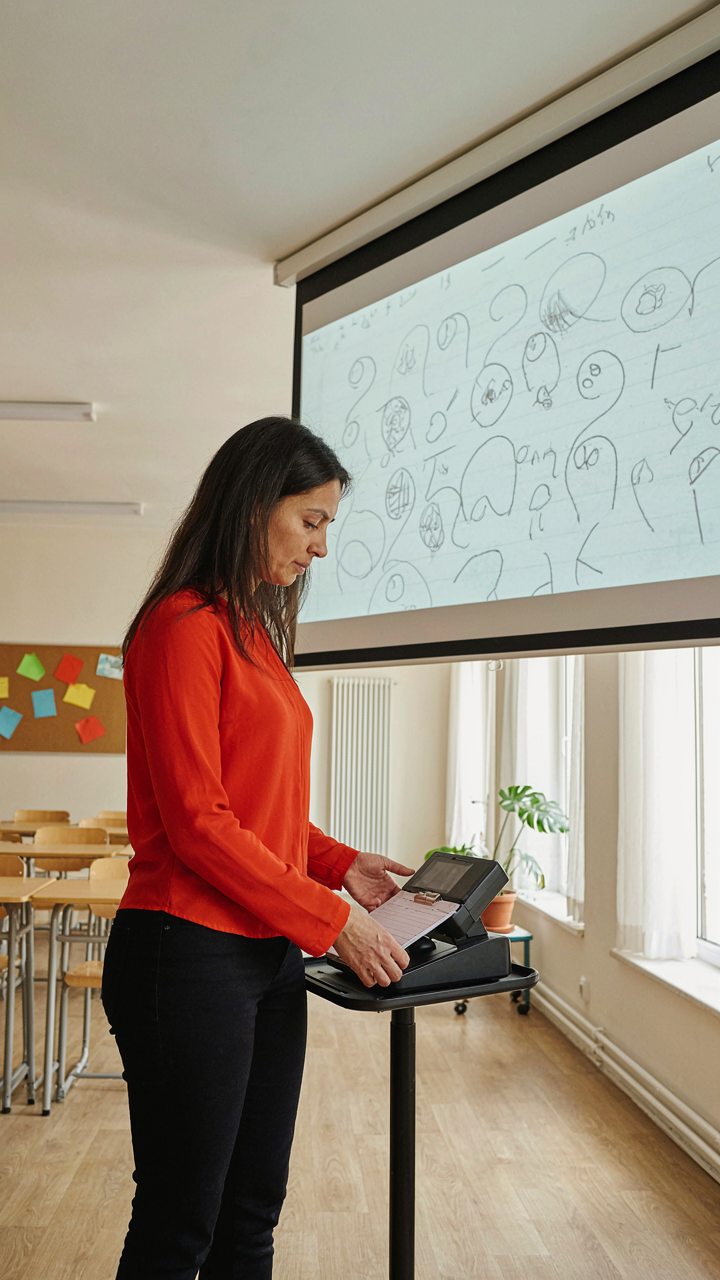
You want to feel like you’re giving a thoughtful gift. The real issue: most tech gifts for teachers sit in a drawer because they don’t connect to what teachers actually measure. Cybernetics teaches us that systems improve through feedback loops—the mechanism where output information reshapes input decisions. A teacher using a document camera sees student work projected in real time, spots misconceptions instantly, and adjusts the next explanation. That’s a feedback loop. The camera isn’t the gift; the actionable data is.
Teachers drown in data they can’t use. Grade books, attendance systems, standardized test scores—all noise without translation into immediate classroom action. A wireless mic with a receiver for the back row creates a feedback loop: the teacher hears hesitation or silence, recognizes which students aren’t following, and intervenes before the lesson moves forward. The tech itself is cheap. The mechanism is what matters: faster information, faster correction, better learning signal.
Time Reclaimed Is Attention Redirected
Opportunity cost isn’t abstract. It’s the specific hour a teacher spends formatting a document instead of designing tomorrow’s lesson. Every tech gift competes against the teacher’s scarcest resource: cognitive load during the school day. A quality stylus and tablet for grading papers digitally doesn’t save time because it’s faster to write on a screen. It saves time because the teacher grades at home, in batches, without the mental context-switch of moving between stacks of physical papers and the gradebook interface.
The mechanism is simple: remove a friction point, recapture attention. An automatic document feeder on a scanner means the teacher feeds thirty papers once instead of walking to the copier thirty times. Thirty two-minute trips become one five-minute trip. That’s not productivity porn. That’s twenty-five minutes for actual instructional planning. The gift succeeds only if it eliminates a specific, recurring task—not one that looks efficient on paper but feels like one more interface to learn.

Beyond The Classroom: Tech Tools For Educators’ Sanity

Noise Canceling Headphones And Earbuds
You want this section because you’re tired of pretending teachers don’t desperately need escape routes. Here’s the mechanism: attention is a finite resource, and schools are designed to fragment it. Noise-canceling tech doesn’t just reduce decibels, it restores agency. A teacher can reclaim focus during prep periods, commutes, or grading sessions. The technology works through active noise cancellation, which generates inverse sound waves to neutralize ambient noise at the source. This isn’t luxury. It’s a productivity tool.
- Sony WH-CH720N: Budget-friendly over-ear option with solid ANC performance and eight-hour battery life. Reliable for commutes and grading marathons without premium pricing.
- Apple AirPods Pro: Seamless integration if the teacher uses Apple devices. Adaptive Audio adjusts ANC based on environment. Works for both focus and calls.
- Anker Soundcore Space Q45: Mid-range competitor offering comparable ANC to Sony at lower cost. Ten-hour battery and comfortable fit for extended wear during grading sessions.
- Bose QuietComfort Ultra Headphones: Premium option if budget allows. Industry-standard noise isolation. Teachers report using these for genuine mental recovery between school days.
- Nothing Ear: Lightweight earbuds with functional ANC and transparent mode. Good for teachers who want portability without full over-ear commitment. Affordable entry point.
Teachers use these during specific windows: morning prep before students arrive, lunch breaks without interruption, or the drive home when cognitive load peaks. The gift works because it directly addresses the bottleneck: not enough uninterrupted thinking time to grade efficiently or plan lessons without mental fatigue. The teacher who receives noise-canceling tech starts protecting their own attention the same day.
Smart Home Systems For Task Offloading
Teachers don’t need smart homes for convenience theater. They need them to eliminate micro-decisions that drain mental energy during hours when they’re already depleted. This operates under cognitive load theory from psychology: every decision consumes glucose and willpower. Smart home devices automate low-stakes choices, freeing that bandwidth for actual teaching decisions. A teacher can set routines to adjust lights, temperature, and music at specific times. The system doesn’t serve comfort. It serves decision fatigue recovery.
Smart speakers with routine capabilities (Amazon Echo, Google Home) let teachers program daily patterns without thinking. Set the bedroom temperature to drop at 9 PM for better sleep. Set coffee to brew before the alarm. Automate bathroom lighting sequences. The value isn’t the individual actions. It’s the elimination of tiny choices that compound into exhaustion by Wednesday. Teachers who integrate smart routines into their homes report faster cognitive recovery on weekends and fewer decision bottlenecks during weeknight grading. The mechanism is simple: fewer decisions made equals more mental resources available for the work that actually matters. A teacher programs the routine once, then stops making that decision every single day for the rest of the school year.

Computer Lab Classroom: Upgrading The Ecosystem
When Open Source Beats Licensing
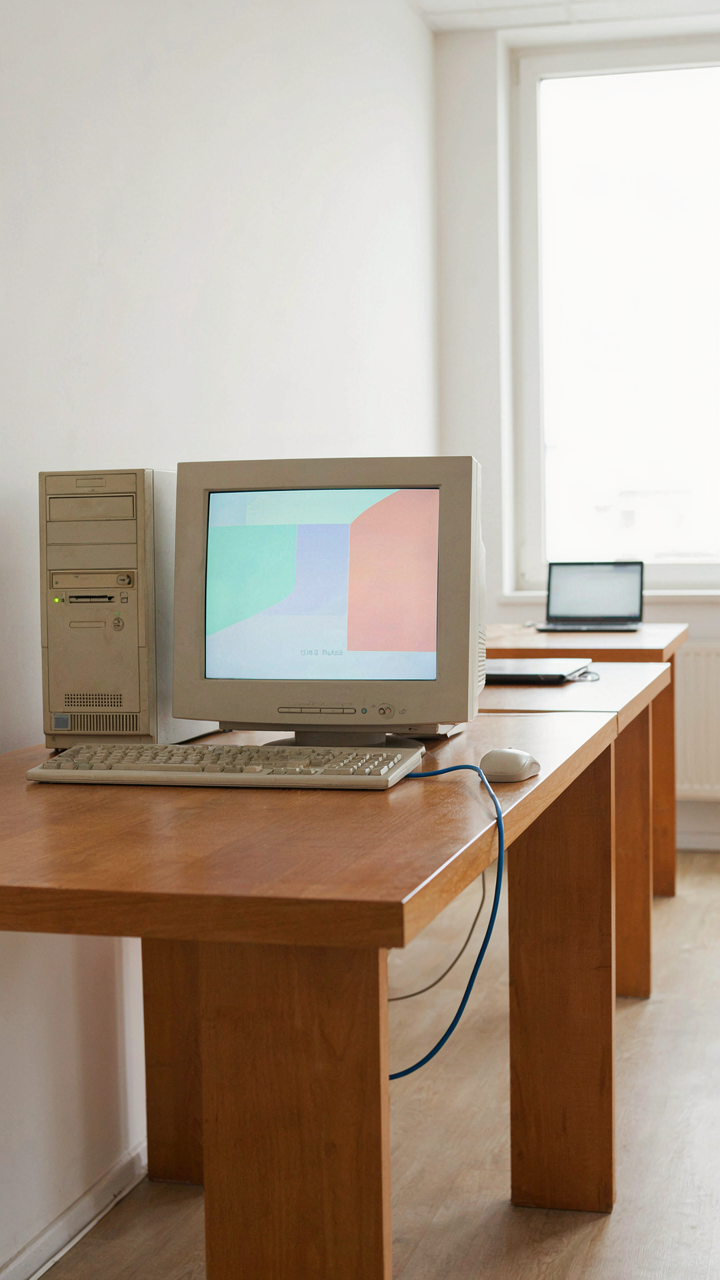
You want to look smart by solving a budget problem nobody else noticed. Here’s the mechanism: proprietary software locks schools into recurring license fees that compound yearly, while open-source alternatives eliminate that trap entirely. Linux distributions like Ubuntu run on older hardware, reducing replacement cycles. LibreOffice replaces Microsoft Office without compatibility friction. GIMP handles image work that would normally require Adobe subscriptions. The real advantage isn’t ideological. It’s mathematical.
Schools that standardize on open-source tools redirect thousands of dollars annually into actual instruction instead of license renewals. Teachers gain control over their environment because they’re not beholden to vendor update schedules. Setup requires technical competency upfront, but once deployed, maintenance becomes predictable and transparent. The barrier isn’t capability. It’s institutional willingness to break the vendor habit.
Network Speed Determines Classroom Capacity
Think of network infrastructure using a term borrowed from civil engineering: throughput. Just as a highway’s capacity limits traffic flow, your network’s bandwidth limits how many devices teachers and students can use simultaneously. A classroom with 30 students on slow WiFi isn’t a technology problem. It’s a network problem wearing a technology costume. Upgrading to managed switches, running Cat6A cabling, and deploying mesh WiFi systems eliminates bottlenecks that sabotage expensive devices.
Teachers notice reliability first. When connections drop during lessons, they revert to paper. Hardwired connections for stationary labs (desktop computers, projectors, document cameras) remove variables entirely. Prioritizing traffic through Quality of Service settings ensures critical classroom tools get bandwidth before background updates consume it. Install a network closet with proper airflow and PDU management. When your infrastructure doesn’t fail, your tech gifts actually function as designed.

The Obstacle Isn’t Finding The Right Tech; It’s Overcoming The Fear Of Obsolescence And Wasted Investment

Teachers don’t reject tech because it’s complicated. They reject it because institutions burned them before. They bought expensive tools that disappeared in budget cuts. They learned software that vanished. The real gift isn’t the flashiest gadget. It’s picking something that solves a problem today and survives tomorrow. Ask the teacher what broke last year, not what’s trending. Buy for their actual pain, not your guilt. Teachers remember who listened. That matters more than whatever device you hand them.