Understanding The Bluetooth Transmitter For TV Audio
What Is A Bluetooth Transmitter And How Does It Work
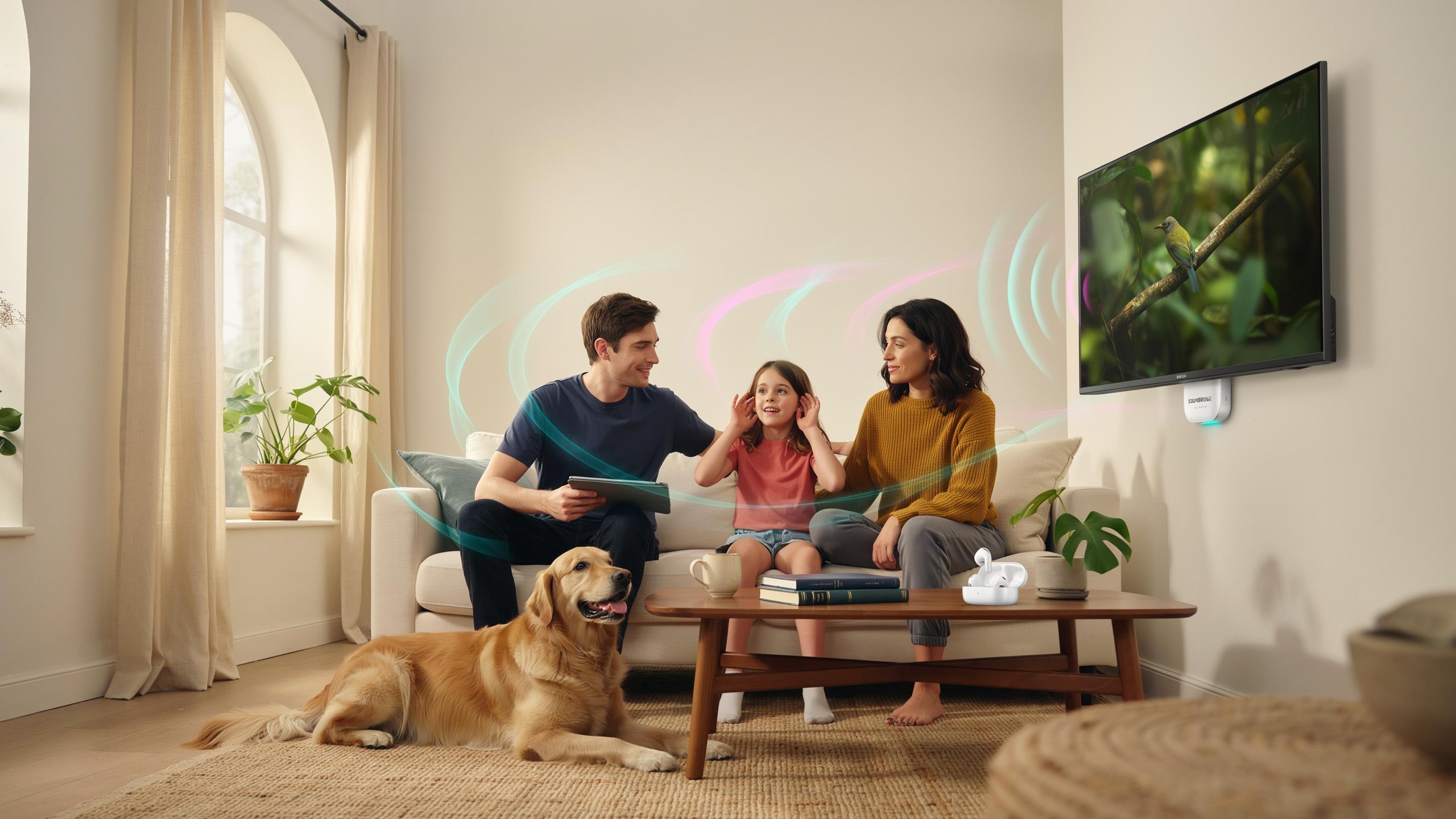
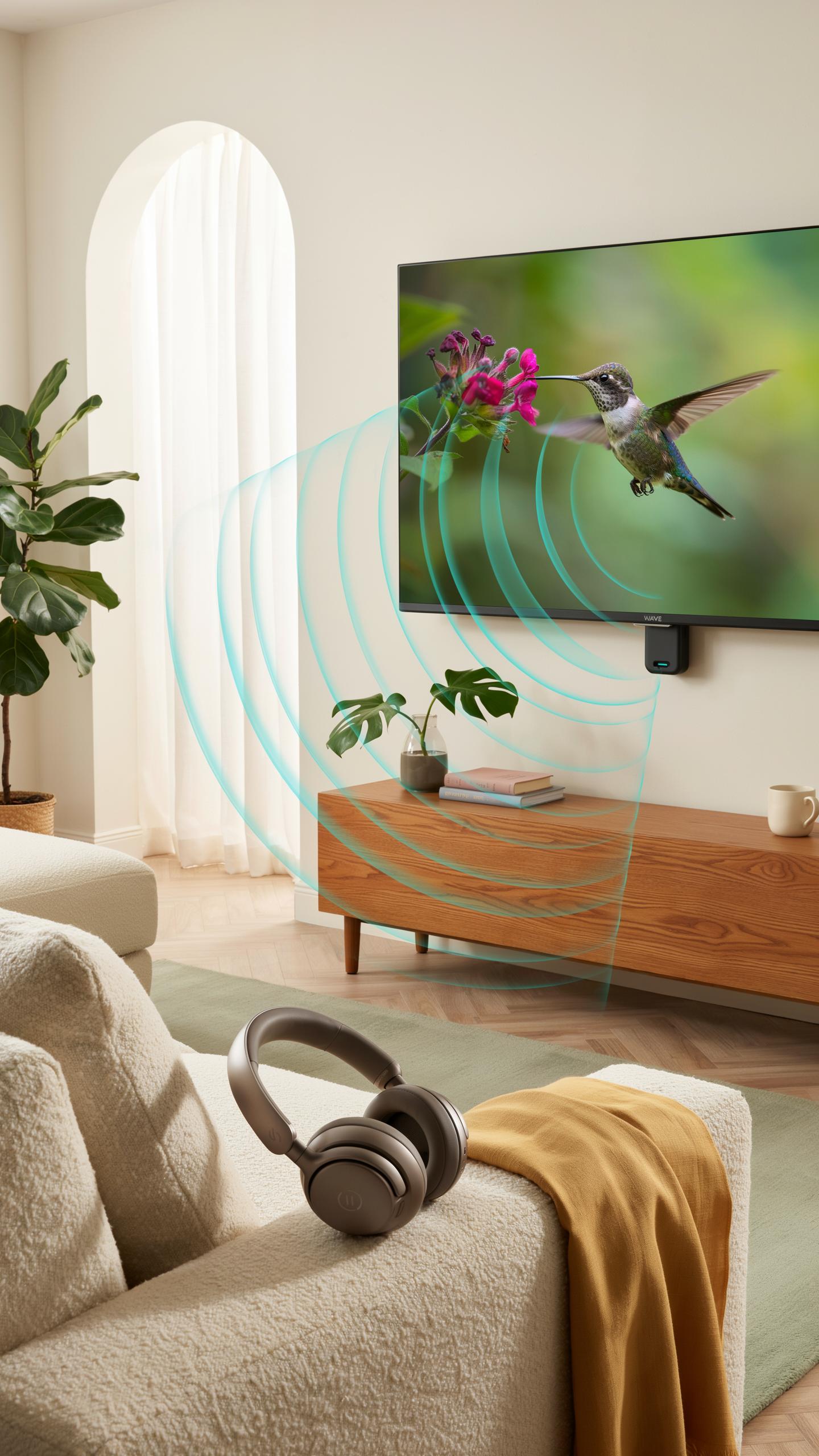
A Bluetooth transmitter converts audio signals from your TV into wireless data packets. The device plugs into your TV’s audio output port, typically an optical digital audio jack or 3.5mm headphone jack. Once connected, it broadcasts the audio signal to compatible Bluetooth receivers like headphones or speakers within a typical range of 30 to 100 feet, depending on the model and environment.
The transmitter uses the Bluetooth 5.0 or 5.1 standard in modern devices, which operates on the 2.4 GHz frequency band. Your TV sends an analog or digital audio signal to the transmitter, which encodes it and transmits wirelessly to paired devices. The receiver decodes this signal and outputs sound through speakers or headphones. This process happens with minimal delay, though low-latency modes specifically reduce audio lag for time-sensitive content like gaming or movies.
Benefits For TV Audio Without New Wiring
Installing a Bluetooth transmitter eliminates the need to run new cables through your walls or behind furniture. You avoid permanent modifications to your home while gaining wireless audio capability. The setup takes minutes. Simply plug the transmitter into your TV’s audio jack, pair your wireless devices once, and the connection remains active each time you power on your TV. No professional installation or rewiring costs apply.
This solution works with nearly any TV model, regardless of age or design. Even older televisions with basic audio outputs can support wireless audio through a transmitter. You maintain full control of individual device volume levels while keeping your TV’s primary speakers functional. Multiple wireless receivers can connect simultaneously, allowing multiple people in different rooms to hear the same audio without disturbing others.

Choosing The Right Bluetooth Device For Your Setup
Compatibility Considerations
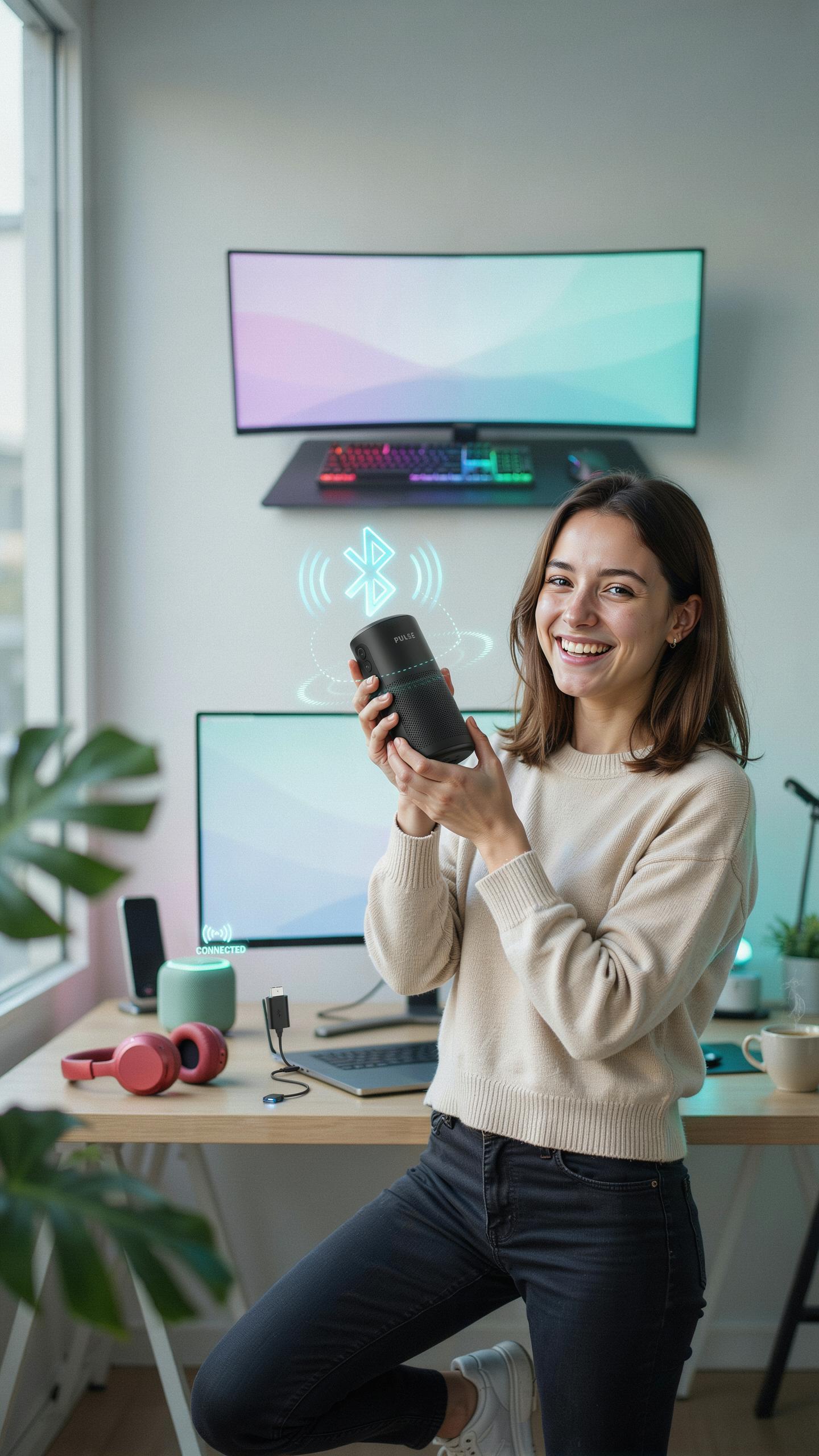
Check your TV’s Bluetooth capabilities first. Most modern TVs from 2015 onward have built-in Bluetooth. Older models require a transmitter to work. Verify your TV’s manual or settings menu to confirm Bluetooth exists. Your audio device matters too. Headphones, speakers, and soundbars all use different Bluetooth profiles. Mismatched profiles mean no connection.
Codec support determines audio quality. Your TV and audio device must share the same codec. Common codecs include SBC, AAC, aptX, and LDAC. SBC works universally but delivers lower quality. aptX and LDAC provide better sound but require both devices to support them. Check specifications before buying.
Types Of Bluetooth Transmitters
Transmitter types differ by connection method and function. USB transmitters plug into your TV’s USB port. They work with older TVs lacking native Bluetooth. 3.5mm jack transmitters connect to your TV’s audio output. These suit TVs with standard headphone jacks. Both types are portable and easy to install without opening your TV.

Receiver transmitters serve dual purposes. They receive audio from your TV while transmitting to speakers or headphones. Some models support multiple simultaneous connections. This matters if you want audio on two devices at once. Built-in transmitters in soundbars and receivers eliminate extra hardware. They connect directly to your TV’s audio system and reduce cable clutter.
Bluetooth Transmitter 50 Features The Latest In Connectivity
Advantages Of Bluetooth 5.0
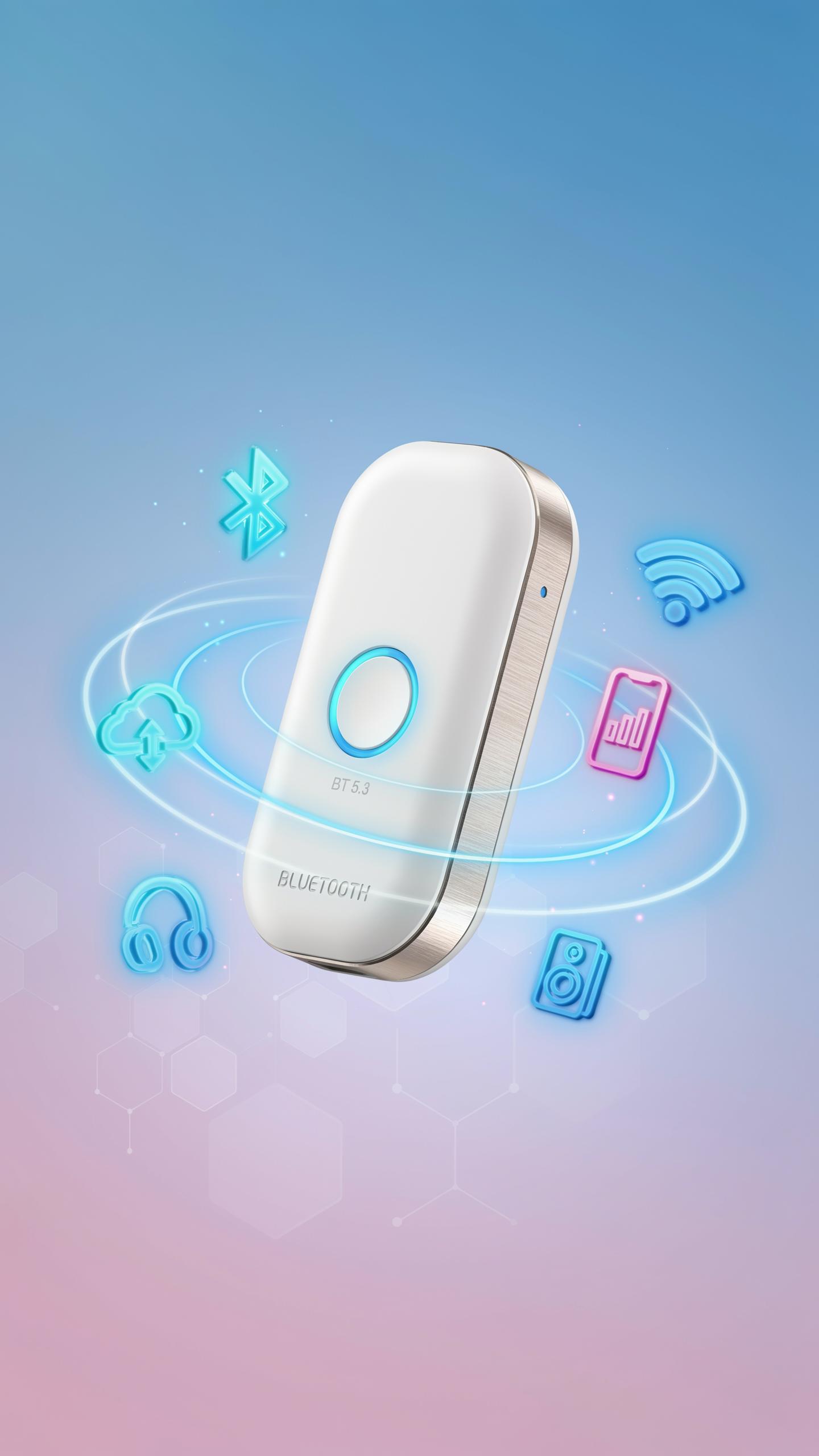
Bluetooth 5.0 delivers practical gains over earlier versions. The range extends to 240 meters in open space, compared to 50 meters for Bluetooth 4.2. This matters for TV setups where you place transmitters away from receivers. The bandwidth doubled, enabling higher bitrates without interference. Power consumption drops significantly, so transmitters and headphones run longer between charges.
Audio quality improves through increased data throughput. Bluetooth 5.0 handles multiple simultaneous connections without degradation. TV rooms with multiple wireless speakers operate cleanly without dropouts. The standard supports faster pairing and more stable connections during playback. These technical improvements translate to fewer frustrating reconnection cycles and consistent performance you can depend on.
Low Latency AptX
aptX is a proprietary audio codec developed by Qualcomm that compresses audio while maintaining quality. It reduces latency to approximately 32 milliseconds, critical for lip-sync accuracy. Standard Bluetooth audio carries latency around 100 to 200 milliseconds, creating noticeable delays between video and sound. aptX addresses this gap directly, making TV watching and movie viewing practical without audio lag.

Bluetooth 5.0 transmitters with aptX support provide real-time audio synchronization. When you watch dialogue scenes, the words match mouth movements. Gaming performance improves when audio timing aligns with on-screen action. Not all TV transmitters include aptX, so verify specifications before purchasing. aptX HD and aptX Adaptive offer even lower latency options, though compatibility depends on your specific headphones or speakers.
Connecting Your Bluetooth Transmitter With Cable To Your TV
Common Audio Output Ports On Your Television
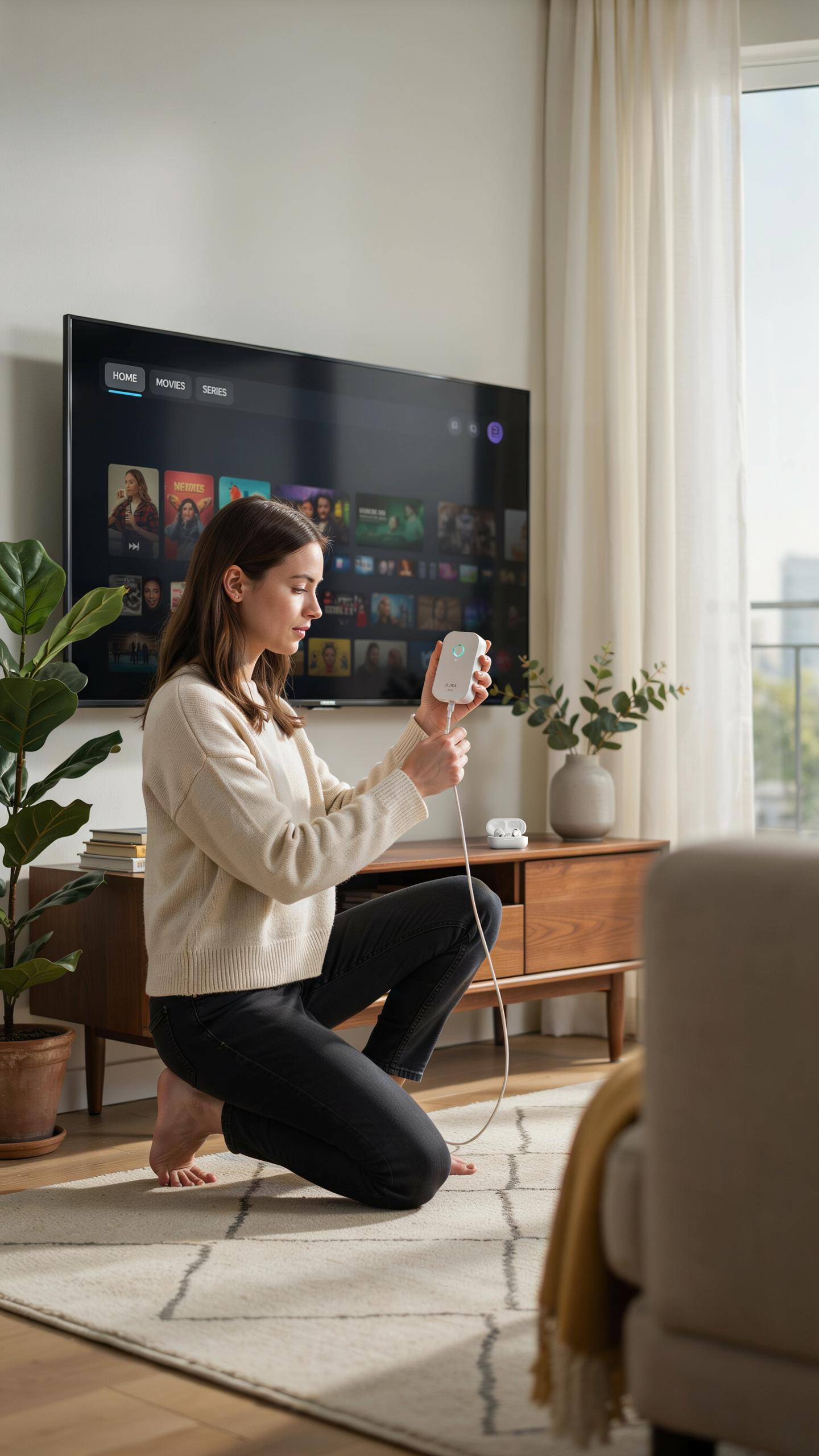
Your TV has multiple audio output options. The most common are the 3.5mm headphone jack, RCA connectors (red and white), and optical digital audio ports. Older televisions use RCA connections. Modern TVs often include optical ports. Some newer models have both options. Identify which port your TV has before purchasing a transmitter. Check your TV’s manual or rear panel to confirm available outputs.
The port you choose determines which transmitter you need. A 3.5mm jack requires a transmitter with a 3.5mm input. RCA connections need an RCA-compatible transmitter. Optical audio ports require a transmitter with optical input capability. Not all Bluetooth transmitters support every port type. Matching the right transmitter to your TV’s output prevents buying the wrong device. This step saves time and money upfront.
A Step By Step Guide To Wired Connection And Pairing
Start by locating the audio output port on your TV’s rear or side panel. Power off both your TV and the Bluetooth transmitter before making connections. Connect the transmitter’s input cable to your TV’s audio output port. Use the correct cable type for your TV’s port. Insert the cable firmly until it clicks or seats completely. Power on the transmitter first, then your TV.

Set your transmitter to pairing mode by pressing and holding the designated button. Most transmitters require three to five seconds for pairing mode activation. Open your Bluetooth device’s settings on your headphones, speaker, or receiver. Select the transmitter’s name from available devices. Wait for confirmation that pairing succeeded. Once paired, your TV audio transmits wirelessly to your device automatically when you power on the transmitter.
Pairing Bluetooth Headphones For A Personal Listening Experience
Pairing Process
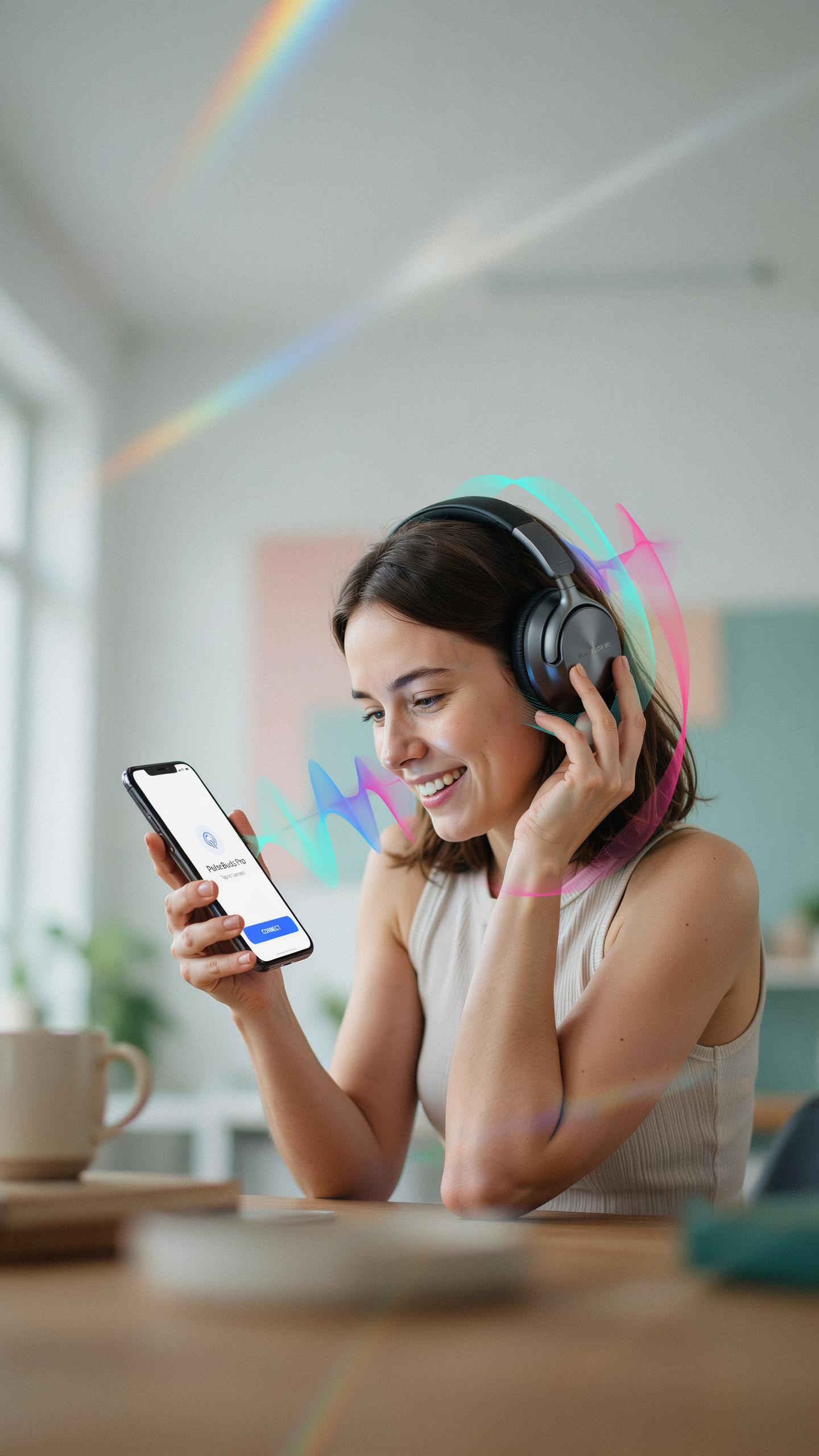
Your TV’s Bluetooth transmitter initiates pairing by entering discovery mode. Press and hold the pairing button on your headphones until the LED flashes, signaling readiness. Navigate to your TV’s Bluetooth settings menu. Select “Add Device” or “Pair New Device.” The TV scans for available headphones within range, typically ten to thirty feet depending on the transmitter’s power class.
Once your headphones appear on screen, select them to complete pairing. The TV stores the connection profile, eliminating the need to repeat this process. Most devices pair in under one minute. Some transmitters support up to eight paired devices simultaneously, though you can only connect one active audio stream at a time to prevent audio conflicts.
Multi Device Pairing
Bluetooth transmitters maintain connection profiles for multiple headphones without requiring full re-pairing each session. Your TV remembers previously paired device addresses and automatically reconnects to the last used headphones. Switching between paired headphones requires manual selection through the TV menu or the headphone’s own pairing button. This capability enables households with multiple users to use different headsets without reconfiguring settings repeatedly.

Device priority hierarchy determines which headphones connect first when multiple paired devices are in range. Most transmitters prioritize the most recently used headphones. You can delete old pairings directly from the TV’s Bluetooth settings to manage your device list and prevent unwanted connections. Managing your paired devices prevents connection delays and audio conflicts during regular use.
Beyond Headphones Connecting To Other Bluetooth Audio Devices
Bluetooth Speakers And Soundbars For Room Filling Sound
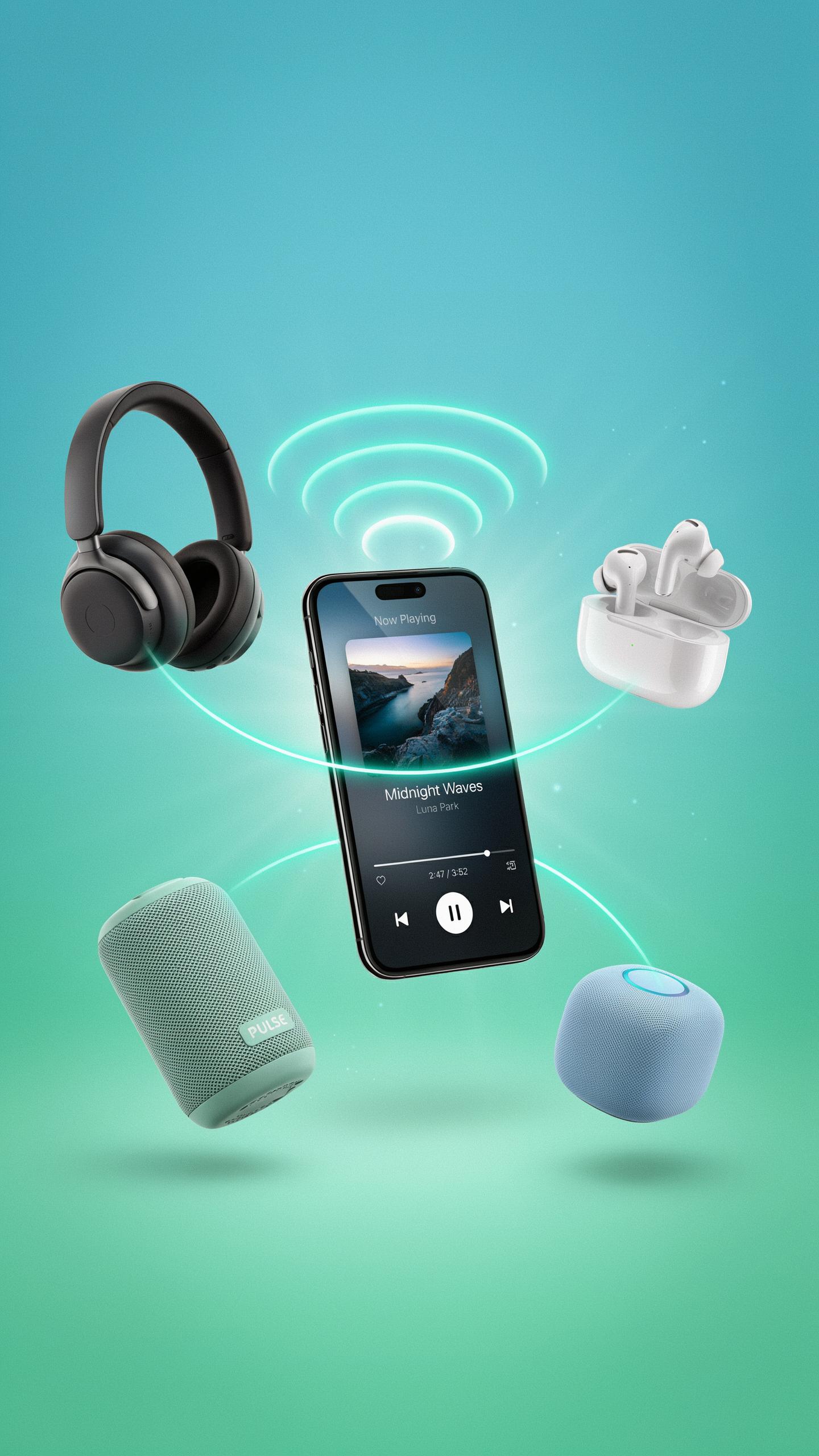
A Bluetooth transmitter paired with a soundbar eliminates the need for HDMI audio cables or optical connections. Most modern soundbars support Bluetooth 4.0 or higher, allowing them to receive audio signals from a TV transmitter within 30 feet. The transmitter converts your TV’s audio output into a Bluetooth signal that the soundbar receives and amplifies instantly.
Setup requires pairing the soundbar with your transmitter once, then power both devices on before watching. The soundbar automatically reconnects when powered on again. This method works with any soundbar brand that supports Bluetooth, making it a flexible solution for users with existing audio equipment.
Remember those days of tangled cables and missed dialogue? Now, with a simple touch, our favorite shows fill the air, a truly magical leap in home entertainment.
Integrating With Existing Home Audio Systems
Connect your Bluetooth transmitter to a home audio receiver to route TV audio through your entire speaker network. Receivers with Bluetooth capability accept the transmitter’s signal and distribute it to all connected speakers simultaneously. This approach lets you use your TV audio with surround sound speakers, subwoofers, and multiple room speakers you already own.

Your home audio system maintains all its existing features while gaining wireless connectivity from your TV. Volume control, sound modes, and speaker balancing remain unchanged. The transmitter simply becomes another input source your receiver recognizes and processes like any other audio connection would.
Troubleshooting Common Bluetooth Audio Issues
No Sound Or Poor Connection
Check your TV’s Bluetooth settings first. Verify the transmitter pairs correctly with your receiving device. Restart both devices and clear old pairings that may conflict. Move the transmitter closer to the receiver. Most Bluetooth operates at 2.4 GHz and requires line of sight or minimal obstruction to function properly. Distance and physical barriers degrade signal strength quickly.
Examine your cable connections if using a wired transmitter. Ensure audio input cables connect to the correct TV ports. Test with different audio sources to isolate whether the problem stems from your TV’s output or the transmitter itself. Check that your receiver device charges properly since low battery drains Bluetooth capability fast.
Audio Delay And Interference Issues
Audio delay occurs when Bluetooth packets travel slower than video playback. Enable low-latency mode if your transmitter offers it. Some transmitters use aptX or LDAC codecs designed to reduce this lag. Reposition your transmitter away from microwaves, WiFi routers, and cordless phones since they broadcast on the same 2.4 GHz frequency. Physical separation prevents these devices from jamming your signal.

Interference typically causes dropouts or crackling sounds rather than complete failure. Switch your WiFi to the 5 GHz band if available, leaving more 2.4 GHz space for Bluetooth. Move your router and transmitter apart by at least ten feet. Reduce the number of connected devices competing for bandwidth. Test your setup in different room locations to identify dead zones or interference hotspots.
Exploring Bluetooth Transmitter And Receiver Modes
TX RX Modes Explained
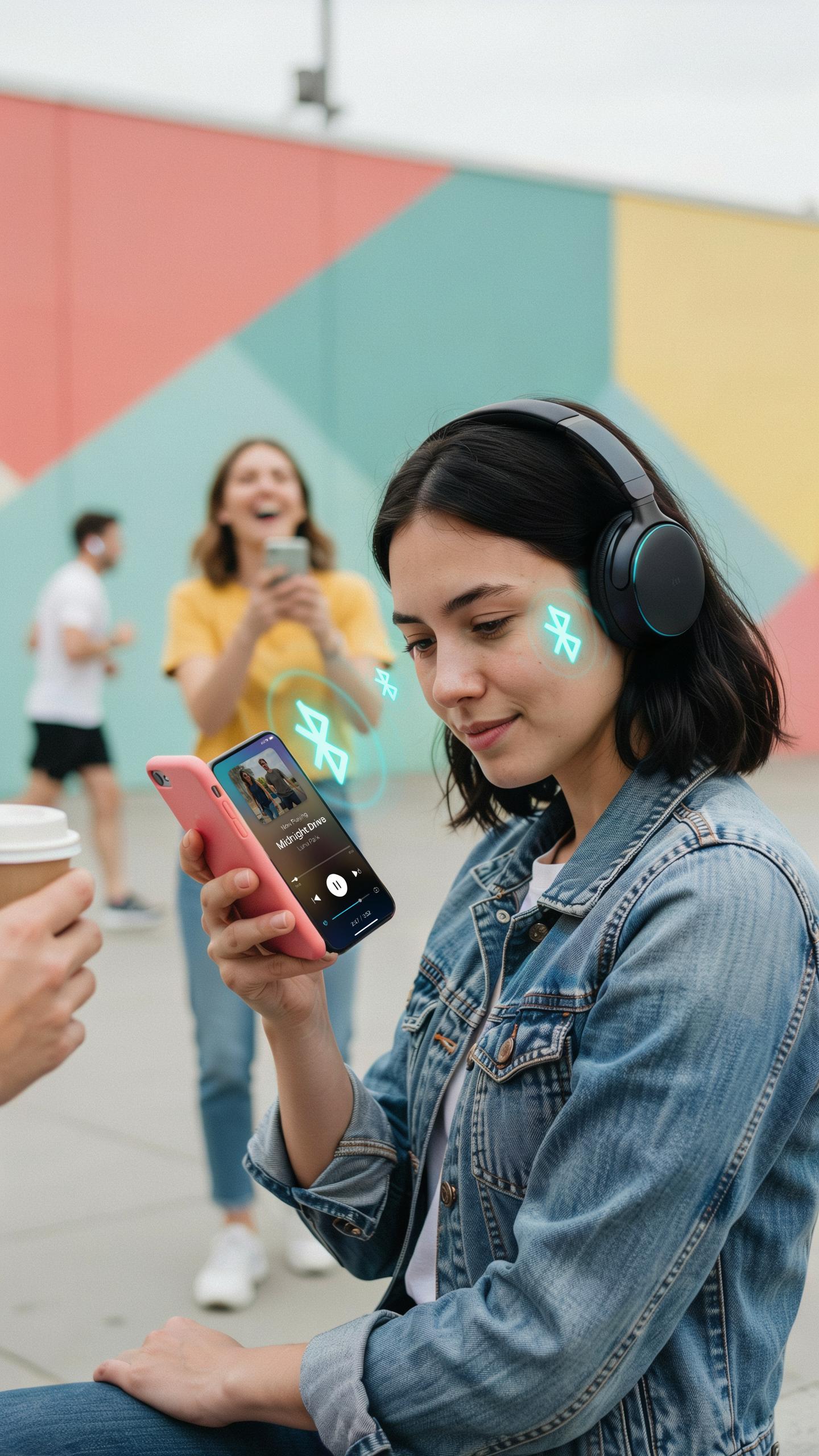
Bluetooth transmitter and receiver modes define how devices exchange audio data. TX mode broadcasts audio from a source like a TV to wireless headphones or speakers. RX mode receives audio from a source device and plays it through connected outputs. Most Bluetooth transmitters operate in TX mode exclusively. Some devices switch between modes, but this requires manual configuration or automatic detection of connected devices.
Understanding these modes matters because TV audio solutions demand TX functionality. Your TV needs to send audio outward to headphones or speakers. The receiving device waits in RX mode to capture that transmission. This one-way flow handles most household scenarios. Knowing which mode your device operates in prevents frustration during setup and troubleshooting.
Dual Functionality Benefits For Versatile Audio Solutions
Dual-function Bluetooth devices handle both TX and RX modes, creating flexible audio routing. You transmit TV audio to wireless headphones in TX mode. Switch to RX mode and receive audio from your phone or tablet through the same device. This versatility reduces equipment clutter and simplifies your setup. One device replaces multiple single-function transmitters and receivers.

Practical applications expand with dual functionality. Stream audio from your TV while receiving music from a smartphone. Connect multiple audio sources without swapping cables or buying separate hardware. This approach cuts costs and reduces cable management headaches. Dual-mode devices work best in homes with multiple audio sources and varying listening needs.
Practical Applications And Alternative Uses

Car Stereo Bluetooth Adapter
A Bluetooth transmitter bridges the gap between older car stereo systems and modern audio devices. Most vehicles manufactured before 2010 lack built-in Bluetooth connectivity. A transmitter connects to your car’s audio output and broadcasts the signal wirelessly to compatible receivers or headsets. This eliminates the need for expensive head unit replacements.
- Aux input connection: Plug the transmitter into your car stereo’s auxiliary jack to transmit audio from your phone or tablet without additional wiring.
- Cigarette lighter power: Most car transmitters draw power from the 12V outlet, requiring no permanent installation or battery replacement during use.
- Range capability: Effective transmission typically reaches 30 feet, covering the distance from driver to passenger seats in most vehicles.
- Dual device pairing: Many models support simultaneous connections to multiple phones, allowing driver and passenger to switch audio sources easily.
- Low latency performance: Modern transmitters minimize audio delay, ensuring lip-sync stays accurate for calls and navigation instructions.
Installing a Bluetooth transmitter takes minutes and requires no technical expertise. You avoid dealer fees and dealership dependency. The setup works immediately after pairing your phone. Removal leaves no permanent marks or modifications to your vehicle’s interior.
Gaming And Portable Devices
Bluetooth transmitters unlock wireless audio for gaming consoles that only shipped with wired audio outputs. PlayStation 4, Nintendo Switch, and older Xbox models connect to transmitters through their headphone or optical audio jacks. This enables wireless headset use during gameplay without the latency issues that plagued earlier Bluetooth implementations.
Portable device audio improves when transmitted to wireless speakers or receivers in different rooms. Tablets and portable gaming devices send audio to car speakers, kitchen sound systems, or outdoor equipment. The transmitter handles the signal conversion instantly, making audio follow you without rewiring. Battery life remains unaffected on most portable devices since the transmitter draws minimal power from the host device’s audio jack.
Frequently Asked Questions

What exactly is a Bluetooth transmitter for TV audio and why would I need one?
A Bluetooth transmitter for TV audio is a small device that allows your non-Bluetooth-enabled television to wirelessly send its sound to Bluetooth headphones or speakers. This is perfect for enjoying late-night movies without disturbing others, or for improving your personal listening experience with clearer audio directly from your TV.
How do I connect a Bluetooth transmitter to my television for audio?
Connecting a Bluetooth transmitter for TV audio is usually straightforward. You simply plug the transmitter into an audio output port on your TV, such as the headphone jack, RCA ports, or optical audio output. Then, you put both the transmitter and your desired Bluetooth headphones or speaker into pairing mode, and they will connect wirelessly.
Are there affordable Bluetooth transmitters available for TVs, or are they generally expensive?
Absolutely! You can find a wide range of Bluetooth transmitters for TV audio at various price points. Many effective and reliable models are quite affordable, making wireless TV audio an accessible upgrade for almost any budget. Look for options with good reviews that match your TV’s audio output ports.



