
Understanding Your Car Diagnostic Tool
What Is A Car Diagnostic Tool
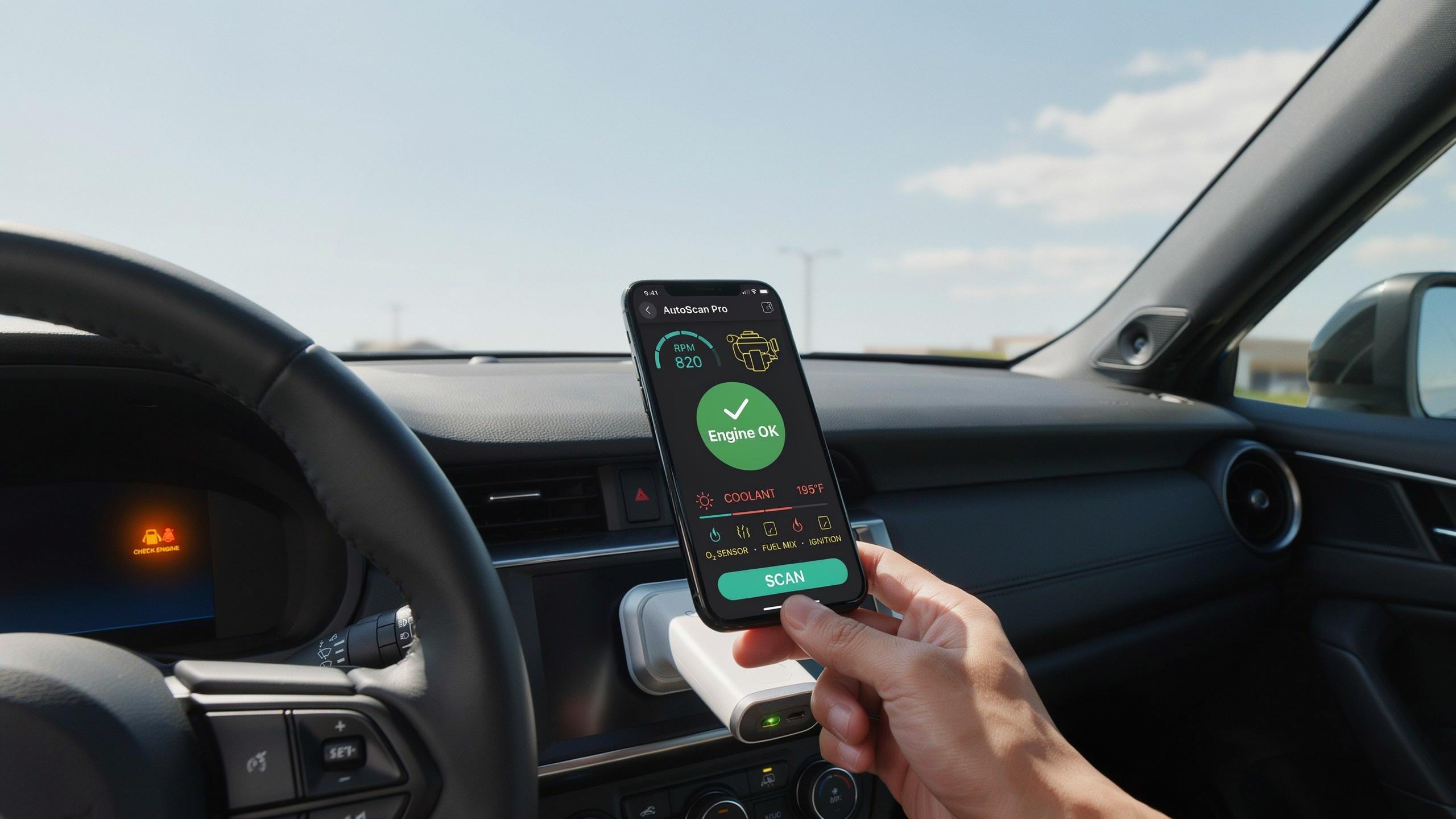
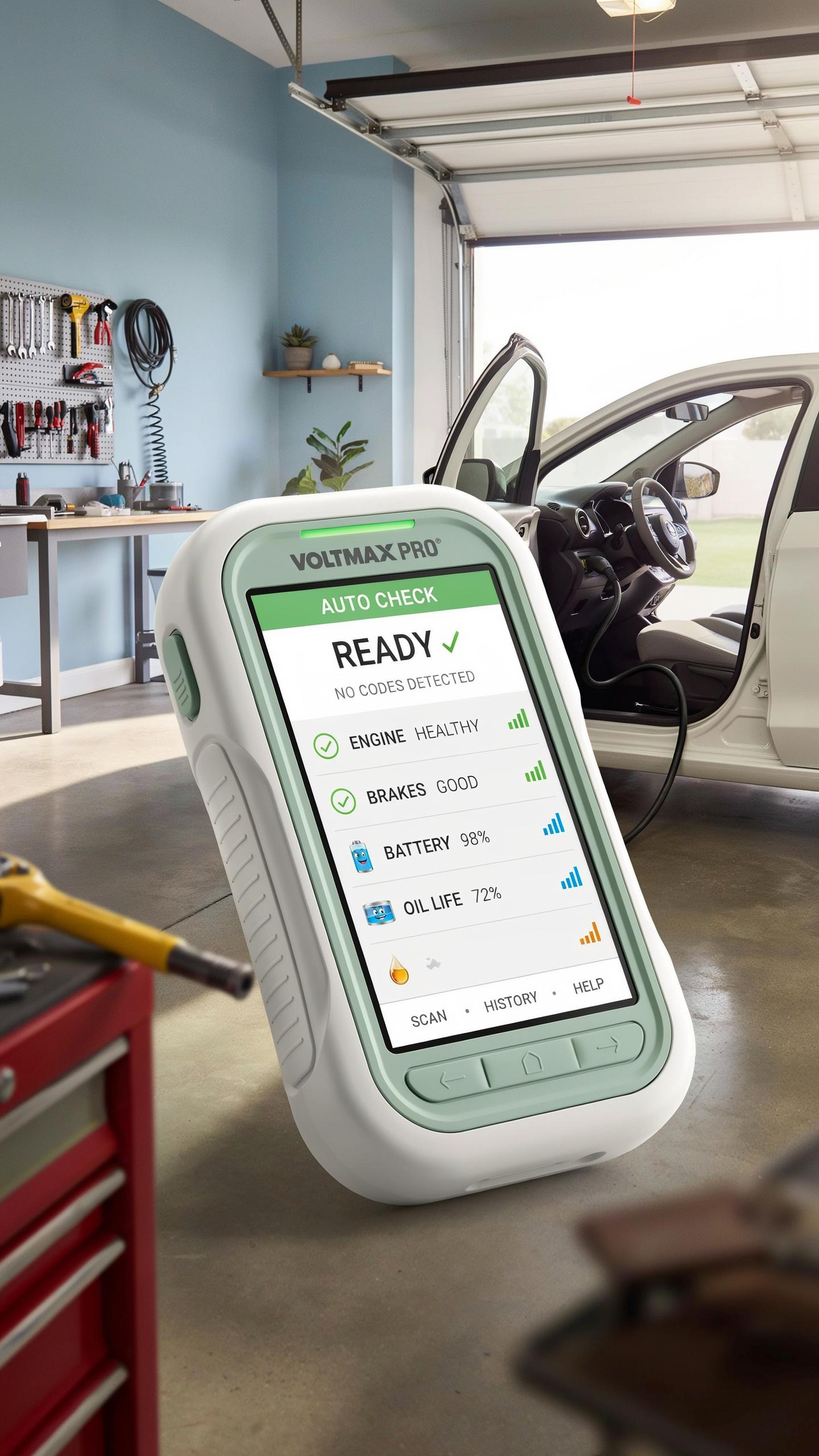
A car diagnostic tool reads data from your vehicle’s onboard computer system. Every car made after 1996 has an engine control unit that stores fault codes when something malfunctions. The tool connects to this system through a port under your dashboard called the OBD2 connector. It retrieves error codes and real-time engine data. Bluetooth versions transmit this information wirelessly to your phone or tablet instead of using cables.
Beginners use diagnostic tools to identify why the check engine light turned on. The tool tells you what failed and where. You get specific codes like P0300, which means a random misfire detected. This saves you from guessing at repairs or paying a mechanic just for diagnosis. Understanding these codes puts you in control of maintenance decisions and costs.
The Evolution Of Car Diagnostics
Early vehicles had no diagnostic capability. Mechanics relied entirely on physical symptoms and mechanical knowledge to find problems. In the 1980s, manufacturers added basic computer systems to manage fuel injection and ignition. These early systems flagged malfunctions through warning lights only. The first standardized diagnostic protocol emerged in the early 1990s as emissions regulations tightened.
The OBD2 standard launched in 1996 across all vehicles sold in America. This unified system allowed any diagnostic tool to communicate with any car. Wireless Bluetooth technology adapted to automotive use in the 2000s as mobile devices became dominant. Today’s Bluetooth diagnostic tools leverage smartphone processing power and connectivity instead of requiring dedicated handheld devices. This shift made professional-level diagnostics affordable and accessible to car owners without technical training.
Why You Need An OBD2 Car Scanner Tool
Decoding The Check Engine Light
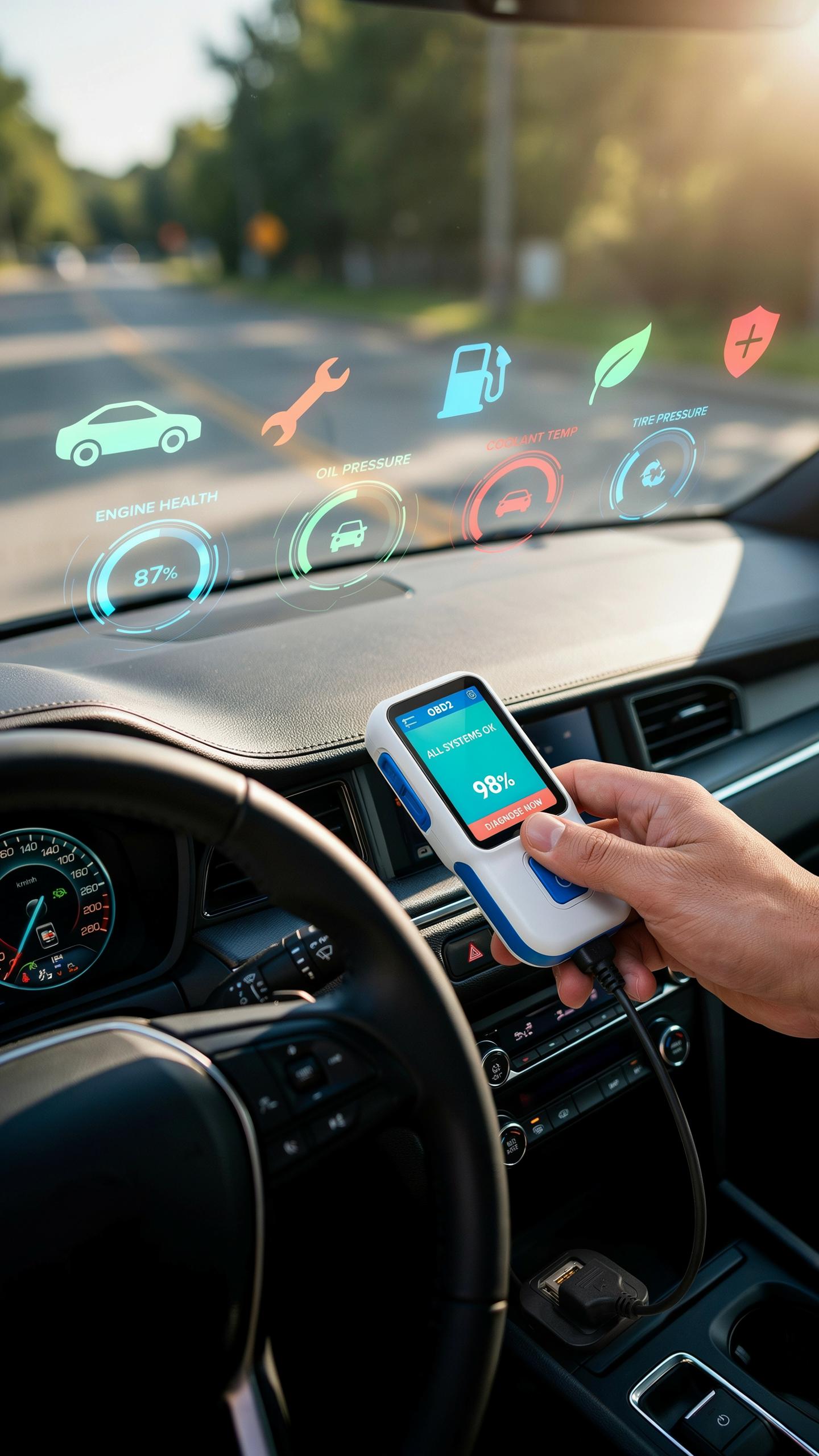
Your check engine light turns on when your vehicle’s onboard diagnostic system detects a fault. This fault triggers a diagnostic trouble code stored in your engine computer. Without a scanner, you cannot access this code. You drive blind, guessing what the problem is. An OBD2 scanner retrieves these codes instantly, showing you exactly what triggered the light.
The check engine light indicates issues ranging from minor to severe. A loose gas cap triggers it. A faulty oxygen sensor triggers it. A catalytic converter problem triggers it. You need specific information to prioritize repairs and avoid wasting money on unnecessary work. The scanner delivers that information in seconds, cutting through the guesswork.
Benefits Of Early Detection
Early detection stops small problems from becoming expensive ones. A failing oxygen sensor costs less to fix today than a damaged catalytic converter costs tomorrow. Detecting problems early keeps your emissions clean and your fuel economy intact. You avoid breakdowns that leave you stranded. You maintain your vehicle’s resale value by addressing issues before they compound.
An OBD2 scanner gives you control over maintenance decisions. You stop relying on mechanic shops to tell you what is wrong. You make informed choices based on actual data from your vehicle. You schedule repairs on your timeline, not when the next emergency forces your hand. This shifts power and saves money across the vehicle’s ownership lifetime.
Choosing The Best Bluetooth Car Diagnostic Tool
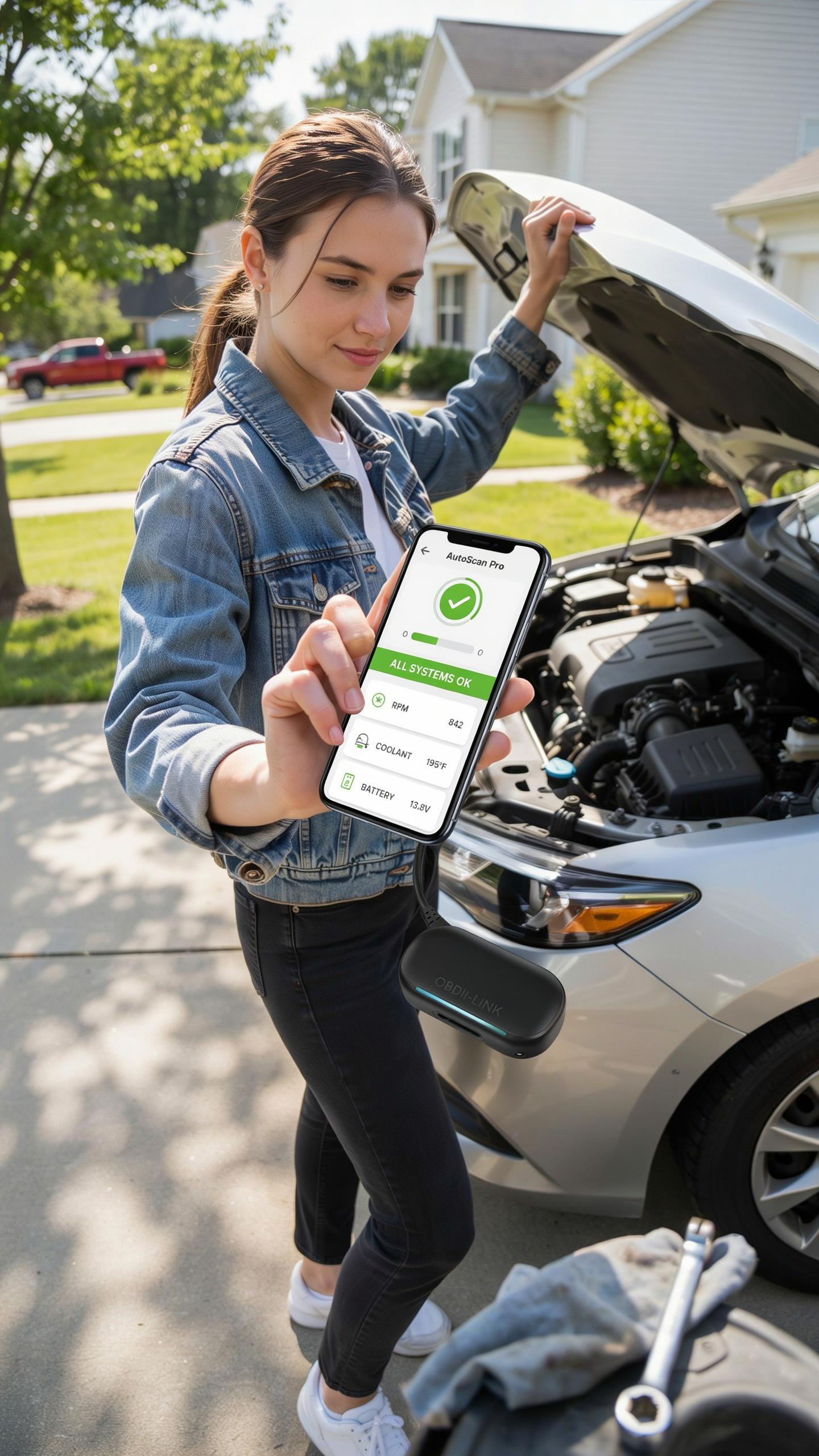
Key Features To Look For
Your diagnostic tool needs to read and clear diagnostic trouble codes. This is the core function that justifies the purchase. The tool communicates with your vehicle’s onboard diagnostic system through the OBD2 port, located below the steering wheel on most vehicles made after 1996. Without this capability, you’re buying a paperweight.
Real-time data streaming matters for understanding what happens during a fault. Tools that display live sensor readings let you watch engine parameters change as you drive. This feature separates entry-level tools from mid-range devices. Beginners benefit from seeing voltage, temperature, and pressure data in real time rather than guessing at problems.
Remember those Sunday drives, windows down, the world feeling boundless? Now, even a little engine light won’t dim that freedom, because understanding your car’s whispers is just a Bluetooth connection away.
Compatibility With IOS And Android
Most Bluetooth diagnostic tools work with Android devices through native OBD2 apps available on Google Play. Android dominates this market because it allows third-party app developers to build compatible software. Your smartphone becomes the display and control center once you pair it with the tool. The connection process is straightforward: enable Bluetooth, pair the device, and open the app.

iOS compatibility requires more caution. Apple restricts third-party app access to Bluetooth protocols, limiting which diagnostic tools function with iPhones and iPads. Some manufacturers build proprietary iOS apps, but compatibility is narrower than Android. Verify iOS compatibility before purchasing if you plan to use an iPhone as your display device. Android users have significantly more tool options to choose from.
Setting Up Your Car Scanner For DIY Repair
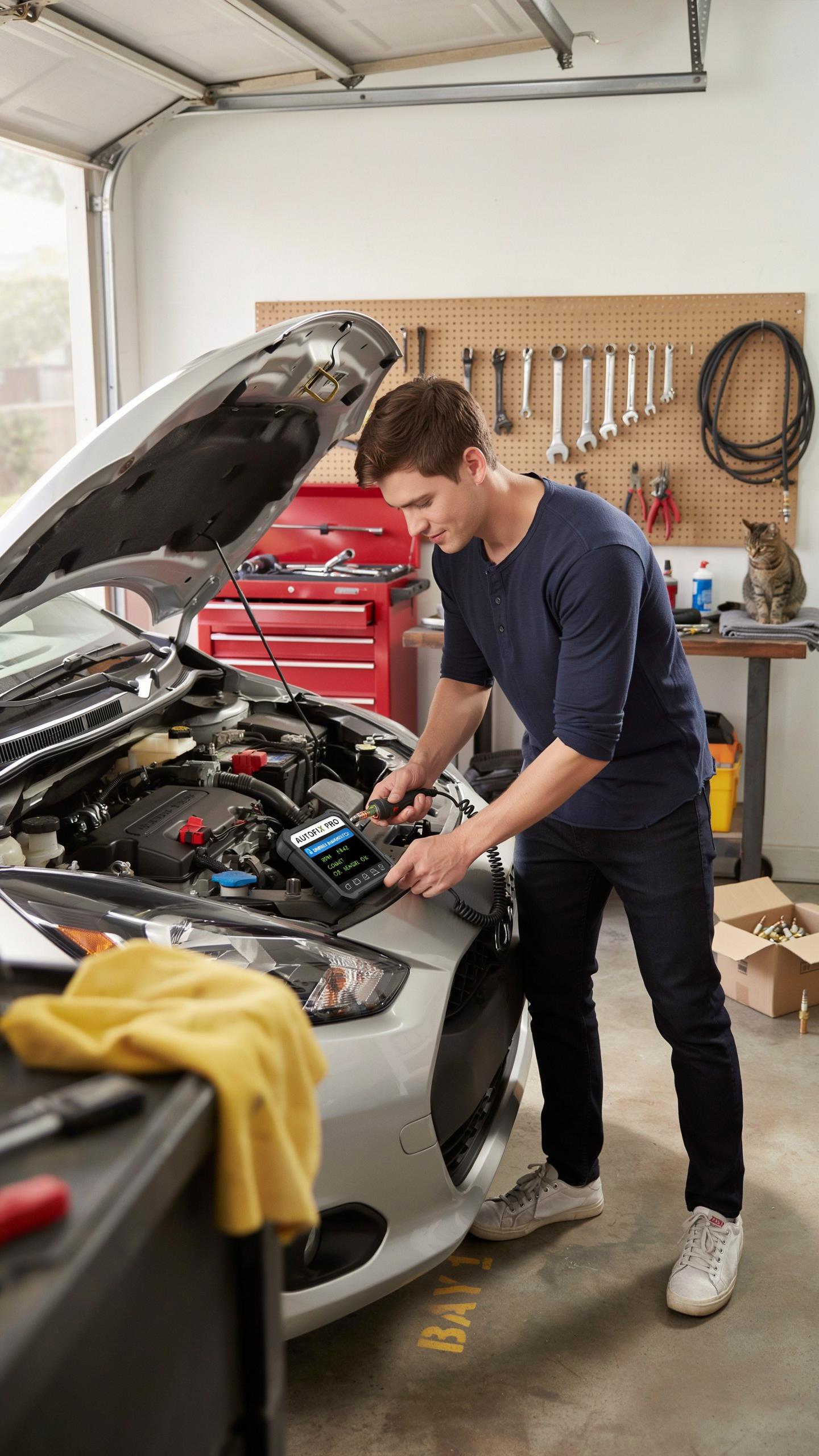
Step By Step Connection Guide
Your scanner needs a direct link to your vehicle’s onboard diagnostic port. The OBD2 port sits under your steering wheel on most cars made after 1996. Locating it takes less than a minute. Once found, connecting your Bluetooth scanner requires only inserting the device and launching the paired app.
- Locate the OBD2 port: Check under the steering column on the driver’s side. It resembles a trapezoid shaped connector about two inches wide.
- Power on your scanner: Insert the Bluetooth scanner fully into the port. Most devices activate automatically when inserted into a powered OBD2 connection.
- Enable Bluetooth on your phone: Navigate to settings and turn on Bluetooth. Set your phone to discoverable mode so the scanner can establish a connection.
- Pair the devices: Search for available Bluetooth devices on your phone. Select your scanner model from the list and confirm the pairing request.
- Open the diagnostic app: Launch the app that matches your scanner brand. Wait for the app to establish communication with the scanner before reading data.
- Verify connection status: The app displays a green light or connection icon when linked properly. A red indicator means the connection failed and you need to restart the process.
Most vehicles establish a connection within thirty seconds. If your phone cannot find the scanner, check that Bluetooth is fully enabled and the scanner sits completely in the OBD2 port. Engine vibration occasionally dislodges scanners during testing, so confirm the device remains seated firmly throughout your diagnostic session.
Understanding The User Interface
The app dashboard shows your vehicle’s real time data and error codes. Engine RPM, coolant temperature, and oxygen sensor readings appear as numerical values. The screen layout varies by app, but all scanners display the same fundamental information sourced directly from your engine computer.
Error codes appear with standardized naming conventions that start with P, B, C, or U. P codes relate to the powertrain and engine function. B codes cover body systems, while C codes address chassis components like brakes and suspension. U codes indicate transmission and network issues specific to your vehicle. Your app translates these code numbers into plain language descriptions, eliminating confusion about what failed.
Interpreting Diagnostic Trouble Codes DTCs For Engineering

Common DTCs And Their Meanings
Diagnostic trouble codes follow a standardized format that every Bluetooth diagnostic tool reads the same way. The code structure starts with a letter: P codes relate to powertrain issues, B codes signal body problems, C codes indicate chassis faults, and U codes denote network communication failures. The first digit after the letter narrows the problem category. Codes P0100 to P0199 cover fuel and air metering. P0200 to P0299 address fuel injector circuits. P0300 to P0399 relate to ignition timing and combustion. Understanding this structure helps you grasp what your tool is reporting before digging deeper into specifics.
P0420 codes flag catalytic converter efficiency problems. P0128 indicates the thermostat isn’t cycling properly. P0171 and P0174 point to fuel trim issues, meaning the engine runs too lean or rich. P0505 reveals idle control problems. P0301 through P0308 pinpoint misfires in specific cylinders. These codes appear frequently because they relate to common wear items and sensor failures. Your Bluetooth diagnostic tool displays these codes with their definitions, but raw code numbers tell you the root issue faster than searching descriptions. Most beginner tools translate codes into plain language automatically, which speeds diagnosis.
When To Seek Professional Help
Stop diagnosing yourself when the code relates to transmission problems, especially automatic transmissions. Transmission codes like P0700, P0706, or P0750 require specialized equipment and expertise that handheld Bluetooth tools cannot provide. Similarly, codes involving airbag systems, anti lock braking systems, and stability control demand professional shops with safety certification and proper diagnostic hardware. These systems interlock with multiple vehicle computers, and incorrect diagnosis creates safety risks for you and other drivers.

Seek professional help immediately if your Bluetooth diagnostic tool reveals multiple codes from different system categories. This pattern suggests a deeper electrical issue or damaged vehicle computer rather than a single component failure. Additionally, if clearing codes doesn’t resolve the check engine light after two drive cycles, the problem extends beyond simple sensor errors. Professional technicians access manufacturer databases, perform live data stream analysis, and run guided diagnostics that consumer tools cannot execute. Some repairs require specialized tools or dealer-level software access that no Bluetooth device provides.
Advanced Functions Beyond Basic Scanners

Live Data Monitoring And Analysis
Live data monitoring pulls real-time information directly from your vehicle’s engine control unit. Your scanner displays sensor readings as they happen, showing voltage, temperature, pressure, and RPM values simultaneously. This function exposes problems that fault codes alone cannot reveal. You watch fuel trim, oxygen sensor response, and injector pulse width as the engine runs. This raw data shows whether sensors drift gradually or fail suddenly, which guides repair decisions.
Live data analysis requires you to understand what normal readings look like for your specific vehicle model and year. Baseline values differ between engines, so consult your vehicle’s service manual before interpreting what you see. Most scanners let you record data streams and playback footage to isolate the exact moment a fault occurs. This eliminates guesswork and prevents unnecessary part replacement. Technicians use this function to verify sensor health before condemning expensive components like mass airflow sensors or oxygen sensors.
Module Coding And Adaptations
Module coding writes programming changes directly into your vehicle’s control modules. This goes beyond reading or clearing codes. Your scanner communicates new parameters to modules that govern transmission shifts, idle speed, fuel delivery, and emissions systems. Coding requires precise technical knowledge because incorrect values damage engine performance or trigger limp mode. Factory service departments use this capability during repairs to reprogram modules after replacement or update legacy software.
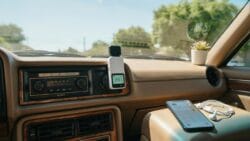
Adaptations recalibrate how modules respond to sensor input without changing core programming. Think of this as teaching the system to accept new operating conditions. Common adaptations include teaching automatic transmissions how to shift after rebuilds or adjusting fuel trim values after sensor replacement. Most beginners should avoid coding and adaptations because mistakes create drivability issues that demand professional intervention. Professional-grade scanners cost significantly more and require manufacturer-specific training to operate correctly.
Maintaining Your CarS Health With Regular Checks

Proactive Maintenance Tips
A Bluetooth diagnostic tool catches problems before they become expensive repairs. Use your tool monthly to scan for stored and pending fault codes. This habit reveals emerging issues that your check engine light hasn’t flagged yet. Consistent monitoring lets you address minor faults before they cascade into major failures.
- Monthly Code Scans: Run full system scans every 30 days to detect new fault codes early and track resolution status on previously cleared codes.
- Monitor Fuel Trim Values: Check short-term and long-term fuel trim percentages to identify engine efficiency problems before they worsen.
- Track Oxygen Sensor Data: Watch O2 sensor readings to catch catalyst system degradation and fuel mixture issues affecting emissions.
- Log Freeze Frame Data: Record freeze frame information when codes appear to understand exact conditions that triggered the fault.
- Review Live Data Patterns: Observe real-time sensor values during city and highway driving to spot inconsistencies your tool captures.
Regular scans give you baseline data to spot trends. When values shift outside normal ranges, you know something is developing. This approach prevents surprise breakdowns and keeps repair costs predictable. Your tool becomes an early warning system that saves money over time.
Tracking Vehicle Performance Over Time
Your diagnostic tool stores historical data that reveals performance degradation patterns. Create a simple log documenting scan dates, codes found, and values recorded. Compare readings month to month to spot gradual changes in engine efficiency or sensor drift. This data points you toward root causes before components fail completely.
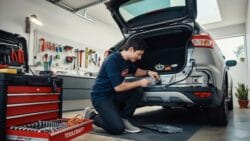
Performance tracking transforms your tool from a problem detector into a prediction device. You’ll notice when misfire counts increase, when oxygen sensors respond slower, or when fuel trim values creep upward. These trends indicate aging components or developing system issues. The cost of a new sensor beats the cost of towing and engine damage from ignoring the warning signs.
The Future Of Car Diagnostics And Repair
Emerging Technologies In Automotive Repair
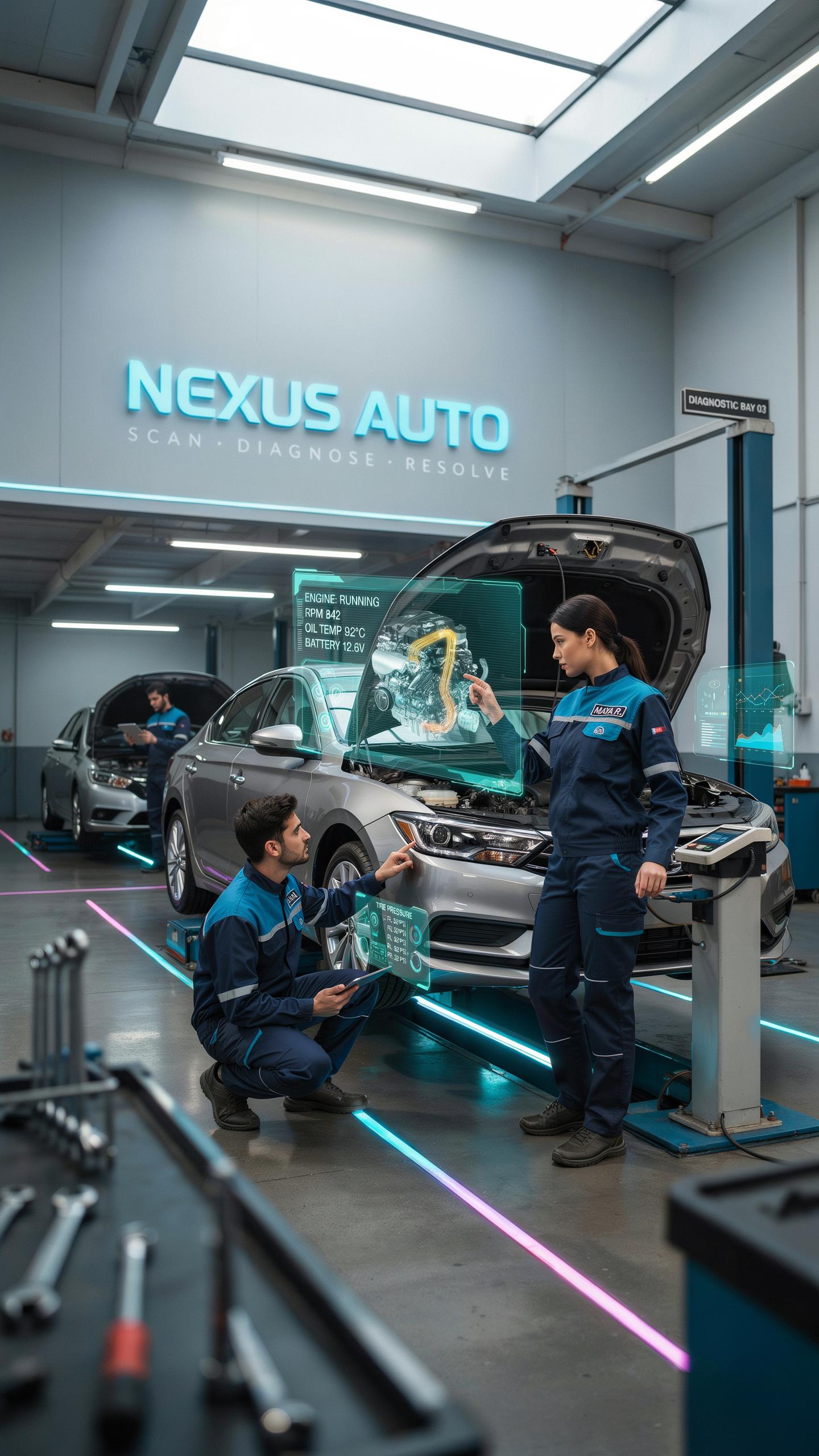
Bluetooth diagnostic tools represent the current standard, but the industry moves toward integrated cloud connectivity and real-time data streaming. Modern vehicles generate massive amounts of operational data. Manufacturers and independent repair shops now capture this data to predict failures before they happen. Wireless protocols evolve beyond Bluetooth to include 5G and dedicated automotive networks that process information faster and more reliably.
Repair shops adopt predictive maintenance models that shift away from reactive fixing. Vehicles transmit diagnostic codes directly to service centers before drivers notice problems. This approach reduces downtime and prevents catastrophic failures. Standardization efforts across manufacturers create compatibility, making tools work across multiple vehicle brands without proprietary adapters.
The Role Of AI In Vehicle Maintenance
Artificial intelligence analyzes diagnostic data patterns to identify root causes rather than just fault codes. Machine learning algorithms compare your vehicle’s performance against thousands of similar cars to spot anomalies early. AI systems learn from repair history to recommend maintenance schedules tailored to your specific driving habits and conditions. This precision reduces unnecessary service visits and keeps repair costs down.
AI powered tools handle pattern recognition that surpasses human technician capability in speed and accuracy. Repair shops use AI to prioritize which vehicle issues require immediate attention versus routine maintenance. Technicians receive prioritized repair sequences that optimize workflow and reduce labor hours. This efficiency benefits both repair facilities and vehicle owners through faster service turnaround and lower diagnostic costs.
Frequently Asked Questions

What exactly is a bluetooth car diagnostic tool and why would a beginner need one?
A bluetooth car diagnostic tool connects to your car’s onboard computer via an app on your smartphone or tablet. It helps beginners understand what their “check engine” light means by reading diagnostic trouble codes (DTCs). This empowers you to identify potential issues early, saving you time and money on unnecessary garage visits.
How do I actually use a bluetooth car diagnostic tool to read my car’s engine light codes?
First, plug the bluetooth car diagnostic tool into your car’s OBD-II port, usually found under the dashboard. Then, download and open the compatible app on your smartphone, pair the device via Bluetooth, and select “scan” or “read codes.” The app will display any active trouble codes, helping you diagnose the issue.
Are there affordable bluetooth car diagnostic tools suitable for someone just starting out?
Absolutely! Many excellent and budget-friendly bluetooth car diagnostic tool options are available, perfect for beginners. You don’t need to spend a fortune to get a reliable device that can read engine codes and provide basic diagnostic information, allowing you to confidently tackle common car issues.



