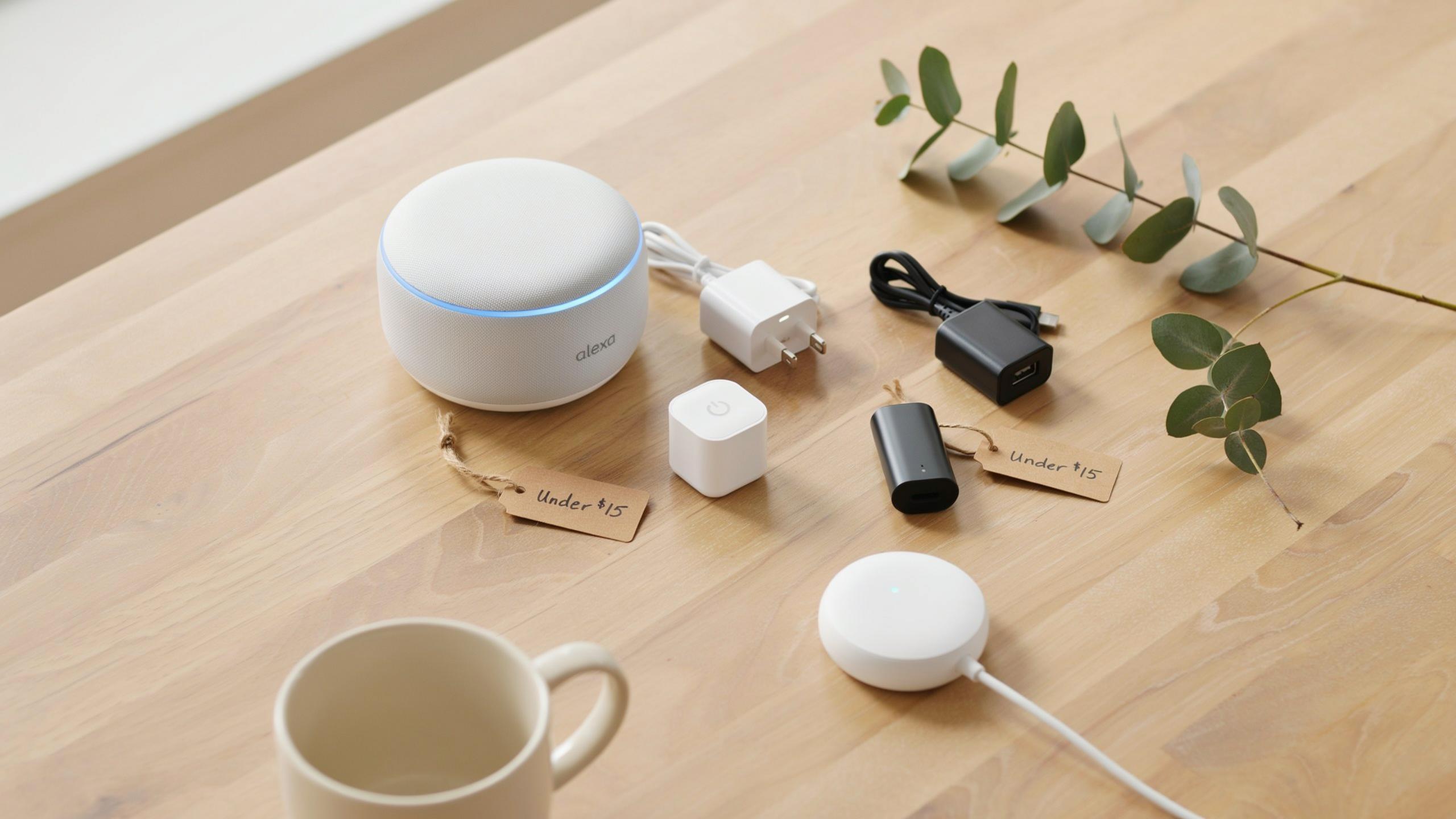
The Allure Of Cheap Smart Plugs That Work With Alexa

Cost Effective Home Automation
Smart plugs under $15 let you control appliances remotely without rewiring your home or hiring professionals. You plug them into existing outlets, connect them to WiFi, and control devices through your phone or voice commands. This approach costs a fraction of hardwired smart home systems. Most budget models handle basic on-off functionality reliably. You reduce energy waste by scheduling devices to turn off automatically.
These plugs work with standard US outlets and most common appliances like coffee makers, fans, and lamps. No special installation skills required. You can start with one plug and expand gradually. Each additional plug costs under $15, so testing smart home automation before investing in expensive systems makes financial sense. Renters benefit from this portability since plugs move between apartments easily.
Seamless Integration With Alexa
Alexa compatibility means voice control works immediately after setup. You say “Alexa, turn off the living room lamp” and the connected device powers down. Amazon designed Alexa to recognize most budget smart plugs on the market. Setup happens through the Alexa app by scanning the device QR code and connecting to your WiFi network. Most plugs connect within minutes.
Routines amplify the value of Alexa integration. You create custom commands like “Alexa, movie time” that dim lights and power on your TV simultaneously. Scheduling runs automatically on a timer you set in the app. Geofencing triggers actions when you leave or arrive home. This automation happens without touching your phone or switch.

Top Picks Smart Plug Under 15
Popular Brands And Models
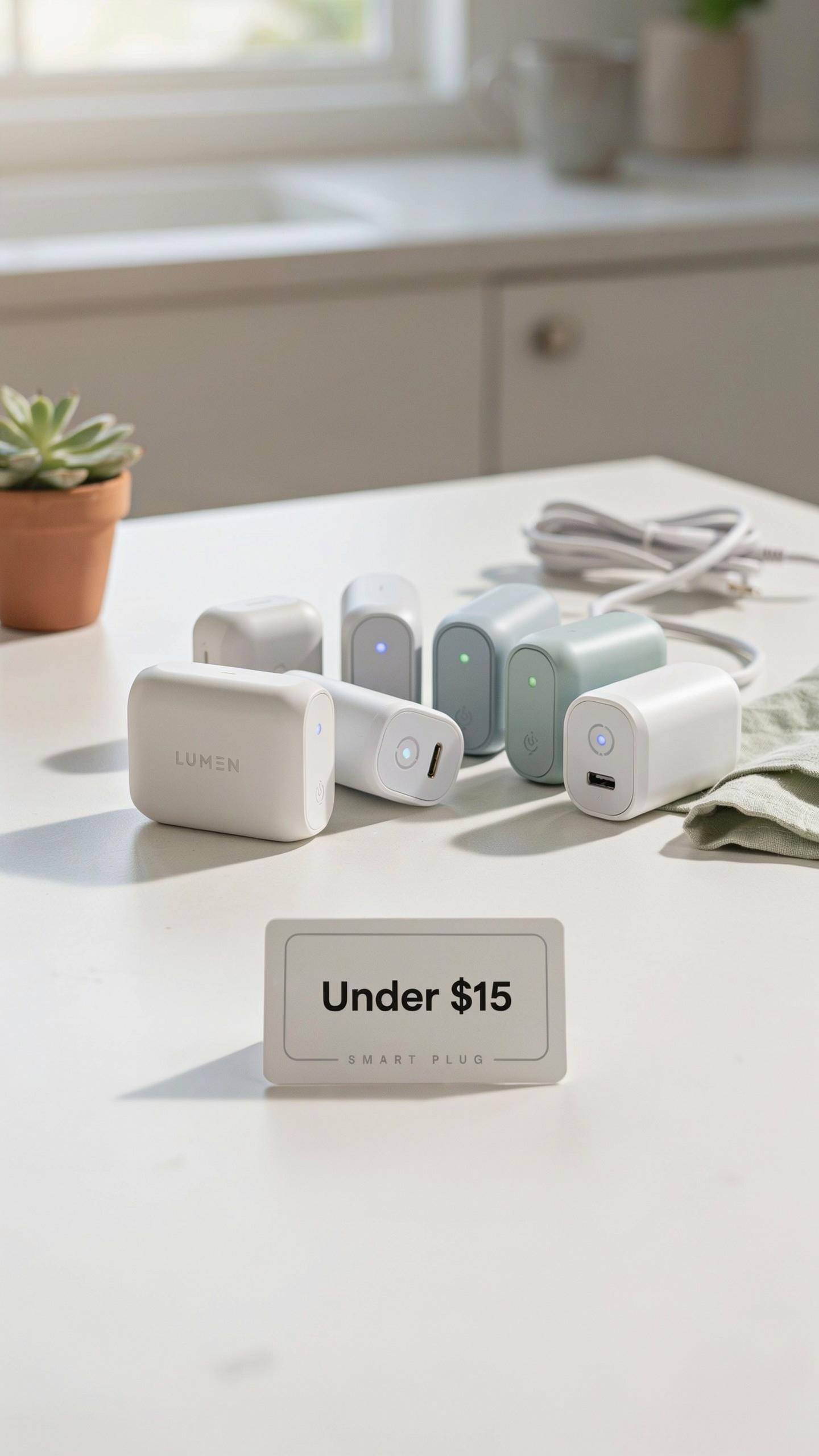
TP-Link Kasa Smart Plug Mini dominates the under-$15 market. It measures 2.2 by 1.6 inches, fits behind furniture without blocking outlets, and connects directly to 2.4GHz WiFi networks. Amazon’s own Smart Plug costs around $15 and works seamlessly with Alexa devices. Wyze Smart Plug offers basic on-off functionality at competitive pricing. Meross Smart Plug Mini provides compact design with reliable Alexa integration at budget prices.
These brands win because they prioritize compatibility first. TP-Link Kasa works with Alexa immediately after setup without requiring additional hubs or bridges. Amazon’s Smart Plug eliminates third-party complications entirely. Wyze delivers simplicity over advanced features, making it ideal for users who want voice control without complexity. Each model connects through 2.4GHz WiFi, which matters because most older routers and Alexa devices operate on this frequency band rather than 5GHz.
Key Features To Look For
Energy monitoring tracks power consumption in real time, showing you exactly how much electricity each device draws. Scheduling lets you automate on-off times without voice commands. Away mode simulates occupancy by randomly turning devices on and off. Timer functions shut devices down after specific periods. Overload protection prevents damage from plugging in high-wattage appliances. Remote access allows control from anywhere through the Alexa app.

Device compatibility matters most at this price point. Budget smart plugs support Alexa exclusively in this price range, meaning they do not work with Google Home or Apple HomeKit without additional adapters. Check the maximum wattage rating before plugging in space heaters or power tools. Look for plugs that support 15 amps minimum. Some models require calibration through the Alexa app during initial setup, adding five minutes to installation. Prioritize plugs with three-year warranty coverage, as cheaper units fail more frequently than premium alternatives.
Setting Up Your Smart Plug With The Alexa App
Step By Step Installation Guide
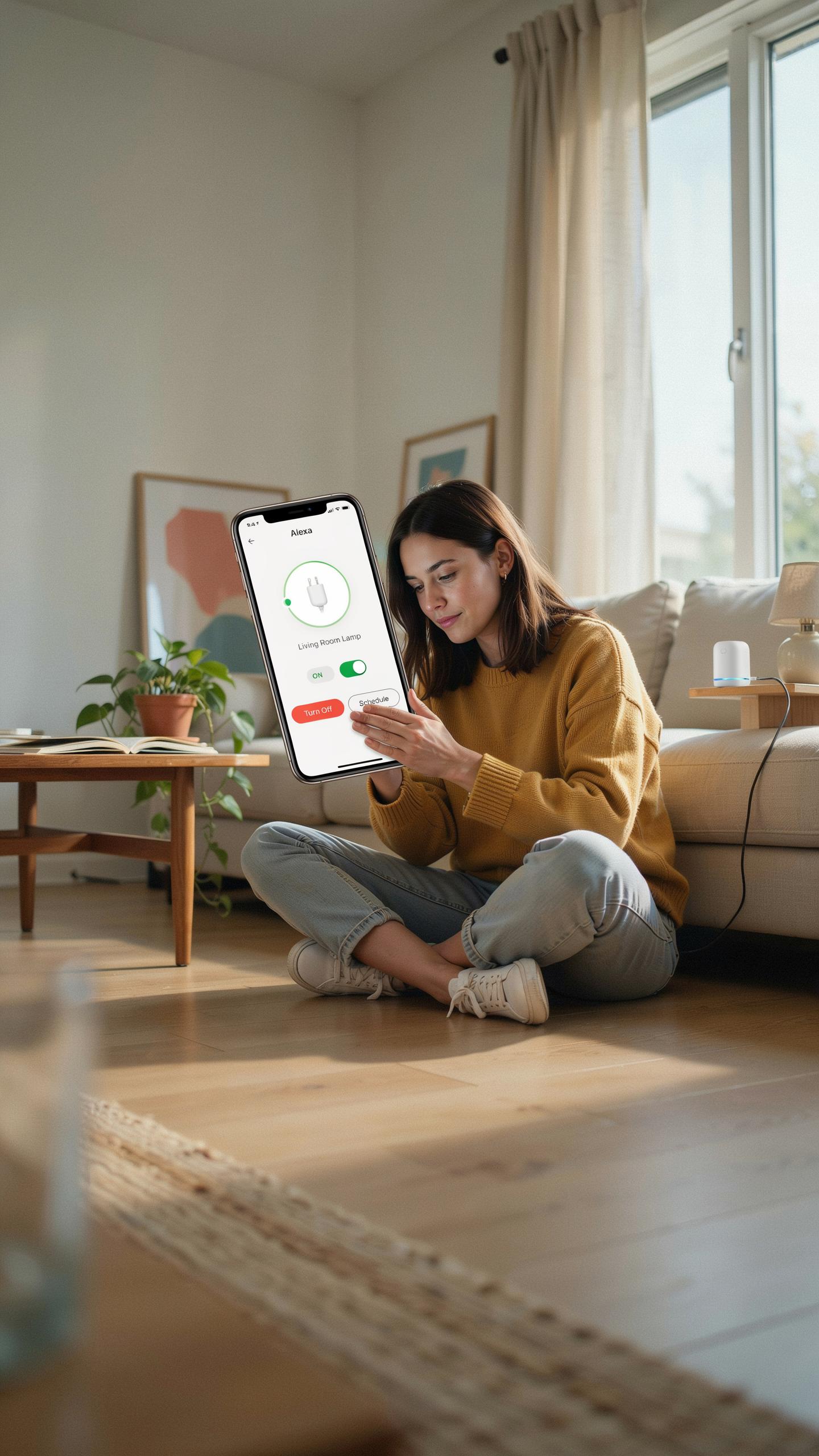
Start by downloading the Alexa app on your smartphone if you haven’t already. Power on your smart plug and plug it into an outlet near your router. Open the Alexa app, tap the plus icon, and select “Add Device.” Choose “Plug” as the device type and follow the on-screen prompts to connect.
The smart plug enters pairing mode automatically after you power it on. The app guides you through connecting it to your WiFi network. Most under-15-dollar plugs connect to 2.4GHz networks only, not 5GHz bands. Once connected, give your plug a descriptive name like “Living Room Lamp” or “Coffee Maker.” The entire process takes under five minutes for most models.
Connecting To Your Alexa Device
After naming your plug in the Alexa app, your Echo device recognizes it automatically if both are on the same network. Test the connection by saying “Alexa, turn on [plug name].” The plug should respond within seconds. If it doesn’t respond, check that your Echo and plug share the same WiFi network and restart both devices.

Create routines to automate your plug with voice commands or scheduled times. Go to the Alexa app’s Routines section and select your smart plug as an action. You can program it to turn on at specific times or link it to other smart home actions. Budget-friendly plugs handle basic on-off commands reliably without lag issues.
Unleashing Smart Plug Ideas For Your Home
Automating Lights And Appliances
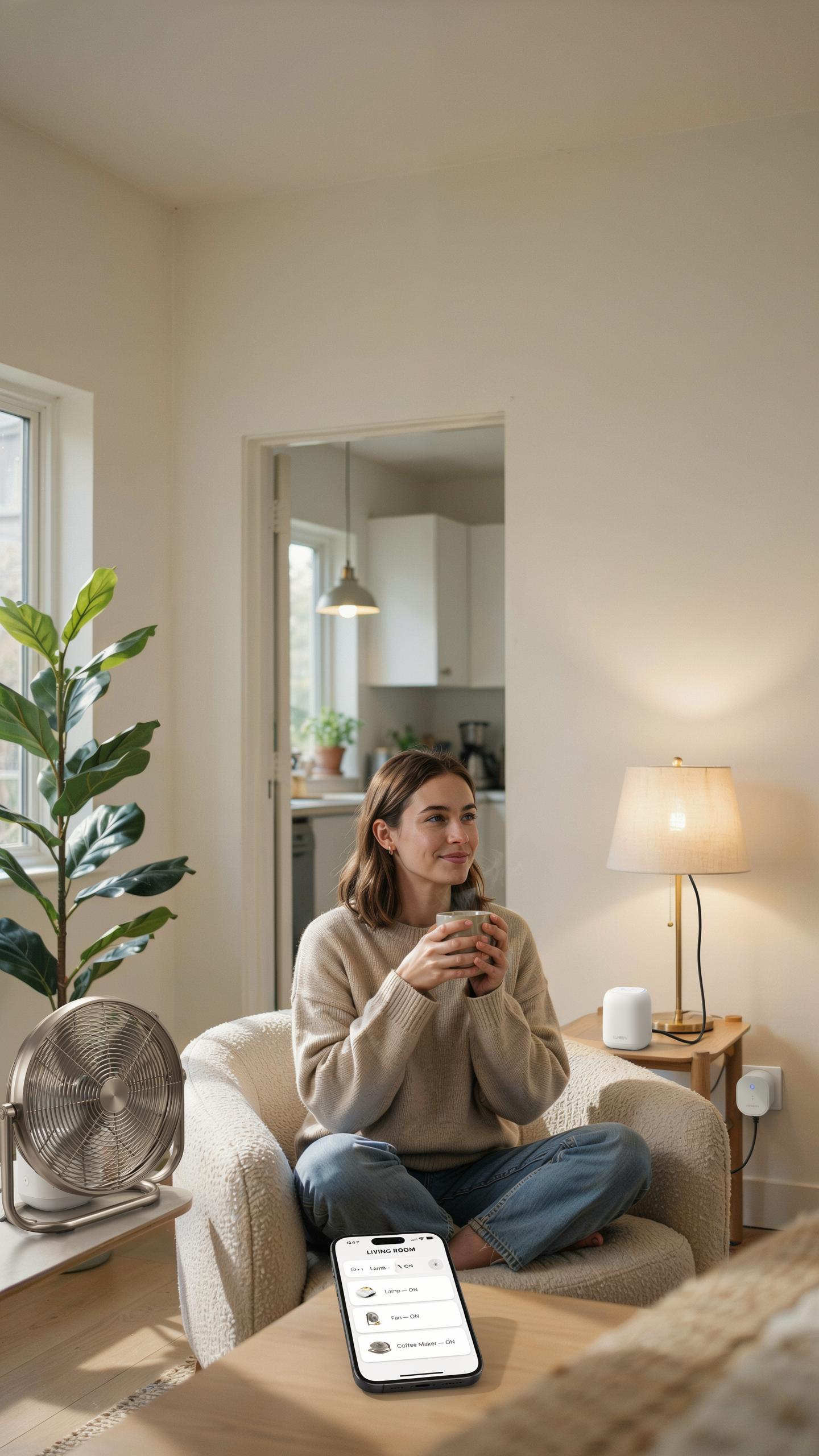
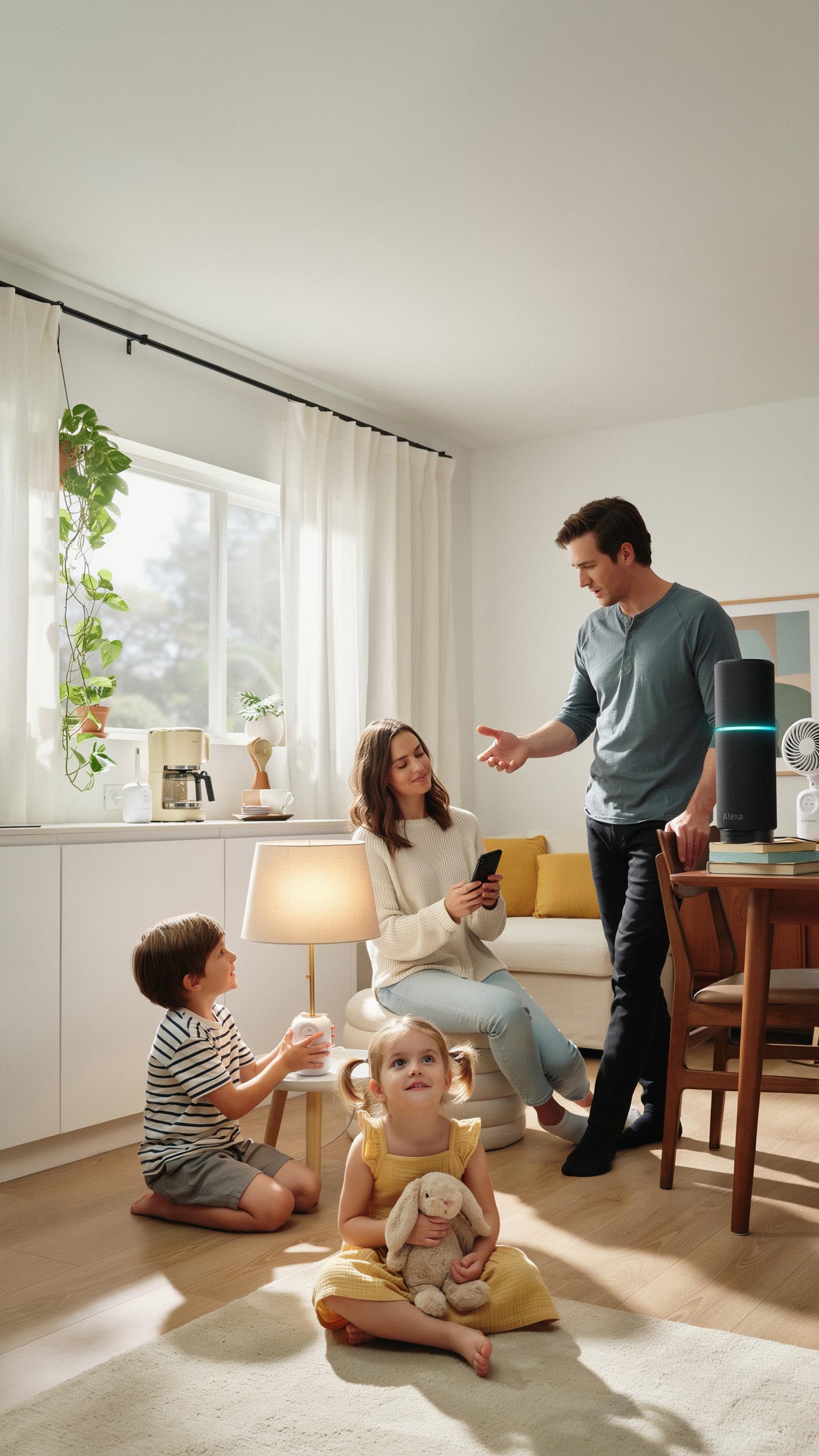
Smart plugs control any device plugged into them. You turn lamps on and off remotely through Alexa voice commands or the mobile app. Coffee makers, fans, and space heaters all work with cheap smart plugs under $15. You control timing, scheduling, and power consumption without rewiring anything.
Plug a lamp into a smart plug, then ask Alexa to turn it on by name. You can schedule devices to power on at specific times each morning. This works for turning off devices too, reducing wasted electricity from devices left running. The setup takes minutes, not hours.
Creating Smart Routines With Alexa
Routines bundle multiple actions into one command or trigger. You say “Alexa, good night” and one routine turns off three lamps, locks the door, and powers down the TV simultaneously. Set routines to run at specific times automatically without your involvement. Alexa handles the automation after you program it once.

Location-based routines trigger actions when you leave or arrive home. Geofencing technology detects when your phone leaves your address, then powers down selected plugs automatically. When you return, another routine powers specific devices back on. This saves energy and creates convenience without manual intervention.
Beyond The Basics Advanced Alexa Smart Plugs Features
Energy Monitoring For Savings
Not all cheap smart plugs under $15 track energy consumption, but some models do. Brands like Meross and TP-Link offer budget options with built-in power monitoring. This feature shows real-time wattage draw and cumulative energy usage through their companion apps. You identify which devices waste power and adjust habits accordingly.
Energy tracking data reveals consumption patterns over days and weeks. Most smart plugs display costs in dollars based on local electricity rates. This actionable insight lets you make targeted decisions about which devices to unplug or replace. Small changes compound into measurable savings on monthly utility bills.
Voice Commands And Grouping
Alexa processes commands like “turn off the kitchen outlets” when you group plugs by room or function. Create groups in the Alexa app to control multiple plugs with one voice request. Standard commands work across all budget plugs: turn on, turn off, and dimming for compatible devices. Grouping reduces the number of individual commands needed daily.

Advanced grouping treats multiple plugs as a single unit for automation routines. Set schedules where grouped plugs activate at specific times or trigger based on conditions. You can sequence actions so devices power on in a particular order. This prevents electrical overload when high-draw appliances start simultaneously.
Ensuring Compatibility Homekit Compatible Smart Plug Vs Alexa
Understanding Different Smart Home Ecosystems
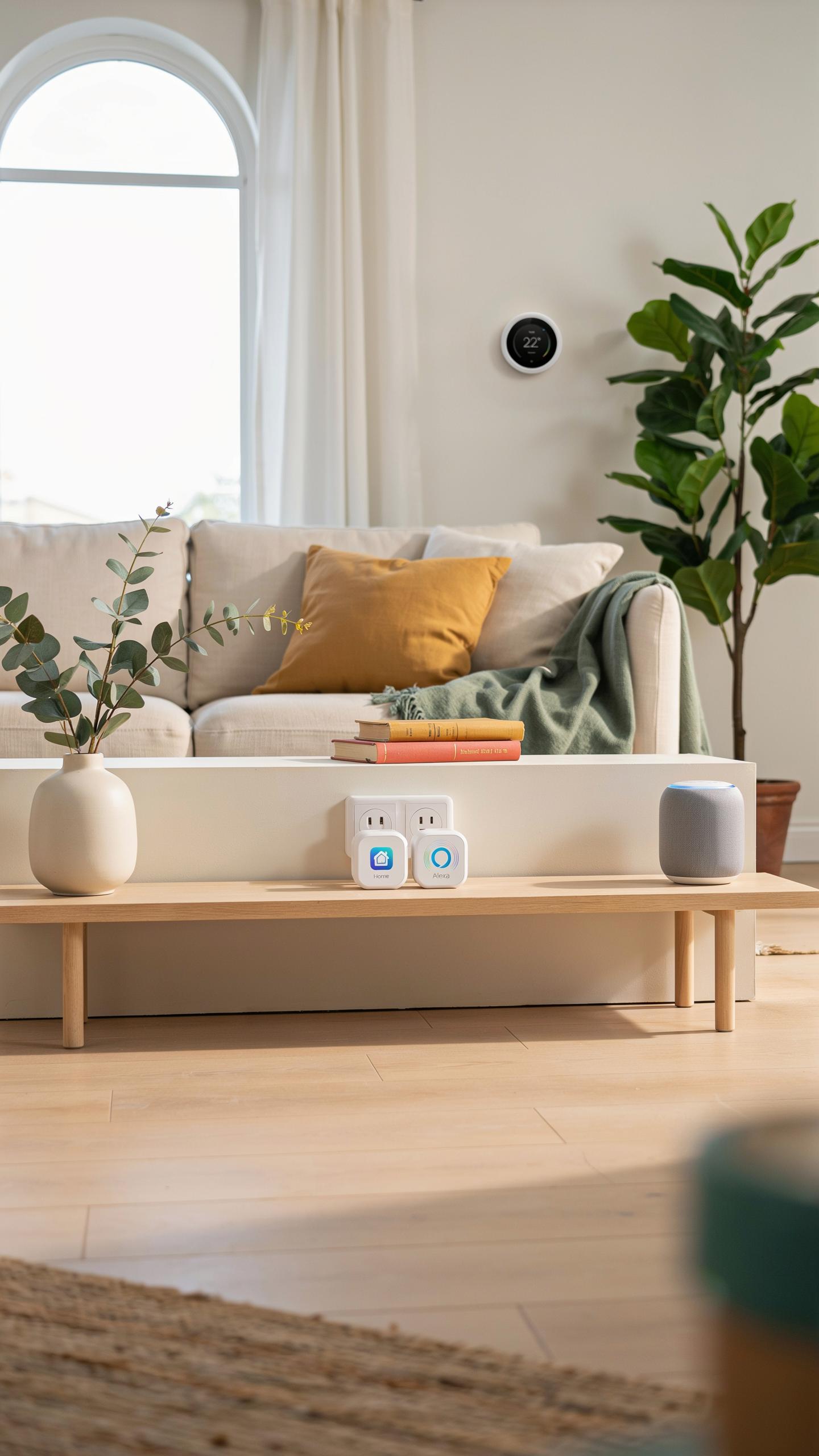
Amazon Alexa and Apple HomeKit operate on separate networks and protocols. Alexa uses WiFi and proprietary Amazon technology. HomeKit uses HomeKit Secure Router and requires specific certification. A smart plug built for HomeKit will not automatically work with Alexa. You must verify the plug supports Alexa before buying. Check the product specs or contact the manufacturer directly.
HomeKit and Alexa serve different user bases with different devices. HomeKit integrates with iPhones, iPads, and Apple TV. Alexa works across Echo devices, Fire tablets, and smartphones. Choosing the right ecosystem depends on your existing devices. Most budget smart plugs under 15 dollars support Alexa, not HomeKit. This matters because HomeKit certified devices cost significantly more.
In a world of endless possibilities, even the simplest convenience can bring a smile. That little smart plug, once a dream, now lights
— Unknown
Bridging The Gap: Potential Workarounds
Some manufacturers build smart plugs that work with both systems. TP-Link, Treatlife, and Meross make dual compatible models. These plugs support Alexa through native integration, not bridges. Dual support eliminates the need for workarounds entirely. Check product listings explicitly for Alexa compatibility before purchasing. Sellers often highlight multi-system support in product titles and descriptions.

Third party solutions like automation apps offer limited integration. IFTTT lets you create rules between HomeKit and Alexa devices. This approach requires extra steps and adds latency to commands. Most workarounds fail to deliver seamless control across systems. The practical solution remains buying plugs that natively support your chosen ecosystem. Stick with Alexa compatible plugs to avoid complexity and cost overruns.
Troubleshooting How To Connect Alexa To Smart Outlet

Common Connectivity Issues
Smart plugs fail to connect for three core reasons: WiFi signal strength, incorrect credentials, and incompatible network types. Most budget smart plugs under $15 use 2.4GHz WiFi only and cannot connect to 5GHz networks. Check your router settings and ensure your plug is within range of your WiFi signal. Distance, walls, and interference from other devices kill connections fast.
Wrong passwords cause half of all connection failures. Double check your WiFi password character by character when entering it into the Alexa app. Some plugs require you to hold the reset button during setup to enter pairing mode. If your plug won’t show up in the app search, restart your phone and router, then try again.
Resetting And Reconnecting Devices
Reset your smart plug by holding the power button or dedicated reset button for 10 to 15 seconds until the LED flashes. The exact timing depends on your model, so check the product manual for your specific plug. A factory reset clears all saved WiFi data and returns the device to its default state.

After reset, open the Alexa app and select “Add Device.” Choose “Smart Plug” from the menu and scan for new devices. Your reset plug will appear as an available option. Select it and enter your WiFi password. Once connected, the LED light stabilizes and stays on. Assign the plug to a room and test it by turning it on and off through the app.
Specific Brands Jinvoo Smart Plug Alexa Setup And White Smart Plugs Alexa
Jinvoo Smart Plug Integration Tips
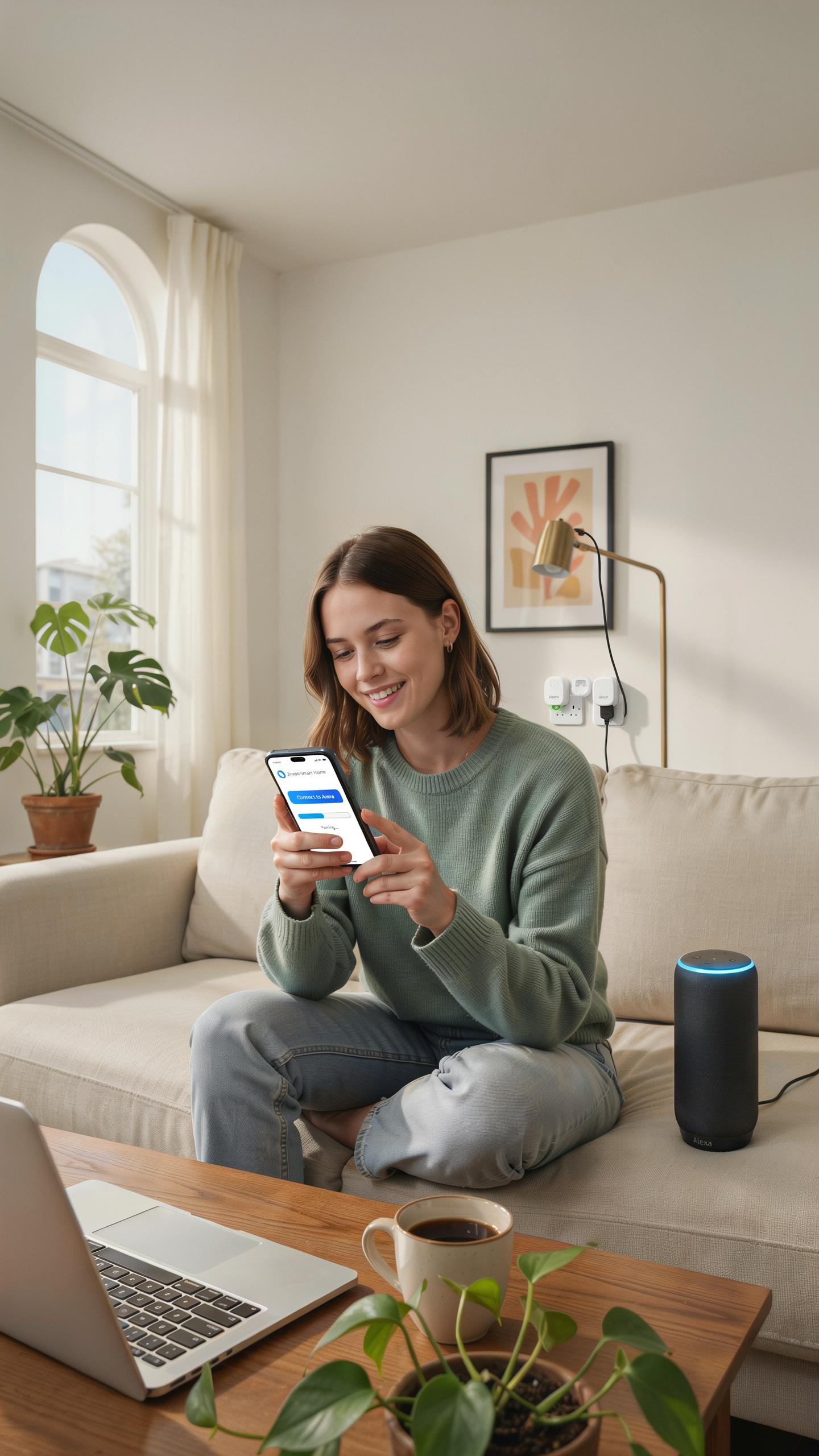
Jinvoo smart plugs connect to Alexa through the Jinvoo app first, then link via Alexa’s smart home settings. Download the Jinvoo app, create an account, and add your plug to the app using your home WiFi network. Once paired in the app, open Alexa and search for the Jinvoo skill. Enable the skill and authorize your Jinvoo account credentials to establish the connection between devices.
After linking, your Jinvoo plug appears as a controllable device in Alexa. You can command it by saying “Alexa, turn on the kitchen plug” or create routines that trigger the plug automatically. Jinvoo plugs support scheduling within both the Jinvoo app and Alexa. Test the connection immediately after setup to confirm voice commands work properly before relying on automation features.
Aesthetic And Functionality Of White Smart Plugs
White smart plugs blend into most home environments without standing out visually. They work behind furniture, inside cabinets, or against white walls where darker plugs would be noticeable. The neutral color choice makes white plugs practical for living rooms, bedrooms, and kitchens where aesthetics matter. White plugs maintain the same technical performance as other color options without sacrificing functionality for appearance.

Functionality remains identical across white and black smart plug models when the internal components match. White plugs still handle the same wattage limits, remote access capabilities, and Alexa integration as standard variants. Choose white plugs based on your home’s color scheme and decor preference, not performance expectations. The color selection serves interior design needs rather than affecting how the plug operates or responds to commands.
Making The Most Of Your Alexa Compatible Smart Plugs
Maximizing Energy Efficiency
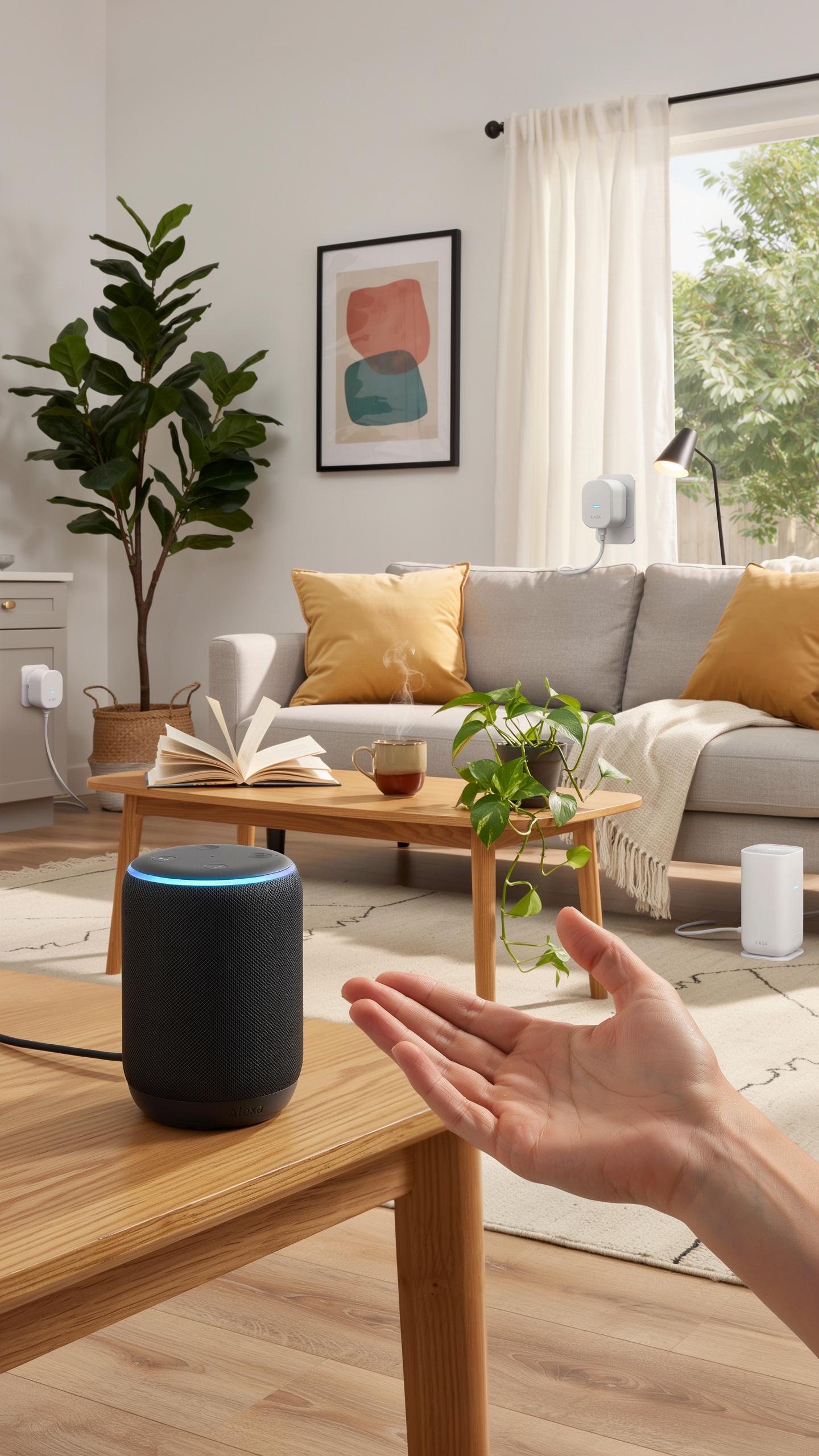
Smart plugs let you control power consumption by scheduling devices to run only when needed. Set plugs to turn off devices during peak electricity hours or when you leave home. Many under-15 dollar models support schedules and timers through the Alexa app. This approach cuts wasted energy from devices left running unnecessarily. Track which devices consume the most power and prioritize them for plug automation first.
- Schedule High Consumption Devices: Program coffee makers, heaters, and space heaters to run during off-peak hours when electricity rates drop or when you actually need them active.
- Set Away Routines: Create Alexa routines that power down non-essential devices when you leave home, eliminating standby power drain from televisions and entertainment systems.
- Use Energy Monitoring Features: Budget smart plugs from brands like Wyze and TP Link Kasa show real time power usage, helping you identify which devices waste the most electricity.
- Automate Seasonal Adjustments: Switch plug schedules based on seasons to reduce heating and cooling device runtime during mild weather months.
- Group Related Devices: Use Alexa groups to control multiple plugs with a single command, making it easier to power down entire rooms or zones simultaneously.
Smart plugs pay for themselves within months through reduced energy bills. Calculate your current standby power usage by identifying devices that stay plugged in 24/7. Most under-15 dollar plugs use less than one watt in standby mode, so the energy savings come from controlling connected devices, not from the plugs themselves. Targeting phantom loads from entertainment centers and kitchen appliances yields the fastest returns.
Future Proofing Your Smart Home
Smart plug technology evolves steadily but fundamentally. Current under-15 dollar models support WiFi connectivity, which remains the dominant standard. Thread protocol integration is expanding in newer devices, offering mesh networking that improves reliability. Zigbee support appears in some budget plugs and provides an alternative pathway for long-term compatibility. Alexa continues expanding its third-party device support, meaning plugs certified today will likely work with future Alexa updates for years.
Purchase plugs from established brands like TP Link Kasa, Wyze, and Amazon Basics to ensure ongoing software support. These manufacturers maintain app updates and Alexa compatibility across multiple generations. Avoid obscure brands with single product lines, as they disappear frequently and leave users without support. Check manufacturer track records by reviewing how long they support older models with updates. This approach guarantees your investment remains functional beyond the typical three to five year device lifespan.
Frequently Asked Questions

What exactly is a smart plug, and how does it connect with Alexa?
A smart plug is a device that turns any ordinary appliance into a smart one, allowing you to control it remotely via an app or voice commands. When you’re looking for cheap smart plugs that work with Alexa, they connect to your home Wi-Fi and then integrate seamlessly with your Alexa app for voice control and scheduling.
How do I set up a cheap smart plug with my Alexa device once I’ve bought one?
Setting up your cheap smart plug is usually a breeze! First, plug the smart plug into an outlet. Then, open the smart plug’s dedicated app (usually mentioned in the instructions) to connect it to your Wi-Fi. Finally, open the Alexa app, search for new devices, and link your smart plug skill.
Can I really find reliable cheap smart plugs that work with Alexa for under $15, or will they be poor quality?
Absolutely! Many reputable brands offer reliable cheap smart plugs that work with Alexa for under $15. While prices are low, these often provide essential features like scheduling, remote control, and voice commands. Focus on products with good user reviews to ensure quality and compatibility.



