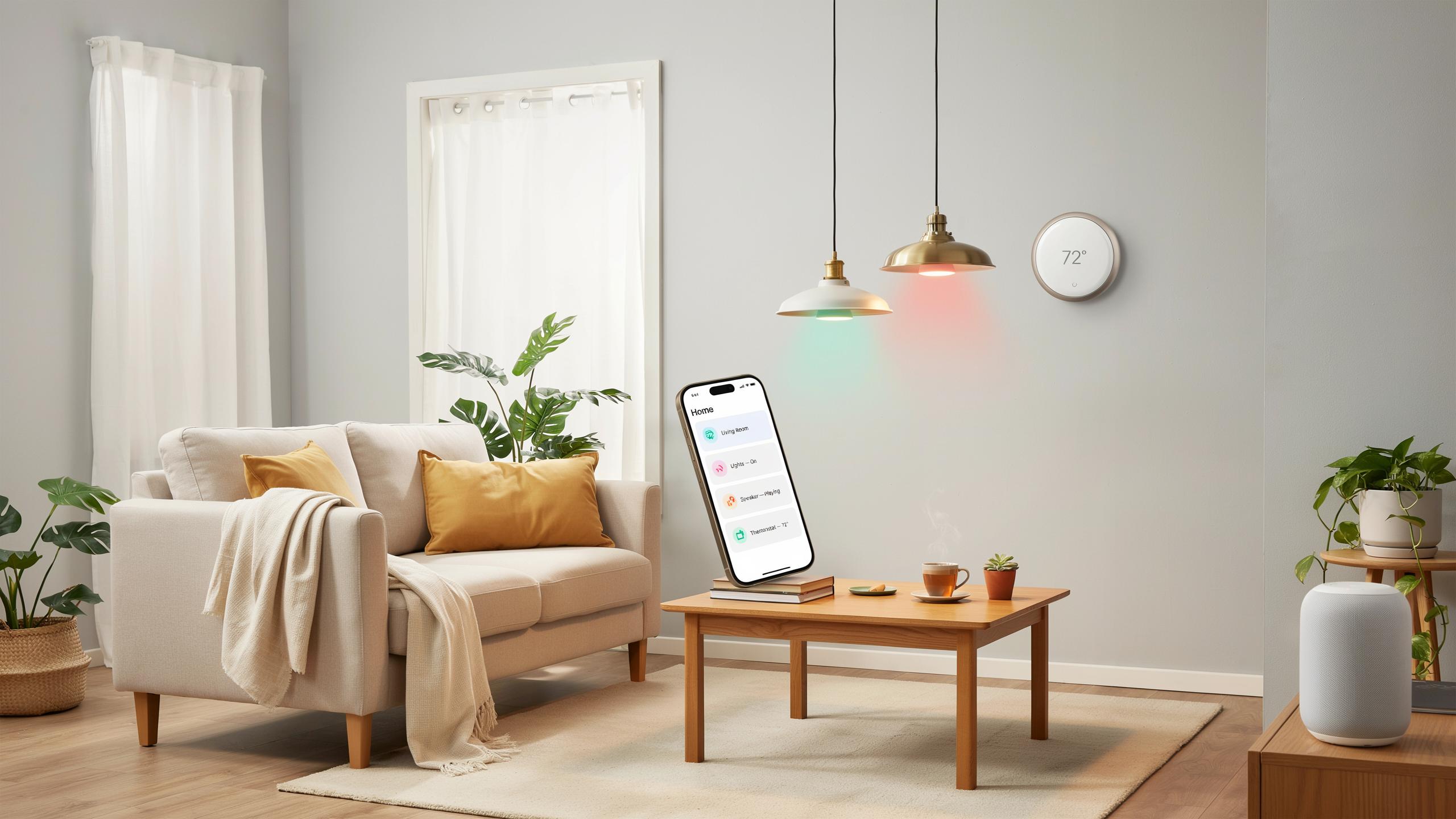
Introduction To Affordable Smart Home Starter Gadgets
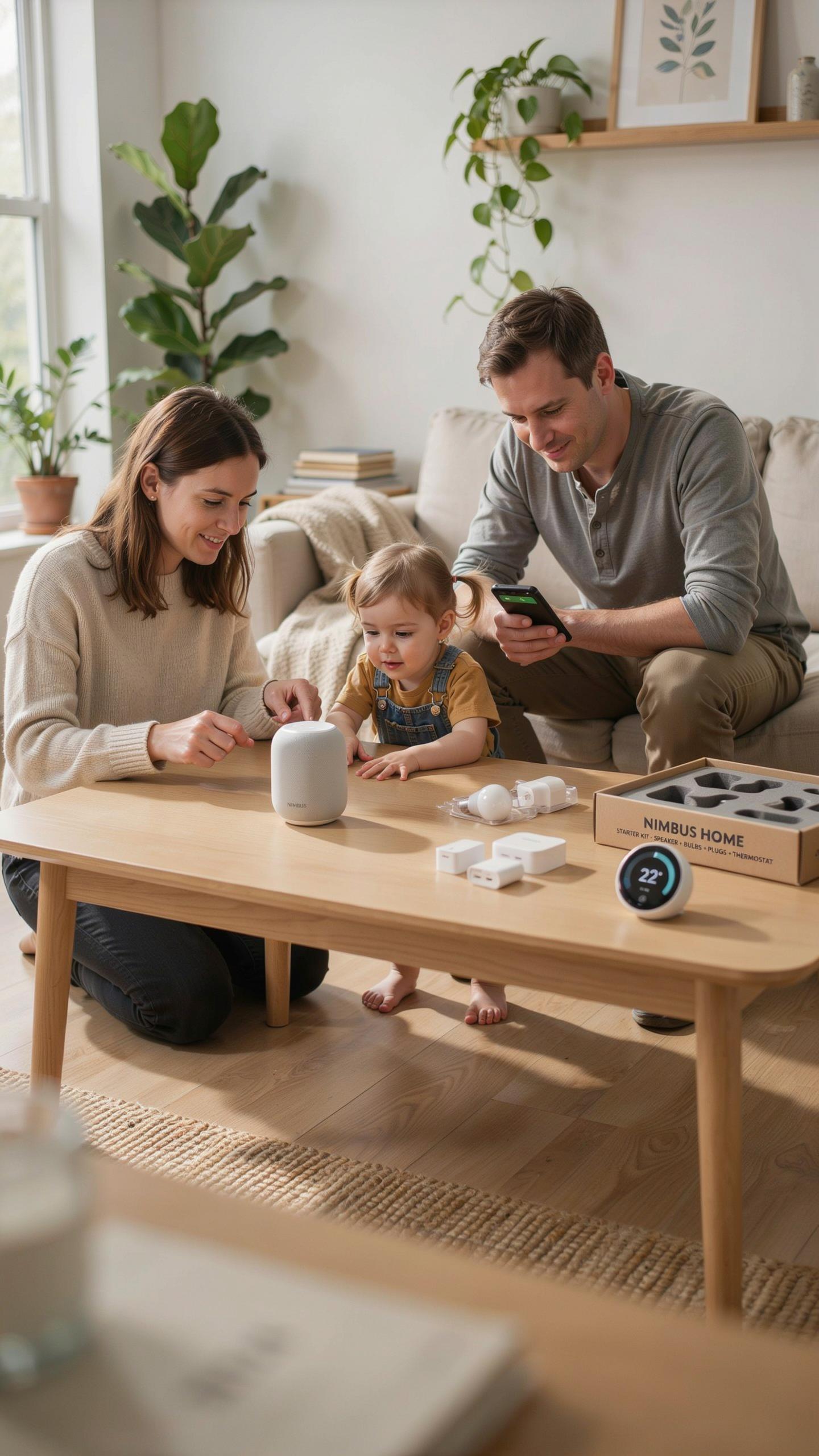
Understanding The Appeal Of Smart Home Technology
Smart home devices solve concrete problems. They reduce energy waste by automating heating and cooling. They improve security through remote monitoring and alerts. They save time on routine tasks like lighting and appliance control. Homeowners adopt these devices to lower utility bills, gain peace of mind, and simplify daily operations. The appeal is practical, not trendy.
Cost barriers have fallen dramatically. Five years ago, smart home entry required substantial investment. Today, functional devices cost between 15 and 50 dollars. This price drop makes smart home adoption accessible to average households. Market competition between manufacturers drives down costs while maintaining quality. Affordability now determines adoption rates more than technology limitations.
Setting Up Your First Smart Home
Start with one device that solves your primary need. Choose between smart lighting, a smart speaker, or a smart thermostat. Each entry point offers different value. Smart lights provide immediate convenience and energy tracking. Smart speakers enable voice control and act as a central hub. Smart thermostats deliver measurable monthly savings on heating and cooling bills.
Focus on compatibility before purchasing your second device. Most affordable devices use either WiFi, Zigbee, or Z-Wave standards. Check that new devices match your existing ecosystem. Mixing incompatible standards creates fragmentation and operational headaches. Start with devices from one manufacturer or ensure they support a common hub. This approach prevents costly mistakes and keeps your setup streamlined.

Smart Lighting A Bright Start To Home Automation
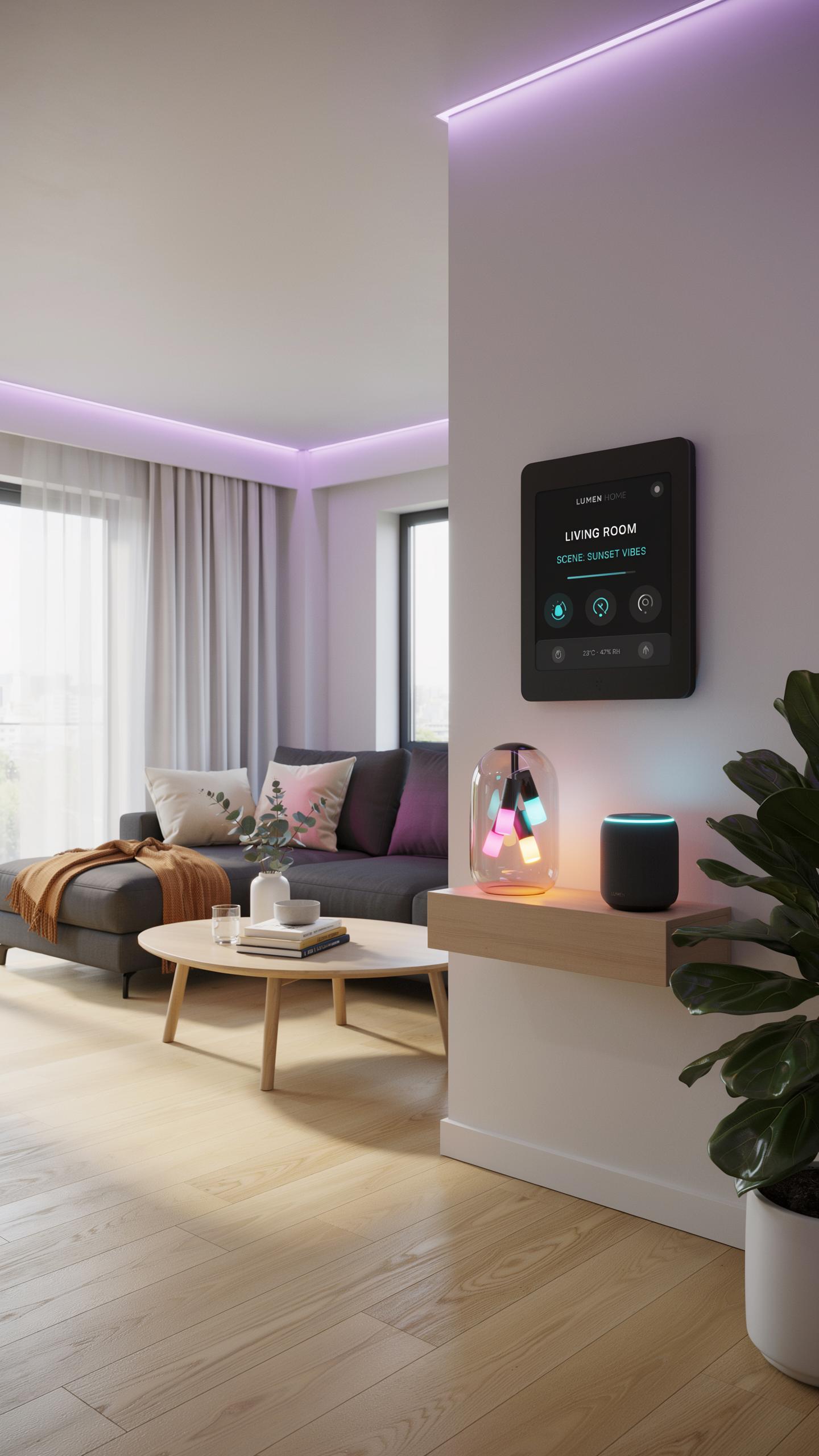
Affordable Smart Bulbs For Every Room
Smart bulbs range from 10 to 25 dollars per unit. You control them through smartphone apps or voice commands. Most work with existing light fixtures without rewiring. Popular brands include Wyze, LIFX, and Philips Hue budget lines. These bulbs last 25,000 to 50,000 hours, reducing replacement costs over time.
Start with one or two bulbs in high-traffic areas like bedrooms or living rooms. Test the system before buying bulbs for every room. You learn which features matter to your household. Most smart bulbs dim, change color temperature, and turn on remotely. Budget under 100 dollars for a solid three-bulb starter setup.
Benefits Of Smart Lighting Systems
Smart lighting cuts energy use by automating schedules and brightness levels. Bulbs consume 80 percent less energy than traditional incandescent options. Motion sensors eliminate lights left on in empty rooms. Timers simulate occupancy when you travel, deterring break-ins. You adjust lighting from anywhere, improving home security without expensive cameras.

Smart bulbs enhance comfort by setting mood lighting for different times of day. Morning lights gradually brighten to support natural wake cycles. Evening modes reduce blue light, supporting better sleep patterns. Voice control eliminates fumbling for switches in dark spaces. Automated schedules adapt to seasonal changes without manual adjustment.
Smart Plugs Simple Home Upgrades With Big Impact

Transforming Regular Appliances Into Smart Devices
Smart plugs convert any device into a remotely controllable unit. You plug the device into the smart plug, then connect the plug to your electrical outlet. Your phone or voice assistant now controls power to that device. No rewiring required. This works with lamps, coffee makers, fans, humidifiers, and other electronics that draw power continuously.
The advantage is straightforward: you automate devices without replacement costs. A ten-dollar lamp becomes a ten-dollar smart lamp. Your existing appliances gain scheduling and remote access capabilities. You eliminate manual on-off switching for devices in hard-to-reach places. This approach scales to multiple devices across your home with minimal investment.
Energy Monitoring And Schedule Setting With Smart Plugs
Many smart plugs display real-time power consumption data through their companion apps. You see exactly how much electricity each device uses. This identifies power-hungry appliances and helps you cut unnecessary consumption. Set schedules to turn devices on and off automatically at specific times. Program your coffee maker to brew before you wake. Turn off entertainment systems at night without manual intervention.

Remote control adds convenience and security. Turn off forgotten devices from anywhere using your phone. Simulate occupancy while traveling by scheduling lights and devices at random intervals. This costs nothing beyond the plug itself. Most models integrate with Alexa, Google Home, and Apple HomeKit, meaning voice commands work immediately after setup. You control multiple devices from a single interface.
Voice Assistants Your Central Smart Home Hub
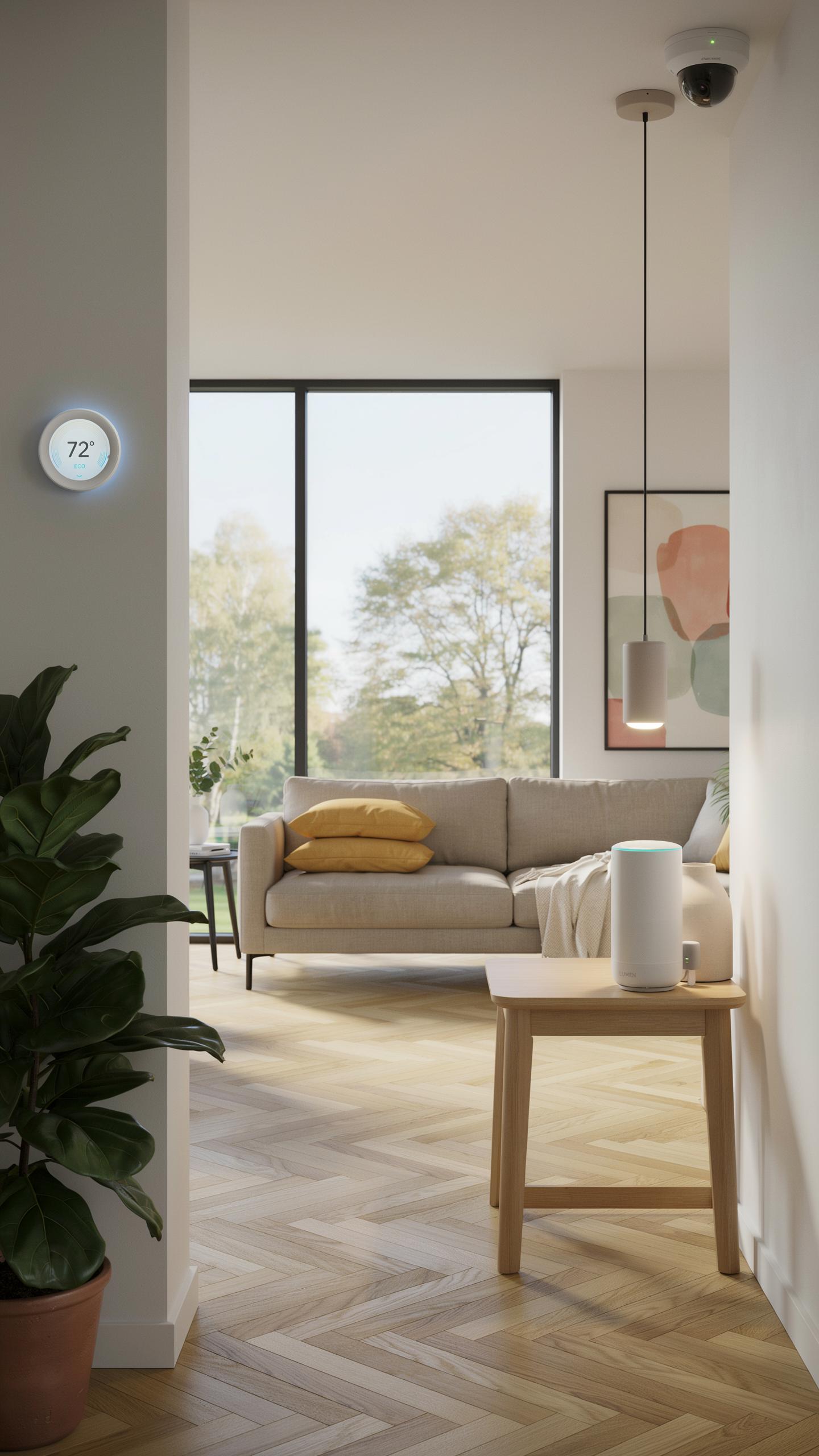
Choosing The Right Affordable Smart Speaker
Amazon Echo Dot, Google Home Mini, and Meta Portal Mini dominate the budget smart speaker market. Echo Dot costs around 50 dollars and controls over 100,000 compatible devices. Google Home Mini runs about 50 dollars and integrates tightly with Google services and Android phones. Meta Portal Mini focuses on video calling but costs roughly 90 dollars. Each platform locks you into its ecosystem, so choose based on your existing devices and services.
Compatibility matters more than brand loyalty when buying your first speaker. Check what devices you already own before committing. An Echo Dot makes sense if you use Amazon services or own Fire tablets. Google Home Mini works better if you use Gmail, Google Calendar, or Android devices. These speakers handle basic functions identically, so pick whichever integrates with your current tech stack.
Controlling Your Smart Gadgets With Voice Commands
Voice commands streamline common tasks like adjusting lights, checking weather, and playing music. You speak one phrase instead of opening an app or flipping a switch. Commands work across brands when you connect devices to the same voice assistant platform. This eliminates reaching for multiple remotes or phones throughout your home.

Start with simple commands before building complex routines. Say “Alexa, turn off the bedroom light” rather than grabbing your phone. Once comfortable, create routines that trigger multiple devices at once. A morning routine can brew coffee, adjust the thermostat, and read the news simultaneously. Voice control saves time during busy mornings and hands-free moments when your hands hold groceries or children.
Smart Security Entry Level Home Gadgets For Peace Of Mind
Affordable Smart Sensors And Alarms
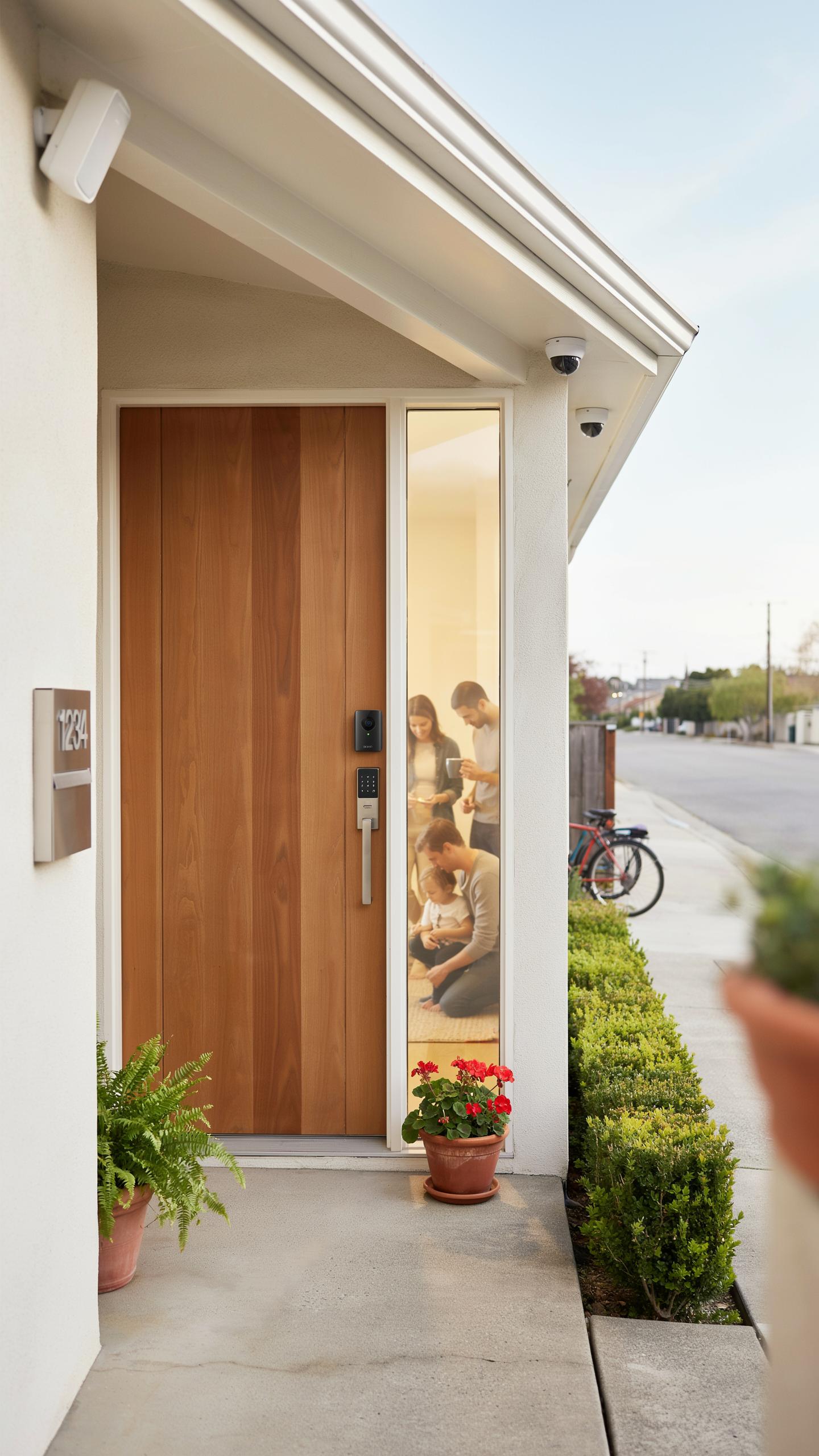
Budget smart door and window sensors cost between 15 and 40 dollars per unit. These devices detect when entry points open or close, then send alerts to your phone. Most work with major platforms like Alexa or Google Home. Installation takes minutes without tools. You place sensors on frames and doors, then pair them wirelessly to a hub or directly to your phone.
Affordable alarm systems start around 100 to 200 dollars for basic kits. These bundles include a hub, sensors, and a siren. Professional monitoring services run 10 to 20 dollars monthly if you want police dispatch. Many people skip monitoring and rely on phone alerts alone. The siren alone deters most intruders when triggered by sensors.
Monitoring Your Home Remotely With Smart Tech
Smart video doorbells range from 60 to 150 dollars and show live feeds to your phone. They record when motion triggers the camera or someone presses the button. You see and talk to visitors before opening your door. Cloud storage for recordings costs extra on most models. Some offer local storage options that avoid subscription fees.

Indoor security cameras start at 30 to 80 dollars per unit. Place them in living rooms, bedrooms, or hallways for full coverage. Most record continuously or trigger on motion detection. You review footage anytime through an app on your phone. Battery powered versions work in spaces where outlets are unavailable, though wired models provide constant power without recharging.
Smart Thermostats Energy Efficient Home Automation
Saving Energy With Smart Temperature Control
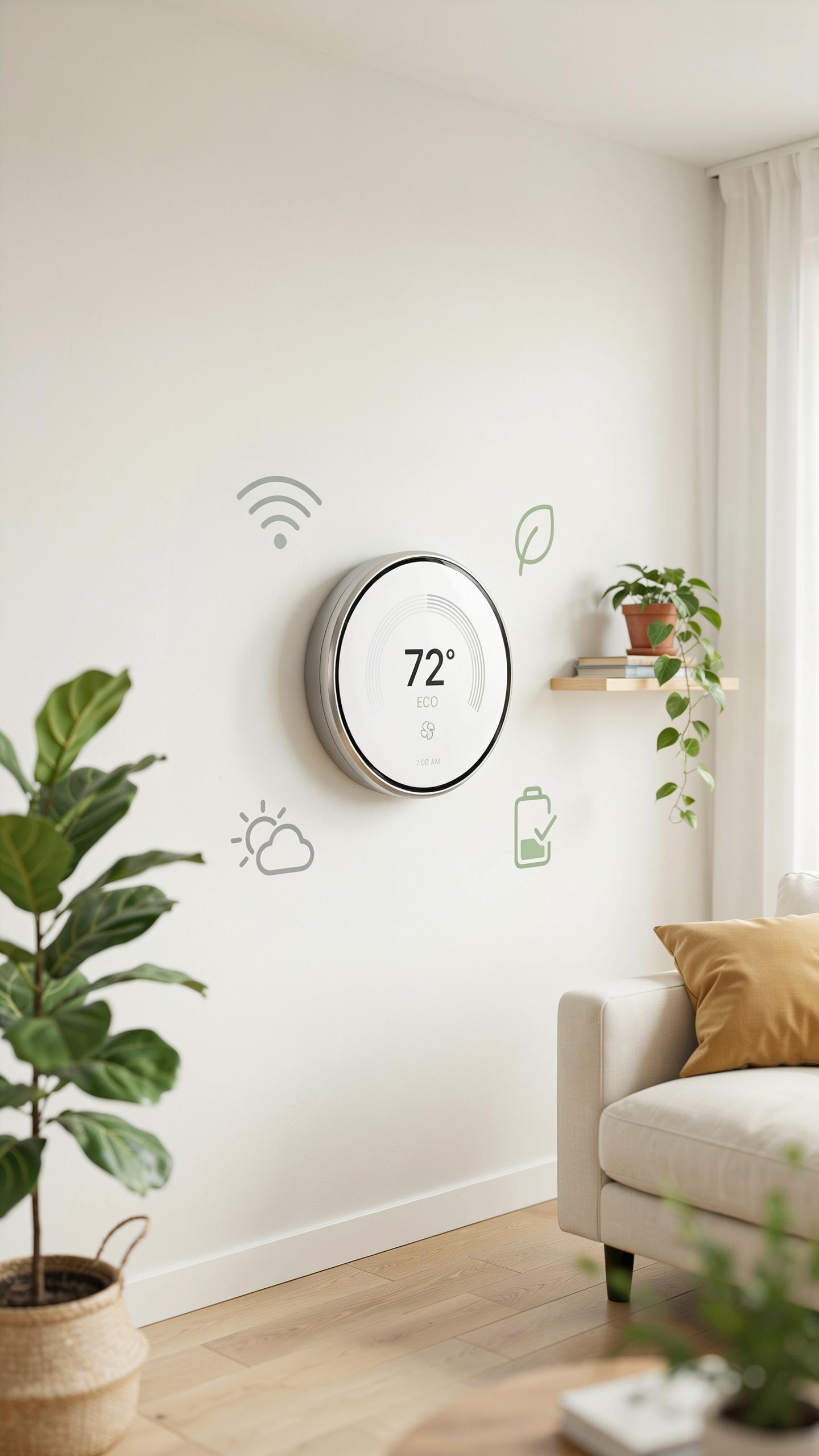
Smart thermostats cut heating and cooling costs by automating temperature schedules based on your needs. They eliminate wasteful temperature adjustments when you’re away or asleep. Most models reduce energy consumption by 10 to 15 percent annually. Budget options like the Ecobee SmartThermostat and Nest Learning Thermostat deliver measurable savings without premium pricing.
These devices work with your existing HVAC system in most homes. Installation takes one to two hours for users with basic electrical knowledge. Your utility company may offer rebates for smart thermostat adoption, offsetting upfront costs. Track energy usage through built in dashboards to understand consumption patterns.
Remote Access And Learning Capabilities Of Smart Thermostats
Access your thermostat from anywhere using smartphone apps. Adjust temperature before arriving home or make changes while traveling. No need to wait until you return to modify settings. Real time notifications alert you when heating or cooling cycles run.

Smart thermostats learn your temperature preferences and daily routines over time. Algorithms automatically adjust schedules based on detected patterns without manual input. Geofencing features trigger heating or cooling when you leave or approach home. These capabilities reduce manual adjustments and optimize comfort while minimizing energy waste.
Smart Entertainment Elevate Your Home Tech Experience
Affordable Smart Media Devices And Streaming
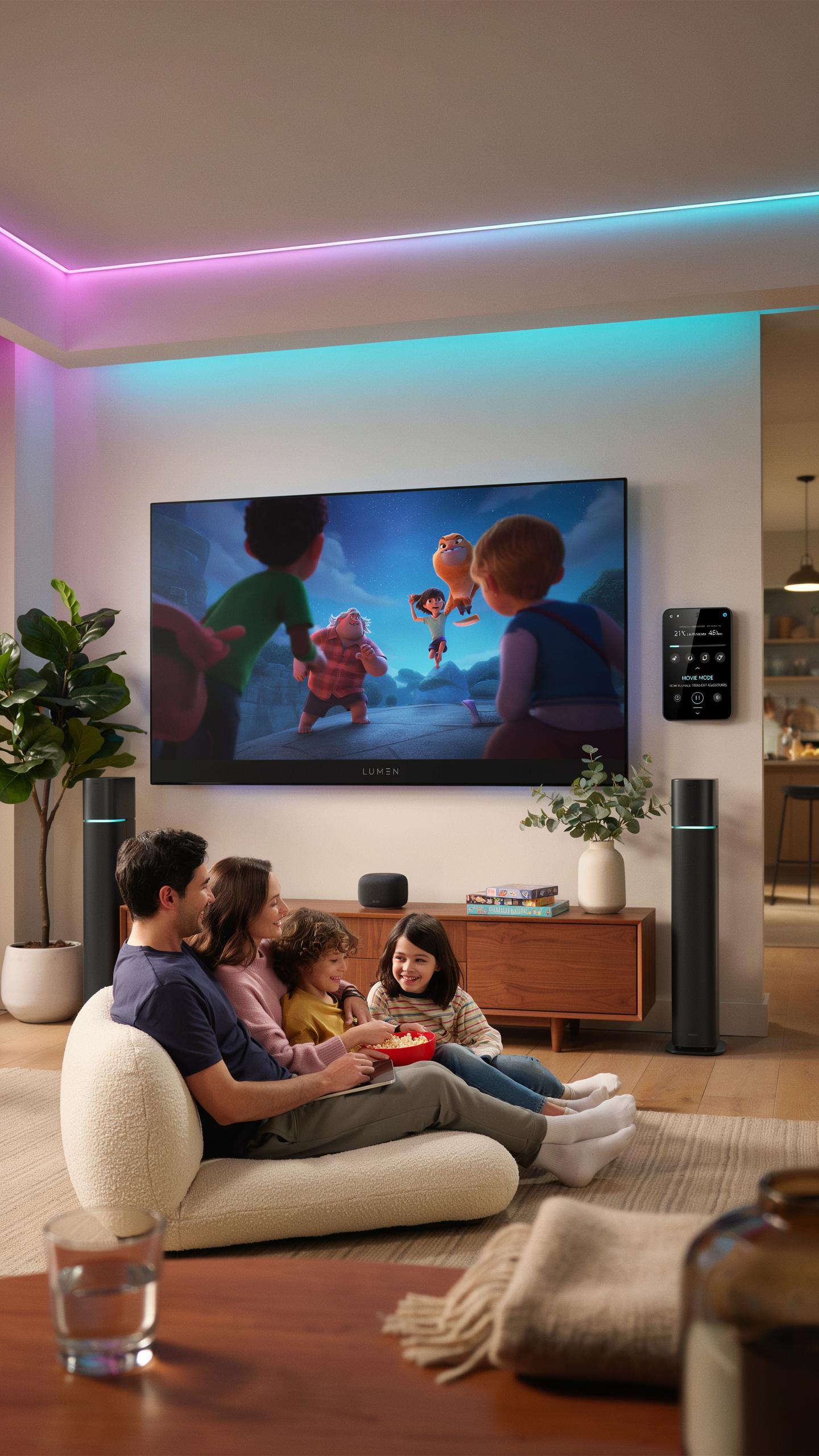
Budget smart speakers like the Echo Dot or Google Home Mini deliver streaming access at entry-level prices. These devices handle music playback, podcasts, and audiobooks without breaking your budget. They connect to existing speakers or work standalone. Most cost under 50 dollars. They serve as your entertainment hub without demanding premium pricing.
Smart displays add visual capability at reasonable costs. The Echo Show 5 and Google Nest Hub provide screens for video calls, recipe viewing, and smart home control. These run between 50 and 100 dollars. They replace multiple devices and reduce clutter. Start with one to test the format before expanding.
Integrating Smart Gadgets For A Unified Entertainment System
Compatibility matters more than brand loyalty when building your system. Choose devices that work with your existing setup. Android users benefit from Google ecosystems. Apple users should prioritize HomeKit compatibility. Mixing brands works but requires more setup effort. Test one ecosystem first before adding competing platforms.

Connect your smart speaker to compatible devices through your home WiFi network. Your TV, lights, and sound systems respond to voice commands once integrated. Automation routines let you trigger multiple devices simultaneously with one command. Start with basic connections like speaker to lights. Add complexity gradually as you understand the controls.
Building Your Smart Home Ecosystem Best Smart Home Practices
Compatibility And Interoperability Of Smart Gadgets
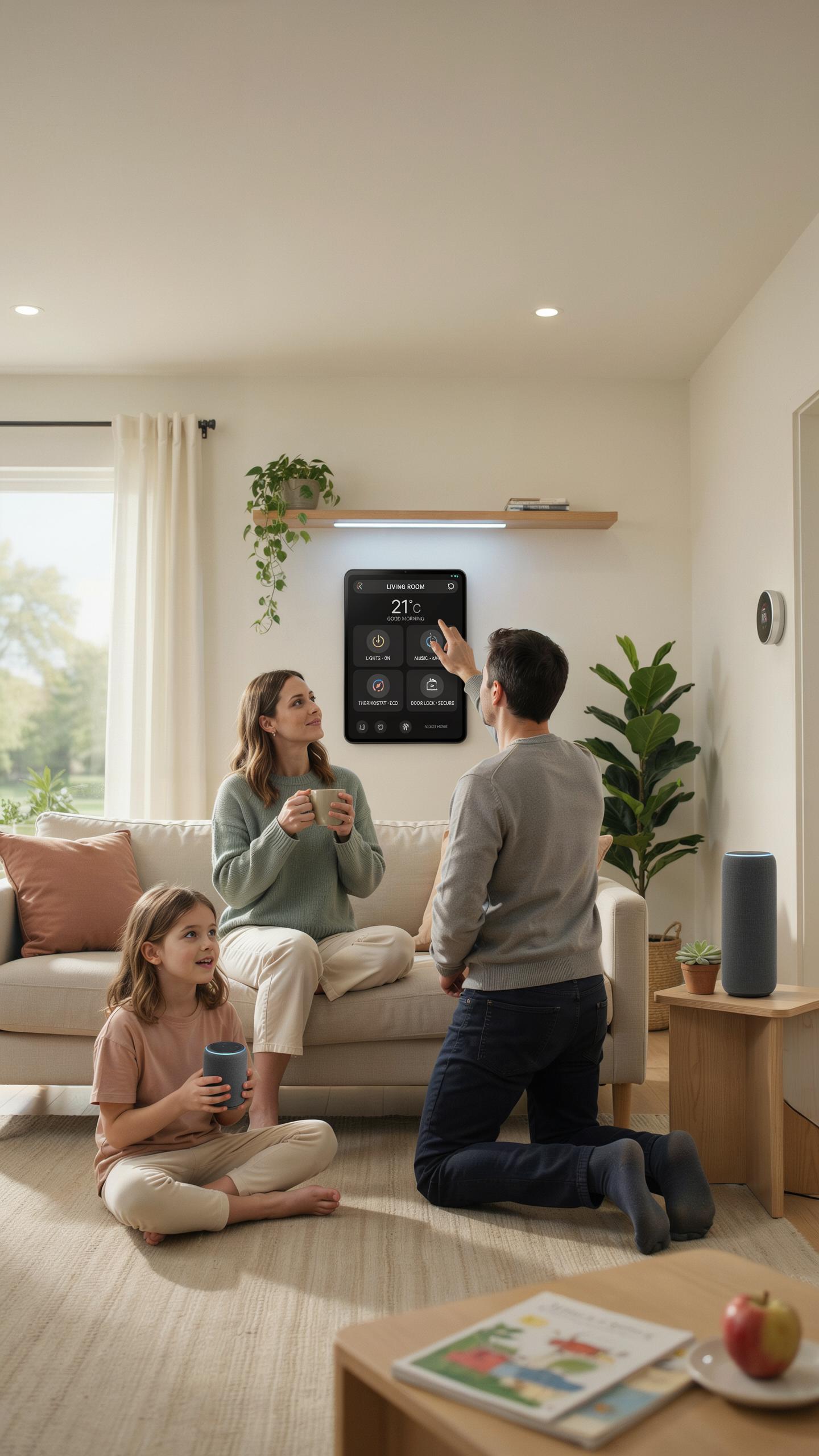
Your devices must communicate on the same standards or your setup fails. Most affordable starter gadgets operate on WiFi, Zigbee, or Z Wave protocols. Mixing incompatible protocols creates dead zones and forces you to manage separate apps for each device. Pick one ecosystem early and stick with it.
- WiFi devices: Work with most routers and require no additional hardware. Every smartphone connects to WiFi, making setup straightforward. Trade off is higher power consumption compared to Zigbee or Z Wave alternatives.
- Zigbee protocol: Uses less power than WiFi and creates mesh networks that extend range. Requires a compatible hub to connect to your home network. Common in budget smart lights and door sensors.
- Z Wave protocol: Similar mesh networking benefits to Zigbee with different frequency band. Needs a dedicated Z Wave hub for home integration. Works well with affordable motion sensors and door locks.
- Matter standard: Emerging protocol designed to bridge different ecosystems together. Currently available in select premium and mid range devices. Offers future flexibility but adoption remains limited in budget category.
- Native app integration: Some brands like Amazon and Google tie devices to their platforms. Allows voice control across mixed device types within their ecosystem. Simplifies control but locks you into their expansion path.
Start with devices that connect to your phone and a central hub. This approach prevents vendor lock in while maintaining reliable device communication. Add devices gradually and verify compatibility before purchase to avoid costly mistakes.
Remember that first flicker of an idea, the magic of simple automation? Starting small with smart home gadgets now is like rediscovering that delightful wonder, making everyday life a little smoother, one affordable step at a time.
Future Proofing Your Home Automation Setup
Buy devices with open standards rather than proprietary closed systems. Open standards like Matter, Zigbee, and Z Wave survive longer because multiple manufacturers support them. Proprietary systems disappear when companies exit markets or discontinue product lines, leaving your gadgets orphaned and non functional.

Choose platforms with active developer communities and manufacturer support. Amazon Alexa and Google Home have strong ecosystems with thousands of compatible devices. Smaller platforms lack the staying power and device selection to protect your investment over five to ten years. Avoid brand new protocols and unproven startup ecosystems when selecting your initial gadgets. Research company financial stability and product roadmaps before committing to their ecosystem. Devices from established manufacturers receive firmware updates longer, which patch security holes and maintain compatibility with evolving home networks.
Beyond The Basics Expanding Your Smart Home Technology
Next Steps In Your Smart Home Journey
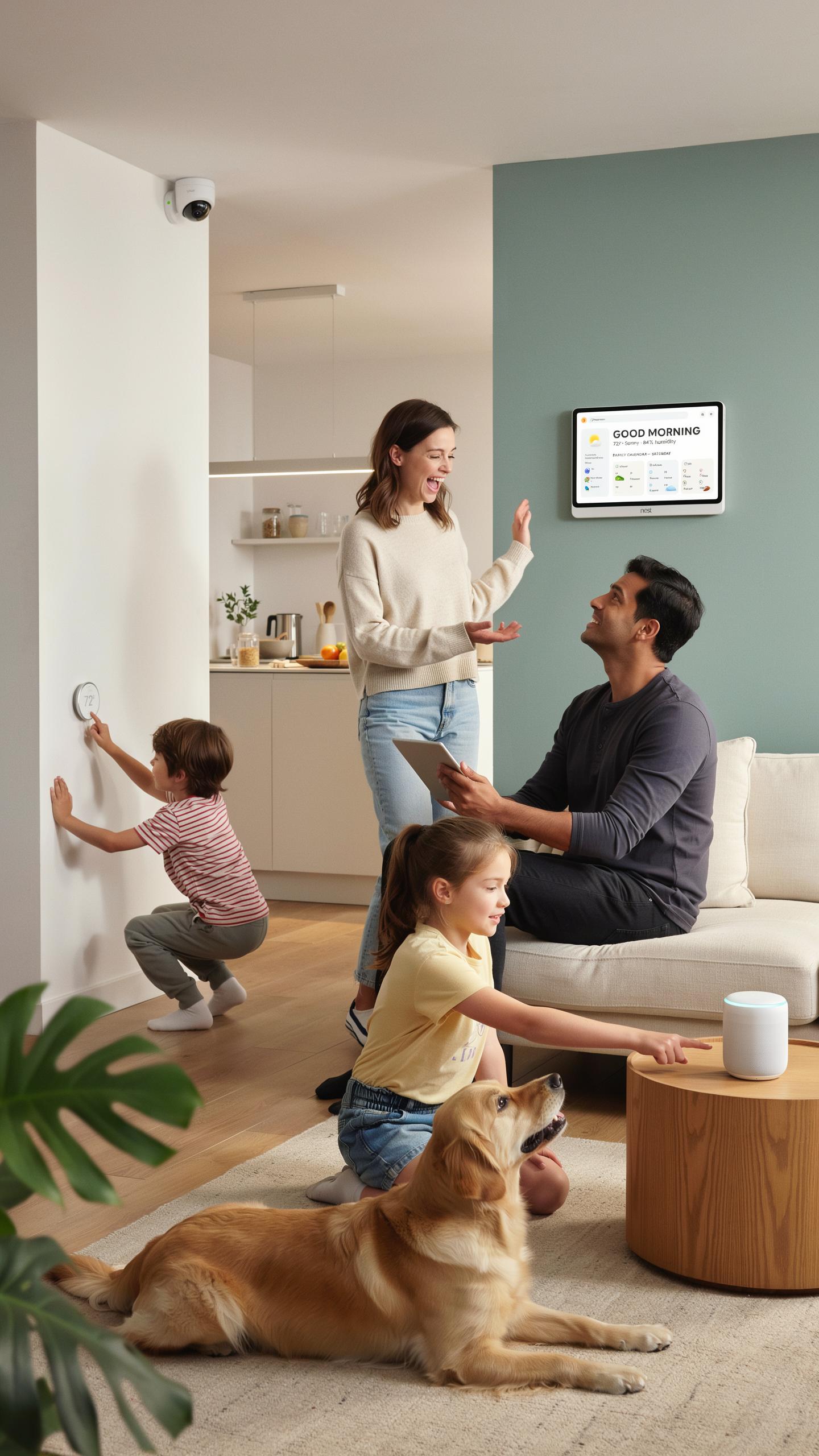
Once your starter devices work reliably, you’re ready to layer in complexity. Most users move toward automating entire rooms or linking devices across multiple areas. Start by identifying pain points in your daily routine. Which task repeats most? Automate that next. This approach keeps you focused and prevents buying gadgets you won’t use.
Integration platforms like Home Assistant or Apple Home let you connect devices from different brands. This matters because no single manufacturer dominates the market yet. Before buying advanced gear, pick your ecosystem. Android users lean toward Google Home. iPhone users gravitate to Apple Home. This choice determines which devices work together without workarounds.
Maintaining And Troubleshooting Your Smart Home Upgrades
Update software on all devices every 30 days minimum. Manufacturers release patches for security flaws and performance issues regularly. Outdated devices become attack vectors and stop communicating with newer hardware. Check your router’s Wi-Fi strength in problem areas. Smart devices drop connection when signal drops below usable thresholds. Reposition your router or add a mesh network extender if devices frequently disconnect.
Password security matters more as your system grows. Use unique, complex passwords for each device and app. Change default passwords immediately after setup. Document which device connects to which app. When troubleshooting fails, factory reset the problem device and reconnect it to your network. Most issues resolve through this step alone.
Frequently Asked Questions

What are some of the most essential affordable smart home starter gadgets to begin with?
For first-timers, smart plugs are a fantastic entry point, allowing you to control regular lamps or appliances remotely. Smart bulbs offer easy lighting control and ambiance. A simple smart speaker like an Echo Dot or Google Nest Mini also provides voice control and acts as a central hub, making these great affordable smart home starter gadgets.
How do I actually set up and connect my new smart home devices?
Most smart home devices connect via Wi-Fi. You’ll typically download the device’s specific app, which will guide you through connecting it to your home Wi-Fi network. Then, you can link it to a central assistant like Alexa or Google Assistant for voice control. It’s usually a straightforward, step-by-step process.
Can I really build a smart home on a tight budget without spending a fortune?
Absolutely! Many affordable smart home starter gadgets are designed with budget-conscious users in mind. Focus on individual devices that address specific needs, like smart plugs for lamps or a smart bulb for a key area. You don’t need to buy a whole system at once; you can gradually expand your smart home as your budget allows.



