The Rise Of The Smart Coffee Maker A Morning Revolution
Understanding The Appeal Of Smart Home Integration In Coffee Brewing
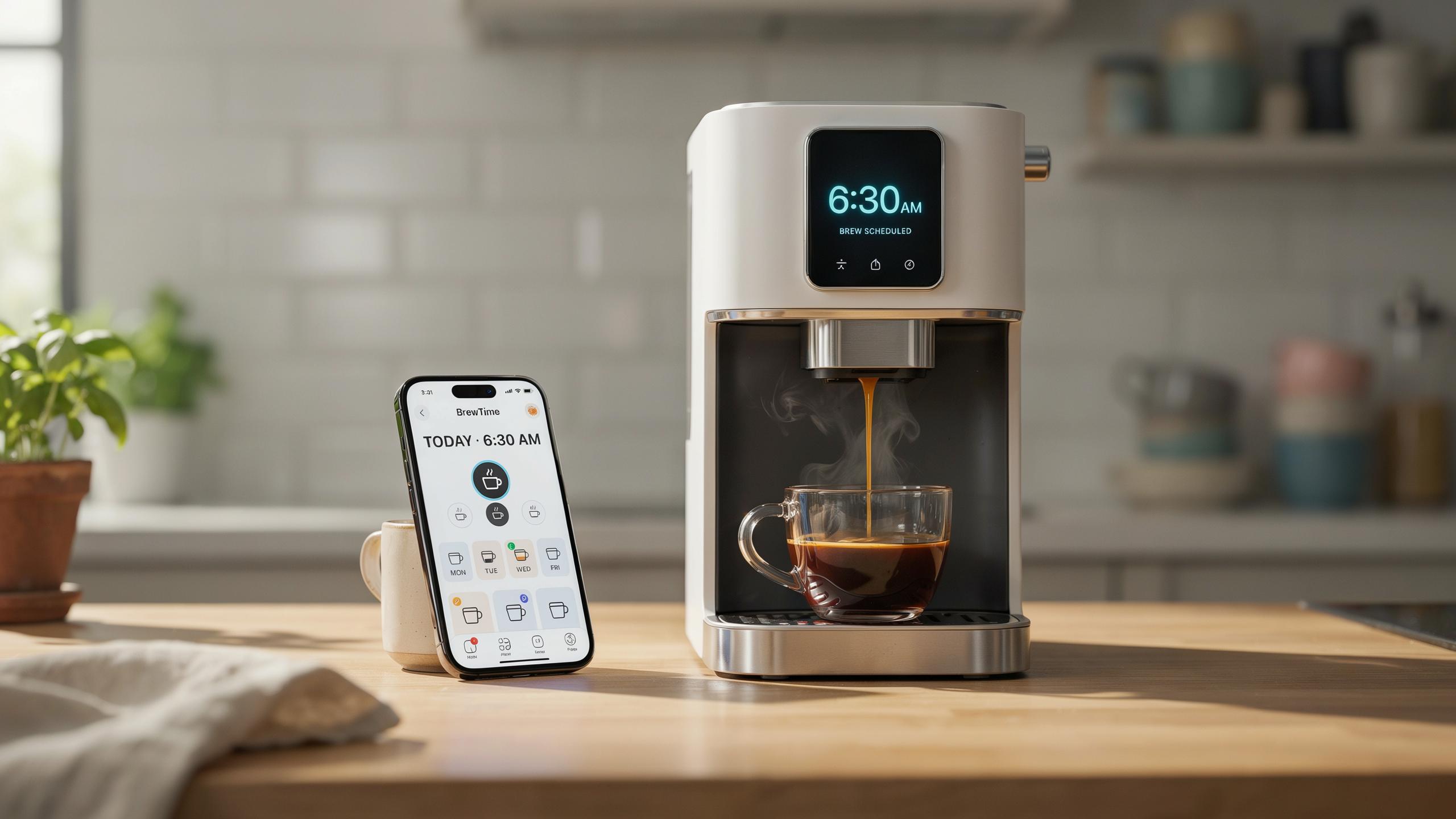
Smart home technology has entered the kitchen because people want control without being present. A smart coffee maker connects to your home network and responds to commands from your phone or voice assistant. This solves a real problem: waiting for coffee to brew after you wake up wastes morning time. The device brews before you leave bed, so hot coffee exists when you need it.
Smart coffee makers fit into existing home ecosystems. They work alongside smart thermostats, lights, and security systems. Users set schedules through dedicated apps or voice commands. The integration removes friction from morning routines. This practical approach drives adoption among people who value efficiency over novelty.
How A Smart Coffee Machine Enhances Your Daily Routine
A scheduled smart coffee maker delivers coffee at specific times you set. You program it through an app or voice command the night before. The machine brews exactly when you want it, whether that is six in the morning or whenever you wake up. No manual intervention happens on your side. The coffee sits ready when you reach the kitchen.
This consistency changes your morning structure. You eliminate the decision of when to start brewing. The machine handles timing while you shower, dress, or handle other tasks. You gain ten to fifteen minutes by removing the waiting period. For people with tight schedules, this reclaimed time matters. The routine becomes predictable and automatic.

Setting Your Perfect Brew Mastering The Schedule Feature
Programming Your Smart Coffee Maker For Early Mornings
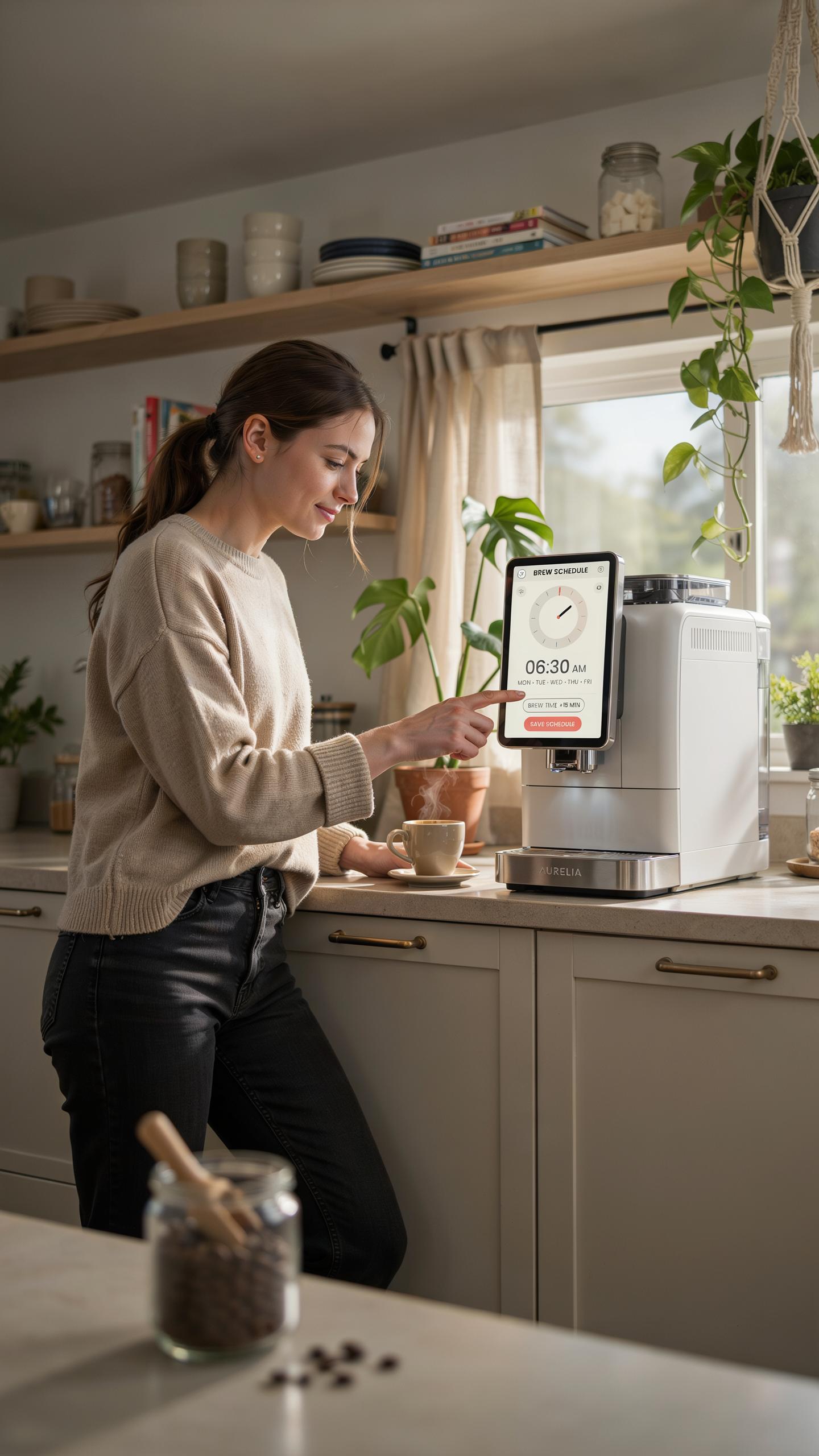
Most smart coffee makers store schedules through their companion mobile app or built-in control panel. You input your desired wake-up time, and the machine triggers the brew cycle minutes before you need it. The exact timing depends on your machine’s model and brew strength settings. Check your device manual for the specific lead time required between scheduling and actual brewing.
Start by downloading the manufacturer’s app and creating an account linked to your coffee maker. Navigate to the scheduling section and select your target wake time. Input your preferred brew strength and cup size if your model offers these options. Save the schedule and verify it activated through the app’s confirmation screen before relying on it for morning routines.
Adjusting Schedules For Weekends And Special Occasions
Smart coffee makers allow you to create multiple schedules for different days of the week. Most models let you set separate times for weekdays and weekends without deleting your primary schedule. Access the scheduling settings and duplicate or create a new profile for weekend mornings. Assign different wake times to each profile, then activate the one matching your current day.

When special occasions shift your routine, manually override the scheduled brew time through your app. Some machines offer one-time override features that skip the next scheduled brew without affecting recurring schedules. Others require you to temporarily deactivate automation and restart it after your schedule returns to normal. Test any changes during a non-critical morning to ensure the adjustments work before depending on them.
Beyond The Schedule Advanced Features Of A Smart Coffee Maker
Exploring App Control And Voice Assistant Integration
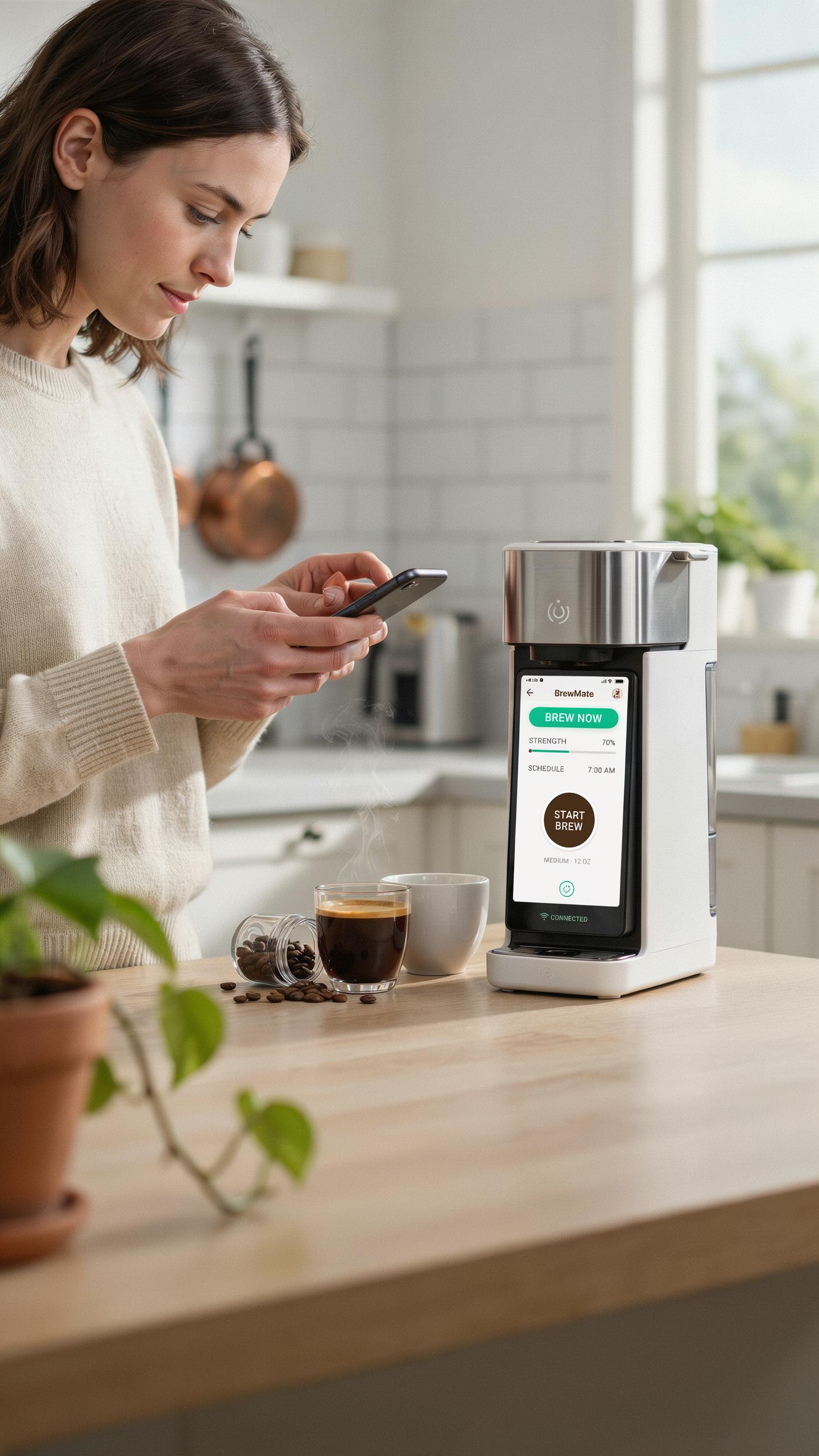
Most smart coffee makers connect to mobile apps through WiFi or Bluetooth. These apps let you start brewing from anywhere in your home or remotely before you arrive. You control brew strength, cup size, and temperature directly from your phone. The app also sends notifications when coffee is ready and alerts you to maintenance needs like descaling.
Voice assistant integration works through Amazon Alexa, Google Assistant, or Apple Siri. You issue commands like “brew coffee” or “start the coffee maker” without touching your phone. This hands-free control matters during morning routines when you’re managing multiple tasks. Compatibility varies by model, so verify your voice platform works with your chosen maker before purchasing.
The gentle hum of a smart coffee maker, pre-set for dawn, is the sweetest symphony for a soul eager
— Unknown
Customizing Coffee Brewing Settings For Optimal Taste
Smart coffee makers let you adjust brew strength through app settings or physical buttons. Options typically range from mild to bold, controlling how long water contacts grounds. Temperature settings affect extraction rates and final cup quality. Grind size, water quality, and bean freshness still matter more than maker features, but these controls help dial in results.
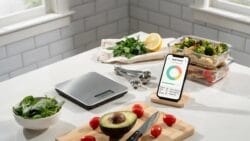
Cup size selection determines water volume and brewing time. Most makers offer settings for single cups, multiple cups, or full pots. Some models include brew pause features that let you grab a cup mid-cycle. Experimenting with these variables requires multiple brews, but customization eliminates guesswork and produces consistent results matching your taste preferences.
Choosing Your Ideal Smart Drip Coffee Maker
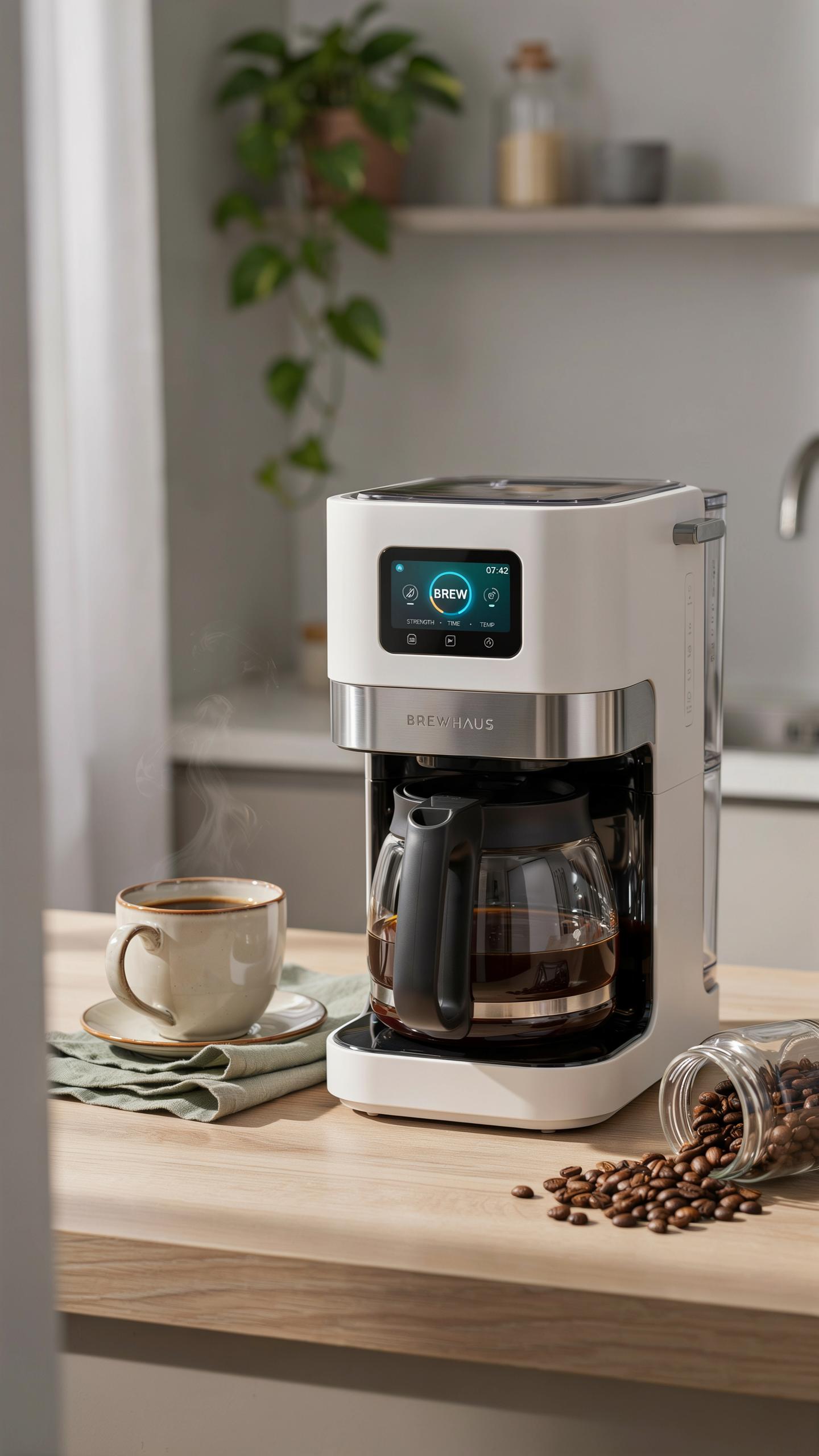
Factors To Consider When Selecting A Smart Coffee Maker
Identify your brewing volume first. Smart coffee makers range from 4-cup to 12-cup capacities. Match the size to your household consumption. A single person needs less capacity than a family of four. Check the carafe material. Glass carafes break easily but show brew progress. Thermal carafes keep coffee hot longer without a heating plate.
- Scheduling Range: Verify the maker can schedule brews from 12 to 24 hours in advance. Some models limit scheduling to specific time intervals.
- App Connectivity: Confirm the device works with your phone’s operating system. Android and iOS support varies between manufacturers.
- WiFi Requirements: Check if the unit needs 2.4GHz WiFi or supports dual-band networks. Older routers may not connect properly.
- Water Reservoir Access: Ensure you can refill the water tank without removing the entire carafe. Top-fill designs save time.
- Filter Type Compatibility: Determine if the maker uses standard filters or proprietary ones. Proprietary filters cost more over time.
- Brew Temperature Control: Look for models that let you adjust brew strength. Not all smart makers offer this feature.
Examine power backup features. Smart coffee makers should retain schedules during brief power outages. Check the warranty coverage for electrical components and the heating element. Most manufacturers offer one to two year warranties on smart features.
Comparing Different Models And Their Smart Home Compatibility
Smart coffee makers integrate with major ecosystems like Amazon Alexa, Google Assistant, and Apple HomeKit. Not every model supports all three platforms. Research which ecosystem your home currently uses before purchasing. Cross-platform compatibility remains limited in this product category. Some makers work with one system but require workarounds for others.

Evaluate companion app functionality across brands. Some apps show brew history and allow temperature adjustments. Others only start or stop brewing remotely. Test the app interface before committing to a purchase. Poor app design creates frustration during morning routines. Check if the manufacturer provides regular software updates to maintain security and add features.
Maintaining Your Smart Coffee Machine For Quality Coffee
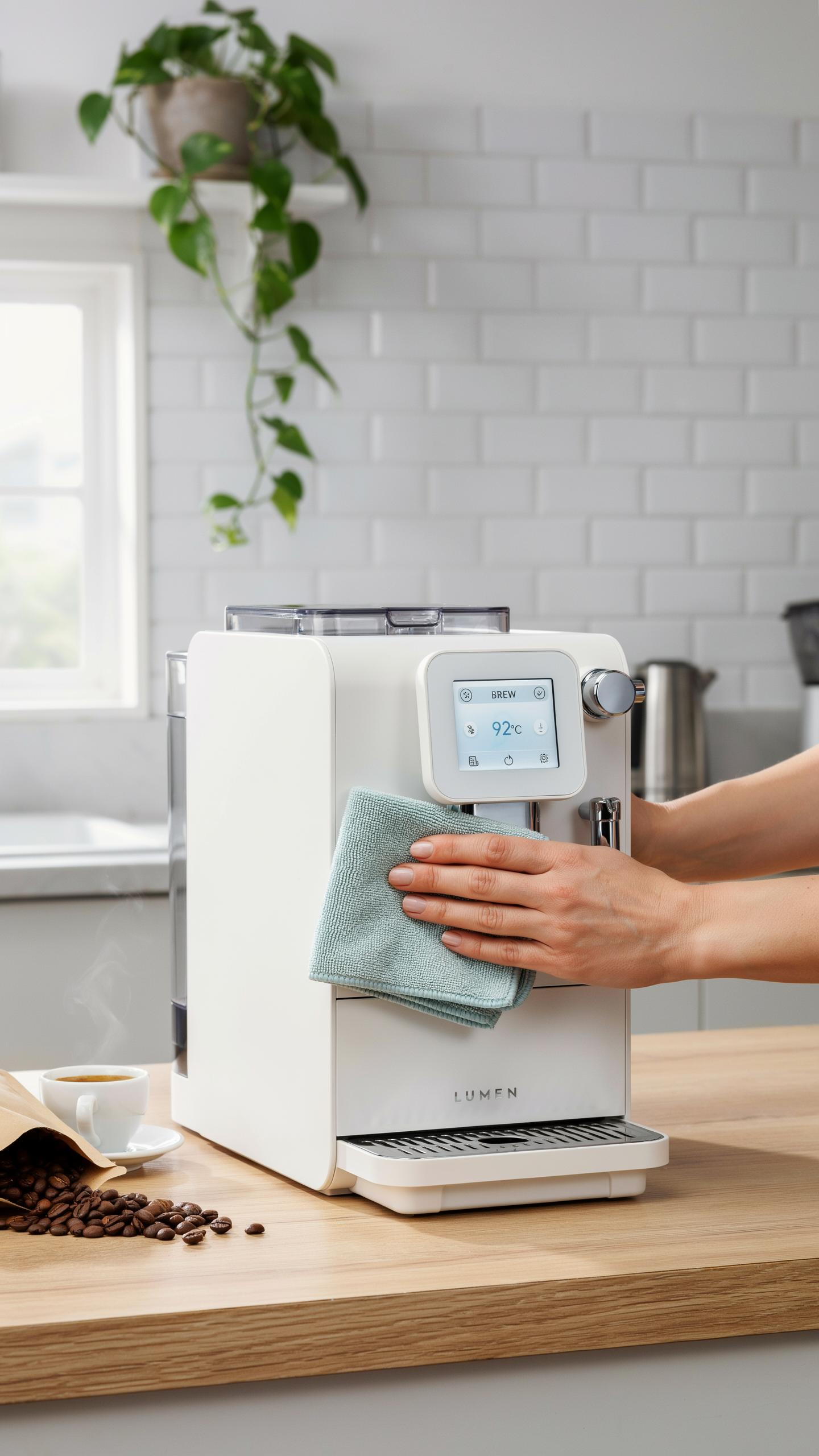
Regular Cleaning And Descaling For Longevity
Water minerals build up inside your smart coffee maker over time. Calcium and magnesium deposits coat heating elements and internal tubes. This buildup slows heat transfer, reduces brewing speed, and degrades coffee quality. Most manufacturers recommend descaling every one to three months depending on water hardness in your area.
Use descaling solutions made for coffee machines or white vinegar diluted with water. Run the solution through a full brew cycle without coffee grounds. Follow with two to three cycles of fresh water only to flush residual acid. Regular descaling extends your machine’s lifespan and maintains consistent brew temperature and taste.
Troubleshooting Common Issues With Your Smart Drip Coffee Makers
Your smart coffee maker may fail to start due to scheduling errors or connectivity problems. Check that the machine has power and your app shows it connected to WiFi. Verify the scheduled time matches your device clock. Restart both the machine and your smartphone app if the connection drops.

Weak or inconsistent coffee typically points to descaling needs or incorrect grind size. Clean the spray head where water disperses over grounds. Use medium grind coffee rather than fine grind, which clogs water flow. If the app won’t turn off the machine remotely, power cycle the unit by unplugging for 30 seconds then reconnecting.
The Environmental And Economic Benefits Of A Smart Coffee Maker
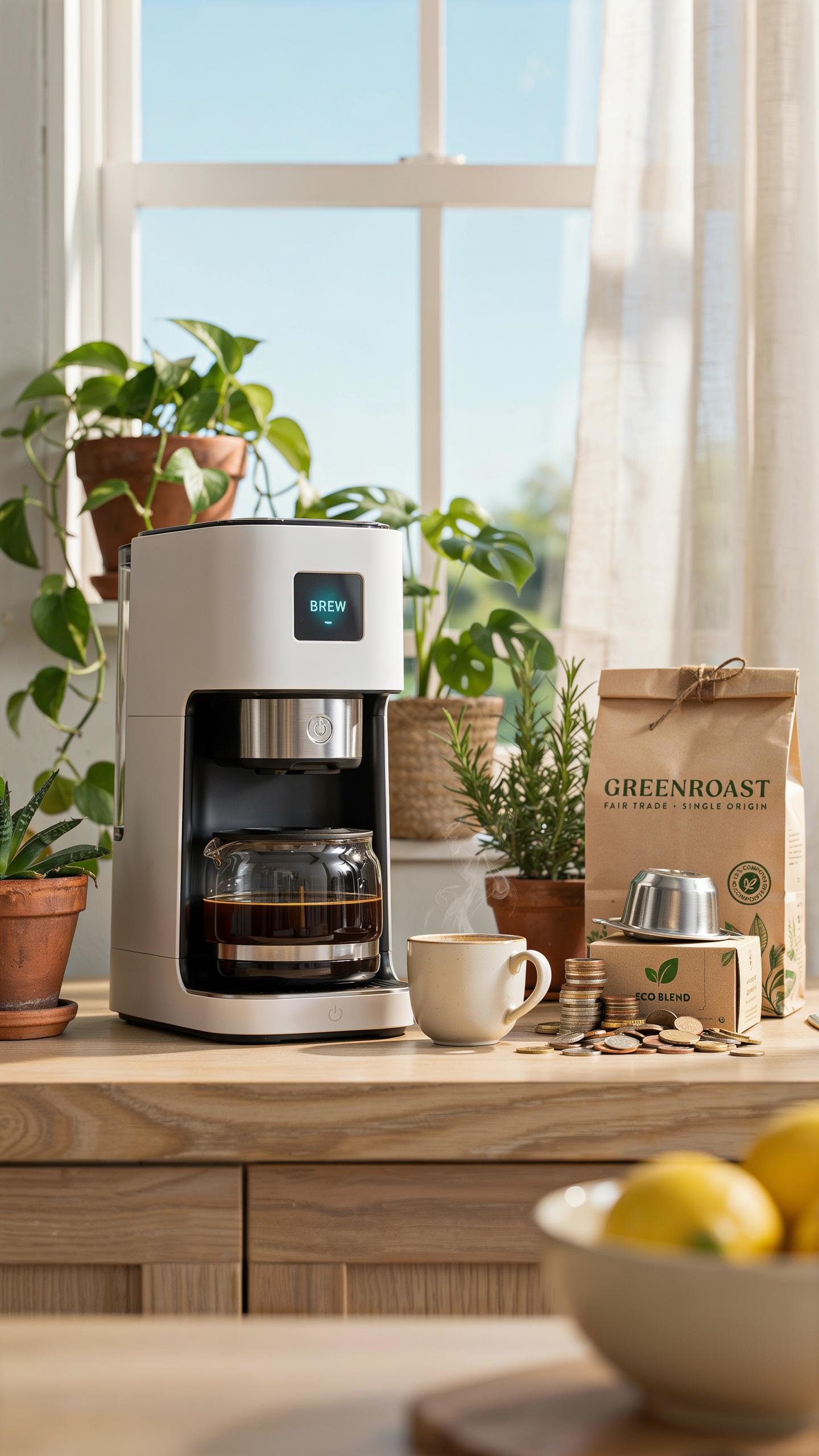
Reducing Waste With Reusable Filters And Precise Brewing
Smart coffee makers with scheduling features reduce waste through controlled brewing. Programmable models brew only the amount you need at your desired time. This eliminates over-brewing and discarding excess coffee. Machines that accept reusable filters cut down on paper waste. You replace a metal or mesh filter instead of purchasing disposable paper filters regularly.
Precise brewing parameters matter for waste reduction. Smart makers maintain consistent water temperature and contact time. This prevents under-extraction that wastes grounds or over-extraction that damages flavor. Users brew better coffee on the first attempt. Fewer failed batches mean less wasted beans and water overall.
Energy Efficiency And Cost Savings Over Time
Smart coffee makers reduce energy consumption by brewing on schedule rather than keeping coffee warm for hours. Traditional machines heat water then maintain that temperature throughout the day. Programmable models heat water only when needed. This targeted approach cuts electricity usage significantly. Over a year, the difference compounds into measurable savings on utility bills.

Cost savings extend beyond energy reduction. Precise brewing reduces wasted grounds and water. Users buy fewer replacement filters when using reusable options. Higher consistency means less trial-and-error purchasing of different bean types. The upfront investment in a smart machine pays back through operational efficiency within one to two years for regular coffee drinkers.
Smart Coffee Maker Vs Espresso Machine Which Is Right For You

Understanding The Differences In Brewing Styles And Taste
Smart coffee makers brew using drip or immersion methods. Water heats to 195 to 205 degrees Fahrenheit and passes through ground beans into a carafe. This process takes 5 to 10 minutes. The result is a larger volume of coffee with moderate caffeine concentration per cup.
Espresso machines force hot water through finely ground coffee under 9 bars of pressure. This extraction happens in 25 to 30 seconds. Espresso produces a concentrated shot with a crema layer on top. Taste differs significantly: drip coffee tastes lighter with more subtle flavors, while espresso delivers bold intensity and density.
Making The Choice For Your Preferred Fresh Coffee Experience
Choose a smart coffee maker if you want convenience and volume. Scheduling features let you wake to fresh coffee without manual effort. You brew larger quantities suited for multiple cups or household consumption. These machines require minimal technical skill to operate daily.
Choose an espresso machine if you prioritize concentrated flavor and control. Espresso demands skill and attention to grind size, tamping pressure, and timing. You get smaller servings requiring precise technique. Budget more time for each brew and expect a steeper learning curve than automatic drip systems.
The Future Of Coffee Brewing Innovations In Smart Coffee Technology
Emerging Trends In Smart Coffee Maker Design And Functionality
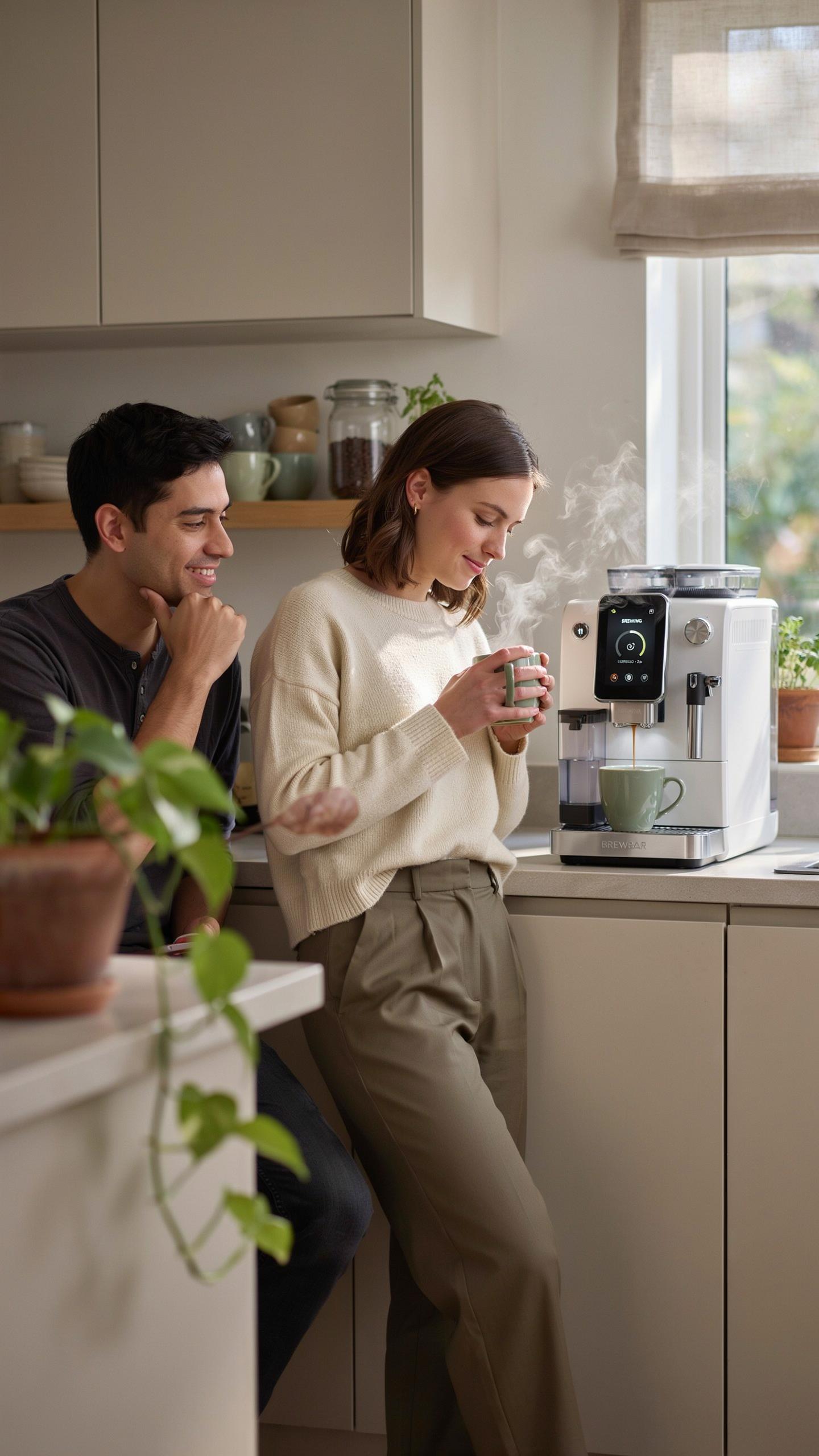
Smart coffee makers now prioritize dual-chamber heating systems that separate water temperature control from brew temperature management. This design approach reduces brew time while maintaining consistent extraction. Manufacturers embed precise temperature sensors to eliminate guesswork. Grind-and-brew integration has moved from novelty to standard feature on mid-range models. Voice control compatibility expanded significantly as Alexa and Google Home adoption increased across households.
Scheduling algorithms evolved to account for water hardness and ambient temperature variations. Users can now program multiple brew profiles for different coffee types. Mobile apps provide real-time brew notifications and remote start capabilities from outside the home. Battery backup systems ensure schedule data persists during power outages. Subscription-based maintenance alerts notify users when descaling is necessary based on actual water usage patterns.
Integrating Smart Coffee Makers Into The Connected Smart Home Ecosystem
Smart coffee makers function as IoT hub extensions within broader home automation networks. Integration with smart thermostats means your home can warm up simultaneously as your coffee brews. These devices communicate through WiFi 5 or Zigbee protocols depending on manufacturer architecture. Automation routines now chain coffee brewing to bedroom lighting sequences and morning alarm systems. Energy monitoring features track power consumption and adjust brew cycles during peak utility hours.

MQTT protocol compatibility allows advanced users to build custom automation workflows independent of manufacturer apps. Smart coffee makers send usage data to home energy dashboards for household consumption analysis. Cross-platform integration supports Apple HomeKit, Amazon Alexa, and Google Home simultaneously on compatible models. Geofencing triggers enable brewing to start when your phone detects you leaving work. API documentation from select manufacturers enables third-party developers to build specialized applications for commercial and residential environments.
Frequently Asked Questions

What exactly is a smart coffee maker, and how does it help with early morning brewing?
A smart coffee maker with schedule capabilities connects to your home’s Wi-Fi, allowing you to control it remotely via an app or voice assistant. This means you can program your brew time the night before, ensuring a fresh pot of coffee is waiting for you precisely when you wake up, transforming your early mornings.
How do I set up a brewing schedule on my new smart coffee maker?
Setting up a brewing schedule is straightforward. After unboxing, download the manufacturer’s app and connect your smart coffee maker to your home Wi-Fi. Within the app, you’ll find a clear “Schedule” or “Timer” option. Simply select your desired brew time, often down to the minute, and the days for it to repeat.
Are smart coffee makers with scheduling features generally expensive, or are there affordable options?
While some advanced models come with a higher price tag, there are increasingly affordable smart coffee maker with schedule options available today. Many reputable brands offer budget-friendly choices that still provide the core convenience of scheduled brewing, making smart coffee accessible for various budgets.



