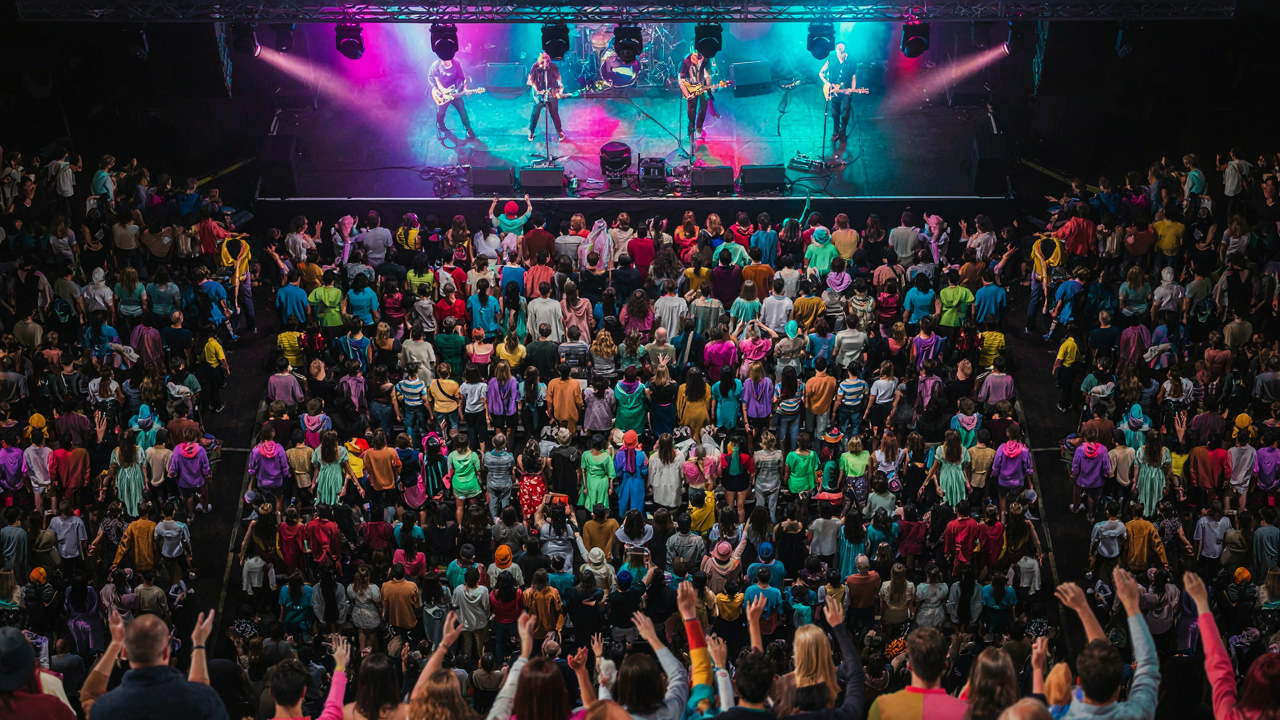
The Illumination Inversion Protocol
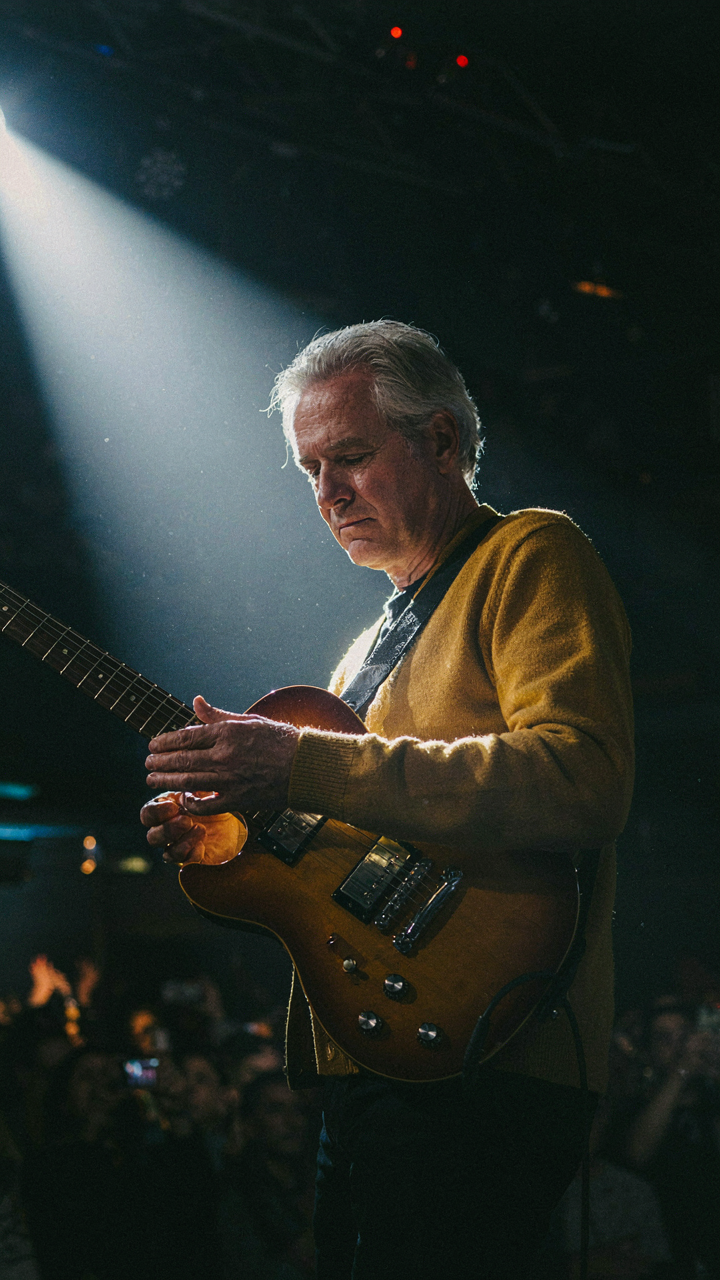
Stage Lights Shape Your Frame
You want proof your phone can compete with real cameras. Here’s the mechanism nobody states plainly: you’re not fighting the darkness—you’re using the light source that already exists. Concert venues pump massive wattage onto stages because they need visibility from the back rows. That same light is your primary compositional tool, not a problem to overcome.
Stage lights behave like a spotlight in theatrical photography, a field that solved this exact problem decades ago. The principle is simple: treat the beam itself as your subject anchor. Position performers or crowd elements within the lit zones, and let the unlit areas fall to pure black. Your iPhone’s sensor will stop trying to expose the entire frame and instead meter against the actual light present. This kills blown-out faces and washed-out detail in one move.
Shadows Build Contrast, Not Weakness
The consensus advice here is wrong: people tell you to “avoid shadows” or “fill them in.” That’s how you end up with flat, muddy concert photos that look like they were shot in a parking lot at noon. Shadows aren’t failures—they’re the tool that separates subjects from the background.
In concert venues, the contrast between lit and unlit zones is extreme and intentional. Use it. Position your subject where sidelight hits them while the background stays dark. Your iPhone will render the lit side with detail and the shadow side will compress into silhouette or near-black. This creates depth and makes the performer pop off the screen. Shoot into the light source slightly off-axis, let the performer become the lit element, and watch the frame gain dimensionality. That’s the protocol: subject in light, background in shadow, decisive tonal separation.
Beyond Burst Mode: The Single Shot Philosophy
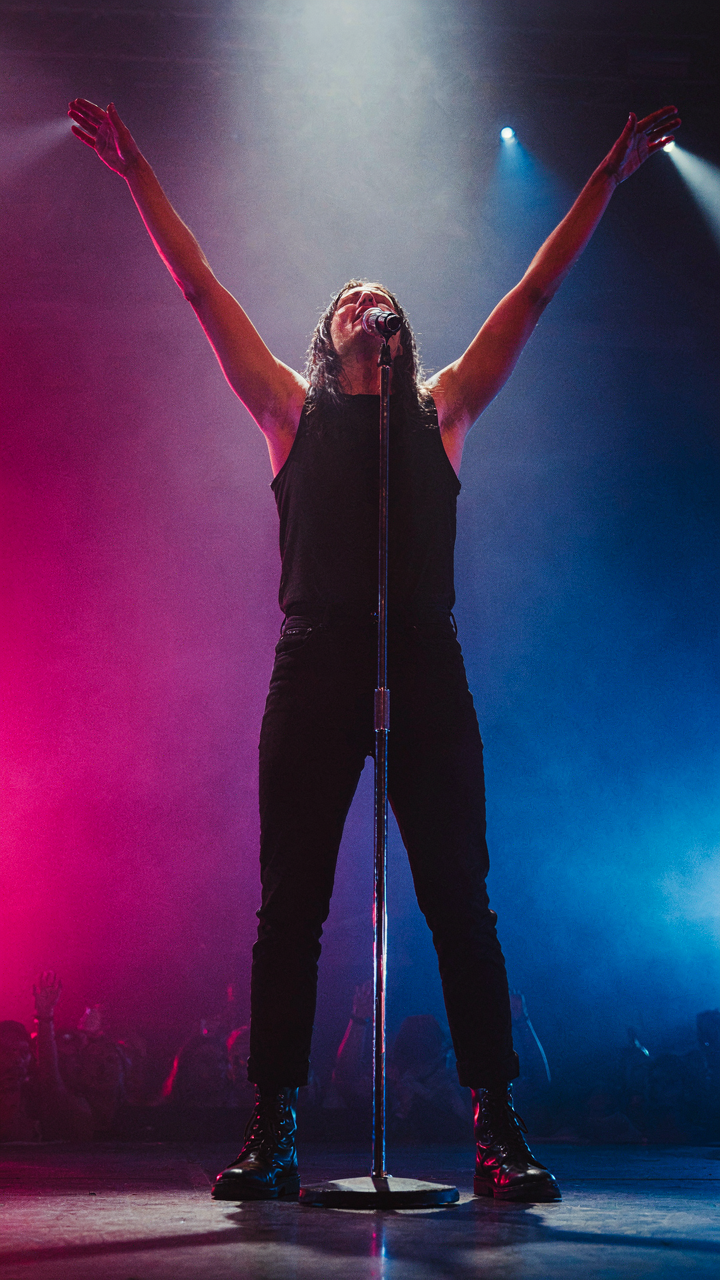
Anticipation Beats Volume
You want burst mode because you’re afraid you’ll miss the shot. That fear is the real problem here. The mechanism: burst mode trains you to react instead of predict. Your iPhone fires 30 frames per second, but you’re still chasing the moment instead of meeting it there. A single shot demands you read the rhythm of the performance, the singer’s body language, the crowd’s energy state. You pick your frame before it exists.

The difference is cognitive. Burst mode is reactive—you hold the button and hope. Single-shot philosophy is anticipatory—you watch for the peak moment and fire once. At a concert, the peak is predictable if you watch for it: the vocalist hits a high note and tilts their head back, the guitarist locks into a riff and plants their weight, the drummer hits a fill and raises their arms. These moments telegraph themselves two to three seconds in advance. Your job is to recognize the pattern and frame it before it peaks.
Resonance Over Resolution
Technical perfection in a dark venue is a myth. A blurry iPhone concert photo with the right emotional content will outperform a technically clean shot of nothing happening. Borrowed from photography: what matters is decisiveness—the ability to capture intention rather than precision. A slightly out-of-focus shot of a performer mid-scream beats a perfectly sharp shot of the back of someone’s head. Your iPhone will struggle with noise in low light. Accept it. Let the grain tell the story instead of fighting it.
Emotional resonance is technical too—it’s just a different set of variables. You need contrast, gesture, and moment alignment. A performer’s face lit by stage light against a dark background creates natural framing without needing perfect exposure. The single-shot approach forces you to choose: What is this frame actually saying? Is the subject lit enough to read emotion? Does the moment matter? You fire only when all three are true, not when the settings align. This discipline cuts through the noise of failed frames that burst mode creates.
The Noise Negotiation Method: Embracing Grain As Texture
High ISO Stops Being The Enemy
You want the shot to look clean because you’re afraid grain reads as amateur. That’s the real problem here. But grain isn’t a flaw on an iPhone in a dark venue—it’s the only honest record of what low light actually looks like. Pushing ISO high captures light that doesn’t exist, which forces the sensor to amplify the signal it receives. The trade-off is grain. Accept it as data, not damage.
Most phone photographers treat grain like a disease to cure in post. Wrong move. The mechanism is simple: higher ISO means more sensor amplification, which means more visible grain structure. At ISO 1600 or higher in a concert venue, you’re not degrading the image—you’re revealing it. The grain pattern itself contains information about shadow detail that lower ISO settings would lose entirely to pure black. Use ISO aggressively when light demands it.
Grain As Design Element In Post
Post-processing grain isn’t about smoothing it away. It’s about directing it. You can enhance specific grain frequencies to create texture that reads as intentional rather than accidental. In concert photography, this distinction matters because your audience knows the venue was dark—they expect to see that darkness rendered somehow.
Start with noise reduction that targets only the color channels, leaving luminance grain intact. This kills the colorful speckles that read as noise while keeping the grayscale grain that conveys detail. Then selectively add back grain in shadow areas where it looks intentional. Shoot in RAW to preserve maximum grain data, then process with tools that let you control grain size and frequency independently. This workflow turns technical limitation into visual signature.
Crowd Control: Using Obstacles For Unique Concert Post Inspo
Heads And Hands As Natural Framing Devices
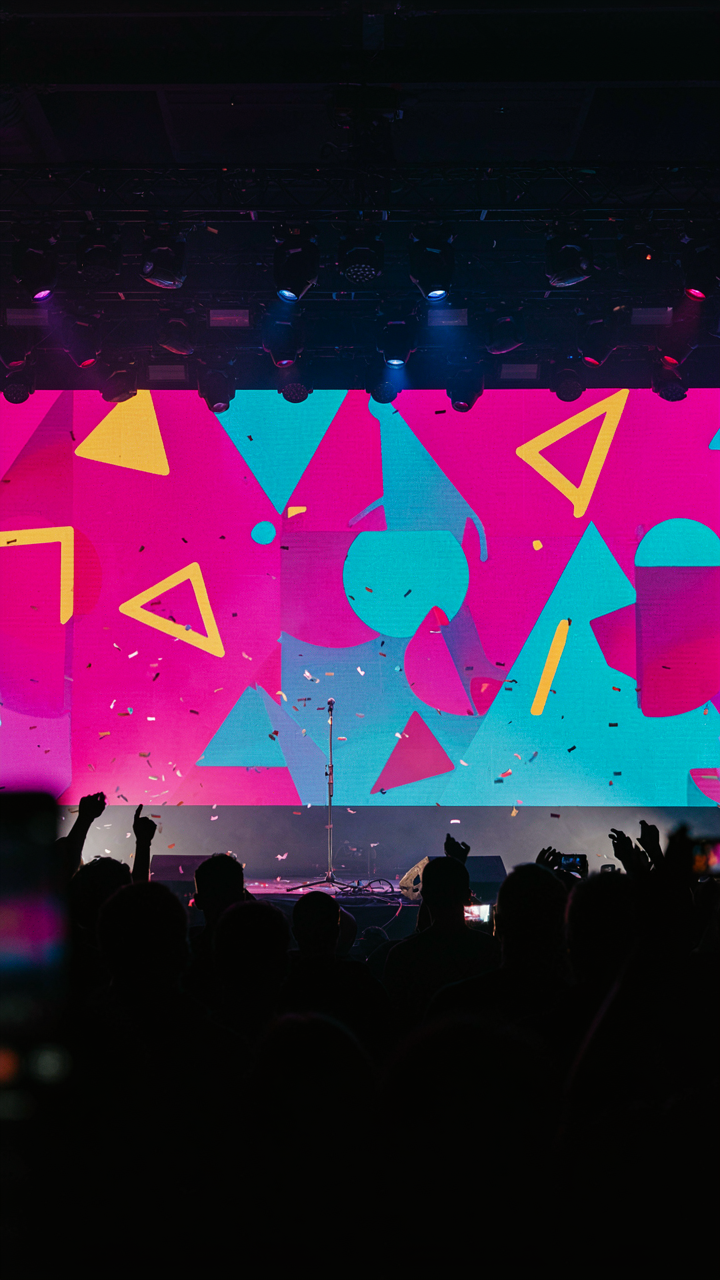
You want your concert photos to look intentional instead of like you just happened to point your phone at the stage. The real mechanism here is borrowed from film composition: negative space. In cinema, what you exclude from frame matters as much as what you include. On your iPhone, the crowd isn’t noise to work around. It’s a compositional tool. Heads and hands become your frame within the frame.

Position yourself so another person’s silhouette or raised hand cuts into the edges of your shot. This creates layering. The viewer’s eye enters through the foreground obstacle, travels through the middle ground where the action happens, and lands on the stage. Your iPhone’s sensor struggles in low light, but it reads contrast sharply. Dark heads against stage lights create instant separation. You stop taking photos of the stage. You start taking photos of the experience.
Foreground Elements For Depth And Perspective
The common advice says “get closer to the stage.” That misses the point. Shooting through obstacles gives you depth that direct sight lines destroy. Position yourself behind someone’s shoulder. Use their head as your near-plane reference. Shoot past someone’s raised phone. The blur of their device in the extreme foreground and the stage beyond it tells a story your iPhone’s processor understands: this is a moment, layered, real.
The depth compression works because your iPhone uses computational photography to detect planes of focus. Foreground clutter signals to the algorithm that there’s dimensional space to work with. The result feels more cinematic than a clean shot ever will. Your ISO stays lower. Your shadows hold detail. Step deliberately into crowds instead of around them. Shoot through the mess.
The ‘Concert Dump Instagram Post’ Ecosystem: Curating The Chaos
Story Over Snapshots
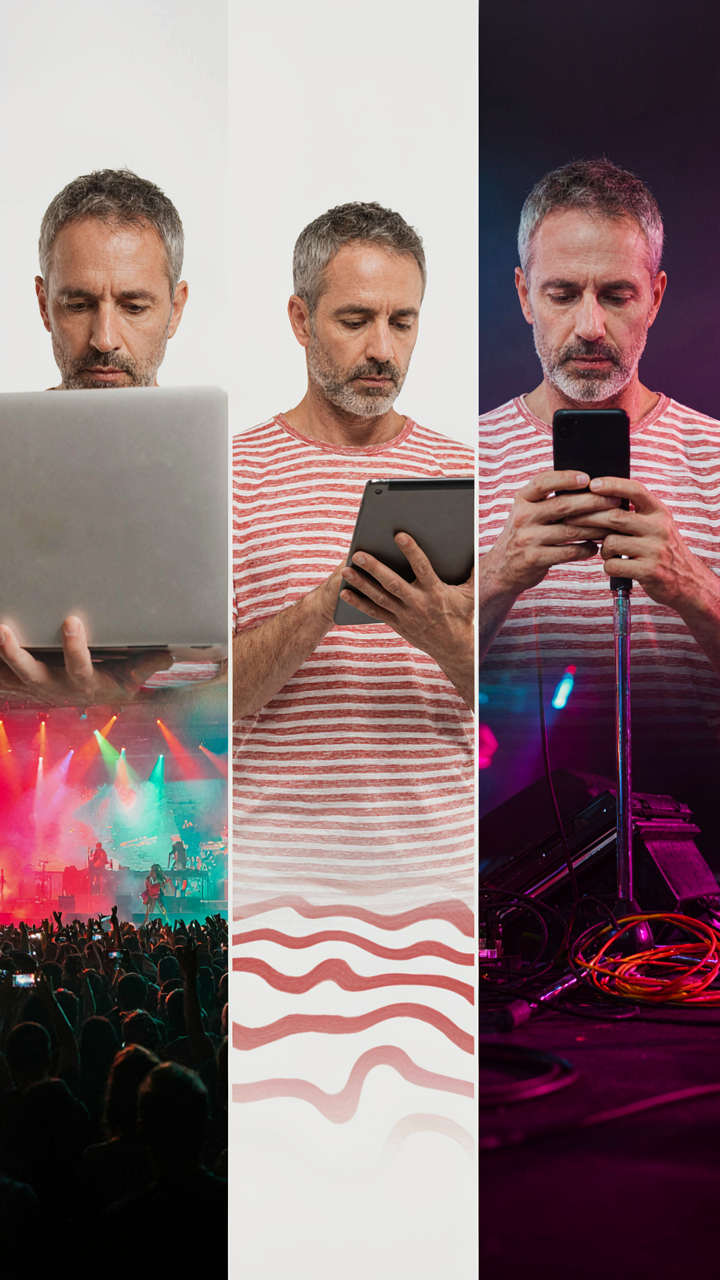
You want proof you were there. That’s the real reason you’re reading this. But posting thirty blurry phone shots doesn’t prove anything except you don’t edit. The mechanism is narrative structure: your phone roll becomes a portfolio only when it follows the arc of the event, not just random moments that looked good at 2 AM.

Think of your camera roll like a screenplay. You need setup, climax, and resolution. The opening act shot establishes context. The main performer at peak energy forms the centerpiece. The crowd reaction or stage detail completes the thought. This isn’t about being a photographer. It’s about presenting coherence instead of chaos. Scroll through your roll chronologically first. Delete everything that doesn’t move the story forward.
Composition Layers That Work
A concert has three visual planes: stage, crowd, environment. Most people shoot only the stage because it’s obvious. That’s the mistake. Mix these three layers to build dimension without needing editing skills.
- Wide stage shot: Captures lighting, scale, and venue atmosphere. Shoot this early when crowd movement is minimal and stage lights have settled into a pattern.
- Performer close-up: Hands, face, instrument details. These read better on small screens and prove you were close enough to care. Zoom in past the blur.
- Crowd reaction: Someone singing along, hands up, silhouettes against stage light. Proves the energy was real and not just your memory embellishing it.
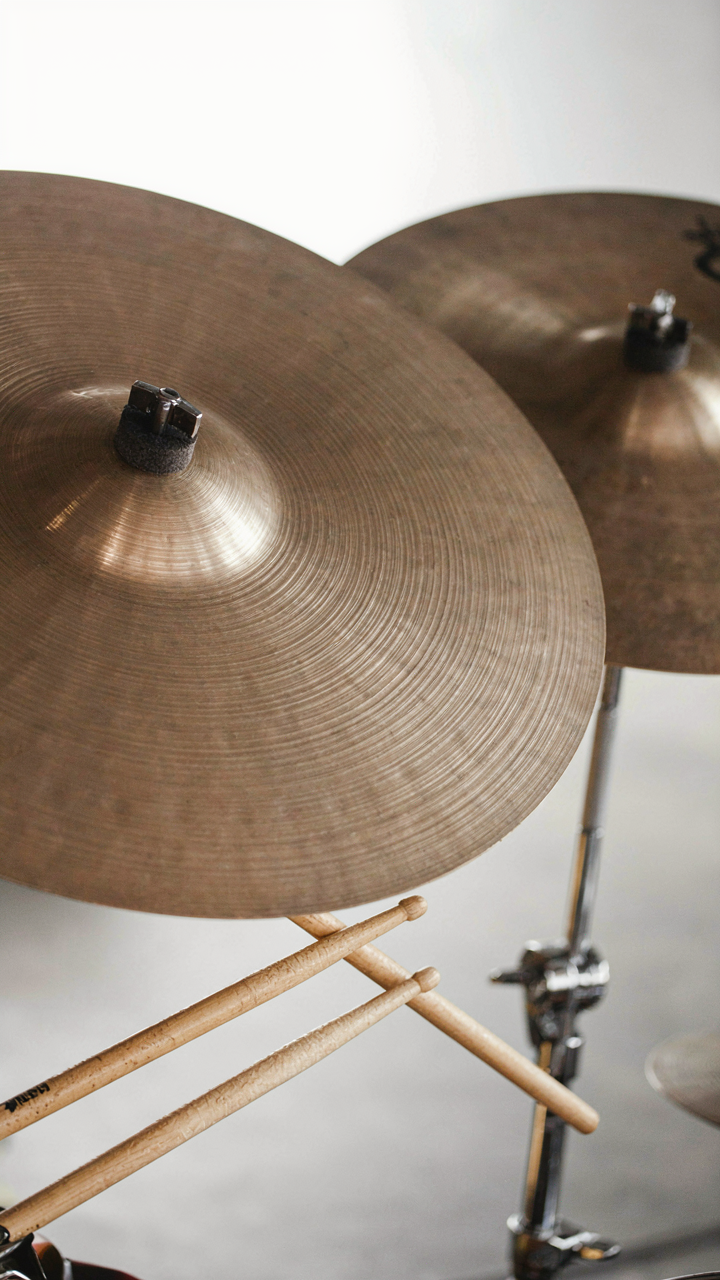
- Stage detail: Smoke, lighting rig, drum kit, cables. One abstract shot anchors the technical side of the production and breaks repetition.
- Foreground obstacle: Phone, shoulder, arm in frame. Counterintuitive but it documents your actual vantage point instead of pretending you had a clear line.
The posts that perform aren’t the sharpest single photo. They’re carousels or collections showing you understood the event’s geometry. Each shot justifies the next one. The editing happens in the curation phase, not in Lightroom.
The Perception Hack: Mastering IPhone Concert Photography For Social
Wide Versus Telephoto: Signal Choice, Not Accident
You want proof you were there. That’s the real reason you care about this section. The mechanism is focal length psychology borrowed from cinematography: wide lenses pull the viewer into environmental context, while telephoto lenses isolate subjects from their surroundings. On iPhone, the standard lens (26mm equivalent) sits between these poles. Use it for immersion shots that place you in the crowd. Switch to telephoto (3x or 5x) when you want to compress distance and make the performer feel intimate despite the darkness and separation. Neither is better. The choice determines what story the photo tells about your relationship to the moment.

The standard lens flattens depth in low light, making audience silhouettes blend into a murky backdrop. Telephoto solves this by using compression to separate the performer from the crowd, which matters in dark venues where contrast is already lost. The social signal differs too. Wide shots say you were immersed in the experience. Telephoto shots say you had proximity to the main subject. Pick the one that matches what you actually want to communicate, then commit to that focal length for the set. Switching constantly produces incoherent feed patterns that kill engagement.
Composition Through Negative Space
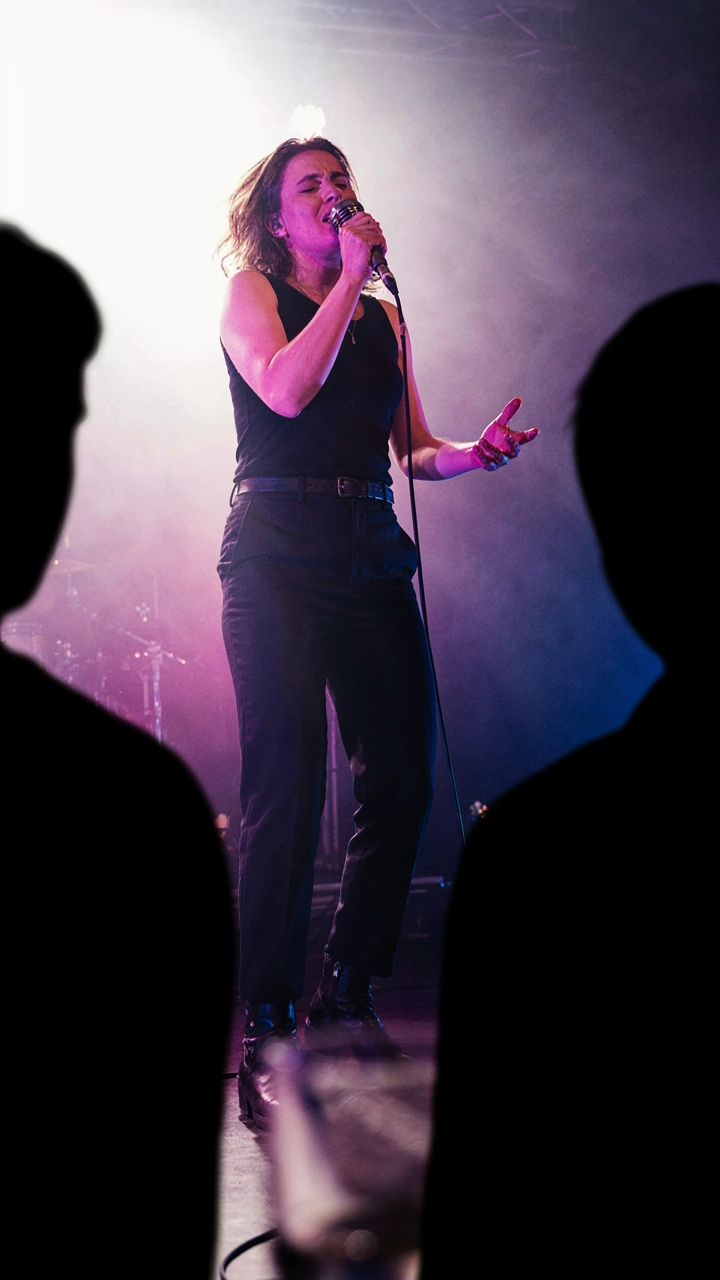
The common advice is to fill the frame. That’s wrong in concert settings where darkness is your dominant element. Gestalt principles from perceptual psychology explain why: human brains complete incomplete images and perceive grouped elements as unified wholes. In dark venues, black negative space becomes the frame’s largest element. Position the performer off-center with intentional black space around them. The viewer’s brain automatically fills the void and perceives the subject as more isolated and significant. This works especially well when stage lighting creates defined edges against the darkness.
Crowd elements matter more than you think for cohesion. A few silhouetted heads at the frame’s edge anchor the viewer to the venue environment without cluttering the shot. They create visual weight that balances the performer and signal that other people exist in this space. Place one or two audience members on the opposite side of your composition from the performer, treating them as gravitational anchors rather than distractions. This simple protocol transforms a lonely performer shot into a moment that feels socially witnessed.
Beyond The Stage: Cute Concert Photo Ideas Backstage And Ambient
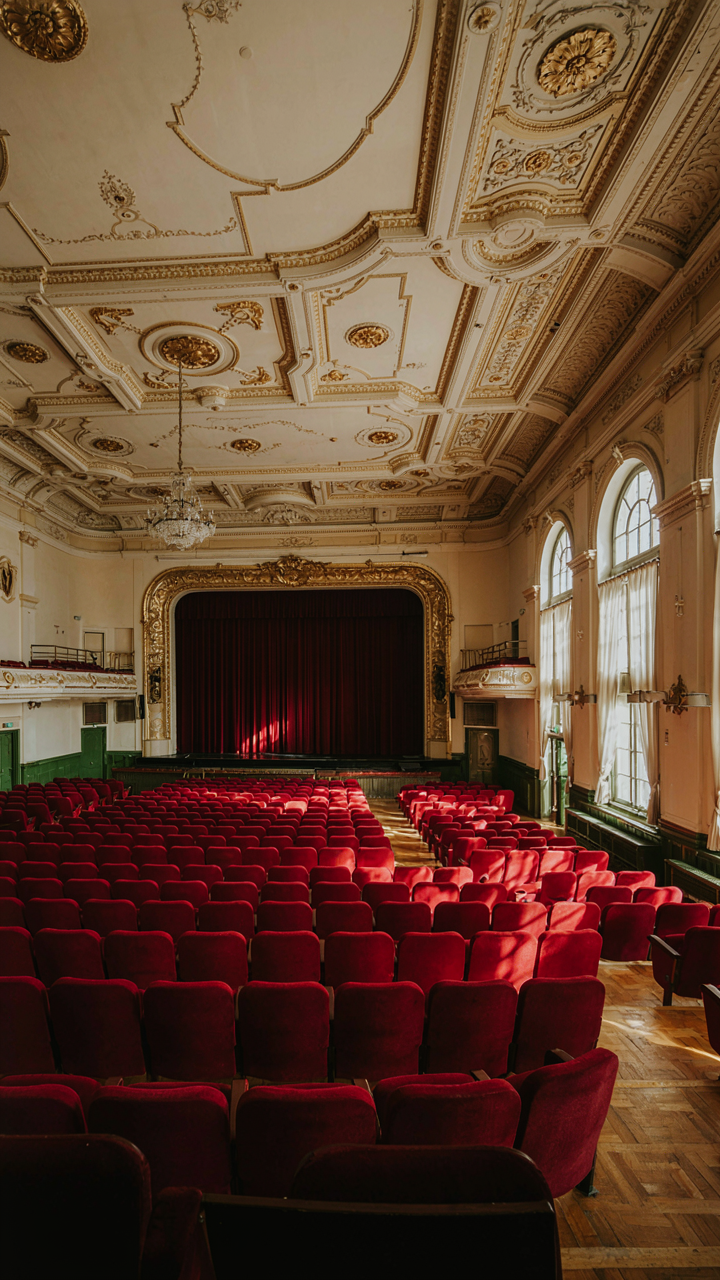
The Venue Itself Tells The Story
You want these photos because they prove you were there and saw something nobody else captured. The real mechanism is simple: venues have structural detail that your iPhone’s Night mode actually handles better than the stage itself. Architectural elements, lighting fixtures, entrance corridors, and seating sections sit still. They don’t move. Your phone’s computational photography stacks multiple exposures when you hold steady, building a clean image from low light. This is where your iPhone excels—not chasing performers, but documenting the space itself.
The amateur move is shooting the stage. The professional move is shooting the frame around the stage. Capture the venue’s bones: exposed brick, steel beams, vintage theater details, the crowd silhouette against exit signs, balcony railings catching reflected light. These images work because they’re compositionally stable. Position yourself to use the venue’s architecture as leading lines toward empty space or crowd depth. Your phone processes these static scenes into sharp, usable files. The stage demands speed and luck. The venue demands positioning and patience.
The Crowd Without Performing
Candid moments kill posed concert photos because they capture actual emotion instead of awareness. Most people shoot the person in front of them or the stage. Shoot the people in the margins: the couple standing still while others move, the group laughing during the quiet song, hands holding drinks during instrumental breaks. These exist in the gaps between main action. Your iPhone’s portrait mode works here if you shoot from 4 to 8 feet away with ambient light hitting faces, not backlighting them.
The mechanism borrowed from photojournalism is depth of field priority. Your phone’s computational depth separation works best on subjects with separation between them and background. A person’s face against a dark crowd creates that separation automatically. Frame tighter than you think necessary. Zoom in 1.5x to 2x using the telephoto lens if your model has it, then step back until faces show clear skin texture. The distance combined with zoom creates natural subject isolation. Shoot rapid bursts during transitions between songs when posture changes and authenticity peaks. Review the burst to find the frame where emotion registered but self-consciousness hadn’t kicked back in yet.
Pre Show Rituals: Optimizing Your Device, Not Your Expectations
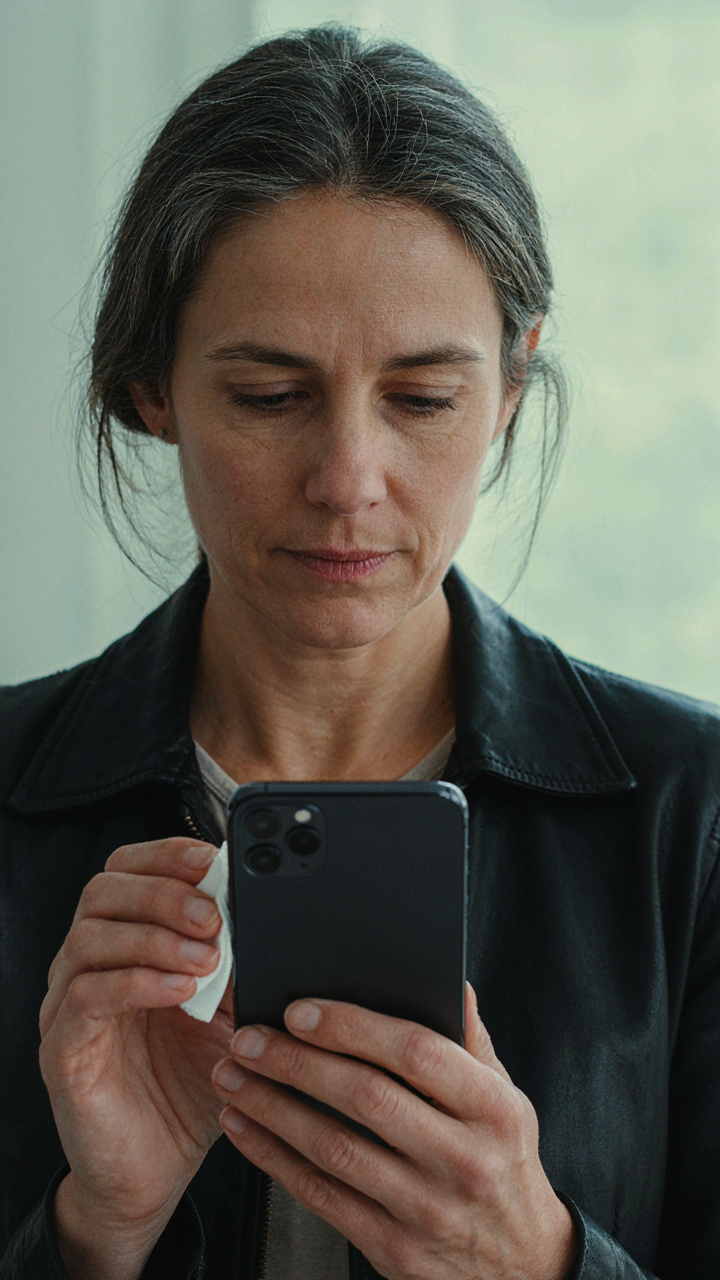
The Lens And Battery Protocol
You want to feel prepared so you don’t feel like a failure later. Here’s what actually matters: a smudged lens kills sharpness before physics even enters the frame. The iPhone camera is a lens system—borrowing optical terminology, your lens has transmission loss when it’s dirty. Oil from your pocket degrades light passage. Wipe the rear lens with a dry microfiber cloth immediately before entering the venue. Not during. Before. Battery drain in cold venues is mechanical fact, not speculation. Lithium batteries lose capacity in temperatures below 32 degrees Fahrenheit. Charge to 100 percent at home, not in the car. Bring a portable charger rated for fast output, minimum 20W.

Storage space determines whether your phone switches to HEIF compression mid-show, which tanks quality in low light. Delete old photos before the concert. Aim for at least 5GB free. The iPhone prioritizes write speed over file format when storage runs low, and you won’t notice until you’re home. This isn’t theoretical—it’s how the device’s storage management algorithm works. Check Settings, General, iPhone Storage, and clear what you don’t need. The 30 seconds you spend here prevent regret later.
Background Activity And Processing Power
The common advice is to close your apps. That’s incomplete. Apps running in the background consume RAM and CPU cycles, which forces the iPhone to throttle camera processing power to manage thermal load. Your device has a fixed computational budget per second. Turning off background refresh, location services, and Bluetooth drains that budget slower and leaves more processing for the camera pipeline. Disable Background App Refresh entirely before the show. Go to Settings, General, Background App Refresh, toggle off. Turn off Location Services. Disable Bluetooth unless you’re using wireless earbuds for audio monitoring.
The thermal aspect is critical in packed venues where ambient temperature climbs. A phone running background processes generates heat internally, and heat throttles the ISP (image signal processor) that handles noise reduction and color grading in real time. A cooler phone processes raw sensor data with fewer computational shortcuts, delivering cleaner images. Low light photography depends on this ISP performance. You’re not just freeing memory, you’re preventing the device from protecting itself by degrading image quality. Turn off notifications entirely by enabling Focus Mode with no allowed contacts. Silence creates processing headroom.
The Real Obstacle Isn’t Your IPhone’s Camera, It’s Your Desire For Perfection Over Impact
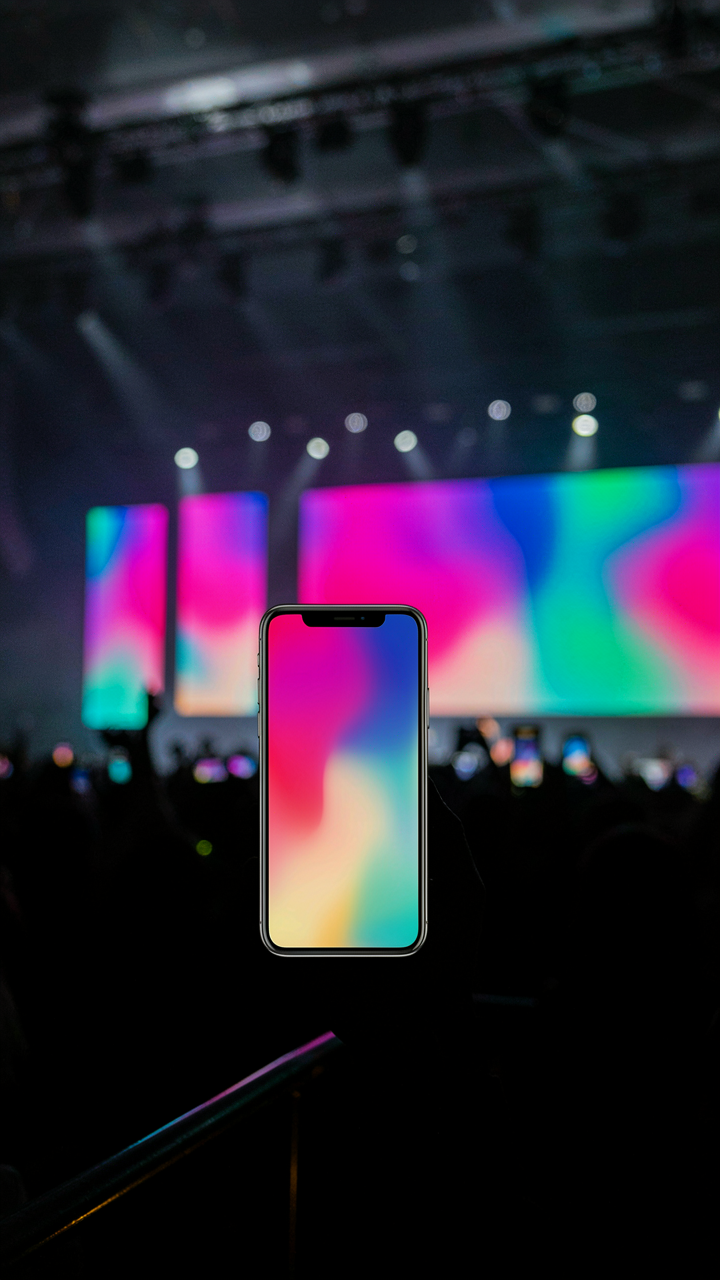
You don’t need better gear. You need permission to shoot messy. The blurry concert photo that captures the energy beats the technically perfect one nobody remembers. Stop chasing sharpness in a dark venue and start chasing the feeling. Open your camera app at the next show and take thirty shots without checking one. Your iPhone will do fine. Your hesitation won’t.