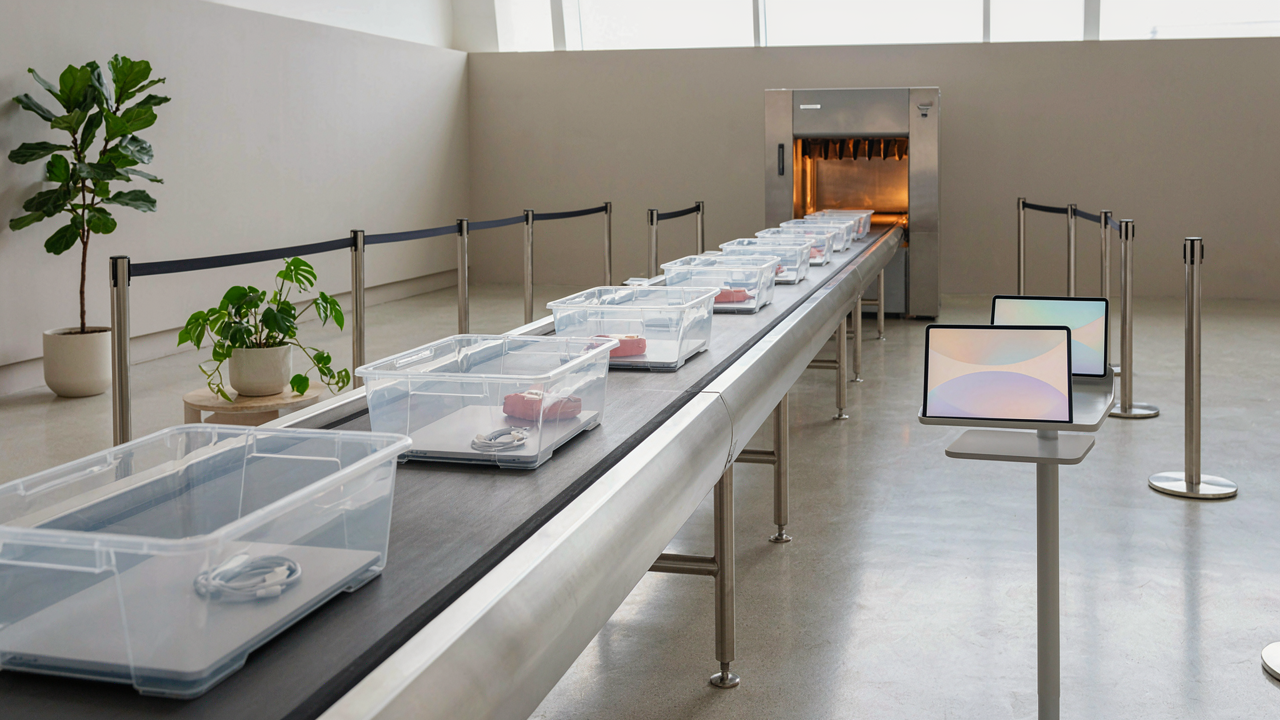
The Laptop X Ray Fallacy: It’s Not About The Image
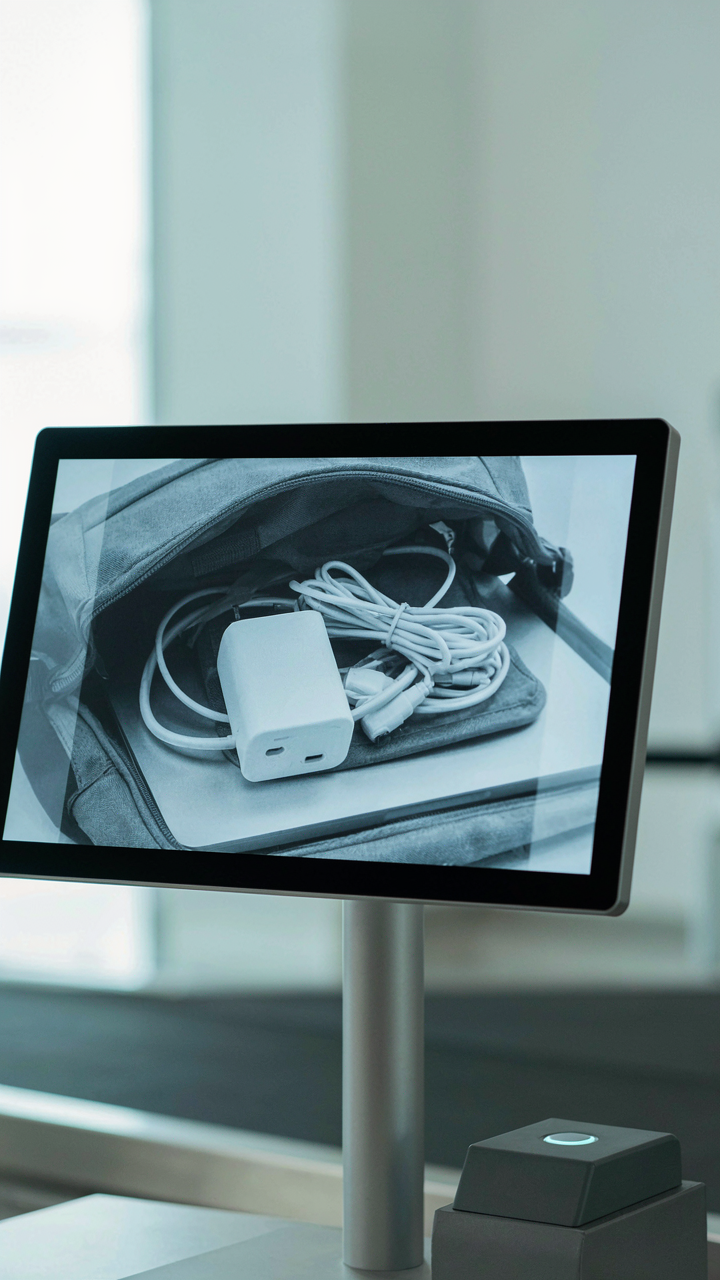
What The Image Actually Shows
You want to know what TSA officers actually see on their screens because you think it proves your laptop is safe. It doesn’t work that way. The X-ray image is a byproduct, not the decision point. TSA officers use X-ray machines because they need to measure material density across your bag’s contents. In physics, density is mass per unit volume, and that’s the actual trigger for secondary screening. The image is just a visual aid. What matters is whether something’s density profile matches what the officer expects for that object category.
Here’s the mechanism: X-ray machines emit photons that pass through materials at different rates depending on how tightly packed the atoms are. Dense materials like metal, batteries, and certain electronics slow those photons down more, creating brighter spots on the display. An officer scanning your bag isn’t thinking “that looks like a bomb.” They’re thinking “that density is outside my reference range for a MacBook charger.” The image confirms what the machine already detected through material analysis, not the other way around.
Material Density, Not Shape, Triggers Flags
TSA flagging algorithms don’t care what your laptop looks like. They care whether its internal density distribution matches standard specifications for that device model. A cracked laptop or one with internal water damage reads differently on the machine than a pristine one because the density changed. That’s the actual reason officers request a secondary screening, not because they saw an unusual shape.
Your charger gets flagged for the same reason. A standard 65-watt USB-C charger has a specific density signature. If you’ve wrapped it in extra shielding, packed it with adapters, or bundled it with metal components, the density profile shifts into an ambiguous range. The officer then has two options: clear it based on visual confirmation that it matches the expected internal construction, or escalate to physical inspection. Density consistency across your electronics is what determines whether you breeze through or get pulled aside.
The Charger Cable Delusion: More Isn’t Safer
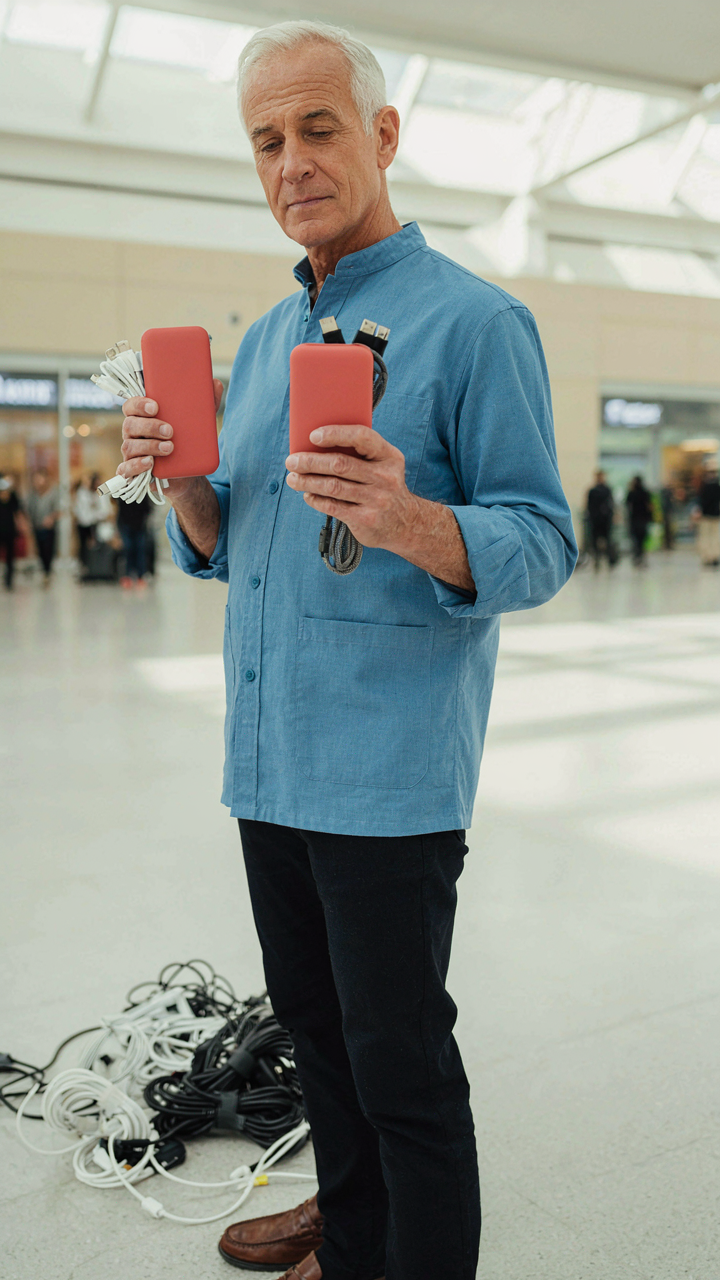
Why TSA Doesn’t Care How Your Cables Look
You think a tangled mess of chargers signals something suspicious to security screeners. It doesn’t. They’re not judging your organizational skills or inferring intent from cable chaos. What you’re actually afraid of is the screener pulling everything out and making you look unprepared. The real mechanism here is simple: TSA screens for threats, not aesthetics. A neatly coiled cable and a bird’s nest of wires hit the same X-ray signature. The screener cares about metal content, battery type, and whether something can be weaponized. Order your cables however you want. Disorganization triggers second-guessing in your own mind, not in theirs.

Cables themselves pass through security without extra scrutiny because they’re passive components. The X-ray operator sees the metal conductors and fabric or plastic sheathing. No hidden capacity, no energy storage, no risk factor that changes based on presentation. You could bundle ten charger cables into a solid block and wrap them in duct tape. TSA treats it identically to loose cables in a ziplock. The screening protocol doesn’t adjust based on whether your tech bag looks like a minimalist’s dream or a drawer explosion. Stop organizing chargers for security theater. Organize them for your own access speed.
Power Banks: Capacity Rules, Not Accumulation
The constraint at airport security isn’t how many power banks you carry. It’s the capacity of each individual unit, measured in watt-hours or milliamp-hours. This is a threshold-based system, not a quantity-based one. Economics calls this a binding constraint: one factor limits the outcome more than anything else. Here, it’s not the number of devices but their individual size. TSA allows up to two power banks over 100 watt-hours if they’re in carry-on luggage, with strict limits on checked bags. Most travel power banks stay under 100Wh, so the real limit becomes how many sub-100Wh units you can physically fit and declare. Quantity is irrelevant; capacity per unit is the mechanism that matters.
The protocol is clear because it addresses battery fire risk, not clutter management. A single 20,000mAh power bank presents the same thermal hazard as two 10,000mAh units. Screeners don’t count your devices and approve or deny based on a tally. They verify watt-hour ratings on each unit. Bring five small power banks if you want. Bring one large one. The security decision hinges on whether any single unit exceeds the threshold. Before boarding, check each power bank’s specifications, not the total number of devices in your bag.
The “Naked Laptop” Protocol: An Illusion Of Speed

Why They Actually Want Your Laptop Out
You want to believe removing your laptop saves time. It doesn’t. The TSA mandates laptop removal because X-ray image resolution degrades when dense electronics sit above or below other carry-on contents. Dense objects create visual noise that obscures what’s underneath. Officers need clear sight lines to approve your bag without secondary inspection. Your speed isn’t the goal. Their screening efficiency is.

The real mechanism mirrors signal-to-noise ratios in telecommunications. A strong signal cuts through interference. A laptop in your bag creates interference for the X-ray beam. Officers can’t visually confirm the bag is safe without removing the obstruction. You remove the laptop. The signal clarifies. Your bag moves forward. The protocol exists to eliminate ambiguity, not to pamper you with a faster lane.
The Checkpoint Wasn’t Built For Volume
Every TSA checkpoint operates under a hard constraint: X-ray machines can only process so many bags per hour. The bottleneck isn’t the officer’s judgment. It’s the equipment throughput. Removing your laptop doesn’t speed up the machine. It reduces the number of bags that need secondary inspection because officers can see inside faster and approve bags on the first pass.
The system was built for lower passenger volume than it handles today. When volume spikes, removing your laptop beforehand prevents your bag from becoming the one that gets pulled aside for hand inspection while the line backs up behind you. You’re not speeding yourself through. You’re preventing yourself from becoming the jam. Place your laptop flat in the bin, power off before you reach the belt, and move through the scanner without hesitation.
The Carry On Packing Anti Hacks: What To Ditch
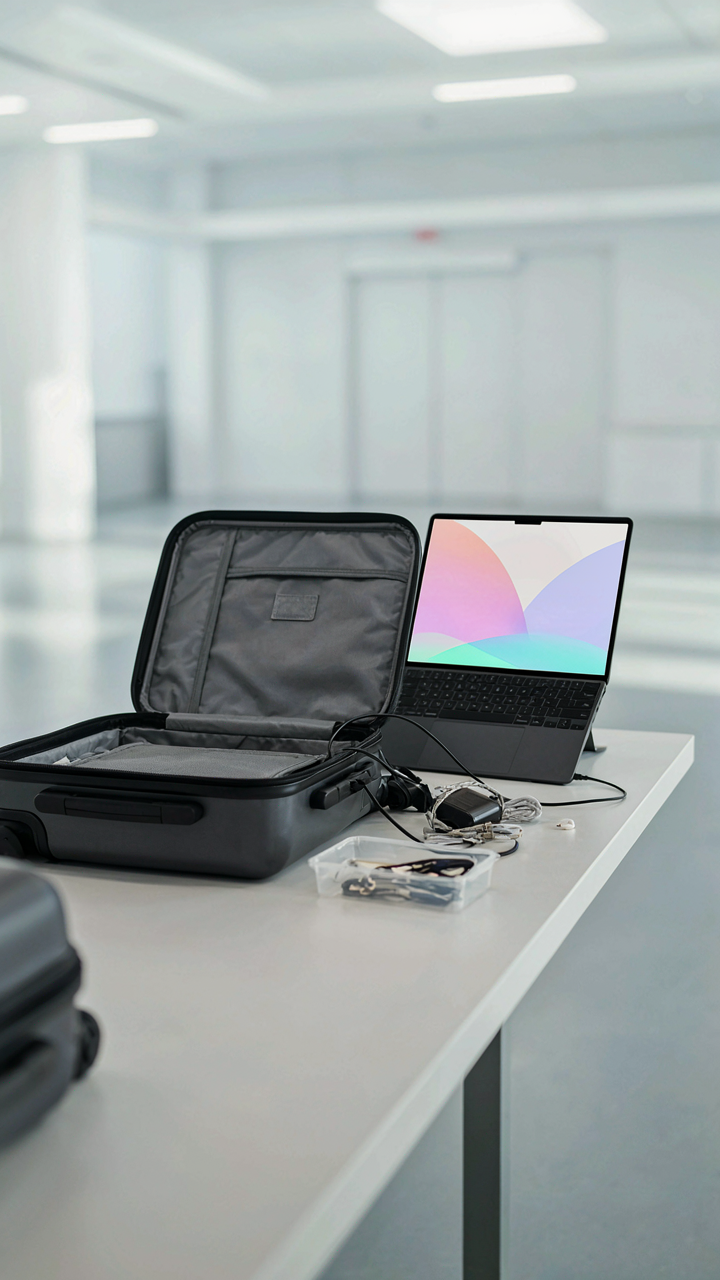
Items That Guarantee Delays
You want to move fast through security without looking unprepared, so you pack everything you think you might need. That instinct costs you time. The TSA screening process operates on a simple hydraulic principle: one slow person backs up everyone behind them, and your carry-on becomes the bottleneck. Most travelers pack items that trigger secondary screening or require unpacking at the scanner.
- USB hub with multiple ports and cables attached: Tangled cables force TSA officers to unwrap and inspect each connection individually, adding two to three minutes per bag during peak hours.
- Power banks over 100Wh: Airlines restrict larger capacity banks to checked luggage only. TSA will confiscate them at security, wasting your money and time at the gate.
- Laptop docking stations: These trigger confusion at X-ray because officers can’t immediately identify the contents. They require manual inspection and possible unpacking.
- Loose charging cables in external pockets: Visible cables prompt officers to remove and scan them separately, slowing your line progression significantly.
- Multi-device chargers with proprietary connectors: Unfamiliar designs generate questions and require closer inspection, whereas universal USB-C chargers pass through without second thought.

The real move is selecting one charger that handles your core devices and leaving redundant cables at home or in checked luggage. Officers process what they recognize instantly. A single, clean charging cable in your bag reads as intentional. Five tangled cables read as chaos, and chaos means delay.
The Minimalist Travel Items Advantage
Packing less tech isn’t about virtue or stoicism. It’s about information density at the checkpoint. Every item you carry is a data point the scanner must process, and every data point increases the probability of a flag. The advantage compounds with repetition: TSA PreCheck members who consistently carry minimal, organized tech move through in under five minutes. Standard security lines with the same minimal setup take ten.
The mechanism is attention allocation. When your bag contains only essential items arranged in a predictable pattern, the X-ray operator spends less cognitive load identifying each object. Their brain doesn’t work harder to distinguish between a phone charger and a potential threat. You eliminate the decision fatigue that causes officers to pull bags for secondary screening. The minimalist approach doesn’t make you faster in absolute terms. It makes you invisible to scrutiny, which is faster than being noticed.
The “Smart Device” Deception: Unlocking True Efficiency

Digital Boarding Passes Versus Physical Documents
You want to look like you have your life together at airport security. What you actually need is the fastest path through the checkpoint. The real mechanism here is throughput optimization: TSA agents process digital and physical documents at nearly identical speeds, but one eliminates a failure point you control.

Digital boarding passes on your phone work. TSA scanners read QR codes from screens without friction. But here’s what matters: if your phone dies, your battery fails, or the airline’s app glitches, you still need a backup. Physical printouts don’t depend on infrastructure you didn’t build. Carry both. The printed document is your redundancy layer, not your primary tool.
Pre Check And Trusted Traveler Programs Explained
TSA PreCheck costs money and requires your biometric data. You’re paying for lane separation, not magic. The mechanism is queue management borrowed from operations research: TSA PreCheck creates a dedicated checkpoint with fewer screening steps because participants have already passed background vetting. You skip shoe removal, belt removal, and laptop extraction. That saves four to six minutes per trip.
Trusted Traveler programs vary by what you’re doing. Global Entry covers international re-entry and includes TSA PreCheck. CLEAR adds biometric identity verification, cutting document review time to near zero. None of these programs guarantee speed during peak hours, but they reduce variables you can’t control at standard checkpoints. PreCheck pays itself back after two international roundtrips. Enroll if you fly more than twice yearly.
The Geopolitical Playbook For International Travel Tips
Security Theater As Strategic Deterrent
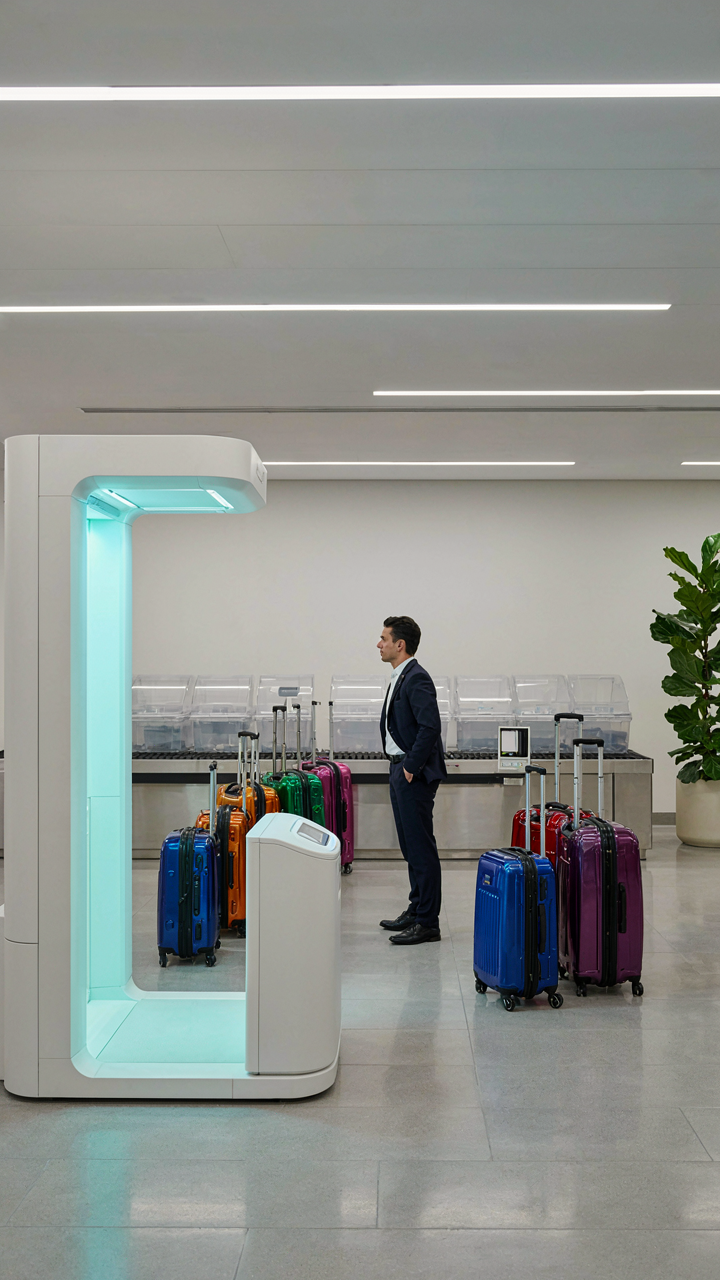
You’re reading this because you want to feel in control at security checkpoints, not because the rules actually protect you. Here’s what matters: airport security operates on deterrence doctrine, borrowed directly from Cold War military strategy. A visible checkpoint with procedures stops casual threats through presence alone, not through actual threat elimination. The TSA’s liquid rules, laptop removal, and shoe checks exist to demonstrate capability and consistency, not because each rule independently stops a credible attack vector.

Most travelers assume rules exist because they work. They don’t. Rules exist because they signal authority and create friction that deters low-sophistication attempts while appearing scientifically justified. When you see a full-body scanner or a pat-down procedure, you’re observing security theater’s core mechanism: the performance of control matters more than control itself. Understanding this shift changes how you prepare your devices and chargers across borders.
Anticipate Restrictions Before Policy Changes
Geopolitical events trigger security escalations weeks or months before official announcements reach public channels. Airlines and airport operators receive intelligence briefings that inform checkpoint procedures long before TSA updates its website. If a specific region experiences aviation-related incidents or threats, expect new device restrictions at checkpoints serving that region first. Your laptop or power bank doesn’t change, but the rules governing how you present it will.
Track geopolitical friction points and aviation incidents through industry news, not consumer travel blogs. When tensions rise in key regions or after any aviation incident, airports tighten device screening protocols within days. Remove batteries from external chargers before international flights after any major incident until policies stabilize. This isn’t paranoia; it’s reading the same signals airport security reads, just hours after they do.
The “Airport Hacks” Myth: True Time Savers
Security Line Predictive Analytics
You want to feel like you’ve cracked the code. The truth is simpler: most “hacks” are just pattern recognition dressed up as insider knowledge. Think of TSA operations like queuing theory in logistics—the system has predictable flow states based on time, day, and passenger volume. Early morning (5-7 AM) and late evening (after 8 PM) consistently move faster because fewer people fly then. Mid-morning creates bottlenecks. This isn’t magic. It’s math.

The actionable move is tracking your airport’s actual wait times via the TSA wait times tool or airport app, not guessing based on what worked last month. Screenshot patterns over three trips to your home airport. You’ll see the same windows repeat. Book flights during those windows when possible. If you can’t control departure time, arrive during off-peak hours anyway—it buys you buffer room. The mechanism works because fewer simultaneous passengers means fewer screening stations needed, which means fewer decision points for officers, which means faster throughput.
Gate Side Charging Infrastructure
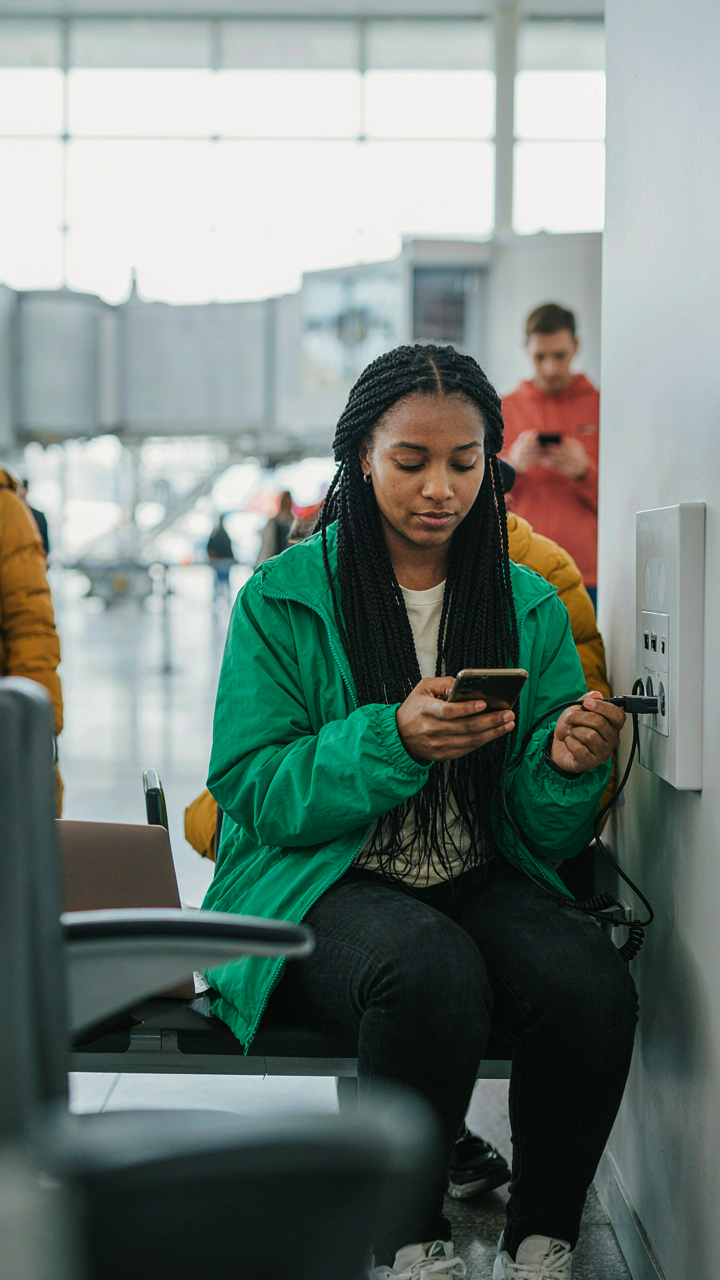
Most travelers charge at the gate because they assume outlets don’t exist elsewhere. They do. Airport terminals now have dedicated charging stations in lower-traffic zones—usually near bathrooms, family rooms, or between concourses. These charge faster than gate outlets because they’re designed for that purpose. Gate outlets are shared load and often limited. Charging stations are dedicated circuits.
Arrive at your gate with 30 minutes of battery remaining instead of 5. Walk the terminal for a charging station or charging kiosk during that window. You gain two tactical advantages: your device reaches full capacity instead of partial, and you avoid the gate crowd when boarding starts. The protocol is simple. Scan your boarding pass, locate the nearest charging hub via the airport map or app, plug in for 20-25 minutes, and return to your gate with 10 minutes before boarding. This is more reliable than hoping a gate outlet works.
The Personal Item Paradox: Optimize Your Essentials

Carrying Less Wins Every Time
You want to look organized and efficient, like you travel constantly. Here’s the mechanism nobody admits: TSA lines move faster when you move faster, and you move faster when you carry less. Economics calls this the principle of constraint optimization. You apply it here by removing items that don’t serve a security function. Your personal item isn’t a display of what you own. It’s a tool for moving through a checkpoint without friction.

Most people treat their personal item like a portable filing cabinet. They load it with cables, adapters, backup chargers, snacks, documents, and things they might need. Then they open it at security and watch agents handle each object. Every item creates delay and risk. Strip your personal item to: laptop, phone, wallet, ID, one charging cable. Everything else goes in checked luggage or stays home. The fewer objects you present, the fewer questions TSA asks.
Quick Access Through Intentional Positioning
Accessibility isn’t about convenience. It’s about removing the moment where you hesitate or fumble. That hesitation is where agents focus their attention and where your line bogs down. Place your laptop at the top of your bag where you grab it without digging. Position your ID and boarding pass in your jacket pocket, not your wallet, not your bag. Your phone should be in your hand before you reach the conveyor belt. Position your keys, belt, and watch in a single pouch that goes into your bag before security, not at security.
The actual protocol at most checkpoints requires you to remove laptops larger than tablets and place them in a bin. Your job is to move from bag to bin in one motion. This means your laptop sits horizontally at the top of your personal item, not vertical, not nested under other objects. Your chargers don’t travel loose. They sit in a cable organizer that comes out as one unit. Stack your bins in the order you’ll need items back: bin with electronics on top, bin with shoes and liquids below. You move through, retrieve, and reassemble without breaking rhythm.
The Ignored “Security Tips”: Beyond Common Sense
How Your Demeanor Becomes Your Tool
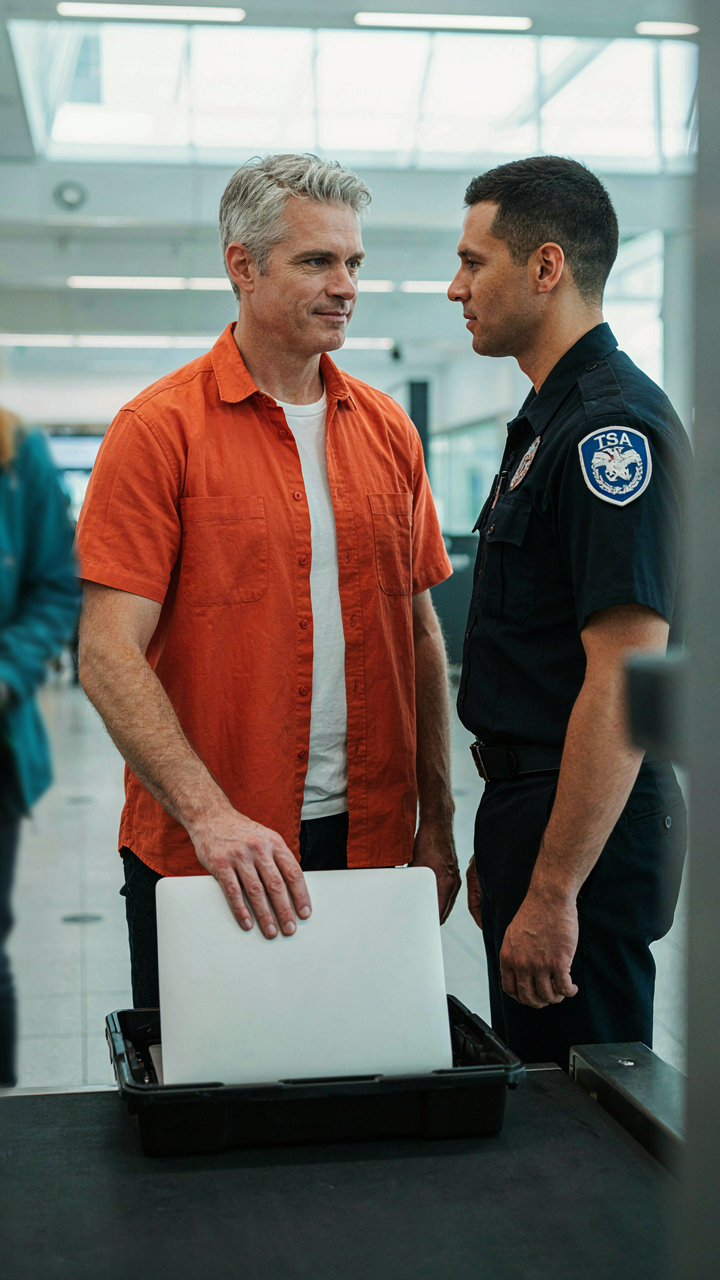
You want to breeze through security without incident because delays feel like personal failure. The real mechanism is this: TSA officers process hundreds of travelers daily in a system designed to catch threats, not accommodate preferences. Your tone and body language either reduce their cognitive load or add to it.

Friendliness is not about charm. It’s about clarity. When you speak to an officer with directness and respect, you signal cooperation. You remove uncertainty from the interaction. Officers don’t remember pleasant people—they remember people who eliminate friction. Hand over documents before asked. Answer questions completely. Move your laptop out before you reach the bin. This is not etiquette. This is reducing the variables they must assess.
Reading The Guard’s Role, Not The Uniform
Common advice says “just follow the rules.” That’s incomplete. You need to understand what the officer actually cares about: anomalies. In security architecture, anomaly detection is the framework. The officer scans for deviation from normal pattern—people who hesitate, who hide devices, who dress in ways that don’t match their stated destination.
Your devices are not what concerns them. Your behavior is. When you place your laptop in the bin and move forward smoothly, you vanish into the statistical normal. When you fumble for chargers at the conveyor belt or seem uncertain about liquid restrictions, you’ve created a flag. The officer must now investigate you as an outlier. Treat security screening like a protocol checklist you’re running through together, not an obstacle to resent.
The Traveler’s Blueprint: Master Airport Travel
Before You Leave Your House
You’re anxious about losing expensive gear or having it confiscated, and that anxiety makes you pack wrong. Security lines operate on a predictable protocol: screeners scan your bag, flag anomalies, and pull items for manual inspection. You control the variable. Know your electronics’ dimensions before you board. TSA allows laptops under 17 inches and external batteries under 100 watt-hours. Measure your charger brick and power bank against these thresholds now, not at the checkpoint. One size difference means the difference between sailing through and explaining yourself to a federal agent.
Your pre-flight check isn’t about confidence. It’s about removing the reason screeners stop you. Batteries must be in carry-on only, never checked luggage. Remove your laptop and place it flat on top of your bag’s contents so screeners see it immediately when the X-ray runs. Empty your pockets completely. Cables and chargers should sit in an exterior pocket, accessible without digging through the entire bag. This isn’t theater. This is choreography that lets the line move.
Reassemble With Intention
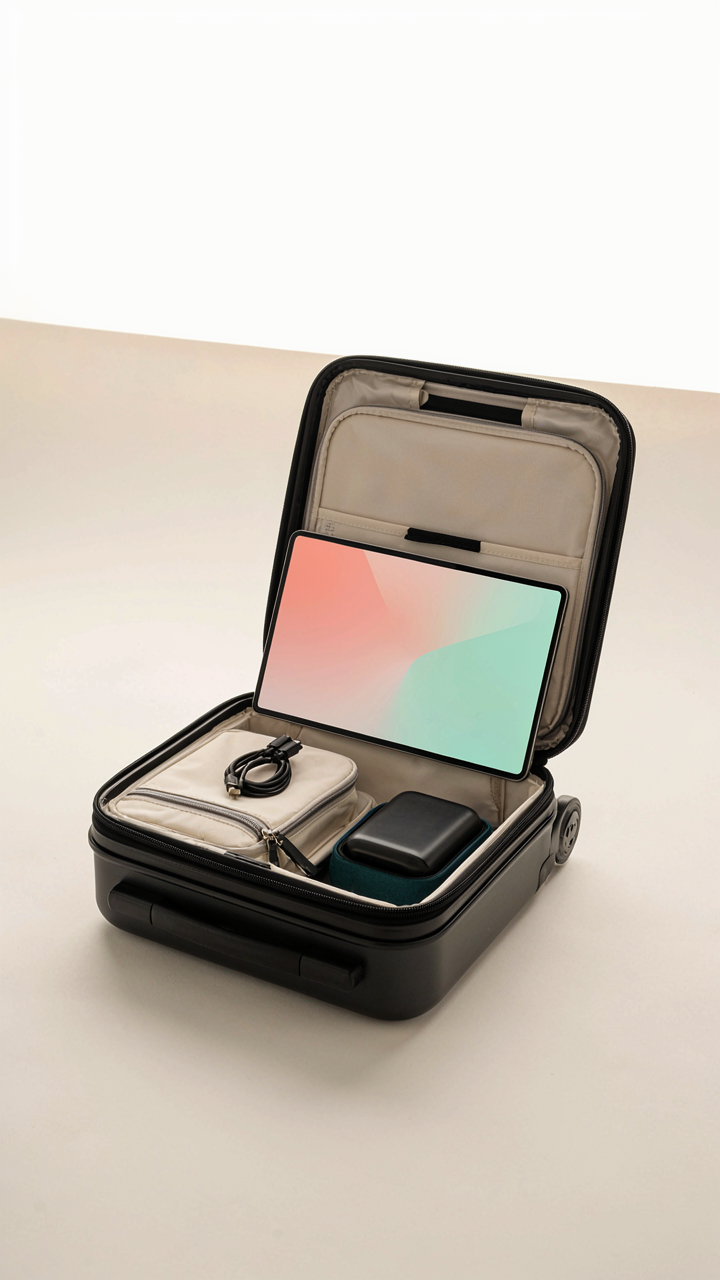
Most travelers reassemble wrong after security, which costs them time and exposes devices to damage. Screeners may pull your laptop for explosive residue testing, requiring you to reconstruct your bag in a hallway or gate area with no table. Your charger cable doesn’t belong tangled with your earbuds. Your power bank doesn’t go directly into a pouch where pressure damages it. Every item must have one designated pocket.
Place your laptop in the bag’s main compartment first, flat and protected. Secure your power bank in a small case or sleeve before it touches anything else in your carry-on. Bundle your charger cable by looping it, not coiling it, to prevent internal wire fractures. USB-C cables break from tight coiling over time. Organize so you never search for a single item at the gate. Fast reassembly means you’re already moving when other travelers are still fishing through their bags.
Your Fear Of Missing A Flight Isn’t About Security; It’s About Your Inability To Adapt To Arbitrary Rules
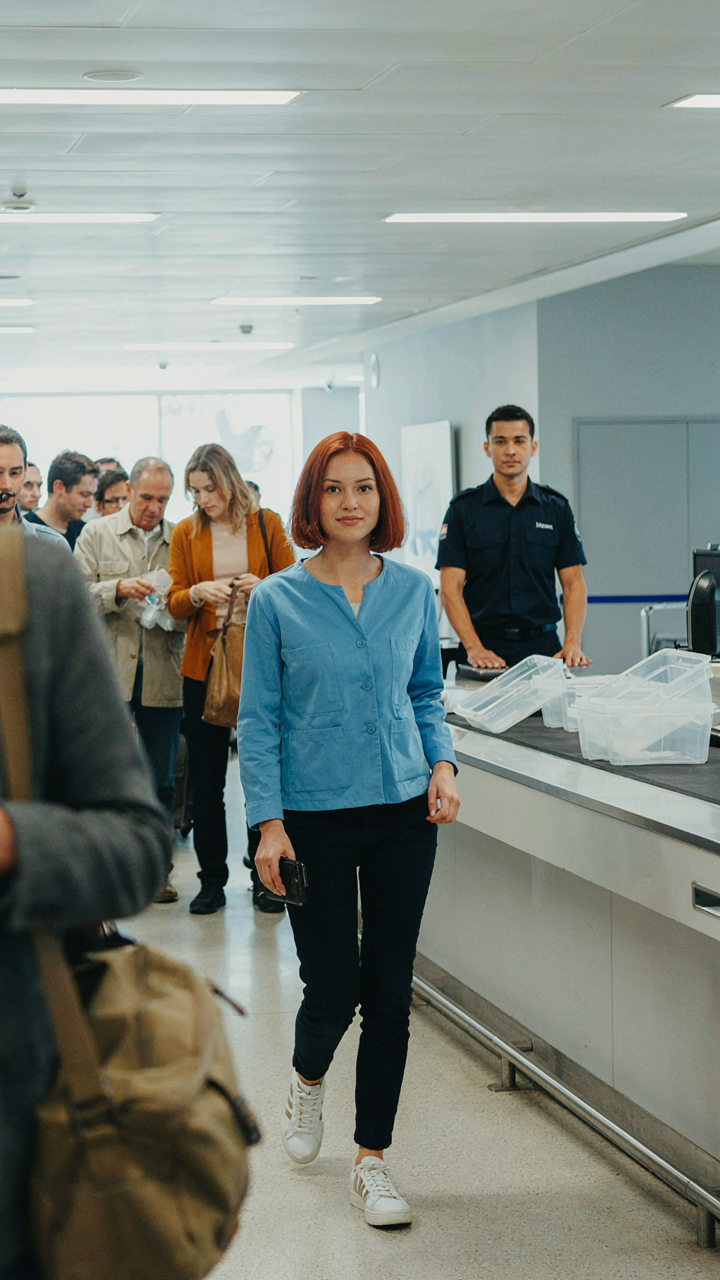
The TSA doesn’t care about your schedule. They care about compliance. You stress about security lines because you’ve built your entire travel system around hoping things go smoothly instead of controlling what actually matters. Tomorrow, pack your tech the night before and run through security like you know exactly where everything goes. Most people fail not because rules are complicated, but because they refuse to treat them like the non-negotiable game they are. Master the system and it stops controlling you.