What Is A Smart Air Fryer With A Phone App
Understanding The Evolution Of Air Frying Technology
Air fryers entered consumer markets in the mid-2000s as countertop convection devices that circulated hot air at high speeds to cook food. Early models operated through manual dials and buttons, requiring users to set time and temperature directly on the machine. Manufacturers designed these units to replicate deep frying results using minimal oil, which appealed to consumers seeking faster cooking times and reduced fat content compared to traditional methods.
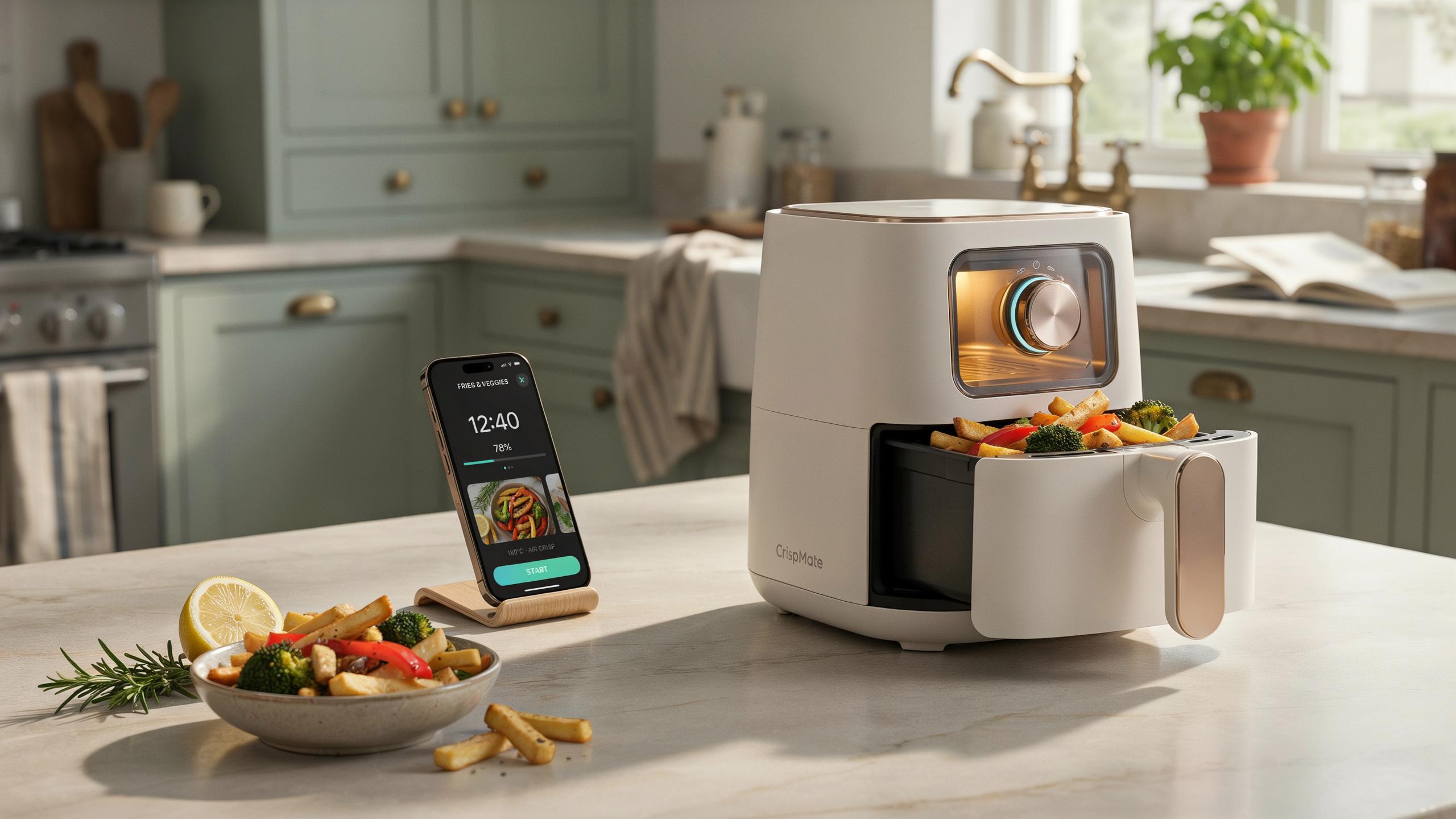
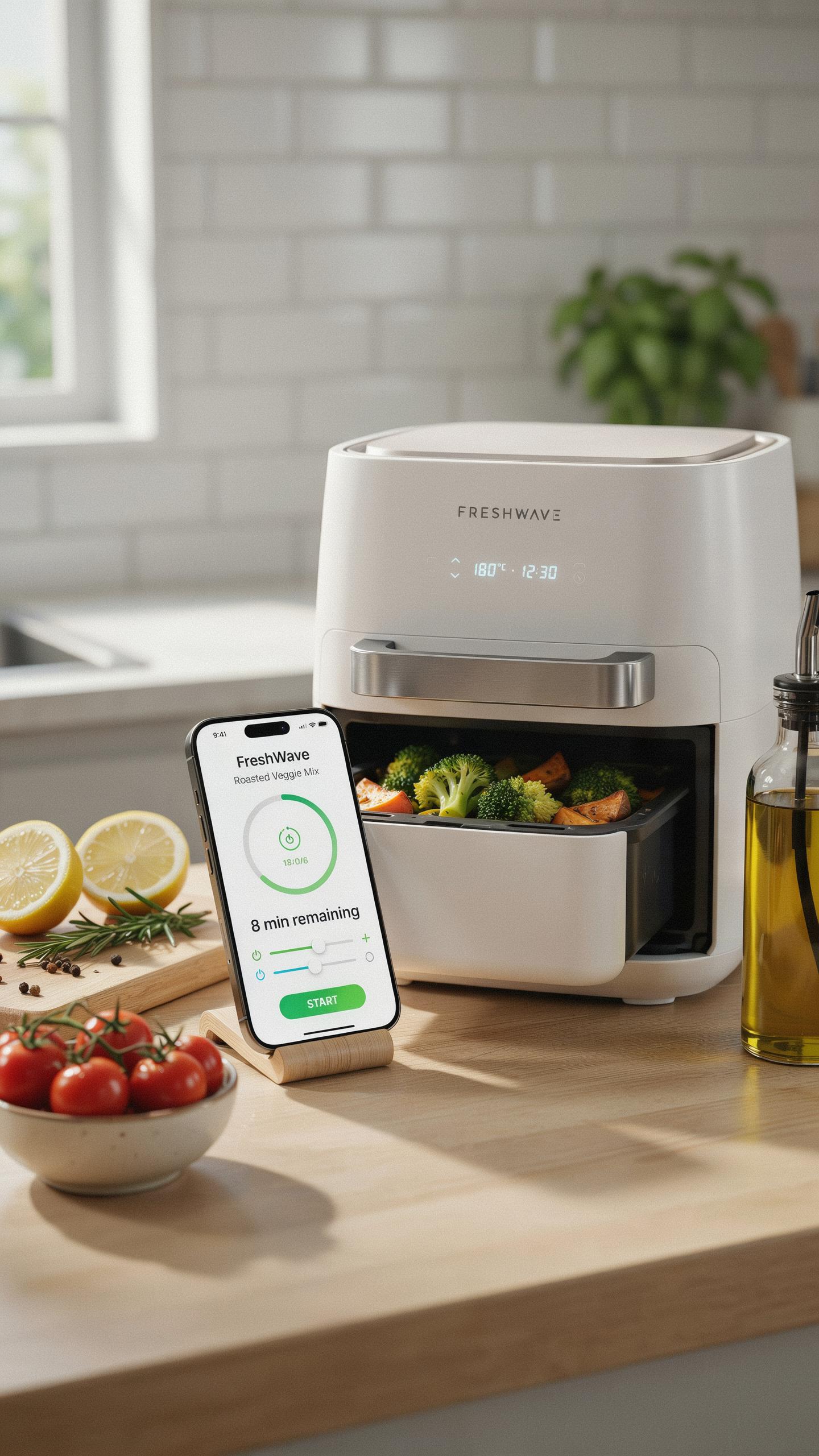
Smart air fryers emerged as manufacturers integrated WiFi connectivity and smartphone applications into their designs. This shift allowed users to control cooking remotely, receive notifications when food finished, and access recipe databases through mobile devices. The technology eliminated the need to stand in the kitchen or manually monitor cooking progress, transforming air frying from an active task into a passive one that fit modern schedules.
Key Features Of Smart Air Fryers For Smart Cooking
Smart air fryers connect to home WiFi networks and pair with dedicated mobile applications that communicate with the device in real time. Users control temperature, cooking time, and power settings from their phones while away from the kitchen. The apps store cooking history, suggest recipes based on available ingredients, and send push notifications when cycles complete, giving users complete visibility into their cooking process.
Built in preset programs handle common foods like chicken, vegetables, frozen items, and baked goods automatically by applying tested time and temperature combinations. These presets eliminate guesswork and deliver consistent results across different batches. Advanced models include voice control compatibility with Alexa or Google Assistant, air flow customization, multiple cooking zones, and integration with smart home ecosystems that coordinate cooking with other household devices.

Benefits Of A Smart Air Fryer For Healthy Cooking
Achieving Healthier Meals With Air Frying
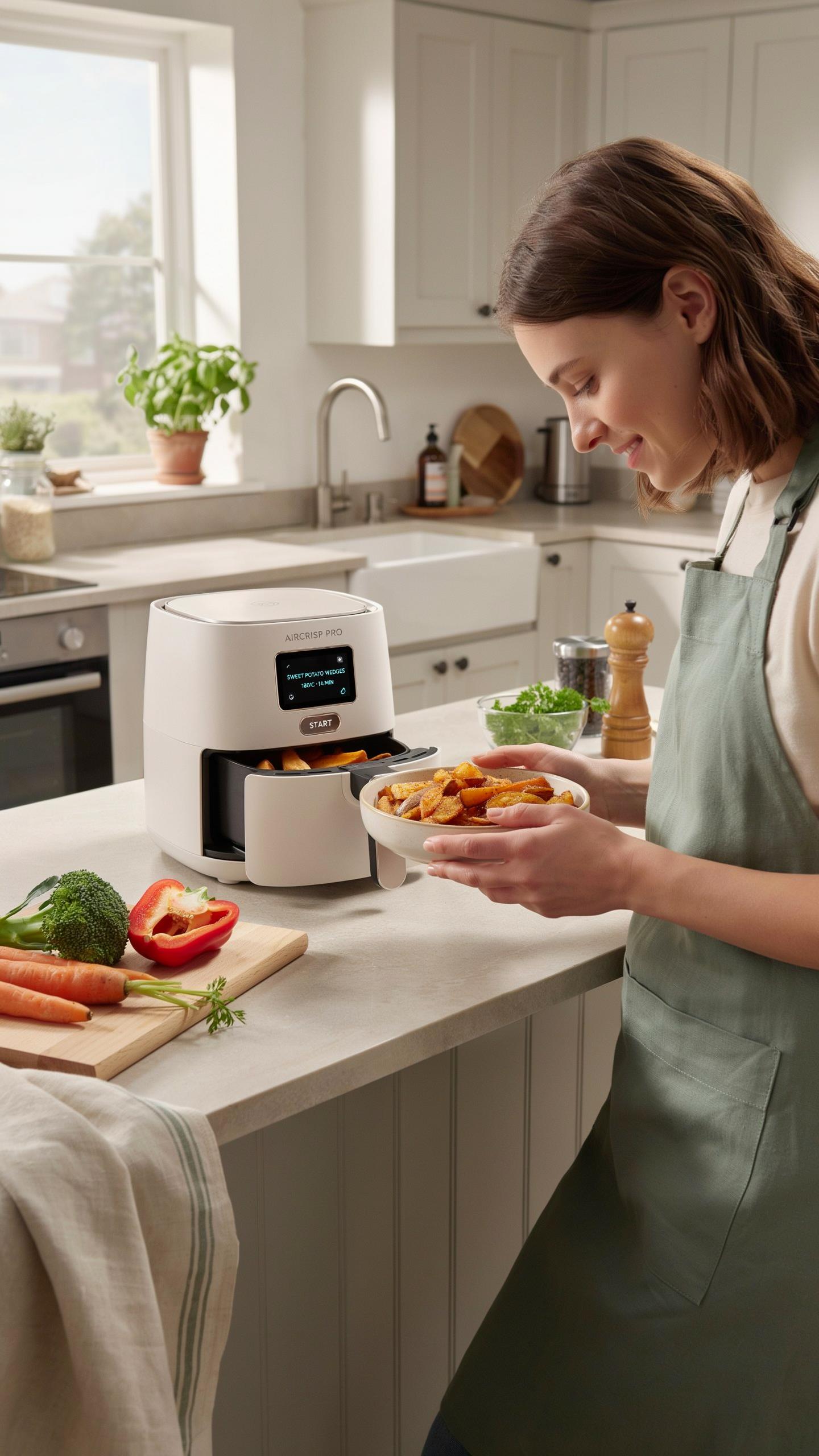
Air fryers cook food using rapid air circulation and high heat instead of oil submersion. This method reduces the amount of oil needed to achieve crispy textures. Traditional deep frying requires substantial oil quantities, while air fryers need little to none. The result is lower calorie intake and reduced fat consumption without sacrificing texture or taste.
Air frying produces meals with less dietary fat than conventional cooking methods. Studies confirm that air fried foods contain significantly lower fat content than deep fried alternatives. People seeking to reduce their caloric intake benefit directly from this cooking approach. The health advantage applies consistently across proteins, vegetables, and carbohydrate-based foods prepared in air fryers.
The Convenience Of Hands Off Preparation
Phone app integration transforms air fryer operation into a remote process. Users launch cooking cycles, monitor progress, and receive notifications from their smartphones regardless of location. You start dinner preparation before leaving the office or adjust settings from another room. The app eliminates the need to physically stand near the appliance during cooking cycles.

This remote capability frees up significant time during meal preparation. You handle other kitchen tasks, work, or relax while the app-connected fryer manages cooking automatically. Temperature adjustments and time extensions happen through your phone without interrupting current activities. The convenience factor directly reduces the mental and physical load of cooking daily meals.
Top Smart Air Fryer Models And Air Fryer Review
Comparing Leading Smart Air Fryer Brands
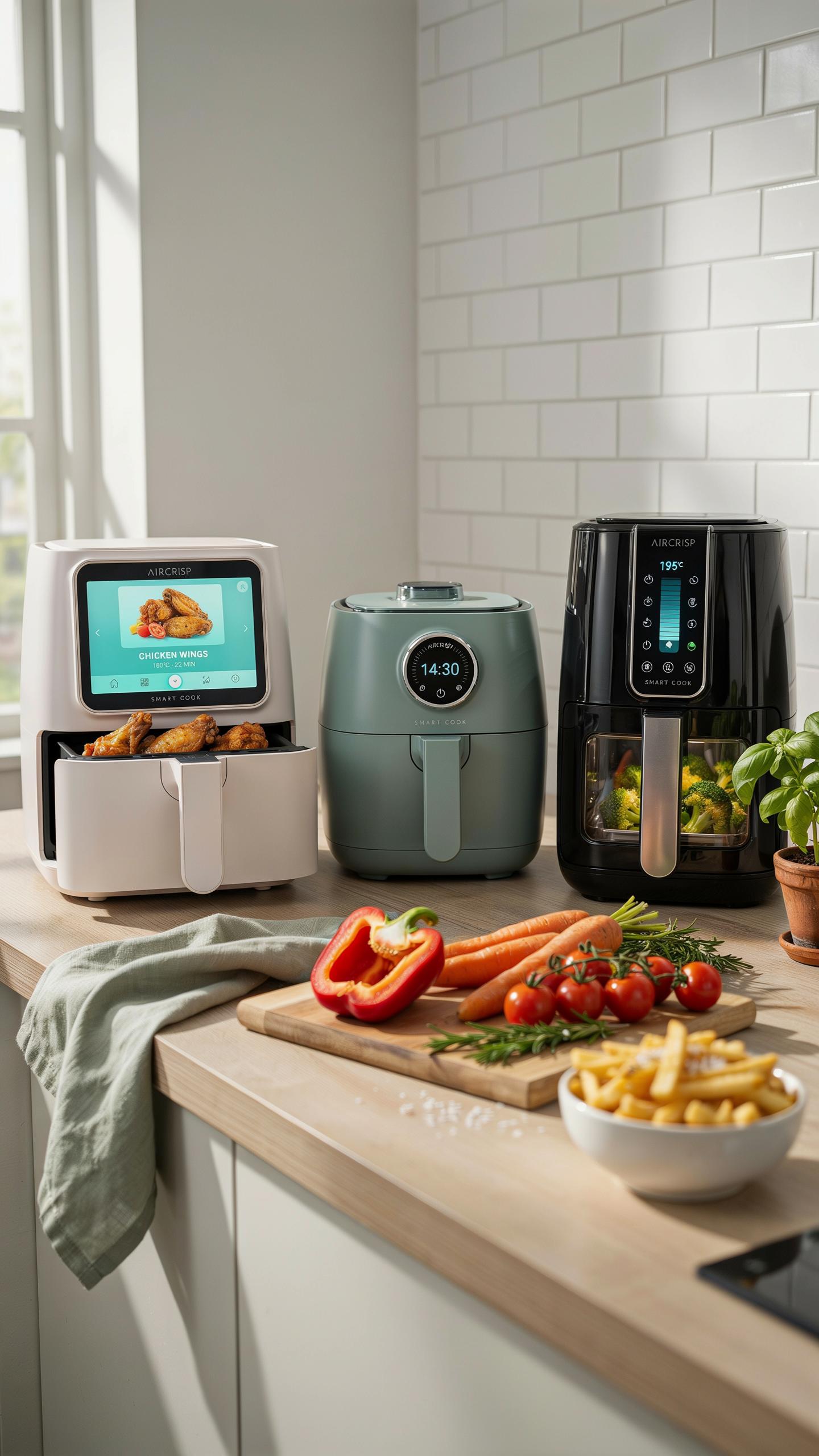
Ninja, Cosori, and Instant Pot dominate the smart air fryer market. Ninja models typically offer larger capacities ranging from 5.5 to 8 quarts with app control through their proprietary application. Cosori emphasizes precise temperature control and a user-friendly interface. Instant Pot leverages its brand reputation by combining air frying with multi-cooker functionality, appealing to users wanting versatility in one device.
Each brand targets different consumer priorities. Ninja prioritizes speed and wattage output, typically 1700 watts or higher. Cosori focuses on recipe integration and smartphone connectivity reliability. Instant Pot buyers accept potential compromises in dedicated air frying performance for multi-function capability. Price points vary from 100 dollars for basic models to 400 dollars for premium units with advanced app features and larger capacities.
Factors To Consider When Buying Your Smart Air Fryer
Wattage determines cooking speed and temperature consistency. Models between 1400 to 1700 watts heat quickly and maintain steady temperatures during cooking cycles. Lower wattage units take longer to preheat and may struggle with frozen foods. Your electrical setup matters here, as higher wattage models require adequate circuit capacity to operate safely without tripping breakers.

Capacity and app functionality determine practical utility. Basket sizes range from 2.6 quarts for single users to 8 quarts for families. App reliability matters significantly since you depend on remote notifications and temperature adjustments. Check that the app works on your smartphone’s operating system and verify update frequency from the manufacturer to ensure ongoing compatibility and feature improvements.
Mastering Your Smart Air Fryer Through Its Food App
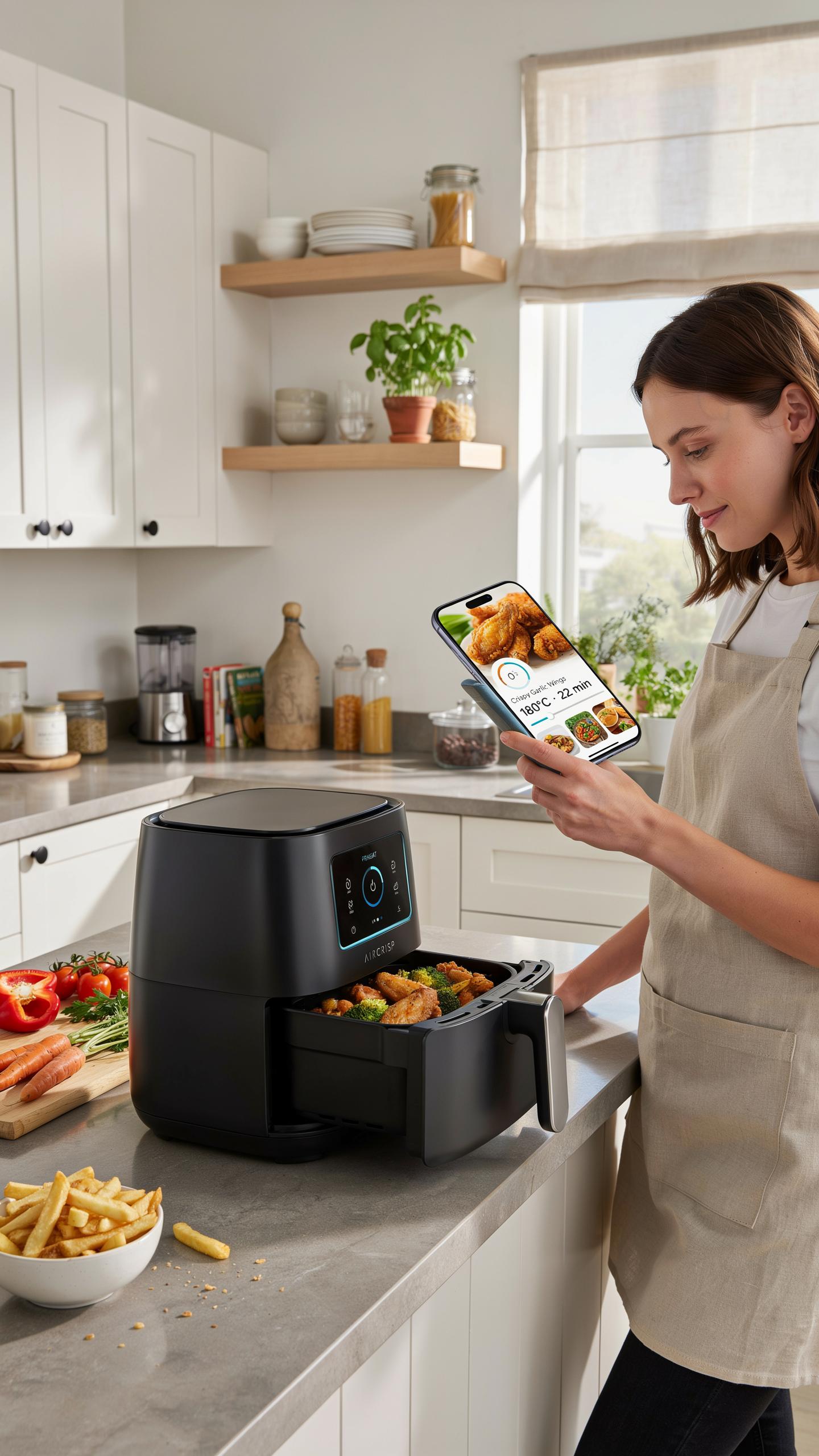
Navigating The Smart Air Fryer Food App Interface
Most smart air fryer apps display your cooking status on a dashboard. The main screen shows temperature, time remaining, and current cooking stage. You access preset recipes through a menu, select your food type, and the app auto-adjusts settings. Drawer menus let you control basket rotation, shake reminders, and heat intensity without touching the unit itself.
The app architecture separates core functions into distinct tabs. One tab handles active cooking sessions. Another manages your recipe library and history. A settings section controls notifications, unit connectivity, and app preferences. This layout reduces confusion during meal prep and keeps your finger count low. You spend less time hunting for controls and more time doing other tasks.
Customizing Cook Settings And Receiving Notifications
Smart air fryer apps let you override preset temperatures and times before cooking starts. You adjust heat from 200 to 400 degrees Fahrenheit depending on your recipe needs. Duration fields accept minutes up to the unit’s maximum capacity. Save your custom combinations as personal presets for faster future access. The app syncs these changes directly to your unit before cooking begins.

Notification systems alert you at critical cooking moments. Alerts arrive when preheating completes, halfway through cooking for shake reminders, and when your food finishes. You choose notification types in settings: sound, vibration, or silent alerts. Some apps send progress updates every few minutes if you want constant monitoring. Disable notifications for specific meals if you prefer hands-off cooking without interruptions.
Delicious Air Fryer Recipes For Your Smart Device
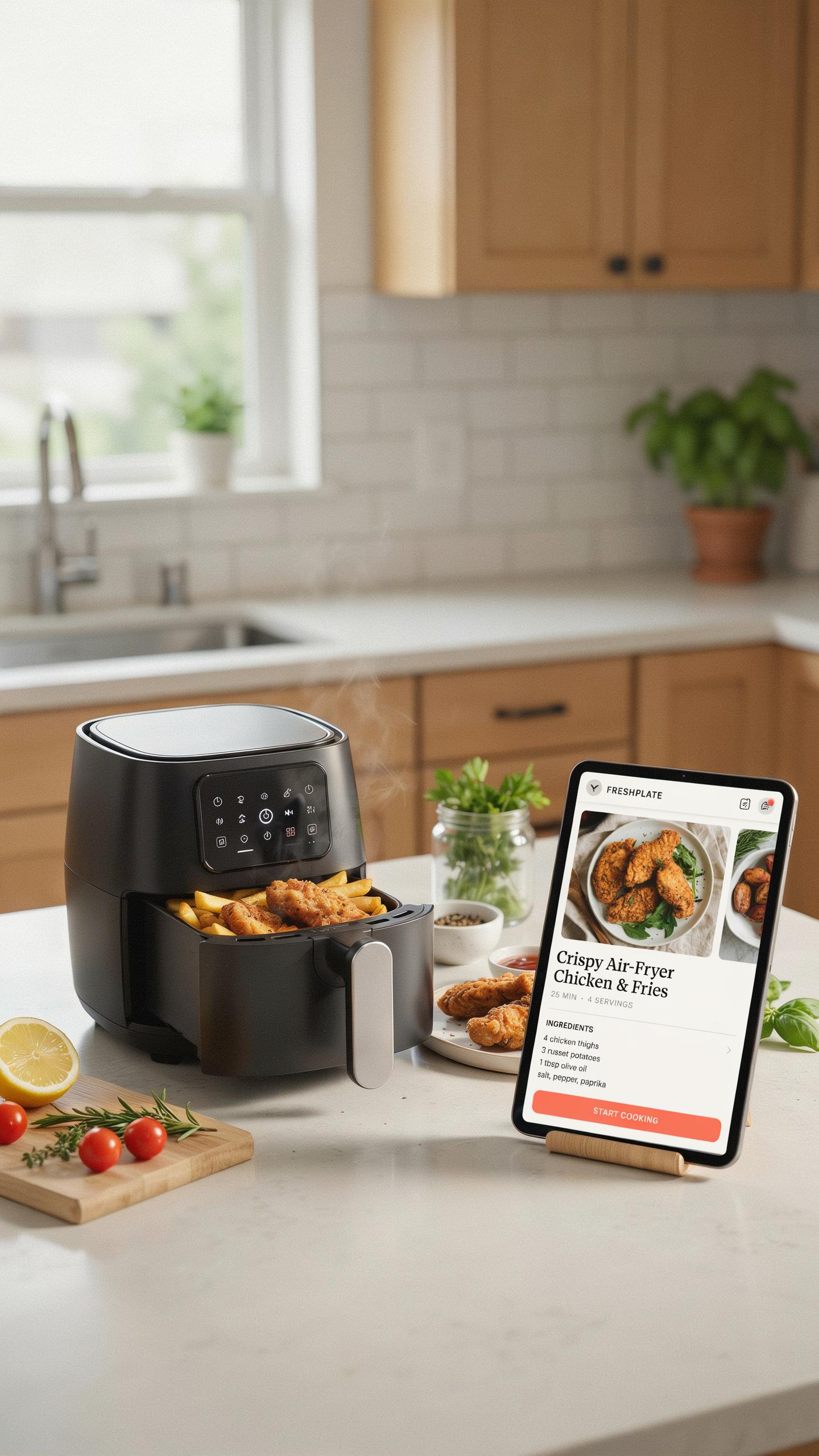
Curated Recipes Optimized For Smart Air Fryers
Smart air fryer apps come preloaded with recipes engineered for the specific heating and air circulation patterns of each model. These recipes account for wattage, basket size, and temperature distribution. Using app-provided recipes eliminates guesswork. The app adjusts cooking times and temperatures based on your machine’s specifications, delivering consistent results every time you cook.
App recipes cover protein, vegetables, and prepared foods. Chicken breasts, salmon fillets, and ground beef cook reliably at preset temperatures. Frozen french fries and vegetables go from package to plate without manual adjustment. The app notifies you when food is done and suggests shake or flip intervals. This removes the trial and error from home cooking.
Remember those Sunday dinners, the smell of home filling the air? Now, with a tap on your phone, that same comforting aroma can beckon you back, even when life pulls you in a thousand directions.
Tips For Adapting Traditional Recipes To Air Frying
Convert stovetop and oven recipes by reducing temperatures by 25 degrees Fahrenheit and cutting cooking time by 20 percent initially. Air fryers circulate heat intensely, so food cooks faster than conventional methods. Test the first batch and adjust from there. Log successful conversions in your app’s notes feature for future reference.

Wet batters and heavy sauces don’t work in air fryers because circulating air prevents proper cooking. Dry rubs, light coatings, and marinaded proteins perform well. Use parchment paper or cooking spray to prevent sticking. Cook in a single layer without crowding the basket. Your app tracks which adaptations work, building a personal recipe database over time.
Maximizing Efficiency Smart Cooking With Your Air Fryer
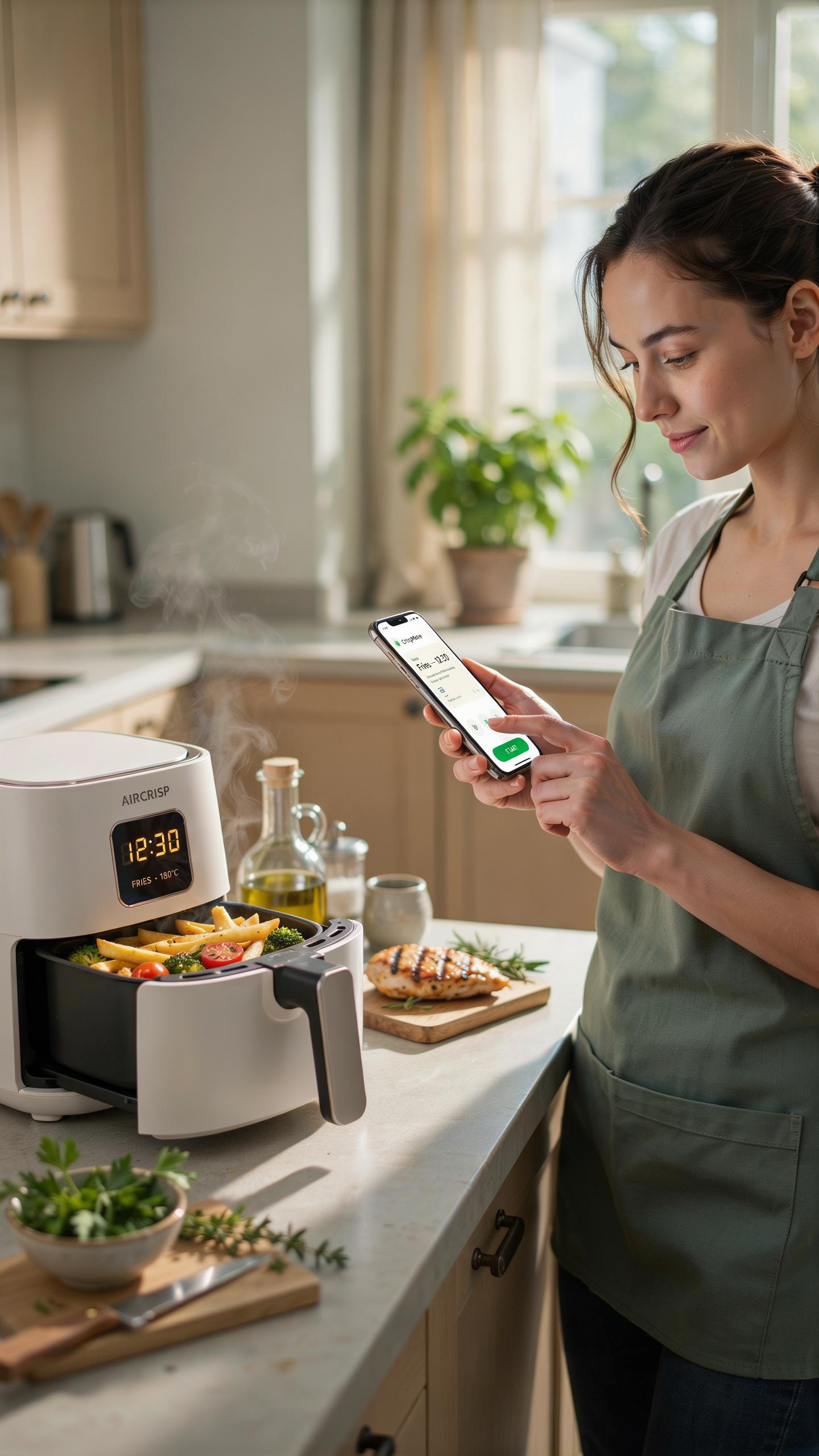
Time Saving Techniques With App Controlled Features
App control eliminates manual intervention during cooking. You schedule meals hours ahead, and the air fryer activates automatically at your set time. Remote preheating begins before you arrive home. The app sends alerts when food reaches optimal doneness, preventing overcooking. Temperature adjustments happen instantly from your phone without walking to the kitchen.
Batch cooking becomes predictable and repeatable. You save recipes directly in the app with exact settings that worked before. No guessing on temperature or duration. Notification systems track multiple cooking stages simultaneously. This removes the need to remember cooking times or check progress manually throughout the day.
Integrating Your Smart Air Fryer Into A Smart Home Ecosystem
Smart air fryers connect to existing home automation platforms through WiFi and popular protocols like WiFi Direct or Bluetooth. Integration with systems like Amazon Alexa or Google Home allows voice commands to start cooking, adjust temperature, or receive status updates. Automation routines trigger the air fryer as part of larger sequences, such as starting dinner prep when you leave work.

Synchronized cooking with other smart kitchen appliances streamlines meal preparation. Your smart oven and air fryer coordinate timing so dishes finish together. Energy monitoring features track power consumption across devices. Some models report usage data to help you optimize household electricity patterns and reduce waste during peak hours.
Cleaning And Maintenance Of Your Smart Air Fryer
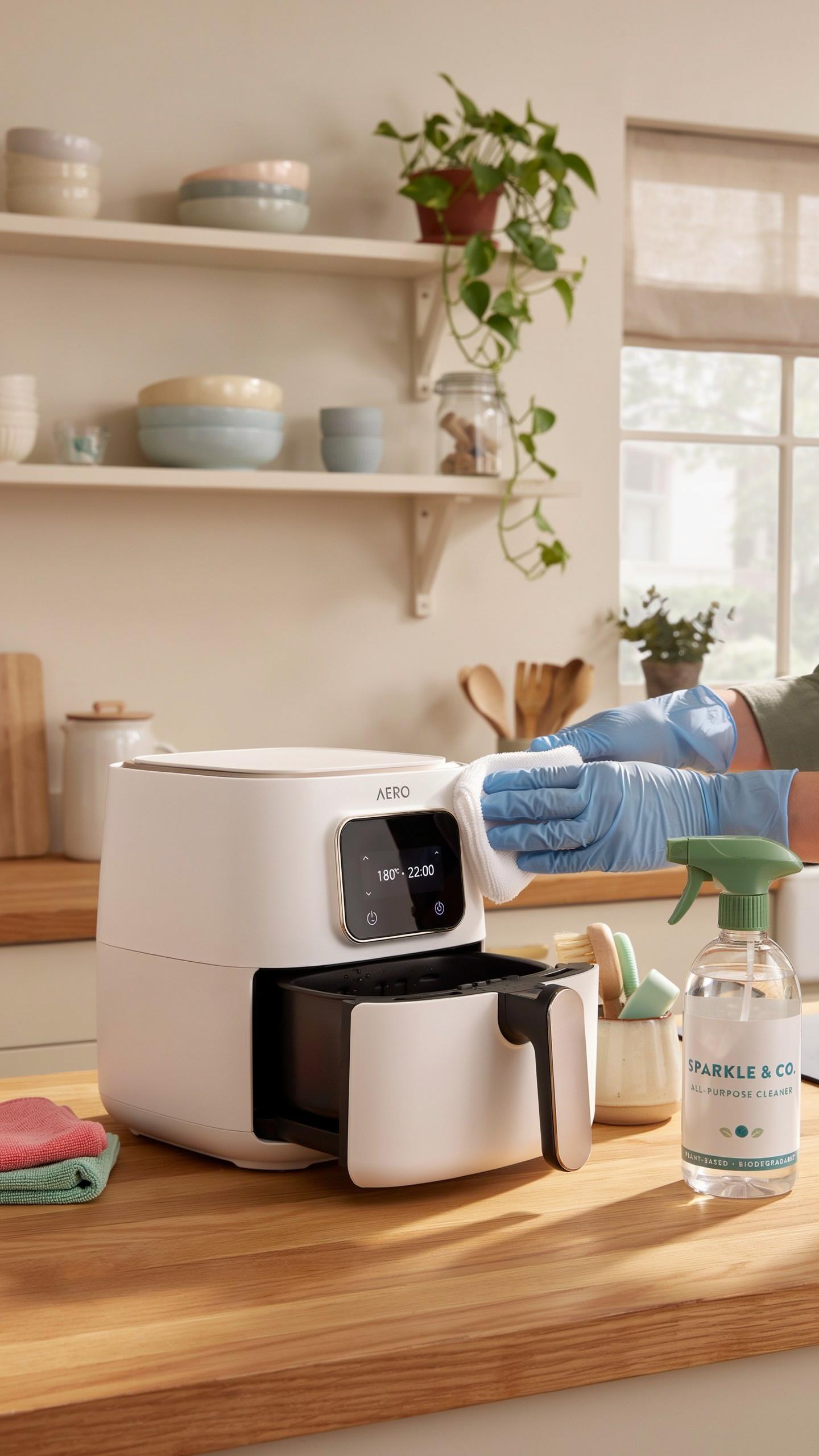
Best Practices For Cleaning Air Fryer Components
Unplug your air fryer before cleaning. Remove the basket and tray immediately after cooking when residue is still warm but cool enough to handle. Warm soapy water and a soft cloth clean most surfaces effectively. Avoid abrasive scrubbers that damage internal components. Dry everything thoroughly before reassembling to prevent electrical issues.
The heating element requires special attention. Never submerge it in water. Wipe the heating element with a damp cloth only when the unit is completely cool and unplugged. Food debris buildup reduces heat efficiency and cooking performance. Check the element monthly and remove any stuck particles gently with a wooden utensil. This maintenance directly impacts your app’s temperature accuracy and cooking results.
Care For Non Stick Surfaces And Square Baskets
Non-stick coatings deteriorate with metal utensils and harsh abrasives. Use only silicone, wood, or plastic tools when removing food. Hand wash baskets in warm soapy water with soft sponges. Square baskets collect grease in corners more than round ones, so spend extra time cleaning the edges and crevices. Air dry completely before inserting back into the unit.

Coating damage exposes underlying metal, which can corrode and affect app connectivity sensors. Replace baskets showing peeling or scratching to maintain consistent sensor readings. The non-stick surface also impacts heat distribution, which your app monitors when adjusting cooking times. Store baskets separately to prevent stacking damage. Check manufacturer recommendations for your specific model’s basket material compatibility with dishwashers.
Troubleshooting Common Smart Air Fryer Issues

Resolving Connectivity Problems With Your Phone App
Wi-Fi connection failures are the primary barrier between you and remote cooking control. Check that your air fryer and smartphone connect to the same network band. Most smart air fryers operate on 2.4 GHz frequencies only, not 5 GHz. Restart both devices by power cycling them fully. Update your app to the latest version through your device’s app store.
If connection persists after these steps, reset the air fryer to factory settings using its physical buttons. Consult your device manual for the exact reset procedure. Re-pair the fryer with your app as though setting it up for the first time. Ensure your router sits within reasonable range of the kitchen appliance. Distance and physical obstacles like walls degrade signal strength significantly.
Addressing Cooking Performance Concerns
Uneven cooking typically stems from overcrowding the basket or blocked air circulation paths. Load food in a single layer with space between items for hot air flow. Shake the basket halfway through cooking cycles if your app allows mid-cycle adjustments. Preheat your unit for five minutes before adding frozen foods to establish stable internal temperatures. Monitor initial cook times with your first batch to establish baseline settings for future meals.

Temperature inconsistencies between your app display and actual results indicate a sensor calibration issue. Clean the internal temperature probe with a dry cloth to remove residue affecting readings. Verify that your app displays temperatures matching your fryer model’s specifications from the manufacturer. Contact customer support with your model number if recalibration attempts fail. Some units require firmware updates to correct temperature reporting accuracy.
Advanced Features And Future Of Air Frying Technology
Exploring Voice Control And AI Integration In Smart Air Fryers
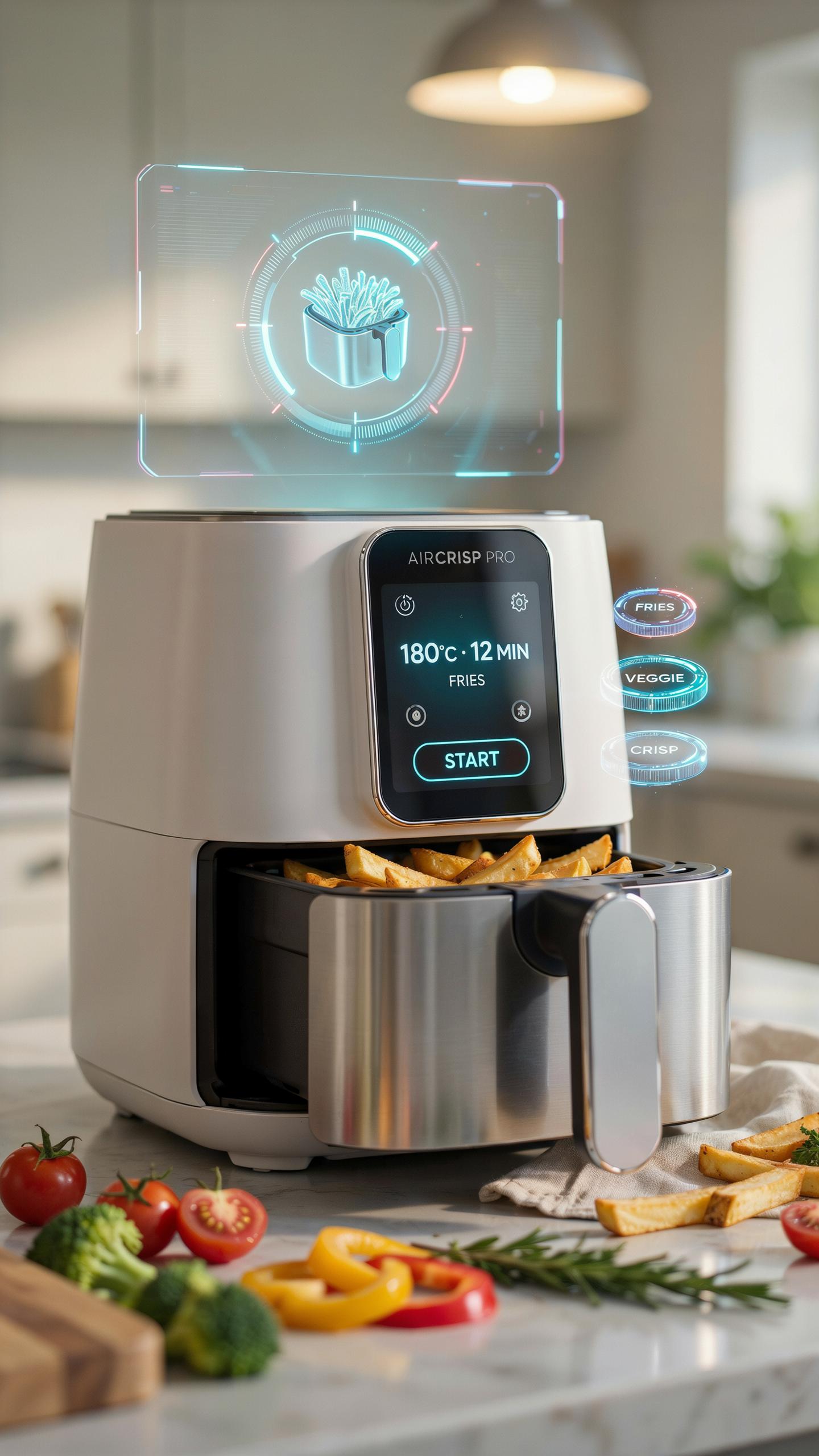
Voice control integration in smart air fryers works through compatibility with major platforms like Amazon Alexa and Google Assistant. Users issue commands to start cooking, adjust temperature, or set timers without touching the device. This hands-off capability reduces kitchen friction and appeals to multitasking cooks who need speed and convenience during meal prep.
AI integration learns cooking patterns and suggests recipes based on ingredients users previously cooked. The technology analyzes cooking history to optimize time and temperature settings for repeat meals. Current implementations focus on pattern recognition rather than true artificial intelligence, but the trend shows manufacturers moving toward predictive cooking recommendations that adapt to individual preferences over time.
The Evolution Of Air Fryer Photography And Recipe Sharing
Smart air fryers with built-in cameras or app-connected imaging features let users photograph meals at the moment of completion. Photos transfer directly to the companion app, creating automatic recipe documentation. This capability bridges the gap between cooking and food photography, eliminating the need for separate documentation steps that typically slow down the eating process.
Recipe sharing communities have grown around smart appliance apps, with users posting photos and cooking parameters to collective databases. This crowdsourced approach builds libraries of real-world cooking results tied to specific temperature and time combinations. Manufacturers leverage this data to refine app recommendations and create validated recipes that users can replicate with confidence across different kitchen environments.
Why A Smart Air Fryer Is A Kitchen Essential
Summary Of Benefits: Healthy, Convenient, And Connected
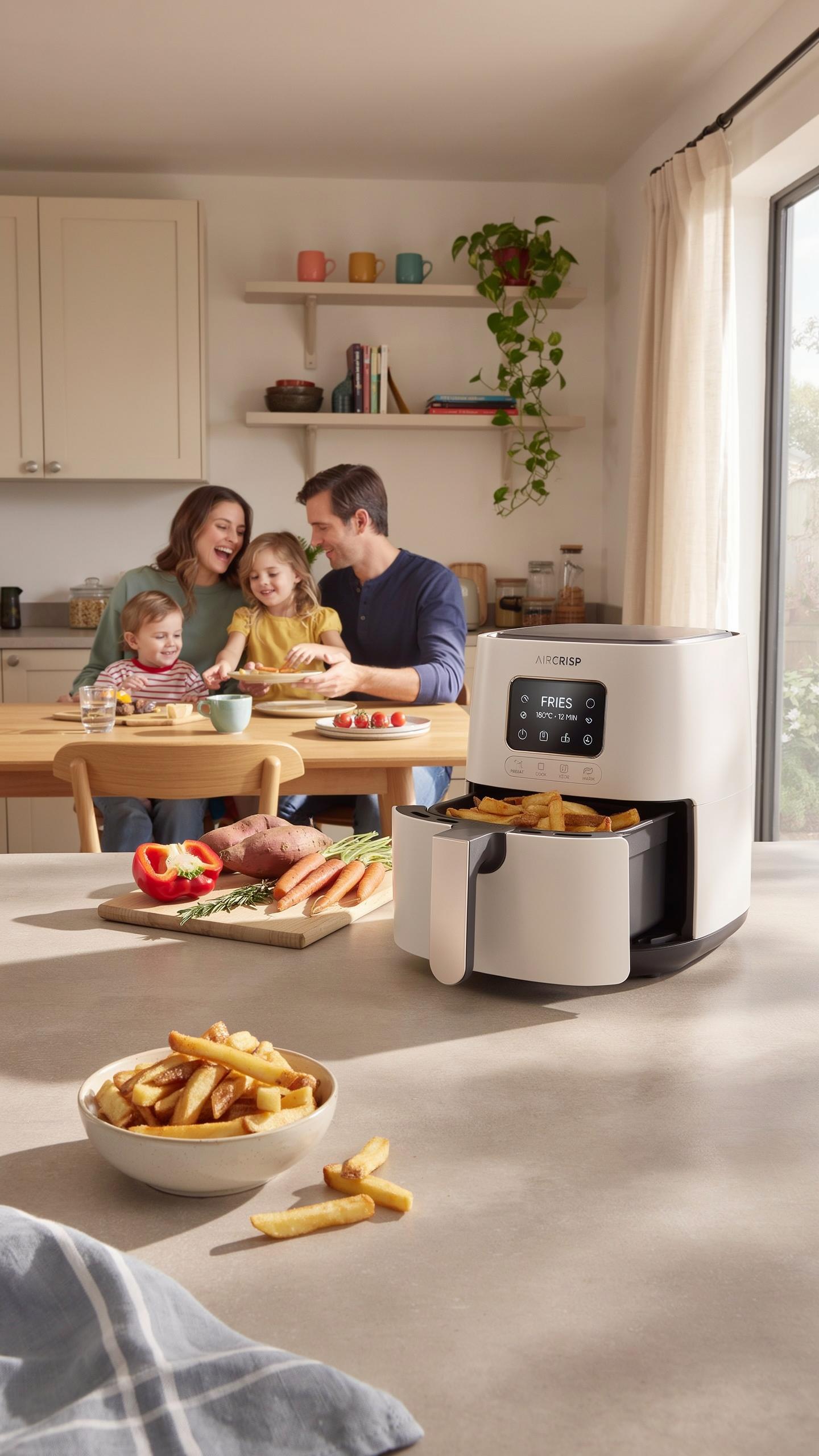
A smart air fryer with phone app control delivers three core advantages. First, it cooks food with minimal oil, reducing fat intake compared to traditional frying methods. Second, the app lets you start, monitor, and stop cooking remotely, eliminating the need to stand in the kitchen. Third, connected models sync recipes and cooking data to your phone for tracking meals and adjusting preferences over time.
Remote cooking capability saves time in your daily routine. You can begin dinner preparation while finishing work or running errands. Temperature and cooking duration adjust automatically based on preset recipes. Notifications alert you when food is ready, preventing overcooked meals. This removes guesswork from meal prep and gives you control without constant attention.
Making The Switch: Is A Smart Air Fryer Right For You?
Evaluate your cooking habits before purchasing. If you cook multiple times weekly and value convenience, a smart model justifies the investment. These units cost more than standard air fryers but deliver measurable time savings. Consider your tech comfort level, as app-based controls require smartphone familiarity and a reliable WiFi connection in your kitchen.
Assess your kitchen space and cooking volume realistically. Smart air fryers occupy counter or storage space similar to traditional models. If you cook for one or two people, a smaller capacity works fine. Larger households benefit from bigger models with higher wattage. Determine if hands off cooking aligns with your actual meal prep schedule and dietary goals before committing to the purchase.
Frequently Asked Questions

What exactly is a smart air fryer with a phone app and how does it make cooking easier?
A smart air fryer with a phone app connects to your smartphone, allowing you to control settings like temperature, time, and even pre-heating remotely. This digital integration means you can start dinner from another room, monitor progress, and receive notifications, offering truly hands-off cooking and greater convenience for busy lifestyles.
How do I connect my smart air fryer with phone app to my home Wi-Fi network for the first time?
Connecting your smart air fryer with a phone app is typically straightforward. First, download the manufacturer’s app. Then, ensure your air fryer is plugged in and powered on. The app will guide you through selecting your Wi-Fi network and entering the password, often using Bluetooth or a temporary hot-spot for initial pairing.
Are smart air fryers with phone app control significantly more expensive than traditional models, making them inaccessible for most budgets?
While smart air fryers with phone app capabilities can sometimes be slightly more expensive than basic models, the price difference isn’t always prohibitive. Many reputable brands now offer a range of smart options at various price points, making the convenience of hands-off cooking accessible to a wider array of budgets.



