
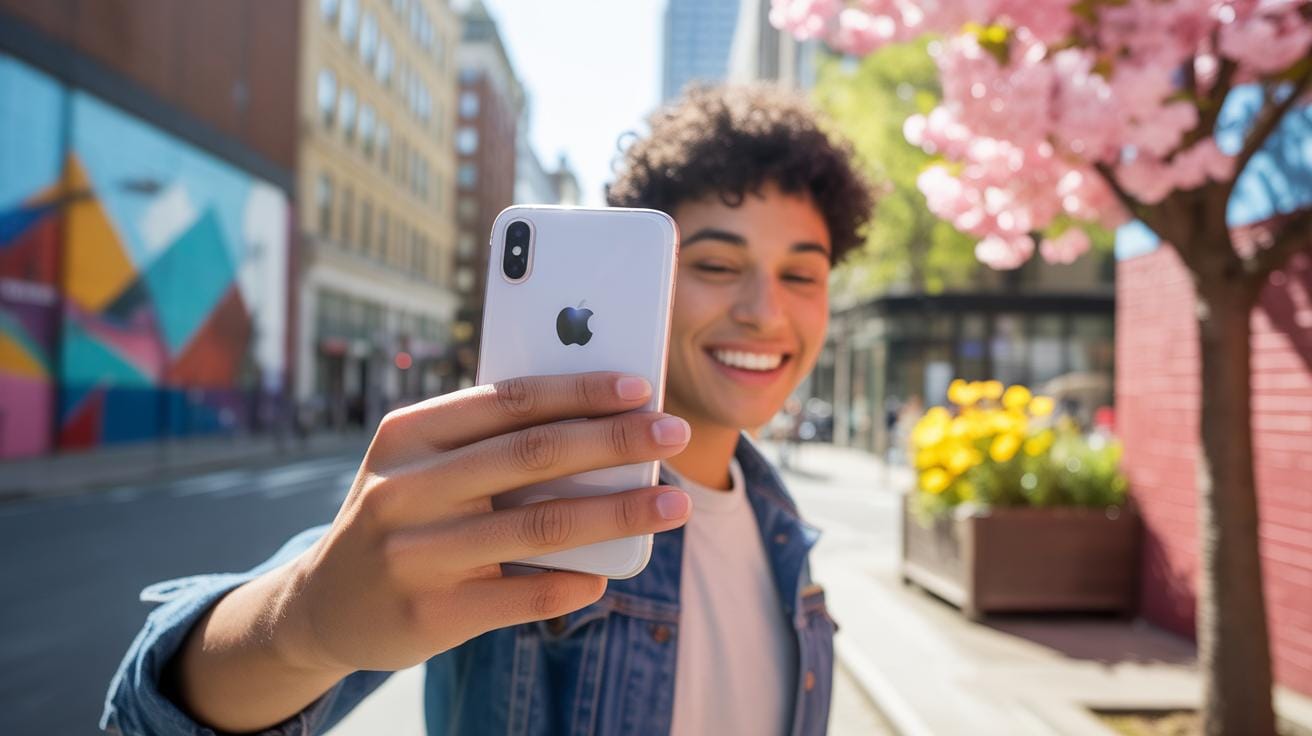
The Rise Of IPhone Photography Art In Modern Culture
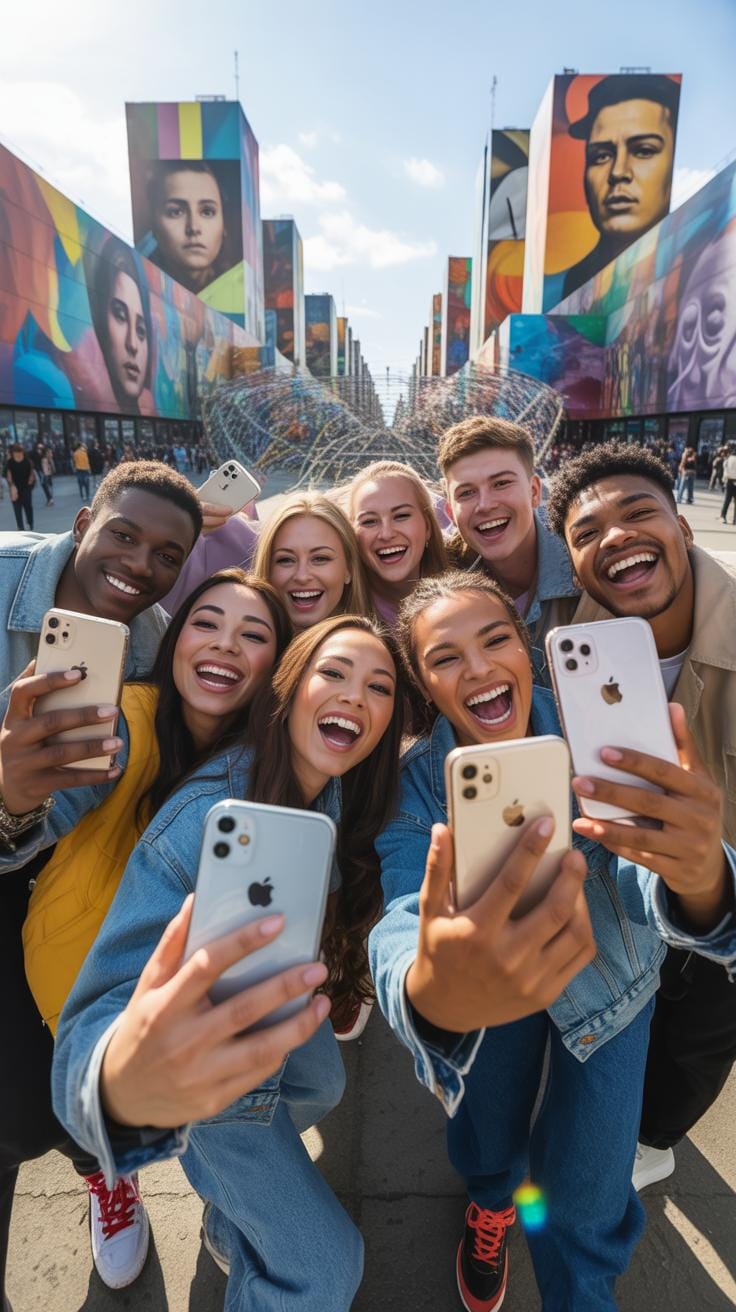
Evolution Mobile Cameras
When the first iPhone launched in 2007, its two-megapixel camera seemed almost incidental to its revolutionary touchscreen interface. Yet within years, mobile photography transformed from a convenient snapshot tool into a legitimate artistic medium. Early iPhone models featured fixed-focus lenses and limited manual controls, forcing photographers to work creatively within constraints. This limitation paradoxically sparked innovation, as artists discovered how iPhone photography art could thrive through composition, lighting intuition, and embracing the device’s unique aesthetic qualities and inherent characteristics.
The technological progression accelerated dramatically through successive generations. Modern iPhones now feature computational photography, advanced sensors, multiple lenses, and sophisticated image processing that rivals dedicated cameras. Features like Night mode, Portrait mode with depth control, and ProRAW capabilities democratized professional-quality image capture. Today’s iPhone photography art encompasses HDR processing, machine learning-enhanced details, and optical zoom technologies that would have seemed impossible fifteen years ago. This evolution meant serious photographers no longer needed to choose between convenience and creative control, fundamentally changing how visual artists approach their craft.
Ippawards Influence
The iPhone Photography Awards, established in 2007, provided crucial institutional validation for iPhone photography art as a serious artistic pursuit. By creating a global competition specifically celebrating mobile photography, the awards demonstrated that technical limitations didn’t diminish artistic merit. Winning images displayed remarkable emotional depth, compositional sophistication, and visual storytelling that rivaled traditional photography exhibitions. This recognition encouraged both amateur and professional artists to embrace their iPhones as primary creative tools rather than convenient alternatives to “real” cameras.
The awards’ influence extended beyond individual photographers to reshape broader cultural perceptions about digital art legitimacy. Museums began acquiring iPhone photographs for permanent collections, galleries mounted dedicated mobile photography exhibitions, and publications devoted entire issues to iPhone photography art. This institutional acceptance created a virtuous cycle where increased prestige attracted serious artists, whose sophisticated work further elevated the medium’s reputation. Today, iPhone photography coexists alongside traditional photography in fine art contexts, proving that artistic merit depends on vision and execution rather than equipment specifications or historical conventions.

Mastering The Fundamentals Of The IPhone Camera
Focus Exposure Control
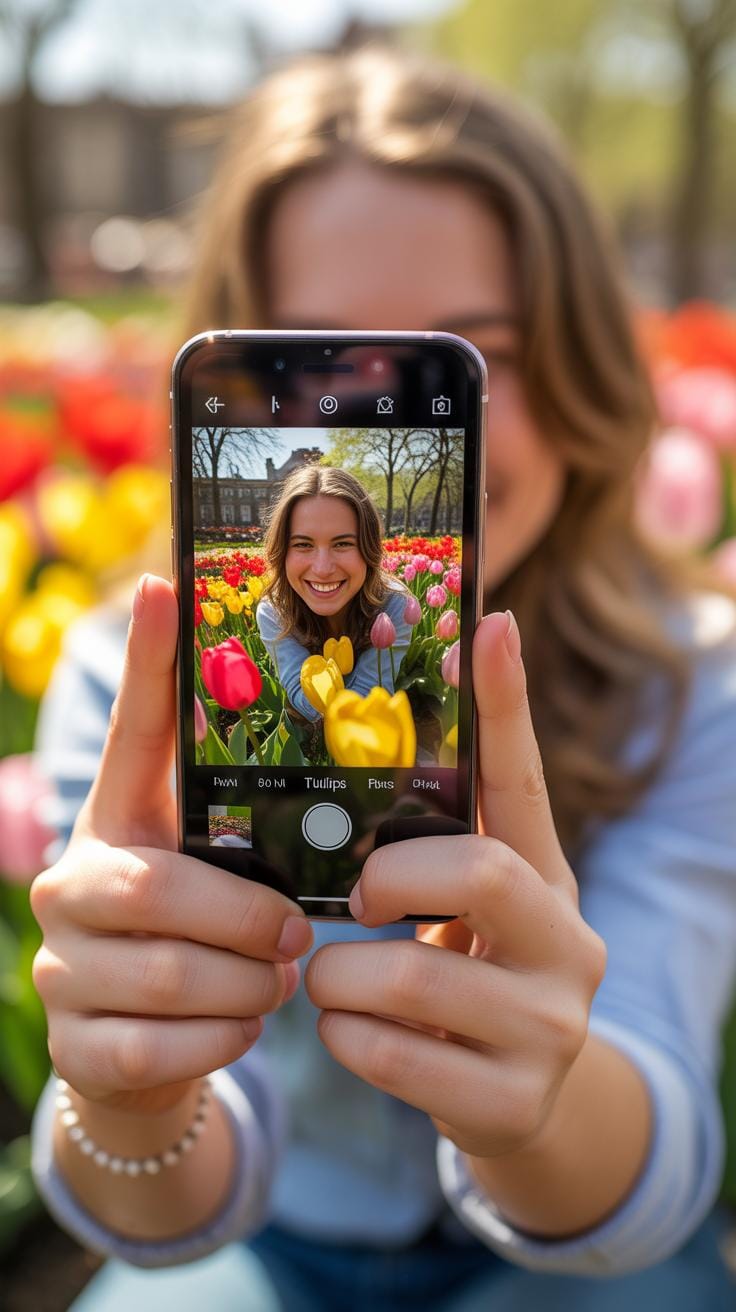
The iPhone’s autofocus and exposure system represents a remarkable achievement in computational photography. By tapping your screen, you activate the AE/AF lock feature, which independently controls both focus and exposure. This gesture freezes these settings, allowing you to recompose your shot without the camera constantly hunting for new subjects. Understanding this separation empowers you to craft intentional iPhone photography art.
- Tap and hold on your subject to lock both focus and exposure simultaneously
- Slide your finger up or down after locking to manually adjust exposure brightness
- Use AE/AF lock when shooting backlit subjects to preserve highlight detail
- Lock exposure on bright skies to create silhouettes with dramatic depth
- Practice locking on different planes within your scene for varied compositional effects
- Experiment with slight underexposure for richer, more saturated colors in daylight
Mastering this fundamental transforms casual snapshots into deliberate artistic expressions. Many iPhone photographers overlook this capability, defaulting to automatic settings. Once you internalize the AE/AF lock workflow, you’ll discover newfound control over mood, contrast, and subject emphasis. This single technique elevates everyday moments into considered visual statements.
Lens Versatility
Modern iPhones offer multiple focal lengths through their integrated lens system, typically including ultra-wide, wide, and telephoto options depending on your model. Each lens tells stories differently, inviting various creative approaches to iPhone photography art. The ultra-wide lens captures expansive scenes and environmental context, while the telephoto compresses perspective and isolates subjects with flattering bokeh effects.
The standard wide lens serves as your foundational tool, closely mimicking human vision. However, embracing the extremes unlocks fresh perspectives on familiar subjects. The ultra-wide lens exaggerates depth and reveals hidden spatial relationships in rooms, landscapes, and architectural details. Conversely, the telephoto lens pulls distant elements closer, flattening the scene into layered compositions that feel intimate despite distance. Rotating between lenses during a single shoot creates visual narratives with varied emotional resonance.
Composition Techniques For Daily Visual Storytelling Scraps
Rule Of Thirds Grid
The rule of thirds remains one of the most elegant compositional principles in iPhone photography art. Your iPhone’s built-in grid overlay divides your frame into nine equal sections using two horizontal and two vertical lines. By positioning important subjects along these lines or at their intersections, you create naturally balanced photographs that feel visually harmonious. This ancient technique, refined through centuries of painting and photography, transforms mundane moments into compelling visual narratives that draw viewers deeper into your everyday scenes.
Activating the grid is remarkably simple and transforms how you frame subjects throughout your day. Once enabled in your camera settings, the gridlines appear as subtle overlays, guiding your eye toward compositional balance. Portraits gain dimension when faces align with vertical lines, while horizons feel anchored when placed along horizontal thirds rather than centered. This deliberate placement prevents the static, predictable quality of centered compositions, infusing your iPhone photography art with intentional sophistication that elevates ordinary snapshots into thoughtfully composed visual stories.
Leading Lines Perspective
Leading lines function as visual pathways that guide viewers through your iPhone photography art with graceful inevitability. These can be roads stretching toward horizons, fence lines cutting through gardens, or architectural elements framing natural landscapes. Whether natural or constructed, leading lines create depth and movement, transforming flat smartphone screens into dimensional journeys. Urban environments offer abundant opportunities—sidewalk seams, building edges, and utility lines—while natural settings provide branches, streams, and pathways that invite contemplation and exploration.

Perspective transforms leading lines from simple visual tools into storytelling instruments within your daily photography practice. By positioning your iPhone at various angles and distances from these lines, you manipulate how dramatically they recede toward vanishing points. Low angles amplify perspective, making lines feel more dramatic and commanding, while elevated viewpoints compress distances and create intimacy. This interplay between perspective and leading lines allows your iPhone photography art to convey movement, distance, and emotion, turning everyday scenes into narratives that whisper invitations to viewers seeking beauty in overlooked moments.
Finding Extraordinary Beauty In The Ordinary

Candid Street Photography
Walking through bustling streets with your iPhone transforms mundane moments into profound visual narratives. Street photography captures authentic human emotion—a child’s wonder, a stranger’s weathered smile, the fluid dance of urban life. iPhone photography art thrives on spontaneity and observation, freezing fleeting instances that reveal genuine character and emotion. The accessibility of modern phones democratized this art form, allowing anyone to document the raw beauty surrounding us daily without cumbersome equipment.
The magic lies in patience and perspective. Position yourself to observe light and shadow interplay across faces and architecture. Look for unexpected juxtapositions: a colorful storefront against gray concrete, sunlight filtering through crowded alleys. Your iPhone’s responsive sensor captures these moments with remarkable clarity, preserving the soul of street life. This intimate documentary style celebrates human connection and environmental storytelling, turning everyday public spaces into galleries of authentic emotional resonance.
Macro Details Texture
Zooming into the intimate world of textures reveals intricate universes hidden within household items and garden sanctuaries. Peeling paint, dewdrops on spider webs, weathered book spines, and layered fabric surfaces become captivating subjects through macro iPhone photography art. These details showcase nature’s sophisticated design vocabulary and the beautiful degradation of time. When magnified, ordinary objects transcend their functional purpose, becoming abstract compositions rich with color, texture, and visual intrigue.

Creating compelling macro photography requires attention to lighting and distance. Position your iPhone close to subjects, utilizing natural side-lighting to enhance dimensional textures and shadows. Consider these approaches for capturing stunning detail work:
- Use natural window light to accentuate surface patterns and create dramatic shadows
- Experiment with different angles to discover surprising perspectives on familiar objects
- Focus on areas with varied texture for visual depth and tactile appeal
- Capture seasonal changes in garden elements like frost or fallen leaves
- Document weathering and aging as beautiful records of time’s passage
- Explore reflective surfaces that add complexity to simple compositions
The resulting images celebrate impermanence and authenticity, transforming overlooked details into profound artistic statements.
Harnessing Natural Light For Dramatic Effect
Golden Hour Magic
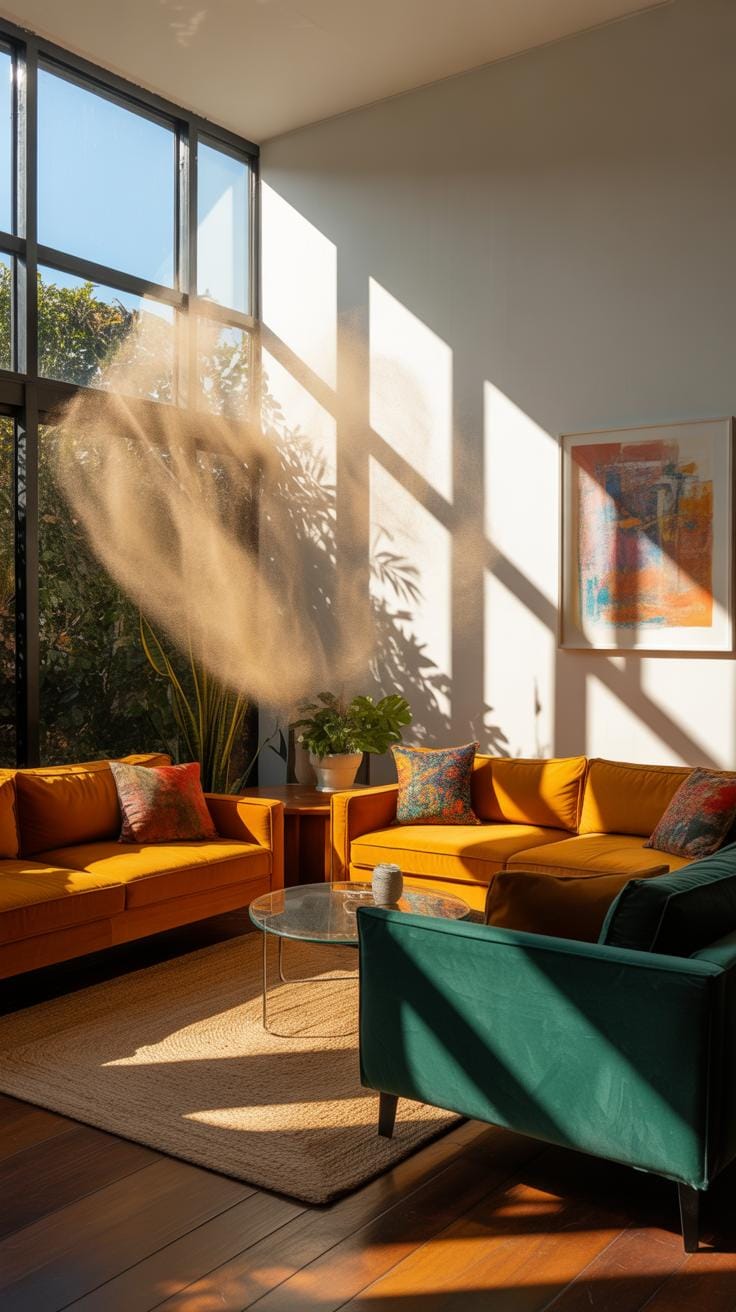
The golden hour—those precious minutes surrounding sunrise and sunset—remains one of the most transformative moments for iPhone photography art. During this window, the sun sits low on the horizon, casting warm amber and orange tones across your surroundings. This soft, directional light naturally flatters almost any subject, smoothing skin tones, enriching colors, and creating an inherent sense of warmth that feels deeply nostalgic and inviting to viewers.

Capturing during golden hour requires minimal technical adjustments on your iPhone. Position your subject so the light grazes from the side or behind, creating luminous edges that separate foreground from background. The iPhone’s computational photography automatically balances these conditions beautifully. This magical timing transforms ordinary moments into gallery-worthy iPhone photography art, where everyday scenes become imbued with an almost dreamlike quality that professional studio lighting struggles to replicate.
Shadow Play Contrast
Harsh midday sunlight creates striking opportunities for iPhone photography art through dramatic shadow play and bold contrast. Rather than avoiding the bright overhead sun, embrace it intentionally to craft compositions with deep silhouettes, strong geometric shadows, and visual tension. This approach draws inspiration from the chiaroscuro tradition, where extreme light and dark interplay creates compelling visual narratives and atmospheric depth that captivate viewers.
To master shadow play, position subjects against backlit scenes or frame them within dark shadows cast by buildings and structures. Your iPhone’s HDR mode can selectively preserve details in both bright and shadowed areas, or disable it entirely for more dramatic, punchy contrast. These bold compositions create powerful moods—mystery, drama, or melancholy—transforming simple subjects into evocative iPhone photography art that resonates emotionally long after viewing.
Exploring The Artistic Potential Of Portrait Mode
Depth Of Field Mastery
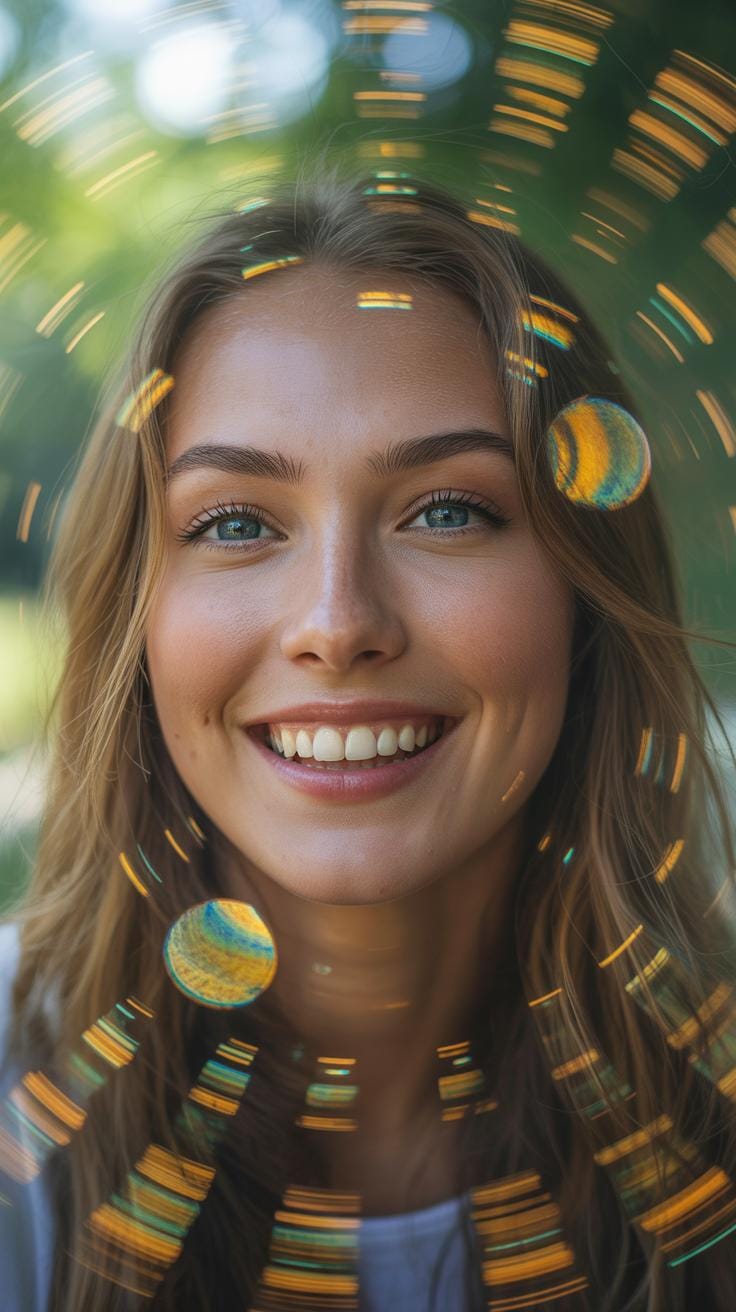
Portrait Mode transforms iPhone photography art by algorithmically blurring backgrounds, mimicking the shallow depth of field traditionally achieved through expensive telephoto lenses. This computational photography feature isolates your subject beautifully, creating that coveted bokeh effect that draws viewers’ eyes directly to your focal point. The iPhone’s dual camera system analyzes the distance between foreground and background elements, crafting a professional separation that would have required specialized equipment just years ago. When mastered, this technique elevates ordinary snapshots into gallery-worthy compositions.
The artistic magic happens when you understand depth layering. Position your subject at varying distances from backgrounds—closer subjects against distant walls create dramatic separation, while middle-ground positioning offers subtler, more natural isolation. Experiment with different lighting scenarios; backlighting combined with Portrait Mode produces luminous halos around hair and edges. Multiple depth planes within your frame add dimension and visual interest, transforming simple portraits into sophisticated iPhone photography art that rivals professional studio work.
Lighting Studio Effects
Stage Light and High-Key Mono effects within Portrait Mode create dramatic, gallery-ready finishes that evoke classic studio photography techniques. Stage Light casts theatrical spotlighting onto your subject while darkening surroundings, reminiscent of dramatic portrait traditions perfected by Renaissance painters and refined through twentieth-century studio photography. High-Key Mono strips away color distraction, rendering subjects in luminous black and white with minimalist backgrounds, echoing the aesthetic language of fine art photography movements. These iPhone photography art tools democratize professional lighting techniques previously accessible only through expensive equipment and trained technicians.
Applying these effects requires thoughtful consideration of your scene’s existing light quality and your artistic intention. Stage Light works beautifully for evening portraits or when natural light is harsh and directional. High-Key Mono excels with subjects featuring strong facial features or expressive gestures; the absence of color amplifies emotional impact and compositional strength. Experiment with different lighting conditions and subject positioning to understand how these effects respond to various scenarios. Your iPhone becomes a portable studio, enabling creative control that transforms everyday moments into intentional artistic statements.
Essential Editing Apps To Refine Your Vision
Native Editor Capabilities
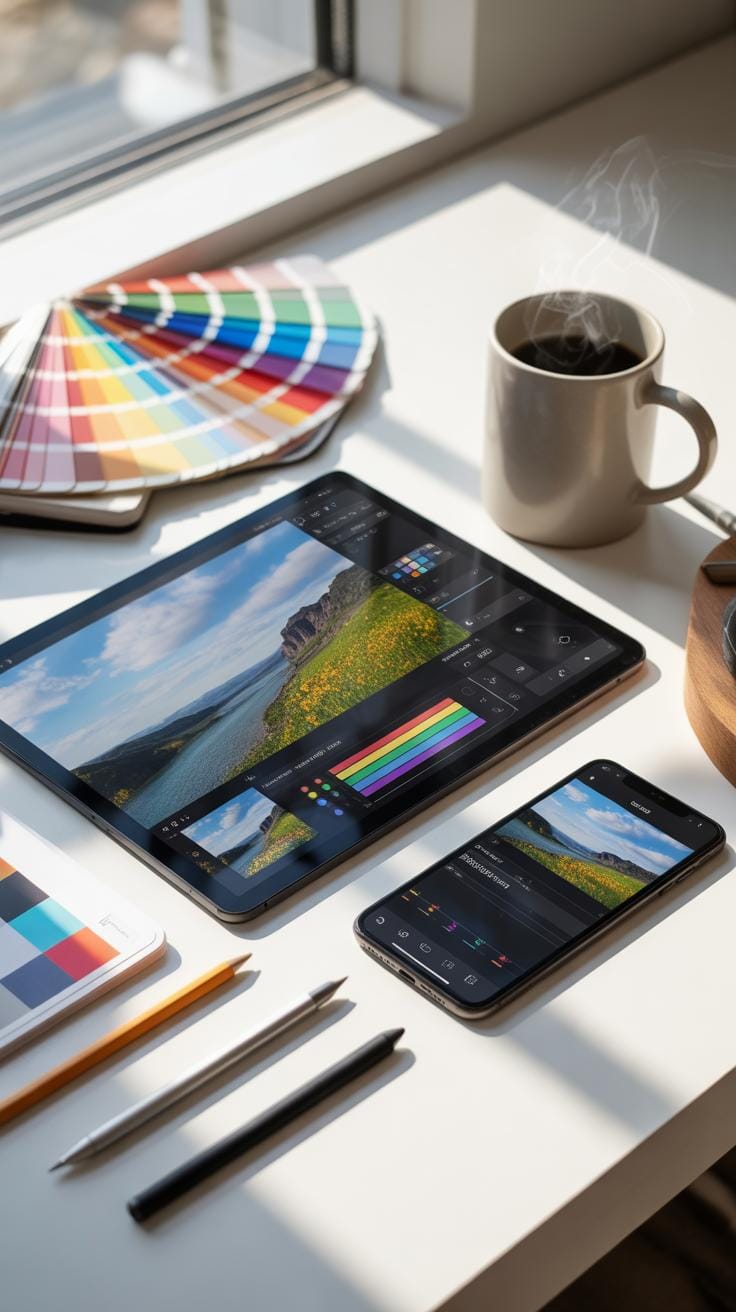
Apple’s built-in Photos app offers surprising depth for refining your iPhone photography art without leaving your device. The editing interface allows you to adjust exposure, shadows, and highlights with intuitive sliders that respond beautifully to your touch. Saturation controls let you intensify or mute colors, while the vibrance option preserves skin tones while enhancing overall color punch. The filter library provides instant mood shifts, from warm vintage tones to cool contemporary aesthetics.

The Adjustments panel within Photos app becomes your creative darkroom, offering precision tools that rival expensive software. White balance correction fixes color temperature issues from indoor or harsh outdoor lighting. Brilliance adjustments add subtle dimension to flat images, while noise reduction cleans up grainy shots taken in low light. These native capabilities demonstrate that meaningful iPhone photography art development doesn’t require expensive subscriptions or complicated interfaces.
Third Party Creative Tools Check
Adobe Lightroom Mobile transforms your iPhone into a professional editing suite, offering nondestructive adjustments that preserve original image data. The app’s powerful curve tools, selective adjustment brushes, and extensive color grading capabilities elevate your iPhone photography art to gallery-worthy standards. Lightroom’s intuitive interface makes complex adjustments feel natural, while preset libraries provide starting points for your creative exploration. Cloud synchronization between devices ensures your edits remain accessible across your entire creative workflow.
Snapseed delivers specialized editing power through intelligent tools designed specifically for mobile photography. The Healing tool removes distracting elements with remarkable precision, while the Selective editing feature lets you adjust specific image areas independently. Snapseed’s HDR scape mode brilliantly handles high-contrast scenes, and its Vintage filter collection channels authentic film photography aesthetics. Both applications represent essential companions for serious iPhone photography art practitioners seeking professional-quality results.
The Philosophy Of The Accidental Artist
Intentional Observation
The practice of intentional observation transforms mundane moments into compelling visual narratives. Rather than waiting for extraordinary circumstances, accidental artists train themselves to notice light filtering through kitchen windows, the geometry of shadow on stairwells, or the weathered texture of everyday objects. This mindset shift doesn’t require expensive equipment—your iPhone becomes a tool for documenting the poetry already surrounding you. iPhone photography art thrives when you slow down, pause during routine activities, and genuinely see what’s before you. The beauty lies not in perfect conditions but in your willingness to recognize artistic potential in the ordinary.
- Notice how morning light transforms familiar spaces into galleries
- Observe patterns in textures: weathered walls, fabric weaves, nature’s details
- Study how shadows and highlights create depth and dimension
- Pay attention to color relationships in everyday environments
- Recognize composition opportunities in daily transit and chores
- Document seasonal changes in your immediate surroundings

This practice cultivates what photographers call “visual literacy”—the ability to recognize compelling frames before raising your camera. When you walk through your home or neighborhood with this awareness, you begin seeing through an artist’s lens naturally. The commute becomes a source of inspiration, laundry day reveals compositional possibilities, and waiting in line transforms into an opportunity for observation. This philosophical shift is foundational to iPhone photography art, where intention matters far more than technical specifications.
Digital Minimalism Mobile
The democratization of photography through smartphones represents a genuine philosophical shift in creative accessibility. Your iPhone, always within reach, embodies the principle that limitation breeds creativity rather than restricting it. Professional photographers have long understood that constraints force innovative thinking—the best camera truly is the one you have with you. Unlike bulky DSLR equipment requiring deliberate preparation, your phone captures fleeting moments of beauty that would otherwise vanish. This accessibility fundamentally changed how accidental artists work, allowing spontaneous creation without barriers between vision and execution.
The elegance of smartphone-based iPhone photography art lies in its immediate nature. You’re not burdened by decisions about which lens to bring or equipment to manage. Instead, you’re liberated to focus entirely on composition, light, and subject matter. This streamlined approach encourages prolific shooting and experimentation—you develop an intuitive understanding of your device’s capabilities through constant use. The permanent presence of your iPhone in your pocket or bag means you never miss unexpected moments of beauty, whether it’s golden afternoon light illuminating dust particles or the spontaneous arrangement of objects on your kitchen counter.
Building A Digital Gallery And Community
Social Media Curation
Instagram has become the premier platform for sharing iPhone photography art, offering visual-first design that celebrates mobile captures. The platform’s grid layout encourages thoughtful curation, allowing artists to create cohesive aesthetic narratives through their feed. Hashtags like #iphonephotography and #mobileartistry connect creators with engaged audiences worldwide. Vero offers an alternative space emphasizing artist-friendly algorithms, where iPhone photography art receives chronological visibility without algorithmic suppression, attracting photographers seeking authentic community engagement.
Building your digital presence requires consistent posting schedules and authentic engagement with fellow creators. Consider creating themed collections or series within your feed to demonstrate creative progression and technical skill development. Respond thoughtfully to comments, visit other photographers’ galleries, and participate in photography challenges. This genuine interaction transforms your account from a portfolio into a living community space where iPhone photography art flourishes through meaningful dialogue and mutual inspiration.
Printing Mobile Photos
Transforming your digital iPhone photography art into physical prints requires understanding modern printing technologies and material options. Professional print labs offer archival-quality services specifically calibrated for mobile images, ensuring colors translate accurately from screen to paper. Options range from fine art papers with subtle textures to glossy finishes that enhance contrast and saturation. Consider working with experienced printers who understand the unique characteristics of mobile photography and can advise on resolution optimization and color profiles.
Creating physical art books or coffee table volumes allows your iPhone photography art to achieve gallery-like presentation in tangible form. Self-publishing platforms enable photographers to design custom books with professional binding and premium paper stocks. Holding a beautifully printed collection of your mobile captures bridges the digital-physical divide, creating keepsake objects that resonate differently than screen-based viewing. These printed works serve as powerful portfolio pieces, gifts, and permanent records of your artistic journey and creative evolution.
Frequently Asked Questions

What is iPhone photography art for beginners?
iPhone photography art is about transforming everyday snaps into stunning visuals using just your smartphone. As an accidental artist, notice beauty in ordinary moments like coffee steam or street reflections. No fancy gear needed—tap to focus, adjust exposure, and experiment with angles. You’ll soon see the world as a canvas, turning casual shots into shareable masterpieces that inspire others.
How can I turn my iPhone snaps into photography art?
Start by enabling the grid for rule-of-thirds composition, tap to set focus and exposure on key subjects, and use HDR for high-contrast scenes. Crop distractions, play with natural light at golden hour, and try panorama for immersive views. These iPhone photography art techniques elevate everyday snaps effortlessly. Edit in the Photos app for subtle boosts, revealing hidden beauty in the mundane.
Is iPhone photography art accessible on a budget?
Absolutely—iPhone photography art requires zero extra spending since your phone has pro-level cameras, lenses, and apps. Free tools like the built-in editor handle cropping, filters, and adjustments perfectly. Practice composition rules and lighting without buying gear. This makes artistic expression available to everyone, proving everyday snaps can rival gallery pieces affordably.