
Introduction
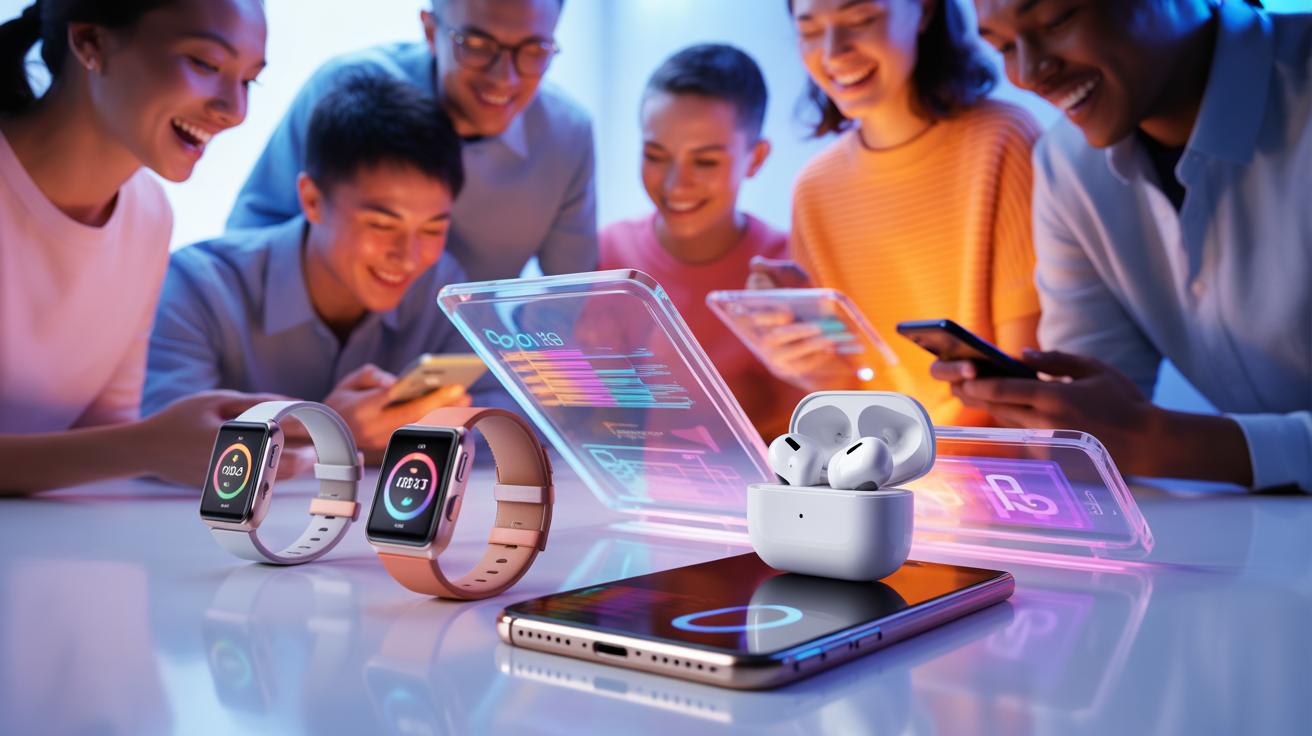
Innovative products have a big effect on electronic gadgets and trends. They bring new features and make devices better for everyday use. This article looks at how these new products change the way we use electronics and what trends they start.
Understanding these changes can help you make better choices when buying gadgets. You’ll see examples of new devices and how trends shape your tech experience. Knowing this can keep you up-to-date with useful electronics that match your needs.
How Innovations Change Electronics
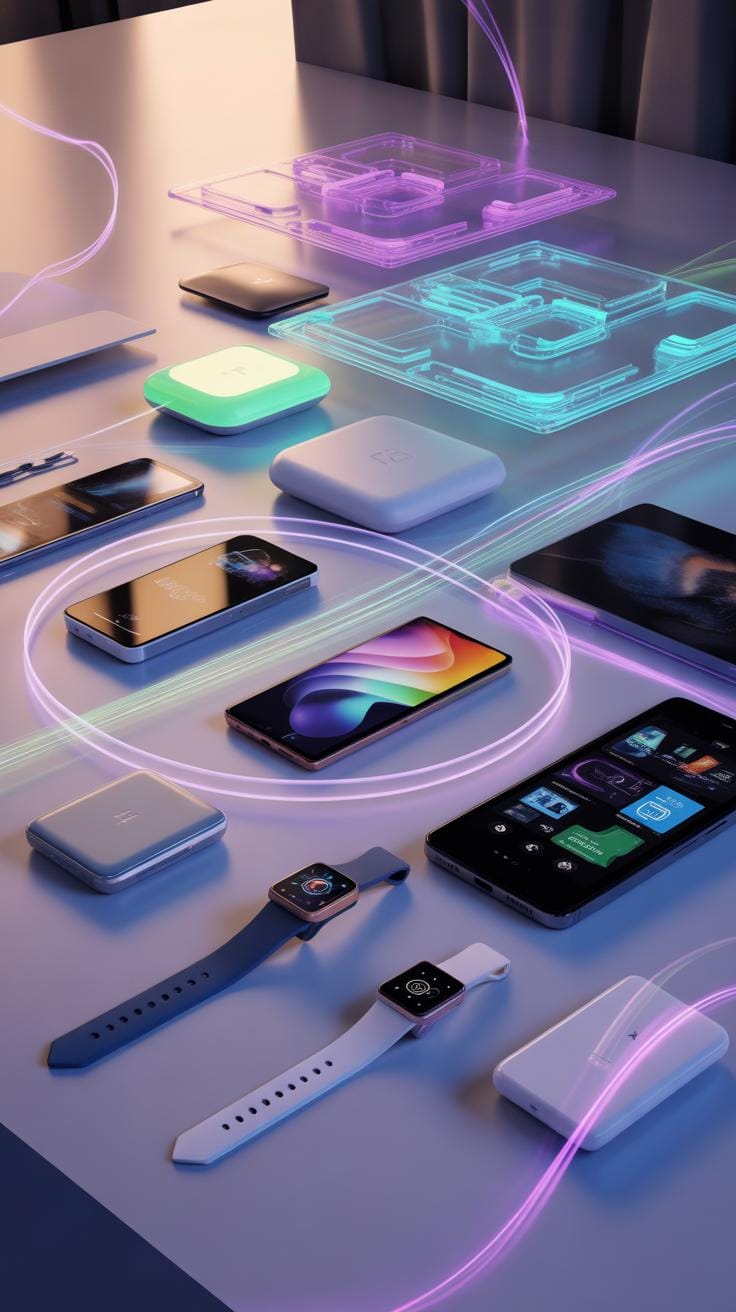
New products often reshape electronic gadgets in ways you might not immediately notice, yet their impact can be quite tangible. For example, when a smartphone introduces a faster processor or longer battery life, it doesn’t just run apps quicker—it changes how you plan your day or communicate with others. Sometimes, improvements focus on comfort or usability, like lighter devices or more intuitive interfaces, which can make a subtle but meaningful difference in your daily routine.
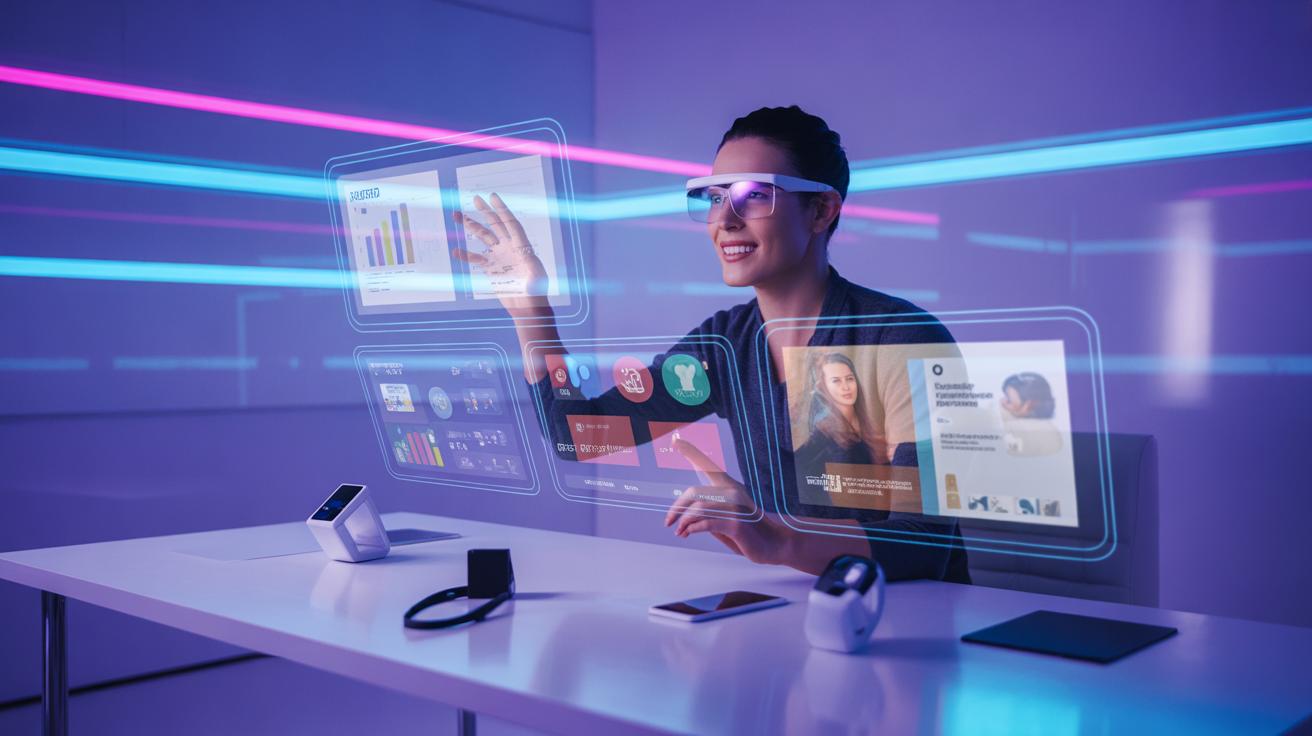
Thinking about it, these changes don’t always move in just one direction—greater power, better screens, new features. There are moments where designs prioritize style over function, or vice versa, and that unpredictability shapes what you choose and how gadgets evolve around user needs. The role of new products here is less about flashy additions and more about providing a mix of practical benefits, sometimes unexpected.
Examples Of New Electronic Gadgets
Take foldable smartphones. They arrived with a splash, offering flexible displays that you could unfold into a tablet-sized screen. That was a new way to think about mobile devices, yet they still face challenges like durability and price. Or consider earbuds with adaptive sound technology that changes based on your environment. Those gadgets changed expectations for personal audio, but, if you ask me, they’ve also introduced complexity—sometimes the automatic adjustments feel odd.
Then there are smart home devices that link to your habits, like thermostats adjusting to your schedule or speakers recognizing different voices. They mix convenience with sometimes a bit of unpredictability, leaving users to reconsider how much control they want to delegate to gadgets.
How Trends Affect Gadget Usage
Trends definitely shift how you use electronics. When health monitoring became popular, wearable devices started focusing on heart rate, sleep tracking, and stress management. Suddenly, features that might have been seen as extras became essential. On the flip side, some gadgets chase trends too hard, adding features that users rarely actually need.
There’s also the rise of remote work or mobile lifestyles, which means lighter laptops, better connectivity, and longer battery lives get more attention. These trends push manufacturers to design gadgets tailored to those evolving demands. But ask yourself—which of these trends stick around, and which fade quickly? Your usage habits might tell you more about what’s really important than the manufacturers do.
Innovative Products
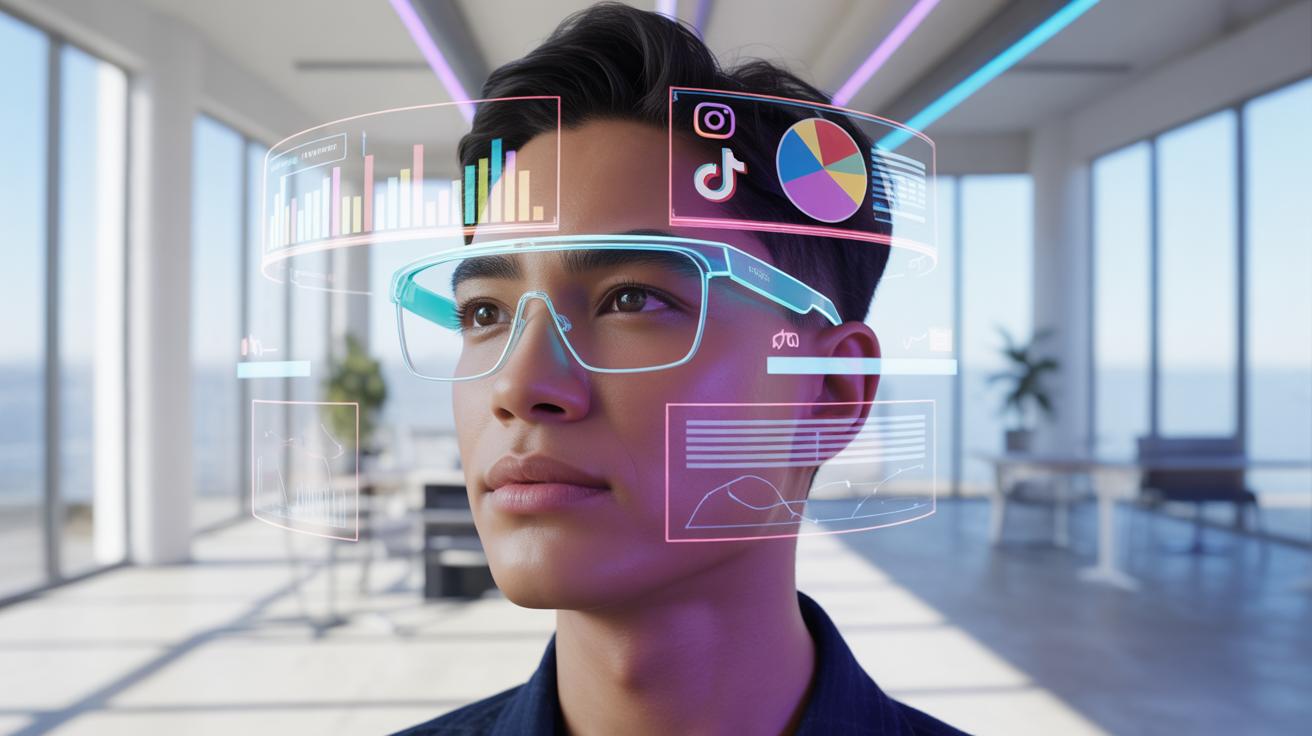
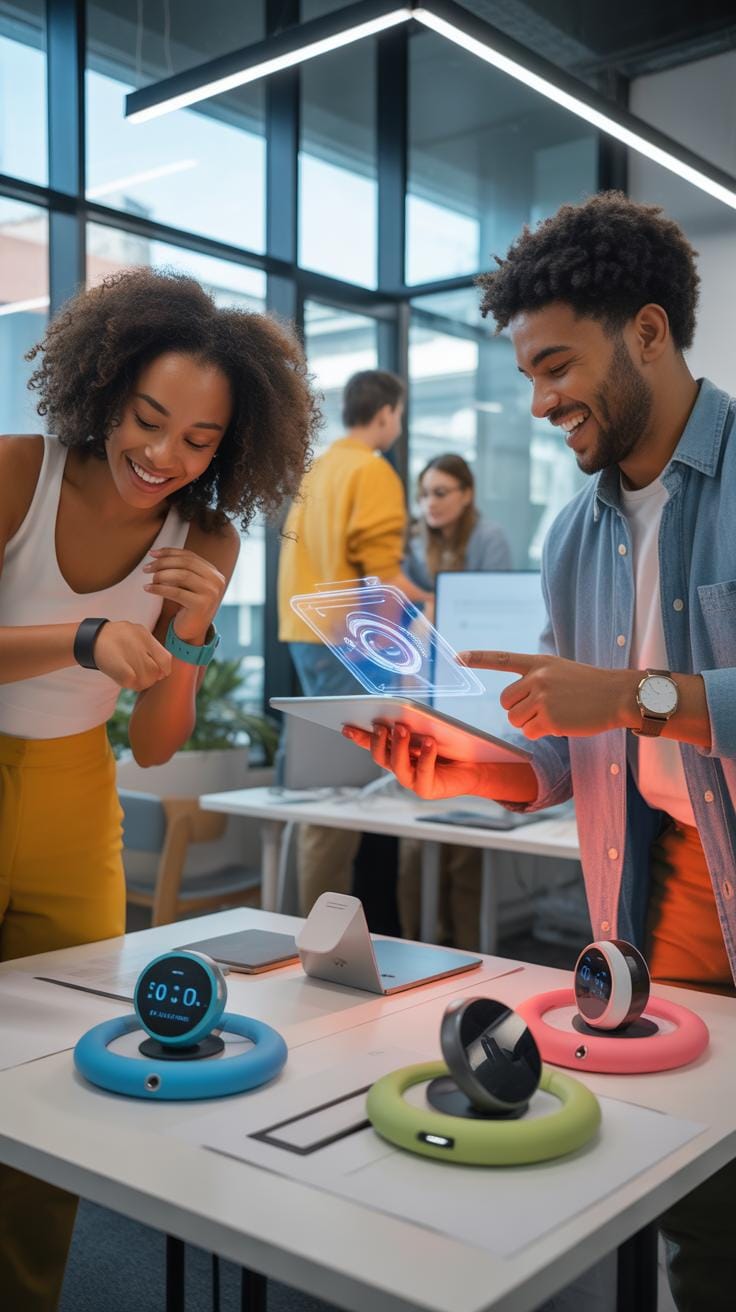
When you think about new products hitting the electronic market, it’s tempting to focus on the flashy specs and catchy marketing. But what really shapes your experience is how those fresh features fit into your day-to-day life. New gadgets often aim to make things more convenient—think about how voice assistants have changed the way many people interact with their phones or home devices. There’s this subtle shift from just owning technology to technology truly helping you without much effort.
Better performance in these devices doesn’t just mean faster processors or sharper screens. It means more reliability and fewer frustrating moments. Like when your smartwatch lasts longer on a charge or your wireless earbuds connect without drops, those upgrades quietly improve how you feel about the product. And sometimes, enhanced capabilities open doors you didn’t expect—maybe your camera starts picking up details you never thought you could capture or your device handles multi-tasking without a hiccup.
Designing features isn’t just about throwing the latest gadgets together. Companies spend a lot of time trying to understand what you struggle with daily. For example, creating noise-canceling headphones wasn’t just a tech race; it reflected real user needs to find quiet in noisy places. Sometimes, a simple feature like customizable settings makes a big difference because it adapts to how you actually use a gadget, rather than assuming a one-size-fits-all approach.
So, when you look at a new device, ask yourself: is it addressing something that matters to me? Does it save some time, reduce hassle, or maybe add a bit more enjoyment? Those questions reveal why newer features can mean more than just something new—they can mean better.
Common Mistakes When Buying Gadgets


When picking out new electronic gadgets, many people rush without thinking through their actual needs. You might get dazzled by fancy features that sound great but never end up using. For example, a smartphone with a super-high refresh rate or an advanced camera setup may look impressive, yet if you don’t take many photos or prioritize battery life, those extras don’t really add value for you.
One way to avoid overpaying is to list what features truly matter before shopping. Ask yourself: “Will I really use this?” Sometimes simpler models deliver the best balance without the unnecessary bells and whistles. It’s a bit like buying a car purely for a feature you think you need but don’t—kind of a waste.
Another frequent mistake stems from ignoring compatibility. You could buy a smart home device that doesn’t integrate with the hub you already have. Or, a charger that doesn’t support your phone’s fast charging standard. Checking these details beforehand saves headaches and extra costs later.
Longevity also plays a big role, but it’s tricky. Some gadgets have batteries that degrade quickly or get outdated fast because of short software support. Reading reviews focused on long-term use or choosing brands known for updates can help avoid ending up with a gadget you can’t rely on within a year or two. It’s tempting to chase the newest release, but sometimes patience pays off.
- Focus on what you need, not what sounds good on paper.
- Double-check compatibility with your current devices and ecosystems.
- Consider the gadget’s expected lifespan and manufacturer support.
- Explore user reviews for real-world longevity insights.
Have you ever bought a feature-packed gadget only to realize you never touched certain functions? Thinking about who you really are as a user can save money and frustration. After all, technology should make life easier, not more complicated.
Setup Checklist For New Gadgets

Preparing Your Space And Tools
Before you even open the box, take a moment to clear a flat surface with enough room to spread out all the parts. You’ll want good lighting, so a desk near a window or a lamp is ideal. A clean area helps you avoid losing tiny screws or connectors. Gather essentials like a screwdriver set, if the gadget requires assembly, and perhaps a microfiber cloth to keep screens or lenses clean. I usually keep the gadget’s manual within reach—sometimes those instructions hide small but crucial steps that aren’t obvious at first glance.
It’s also handy to have your Wi-Fi password ready if your device needs internet. Sometimes, you may want to have a smartphone or another device nearby to scan QR codes or download companion apps. That small prep saves you from scrambling later.
Initial Power On And Configuration
Most gadgets need a quick first power-up. Press the power button and keep an eye out for any indicator lights or startup sounds. Some devices take a while to boot, which can feel a bit unexpected if you expect instant action. Follow the on-screen prompts carefully—this usually includes selecting language preferences, connecting to Wi-Fi, and signing into an account.
Don’t rush through updates even if it feels like it takes forever. Missing that step can cause glitches later. Sometimes, the setup will ask for permissions or basic preferences—think about what’s comfortable for you rather than accepting defaults blindly. It’s surprisingly easy to overlook simple settings that matter.
Finally, test a basic feature right away. For example, if it’s a speaker, play audio and check volume levels. If it’s a smart device, try a simple command or function. This quick test confirms your setup worked and gives you confidence before adding more complex customizations. Did you ever find a neat shortcut or setting during initial setup that wasn’t obvious at first? It’s these small discoveries that make the difference.
Cost Breakdown Of Popular Devices
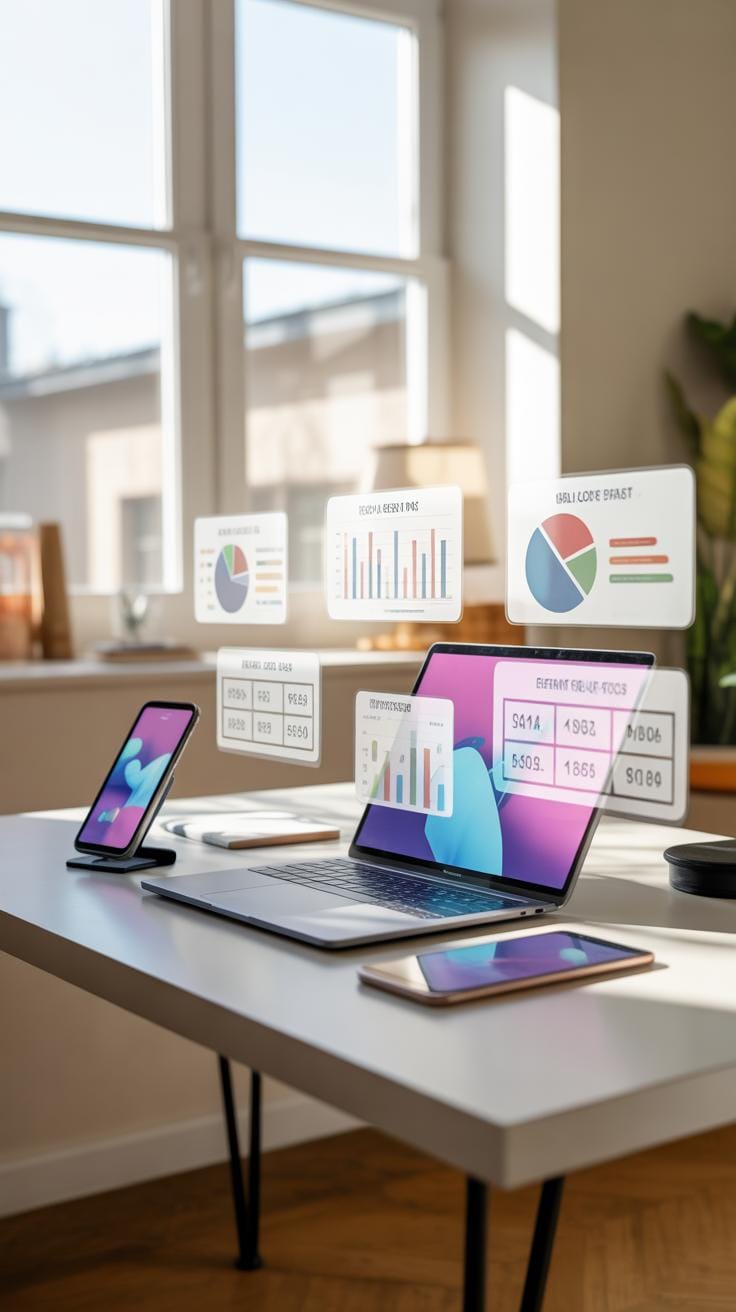
When you look at the price tag of your phone or laptop, it’s easy to wonder what exactly makes it cost so much. The truth is, several key parts contribute to the final price—and some of those components can surprise you.
For example, in smartphones, the display usually takes a large chunk of the budget. OLED and AMOLED screens, which offer better colors and power use, can push costs upward. Then there’s the processor and memory, which also drive prices significantly. The chips inside have to be fast and efficient, and designing and manufacturing these semiconductors isn’t cheap.
You might be shocked how much the battery affects cost as well. Bigger capacity and faster charging tech mean pricier materials. And don’t forget the camera sensors and lenses—they account for quite a bit, especially in phones marketed for photography.
Price changes often come from shifts in component availability or improved specs. For instance, when a new generation of chipsets launches, device prices can rise not just because of the parts themselves but also due to development and licensing fees. Supply chain issues can spike prices too, as seen during recent global events.
Materials And Manufacturing Impact
The materials used in a gadget can make a big difference. Using aluminum, glass, or expensive polymers raises production costs compared to basic plastics. The choice often depends on the product’s target market—you probably wouldn’t expect rugged magnesium alloy in a budget device.
Manufacturing techniques also matter. Automated assembly lines reduce labor costs, but sophisticated manufacturing setups can add expenses. For example, folding phones require complex hinge engineering and precise assembly, which hikes prices. Sometimes, manufacturers trade off materials for manufacturing ease or vice versa, leading to variability in prices.
The sourcing location plays a role, too. Factories with higher wages or stricter regulations tend to drive up costs. On the flip side, some brands cut corners by outsourcing production to cheaper countries, though this can sometimes affect quality.
Brand And Feature Influence
Brand reputation can be surprisingly powerful over pricing. You might pay more just because you’re buying a device from a well-known name. For many, that extra cost aligns with perceived quality, design, or after-sale support. But is it always justified? That’s the debate one can spend hours on.
Features add layers of complexity. Devices with advanced biometric sensors, water resistance, or cutting-edge wireless tech usually come with higher prices. Some brands bundle extra services or software, increasing the perceived value and cost.
Sometimes the price feels inflated due to hype or status. You might find two similar devices with big price gaps because one carries a “prestigious” badge. Consumers often weigh these factors, sometimes prioritizing brand loyalty over technical specs alone.
Steps To Keep Gadgets Updated

Keeping your gadgets running smoothly isn’t just about buying the latest model. You have to stay on top of updates and care for the device itself. It’s a process that’s really about being proactive. For most people, that means making checking updates a routine—say once a week or so. If you wait too long, things might start to slow down, or even worse, security holes can sneak in.
Here’s a simple way to approach this:
- Set reminders to check for software updates regularly—don’t rely on notifications, which sometimes get missed.
- Back up important data before applying any updates, just in case something goes sideways.
- Don’t rush updates when your battery is low or your connection is spotty—it’s better to wait till conditions are stable.
It sounds basic, but it helps keep your device responsive and safe. And, honestly, it can save a lot of frustration later on.
Checking For Software Updates
Finding updates isn’t usually complicated, but it pays to know where to look tailored to your device. For smartphones, for example, you usually find the update option tucked under “Settings” and then “About Device” or “Software Update.” Some apps will have their own update sections in app stores.
Once you spot an update, give it a minute to read any notes on what it changes. Sometimes updates fix bugs; sometimes they add extra features you didn’t even know you wanted. Other times, they patch security flaws. That’s why it’s good to keep up with them.
Apply updates only through official channels – avoiding third-party downloads is a safer bet. And if your gadget lets you enable automatic updates, you might want to switch that on—though some people prefer manual control. Which one works better? That honestly depends on your style. I find manual feels more hands-on but can also be forgotten.
Maintaining Hardware For Long Use
Keeping the inside of your device happy might sound tricky but is mostly straightforward. Try to keep it clean—dust can cause problems in ports and vents. A gentle wipe with a soft cloth can do wonders. For gadgets like laptops or desktops, occasional internal dusting, if you’re comfortable opening them, helps prevent overheating.
Battery care is another big part. Avoid letting your device’s battery drain completely all the time. Charging before it hits zero can extend lifespan. Also, don’t keep devices plugged in nonstop if you can avoid it; that’s debated but often recommended to preserve battery health.
Finally, watch out for physical damage. Cases or protective covers might seem trivial but can prevent costly repairs. I didn’t think much about this until my phone slipped once—lesson learned.
Comparing Popular Electronic Brands

Strengths And Weaknesses Of Each Brand
When it comes to electronic gadgets, brands like Apple, Samsung, and Xiaomi often dominate the conversation. Apple tends to focus on build quality and a polished user experience. Their devices generally last longer and their ecosystem is hard to beat. Yet, they also come with a high price tag, which might not suit every budget. Samsung, on the other hand, often offers a broader range of products. They mix cutting-edge tech with more affordable options. But sometimes software updates feel uneven, and design consistency varies between models.
Xiaomi is known for aggressively pricing its gadgets while packing in features. But you may notice occasional compromises in materials or customer support. Each brand seems to have a distinct personality, which influences where they shine or stumble.
Which Brand Fits Your Needs
Deciding which brand works for you partly depends on what you value most. If you prioritize smooth operation and are willing to spend more, Apple could feel right. But if you want a balance between features and cost, Samsung might be where you look first. For those on tighter budgets who still want strong specs, Xiaomi offers tempting options.
Think about how much you rely on software updates or accessory choices. Also, consider if you prefer a unified ecosystem or more variety. Sometimes, it’s not about which brand is “best” but which suits your habits and wallet. Would you pay extra for longevity and prestige, or rather switch gadgets more often with a reasonable spend? These choices often reveal more about you than about the brands themselves.
How To Spot Real Innovation

Signs Of Genuine Improvement
When you look at a new gadget, it’s tempting to get excited just because it shines differently or boasts more features. But real progress usually shows up as clear, measurable change. Consider whether the product’s technology or design fundamentally alters how you use it or solves a problem you actually have.
Here are some clues that something genuinely moves the needle:
- Meaningful performance leaps—like a smartphone chip offering noticeably faster processing, not just a tiny speed bump.
- New capabilities that weren’t possible before, not just old features that are repackaged.
- Improved user experience driven by thoughtful design changes, such as a laptop hinge that lets you switch between modes naturally.
- Trade-offs that make sense—you don’t lose battery life or durability in the name of a flashy upgrade.
- Patents or research backing the claims, hinting the technology isn’t just a quick copy or gimmick.
Sometimes, a change looks promising but feels incomplete—like a feature working well in ideal labs but struggling in daily use. That’s worth watching for, too.
Beware Of Overhyped Features
You might have noticed how often marketing calls something new that barely changes the experience. The trick is to dig past the buzzwords and ask: does this really add value or just noise?
Beware of features that are more style than substance:
- Minor tweaks dressed as breakthroughs, such as a “new” camera filter that just changes color tones.
- Complex tech that adds steps or confusion rather than simplifying tasks.
- Vague promises without clear difference compared to previous versions.
- Impressive-sounding names or specs that don’t translate into noticeable benefits—think marketing jargon over real change.
One time I bought a gadget because of a “revolutionary” feature that ended up feeling optional and glitchy. It taught me to question whether flashy extras truly matter or are just there to catch your eye.
When in doubt, it helps to look for independent reviews or real user feedback. Sometimes innovation hides behind subtle, less hyped improvements, but overhyped features often leave you wondering what all the fuss was about.
Example Case Of A Successful Gadget

The Apple iPhone, launched in 2007, stands out as a clear example of a gadget that reshaped an entire market. Before the iPhone, smartphones were mostly focused on business users, featuring physical keyboards and limited web capabilities. The iPhone shifted that by combining a sleek touchscreen interface, internet browsing, and an app store that opened up endless possibilities. It wasn’t just about the hardware; it changed how people interacted with phones.
What Made The Gadget Popular
Several factors contributed to the iPhone’s widespread success:
- User-friendly design: The touchscreen was intuitive, making apps and functions easier to use for all ages.
- Integration of features: It combined music, internet, phone calls, and photography into one device, which was fairly unique at the time.
- App Store ecosystem: Letting third-party developers create apps gave users endless customization and functionality options.
- Strong brand and marketing: Apple’s reputation and the buzz around the launch created high anticipation and trust.
Still, some wondered if it was just hype at first. But the gradual adoption, especially outside tech circles, made clear it was more than that.
Impact On Users And Industry
The iPhone raised expectations about what a smartphone should do. Suddenly, users wanted more than calls or emails—they expected a mini-computer in their pocket. This shifted the focus for other manufacturers who rushed to add large touchscreens and app stores.
Moreover, it pushed the industry toward emphasis on design and user experience, areas often overlooked before. Consumers started paying more attention to aesthetics and ease of use.
On the user side, habits shifted too. People began spending more time on their phones, relying on apps for everything from navigation to socializing. It definitely blurred the line between productivity and leisure.
Looking back, it’s interesting to ask: Did the iPhone make users more dependent on gadgets, or did it simply meet a growing demand for multifunctional tools? Either way, its influence is obvious in nearly every electronic device today.
Conclusions
Innovative products keep the electronics market fresh and exciting. They push companies to improve gadgets with useful features. These changes also guide what many people want in their tech tools each year.
By learning how innovative products impact gadgets and trends, you can better plan your next tech purchase. Staying aware helps you find devices that fit your lifestyle and work better for you in daily tasks.