
Interactive Installation Strategies for Museum Exhibitions
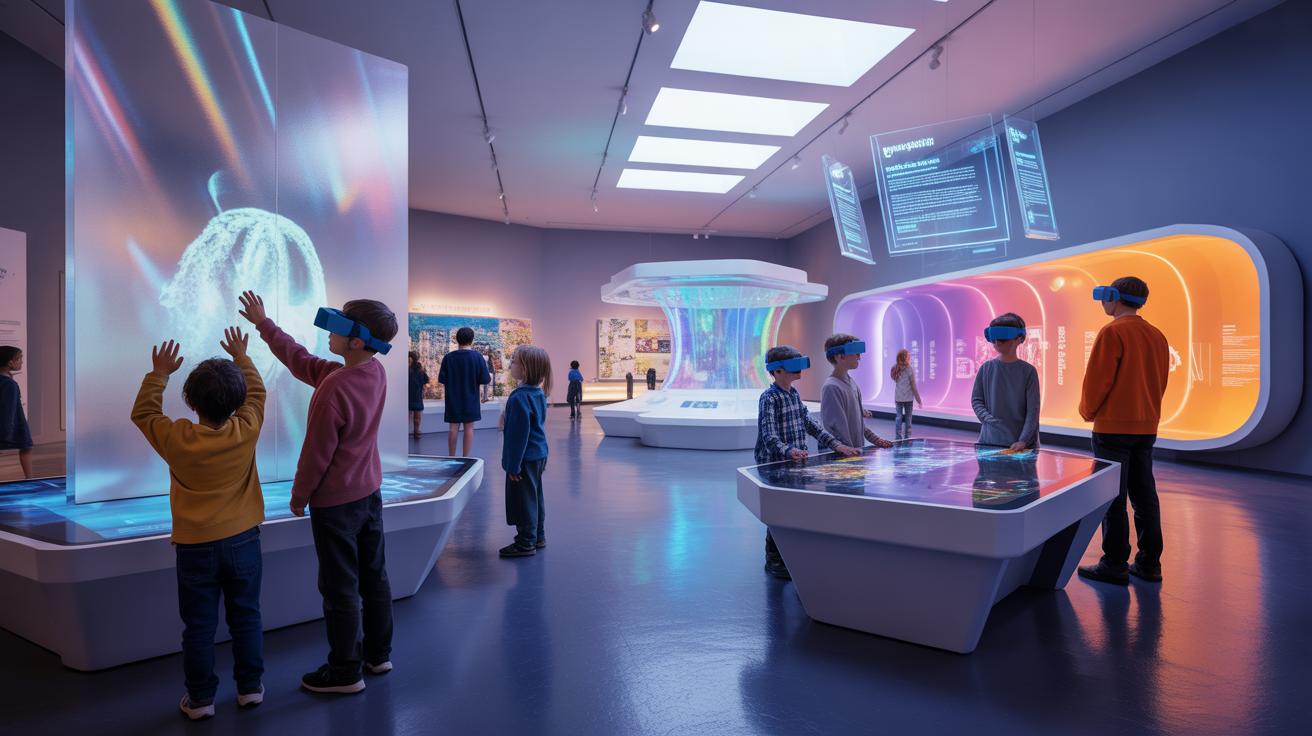
Interactive Installation Strategies For Engaging Museum Exhibition Design focus on creating immersive experiences that captivate visitors. These strategies use various techniques and design elements to make exhibits more participative and memorable. Museums aim to transform traditional displays into interactive journeys that encourage deeper learning and connection.
This article discusses the role of interactive installations in exhibition design. It covers essential strategies including engagement techniques, design components, practical setups, technology use, visitor experience metrics, cost considerations, and successful case examples. The goal is to provide clear, actionable insights for museum professionals and designers seeking to enrich their exhibits.
Defining Interactive Installations In Museums
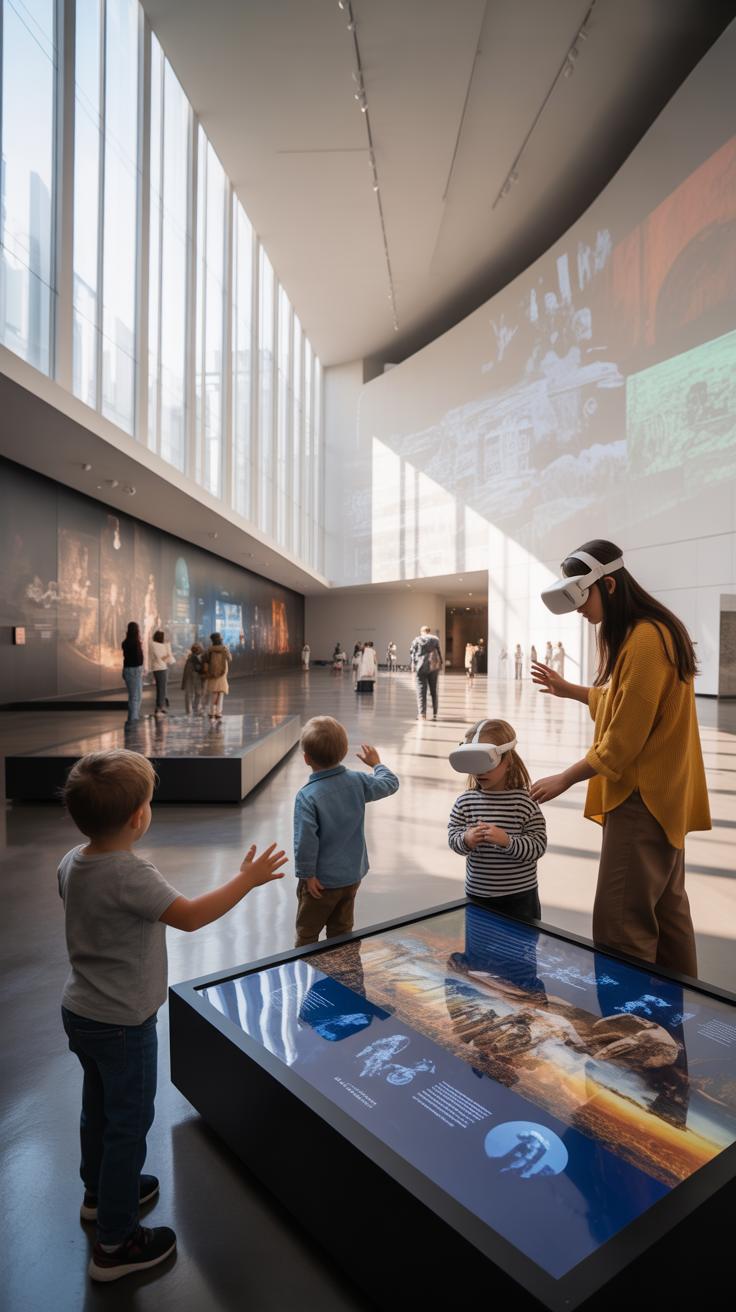
Interactive installations in museums go beyond mere displays. They are immersive setups designed to engage visitors actively, inviting participation rather than passive observation. Unlike traditional exhibits that often present artifacts behind glass, interactive installations transform museum spaces into environments where visitors influence or alter the experience.
This shift in approach matters because it changes how visitors relate to the exhibition. When you touch, move, or trigger sound and light elements, your experience becomes personal and memorable. Participation leads to deeper learning and emotional connection, making the museum visit more meaningful and less like just reading labels.
Core Features Of Interactive Installations
What makes an installation truly interactive? It’s a combination of sensory engagement and user control:
- Touch-sensitive surfaces where pressing buttons or screens provokes a response
- Movement detection, letting visitors trigger changes by walking or gesturing
- Sound elements reacting to visitor input, creating an audio dialogue
- Digital technologies such as augmented reality or virtual reality, adding layers of information

These features break the barrier between observer and exhibit, inviting you into an ongoing conversation with the display. The result? Exhibits feel alive, responsive, and, often, a bit unpredictable.
Historical Context And Evolution
Installation art, as a concept, has roots reaching back several decades. Initially emerging in the 1960s and gaining traction through the 1970s, it marked a move from isolated sculptures or paintings to immersive environments. Think of early pioneers like Allan Kaprow who introduced the idea of “environment” as art, encouraging audiences to step inside and participate.
Over time, installations shifted from purely artistic expressions to more interactive formats in museums. This mirrored a broader transition away from static roles for visitors toward active engagement — a trend that continues to shape museum design today. It’s interesting to see how what started as art challenging traditional boundaries has become a key method for learning and interaction in exhibitions.
Effective Interactive Installation Approaches
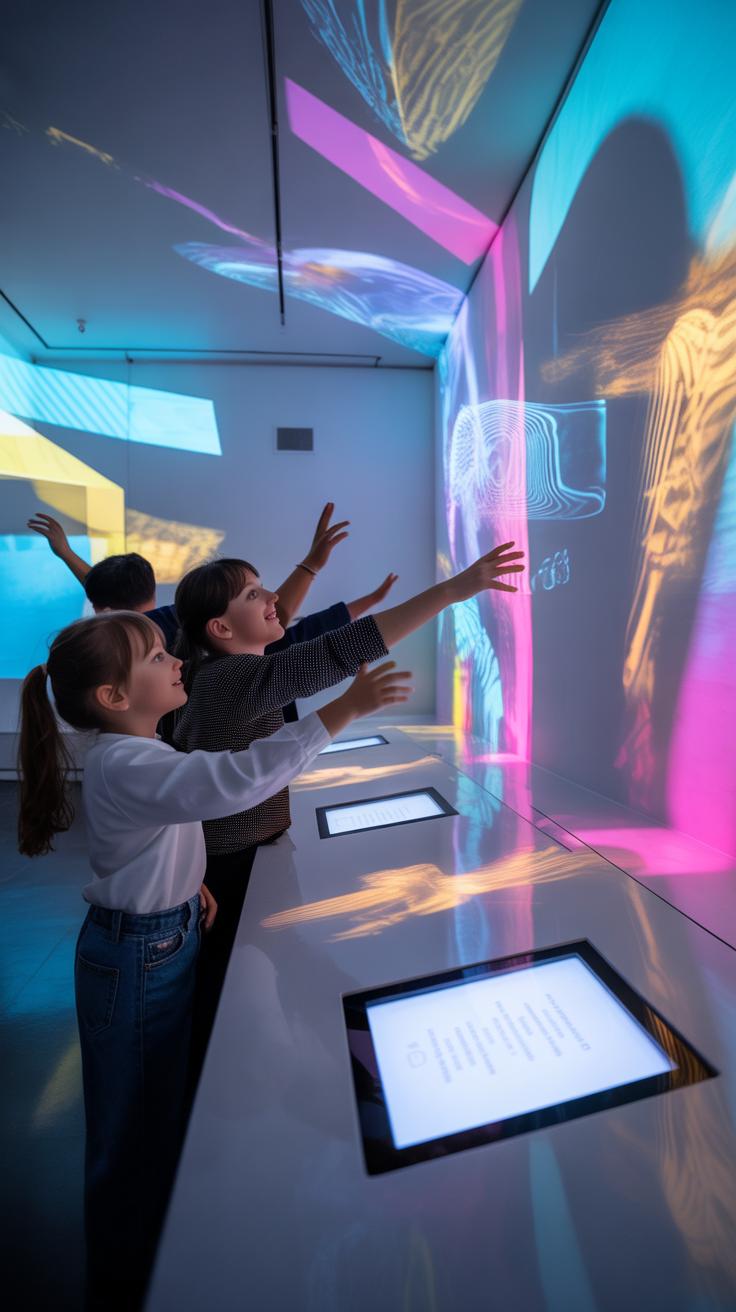
Engaging visitors in museum exhibits often hinges on well-crafted interactive installations. To really grab attention and hold it, some strategies work better than others—especially when they tap into human curiosity and play.
Gamified Elements To Inspire Participation
Adding game-like features transforms a passive visit into an active experience. Challenges, scoring systems, or quests can coax visitors to explore more carefully or return multiple times. For example, a simple puzzle or a scavenger hunt embedded within an exhibit invites discovery by rewarding curiosity. Even straightforward digital trivia tied to the exhibit’s subject matter can encourage engagement without overwhelming visitors.

The key is keeping it accessible and scalable. You don’t need complex setups; a touchscreen where visitors guess historical details or arrange timeline events can make all the difference. These elements heighten interest because they appeal to a universal love for problem-solving. It’s intriguing how quickly people lean in when they sense a challenge, even subtle ones.
Using Storytelling To Connect Visitors
Stories create emotional bridges to the content, making exhibits memorable beyond facts and visuals. A narrative woven through an installation can make past events or scientific concepts feel immediate and personal. For instance, incorporating first-person accounts, diary entries, or even fictional characters can humanize abstract information.
Technologies like augmented reality or audio guides can layer these narratives naturally, giving visitors control over how deep they dive. Sometimes an exhibit’s design itself, with sequential spaces or thematic zones, can mimic story arcs—a beginning, middle, and end—leading visitors through a curated experience. While not everyone may stop to listen to every story detail, those who do often find a richer connection because they become part of a shared journey.
Design Elements To Enhance Interaction
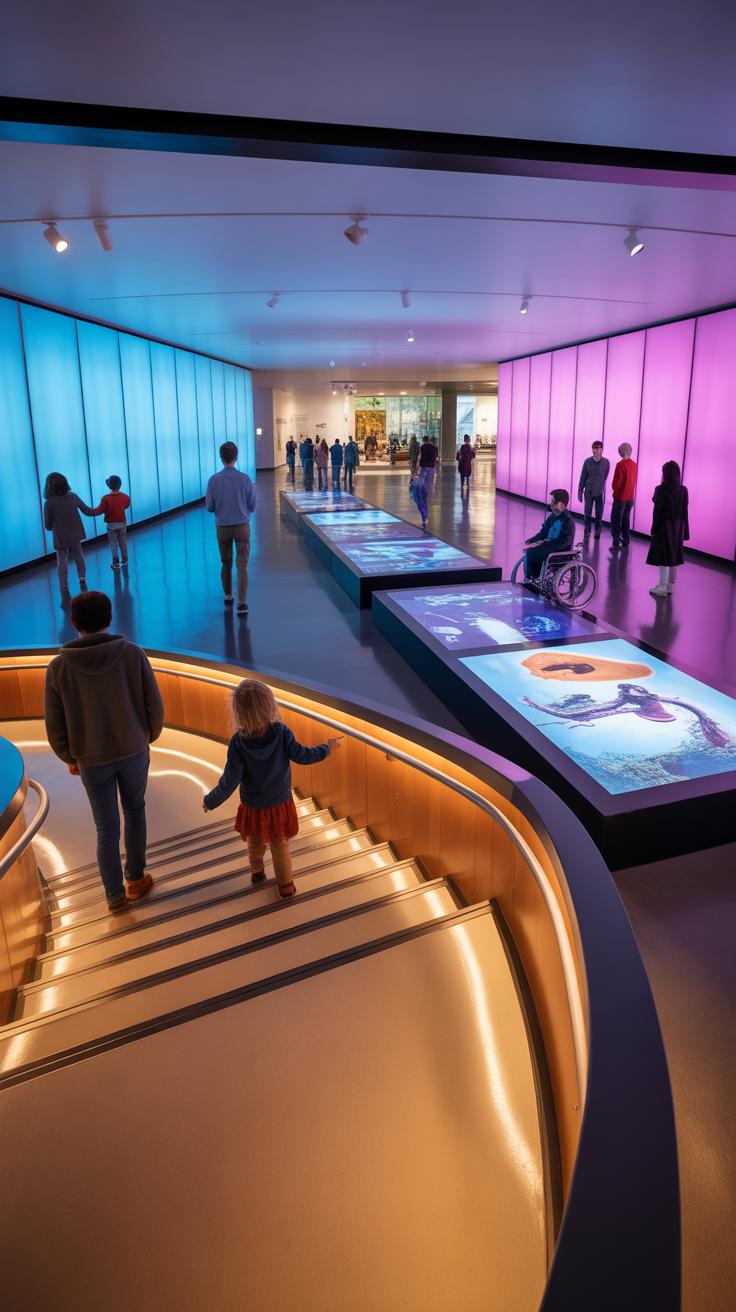
When crafting an interactive installation, every design decision shapes how visitors engage—not just what they see. Layout plays a surprising role. Spaces must invite exploration without confusion. Too many obstacles or unclear routes can disrupt flow or even deter interaction.

Materials invite touch and convey meaning. Natural textures like wood or stone feel approachable and comforting. Synthetic surfaces might suggest modernity but could feel cold or alienating. Often, a mix works best, providing tactile diversity. It also matters how durable or easy to clean these materials are with frequent use.
Lighting drives focus, but subtlety is key. Harsh or uneven lighting discourages lingering. Soft, focused lights guide eyes and highlight important elements quietly, helping visitors intuit where to interact next.
Accessibility must be baked in. Interactive installations gain nothing if certain visitors can’t reach or operate them. Adjustable heights, clear signage, and intuitive controls ensure inclusivity without calling attention to limitations.
Physical Design For Intuitive Use
Physical layout should feel instinctive to navigate. Visitors shouldn’t need instructions to understand how to move or interact. Clear pathways reduce frustration and prevent crowding, which often kills enthusiasm.
Ergonomic considerations matter too. Controls and interactive surfaces set at comfortable heights reduce strain and encourage longer engagement. Rounded edges, stable supports, and non-slip surfaces increase safety and comfort, making interactions less about managing the environment and more about the experience itself.

One might underestimate how much simple things like seating or resting points near installations improve engagement. If visitors can pause comfortably, they tend to reflect more deeply and explore more options.
Lighting And Visual Cues
Lighting is more than illumination—it’s a silent guide. A well-placed spotlight can make a button or screen irresistible. Color changes in lighting can signal completion of an action or beckon the next step. Shadows and contrasts can subtly define interactive zones without adding clutter.
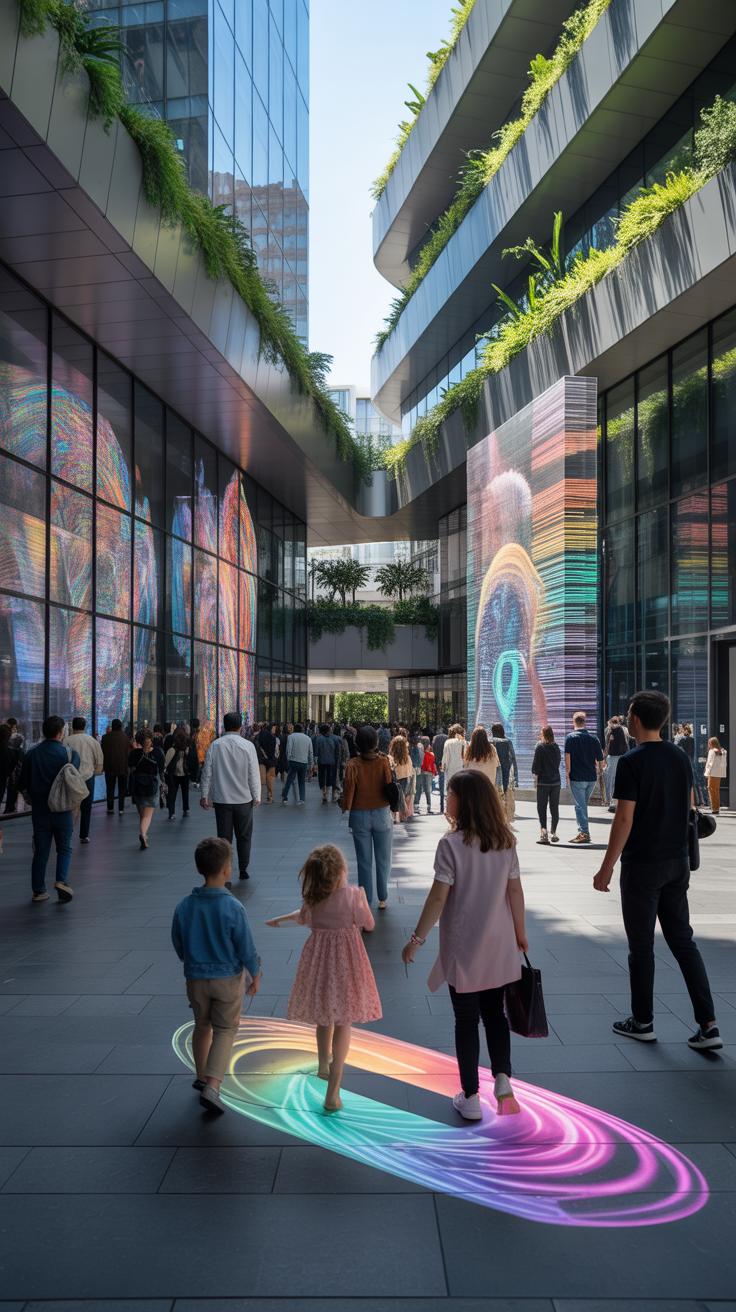
Think about using visual cues beyond just light. Arrows, floor patterns, or slight elevation changes suggest where to look or step next. Sometimes, a simple glow or blinking element works better than a sign or instruction.
For instance, a museum display might highlight a touch screen with a gentle halo light, hinting at its interactivity. Visitors often respond faster to these unobtrusive cues than to overt tips or written instructions.
In sum, the interplay of lighting and visual signals nudges visitors along a journey that’s both engaging and self-directed, helping them feel in control without overwhelming them.
Steps To Setup An Interactive Installation
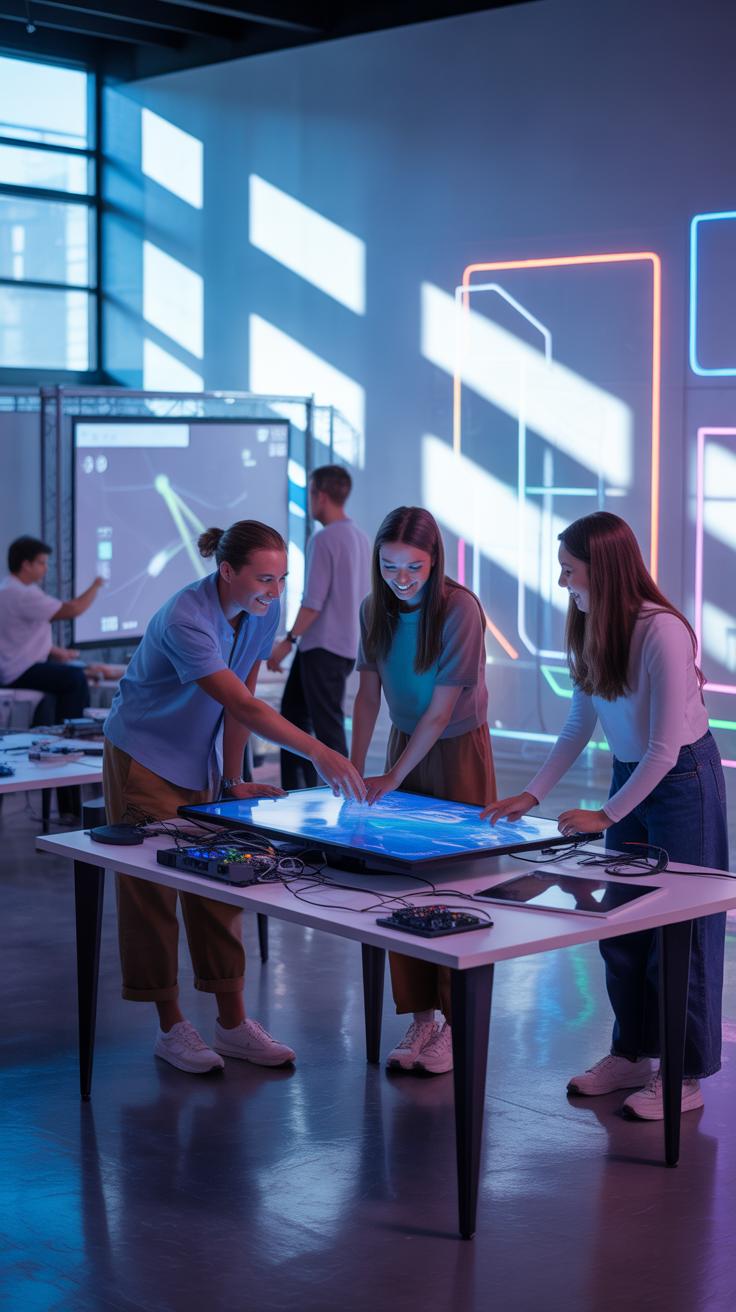

Getting an interactive installation ready in a museum is more than just putting the pieces together. It’s a process that asks for careful planning, clear design ideas, and a lot of practical testing. I’ve seen setups where the fun part comes only after months of sorting out details behind the scenes.
Planning And Space Allocation
Start by talking with curators and technical folks. Their insights about the museum’s story and physical layout are crucial. Then, map out your space—can visitors move easily around? Is there enough room to avoid crowding? Think about electrical needs, lighting, and safety too. Often, you’ll find that some expected spots aren’t as suitable once you consider circulation patterns. Collaboration here truly makes a difference.
Testing And Visitor Guidance
Before opening, run multiple rounds of testing. You want to catch quirks—does the touch screen respond reliably? Are audio cues clear? Testing with different age groups often reveals issues you might miss on your own. Once you’re confident, figure out how visitors will learn to use the interactive parts. Sometimes simple directions suffice, but other times staff demonstrations or printed guides help. Think about what makes your installation inviting yet straightforward.
Have you ever hesitated to try an interactive exhibit just because the instructions were unclear? This step can really shape visitor engagement. In the end, setup isn’t just about mechanics—it’s also about making interactions feel natural and accessible.
Technology Choices For Interactive Exhibits
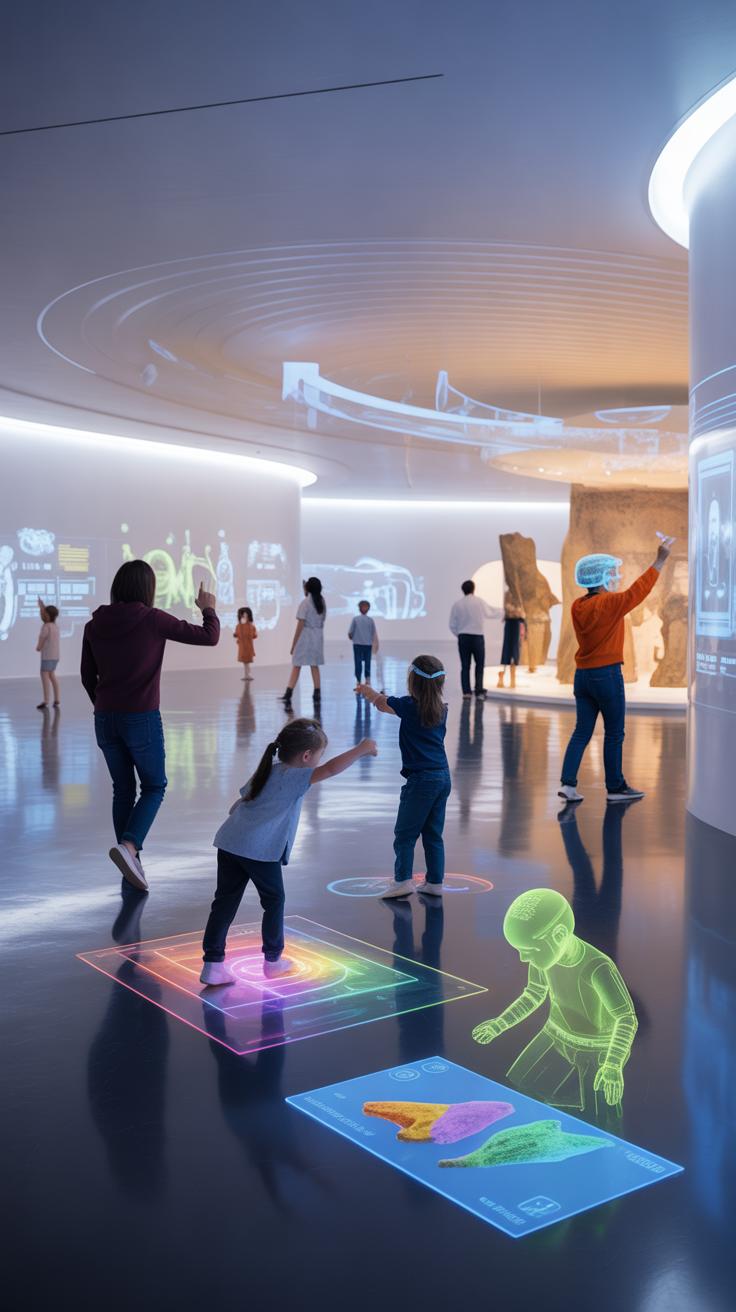

When considering technology for interactive museum installations, the options range widely, each with different strengths and weaknesses.
Touchscreens
Touchscreens are instantly recognizable and familiar to most visitors. They allow direct manipulation of content, which can be very engaging. On the downside, screens can get dirty quickly and might wear out with constant use, demanding frequent maintenance. Also, not all touch interfaces are intuitive for every age group.
Motion Sensors
Motion sensors encourage visitors to engage physically. They capture gestures or movements, often making the experience more immersive and active. But they require precise calibration and can sometimes pick up unintended movements, leading to visitor frustration. Environmental factors, like lighting, might affect their reliability.
Augmented Reality (AR)
AR adds a layer of digital information onto the real-world environment, enhancing storytelling possibilities. It can visually transport visitors into different contexts without leaving the exhibit space. However, it often demands visitors to have compatible devices or to use provided ones, which might limit accessibility and increase costs.
Sound Systems
Sound can greatly enrich the atmosphere, guiding attention or adding narrative depth. Yet, managing acoustics in busy exhibit spaces is tricky. Overlapping audio can become chaotic or overwhelming, requiring careful spatial planning.
Selecting Suitable Hardware
Choosing hardware involves balancing several factors:
- Durability is key—hardware must withstand heavy use.
- Ease of use ensures visitors can interact without confusion or need for staff assistance.
- Maintenance demands impact long-term budget and exhibit uptime.

Sometimes, the most technically advanced solution isn’t the best if it breaks down too often or intimidates users.
Integrating Software And Content
Software is the underlying backbone that delivers interactive content. It should be adaptable, allowing updates as new content becomes available or visitor responses guide changes. Customization helps tailor experiences for different audiences or exhibit themes. Yet, software complexity can increase training needs for staff. You might wonder if simpler software with fewer features would sometimes serve better than one overloaded with options.
The marriage of hardware and software shapes the visitor’s experience. Rough patches in either can break the immersion. Getting this balance right is less about chasing the latest technology and more about choosing what fits your exhibit’s goals—and your visitors’ expectations.
Measuring Visitor Interaction Success
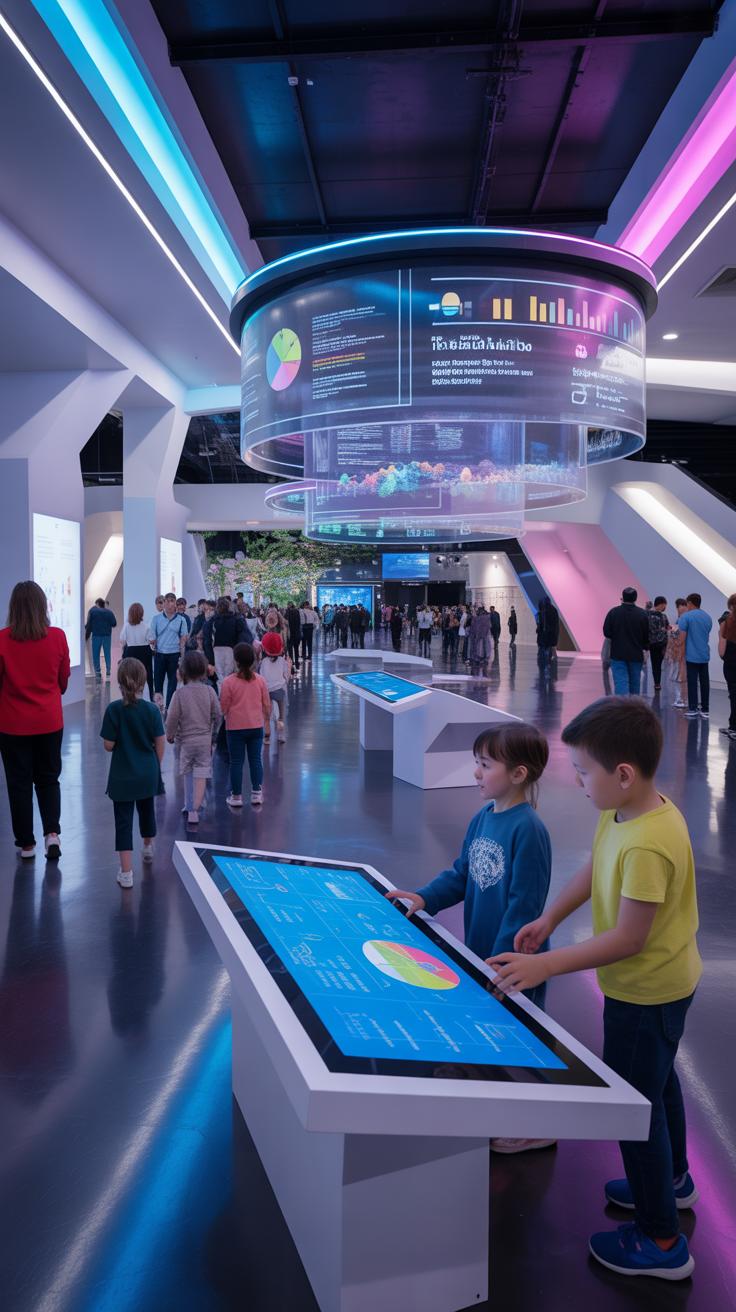
When evaluating the effectiveness of interactive installations in museums, identifying clear metrics to track visitor engagement is crucial. There are several methods to collect data, each contributing unique insights. Observation remains a straightforward, if somewhat subjective, way to see how visitors physically interact with the exhibit. Surveys offer another angle—capturing visitors’ own reflections on their experience, though responses can be uneven depending on who chooses to participate. Digital analytics provide more precise data, such as tracking how long visitors spend interacting and which features they use most. Sometimes, these methods overlap, creating a more nuanced understanding.
Quantitative Metrics To Monitor
Tracking numerical indicators helps to reveal patterns in visitor behavior. Here are some key metrics to consider:
- Visitor dwell time — how long someone stays engaged with the installation; longer times might suggest deeper interest, but not always.
- Interaction frequency — the number of times visitors activate or respond to interactive elements, indicating active participation.
- Repeat visits — how often visitors return to the installation, hinting at sustained appeal or curiosity.

Keep in mind that high numbers don’t automatically equal success. A quick, intense interaction could be more meaningful than a long but distracted stay.
Qualitative Feedback Collection
Aside from numbers, understanding visitor opinions and emotions helps grasp the installation’s true impact. Collecting qualitative feedback through interviews, comment cards, or informal chats can uncover what resonated or confused visitors. You might hear unexpected insights on emotional connections or suggestions for improvements. Sometimes, visitors share stories or ideas that numbers alone cannot capture. Engaging with visitors directly allows you to adjust the installation in ways that enhance its effect, making it more memorable and approachable.
Cost Breakdown For Interactive Installations
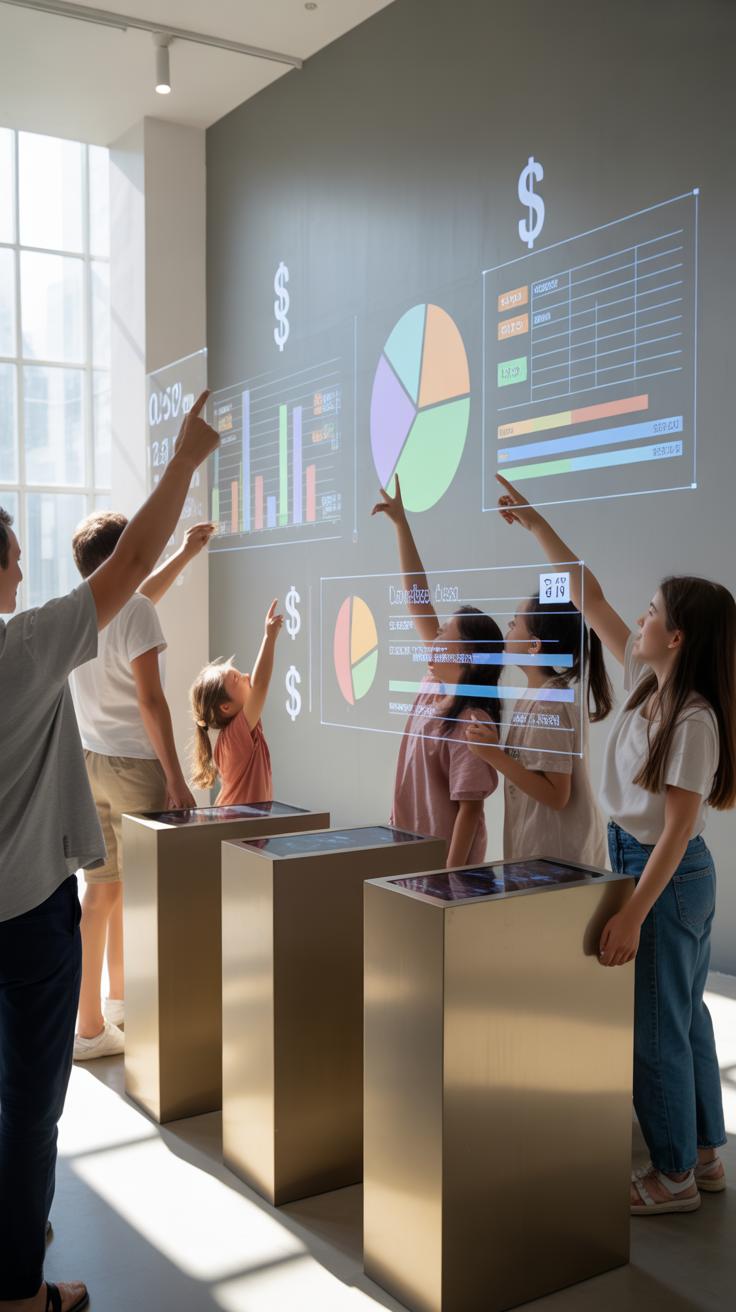
Creating interactive museum installations involves a mix of upfront costs and long-term spending that you might not fully anticipate at first. The initial investment includes purchasing hardware like touchscreens, sensors, or VR gear, which can quickly add up—sometimes stretching tens of thousands of dollars depending on complexity.
But don’t forget software expenses, which are often overlooked. Licenses, custom development, and integration can be pricey and vary widely. Plus, staffing costs are an ongoing factor. You’ll need trained personnel not just for installation but for operation, troubleshooting, and visitor assistance.
Maintenance isn’t something you can ignore either. Repairs and tech upgrades can demand regular budget allocations, sometimes creeping up by 10-20% of the initial installation cost each year. So, while the upfront figure looks daunting, the longer-term expenses can surprise even seasoned curators.
Budgeting For Materials And Tech
When planning costs, consider that materials range from basic structural components to expensive electronics. Sometimes, opting for durable yet simpler materials can reduce costs significantly. For example, instead of custom-machined metal parts, plywood or acrylic often serve well and cost less.
Technology-wise, there’s room to save by choosing off-the-shelf solutions rather than bespoke gadgets. Raspberry Pis and Arduino boards, for instance, can replace pricey industrial controllers but might require more hands-on setup.
Still, don’t assume the cheapest route is best. Poor-quality components can lead to frequent breakdowns and increased downtime, which might undermine the entire visitor experience.
Ongoing Maintenance And Support Costs
Keeping installations running demands periodic software updates to fix bugs and introduce new features. Technical support contracts often cover this, but they aren’t cheap and vary based on vendor policies.
Physical upkeep matters, too. Touchscreens can get scratched, sensors misaligned, and curious visitors might accidentally damage delicate parts. Plan for regular inspections and minor repairs, or the installation won’t last as long as intended.
You might need dedicated staff for monitoring and quick fixes during opening hours, which adds to costs. Even if you try automated diagnostics, some problems need human intervention, always.
Common Challenges And Solutions

Interactive installations can run into a variety of issues, and managing them requires a lot of thought. Technical failures, for instance, are probably the biggest hassle you face. Devices might freeze, sensors might misread, or software glitches could halt the whole experience. Some of these annoyances happen despite the best planning.
Visitor misuse is another tricky problem. Not everyone interacts with exhibits as intended — sometimes they press things repeatedly, or even try to tinker with mechanisms. It’s easy to get frustrated if you expect perfect behavior from every guest, but few behave that way.
Accessibility issues also come up. Designing for all visitors, including those with disabilities, means balancing technology and usability. What works well for one group might exclude another.
Preventing And Fixing Technical Issues
Preventing tech failures calls for regular maintenance and thorough testing before installation goes public. Run exhaustive simulations and have backup systems ready — sometimes manual overrides or simple resets can save an installation from total downtime.
Quick fixes on-site might involve restarting a device, replacing a faulty component, or rerouting software tasks. Staff training plays a big role here; your team should recognize problems fast and know how to respond without panic.
Ensuring Accessibility For All Visitors
When you design interactive installations, consider varying physical and cognitive abilities. Think about how people with limited mobility or vision can still enjoy the exhibit. Features like adjustable heights, clear audio descriptions, and tactile feedback can help.
Also, straightforward instructions and intuitive interfaces reduce confusion for everyone—not just those with impairments. Don’t hesitate to invite feedback from visitors with disabilities; sometimes their insights reveal unexpected barriers you might not notice yourself.
Effective Interactive Installation Approaches
Visitor Experience Comparison With Traditional Exhibits
When you walk through a museum, the contrast between interactive installations and traditional exhibits is quite noticeable. Interactive setups invite you to touch, manipulate, or even create, pulling you deeper into the subject. Traditional exhibits, meanwhile, ask you mostly to look and read—more passive but sometimes equally powerful in a different way.
Interactive installations often make learning feel more immediate and personal. You might remember a fact better if you discover it yourself through a digital game or hands-on experiment. Yet, traditional exhibits let you focus quietly, absorbing detailed information and appreciating artifacts without distractions. There’s a calm dignity in observing a rare object behind glass or reading a well-crafted label that’s hard to replicate with constant interaction.
Some pros of interactivity include:
- Higher engagement by doing, not just watching.
- Often better for younger audiences or those unfamiliar with a topic.
- Encourages curiosity through participation.
On the flip side, traditional displays offer:
- Less sensory overload for those seeking focused knowledge.
- Protection for delicate or priceless items.
- A space for quiet reflection, sometimes necessary for deeper understanding.
Interaction Benefits Over Passive Viewing
There’s something about active participation that sticks with you longer. When you engage physically or mentally with an exhibit, it’s easier to recall details later. For example, I once tested a science exhibit where building circuits helped me grasp electrical concepts far better than just reading. This active involvement seems to trigger memory pathways more effectively.
Enjoyment often rises with interaction too. It feels less like a lesson and more like discovering something on your own terms. Passive observation can feel, well, a bit dull if it’s just looking at labels or static displays. But doesn’t this depend on the person? Some visitors prefer quiet observation, favoring calm immersion over busyness.
Limitations And When To Use Traditional Displays
Still, interactive approaches aren’t suitable for everything. Fragile artifacts or priceless works of art demand careful preservation, which usually means traditional, non-touch cases. Also, if you’re diving into focused scholarly research, the distractions of lights, sounds, or screens might detract from concentration.
Sometimes, the goal is deep, contemplative study rather than entertainment or sensory stimulation. In those cases, traditional displays offer a controlled environment where subtle details can be appreciated without interruption. Deciding when to prioritize interaction versus preservation or quiet reflection might depend heavily on the exhibit’s purpose and audience expectations.
So, choosing between interactive and traditional approaches isn’t always straightforward—it’s a bit of a balancing act, really. The best exhibition design often blends both, letting visitors engage actively while still respecting the enduring value of classic display methods.
Examples Of Successful Interactive Installations
Case Study From A Science Museum
One notable science museum example is the Exploratorium in San Francisco, a place that has long embraced interactive exhibits designed for a broad age range. Their hands-on installations trigger curiosity by inviting visitors to touch, manipulate, and change the exhibits themselves. Take their Tactile Dome: it’s a pitch-dark space where visitors rely on their sense of touch to navigate. This kind of experience teaches without textbook-like explanations, simply by immersion in the activity.
What sets the Exploratorium apart is its focus on inclusivity—children, adults, and seniors all find something equally engaging. The lessons? Interactive installations that engage multiple senses and encourage active participation tend to hold attention longer and foster deeper understanding. Plus, allowing visitors to learn at their own pace creates a personalized experience that resonates well beyond a quick museum visit.
Art Museum Installation Example
The Tate Modern’s installation “Rain Room” offers a striking example from an art museum context. It combines technology and design to create a unique visitor experience where one walks through falling water that mysteriously pauses wherever a person stands. This not only mesmerizes but also encourages exploration and interaction.
The success of this installation lies in its ability to blend art with technology in a way that is intuitively engaging. Visitors don’t need to read instructions to participate—they simply act, and the environment responds. This kind of responsive design makes art accessible and memorable. It also raises questions about the relationship between humans and technology, subtly enriching the visitor’s reflection without needing explicit explanation.
Conclusions
Interactive installations have become essential tools for modern museums seeking to involve visitors actively. By applying practical engagement methods, understanding design principles, and using appropriate technology, museums can create exhibitions that hold visitor interest and convey information effectively. Planning and assessment are key to success.
Considering setup, cost, evaluation, and visitor feedback helps to refine and improve installations over time. Case examples from notable museums illustrate these strategies in practice. Museums that integrate well-crafted interactive installations see increased visitor satisfaction and educational impact, making their exhibitions more meaningful.