
How Smart Technology Design Is Shaping Electronics
Future Technology Concept And Smart Technology Design In Electronics guide how electronics transform our daily life. This includes gadgets you wear that track health or smart systems that make life easier. These ideas are shaping how new tech works.
Technology moves fast with new designs making devices smarter and more useful. Understanding basics of future technology helps you use new tools right. We’ll look at examples and ideas behind smart electronic design.
Examples Of Future Technology

Wearables That Track Health
Wearable technology such as smartwatches and fitness trackers has become more than just gadgets; they continuously monitor your vital signs and activity. Think about how a smartwatch can track your heart rate, sleep patterns, or even blood oxygen levels throughout the day. This constant data collection gives users insight into their health in a way that wasn’t easily accessible before. You might wonder if having so much data does actually lead to better health choices. For some, it nudges them toward walking more or sleeping better, while others may simply glance at the stats and do nothing. Still, the link between real-time health feedback and lifestyle adjustments is a clear example of future technology concepts in action—technology that is personal, adaptive, and data-driven.
Smart Electronics In Daily Use
Smart electronics are quietly weaving themselves into everyday life—from smart thermostats that learn your schedule to lighting systems controlled by voice commands, and even smart refrigerators that can alert you when groceries run low. These devices often connect through the Internet of Things, creating networks of appliances that communicate with each other and anticipate your needs. At home, work, or even on the go, smart electronics simplify tasks and save time—though sometimes the complexity of setup or privacy concerns might make us hesitant to fully embrace them. This blend of convenience and intelligent automation showcases how future technologies are becoming practical tools that make daily living smoother—even if not without occasional glitches or frustrations.
How Smart Technology Improves Design
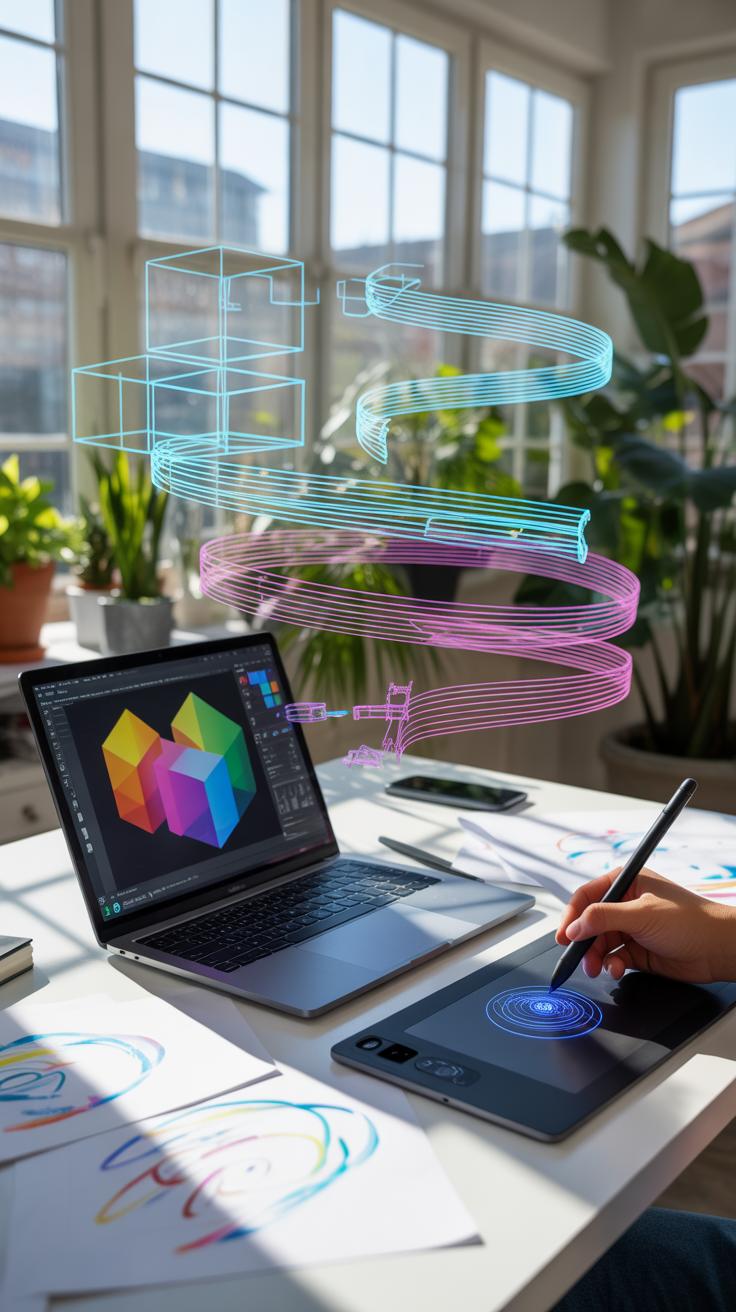

When designing smart technology, the key lies in principles that focus on making devices do more while requiring less from you. It’s about crafting systems that feel almost second nature to use. This involves techniques such as anticipatory design—where the device predicts what you need before you ask—and context awareness, which lets devices adjust to their surroundings or user state.
Think about the challenge: How do you make a device functional without overwhelming the user with options? One approach is stripping down the interface, simplifying controls to what truly matters. Another is embedding intelligence directly into the hardware, so the device can operate seamlessly without constant input. And don’t forget about learning algorithms. These enable devices to ever so quietly glean insights from your habits and tweak their operations—no reboot needed.
What’s interesting, though, is how these principles sometimes conflict. You want a device intuitive enough for anyone, yet sophisticated enough for complex tasks. Balancing that is tricky and often depends on who’s on the other end—your tech might adapt well for some users, but leave others scratching their heads. It’s a fine line between helpful and intrusive. Have you ever wondered if your phone really knows you or just guesses?
Designs That Adapt To Users
Devices that adapt are not science fiction—they’re popping up everywhere, quietly learning from how you interact with them. This might mean your smart thermostat picks up on your preferred home temperature cycles automatically, or a fitness tracker that adjusts coaching tips based on your progress.
Adaptation happens when devices analyze repeated actions and patterns. Over time, they learn when you like certain features or shortcuts, and then highlight those or automate them. Yet, it’s not perfect; sometimes the device misreads signals or responds too slowly, which can be frustrating. Still, the goal is clear: evolve with the user rather than forcing you to evolve with the device.

It’s worth asking: How much control do you want to give these devices? Too much automation, and you might feel out of the loop. Too little, and the gadget becomes just another tool to manage. Finding the sweet spot is ongoing work for designers, and probably for you when you choose your next smart device.
Integration Of Sensors And Data
Sensors are the unsung heroes behind smart technology. They enable devices to gather real-time data on everything from temperature and light to motion and even emotional cues. This data is then processed—often in real time—to make devices react in ways that feel natural.
Consider wearables that monitor your heart rate continuously, not just during exercise, enabling early warning of health issues. Or environmental sensors in homes that detect humidity and air quality, adjusting ventilation systems automatically. Data analytics transforms raw sensor inputs into actionable insights, making devices not just reactive, but proactive.
Yet, collecting this data raises questions. Is the device always watching? What about privacy? How transparent are these systems about what they collect and why? While sensors turbocharge device capability, they also invite a needed conversation about trust and user consent.
Setup Checklist For Smart Electronics
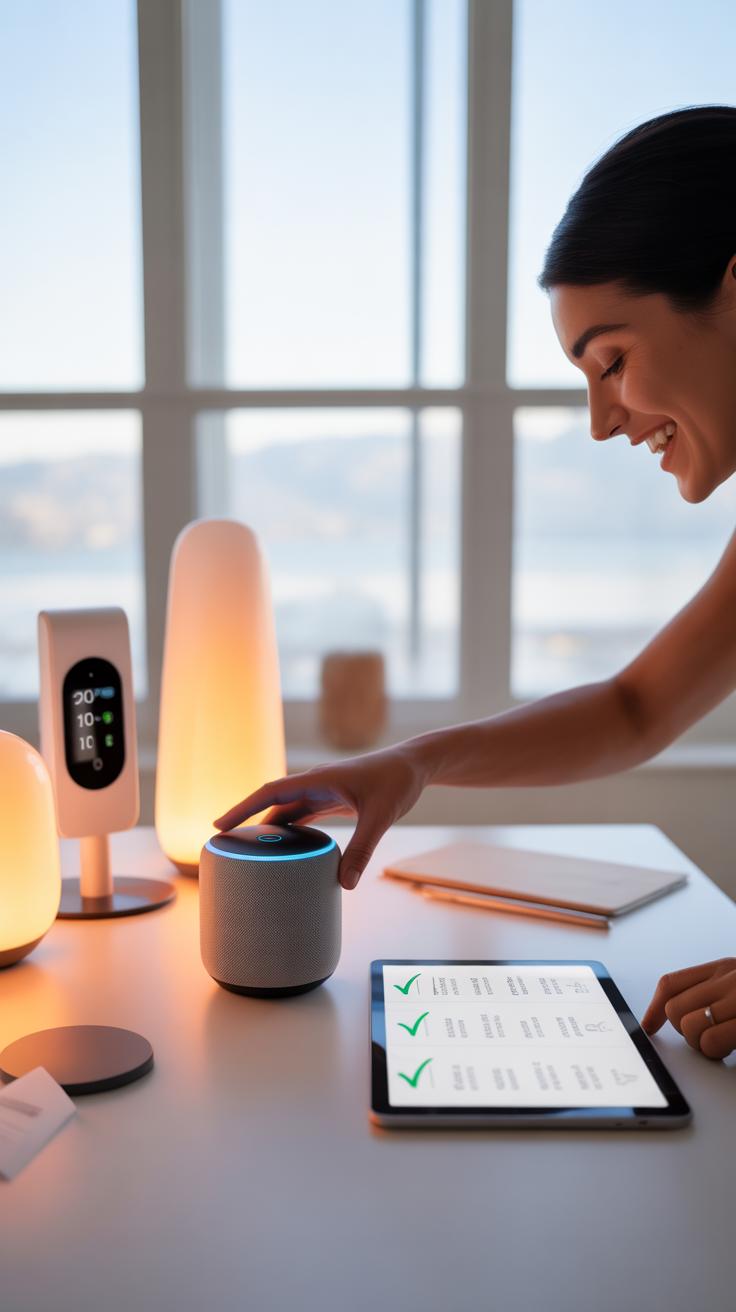

Setting up smart devices might seem straightforward, but skipping key steps can cause headaches later. Here’s a checklist to guide you:
- Unbox and identify all components before starting; it helps to avoid missing cables or adapters.
- Place the device close to your router for initial setup if possible—distance can disrupt connectivity during calibration.
- Power on the device and follow manufacturer instructions for the initial boot.
- Download any required apps or software, ensuring they’re from official sources to avoid malware.
- Connect the device to your local network using the app or software. Sometimes Bluetooth pairing is required first.
- Run through the calibration steps, which might involve adjusting sensors or voice recognition.
- Update the device’s firmware right away to patch security holes and improve functionality.
- Configure essential settings like notifications, preferences, and permissions within the app.
- Review and set privacy settings carefully, restricting access or data sharing based on your comfort.
Keeping this checklist handy during setup can save you time and prevent common errors.
Connecting Smart Devices To Network
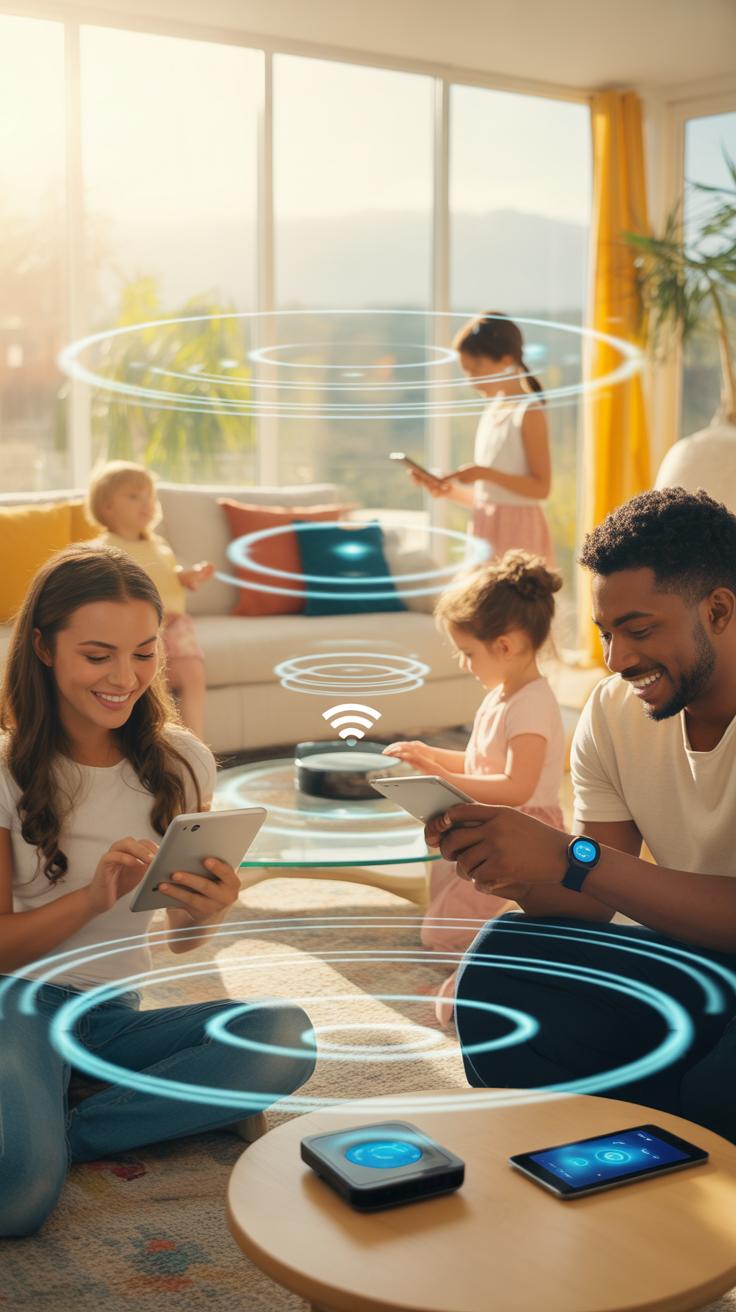
Connecting your smart device to the network isn’t just about enabling Wi-Fi; the process has nuances that matter. Start by making sure your Wi-Fi signal is stable where the device will be placed. Oddly enough, many connection issues stem from weak Wi-Fi in corners of the home where the router’s reach fades.
Use the official app to find your network name, then enter your password. Sometimes, you’ll have to toggle between 2.4 GHz and 5 GHz bands—most devices prefer 2.4 GHz since it penetrates walls better, but check what your device specifically supports.

Some devices require temporary connection to their own hotspot for configuration, then switch to your home network. This two-step process can confuse users but is necessary for initial setup.
Occasionally, a firmware update will prevent a device from connecting properly until it’s installed. Always check for updates if the connection seems stubborn.
Secure Configuration Steps

Security isn’t just a checkbox during setup—it should be a mindset. Start by changing default passwords immediately; those factory settings are often common knowledge.
Enable two-factor authentication on your app accounts if it’s available. It might feel like overkill, but it prevents unauthorized access easily.

Review what data the app or device collects and decide if you want to limit permissions. Sometimes, turning off unnecessary features can reduce the risk of data leaks.
Keep an eye on device alerts about software or security updates. Delaying these updates can leave your system open to breaches.
Lastly, consider segmenting your smart devices on a separate guest Wi-Fi network. It adds a layer of protection in case one device is compromised, isolating it from your main network.
Common Challenges With Future Technology

When you step into the world of future technologies, you quickly find out it’s not all smooth sailing. People often hit snags, especially around compatibility, privacy, and data management. Trying to make new gadgets talk to each other can feel like a puzzle with missing pieces. You might think a smart thermostat and your phone would just work together, but sometimes they don’t. It’s frustrating and slows down adoption.

Privacy is another big concern. Your devices collect lots of personal info—sometimes more than you realize. Where does all that data go? Who gets to see it? These questions linger and make people hesitant to fully embrace smart tech. And then there’s the sheer volume of data generated. Managing it in a way that’s safe and useful can be a challenge on its own.
So, while future technologies promise plenty, the road to using them easily and safely is still a bit bumpy. What will it take for these hurdles to ease up, so you and others can really benefit? That’s still up for debate, I suppose.
Privacy And Data Security Issues
Smart devices collect an abundance of personal data. From your daily routines to health information, it’s a lot to handle. Many worry about how this data is stored and who might access it. Sometimes, it feels like devices spy more than assist. But is complete privacy even possible with these kinds of technologies?
You can take steps to protect yourself—regularly updating device software, using strong passwords, and reviewing privacy settings. Still, the fact remains: data breaches and unauthorized sharing happen. It can leave users feeling exposed, as if they’ve given too much away without clear benefit. It’s a fine line between convenience and intrusion.
Tech Compatibility Problems
Getting different devices to work well together? That’s often easier said than done. Brands use various protocols and standards, meaning what works perfectly in one system might fail in another. The frustration of setting up a smart home network that includes devices from multiple manufacturers is more common than you’d expect.

Sometimes, updates that fix one problem cause new incompatibilities. It’s a constant balancing act. The dream of a device ecosystem that ‘just works’ feels distant for many users. Have you ever experienced the headache of a smart gadget refusing to connect or sync? You’re not alone.
Comparing Smart Vs Traditional Electronics
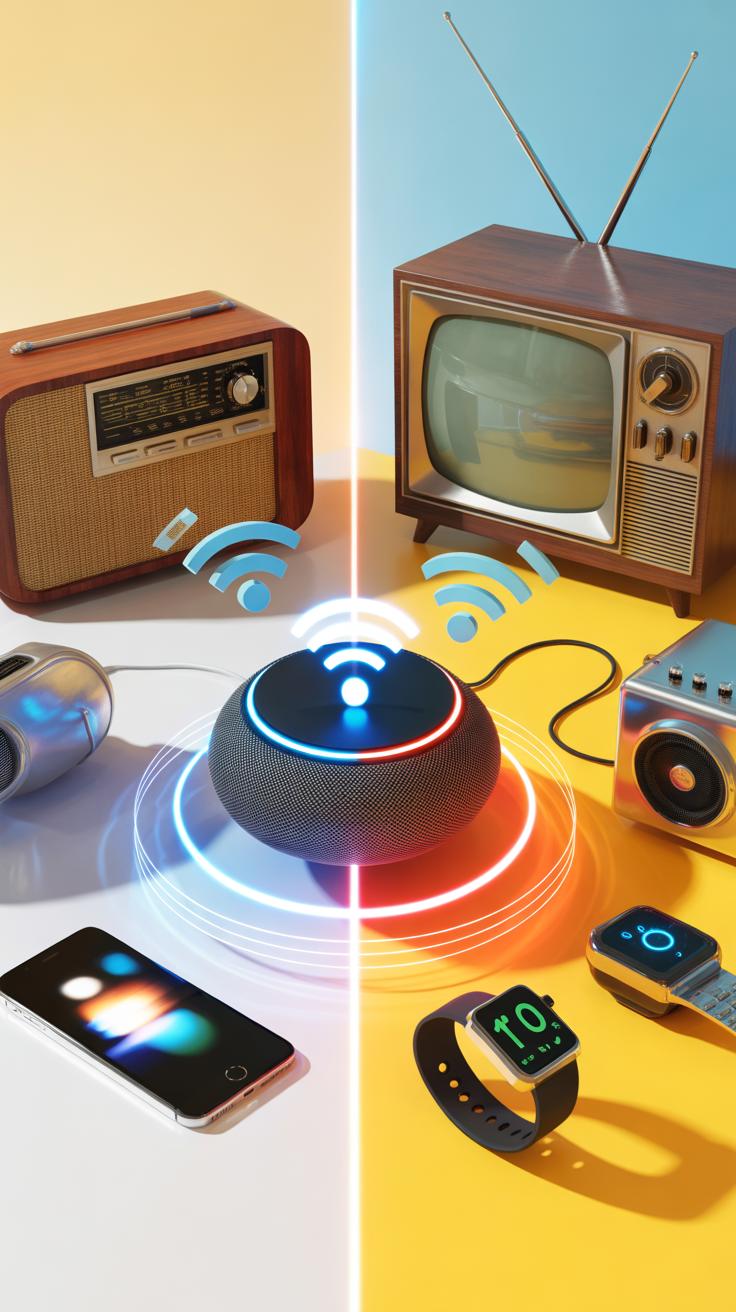
When you look at smart technology and traditional electronics side by side, some clear differences pop up. Smart devices often come packed with sensors, connectivity, and automation. Traditional electronics usually stick to simpler roles and manual operation. Smart technology can adjust itself based on conditions or user habits, while older devices rely on preset settings or manual tweaks.
Benefits of smart tech include better adaptability and remote control abilities. But it comes with drawbacks, too: complexity can mean higher costs and sometimes issues with privacy or security. Traditional electronics, on the other hand, offer reliability and straightforwardness, yet they lack the flexibility or interactivity smart devices bring.
One might wonder if the improvements justify the trade-offs. In some cases, yes. In others, especially where simplicity is key, older tech still holds value. It’s not just about shiny new features but how those features integrate into daily lives without overwhelming users.
Efficiency Gains With Smart Electronics
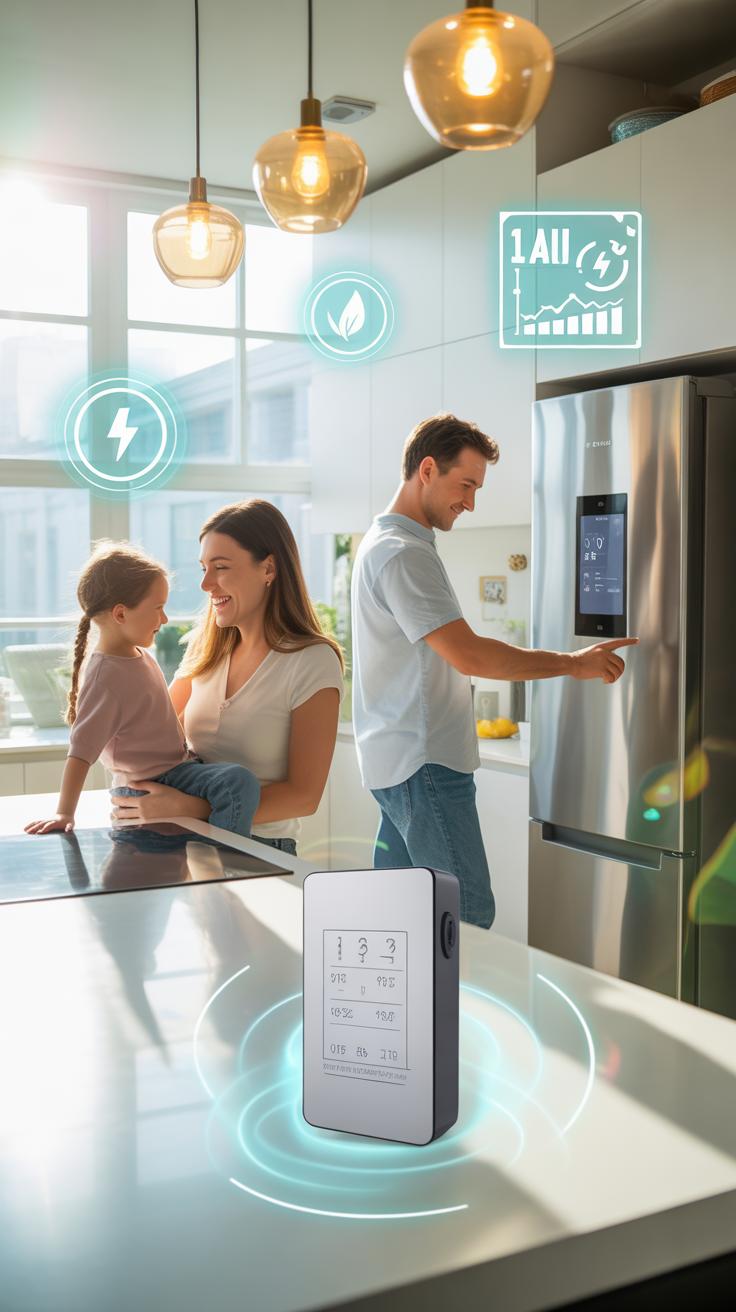

Smart devices often promise savings—time, energy, or both. Many smart appliances switch off automatically when not needed or run at optimal times to conserve power. Imagine a thermostat that learns your schedule and avoids heating an empty house. Traditional gadgets usually lack that learning ability, so you spend more effort managing them.
Some studies note up to 20-30% energy savings with smart setups compared to conventional ones, though actual results vary quite a bit. Your everyday experience might differ, depending on habits and how you use the technology. Plus, initial setup can be fiddly, sometimes eating into those time savings at first. But over time, the convenience often outweighs the hassle.
Still, the upfront cost and occasional glitches mean the efficiency edge isn’t guaranteed for everyone. Do you find smart tech more energy-friendly or just more complicated? It depends on your situation.
User Control Differences

Think about how you’ve used electronics in the past: manual switches, physical buttons, maybe a handful of knobs. Smart devices shift control to apps, voice commands, or even automatic decision-making. This changes user interaction fundamentally, offering far deeper engagement but also introducing new challenges.
You get automation that, ideally, anticipates needs and reduces workload. But sometimes, that automation feels intrusive or doesn’t behave as expected. The promise of full control becomes a tricky concept when algorithms make choices on your behalf.
The greater user interaction in smart tech can be empowering—yet, not everyone wants their devices constantly connected or managing themselves. Some users prefer the predictability and simplicity of older manual controls despite their limits. So greater user involvement doesn’t always mean a better experience—it’s often a balance between convenience and control preferences.
Common Failure Modes To Avoid

Smart technology often faces recurring issues that can undermine user experience and device reliability. These failures typically stem from design oversights or misuse. For instance, poor integration between hardware and software can lead to mismatched functions. Sometimes devices freeze or become unresponsive due to insufficient memory or overheating—an issue many overlook until it’s too late. You might encounter connectivity hiccups caused by faulty antennas or interference, which frustrate real-world use more than you’d expect.
Preventing these failures means thinking ahead during design and usage. Testing each component rigorously helps catch weak points early on. User education is vital too—people need to understand device limits and proper handling to avoid avoidable breakdowns. Whether it’s choosing the right materials or ensuring compatibility with other tech, small details can make the difference between success and constant issues.
Battery Life And Power Issues
Battery trouble is a prime cause of smart device failures. If batteries are poorly managed, devices lose power prematurely or, in worse cases, swell and damage internal components. Often, constant background activities drain batteries unnoticed, leaving devices dead when you least expect it. But hey, it’s not just about having a bigger battery. Sometimes, inefficient software or hardware design causes excessive power consumption.
To stretch battery life, consider these tips: keep your device’s software updated (more on that soon), limit unnecessary background processes, and avoid extreme temperatures that harm battery health. Also, regular calibration—letting the battery fully discharge once in a while—can keep charge indicators more accurate. It might sound odd, but these simple habits really add up over time.
Software Bugs And Updates
Software glitches are another common culprit. Even the best-designed hardware can suffer from bugs that slow down performance, cause crashes, or interfere with key functions. Sometimes, outdated software leaves devices vulnerable to security risks or compatibility problems. It’s a bit ironic that software meant to improve things can also introduce new headaches if not carefully managed.
Regular updates play a crucial role in fixing these issues. They patch vulnerabilities, enhance features, and optimize overall system stability. Yet, updates must be handled cautiously—sometimes they cause unexpected bugs, which brings its own frustrations. Still, ignoring updates usually does more harm than good. You might want to balance immediacy with caution, maybe delaying updates briefly to see if others report problems.
Reflecting on my own experience, skipping a critical update once delayed fixing a system freeze that stopped me cold at a crucial moment. Since then, I try to stay reasonably current, but always keep a backup plan ready. How about you—do you update instantly or wait a bit? Either way, software maintenance remains a key part of keeping your smart tech in shape.
Metrics To Watch In Smart Tech
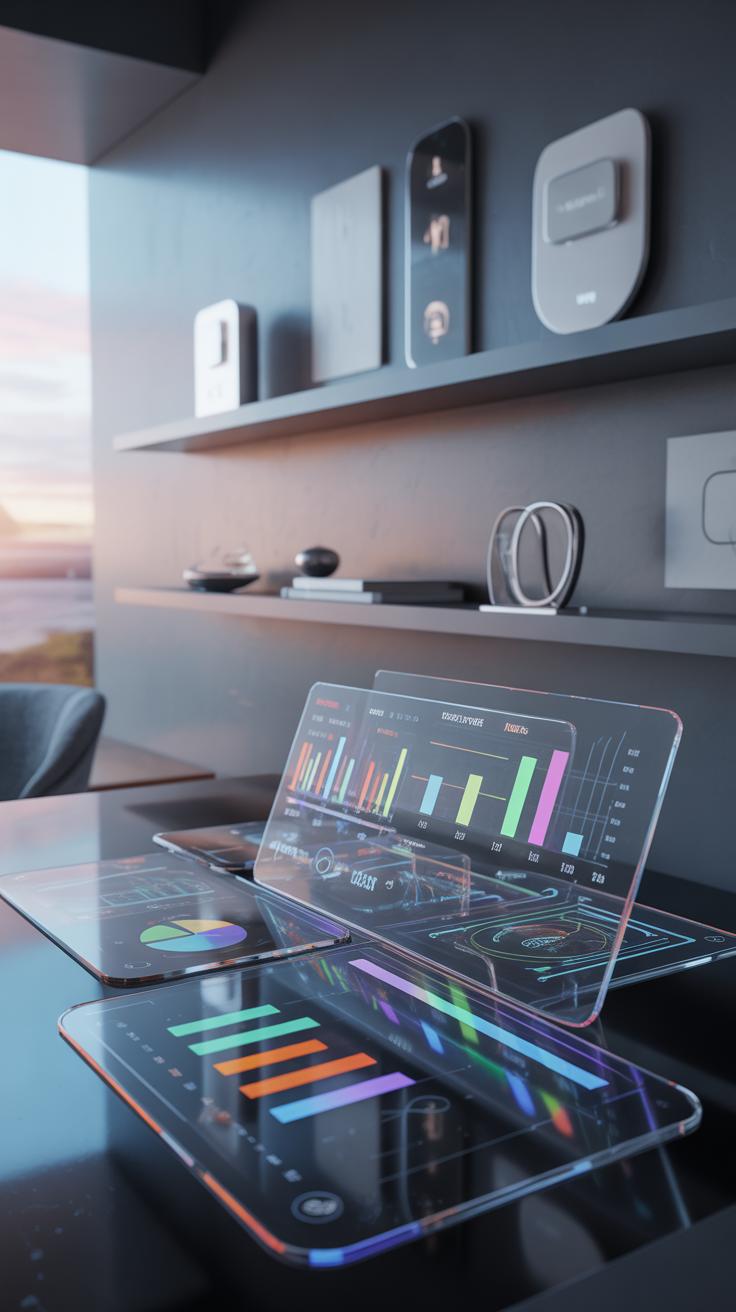
Keeping an eye on certain metrics helps you get the most from your smart devices. Battery health, for one, isn’t just about how long the device runs but how the battery itself holds up over time. Noticeable drops in capacity might hint the battery needs care or replacement.
Then there’s response time. A laggy device can quickly become frustrating. When sensors or commands don’t respond promptly, it can throw off the usefulness in daily tasks, like fitness tracking or home automation.
Data accuracy plays a huge role too. Sensors need to report right, or else you might question the value of the device. For example, if a heart rate monitor gives erratic readings, you might stop relying on it—and that’s a sign the tech isn’t quite there yet.
Battery And Usage Statistics
You can usually check battery data in device settings. Watching the rate at which the battery drains tells you a lot about the device usage.
- If it drops fast during idle, background apps or faulty sensors might be the culprits.
- Sudden steep drops could signal battery wear or issues.
- Tracking average daily usage helps set realistic charging habits.
Taking this data seriously can extend device life. It’s not only about charging whenever convenient but understanding the patterns that make the battery healthier in the long run.
Data Accuracy And Latency
Sensor data accuracy isn’t always guaranteed. Environmental conditions, device placement, or calibration all impact how correct readings appear. A smart thermostat’s temperature reading, for instance, may seem off if placed near direct sunlight.
Latency, the delay between data capture and the device’s response, also affects functionality. In sports wearables, even a fraction of a second lag can skew performance analysis. Sometimes, manufacturers compromise on latency to save power, which makes you wonder what you’re sacrificing for longer battery life.
So, what’s your tolerance for these trade-offs? Watching metrics like latency and data precision can help you decide when a device’s reliability meets your needs or if you might want to try something else.
Future Technology Cost Breakdown

Initial Purchase And Setup Expenses
When you look at buying the latest smart devices, costs can catch you off guard. Prices vary widely but expect to pay hundreds, if not thousands, for high-end models. For example, a smart home hub or an advanced wearable device could easily cost around $200 to $500 initially. Setting them up often means investing more time and sometimes money—like hiring specialists or buying extra accessories.
Don’t forget ongoing costs like software licenses or subscriptions that come bundled with some future tech. It’s not always clear upfront how much these will add up over months or years. Sometimes, the excitement about new gadgets pushes people to spend more than necessary without fully weighing setup complexities or hidden fees.
Long Term Savings And Maintenance
Still, future technology can bring some real savings over time, despite initial expenses. Smart thermostats, for instance, might cost a bit at first but help reduce energy bills later. But, maintenance is a thing too—software updates, occasional repairs, or device replacements add up.
One tricky aspect is balancing the cost of keeping devices current versus the benefits of new features. Should you upgrade every year or hold off? It’s not always straightforward, and the return on investment varies depending on your usage and the technology’s lifespan. Sometimes, skipping an upgrade could cost more later due to compatibility issues or performance drops.
In essence, future tech demands a nuanced look at both upfront and ongoing costs. It’s about figuring out what fits your needs now and how these devices will pay off over time—or if they will at all.
Conclusions
As electronics evolve, future technology shows ways to improve devices for better life quality. Wearable gadgets and smart systems are just start of what you’ll find. Knowing smart design lets you pick devices fitting your needs.
Future technology keeps changing fast. Staying aware helps you choose tools that save time and keep you healthy. Using smart designs makes technology work well today and prepares you for tomorrow’s tools.